Apply a Super 8 Filter for Nostalgic Vintage Film Photos
Turn any uploaded photo into a super 8 filter edit with warm color fade, grain, blur, and light leaks. Media.io helps you create a super 8 film effect online in seconds, giving portraits, travel shots, and lifestyle images a dreamy analog memory feel with natural super 8 film texture.
Review these example directions, then tailor the prompt details to get stronger results with this Super 8 Filter and a more convincing super 8mm film look.
Warm Grain Portrait
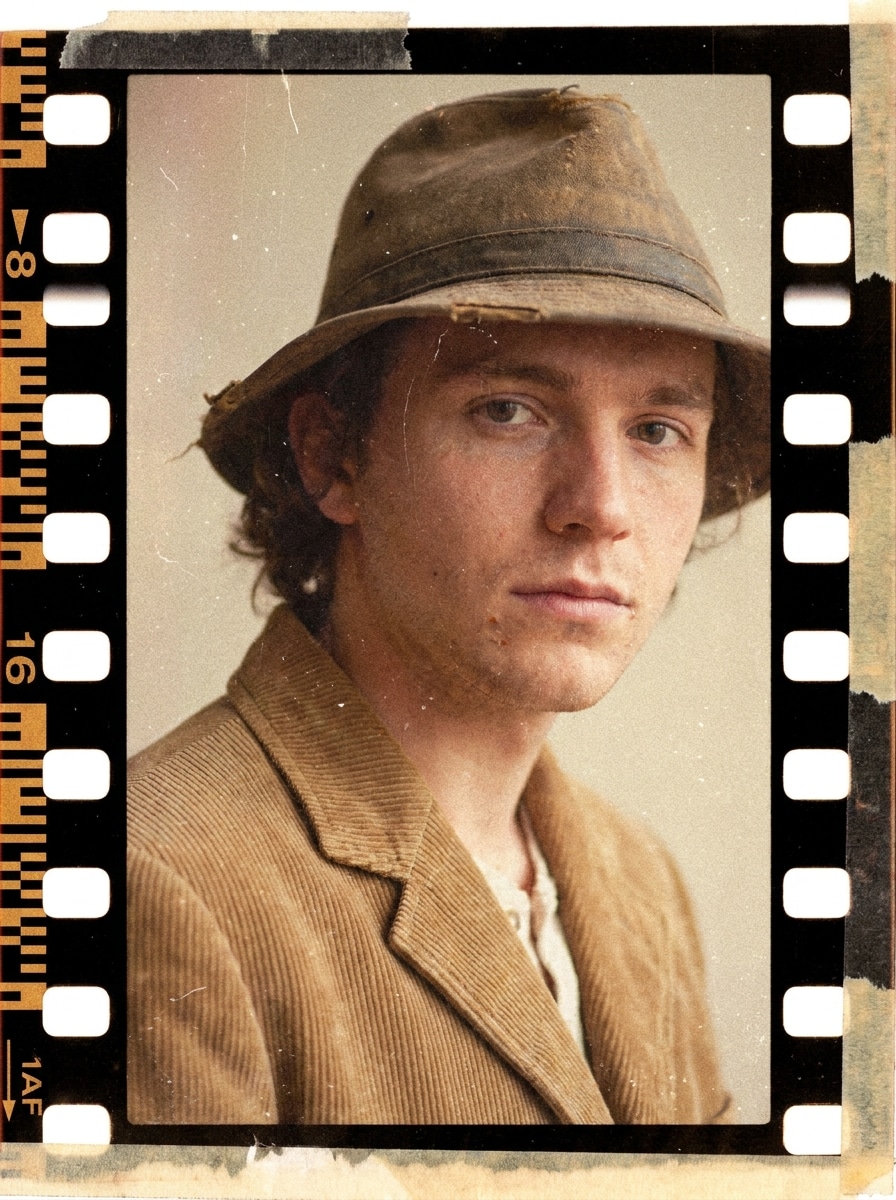
Use the uploaded portrait as the subject and transform it into a nostalgic Super 8-style frame with warm faded skin tones, soft contrast, visible fine grain, gentle highlight bloom, slight lens softness, muted shadows, and a cozy analog family-memory mood with realistic vintage texture.
Dust and Scratch Vintage
Use the uploaded image as the subject and restyle it with a classic archival Super 8 look, adding fine film grain, tiny dust specks, faint scratches, soft faded blacks, slightly desaturated colors, subtle vignette, and a delicate old-home-movie atmosphere without losing the main subject.
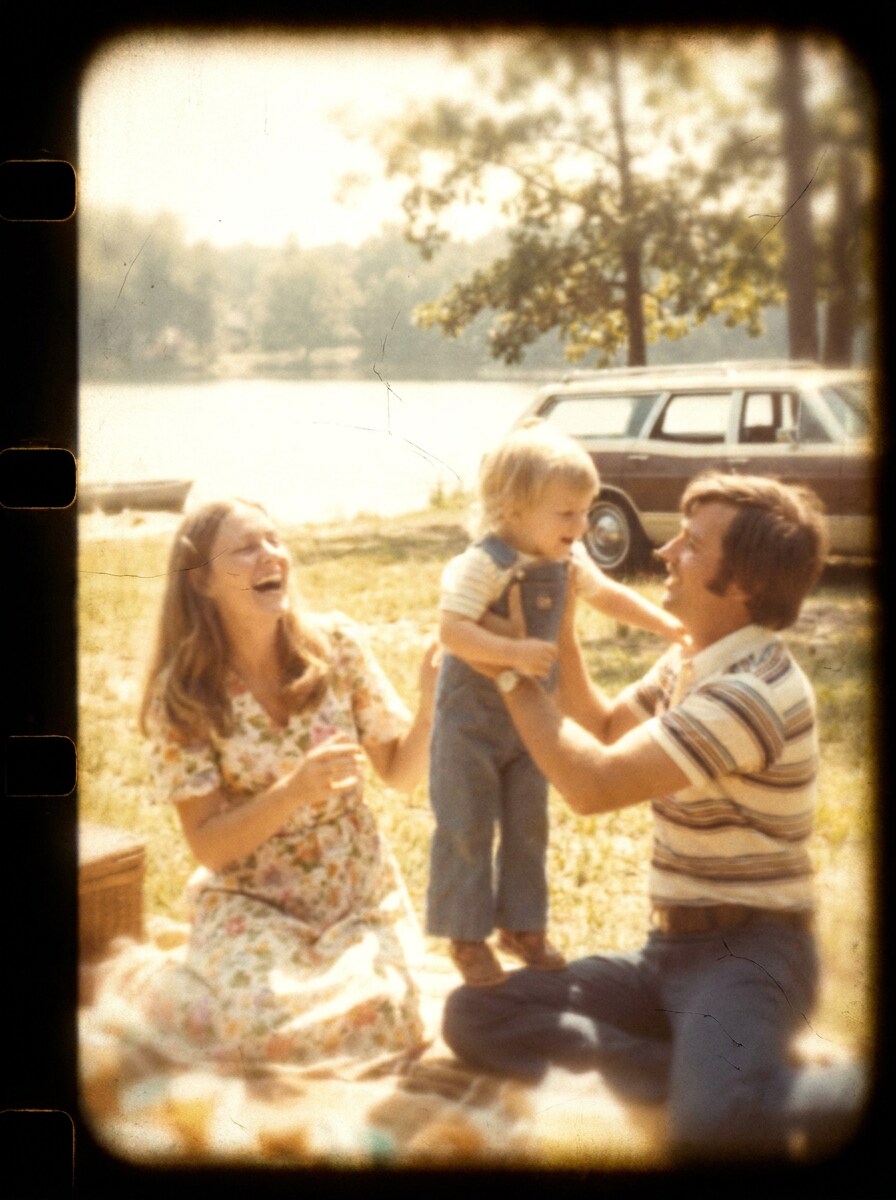
Home Movie Summer
Use the uploaded photo as the base and turn it into a dreamy summer home-movie still with golden warmth, soft focus, creamy highlight halation, natural grain, sun-faded colors, slight motion softness, and a heartfelt vacation-memory tone inspired by vintage Super 8 reels.
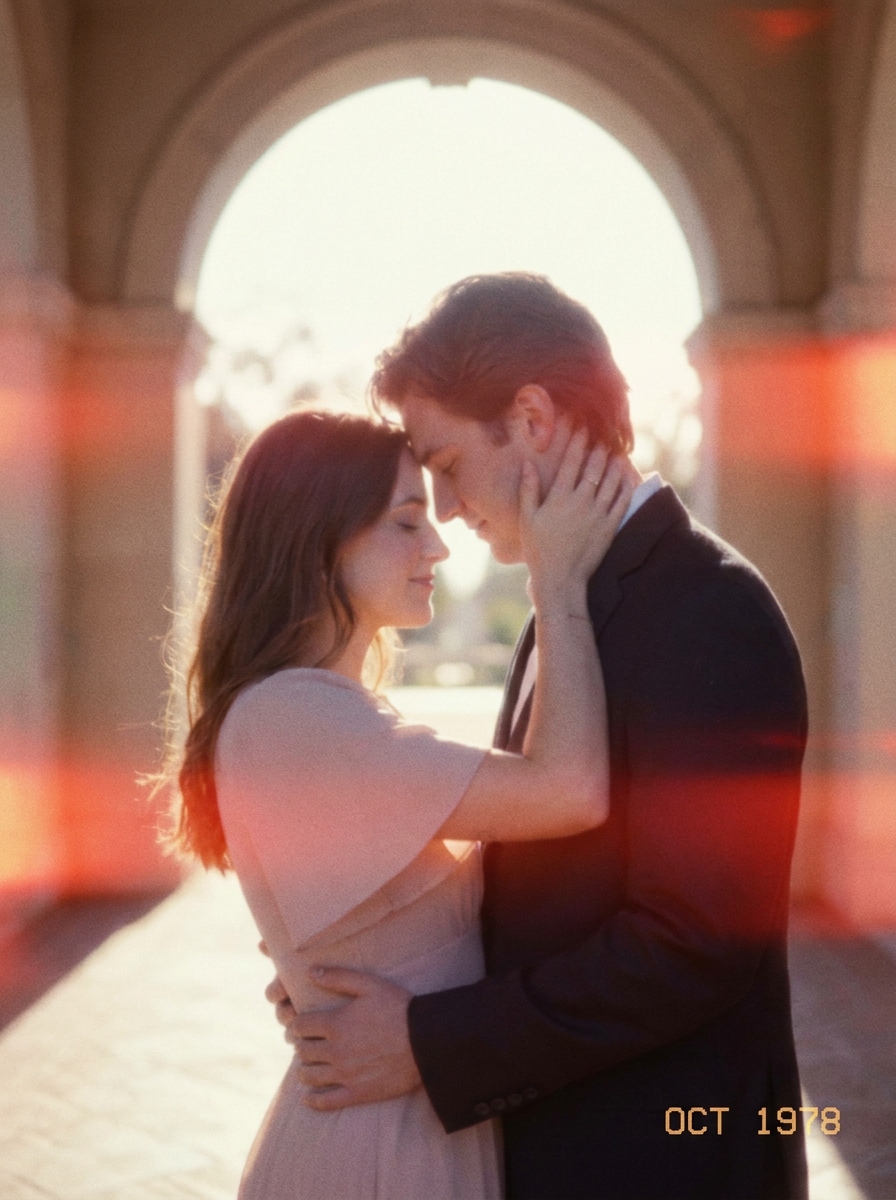
Romantic Light Leak
Use the uploaded image as the subject and add a romantic Super 8 effect with pastel warmth, organic red-orange light leaks along the frame edge, gentle blur, soft grain, low-contrast shadows, and a tender sentimental mood that feels like a treasured analog keepsake.
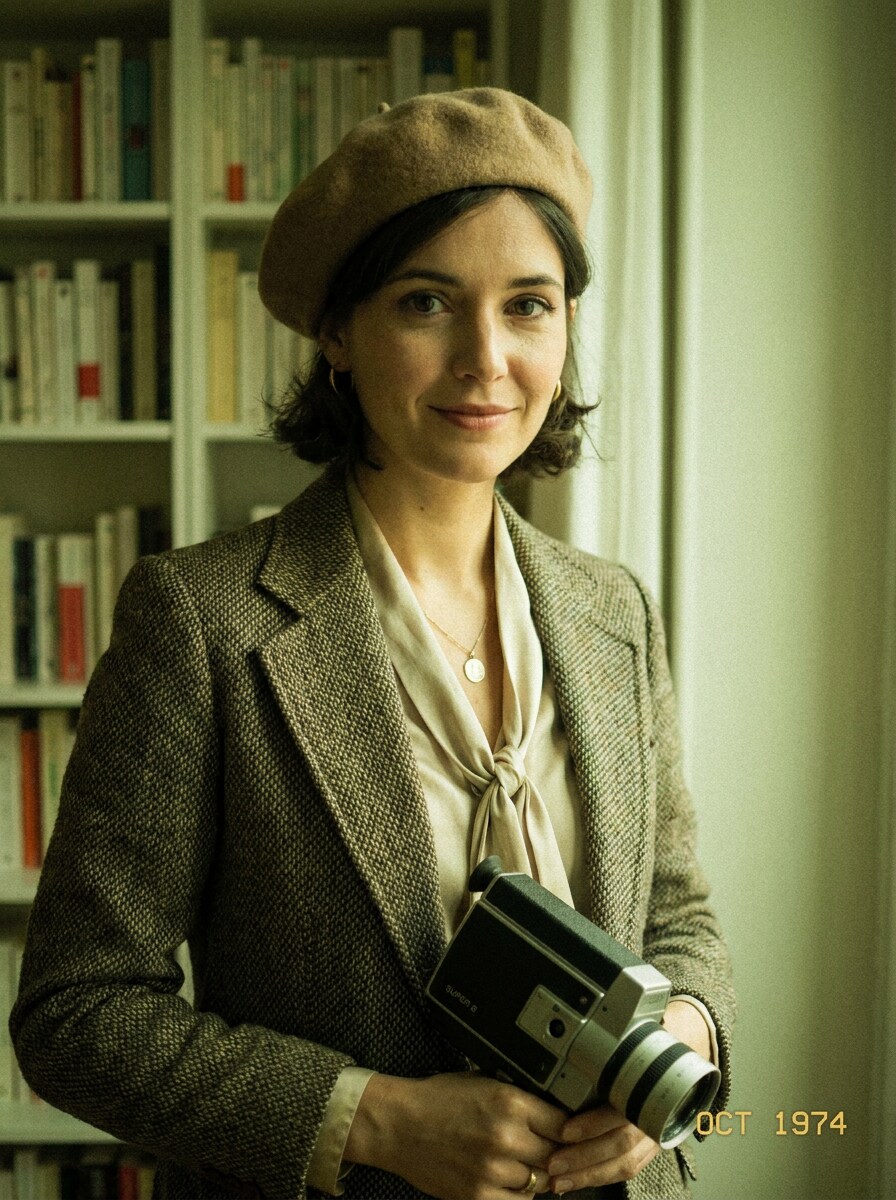
Fashion Film Frame
Use the uploaded fashion or portrait photo as the subject and transform it into a retro editorial still with Super 8 grain, softened contrast, muted highlights, slight green-yellow cast, refined vintage texture, and a stylish analog magazine mood with premium old-film character.
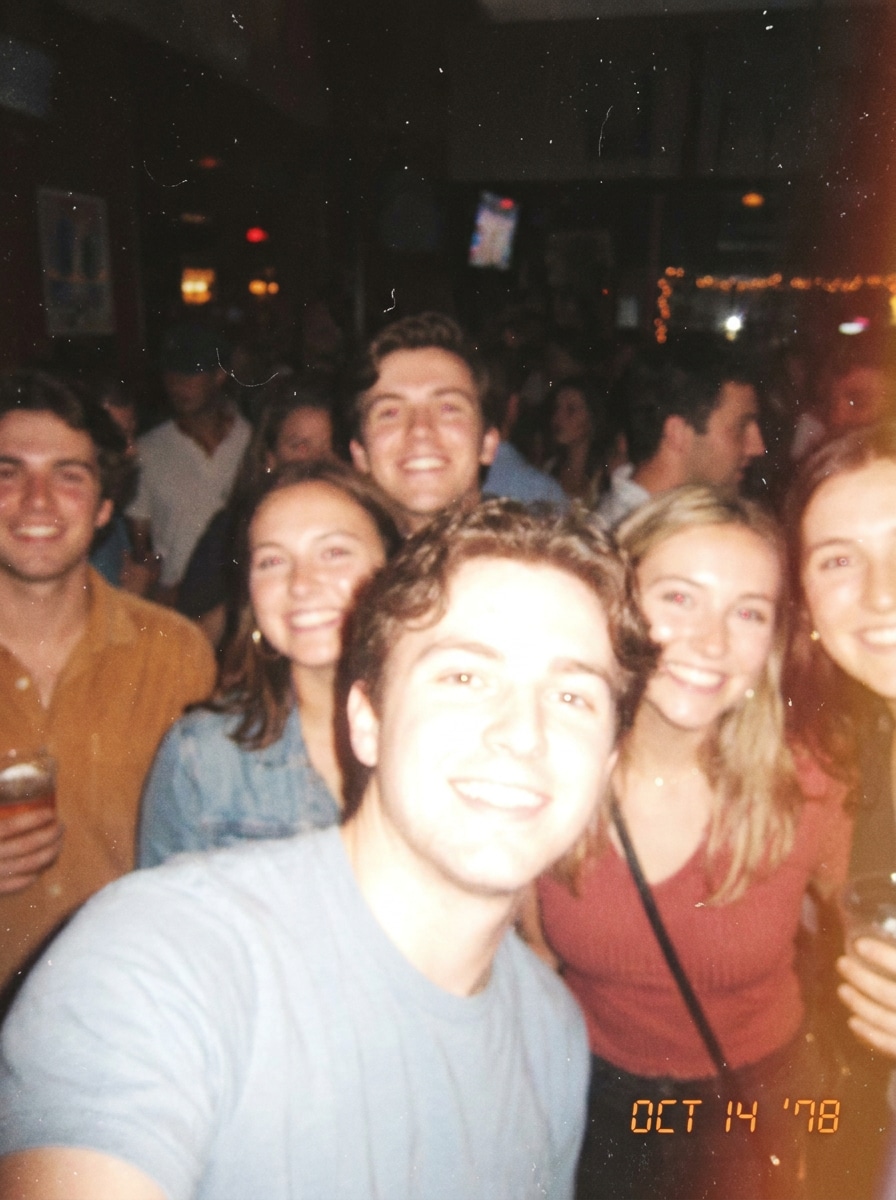
Flash Snapshot Vintage
Use the uploaded image as the subject and create a nostalgic flash-lit Super 8 still with bright on-camera flash energy, bloom around highlights, faded blacks, visible grain, soft color wash, slight blur, and realistic imperfections that mimic a casual late-night analog snapshot.
Road Trip Reel
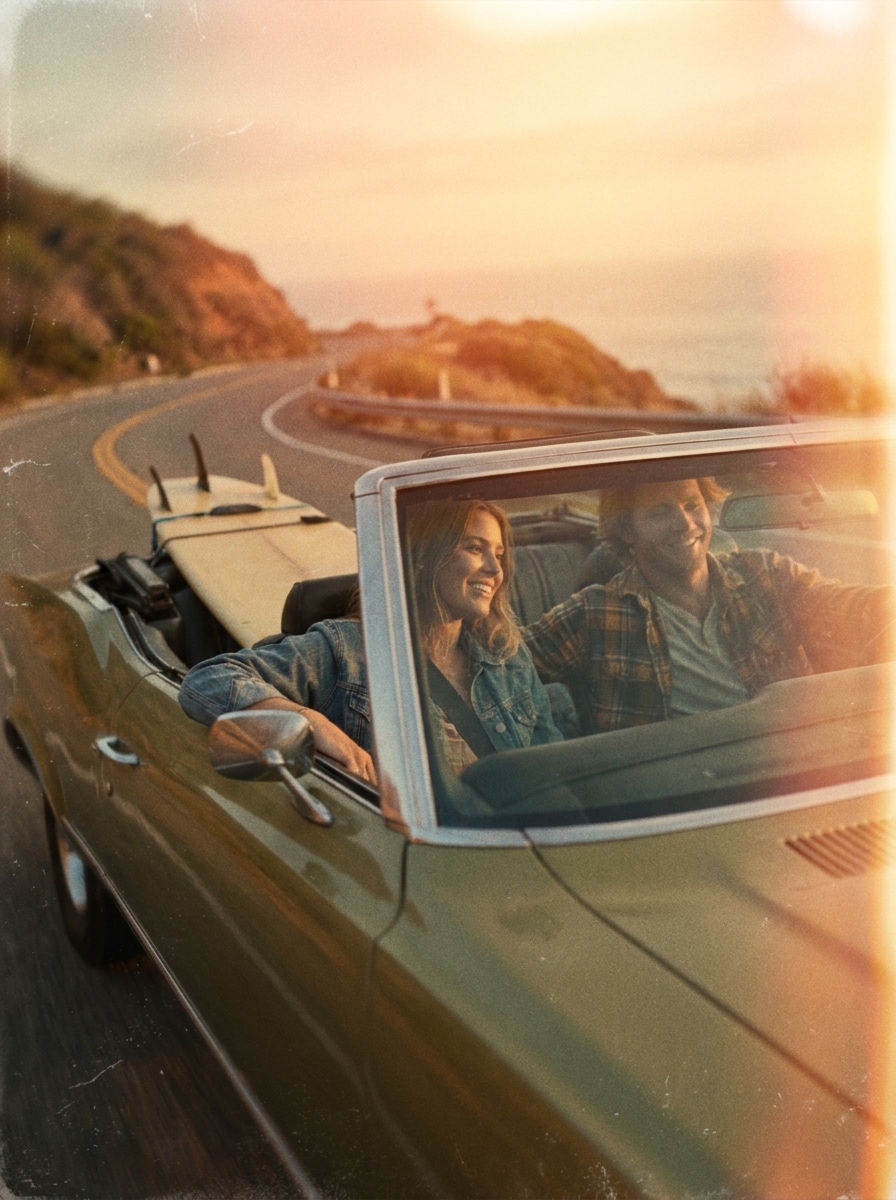
Use the uploaded travel photo as the source and restyle it into a cinematic road-trip frame with sun-faded color, warm highlights, natural grain, soft contrast, slight motion-like softness, dusty nostalgic atmosphere, and carefree vintage energy inspired by old Super 8 travel reels.
Beach Sunset Vintage
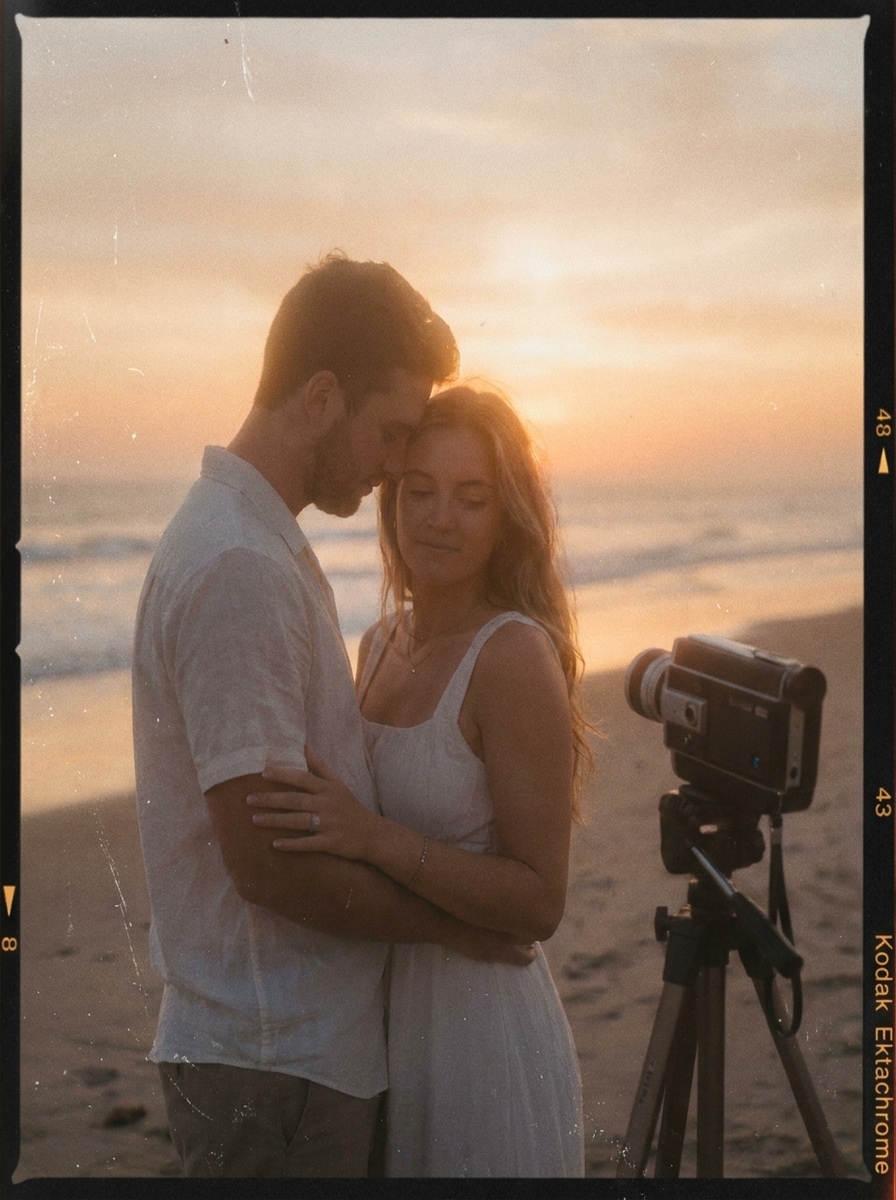
Use the uploaded beach or outdoor image as the subject and give it a nostalgic Super 8 sunset treatment with amber glow, soft haze, color fade, visible grain, subtle frame wear, lowered contrast, and an emotional end-of-summer mood full of analog warmth.
Date Stamp Memory
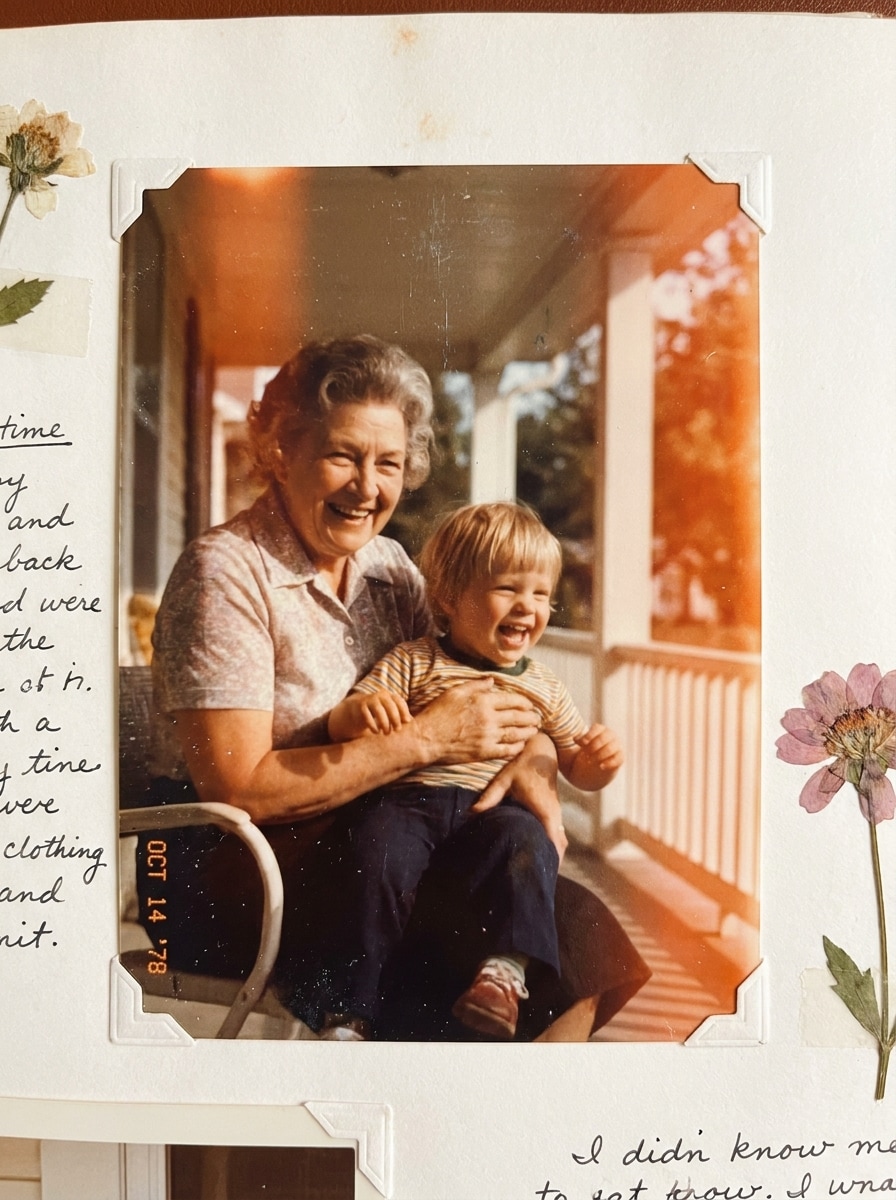
Use the uploaded image as the subject and transform it into a social-ready retro frame with Super 8 grain, faded color, subtle light leaks, soft contrast, gentle blur, and an optional vintage date stamp overlay for a charming scrapbook-style memory aesthetic.
Film Border Frame
Use the uploaded image as the subject and place it into a classic Super 8-style frame with sprocket-inspired border cues, warm vintage grading, visible grain, slight softness, subtle wear marks, and an authentic old-film presentation that feels handcrafted and cinematic.
Why Use Media.io for a Super 8 Effect
Turn Any Photo Into an Analog Memory Fast
For upload-driven edits, Media.io keeps the reference subject visually consistent while shifting the final super 8 filter style toward a nostalgic analog finish, making personalized results easier to use with confidence.
Fine-Tune Grain, Fade, and Light Leak Mood
Style exploration feels faster with Media.io because you can compare multiple creative directions from the same super 8 effect base, helping you choose the right vintage mood more efficiently.
Generate Cleaner Output Up to 4K
When a super 8 filter visual is headed for real publishing use, Media.io gives you sharper output up to 4K, which helps the image stay clear across presentations, backgrounds, and reused assets.
Edit From Your Phone or Laptop Without Extra Software
Creative projects often move between devices, and Media.io keeps the super 8 filter workflow in your browser so you can start on a phone, refine on a laptop, and finish with a polished super 8mm film look without installing extra.
How to Create a Super 8 Film Look Online
Turn your words into stunning visuals in three simple steps, then continue refining the result if you want to take it further.
Step 1
Upload Your Reference Image
Start by uploading a clear JPG, PNG, or JPEG portrait, travel photo, or lifestyle shot that you want to restyle. Clean lighting and a visible subject help the AI apply the vintage treatment more naturally.
Step 2
Describe the Change and Set Options
Tell the AI the analog mood you want, such as warm fade, dust, light leaks, blur, or super 8 film texture. Then choose your model and adjust aspect ratio, resolution, and the number of image variations.
Step 3
Generate, Download, and Keep Improving
Generate your results, compare different versions, and download the one that best matches your retro style. You can refine the prompt, tweak the mood, or create fresh variations until the film look feels right.
See how creators use this Super 8 Filter for content, marketing, and personal projects, then adapt each idea to fit the brief.
Make Lifestyle Portraits Feel Like Lost Film Reels
Give everyday portraits a soft, emotional analog finish for Instagram posts, moodboards, or personal albums. With Media.io, warm color fading, grain, and subtle blur turn ordinary shots into images that feel more intimate, cinematic, and memory-driven.
Turn Travel Photos Into Nostalgic Summer Stories
Vacation images often feel more compelling with imperfect vintage character. Add a dreamy super 8 film look to road trips, beach scenes, and candid moments so your travel content feels timeless instead of overly polished.
Build Retro Visuals for Covers, Scrapbooks, and Social Posts
Creators can use the effect to style album covers, digital scrapbook pages, posters, or story graphics. A convincing super 8 effect adds warmth, authenticity, and standout texture that fits modern nostalgia trends.
What Users Say About This Effect
Maya Chen
Lifestyle Creator
"Beautiful retro mood" I wanted my portraits to feel softer and more nostalgic, and this got surprisingly close. The grain, color fade, and light leaks made my photos look like real old memories instead of a fake preset.
Jordan Alvarez
Travel Blogger
"Great for travel edits" I used it on beach and road trip photos, and the vintage treatment looked amazing. It was easy to upload, test a few prompt variations, and get a dreamy film-style image without opening heavy editing software.
Sophie Martin
Art Director
"Useful creative control" What I liked most was being able to guide the exact tone I wanted. I could push the edit toward romantic light leaks or a more editorial faded film mood while keeping the subject recognizable.
Noah Bennett
Student Filmmaker
"Fast and shareable results" I needed quick retro stills for a concept board, and this worked really well. The output felt cinematic, and the browser workflow made it easy to create, download, and drop the images straight into my presentation.
A Super 8 filter gives a digital photo a nostalgic analog style inspired by vintage film cameras. It typically adds warm color fade, visible grain, softer contrast, subtle blur, light leaks, and imperfect film-like character so the image feels more like a memory than a clean modern shot.
2. How can I add a Super 8 effect to an image online?
Upload your photo to Media.io, then describe the look you want, such as warm tones, grain, dust, blur, or light leaks. Choose your preferred model and output settings, generate the image, and refine the prompt if you want a stronger or softer super 8 film effect.
3. Is this Super 8 filter free to use?
Yes, free users can try Media.io with free credits. If you need more generations or higher-volume use, you can check Media.io’s pricing page for available plans. Free exports may include watermarks, while paid plans support watermark-free high-resolution downloads.
4. Can I control the grain, light leaks, and vintage color tone?
Media.io supports a prompt-guided image-to-image workflow, so you can describe the exact analog mood you want. That makes it easy to push the result toward heavier grain, softer blur, warmer fading, or more noticeable light leaks depending on your creative goal.
5. Will my image keep good quality after applying the Super 8 film filter?
Media.io is designed to keep your edited image usable while adding vintage styling. You can choose output options up to 4K, which helps when you want a retro image for social posts, covers, posters, or other creative assets without sacrificing overall clarity. Free users may have watermarks.
6. Can I use the Super 8 filter on iPhone, Android, or desktop?
Media.io is web-based, so you can use the tool on iPhone, Android, Mac, Windows, or other devices with a browser. That makes it easy to create a super 8 filter look whether you are editing on your phone or working on a larger screen.