Steampunk Filter for Turning Photos Into Cinematic Victorian Art
Transform portraits and photos into retro-futuristic artwork with a steampunk filter. Media.io helps you add brass goggles, gears, sepia tones, steam-era fashion, and dramatic lighting while keeping your subject clear, making it easy to create an AI steampunk filter look online in minutes.
Review these example directions, then tailor the prompt details to get stronger results with this steampunk filter, whether you want a softer vintage look or a more detailed victorian-inspired scene.
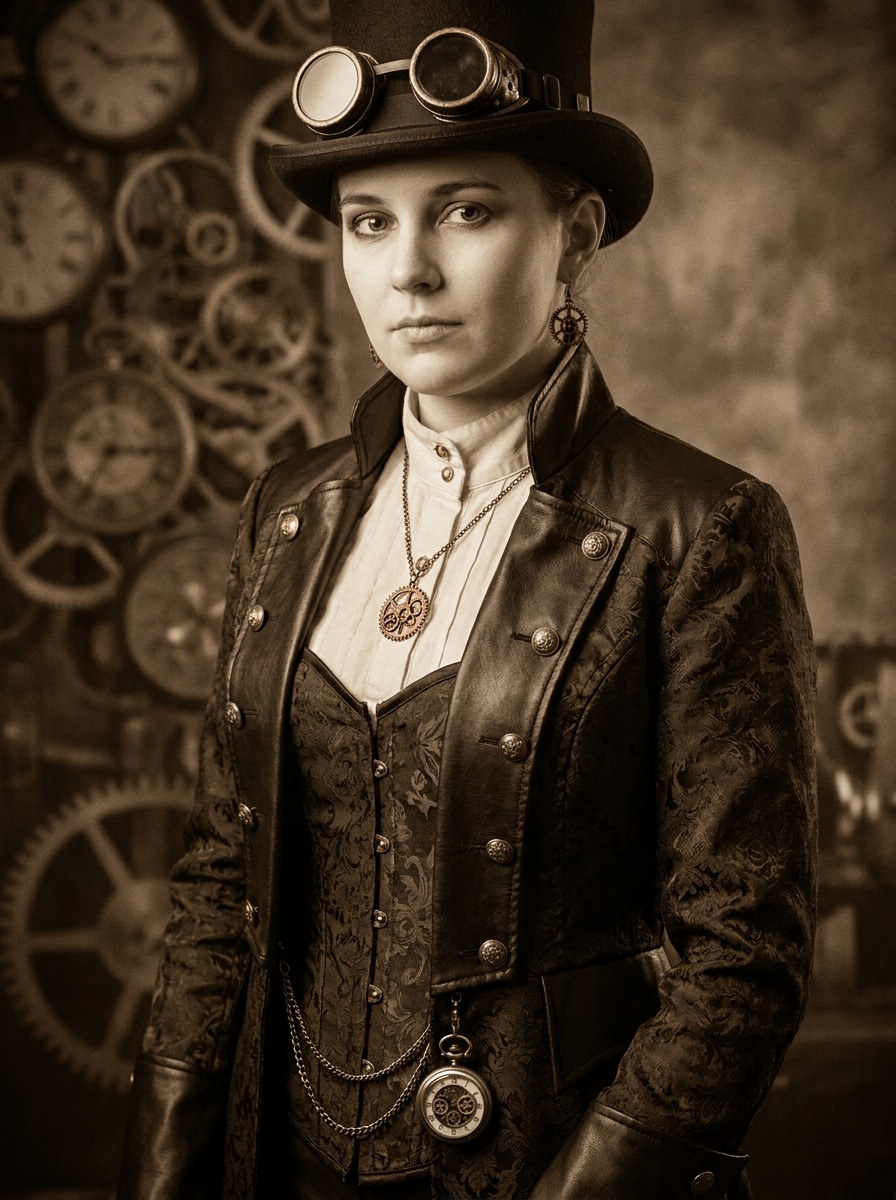
Classic Victorian Steampunk Portrait
Use the uploaded image as the subject and transform it into a refined Victorian steampunk portrait with brass goggles, a tailored coat or corset, pocket watch details, copper jewelry, layered leather textures, warm sepia grading, cinematic studio lighting, and an elegant clockwork background with crisp facial preservation.
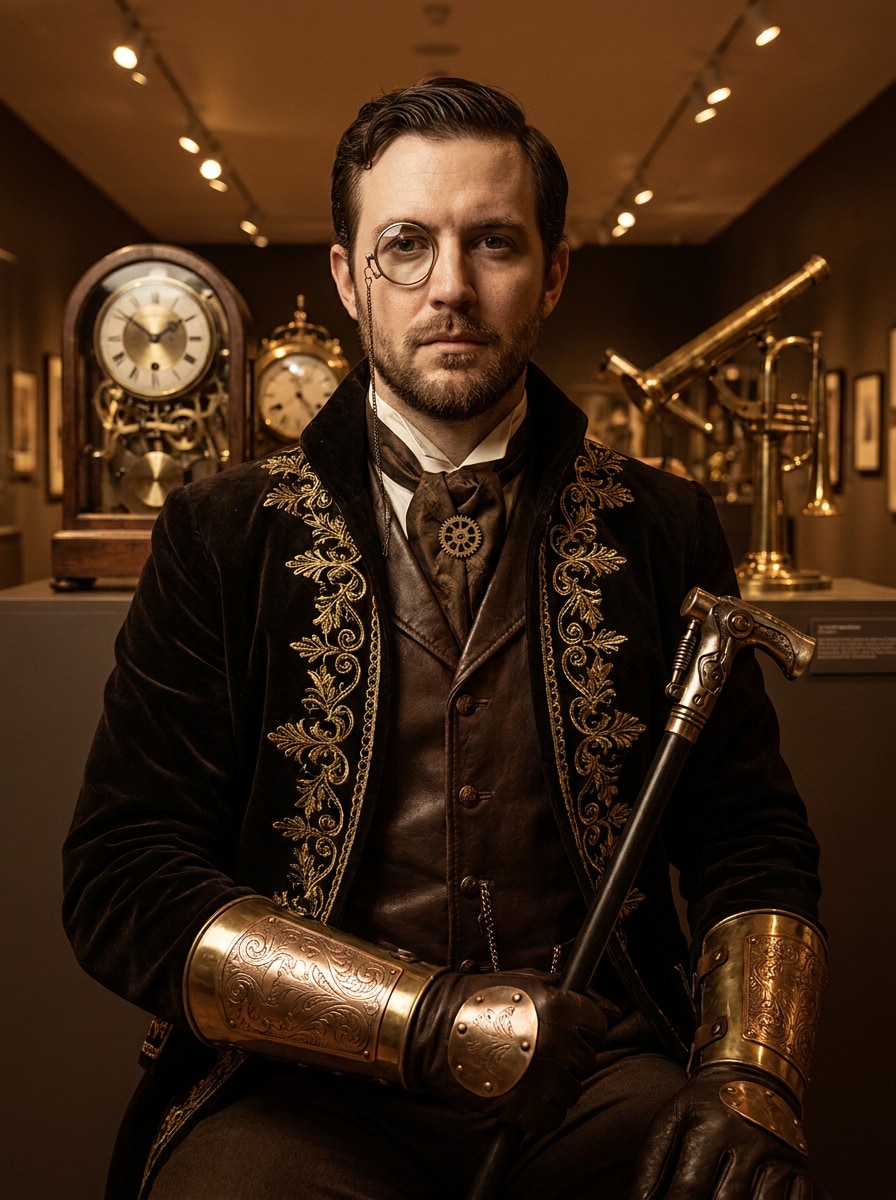
Steampunk Aristocrat
Use the uploaded image as the subject and restyle it as a luxurious steampunk noble portrait with velvet Victorian clothing, a monocle, polished brass accessories, engraved copper details, moody museum lighting, rich sepia and gold tones, and a stately editorial composition with elegant mechanical décor.
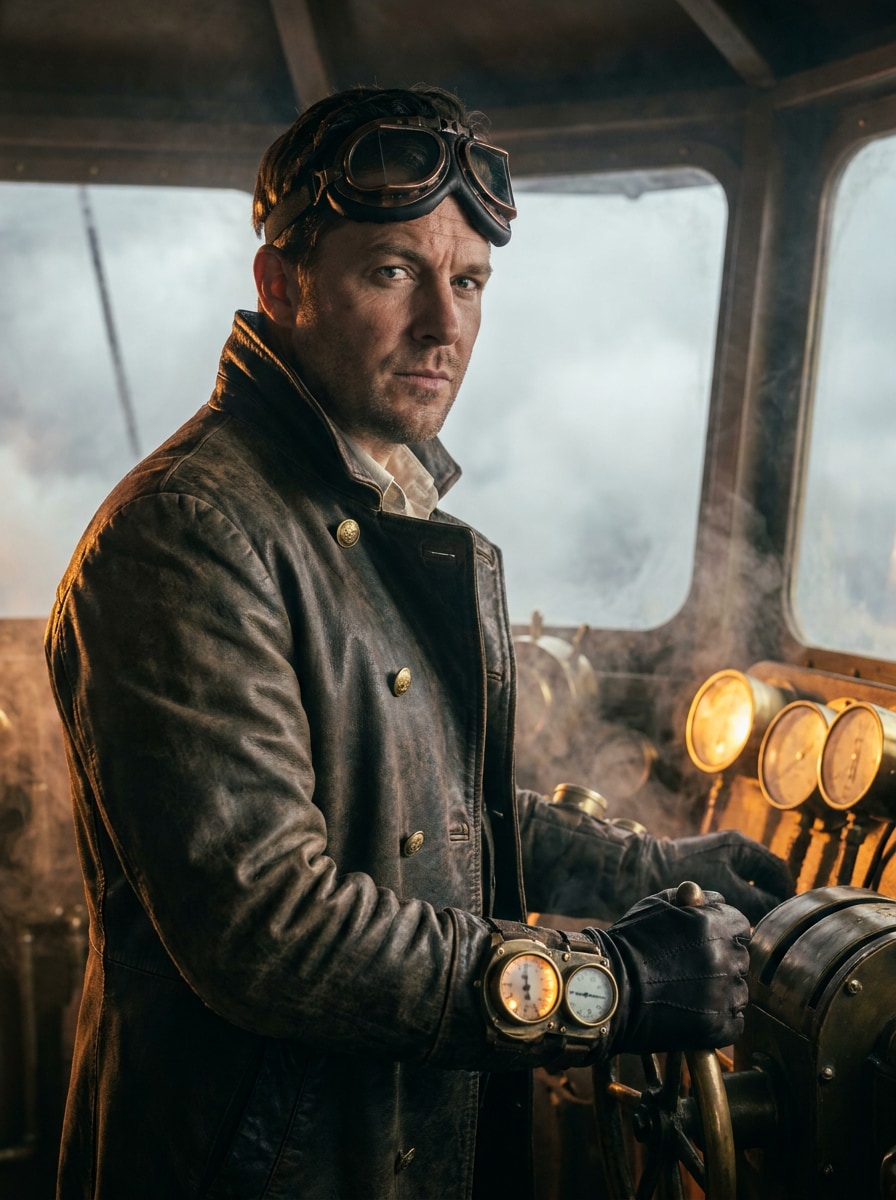
Airship Captain
Use the uploaded image as the subject and turn it into a cinematic airship captain with aviator goggles, a weathered leather flight coat, brass buttons, glowing gauges, steam-powered controls, large window views, atmospheric fog, amber highlights, and dramatic adventure lighting in a retro-futuristic cockpit.
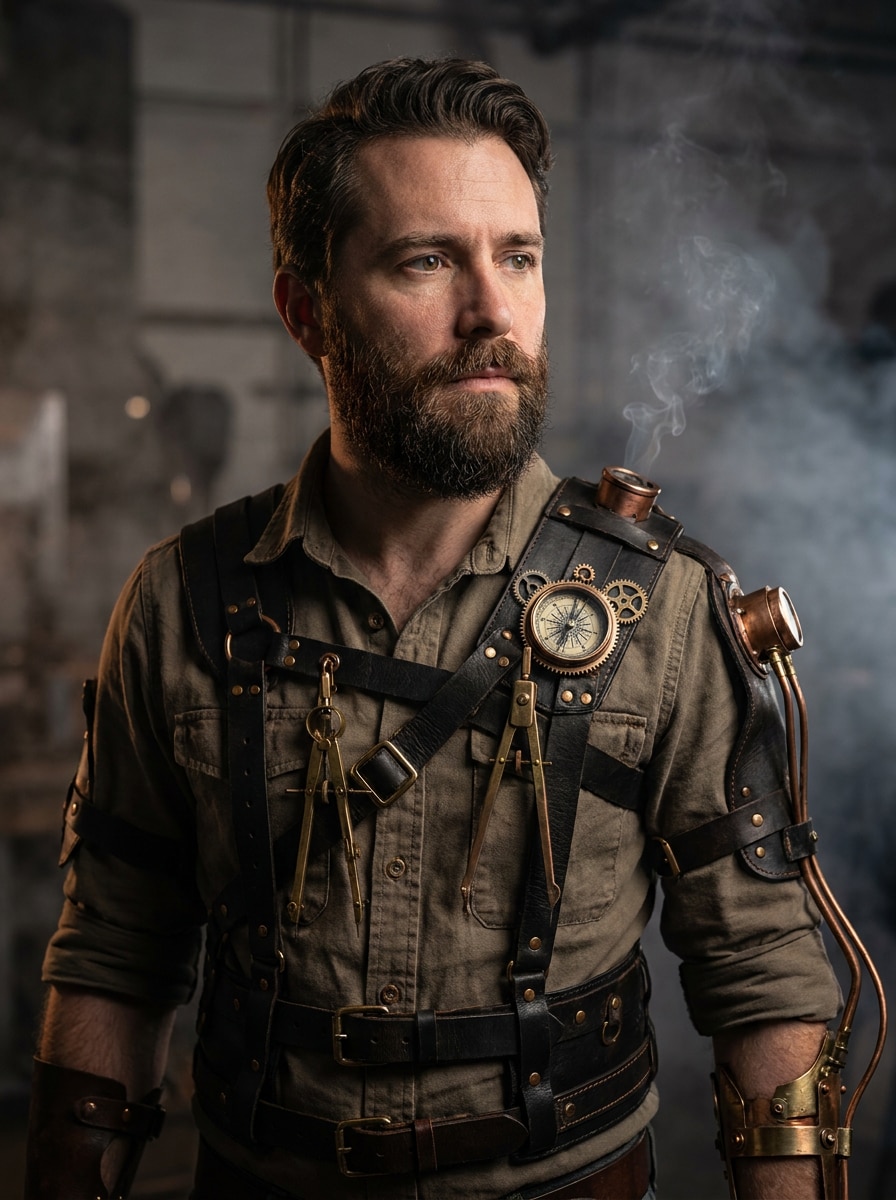
Clockwork Adventurer
Use the uploaded image as the subject and create a bold clockwork adventurer look with layered leather straps, brass tools, compass details, subtle mechanical arm enhancements, industrial smoke, textured metals, cinematic side lighting, and an alternate-history explorer mood with rich copper and charcoal tones.
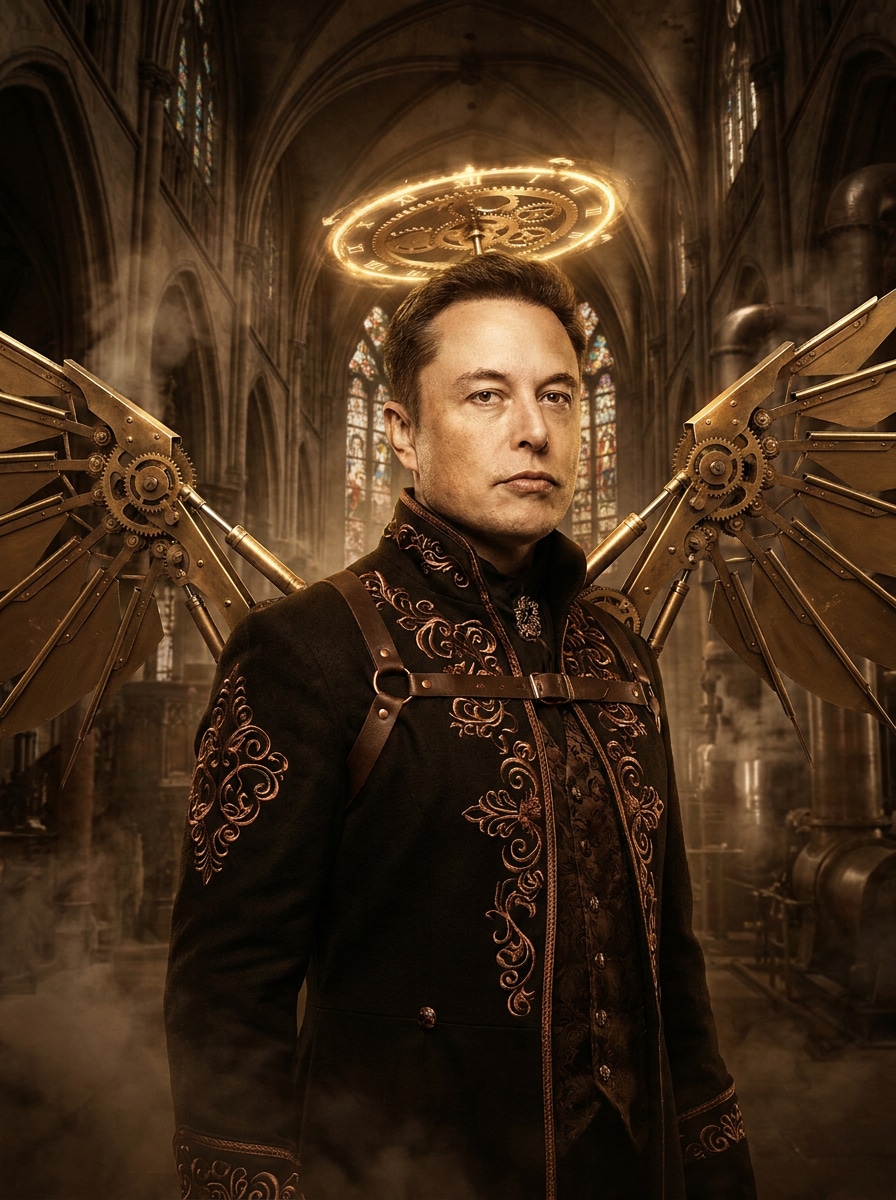
Clockwork Angel
Use the uploaded image as the subject and apply a fantasy steampunk transformation with articulated brass wings, a glowing clockwork halo, copper filigree, Victorian garments, smoky cathedral-industrial scenery, luminous highlights, dark sepia shadows, and majestic cinematic detail while keeping the face naturally recognizable.
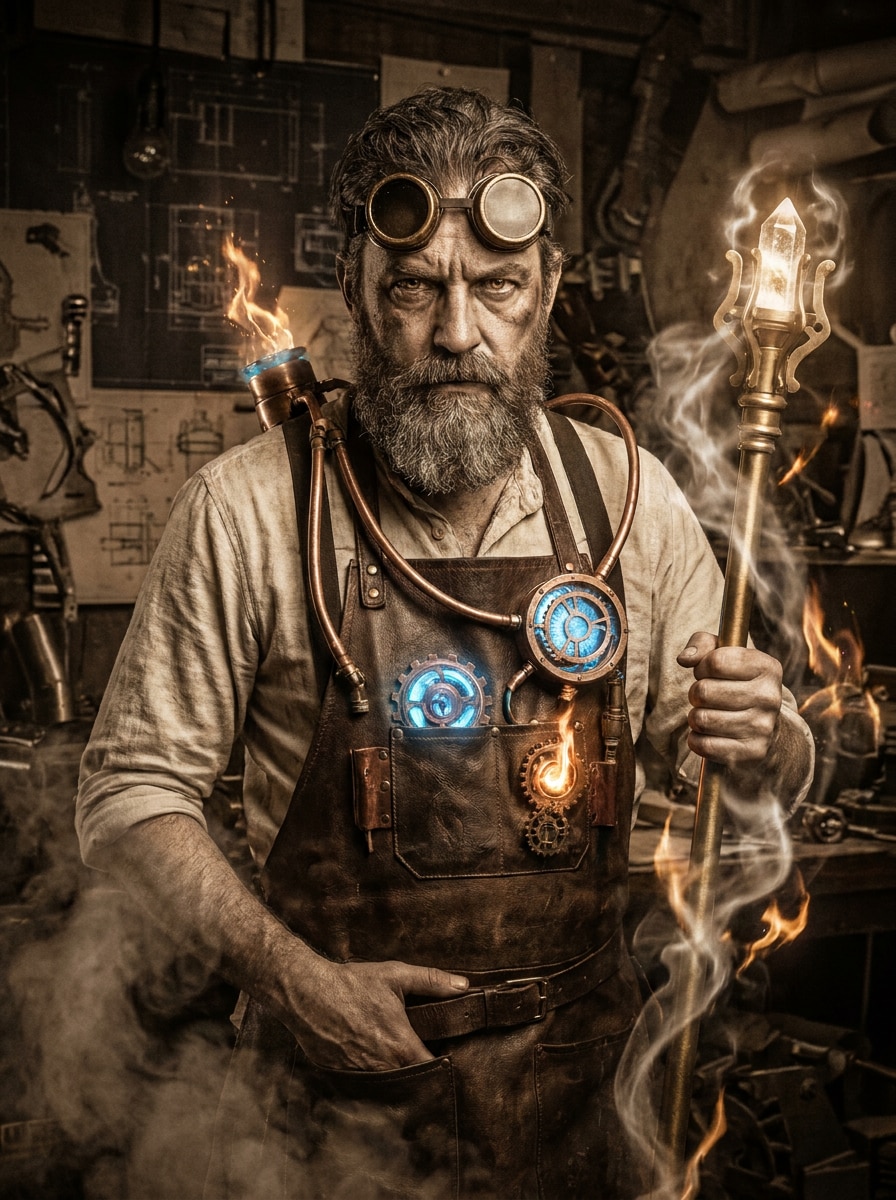
Steam Sorcerer
Use the uploaded image as the subject and turn it into a mystical steam-powered sorcerer with antique lenses, a brass staff, copper tubing, arcane mechanical devices, swirling steam, glowing energy accents, dark sepia palette, and cinematic fantasy lighting for a dramatic magical-industrial portrait.
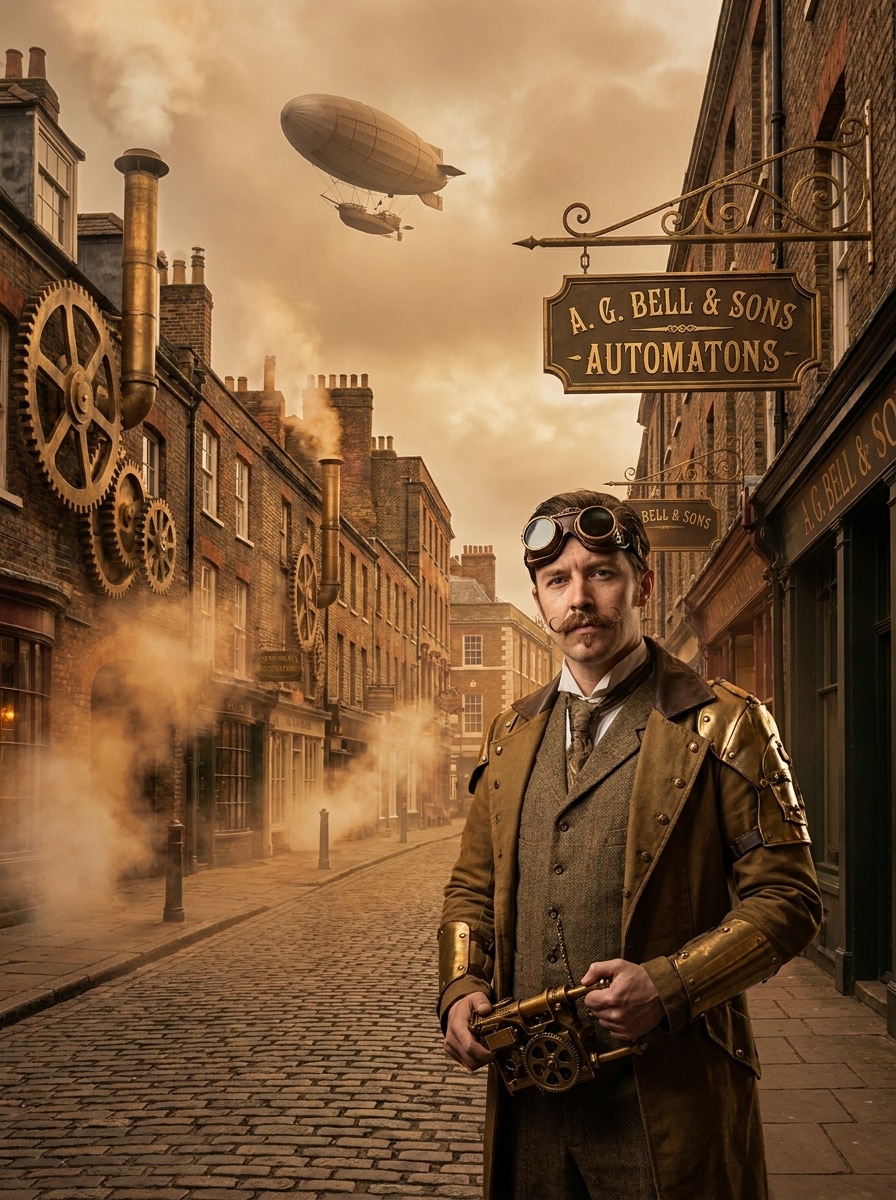
Steampunk City Explorer
Use the uploaded image as the subject and place it in an alternate-history city with cobblestone streets, brass signage, giant gears, steam vents, Victorian architecture, dirigibles overhead, warm fog, and immersive cinematic realism, creating a polished victorian steampunk filter scene with strong environmental storytelling.
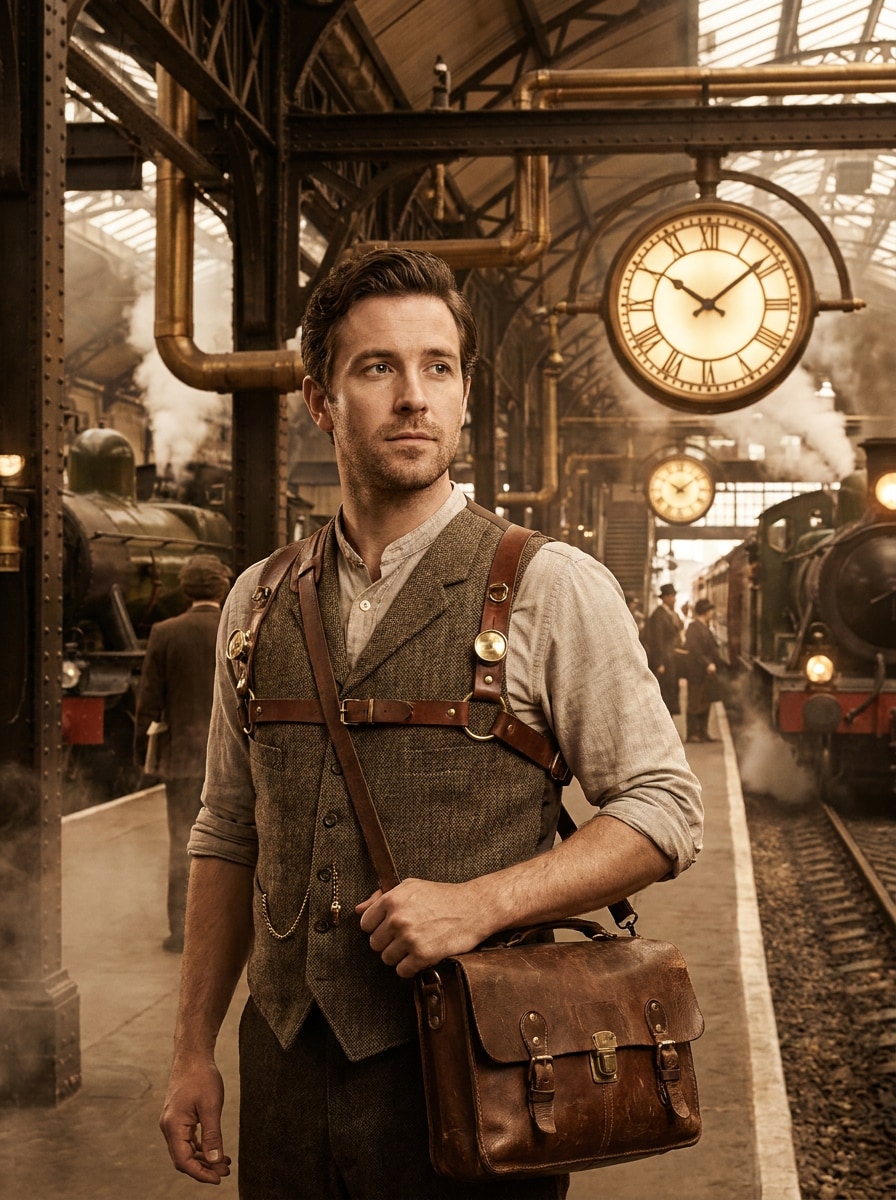
Industrial Train Station
Use the uploaded image as the subject and transform it into a grand industrial train station scene with iron beams, steam locomotives, glowing clocks, brass pipes, worn leather accessories, sepia cinematic atmosphere, drifting smoke, and dramatic depth for an epic travel-era steampunk composition.
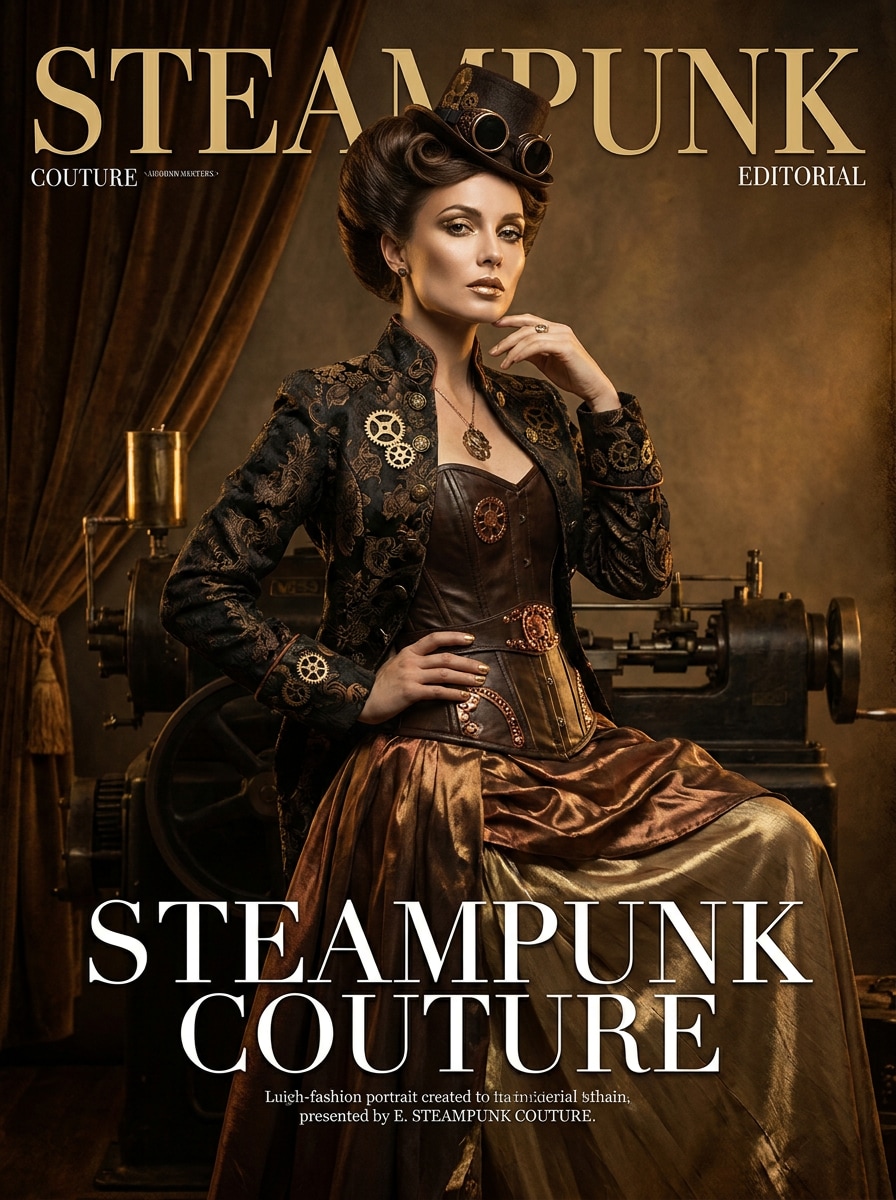
Steampunk Fashion Editorial
Use the uploaded image as the subject and create a polished editorial makeover with couture Victorian silhouettes, brass embellishments, refined makeup, luxurious metallic textures, dramatic studio lighting, magazine-style composition, and premium finish for a fashionable steampunk costume filter effect with strong facial clarity.
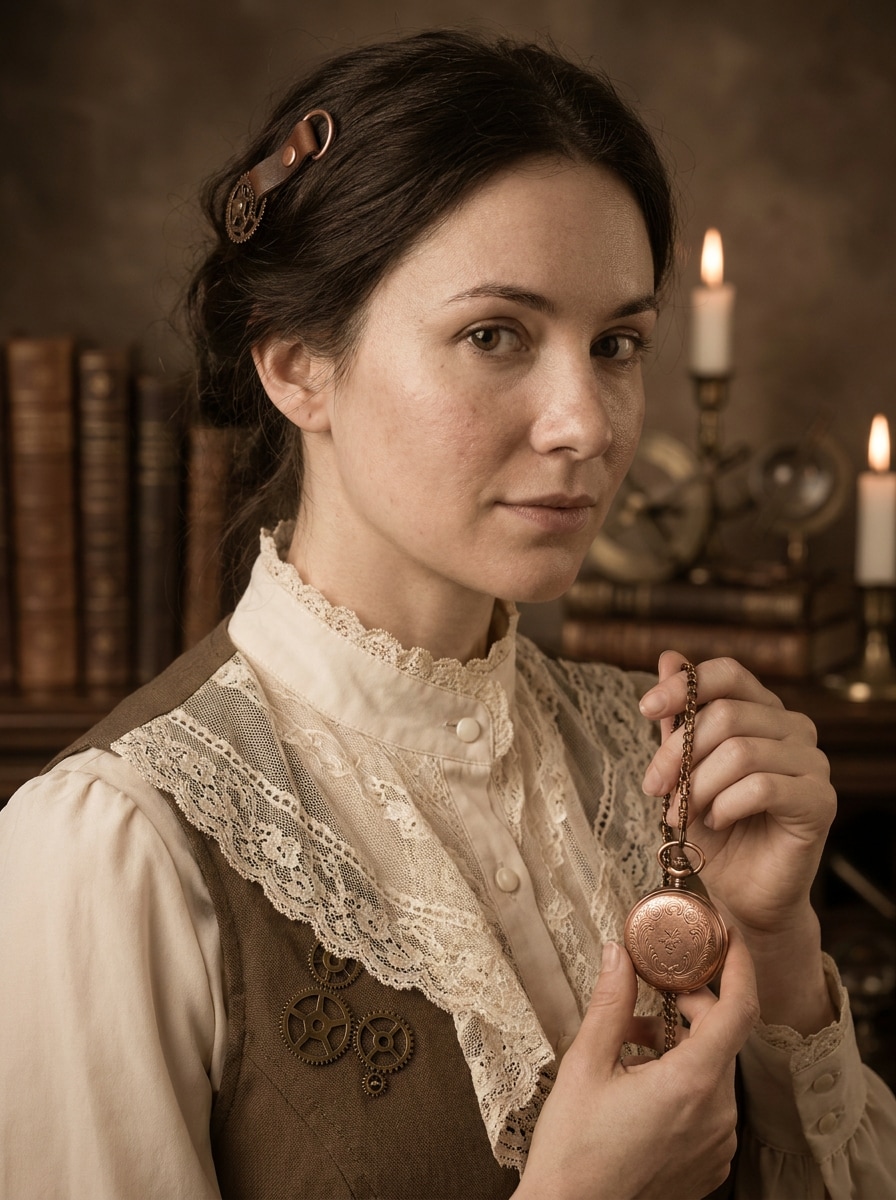
Soft Sepia Steampunk
Use the uploaded image as the subject and apply a softer elegant steampunk portrait filter with subtle brass accents, vintage lace, pocket watch details, muted copper palette, gentle sepia grading, romantic Victorian mood, natural skin texture, and graceful lighting for a more understated transformation.
Why Use Media.io for Steampunk Photo Transformations
Create Social, Avatar, and Print-Ready Images
Reference-based work needs more than a loose style shift. Media.io helps keep key identity details recognizable while reworking the steampunk filter visual look, so the result feels personal instead of generic.
Rework One Subject Into Multiple Styles
Reference-based work needs more than a loose style shift. Media.io helps keep key identity details recognizable while reworking the steampunk filter visual look, so the result feels personal instead of generic.
Generate Cleaner Output Up to 4K
For projects that need more than draft quality, Media.io helps produce steampunk filter visuals with up to 4K output so details stay cleaner when you present, crop, or repurpose the final file.
Work Across Devices Without Extra Installs
Creative work often moves between phone and computer, and Media.io keeps the steampunk filter workflow in the browser so you can generate and refine images wherever it is most convenient, without breaking your momentum across devices.
How to Use This Steampunk Filter
Turn your words into stunning visuals in three simple steps, then continue refining the result if you want to take it further.
Step 1
Upload Your Reference Image
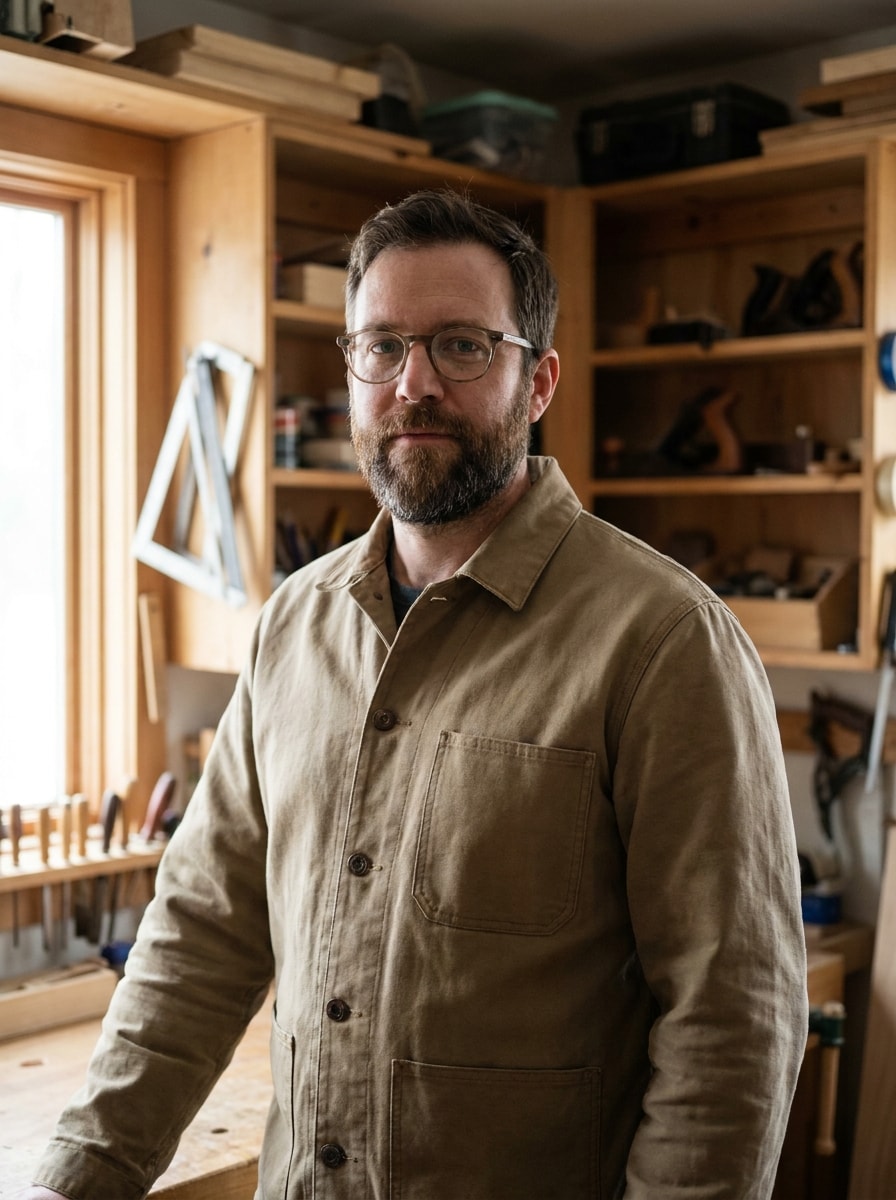
Start with a clear portrait, selfie, cosplay shot, or full-body photo in JPG, PNG, or JPEG format. Images with a visible face, simple background, and decent lighting usually give the strongest retro-futuristic transformation.
Step 2
Describe the Change and Set Options
Enter a detailed prompt describing the Victorian fashion, brass accessories, gears, steam effects, lighting, and mood you want. Then choose your preferred model and adjust aspect ratio, quality, and image count to fit your final use.
Step 3
Generate, Download, and Keep Improving
Create multiple variations, compare the results, and download the version you like best. If needed, refine the prompt for stronger costume details, a softer sepia finish, or a more cinematic background, then generate again.
See how creators use this Steampunk Filter for content, marketing, and personal projects, then adapt each idea to fit the brief.
Upgrade Selfies Into Character-Driven Portraits
Turn ordinary headshots into rich alternate-history portraits with goggles, pocket watches, metallic textures, and moody sepia lighting. This steampunk portrait filter approach is ideal for profile pictures, themed posts, and creators who want a polished editorial look rather than a flat costume overlay.
Design Memorable Cosplay and Event Visuals
Create dramatic artwork for conventions, themed parties, stage promos, or invitation graphics. A detailed steampunk costume filter treatment helps outfit photography feel more immersive by adding clockwork settings, steam-era props, and cinematic atmosphere around the subject.
Build Stylized Content for Social Media and Branding
Use steampunk-inspired edits for thumbnails, author branding, channel art, or fantasy campaign materials. Media.io makes it easier to keep a consistent subject while exploring different moods, from subtle vintage elegance to bold mechanical fantasy with a victorian steampunk filter feel.
What Users Say About This Filter
Maya Chen
Cosplay Creator
"Great for themed portraits" I uploaded a simple portrait and got a dramatic steampunk makeover with brass details, warm lighting, and a believable Victorian mood. My face still looked like me, which made the final image much more usable for social posts.
Jordan Ellis
Short-Form Video Editor
"Fast results without heavy editing" I needed artwork for a transformation video, and this saved me a lot of time. The airship and clockwork styles looked cinematic, and I could test several versions quickly right in the browser.
Priya Raman
Event Marketer
"Useful for posters and invites" We used it to create themed visuals for an immersive event campaign. The output looked detailed enough for promo graphics, and the flexible aspect ratios helped us repurpose the same concept across different formats.
Leo Martinez
Fantasy Author
"A strong match for alternate-history aesthetics" The softer sepia style and the dramatic editorial options both worked well for my character branding. I liked being able to push the image toward subtle Victorian elegance or a more mechanical fantasy look.
A steampunk filter transforms a regular image with retro-futuristic visual elements such as brass, copper, gears, goggles, pocket watches, Victorian-inspired clothing, sepia tones, and cinematic steam-era atmosphere. With Media.io, you can guide how strong the effect looks, from a soft vintage finish to a dramatic clockwork fantasy style.
2. How do I turn an image into steampunk style online?
Upload a clear reference photo to Media.io, then describe the look you want with details like Victorian fashion, mechanical accessories, warm sepia grading, fog, or airship scenery. After that, choose your model and image settings, generate the result, and refine the prompt if you want a different mood or intensity.
3. Is there a free steampunk photo filter available?
Media.io offers free credits so you can try a steampunk photo transformation online before subscribing. Free users may see watermarks on downloads, while paid plans unlock watermark-free high-resolution exports. You can compare plan options and credit limits on the pricing page.
4. Can an AI steampunk filter keep my face recognizable?
Yes. Media.io's image-to-image workflow applies the style transformation while aiming to preserve core facial identity, which is especially helpful if you want a portrait that feels personalized rather than overly generic.
5. What kinds of photos work best for a steampunk image-to-image effect?
Clear portraits, selfies, cosplay shots, and full-body photos with visible facial features usually work best. Images with balanced lighting, sharp focus, and a simple background give Media.io a cleaner reference, which helps the model apply clothing, brass textures, and atmospheric details more accurately.
6. Can I use a steampunk filter on iPhone, Android, or desktop?
Media.io is web-based, so you can use it on iPhone, Android, Windows, or Mac as long as you have a browser and an internet connection. That makes it easy to create or refine steampunk-style images from the device you already use.