AI Pirate Filter for Cinematic Portraits From One Uploaded Photo
Turn any selfie into a dramatic pirate portrait with hats, eyepatches, stormy seas, or cartoon styling. This pirate filter helps you create realistic, fantasy, or social-ready looks fast, whether you want a pirate filter snapchat-style vibe or a polished character transformation.
Review these example directions, then customize the details to get stronger results with Media.io’s pirate portrait filter.
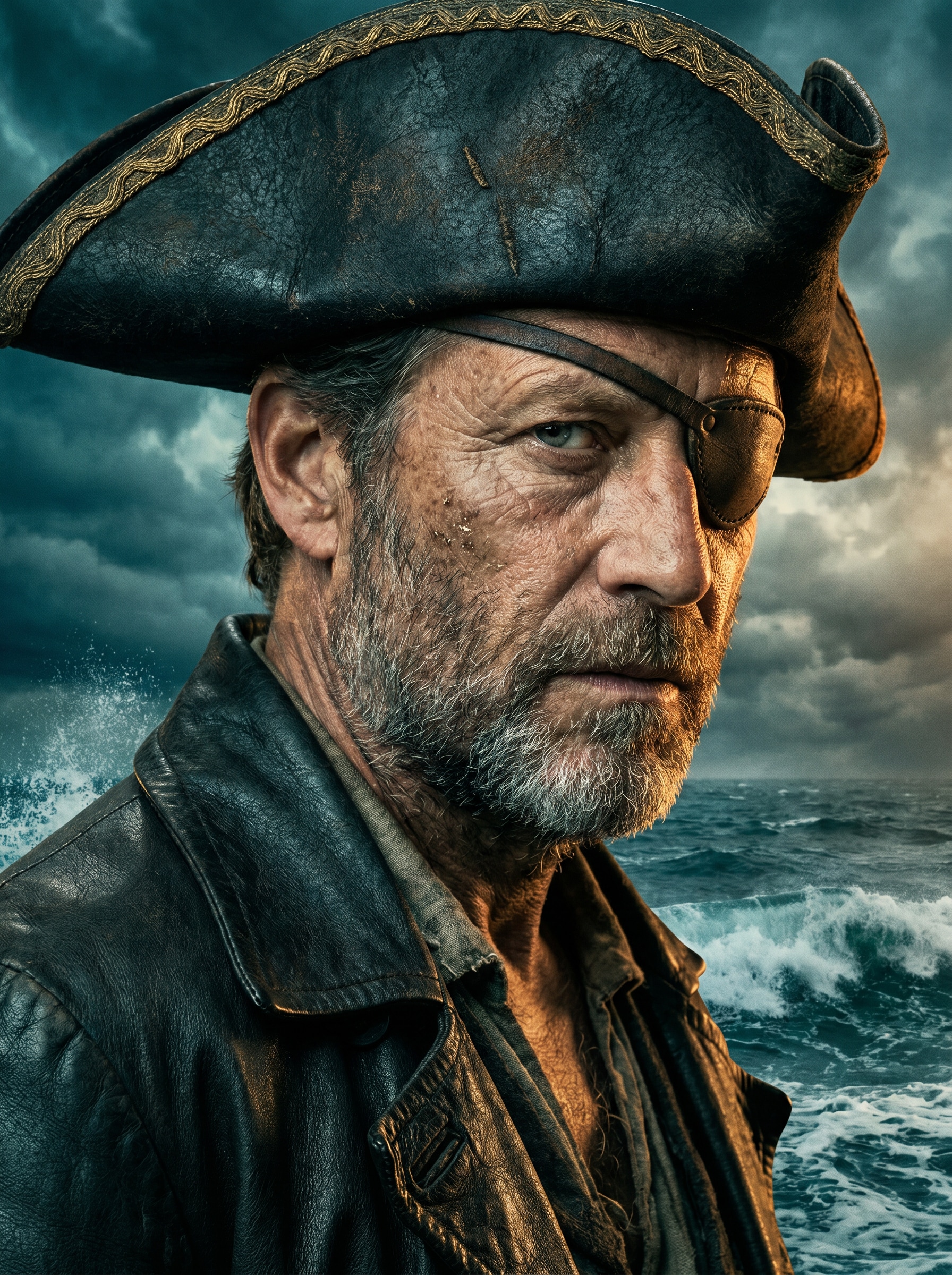
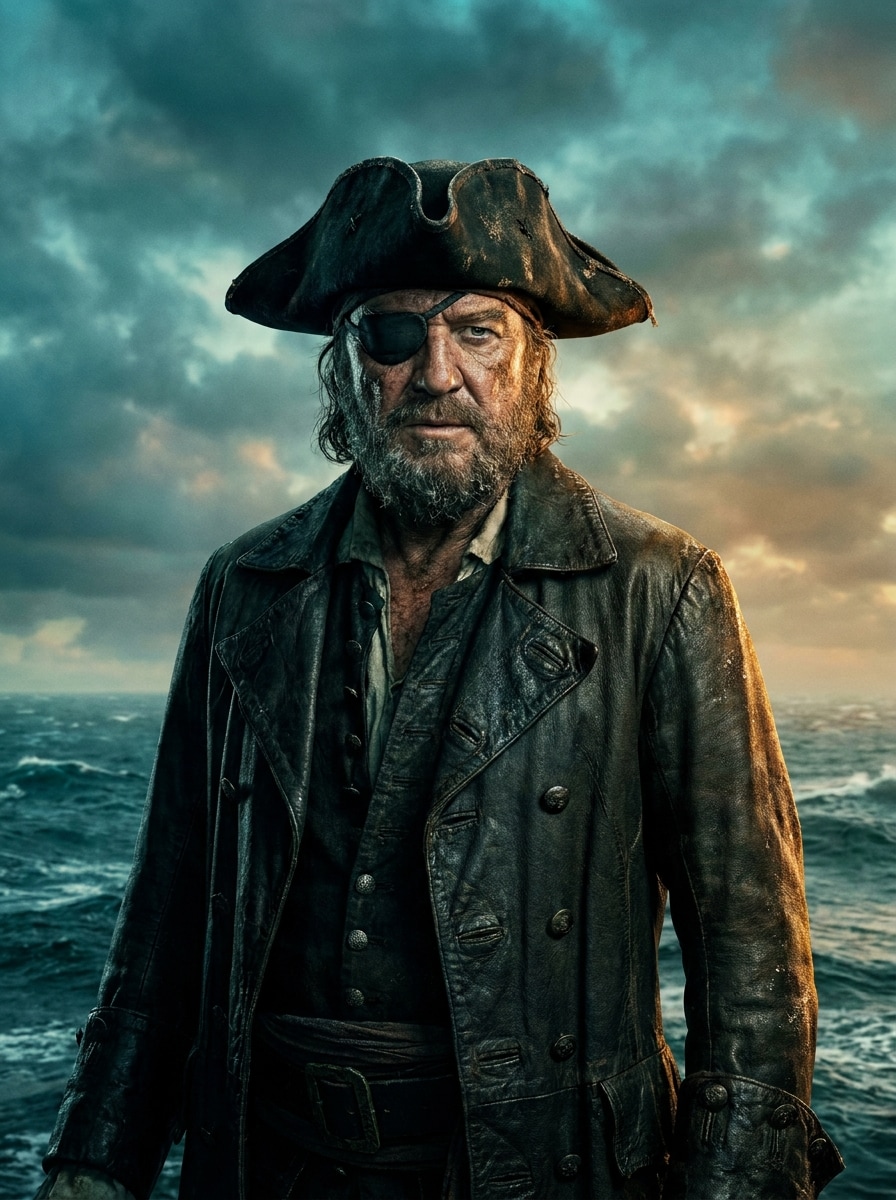
Hollywood Pirate Captain
Use the uploaded image as the subject and transform it into a cinematic pirate captain portrait with a weathered tricorn hat, dark leather coat, subtle eyepatch, ocean storm background, dramatic rim lighting, realistic skin texture, rich teal-and-amber grading, crisp facial detail, and movie-poster quality.
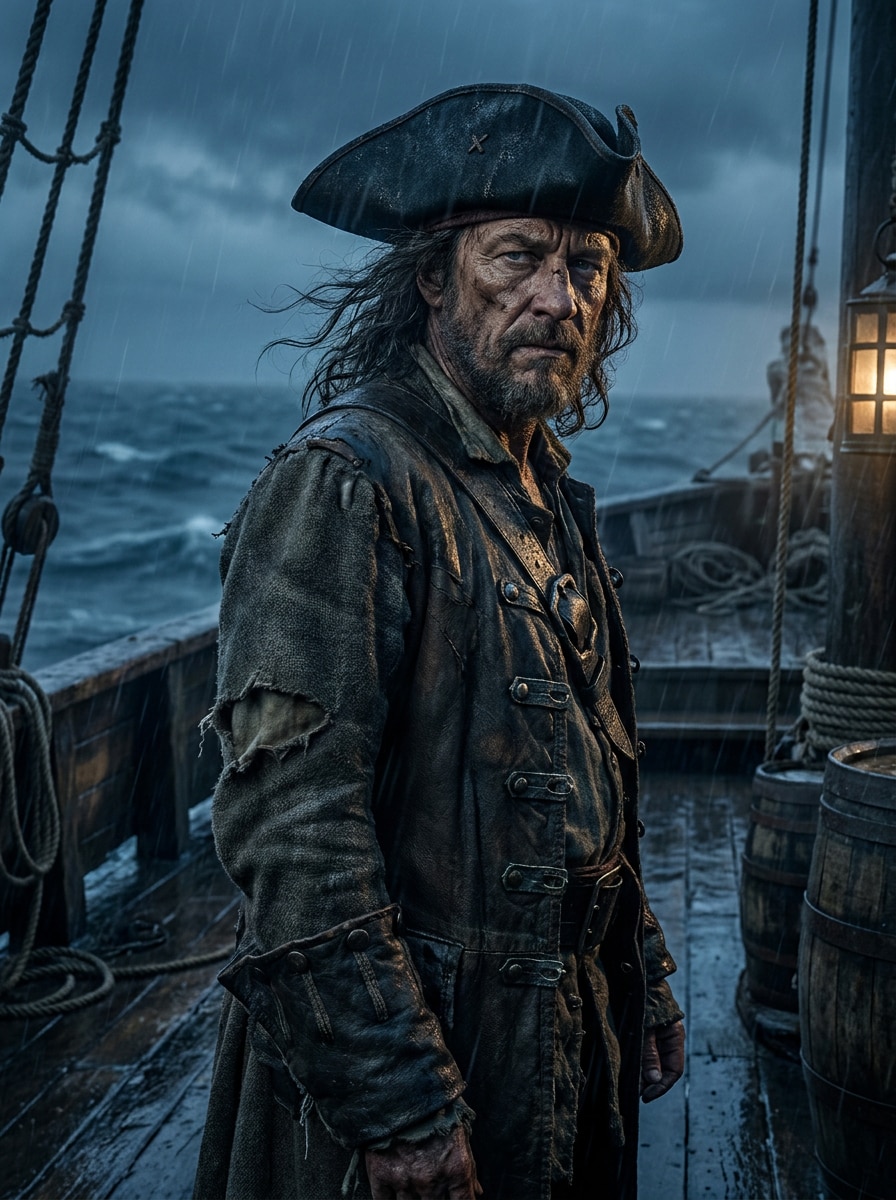
Dark Sea Adventure
Use the uploaded portrait as the main subject and restyle it into a dark pirate adventure scene with rugged clothing, rain mist, an old wooden ship deck, moody blue shadows, wet textures, dramatic contrast, cinematic atmosphere, and realistic detail that feels like an epic sea voyage.
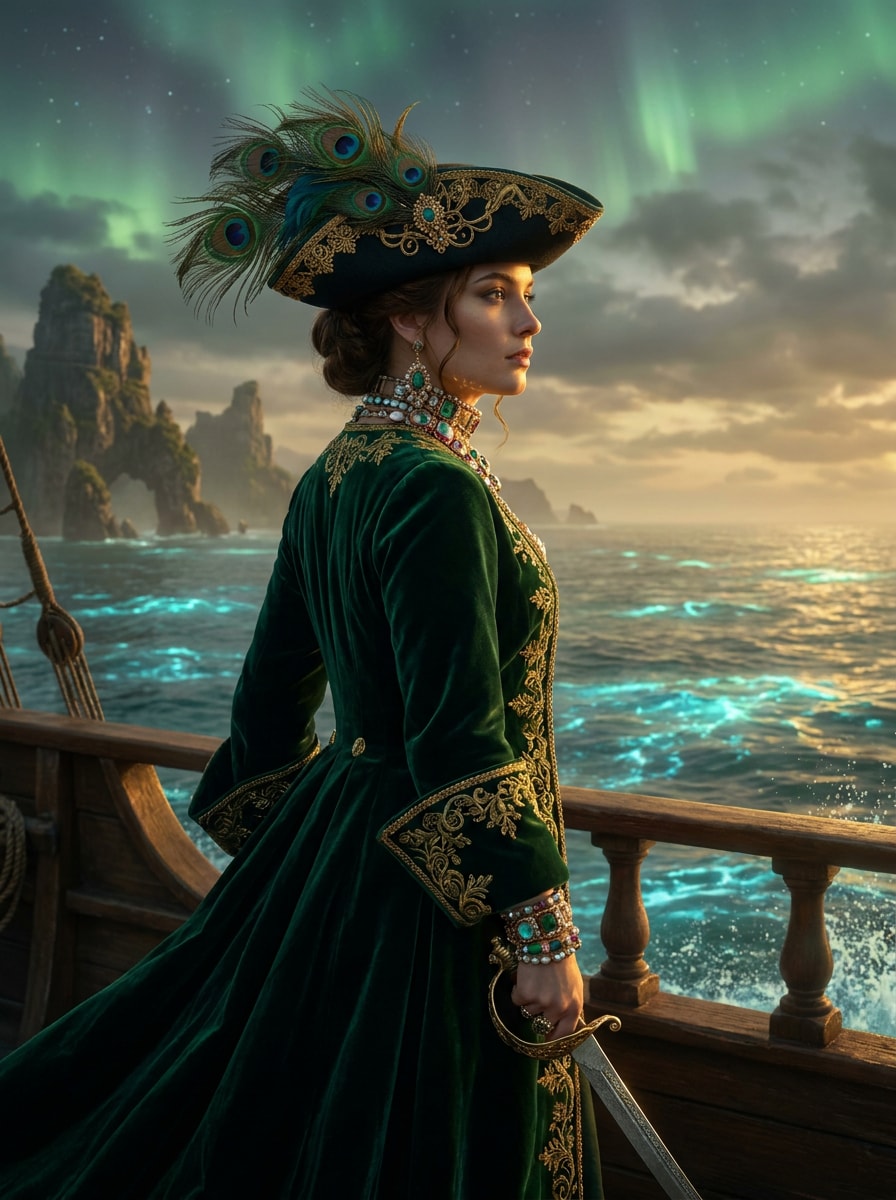
Pirate Queen Fantasy
Use the uploaded image as the subject and transform it into an elegant fantasy pirate queen with an ornate tricorn hat, jeweled accessories, flowing coat, mystical ocean backdrop, glowing accents, rich emerald and gold palette, refined facial detail, and cinematic fantasy-art depth.
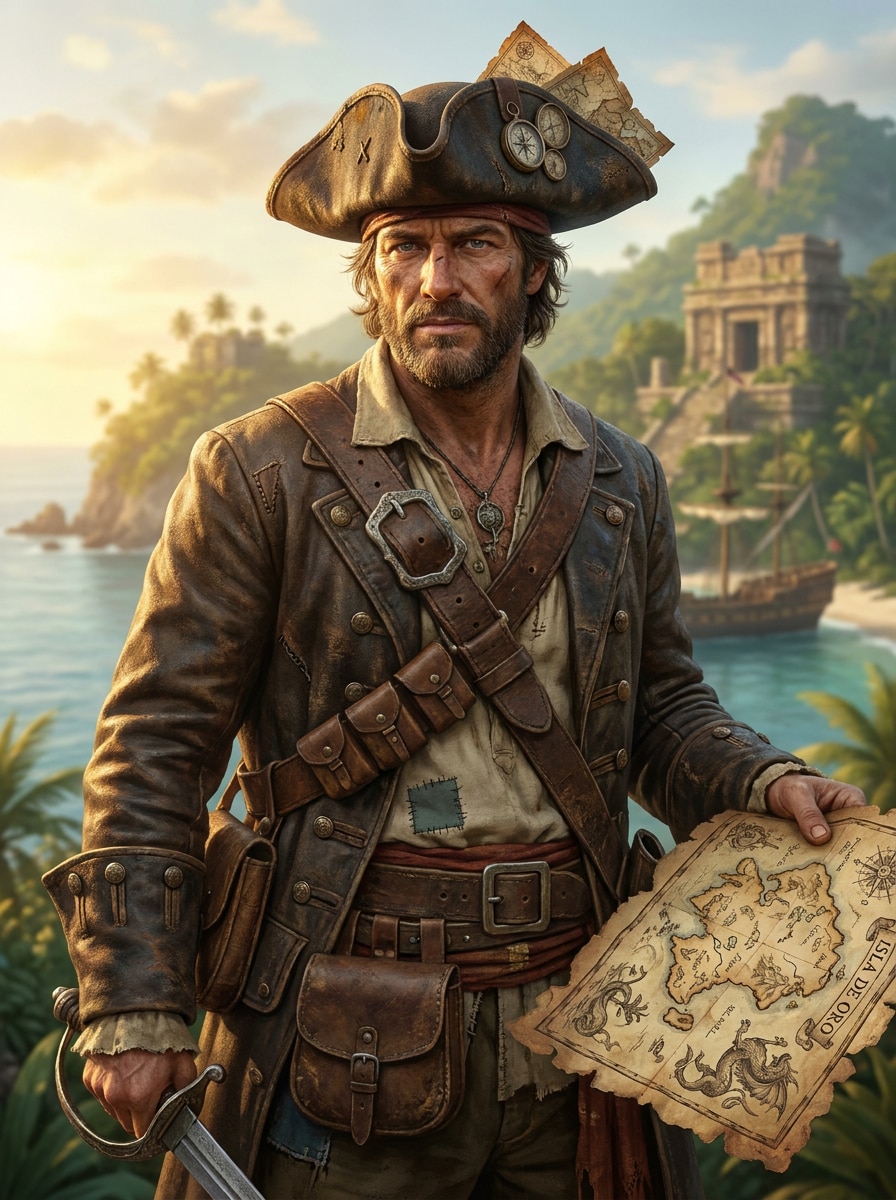
Treasure Hunter Hero
Use the uploaded photo as the hero and turn it into a treasure hunter pirate with a weathered coat, old map details, belt accessories, tropical island scenery, warm golden sunlight, adventurous expression, textured fabrics, and polished fantasy realism suited for posters or profile images.
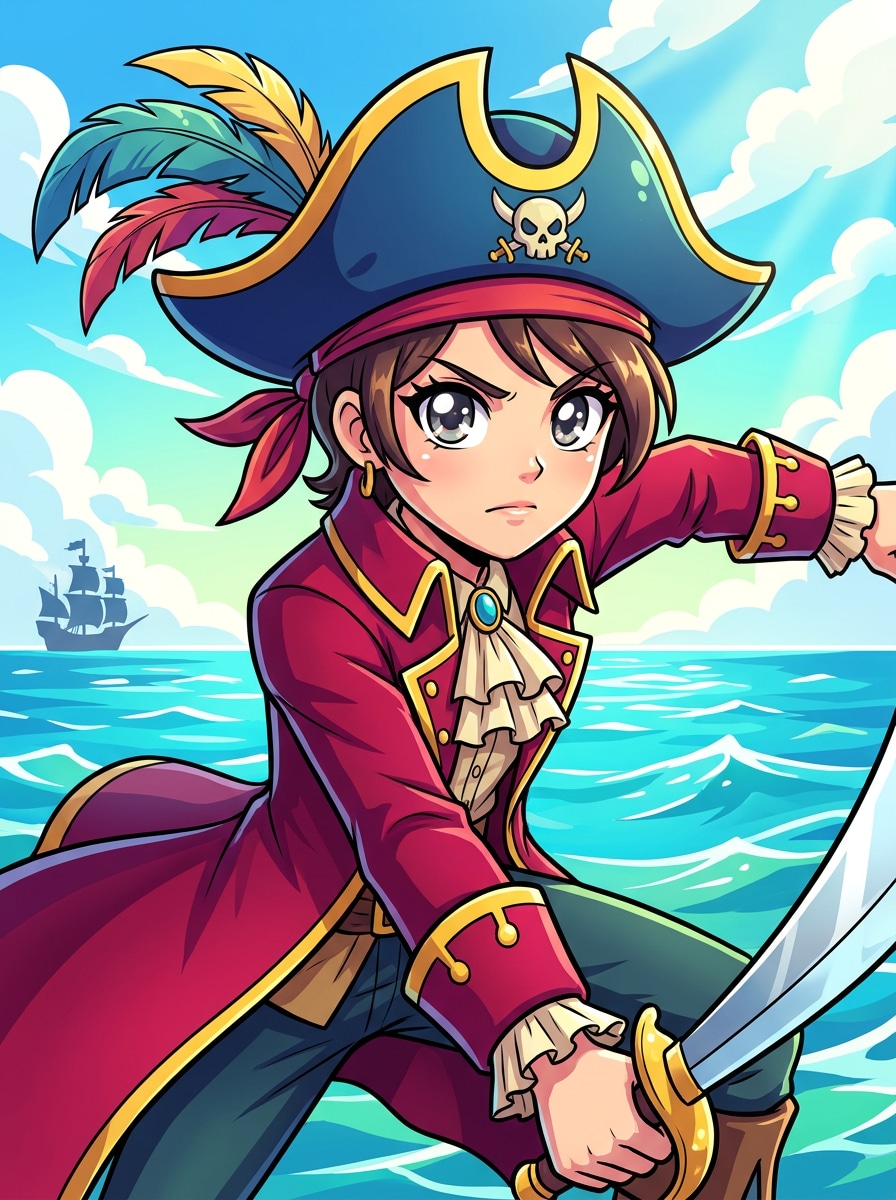
Anime Pirate Character
Use the uploaded selfie as the character base and convert it into a vibrant anime pirate with expressive eyes, stylized tricorn hat, layered pirate coat, colorful ocean background, cel-shaded rendering, dynamic pose, bright highlights, and polished illustration quality for avatars or social posts.
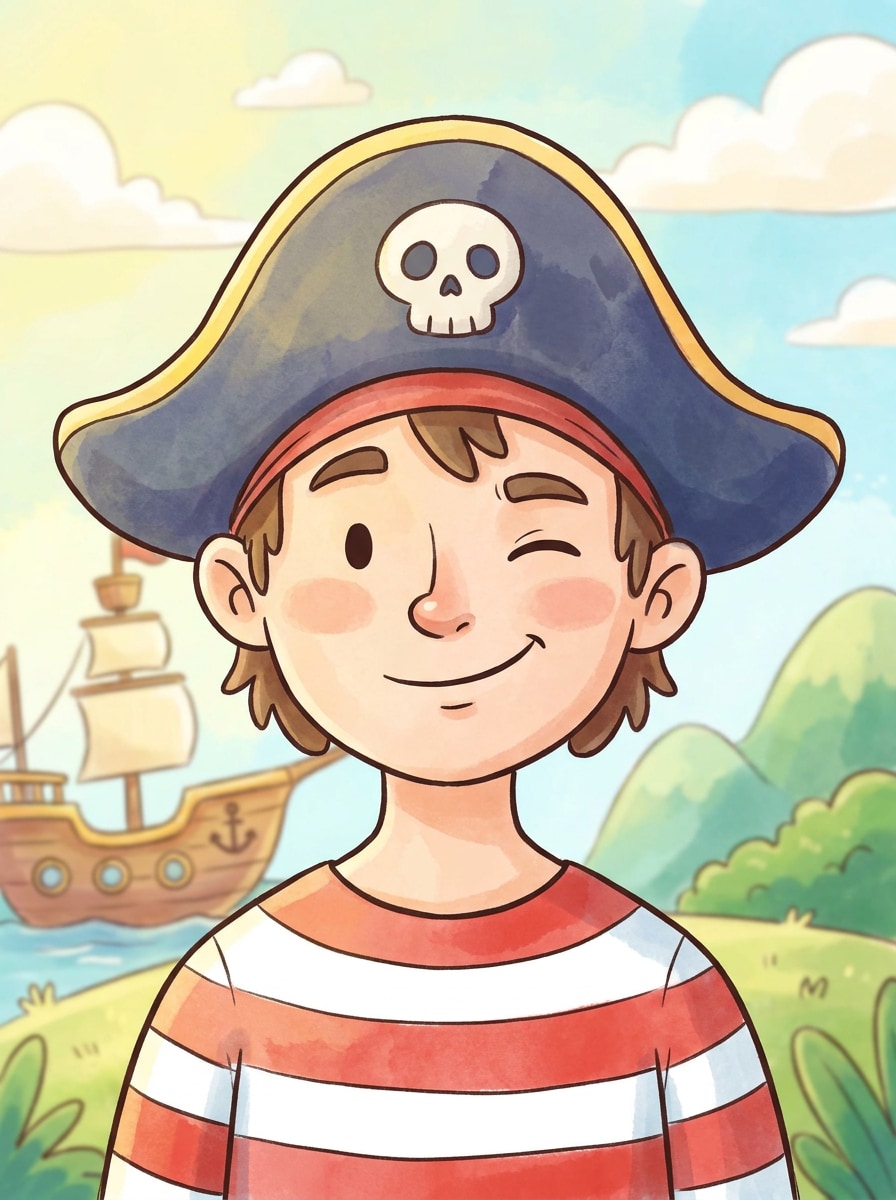
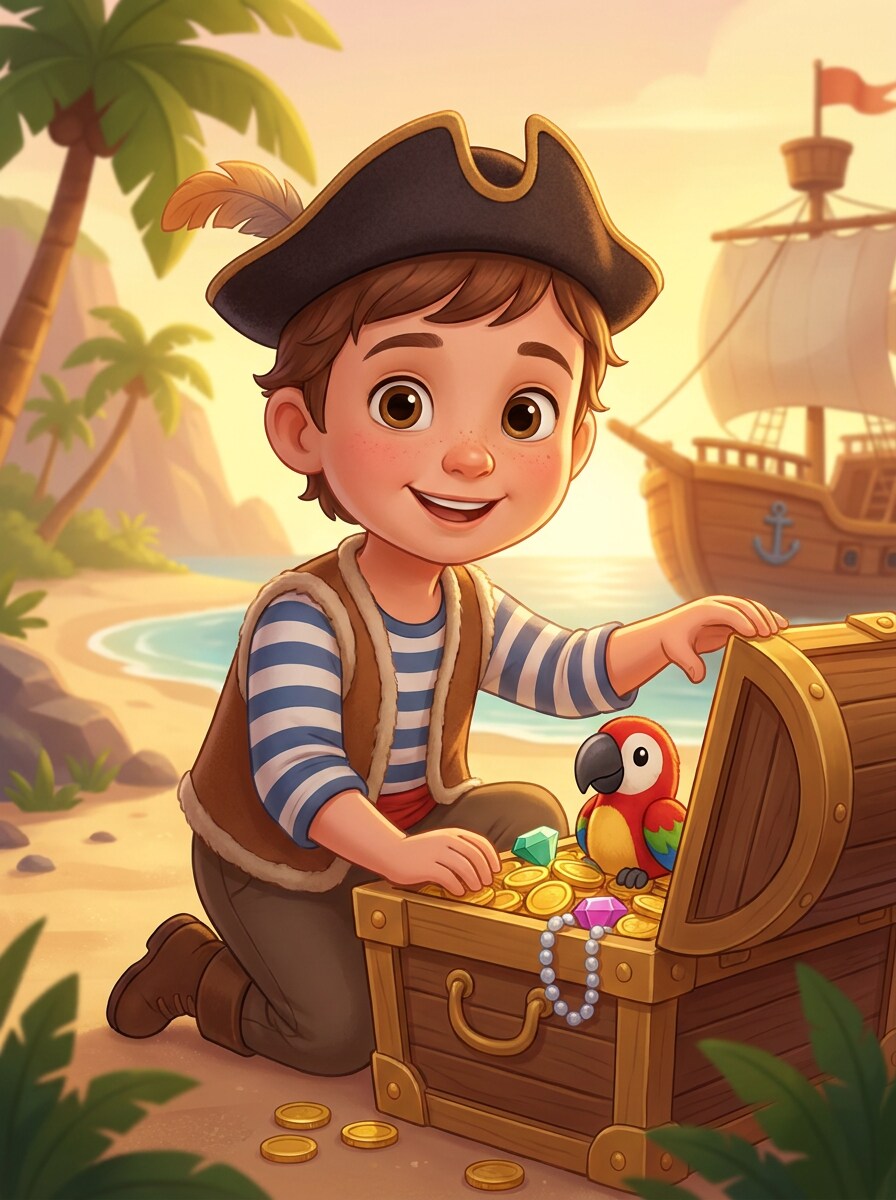
Storybook Pirate Cartoon
Use the uploaded portrait as the reference and turn it into a charming storybook pirate cartoon with a playful expression, striped shirt, pirate hat, soft painterly textures, bright family-friendly colors, clean outlines, cheerful mood, and a polished illustration style with gentle depth.
Cute Kids Pirate Filter
Use the uploaded child photo as the subject and restyle it into a cute pirate portrait with a playful costume, tiny tricorn hat, treasure chest props, bright background, soft facial features, safe family-friendly styling, warm lighting, and a clean, joyful look ideal for keepsakes.
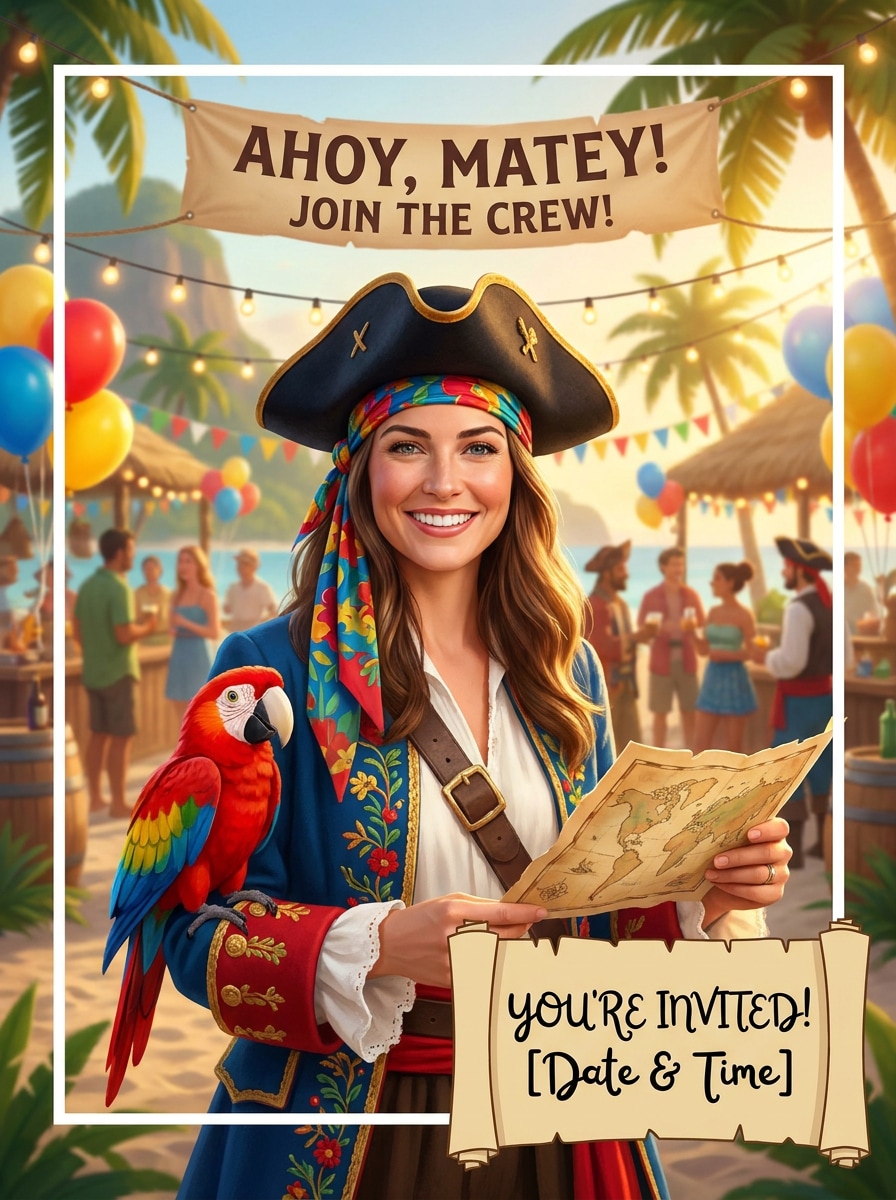
Pirate Party Invitation Portrait
Use the uploaded image as the main subject and create a festive pirate-themed portrait with cheerful costume details, island party backdrop, bright celebratory colors, clean framing, balanced lighting, playful props, and a printable composition that works beautifully for invites and event graphics.
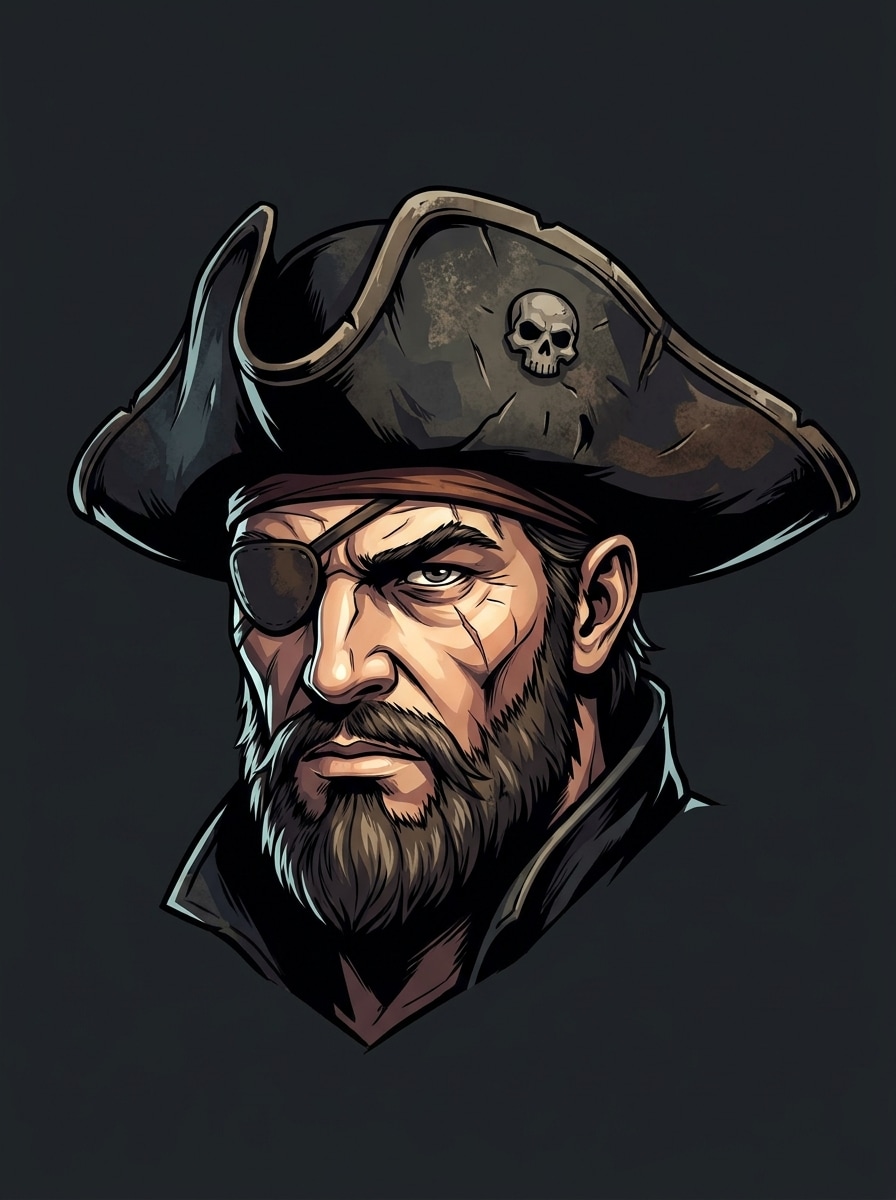
Pirate Avatar PFP
Use the uploaded selfie as the identity reference and create a sharp pirate avatar with centered composition, bold facial details, tricorn hat, subtle eyepatch, clean background separation, high contrast, crisp edges, and a polished portrait style designed for profile pictures and thumbnails.
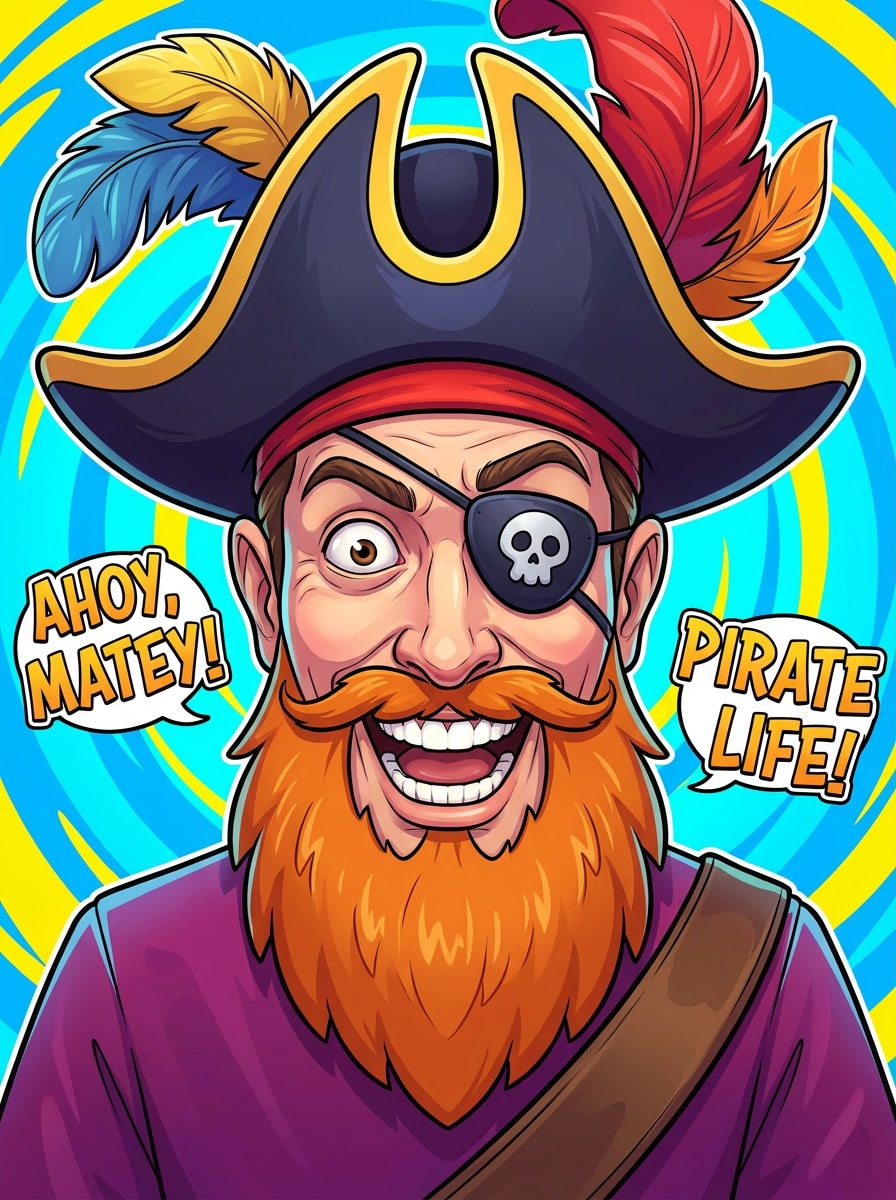
Funny Pirate Face Filter
Use the uploaded photo as the subject and apply a humorous pirate face transformation with an oversized hat, playful eyepatch, cartoon beard, exaggerated expression, bright colors, clean facial focus, and meme-friendly energy while keeping the result visually polished and easy to share.
Why Use Media.io for Pirate Portrait Transformations
Preserve Identity While Changing the Look
For selfies, cosplay shots, or profile photos, Media.io lets you upload a clear reference image and create a pirate portrait filter look that keeps the subject recognizable, so the result feels personal instead of generic.
Match the Right Style for Every Version
Starting on mobile and finishing on desktop feels straightforward with Media.io’s browser-based editor, so creating a snapchat pirate filter -style image effect does not require special software or advanced design skills.
Keep Final Visuals Sharp for Real Projects
If your pirate image needs to hold up beyond a small preview, Media.io helps you generate sharper results up to 4K, making the final visual more dependable for presentations, creative mockups, and practical design use.
Work Across Devices Without Extra Installs
Ideas for a pirate costume filter often start on the go and get refined later. Media.io keeps the whole workflow online, so you can return to the same project from another device without extra installs or setup.
How to Make a Pirate Filter From Your Photo
Turn your words into stunning visuals in three simple steps, then continue refining the result if you want to take it further.
Step 1
Upload Your Reference Image
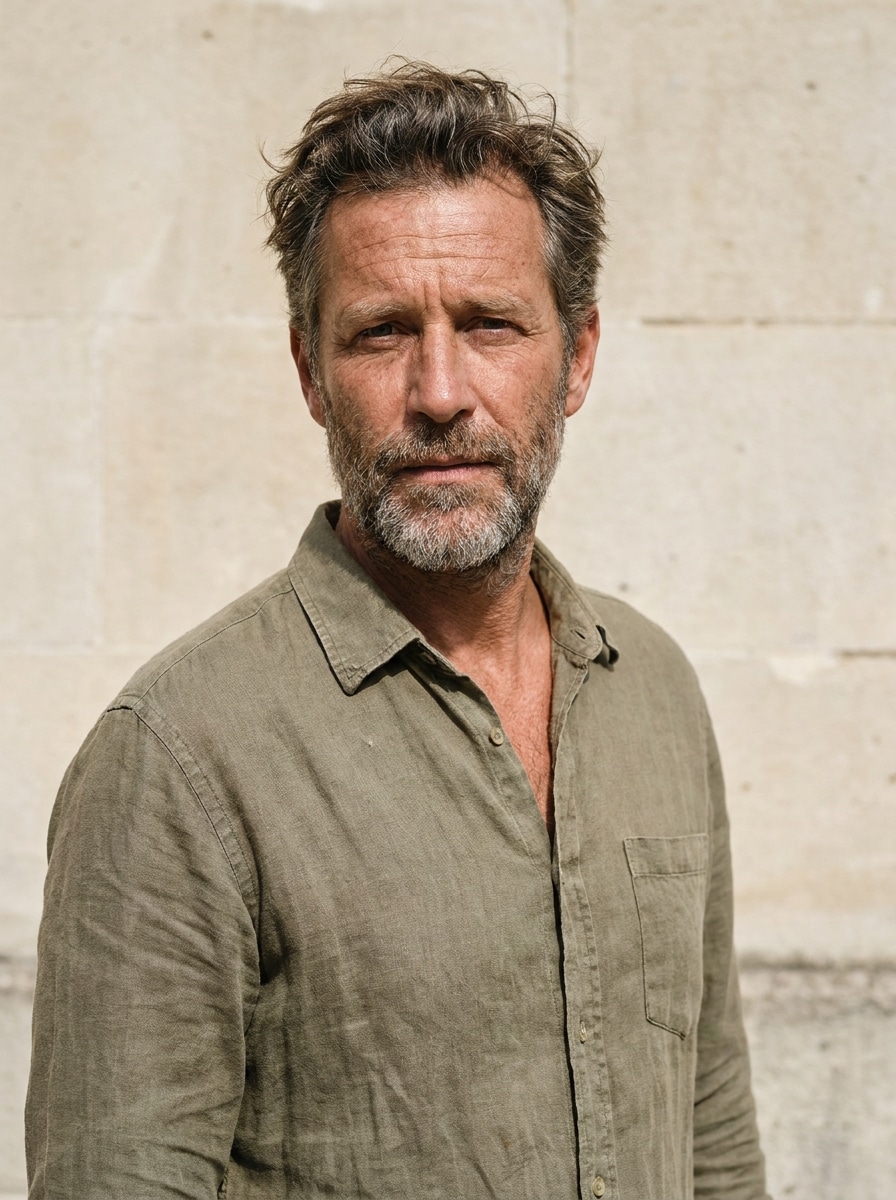
Start with a clear selfie, portrait, or family photo in JPG, PNG, or JPEG format. A well-lit image with a visible face gives the tool better detail to build a convincing pirate look.
Step 2
Describe the Change and Set Options
Type the pirate style you want, such as realistic captain, fantasy queen, cartoon avatar, or a pirate filter snapchat look. Then choose your model and adjust aspect ratio, resolution, and the number of variations.
Step 3
Generate, Download, and Keep Improving
Create your pirate images, compare the versions, and download your favorite result. If you want a stronger costume, moodier lighting, or cleaner background, edit the prompt and generate again.
See how creators use this Pirate Filter for content, marketing, and personal projects, then adapt each idea to fit the brief.
Make standout profile pictures and social posts
Turn an ordinary selfie into a bold character portrait for TikTok, Instagram, or chat avatars. This works especially well for anyone who wants a fun pirate makeover with more detail and personality than a basic in-app effect or a quick pirate filter snapchat trend.
Design themed party invites and family keepsakes
Create playful portraits for birthday invitations, classroom activities, or event decorations. A stylized pirate edit or snapchat pirate filter-inspired look can make kids’ party graphics feel custom-made without hiring an illustrator or learning complex editing tools.
Build cosplay concepts and character art fast
Test different hats, coats, lighting moods, and fantasy backdrops before a shoot or costume purchase. It is a practical way to preview an AI pirate filter style, whether you want a realistic captain, a storybook rogue, or an anime-inspired swashbuckler from one source photo.
What Users Say About This Pirate Filter
Maya T.
Content Creator
"Fun results with real character detail" I wanted something more dramatic than a standard social filter, and this gave me a full pirate portrait with great lighting, costume details, and a face that still looked like me.
Jordan P.
Parent & Party Planner
"Perfect for invitations" I used it to make pirate-themed portraits for my son’s birthday invite. The results were bright, friendly, and much more polished than simple sticker-style effects.
Elena R.
Cosplay Hobbyist
"Great for testing costume ideas" It helped me preview several pirate styles from one photo, from realistic captain looks to fantasy variations. That made it easier to decide on accessories and color direction for my costume.
Noah S.
Student Designer
"Easy on mobile and desktop" I started on my phone and downloaded the final image on my laptop. The workflow was simple, and the portrait quality was strong enough to use in a poster mockup.
1. How do I turn a photo into a pirate portrait online?
Upload a clear JPG, PNG, or JPEG photo to Media.io, then enter a prompt describing the pirate style you want, such as a realistic captain, fantasy queen, or cartoon avatar. You can choose a model, set aspect ratio and resolution, and generate one or more variations from your picture.
2. Is this pirate filter free to use?
Yes, free users can try Media.io with free credits. If you need more generations, more credits, or watermark-free high-resolution downloads, you can compare paid options on the pricing page.
3. Can I create a realistic pirate photo or a cartoon pirate avatar?
Media.io supports multiple image-to-image styles, so you can turn one upload into a realistic pirate portrait, a fantasy character, or a cartoon-style avatar. That flexibility helps if you want a cinematic poster look, a meme-ready edit, or a polished social profile image.
4. What kind of photo works best for an AI pirate filter?
A clear, well-lit portrait with the face easy to see usually works best for an AI pirate filter. Simple backgrounds, balanced lighting, and a front-facing or slightly angled pose help Media.io apply pirate costume details, hats, and facial styling more accurately.
5. How long does it take to generate a pirate image from my picture?
Generation is designed to be fast, so you can usually create pirate variations in a short workflow after uploading your image and setting options. Exact timing can vary based on the model, resolution, and the number of images you generate in one batch.
6. Can I use the pirate filter on iPhone, Android, or desktop?
Media.io is a web-based tool, so you can use the pirate filter on iPhone, Android, Windows, or Mac with a browser. That makes it easy to upload a selfie on mobile and refine the final image later on desktop.