Paper Cut Filter for Layered Papercut Portraits in Minutes
Turn any portrait into layered papercraft artwork with this paper cut filter. Media.io helps you create pastel, floral, minimalist, or scrapbook-style cutout images online with fast AI styling, flexible output sizes, and polished depth that looks handcrafted.
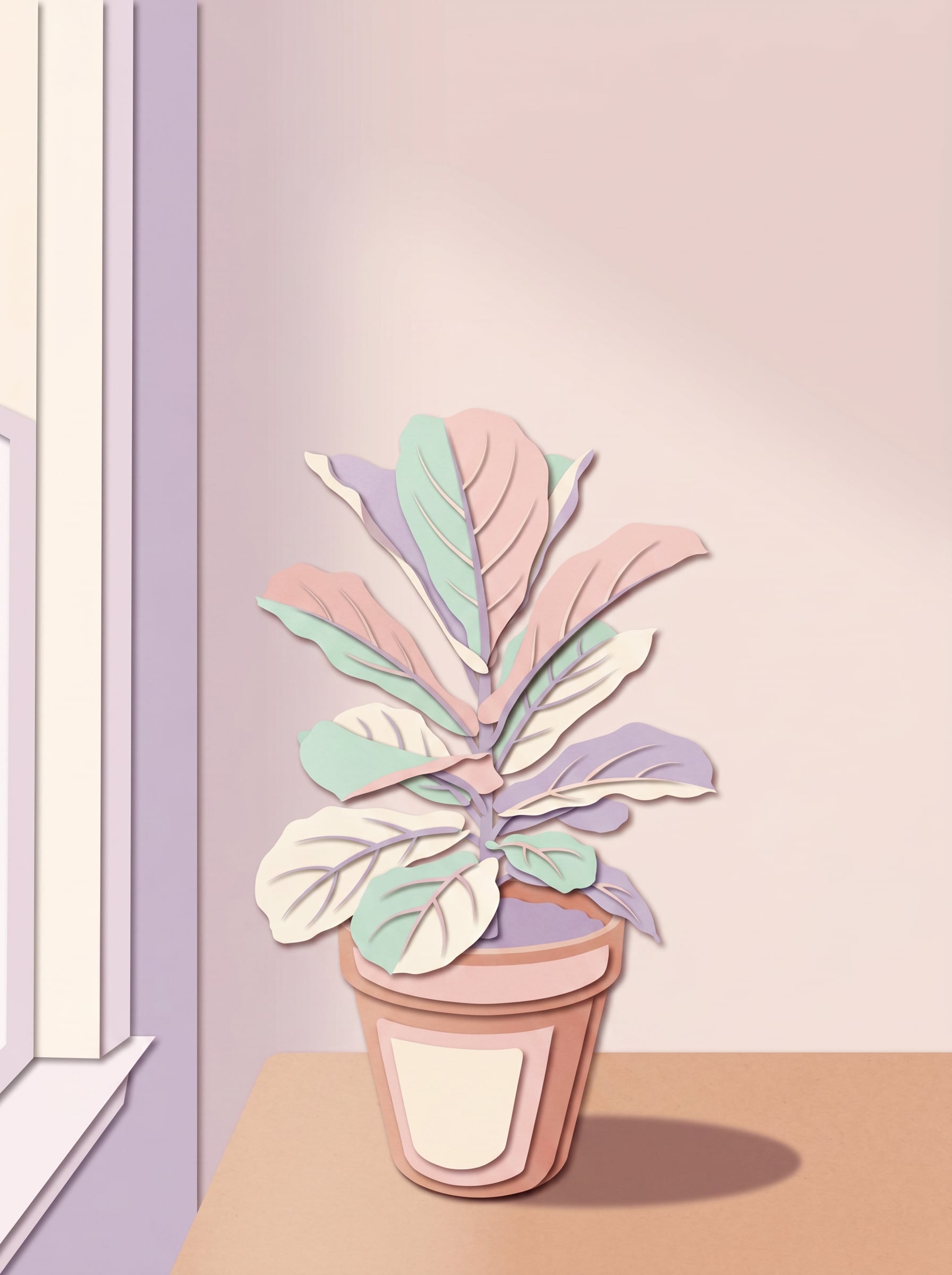
Review these example directions, then tailor the prompt details to get stronger results with Media.io’s AI Paper Cutout Filter.
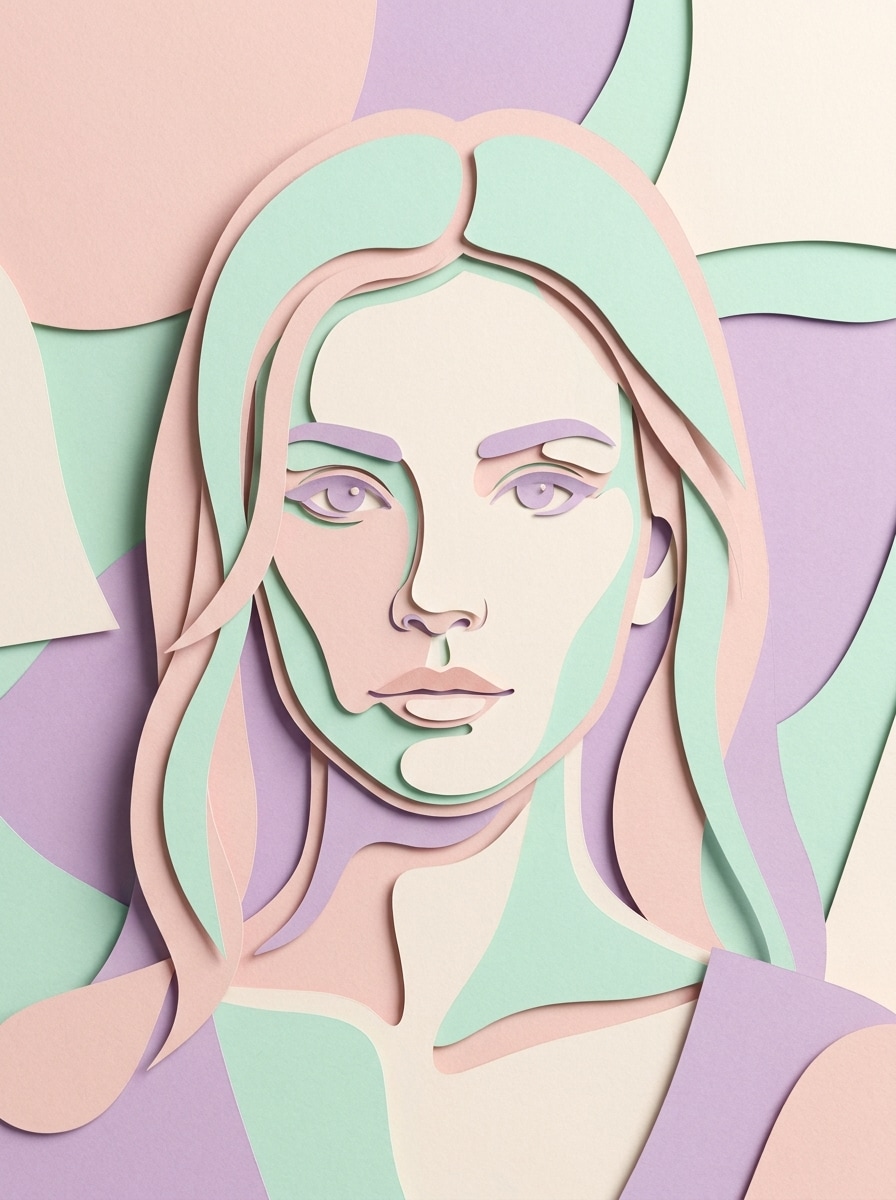
Pastel Layered Papercut Portrait
Use the uploaded image as the subject and transform it into a soft pastel layered papercut portrait. Add stacked craft-paper shapes, smooth facial silhouette simplification, delicate drop shadows between layers, clean hand-cut edges, a blush pink, mint, cream, and lavender palette, gentle studio lighting, and a polished handmade 3D collage finish.
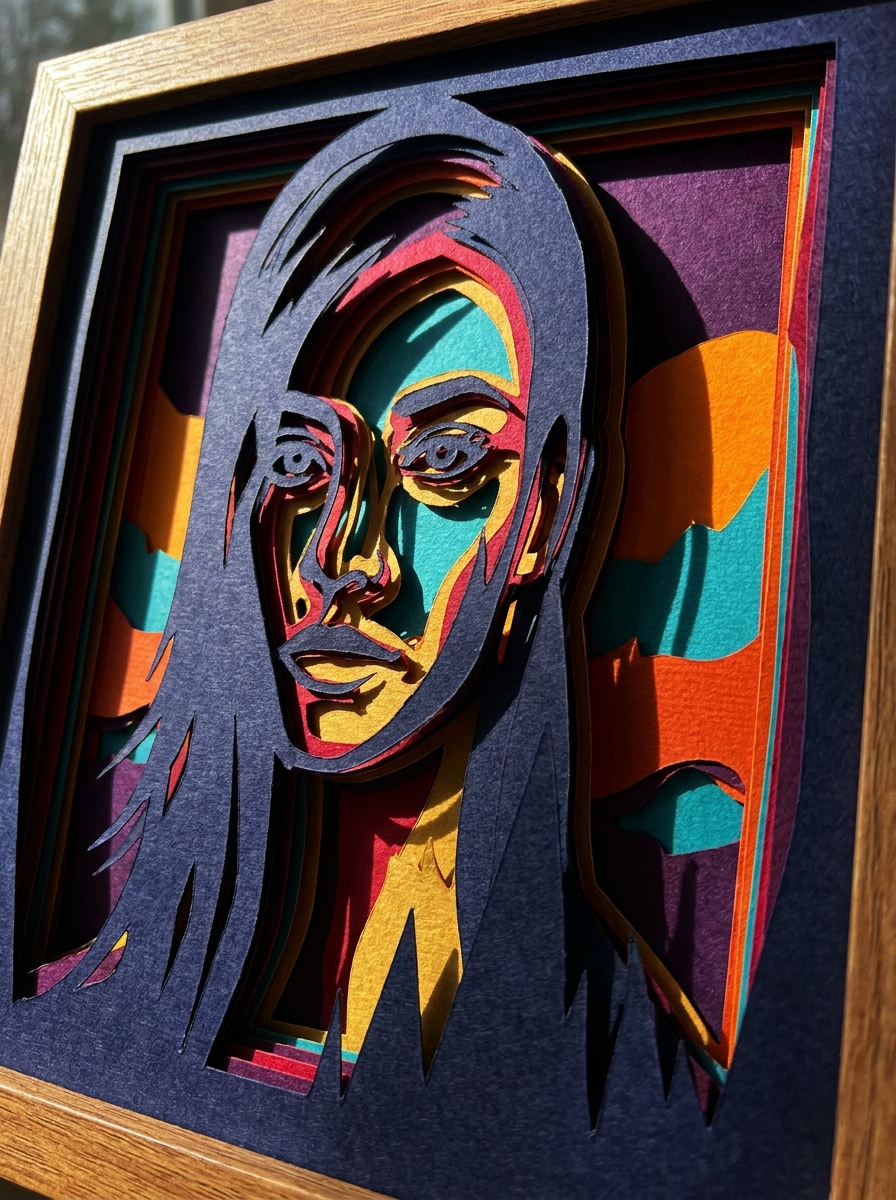
Bold Shadow Box Cutout
Use the uploaded photo as the subject and remake it as a dramatic shadow-box papercut design. Build deep stacked layers, bold silhouette separation, vivid color blocks, crisp contours, strong side-lit shadows, textured cardstock surfaces, and a high-contrast handcrafted depth effect with a modern gallery-style composition.
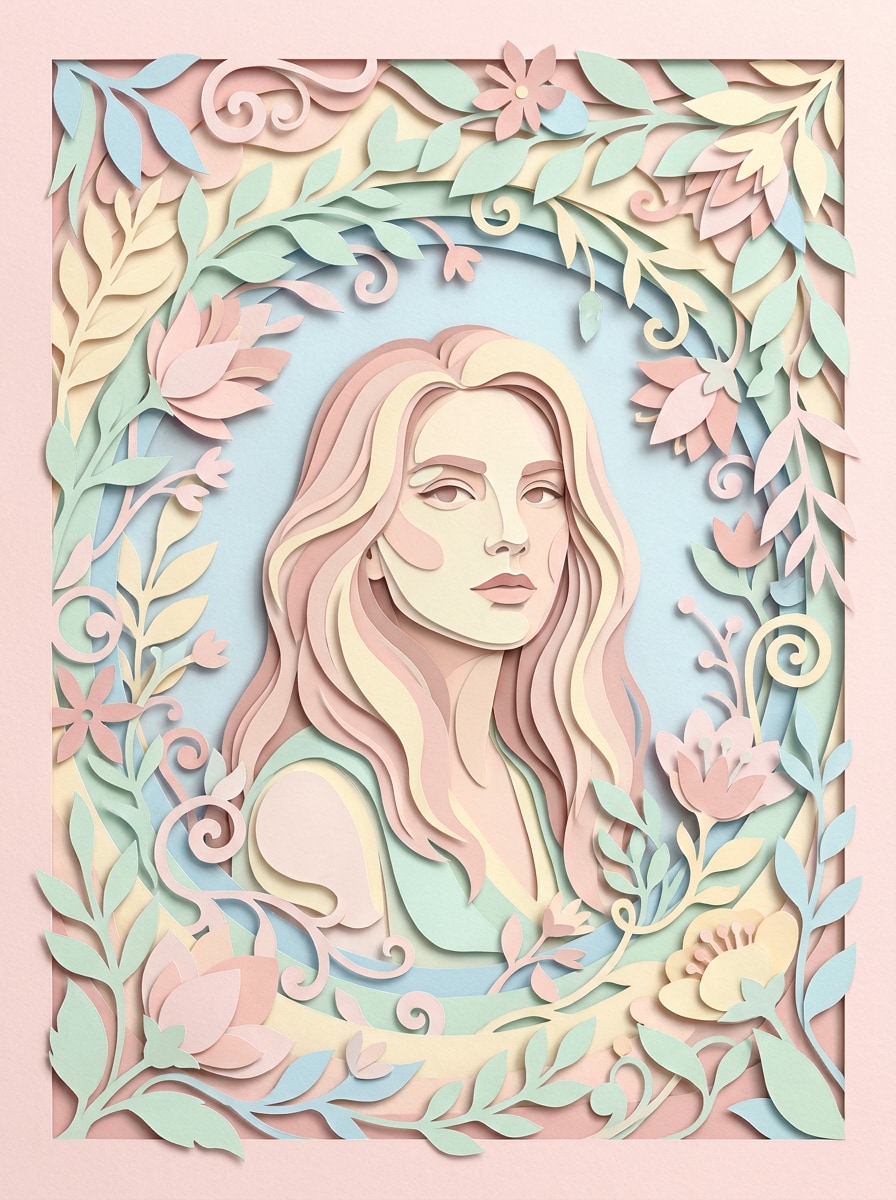
Floral Paper Cut Frame
Use the uploaded portrait as the centerpiece and surround it with an elegant floral papercut frame. Add layered leaves, petals, and curved paper vines, soft pastel tones, graceful negative space, gentle shadows, fine paper texture, and a romantic handcrafted composition suitable for profile art or greeting-card visuals.
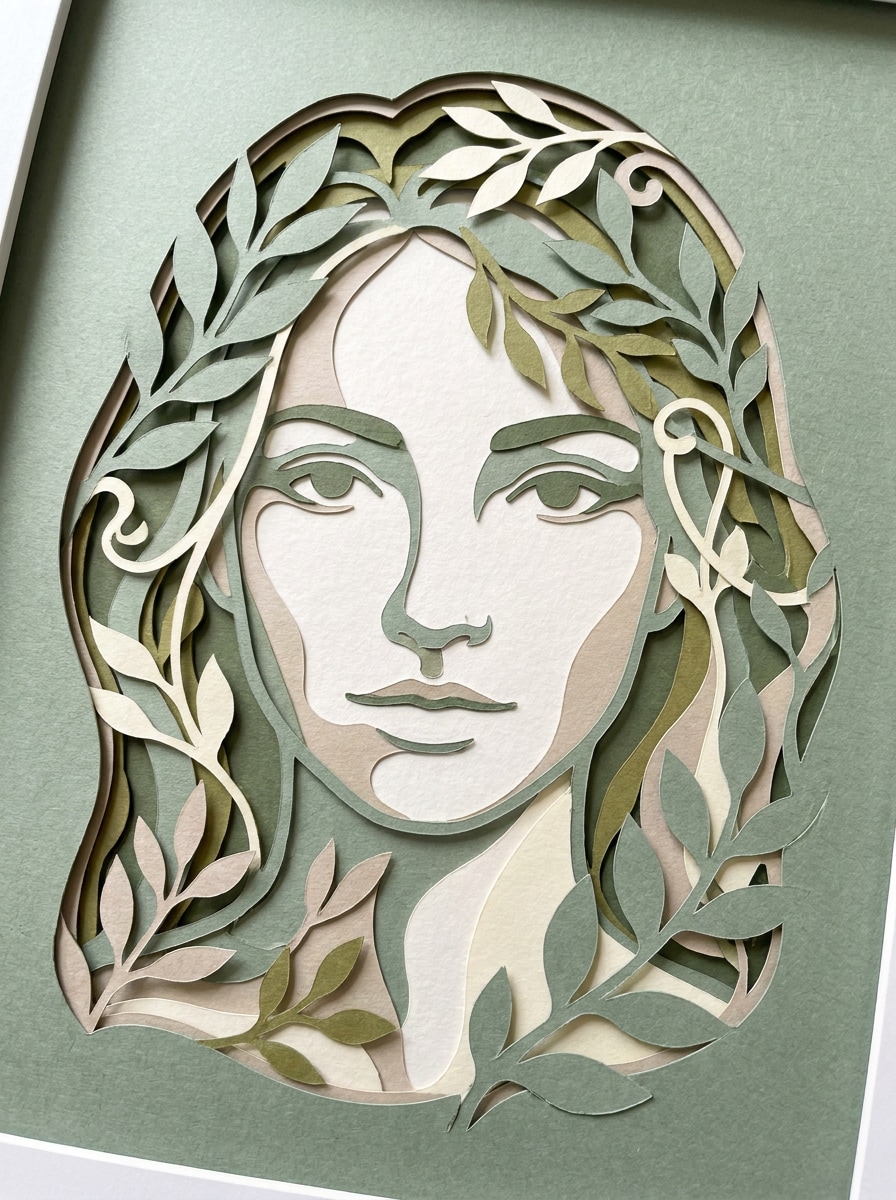
Botanical Silhouette Cutout
Use the uploaded image as the base and convert it into a refined botanical silhouette papercut. Simplify facial details into elegant layered shapes, add surrounding leaf forms and organic curves, use earthy greens, ivory, and muted sage tones, with soft shadow depth and a calm handcrafted paper-art mood.
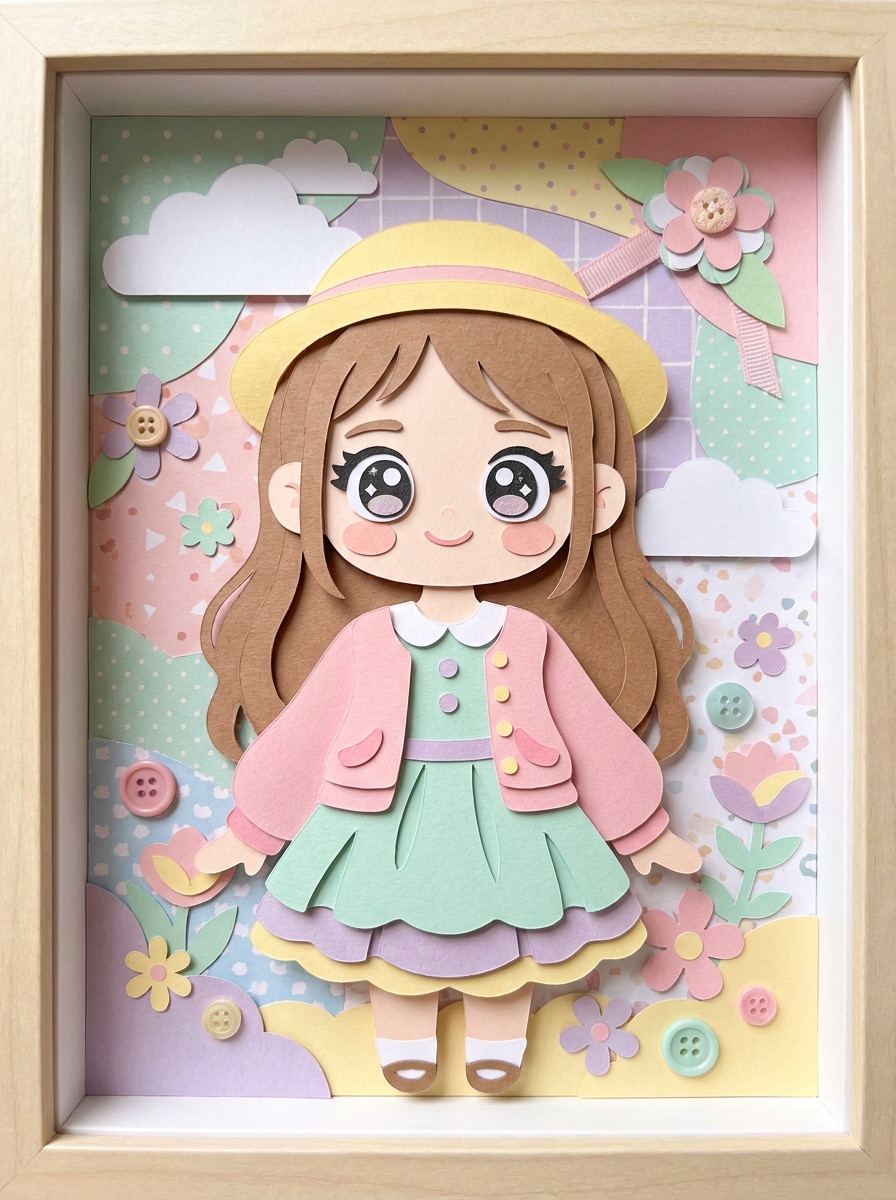
Kawaii Paper Doll Filter
Use the uploaded portrait as the subject and transform it into a cute paper doll illustration. Add layered cut-paper clothing, rounded facial shapes, bright pastel colors, soft paper texture, playful accessories, clean edges, gentle shadows, and a cheerful handcrafted look with a charming social-media-friendly composition.
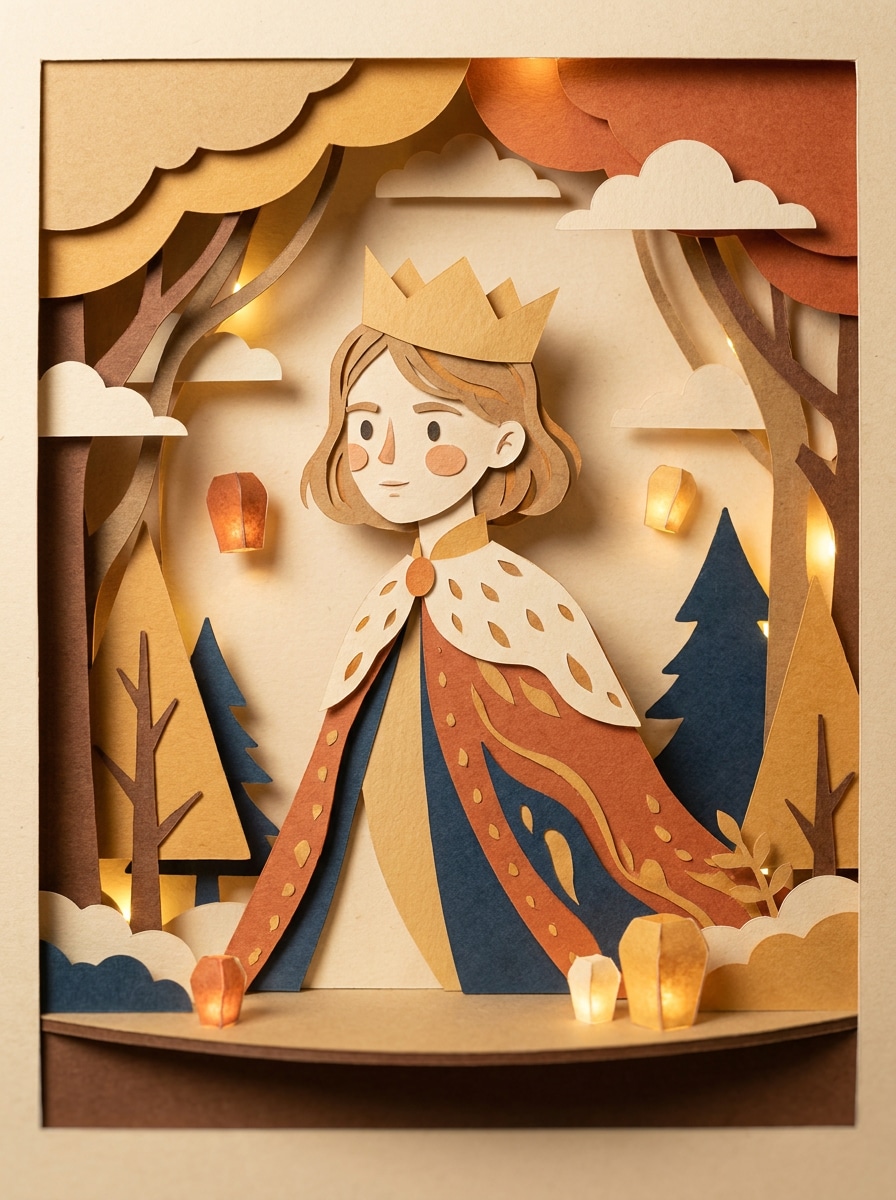
Storybook Papercut Character
Use the uploaded image as inspiration and restyle the subject as a whimsical storybook papercut character. Blend layered craft-paper scenery, stylized facial simplification, soft theatrical shadows, warm storybook colors, textured paper surfaces, and a charming illustrated composition with narrative depth and cozy handmade appeal.
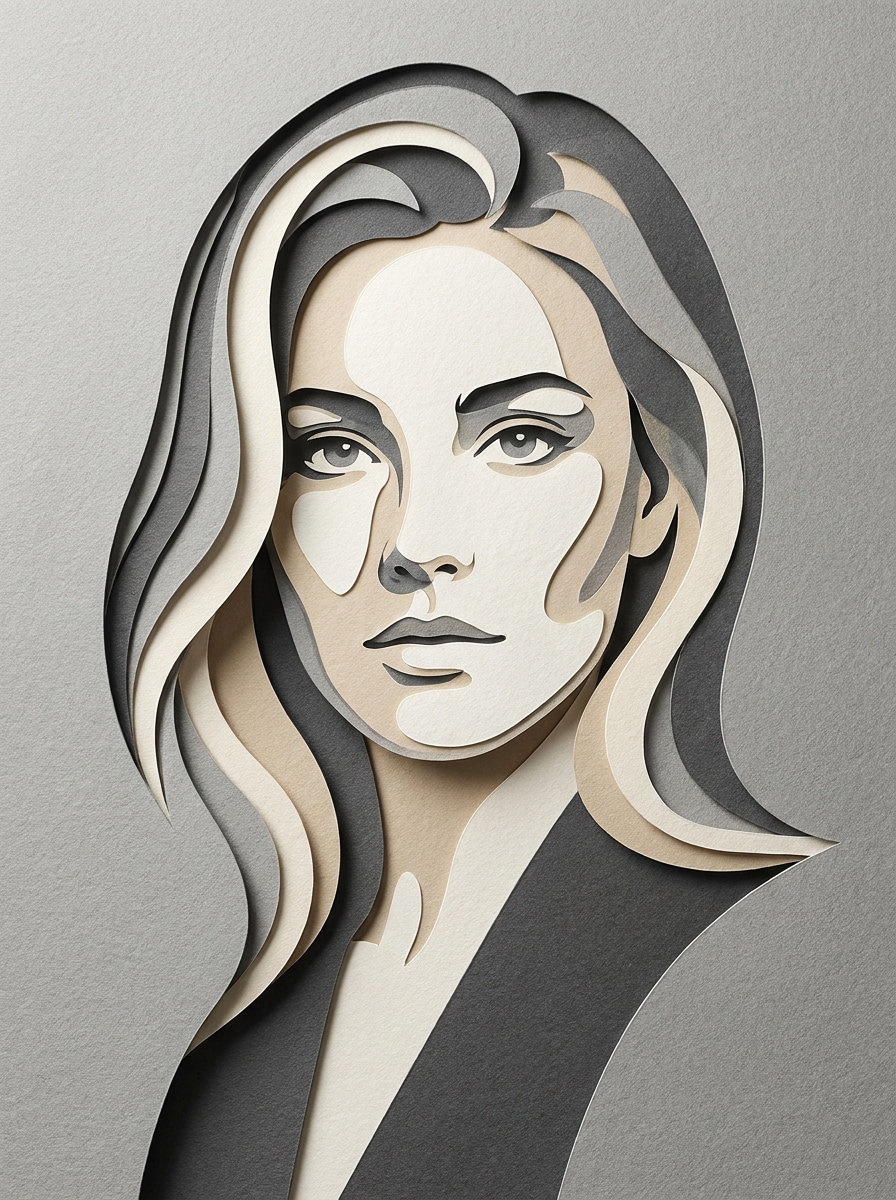
Monochrome Layered Cutout
Use the uploaded photo as the subject and apply a minimalist monochrome layered cutout style. Build clean nested paper shapes, subtle relief depth, precise contours, editorial composition, soft directional lighting, premium cardstock texture, and a restrained grayscale or beige palette for a sleek modern paper-art finish.
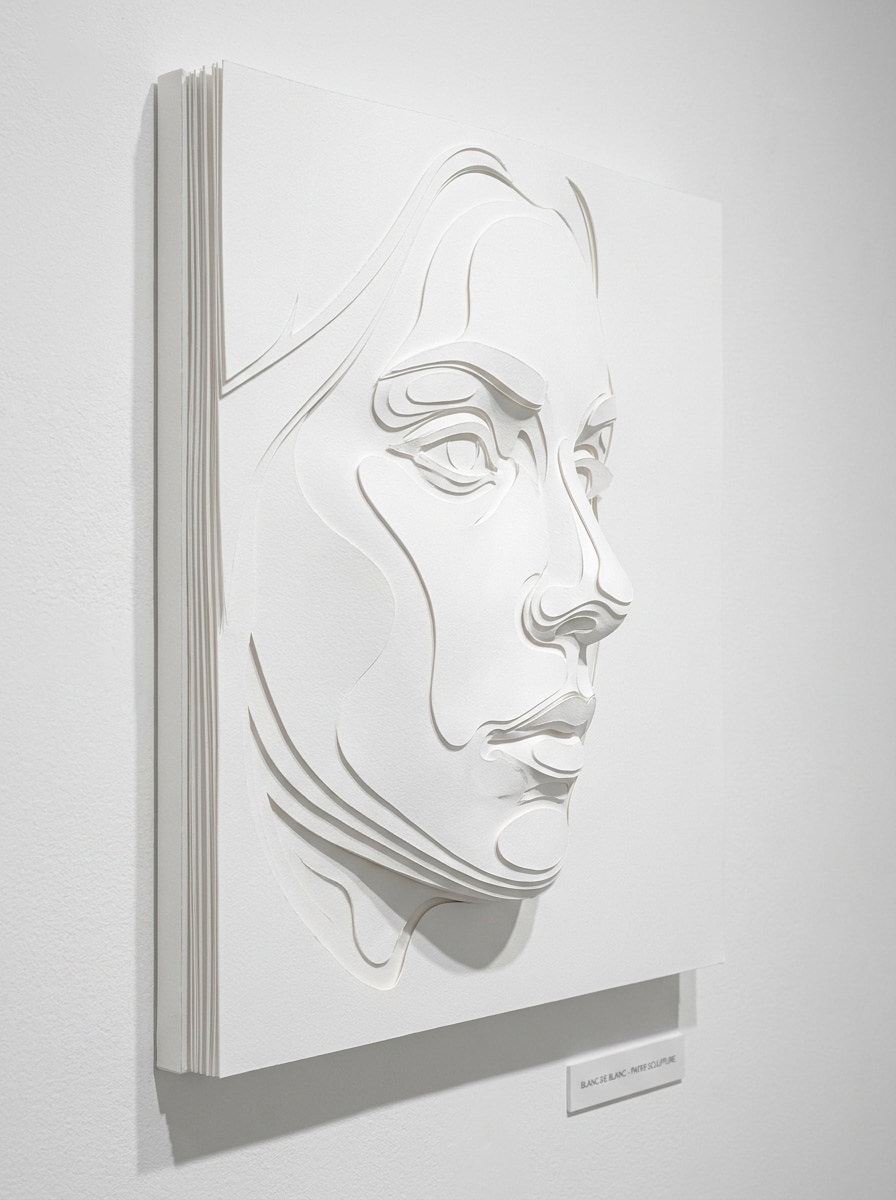
White-on-White Relief Papercut
Use the uploaded portrait and turn it into elegant white-on-white relief paper art. Shape the face with sculpted layered cuts, delicate shadow gradients, crisp embossed edges, luxurious matte paper texture, soft gallery lighting, and a clean museum-style composition with subtle depth and refined minimalism.
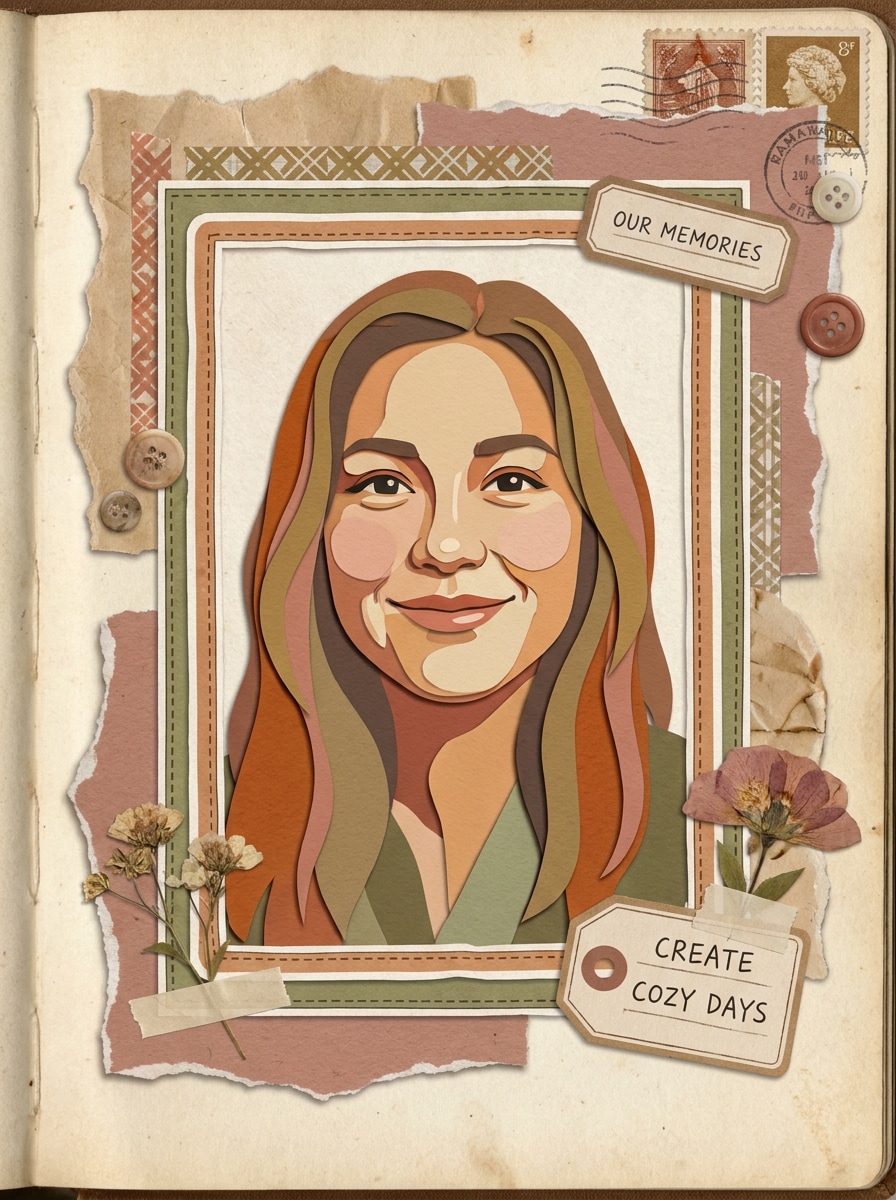
Scrapbook Paper Collage
Use the uploaded picture as the subject and transform it into a cozy scrapbook paper collage. Add torn paper accents, layered cutout shapes, sticker-like frames, warm muted colors, tactile craft textures, handwritten-style decorative elements, soft shadows, and an inviting handmade aesthetic full of personality.
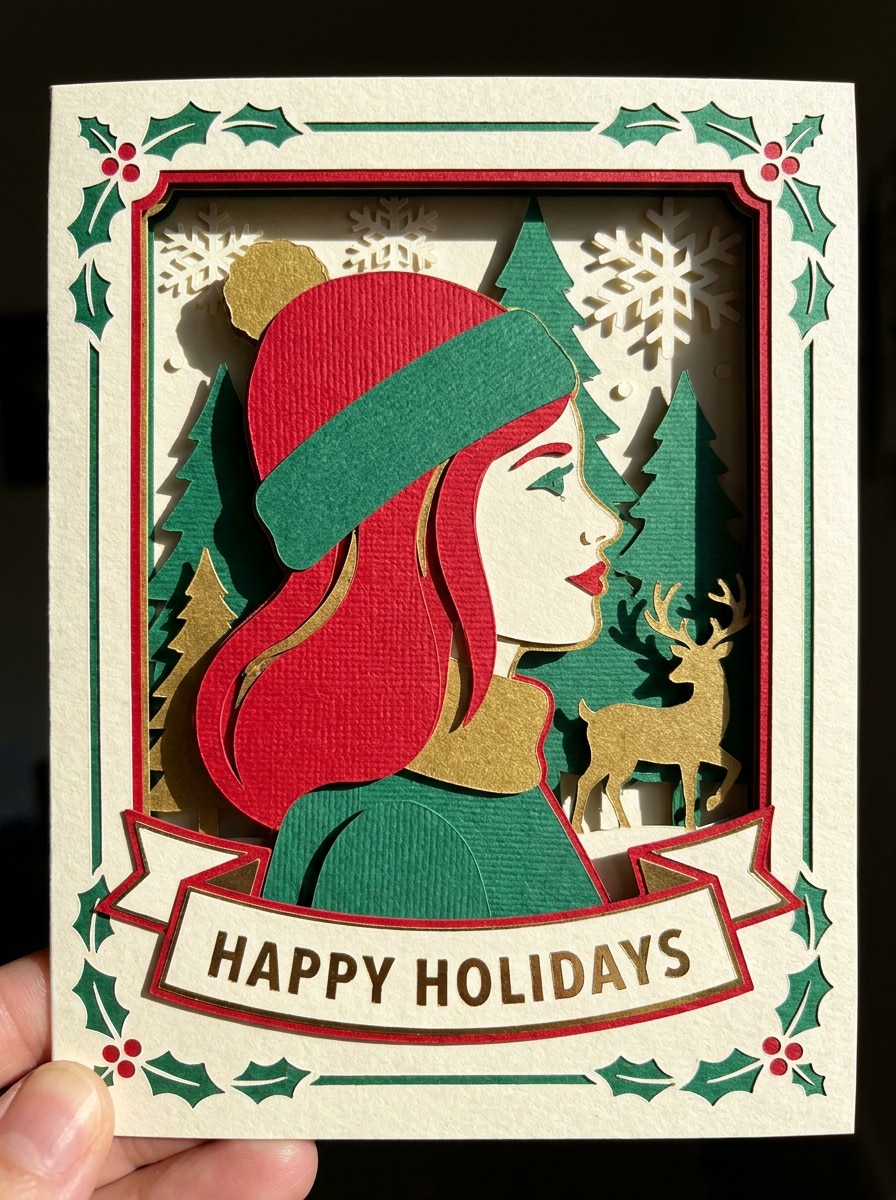
Holiday Papercraft Card Style
Use the uploaded portrait as the main subject and redesign it as a festive papercraft greeting card. Add layered decorative shapes, dimensional shadows, seasonal motifs, crisp cut edges, rich craft-paper textures, balanced composition, and warm celebratory colors for a polished handmade card-style result.
Why Use Media.io for Paper Cut Portrait Effects
Turn Real Photos Into Layered Cutout Art Fast
For social posts, branding, or mockups that still need to look like the original person, Media.io preserves recognizable features while applying a layered paper cut filter style, so the final image feels creative without losing subject identity.
Match the Right Style for Every Version
Different outputs call for different aesthetics. Media.io helps you explore varied treatments of the same paper cut filter visual concept so the final visual lands in the right tone faster.
Keep Final Visuals Sharp for Real Projects
Presentation-ready visuals matter when you plan to crop, share, or repurpose the image. Media.io creates polished paper cut filter artwork with up to 4K output, so edges, layered depth, and overall clarity hold up better in the final file.
Create in Browser Across Devices
When a paper cut filter visual idea starts away from your main setup, Media.io lets you create and refine it in the browser so moving between mobile and desktop feels seamless instead of disruptive.
How to Make a Paper Cut Filter From Your Photo
Turn your words into stunning visuals in three simple steps, then continue refining the result if you want to take it further.
Step 1
Upload Your Reference Image
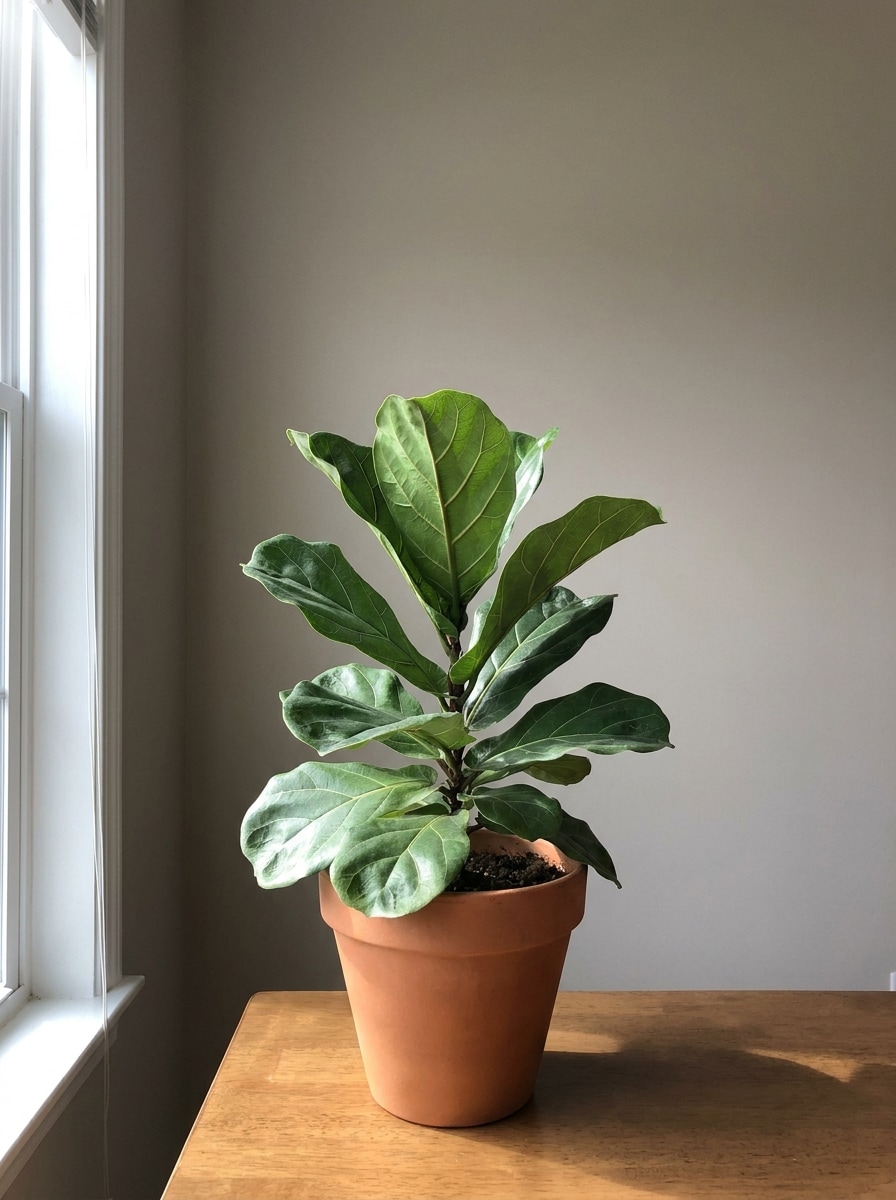
Start with a clear portrait, selfie, or subject photo in JPG, PNG, or JPEG format. Front-facing images with clean outlines, simple backgrounds, and good lighting usually produce the most convincing layered cutout result.
Step 2
Describe the Change and Set Options
Enter the style you want, such as pastel portrait, floral frame, scrapbook collage, or a papercut effect photoshop-inspired layered look. Then choose your model, aspect ratio, resolution, and the number of image variations to generate.
Step 3
Generate, Download, and Keep Improving
Generate your paper-style variations, compare depth, color, and silhouette quality, then download the best version. If needed, refine the prompt, try a different layout, or create more results until the handmade look feels just right.
See how creators use this Paper Cut Filter for content, marketing, and personal projects, then adapt each idea to fit the brief.
Upgrade Profile Photos With Handmade Depth
Turn standard selfies into layered craft portraits for TikTok, Instagram, or creator branding. Soft shadows, crisp cut edges, and pastel or bold palettes help your image stand out with a distinct handcrafted style instead of another generic cartoon treatment.
Design Personalized Cards and Gift Art
Create decorative portrait pieces for birthdays, holidays, and keepsakes with floral frames, storybook scenes, or elegant white relief styling. This kind of paper art filter result feels more custom and print-worthy than a flat filter, especially for greeting cards and wall display projects.
Build Social Covers and Scrapbook Visuals
Use layered collage aesthetics for story covers, mood boards, mini posters, or cozy memory pages. Whether you want a playful paper craft filter look or a polished style similar to a papercut effect photoshop workflow, Media.io helps you make consistent visuals quickly from your own photos.
What Users Say About This Paper Cut Filter
Maya R.
Lifestyle Creator
"Perfect for profile art" I wanted a layered papercraft profile picture without spending hours editing. The results looked clean, colorful, and surprisingly dimensional. It gave my portrait that handmade shadow-box feel right away.
Jordan L.
Etsy Seller
"Great for printable designs" I tested it for greeting card concepts and was impressed by how well the layered cut edges translated into a print-friendly image. The floral and minimalist styles were especially useful for product mockups.
Nina C.
Social Media Manager
"Fast and easier than manual editing" Usually this kind of effect takes a lot of masking in design software. Here I just uploaded a portrait, described the look, and got several strong options in one go. It saved me a lot of time.
Ethan P.
Student Designer
"Helpful style variety" I liked that I could switch from scrapbook collage to monochrome relief without changing tools. It made experimenting easy, and the final images still kept the subject recognizable.
A paper cut filter turns a photo into artwork that looks like layered cut paper, with stacked shapes, visible depth, soft shadows, and a handcrafted feel. In Media.io, you upload a reference image and use AI to create papercraft-style portraits in looks such as pastel collage, floral cutout, scrapbook, or minimalist relief.
2. How do I turn a photo into a paper cut effect online?
Upload a JPG, PNG, or JPEG image to Media.io, then enter a prompt describing the layered style you want, such as pastel papercut, floral frame, or storybook craft art. After that, choose your model, aspect ratio, and resolution, generate the image, and download the version that best matches your creative goal.
3. Can I use a paper cut filter for free?
Media.io free users can try the tool with free credits. Depending on your plan, free results may include watermarks, while paid subscribers can download watermark-free high-resolution images. For more usage details or to upgrade for additional credits, check the pricing page.
4. Which photos work best for a papercut portrait?
Clear portraits with good lighting, visible facial outlines, and simple backgrounds usually work best. A centered selfie or upper-body photo makes it easier for Media.io to preserve the subject while applying layered shapes, shadow depth, and the stylized edges that make a strong cut paper photo effect.
5. Can I create a high-resolution paper cut image for printing?
Media.io supports 1K, 2K, and 4K resolution options, which helps when you want sharper exports for cards, posters, framed prints, or cover artwork. You can also choose aspect ratios that better match your final print layout before generating the image. Free users may have watermarks.
6. Does the paper cut filter work on phone and desktop?
Media.io is web-based, so it works on phones, tablets, laptops, and desktop computers through a browser. Whether you start on iOS, Android, Windows, or Mac, you can upload a photo, generate a paper craft or paper art style image, and download the result without installing separate software.