

GPT Image 2 - Create Ultra-Realistic AI Images on Media.io
Transform photos into cinematic portraits, product ads, UI mockups, anime visuals, and viral social creatives with stronger prompt accuracy and richer detail.
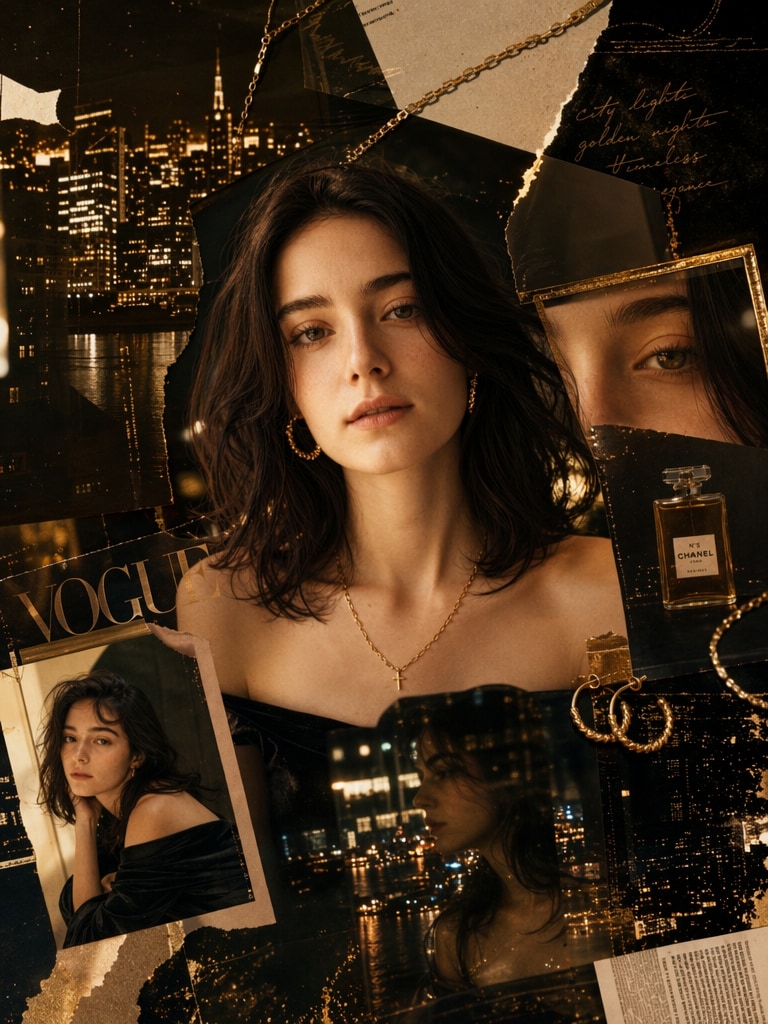
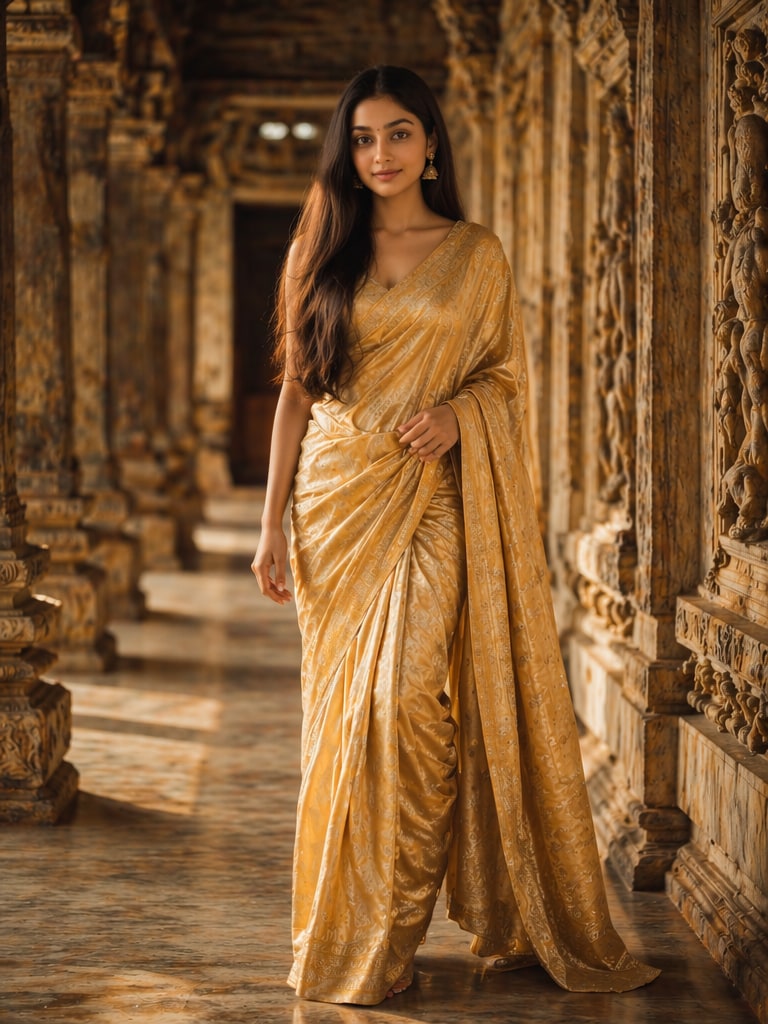
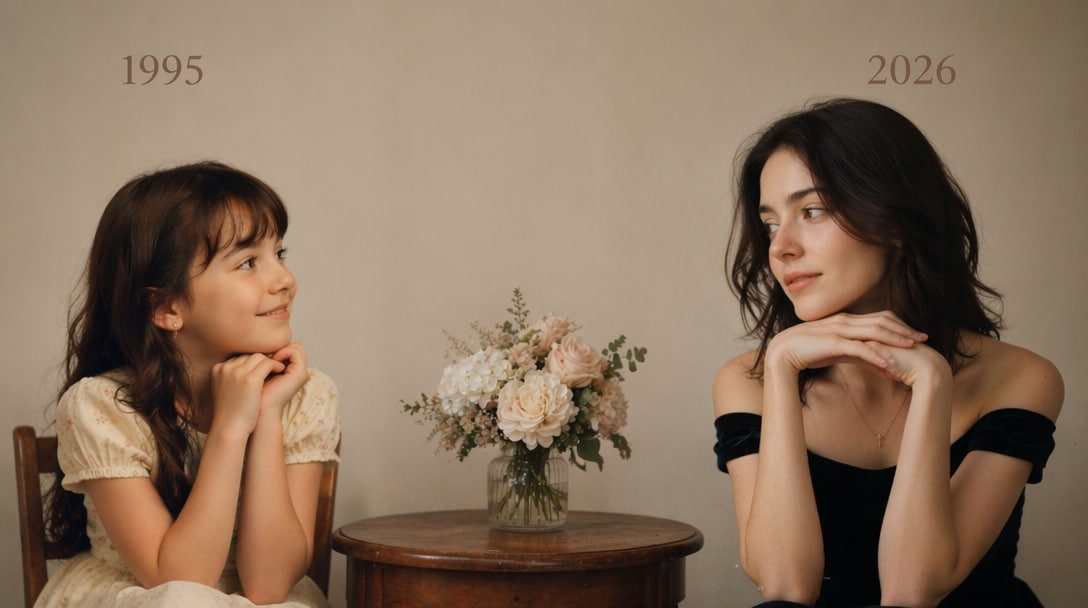
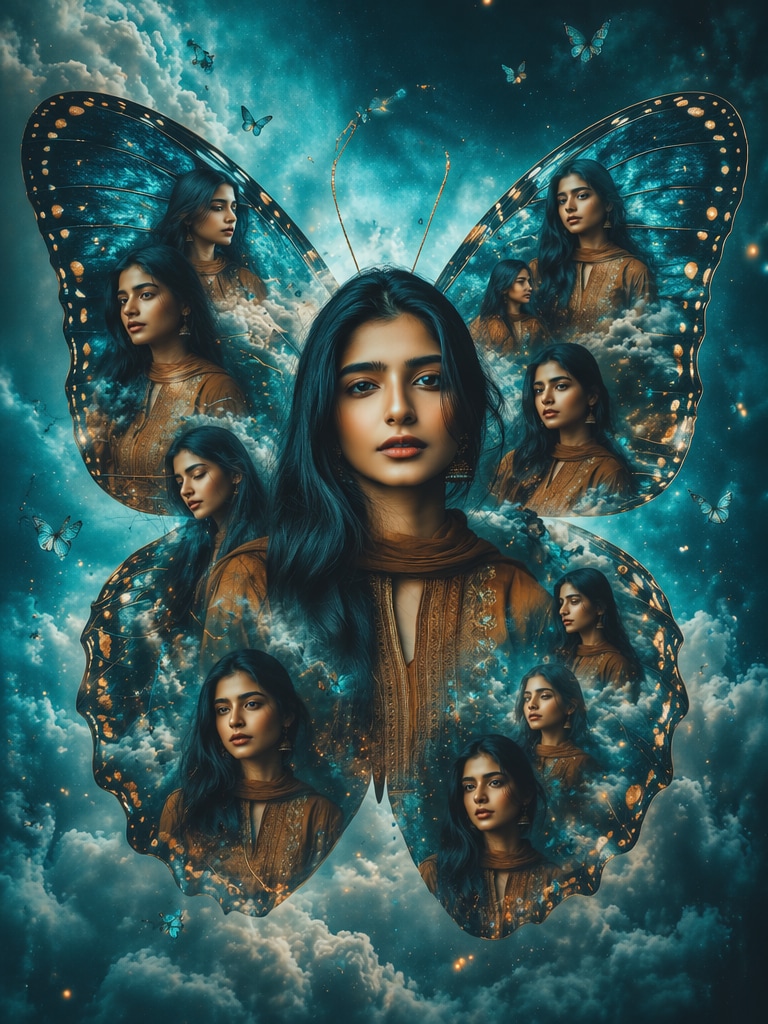
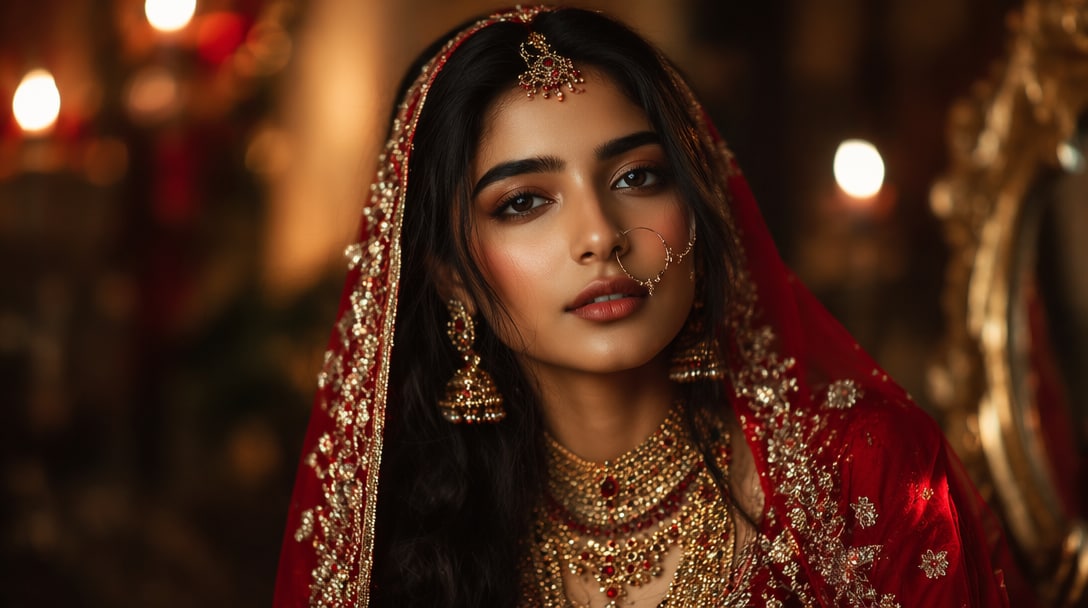
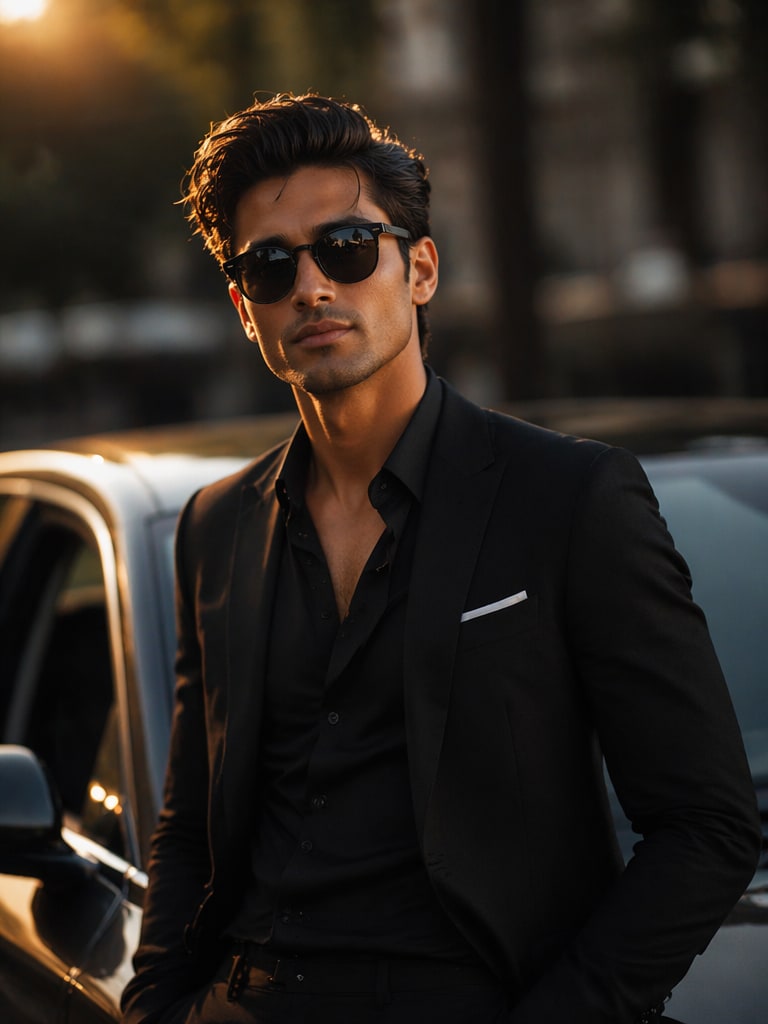
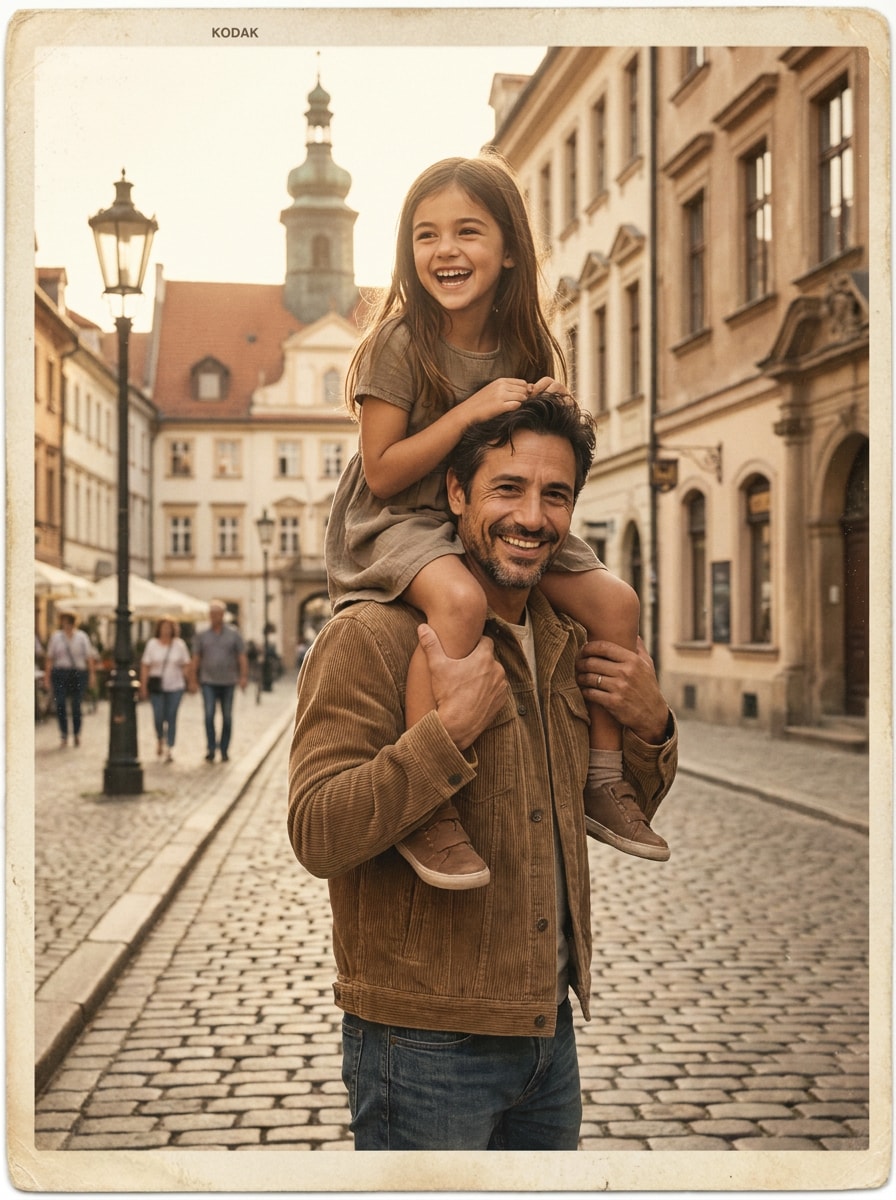
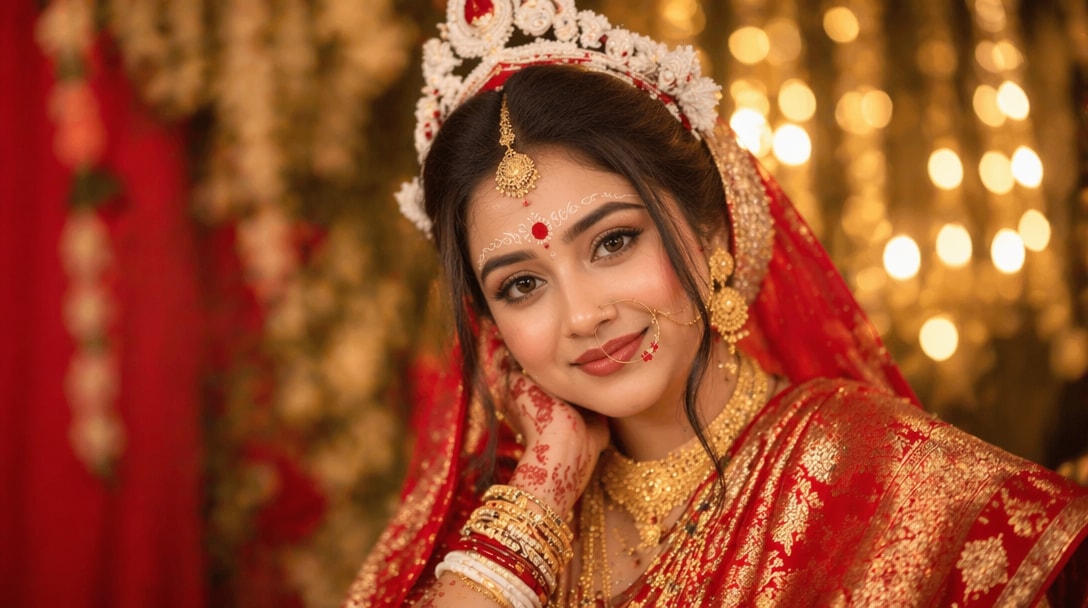
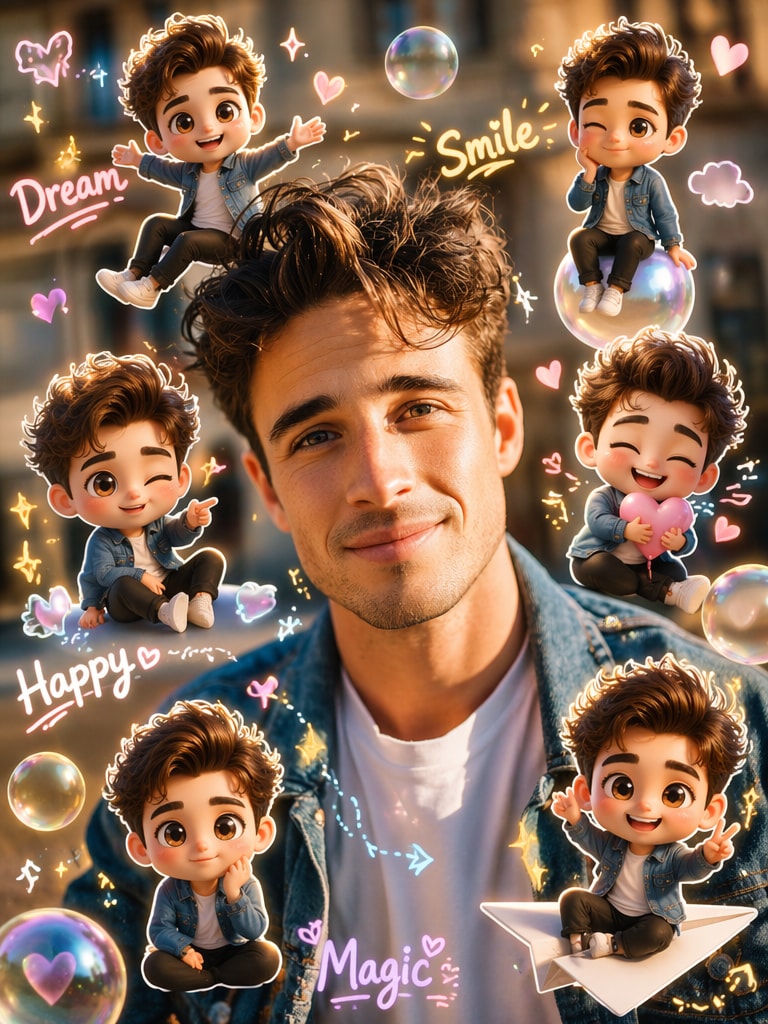
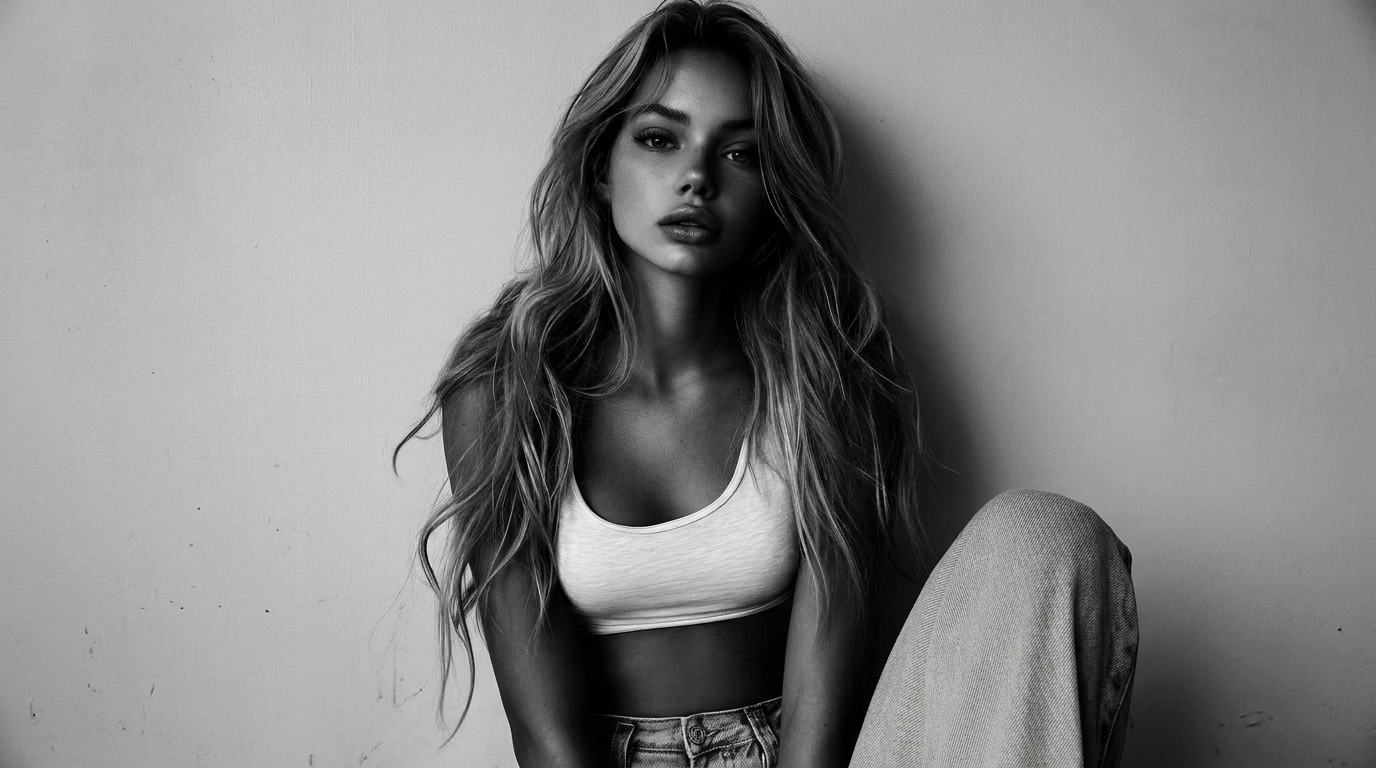

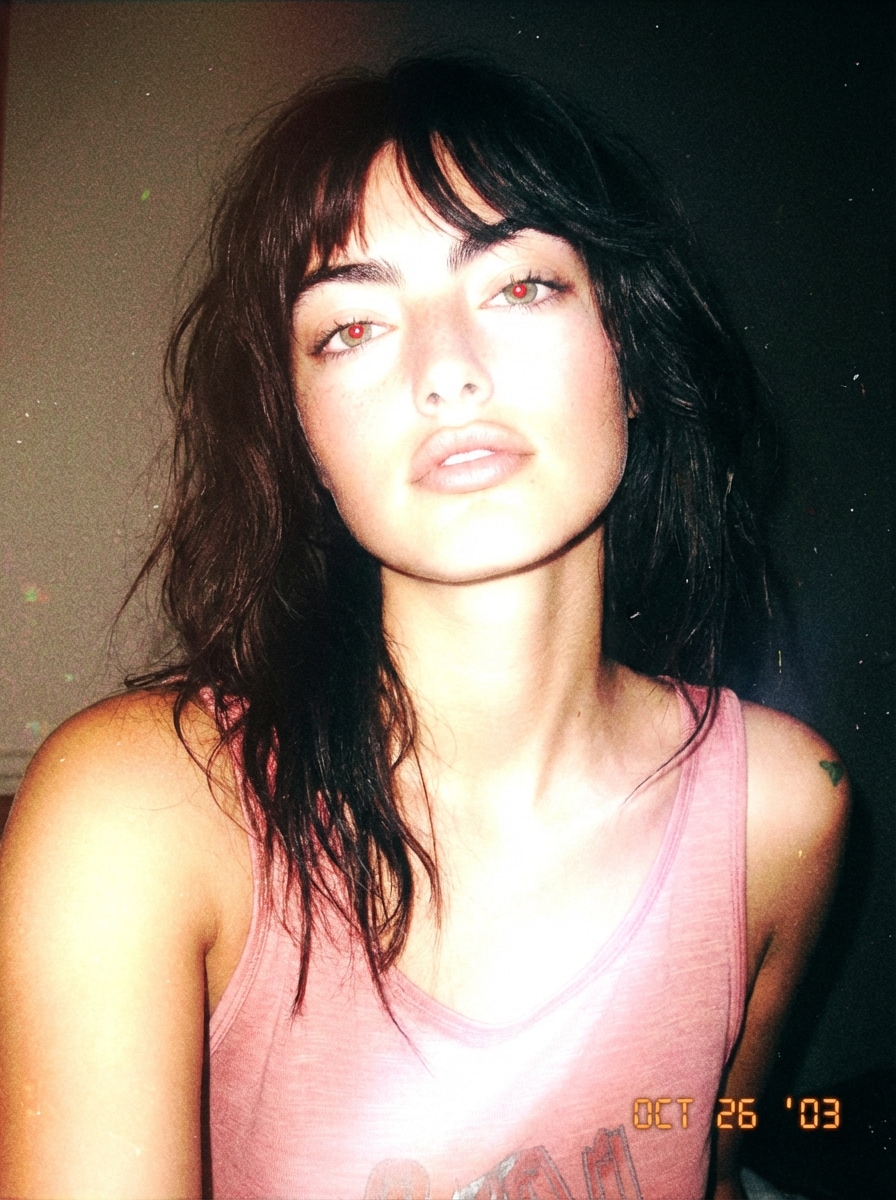
Why GPT Image 2 Matters for You
Better Prompt Understanding
GPT Image 2 handles more detailed instructions with stronger scene awareness, making it easier to create complex visuals, branded layouts, and realistic images with fewer retries.
High-End Visual Realism
From product ads to portraits, GPT Image 2 produces cleaner lighting, sharper textures, and stronger visual polish for creators, marketers, and commercial use cases.
API-Ready for Production
If you're exploring the gpt image 2 api , the model is especially relevant for developers building image generation, editing, or creative automation into products and workflows.
Stronger Image Editing & Variations
GPT Image 2 is useful not only for fresh generations, but also for image edits, style changes, scene refinement, and fast iteration across marketing, design, and content workflows.
Flexible for Creative & Commercial Teams
Whether you want campaign visuals, product imagery, social assets, or concept mockups, GPT Image 2 offers a balanced mix of quality, control, and speed for real-world teams.
Realistic Output · Better Prompt Accuracy · API-Friendly Workflow
Bring GPT Image 2 Into Your AI Agent Workflow
GPT Image 2 is also available through Media.io CLI, so you can move from prompt planning to image creation inside AI-assisted workflows instead of switching tools every time.
Use the Media.io CLI page for the latest setup flow and supported agent instructions.
Create High-Quality Visuals with GPT Image 2 Workflows
GPT Image 2 helps teams move from prompt to polished creative faster, whether they're designing ads, social visuals, product imagery, or presentation-ready assets.
Campaign Creatives with Better First-Try Results
GPT Image 2 is well-suited for ad concepts, product promotions, launch visuals, and paid social. Stronger prompt understanding means less time rewriting prompts and more time shipping creative.
Try GPT Image 2 Free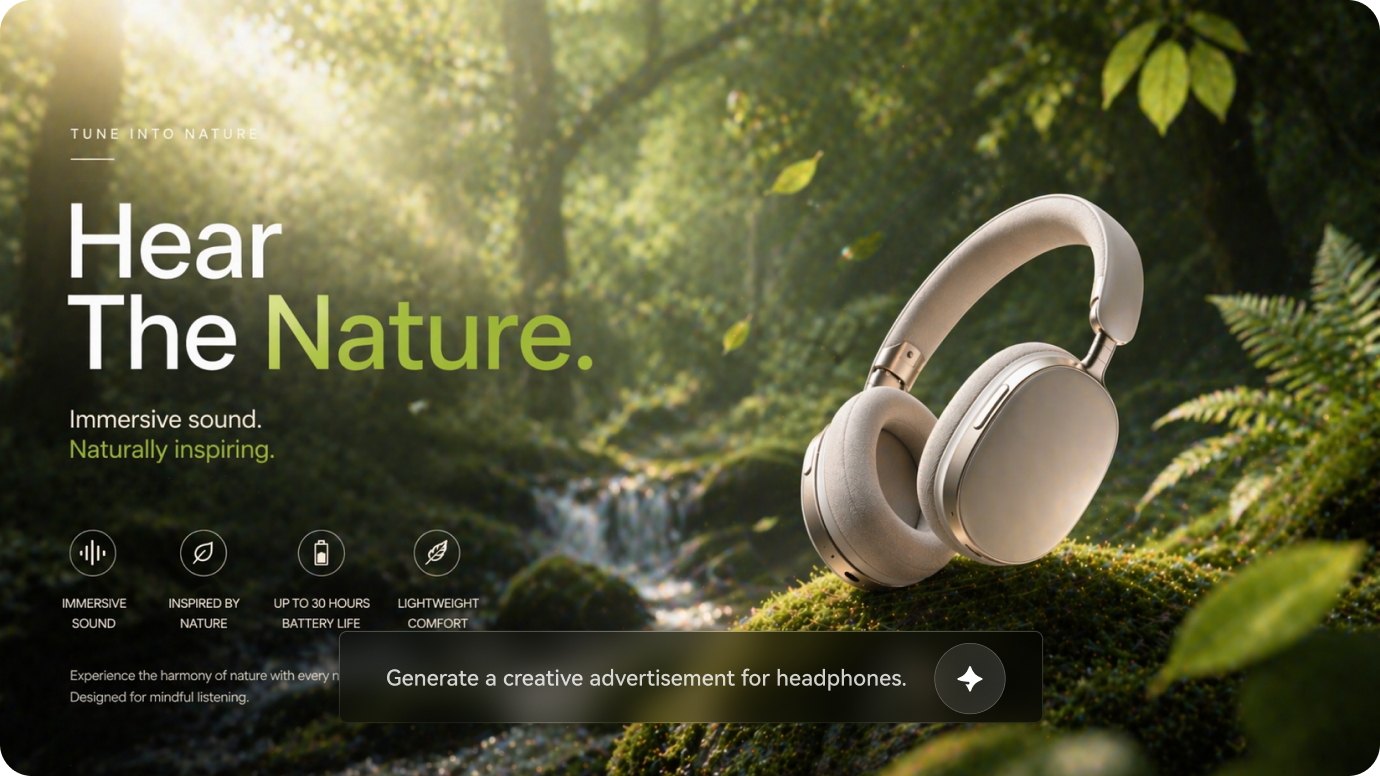
AI-generated campaign-style visual created with Media.io, powered by GPT Image 2.
Product Images, Variations & Listing Visuals
Use GPT Image 2 to generate polished product scenes, packaging concepts, hero images, and branded visuals that look cleaner and more premium for store pages and ads.
Generate Ecommerce Visuals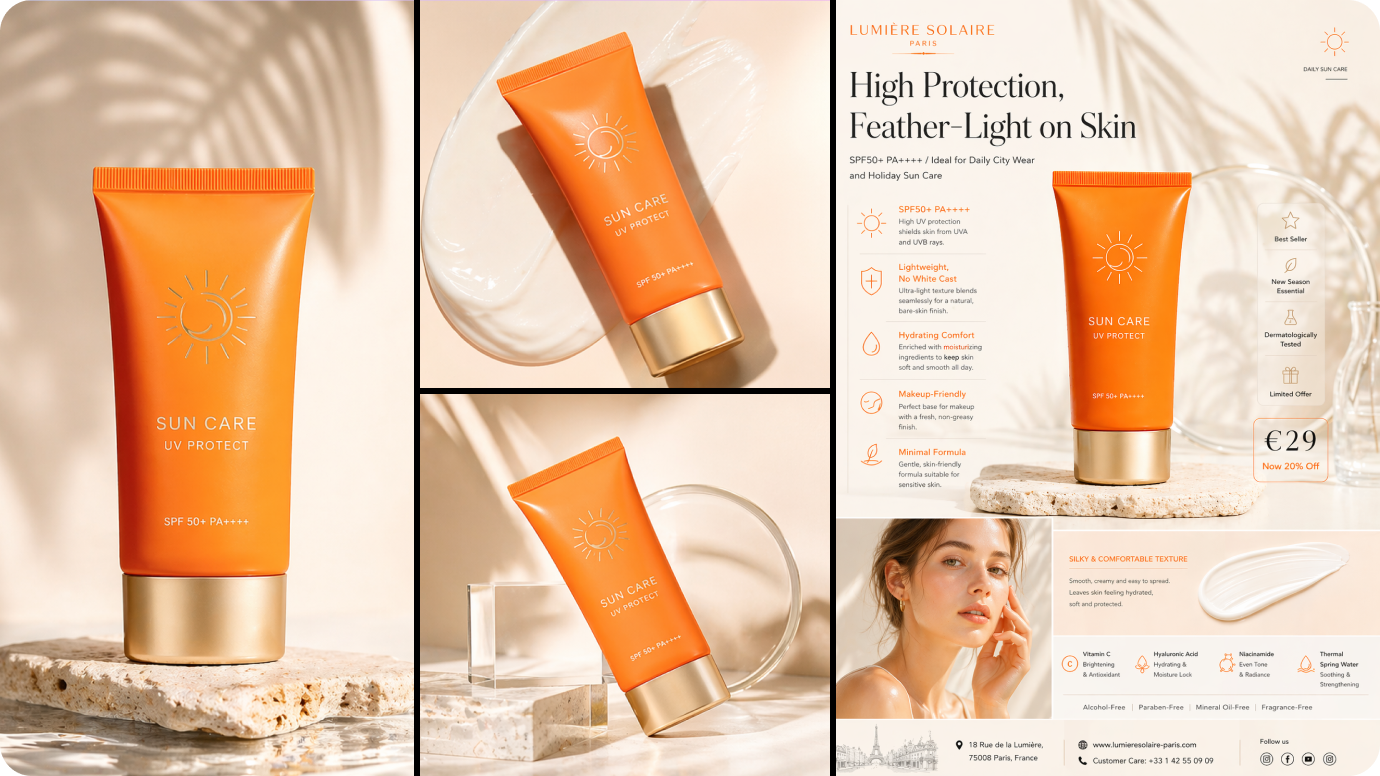
AI-generated ecommerce-style visual created with Media.io, powered by GPT Image 2.
Faster Mockups, Concepts & Visual Prototypes
From dashboard concepts to posters, presentations, and editorial layouts, GPT Image 2 can help teams visualize ideas quickly before moving into full production workflows.
Start Creating Now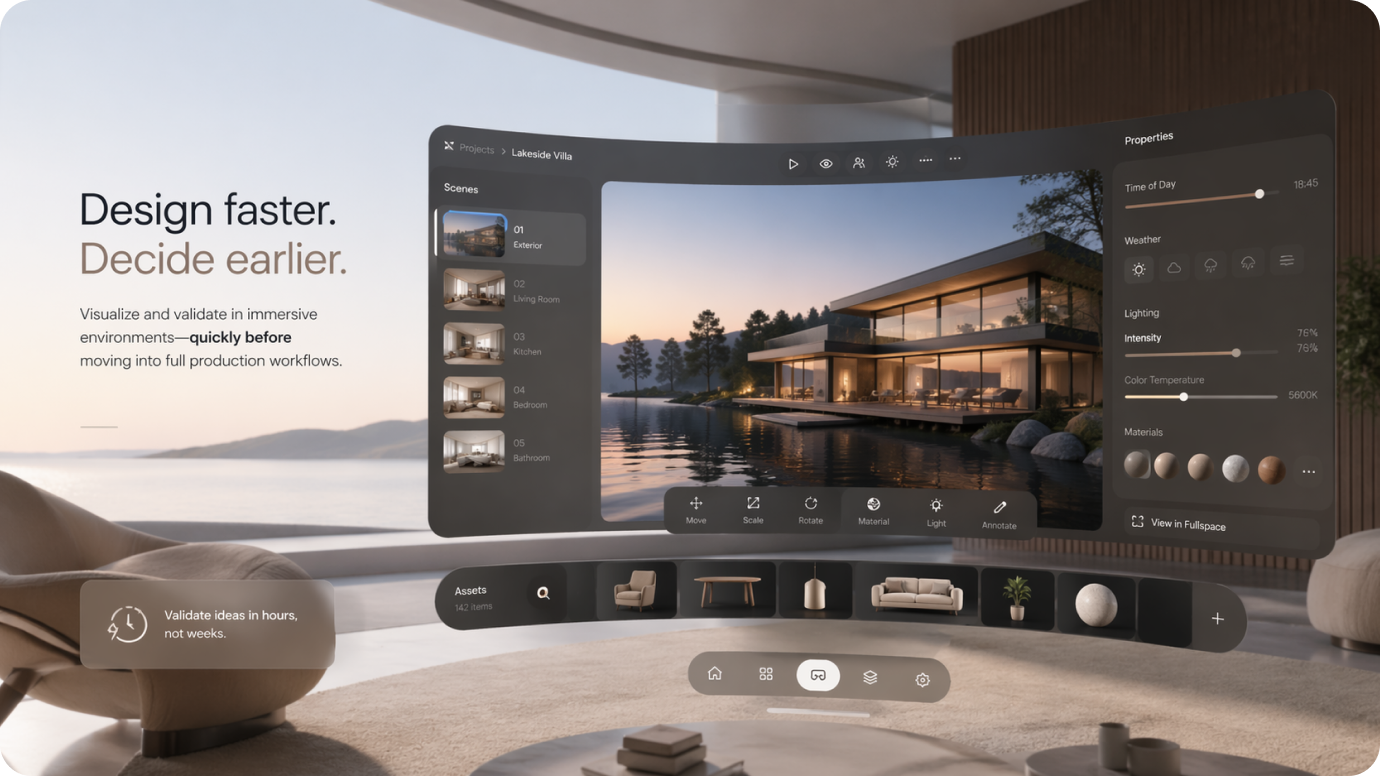
AI-generated concept visual created with Media.io, powered by GPT Image 2.
GPT Image 2 vs Nano Banana 2
A practical comparison for creators, marketers, and teams choosing between image quality, workflow speed, and accessibility.
| Feature | GPT Image 2 | Nano Banana 2 |
|---|---|---|
| Prompt Understanding | More advanced for detailed instructions | Strong, but generally lighter-weight |
| Visual Realism | High-end, polished output | Good quality with fast turnaround |
| Editing Capability | Better suited for refined image edits and variations | Useful for quick generation and iteration |
| Workflow Speed | Moderate | Faster for quick-turn creation |
| API Use Cases | Strong appeal for developers and app integration | Less positioned around developer workflows |
| Free Accessibility | Often more limited directly | Often perceived as easier for lightweight experimentation |
If you want higher creative control and stronger prompt intelligence, GPT Image 2 stands out. If you prioritize speed and faster everyday generation, Nano Banana 2 remains a practical option.
How to Use ChatGPT Image 2
Step 1: Enter a Detailed Prompt
Describe the subject, style, background, lighting, mood, camera angle, and composition. GPT Image 2 performs best when you give it clear visual direction.
Step 2: Generate or Edit the Image
Use GPT Image 2 for fresh image creation or for refining an existing visual. This is one reason the model is gaining traction among creators and developers.
Step 3: Refine for Better Results
Adjust wording, style direction, or composition notes to improve the final image. Iteration is key if you want the best GPT Image 2 results for production use.
What Reddit Users Are Saying About GPT Image 2

Reddit user · r/aiArt

“The realism is honestly kind of wild.” I’ve tested a lot of image models, and GPT Image 2 feels especially good when you want polished, client-facing visuals with believable lighting, texture, and a more premium overall finish.

Reddit user · r/ChatGPT
“Really strong for social content.” The outputs feel more campaign-ready than a lot of quick AI image tools. For portraits, posters, and creator-brand visuals, it gives you something that already looks closer to a finished asset.

Reddit user · r/OpenAI
“The API angle is what makes it interesting.” It’s not just about making cool images for fun. If you’re building workflows for editing, ad creatives, or product mockups, GPT Image 2 feels like something teams can actually integrate into tools.
Explore More AI Image & Video Creation Tools



GPT Image 2 FAQ
Find answers about GPT Image 2, including free access, API workflows, prompt writing tips, image editing use cases, and how to get better results.
1. What is GPT Image 2?
GPT Image 2 is an advanced AI image model designed for both image generation and image editing. Users rely on it to create visuals from text prompts, transform existing photos, and produce more polished results for creative and commercial projects.
It is especially popular for realistic imagery, strong prompt understanding, and flexible workflows across design, marketing, ecommerce, and content creation.
2. Is GPT Image 2 free?
Free access to GPT Image 2 depends on the platform, account type, and usage limits. Some services may offer limited trials or free credits, while others may require a paid plan for higher generation volume, image editing, or exports.
That is why many users also explore alternative tools when they want a faster or simpler way to test AI image generation and image-to-image editing.
3. How do you use GPT Image 2?
The usual workflow is simple: write a clear prompt, generate an image, then refine the output with more specific instructions or reference images.
For better results, include details such as:
- main subject
- background or setting
- style or mood
- lighting and camera angle
- composition and framing
- quality cues like cinematic, realistic, editorial, or commercial
The clearer your prompt is, the more likely GPT Image 2 is to produce a useful first draft.
4. What is GPT Image 2 API used for?
The GPT Image 2 API is mainly useful for developers, startups, and product teams that want to integrate AI image generation or editing into their own apps and workflows.
Common use cases include:
- AI image generation inside SaaS products
- automated marketing creative production
- product image creation and editing workflows
- design assistance inside internal tools
- custom image features in content platforms
In short, the API matters when you want AI image capabilities inside your own product rather than only inside a chat interface.
5. What can GPT Image 2 be used for?
GPT Image 2 is flexible enough for both creative and commercial image tasks.
Popular use cases include:
- marketing ad creatives
- social media visuals
- product hero images
- ecommerce listing graphics
- editorial portraits
- website hero banners
- design mockups and concept art
- image editing and style transfer
It is especially useful when you want images that feel polished, premium, and presentation-ready.
6. Is GPT Image 2 good for beginners?
Yes. Beginners usually get the best results by starting with simple, structured prompts instead of trying to overcomplicate the instructions.
You do not need advanced prompt engineering to begin, but adding clear details about subject, style, lighting, and background will improve the output significantly.
7. What should I write in a GPT Image 2 prompt for better results?
A strong GPT Image 2 prompt usually includes:
- main subject
- background or setting
- style direction
- lighting or mood
- camera angle or framing
- quality terms such as cinematic, realistic, editorial, commercial, or minimal
For example, instead of writing “make a product photo,” try: “A premium skincare serum bottle on a reflective surface, soft studio lighting, elegant shadows, luxury beauty ad style, realistic glass texture, minimal background.”
8. Is GPT Image 2 better for image generation or image editing?
One of the reasons GPT Image 2 stands out is that it is useful for both image generation and image editing. Users often care about not only creating images from scratch, but also making variations, changing styles, refining scenes, and improving existing visuals.
In practice, it can be strong for both tasks, especially when your workflow depends on iteration and refinement rather than one-shot generation only.