Viral Annotation Trends
Tap into the fast-growing hand-drawn annotation AI trend across TikTok, Instagram, and YouTube. Create engaging visuals with arrows, labels, and sketch overlays that explain ideas clearly and drive high engagement.
 Nano Banana Pro
 立即释放你的创造潜力,体验Media AI的魔力!
Turn any image into clean, expressive ChatGPT hand-drawn style annotations with sketch lines, arrows, and handwritten notes. Upload your photo and transform it into a hand-drawn annotated diagram—perfect for explaining ideas, visualizing concepts, or creating viral infographic-style content. Use powerful hand-drawn annotation prompts to generate technical breakdowns, doodle-style notes, and aesthetic explainer visuals optimized for TikTok, Instagram, and educational storytelling.
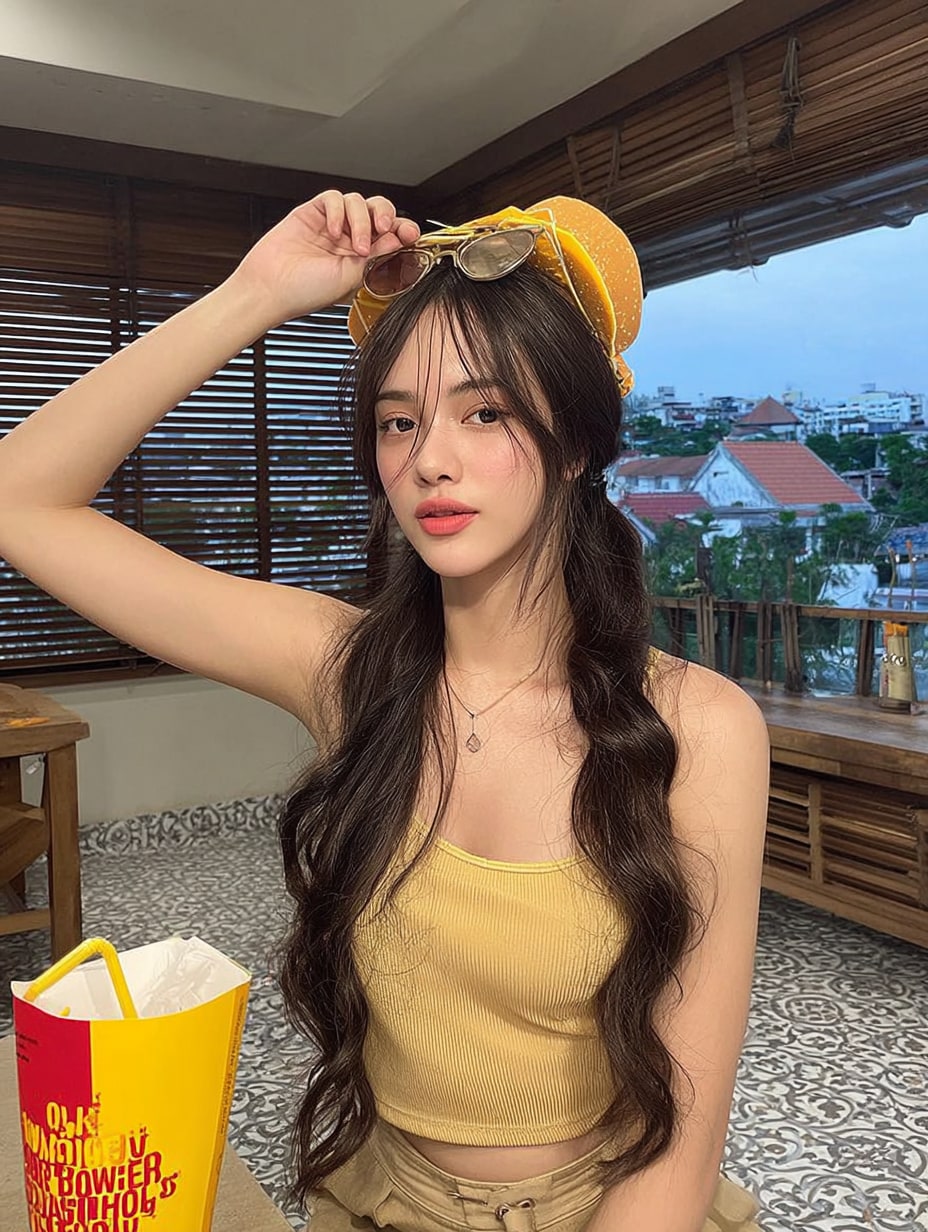
Generate cinematic anime scenes with glowing skies, dramatic lighting, and emotional storytelling. Free credits on signup.
| Style | ChatGPT Hand-Drawn Annotation Prompt | Preview | Action |
|---|---|---|---|
|
Diary-Style Annotation Notes
#handwritten
#lifestyle
|
Identify all elements in the image and add hand-drawn annotation overlays with thin white sketch lines, arrows, and soft outlines. Use cute handwritten notes with a warm diary tone describing food, drinks, and environment. Add minimal doodles like steam or hearts. Clean Instagram story aesthetic, natural and calm composition. |
|
|
|
Casual Lifestyle Annotation
#doodle
#daily vibe
|
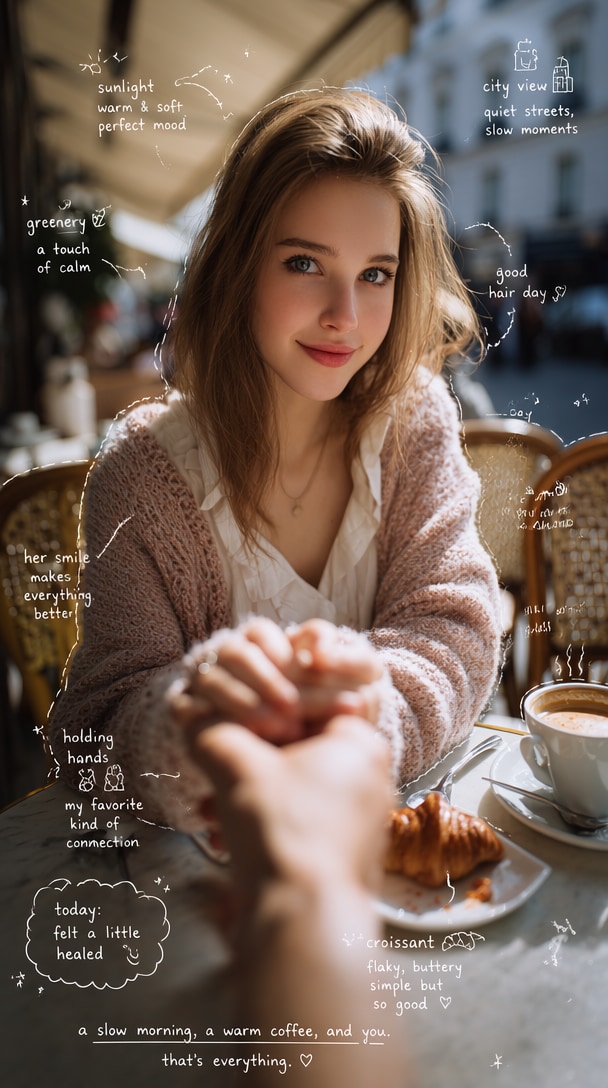
Observe objects in the scene and add meaningful hand-drawn annotations using thin white pen lines and loose one-line sketches. Include arrows, dashed guides, and casual handwritten notes. Describe food texture, drink taste, and environment mood. Add small doodles like stars or smiley faces. Keep it relaxed, like a daily lifestyle post. |
|
|
|
Pastel Scribble Aesthetic
#pastel
#instagram
|
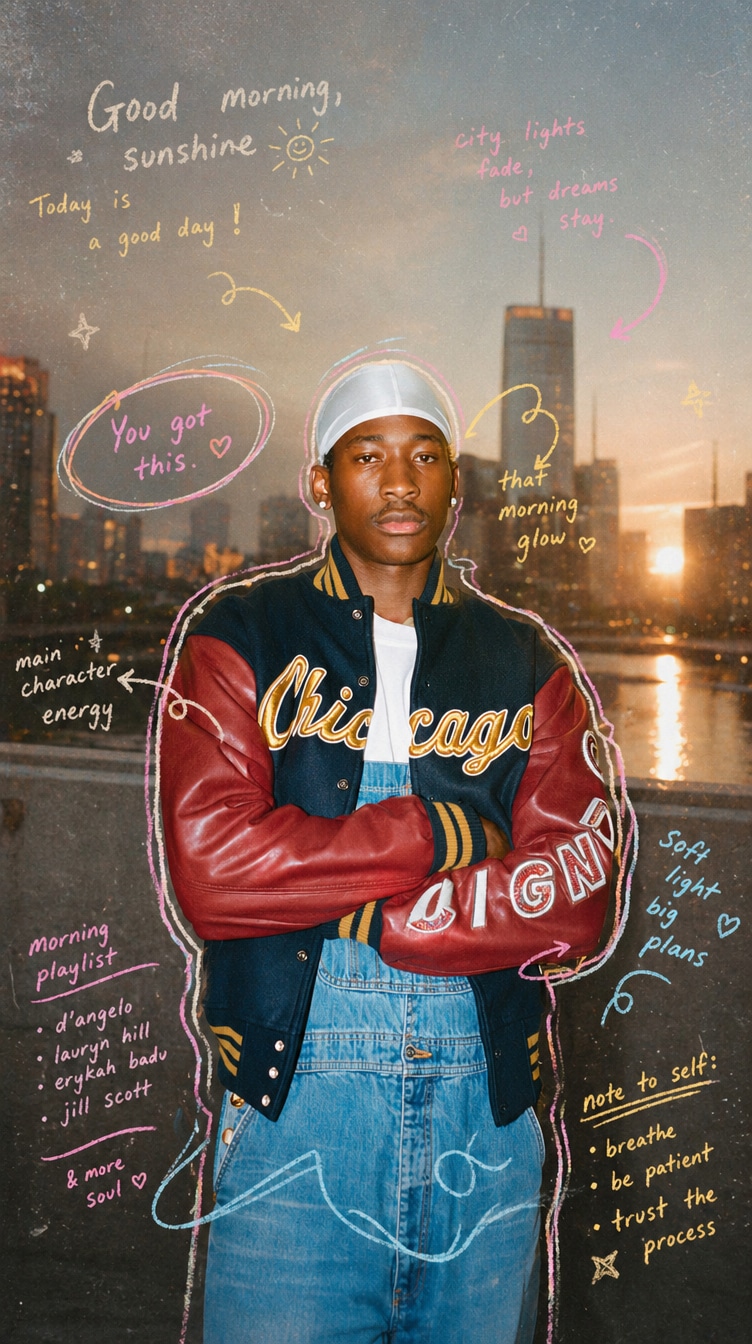
Add pastel hand-drawn scribble annotations with outlines, swirls, arrows, and playful handwritten notes. Use a messy but cute style, soft morning lighting, subtle grain texture, and reflective highlights. Keep composition minimal and artistic with a clean Instagram aesthetic. |
|
|
|
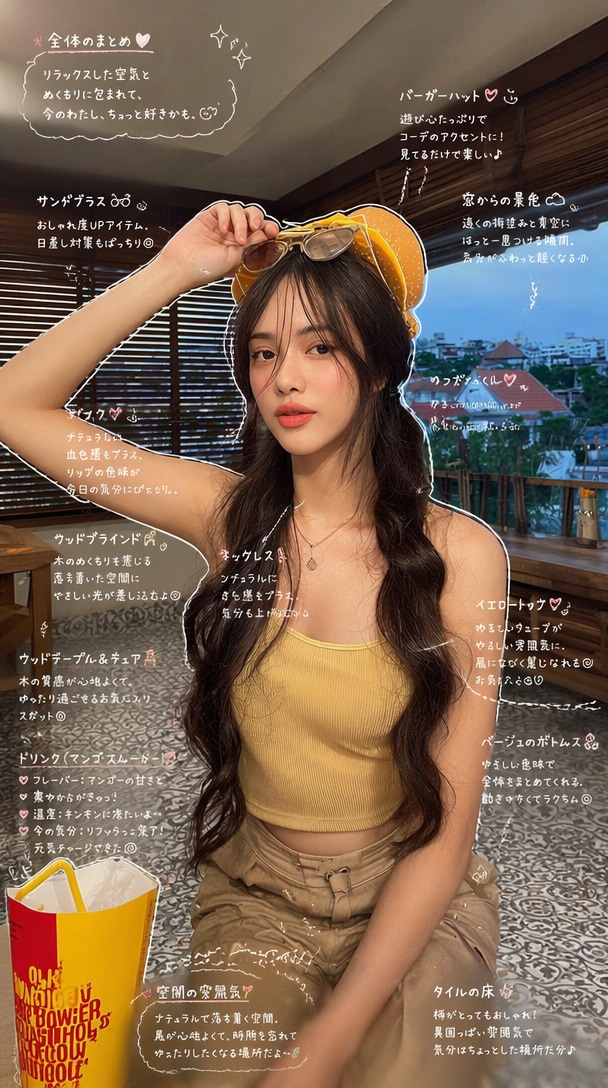
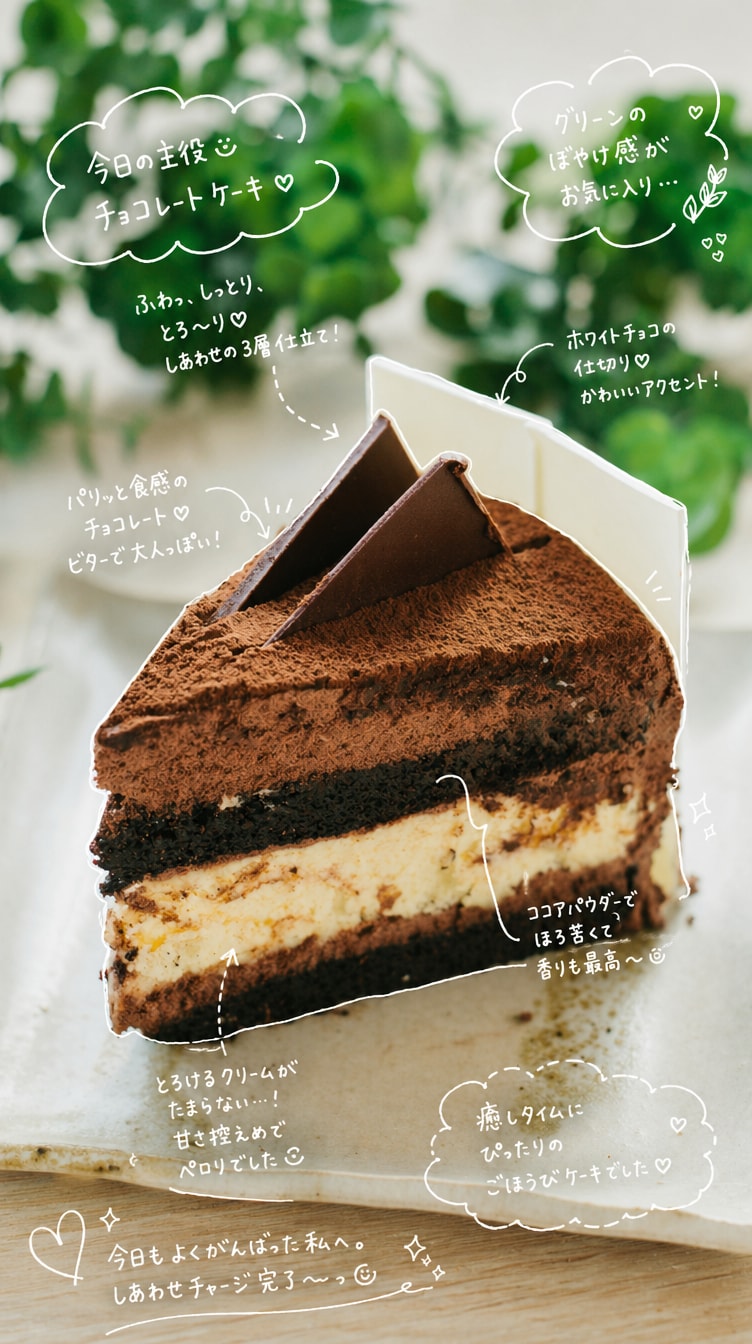
Clean Japanese Note Style
#minimal
#annotation
|
Identify objects and apply hand-drawn annotation overlays with thin white lines and casual one-stroke outlines. Add arrows and handwritten notes in a soft Japanese-style font. Keep text short and emotional, like diary thoughts. Include light decorations like sparkles or hearts. Clean, minimal Instagram story style. |
|
|
|
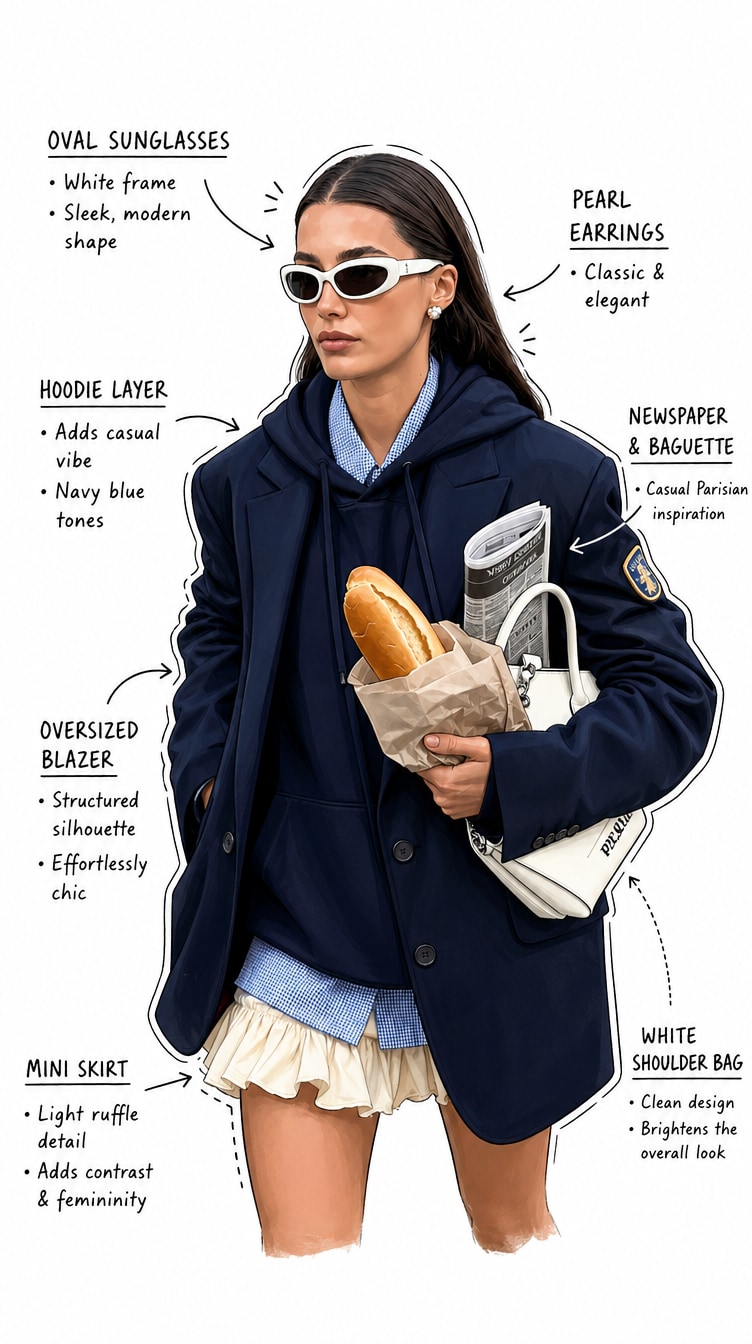
Minimal Infographic Annotation
#infographic
#clean
|
Create a clean hand-drawn annotation overlay on [OBJECT] using arrows, labels, and sketch lines. Use a white background, minimal layout, and structured infographic style. Keep annotations clear, simple, and visually balanced. |
|
|
Tap into the fast-growing hand-drawn annotation AI trend across TikTok, Instagram, and YouTube. Create engaging visuals with arrows, labels, and sketch overlays that explain ideas clearly and drive high engagement.
Powered by advanced image-to-annotation AI models, generate precise sketch lines, arrows, labels, and handwritten notes. Achieve clean infographic layouts with high clarity and professional presentation.
Turn complex ideas into clear visuals. From technical diagrams to emotional storytelling maps, create annotation-style images that simplify information and improve understanding instantly.
Create scroll-stopping annotated infographic visuals for TikTok, Reels, and YouTube Shorts. Perfect for tutorials, explainers, and content that blends creativity with clarity.
Upload any photo—product, portrait, UI screen, or everyday object. Clear visuals help the AI generate accurate hand-drawn annotation overlays with clean structure and detail.
Use optimized ChatGPT hand-drawn style prompts to add sketch lines, arrows, labels, and handwritten notes. Instantly turn your image into a clean annotated diagram or infographic.
Preview your annotated hand-drawn image, download in high resolution, or convert it into short explainer videos for TikTok, Reels, and tutorials that drive engagement.

Content Educator

"This makes complex ideas instantly clear!" I used hand-drawn annotation AI to explain tech concepts, and my posts reached over 1M views on TikTok.

Product Designer
"Perfect for UX explanations" — Using annotation prompts, I quickly turn app screens into clean annotated flows for presentations and tutorials.

AI Creator
"People love the sketch vibe" I create doodle-style annotated visuals that feel personal and relatable—great for storytelling and social sharing.

Short Video Creator
"My explainer videos perform way better" This hand-drawn annotation AI helps me turn simple images into engaging short-form content that boosts watch time and shares.
ChatGPT hand-drawn style annotations use AI to add sketch-style overlays—such as arrows, labels, doodles, and handwritten notes—to images, turning them into clear and engaging visual explanations.
With well-structured hand-drawn annotation prompts, AI can produce highly accurate annotated diagrams and infographic visuals, especially when the input image is clear and focused.
Upload your image, apply a ChatGPT hand-drawn style prompt, and generate annotation overlays with arrows, labels, and sketch notes in seconds—no design skills required.
You can use them for educational diagrams, product breakdowns, UX explanations, tutorials, and social media content. They are especially effective for creating viral explainers and visual storytelling posts.
Yes. You can download and share your hand-drawn annotation AI images across TikTok, Instagram, YouTube, or presentations to boost engagement and clearly communicate ideas.



