
















Crayon AI Photo – Turn Your Photo into a Crayon AI Drawing in Seconds
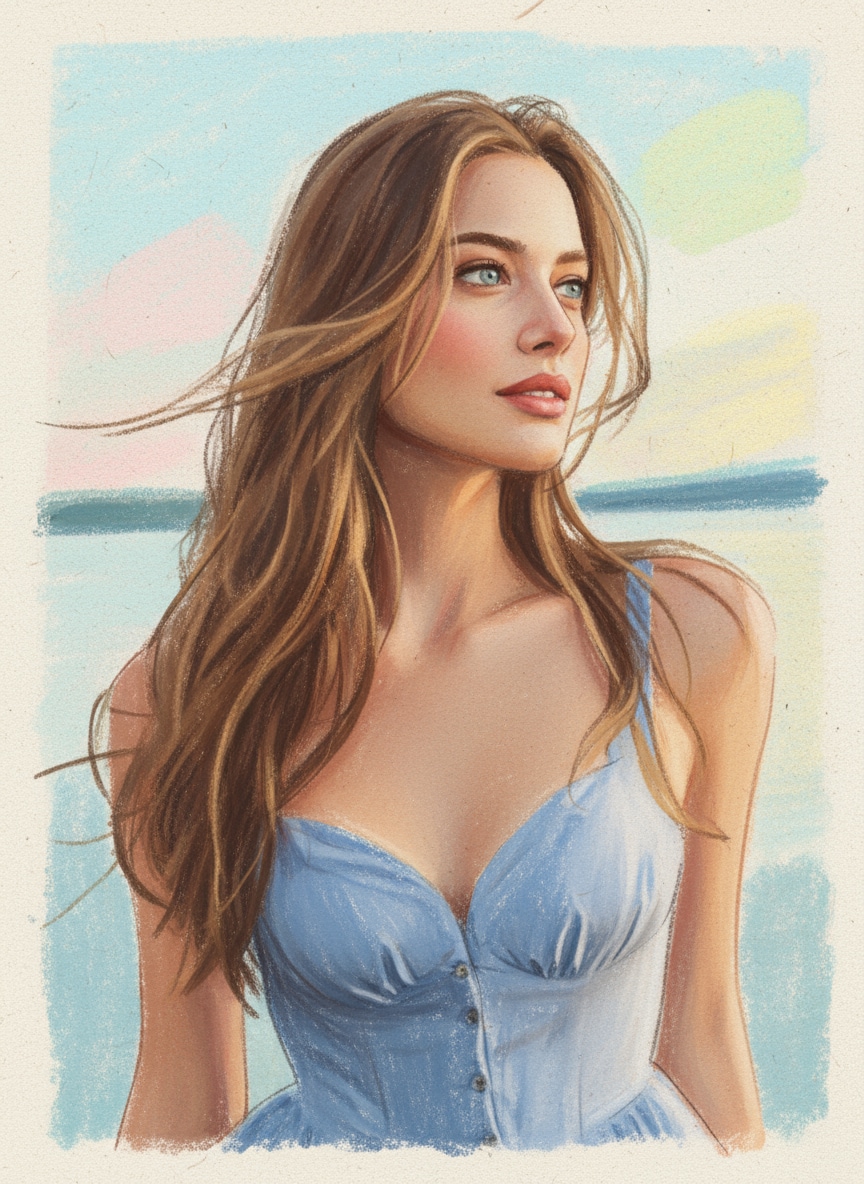
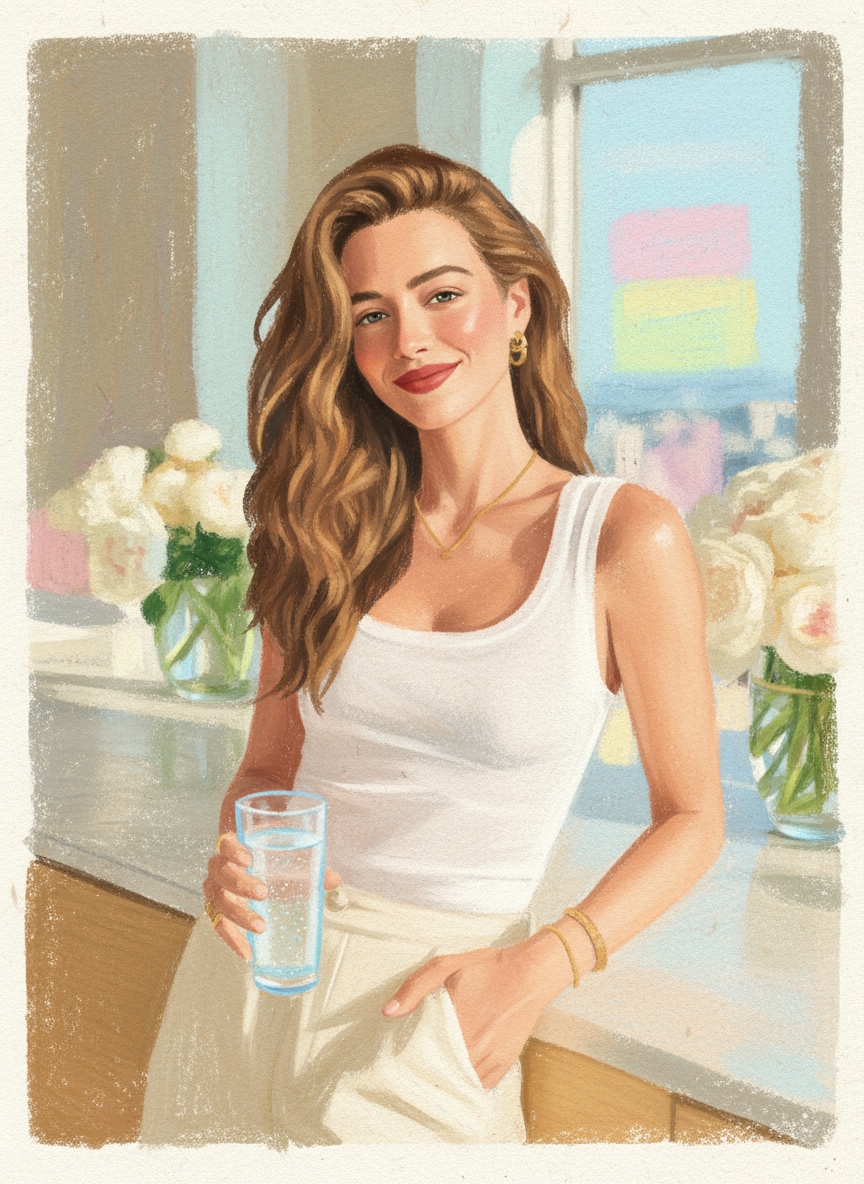
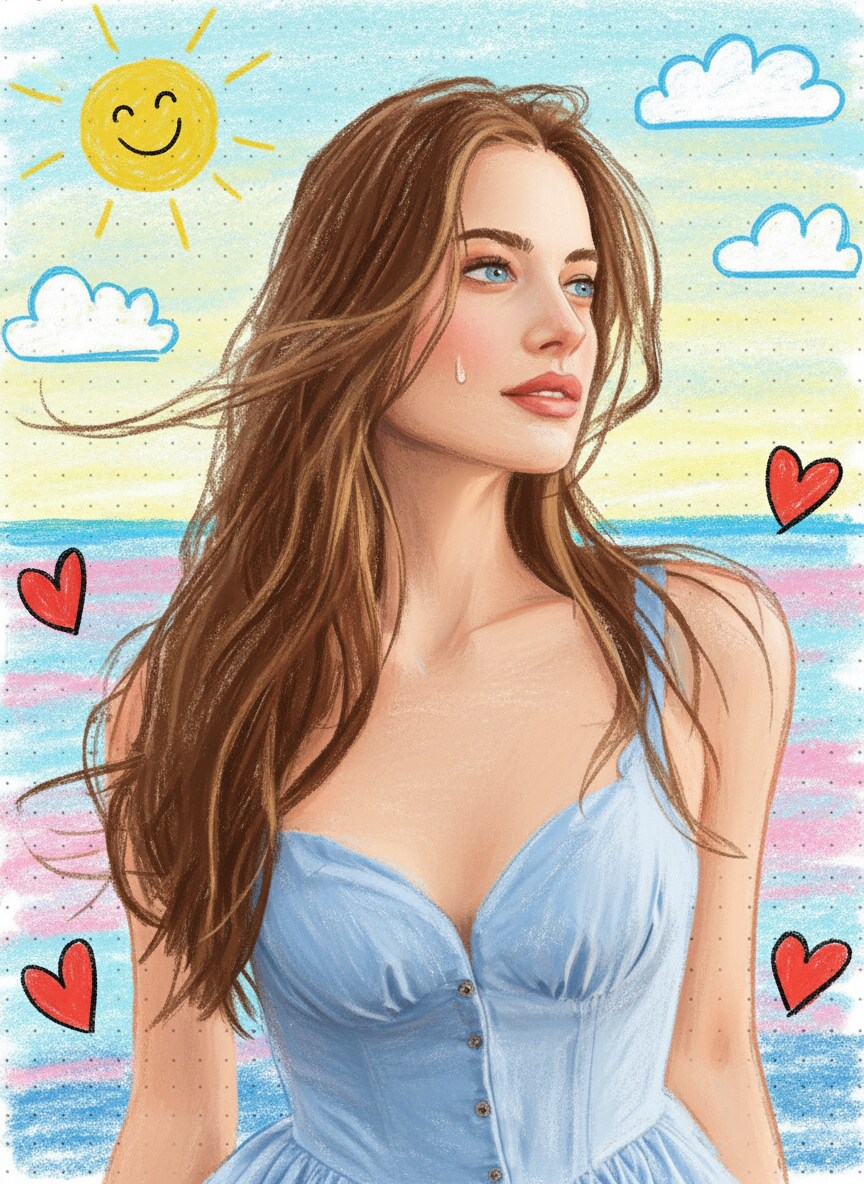
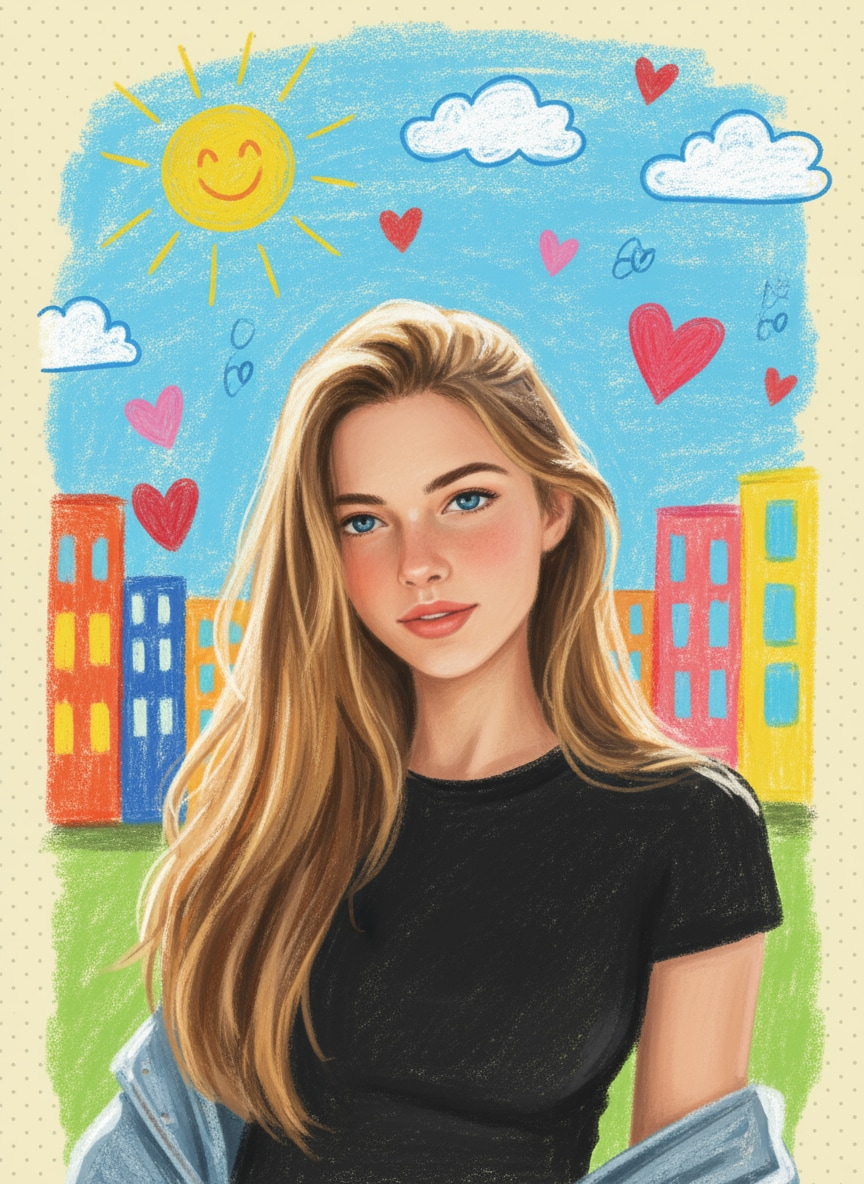
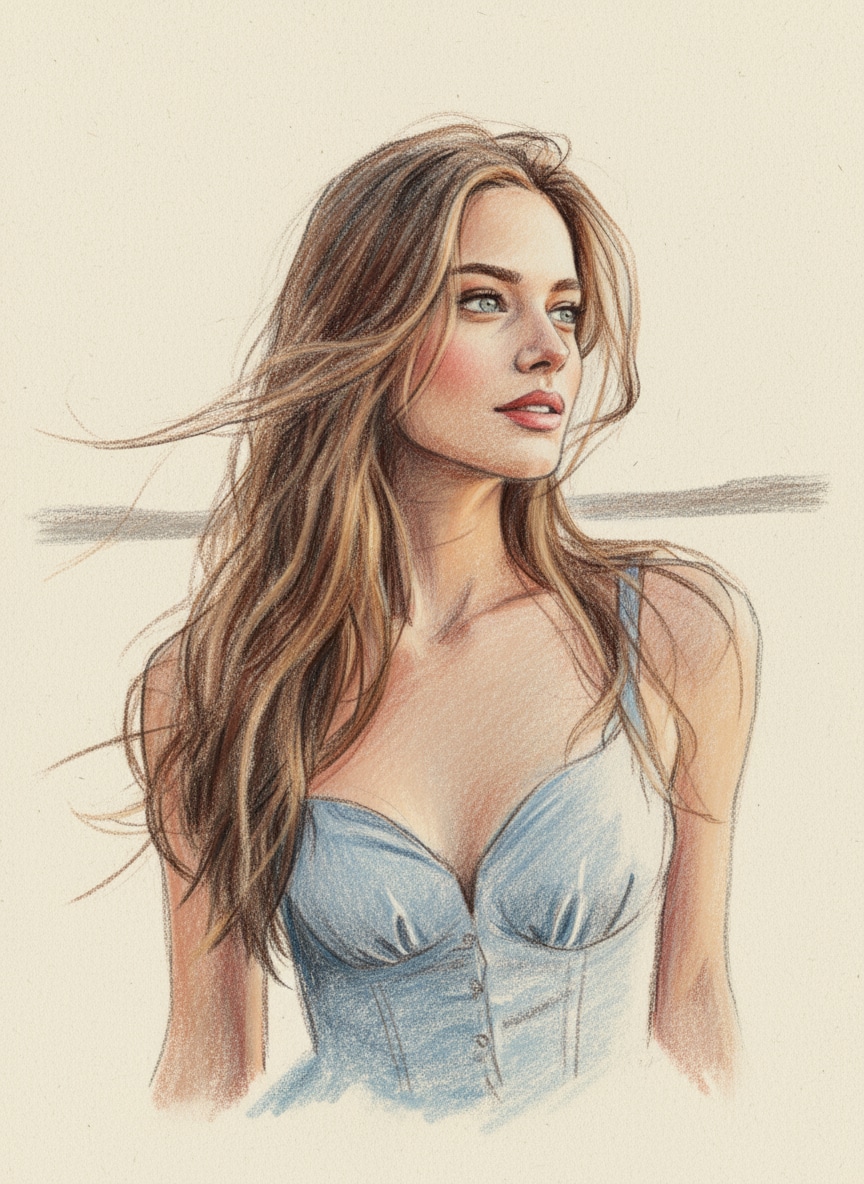
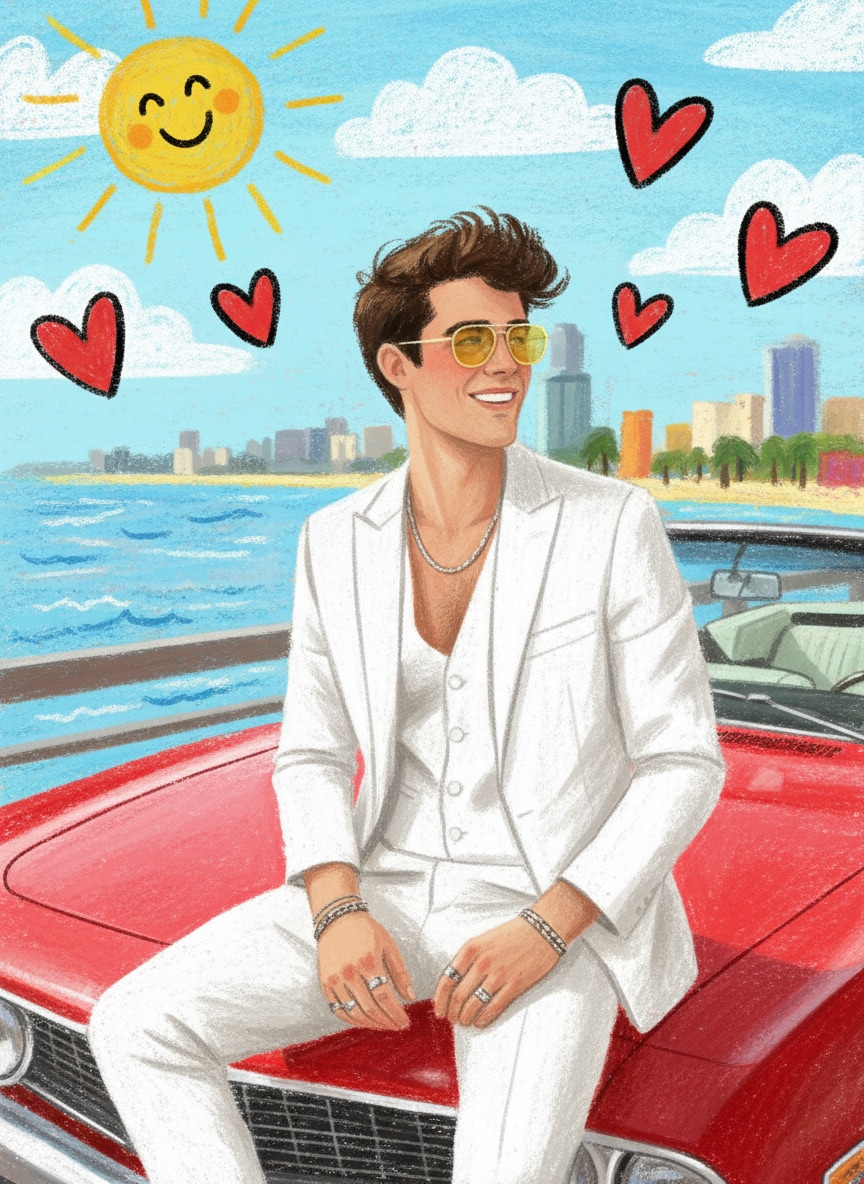
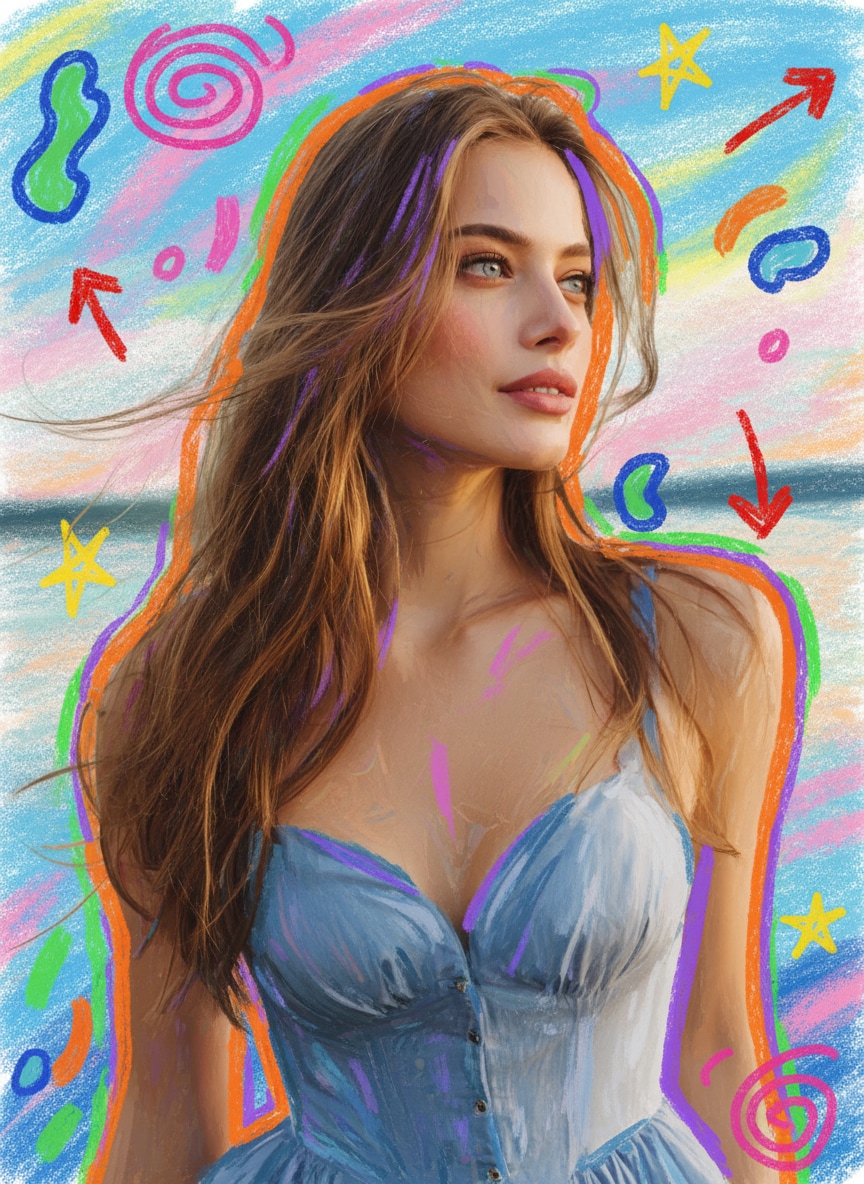
Transform any image into a colorful, hand-drawn masterpiece with Media.io’s Crayon AI Drawing Generator. Simply upload your photo and watch AI recreate it with soft wax textures, bold outlines, and vibrant crayon strokes. Perfect for crayon-style portraits, AI crayon art, and fun social media posts—no editing skills needed.
No Photoshop. Free credits on signup.
| Style | Crayon AI Photo Prompt | Preview | Copy |
|---|---|---|---|
|
Crayon Portrait
#clean
#vibrant
#hand-drawn
|
A colorful crayon-style drawing of the uploaded person. Keep the original face, hairstyle, skin tone, and expression exactly the same. Use thick crayon strokes, soft outlines, textured paper grain, and bright vibrant colors. Simplify the background into pastel-colored shapes. Add gentle shading and a child-like art feel. Full crayon illustration style, high resolution, clean and cute aesthetic. |
|
|
|
Crayon Kids Book Style
#cute
#soft
#playful
|
Transform the uploaded photo into a children’s picture-book crayon illustration. Keep the person’s original face and outfit, but recreate everything using soft crayon textures, dotted paper, and bright kindergarten-style colors. Add simple doodles like sun, clouds, or hearts in the background. Cute, warm, playful, and hand-drawn crayon art style. |
|
|
|
Crayon Sketch + Outline
#minimal
#textured
#artistic
|
A crayon sketch of the uploaded person, keeping the exact facial features and proportions. Use visible wax strokes, rough outlines, textured matte paper, and limited soft colors. Background should be light beige or off-white, with light crayon shading. Artistic, handmade, minimalist crayon drawing style. |
|
|
|
Crayon Doodle Poster
#bold
#colorful
#energetic
|
Convert the uploaded person into a bold crayon-style poster illustration. Keep the face accurate and realistic, but restyle the whole image using thick wax crayons, saturated colors, and playful hand-drawn doodles such as stars, spirals, arrows, and abstract shapes. Add colorful crayon shadows and outlines around the person. Fun, energetic, vibrant crayon art style. |
|
How to Create a Crayon AI Drawing Online
Step 1: Open the Crayon AI Drawing Generator
Head to Media.io’s online Crayon AI Drawing Generator. All tools are built-in—no apps or software needed. You’ll see an upload panel ready for your photo.
Step 2: Upload Your Photo & Enter a Prompt
Click Upload Image and choose your portrait, selfie, or any picture you want to transform. Enter your preferred prompt (or pick one from the prompt library below). The AI will read your image and apply accurate crayon-style textures.
Step 3: Generate & Download Your Crayon Art
Click Generate aand wait a few seconds for the AI to draw your crayon artwork. Preview the result and make quick adjustments if needed. Click Download to save your high-quality crayon drawing instantly.
What Users Say About Media.io AI Dress Generator

Fashion Content Creator

“Made my crayon portrait unforgettable.” I used the Crayon AI Drawing Generator to turn a normal selfie into a colorful hand-drawn artwork. The waxy strokes, soft textures, and layered colors looked exactly like real crayon on textured paper—my friends couldn’t believe it was AI-generated.

Event Planner
“Perfect for dress ideas before an event.” I thought the crayon effect might look childish, but the details were surprisingly accurate. My face, expression, and lighting stayed true to the original photo, while the AI added vibrant crayon shading that made it feel like a real illustrated portrait.

Instagram Creator
“A perfect TikTok surprise.” I tried the crayon art trend using a fun prompt and shared it on TikTok. The reactions were wild—people loved the cute, playful crayon style, and the post gained instant engagement and comments.

Online Boutique Owner
“Crayon-style photos that make my portraits stand out.” I used crayon AI drawing prompts on my selfie and portrait shots to give them a warm, hand-drawn look. The crayon textures and colors looked natural enough to share as creative artwork with my audience and friends.
Explore the Hottest AI Features and Effects




FAQs About Crayon AI Drawing Generator
1. What is a Crayon AI Drawing Generator?


A Crayon AI Drawing Generator is an online tool that transforms your uploaded photo into a hand-drawn crayon-style illustration. Media.io recreates your face, colors, and lighting with wax-like strokes and textured paper effects, giving your image a playful, artistic crayon look.
2. Do I need to write prompts to create a crayon-style image?
No complicated prompts are required. Simply upload your photo and use the built-in crayon effect. If you want a more personalized result, you can copy a ready-made prompt from the Prompt Library below and paste it directly into the generator.
3. What types of photos work best for crayon AI drawings?
Portraits, selfies, close-ups, and clear outdoor photos typically generate the best results. Make sure your face is well-lit and unobstructed so the AI can accurately reproduce your expression and details in crayon texture.
4. Can I use my crayon AI artwork on social media?
Absolutely. Media.io exports high-quality crayon drawings perfect for TikTok, Instagram, Facebook, YouTube thumbnails, profile photos, digital stickers, and more. The playful crayon look performs especially well for creative and aesthetic content.
5. Is my photo safe when using Media.io?
Yes. Your privacy is fully protected. Media.io automatically deletes all uploaded and generated files within 7 days, ensuring that your photos and artwork are never stored permanently or used for any other purpose.
More Than AI Dress Maker
 4.7 (162,357 Votes)