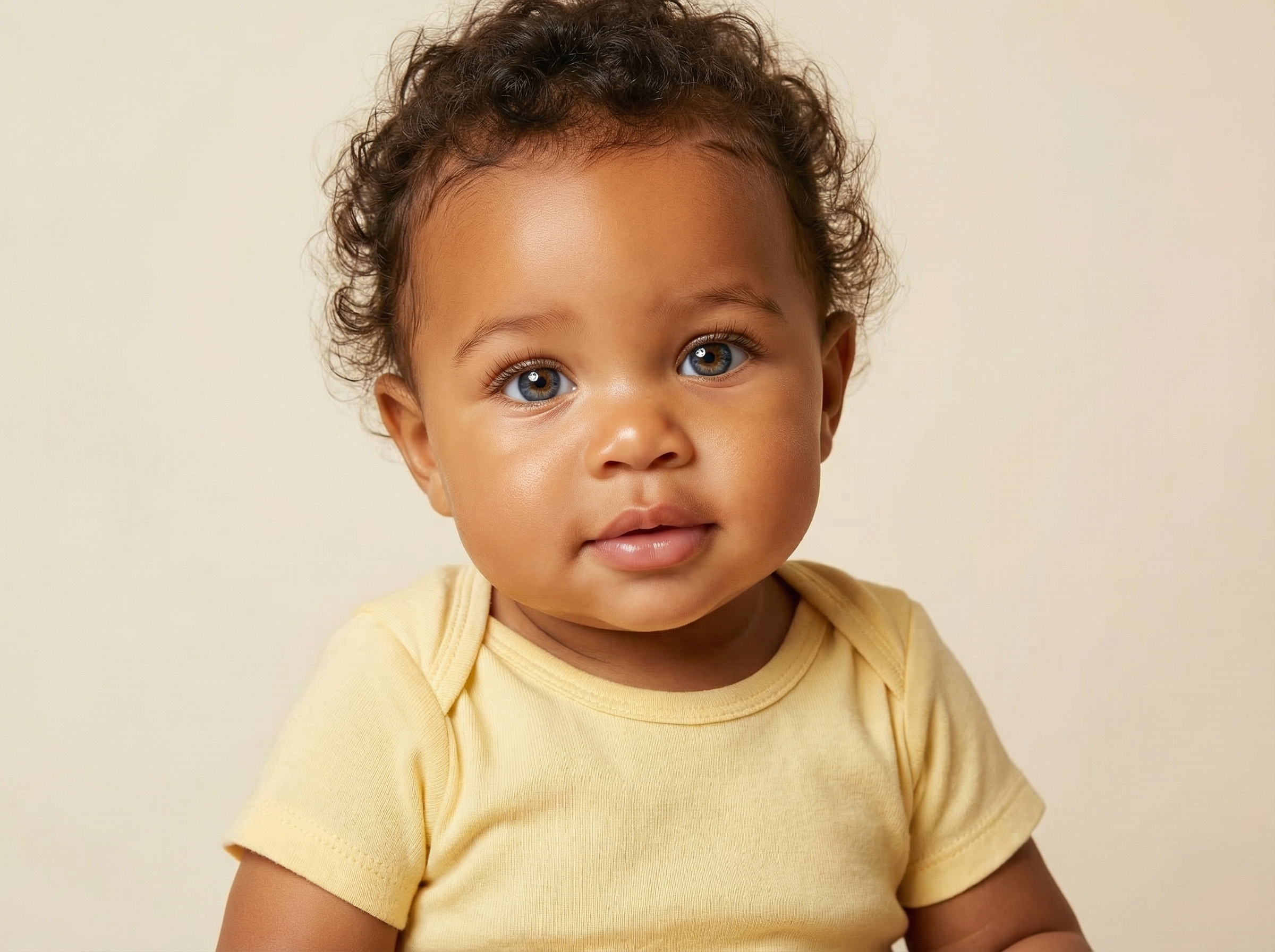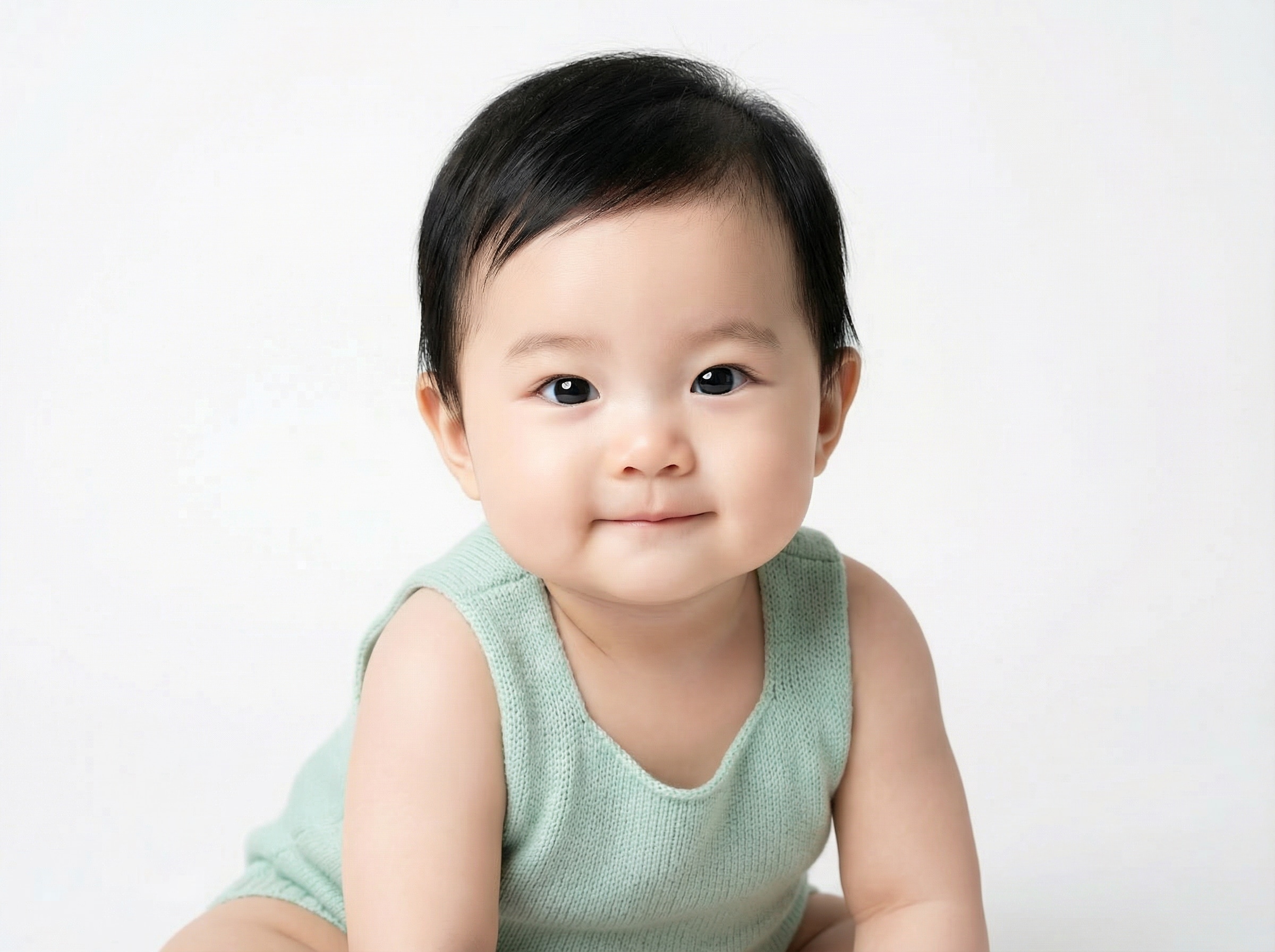
Predict Your Future Baby's Face
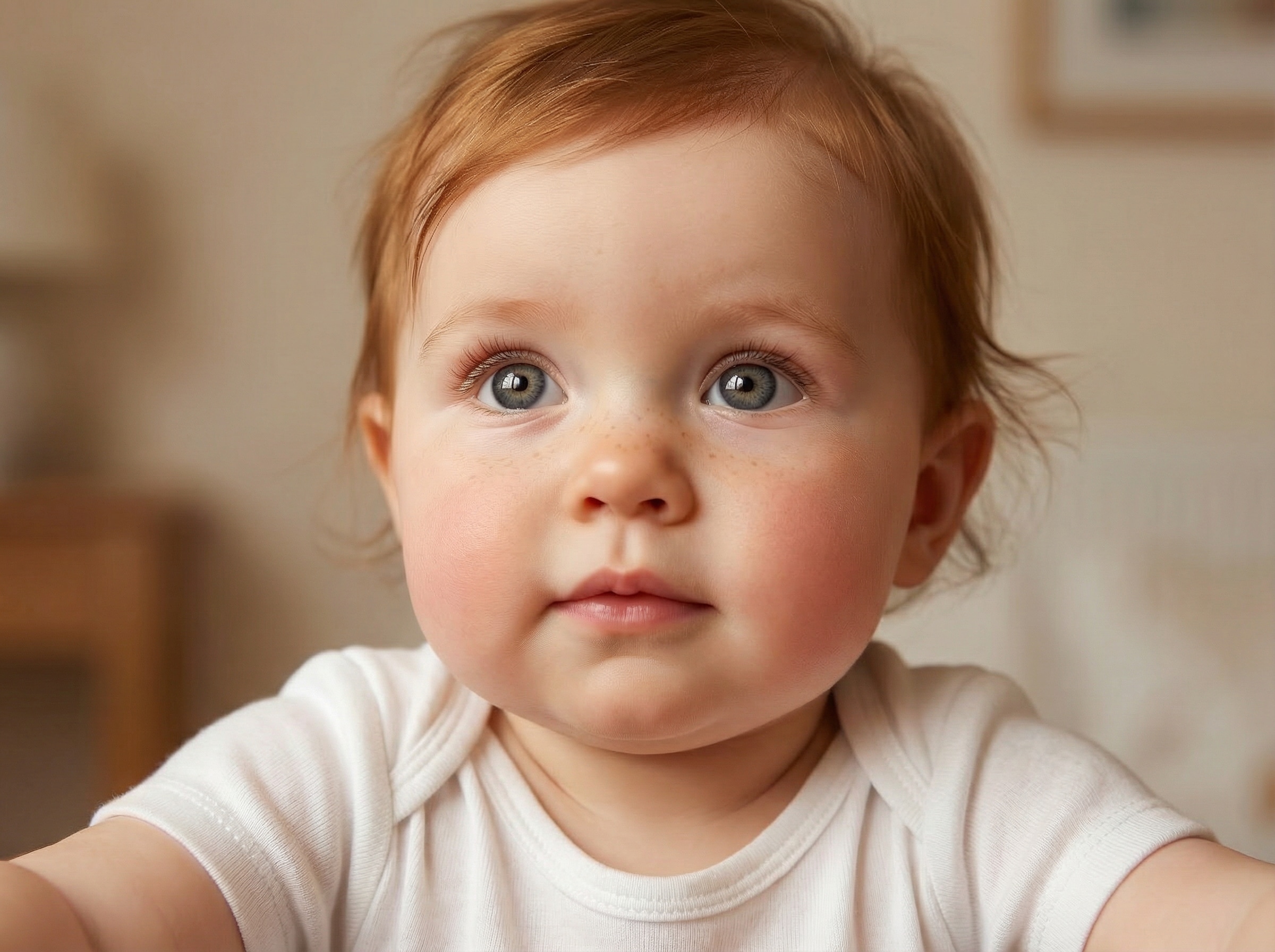
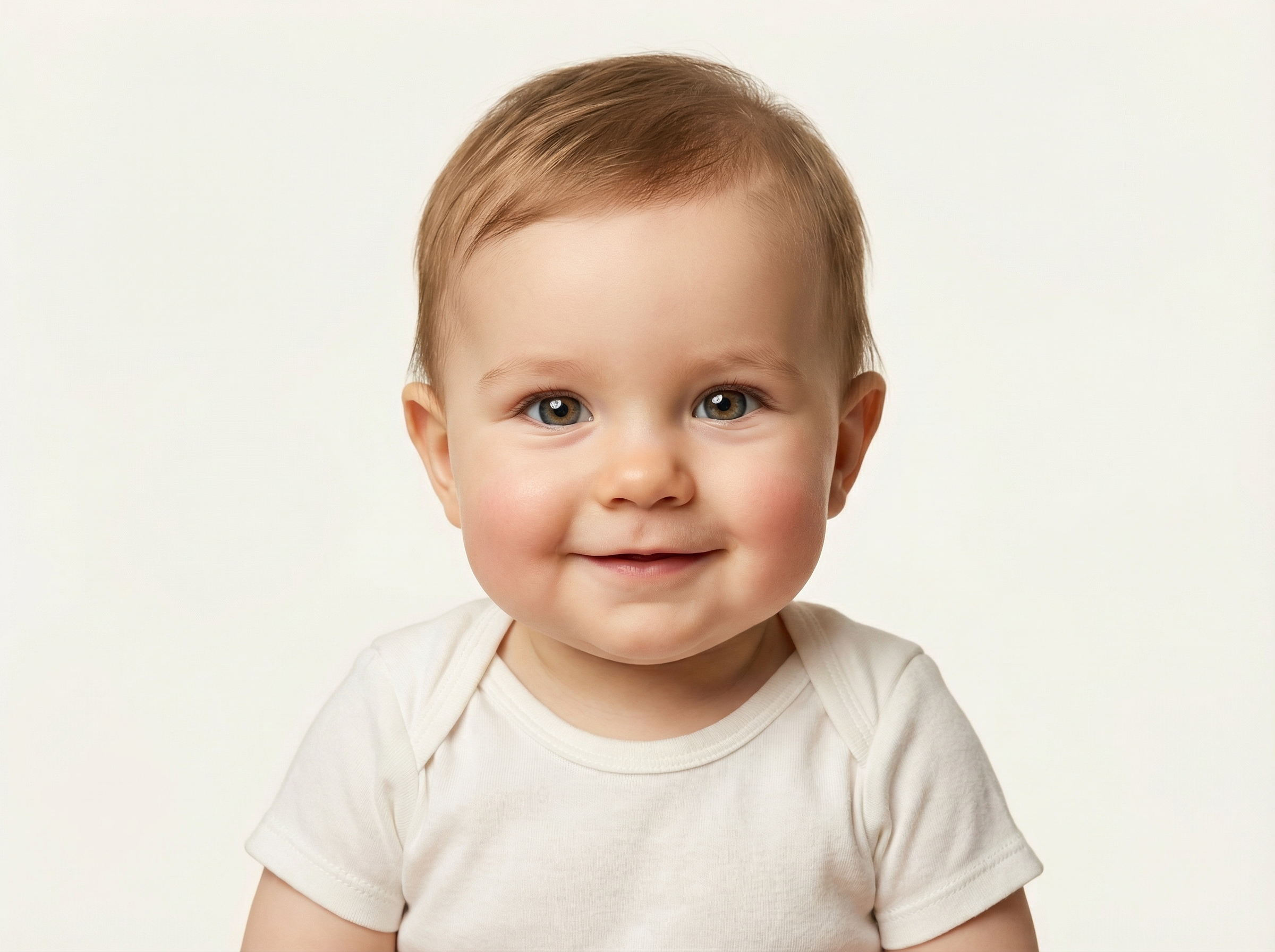
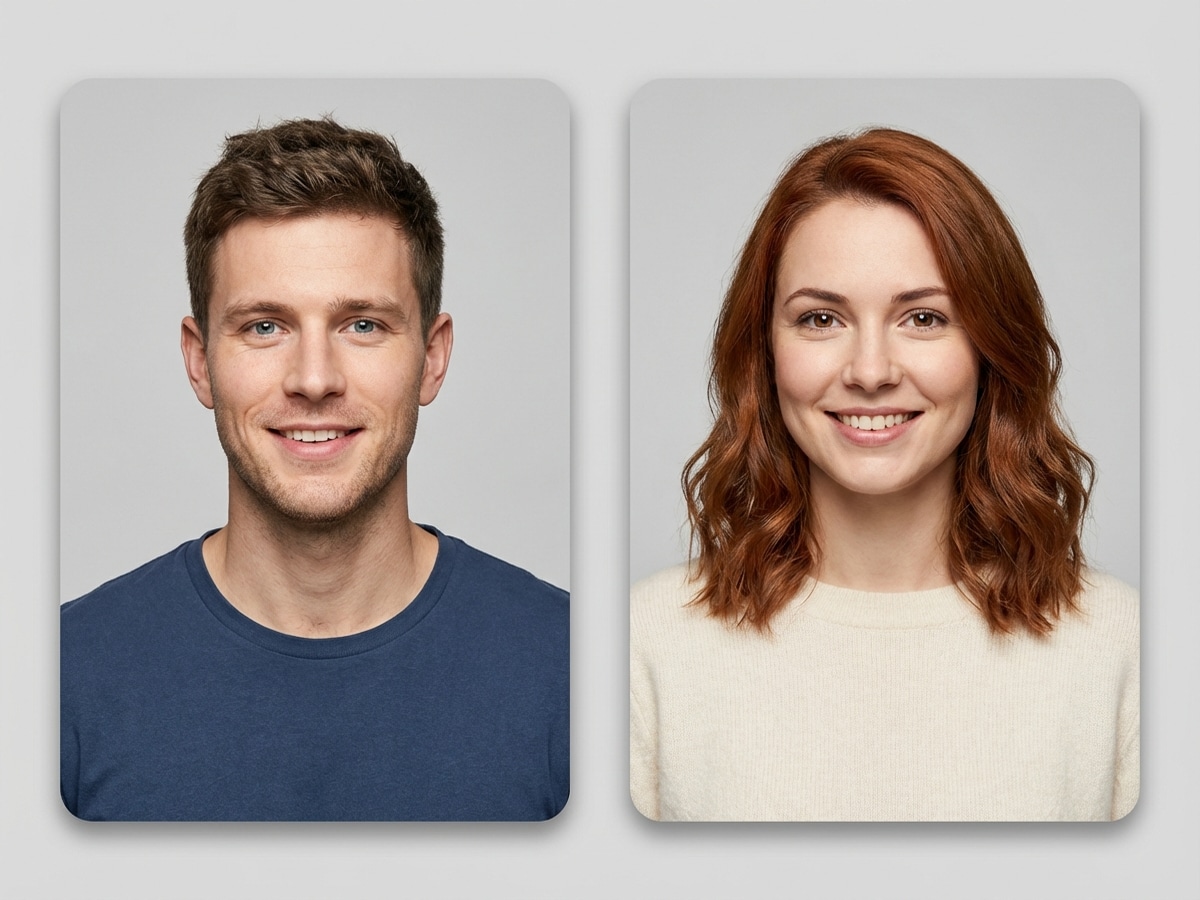
Upload one photo of each parent and let the AI blend your features into a photorealistic baby portrait. See whose eyes, nose, and smile your little one might inherit.
 Nano Banana Pro
 立即释放你的创造潜力,体验Media AI的魔力!














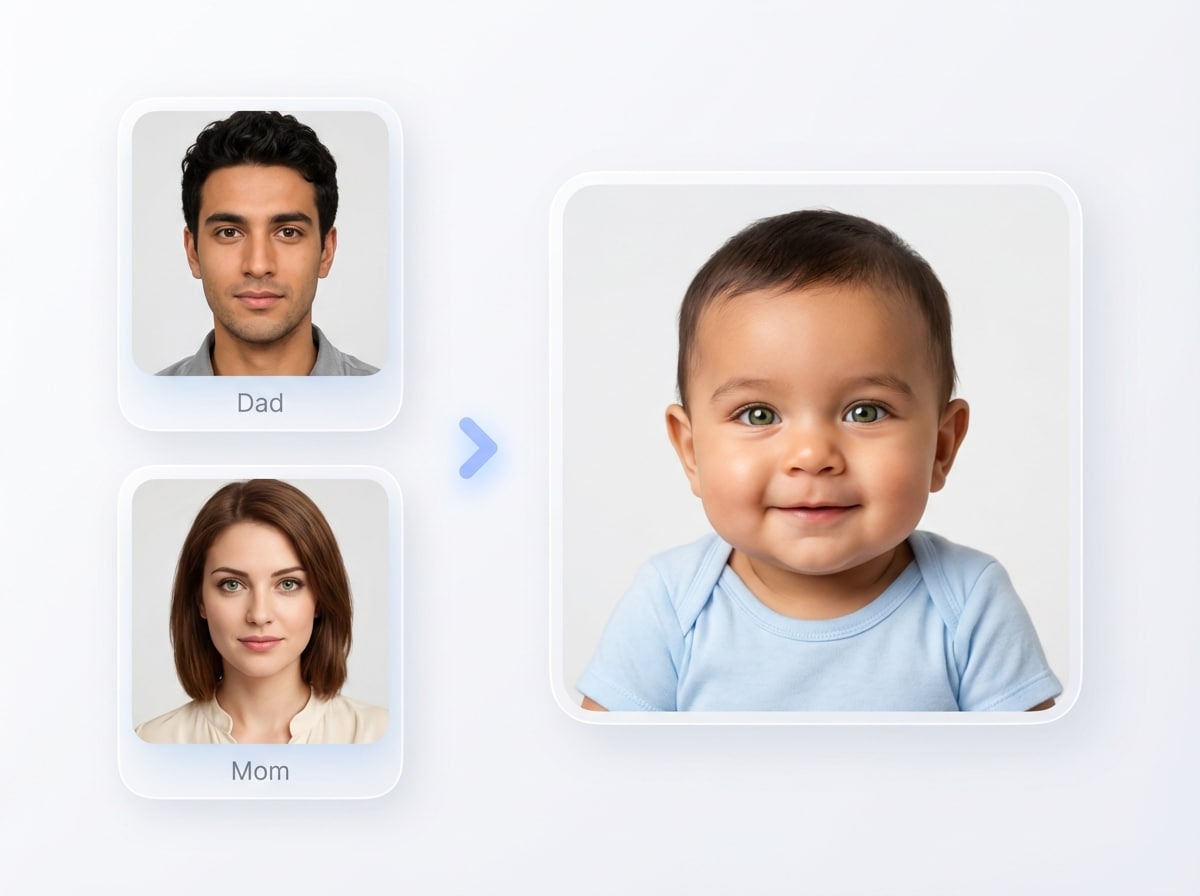
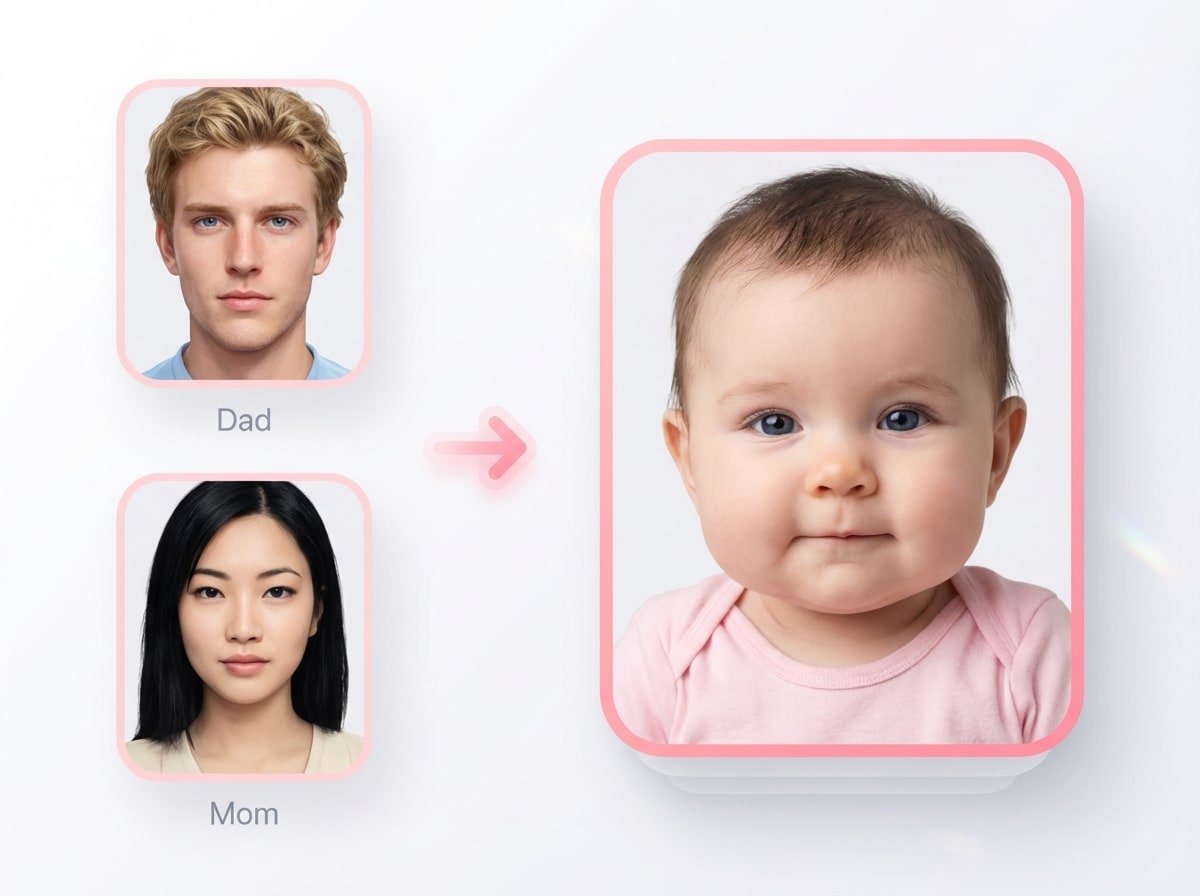
Upload parent photos and create a cute, lifelike future baby image in seconds. Media.io’s baby face generator helps you explore realistic baby predictions, social-ready reveal styles, and fun variations with easy image-to-image controls right in your browser.
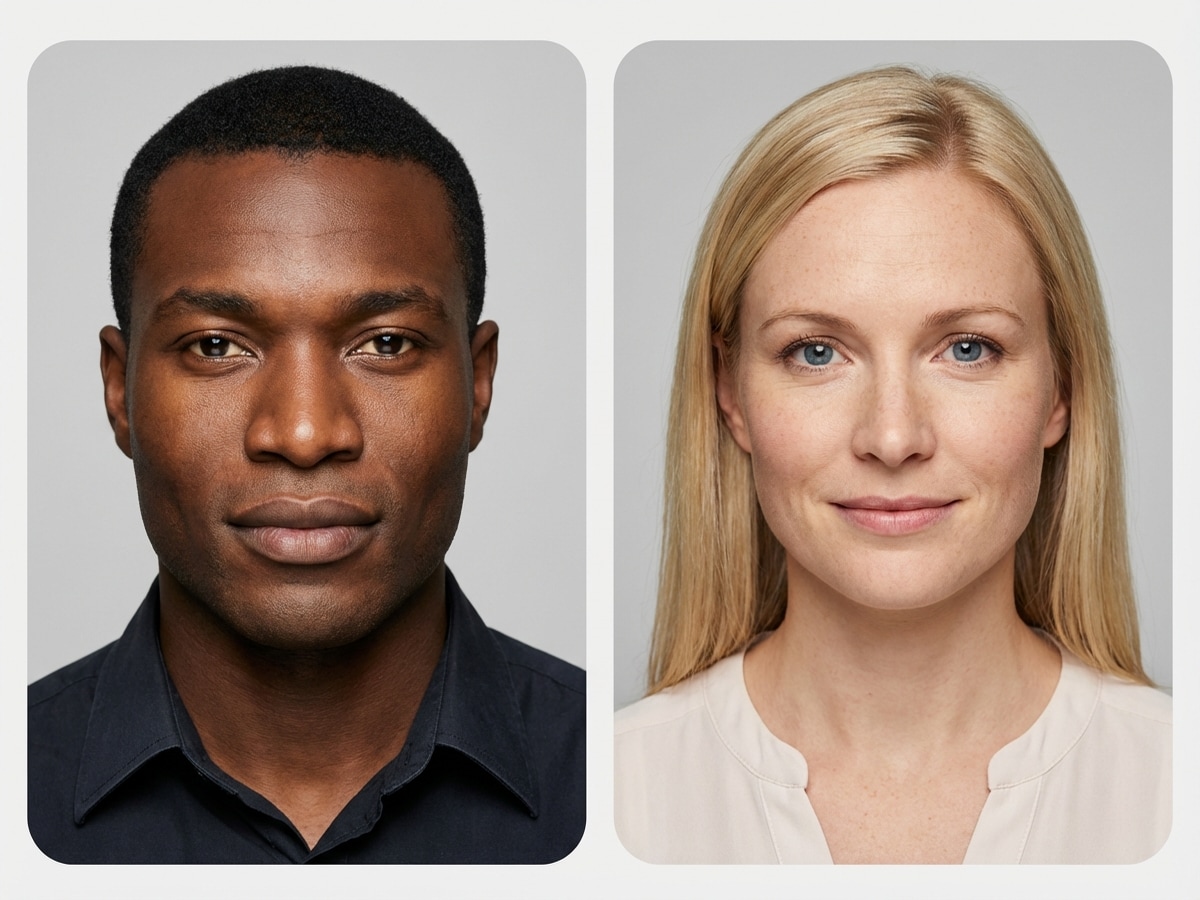
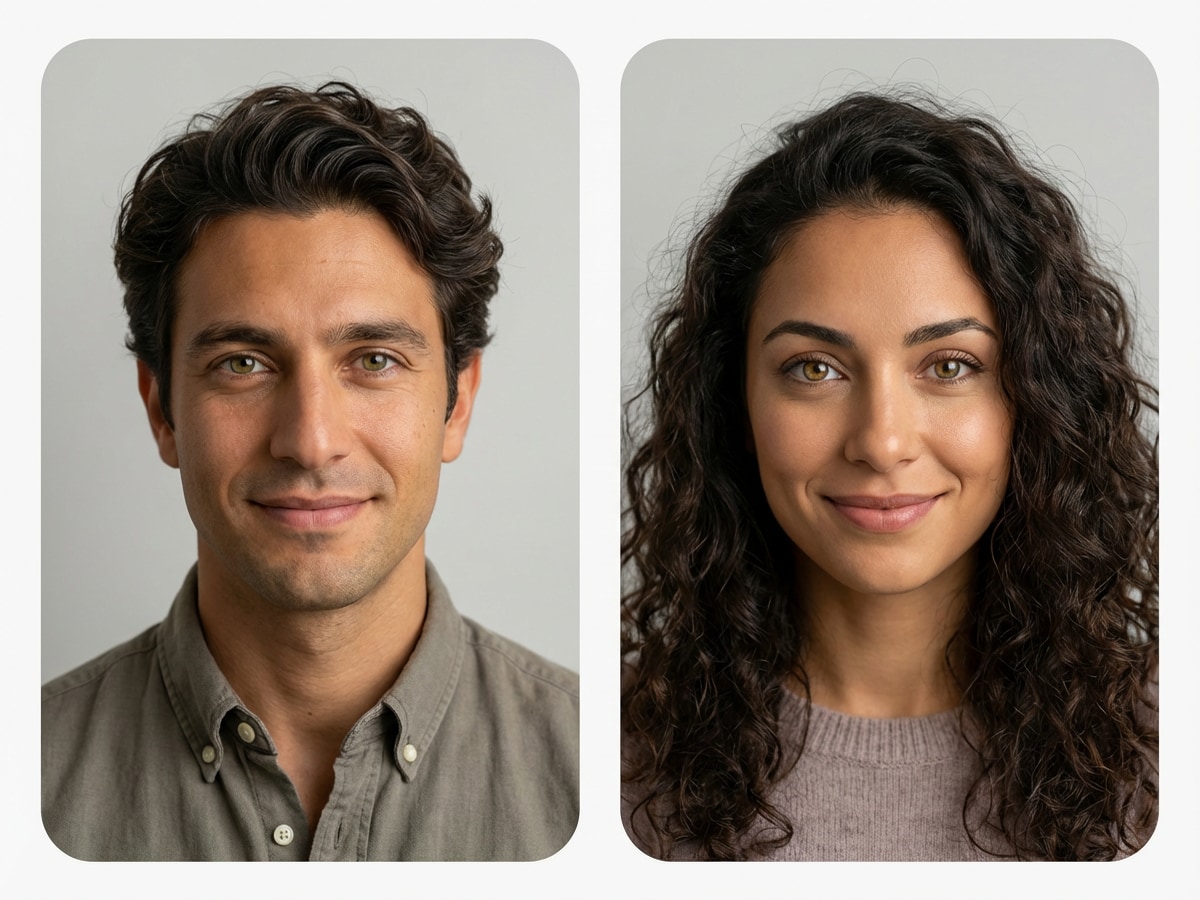
Upload one photo of each parent and let the AI blend your features into a photorealistic baby portrait. See whose eyes, nose, and smile your little one might inherit.
See how your features beautifully blend when parents come from different ethnic backgrounds. The AI captures mixed heritage traits — skin tone, eye shape, hair texture — in one realistic baby portrait.
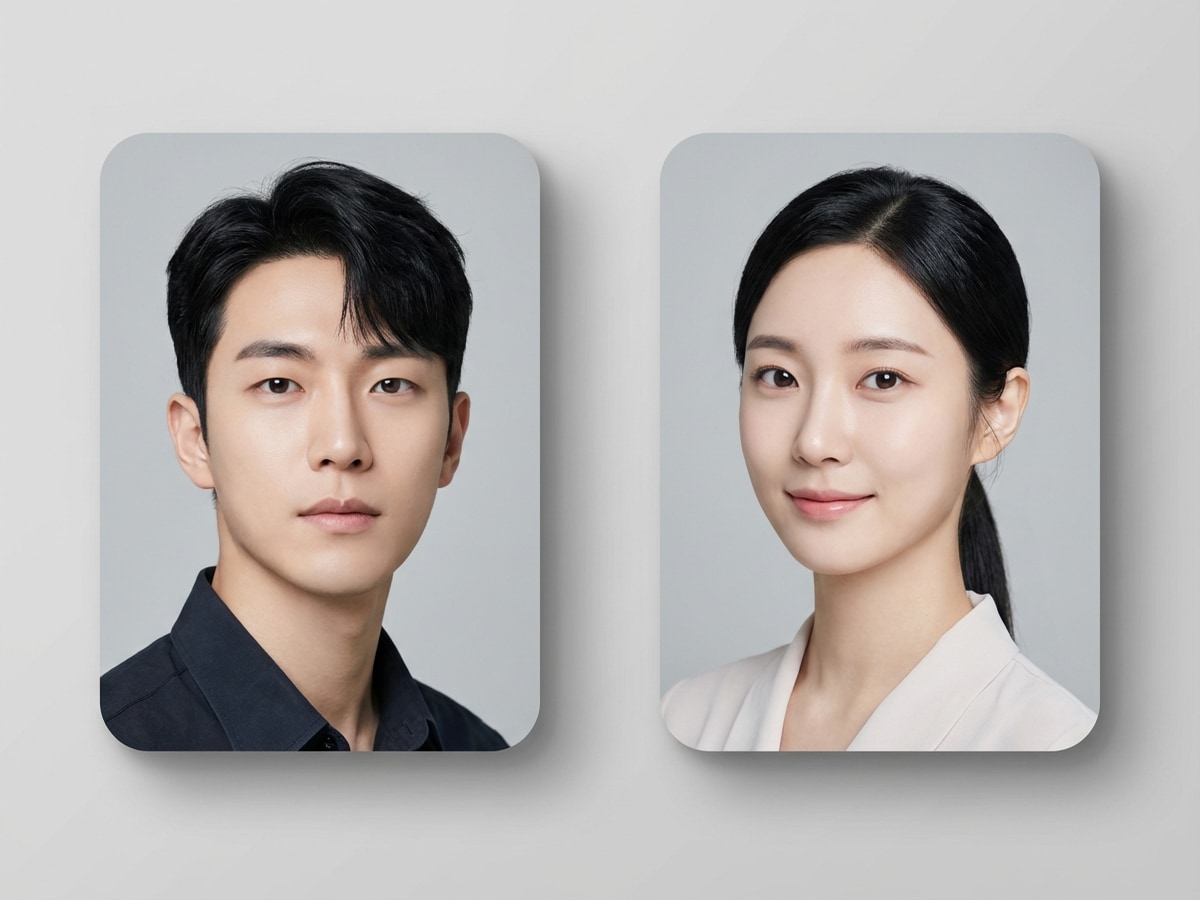
Popular among East Asian parents-to-be — upload both portraits and preview your future baby's face with AI-accurate feature blending across skin tone, eye shape, and facial structure.
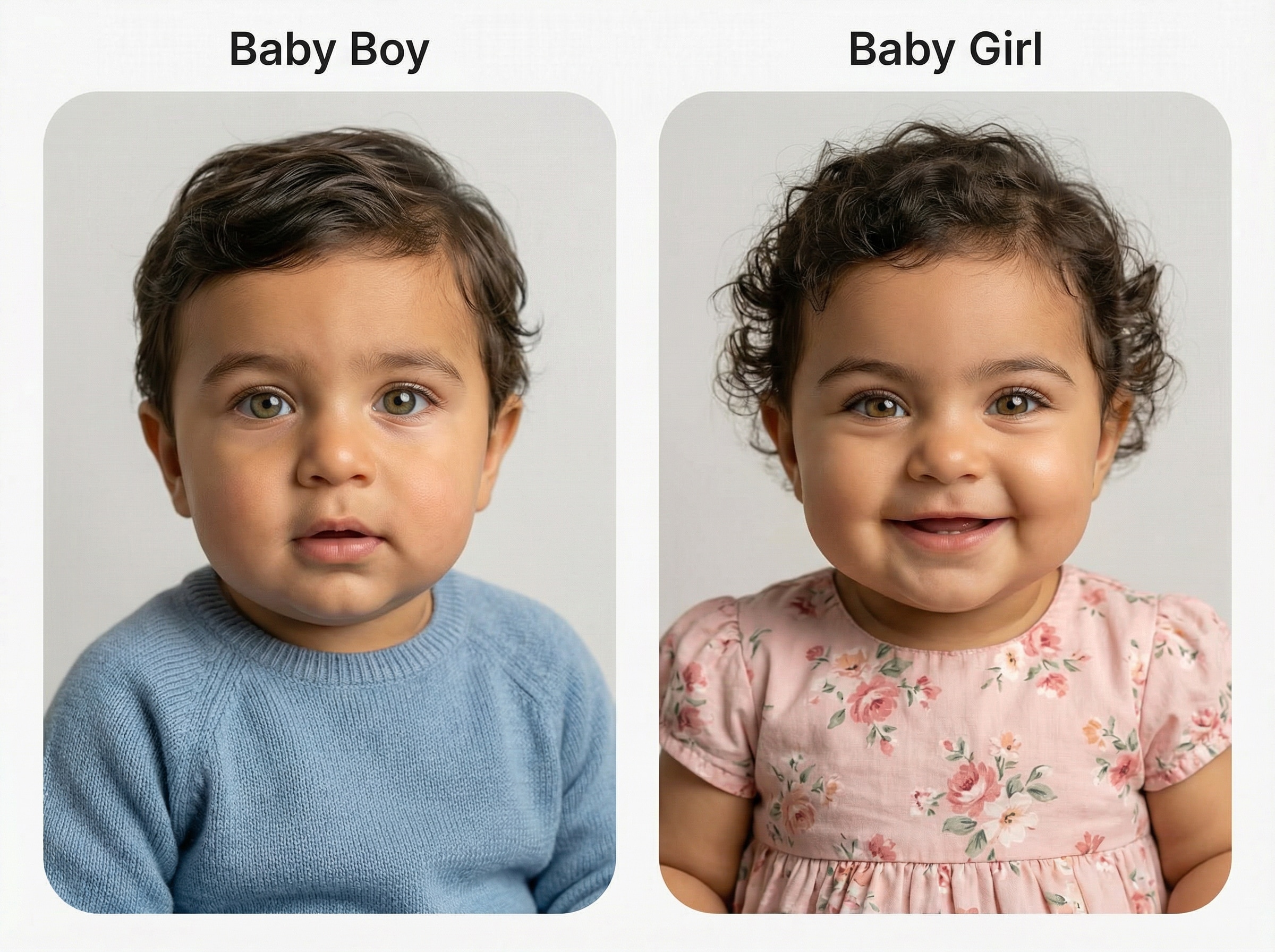
Curious about the gender? Generate both a baby boy and baby girl version from the same parent photos. Compare side by side and see which prediction feels right.
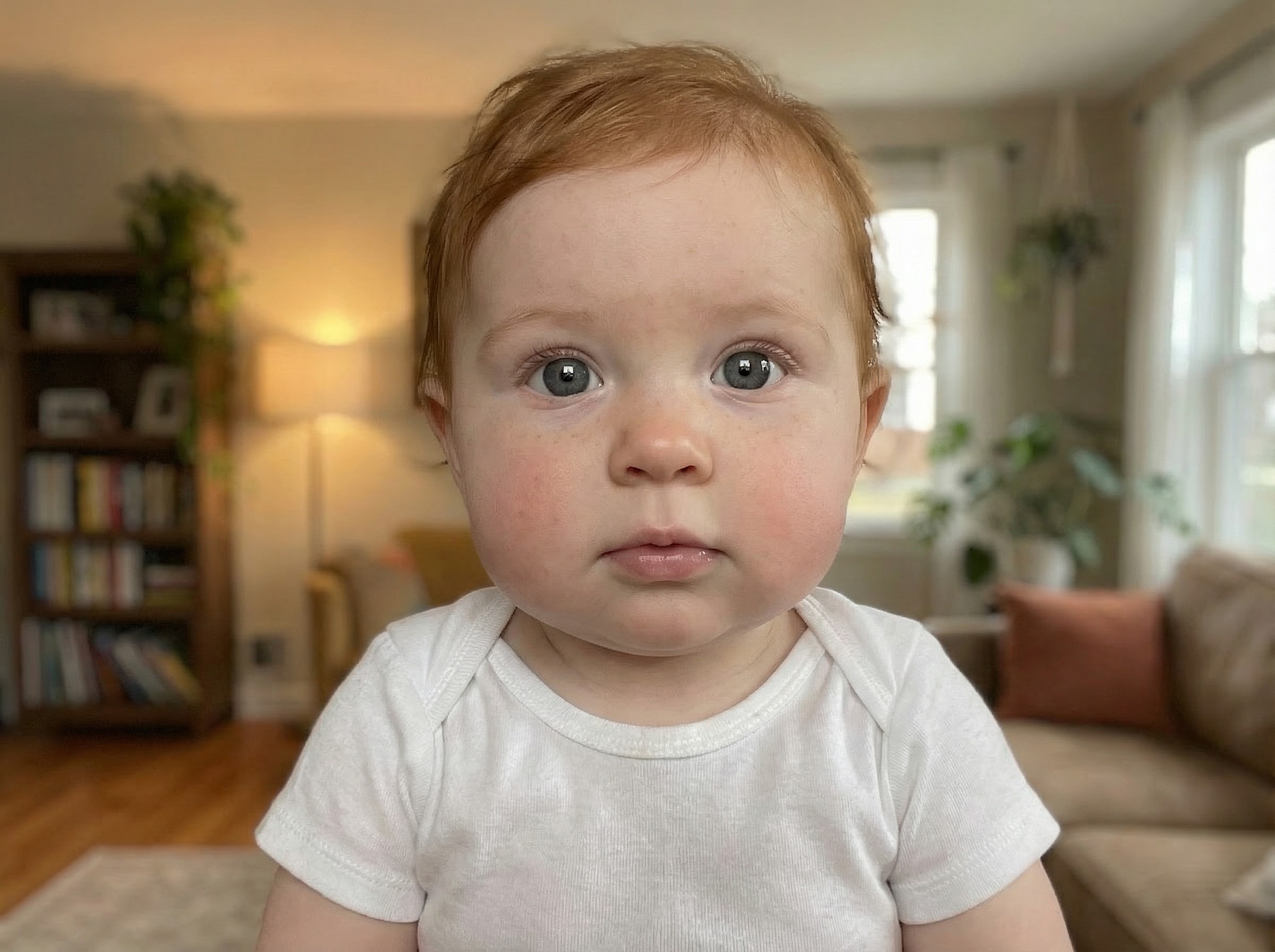
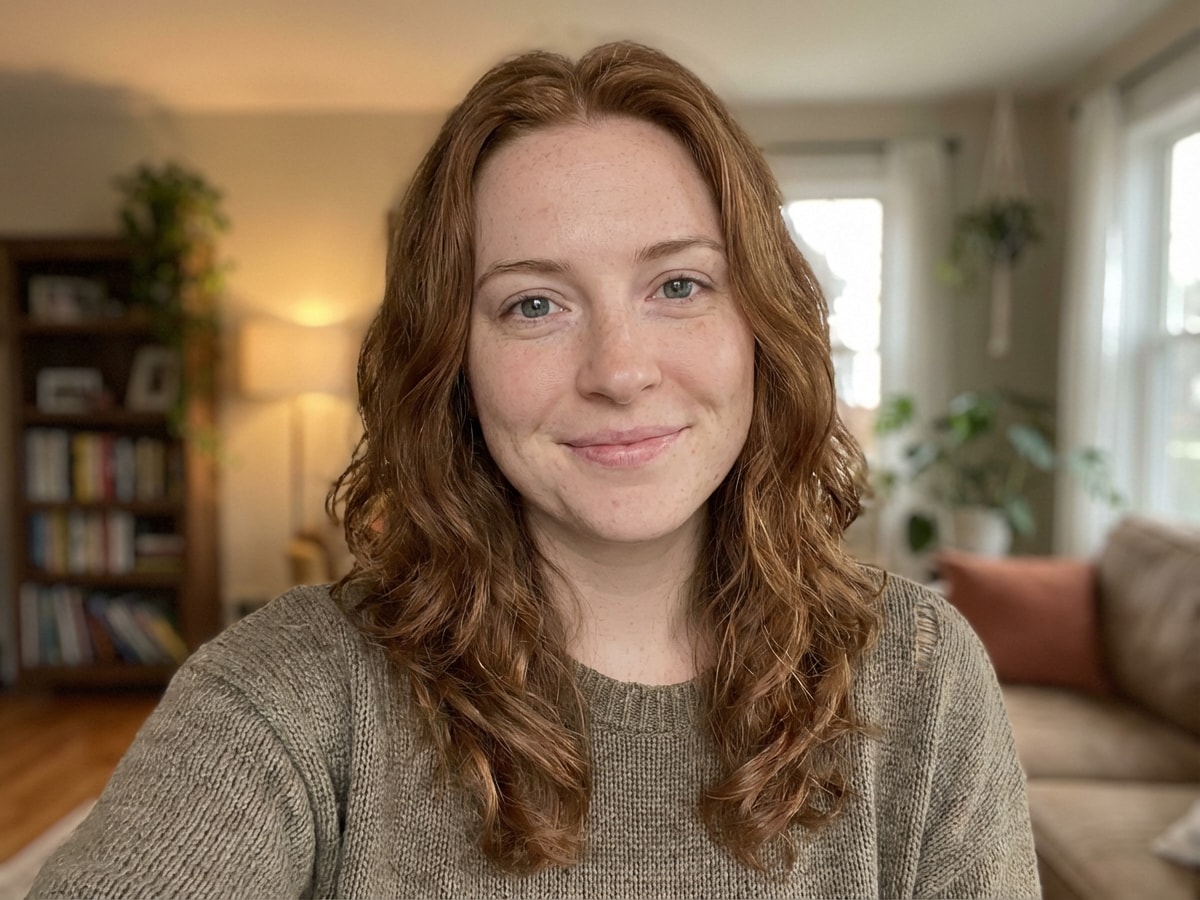
No partner photo needed — upload just your own portrait and the AI transforms you into an adorable baby version of yourself. A viral fan-favorite for social media sharing.
Expecting a baby? Generate a heartfelt preview of your little one's face to share at your baby shower or save as a personal keepsake. A meaningful way to celebrate before the big arrival.
Start quickly with JPG, PNG, or JPEG images. Upload parent photos to guide the AI baby generator and create a more personalized future baby preview from your references.
Choose from multiple aspect ratios and resolutions including 1K, 2K, and 4K. You can also generate 1 to 4 images in a batch to compare different baby face styles and results.
Media.io supports powerful models including Nano Banana Pro, Nano Banana 2, Media 2.0, Seedream 5.0 Lite, and Media 1.0 for high-quality image-to-image baby portrait generation.
The tool works on Windows, Mac, iOS, and Android with no install required. Uploaded images are automatically deleted from Media.io servers after 7 days to help protect your privacy.
Go to Media.io and open the Baby Face Generator under AI -> Image to Image. This online tool runs in your browser, so you can create a future baby image on desktop or mobile without installing anything.
Upload clear parent photos in JPG, PNG, or JPEG format. Then enter a detailed prompt like: “Use the uploaded parent photos to create a photorealistic newborn baby portrait with soft studio lighting, natural skin tones, bright eyes, and a pastel background.” Adjust aspect ratio, resolution, and image count if needed.
Click Generate to create your AI baby result. If needed, refine the prompt, try another style, or test multiple outputs. Then download your final baby portrait in high resolution for sharing, saving, or comparing variations.




Lifestyle Creator

"Cute, realistic results" I tried this baby face generator with two parent photos and the result looked surprisingly natural. The studio-style baby portrait felt much more realistic than the novelty tools I tested before.

Social Media User
"Easy for reveal posts" The collage and reveal styles are great for sharing. I made a future baby image for a fun post with my partner, and the mobile workflow was simple from upload to download.

Design-Savvy Parent-to-Be
"Good controls and output quality" I liked being able to change the aspect ratio and generate more than one version. That made it easier to compare a newborn look and a toddler prediction without starting over each time.

Casual Creator
"Better than gimmicky baby filters" This felt more polished than a random baby filter app. The generated face had softer detail, a cleaner composition, and a more believable family resemblance in the final image.
A baby face generator is an AI image tool that creates a baby-style portrait from uploaded reference photos. With Media.io, you can upload parent images and generate a future baby preview in different visual styles, such as photorealistic portraits, collages, or stylized variations.
Media.io can generate an AI-simulated future baby image based on uploaded parent photos, but it is a creative visual prediction rather than a scientific or genetic certainty. It’s best used for curiosity, entertainment, sharing, and trying different baby portrait styles.
Open the Media.io image-to-image tool, upload parent photos in JPG, PNG, or JPEG format, and enter a prompt describing the kind of baby portrait you want. You can then choose settings like aspect ratio, 1K/2K/4K resolution, and generate 1 to 4 images to compare results.
Yes. Media.io supports uploading reference images to guide image generation, so you can use parent photos as the basis for a future baby face result. Clear, front-facing photos typically make it easier to create a more polished baby portrait preview.
Free users get 3 credits per day on Media.io. If you need more generations, higher usage, or want a better workflow for repeated baby face generation, you can upgrade on the pricing page: https://www.media.io/pricing.html. Free-user downloads may include watermarks, while paid subscribers can download watermark-free high-resolution images.
Media.io is web-based and works in your browser on Windows, Mac, iOS, and Android. For privacy, uploaded images are automatically deleted from Media.io servers after 7 days. If you need more advanced use and cleaner exports, you can also review paid options here: https://www.media.io/pricing.html.
 4.7 (162,357 Votes)