Turn Your Photo Into an Art Deco Portrait With AI Glamour
Create a striking art deco portrait from your own photo in minutes. Use Media.io to apply an art deco filter, explore a 1920s art deco filter look, and transform a selfie into a polished art deco style photo with elegant poster detail.
Review these example directions, then tailor the prompt details to get stronger results with this Art Deco Portrait.
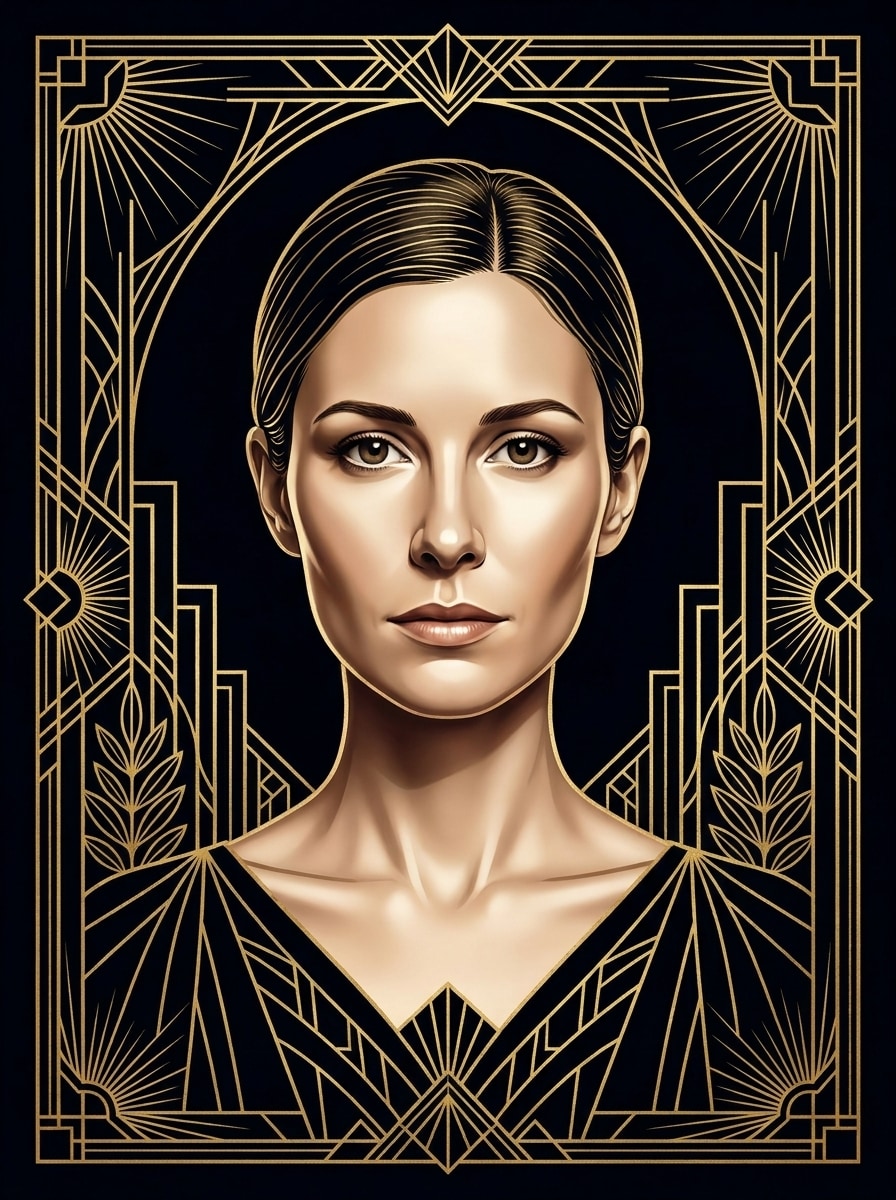
Gold and Black Glamour
Use the uploaded image as the subject and transform it into a luxurious Art Deco poster portrait with a symmetrical front-facing composition, black velvet background, fine gold geometric borders, metallic linework, elongated facial elegance, polished skin tones, dramatic studio lighting, and a refined 1920s high-society mood.
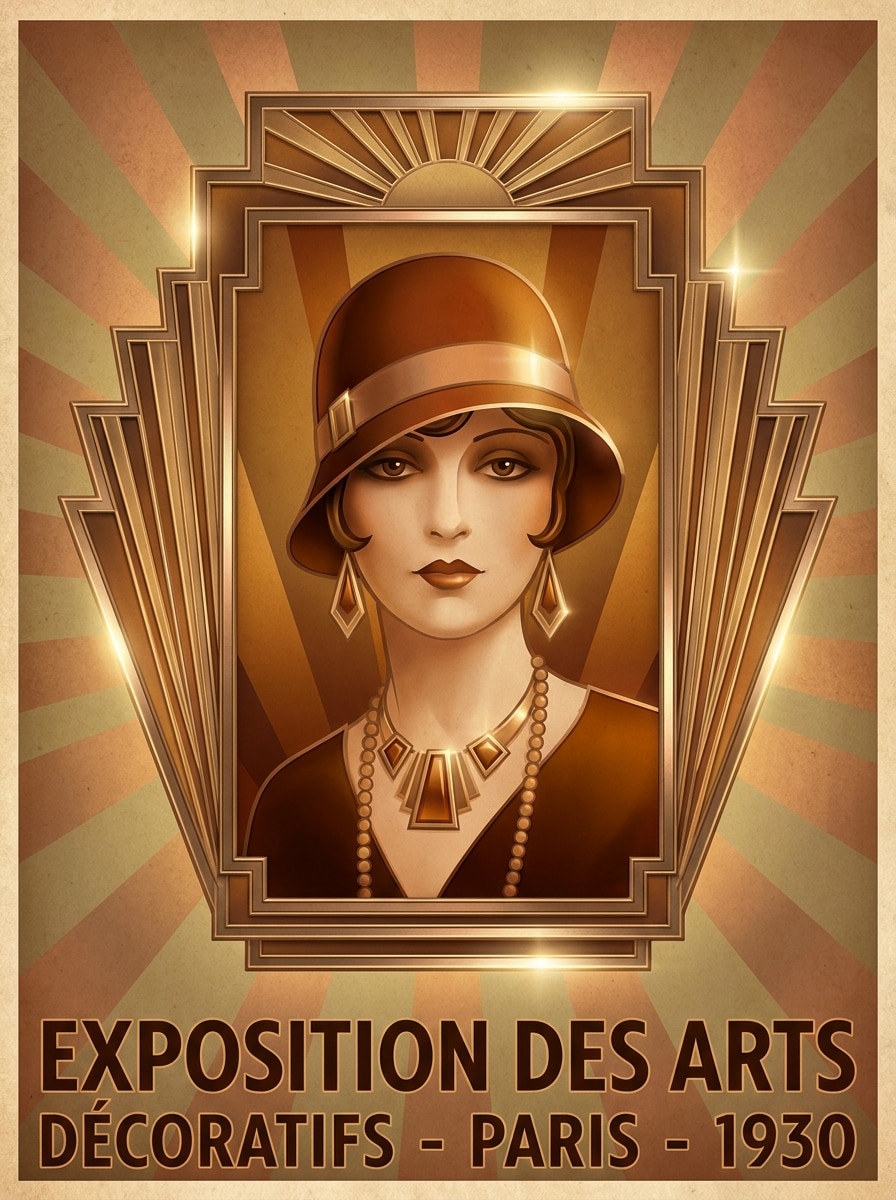
Sunburst Deco Frame
Use the uploaded image as the subject and restyle it into a radiant Art Deco portrait with a bold sunburst halo behind the head, stepped geometric framing, bronze and gold accents, crisp symmetry, soft cinematic shadows, glossy poster finish, and a sophisticated vintage-theater atmosphere.
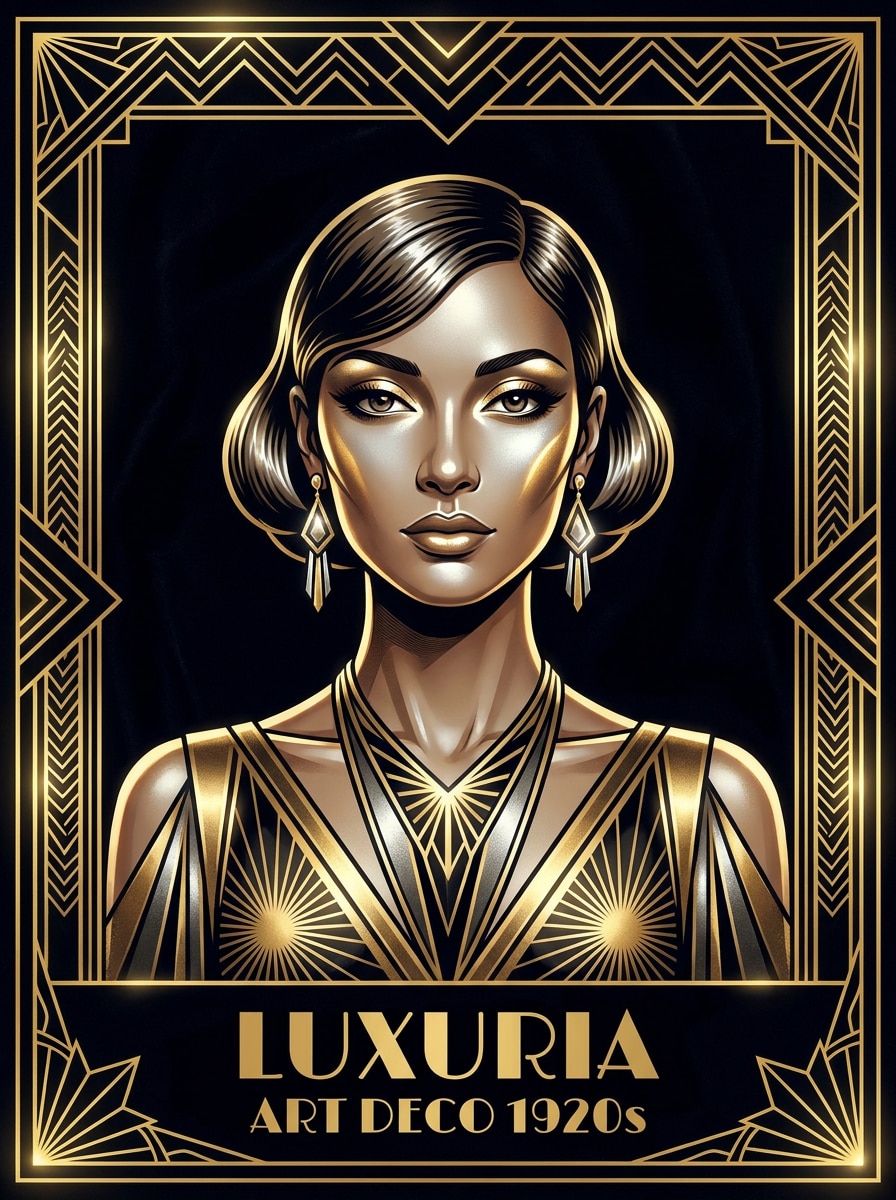
Roaring Twenties Luxury
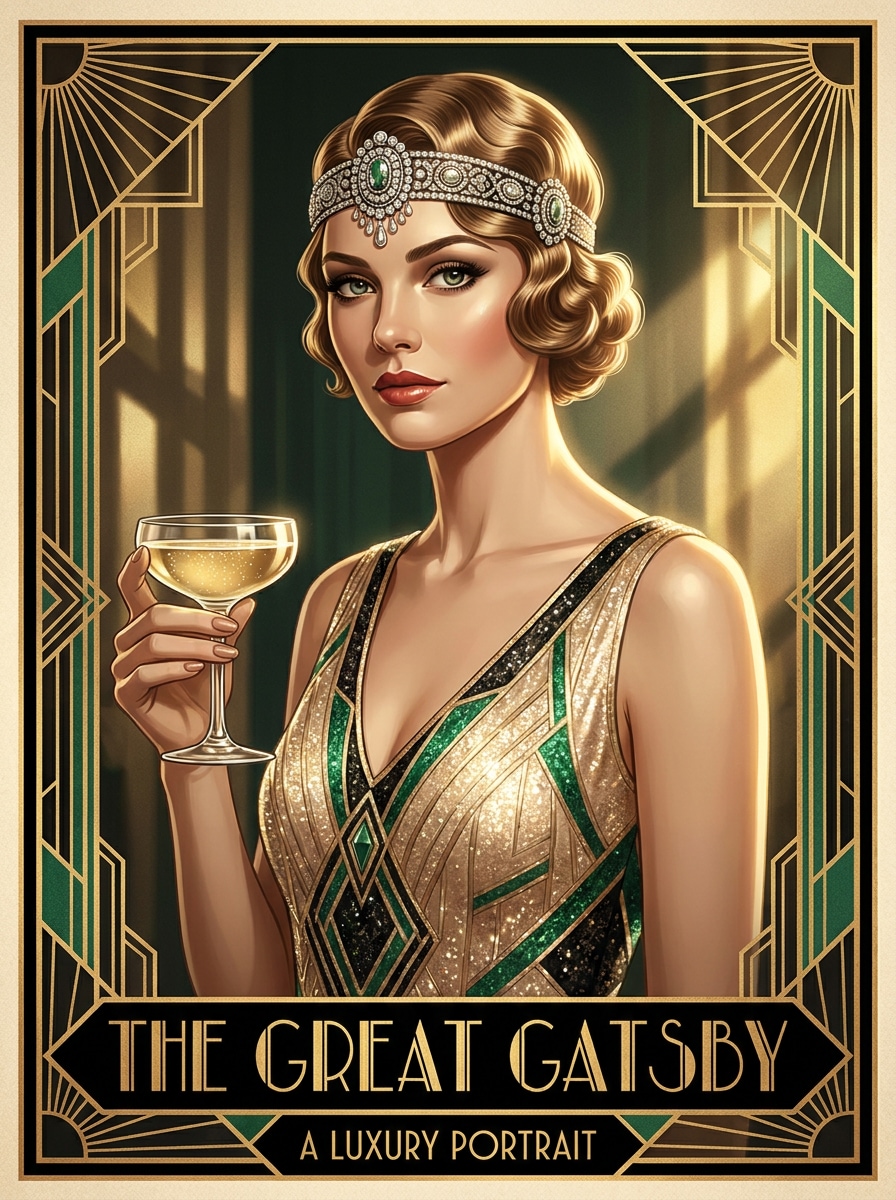
Use the uploaded image as the subject and turn it into a glamorous Gatsby-inspired Art Deco portrait with jeweled accents, polished hair styling, emerald and champagne gold tones, elegant facial definition, symmetrical framing, cinematic highlights, and a lavish Roaring Twenties poster mood.
Vintage Eveningwear Deco
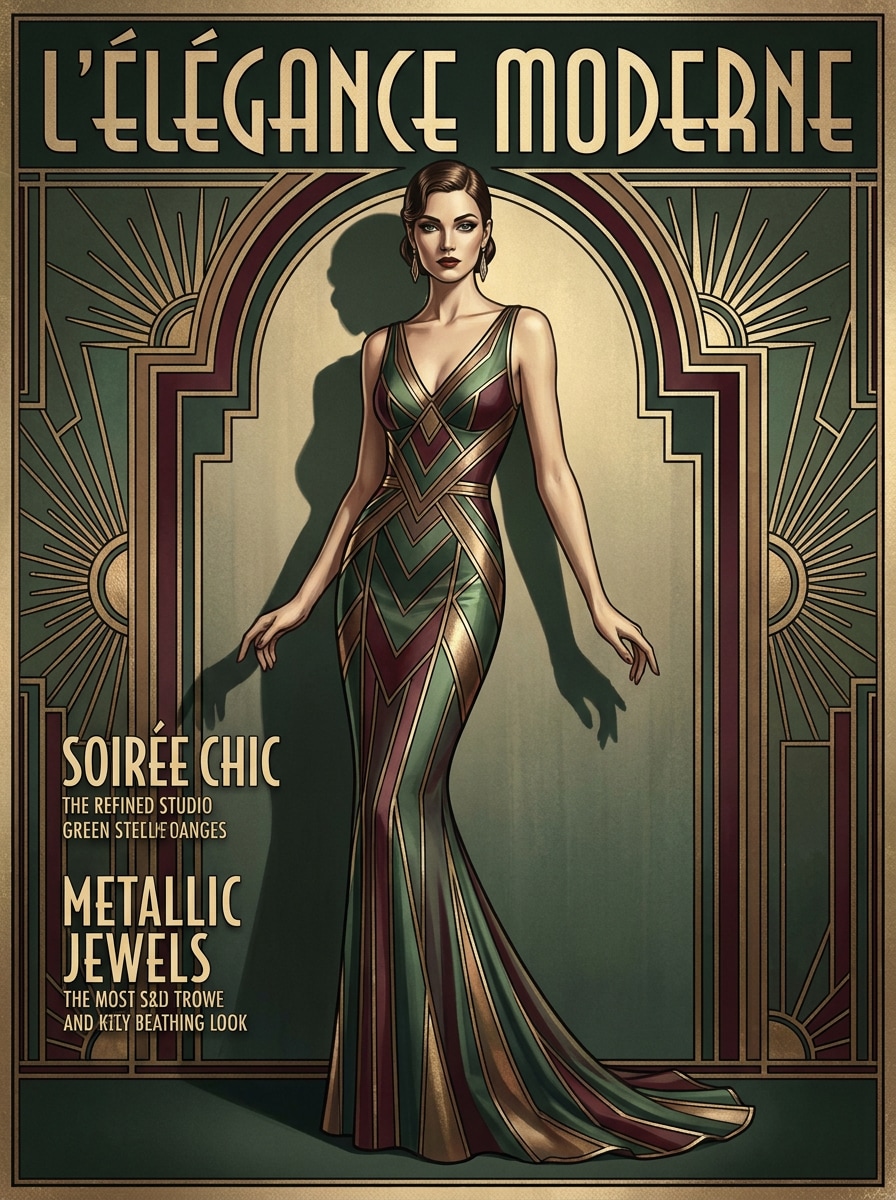
Use the uploaded image as the subject and create a high-fashion Art Deco editorial portrait with eveningwear elegance, metallic detailing, elongated proportions, symmetrical magazine-cover framing, muted jewel tones, satin-like texture, soft spotlighting, and a polished vintage luxury finish.
Geometric Line Art
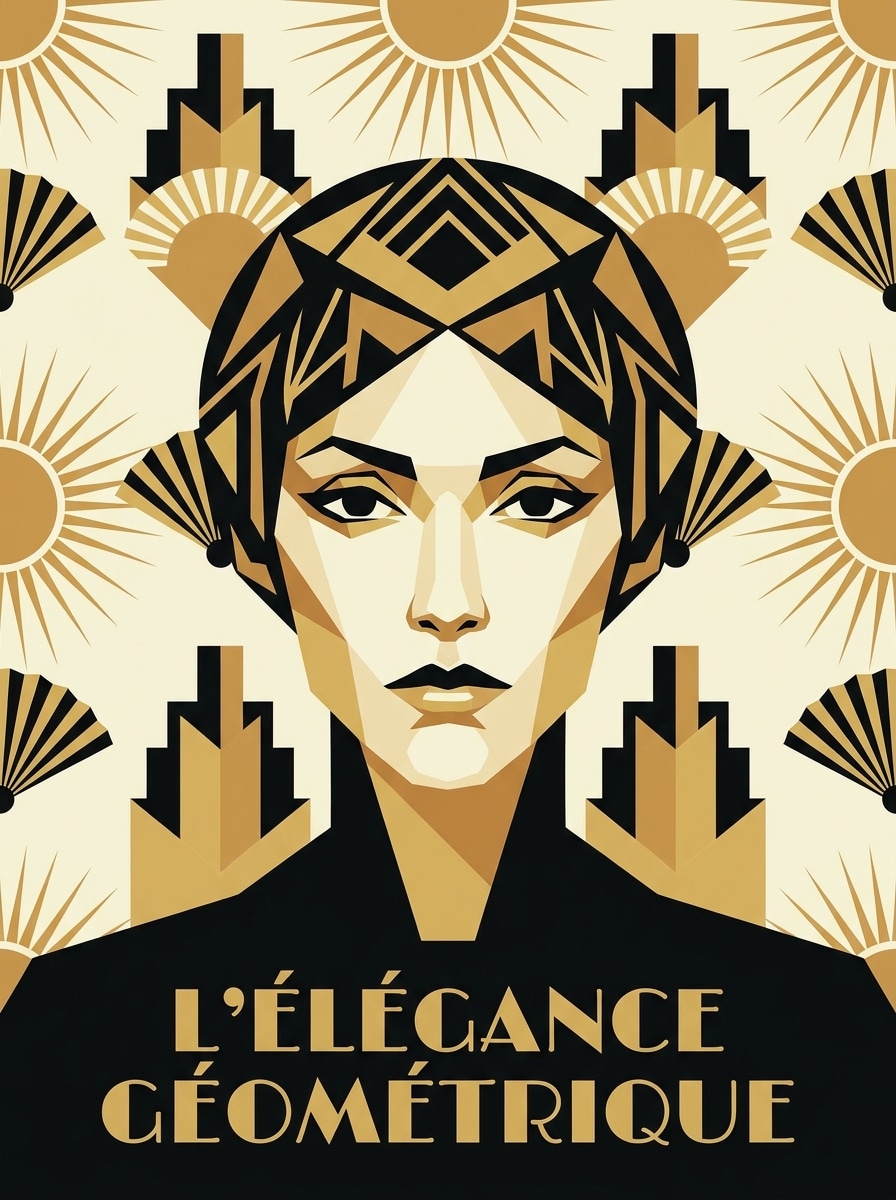
Use the uploaded image as the subject and convert it into a graphic Art Deco illustration with simplified geometric facial planes, bold contour lines, limited black-gold-ivory palette, crisp symmetry, smooth poster textures, clean negative space, and a sharp collectible print look.
Minimal Deco Silhouette
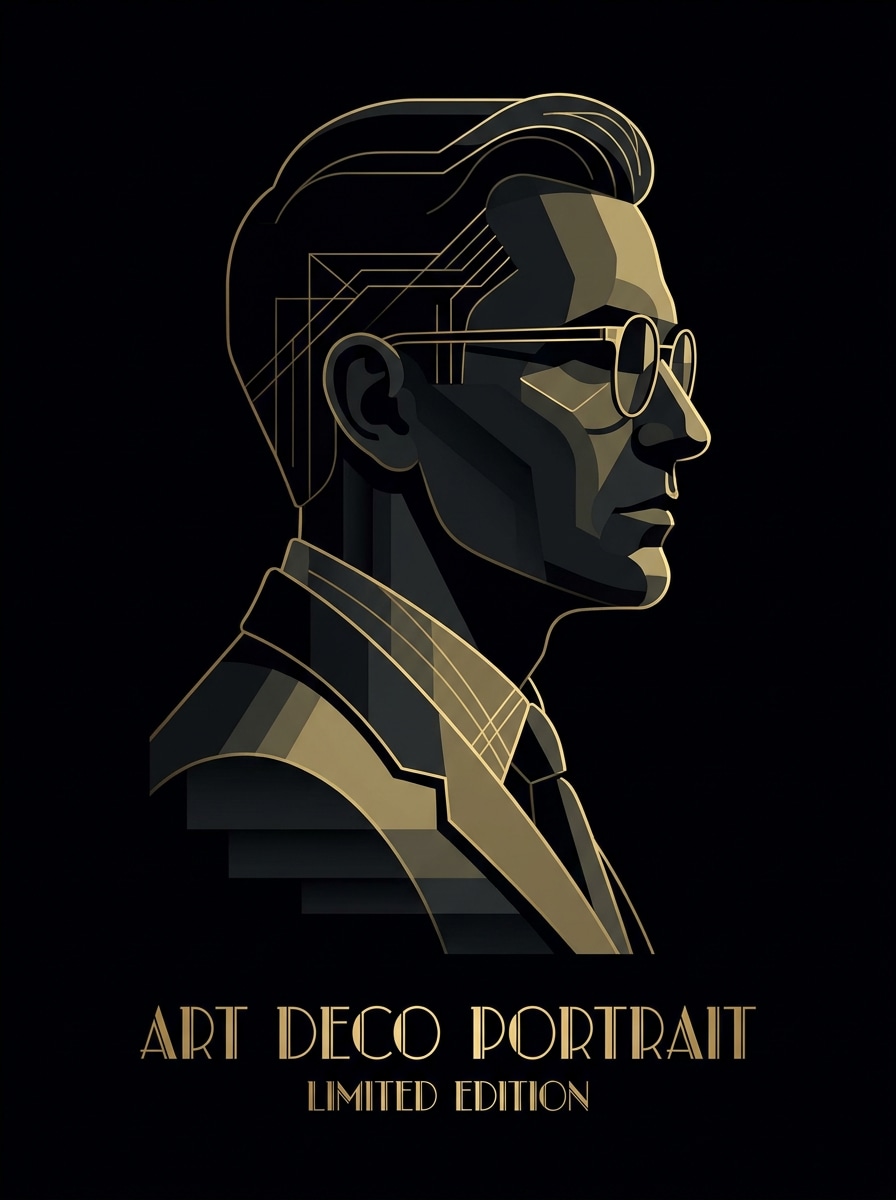
Use the uploaded image as the subject and redesign it as a minimalist Art Deco portrait with sleek silhouette treatment, stepped forms, restrained gold accents, rich negative space, matte black background, elegant edge lighting, and a high-end luxury poster atmosphere.
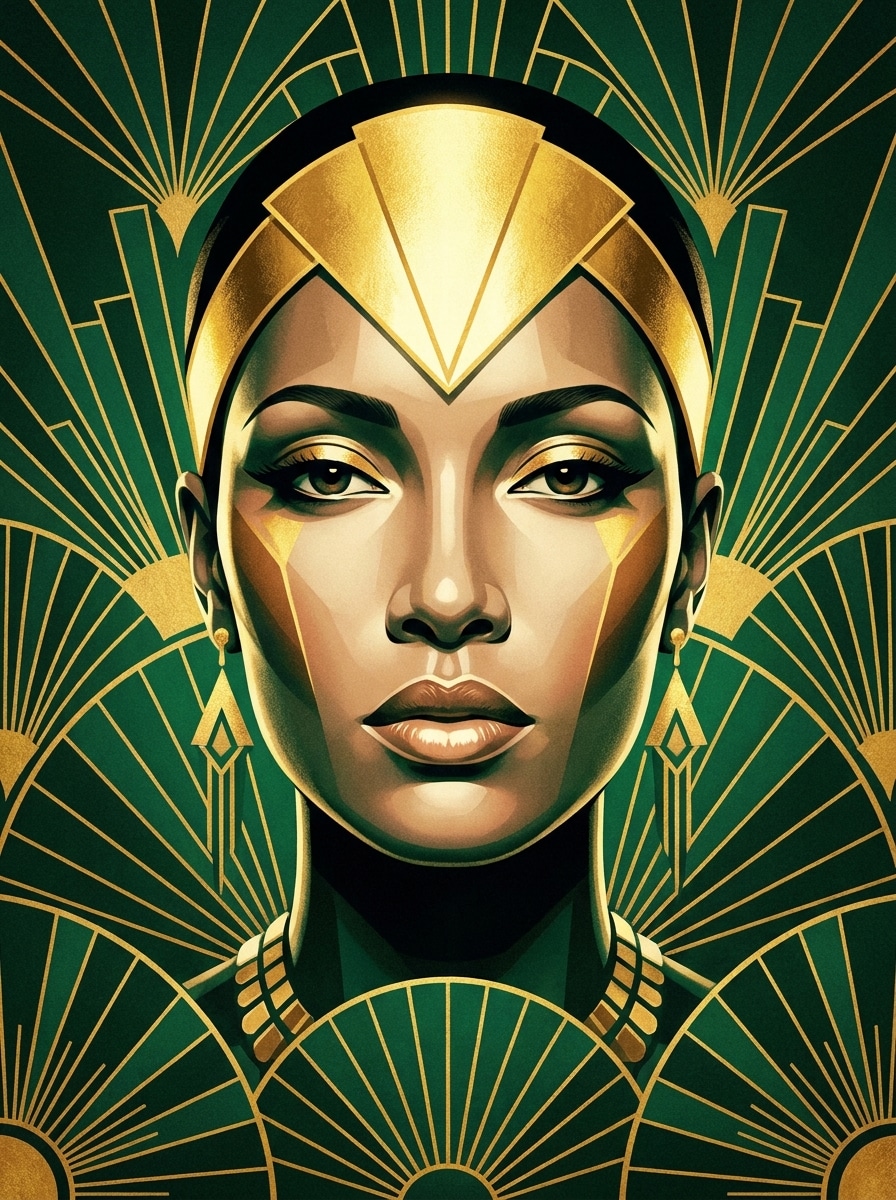
Emerald and Gold Deco
Use the uploaded image as the subject and transform it into a rich emerald and gold Art Deco portrait with luminous ornamentation, geometric fan motifs, elegant facial refinement, glossy textures, symmetrical framing, dramatic contrast, and a regal vintage poster mood.
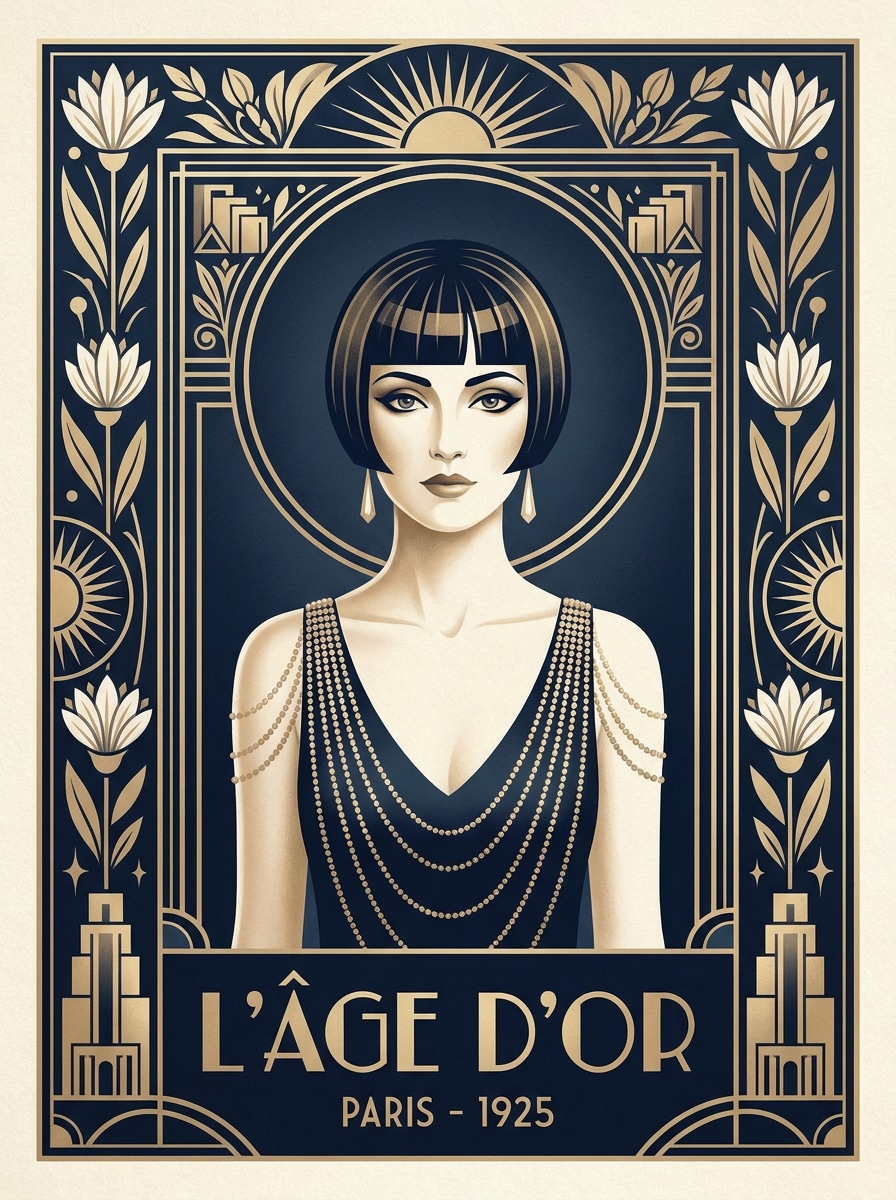
Navy and Champagne Deco
Use the uploaded image as the subject and create a refined Art Deco portrait in navy blue, ivory, and champagne gold, with symmetrical deco borders, glossy highlights, soft cinematic shadows, smooth textures, and a graceful vintage-poster feel suited to upscale display.
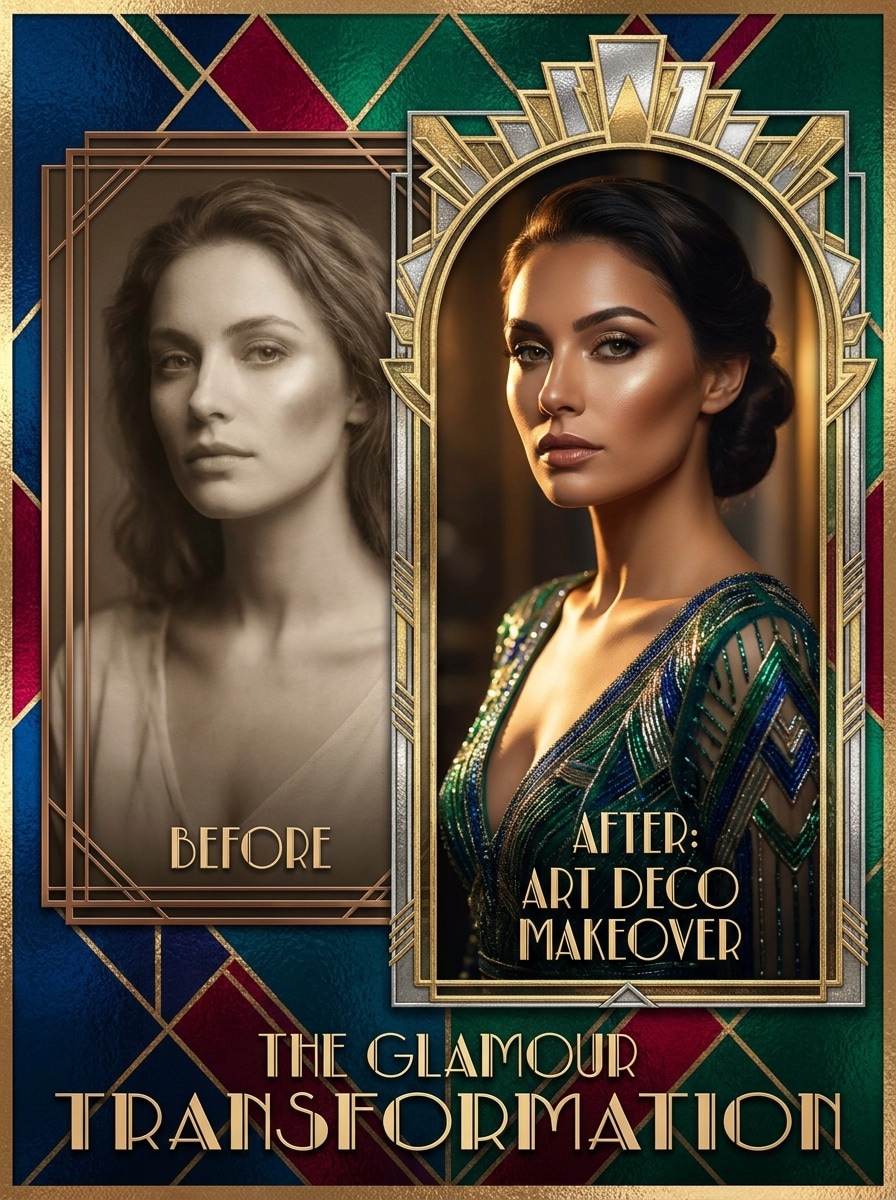
Before-and-After Deco Makeover
Use the uploaded image as the subject and give it a dramatic Art Deco makeover with glamorous lighting, refined facial styling, geometric framing, metallic textures, jewel-tone shadows, crisp poster composition, and a cinematic transformation designed for striking before-and-after reveals.
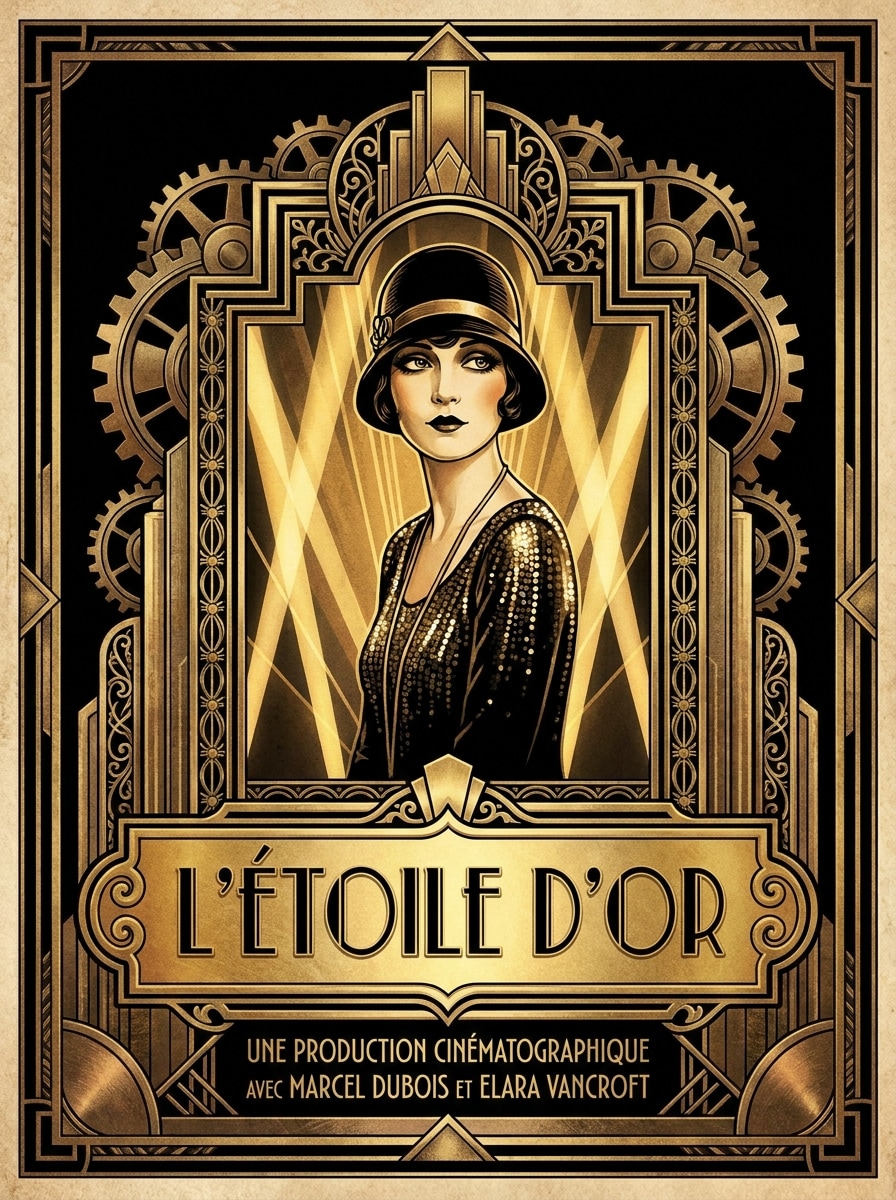
Movie Poster Deco
Use the uploaded image as the subject and transform it into a bold Art Deco movie-poster portrait with theatrical lighting, monumental framing, decorative architectural lines, gold title-space design, symmetrical composition, rich black-and-gold contrast, and cinematic vintage glamour.
Why Use Media.io for Art Deco Portrait Transformations
Preserve Identity While Changing the Look
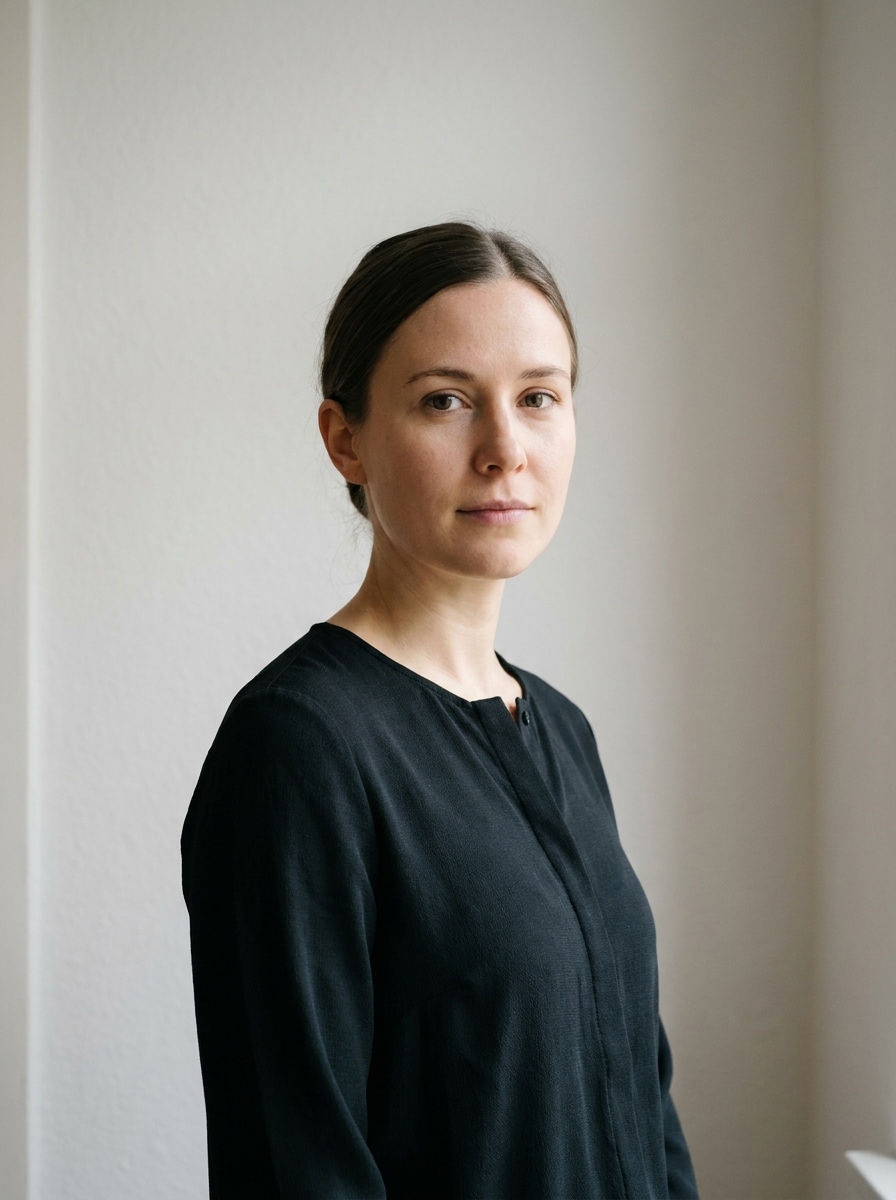
With a clear uploaded photo, Media.io uses reference-based image transformation to preserve your identity while applying a glamorous deco look, so the final portrait still feels personal instead of turning into a random vintage character.
Rework One Subject Into Multiple Styles
When a result needs to stay tied to the original subject, Media.io helps preserve recognizable features while adapting the overall art deco portrait style for social, branding, or mockup use.
Dial In Luxury Detail With Flexible Resolution Options
For projects that need more than draft quality, Media.io helps produce art deco portrait with up to 4K output so details stay cleaner when you present, crop, or repurpose the final file.
Create and Refine from Any Browser in Minutes
When a art deco portrait idea starts away from your main setup, Media.io lets you create and refine it in the browser so moving between mobile and desktop feels seamless instead of disruptive.
How to Make an Art Deco Portrait From a Photo
Turn your words into stunning visuals in three simple steps, then continue refining the result if you want to take it further.
Step 1
Upload Your Reference Image
Start with a clear portrait, selfie, or fashion photo in JPG, PNG, or JPEG format. Centered faces, clean lighting, and visible features work best when you want a polished deco transformation that still looks like you.
Step 2
Describe the Change and Set Options
Enter a prompt describing the look you want, such as gold geometric borders, sunburst framing, Gatsby glamour, or a poster finish. Then choose your model and adjust aspect ratio, quality, and the number of image variations.
Step 3
Generate, Download, and Keep Improving
Create your styled portraits, compare the results, and download the version you like most. If needed, refine the prompt, try another layout, or generate more variations until the mood, color palette, and vintage detail feel right.
See how creators use this Art Deco Portrait for content, marketing, and personal projects, then adapt each idea to fit the brief.
Design a Glamorous Profile or Creator Portrait
Upgrade a selfie into a polished editorial image with deco framing, metallic accents, and vintage luxury. This works especially well for creators who want an AI art deco filter look that feels memorable on social profiles, personal sites, or channel banners.
Create Giftable Wall Art With a Personal Twist
Turn a loved one’s photo into a custom poster-inspired piece for birthdays, anniversaries, or home decor. A refined vintage treatment can make a simple snapshot feel like collectible artwork instead of a standard printed photo.
Build a Gatsby-Themed Party or Event Visual
Produce a striking gatsby art deco photo for invitations, welcome boards, themed content, or event promos. Symmetrical layouts, jewel tones, and gold detailing help tie portraits into a cohesive Roaring Twenties visual direction.
What Users Say
Amelia R.
Lifestyle Creator
"My selfie actually looked like a vintage poster." I uploaded a simple phone portrait and got a gorgeous deco-style result with gold framing and elegant lighting. It felt stylish without losing my face, which is exactly what I wanted.
Jordan T.
Event Designer
"Perfect for Gatsby-themed event graphics." We used it to create character-style portraits for a Roaring Twenties party. The layouts looked dramatic and polished, and the output was strong enough to use across signage and digital invites.
Priya S.
Etsy Seller
"Great for personalized print products." I tested a few portrait styles and loved how easy it was to refine the prompt. The geometric details and jewel-tone palettes came out beautifully, especially for custom poster orders.
Marcus L.
Photographer
"Fast workflow and elegant results." The browser-based setup made it easy to upload a client photo, experiment with multiple variations, and export a high-resolution version. It saved me time on concept visuals and social previews.
1. How can I turn a photo into an Art Deco portrait online?
Upload a clear JPG, PNG, or JPEG portrait to Media.io, then enter a prompt describing the look you want, such as gold geometric borders, sunburst framing, jewel tones, or a vintage poster finish. The image-to-image workflow uses your reference photo to guide the transformation, helping you create an elegant Art Deco-style result directly in your browser.
2. Is there a free Art Deco portrait generator I can try?
Media.io offers free credits so you can test an Art Deco portrait workflow before upgrading. Free users may see watermarks, while paid plans support watermark-free high-resolution downloads. For more usage details, you can check the pricing page. Free users can use free credits. For more usage, users can subscribe to a plan on the pricing page. Upgrade to a paid plan on the pricing page for more credits and watermark-free high-resolution downloads.
3. What kind of photo works best for an Art Deco portrait effect?
A sharp, well-lit photo with a clear face works best. Centered portraits, clean backgrounds, and visible facial features give Media.io a stronger reference for creating a polished deco transformation. If you want a more dramatic or editorial result, choose an image with confident pose, tidy styling, and balanced contrast.
4. Can I create a high-resolution Art Deco portrait for printing?
Media.io supports 1K, 2K, and 4K resolution options, which is useful for prints, framed gifts, posters, and other display formats. You can also adjust the aspect ratio so the final composition fits your print layout more cleanly. Free users may have watermarks.
5. How long does it take to generate an Art Deco portrait from a photo?
In most cases, it only takes a short time to upload your image, add a prompt, and generate variations. The exact speed depends on the image settings and model you choose, but the workflow is designed to help you move from photo to stylized portrait quickly.
6. Can I make an Art Deco portrait on my phone or tablet?
Media.io is web-based, so you can create and edit portraits on any device with a browser, including phones and tablets. That makes it easy to upload a selfie, try a luxury poster look, and download your finished artwork without installing separate software.