Anamorphic Flare Filter for Faster Cinematic Photo Transformations
Create dramatic horizontal light streaks, glossy bloom, and a polished film look from your own image. This anamorphic flare filter helps you build a cinematic anamorphic photo, stylized portrait, car shot, or neon night scene online with fast AI editing and flexible export options.
Review these example directions, then tailor the prompt details to get stronger results with this AI anamorphic filter.
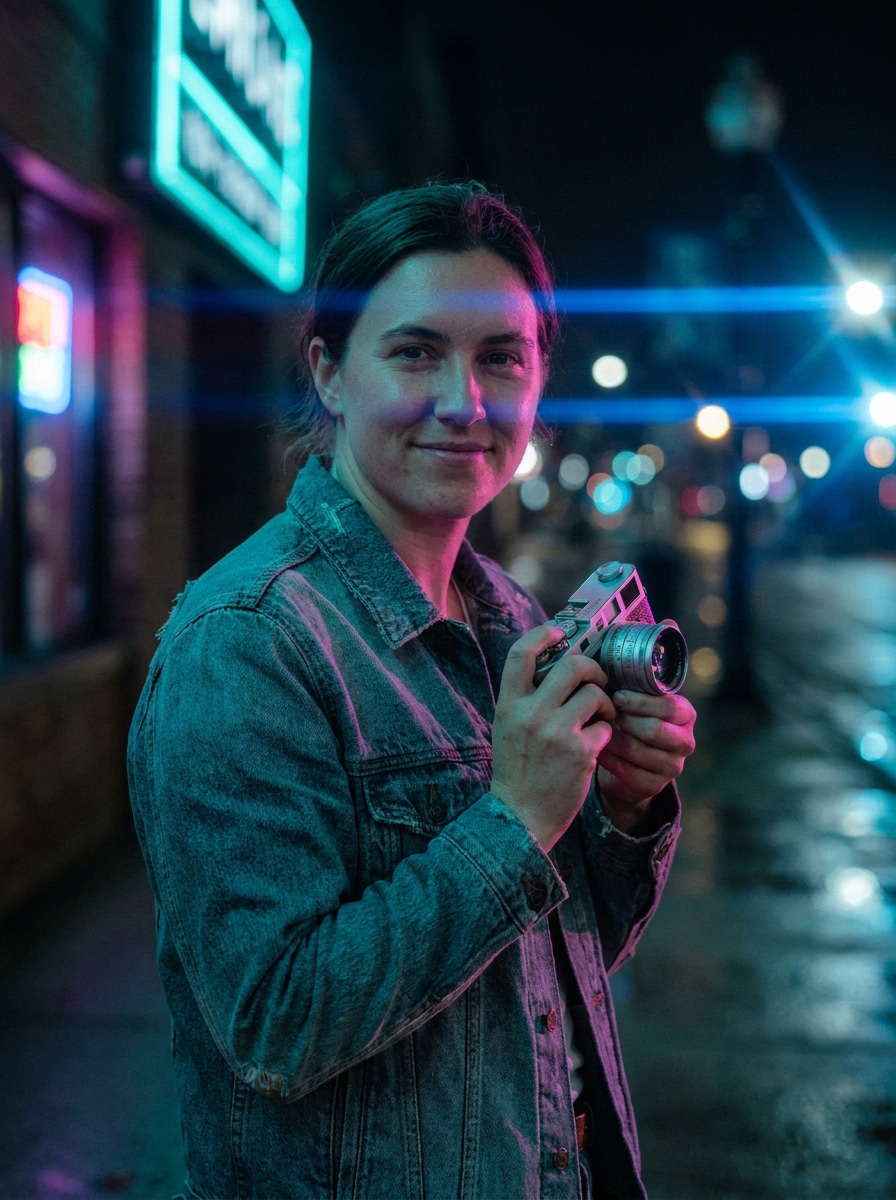
Neon Night Portrait
Use the uploaded image as the subject and transform it into a moody neon night portrait with a realistic blue horizontal anamorphic flare crossing nearby light sources, soft bloom, teal and magenta reflections, shallow depth of field, preserved skin texture, cinematic contrast, and a premium film still atmosphere.
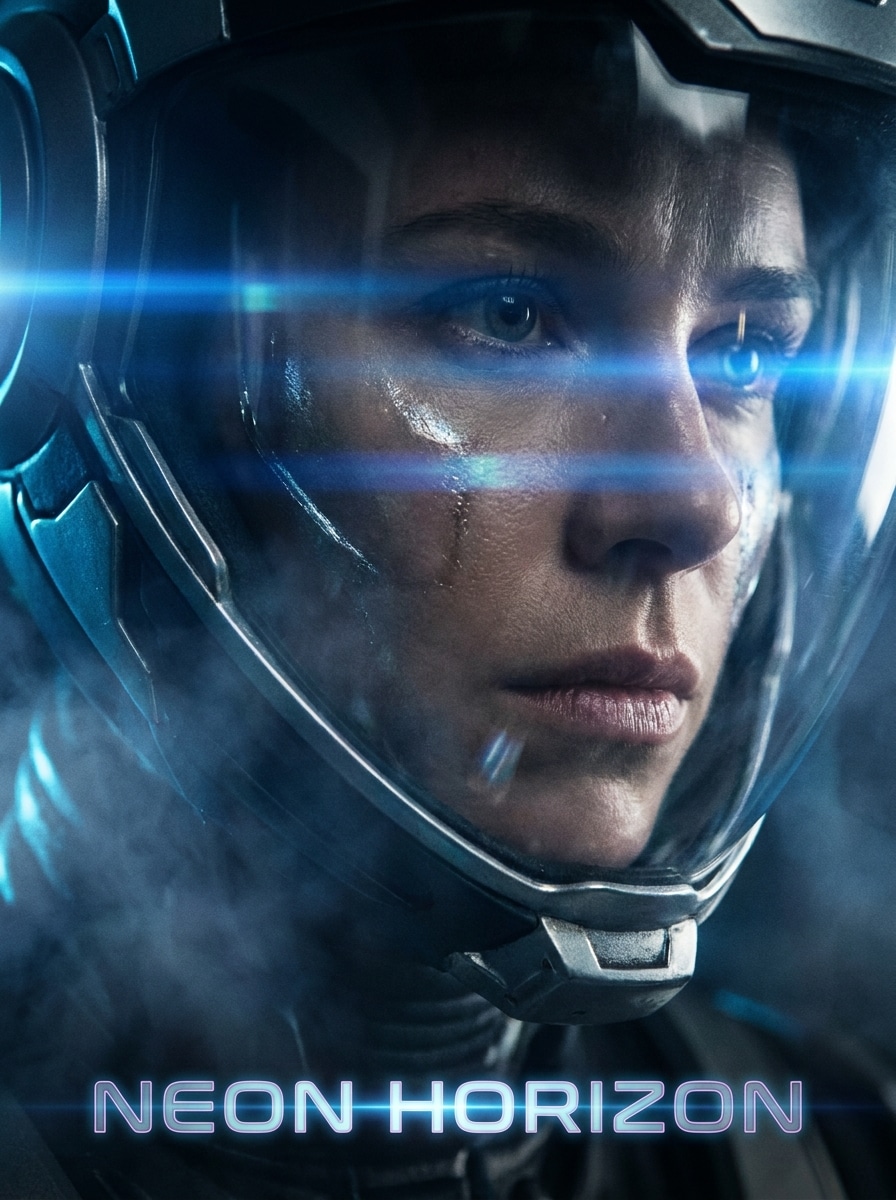
Sci-Fi Close-Up
Use the uploaded portrait as the subject and restyle it like a futuristic sci-fi movie close-up with intense horizontal anamorphic lens streaks, cool blue highlights, soft atmospheric haze, dramatic rim light, crisp eyes, cinematic shadow depth, and clean skin detail for a blockbuster character shot.
Night Drive Cinematic
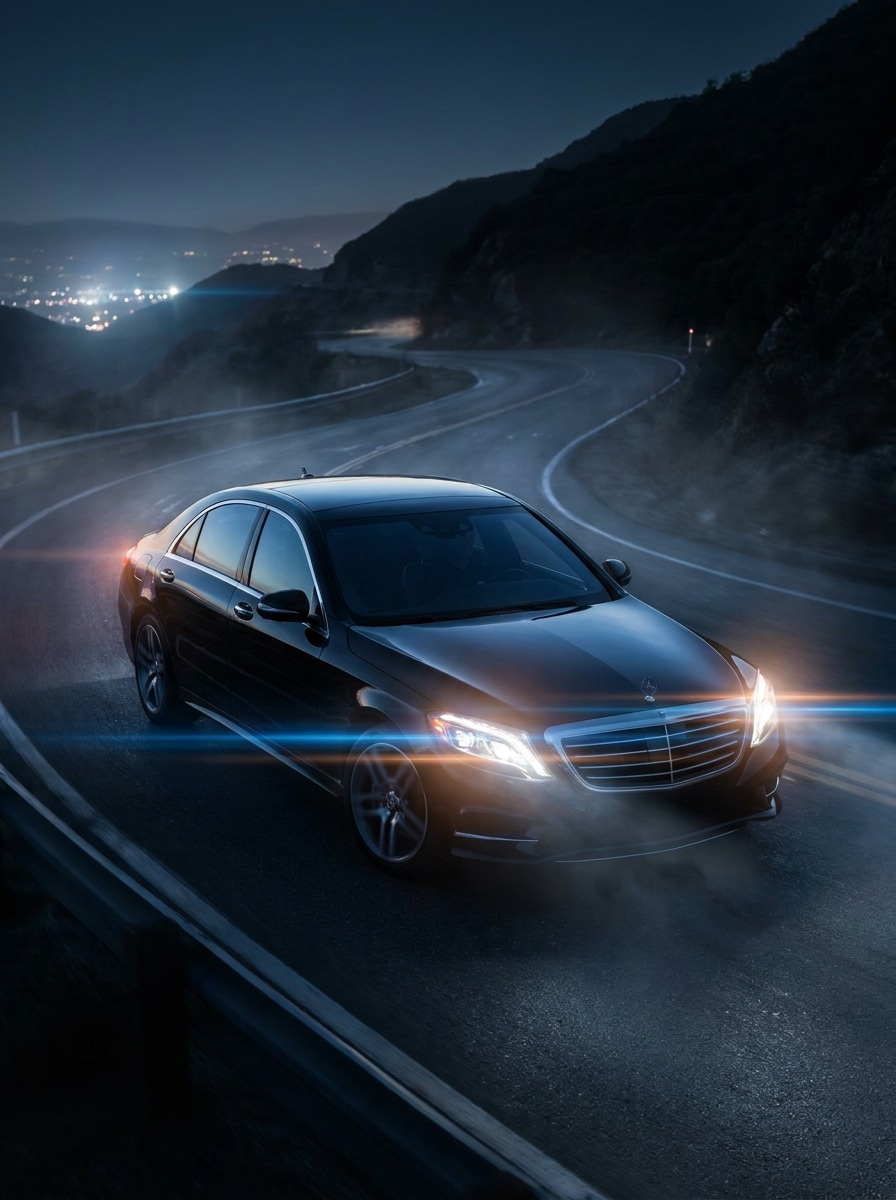
Use the uploaded car photo and transform it into a cinematic night drive scene with realistic anamorphic lens flare from headlights and streetlights, glossy body reflections, deep contrast, cool blue grading, subtle bloom, wet pavement highlights, and a premium automotive campaign finish.
Urban Streetlights
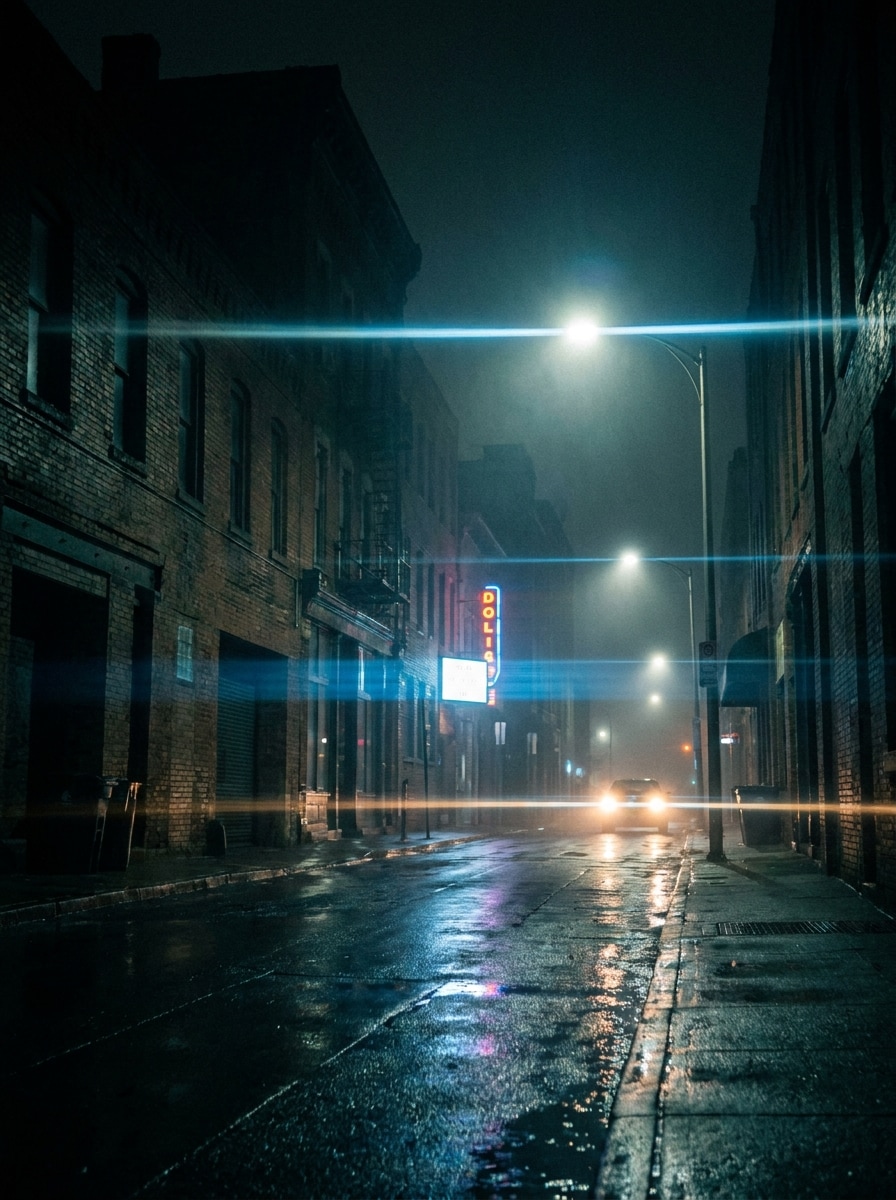
Use the uploaded street or city photo and add natural-looking horizontal anamorphic light streaks from streetlights, moody shadows, cinematic haze, subtle grain, realistic light falloff, cool night tones, and strong depth so the scene feels like a dramatic film frame without losing structure.
Warm Sunset Flare
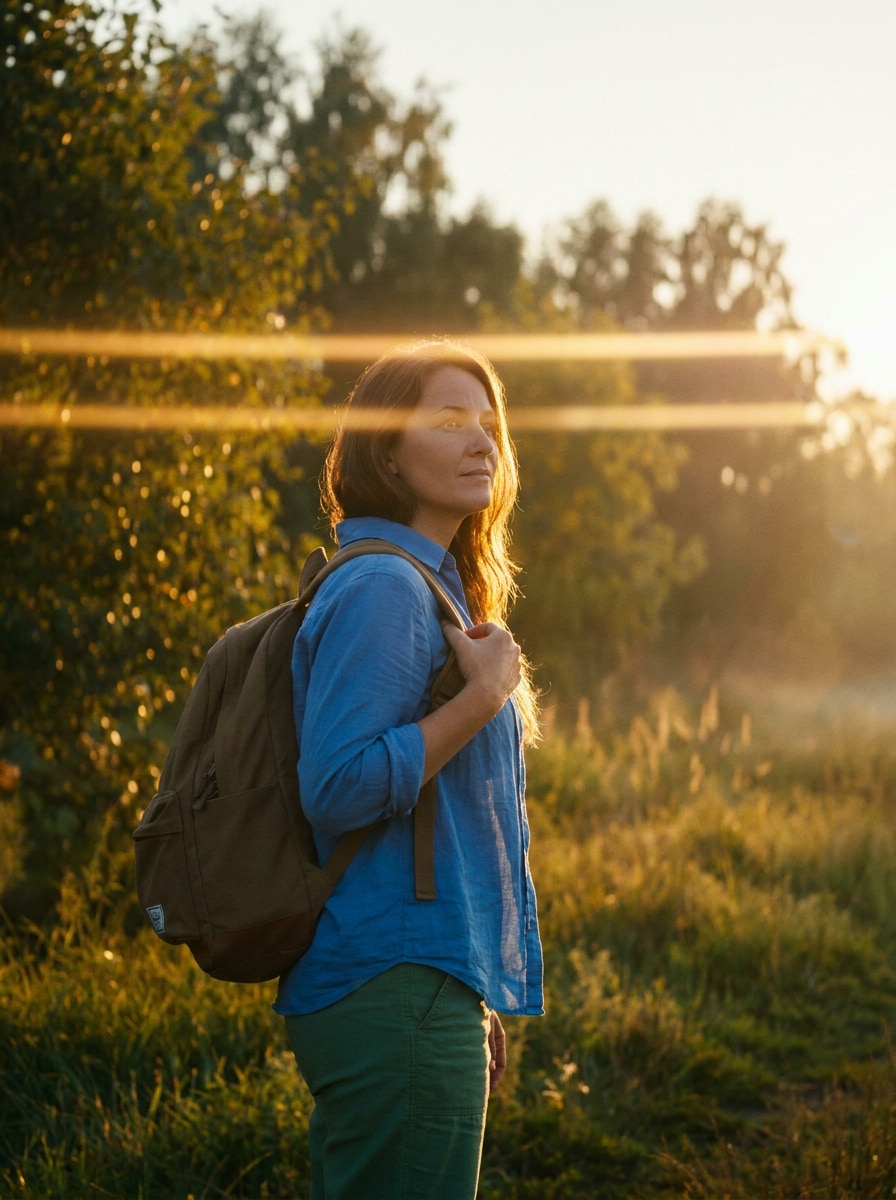
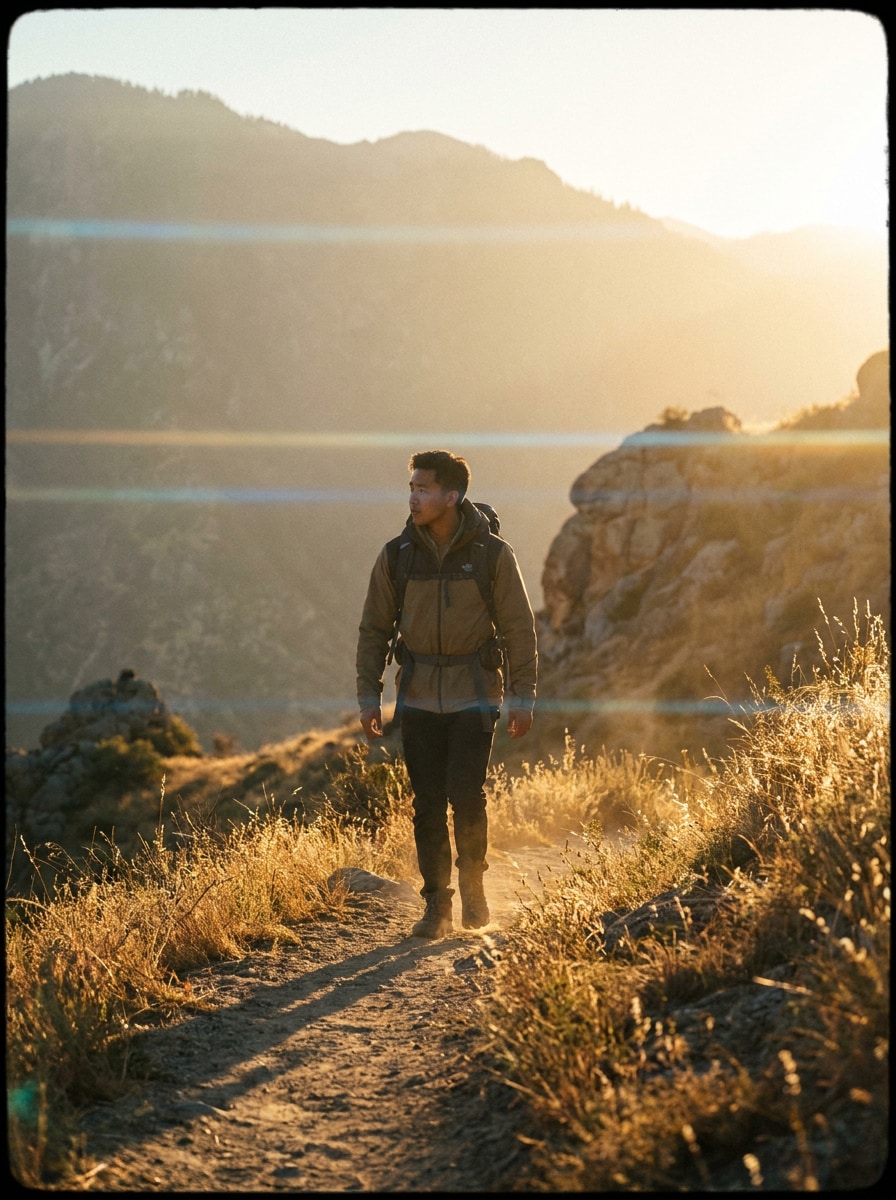
Use the uploaded image as the base and create a warm sunset cinema look with elegant golden anamorphic flare streaks, soft sun bloom, rich highlights, natural tones, gentle haze, balanced contrast, and an editorial finish that feels cinematic yet believable.
Backlit Outdoor Scene
Use the uploaded outdoor image and give it a refined anamorphic lens look with subtle horizontal flare from backlight, soft haze, filmic contrast, warm highlights, realistic flare placement, preserved details, and a polished movie-still atmosphere suited for travel or lifestyle shots.
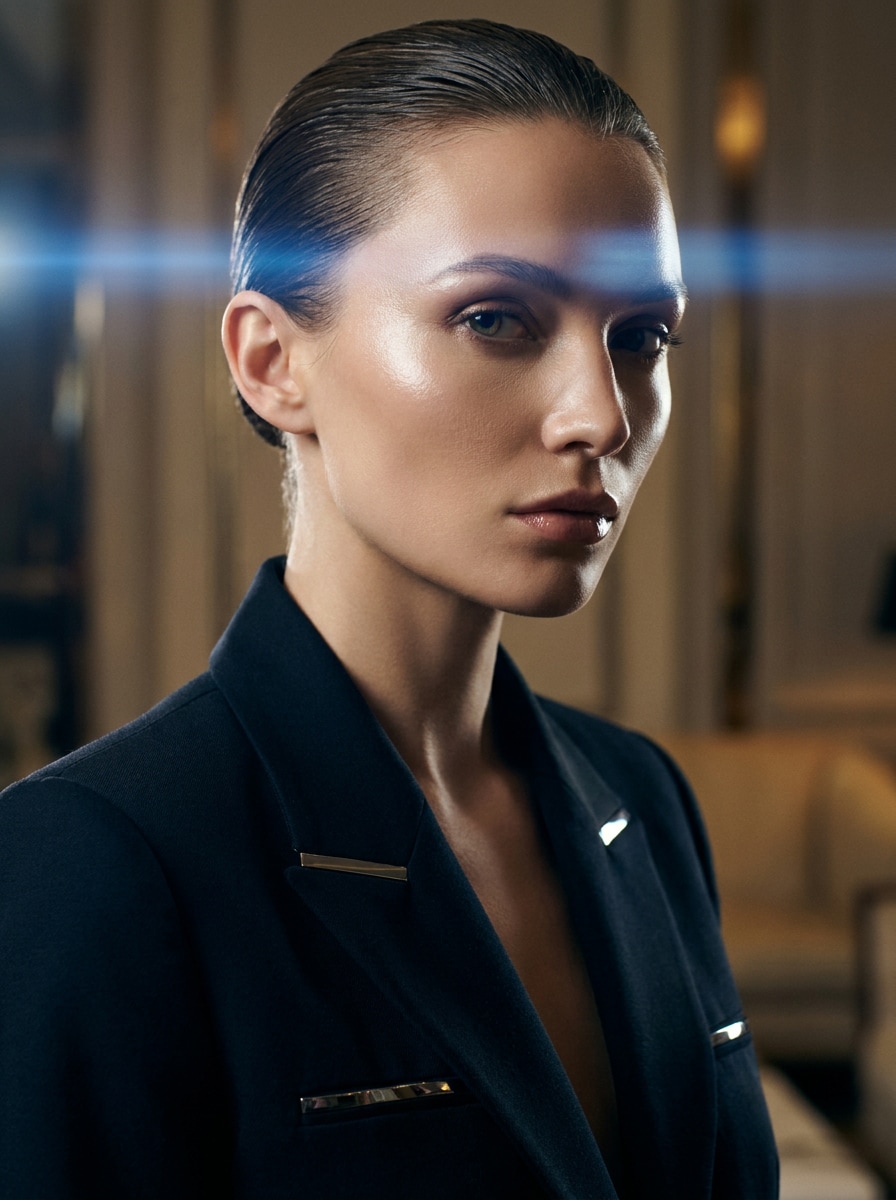
High-Fashion Cinema
Use the uploaded fashion image as the subject and restyle it into a luxury cinematic campaign with controlled blue anamorphic flare, glossy highlights, clean skin tones, premium editorial contrast, minimal grain, sculpted lighting, and a sleek magazine-quality finish.
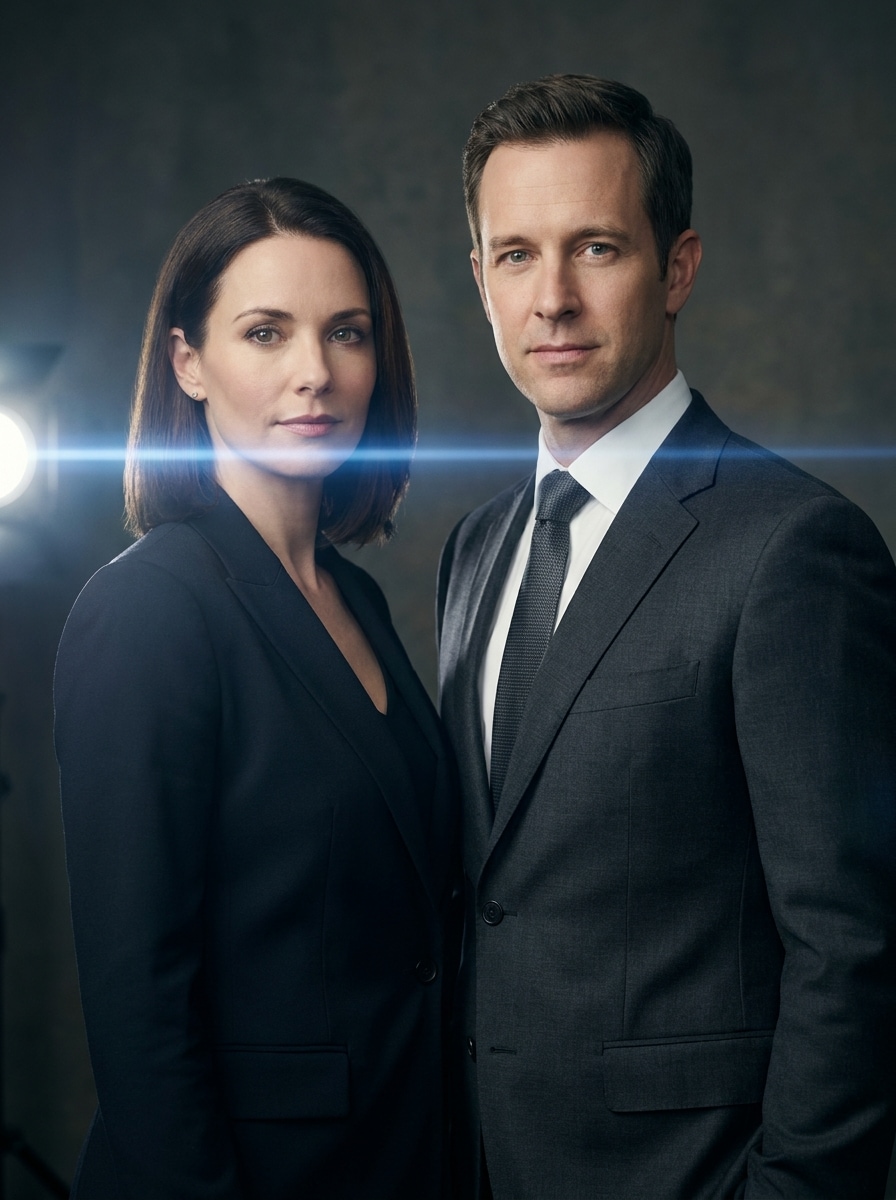
Studio Light Streak
Use the uploaded image and add a refined studio-style anamorphic flare with one clean horizontal light streak, balanced exposure, crisp subject retention, smooth gradients, modern commercial lighting, glossy detail, and a polished finish ideal for portraits, product shots, or branded visuals.
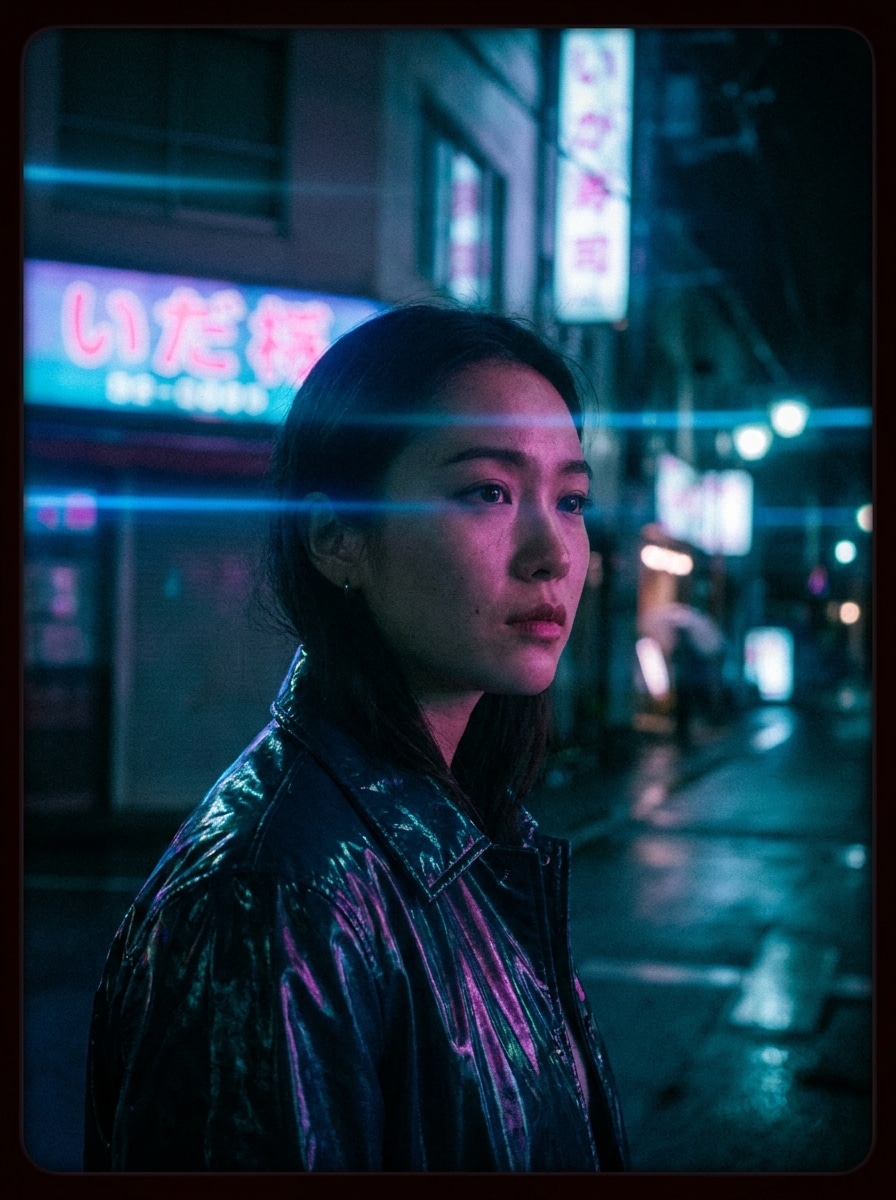
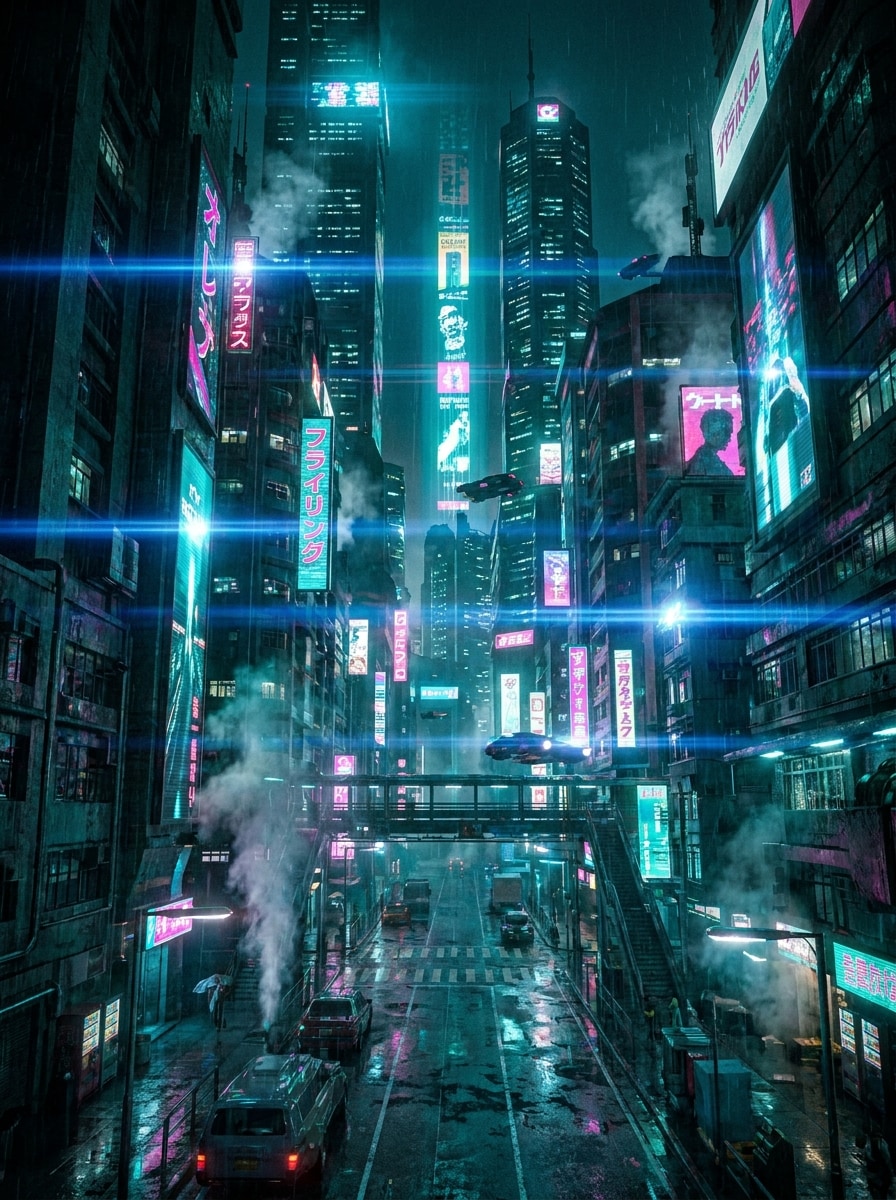
Cyberpunk Cityscape
Use the uploaded city image and transform it into a cyberpunk scene with vivid neon, multiple blue horizontal anamorphic flares, reflective surfaces, atmospheric fog, strong contrast, saturated teal and magenta palette, and layered depth for a striking futuristic movie environment.
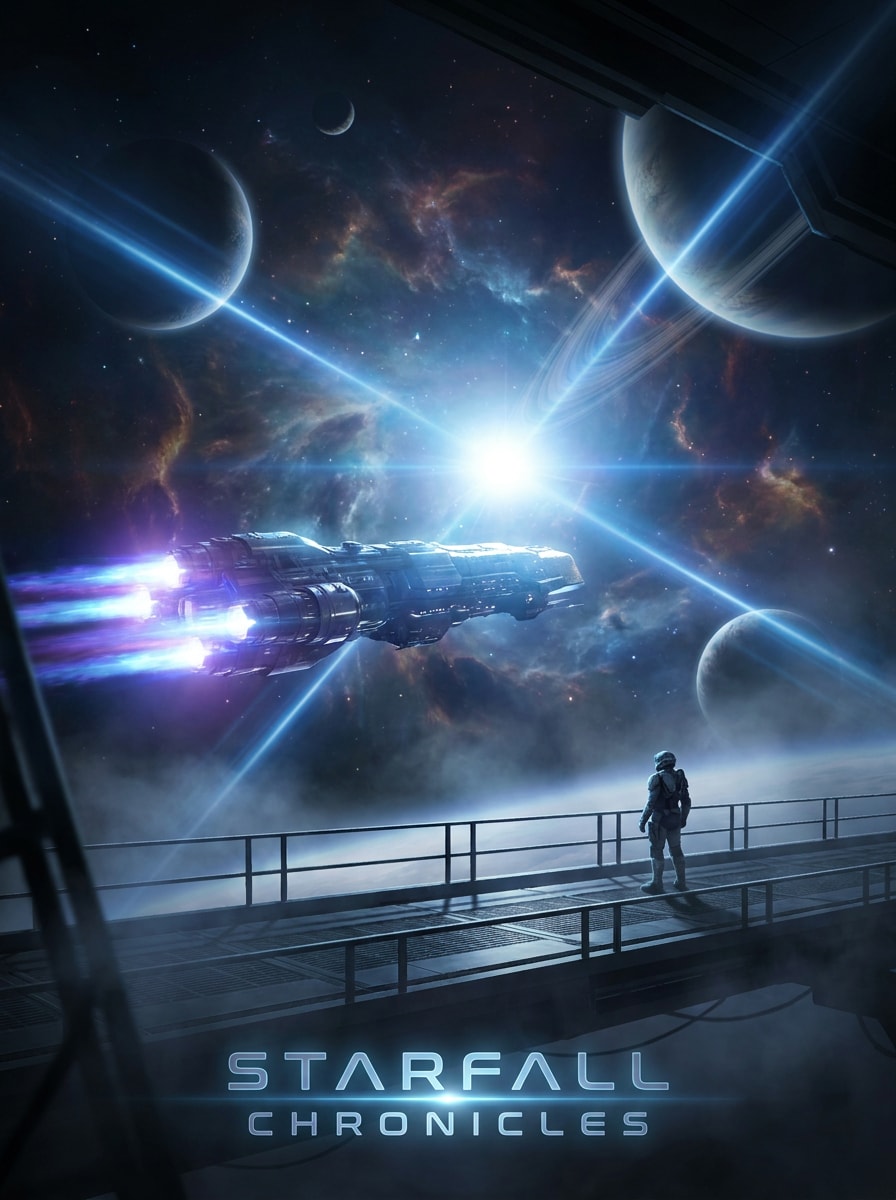
Space Opera Glow
Use the uploaded environment or portrait image and enhance it with epic sci-fi anamorphic flare streaks, luminous highlights, cool cinematic tones, atmospheric depth, realistic light-source direction, subtle haze, and a grand blockbuster mood inspired by space opera visuals.
Why Use Media.io for Anamorphic-Style Edits
Reference-Based Flare That Fits Your Real Photo
Media.io lets you upload a portrait, car shot, or street scene and guide the transformation from your original image, so flare placement and mood stay connected to your composition for a more believable anamorphic portrait effect.
Multiple Looks for Testing Film Mood Fast
If the art direction is still evolving, Media.io makes it easy to explore multiple looks around the same anamorphic flare concept, helping you refine the style quickly without rebuilding from scratch with a fake anamorphic filter workflow.
Create High-Resolution Images for Real Use
For projects that need more than draft quality, Media.io helps create anamorphic flare filter visuals with up to 4K output, so details stay cleaner when you present, crop, or repurpose the final file.
Works Smoothly Across Devices and Creative Workflows
For creators who bounce between mobile and desktop, Media.io keeps anamorphic flare filter visual creation in the browser so the workflow stays practical wherever you happen to be working.
How to Add an Anamorphic Lens Flare Filter Online
Turn your words into stunning visuals in three simple steps, then continue refining the result if you want to take it further.
Step 1
Upload Your Reference Image
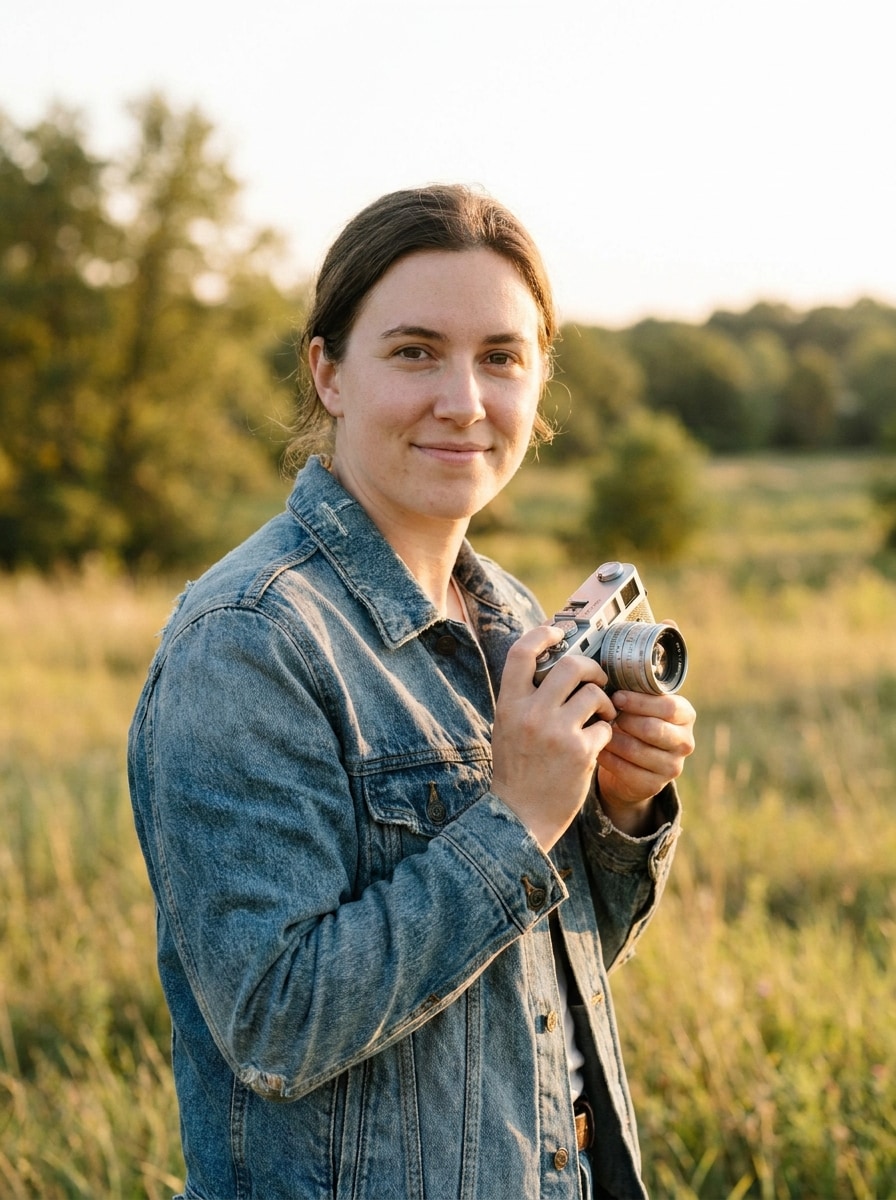
Start with a clear JPG, PNG, or JPEG portrait, car photo, city shot, or outdoor image. A visible light source, reflective surface, or strong backlight usually helps the anamorphic flare effect look more cinematic and natural.
Step 2
Describe the Change and Set Options
Enter a prompt describing the flare style you want, such as blue horizontal streaks, warm sunset glow, or a glossy sci-fi grade. Then choose your model and adjust aspect ratio, resolution, and image count to match your final use.
Step 3
Generate, Download, and Keep Improving
Create your edited result, compare variations, and download the version that best fits your scene. You can refine the prompt, regenerate with a different mood, or continue polishing the image for social posts, covers, and other creative assets.
See how creators use this Anamorphic Flare Filter for content, marketing, and personal projects, then adapt each idea to fit the brief.
Upgrade Portraits With Film-Like Light Streaks
Turn ordinary portraits into dramatic editorial images by adding blue or warm horizontal flares, soft bloom, and controlled contrast. This approach works especially well for neon nightlife, beauty shots, and moody close-ups that need a more cinematic presence.
Give Cars and Street Photos a Premium Movie Finish
Headlights, wet roads, and city lighting are ideal for realistic streak effects. Use Media.io to shape an anamorphic lens flare filter look for automotive photos, urban frames, or night scenes that need a sleek commercial style.
Build Sci-Fi and Cyberpunk Visuals Without Complex Editing
If you want glowing blue streaks, haze, and futuristic color grading, upload a base image and transform it fast with Media.io. It’s a practical way to create a cinematic poster frame, stylized thumbnail, or bold concept image with a cinematic anamorphic photo feel.
What Creators Say
Maya Chen
Portrait Photographer
"Fast way to get a believable cinema look" I used it on several night portraits and the horizontal streaks looked much more realistic than simple overlay apps. It kept the face clear while adding that glossy movie-frame atmosphere I wanted.
Jordan Alvarez
Automotive Content Creator
"Great for headlights and street reflections" The car examples sold me, and the tool delivered. I uploaded a clean vehicle shot, added a short prompt, and got a polished cinematic result with strong flare behavior that worked well for social content.
Elena Brooks
Freelance Designer
"Useful for posters and thumbnails" I often need dramatic visuals quickly for covers and promo graphics. Media.io made it easy to test several moods, from subtle light streaks to a more stylized sci-fi finish, without a long retouching workflow.
Darius Hall
Short-Form Video Editor
"Simple workflow, strong visual payoff" I wanted a quick way to create stills with a blockbuster vibe for thumbnails and concept boards. The browser-based workflow was easy, and the flare style felt much more premium than a generic lens effect.
An anamorphic flare filter is an image effect that adds the signature horizontal light streaks often associated with anamorphic cinema lenses. In Media.io, you can use it to turn a normal image into a more stylized film-look shot, including a neon portrait, glossy car scene, or other cinematic lighting treatment.
2. How do I add an anamorphic flare to a photo online?
Upload your image to Media.io, enter a prompt describing the flare style you want, and choose your preferred settings such as aspect ratio, resolution, or image count. This image-to-image workflow helps you create the look of a fake anamorphic filter on your own photo without complex manual editing.
3. Can I use this anamorphic flare filter for free?
Free users can try Media.io with free credits. For more usage, higher-volume creation, and watermark-free high-resolution downloads, you can check the pricing page.
4. Will the filter keep my image quality and resolution?
Media.io supports multiple output settings so you can keep your edited image suitable for different needs. You can choose from 1K, 2K, and 4K resolution options, which helps when you want a cinematic result for social posts, covers, mockups, or more polished final exports. Free users may have watermarks.
5. Can I create blue cinematic lens streaks or customize the flare color?
You can guide the result through your prompt by asking for blue cinematic streaks, warmer golden flare, or a softer editorial glow depending on the scene. That makes Media.io useful for everything from cyberpunk-inspired edits to a subtle sunset cinematic anamorphic photo finish.
6. Does it work on mobile, desktop, and different image formats?
Media.io is web-based, so it works on devices with a browser for both mobile and desktop workflows. For uploads, Media.io supports JPG, PNG, and JPEG files, making it easy to start with common photo formats from phones, cameras, or design exports.