AI Neon Sign Filter for Glowing Portraits, Posters, and Night Scenes
Use AI Neon Sign Filter to transform an uploaded photo into vivid neon artwork with realistic glow, reflections, and tube-light styling. Create a neon sign photo filter look for portraits, interiors, street shots, and cover art in a fast online workflow, from subtle lighting accents to a full retro neon sign effect.
Review these example directions, then tailor the prompt details to get stronger results with this AI Neon Sign Filter in Media.io.
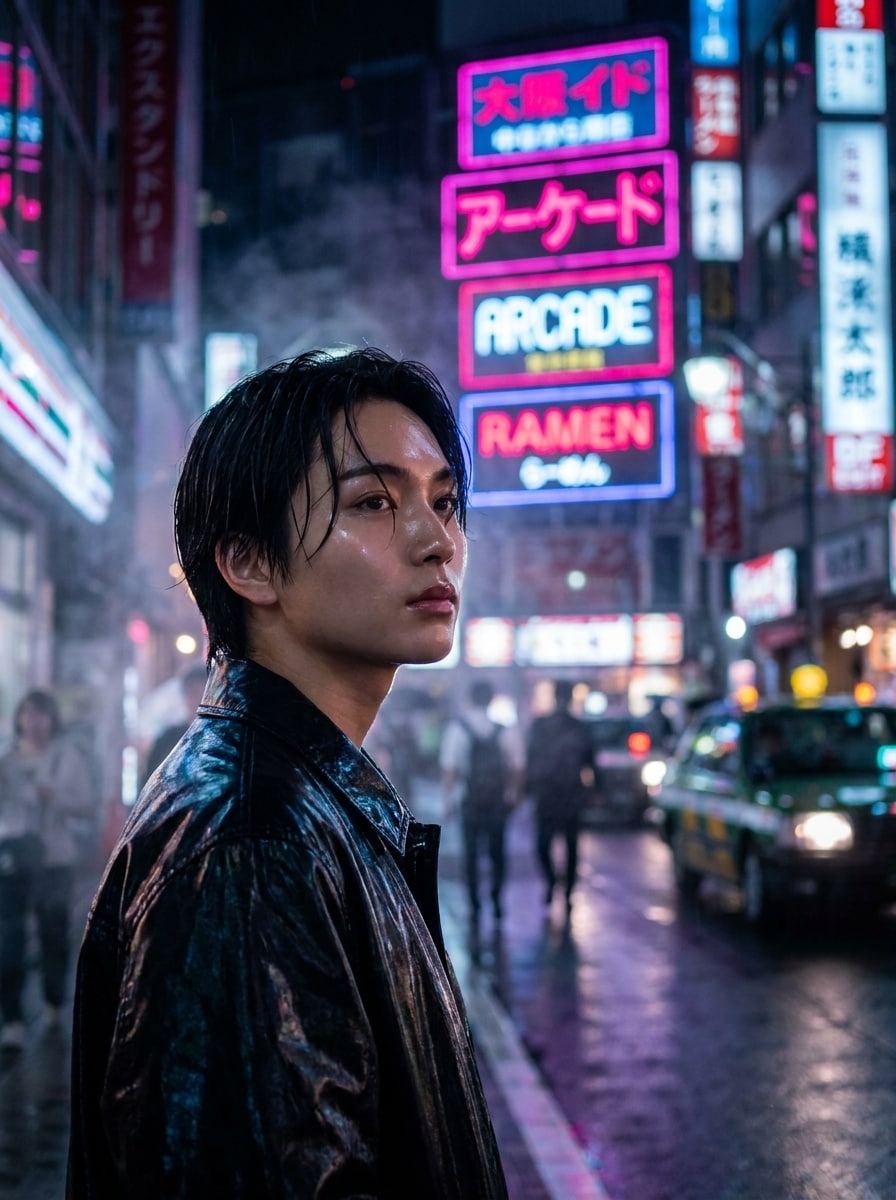
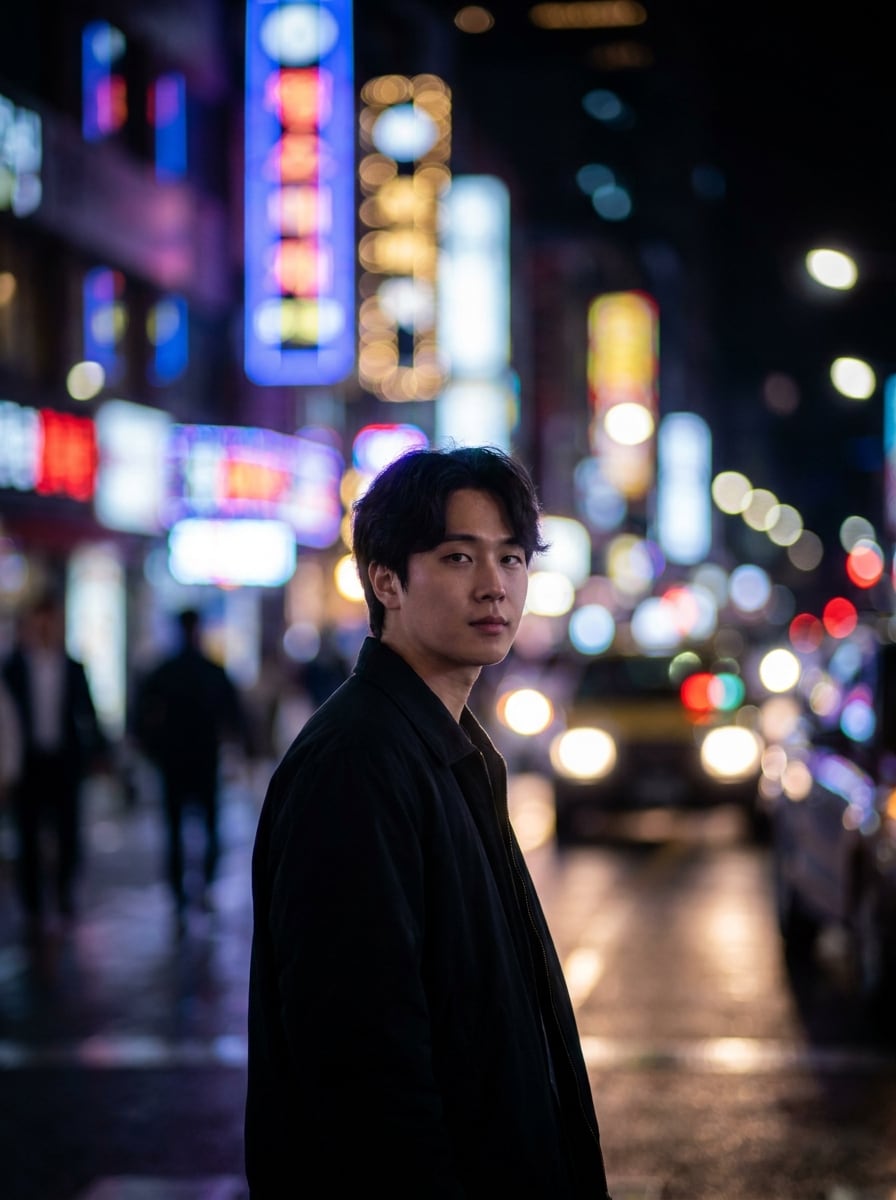
Tokyo Night Portrait
Use the uploaded image as the subject and transform it into a cinematic Tokyo night portrait with layered Japanese-style neon signs, vivid magenta and cyan rim light, glossy skin reflections, shallow depth of field, light fog, wet highlights, dark urban background, high contrast, and photorealistic detail.
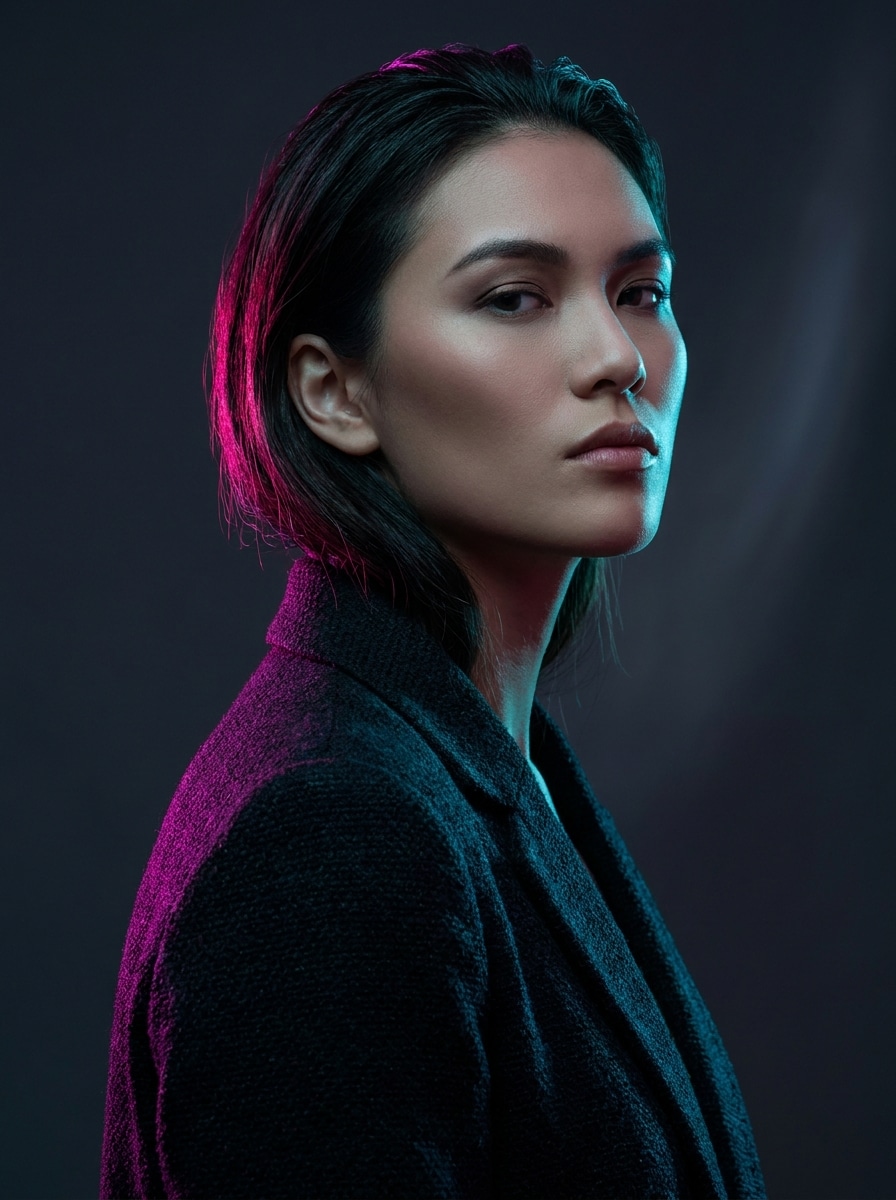
Neon Rim Light Fashion
Use the uploaded fashion photo as the base and add dramatic neon rim lighting in magenta and cyan, preserving outfit textures and facial detail. Create a premium editorial mood with soft glow spill, dark studio backdrop, clean composition, polished contrast, and a sleek neon tube portrait finish.
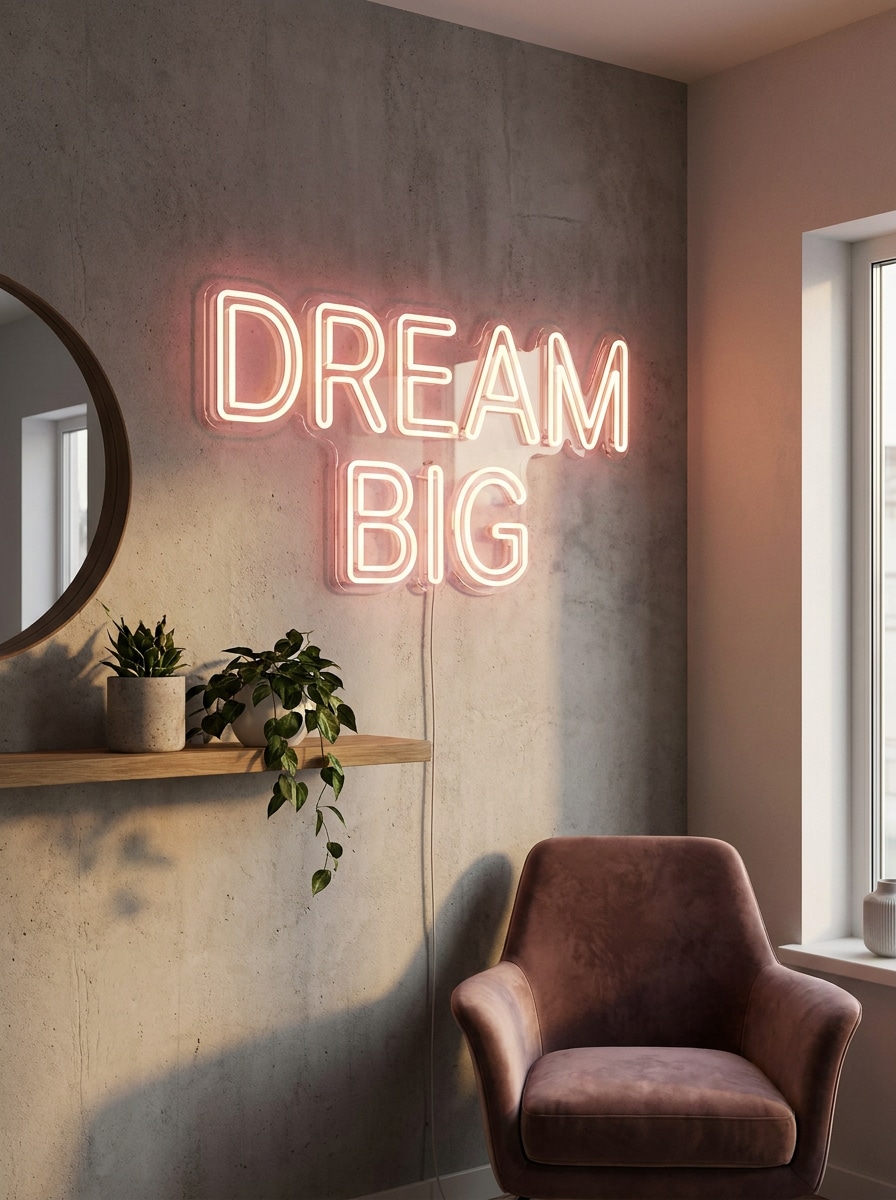
Wall-Mounted LED Quote Sign
Use the uploaded interior image and add a realistic wall-mounted LED quote sign with glowing tube detail, warm ambient bloom, soft wall bounce, subtle shadows, and clean modern styling. Keep the room natural while making the sign feel physically installed and visually balanced.
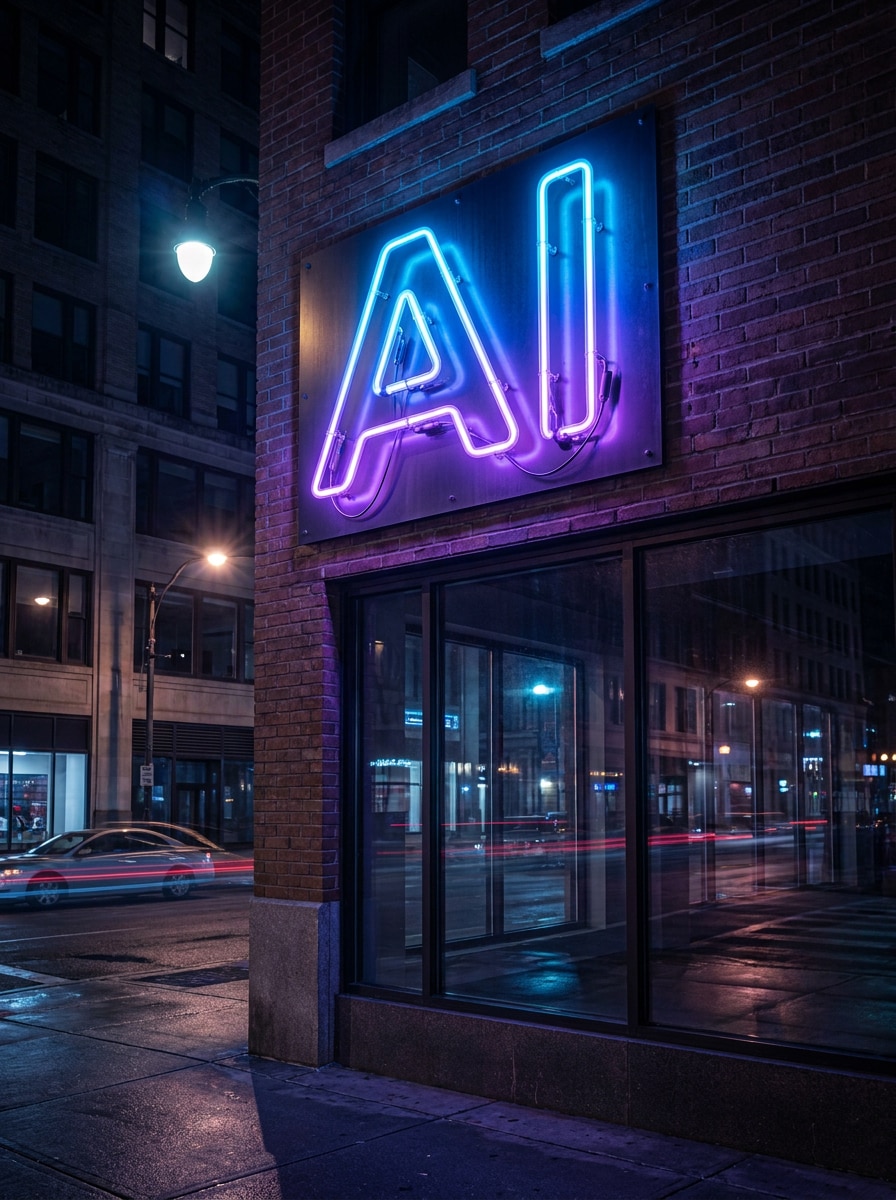
Street Shopfront Neon Logo
Use the uploaded storefront or logo image and transform the branding into a realistic glowing neon shop sign. Add vivid tubing, metal backing, glass reflections, evening street lighting, cinematic shadows, and natural color spill so the sign looks built into the location.
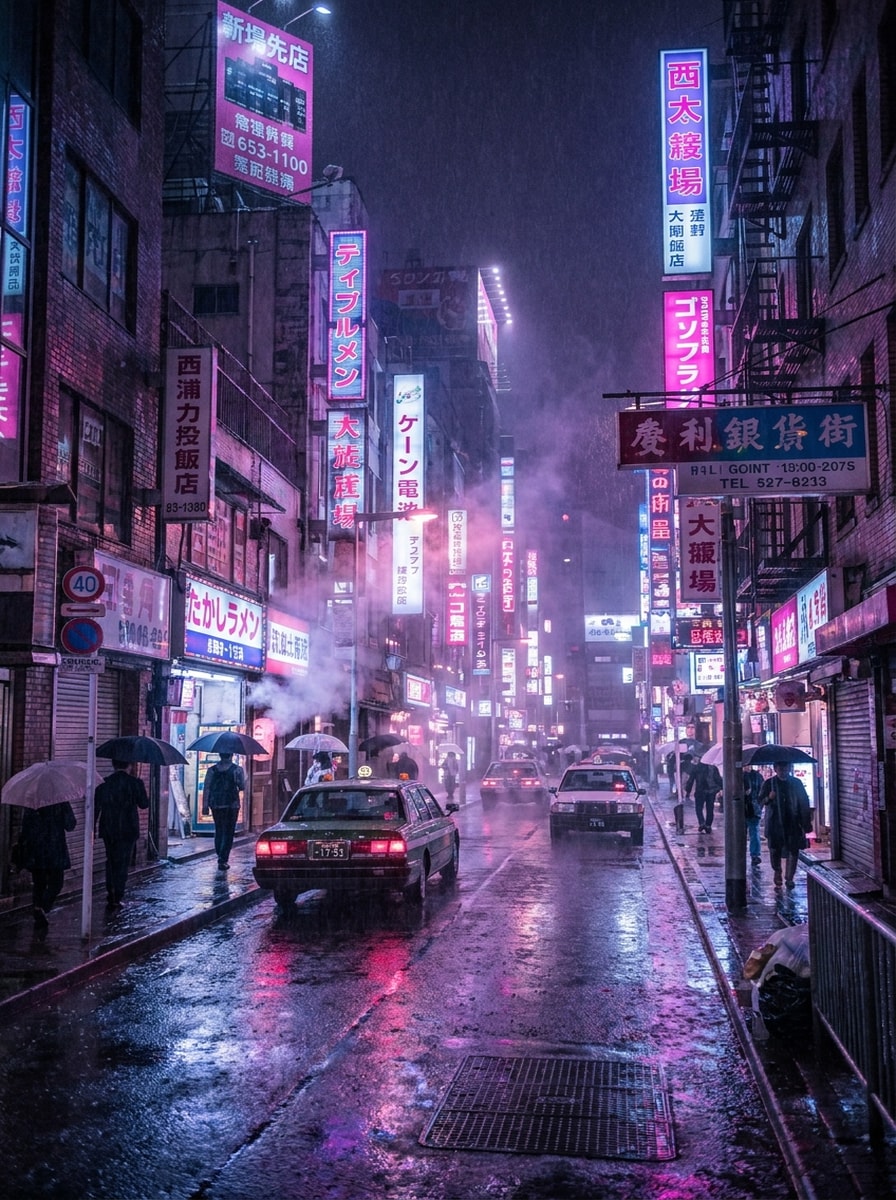
Rainy Neon Alley
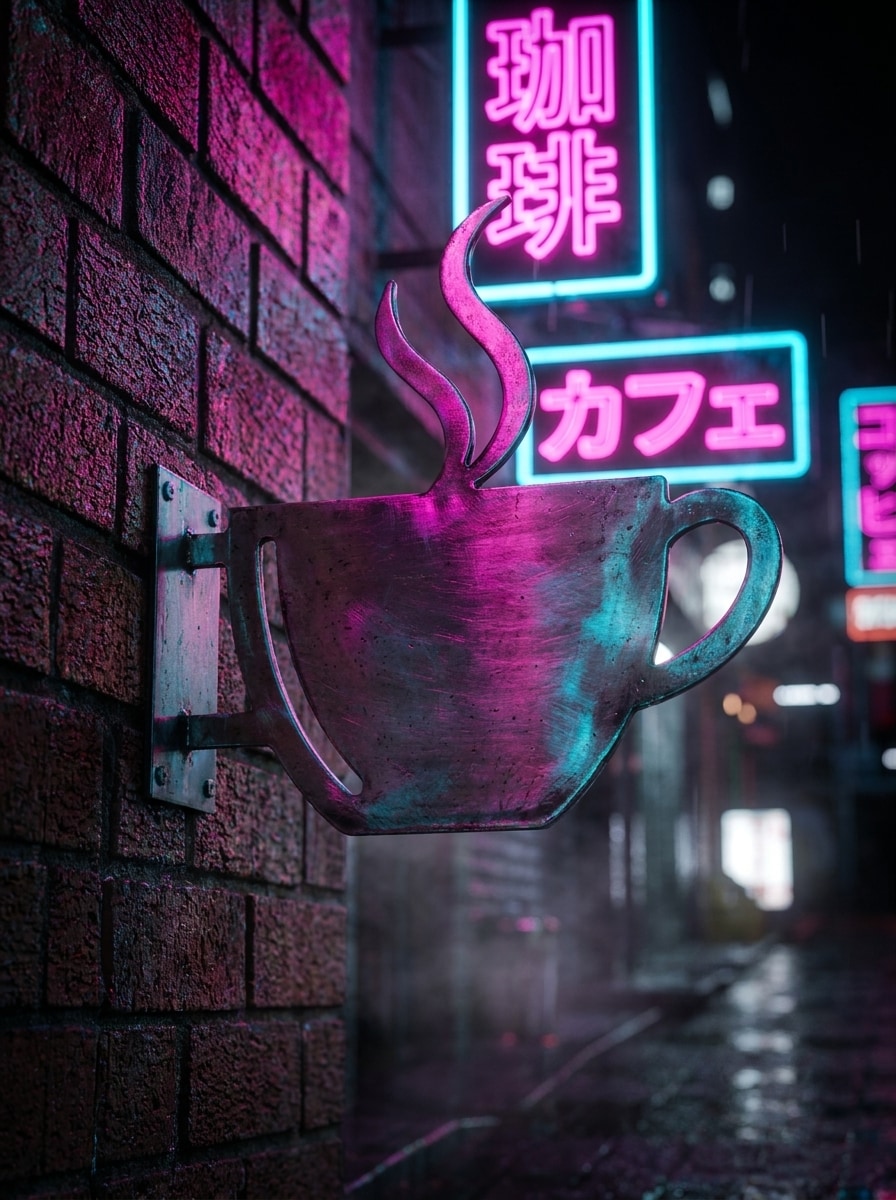
Use the uploaded street photo and turn it into a moody cyberpunk alley with dense neon signage, pink-blue-purple glow, wet pavement reflections, fine rain mist, cinematic night grading, and layered depth. Preserve the original composition while heightening atmosphere and realistic light blending.
Bokeh Light Glow
Use the uploaded image and apply colorful neon bokeh lights with soft bloom, realistic edge glow, background blur, and nightlife ambience. Keep the main subject sharp and natural while surrounding it with layered luminous circles, subtle haze, and smooth color transitions.
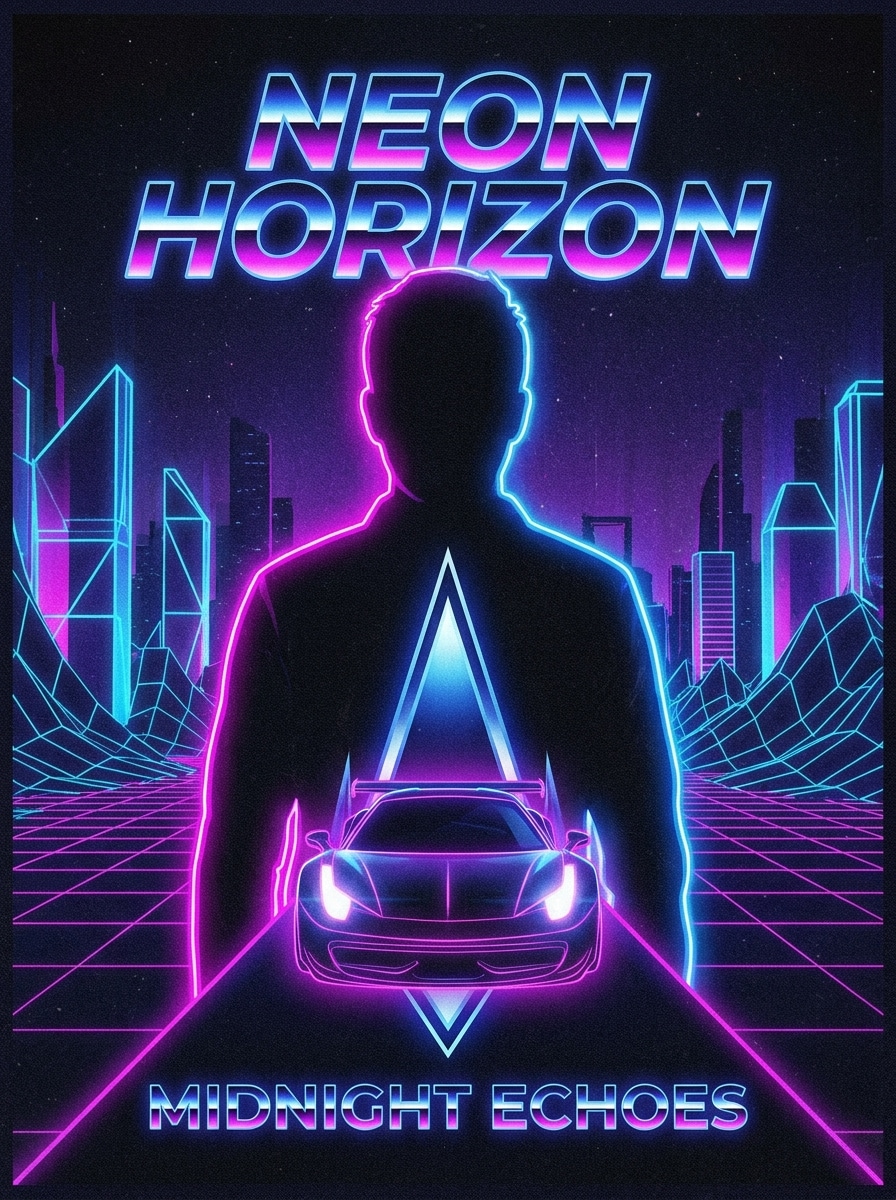
Album Cover Neon Aura
Use the uploaded portrait or scene and stylize it as bold music cover art with a glowing neon aura, dramatic colored lighting, dark backdrop, subtle film grain, poster-ready framing, and modern synthwave mood. Emphasize expressive contrast and a polished retro neon sign effect.
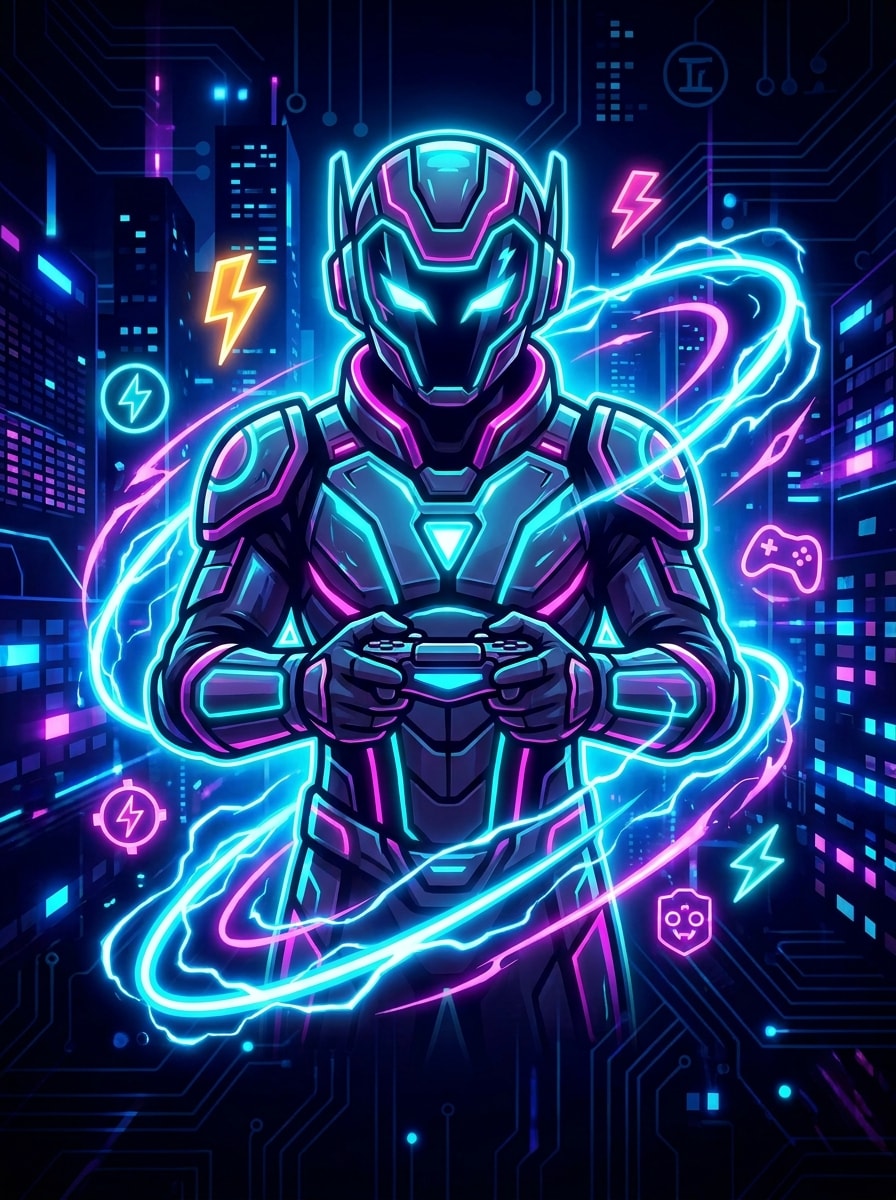
Gaming Stream Banner Glow
Use the uploaded banner or portrait image and create a high-energy gaming visual with electric neon outlines, glowing symbols, cyan-magenta highlights, dark contrast background, sharp focus, and a polished digital finish. Make the effect bold, clean, and readable for streaming graphics.
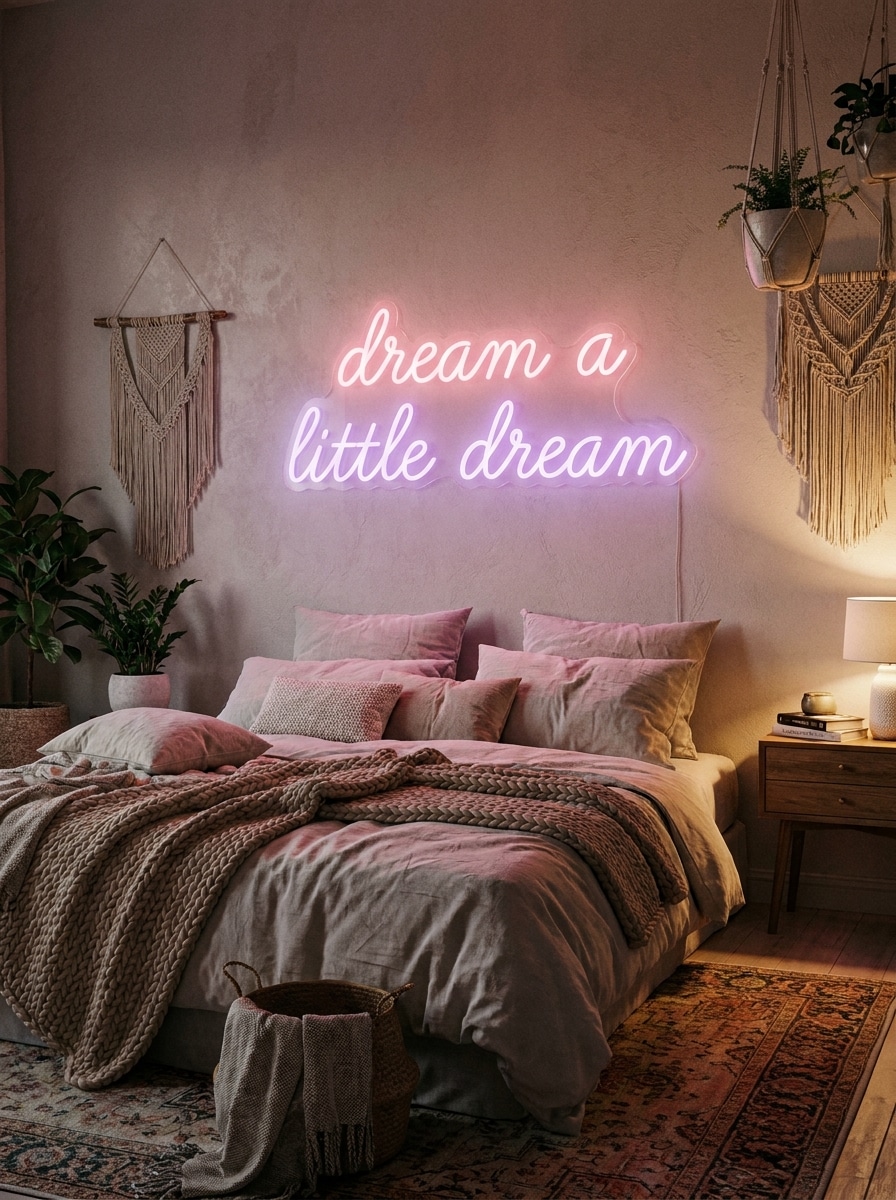
Aesthetic Bedroom Neon
Use the uploaded bedroom photo and add a cozy pastel neon wall sign with soft pink and purple glow, realistic wall spill, gentle ambient lighting, trendy decor harmony, and clean lifestyle styling. The result should feel warm, stylish, and naturally integrated into the room.
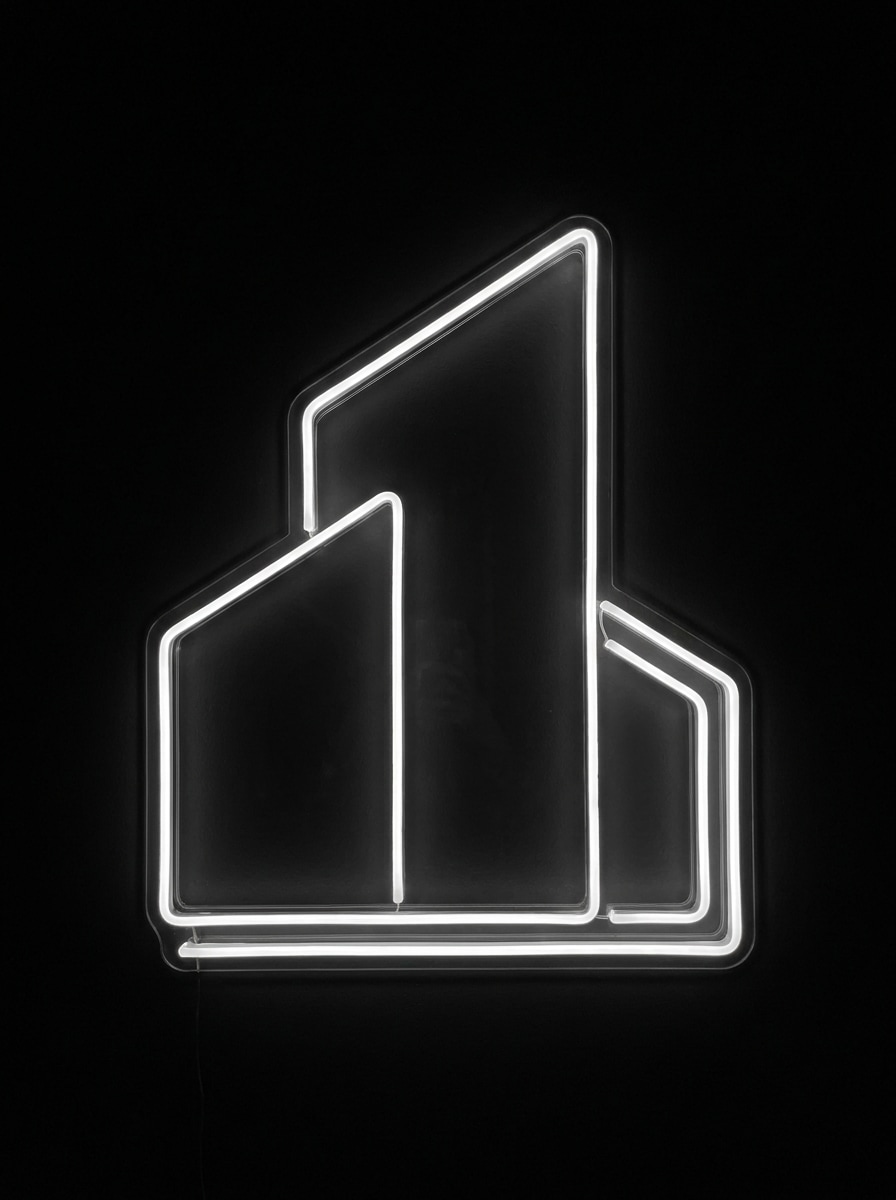
Minimal White Neon Outline
Use the uploaded image as the subject and turn photo into neon sign art with a minimal white tube outline, subtle bloom, dark backdrop, crisp edges, and sleek modern contrast. Focus on clean contours, realistic tube-light texture, and an elegant, gallery-style presentation.
Why Use Media.io for Neon Glow Photo Transformations
Personalize Results Around a Reference Subject
Across portraits, street shots, and interiors, Media.io helps blend neon color with existing shadows, reflections, and surfaces so the scene feels cinematic instead of pasted on.
Control Colors, Placement, and Sign Style
Creative exploration moves faster with Media.io because you can compare multiple visual directions from the same Neon Sign Filter starting point.
Generate Cleaner Output Up to 4K
When a Neon Sign Filter visual is headed for real publishing use, Media.io gives you sharper output up to 4K, which helps the image stay clear across presentations, backgrounds, and reused assets.
Fast Browser Workflow Without Design Software
Ideas do not have to wait for your main editing setup because Media.io lets you create and refine Neon Sign Filter visuals directly in the browser.
How to Create an AI Neon Sign Look from Your Image
Turn your words into stunning visuals in three simple steps, then continue refining the result if you want to take it further.
Step 1
Upload Your Reference Image
Start with a clear portrait, room photo, storefront, logo, or street scene in JPG, PNG, or JPEG. Cleaner lighting and sharper details give the AI a better base for neon glow, reflections, and tube-style transformations.
Step 2
Describe the Change and Set Options
Enter the neon style you want, such as cyberpunk rim light, glowing text signage, or pastel wall glow. Then choose your preferred model and adjust aspect ratio, quality, resolution, or image count to fit your project.
Step 3
Generate, Download, and Keep Improving
Create multiple versions, compare how the glow blends into your image, and download your favorite result. You can keep refining the prompt, regenerate new variations, or repurpose the final artwork for posts, covers, and other visuals.
See how creators use Media.io and this Neon Sign Filter for content, marketing, and personal projects, then adapt each idea to fit the brief.
Make Scroll-Stopping Portrait Edits
Add cinematic rim lighting, glowing reflections, and nightlife atmosphere to selfies or fashion shots with Media.io. This is especially useful when you want a dramatic social-media look or a striking neon tube portrait without manually painting light effects in complex editing software.
Design Branded Signs and Storefront Mockups
Convert logos, phrases, or interior photos into realistic glowing signage for cafes, pop-ups, music launches, or retail concepts. With Media.io, it is a practical way to preview sign mood, color direction, placement, or even a retro neon sign effect before moving into production.
Build Covers, Posters, and Gaming Visuals
Use neon styling to create album art, creator banners, or promo graphics with stronger contrast and mood. In Media.io, a bold glow treatment can quickly turn photo into neon sign artwork and push a flat image toward a futuristic, nightlife, or synth-inspired visual identity.
What Users Say About Media.io's Neon Effects
Ava Martinez
Content Creator
"Great for dramatic before-and-after edits" I used it to turn simple portraits into neon-lit reels content, and the glow looked far more natural than typical filter apps. It gave me several strong variations fast.
Jayden Brooks
Indie Music Artist
"Useful for cover art concepts" I wanted a moody synth-style visual for a single release. Media.io helped me test neon color directions and poster framing quickly without needing a full design workflow.
Priya Nair
Small Business Owner
"Easy way to mock up sign ideas" I uploaded a cafe window photo and tried different glowing sign looks. The reflections and wall spill felt realistic enough to present ideas to my team.
Marcus Lee
Stream Designer
"Fast workflow for gaming graphics" The aspect ratio options and neon style control made it easy to create banner-ready visuals. I liked being able to generate variations instead of settling on one effect.
1. How do I turn a photo into a neon sign effect online?
Upload your image to Media.io, then describe the neon look you want, such as rim lighting, glowing wall text, or a cyberpunk night scene. You can choose a model, set aspect ratio and quality options, and generate variations online without installing design software.
2. Can AI generate realistic neon light art from my image?
Media.io uses image-to-image AI models to transform a reference photo into neon-styled artwork while keeping the original subject or scene as the base. It works well for realistic glow, sign-style lighting, and blended reflections when you give Media.io a clear source image and prompt.
3. What neon styles and colors can I create?
You can create a wide range of looks, including cyberpunk portraits, glowing quote signs, storefront neon, pastel room lighting, white tube outlines, and nightlife bokeh effects. Prompts can also guide color directions such as magenta, cyan, blue, purple, warm white, and mixed tones.
4. Can I control where the neon lights appear in my photo?
Yes. Media.io is built for reference-based editing, so you can upload your image and describe where the glow should appear, such as around a face, on a wall, across a logo, or inside a street scene. That makes Media.io useful when you want a more directed neon sign result instead of a random effect, and it works in a browser across Windows, Mac, iOS, and Android.
5. Is this AI neon sign filter free to use?
Media.io offers free credits, so you can try the effect before upgrading. If you need more generations or want watermark-free high-resolution downloads, you can check the pricing page for available plan options.
6. Will my neon-effect image be high resolution enough to download and share?
Media.io supports 1K, 2K, and 4K resolution options, which helps when you want to share results on social platforms or adapt them for posters, covers, and other polished visual assets. Free users may see watermarks on exports.