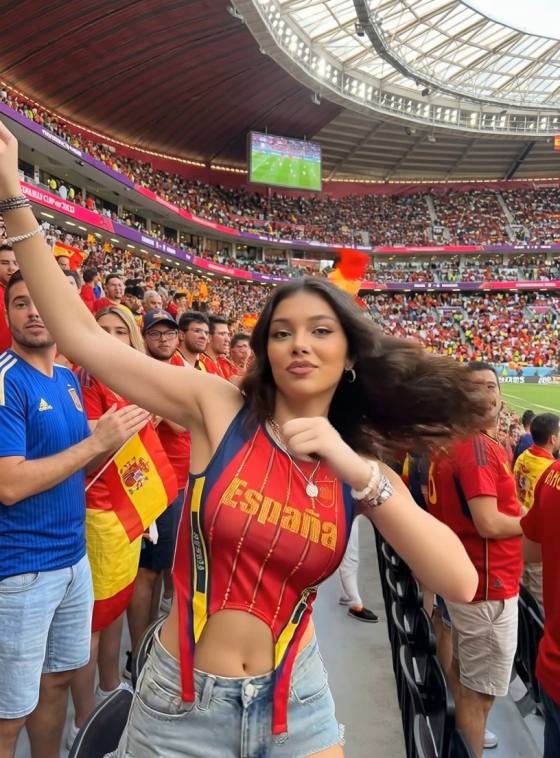
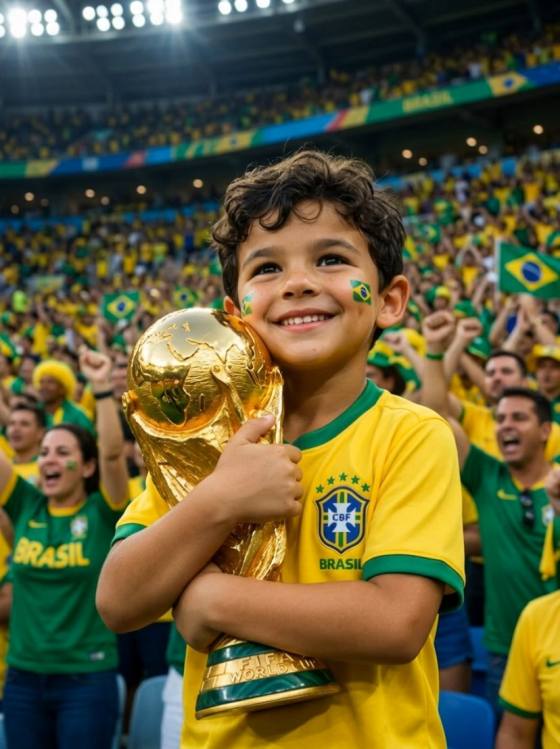
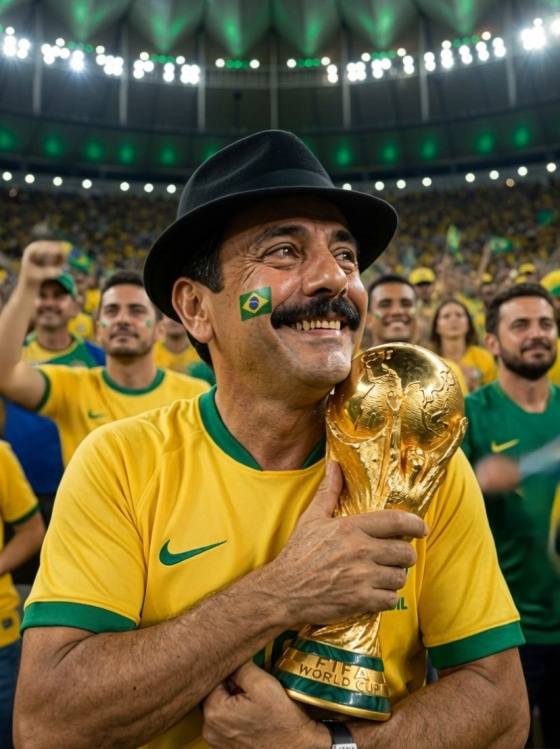
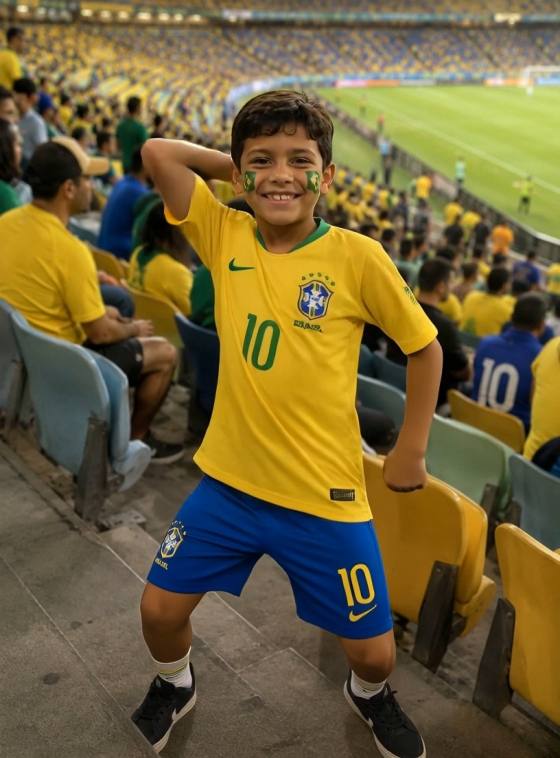
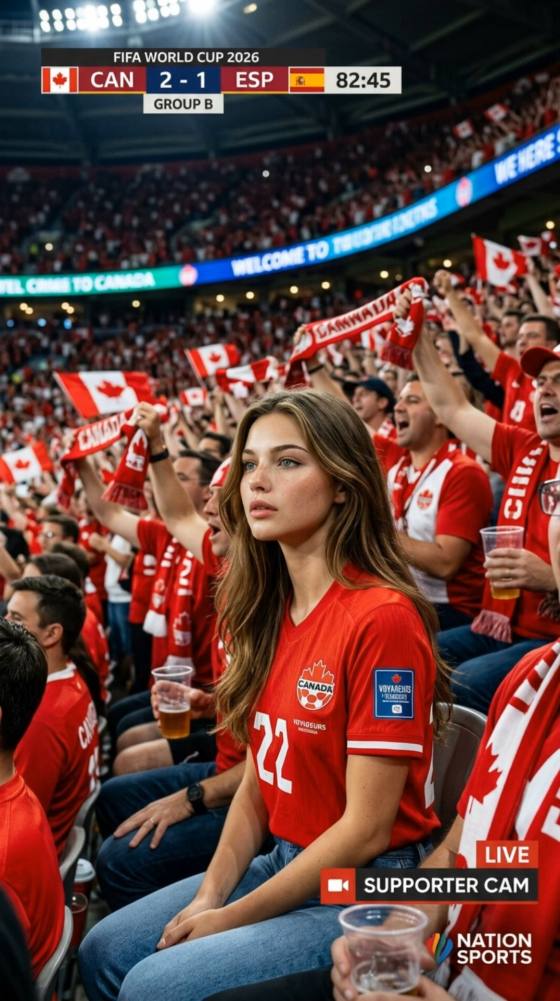
AI Soccer Broadcast Screenshot Prompts
Turn a player photo, fan image, stadium picture, or matchday graphic into a realistic soccer broadcast-style screenshot with AI. Use Media.io to create TV-style match frames, clean scoreboard overlays, sideline camera angles, replay-board visuals, fan reaction shots, and social-ready soccer graphics without using real broadcaster logos, team crests, or protected tournament marks.
Prompt tip: use fictional teams, generic jerseys, clean scoreboard overlay, and no real logos for safer soccer broadcast screenshot results.
Why Use Media.io for AI Soccer Broadcast Screenshot Prompts?
TV-Style Match Frames
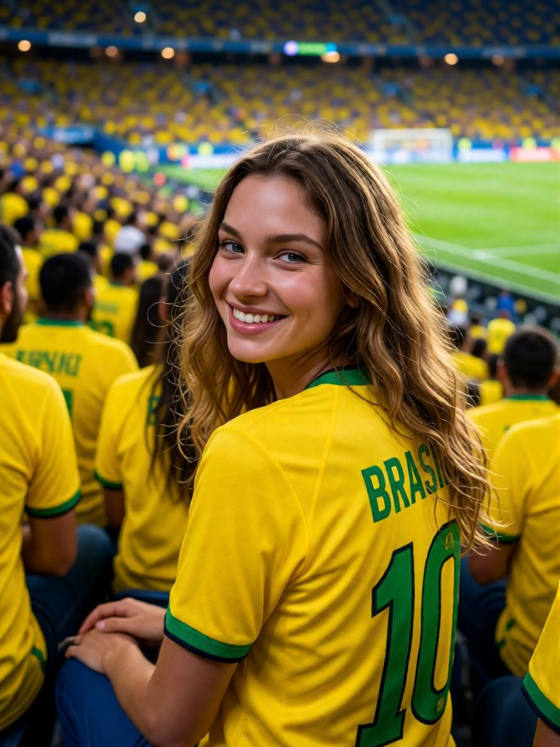
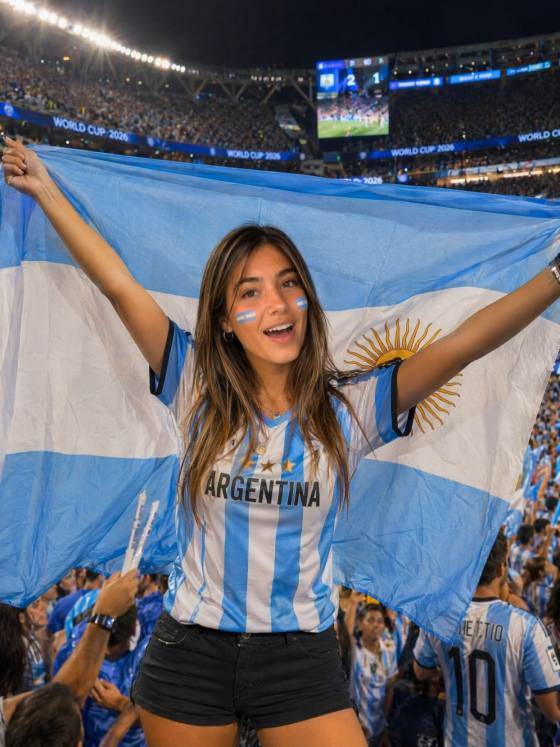
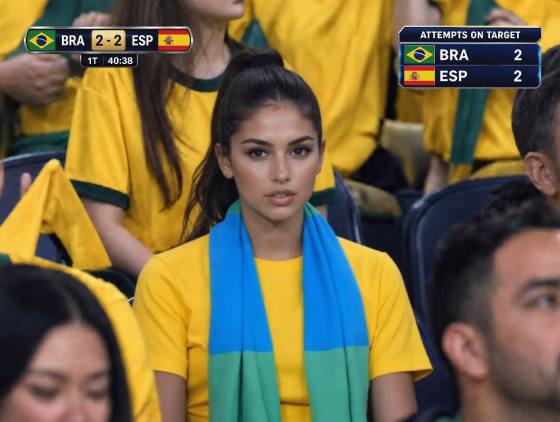
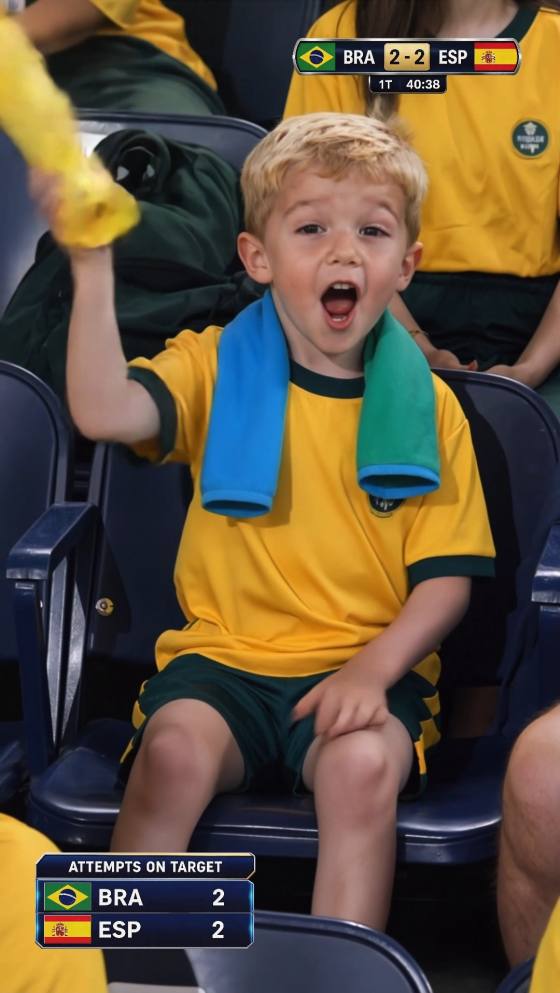
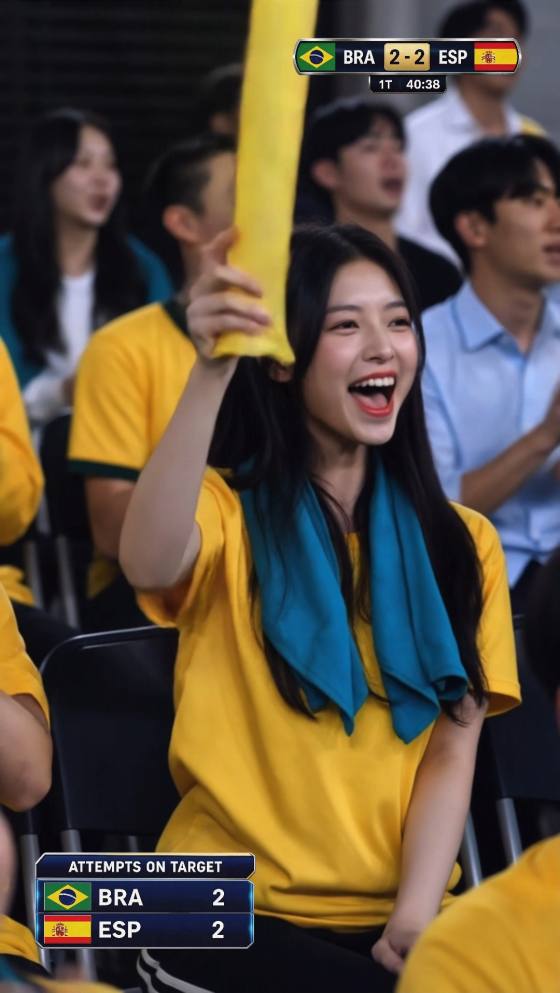
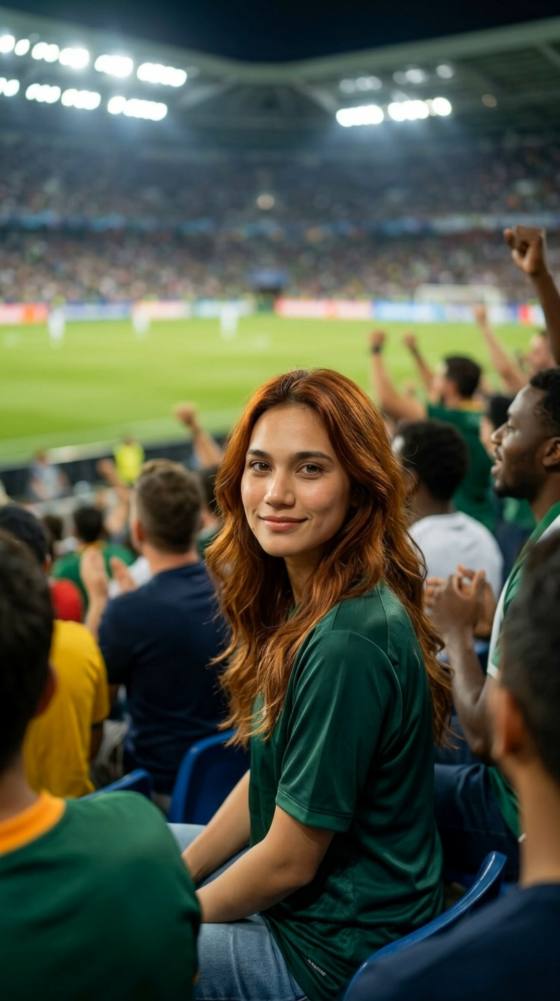
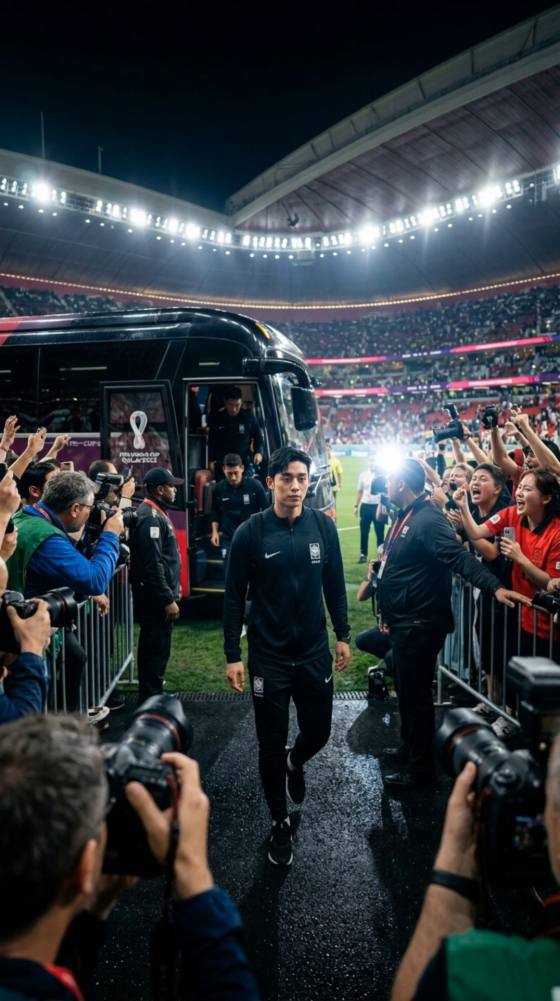
Create realistic soccer broadcast screenshot images with sideline camera views, floodlit stadiums, crowd atmosphere, motion blur, score bars, and match-clock graphics for social posts and thumbnails.
Safer Generic Sports Visuals
Build World Cup-style soccer images without copying official FIFA marks, real team crests, broadcaster logos, or athlete likenesses. Keep the energy of a major match while using fictional teams and custom visuals.
Creator-Ready Sports Graphics
Generate matchday covers, watch-party posts, YouTube thumbnails, recap images, podcast visuals, fantasy-league graphics, and soccer newsletter art from one uploaded reference image.
Prompt Control for Overlays
Guide the AI with broadcast details like camera angle, scoreboard layout, replay frame, lower-third title, stadium lighting, jersey colors, shot timing, and clean negative prompts.
How to Create a Soccer Broadcast Screenshot from an Image
Use Media.io image-to-image AI to transform your own reference photo into a realistic soccer TV broadcast look. For best results, start with a clear player, fan, field, or stadium image and describe the broadcast frame you want.
Upload Your Soccer Reference Image
Choose a player portrait, fan selfie, stadium shot, team-color graphic, or matchday photo that you have permission to use. Clear faces, clean lighting, and simple backgrounds help the AI preserve the main subject.
Add a Broadcast Screenshot Prompt
Example prompt:
Realistic soccer TV broadcast screenshot of a fictional international match, high sideline camera angle, packed stadium, dramatic evening floodlights, players in generic red and blue kits, clean scoreboard overlay with fictional team names, UHD sports broadcast look, motion blur, no real logos, no real players.
Generate, Refine, and Share
Generate your image, then refine the prompt with details such as close-up replay, VAR review screen, goal celebration frame, studio graphic, fan reaction shot, or 16:9 thumbnail composition.
Creators Use Broadcast-Style Soccer Images For
Sports Social Creators
"Quick matchday visuals without a design team"
A broadcast-style prompt makes it easier to create polished recap frames, game predictions, and watch-party posts that feel like sports media without needing real TV screenshots.
YouTube and Podcast Teams
"Useful for thumbnails and episode covers"
Creators can generate sideline-camera frames, scoreboard-style backgrounds, and dramatic stadium images for soccer commentary, preview videos, and match analysis thumbnails.
Fans and Event Hosts
"Great for watch parties and fan pages"
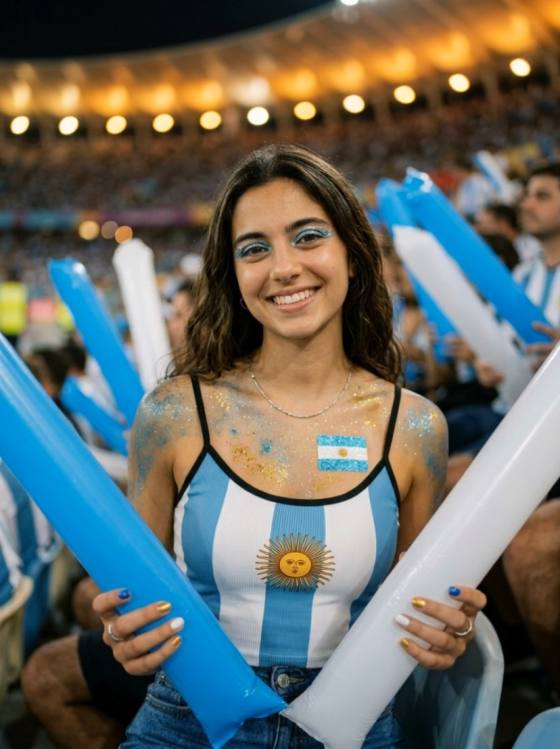
Fans can turn personal photos into fictional broadcast frames for watch-party invitations, fantasy-league updates, social polls, and tournament-style celebration posts.
Explore the Hottest AI Features and Effects




FAQ About AI Soccer Broadcast Screenshot Prompts
1. What are AI soccer broadcast screenshot prompts?


They are text instructions that guide an AI image tool to create a soccer image that looks like a TV broadcast frame, such as a sideline match shot, scoreboard view, replay screen, player close-up, or fan reaction image.
2. Can I use my own photo for a broadcast-style soccer image?
Yes. Upload a player photo, fan selfie, field image, or event graphic that you own or have permission to use, then add prompt details for camera angle, stadium lighting, overlay style, jersey colors, and output format.
3. Should I include FIFA, team logos, real players, or TV network marks?
For safer creative use, avoid official tournament names, team crests, broadcaster logos, sponsored marks, and real player likenesses unless you have permission. Use fictional teams, generic jerseys, custom scoreboards, and original photos instead.
4. What prompt details make the image look like a real broadcast?
Add details like high sideline camera angle, 16:9 TV frame, lower-third graphic, clean scoreboard overlay, match timer, stadium floodlights, crowd depth, shallow haze, motion blur, pitch texture, and UHD sports broadcast lighting.
5. Can I create VAR replay or scoreboard-style soccer images?
Yes. You can prompt for fictional replay boards, offside-line style visuals, match-clock graphics, penalty review frames, goal-line angle images, and custom scoreboards. Keep text short and proofread the final output because AI-generated typography can need refinement.
6. What negative prompt should I use?
Try: FIFA logo, official World Cup trophy, real player names, real team crests, TV network logo, sponsored logo, blurry text, distorted scoreboard, extra limbs, unreadable typography, watermark, low resolution.