Recreate the Under the Fan Trend
Recreate the viral ceiling fan transition trend without recording multiple takes. The overhead camera stays locked while every passing blade hides the cut and reveals your next look.
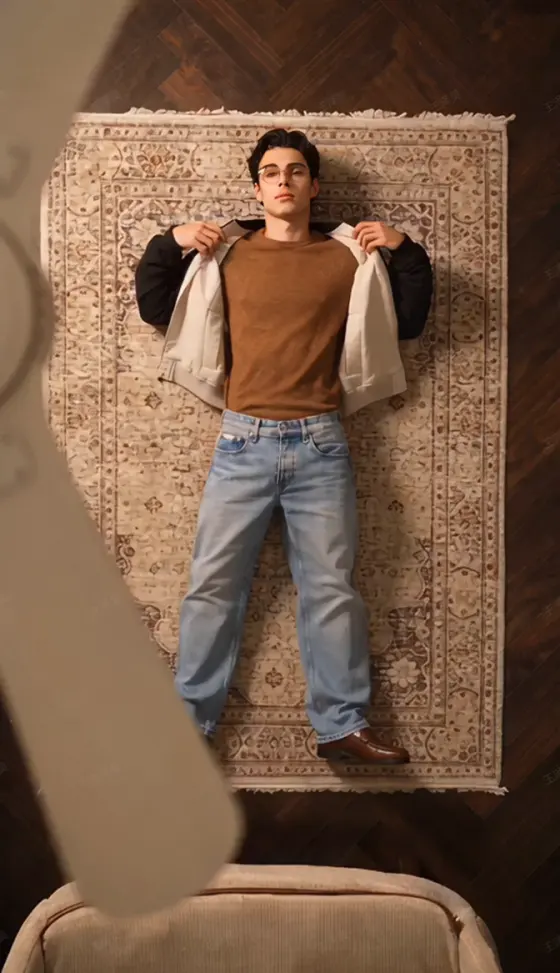
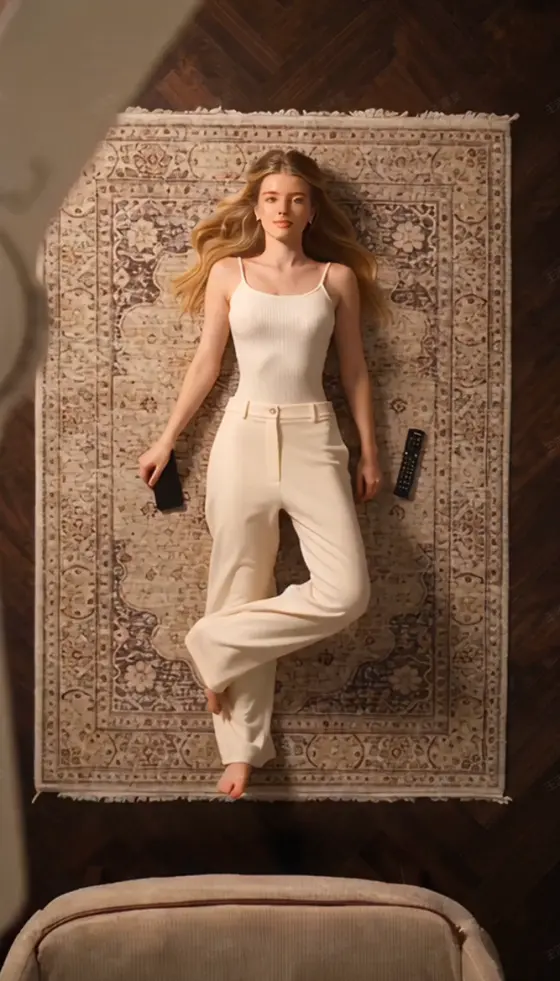
Create the viral Under the Fan AI Video from one photo. Lie beneath a spinning ceiling fan in a cinematic top-down shot while each passing blade reveals a fresh outfit. Media.io turns the ceiling fan outfit change AI trend into a smooth, social-ready video—no reshoots or frame-by-frame editing.
 Photo
Photo
Free credits on signup.
Recreate the viral ceiling fan transition trend without recording multiple takes. The overhead camera stays locked while every passing blade hides the cut and reveals your next look.
Upload one clear portrait and build an AI outfit change video with multiple fashion looks. Try streetwear, formalwear, party looks, seasonal styles, or your own creative wardrobe direction.
A convincing fan blade outfit transition depends on continuity. Media.io helps keep your face, hairstyle, body position, overhead framing, and scene visually consistent between outfit reveals.
Create a vertical outfit transition AI video for TikTok, Instagram Reels, or YouTube Shorts, then add your preferred sound, caption, or beat before posting.
Open the Under the Fan effect and choose the fan outfit change AI style you want to recreate. For the clearest trend match, use an overhead composition with a visible spinning fan blade.
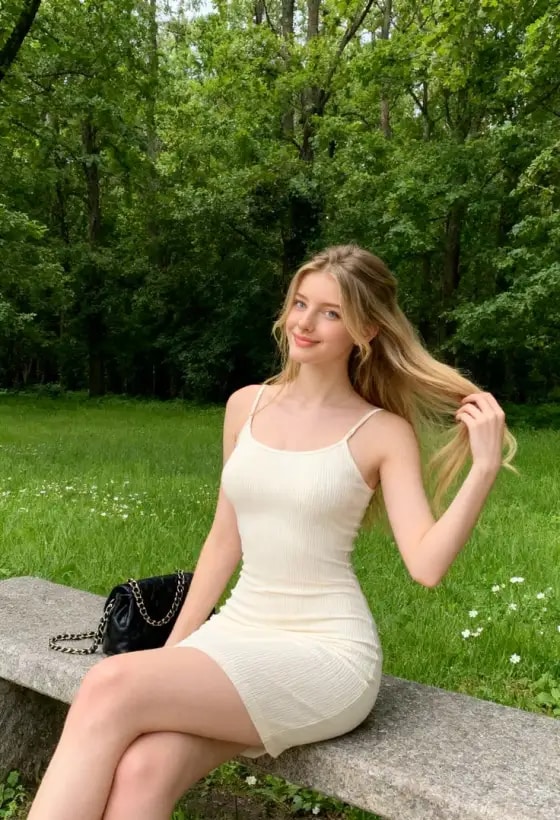
Upload a clear, well-lit portrait. A front-facing image with an unobstructed face gives the AI a stronger identity reference for consistent outfit changes.
Generate the video and let each fan blade sweep hide the outfit switch. Preview the full sequence, then export your under the fan AI video for Reels, TikTok, or Shorts.

Fashion Content Creator

“The outfit transitions look so smooth.” I turned one photo into several completely different looks, and the fan wipe makes every outfit change feel like a real edited fashion Reel.

OOTD Creator
“Perfect for trying different aesthetics.” I tested casual, streetwear, and glam looks in the same video without changing clothes or filming each outfit separately.

Reels Creator
“It made the trend much easier to recreate.” I only needed one photo instead of filming several outfit changes, and the finished video was ready to post as a vertical Reel.
The Under the Fan AI Video trend uses a locked top-down view of a person beneath a spinning ceiling fan. As each blade passes across the camera, it hides the transition and reveals a new outfit. The moving blade makes the wardrobe change feel like one continuous shot.
Choose the Under the Fan effect, upload a clear portrait, and generate the video. Media.io uses your photo as the subject reference while the ceiling fan outfit change AI effect creates the overhead scene and reveals a different look behind each passing blade. Preview the result for face, hands, clothing, and transition consistency before sharing.
Yes. The fan blade outfit transition works especially well when consecutive looks are visually distinct. Try casual-to-formal, streetwear-to-party, seasonal wardrobes, color-theme changes, or a complete fashion glow-up. Clear contrast between looks makes each blade wipe easier to notice.
No. Although fan outfit change AI is the core trend, the same transition concept can reveal hairstyles, makeup looks, character styling, seasonal aesthetics, or broader visual transformations. Keeping the subject and camera position stable helps the transition remain believable.
Use a sharp, well-lit photo with one clearly visible subject and minimal obstruction around the face. A front-facing portrait is a strong starting point. Avoid heavy blur, extreme angles, sunglasses, or crowded group photos, because they can make identity consistency harder across an AI outfit change video.
 4.7 (162,357 Votes)



