
Nashe Si Chadh Gayi CapCut模板 | 使用AI创建爆款节奏缩放效果

通过 AI 在线制作热门的《Nashe Si Chadh Gayi》CapCut 模板效果。生成梦幻的节奏缩放肖像、小我叠加以及唯美剪辑,无需使用 CapCut。非常适合寻找《Nashe Si Chadh Gayi》CapCut 模板下载、CapCut 新趋势以及 Rajan Editz 模板的用户。

Nashe Si Chadh Gayi CapCut Template

Recreate the trending Nashe Si Chadh Gayi CapCut Template with AI. Upload a portrait to generate dreamy beat-zoom visuals, blurred close-up backgrounds, Mini Me overlays, and cinematic lighting for TikTok, Instagram Reels, Shorts, and WhatsApp Status.

Create Viral CapCut-Style Photos

Free credits on signup.

Why Create the Nashe Si Chadh Gayi CapCut Template with Media.io

Create the Viral Beat-Zoom Look

Turn one portrait into the recognizable Nashe Si Chadh Gayi aesthetic with an oversized soft-focus face, a sharp Mini Me subject, dreamy glow, and balanced cinematic depth. AI handles the layered composition automatically.

No Template Link or CapCut Download

Stop searching for an expired Nashe Si Chadh Gayi CapCut Template link or installing extra apps. Media.io works online, creates a fresh result from your own image, and avoids regional template restrictions.

Built for the New Trend

Create a personalized Nashe Si Chadh Gayi CapCut Template new trend image for fashion portraits, couple edits, festive looks, college reels, creator content, or CapCut Template Rajan Editz-inspired posts.

Keep Your Face and Style Recognizable

Media.io preserves the key identity details of your portrait while reworking the lighting, background scale, depth, and visual layering. The result feels personalized instead of looking like a generic template.

How to Make a Nashe Si Chadh Gayi CapCut Template Image

01

Step 1: Upload Your Portrait

Choose a clear selfie, fashion photo, festive portrait, or full-body image. Front-facing or three-quarter poses with good facial visibility usually create the strongest layered effect.

02

Step 2: Apply the AI Style

Select the Nashe Si Chadh Gayi-inspired prompt. AI builds the blurred close-up background, Mini Me foreground, warm color grading, soft bloom, and beat-zoom composition.

03

Step 3: Generate and Share

Preview the output, generate more variations when needed, and download your favorite image for TikTok, Instagram Reels, YouTube Shorts, WhatsApp Status, or a CapCut montage.

Popular Nashe Si Chadh Gayi CapCut Template Styles

Use the same trend structure with different outfits, color palettes, poses, and social-media moods. Each variation keeps the recognizable portrait-overlay effect while giving the final image a more personal look.

Classic Mini Me Portrait

Place a sharp full-body subject in front of a large blurred facial close-up. Add a white rounded beat bar, warm highlights, and smooth depth for the original viral template look.

Nashe Si Chadh Gayi Hindi Style

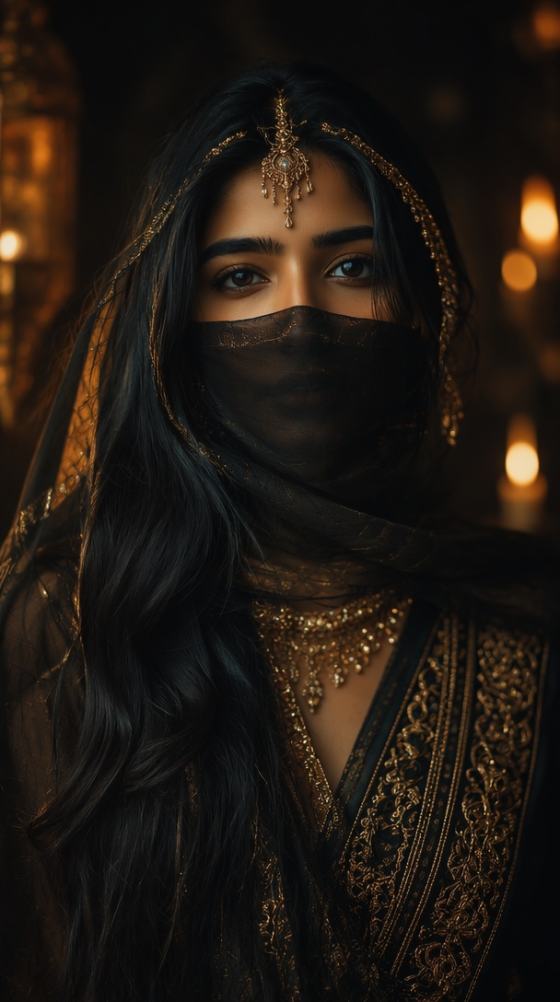
Use Indian festive wear, red or gold tones, jewelry, cinematic warmth, and romantic soft focus to match the mood associated with Nashe Si Chadh Gayi CapCut Template Hindi edits.

Rajan Editz-Inspired Look

Create a bold CapCut Template Rajan Editz aesthetic with stronger contrast, glowing edges, dramatic portrait scaling, polished skin tones, and eye-catching social-media composition.

Dreamy Girl Portrait

Apply soft bloom, pastel color grading, gentle face blur, feminine styling, and a centered Mini Me overlay for an elegant Instagram-ready version of the trend.

Outdoor Motion Version

Use a road, park, or city background with subtle motion blur and a sharper foreground figure. This version adds energy while keeping the recognizable layered-template structure.

Warm Cinematic Close-Up

Emphasize an oversized close-up face, orange or golden lighting, creamy bokeh, and premium portrait detail for a polished cinematic interpretation of the capcut template new trend.

Core Ways to Use the Nashe Si Chadh Gayi New Trend

Create reusable visual assets for social posts, short-form edits, creator profiles, and personal celebrations without rebuilding every layer manually.

Instagram Reels and TikTok Covers

Generate a high-impact portrait for Reel covers, TikTok thumbnails, Story posts, or carousel content. The large face and Mini Me layout remain readable even on small mobile screens.

Fashion and Festive Portraits

Highlight traditional outfits, party looks, college fashion, makeup, jewelry, or creator styling with a polished composition that feels more editorial than a standard selfie.

Couple and Personal Memory Edits

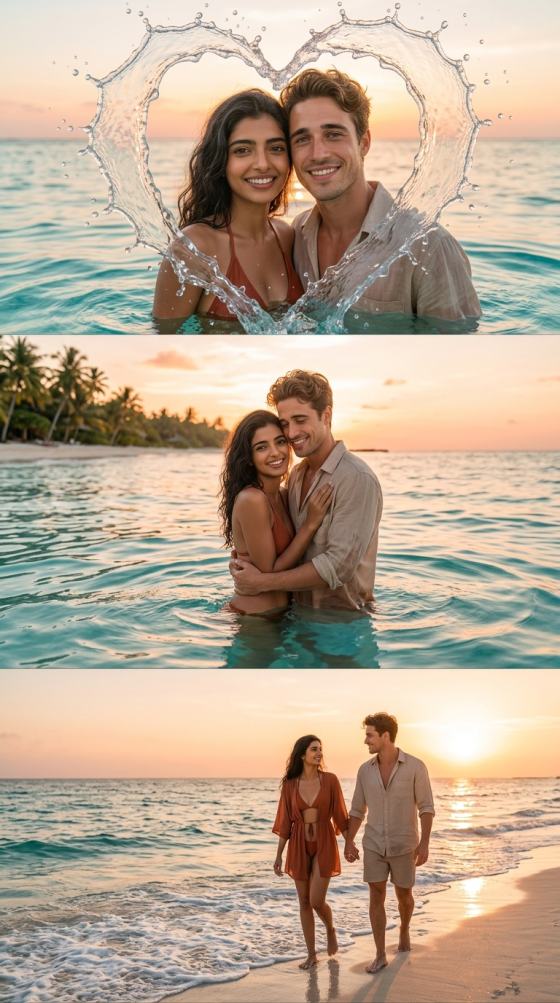
Turn romantic portraits, birthday pictures, travel photos, or special-event images into dreamy keepsakes that can be combined with the Nashe Si Chadh Gayi audio in a short video.

Creators Love This Viral CapCut-Style Effect

user
Ayesha Khan

TikTok Creator

starstarstarstarstar

“Perfect Viral Look.” The blurred portrait and Mini Me composition matched the trend without making me search for a working template link or edit layers by hand.

user
Rahul Mehta

College Student

starstarstarstarstar

“No Editing Needed.” I uploaded one photo and got a clean social-ready result. It was much easier than doing the same effect manually in CapCut.

user
Sofia Lee

Lifestyle Blogger

starstarstarstarstar

“Beautiful Portrait Style.” The warm lighting and layered composition made my festive photo look polished enough for both Instagram and a Reel cover.

FAQs About the Nashe Si Chadh Gayi CapCut Template

1. What is the Nashe Si Chadh Gayi CapCut Template?

The Nashe Si Chadh Gayi CapCut Template is a viral portrait-editing trend associated with the popular Hindi song. Typical visuals include a large blurred close-up in the background, a smaller sharp version of the same person in front, warm cinematic color grading, soft glow, and beat-synced transitions when used in video. Media.io recreates the signature image style with AI from a single portrait.

Media.io does not require a traditional CapCut template package. Instead, it generates a personalized image inspired by the trend. Upload your portrait, apply the effect, and download the generated result. You can post it directly or combine it with music and transitions in any video editor. This approach avoids expired template links, app-version conflicts, and region restrictions.

No. Media.io runs in your browser, so you do not need a Nashe Si Chadh Gayi CapCut Template link, a CapCut download, or a separate preset file. The AI creates the layered portrait effect directly from your image. You only need a clear photo and an internet connection.

Yes. For a Hindi-inspired version, use festive clothing, warm red or gold tones, jewelry, romantic lighting, and soft cinematic blur. For a CapCut Template Rajan Editz-inspired result, request stronger contrast, glowing highlights, sharper portrait separation, and more dramatic scaling. You can refine the prompt and regenerate until the mood matches your preferred style.

Start with a high-quality portrait that clearly shows the face, hair, and outfit. Avoid heavily cropped heads, strong face filters, crowded backgrounds, and images where hands cover important facial details. Full-body or three-quarter photos are useful when you want the Mini Me layer to show the entire outfit. For a more cinematic output, mention warm light, soft bloom, a blurred close-up background, and a sharp centered foreground subject in your prompt.

Media.io Online AI Tools Quality Rating:
vote 4.7 (162,357 Votes)




