Start with a Simple AI Video Prompt
You do not need a long cinematic brief. Begin with one subject, one action, and one setting, then add camera movement or lighting only when you need more control.
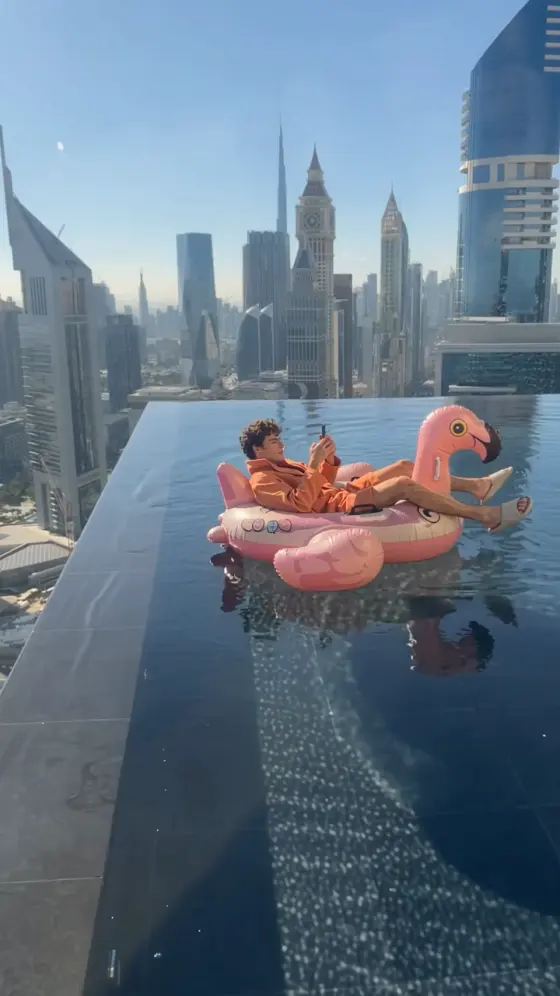
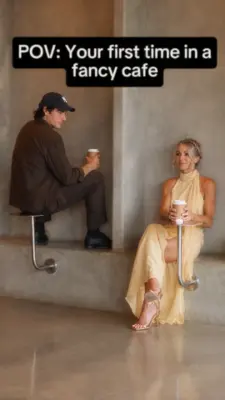
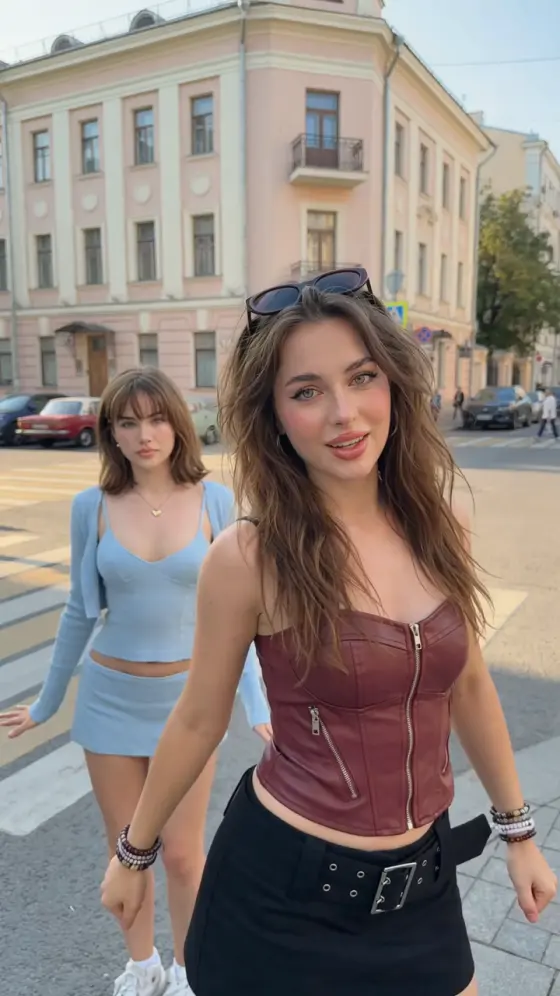
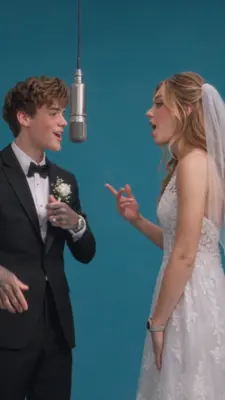
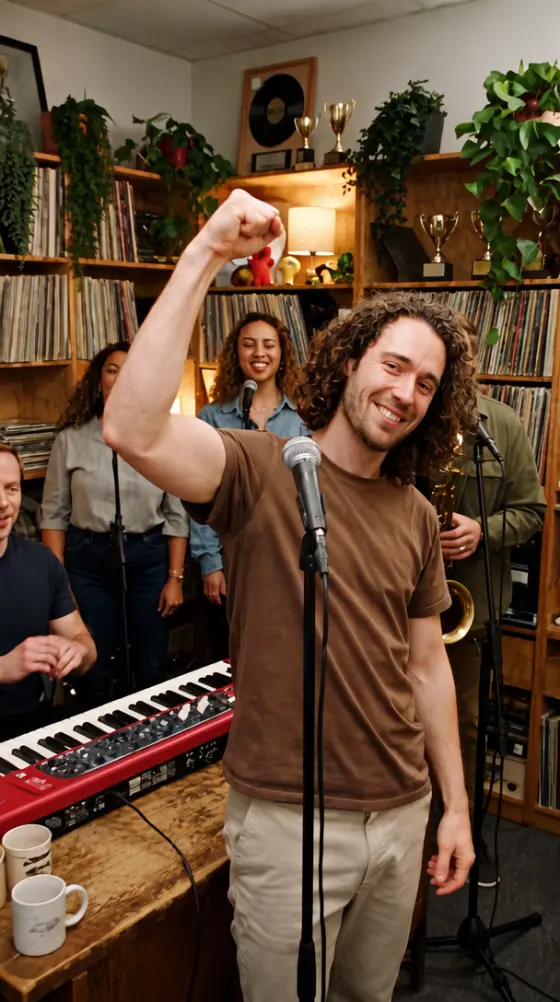
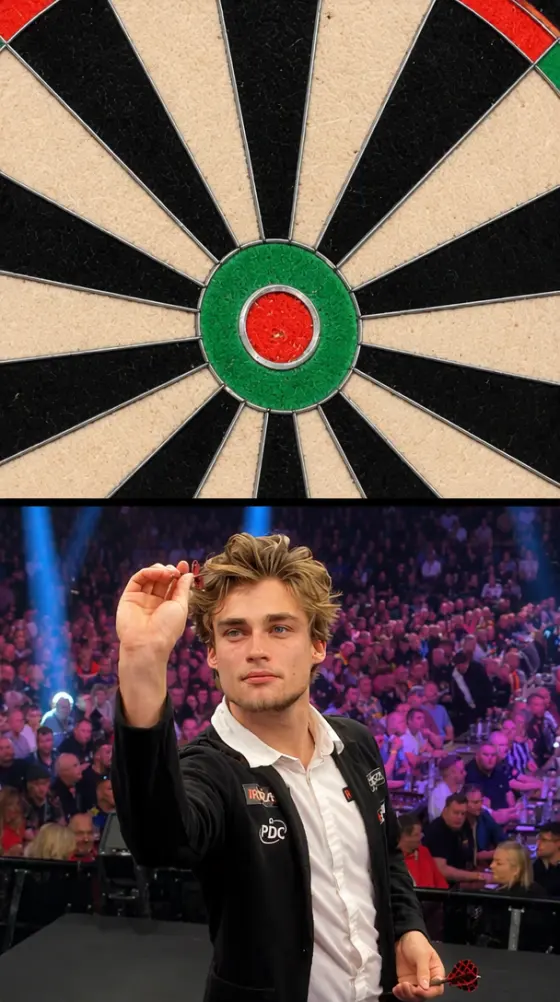
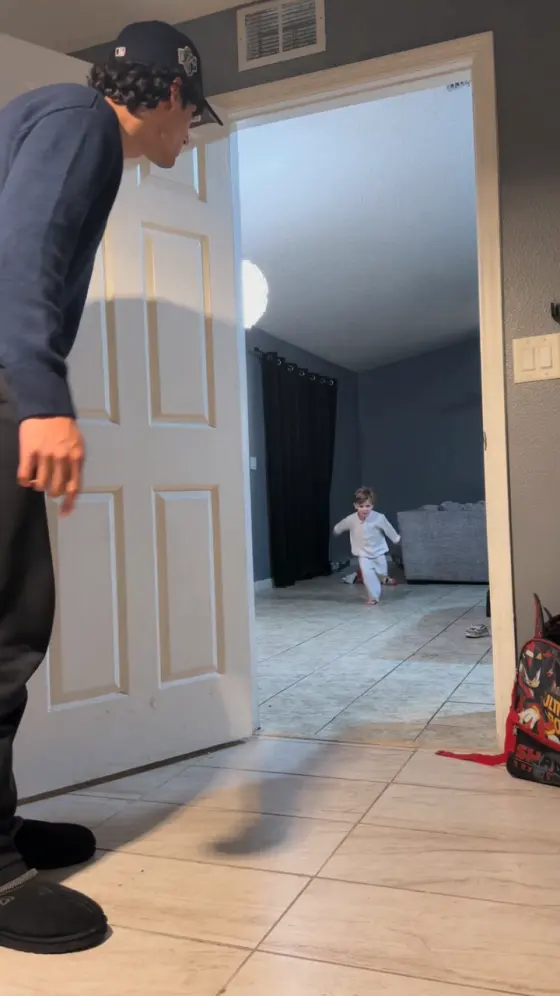
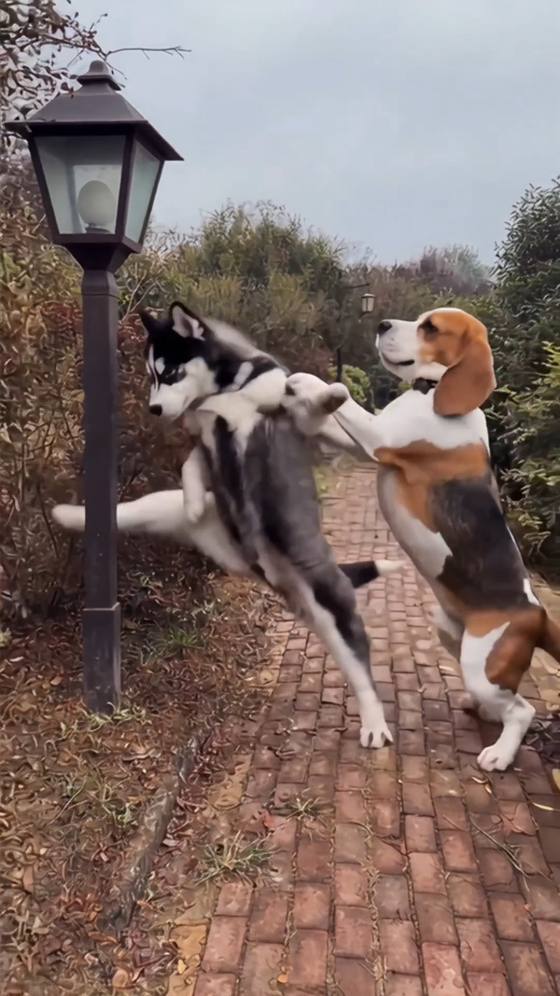
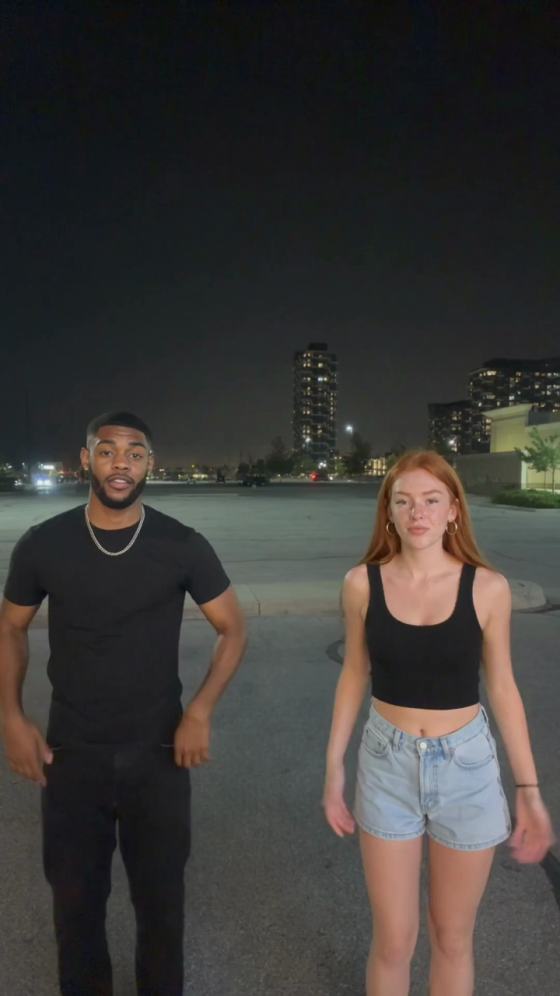
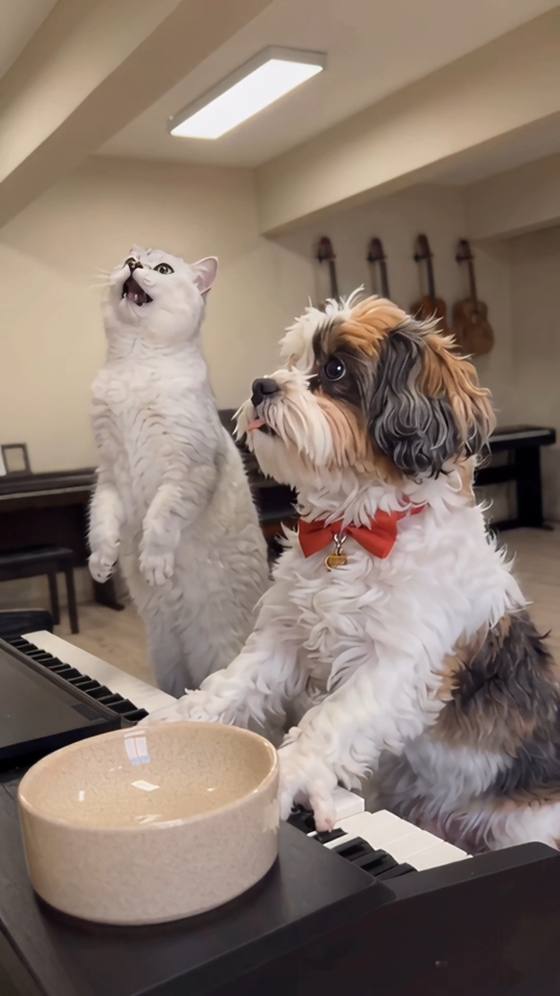
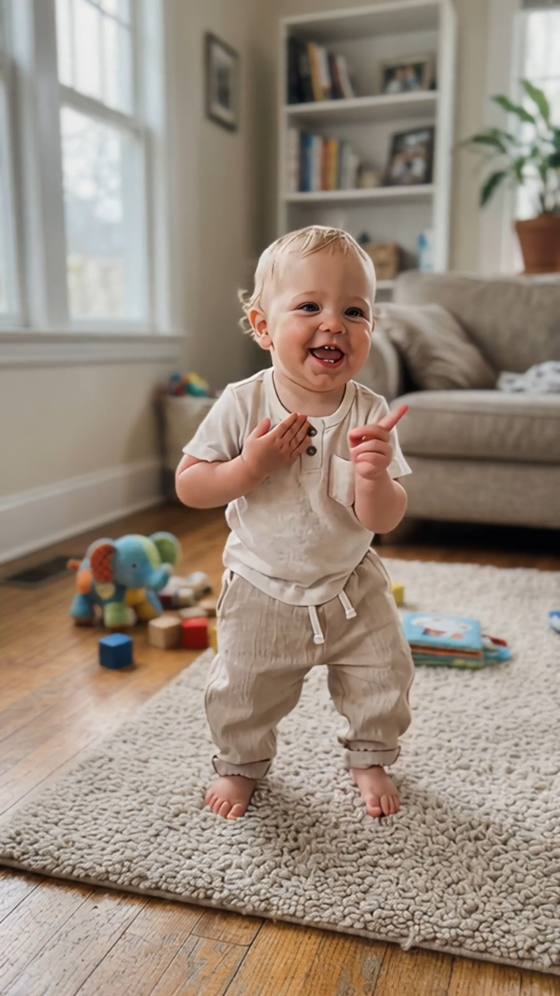

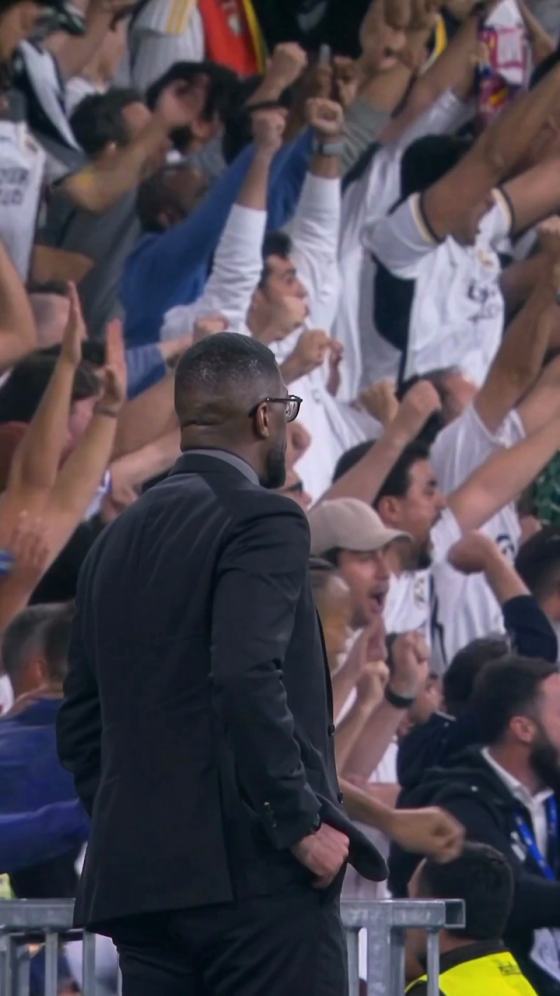
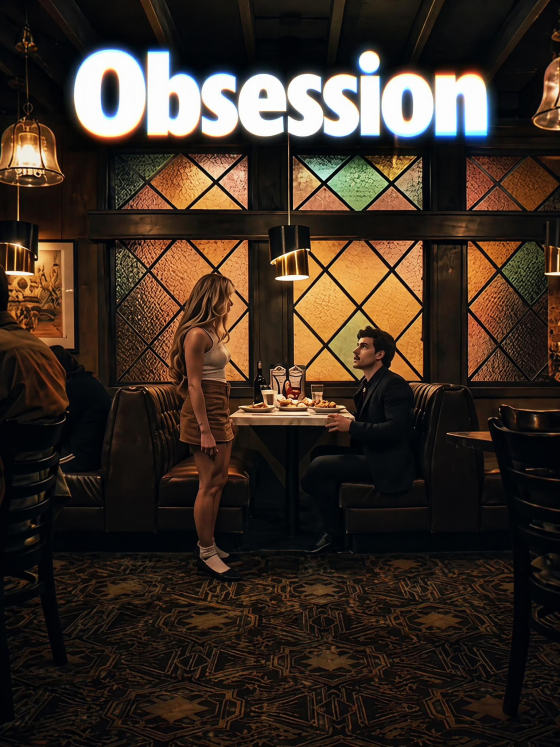
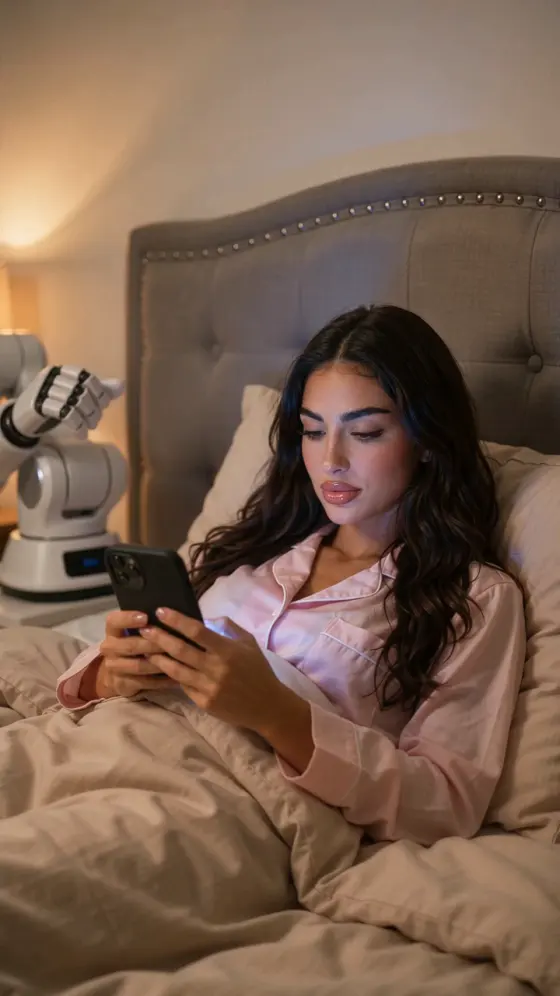
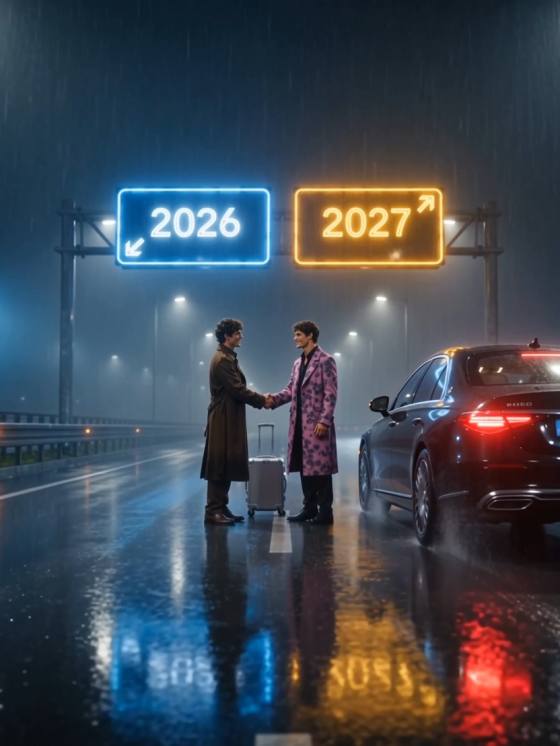
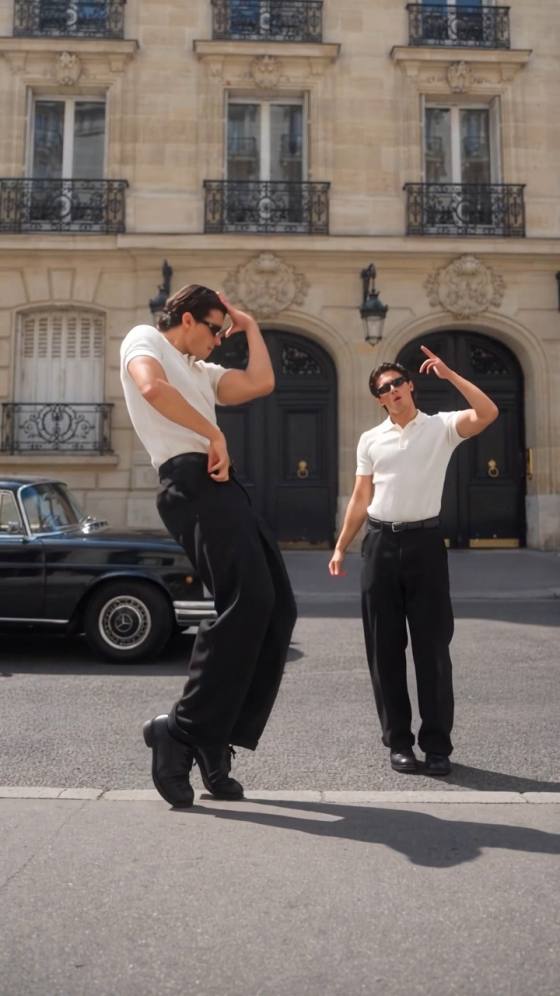
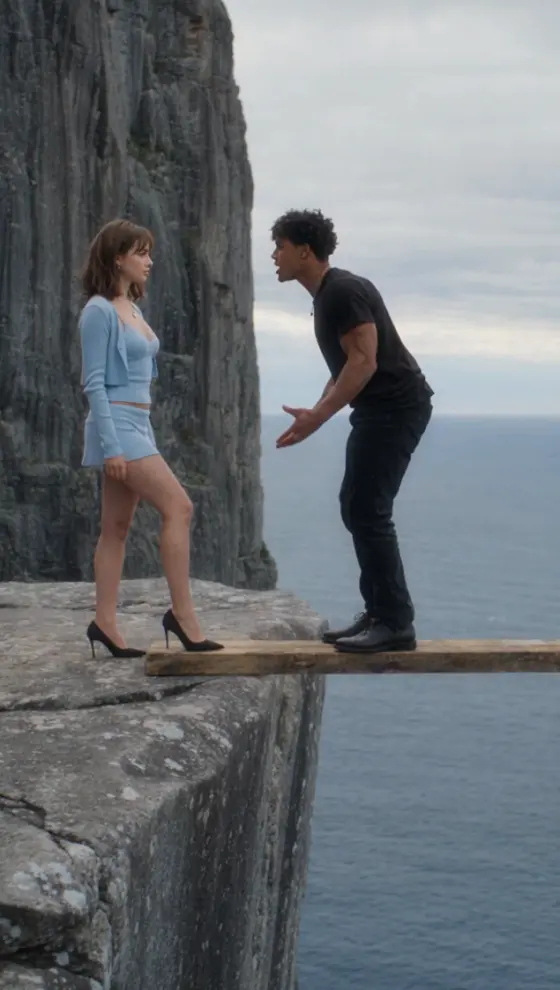
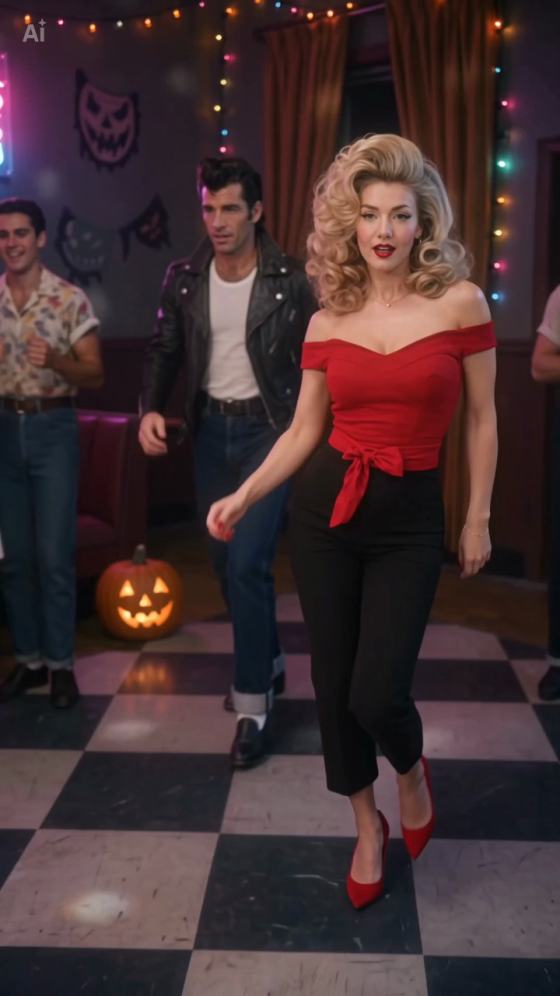
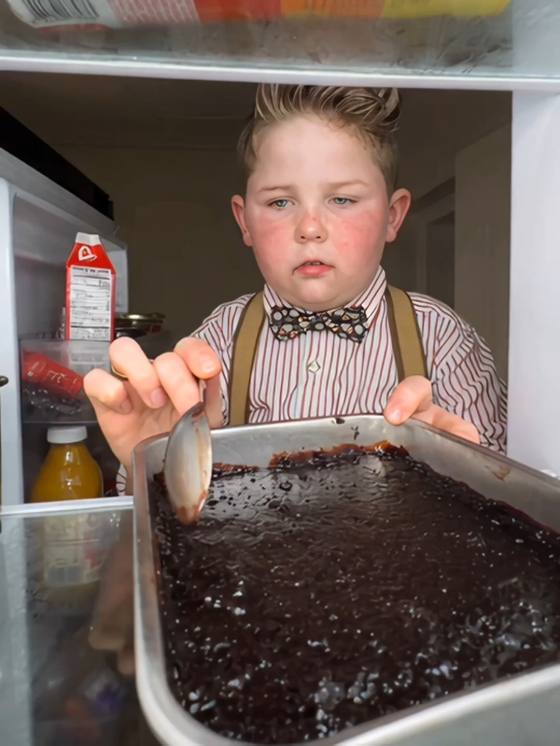
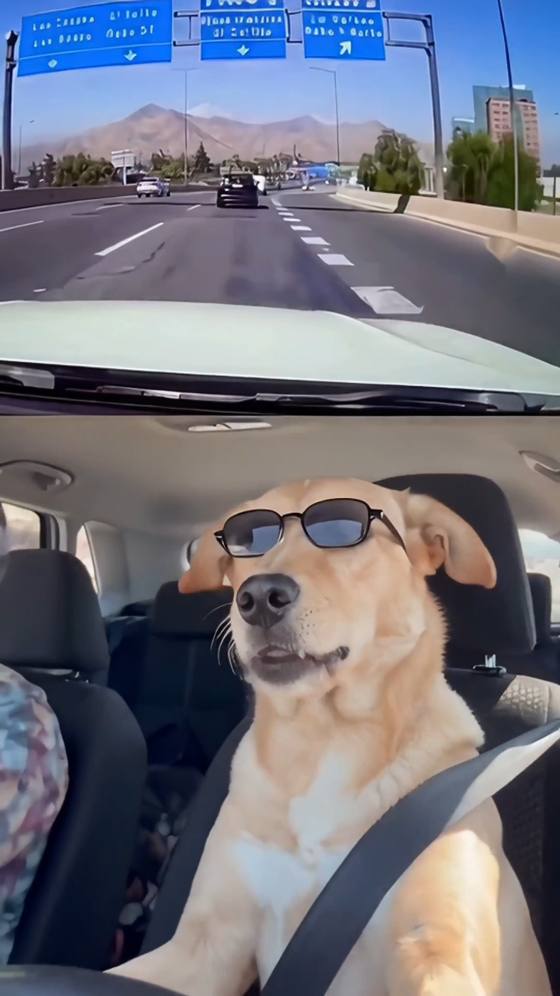
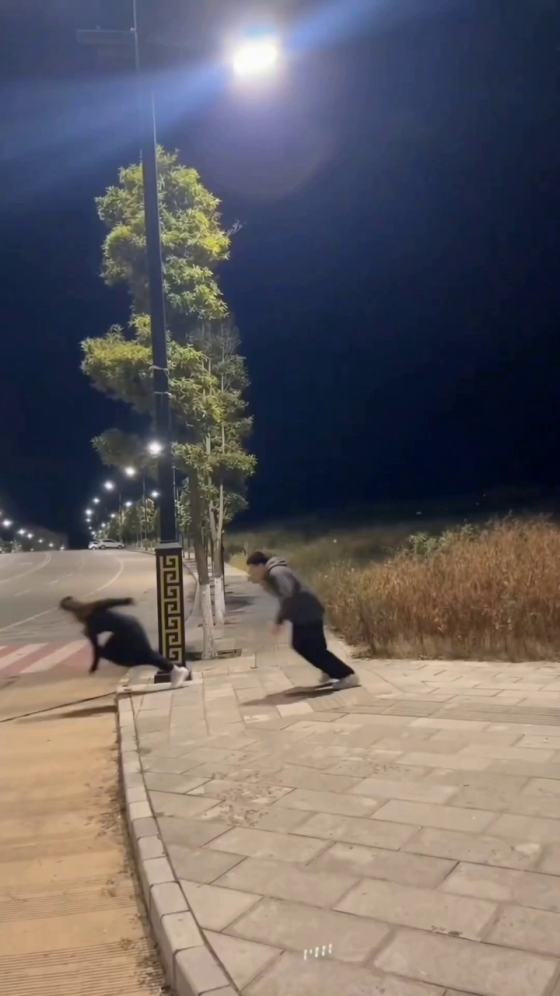
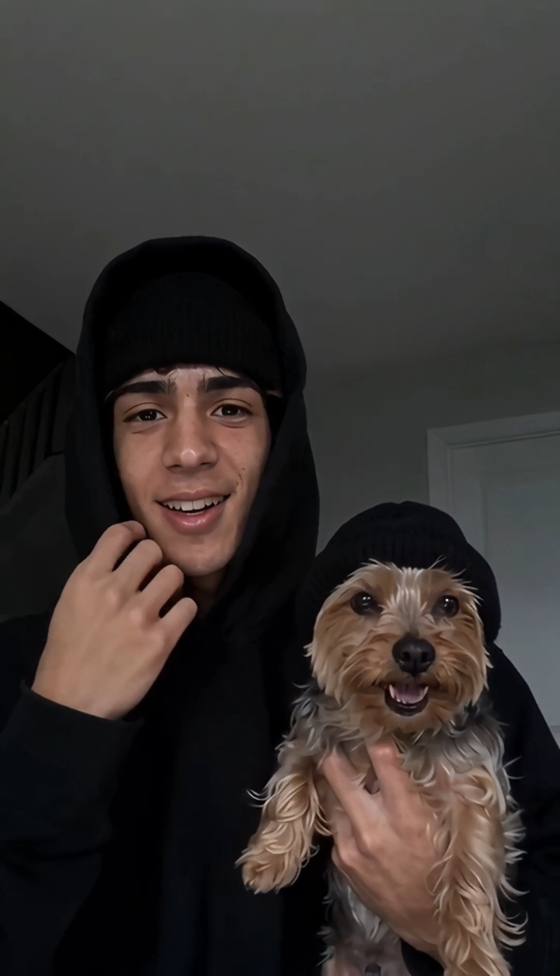
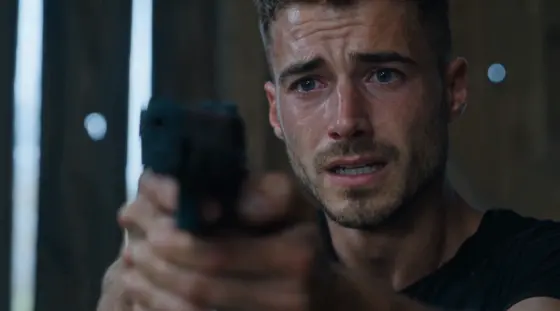
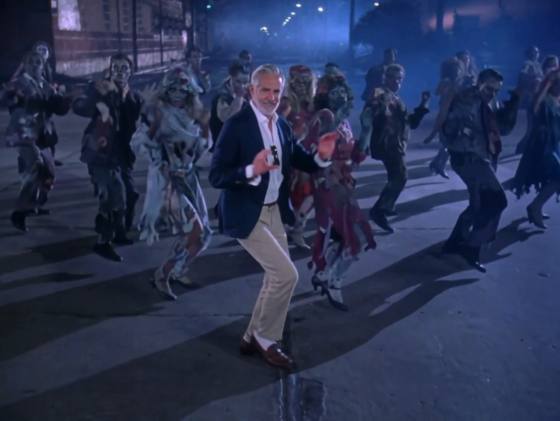
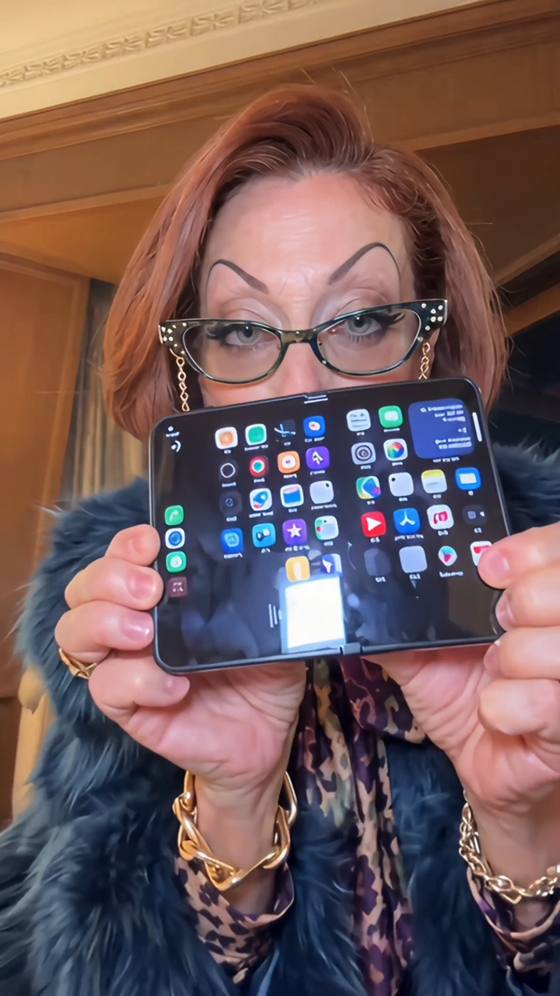
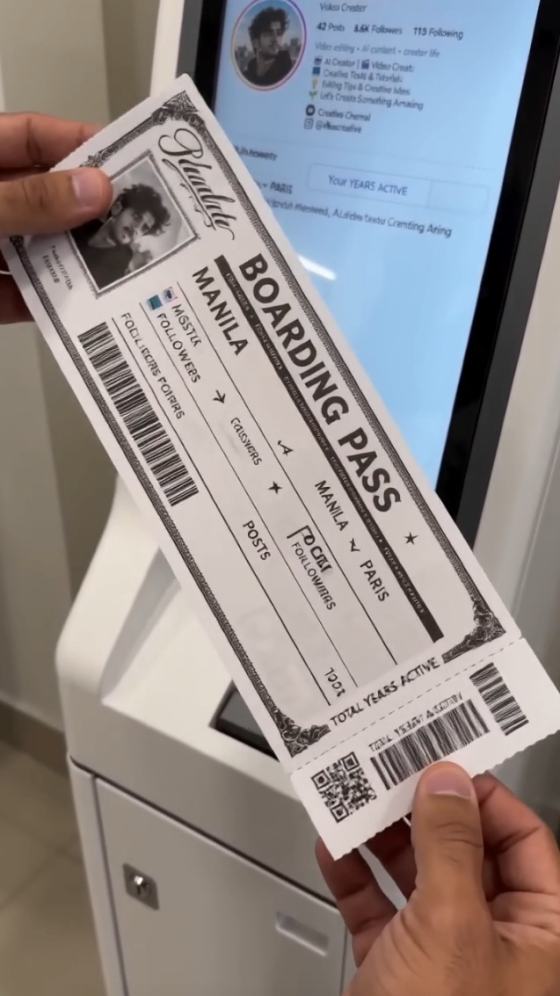

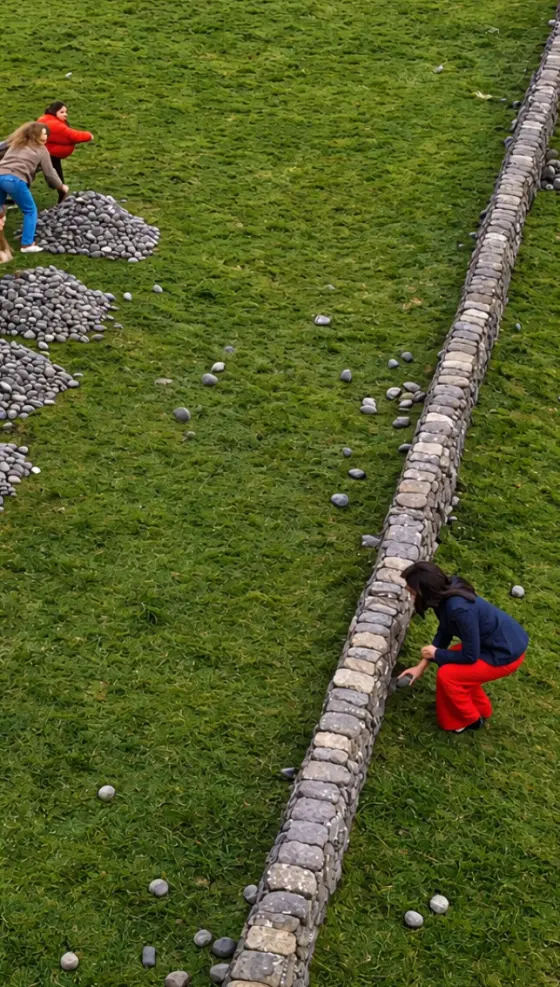
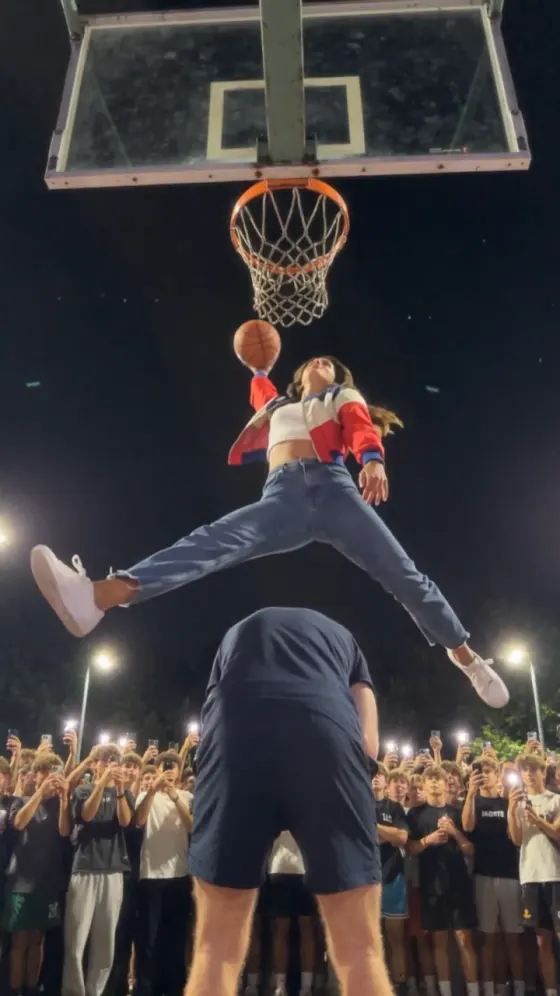
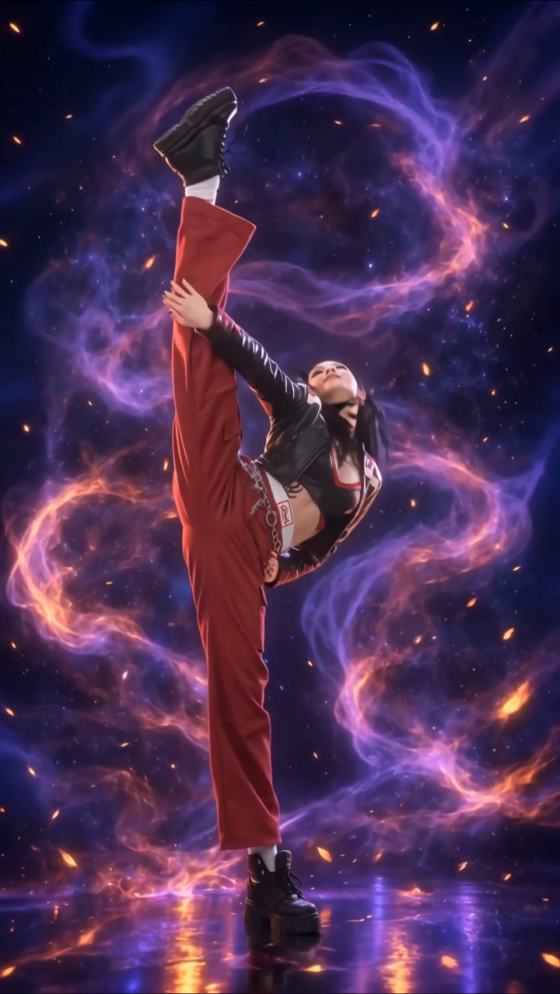
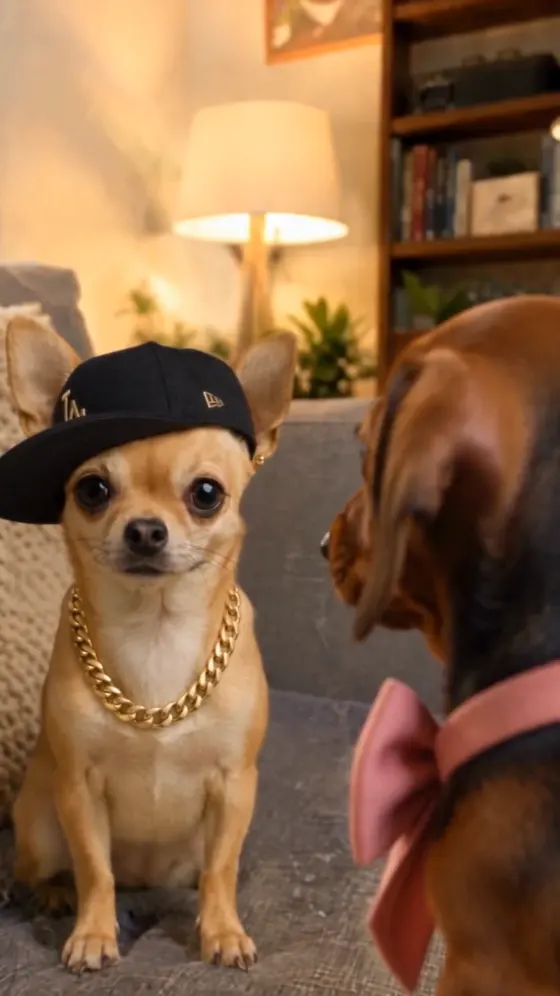
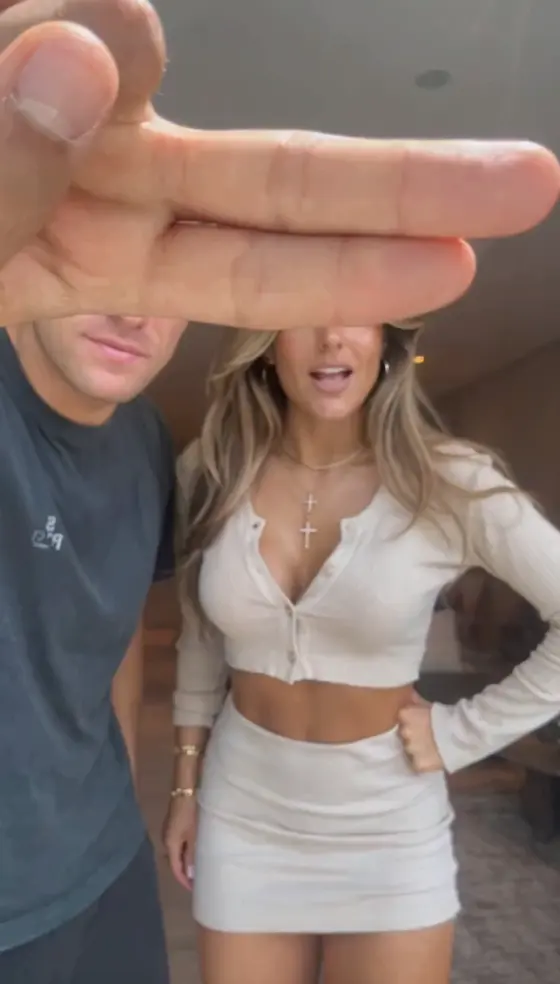
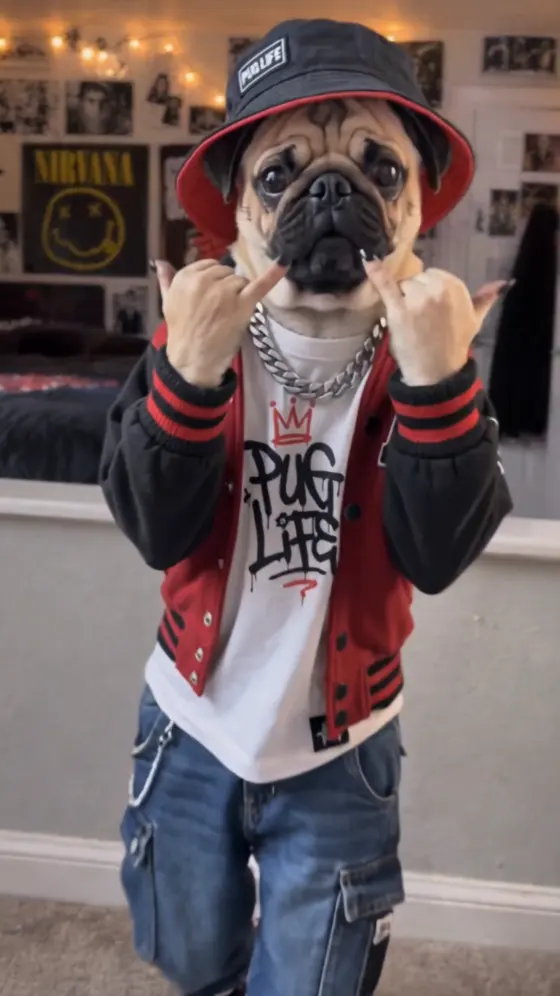
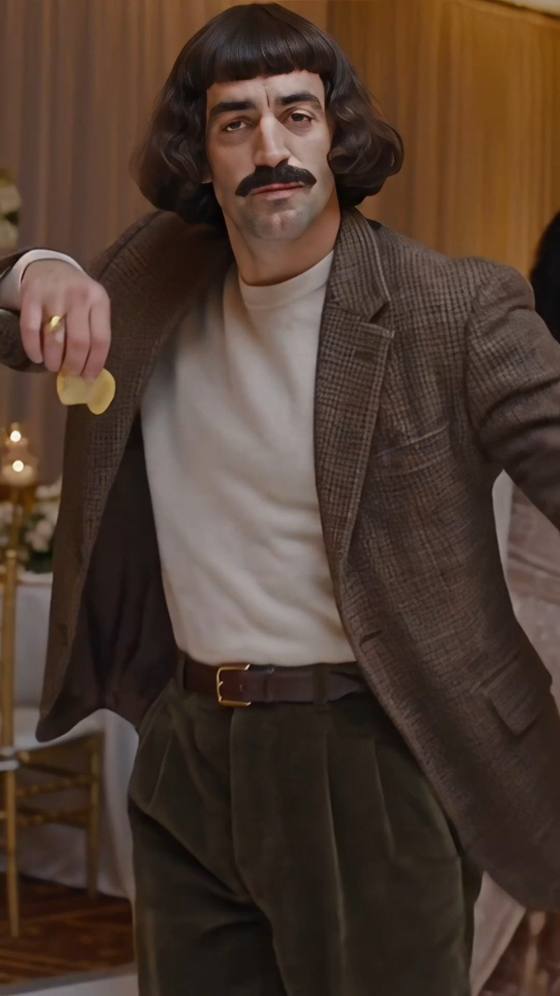
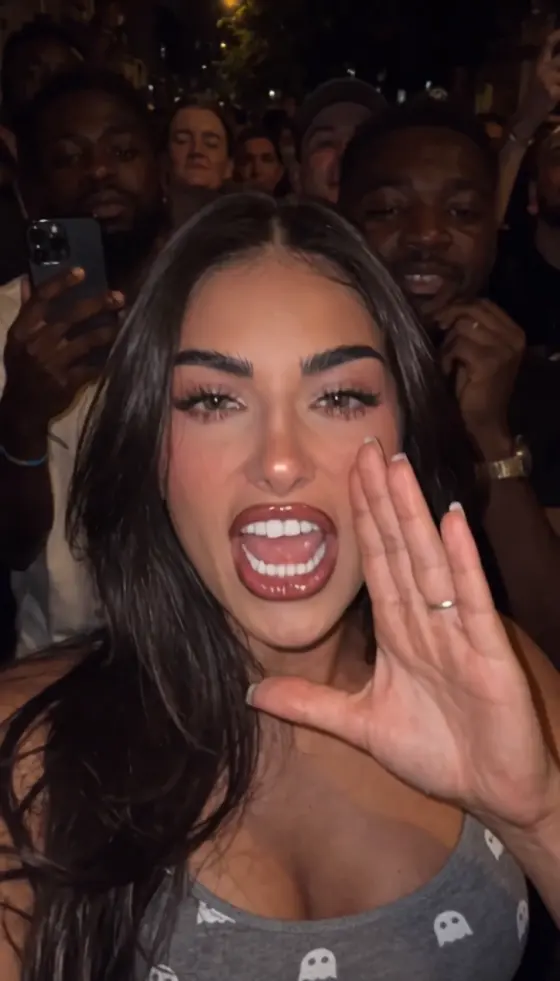
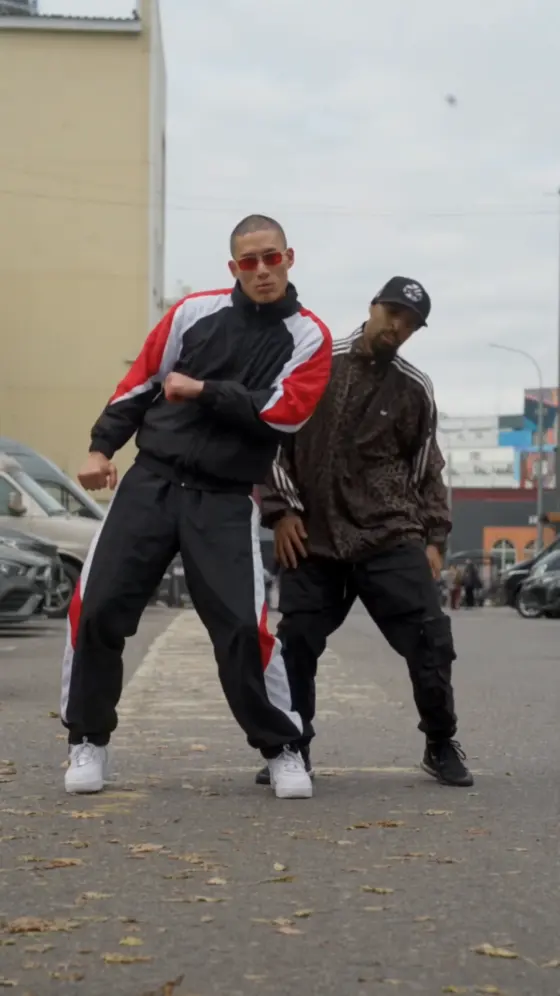
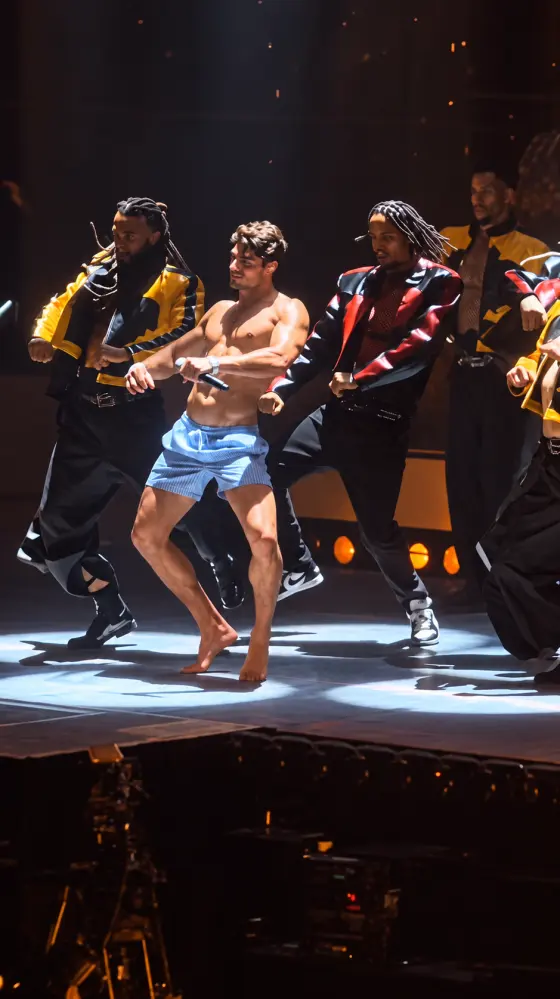
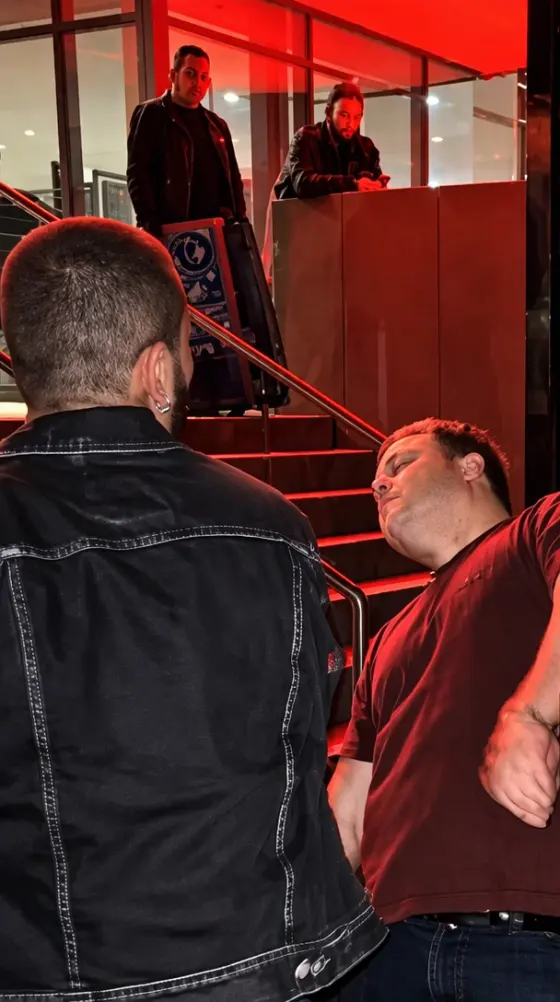
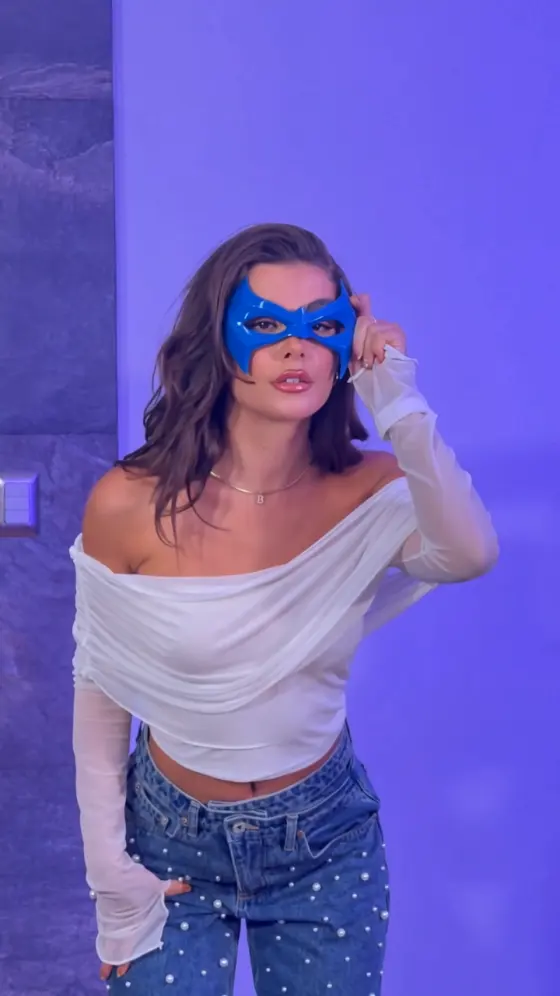
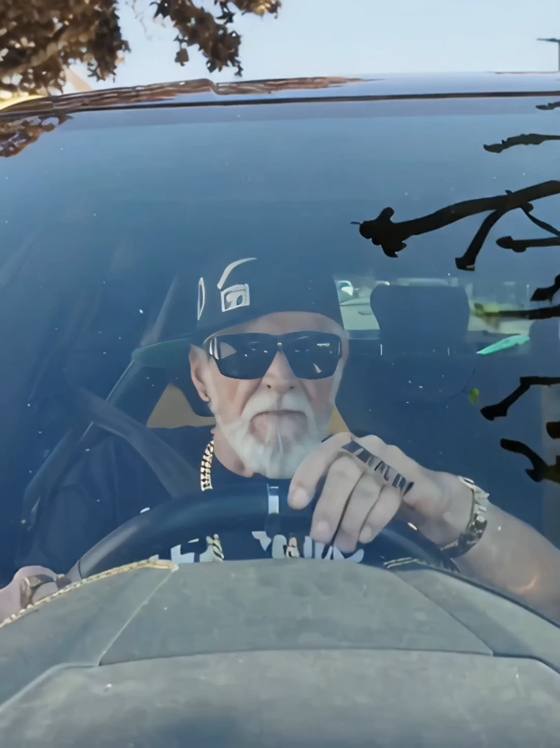
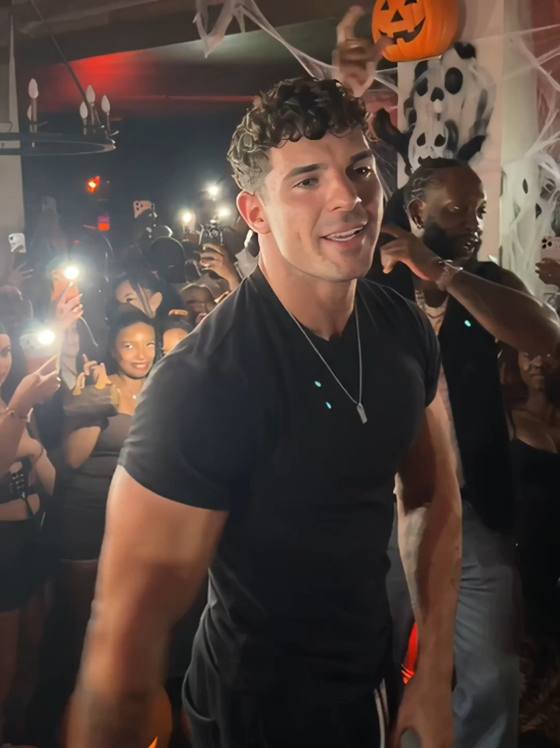

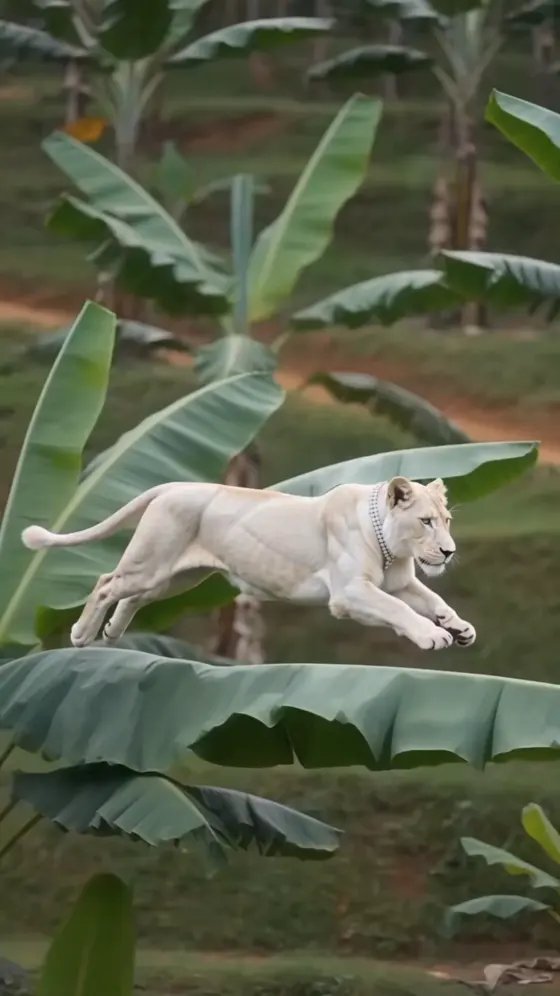
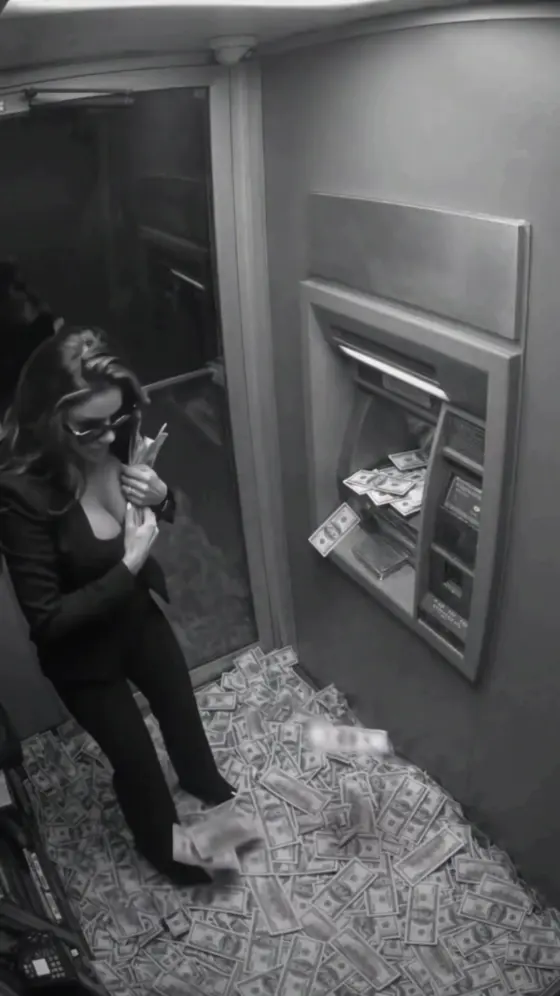
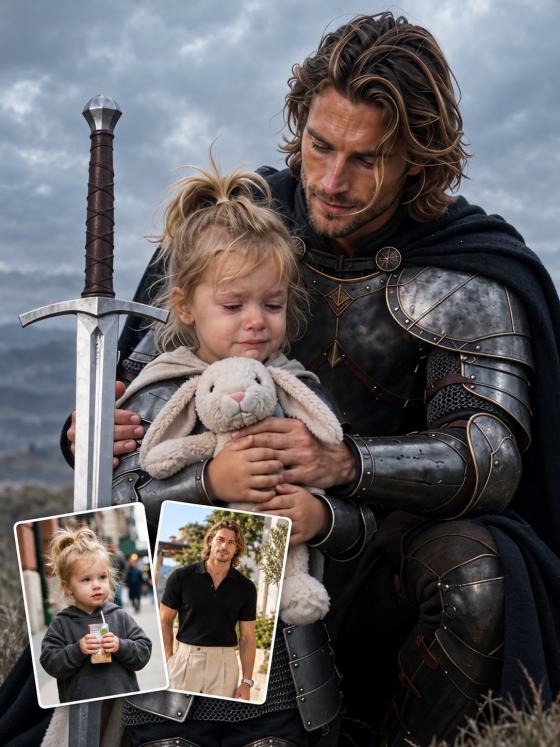
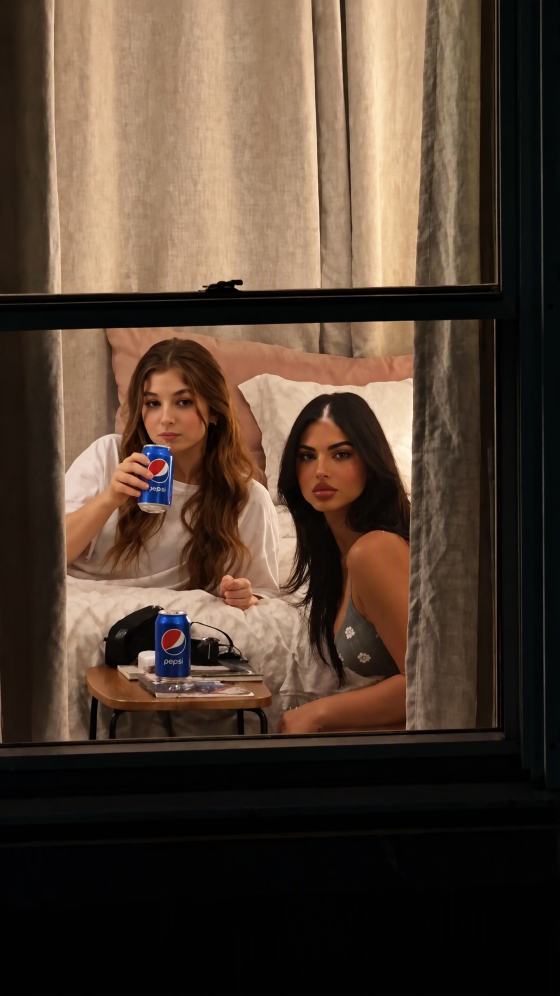
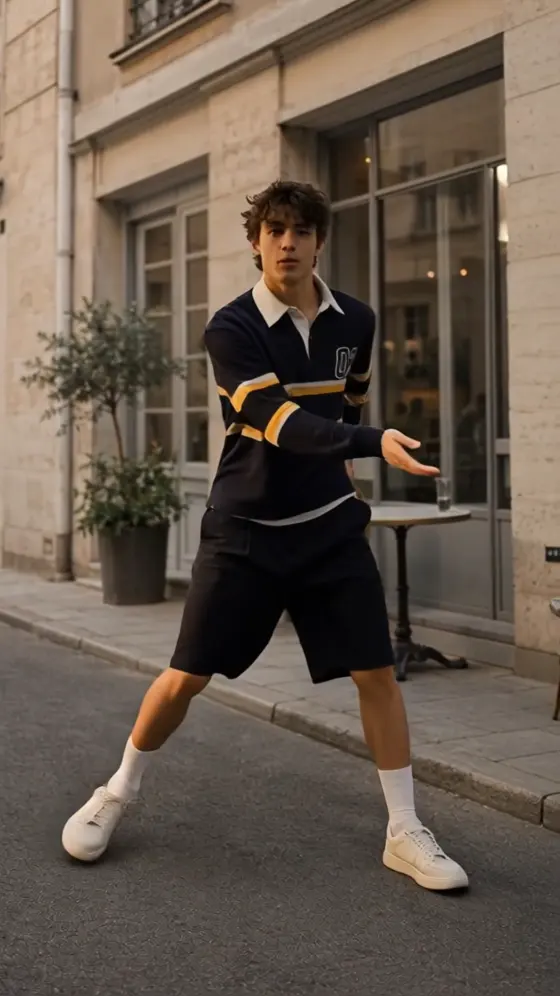
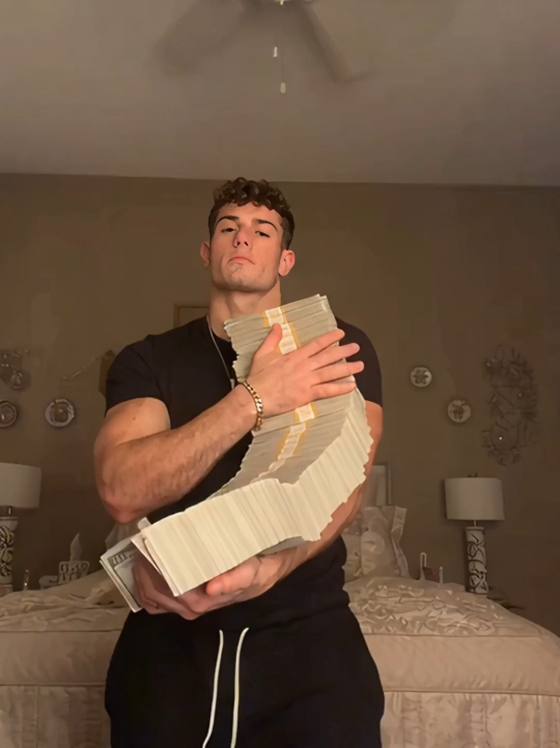
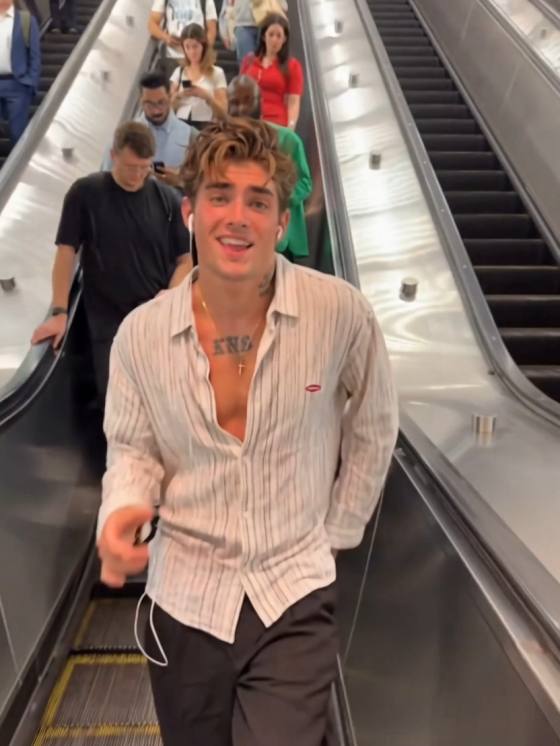
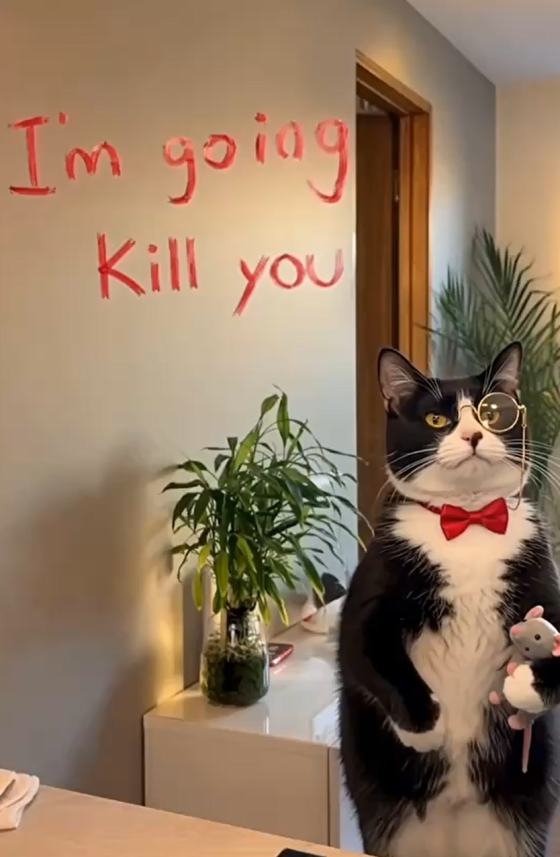
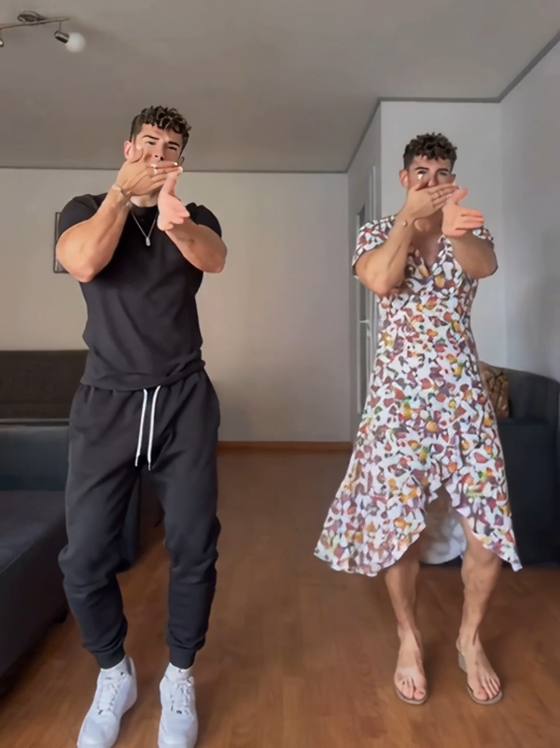
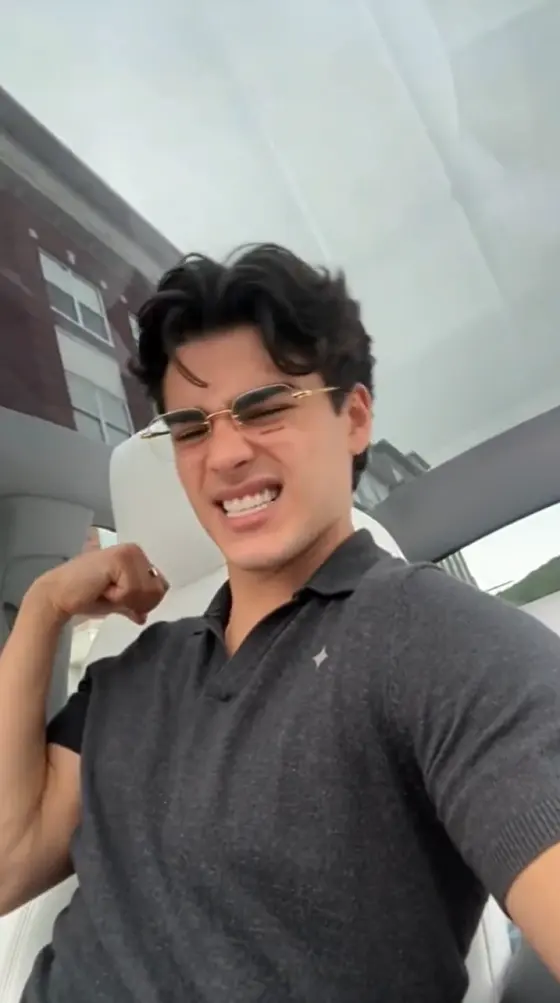
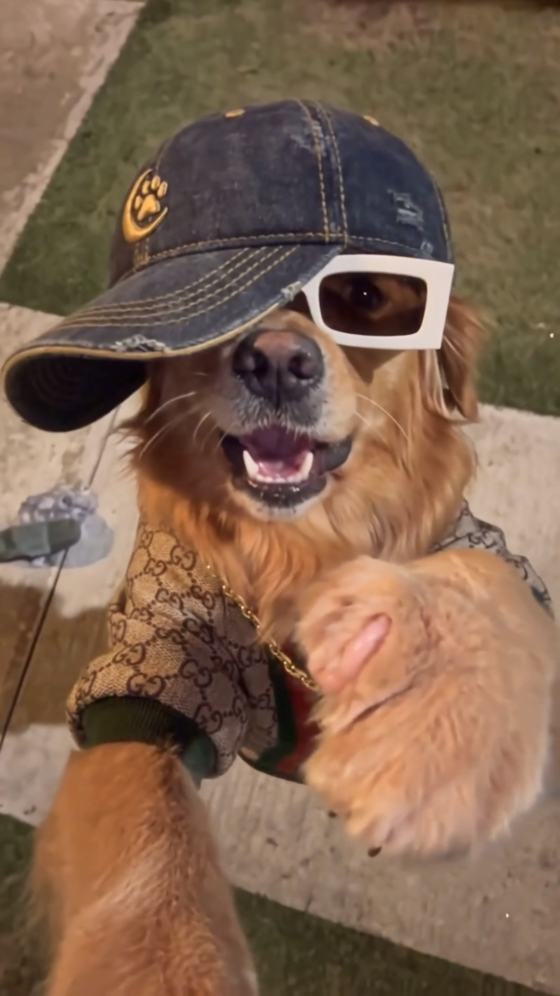
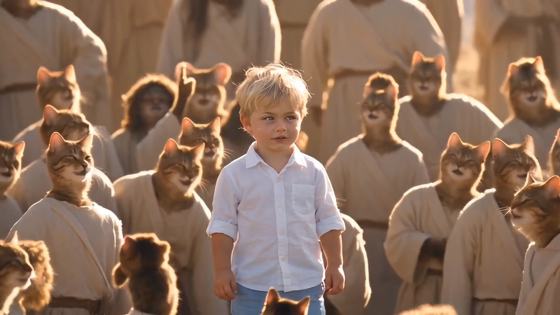

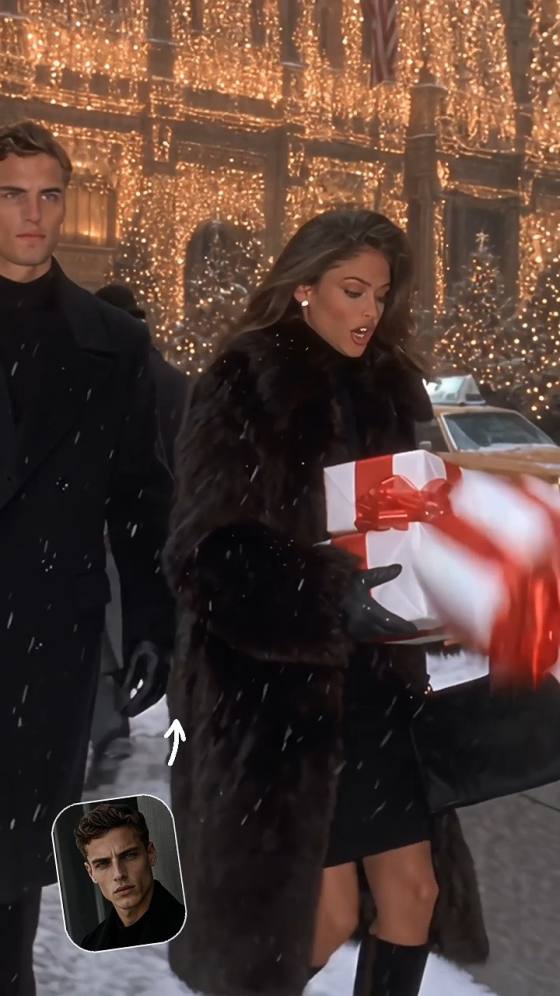
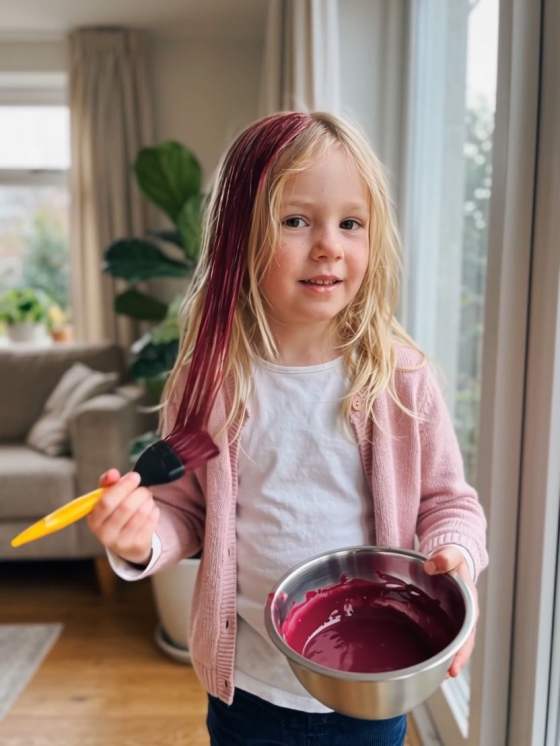
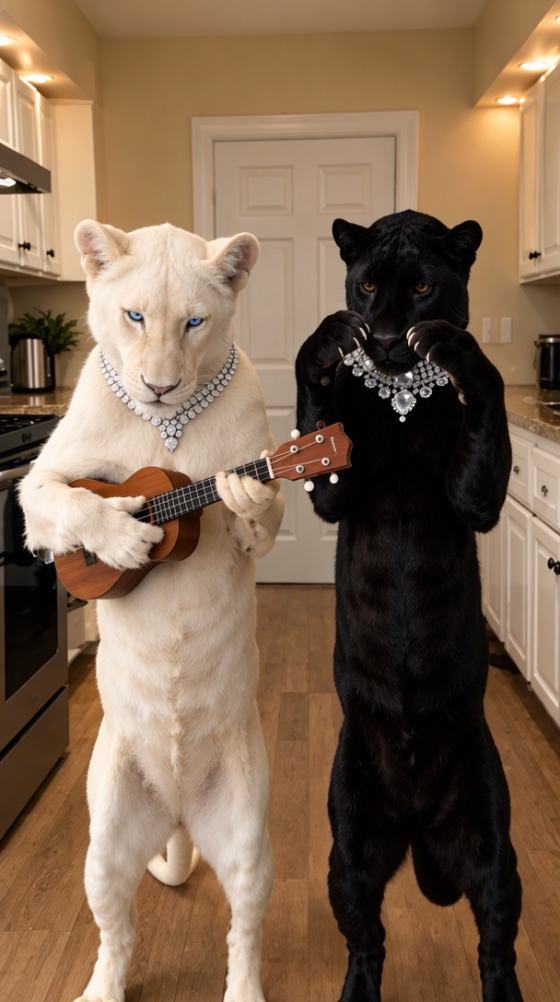


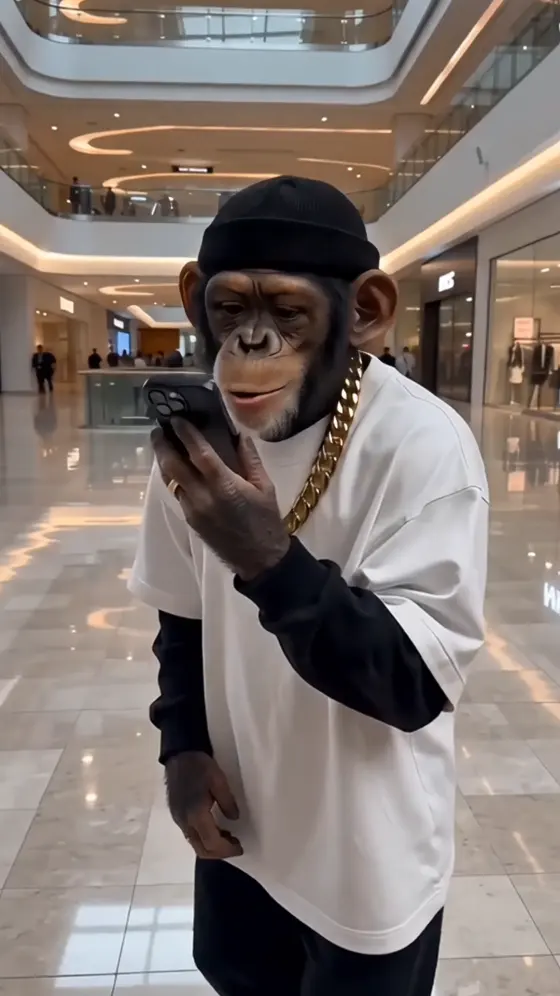
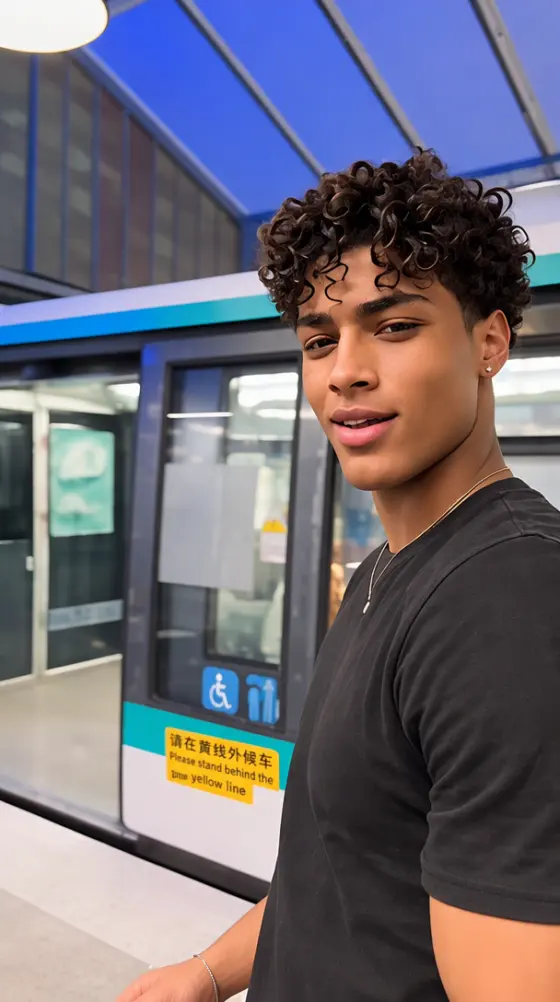
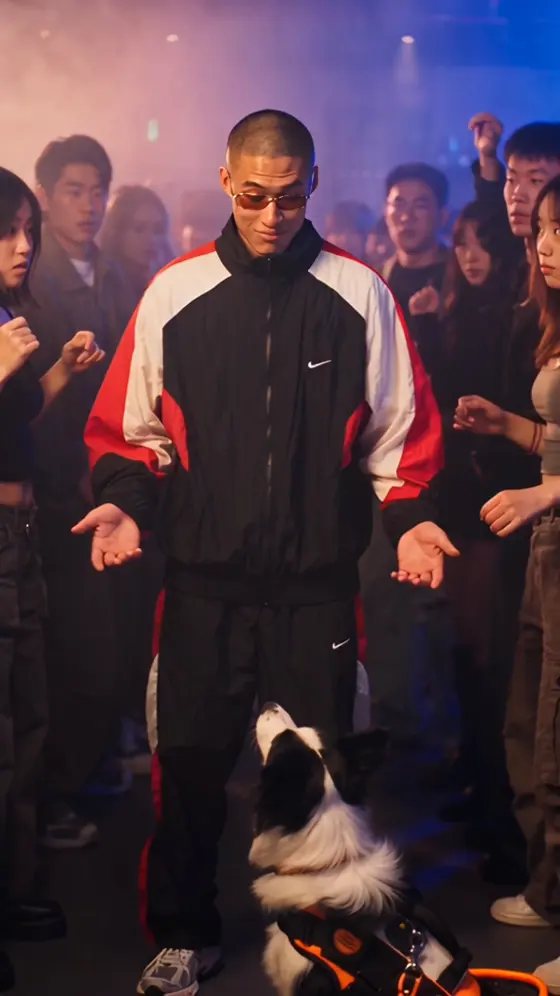
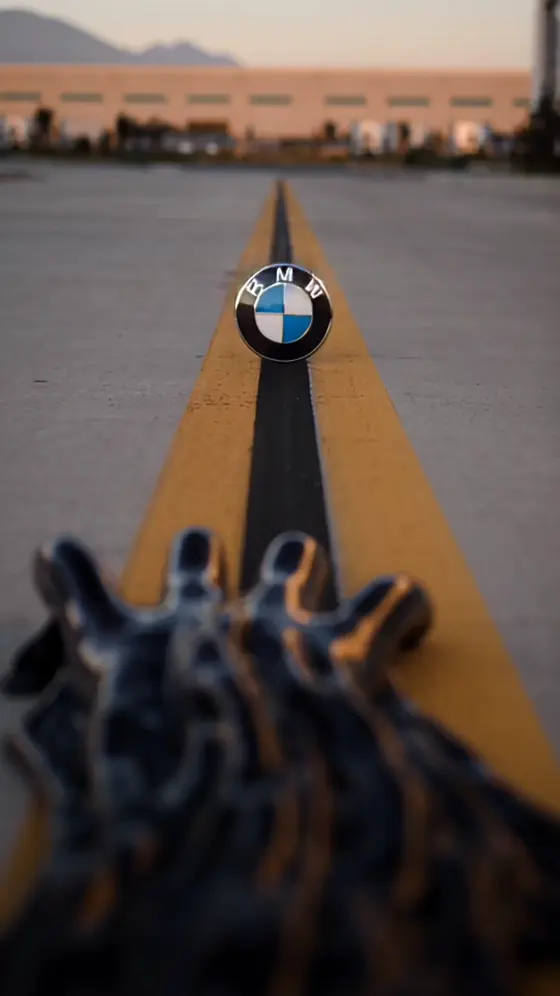
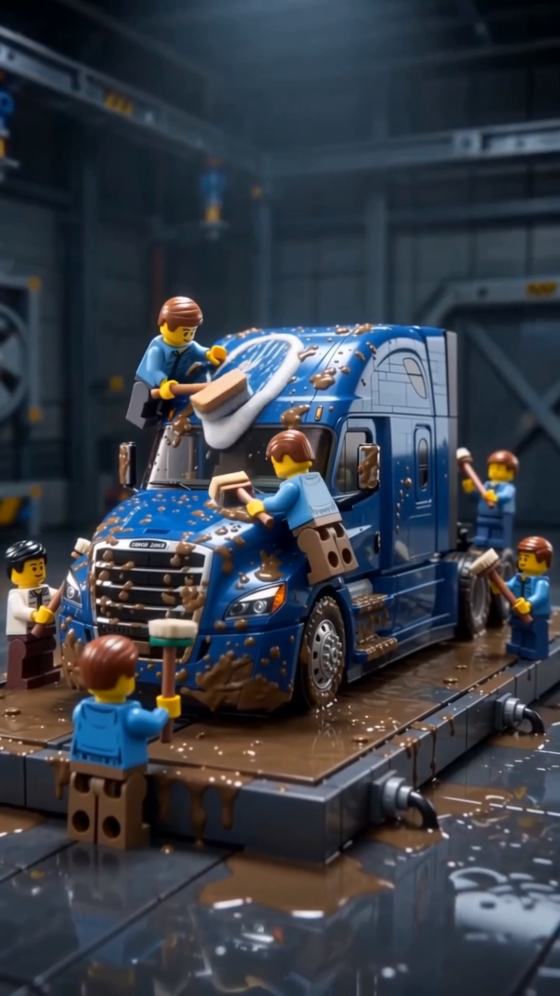
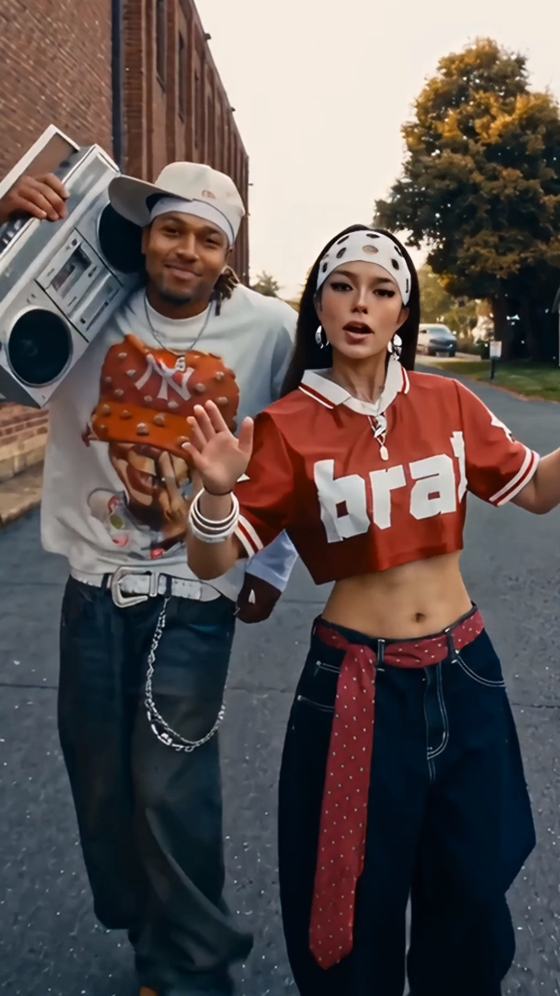
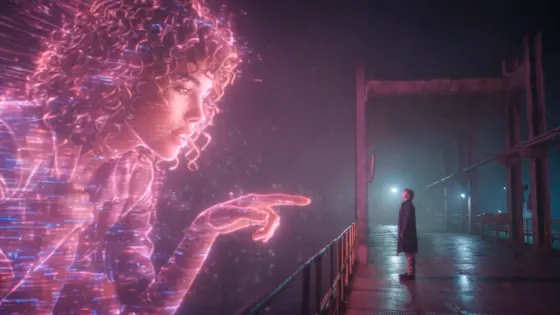
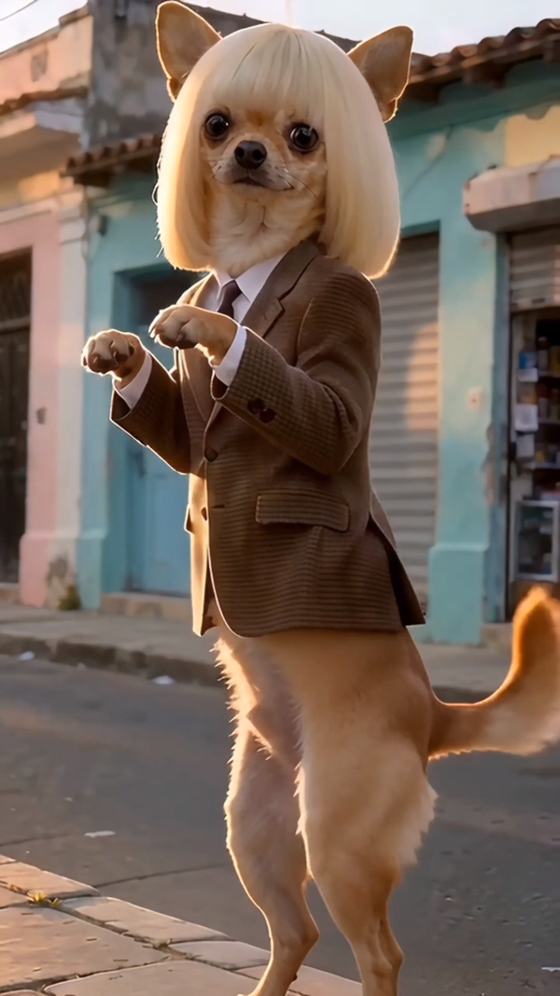
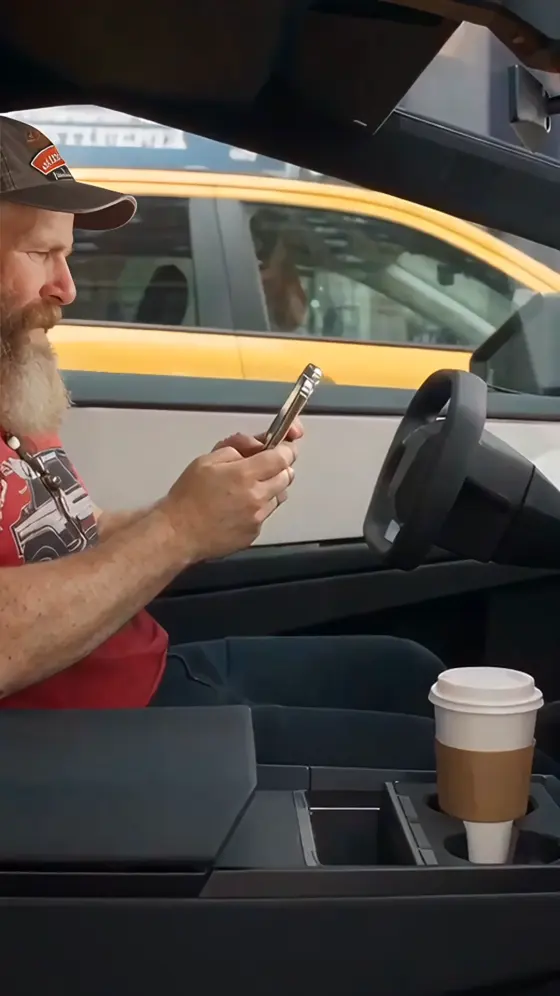
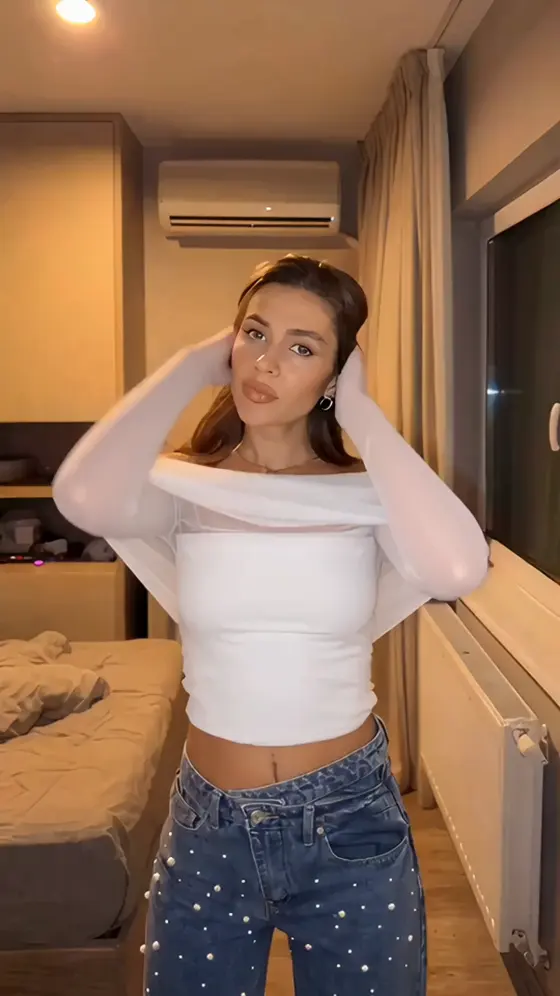

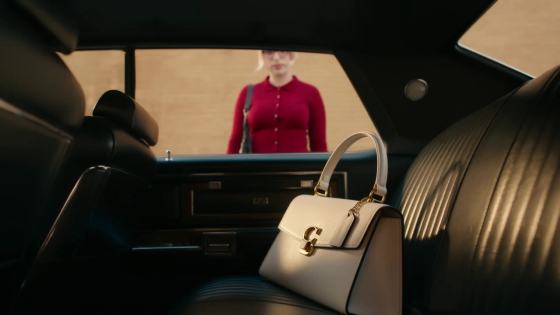
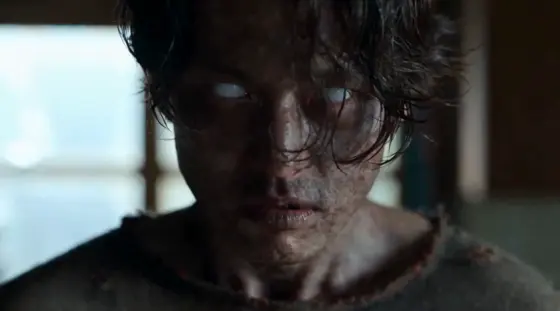


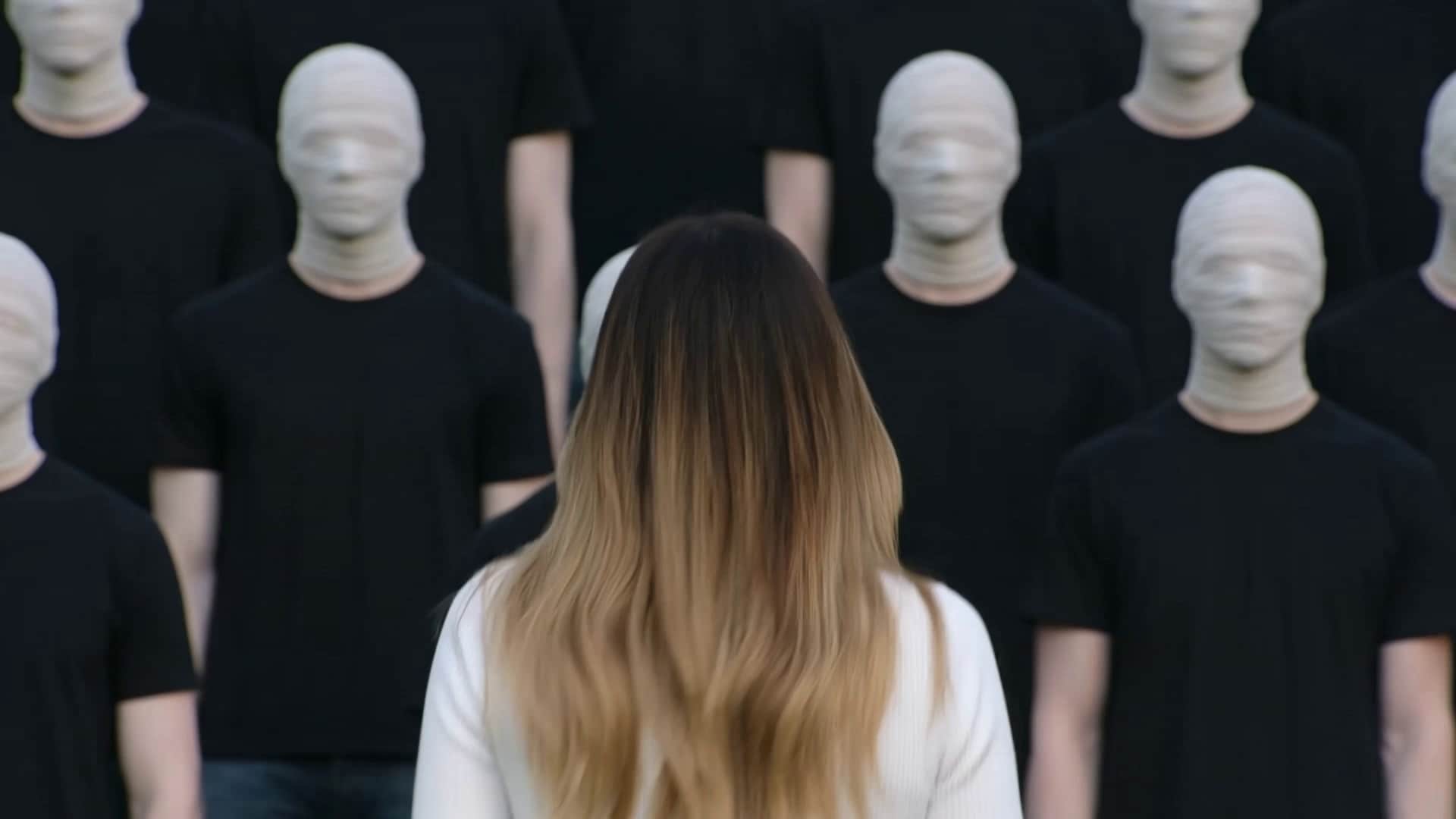
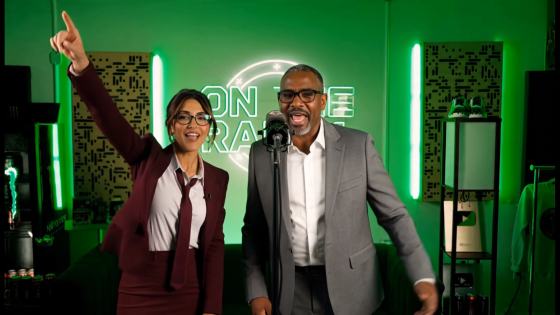
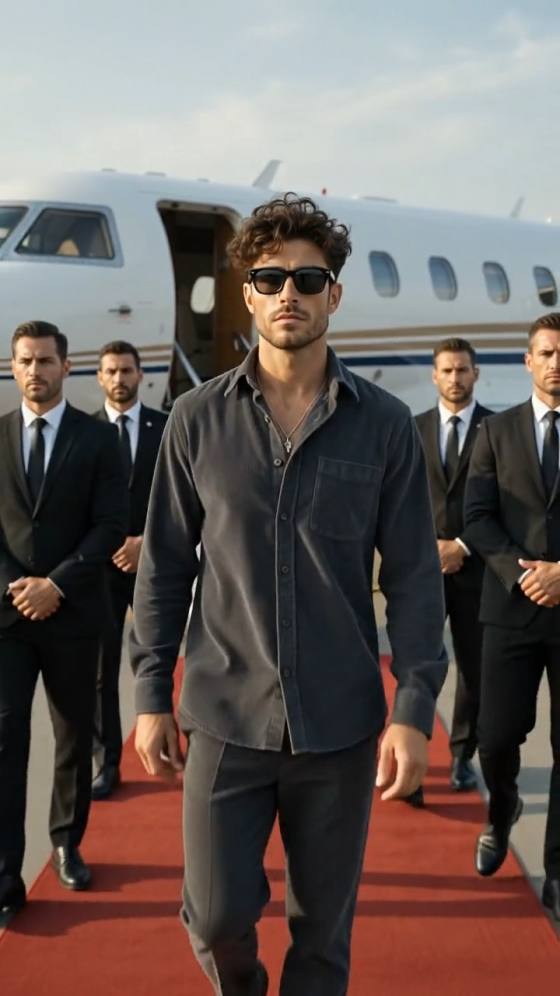
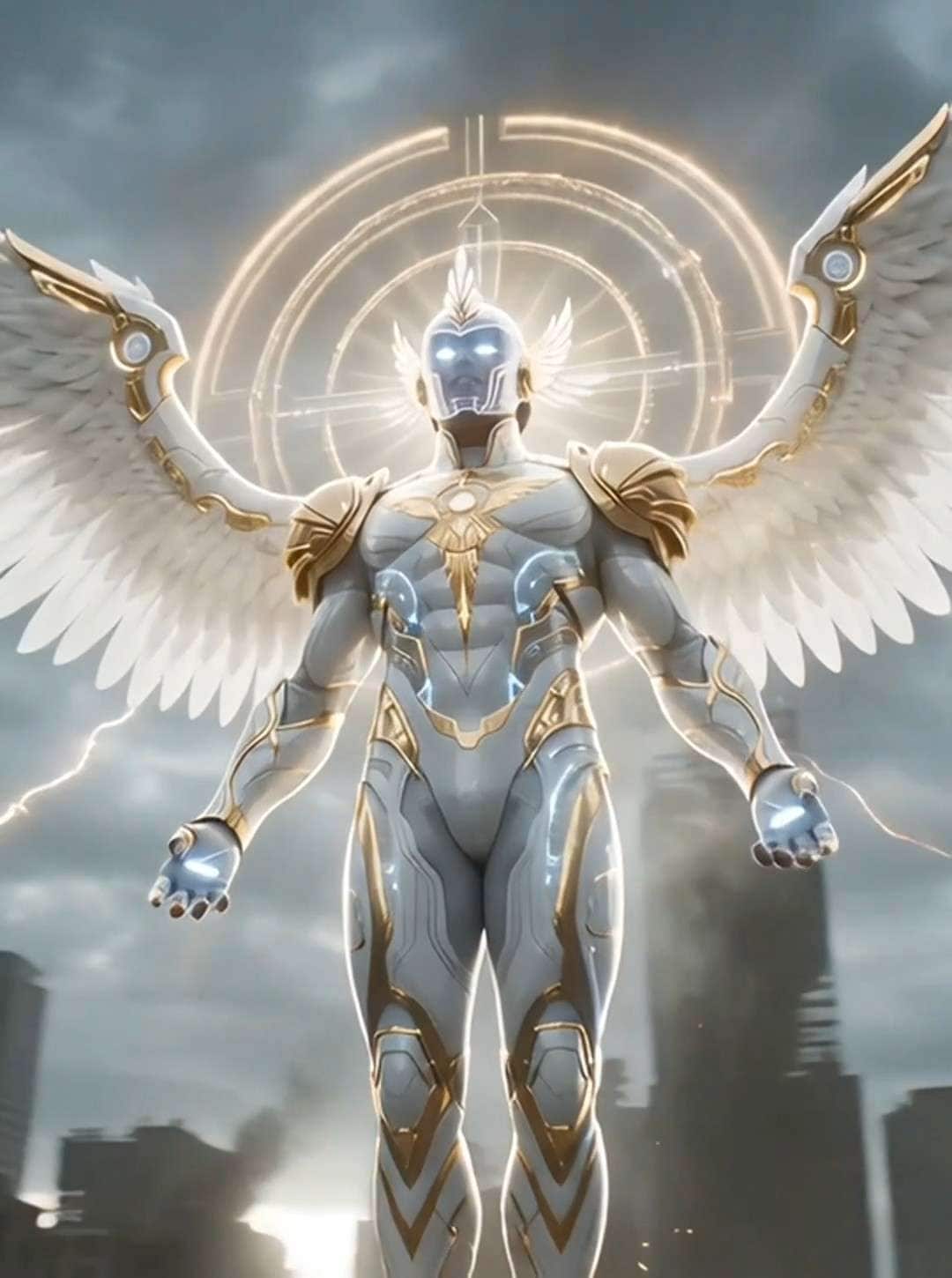
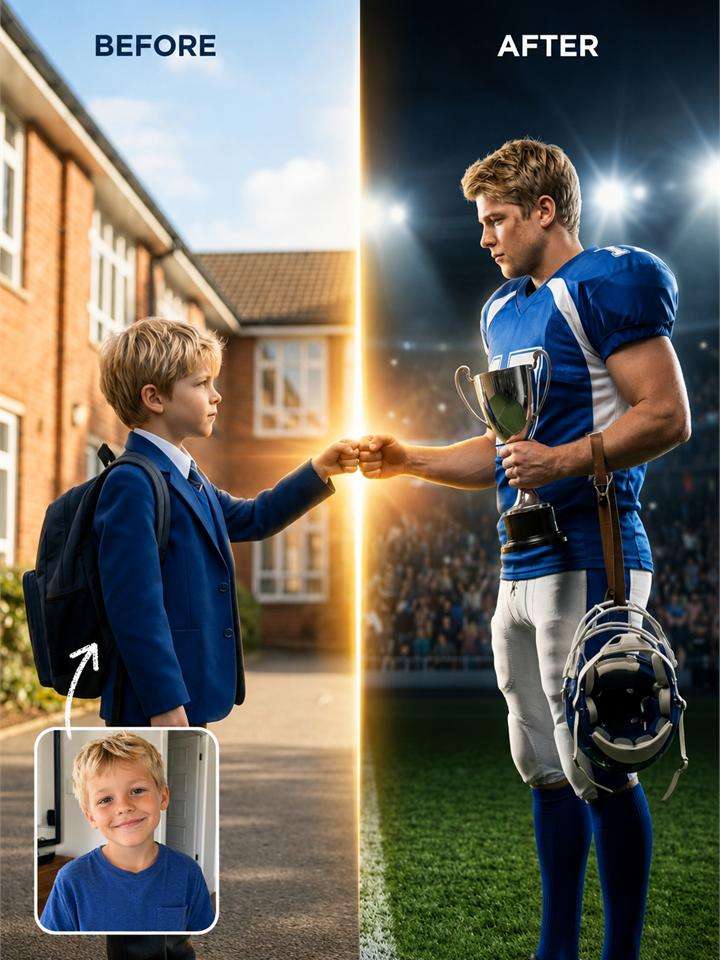
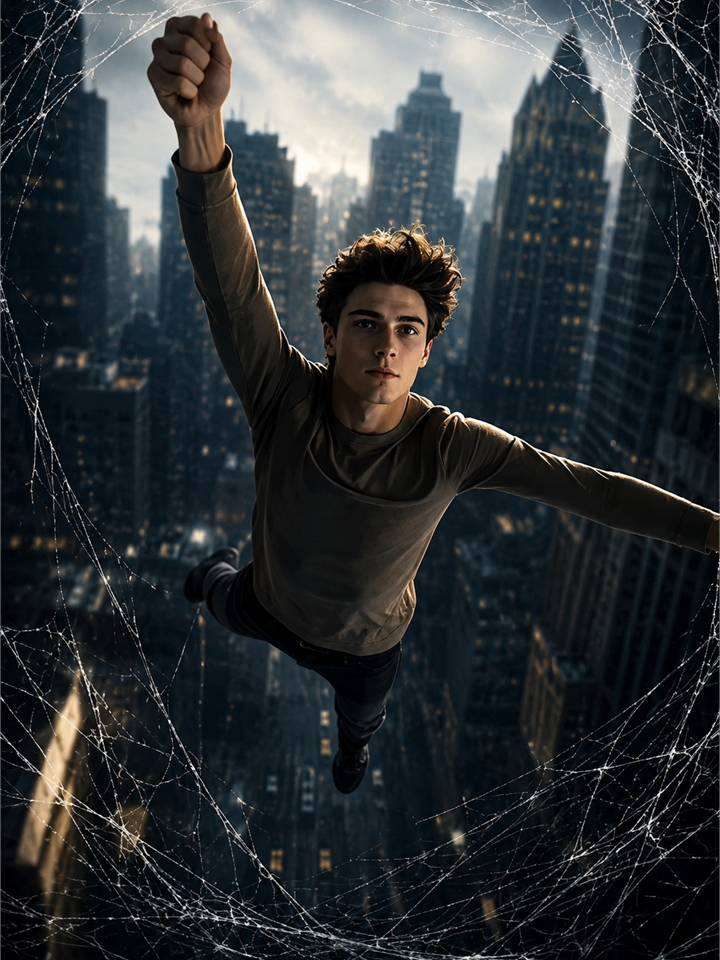
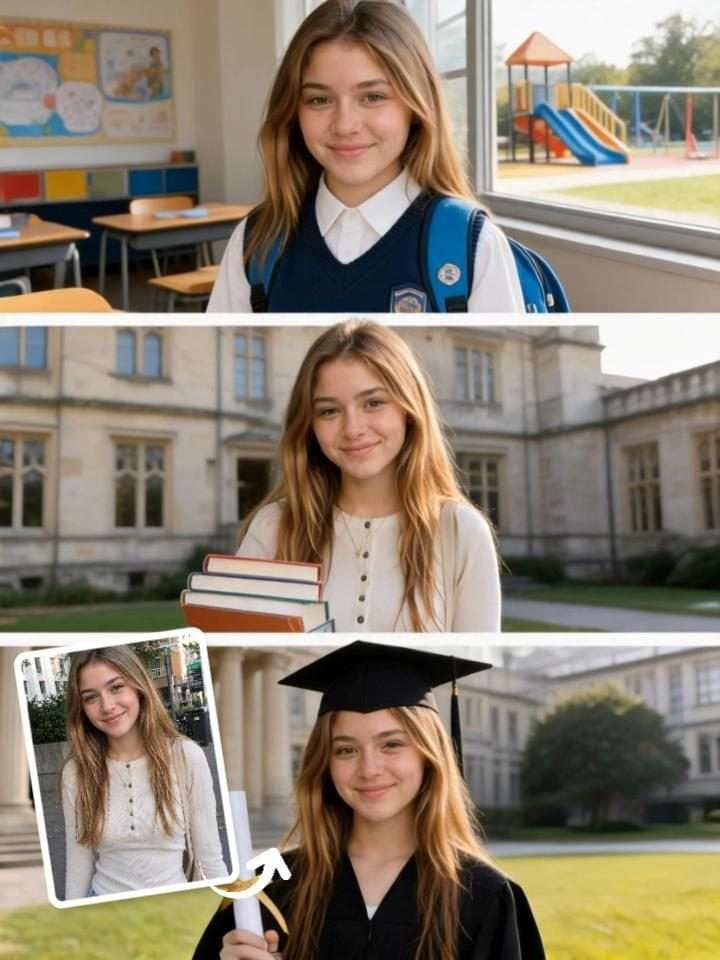
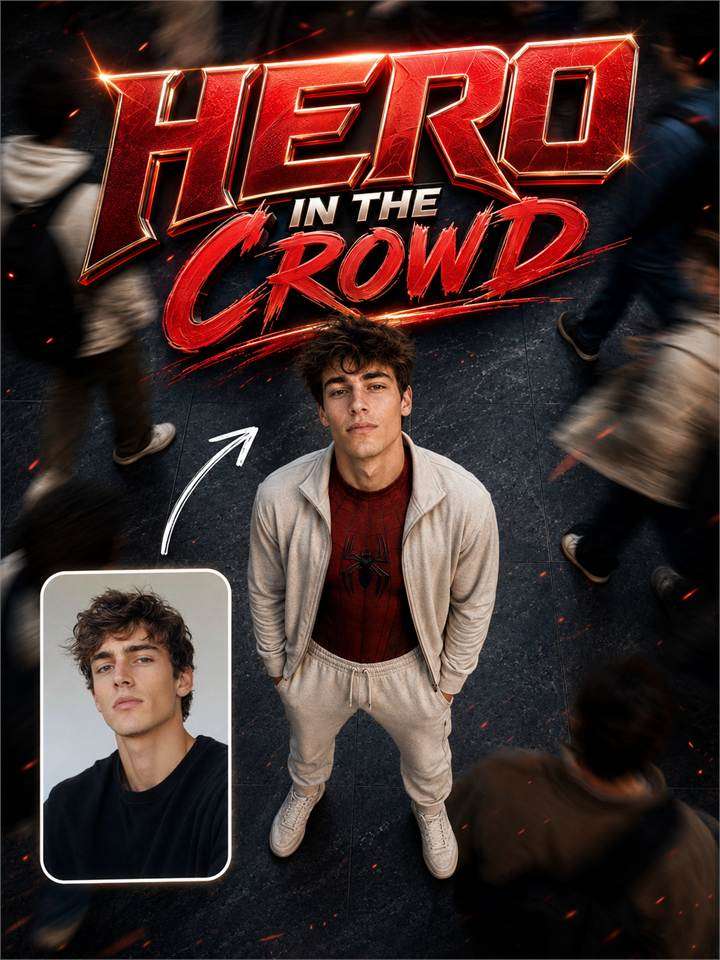
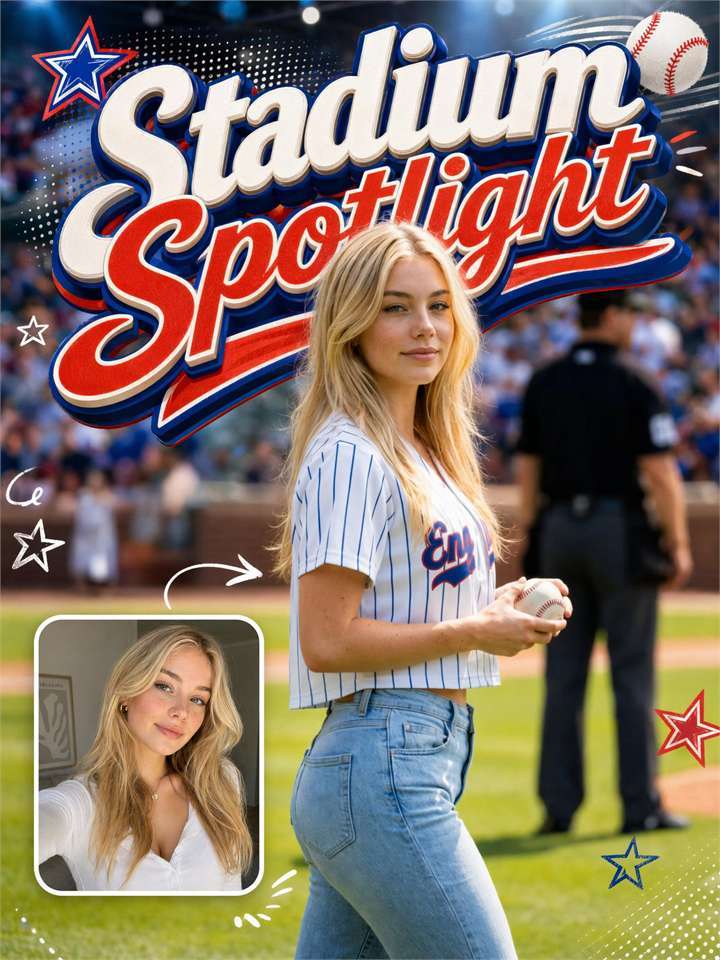
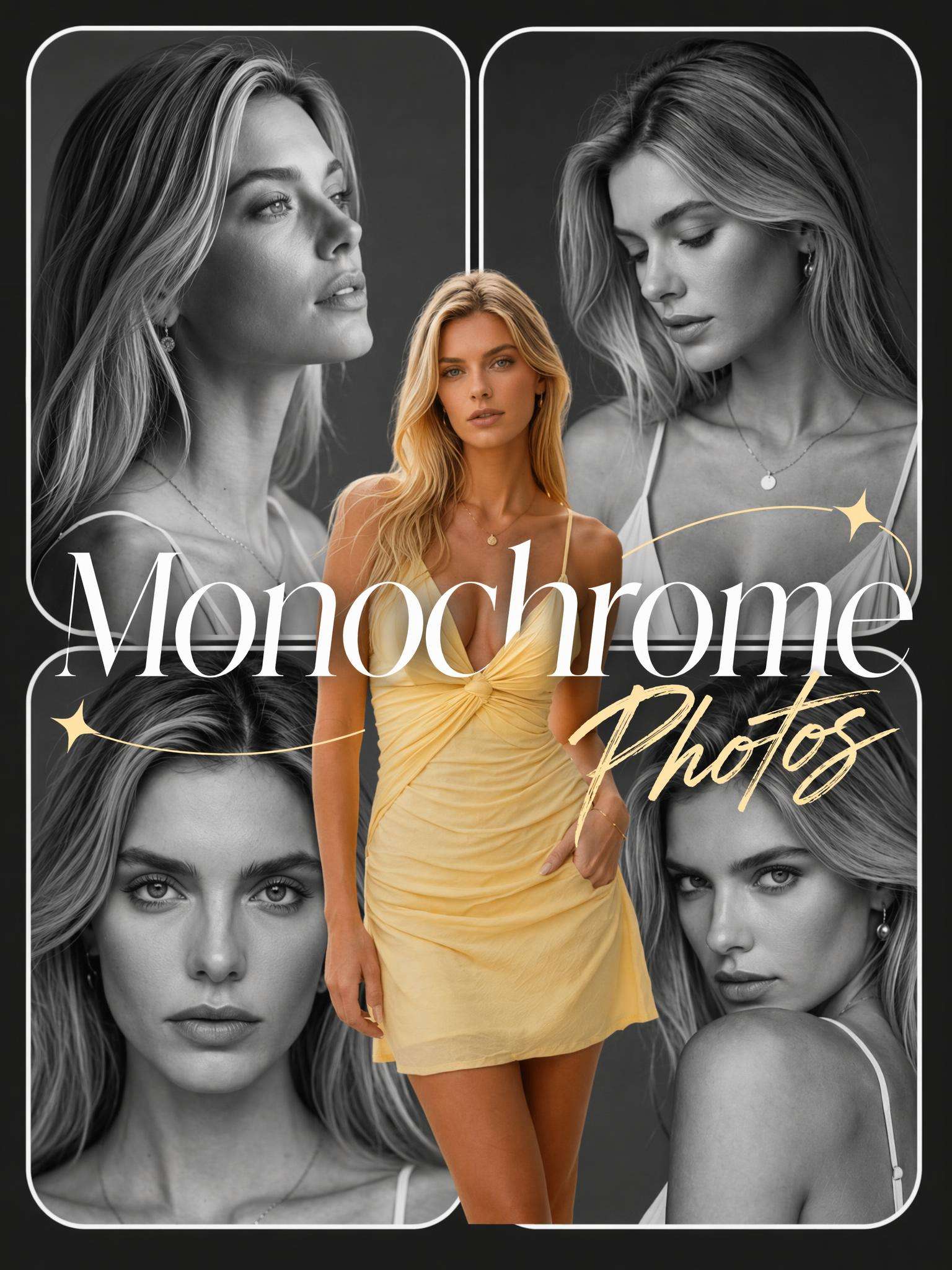
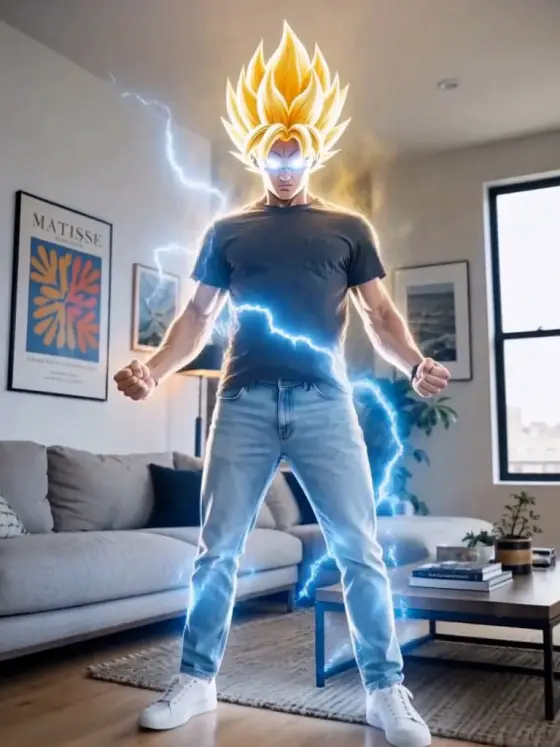
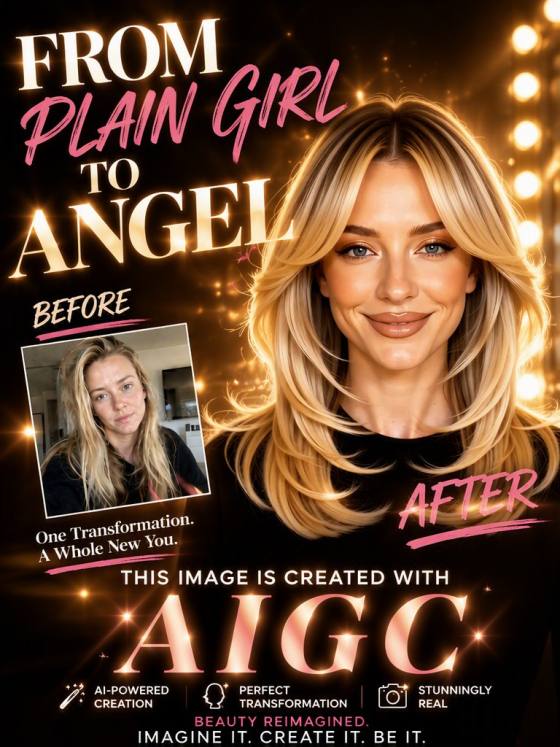
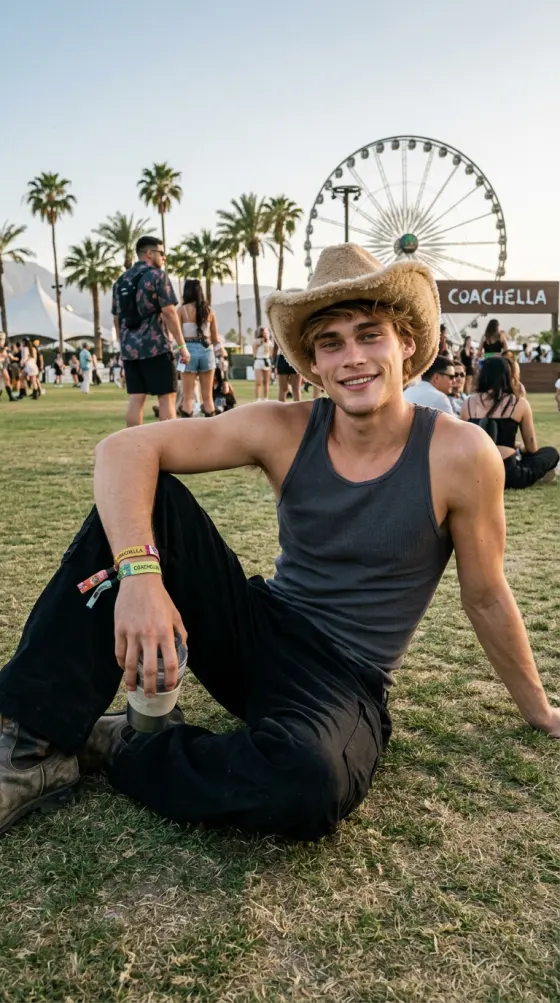
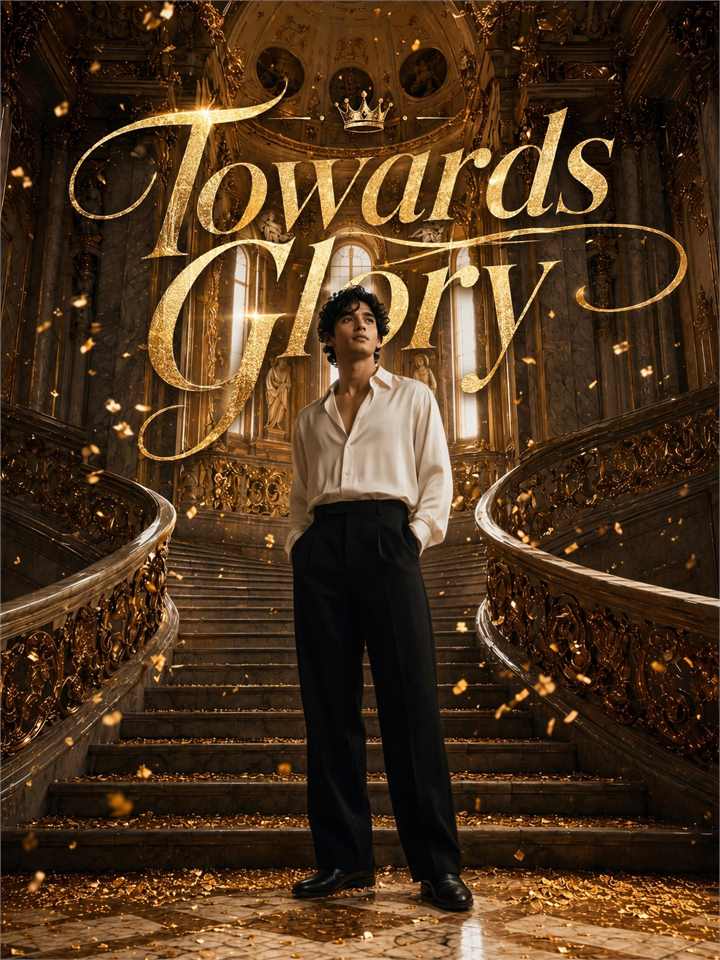
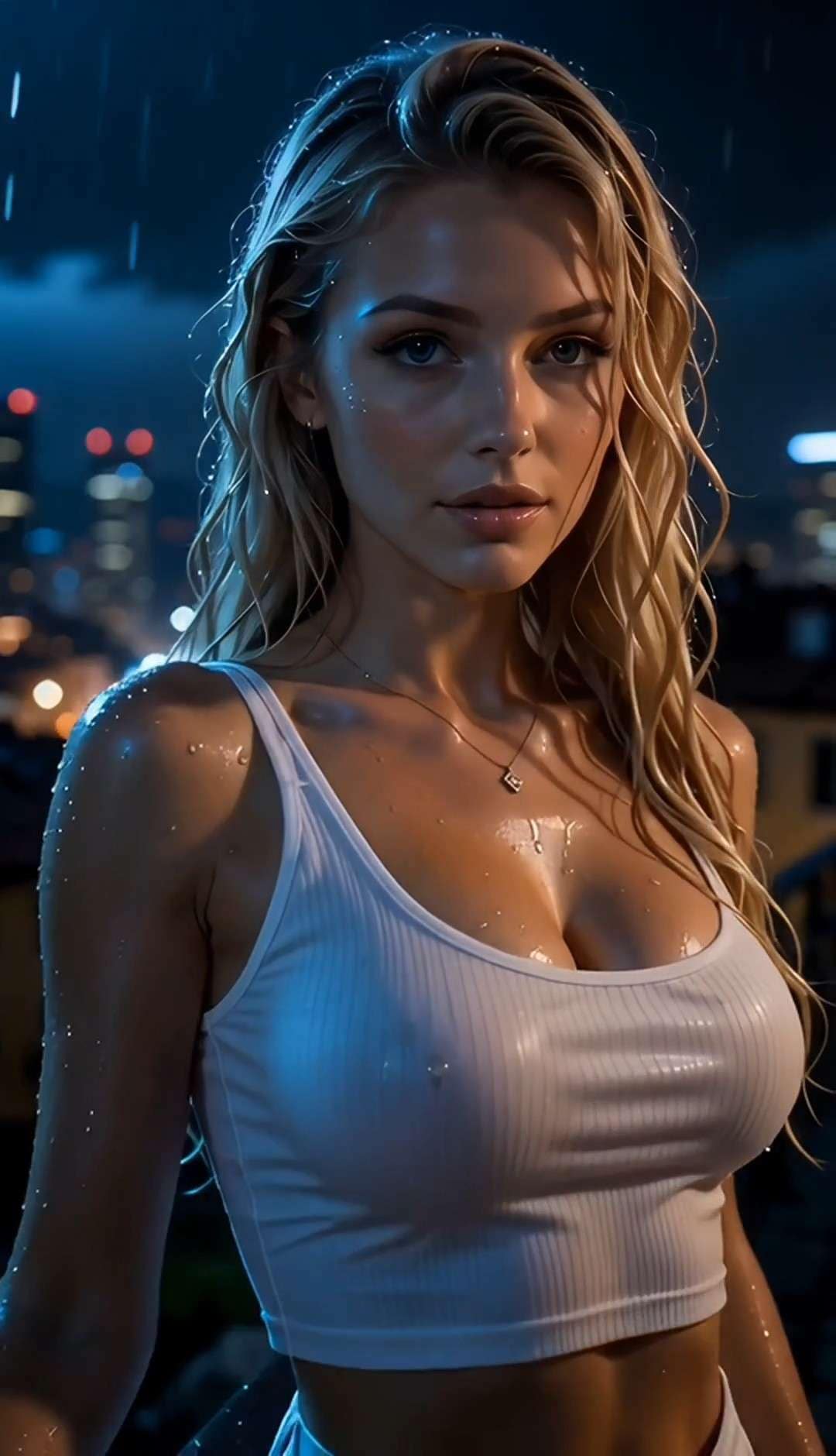
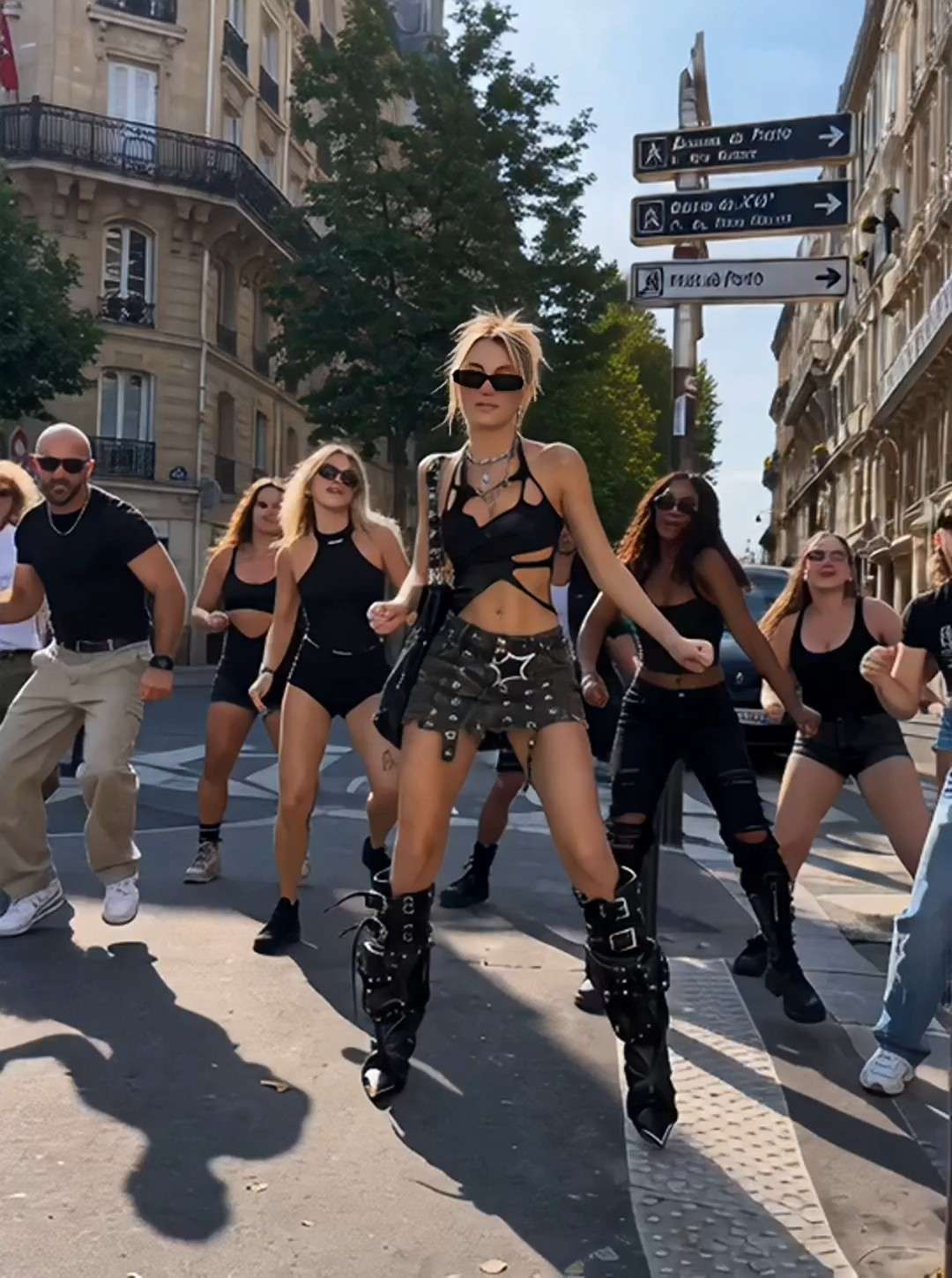

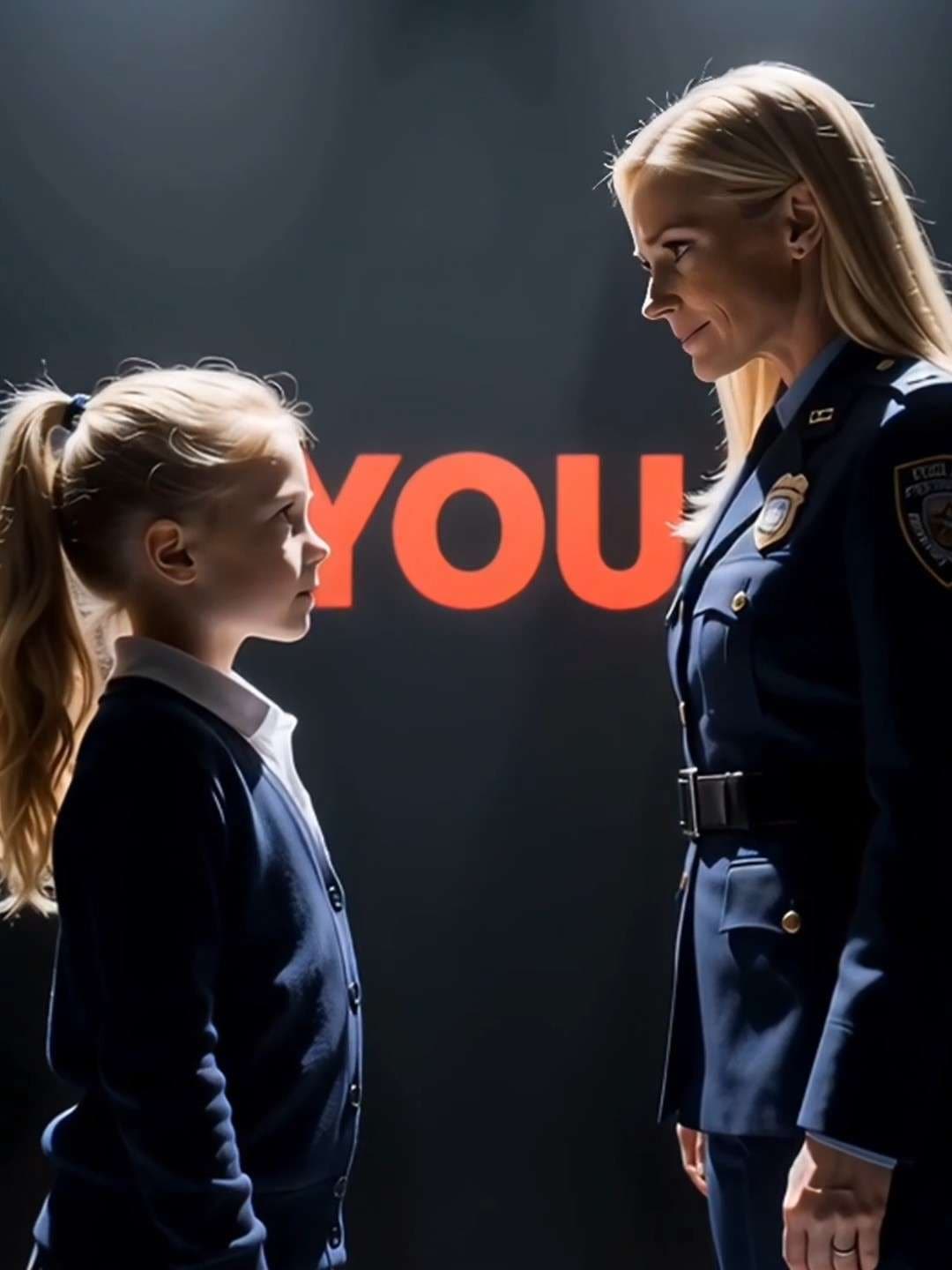
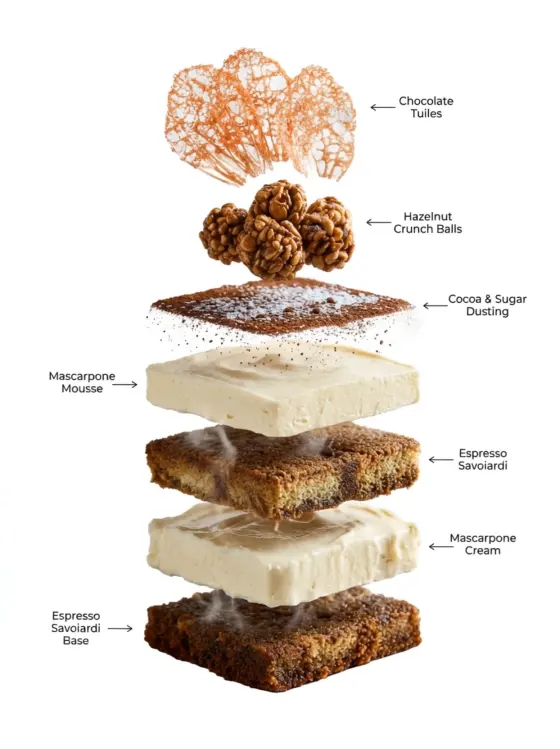
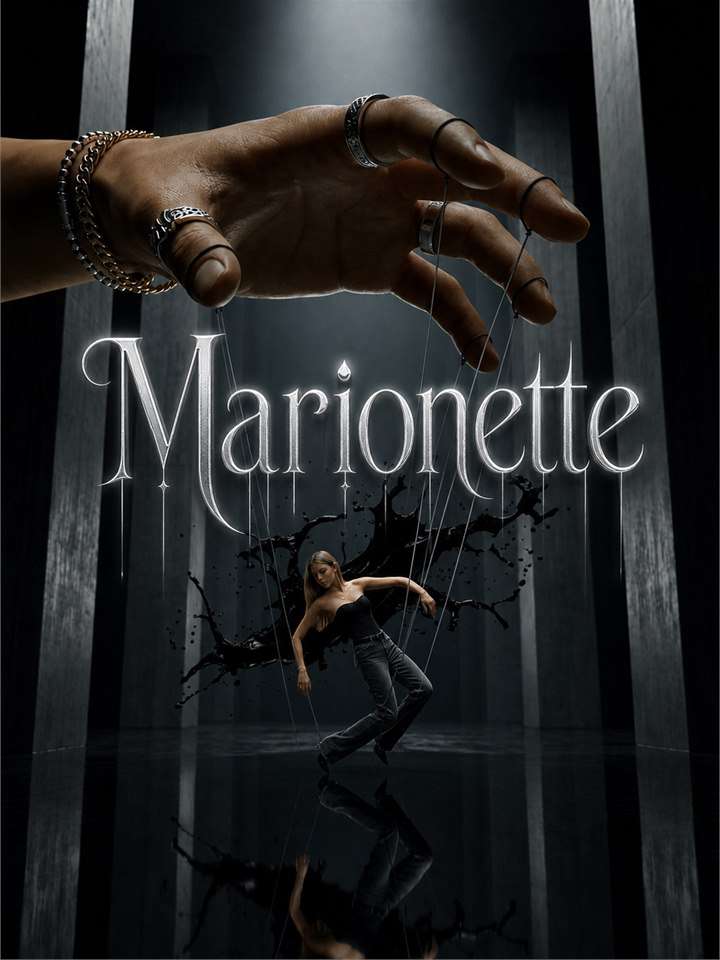
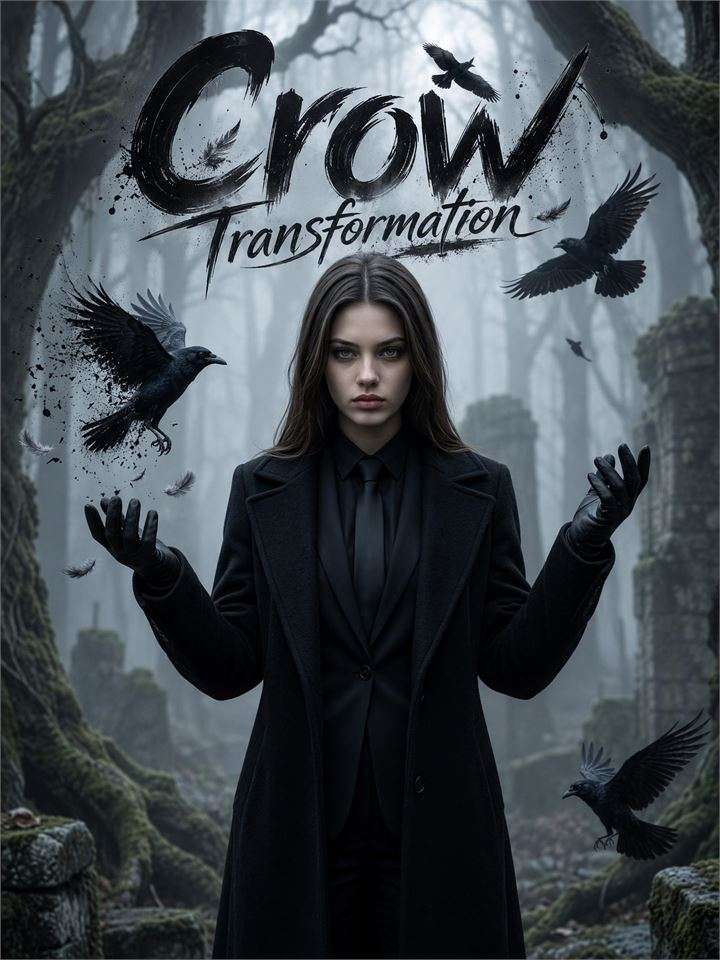
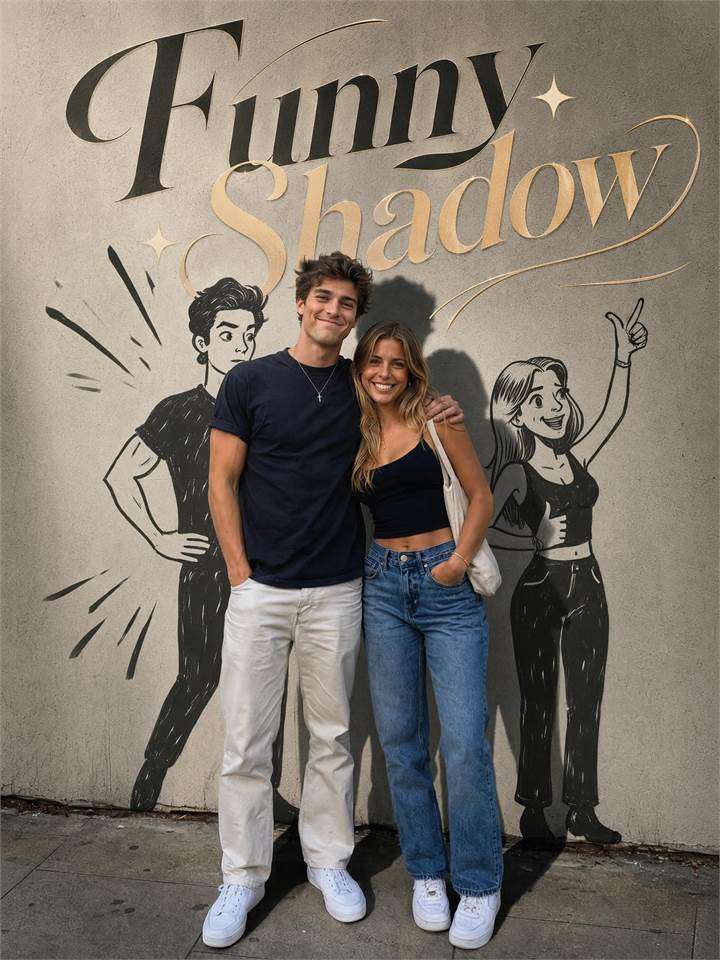
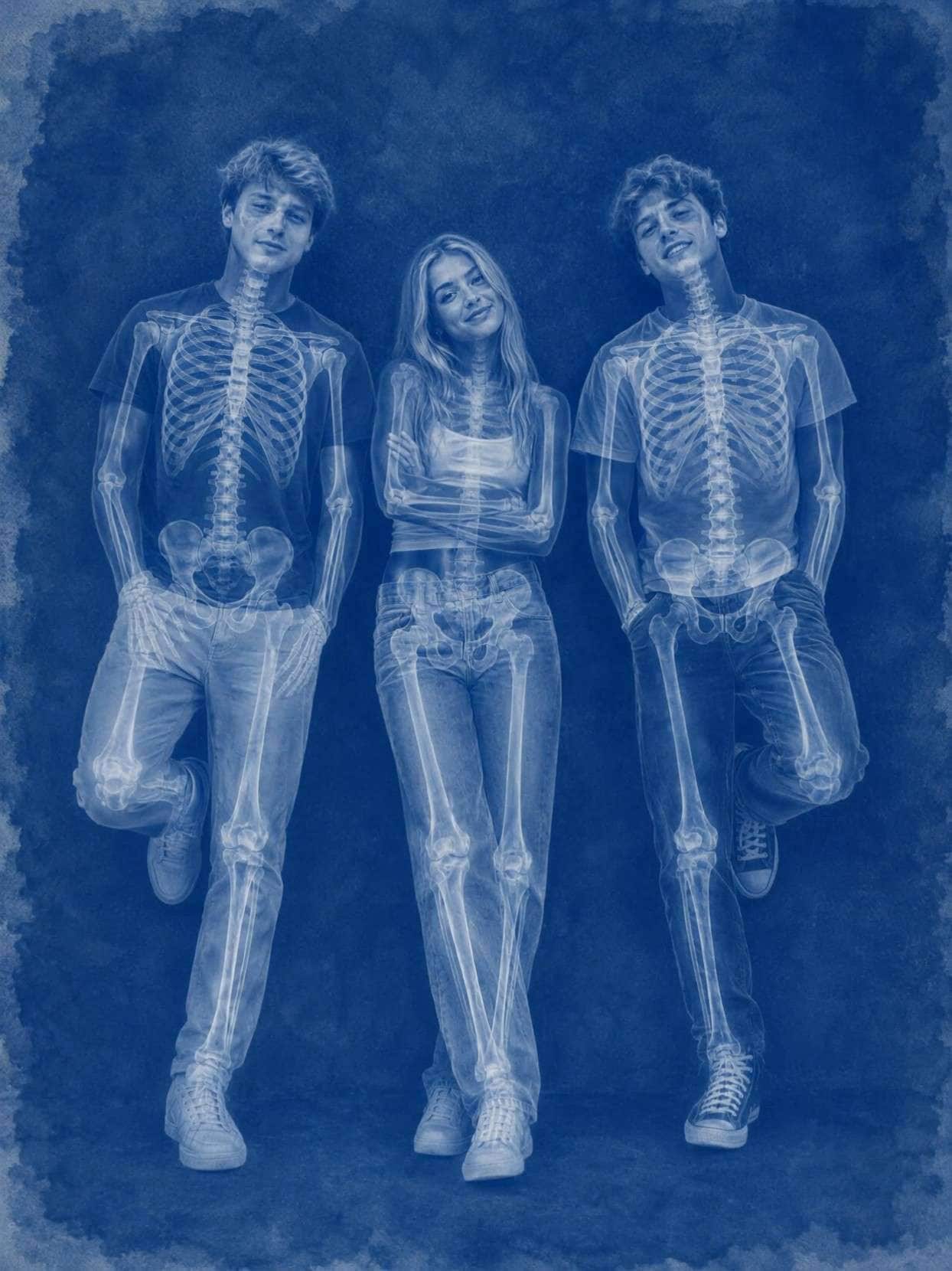
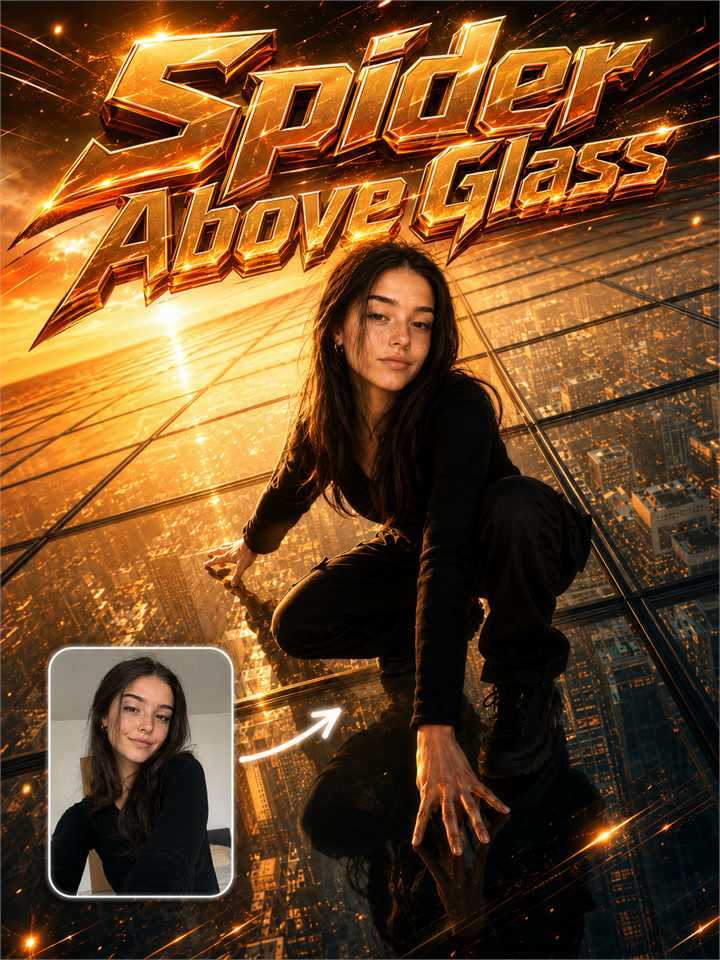
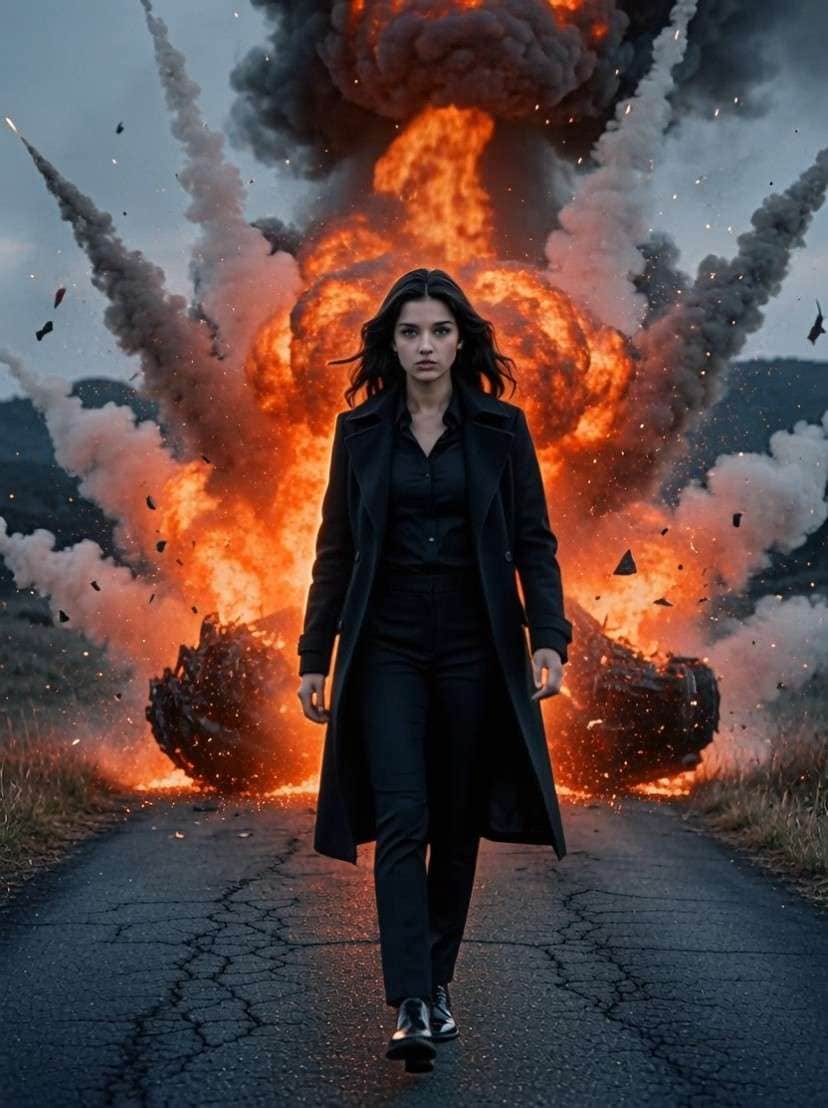
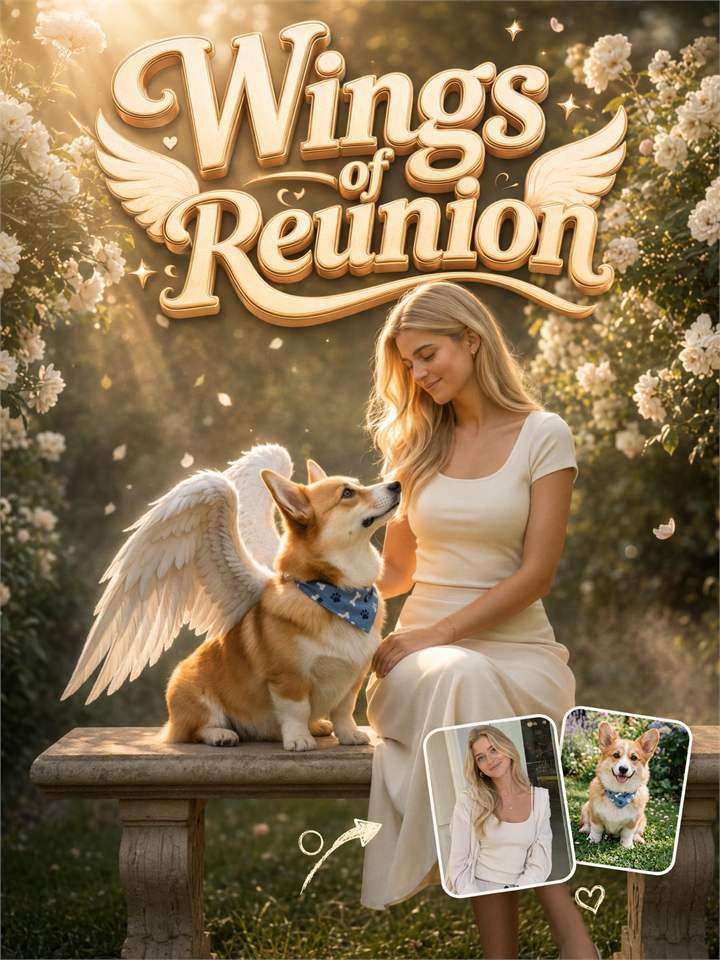


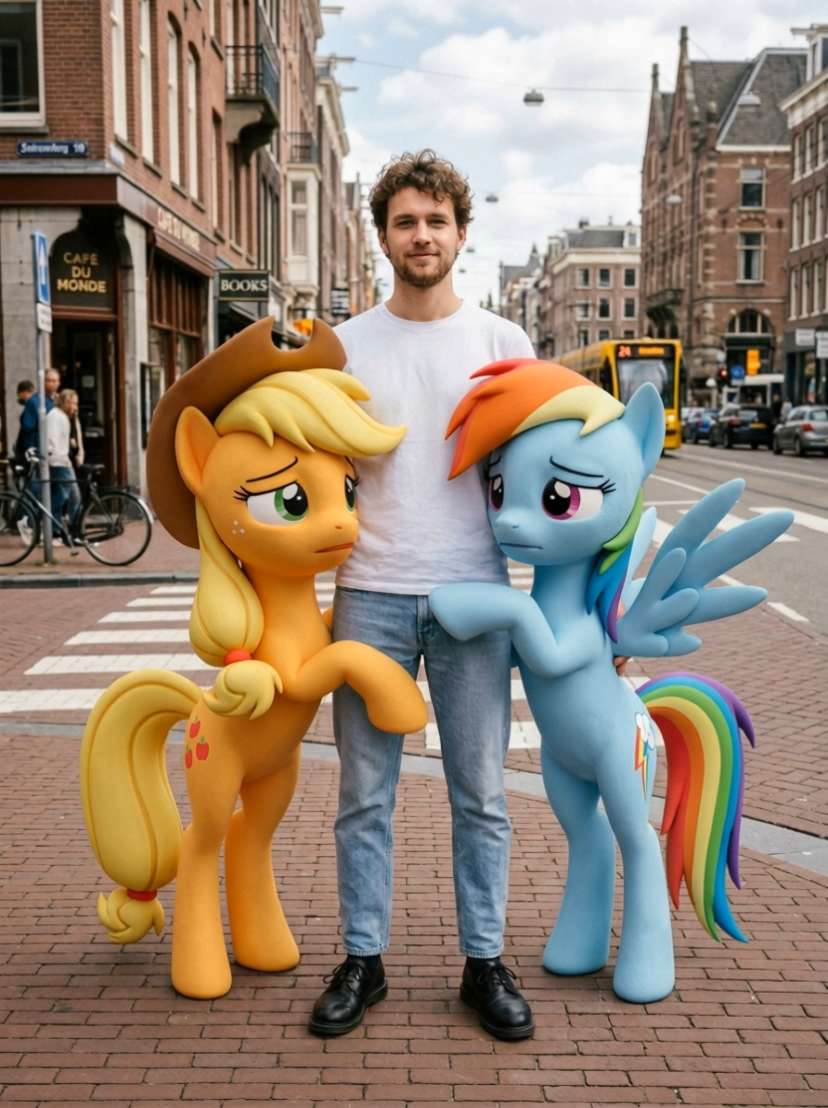
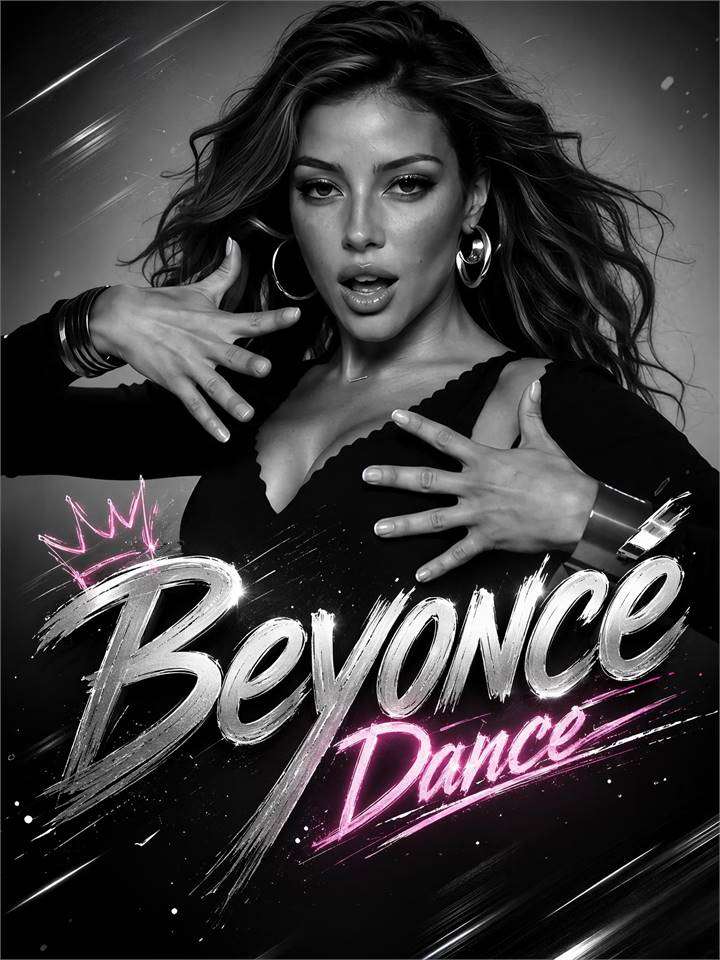
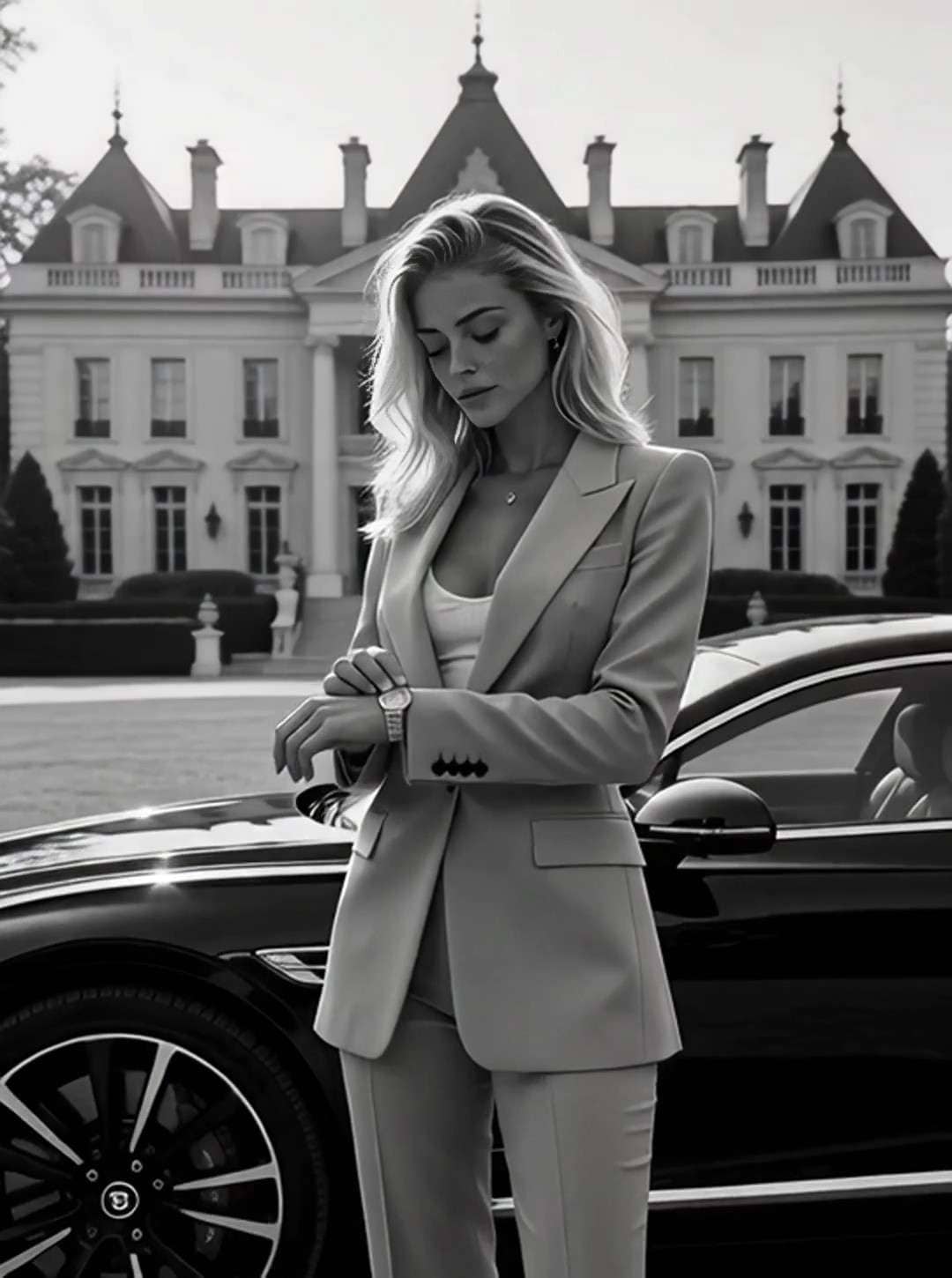
Create polished AI videos from short, easy prompts. Describe the subject, action, setting, and camera style, then let Media.io turn your idea into a share-ready clip—no complex prompt engineering or editing experience required.
Write a simple prompt, generate your clip, and refine only what matters.
Media.io makes AI video prompting easier by turning a short visual idea into a complete text-to-video workflow. Start simple, add only the details that matter, and refine your clip without learning complicated prompt syntax.
You do not need a long cinematic brief. Begin with one subject, one action, and one setting, then add camera movement or lighting only when you need more control.
Use an easy prompt formula: subject + action + environment + camera + mood. This keeps instructions readable while giving the video model enough visual direction.
Turn plain-language instructions into short AI videos for social posts, ads, concepts, and creative tests. You can generate first, then refine instead of building every shot manually.
If a result misses the mark, change one element at a time—camera, action, lighting, or mood. This makes prompt testing faster and helps you understand what changed the output.
Describe what should appear on screen and what should happen. Example: “A golden retriever runs through a sunflower field at sunset.” Keep the first version short and visual.
Add only the details that improve control, such as “slow tracking shot,” “warm golden light,” “realistic motion,” or “vertical social video.” Avoid stacking conflicting styles.
Generate the clip in Media.io, review motion and composition, then revise one prompt element if needed. Download the version that best matches your idea.
Use these simple prompt patterns as starting points, then replace the subject, setting, camera, or mood with your own idea.
Create short-form clips from easy prompts for pets, reactions, transformations, lifestyle moments, memes, and vertical social content.
Add camera language such as close-up, wide shot, slow push-in, orbit, or tracking shot to make a simple idea feel more cinematic without making the prompt overly complex.
Describe the product, the key action, the environment, and the visual mood to create quick product demos, concept ads, launch clips, and social creatives.
Use short prompts to turn daily content ideas into quick visual drafts for TikTok, Reels, Shorts, and other social channels without starting from a full storyboard.
Test how a scene, camera move, character action, or creative direction looks before investing time in a longer production workflow.
Keep the product consistent while changing one prompt variable at a time—setting, action, camera, or mood—to explore multiple ad concepts efficiently.

Short-Form Creator

“Prompts Finally Feel Simple.” I can start with one sentence, generate a clip, and only add more detail when I actually need it. That makes experimenting much faster.
Marketing Specialist
“Easy to Iterate.” Changing one line of the prompt at a time makes it much easier to compare camera moves, moods, and product scenes without rebuilding the whole concept.
Small Business Owner
“Useful Without Prompt Engineering.” I do not know prompt-engineering jargon. I can describe the product and action in normal language and still get a useful video draft.
An easy AI video prompt is a short visual instruction that describes the subject, one main action, the setting, and optionally the camera or mood. For example: “A woman walks through a rainy neon street, slow tracking shot, cinematic night lighting.” Start simple, generate once, then add detail only if the result needs more control.
Use a compact formula: subject + action + environment + camera + lighting or mood. Keep one main action per shot. Concrete visual directions such as “medium shot,” “slow push-in,” “soft morning light,” and “realistic motion” are usually more useful than vague words like “amazing” or “epic.”
Yes. Media.io Text to Video can generate a clip from a short natural-language prompt. A simple prompt is often a good first pass because it reduces conflicting instructions. If the result is too generic, add camera movement, composition, lighting, style, or a specific constraint in the next version.
For most clips, include who or what is on screen, what happens, where it happens, how the camera sees it, and the visual mood. If identity, object shape, background, or continuity matters, state that constraint clearly. Avoid adding too many actions to one short clip.
Not always. Longer prompts can add control, but they can also introduce conflicting instructions. Start with the shortest prompt that clearly defines the shot. Add detail only when you need to control a specific element such as camera movement, lighting, character consistency, audio, or the ending frame.
 4.7 (162,357 Votes)


