















AI Video Enhancer:
Upscale & Restore Videos to 4K Online Free
Transform blurry, low-resolution, or old footage into crystal-clear 4K in one click. Media.io's AI video enhancer removes noise, sharpens detail, fixes low-light scenes, and restores old videos — all online, no download required.
How to Enhance Video Quality with AI Online in 3 Steps
No editing skills required. Upload, generate, download with our free online AI video enhancer.
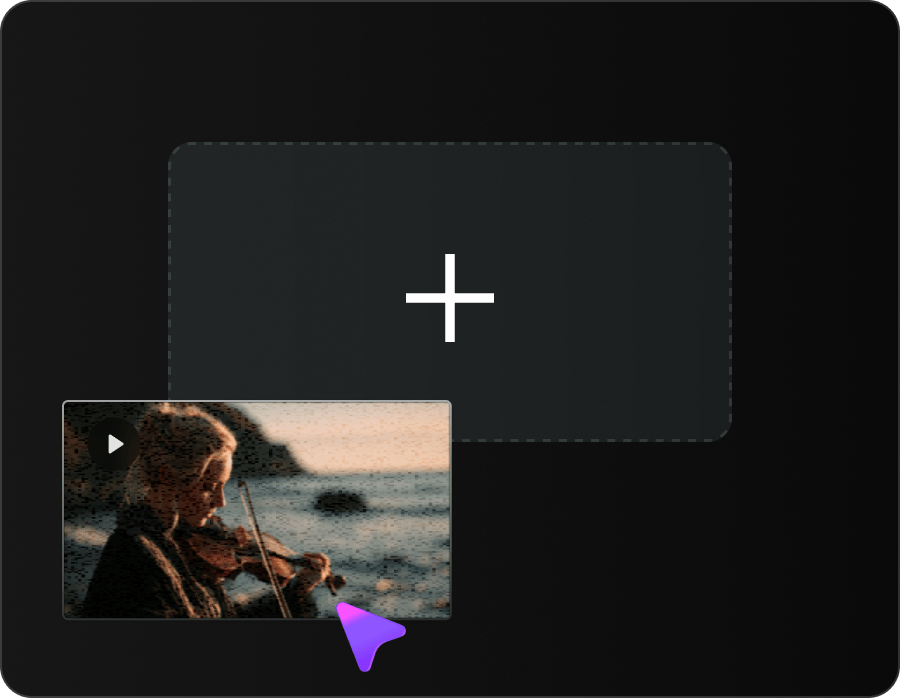
Upload Your Video
Drag & drop your video into Media.io AI Video Enhancer. Supports MP4 and MOV, up to 5 minutes per clip.
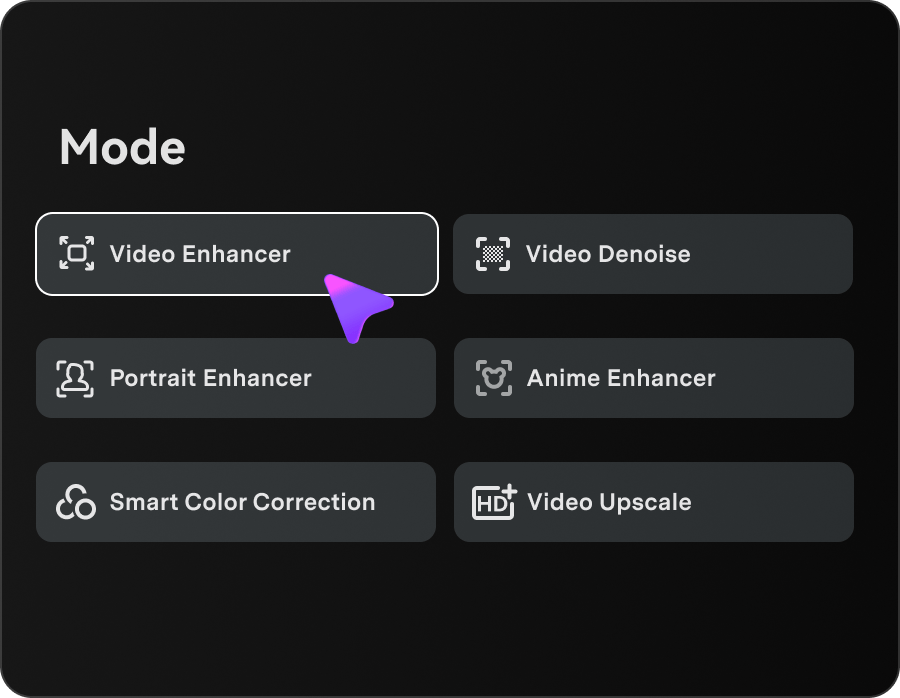
Automatic Video Enhancement
Select a function including direct video enhancement, video denoising, portrait optimization, anime enhancement and smart color correction. Media.io online AI video enhancer analyzes each frame automatically without any manual configuration.
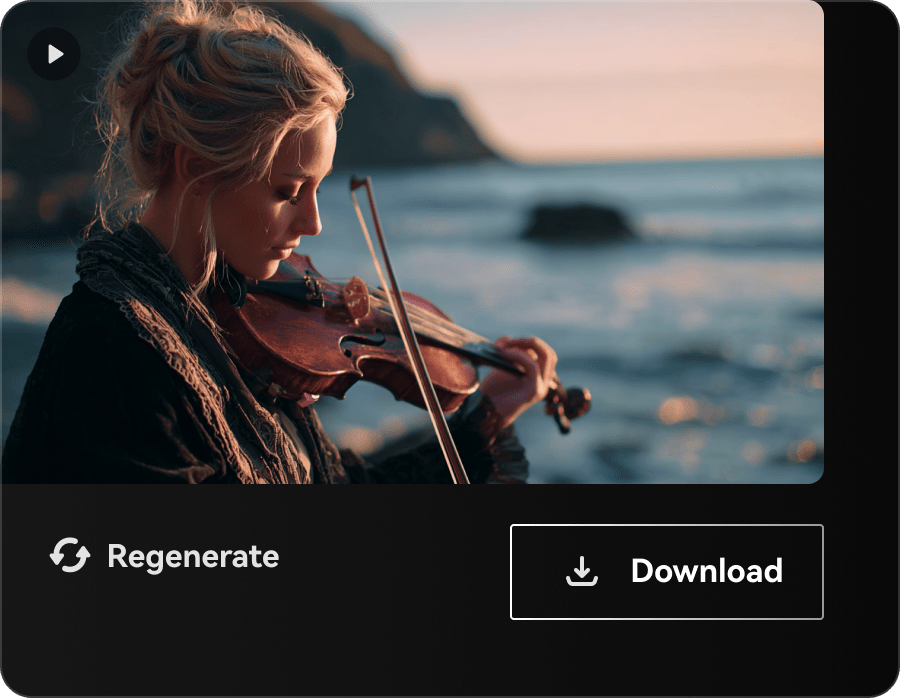
Download Enhanced Video
Preview the result and download your video in HD or 4K, ready for YouTube, TikTok, Instagram, or any platform.
One AI Engine, Every Video Enhancement You Need
Most tools require separate apps for upscaling, denoising, sharpening, and color correction. Media.io's AI video quality enhancer combines all four into a single AI pass — saving you hours of editing.
Upscale Low-Resolution Videos to 4K
Transform 240p, 360p, 480p, or 720p footage into stunning 4K with our proprietary Media.io AI Video Enhancer. Unlike traditional upscaling that just stretches pixels, our AI reconstructs genuine new detail frame-by-frame — delivering footage that looks like it was shot in 4K.
- Upscale up to 8× original resolution
- Reconstruct fine detail and texture
- Preserve natural motion and edges
- Supports up to 4K output

Remove Blur, Noise & Compression Artifacts
With our video quality enhancer, you can fix compressed YouTube footages, grainy mobile recordings and blurry handheld shots in one go. Unwanted noise, motion blur and JPEG compression distortions get wiped away seamlessly, with all original natural video textures fully retained.
- Eliminate compression artifacts (blocking, banding)
- Reduce film grain and digital noise
- Sharpen motion blur from handheld shots
- Preserve natural skin texture (no "AI plastic look")
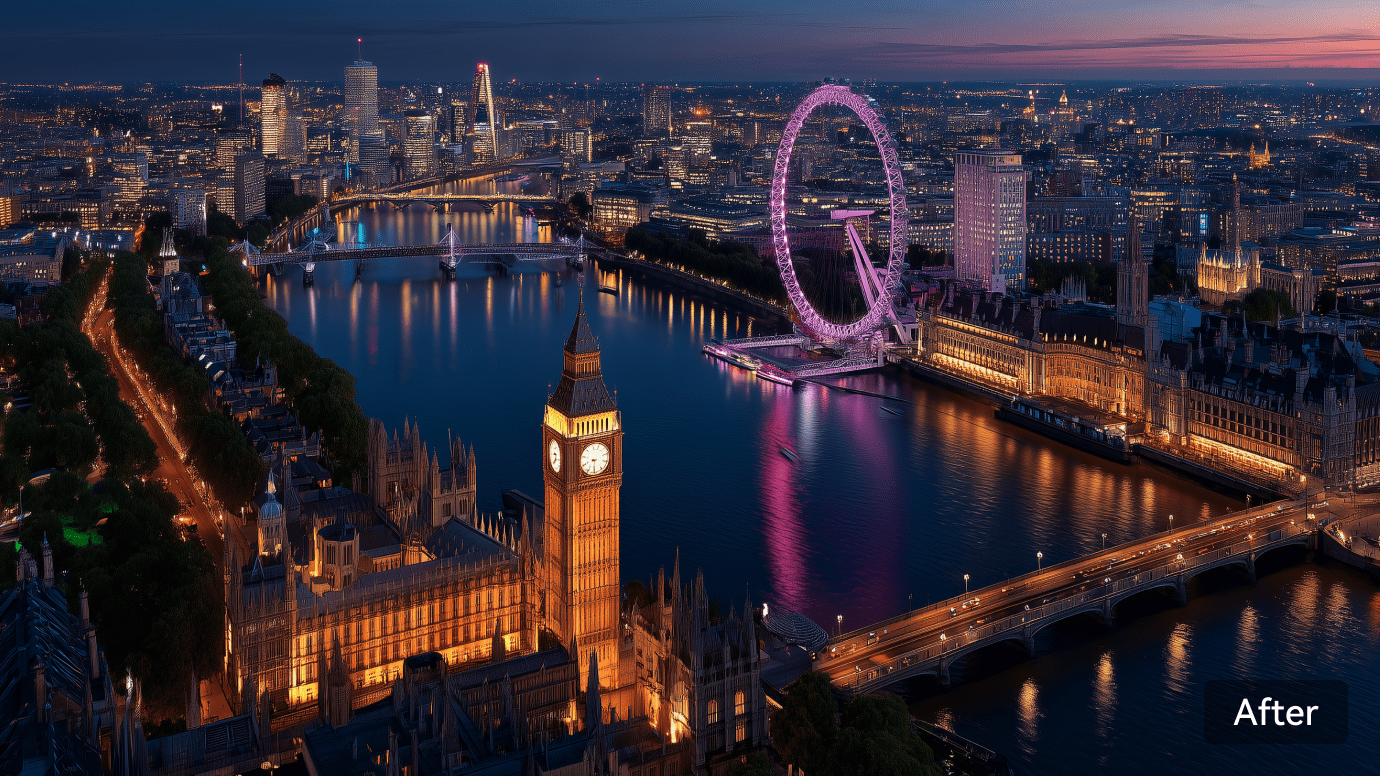
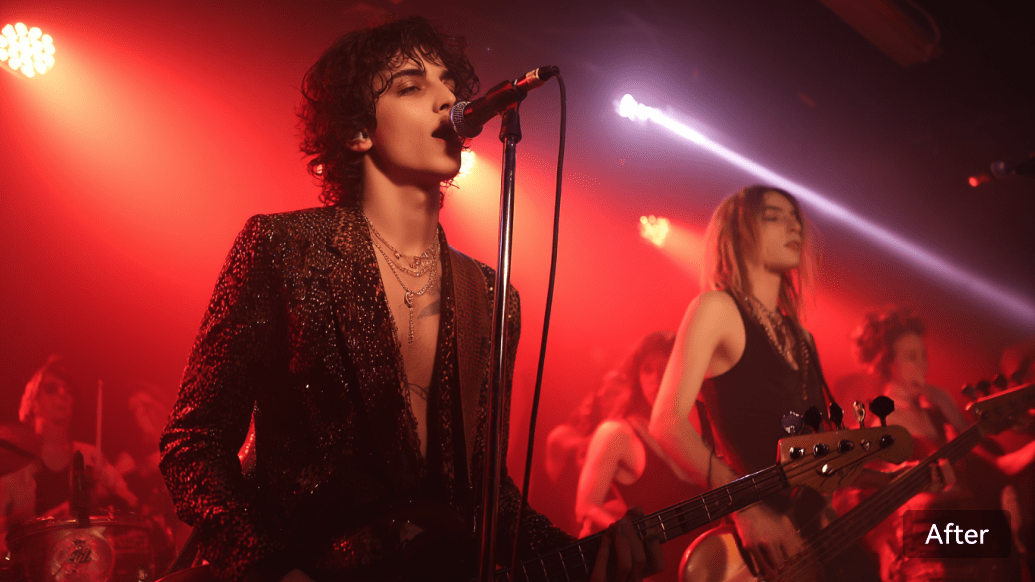
Brighten Dark & Low-Light Videos
Easily brighten dim concert clips, nighttime vlogs and shadow-prone indoor footage online with Media.io. Lost shadow details are recovered while low-light grain gets cleaned up, locking in natural highlights and preventing an over-edited, artificial look.
- Automatic shadow lifting & highlight balancing
- Specialized low-light noise reduction
- Recover detail in dim or backlit scenes
- Stabilize flicker in nighttime footage
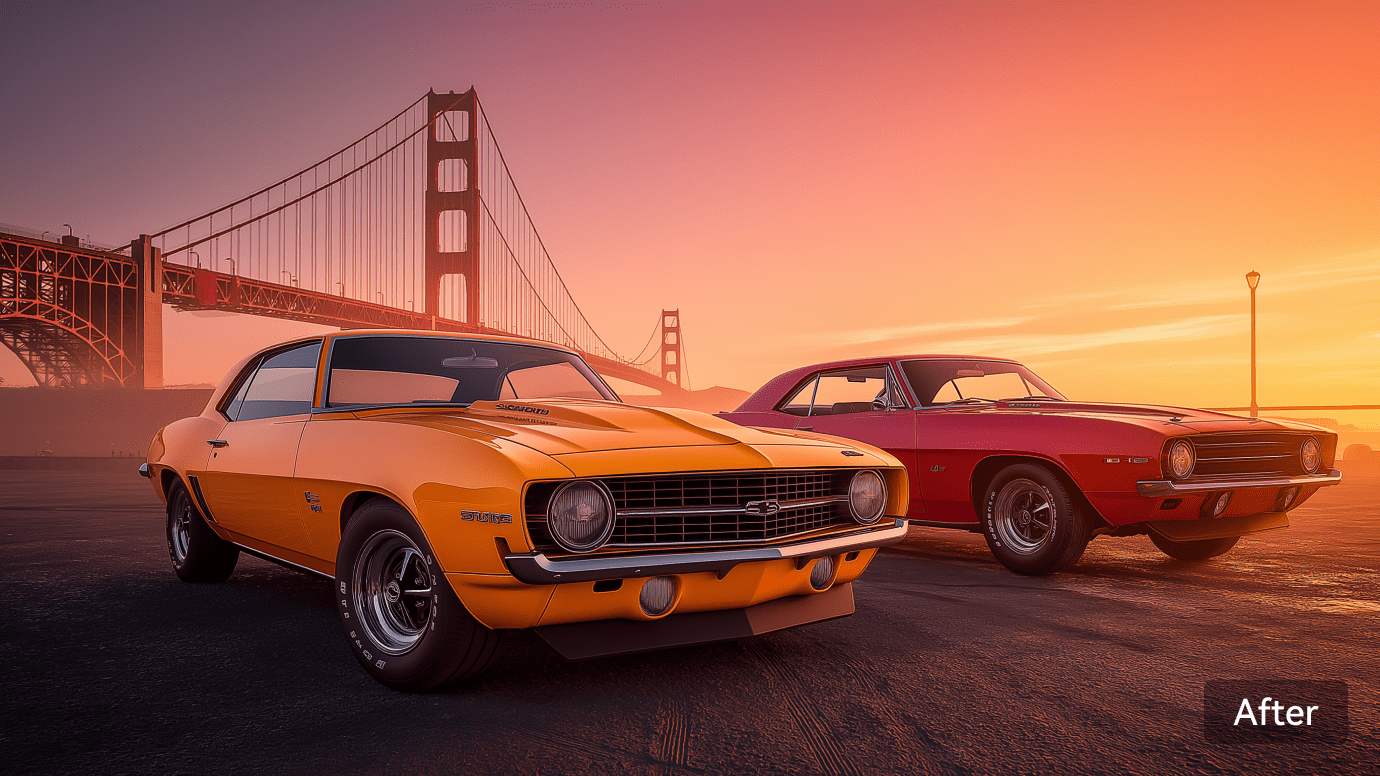
Auto Color Correction & Vibrancy Boost
Faded old videos? Flat colors from phone cameras? Media.io analyzes scene context and automatically balances contrast, saturation, and white balance — bringing back true-to-life colors without the over-processed look.
- Auto white-balance and exposure correction
- Restore faded colors from old footage
- Natural saturation boost (no oversaturation)
- Scene-aware tone mapping
Built for Every Video Enhancement Scenario
From restoring decades-old family memories to polishing pro creator content, Media.io's AI Video Enhancer adapts to your footage — automatically.

Enhance Video Quality for Social Media
Create content that grabs attention. Boost clarity, fix shaky shots, correct colors, and brighten dark scenes. Use Media.io's AI Video Enhancer to polish every frame and make your feed stand out in a few clicks.
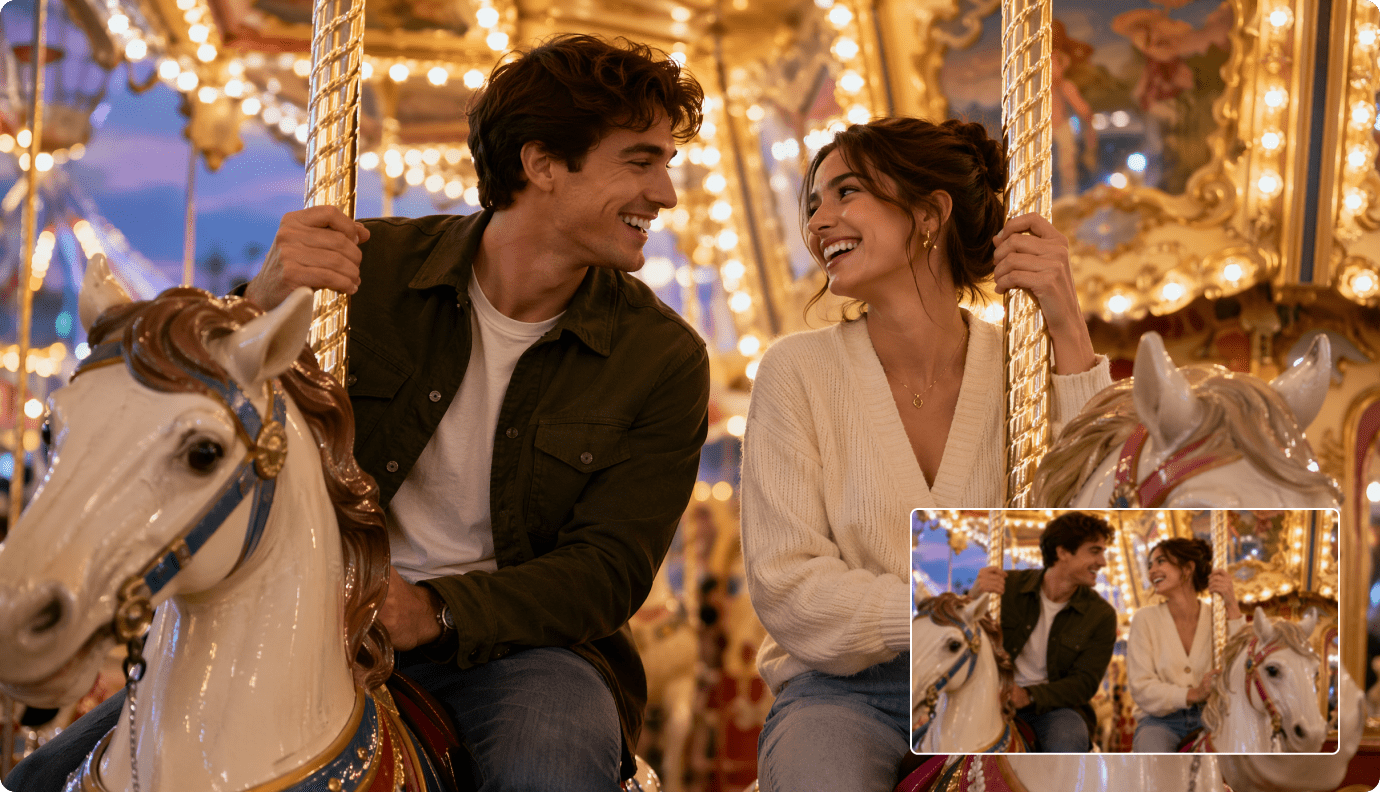
Preserve and Restore Vintage Films and Historical Footage
Protect memories that matter. Clarify worn footage, reveal hidden details, and keep the look true to the original. Media.io's advanced algorithms recognize key elements and restore your videos without losing their character.
Boost Video Quality for E-commerce
Show products at their best. Sharpen textures, enhance colors, and brighten details so customers see every feature clearly. Use Media.io's AI Video Enhancer to create product videos that build trust and increase conversions.

Optimize Video Quality for Remote Education
Deliver lessons that stay clear anywhere. Fix blur, correct colors, sharpen text, and improve every part of your educational content. Help students learn better both online and offline with clean and crisp videos.
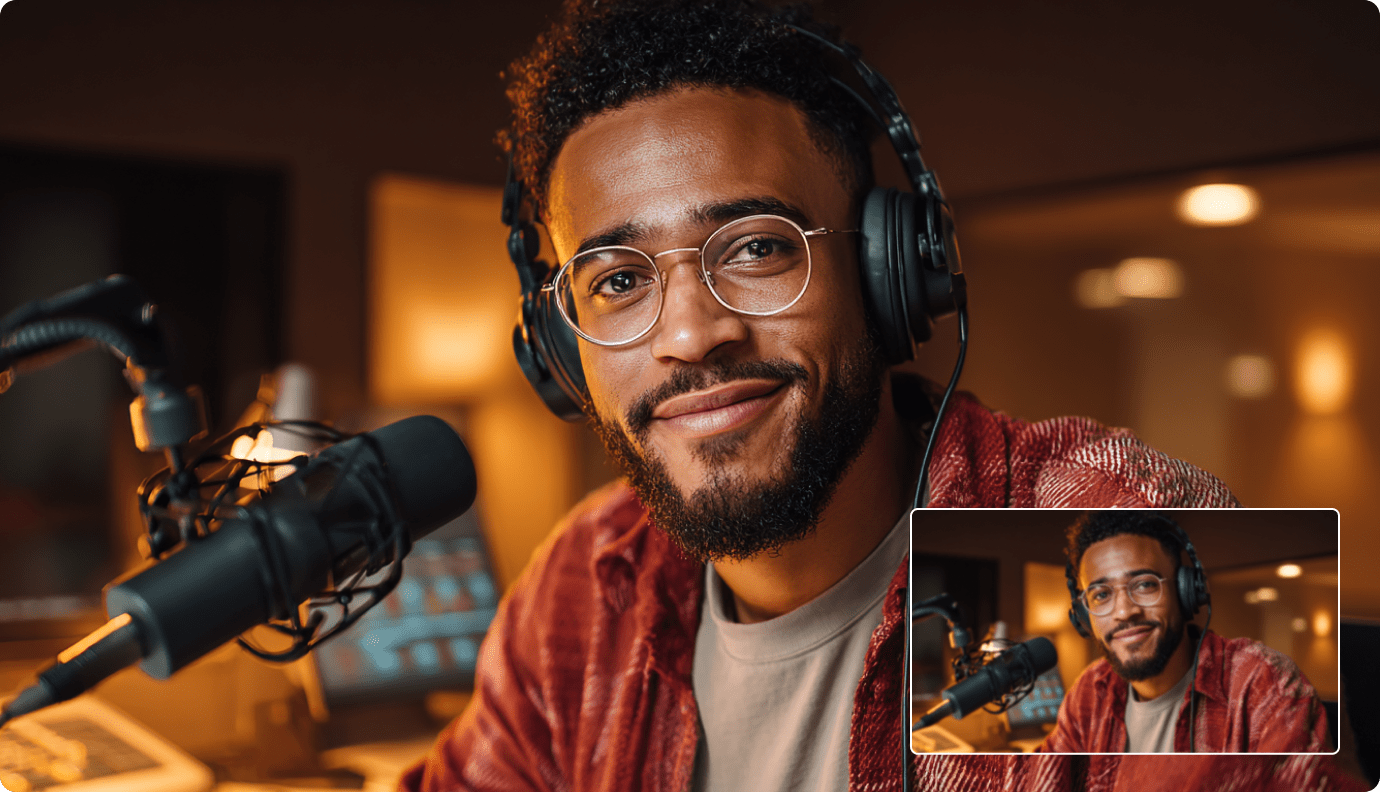
Produce High-Quality Business Videos
Present your brand with confidence. Remove shake, reduce motion blur, correct tones, and refine every shot. Create ads, demos, and tutorials that look sharp and feel professional.
Why Choose Media.io Online AI Video Enhancer
Media.io combines cutting-edge AI with a creator-first experience. Here are the reasons why people choose Media.io to improve their video quality.
One-click Video Enhancement
Improve video quality with one click and view the results in seconds.
Multiple specialized AI modes
Tailored presets for general enhancement, denoising, portrait, anime and color correction to fit diverse footage.
Flexible resolution upscaling
Upscale videos to 2x/4x or keep original resolution, restoring blurry clips to sharp HD/4K quality.
100% online tool
No software installation. Edit directly in browser across all devices.
Loved by 160,000+ Creators
Real stories from people who've used Media.io AI Video Enhancer.


"I had VHS tapes from my grandparents' wedding — 480p, grainy, colors faded. Media.io brought them back like they were filmed yesterday. My family cried watching it."

"I use Media.io to upscale all my TikTok B-roll. The 4K boost makes my content look 10× more professional. The fact that it's browser-based saves me hours."

"For a documentary on local history, I needed to upscale archive footage from the 70s. Media.io handled it better than Topaz at a fraction of the cost — and no software install."

Most of the editing techniques like zoom, duration, etc that take minutes and even hours to figure out in similar softwares, can be taken care of by a mere click of a on Media IO.

Most of the editing techniques like zoom, duration, etc that take minutes and even hours to figure out in similar softwares, can be taken care of by a mere click of a on Media IO.

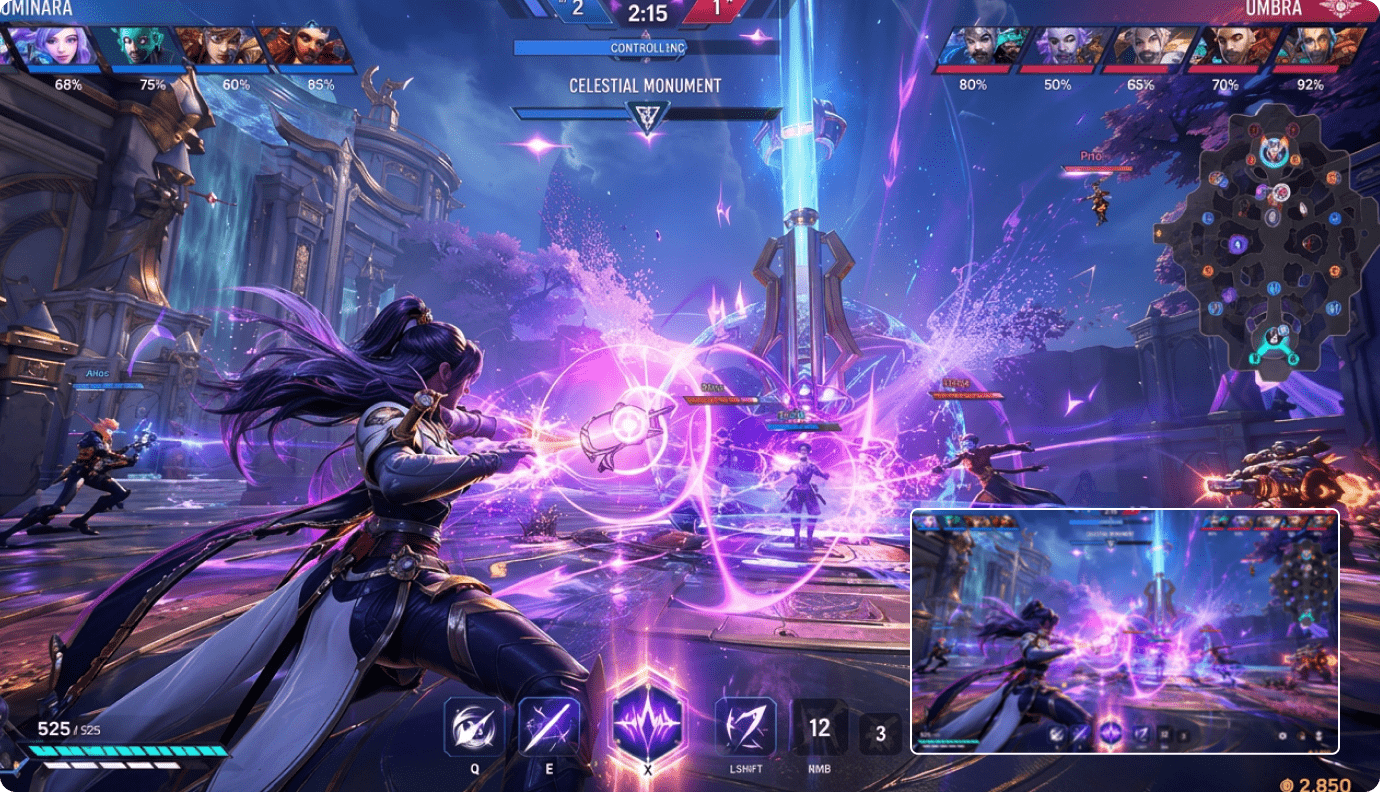
"I'm a gameplay streamer. Old highlight reels at 720p looked dated. Media.io upscales them to 4K without losing UI clarity — exactly what I needed."
FAQs About AI Video Enhancer
What is an AI video enhancer?
An AI video enhancer is an online tool that uses deep learning models to automatically improve video quality. It can upscale resolution (e.g., 480p to 4K), sharpen blurry details, reduce noise and grain, brighten low-light footage, and correct colors — all without manual editing.
Does the AI remove noise, blur, and grain from video?
Yes. Media.io supports six modes to improve video quality, you can use it to remove compression artifacts (blocking, banding), digital noise, film grain from old transfers, and motion blur from handheld shots — while preserving natural texture and avoiding an over-smoothed look.
Can I enhance old VHS or family home videos?
Absolutely. Old VHS tapes, 8mm film transfers, and family home videos typically suffer from low resolution, grain, color fading, and motion blur all at once. Media.io's AI is specifically tuned to handle this combination, restoring sharp detail and vivid color from decades-old footage.
Can the AI enhance videos shot in low light or at night?
Yes. Our AI automatically brightens shadows, recovers hidden detail, balances exposure, and reduces low-light noise — without blowing out highlights or making the footage look artificial. Perfect for concert footage, nighttime vlogs, or indoor recordings.
Is Media.io AI Video Enhancer free to use?
Yes, new users get complimentary credits to test out our online AI video enhancer. You may also earn extra free credits by taking part in our referral program. Do note that higher-resolution video enhancement consumes more credits accordingly, so free credits might fall short if you’re aiming for top-tier export quality.
What's the difference between an AI video upscaler and an AI video enhancer?
An AI video upscaler focuses specifically on increasing resolution (e.g., 720p → 4K). An AI video enhancer is broader: it also reduces noise, sharpens detail, balances color, removes compression artifacts, and brightens low-light scenes. Media.io combines both capabilities in a single workflow.
Discover More AI Tools with Media.io

 4.7 (162,357 Votes)