Upload Your Face
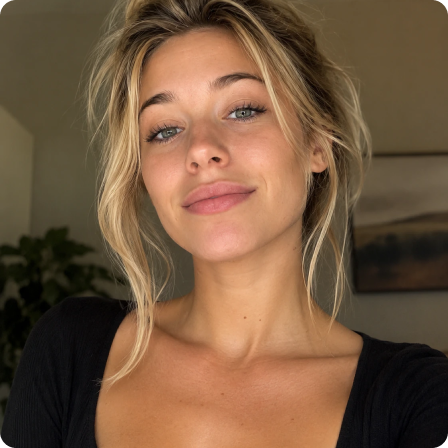

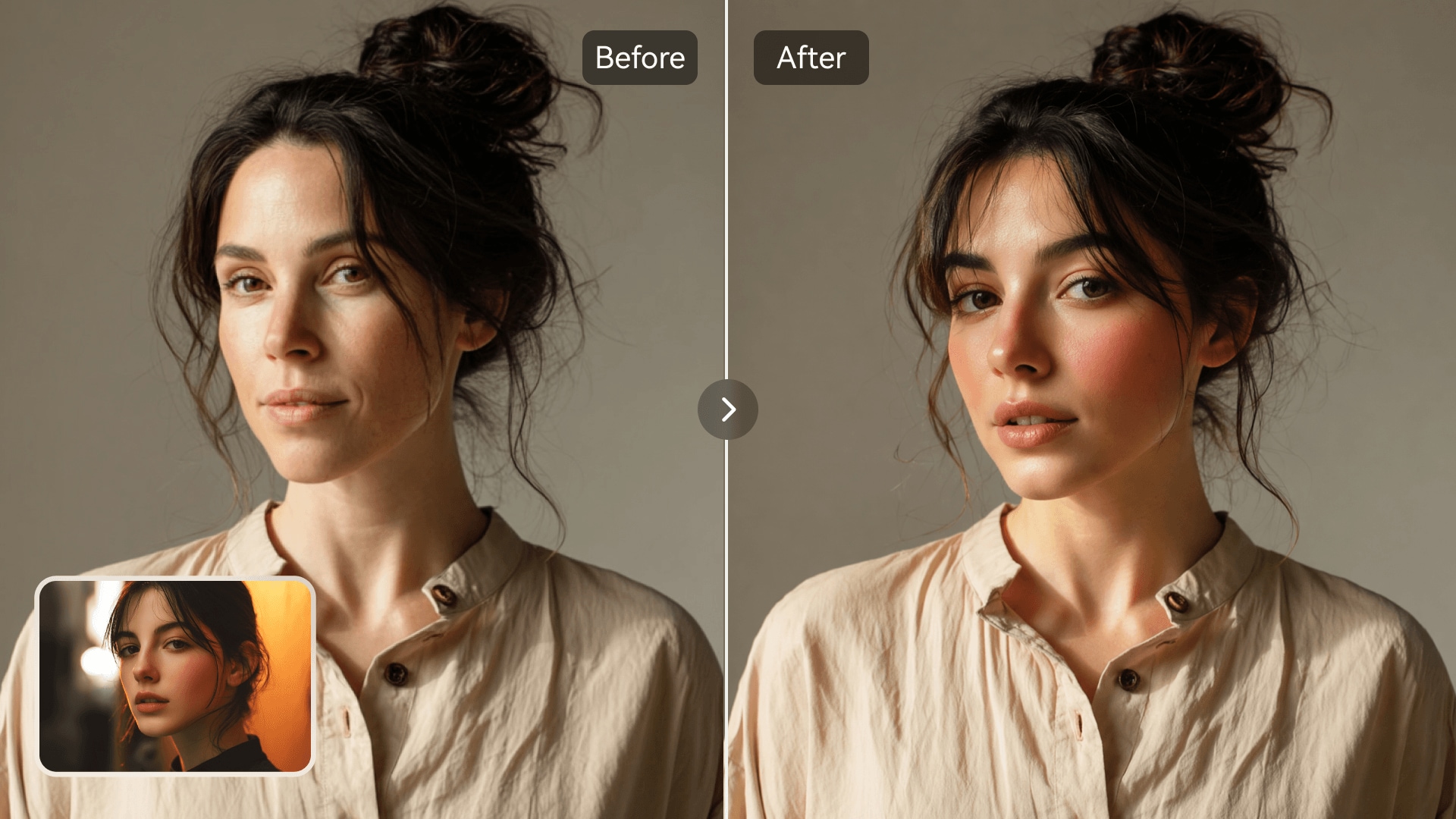















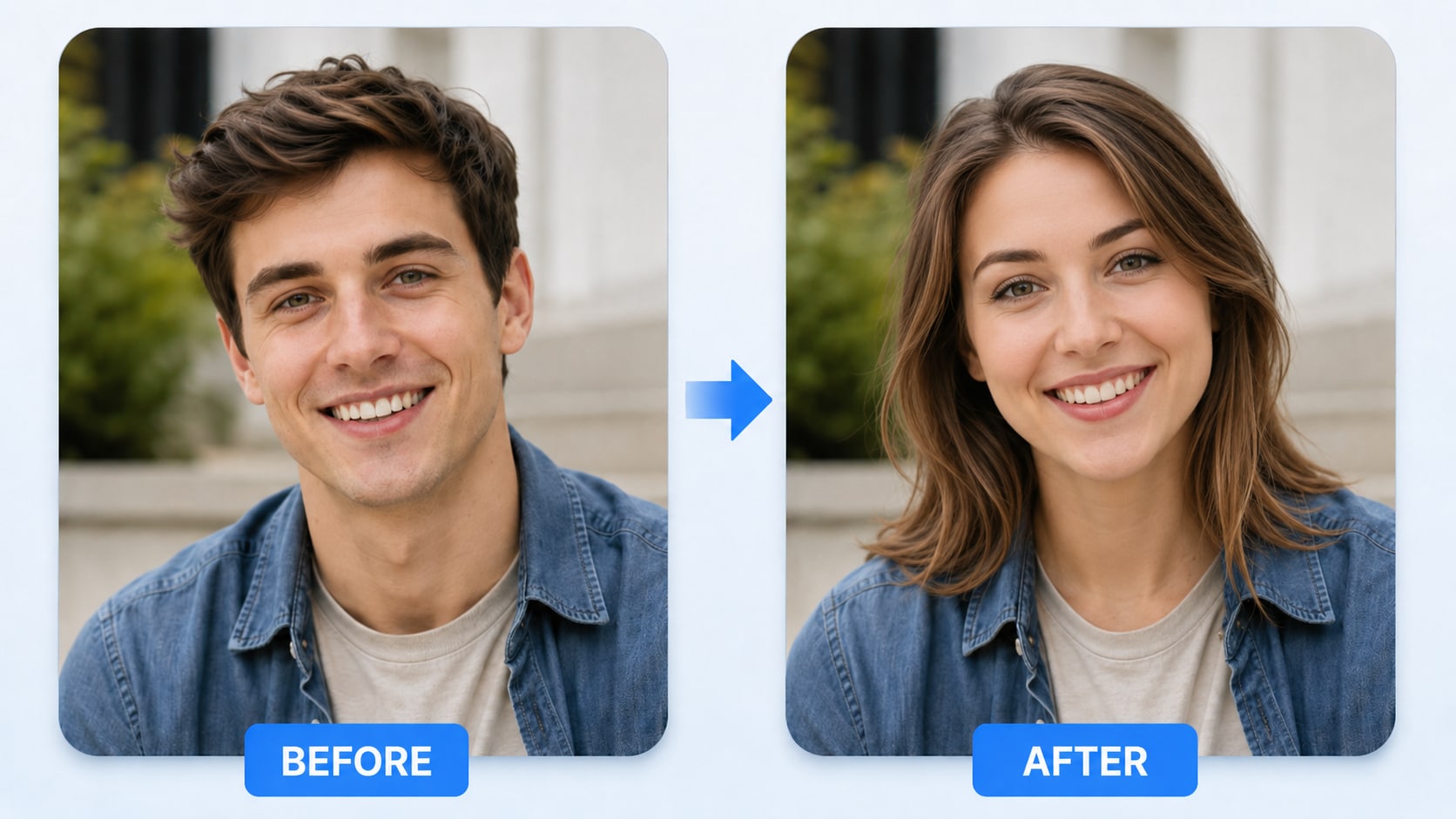
Create realistic FaceSwap AI videos and photos without complex editing. Upload a clear face and a target photo or short video, then let Media.io detect facial details, track expressions, and blend the replacement naturally. Use it for face swap video, AI face swap video, face swap photo, memes, portraits, group edits, social clips, and creative campaigns—all in one browser-based workflow.




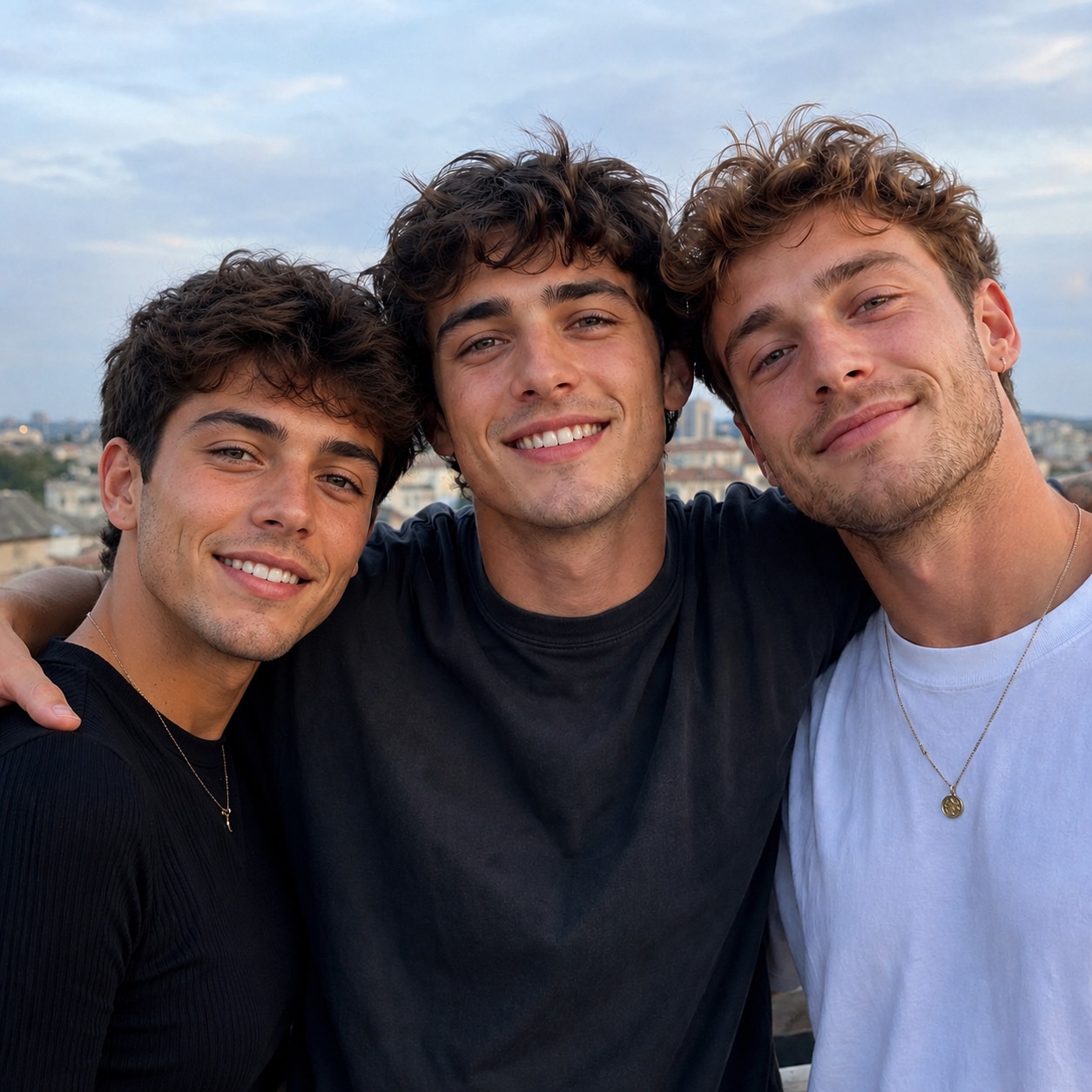
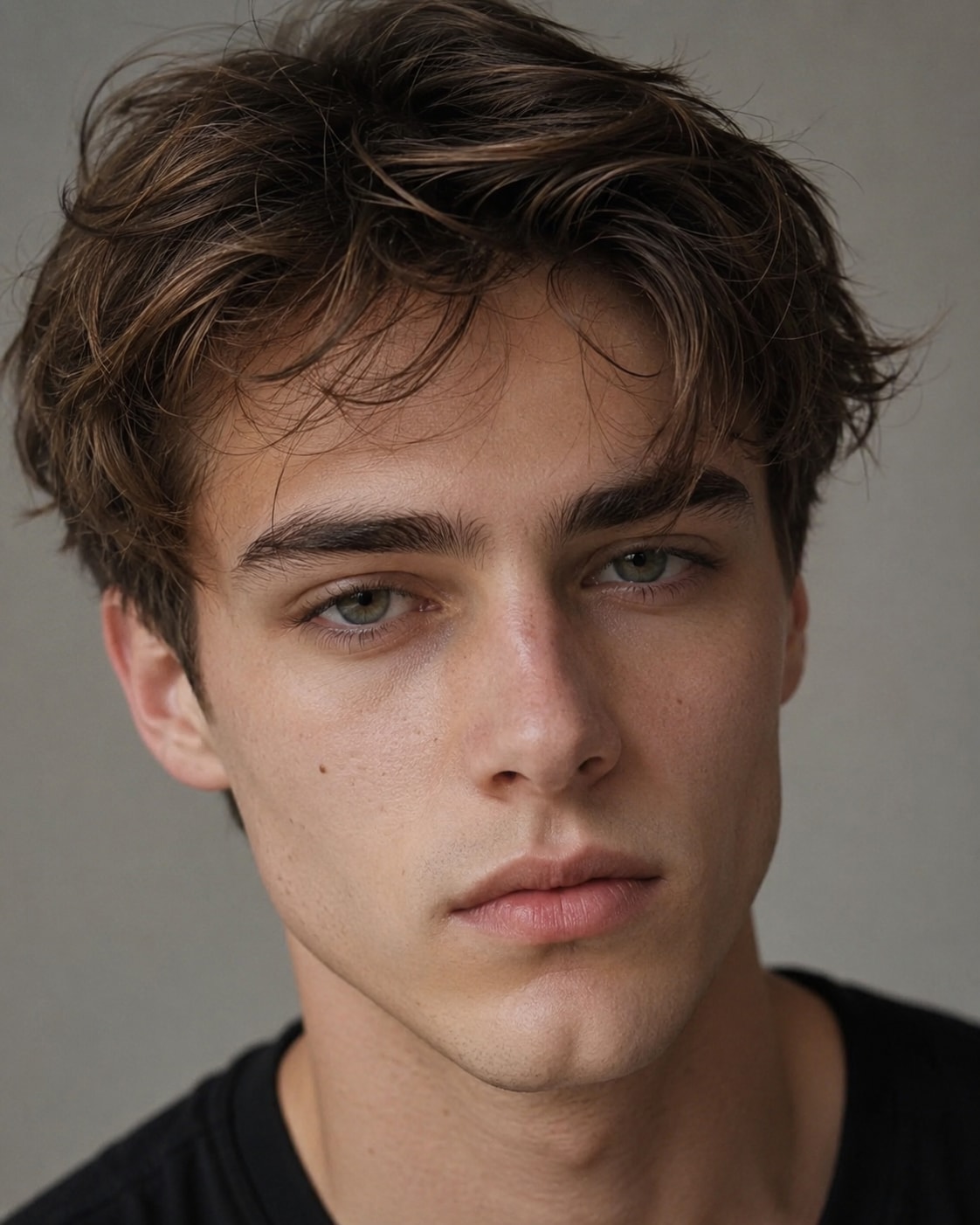
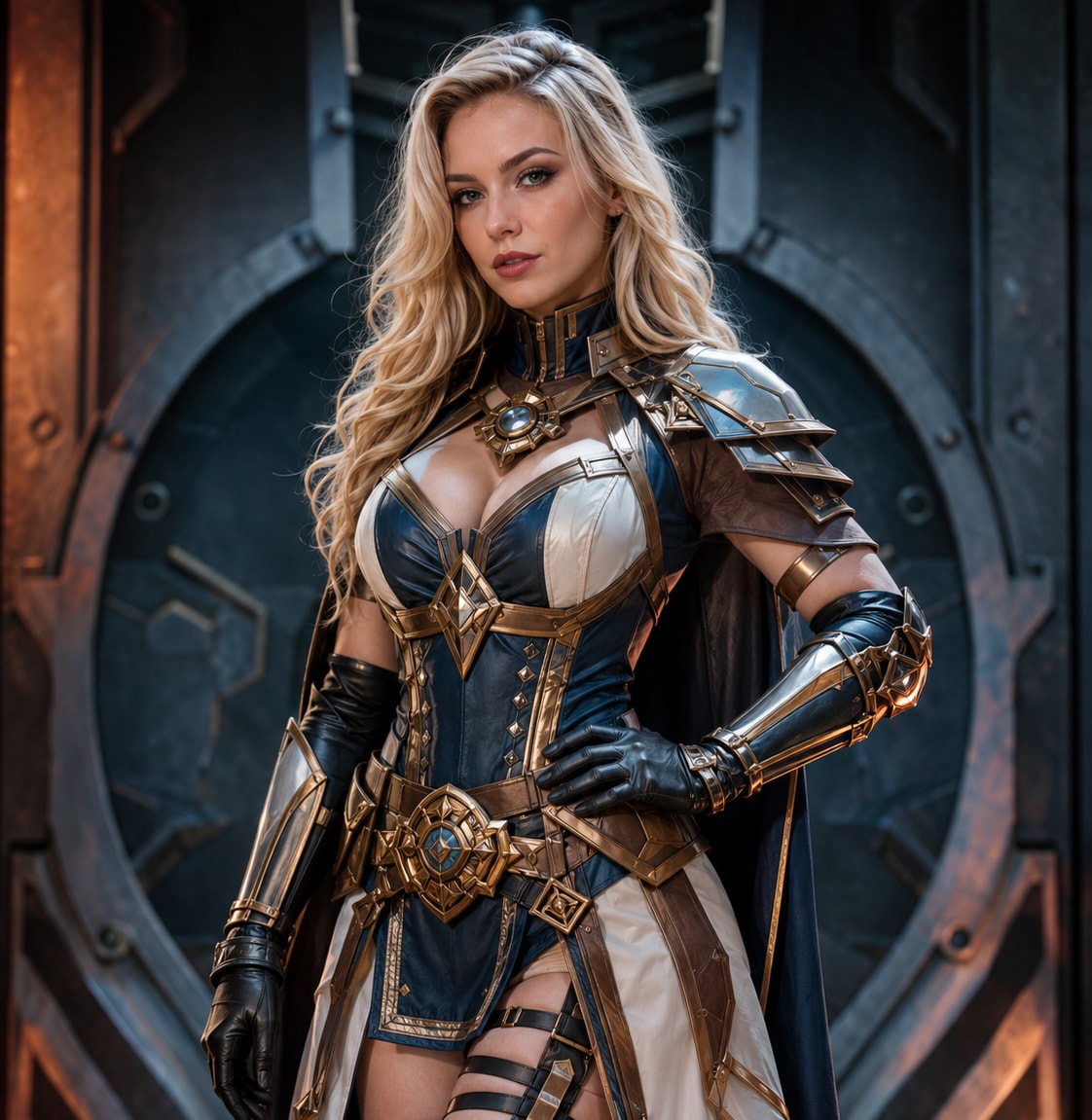

Use one FaceSwap AI workspace for face swap video, short clips, portraits, memes, and group photos instead of switching between separate tools.
AI follows facial movement, head angle, expression, lighting, and skin tone to keep the replacement more consistent throughout each scene.
Create an AI face swap video online free with browser-based uploads, automatic detection, and simple generation—no desktop editor or manual tracking required.
Continue with image enhancement, background editing, image-to-video, AI effects, and other Media.io tools after completing your face swap.
Media.io combines face swap video and face swap photo tools in one platform. AI detects facial landmarks, tracks expressions and movement, and blends the new identity with the original lighting and angle. Create short social videos, portrait edits, group-photo swaps, memes, character scenes, and marketing visuals without desktop software.
Upload a target photo or video and one clear face image. Media.io automatically detects the face, aligns key features, and generates a natural-looking result without masking, keyframes, or timeline editing.
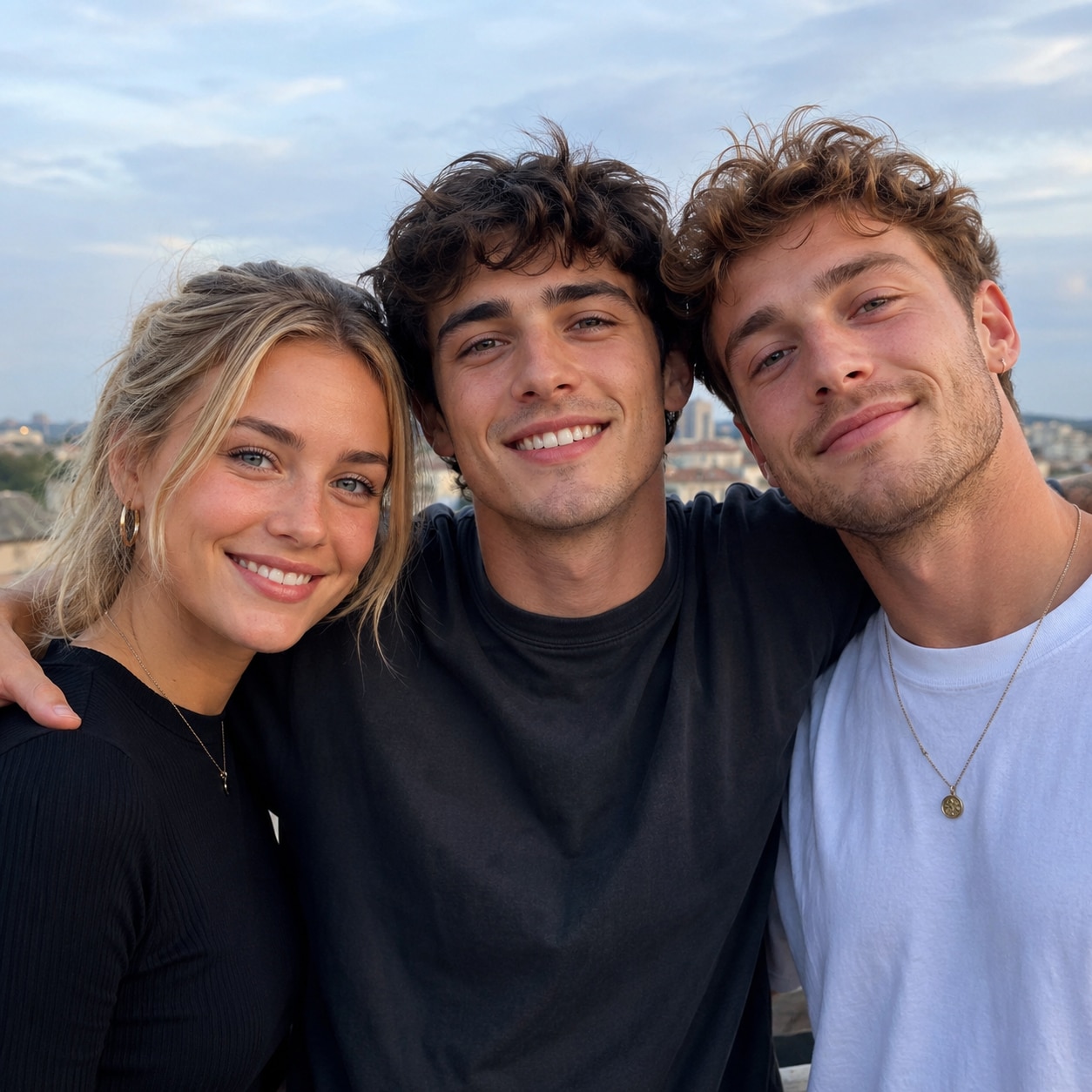
When a photo includes multiple people, Media.io lets you choose the exact face you want to replace. This makes face swapping more flexible and accurate for group photo face swap, friends face swap, and playful social media edits.
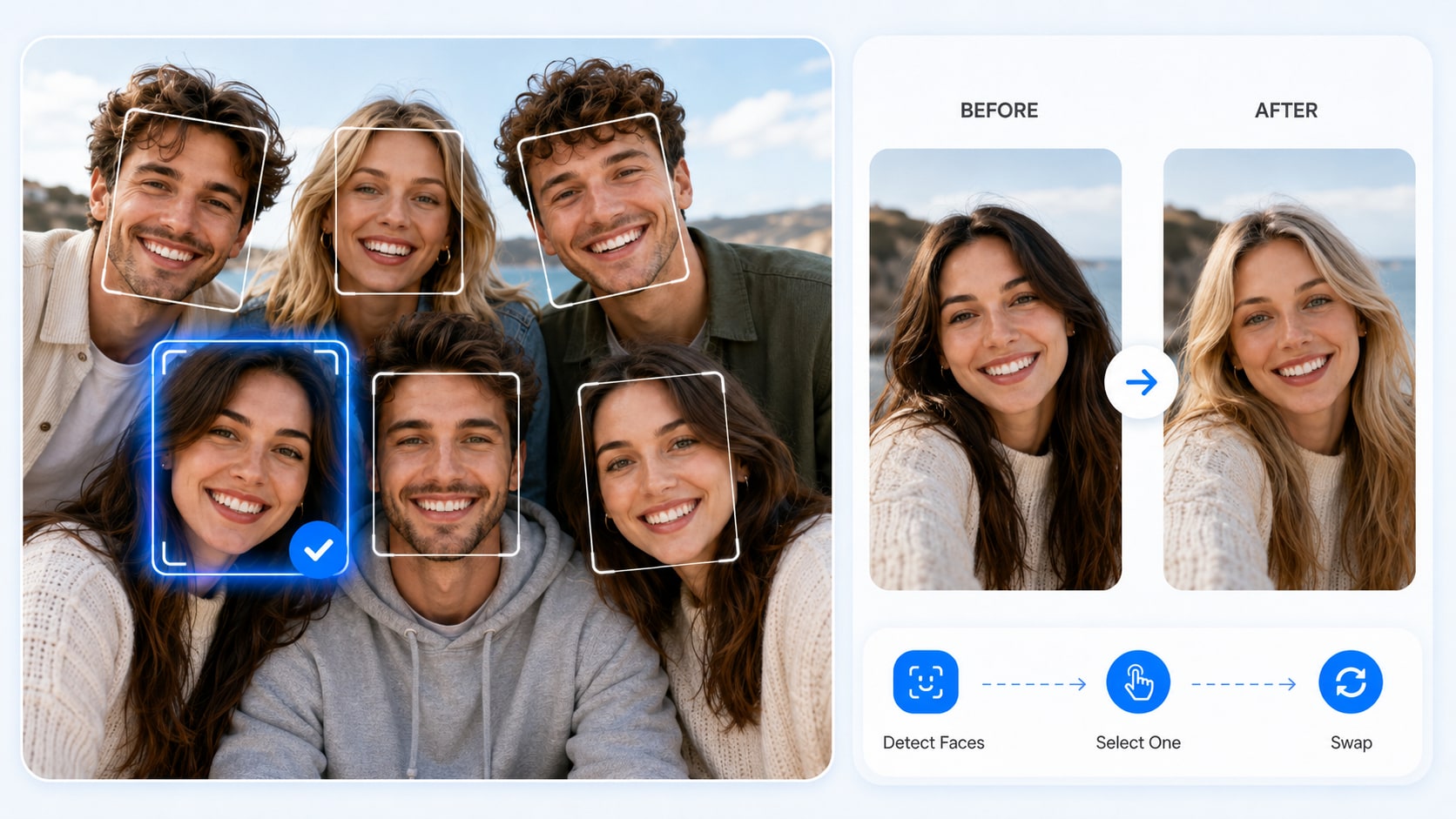
Media.io creates smoother and more natural face swap results for a wide range of creative photo uses. From profile pictures and meme face swap to character edits, social visuals, and lightweight marketing materials, it helps your face swaps look more polished and believable.
Media.io connects AI face swap with your existing creation flow, making it easier to manage tasks, save results, download images, and keep creating with member credits.
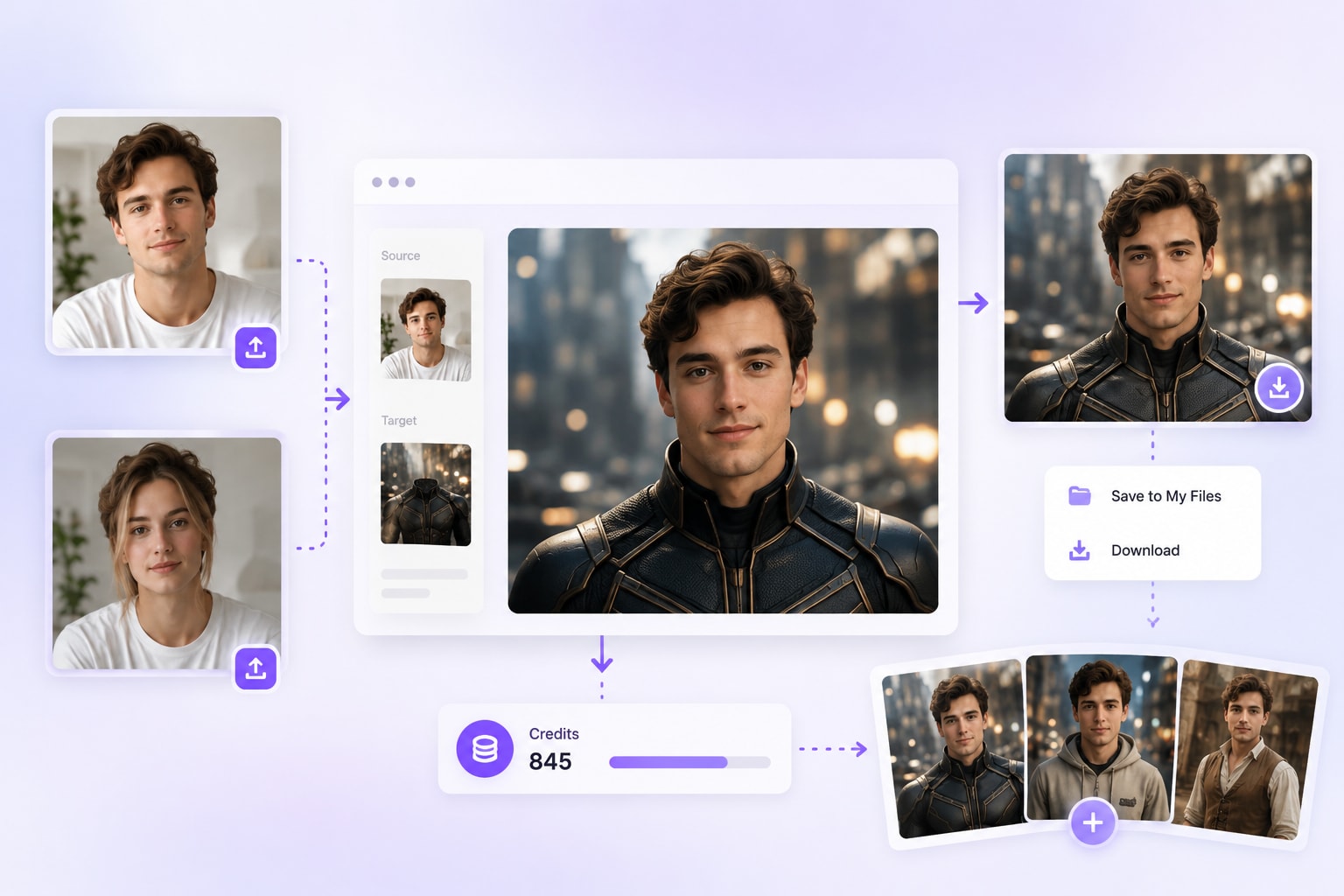
Choose a short face swap video, portrait, group image, or scene with a clearly visible face. Upload it from your device or select a previous project from My History.
After AI detects the available faces, select the person you want to replace and upload a clear reference selfie. Front-facing images with balanced lighting usually produce the best identity match.
Click Generate to process the face swap. Preview facial consistency, movement, and blending, then download the finished photo or video for social media, creative projects, or personal use.

Content Creator & Social Media Blogger

"The face swaps look surprisingly natural!" I used Media.io AI Photo Face Swap to create profile images, funny memes, and social posts for my content calendar. The tool detected faces quickly, let me choose the exact face to replace in group photos, and generated clean results without Photoshop. It is a simple AI face swapper for anyone who wants fast, shareable photo edits.

Social Media User & Meme Creator
"Great for making funny group photo edits." I used Media.io AI Photo Face Swap to edit a few friend photos and create meme-style posts. It automatically detected the faces, let me choose which person to replace, and produced a clean result without complicated editing. For group photos, reaction images, and casual social content, this AI face swap tool is quick and easy to use.

Portrait Photographer & Visual Creator
"Makes creative portrait edits much faster." I often create themed portraits and character-style visuals for social campaigns. Media.io AI Photo Face Swap helps me test different face edits quickly, especially when I need natural blending for avatars, concept images, or promotional mockups. It saves time compared with manual editing and gives me clean results to review, refine, and share.

Tech Blogger
"One of the easiest AI face swap tools I’ve tried." I tested several online face swap tools, and Media.io stood out for its clean workflow and quick results. The AI detects faces automatically, supports selecting the right face in group photos, and keeps the process simple from upload to download. It is a beginner-friendly AI photo face swap tool that works well for casual edits, social content, and creative testing.

Style Enthusiast
"Fun, safe, and super easy to use." My friend and I used this dress changer AI to swap outfits in our photos, and the AI dress changer made our selfies look shoot-ready in seconds. It's perfect for try-ons, cosplay, and social posts—no wardrobe needed. This cloth changer AI is privacy-safe and beginner-friendly.

FaceSwap AI uses facial detection, landmark alignment, and identity blending to replace a face in a photo or video. Upload the target media and a clear reference face, then Media.io matches expressions, angle, lighting, and movement to create a more natural result.

Media.io provides free credits for supported AI face swap video tools. Upload your video and replacement face, then test the workflow online. Available duration, export resolution, watermark rules, and generation limits may vary by account or plan.
Yes. When your source image contains multiple faces, Media.io can detect them and let you choose the specific face you want to replace. This is useful for friend group photos, party pictures, travel shots, and fun social media edits.
Use a clear, well-lit reference selfie and a target video where the face is visible for most frames. Avoid heavy blur, extreme side angles, masks, large obstructions, and very fast cuts. Short clips with steady framing typically create more consistent AI face swap video results.
Media.io supports short-form face swap video creation, including projects around 30 seconds when the selected model, account credits, and current product limits allow it. Check the upload panel for the latest supported duration and export options.
Yes. Media.io AI Photo Face Swap works online, so you can upload images and create face swaps from a desktop or mobile browser. No app installation or advanced editing software is required.
Yes. After generation, you can preview and download your face swap result. Media.io also connects with the existing creation workflow, including generated tasks, My History, result downloads, and member credits, making it easier to continue creating.
You can use AI Photo Face Swap to create profile pictures, funny memes, group photo edits, character-inspired images, social media posts, creator thumbnails, holiday visuals, and lightweight marketing materials. For responsible use, make sure you have the right or permission to use the faces in your images.
 4.7 (162,357 Votes)


