
4K Background Remover Online for High-Resolution Photos
Editing a high-resolution photo should not mean sacrificing its detail. Media.io's 4K background remover helps remove distracting surroundings from portraits, products, and creative shots while preserving the uploaded image resolution. Upload your 4K photo above, let AI separate the subject, and preview the result up close. Whether you are creating a website banner, a product graphic, or a poster, start with a clean image that is ready for your next design.

Why Use Media.io for 4K Background Removal?
Keep the detail you captured while giving your subject a cleaner background. Start with one sharp original and make your image ready for the design you have in mind.
Remove Backgrounds from Original 4K Photos
A great photo is worth keeping in its original size. To remove the background from a 4K photo, upload your full-size camera image instead of a compressed screenshot. Media.io isolates the subject without reducing the image resolution, giving you a cleaner starting point for product artwork, banners, and detailed compositions.
- Original pixels matter - start with your sharpest available image.
- Avoid accidental compression - skip tiny web previews and messenger thumbnails.
- Use the full-size result - work with the detail you captured in your original 4K photo.

Keep Fine Details Clear in 4K Cutouts
High-resolution photos let small details shine. With an AI 4K background remover, you can separate the subject without tracing every edge yourself. Zoom in on hair, woven fabric, leaves, reflective objects, or straight product lines after removal to make sure the cutout looks natural in your final design.
- Fine structures - look for stray strands and thin branches.
- Hard borders - check corners and straight product edges.
- Texture versus resolution - high pixel count does not guarantee clarity.

Prepare 4K Photos for Banners and Posters
Turn a detailed camera photo into a cleaner subject for campaign banners, product layouts, and posters. Your 4K photo background remover workflow keeps the original image resolution while removing distracting surroundings. If the original photo itself is blurry or small, a separate 4K image upscaler or image upscaler can help prepare that source before you remove its background.
- Work with high-resolution photos - retain the uploaded image resolution during removal.
- Design for your destination - make the composition fit banners, posters, or product pages.
- Enhance a weak source first - use upscaling only when your original is too small or soft.
- Check the finished background - choose the right next editing step for your layout.

How to Remove Background from a 4K Photo Online
No manual tracing needed. Upload a sharp 4K photo, remove the background, and download the result for your next creative project.
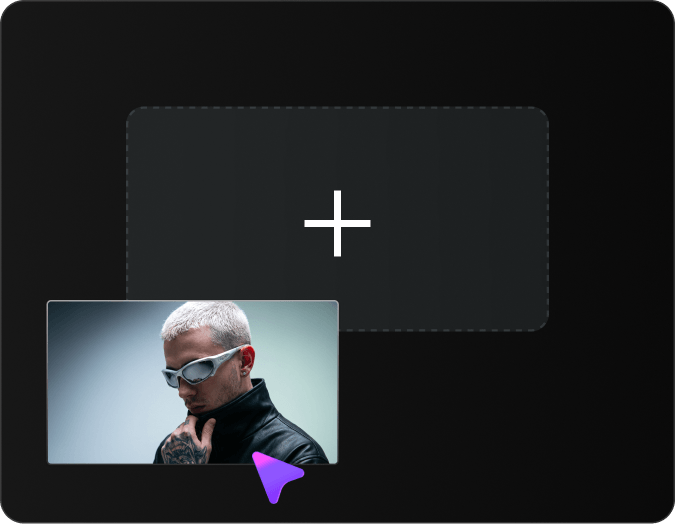
Upload a Sharp Original Image
Choose your highest-quality source photo with the entire subject visible.
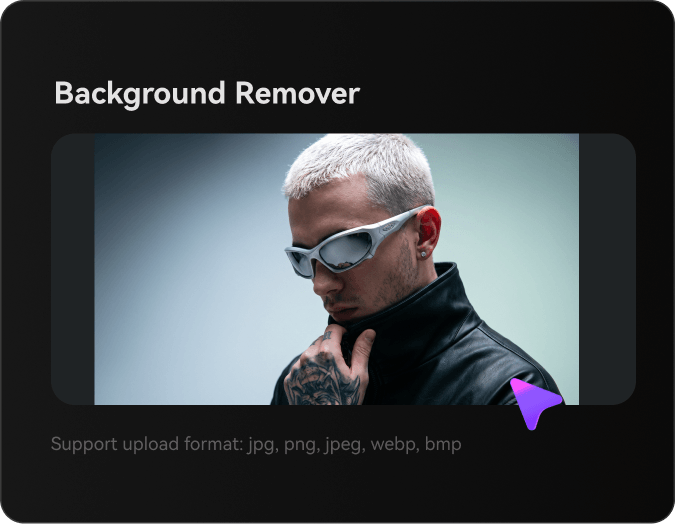
Run AI Background Removal
Let the tool isolate the subject; inspect detail and boundaries in the preview.
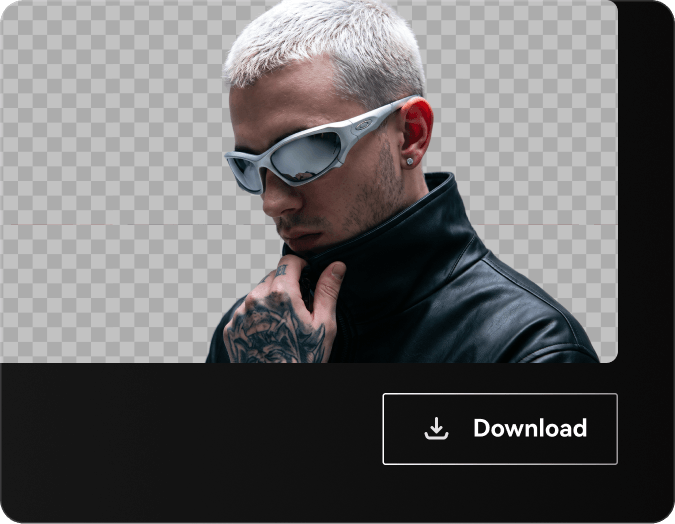
Preview and Download Your 4K Result
Preview the subject and download the background-removed 4K photo for your design.
Where High-Resolution Background Removal Is Useful
From product closeups to eye-catching banners, a clean background helps your high-resolution images do their best work.
Website Hero Graphics
Put the product, model, or main subject front and center in a wide hero banner, without a busy room competing for attention.
Print Posters and Flyers
Use a full-size photo cutout in event posters, flyers, and promotional layouts where fine detail makes the design feel finished.
Product Detail Closeups
Jewelry, fabric, and hardware reveal halos and missing details when zoomed. Keep the original as a reference.
Composite Images and Mockups
Bring a high-resolution subject into a mockup or layered design. If you need a different scene behind it, continue with a separate background-editing tool.
Fine Details to Review After 4K Background Removal
Even in a sharp 4K photo, complicated edges and uneven lighting deserve a closer look. These quick checks help your result feel natural.
| What you notice | Possible reason | What to try next |
|---|---|---|
| Small gaps still show the old background | Complex gaps in hair, fabric, or product parts can be difficult to separate. | Try a clearer original and inspect the subject outline at 100% zoom. |
| Edges look jagged at 100% | Fine details or compression artifacts can break the outline. | Try the camera original and inspect before enlarging. |
| The file is large but blurry | Pixel dimensions do not restore focus lost during capture. | Replace a blurry source; enhancement is a separate workflow. |
| Background is not transparent | Background removal does not guarantee an alpha channel. | Inspect the image format and transparency before compositing. |
| Print looks soft | The physical print size may exceed usable resolution. | Calculate pixels per inch for the intended output and verify proof. |
Get Better Results from High-Resolution Background Removal
A few small adjustments before uploading can make the background removal look cleaner.
- Use an original full-size file: Do not edit a screenshot of your 4K photo.
- Leave room around the subject: Avoid clipped hair, handles, or product edges.
- Control motion blur: A sharp outline begins with a steady camera and well-lit subject.
- Inspect at 100% zoom: Preview sizes hide small but important flaws.
- Review the background result: Make sure the subject outline fits your final layout.
4K Background Remover FAQs
Can I remove a 4K photo background online?
Yes. Upload your 4K image to Media.io and remove its background online. When the photo uploads successfully, the background-removal process preserves its image resolution.
What is the difference between 4K and HD background removal?
4K and HD refer to pixel dimensions, not automatically to cutout quality. A sharp source and clean edge are important at both sizes.
Can I remove the background from a 3840 x 2160 photo?
Yes. A 3840 x 2160 photo is a standard 4K image. If it uploads successfully, Media.io can remove its background without reducing its resolution.
Does 4K background removal lower image resolution?
No. The background-removal workflow does not reduce the image resolution. For the best-looking cutout, start with a sharp photo and review fine subject edges in the preview.
Does an AI 4K background remover create missing detail?
Background removal separates the subject from its surroundings; it does not add focus or texture that was missing in the original. If needed, enhance a blurry source separately before removing its background.
Can I use 4K background-removed images for print?
Yes. Use a clean 4K subject in posters, flyers, and other print layouts. Choose a sharp original and check the intended physical print size when preparing your final design.
Does 4K background removal give me a transparent PNG?
Not necessarily. The Media.io background-removal workflow does not guarantee an alpha-transparent PNG. Verify the downloaded file before layering it into another design.
Can I use a 4K cutout in a website banner?
Yes. A high-resolution subject is useful for wide desktop banners, landing page graphics, and promotional designs. Adjust the placement and crop to suit your layout.
Can I process several high-resolution images in one batch?
This workflow processes one photo at a time, even if you plan to prepare a collection of larger files.
Can I try a 4K background remover for free?
Yes. You can try background removal with available free credits. Free-user downloads include a watermark, so check the export options before using the result in a public design.
