
Portrait Background Remover for People Photos
The expression is right, the lighting feels natural, and then you notice the clutter behind the person. Media.io's portrait background remover helps separate a real person from a distracting room or outdoor scene, without making you trace their outline by hand. Upload a portrait above, preview how the subject is isolated, and check the hair and shoulder edges before saving. It is a practical starting point for personal profiles, creative layouts, and portraits worth sharing.

Why Use a Portrait Background Remover for People Photos?
A good portrait already has personality. The useful edit is often the one that takes away what competes with it, without changing who is in the picture.
Remove Distracting Backgrounds from Portrait Photos
A familiar face can be more useful than a newly generated one. With a person background remover, start from the photo you like: a candid smile at a birthday, a relaxed studio portrait, or a friend photographed in the park. Background removal focuses on separating that existing person, not inventing a new expression or wardrobe.
- Keep the original moment - start with a real smile and pose rather than a newly generated face.
- Lose visual distractions - reduce the impact of shelves, wall art, or people in the distance.
- Use the photo you own - work from the source portrait instead of hunting for a new stock image.

Check Hair, Glasses, and Hand Edges
Not every outline is equally easy to separate. Loose curls, a pale shirt against a bright wall, or a hand resting on a chair may blend into the surroundings. Use portrait background removal online to get the first cutout, then zoom in before choosing it for a cover image or photo collage. A well-lit source picture makes delicate details easier to judge.
- Hairline - look for light halos around loose strands and bangs.
- Hands and accessories - check fingers, glasses, jewelry, and straps.
- Shoulder shape - watch for a cropped sleeve or a chair merged into the portrait.

Prepare Person Cutouts for Profiles and Posters
One portrait may appear on a creative portfolio, a speaker slide, and a community poster. After removing the original scene, choose the crop that suits each use. For a tighter social avatar, try the profile picture maker. Need a different setting instead of just an isolated subject? That is a separate background-changing workflow.
- Profile images - keep the face readable at a small size.
- Creative graphics - leave space for titles or event information.
- Portfolio portraits - choose consistent framing without changing the real person.

How to Remove a Background from a Portrait Online
No hand-drawn mask required. Start with one sharp portrait and check how the result holds up at the size you plan to use.
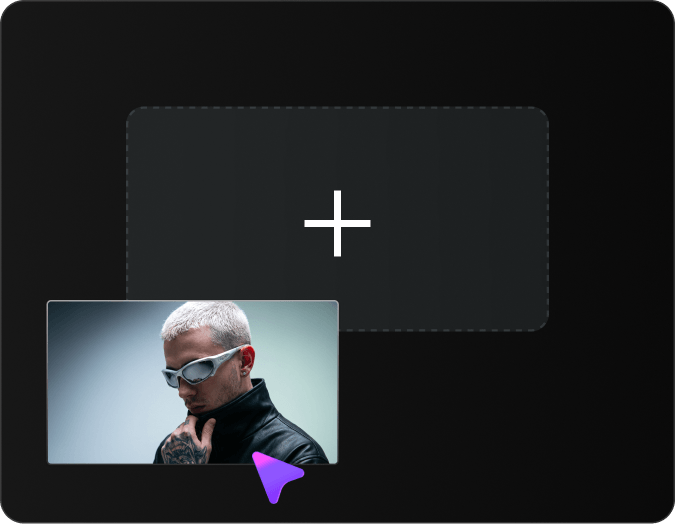
Upload Your Favorite Portrait Photo
Choose a picture where the person is fully visible, with enough space around hair, shoulders, and hands.
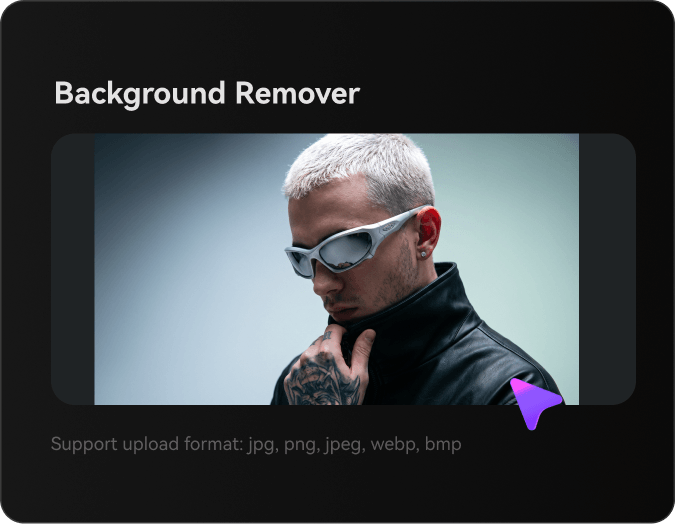
Remove the Portrait Background with AI
Use the background remover above to isolate the person from the original room, wall, or outdoor scene.
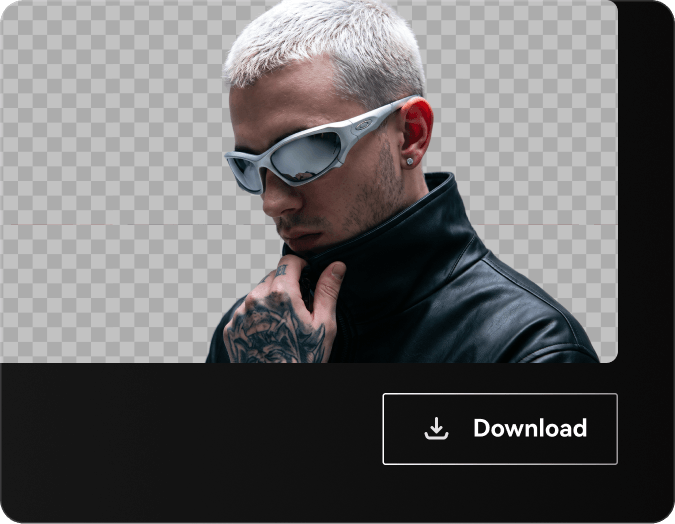
Inspect Hair Edges and Download Your Portrait
Compare the outline with your original, especially hair and accessories, then save the processed version offered by your plan.
Where a Background-Removed Portrait Makes Sense
The goal is not to make every portrait look identical. It is to make the person easier to see in the place the image will appear.
Prepare Portraits for Actor and Artist Portfolios
An actor, artist, or maker may want a recognizable portrait for an About page without the clutter of a rehearsal space or home office.
Create Graduation Cards from Portrait Photos
That candid moment after a ceremony can become a keepsake or invitation image when a busy crowd is no longer the dominant backdrop.
Design Event Posters with a Person Cutout
A volunteer photo or local event portrait often needs room for a date and venue. Separate the person first, then arrange the graphic independently.
Make a Profile Image from a Portrait
A simple human background remover can prepare a portrait for online profiles. Crop and frame separately so the face remains easy to recognize.
Portrait Background Removal: Details Worth Checking
Try the cutout first. These are the places to inspect before placing a person over another color or publishing a close-up.
| What you notice | Possible reason | What to try next |
|---|---|---|
| Hair looks outlined in white | The original hair blended into a bright wall or window. | Compare at full size and try a portrait with better hair-to-background contrast. |
| A hand disappears | Fingers touched a chair, coat, or another similarly colored object. | Choose a pose with visible gaps around the hand where possible. |
| Shoulders look uneven | A bag strap, scarf, or chair edge overlaps the clothing. | Inspect the edge at normal viewing size and avoid overly tight crops. |
| The face feels too small | The person occupies only a small part of a wide source photo. | Use a closer original for portrait work, then crop for the final layout. |
| The cutout feels unnatural | An added scene has different light or perspective. | Keep the removal result separate from any later background replacement. |
Tips for Cleaner Portrait Photo Cutouts
Automatic isolation is easier to review when the starting photograph gives the edges some breathing room.
- Start with a sharp original: Avoid a tiny screenshot or a portrait that has already been heavily compressed.
- Look for even lighting: Soft side light helps you see facial contours without strong shadows crossing the shoulders.
- Avoid cropped hands and hair: Leave a little space around the person before uploading.
- Check clothes against the background: A white shirt on a white wall can be harder to distinguish than a contrasting scene.
- Compare at real display size: Review both a close crop and the smaller size used on profiles or posters.
Portrait Background Remover FAQs
Can I remove a portrait background without retaking the photo?
Yes. Start with the portrait where the expression and pose already feel right. Upload that image to Media.io above and remove the distracting setting around the person. A portrait background remover is useful when the photograph is worth keeping but the room, wall, or passing crowd is not.
Why do flyaway hairs look uneven in a portrait cutout?
Individual strands can blend into trees, curtains, or similarly colored walls. If the outline looks rough, compare it with the original at full size and try a sharper shot with more separation between hair and background. A dramatic hairstyle can be preserved better when the source photo makes those fine strands visible.
What happens to eyeglass frames and small earrings?
Thin frames, transparent lenses, and dangling jewelry can create tricky gaps near the face. Check the result around the temples, ears, and neckline rather than judging only the overall thumbnail. If a detail has disappeared, a clearer original photograph may be a better starting point.
Can I remove the background from a person photo that includes hands?
Yes, you can use a wider portrait that shows hands or part of the body. Keep fingers fully inside the original frame and pay attention when an arm rests on a chair or another object. Contact points are often harder to separate than a clear shoulder outline.
Does a person background remover work for outdoor portraits?
An outdoor photo can work well, especially when the person stands out from the scenery. Trees, railings, and bright sunlight may complicate hair or clothing edges, though. Preview the cutout before using it in a poster or profile image, and choose a less cluttered original when possible.
How should I frame a portrait for a profile picture or poster?
Leave some room around the hair, shoulders, and any visible hands when you upload. Once the person has been separated, crop the image for its destination: a square profile picture, a vertical portfolio card, or a wide event banner. An overly tight starting crop can permanently cut off useful details.
Will portrait background removal change my facial features?
The purpose of this workflow is to separate the photographed person from the surroundings, not to generate a different face or apply beauty retouching. Keep the original nearby and compare the expression, glasses, and skin outline. Use a separate face-editing workflow if facial changes are actually what you want.
How can I use a portrait cutout on a graduation invitation?
Remove the busy scene first, then place the portrait in an invitation layout with the name, date, and event details. Leave enough space above the head for text and decorations. The background-removal step prepares the photograph; the final card design happens in your preferred editor.
Is a human background remover the same as an AI headshot generator?
No. A human background remover starts from an existing person photo and removes the surrounding scene. An AI headshot generator may produce a new portrait style or composition. For an actor portfolio or a personal memento, keeping the real expression and clothing is often the point.
Are free portrait background remover downloads watermarked?
Free-tier exports from Media.io include a watermark. You can try the portrait workflow and review the cutout, but check the available export options and your plan before preparing a final portfolio or client-facing image.
