首次订阅最高可达五折优惠!
立即购买
AI比基尼换装
上传角色
点击或拖拽上传,或选择 历史记录点击上传历史记录
没灵感?先生成一张图片试试 >
提示:请添加一张要换装的人物的清晰照片,支持 PNG、JPG 和 JPEG 格式。
上传比基尼
点击或拖拽上传,或选择 历史记录点击上传历史记录
没灵感?先生成一张图片试试 >
提示:请使用不带模特的比基尼单品效果图。
示例:
比例

Test Bikini Looks for a Beach Photo Collage

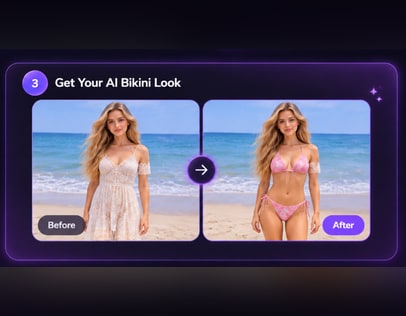
Wondering whether a swimsuit will look believable in your vacation photos before you book a shoot? Use a source photo and a selected or uploaded bikini reference to make an illustrative outfit-swap preview for an AI bikini photo collage. Only the clothing changes; the source photo's setting, pose and lighting stay the same. Results vary.

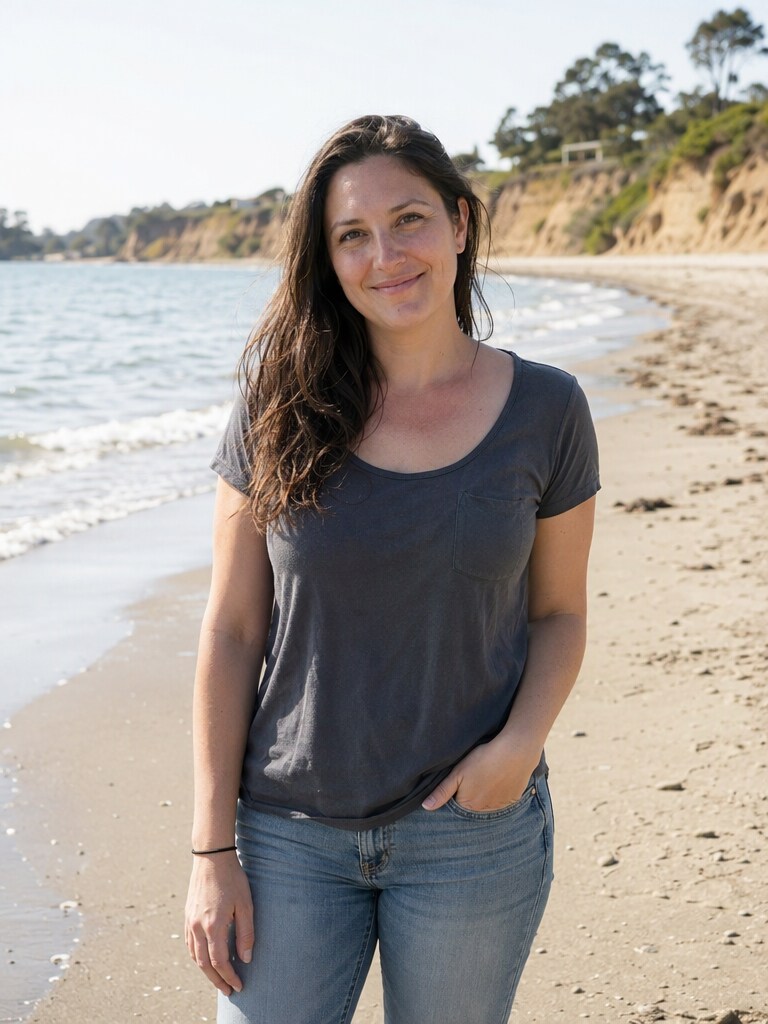
Everyday photo before swimsuit preview
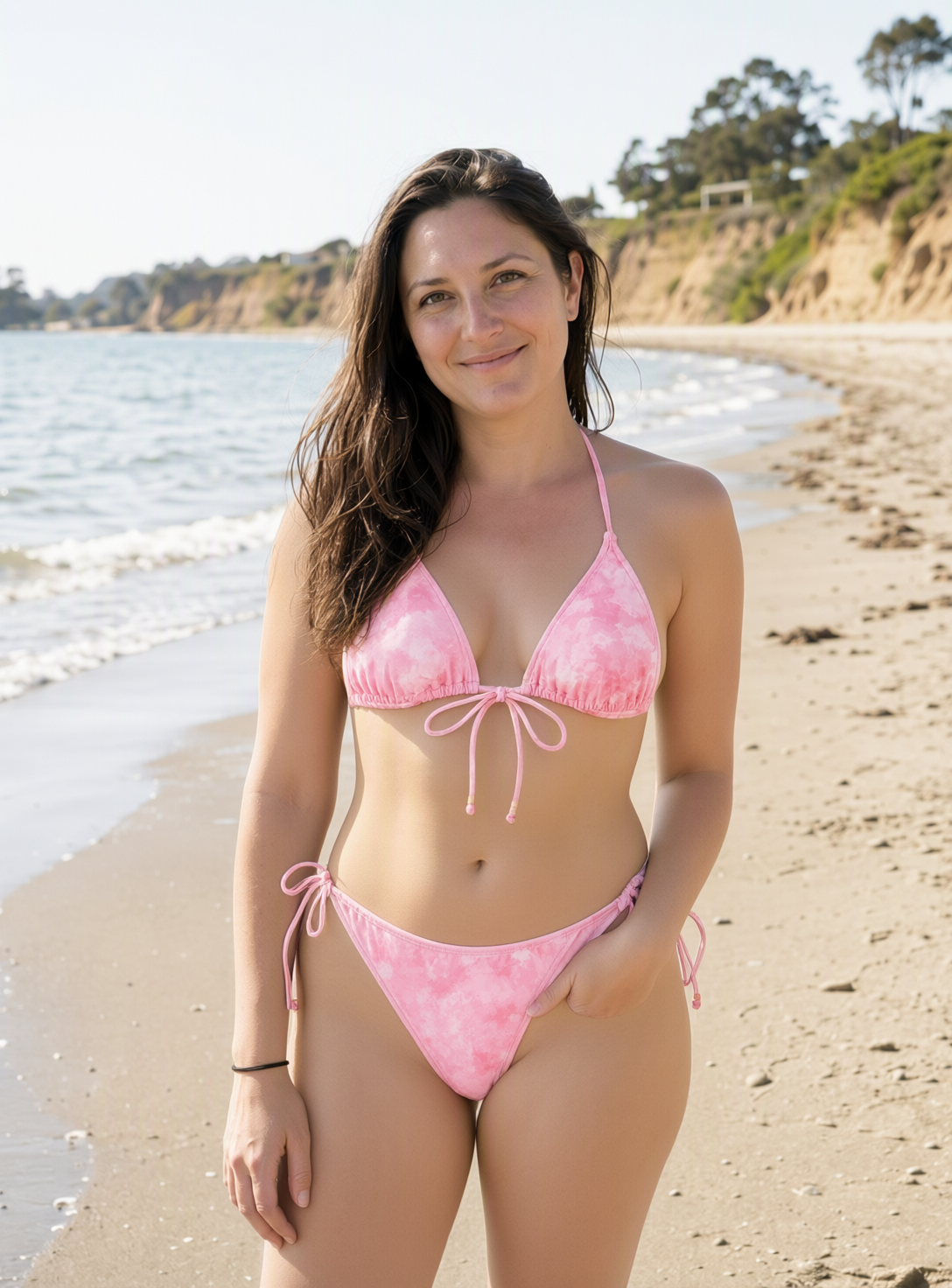
Swimsuit swap preview on the same photo
Preview a Bikini Look

Start with an adult photo that already has the beach setting you want. An outfit swap will not turn an indoor background into a shoreline.

Make the Photo Decision Before the Shoot

Check the Beach Setting First

A swimsuit swap cannot supply a missing vacation backdrop. Choose an adult source photo with sand, water or another setting you would actually use in the collage. That gives you a more useful preview than starting with an indoor portrait and hoping it will read as a beach trip.

Compare Coverage Against Your Pose

A neckline that works in a standing portrait may read differently in a seated or turned pose. Compare style samples by cut and coverage on the same source image before deciding which look belongs in your summer bikini collage. The preview is illustrative, not a fit guarantee.

Spot Lighting Mismatches Early

Look at where the source photo's sunlight falls and how its shadows cross the clothing area. If the swimsuit preview looks out of place, try a source photo with clearer, more even light rather than expecting the clothing swap to relight the whole image.

Keep Collage Choices Consistent

If you plan to combine several vacation photos, review each outfit preview alongside the others before selecting your favorites. Similar color palettes can help the set feel connected, while varied cuts can keep it from looking repetitive. Arrange the final collage separately; collage assembly is not verified here.

Preview a Swimsuit on Your Existing Photo

Use a clear adult source photo that already has the pose, setting and light you want. This bikini photo collage maker workflow produces an illustrative clothing preview to consider for your collage; it does not establish that the tool assembles the collage.

Adult uploading a beach photo
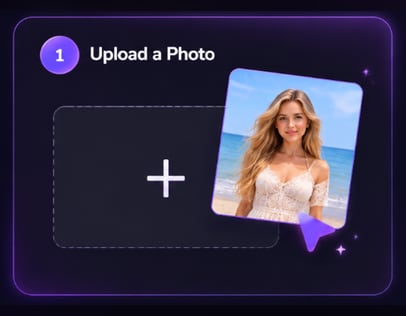
Step 1

Upload Your Photo

Choose a clear photo of an adult in the setting you want to keep. Check that the clothing area is visible and that the beach background and lighting already suit your planned collage.

Adult selecting a bikini reference
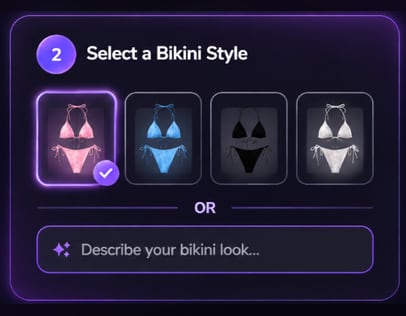
Step 2

Choose a Bikini Style or Upload Your Own

Pick an available bikini style sample or upload a reference photo of the bikini you want. Compare its neckline, coverage and color with the source photo before generating a preview.

Adult reviewing a bikini preview
Step 3

Click Generate

Click Generate to swap only the clothing; the original background, pose and lighting stay unchanged. Review the illustrative result before deciding whether to use that photo in your collage. Results vary.

Choose the Photo That Fits the Occasion

An AI bikini photo collage starts with deciding which existing adult photos are worth using. These occasions call for different checks before you post or commit to a beach photoshoot AI alternative.

A Vacation Post Without Another Shoot

You already have a beach photo you like, but not the swimsuit look you pictured for the post. Preview a different cut on that image, then judge whether the unchanged pose, light and shoreline still feel like your trip. Use the result only if it suits the story you want to share.

A Group Trip Photo Set

For a collage of adult friends, start with photos taken in compatible light and locations. Review an outfit preview on your own photo before placing it beside the others. If one image looks noticeably different, choosing another source shot may help more than changing swimsuit colors.

A Pre-Shoot Style Decision

Before booking beach portraits, compare an illustrative swimsuit cut on an existing adult beach photo. Notice how the neckline and coverage read with your usual pose and camera angle. The preview can inform what to try at a real shoot, but it cannot confirm garment fit.


What Users Say About Media.io

Selected public user feedback about Media.io’s broader multimedia tools. These comments are not specific to the AI Bikini feature.

AP
Anika Patel

March 5, 2025

I appreciate the simplicity of the platform. It's perfect for someone like me who doesn’t have a lot of technical skills.

A positive comment on how approachable the platform feels for users without technical experience.

View original review on AITools.xyz

IH
Ingrid Hansen

February 28, 2025

She describes having conversion and compression tools together as convenient for work, while noting that the interface could be more beginner-friendly.

A balanced view of the all-in-one workflow and the learning curve.

View original review on AITools.xyz

JZ
Jin Zhang

February 28, 2025

He highlights the platform’s simple, efficient workflow and quick file conversion, while mentioning that occasional ads can be distracting.

Positive feedback on ease of use, with a small usability caveat.

View original review on AITools.xyz

HK
Haruto Kawasaki

January 23, 2025

He finds the interface intuitive for converting and editing audio and video, but says larger high-resolution files can take longer to process.

A practical note about usability and processing time.

View original review on AITools.xyz

Reviews are attributed to their public AITools.xyz listing. Excerpts and summaries retain the reviewers’ original meaning; no individual star ratings are displayed because the source does not show ratings for each review.

Questions to Settle Before You Share

1. Can this make an indoor adult portrait look like a beach vacation?

Not through the described clothing-swap workflow. The source background stays the same, so begin with an adult photo that already shows the beach or another vacation setting you want. If the location is the problem, choose a different source photo before comparing bikini styles.

Collage assembly has not been verified for this tool. Treat each generated adult outfit preview as a candidate image, then arrange the images separately if you want a multi-photo layout. Decide which previews belong together by checking their lighting, color and setting.

Choose a sample when its cut, coverage and color are close enough to compare a general look. Upload a reference when you have a particular bikini in mind. Either way, inspect the illustrative adult preview rather than assuming it will reproduce the garment exactly.

Check the source photo first. Heavy shadows, hidden clothing edges or a pose that obscures the swimsuit area can make the result harder to judge. Try a clearer adult photo or a different style reference, and do not treat the preview as proof of real-world fit.

The intended workflow changes clothing, not the adult subject's face or the source setting, pose and lighting. Generated details can still vary, so compare the preview with your original photo before posting. If a facial or background detail matters, do not assume exact preservation.

Pick adult source photos with compatible daylight, camera angles and beach colors before previewing swimwear. Then compare the results side by side for obvious inconsistencies. A collage is more convincing when the original photos already belong together; a clothing swap does not align their scenes.

Media.io Online AI Tools Quality Rating:
vote 4.7 (162,357 Votes)