首次訂閱最高可達五折優惠!
立即購買
AI Bikini Swap
Upload Character
Click or drag to upload, or choose from My HistoryClick To UploadMy History
No ideas? Generate an image first >
Tip: Please add a clear photo of the person whose outfit you want to change. PNG, JPG, and JPEG formats are supported.
Upload Bikini
Click or drag to upload, or choose from My HistoryClick To UploadMy History
No ideas? Generate an image first >
Tip: Use a standalone product shot of the bikini, without a model.
Examples:
Aspect Ratio

Picture Yourself in a Retro Bikini Photo

Would a vintage swimsuit look believable in your beach vacation photo, or would it be worth booking a shoot? Use this retro bikini photo generator to preview a chosen style sample or an uploaded swimsuit reference on your photo. Only the clothing is intended to change; your original setting, pose, and lighting stay the same. Results vary.

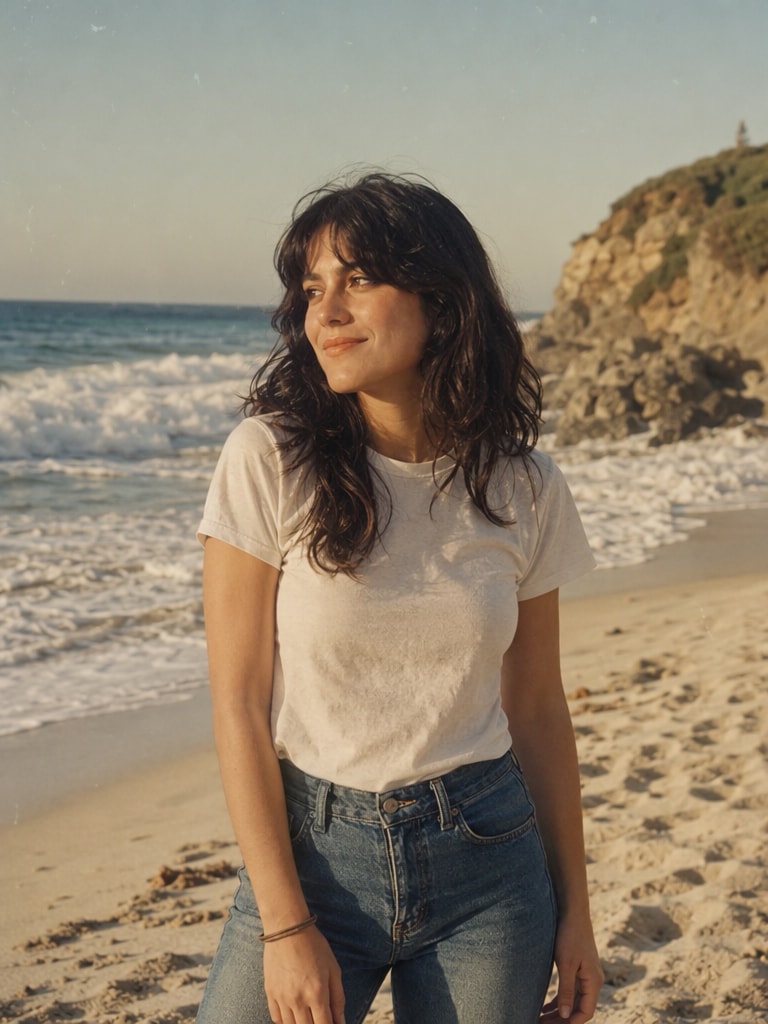
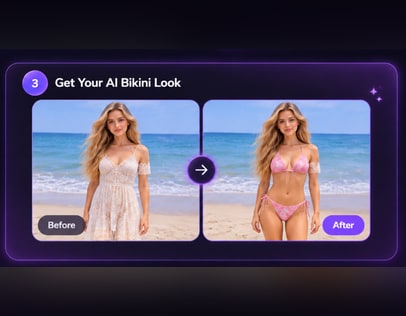
Everyday photo before swimsuit preview
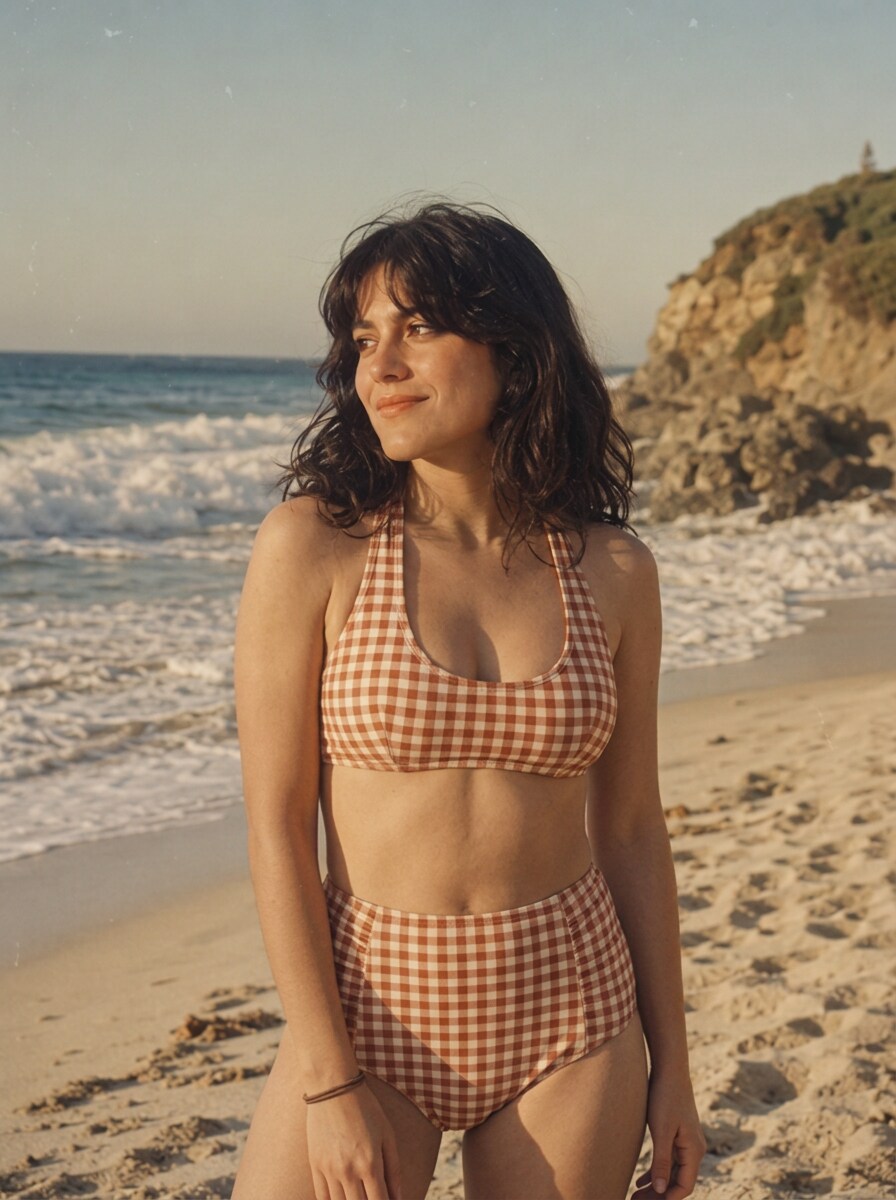
Swimsuit swap preview on the same photo
Preview a Retro Bikini Style

Start with a photo whose beach setting and lighting already look the way you want them.

Decide What Works Before You Share the Photo

Keep the Beach You Actually Visited

If the shoreline, pool deck, or boardwalk matters to the memory, use a photo that already includes it. The clothing-swap preview is not a way to replace a location, so choose the setting you would be happy to post as it is.

Compare Coverage, Not Just Color

A high-waist brief, fuller-coverage one-piece, and bandeau create different outlines even in the same photo. Pick a style sample or upload a reference based on the neckline and coverage you would actually wear, then inspect how the preview reads at a glance.

Check Whether the Fabric Belongs in the Light

Bright midday sun and late-afternoon shade can make the same color feel different. Start with a source photo whose lighting already suits the vacation look you want, and review the preview for edges or fabric details that feel out of place.

Make a Posting or Shoot Decision

An illustrative preview can help you decide whether your existing photo conveys the retro look or whether you would rather photograph a real outfit. Treat it as a styling check, not a guarantee of garment fit or a replacement for a planned shoot.

Preview a Swimsuit Change in Your Own Photo

For a retro beach photoshoot feel, begin with the beach photo you want to keep. This workflow uses a style sample or an uploaded swimsuit reference, not a text prompt or a new scene.

Adult uploads beach vacation photo
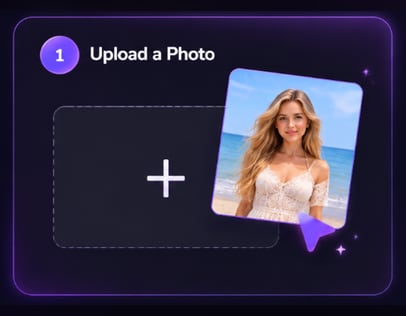
Step 1

Upload Your Photo

Upload an adult photo with the background, pose, and lighting you want in the result. A clearly visible outfit area gives you a better starting point for judging the clothing-swap preview.

Adult selects vintage swimsuit reference
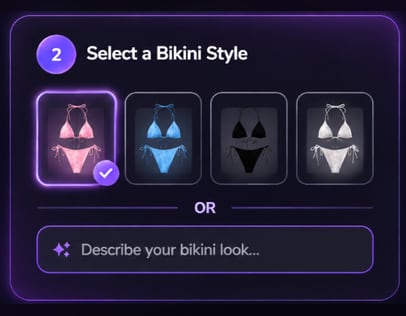
Step 2

Choose a Bikini Style or Upload Your Own

Pick a bikini style sample or upload a photo of the swimsuit you want as a reference. Compare its neckline, cut, coverage, and color with your source photo before continuing.

Adult reviews retro swimsuit preview
Step 3

Click Generate

Click Generate to swap only the clothing while the original background, pose, and lighting stay unchanged. Review the illustrative preview carefully, since results vary.

When a Retro Preview Helps

Use an existing adult photo to judge whether vintage bikini pictures fit the moment you want to share. An AI beach photo preview can help with styling, but it does not create a beach trip you did not photograph.

Revisit a Vacation Favorite

You like your expression and the shoreline in an older vacation shot, but not the swimsuit you wore. Compare a retro cut against that same photo before posting it. Check that the source pose leaves the outfit visible enough to assess.

Plan an 80s-Inspired Shoot

Before buying swimwear or booking a beach photoshoot, test whether a bold color and high-waist cut suit the light in a beach photo you already have. Use the preview to narrow your wardrobe idea, then photograph the real outfit if you need an authentic shoot.

Coordinate a Friends' Beach Album

For an adult friends' trip album, each person can consider a retro swimsuit reference against their own photo. Compare colors and coverage for a cohesive look without assuming different poses, locations, or lighting will become identical.


What Users Say About Media.io

Selected public user feedback about Media.io’s broader multimedia tools. These comments are not specific to the AI Bikini feature.

AP
Anika Patel

March 5, 2025

I appreciate the simplicity of the platform. It's perfect for someone like me who doesn’t have a lot of technical skills.

A positive comment on how approachable the platform feels for users without technical experience.

View original review on AITools.xyz

IH
Ingrid Hansen

February 28, 2025

She describes having conversion and compression tools together as convenient for work, while noting that the interface could be more beginner-friendly.

A balanced view of the all-in-one workflow and the learning curve.

View original review on AITools.xyz

JZ
Jin Zhang

February 28, 2025

He highlights the platform’s simple, efficient workflow and quick file conversion, while mentioning that occasional ads can be distracting.

Positive feedback on ease of use, with a small usability caveat.

View original review on AITools.xyz

HK
Haruto Kawasaki

January 23, 2025

He finds the interface intuitive for converting and editing audio and video, but says larger high-resolution files can take longer to process.

A practical note about usability and processing time.

View original review on AITools.xyz

Reviews are attributed to their public AITools.xyz listing. Excerpts and summaries retain the reviewers’ original meaning; no individual star ratings are displayed because the source does not show ratings for each review.

Questions to Settle Before You Generate

1. Can I make a beach vacation photo if my adult source photo was taken indoors?

No beach background is added by this clothing-swap workflow. For an adult beach vacation photo, start with a photo that already shows the beach or pool setting you want to keep. The chosen swimsuit style is the intended change, not the location.

Choose an adult photo with a visible outfit area and a pose, background, and lighting you already like. If an arm, bag, or deep shadow hides part of the clothing, it may be harder to judge the swimsuit preview. Results vary.

Choose a style sample when its cut, coverage, and color are close to what you want. Upload a swimsuit reference when a particular design matters more. Either route gives an illustrative preview, so inspect the result rather than expecting an exact garment match.

You can choose an 80s-inspired swimsuit cut or color for an adult photo, but the original background, pose, and lighting remain the basis of the image. Start with a source photo whose setting already supports the look; the tool does not stage a new photoshoot.

Do not count on a perfect fit. The intended edit changes clothing while keeping the adult's pose and original lighting. Review edges, straps, shadows, and fabric appearance in the preview. If they look unconvincing, try a clearer source photo or a different swimsuit reference.

Post only if you are comfortable sharing an AI-edited image and the preview looks right to you. If exact swimwear details or an authentic record of what you wore matter, photograph the real outfit instead. An illustrative preview can guide that decision, not settle it for you.

Media.io Online AI Tools Quality Rating:
vote 4.7 (162,357 Votes)