















Преобразуйте стили видео с помощью AI онлайн
Загрузите свое оригинальное видео, выберите стиль и позвольте искусственному интеллекту превратить его в более креативное, отполированное и готовое к публикации видео.
AI Передача стиля видео для любого образа
Преобразите свои кадры с помощью инструмента AI передачи стиля видео от Media.io. Применяйте готовые видеофильтры, чтобы превратить обычные клипы в аниме, кинематографические, мультяшные, художественные, фэнтезийные или стилизованные видео, сохраняя при этом оригинальное движение и структуру сцены.
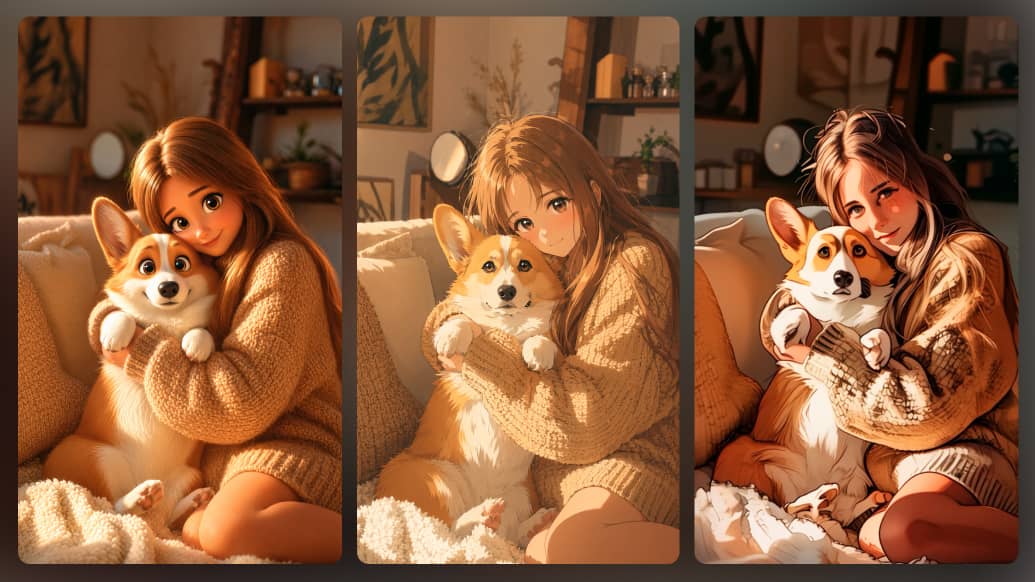
Изменяйте стиль видео с помощью AI, сохраняя движение
Подарите своему видео совершенно новый вид, не теряя естественности. AI Media.io для передачи стиля сохраняет оригинальное движение, ритм и ход сцены, одновременно улучшая ваши кадры эффектными AI фильтрами. Это идеально для превращения обычных клипов в яркие ролики для соцсетей, рекламы и креативного контента.
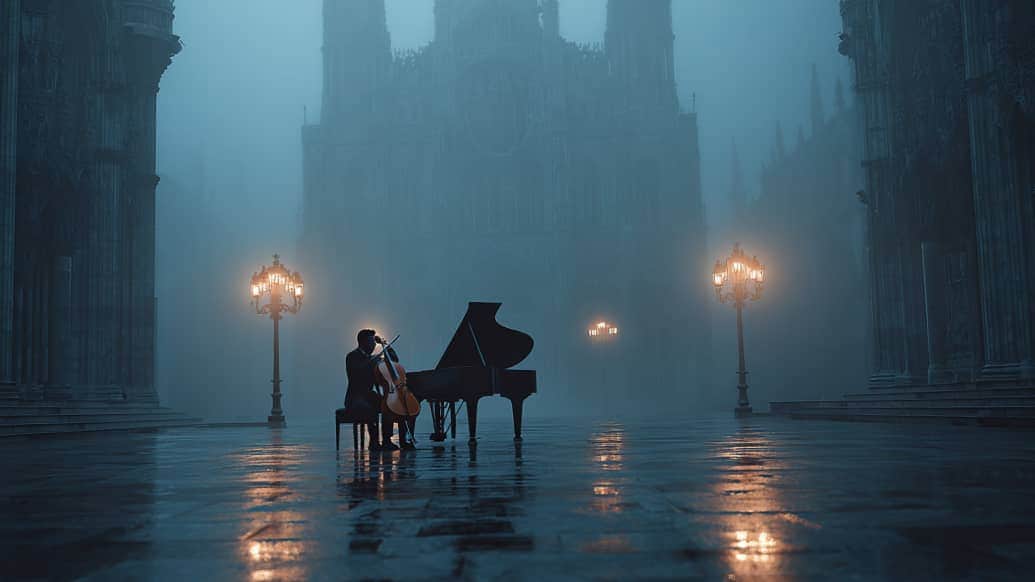
AI Передача стиля видео в одном креативном рабочем процессе
Media.io — это не просто инструмент передачи стиля AI. Как универсальная AI платформа для создания видео, она поможет вам генерировать, менять стиль, редактировать, улучшать и доводить до совершенства видео онлайн. Начните с текста в видео or изображения в видео, преобразуйте свои кадры с помощью AI фильтров, затем доработайте контент с помощью инструментов редактирования, улучшения, удаления водяных знаков и аудиоинструментов — все в одном удобном процессе.
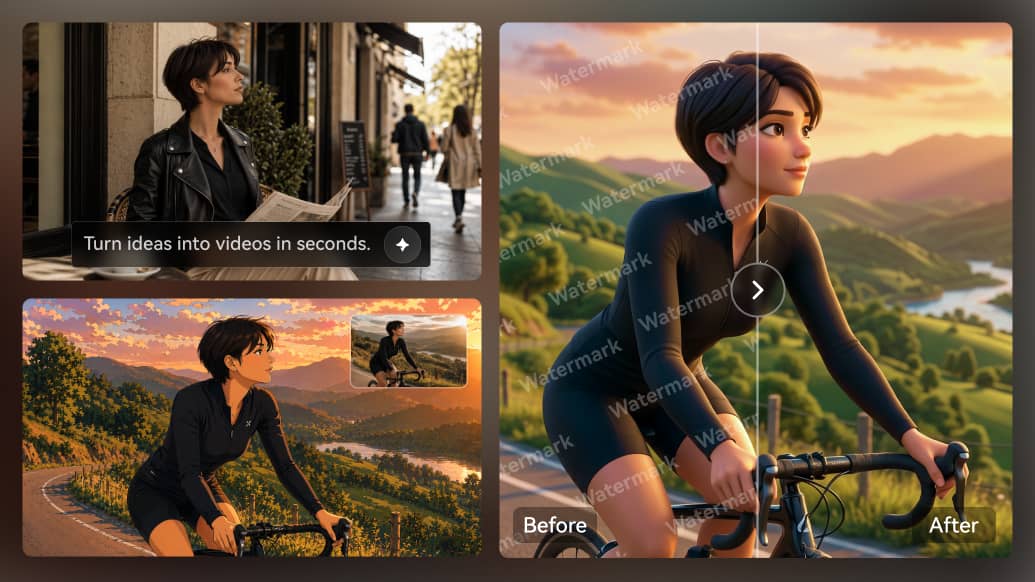
Как преобразовать видео с помощью AI
Создайте новое AI-видео на основе своего клипа всего за несколько простых шагов. Загрузите видео, выберите визуальный стиль или введите описание, и позвольте Media.io преобразовать оригинальное движение, объекты и структуру сцены в новый, готовый к публикации видеоролик онлайн.
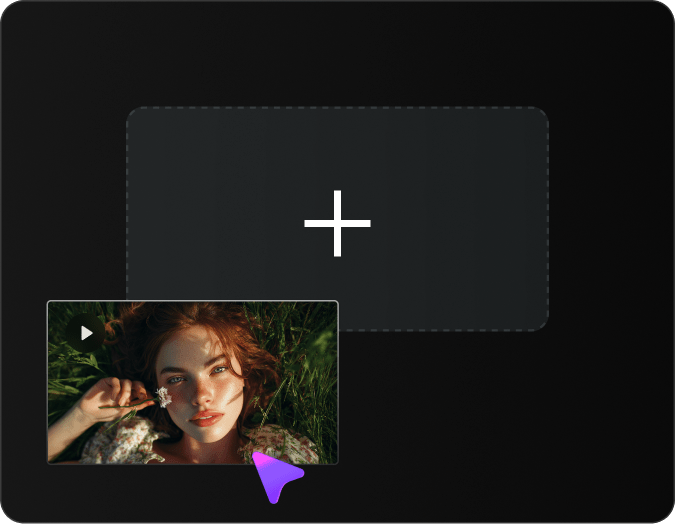
Загрузите свое видео
Загрузите видео, которое хотите преобразовать. Это может быть селфи, видео о продукте, тревел-влог, ролик с питомцем, танцы, кадры для соцсетей или любой короткий ролик, который вы хотите стилизовать с помощью AI.
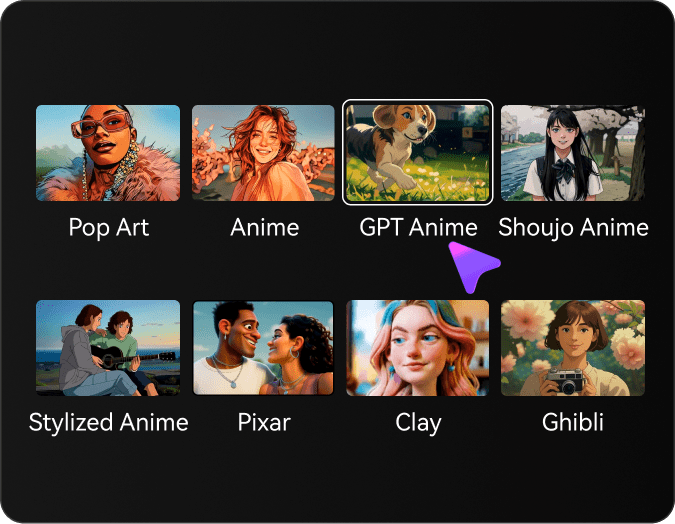
Выберите стиль
Выбирайте из глины, аниме (2D/J-аниме), GPT-манги, сёдзё-манги, в стиле Гибли, Pixar-3D, поп-арта или реалистичного кино. Настройте интенсивность стиля для баланса узнаваемости и стилизации.
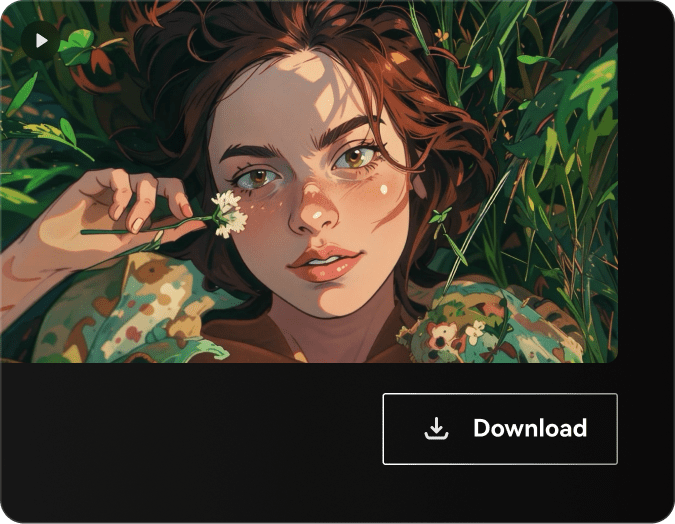
Сгенерируйте и скачайте
Нажмите «Сгенерировать», и видео AI изменит стиль вашего клипа. Через несколько секунд вы получите качественную трансформацию в выбранном стиле — посмотреть
Популярные видеофильтры Media.io
Откройте для себя разнообразные AI-фильтры для видео, созданные для преобразования ваших кадров в потрясающие творческие стили.





Что говорят пользователи о Media.io Видео в Видео
Узнайте, как создатели, маркетологи, малый бизнес и обычные пользователи превращают свои кадры в новые AI-видео с помощью Media.io. От контента для соцсетей и промо роликов до влогов, рекламы и креативного монтажа — пользователи отмечают, как легко менять стиль видео онлайн, не обладая сложными навыками редактирования.


Media.io помог мне превратить простой селфи-ролик в более креативное видео для TikTok и Instagram Reels. Мне нравится, что оригинальное движение остается естественным, а новый стиль делает видео заметным.

Этот инструмент идеален, когда мне нужно новое содержимое без новой съемки. Я могу использовать те же кадры и быстро создавать разные версии для рекламы, постов и тестов кампаний.

Я использую Media.io, чтобы видеоролики о продуктах выглядели более привлекательно. Он придает оригинальным клипам новый креативный стиль, сохраняя продукт четким и легкоузнаваемым.

Мои исходные кадры казались слишком простыми. С Media.io Видео в Видео я могу добавить кинематографический или художественный стиль онлайн и сделать свои видео более "вылизанными" перед публикацией.

Для небольших кампаний это экономит нашей команде много времени. Мы можем сделать из одного видео сразу несколько креативных версий для соцсетей, промо и брендированного контента.

Media.io — отличное решение для быстрых креативных экспериментов. Когда клиентам нужны разные визуальные подходы, я могу генерировать AI-стилизованные примеры роликов гораздо быстрее, чем монтировать их вручную.
Частые вопросы об AI Видео в Видео
Что такое AI Видео в Видео и как это работает?
AI Видео в Видео — это современная технология, которая преобразует существующие видео в новые стили с помощью искусственного интеллекта. Она анализирует содержимое, движение и структуру исходного видео, а затем применяет AI-модели для создания нового ролика с другими художественными стилями, эффектами или изменениями, сохраняя при этом движение и композицию оригинала.
Могу ли я преобразовать видео в разные художественные стили с помощью AI?
Да! Наш AI Видео в Видео поддерживает множество стилей: аниме, мультфильм, масляную живопись, акварель, киберпанк и многое другое. Просто загрузите видео, выберите стиль, и AI преобразит ваши кадры, сохраняя плавность движения и временную согласованность.
Какие форматы и разрешения видео поддерживаются?
Media.io поддерживает все основные форматы: MP4, MOV, AVI, MKV и WebM. Можно обрабатывать видео в разрешении до 4K. AI сохраняет исходное разрешение или позволяет увеличить его при трансформации для улучшения качества.
Сколько времени занимает преобразование видео с помощью AI?
Время обработки зависит от длины и разрешения видео. Обычно клип длиной 10 секунд занимает 2–5 минут, более длинные — 10–30 минут. Наш AI тщательно обрабатывает каждый кадр для высокого качества результата и плавных переходов между кадрами.
Можно ли использовать AI Видео в Видео для коммерческих проектов?
Да! Видео, созданные с помощью AI Видео в Видео Media.io, можно использовать в коммерческих целях: маркетинг, контент для соцсетей, видео на YouTube, реклама и деловые презентации. Пользователи с премиум-подпиской получают полные коммерческие права на преобразованные ролики.
Сохраняет ли AI согласованность стиля между кадрами?
Абсолютно. Наш AI Видео в Видео использует продвинутые алгоритмы временной когерентности для плавных и без мерцания результатов. Искусственный интеллект анализирует соседние кадры, чтобы сохранить стиль, цвет и внешний вид объектов во всей последовательности видео.
Какие лучшие сценарии использования AI Видео в Видео?
AI Видео в Видео идеально подходит для создателей контента, маркетологов, режиссеров и инфлюенсеров в соцсетях. Популярные сценарии: создание анимированных версий живых кадров, художественные музыкальные видео, стилизованный промо-контент, ролики для соцсетей, обучающее видео и уникальные визуальные эффекты для сторителлинга.
Нужны ли технические навыки для работы с AI Видео в Видео?
Технические навыки не требуются! Наш AI Видео в Видео имеет интуитивно понятный интерфейс. Просто загрузите видео, выберите стиль или опишите желаемый вид, настройте параметры (если нужно) — и AI все сделает за вас. Весь процесс создан для пользователей любого уровня.
Откройте другие AI-генераторы видео в Media.io

Создавайте потрясающие визуальные эффекты, преобразуя одно видео в другой стиль с помощью онлайн AI-генератора видео от Media.io
 4,7 (162 357 голосов)