Выберите / @ символ и опишите сцену, которую хотите создать.
0/2000
9:16
1K
1
Unlimited Banana Pro
Creations
Ideas Hub
How It Works
All
Popular features
View All
Творческий челлендж на Хэллоуин
View All
История фруктов с ИИ
View All
Видео с историей ИИ
View All
Вирусные видео сегодня
View All
Видео о продуктах ИИ
View All
Персонаж ИИ
View All
Танцевальные тренды
View All
GPT Image 2
View All
Seedance 2.0
View All
Соответствие знаменитостей ИИ
View All
Подсказки для поз пар
View All
Эстетические подсказки поз для девушки ИИ
View All
Стильные подсказки для поз ИИ-мальчика
View All
Generate List
Creations are stored for only 7 days. Assets created after upgrading to a Membership plan will be stored permanently.
Unlock your creative potential and experience the magic of Media AI right away!
Фильтр «Жена мафиози» для гламурных преображений с сохранением индивидуальности
Загрузите селфи и превратите его в смелый, фотореалистичный фильтр жены мафиози образ. Media.io поможет вам быстро создать глянцевые волосы, драматичный макияж, роскошный искусственный мех и стиль ночной жизни — идеально для эстетического фильтра жены мафиози, который всё равно остаётся похожим на вас.
Опишите идею -> ИИ воплотит её. Бесплатная пробная версия.
Ознакомьтесь с примерами описаний, затем адаптируйте детали запроса для получения более качественных результатов с этим фильтром жены мафиози в Media.io.
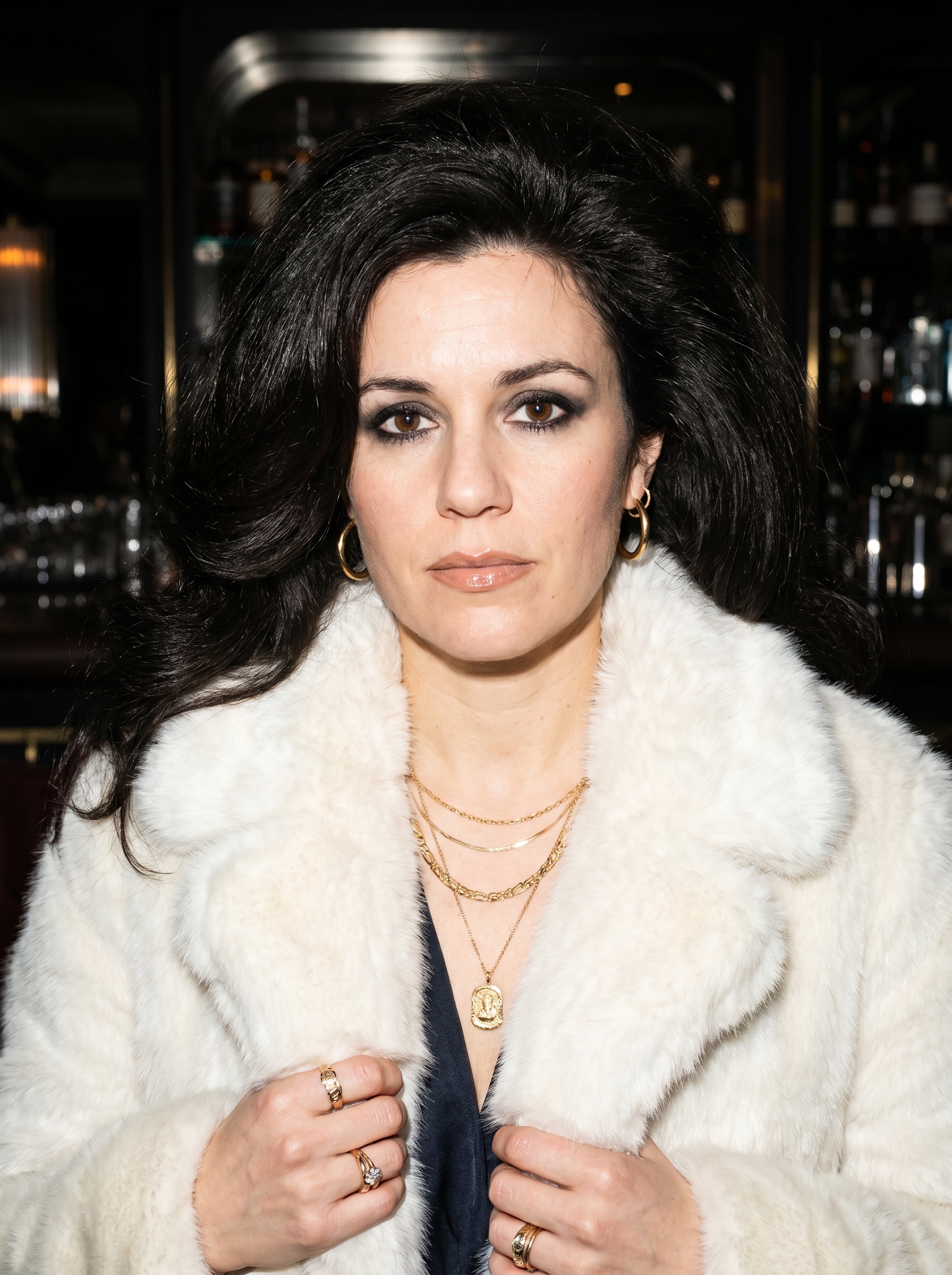
Фотореалистичный портрет в меховой шубе
Используйте загруженное изображение в качестве основы и преобразуйте его в гламурный портрет жены мафиози в белой шубе из искусственного меха, многослойных золотых украшениях, дымчатом макияже глаз, глянцевых губах и объёмной укладке. Сохраните узнаваемость лица, используйте вспышечное редакционное освещение, высокий контраст, атмосферу роскошной ночной жизни и чёткую фотореалистичную текстуру кожи.
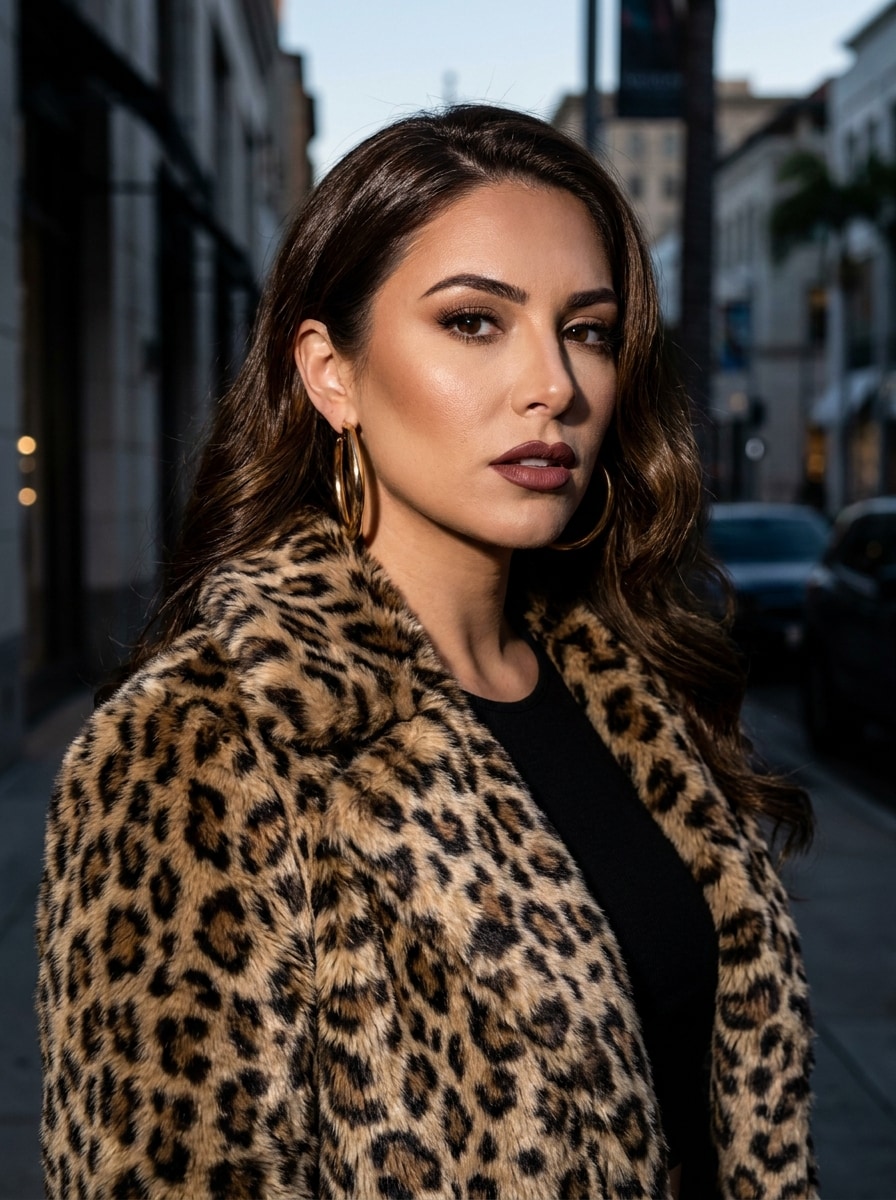
Роскошь с леопардовым принтом
Используйте загруженное фото в качестве основы и преобразуйте его в драматичный роскошный портрет с леопардовым принтом. Сохраните черты лица, добавив эффектное пальто с принтом животного, крупные золотые серьги-кольца, глянцевые волосы, скульптурный гламурный макияж и фон городского пейзажа высокого класса с фотовспышкой, насыщенными тенями и детальными текстурами.
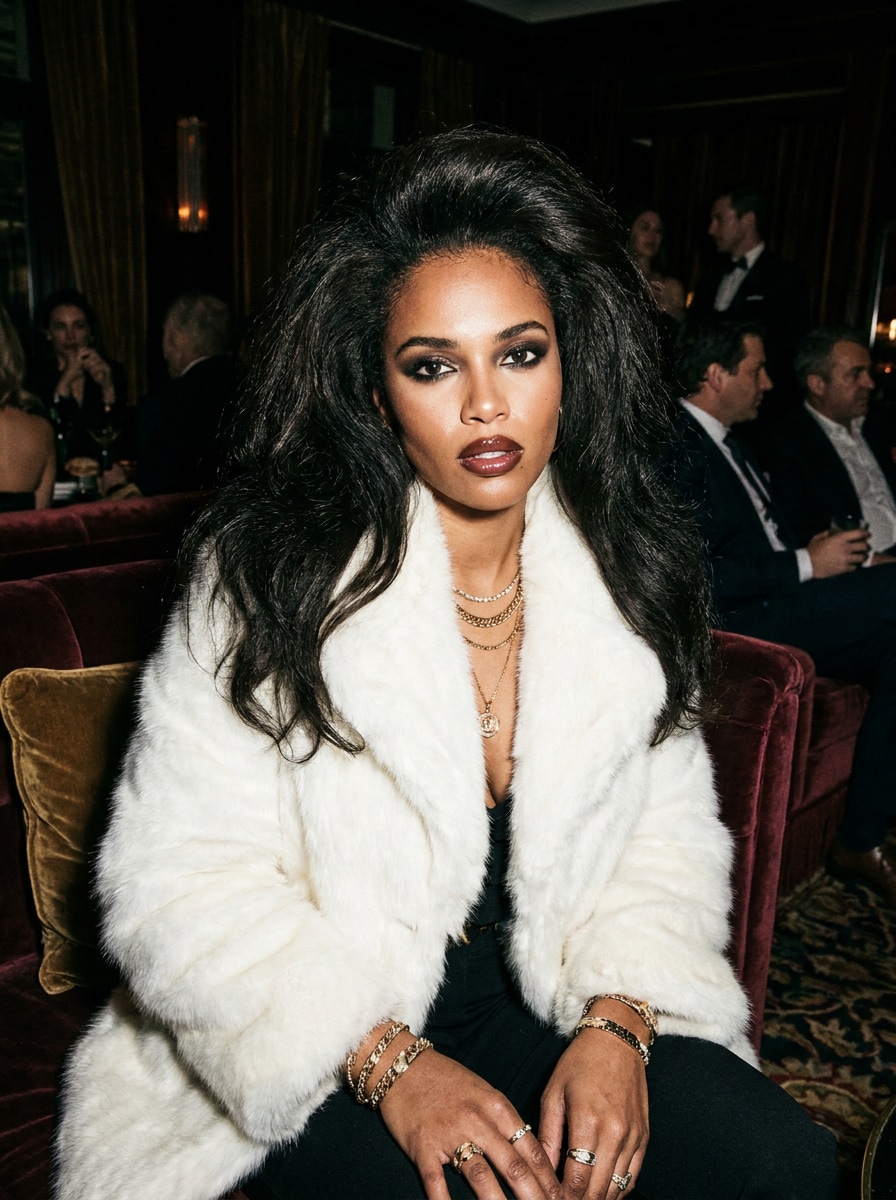
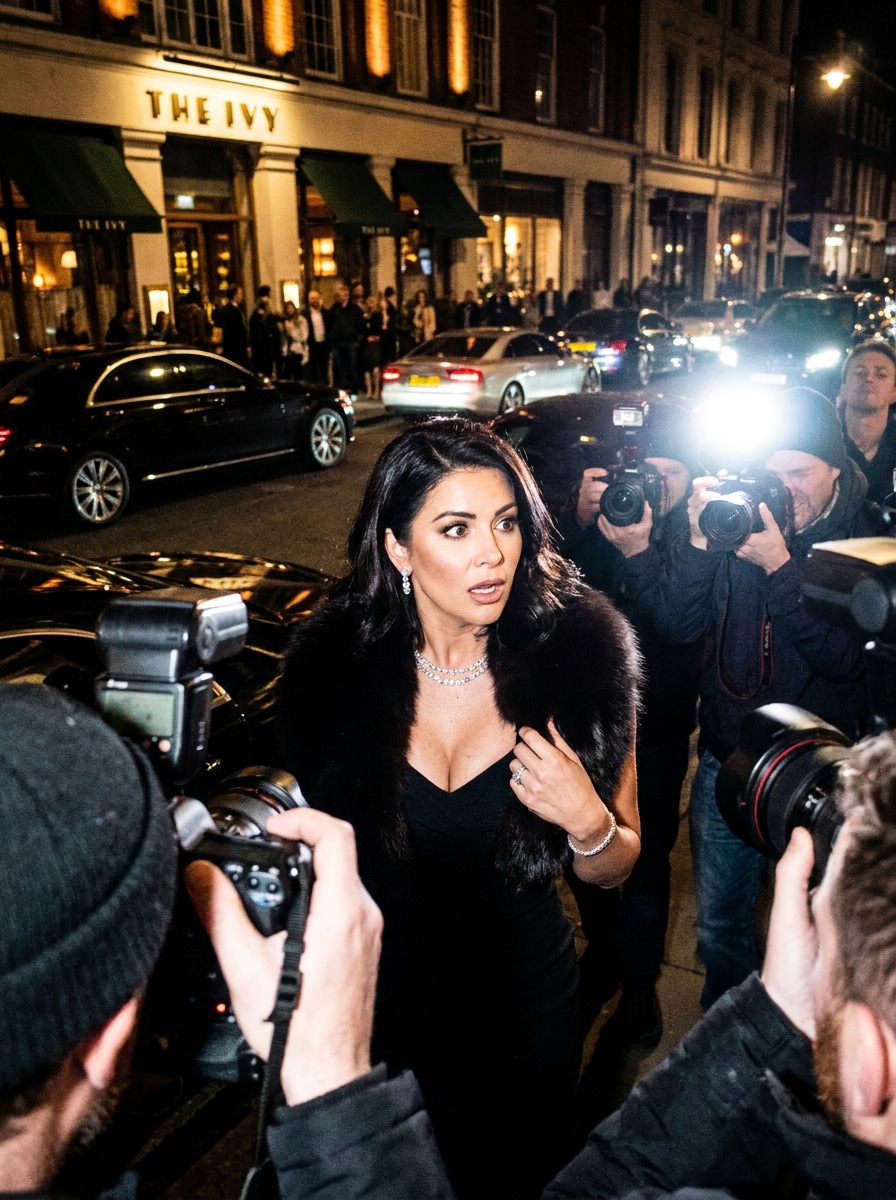
Образ для папарацци с вспышкой
Используйте загруженное селфи в качестве основы и преобразуйте его в портрет в стиле папарацци для ночной жизни у входа в роскошный ресторан. Сохраните то же лицо, добавив чёрное платье, меховое боа, сверкающие украшения, глянцевые волосы, прямую вспышку, драматичные тени и кинематографическую энергию таблоида в атмосфере роскошного вечера.
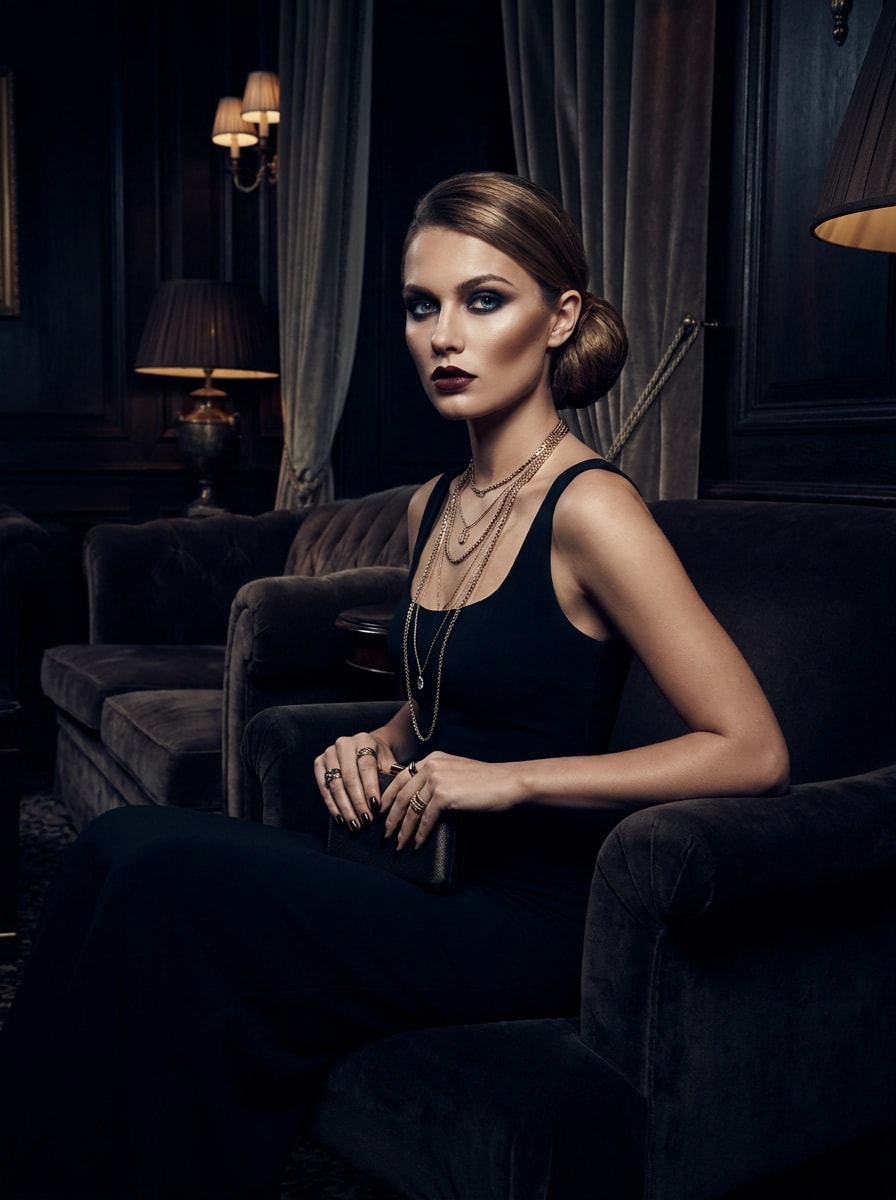
Силовой гламур в чёрном платье
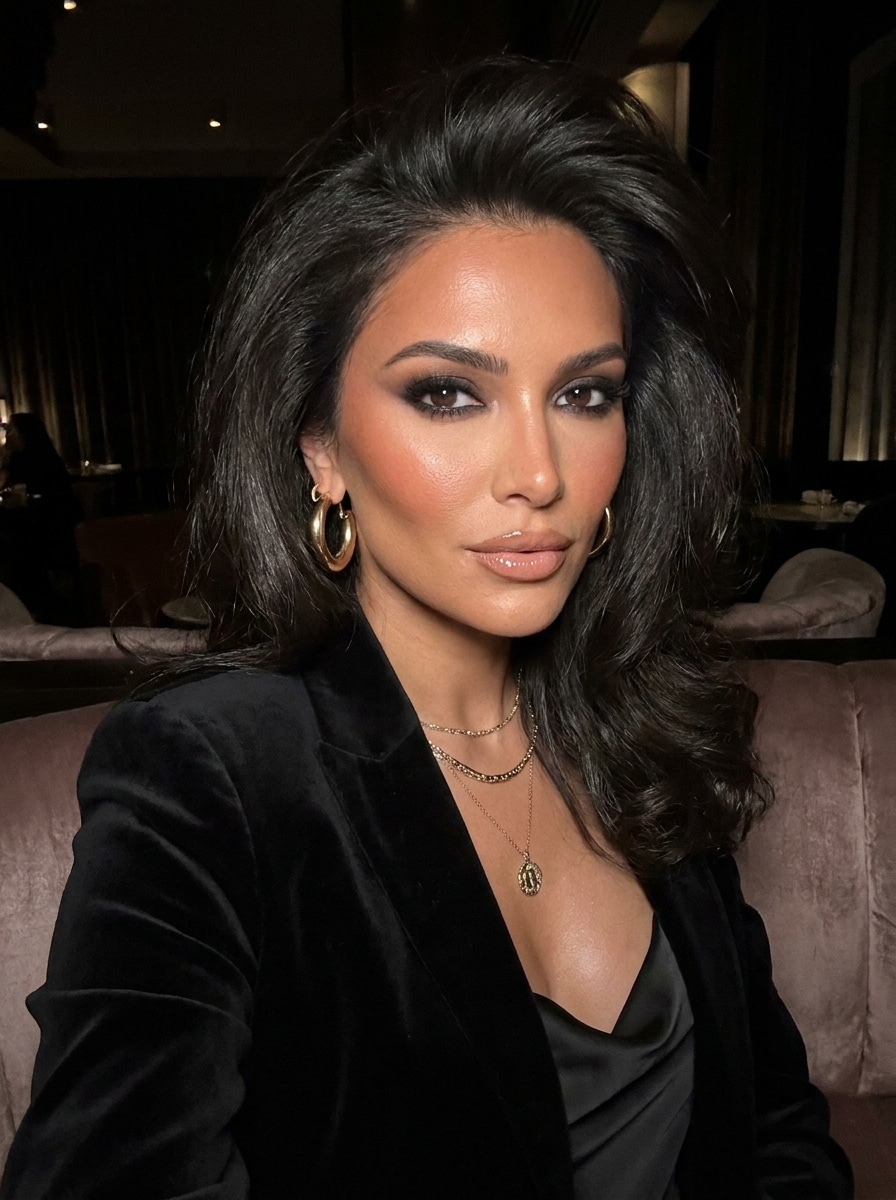
Используйте загруженное изображение в качестве основы и создайте тёмный гламурный образ с облегающим чёрным платьем, многослойными золотыми цепями, дымчатыми глазами, чётким контуром и ухоженными волосами. Сохраните индивидуальность, поместив модель в роскошный интерьер с модной подсветкой, сильным контрастом и уверенным редакционным настроением.
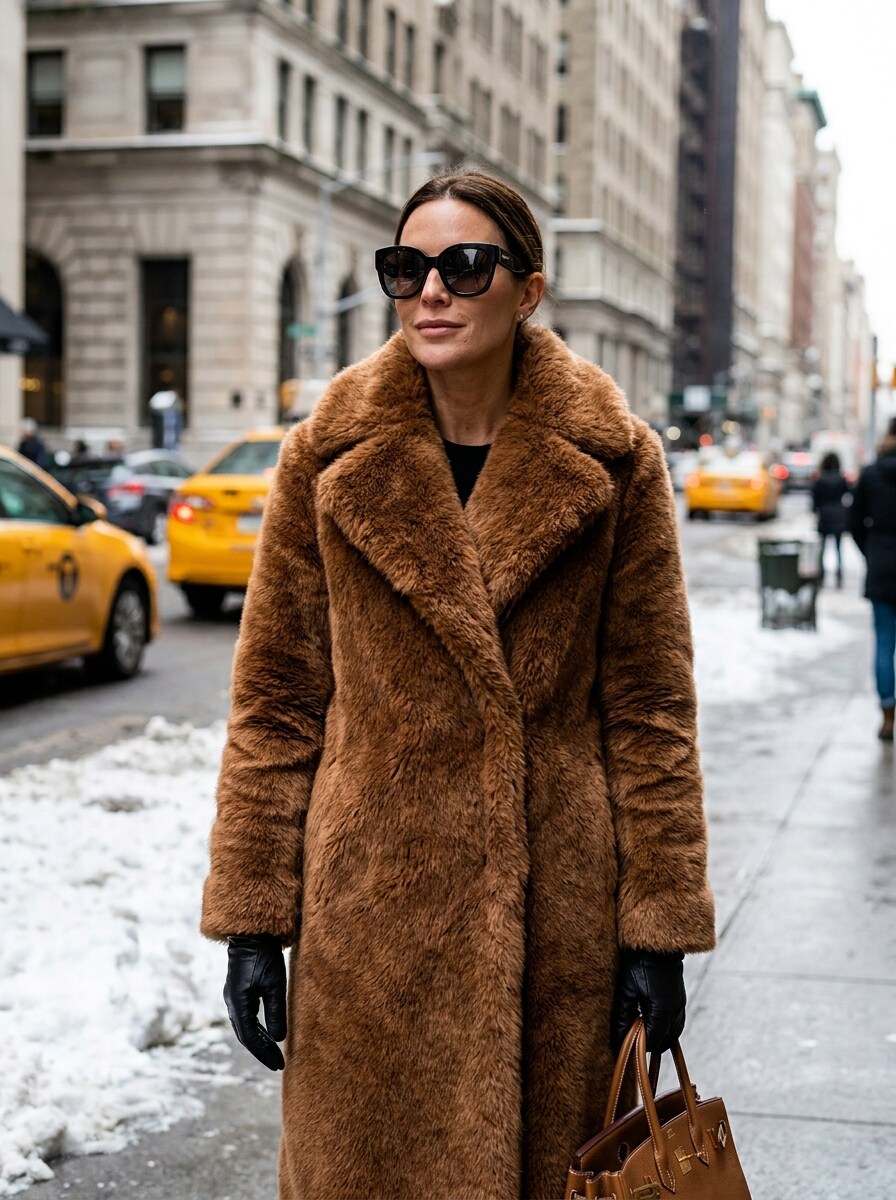
Уличный гламур в стиле старых денег
Используйте загруженное изображение в качестве основы и превратите его в зимний портрет уличной роскоши с объёмной шубой из искусственного меха, кожаными перчатками, дизайнерскими солнцезащитными очками и дорогой сумкой. Сохраните черты лица, добавьте городскую атмосферу прохладной погоды, отточенный редакционный реализм и уверенное настроение гламура «старых денег».
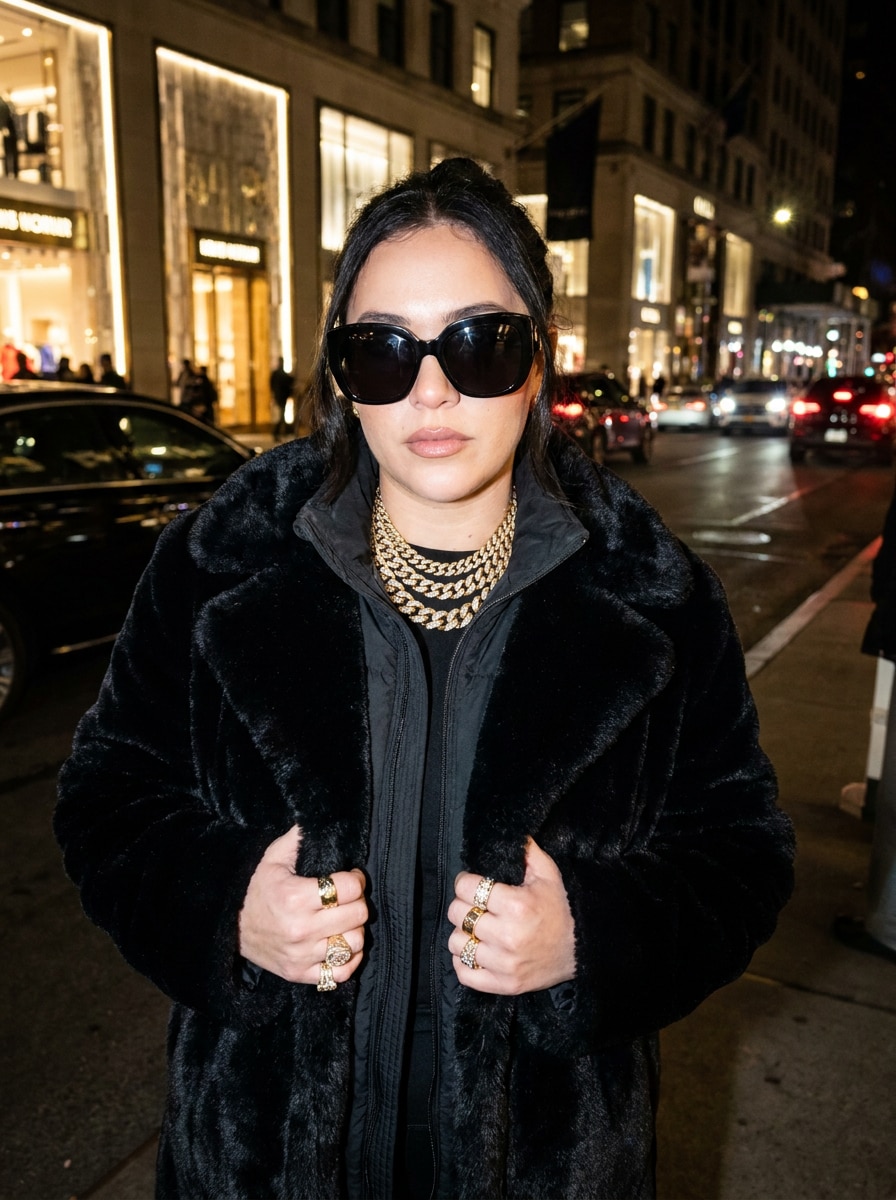
Солнцезащитные очки и золото
Используйте загруженное фото в качестве основы и примените смелый роскошный образ с тёмными большими солнцезащитными очками, массивными золотыми украшениями, верхней одеждой из искусственного меха и дорогим зимним стилем. Сохраните узнаваемость черт лица, используя гламур со вспышкой, кинематографический реализм и элегантную уличную палитру роскоши из чёрного, золотого и кремового цветов.
Гламур с дымчатыми глазами
Используйте загруженный портрет в качестве основы и создайте образ жены мафиози с акцентом на красоту: дымчатые глаза, скульптурные скулы, глянцевые нейтральные губы и объёмная салонная укладка. Сохраните то же лицо, добавьте мягкий гламур со вспышкой, элегантные золотые акценты и изысканную фотореалистичную текстуру кожи для отточенного результата в стиле бьюти-редакции.
Портрет с глянцевой укладкой
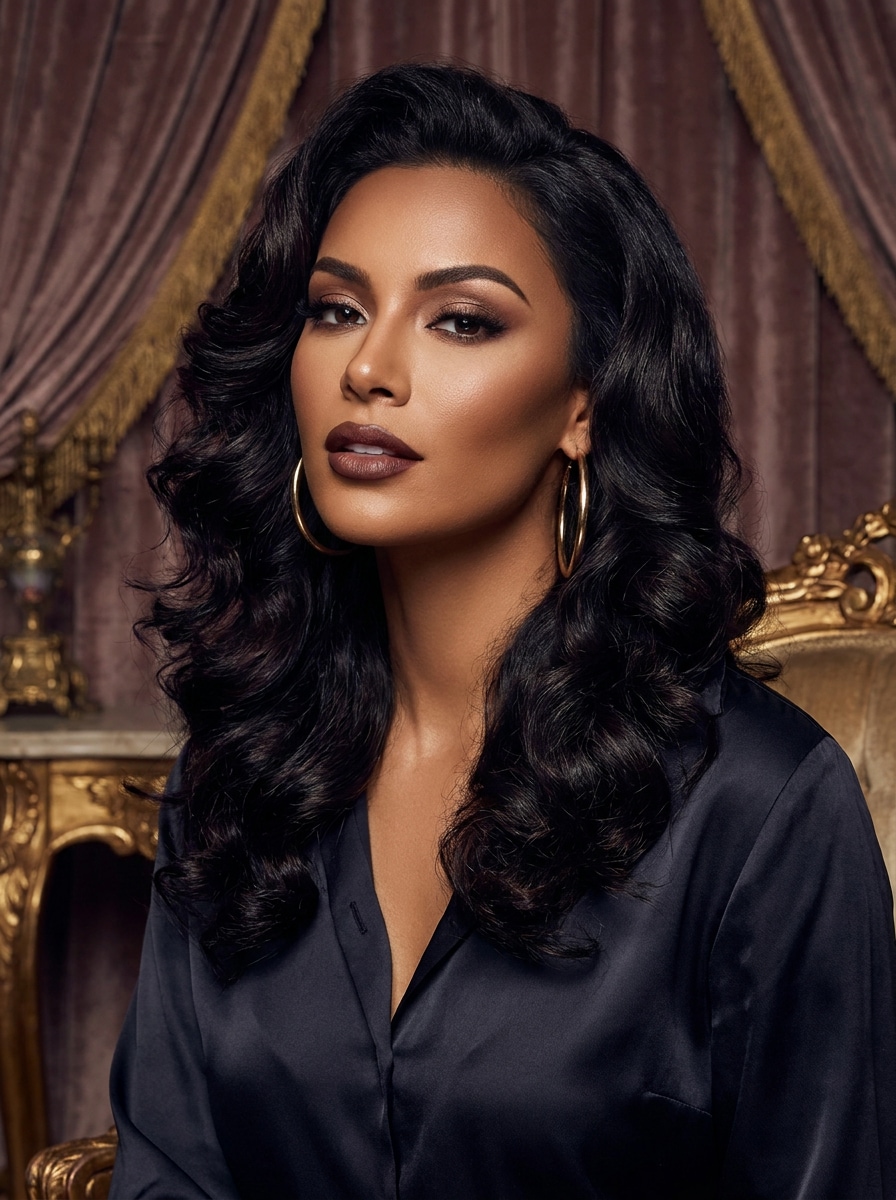
Используйте загруженное изображение в качестве основы и отредактируйте его в гламурный портретный снимок с пышными глянцевыми волосами, безупречным макияжем, золотыми серьгами и роскошным фоном для портрета. Сохраните индивидуальность, используйте мягкое редакционное освещение, насыщенный контраст, плавный стиль и первоклассную детализацию для шикарного завершения в духе красоты и ночной жизни.
Сцена в итальянском ресторане
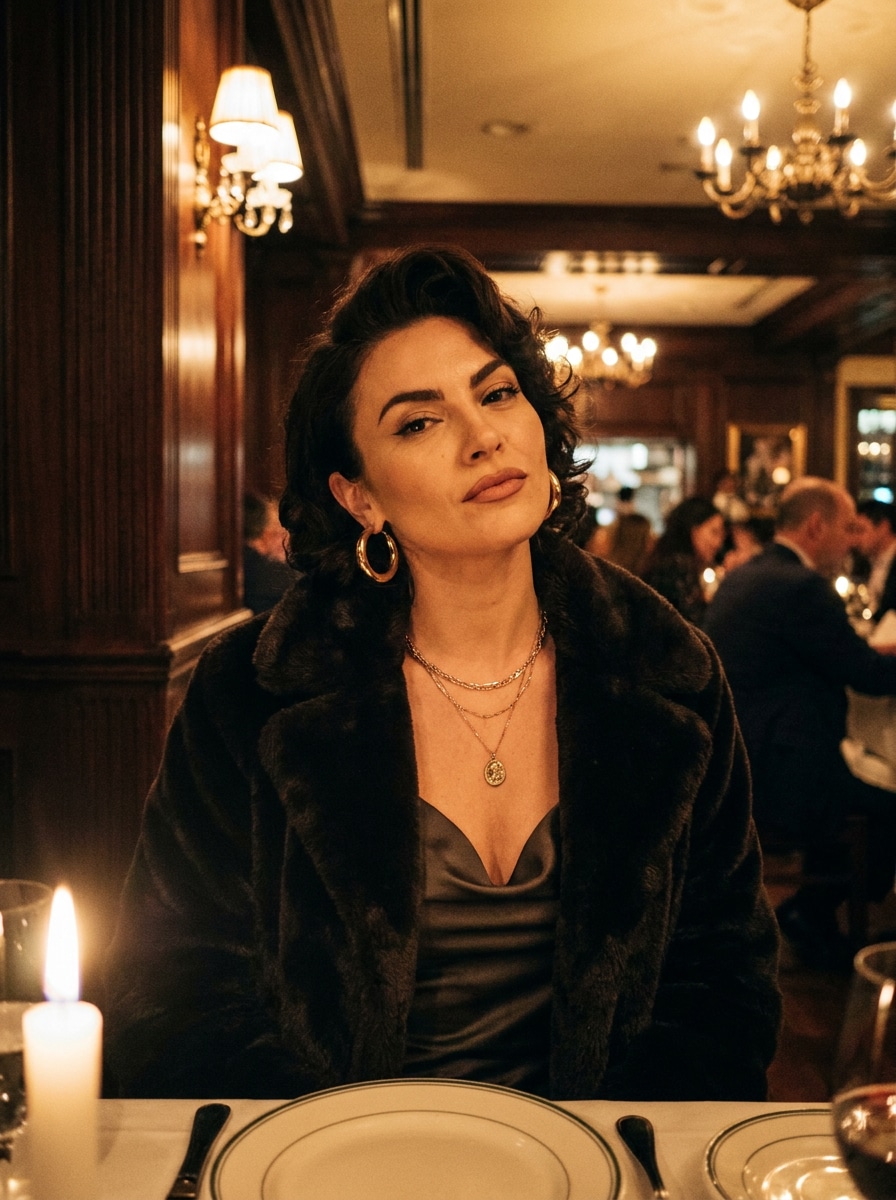
Используйте загруженное фото в качестве основы и поместите его в кинематографическую сцену итальянского ресторана с элегантными столиками, тёплым освещением, сверкающими украшениями и шубой из искусственного меха, накинутой на плечи. Сохраните черты лица, добавьте насыщенные янтарные тона, уверенное выражение лица и атмосферу кинематографической роскоши.
Прибытие на роскошном внедорожнике
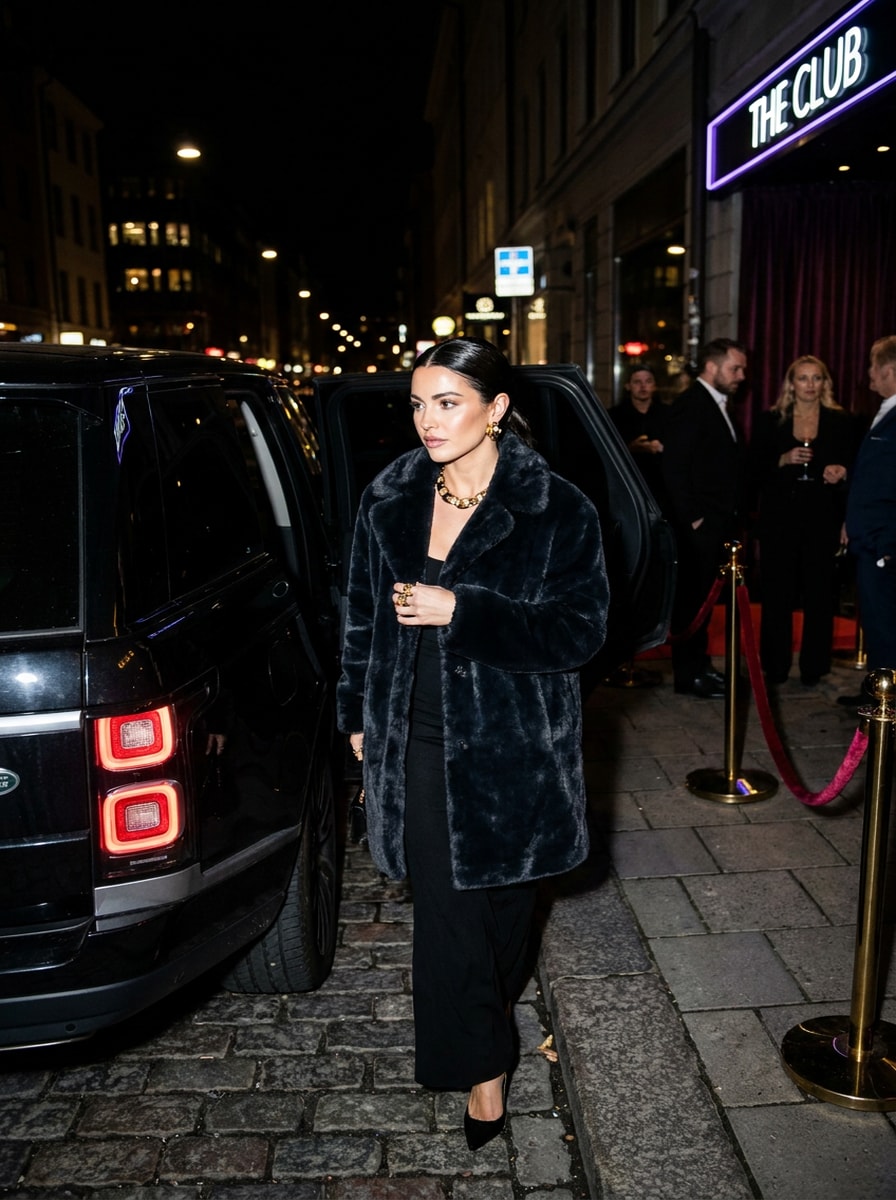
Используйте загруженное изображение в качестве основы и преобразуйте его в драматичную сцену прибытия рядом с роскошным внедорожником ночью. Сохраните узнаваемость черт лица, добавив шубу из искусственного меха, чёрное платье, золотые украшения, прямую вспышку, глянцевые волосы, атрибуты роскошной ночной жизни и высококонтрастный редакционный реализм.
Почему стоит использовать Media.io для преображения в стиле жены мафиози
Сохраните узнаваемость субъекта в новых стилях
Вместо того чтобы вручную подбирать макияж, наряд и световые эффекты, Media.io превращает простую загрузку фото и запрос в отточенное изображение в стиле фильтра жены мафии, позволяя создателям быстро создавать актуальный образ без продвинутых навыков ретуши.
Сохраните узнаваемость образа при смене стиля
Одна концепция часто требует нескольких вариаций для разных публикаций или задач. Media.io помогает переосмыслить одну и ту же идею фильтра жены мафиози в разных стилях, упрощая создание версий, которые лучше соответствуют проекту.
Создавайте изображения высокого разрешения для реального использования
Если результат должен выходить за рамки небольшого превью, Media.io помогает создавать более чёткие визуальные материалы с фильтром жены мафиози вплоть до 4K, что делает изображение более надёжным для макетов дизайна, презентаций и других практических нужд.
Поддерживайте рабочий процесс на всех устройствах
От планирования образа с фильтром меховой шубы на компьютере до просмотра черновиков на телефоне — Media.io поддерживает браузерный рабочий процесс, позволяя переключаться между устройствами и продолжать редактирование без лишних затруднений.
Как создать эстетического фильтра жены мафиози образ
Превратите свои слова в потрясающие визуальные материалы за три простых шага, а затем продолжайте улучшать результат по желанию.
Шаг 1
Загрузите референсное изображение
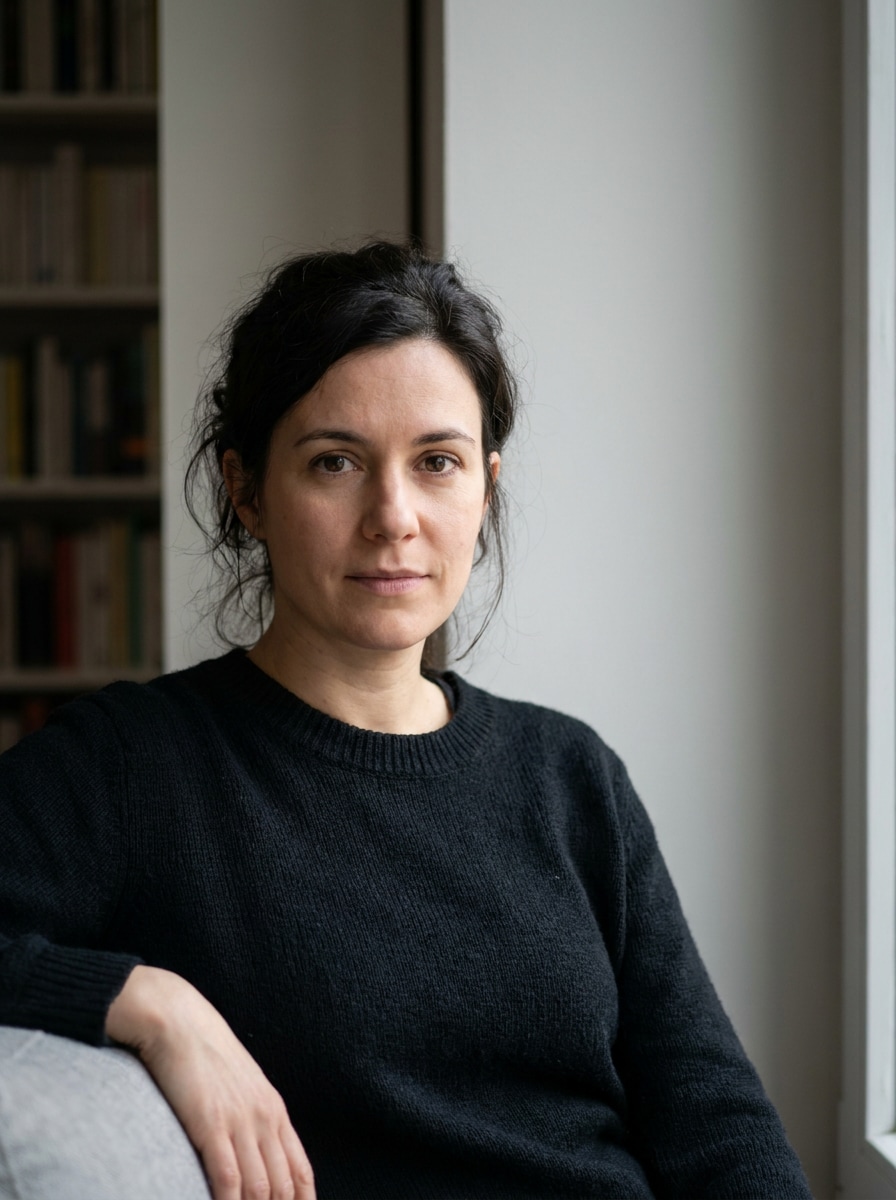
Начните с чёткого селфи или портрета в формате JPG, PNG или JPEG. Выберите фото с хорошо видимым лицом, простым фоном и приемлемым освещением, чтобы преображение могло сохранить вашу индивидуальность при улучшении стиля.
Шаг 2
Опишите изменение и настройте параметры
Введите желаемый образ — например, искусственный мех, леопардовый принт, золотые украшения, дымчатые глаза, глянцевые волосы или гламур со вспышкой папарацци — затем выберите модель и настройте соотношение сторон, качество и количество изображений для нужного результата.
Шаг 3
Создайте, скачайте и продолжайте улучшать
Создайте своё преображение, сравните варианты и скачайте понравившуюся версию. При необходимости уточните запрос для более выразительных деталей роскоши, более чистого фона или более драматичного редакционного настроения, а затем создайте снова.
Раскройте потенциал эстетического фильтра жены мафиози
Посмотрите, как создатели используют этот фильтр жены мафиози для контента, маркетинга и личных проектов, а затем адаптируйте каждую идею под свои задачи.
Превратите обычные селфи в вирусные гламурные портреты
Придайте обычному фото драматичный роскошно-гламурный образ для TikTok, Instagram или фото профиля. Media.io упрощает создание смелого преображения с искусственным мехом, эффектными украшениями и энергией ночной жизни без использования сложных инструментов редактирования.
Создавайте трендовый контент «до и после»
Создавайте сравнительные трансформации, показывающие, как обычный портрет может превратиться в отточенную роскошную персону. Это особенно полезно для создателей, тестирующих тренд эстетического фильтра жены мафиози и желающих создать привлекательный контент с сильным визуальным контрастом.
Создавайте образы персонажей для фэшн-проектов или мудбордов
Используйте этот стиль для создания макетов редакционных персонажей, референсов красоты или драматичных зимних роскошных образов. От леопардовых шуб до элегантных чёрных платьев — Media.io поможет сформировать концепции кампаний, эстетические доски или отточенную идентичность в стиле фильтра жены мафии.
Что говорят пользователи
Ванесса Р.
Лайфстайл-блогер
«Именно тот богатый гламурный образ, который я хотела» Я загрузила обычное селфи и получила драматичный роскошный образ, который всё равно был похож на меня. Мех, украшения и эффект фото со вспышкой выглядели намного реалистичнее, чем другие трендовые фильтры, которые я пробовала.
Талия М.
Создатель контента в TikTok
«Отлично подходит для постов «до и после»» Результаты были идеальны для социального контента. Я создала несколько версий с леопардовым принтом, гламурным чёрным платьем и сценами ресторанной ночи, и индивидуальность удивительно хорошо сохранялась.
Эрика П.
Любитель красоты
«Удобно на телефоне и быстро для тестирования» Мне нужно было быстрое фото в стиле жены мафиози для сторис в Instagram, и мобильный рабочий процесс был простым. Я могла загружать, вводить запросы и пересоздавать до тех пор, пока макияж и причёска не выглядели именно так, как нужно.
Джанна Л.
Студентка факультета моды
«Полезно для концепций стилизации» Я использовала его для изучения стилизации роскошных персонажей для мудборда. Изображения обладали сильной редакционной энергией, а разные соотношения сторон упрощали повторное использование визуальных материалов в презентациях.
Фильтр жены мафиози — это ИИ-эффект для фотографий, который преобразует портрет в смелый образ, вдохновлённый роскошью, с такими элементами, как искусственный мех, леопардовый принт, драматичный макияж, глянцевые волосы и эффектные украшения. С помощью Media.io вы можете загрузить референсное фото и создать фотореалистичное преображение в этом роскошно-гламурном стиле.
2. Как превратить своё фото в изображение с эстетикой жены мафиози?
Загрузите чёткий портрет в Media.io, затем введите запрос с описанием желаемого образа, например, чёрное платье, шуба из искусственного меха, дымчатые глаза, золотые украшения или вспышечное освещение в стиле папарацци. Затем выберите предпочтительную модель и настройки изображения, создайте результат и уточните запрос, если хотите более сильную трансформацию.
3. Может ли ИИ-фильтр жены мафиози сохранить моё лицо и индивидуальность?
Да, Media.io разработан для редактирования изображений на основе референса, поэтому вы можете загрузить собственное фото для управления трансформацией. Это помогает сохранить узнаваемые черты лица при изменении элементов стиля: одежды, макияжа, аксессуаров, настроения и фона.
4. Есть ли бесплатный фильтр жены мафиози, который можно попробовать онлайн?
Да, бесплатные пользователи могут попробовать Media.io с бесплатными кредитами, что удобно, если вы хотите протестировать эстетический фильтр жены мафиози онлайн перед оформлением подписки. Бесплатные загрузки могут содержать водяной знак, тогда как платные планы предлагают изображения высокого разрешения без водяного знака и больше кредитов. Вы можете сравнить варианты на странице тарифов.
5. Какое фото лучше всего подходит для преображения в стиле жены мафиози?
Чёткий, хорошо освещённый портрет обычно работает лучше всего, особенно когда лицо полностью видно и не скрыто шляпами, руками или глубокими тенями. Простые фоны также помогают Media.io сосредоточиться на ваших чертах, что может улучшить итоговое преображение — будь то глянцевые бьюти-правки или драматичная сцена ночной жизни в меховой шубе.
6. Сколько времени занимает создание фото в стиле жены мафиози?
Обычно на создание результата уходит совсем немного времени после того, как изображение и запрос готовы, хотя скорость может варьироваться в зависимости от выбранных настроек и модели. Media.io создан для быстрых рабочих процессов «загрузка — преображение», поэтому хорошо подходит для трендового контента и повторного тестирования.