Prompt Templates for Squishy Motion
Start with a clear AI Squish Effect prompt formula for soft squeezing, squash-and-stretch animation, rubbery bounce-back, and funny non-destructive motion.
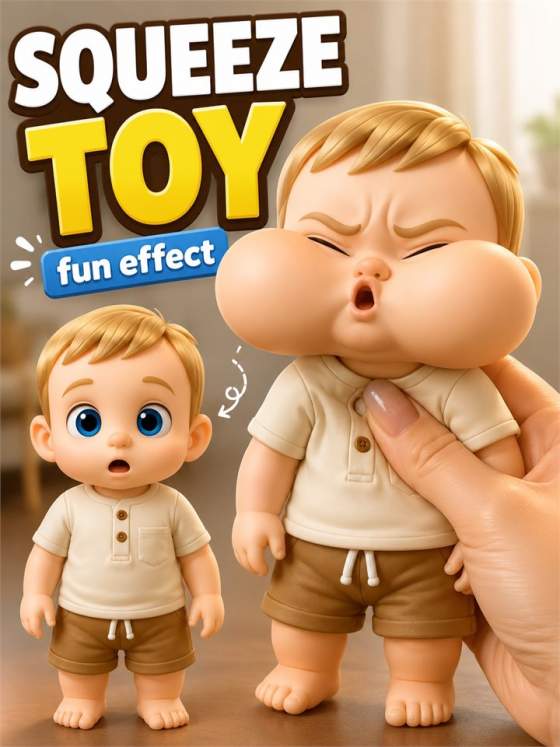
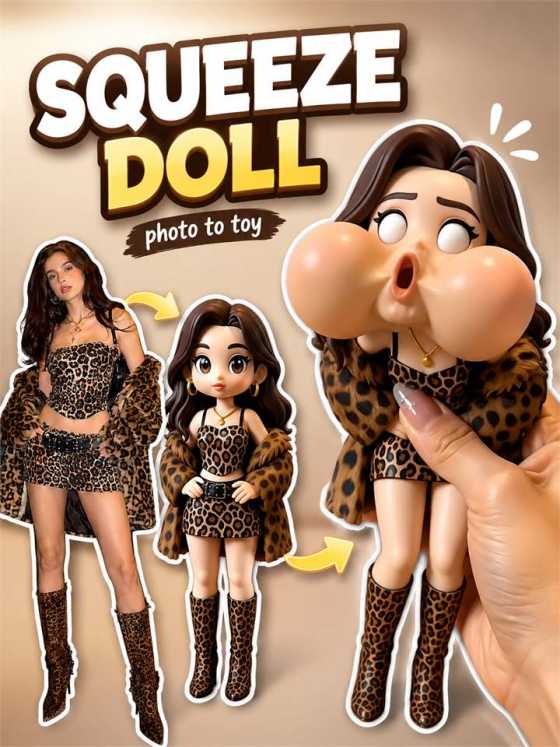
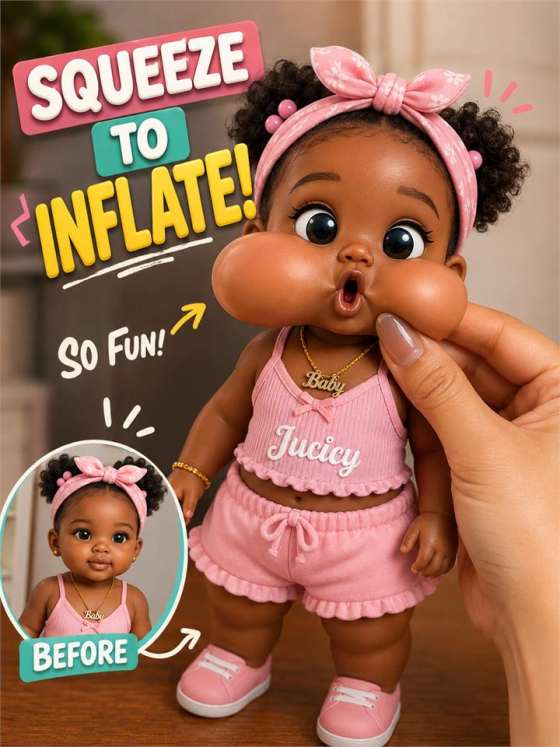
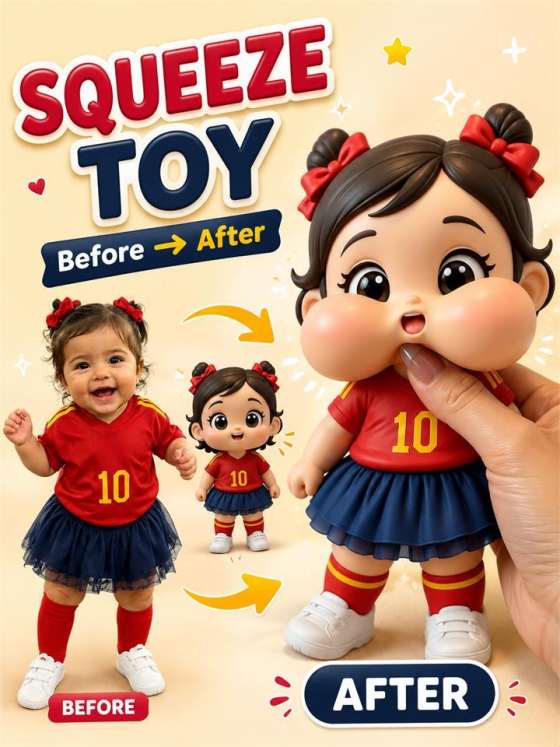
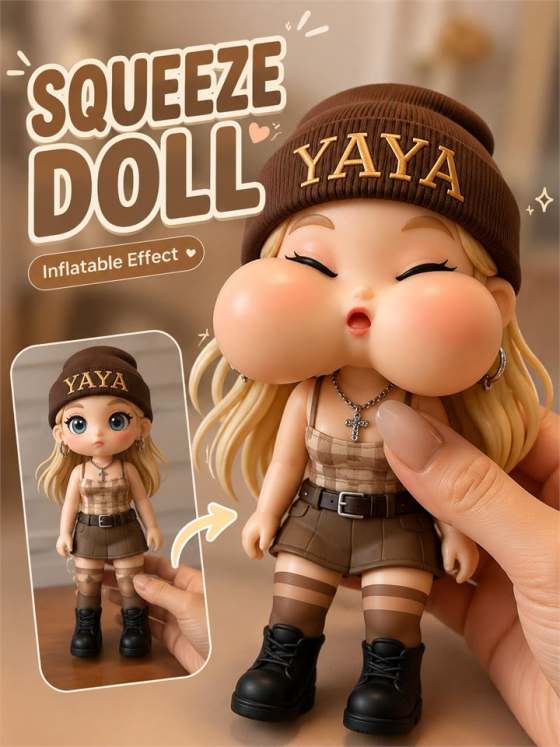
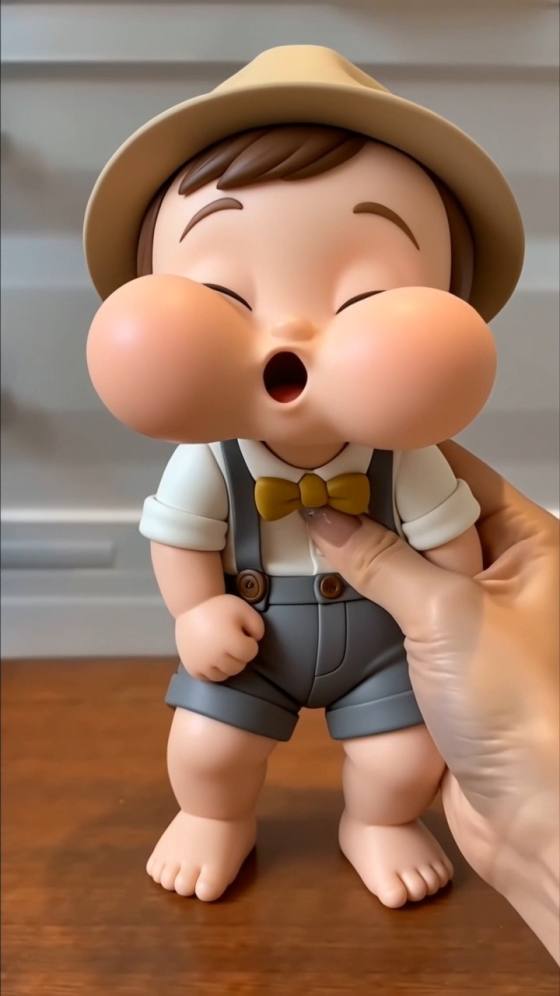
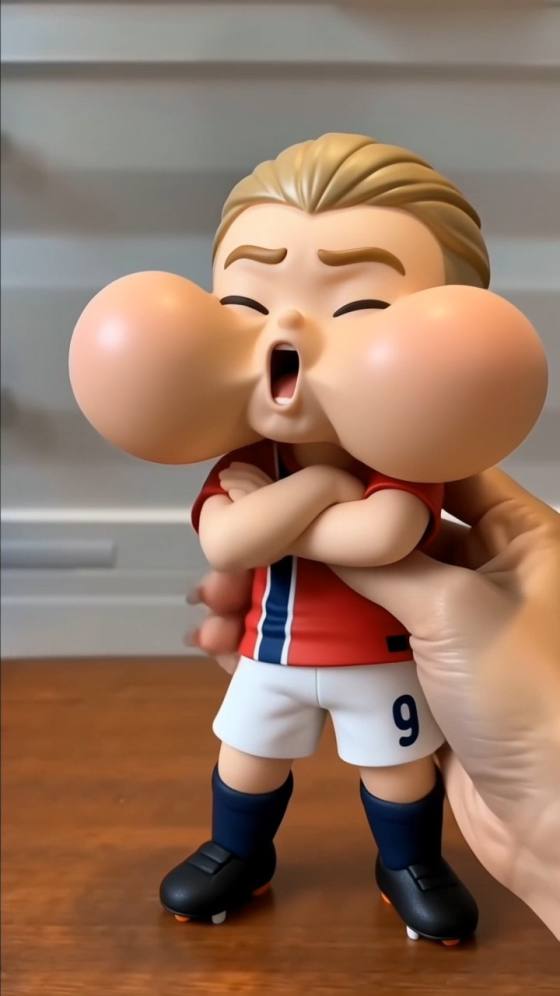
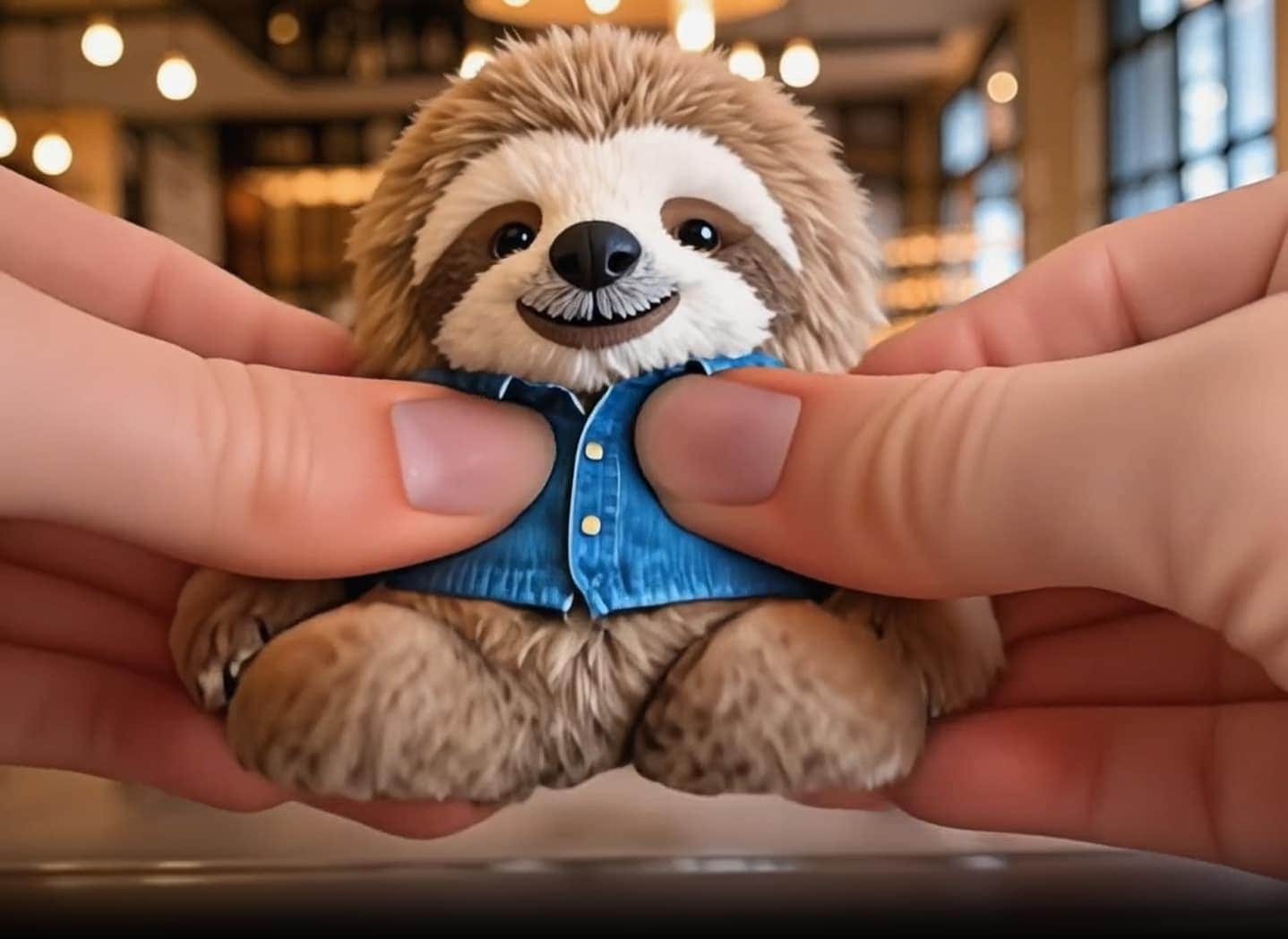
Looking for an AI Squish prompt, squish video effect, or a Pika-style Squish It alternative? Use Media.io to turn your own portrait, pet photo, object shot, or original character image into a short, funny photo-to-video squish clip. Copy playful AI Squish Effect Prompts that describe soft compression, rubbery bounce-back motion, close-up camera moves, vertical framing, and social-ready timing without copying a real person, brand, copyrighted character, or another platform's effect.
Free credits on signup.
Start with a clear AI Squish Effect prompt formula for soft squeezing, squash-and-stretch animation, rubbery bounce-back, and funny non-destructive motion.
Describe how the subject compresses, stretches, wobbles, and returns to shape with close-up push-ins, handheld reactions, loopable timing, and vertical short-video framing.
Write squish photo effect prompts for selfies, pets, toys, product shots, avatars, and original characters while keeping the main subject recognizable.
Adjust duration, 9:16 framing, realism level, cartoon exaggeration, camera speed, and background style before you generate and download a TikTok, Reels, or Shorts-ready clip.
Upload a clear portrait, pet image, toy photo, object shot, avatar, or fictional character. For safer results, use images you own or have permission to edit, and avoid real-person impersonation or branded characters.
Add squish direction, soft squeeze motion, squash-and-stretch timing, rubbery bounce-back, camera movement, playful mood, and vertical short-video framing. Keep the effect funny, non-destructive, and original.
Create the AI squish video, check the subject stability, compression shape, bounce timing, and framing, then refine the prompt if the motion needs more wobble, smoother stretch, or cleaner loop timing.

Content Creator

"It gave me a clear starting point for a funny squish video." The prompt structure made the motion feel soft, bouncy, and playful instead of random.

Social Media Manager
"Perfect for fast Reels and Shorts tests." I could reuse one base AI Squish prompt and switch between portrait, pet, product, and character videos without rewriting everything.

Motion Designer
"The motion wording made the effect look intentional." Mentioning soft compression, stretch timing, and camera push-in gave the clip a stronger meme-video feel.

Creative Strategist
"Great for playful pet and character squish videos." The prompt guide made it easy to create funny AI image-to-video clips from original photos.
AI Squish Effect Prompts are text instructions that guide an image-to-video AI tool to animate a still photo with a playful squish, squeeze, squash, wobble, or bounce-back effect. A strong prompt usually describes the subject, soft compression direction, rubbery motion, camera angle, vertical format, lighting, and a note to keep the clip funny, non-destructive, and original.
You can use a similar creative idea by writing your own AI Squish prompt for Media.io, such as a soft rubbery compression effect, funny squash-and-stretch motion, and quick bounce-back animation. Media.io is not affiliated with Pika or Pikaffects, and the prompts on this page are designed as original photo-to-video squish effect ideas.
Use a simple formula: subject + squish action + motion style + camera movement + format + safety note. For example, "Animate the subject in the image into a short funny squish video effect with soft rubbery compression from the sides, exaggerated squash-and-stretch motion, quick wobble, smooth bounce-back to the original shape, close-up camera push-in, vertical 9:16 format, stable subject identity, no logos, no copyrighted character, non-destructive playful style."
Clear portraits, pet photos, toy images, product shots, avatars, and original character images work best. For a cleaner squish photo effect, use a sharp image with a visible main subject, simple background, good lighting, and enough space around the subject for compression, stretching, and bounce-back motion.
No. Media.io is an independent AI video resource and is not affiliated with Pika, Squish It, or Pikaffects. This page helps users create original AI squish video effects and funny image-to-video clips from their own photos using Media.io.
 4.7 (162,357 Votes)



