
Car Background Remover Online for
Cleaner Car Photos
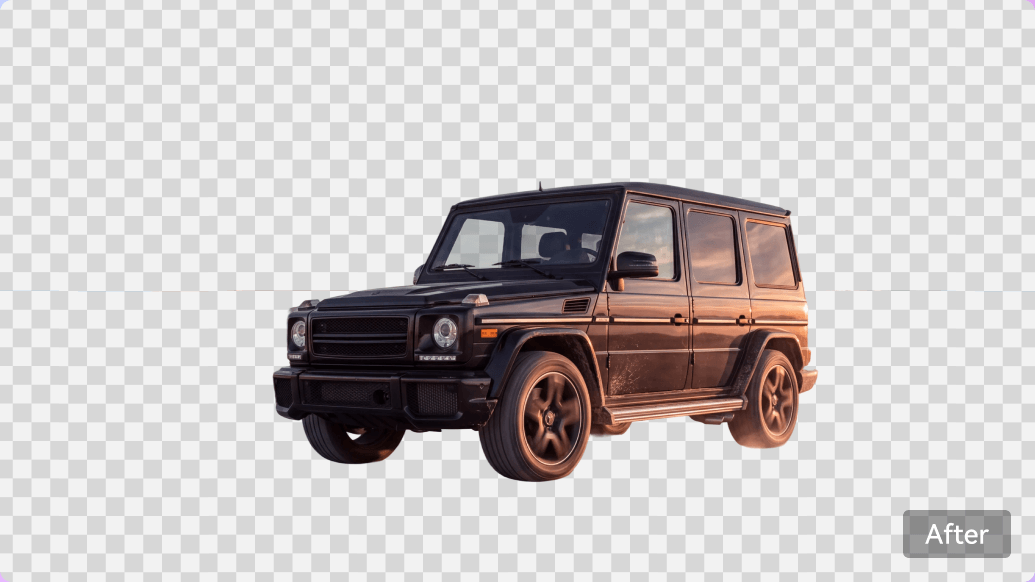
Got a great car shot with a messy driveway or crowded parking lot behind it? Media.io's car background remover helps separate the vehicle from its original scene without hand-tracing the outline. Upload your photo in the editor above, preview the cutout, and get an image ready for your next listing, promotion, or creative project.
Why Use Media.io's AI Car Image Background Remover?
A car photo should highlight the vehicle, not the surroundings. Start with automatic background removal, check the result, and choose whether a different scene would better suit your project.
Remove Car Photo Backgrounds Without Manual Tracing
Upload your car photo to the AI car background remover above and let it separate the vehicle from a busy parking lot, garage, or street scene. You can start without a hand-drawn mask or complicated selection process.
- Automatic vehicle isolation - keep the car as the main subject.
- Less manual work - skip drawing around the body and mirrors.
- Use your own photo - start with the shot you already have.

Preview the Cutout Before You Use It
See the background-removed result before choosing it for a listing, ad, or personal showcase. A quick preview lets you decide whether the photo is ready to use or whether a sharper source image would work better.
- Quick review - assess the car at the size you plan to publish.
- Detail check - take a closer look at wheels, glass, and mirrors.
- Download options - save the result available under your plan.

Change Car Photo Backgrounds with AI Image to Image
Want a showroom, coastal road, or studio-style backdrop instead of an isolated car? Open Media.io Image to Image, upload your vehicle photo, and describe the new setting. Background generation is a separate workflow from one-click removal; review the car details in the result.
- Showroom look - explore a cleaner setting for presentation shots.
- Outdoor scene - describe a road, city, or scenic landscape.
- Creative control - prompt for lighting and atmosphere.
- Separate tool - create new backgrounds with Image to Image.

How to Remove Background from Car Images Online
Ready to try it? You can remove the background from a car image online in three steps, starting with the editor above.
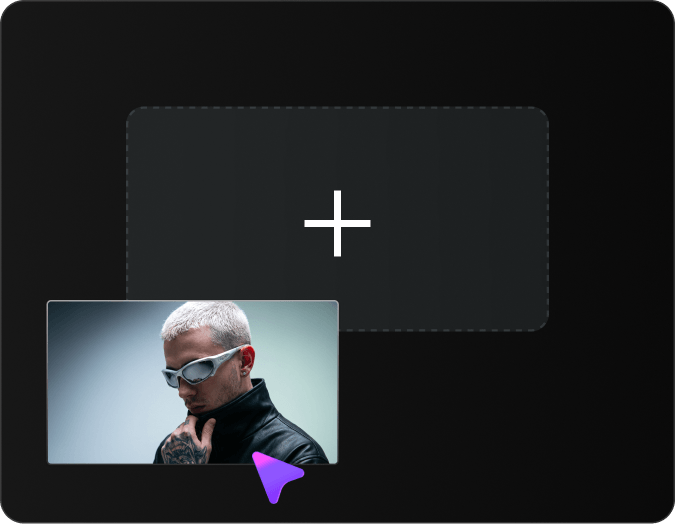
Upload Your Car Photo
Choose a clear photo with the whole car in frame. A little space around mirrors and bumpers helps preserve the original outline.
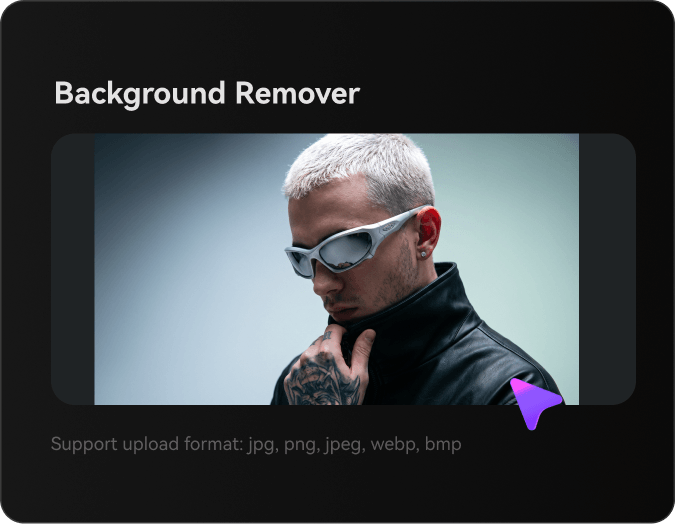
Let AI Remove the Background
Start the removal process and let AI separate the vehicle from the surrounding driveway, garage, or parking lot.
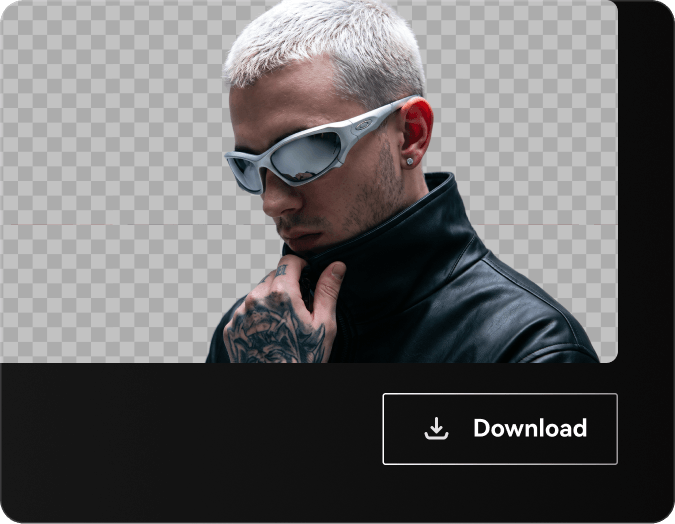
Preview and Download
Check the result, especially around glass and wheels, then download the image available under your plan.
Car Photo Background Remover for Listings, Ads, and Showcases
Give a vehicle photo a clearer purpose: an inventory image, a sales listing, a promotion, or a personal project. Start with the original shot and choose the presentation that fits.
Dealership inventory
For vehicle galleries, remove distracting forecourt backgrounds from individual car photos. If you are comparing a car dealership background remover, test different paint colors and camera angles first.
Private car listings
Remove background from vehicle photos shot in a driveway or on a busy street, so buyers can focus on the car. Include unedited condition photos and follow the marketplace's image rules.
Automotive promotions
Start with a cleaner vehicle image for a social post, dealership flyer, or sale graphic. For a completely different location, continue in Media.io Image to Image.
Personal car showcases
Give your favorite car photo a more focused look for a portfolio, enthusiast post, or video thumbnail. Keep the paint, styling, and vehicle condition represented accurately.
Car Image Background Removal: What to Check in Your Result
Most car cutouts only need a short visual review. If something looks off, use these examples to decide whether to try a clearer source photo or finish the detail in a separate editor.
| What you notice | Possible reason | What to try next |
|---|---|---|
| Mirrors or thin trim look clipped | Fine details blend into the source background. | Try a sharper photo with clear contrast around the car. |
| The old scene shows between wheel spokes | Gaps can contain both scenery and actual brake components. | Compare with the original before removing anything further. |
| Reflections remain in the windows | Glass can reflect or reveal the original location. | Use a more neutral source photo, or retouch glass separately. |
| The car looks like it is floating | The original contact shadow may be removed. | Add a natural ground shadow in a separate editor if needed. |
Better Source Photos for a Vehicle Background Remover
A clearer input photo usually gives you a better starting point. Try these simple shooting choices before uploading your car.
- Frame the whole vehicle: Leave room around the bumper, roof, mirrors, and tires.
- Reduce overlapping clutter: Avoid people, poles, and neighboring cars crossing the vehicle outline.
- Keep the photo sharp: Steady shots help define spokes, chrome, antennas, and fine edges.
- Choose even lighting: Softer light can reduce distracting shadows and harsh reflections.
- Use consistent angles for inventory: Keep front three-quarter, side, and rear views comparable across listings.
AI Car Background Remover FAQs
Can I try Media.io car background removal for free?
Free credits are available to try the tool. Downloads by free users include a watermark; check your plan for other export options.
Does the car background remover export a transparent PNG?
Not necessarily. If you remove the background from a car image online, the output does not automatically have a transparent alpha channel. Check the downloaded file itself before placing it over another design; a checkerboard appearance in a preview is not proof of transparency. Media.io's car background remover doesn't have a transparent option.
Can I put my car on a white background or in a showroom?
The one-click remover separates the car from its original surroundings but does not guarantee a pure-white or custom background. For a new showroom, studio, or outdoor scene, use Media.io's separate Image to Image workflow and check that the vehicle still looks accurate.
Will an AI-edited car listing photo look fake or hide damage?
A clean backdrop can help shoppers focus on the car, but a misleading edit can undermine trust. Compare the result with your original photo and do not alter paint color, trim, wheels, visible damage, or equipment. For sales listings, include unedited photos that show the vehicle's actual condition.
Can I use background-removed photos for dealership or online car listings?
You can prepare individual vehicle presentation photos with less distracting scenery. Use photos of the actual car, keep unedited condition shots, and check the image rules of each marketplace or advertising platform before publishing. Background removal does not guarantee listing approval.
Why do trees or buildings still show through my car windows?
Window glass can reflect or reveal the original location even after the surrounding background is removed. This is different from the exterior cutout edge. If you need new scenery inside the glass, try a photo with fewer reflections or refine the glass in a separate editor.
How can I fix rough wheel edges or an unnatural ground shadow?
Zoom in and compare the result with the source photo. Wheel openings may contain real brakes as well as background, while a missing contact shadow can make the car appear to float. Try a sharper image with softer lighting; detailed edge or shadow repairs may need a separate editor.
Can I remove other cars or people without removing the whole background?
This tool is for removing the surroundings around the main car. If your goal is to keep the parking lot or street but erase a background car, person, or sign, use an AI Object Remover instead. Review the filled-in area for artifacts.
Can I remove backgrounds from multiple vehicle photos at once?
Media.io's image background remover can only support one vehicle photo at once. If you need a batch vehicle photo background remover, you may look for other options.
