텍스트를 이미지로 만들다
Nano Banana Pro
프롬프트
0/2000
팁: 더 나은 결과를 얻기 위해 영어 프롬프트를 사용하십시오.
측면 비율
9:16
16:9
1:1
4:3
3:4
3:2
2:3
21:9
해상도
1K
2K
4K
바나나 프로 무제한 모드
이미지 수
1
2
3
4
공공 가시성
전체
이미지
비디오
오디오
목록 생성
생성된 결과는 7일 동안 보관됩니다. 제때 저장하십시오.
ai_video_generator창의적 잠재력을 풀고 미디어 AI의 마법을 즉시 경험하십시오!

AI Abstract Creator for Fast Text-to-Image Art and Backgrounds

Turn ideas into striking abstract art in seconds with Media.io's AI abstract creator. Generate minimalist prints, neon wallpapers, geometric posters, fluid textures, and modern backgrounds from simple text prompts in multiple styles, ratios, and high-resolution formats.

Create My Abstract Art

Type your idea -> AI designs it. Free to try.

Explore our curated collection of abstract creator styles.

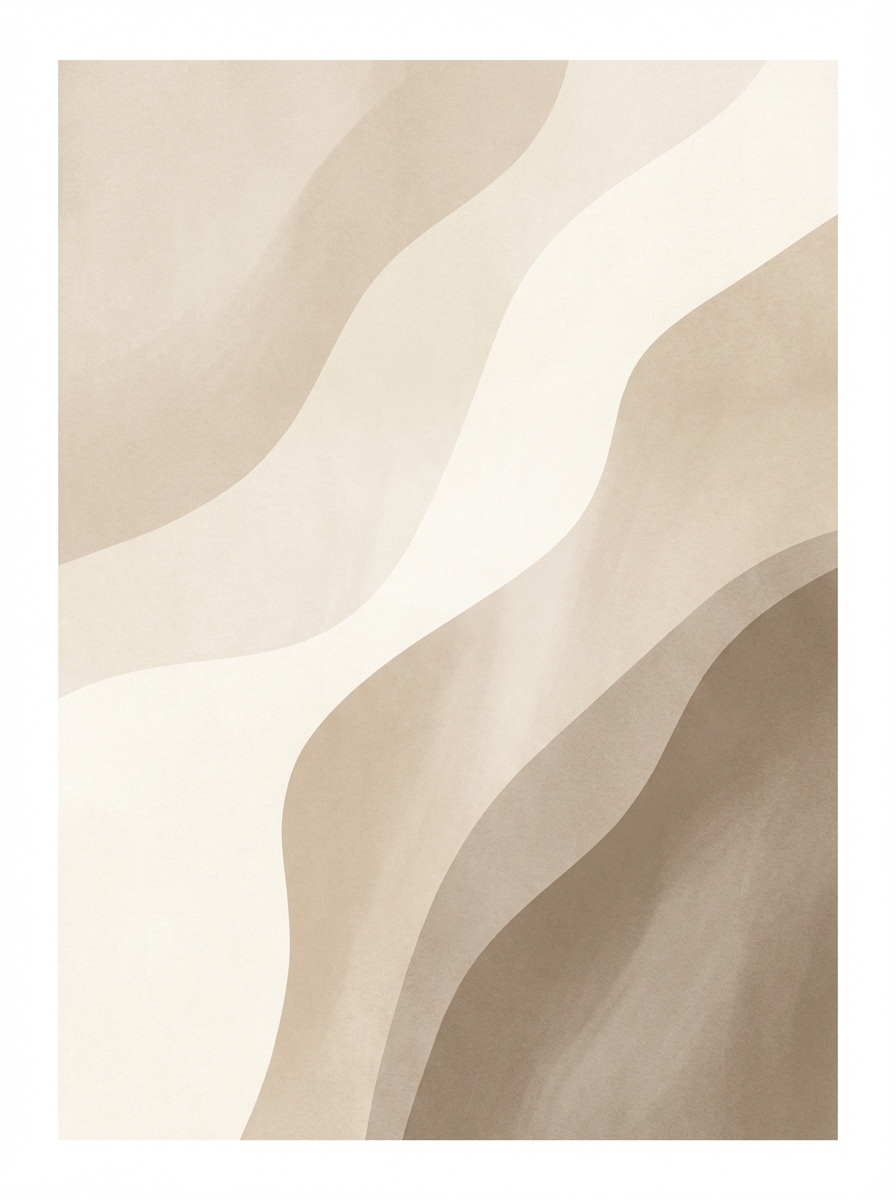
Neutral Organic Shapes

Neutral Organic Shapes

Create a minimalist abstract artwork with soft beige, cream, sand, and warm taupe tones, featuring layered organic shapes and flowing curves. Use a balanced vertical composition, subtle paper texture, gentle diffused lighting, calm luxury mood, Scandinavian interior aesthetic, and crisp high-resolution gallery print quality.

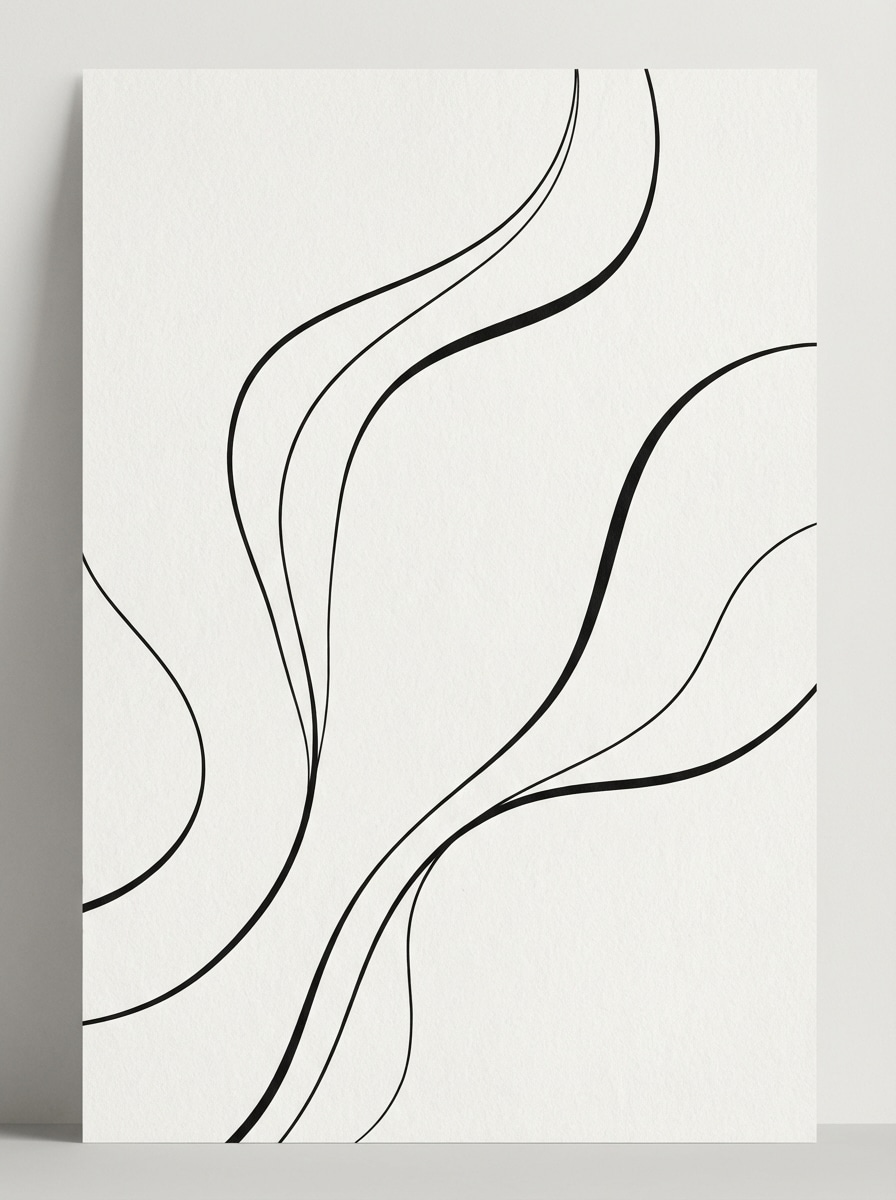
Line Art Abstract

Line Art Abstract

Generate a modern black-and-white abstract line art piece with elegant continuous curves, clean negative space, and refined poster composition. Add subtle off-white paper grain, soft studio lighting, minimal gallery mood, sharp contrast, and premium editorial print quality suitable for wall art or cover design.

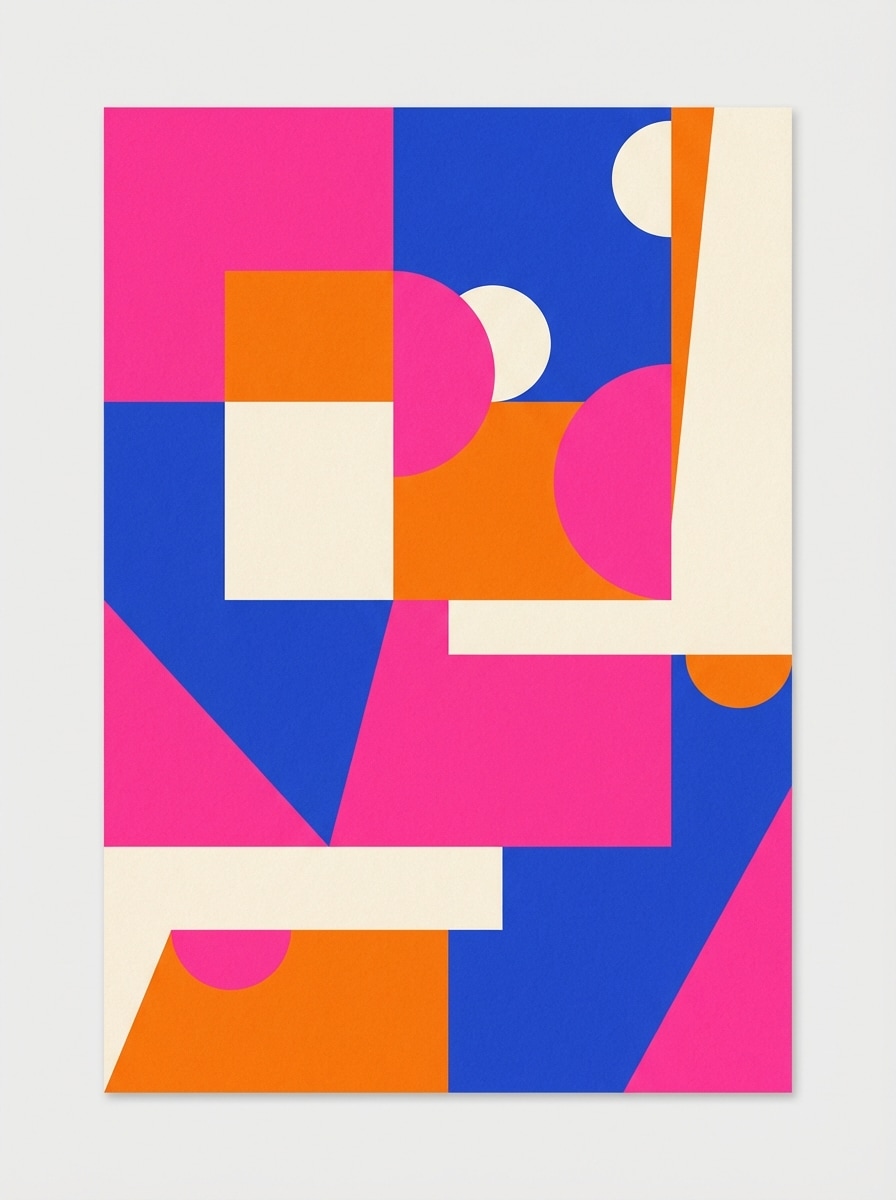
Color Block Poster

Color Block Poster

Create a vibrant abstract poster using bold color blocks in hot pink, cobalt blue, orange, and cream. Use clean geometric edges, asymmetrical composition, matte paper texture, bright even lighting, playful modern mood, strong contrast, and polished high-resolution graphic design quality for social posts or prints.

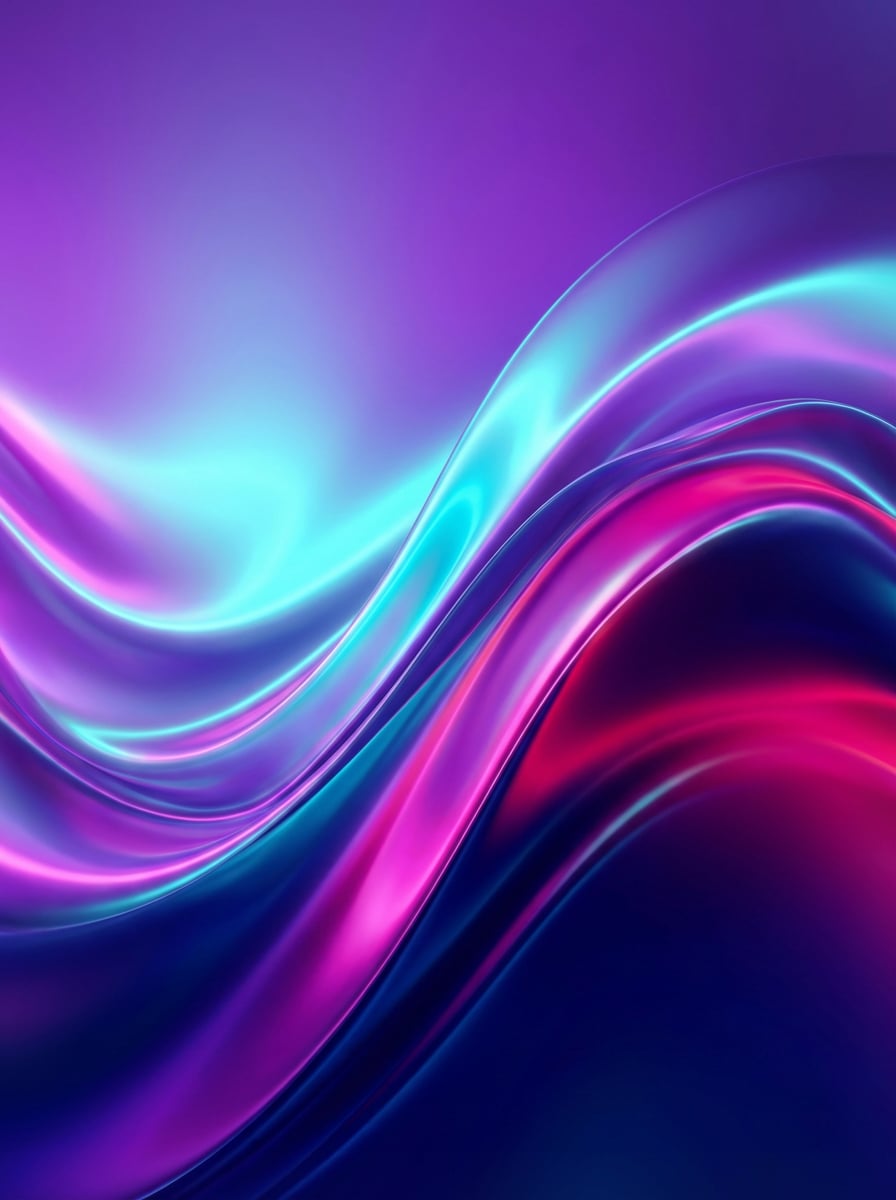
Neon Gradient Waves

Neon Gradient Waves

Generate glowing abstract digital art with smooth wave forms and luminous gradients in purple, cyan, magenta, and deep blue. Use a wide composition, glossy surface feel, futuristic ambient lighting, immersive motion, high-energy mood, soft depth, and ultra-clean wallpaper-quality rendering.

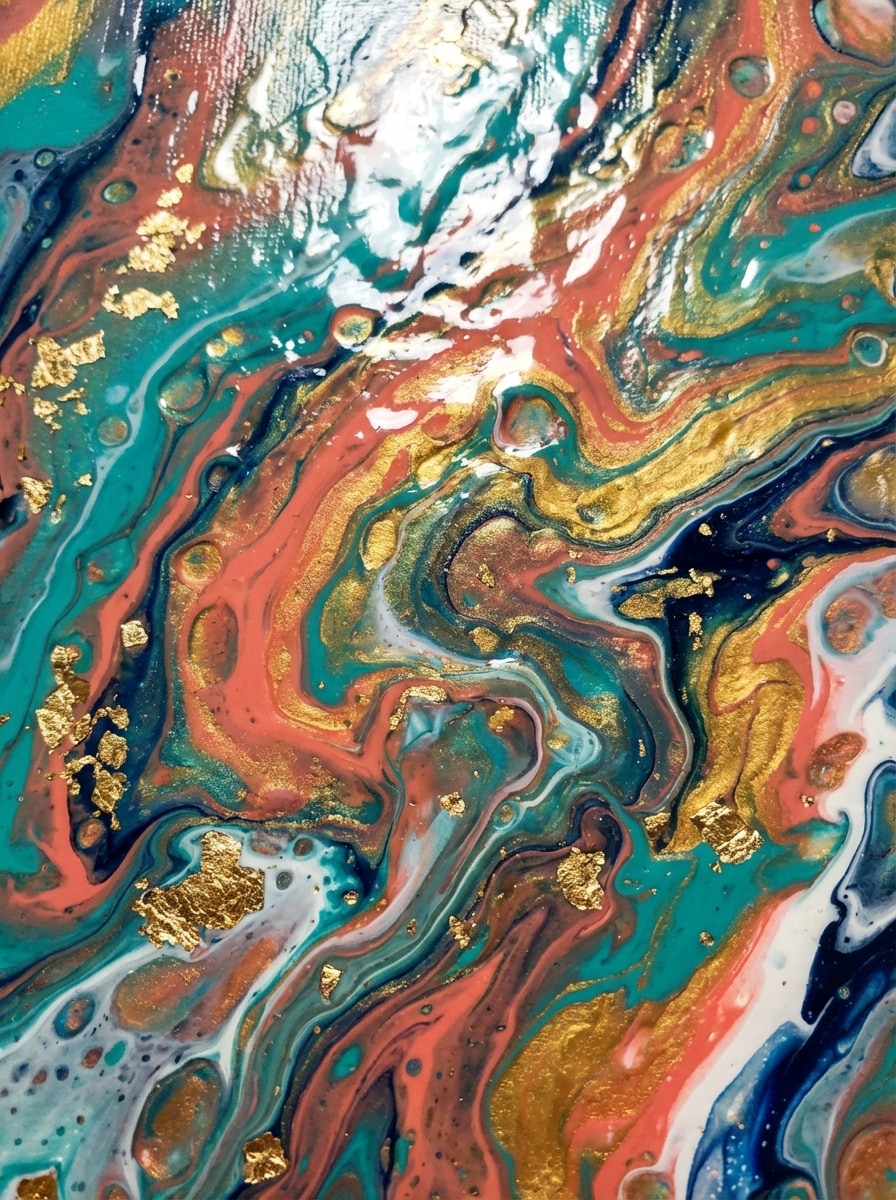
Fluid Pour Paint

Fluid Pour Paint

Create an abstract fluid acrylic pour painting with swirling marbled pigments in teal, coral, gold, navy, and white. Emphasize glossy wet-paint texture, dynamic movement, close-up composition, dramatic highlights, rich saturation, contemporary studio-art mood, and high-detail premium canvas realism.

Smoke and Ink Motion

Smoke and Ink Motion

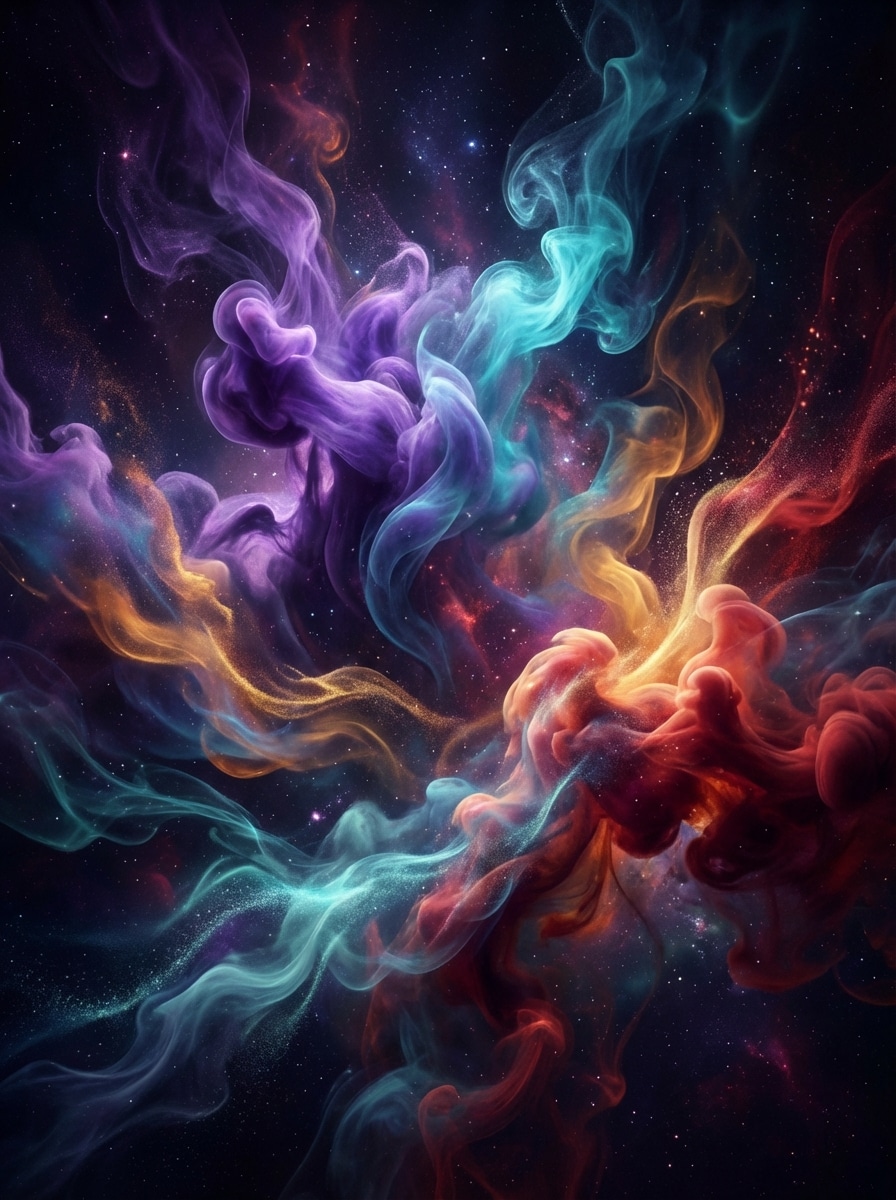
Make an abstract image of colorful smoke and ink plumes swirling through dark space, with violet, cyan, amber, and crimson accents. Use cinematic lighting, layered depth, soft haze, elegant motion trails, mysterious mood, high contrast, and ultra-detailed atmospheric digital art quality.

Mid-Century Geometric

Mid-Century Geometric

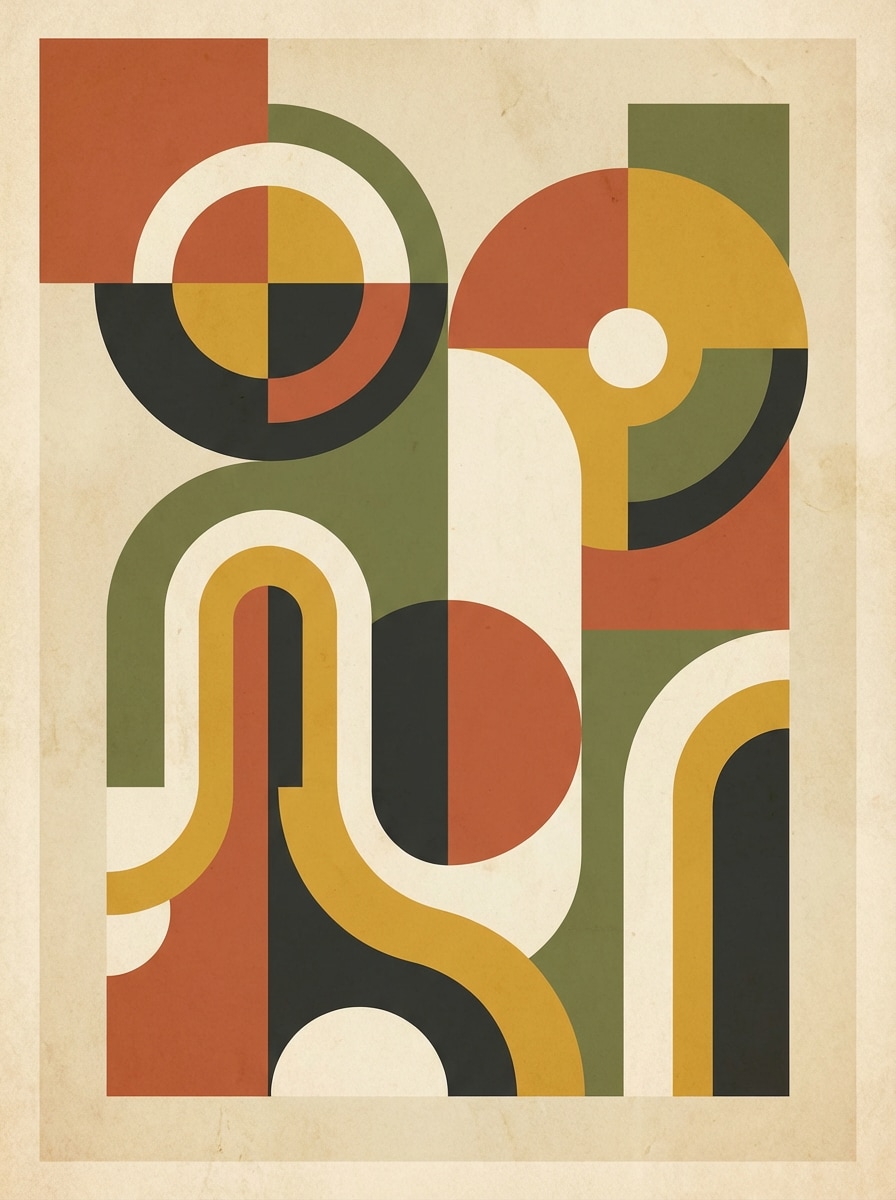
Create a mid-century modern abstract artwork with circles, arches, blocks, and curved forms in terracotta, olive, mustard, cream, and charcoal. Use a balanced retro poster layout, subtle paper texture, soft natural lighting, warm nostalgic mood, and crisp printable decor quality.

Bauhaus Inspired Abstract

Bauhaus Inspired Abstract

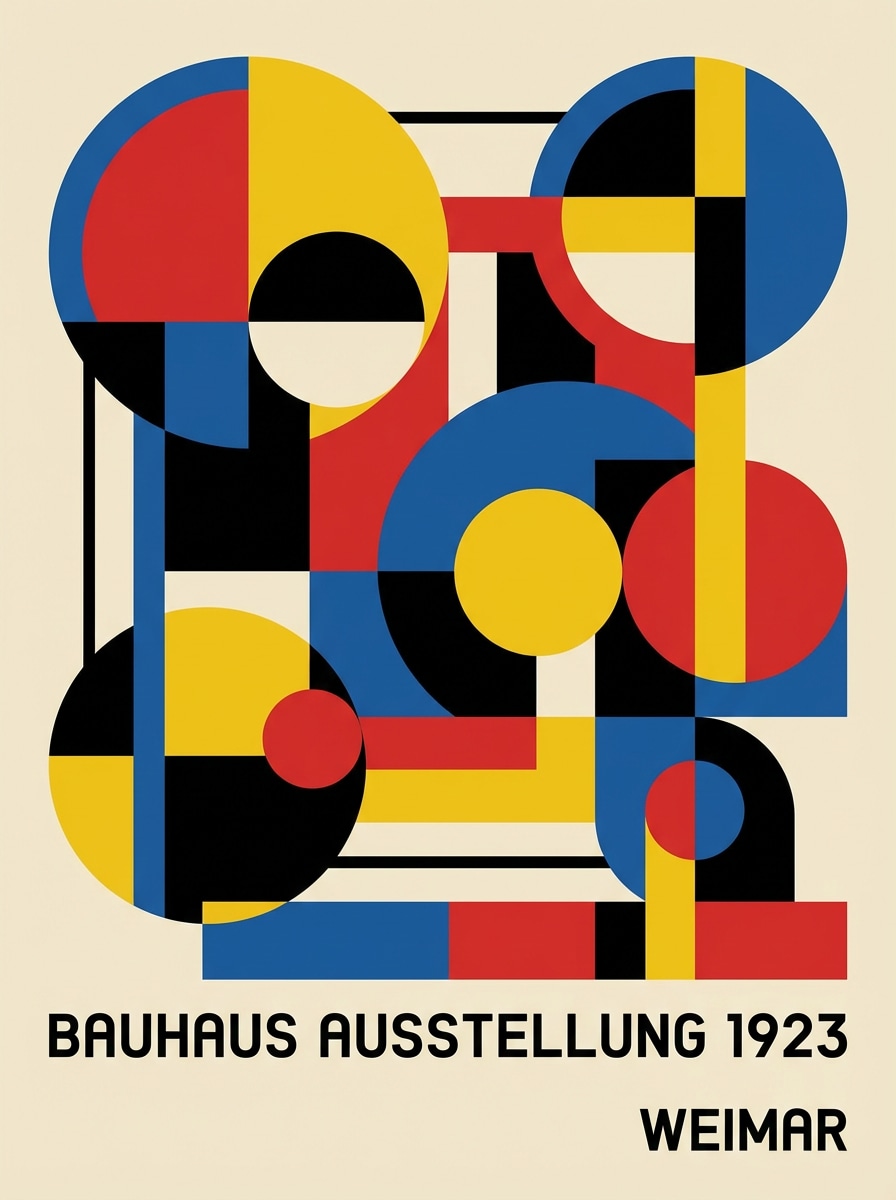
Generate a Bauhaus-inspired abstract composition with circles, rectangles, lines, and primary colors accented by black and cream. Keep the geometry precise, spacing clean, poster composition modernist, lighting flat and graphic, mood intellectual and bold, with high-resolution art-print clarity.

Fractal Energy

Fractal Energy

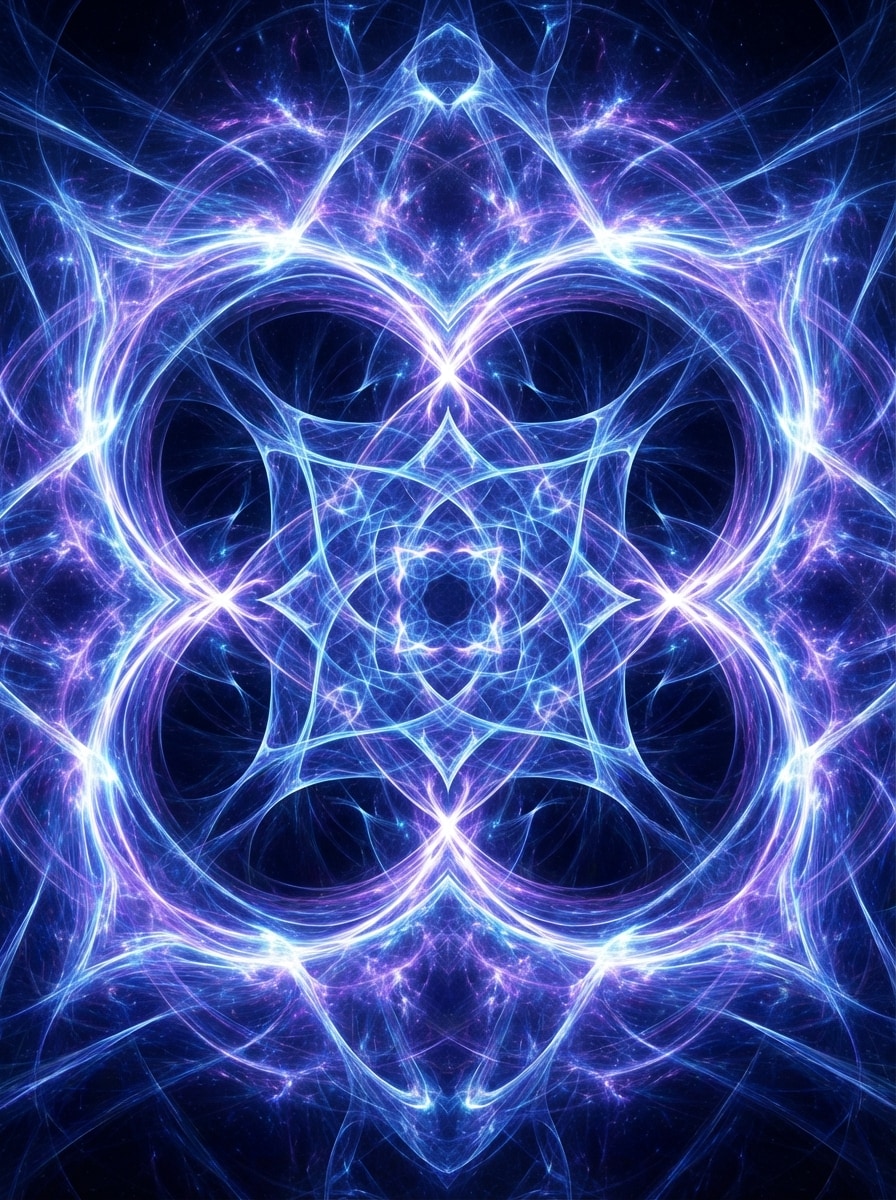
Create a high-detail abstract fractal energy image with intricate luminous patterns radiating in electric blue, violet, and white. Use deep layered symmetry, glowing highlights, cosmic depth, mesmerizing motion, polished digital texture, dramatic contrast, and ultra-detailed AI artwork suitable for wallpapers or album art.

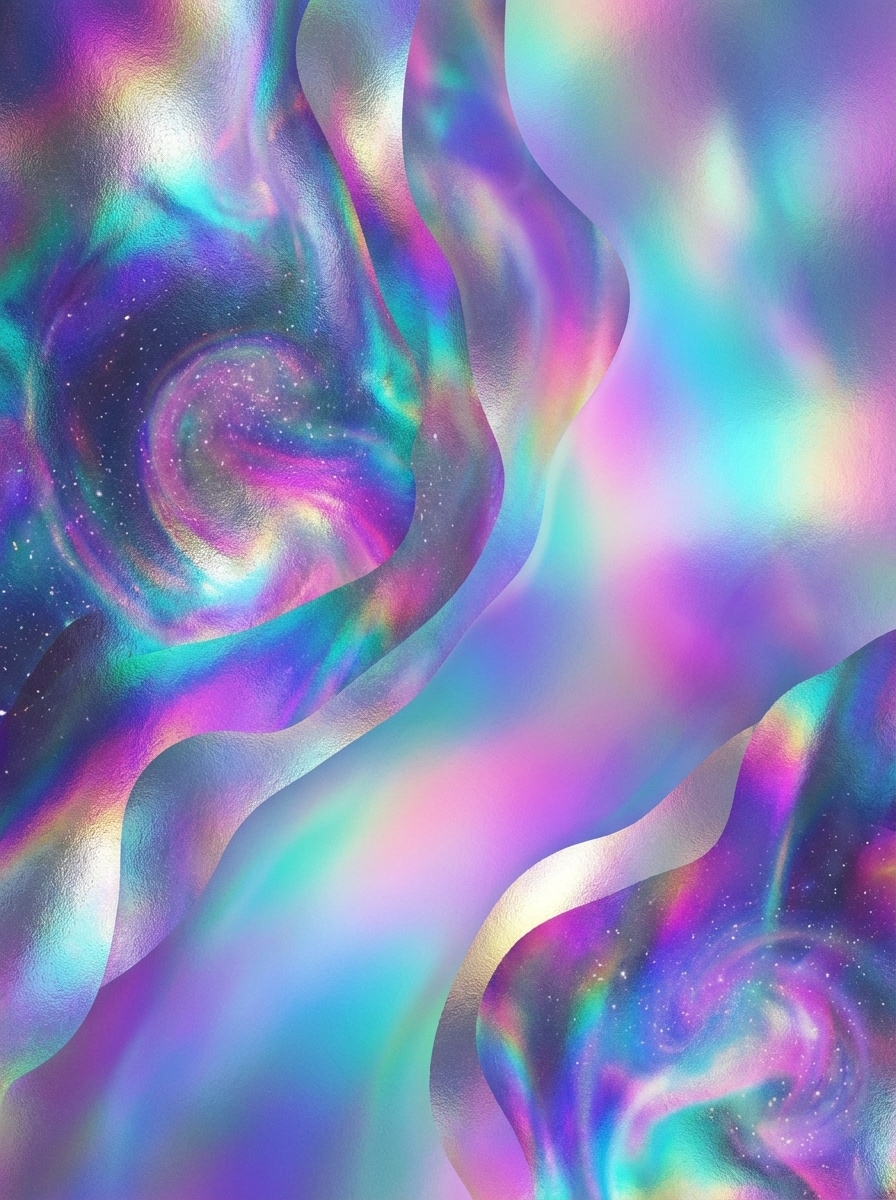
Cosmic Iridescent Texture

Cosmic Iridescent Texture

Generate an abstract cosmic artwork with iridescent holographic textures in indigo, teal, magenta, and violet. Use a dreamy layered composition, shimmering metallic reflections, soft nebula-like gradients, premium glossy finish, ethereal mood, and high-detail digital rendering for posters, backgrounds, or covers.

Why Use Media.io for AI Abstract Art Creation

Turn Text Into Abstract Art Fast

Describe colors, shapes, mood, or composition, and Media.io can transform your words into abstract posters, wallpapers, and backgrounds in seconds. It's an easy way to explore visual ideas without design experience.

Multiple Models for Creative Styles

Choose from powerful text-to-image models including Nano Banana Pro, Nano Banana 2, Seedream 5.0 Lite, Soul Character, Nano Banana, Seedream 4.0, and Imagen 4 to generate different abstract looks and aesthetics.

High Resolution and Flexible Ratios

Create abstract images in 1K, 2K, or 4K resolution and choose from ratios like 1:1, 9:16, 16:9, 4:3, 3:4, 3:2, and 2:3. That makes it easy to design for prints, posters, social media, and wallpapers.

Works on Any Device in Your Browser

Media.io is web-based, so you can generate abstract art on Windows, Mac, iPhone, iPad, or Android without installing software. Just open the tool in your browser and start creating.

How to Use the Media.io Abstract Creator

1
2
3
1
Step 1: Open Media.io Abstract Creator

Go to AI Text to Image Generator and open the Abstract Creator under AI -> Text to Image. This online tool runs in your browser, so you can create abstract art on desktop or mobile without downloading software.

2
Step 2: Enter a Prompt

Type a detailed prompt such as "minimalist abstract wall art with beige organic shapes, soft paper texture, calm luxury mood". Then choose your preferred model, style, aspect ratio, and resolution to match your wallpaper, poster, or background idea.

3
Step 3: Generate, Refine & Download

Click Generate to create your abstract image. If needed, refine the prompt, colors, or composition and try again. When you're happy with the result, download the high-resolution image for digital use or printing.

Step 1
Step 2
Step 3

What Users Say About This AI Abstract Creator

user
Maya R.

Interior Decor Seller

star star star star star

"Great for printable wall art" I use this abstract creator to test new wall art ideas before listing them. The minimalist and mid-century prompts work especially well, and the different aspect ratios make it easy to create pieces for frames, posters, and digital mockups.

user
Jordan T.

Social Media Designer

star star star star star

"Fast abstract backgrounds for campaigns" I needed bold abstract backgrounds for short-form video covers and promo posts. Media.io helped me generate colorful options quickly, and the neon and geometric styles gave me a lot of creative range without spending hours in design software.

user
Elena P.

Indie Music Creator

star star star star star

"Perfect for album art exploration" The fractal and cosmic prompts gave me eye-catching concepts for cover art. I like that I can try multiple moods and color palettes from simple text. It makes brainstorming visuals much easier when I only have a rough creative direction.

user
Chris L.

Content Marketer

star star star star star

"Easy even without design skills" I'm not a trained designer, but I still managed to create modern abstract images for presentation backgrounds and landing page graphics. The tool feels straightforward, and the high-resolution output is useful when I need polished visuals fast.

Abstract Creator FAQs

1. What is an abstract creator?

On this page, an abstract creator means an AI image tool that turns text prompts into abstract art, backgrounds, posters, or wallpapers. Media.io is designed for visual creation, helping you generate abstract images rather than writing academic or essay abstracts.

Yes. Media.io can generate abstract art from text prompts using its text-to-image models, including Nano Banana Pro, Nano Banana 2, Seedream 5.0 Lite, Soul Character, Nano Banana, Seedream 4.0, and Imagen 4. For best results, use clear English prompts that mention color, shapes, mood, and style.

Open Media.io's Text to Image tool, enter a prompt describing the abstract style you want, choose settings like aspect ratio and resolution, and click Generate. You can create outputs in 1K, 2K, or 4K and use ratios such as 1:1, 9:16, 16:9, 4:3, 3:4, 3:2, and 2:3.

Use prompt words that describe visual elements clearly, such as color palette, shapes, texture, lighting, composition, and mood. For example, terms like "minimalist beige organic shapes," "bold geometric poster," or "glowing neon wave background" can help Media.io create more targeted abstract image results. Media.io is optimized for English prompts for better outcomes.

Free users get 3 credits per day to try the abstract creator. Free downloads may include watermarks, while paid subscribers can download watermark-free high-resolution images. If you need more credits or cleaner export options, you can compare plans here: https://www.media.io/pricing.html

Yes. Media.io is a web-based tool that works on any device with a browser, including Windows, Mac, iOS, and Android. You can create abstract art on desktop, tablet, or phone without installing extra software.

Media.io Online AI Tools Quality Rating:
vote 4.7 (162,357 Votes)