이미지에서 이미지까지
Nano Banana Pro
이미지 업로드
0 / 9
내 기록에서 선택하거나 업로드하려면 클릭하거나 드래그하세요
아이디어가 없나요? 먼저 이미지를 생성하세요. >
지원되는 업로드 형식: jpg, png, jpeg.
프롬프트
0/2000
1K
자동
1
바나나 프로 무제한 모드
제작물
아이디어 허브
전체
목록 생성
작업물은 7일 동안 저장됩니다. 업그레이드 후 생성된 에셋은 영구 저장됩니다.
ai_video_generator창의적 잠재력을 풀고 미디어 AI의 마법을 즉시 경험하십시오!

Create a Realistic Magazine Mockup From Your Design Fast

Magazine Mockup Before
Magazine Mockup After

Turn your flat cover or editorial layout into a realistic magazine mockup in minutes. Upload your artwork, choose a scene, and generate polished cover, spread, or lifestyle visuals without Photoshop using Media.io’s AI-powered magazine mockup generator. This workflow is especially useful for magzine mockup.

Create My Magazine Mockup

Type your idea -> AI designs it. Free to try.

Review these example directions, then tailor the prompt details to get stronger results with this mockup magazine workflow in Media.io.

Minimal White Studio Cover

Minimal White Studio Cover

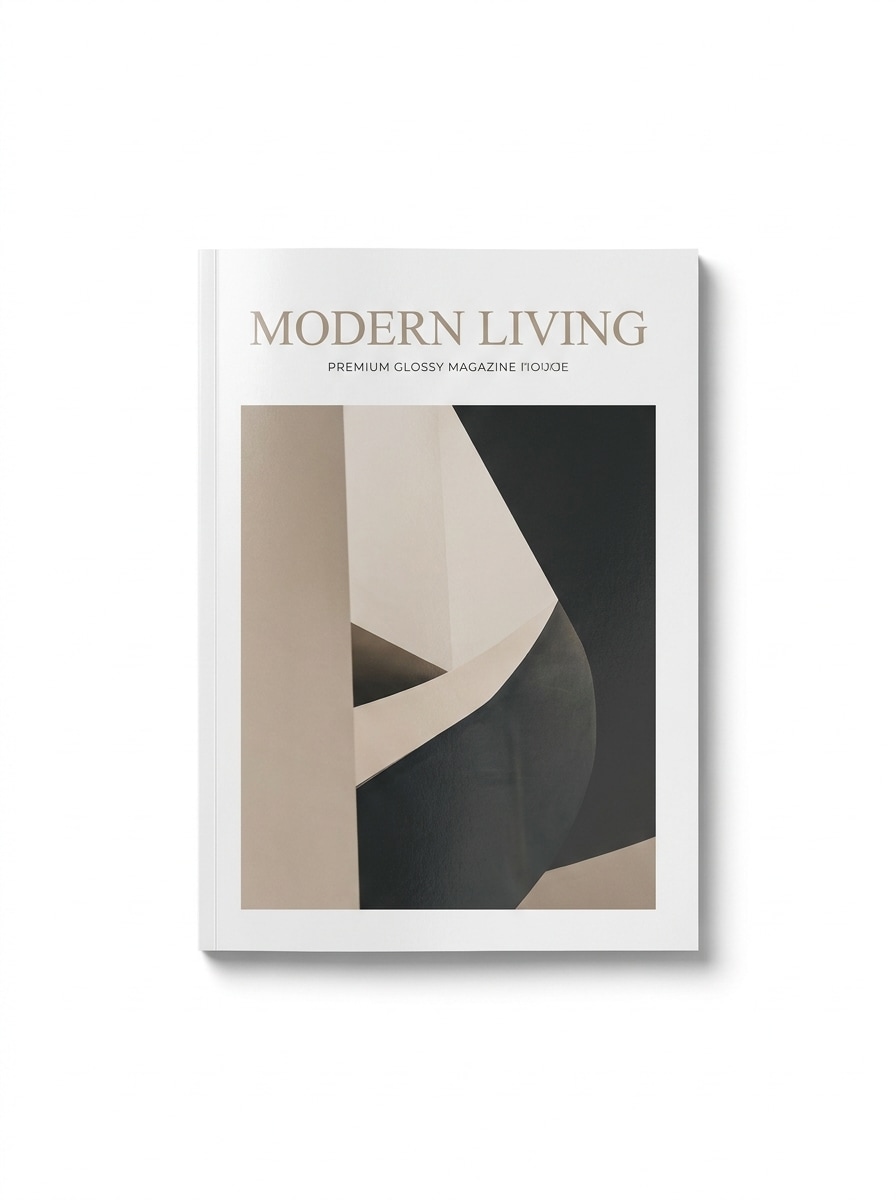
Use the uploaded image as the magazine cover design and transform it into a clean studio mockup. Place one closed magazine centered on a pure white background with soft natural shadows, premium glossy paper texture, crisp edges, subtle reflections, balanced editorial lighting, and high-end product photography realism.

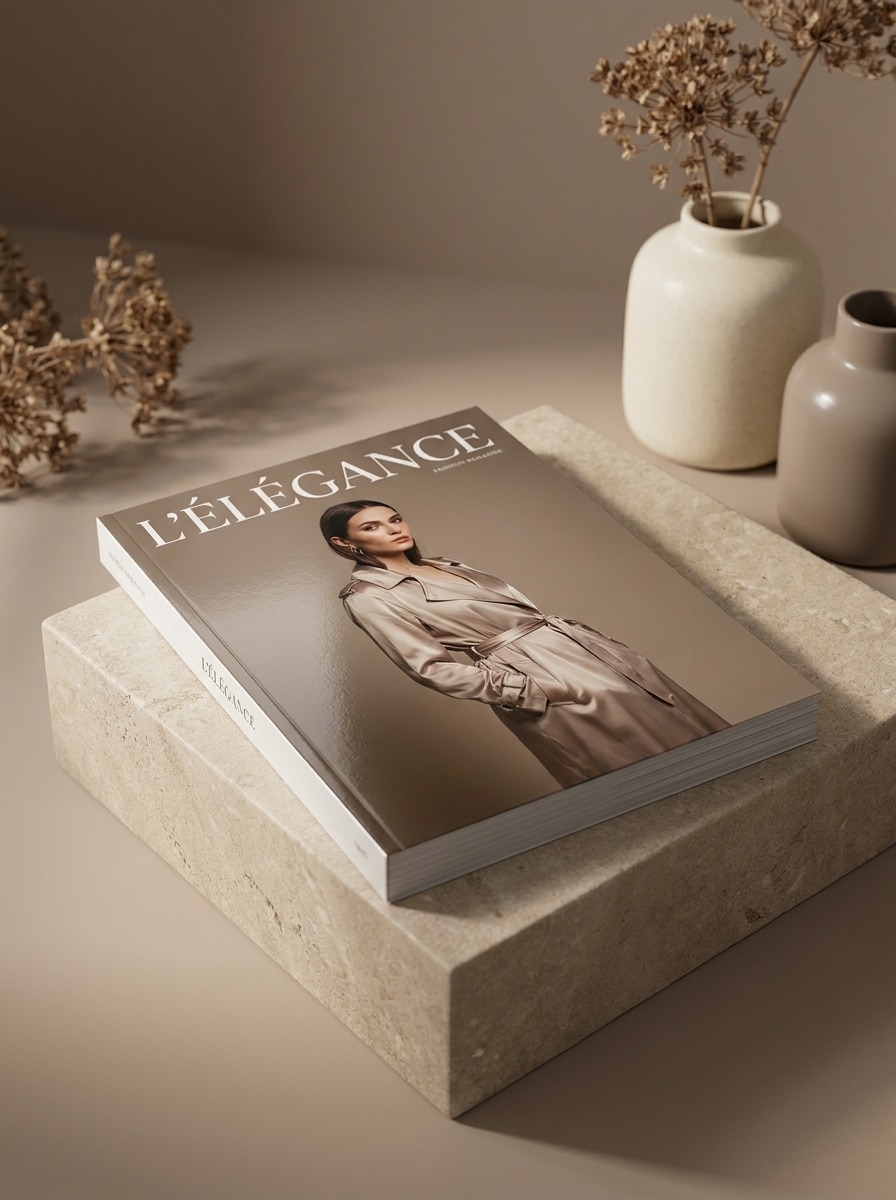
Luxury Fashion Cover

Luxury Fashion Cover

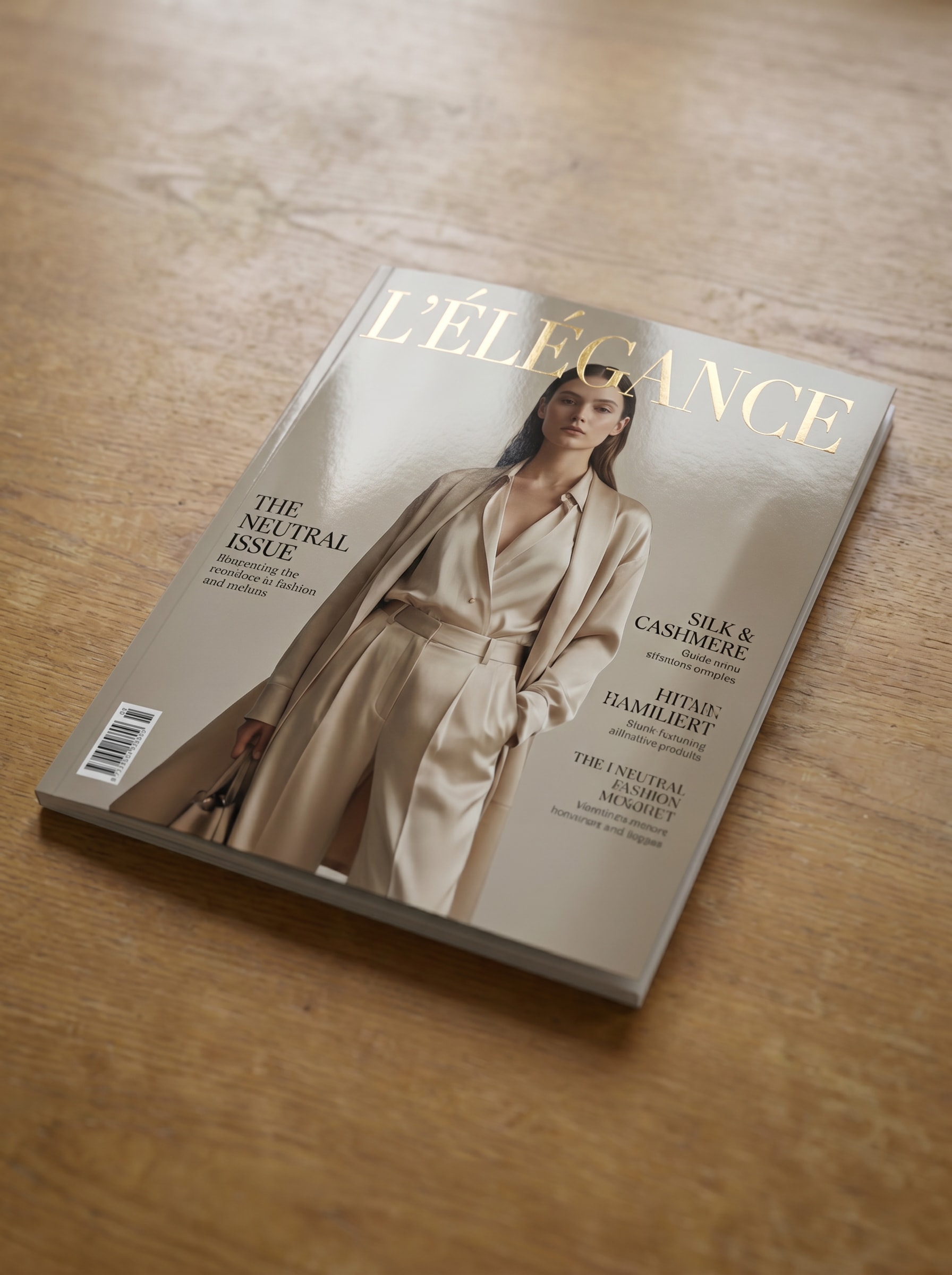
Use the uploaded image as the cover artwork and turn it into a luxury fashion magazine presentation. Show a premium printed issue with elegant neutral tones, soft studio lighting, shallow depth of field, refined glossy finish, realistic paper texture, and an upscale editorial mood suitable for a magazine cover mockup.

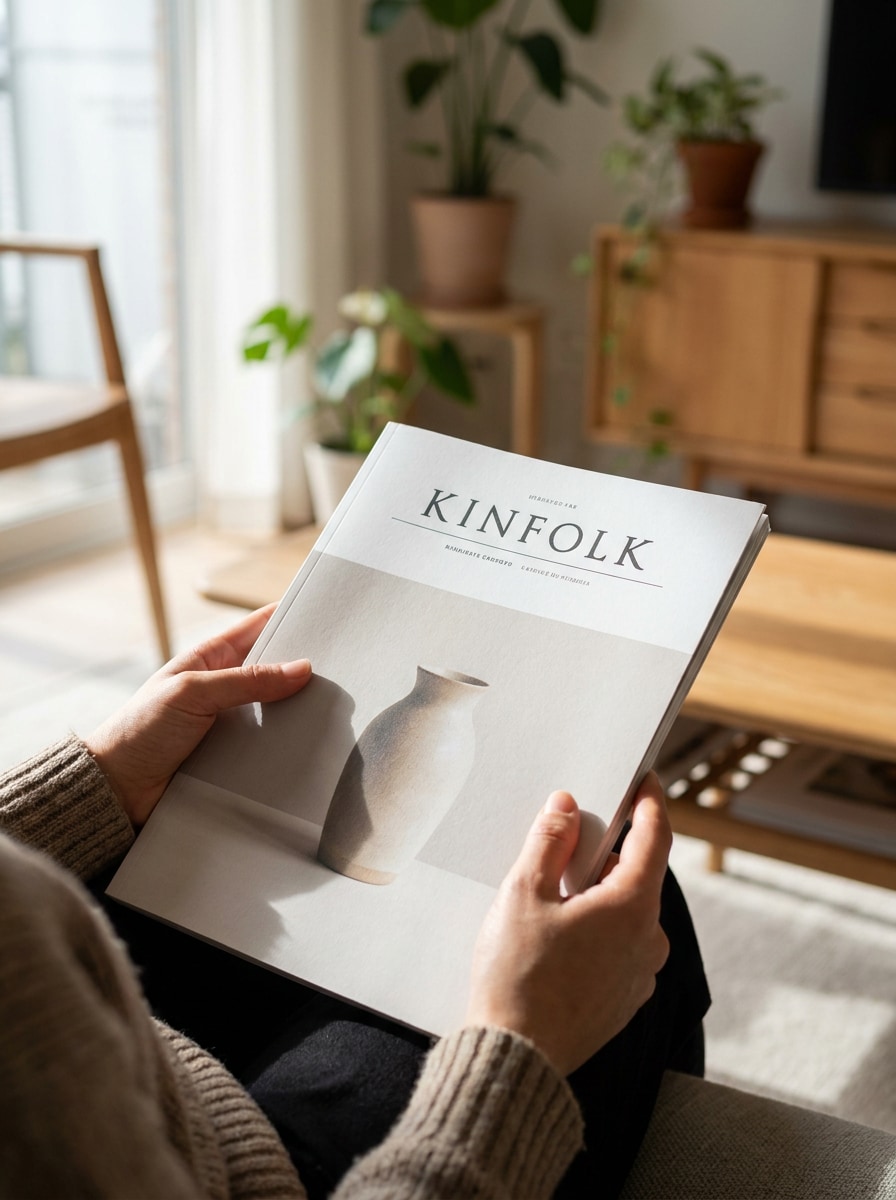
Hand-Held Magazine

Hand-Held Magazine

Use the uploaded image as the subject cover and place it into a realistic hand-held scene. Show a person naturally holding the magazine with the front cover fully visible, soft daylight, believable skin tones, realistic shadows, tactile paper texture, and a premium editorial lifestyle atmosphere.

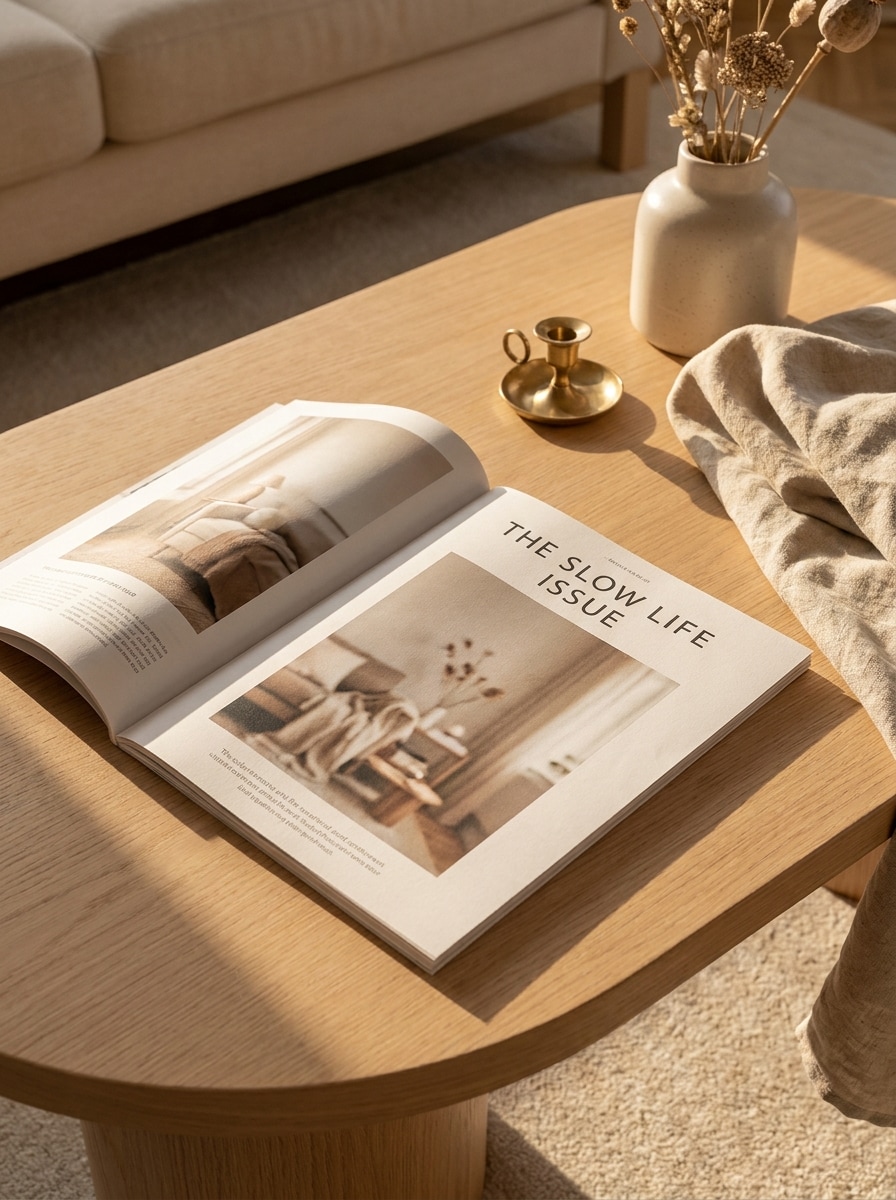
Coffee Table Scene

Coffee Table Scene

Use the uploaded image as the magazine cover and place it on a stylish coffee table in a modern interior. Add soft sunlight, subtle decor accents, realistic shadows, premium print texture, clean composition, and a warm editorial lifestyle feel that works well for magazine mockups and client previews.

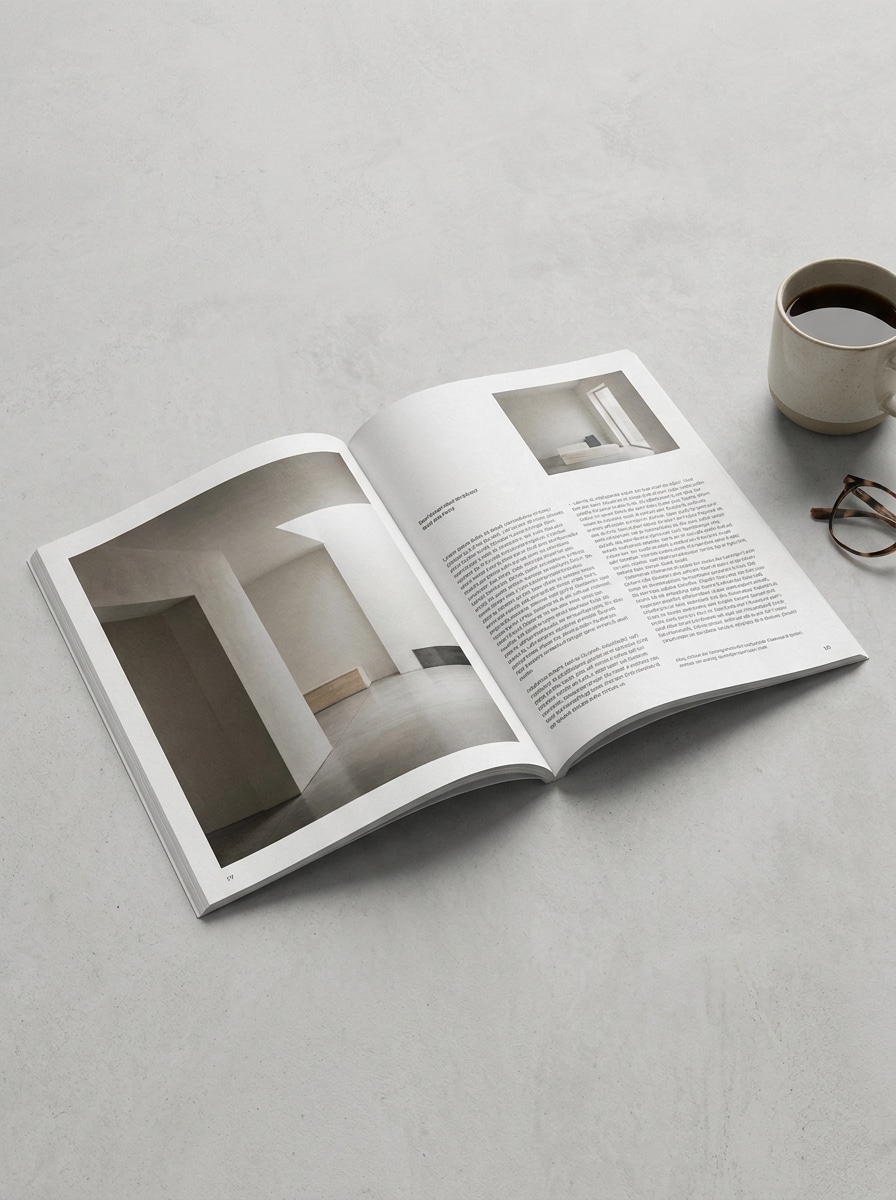
Flat Lay Open Spread

Flat Lay Open Spread

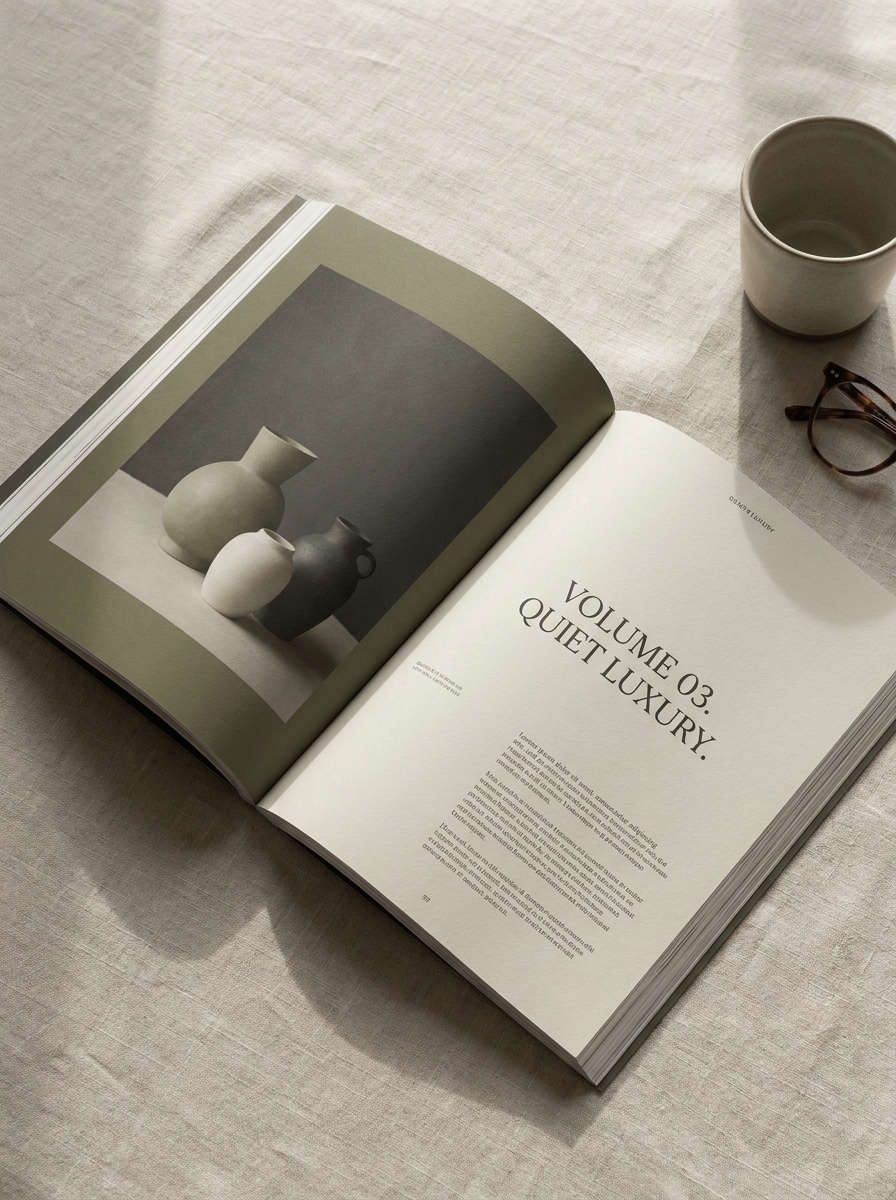
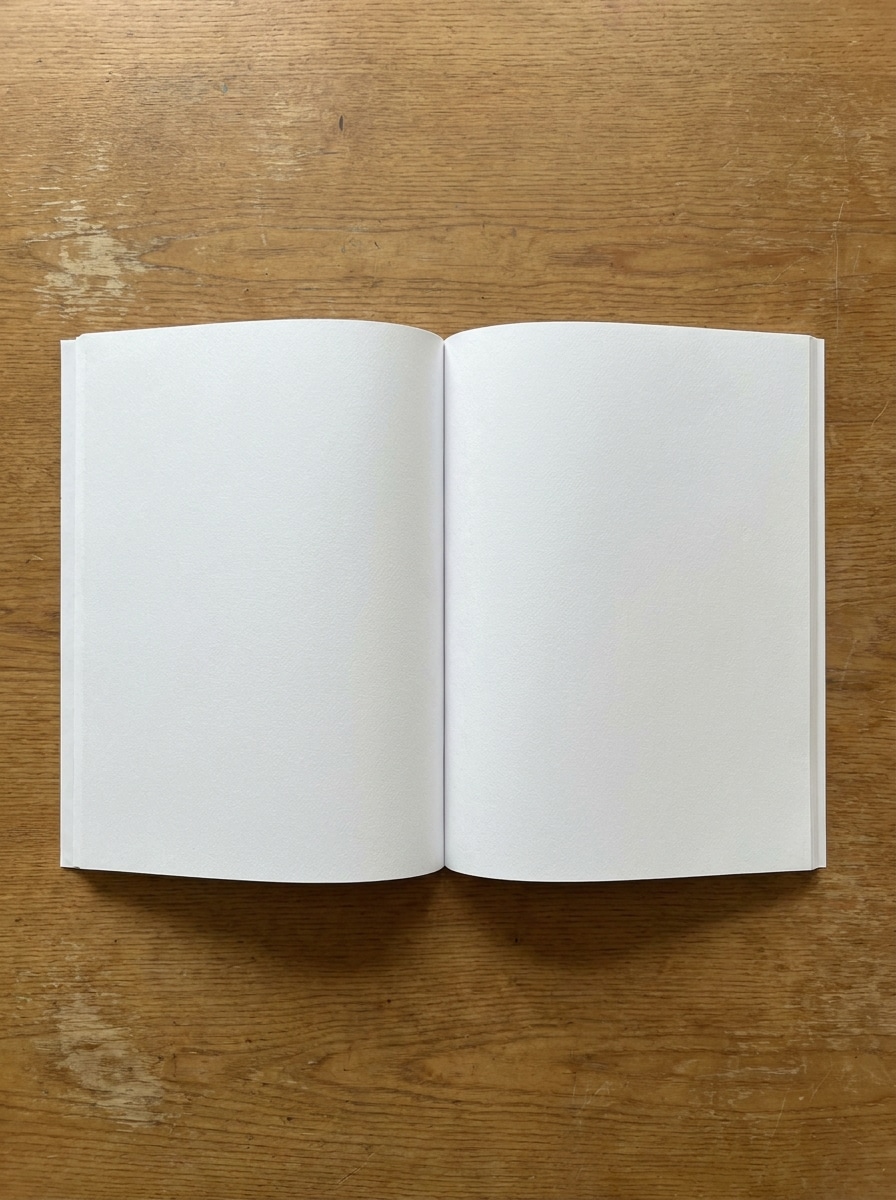
Use the uploaded pages as source artwork and convert them into an open magazine spread mockup. Show a top-down flat lay with visible two-page layout, realistic page curvature, crisp print details, soft shadows, clean background, and professional presentation ideal for an editorial portfolio.

Angled Open Magazine

Angled Open Magazine

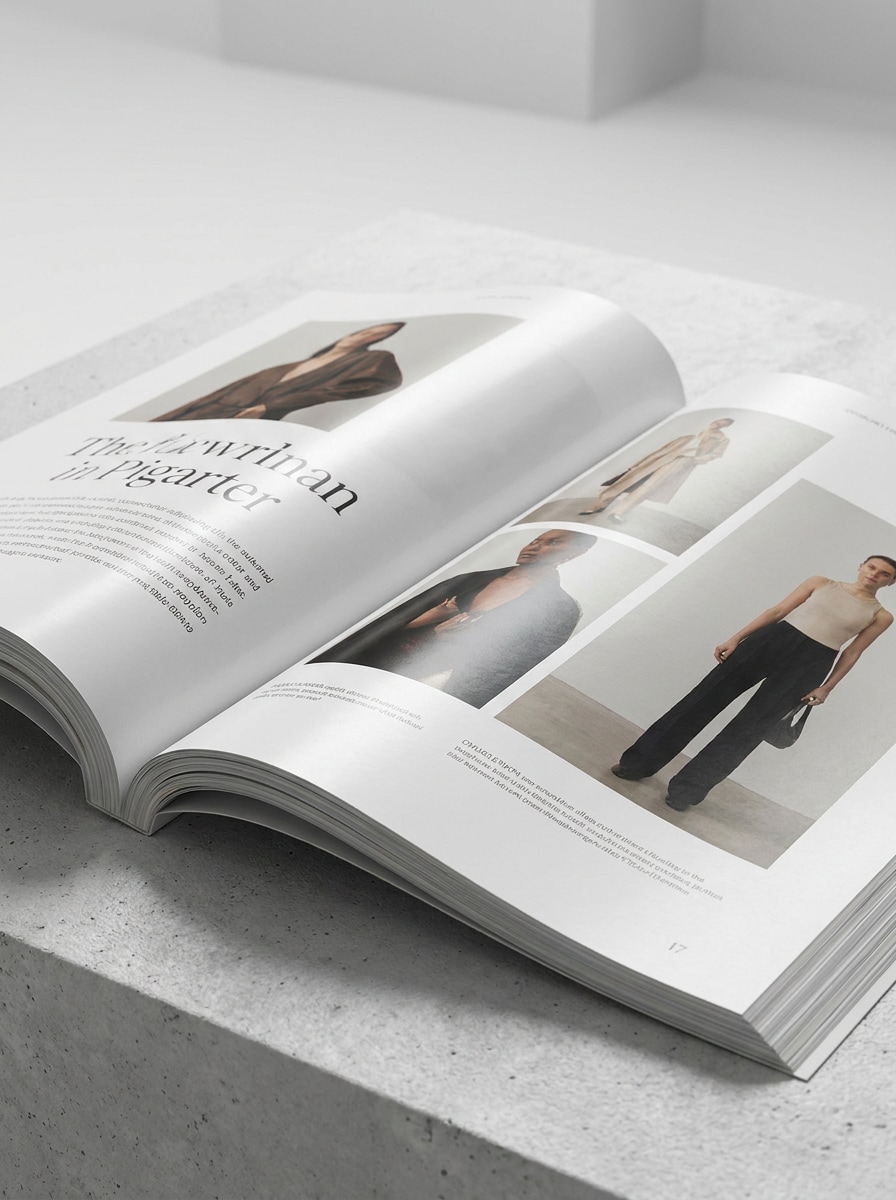
Use the uploaded spread design and transform it into an angled open magazine mockup with depth and perspective. Emphasize realistic page bends, subtle gloss, premium editorial styling, studio lighting, clean background, and polished print realism for a presentation-ready mock up magazine cover and spread showcase.

Stacked Magazine Set

Stacked Magazine Set

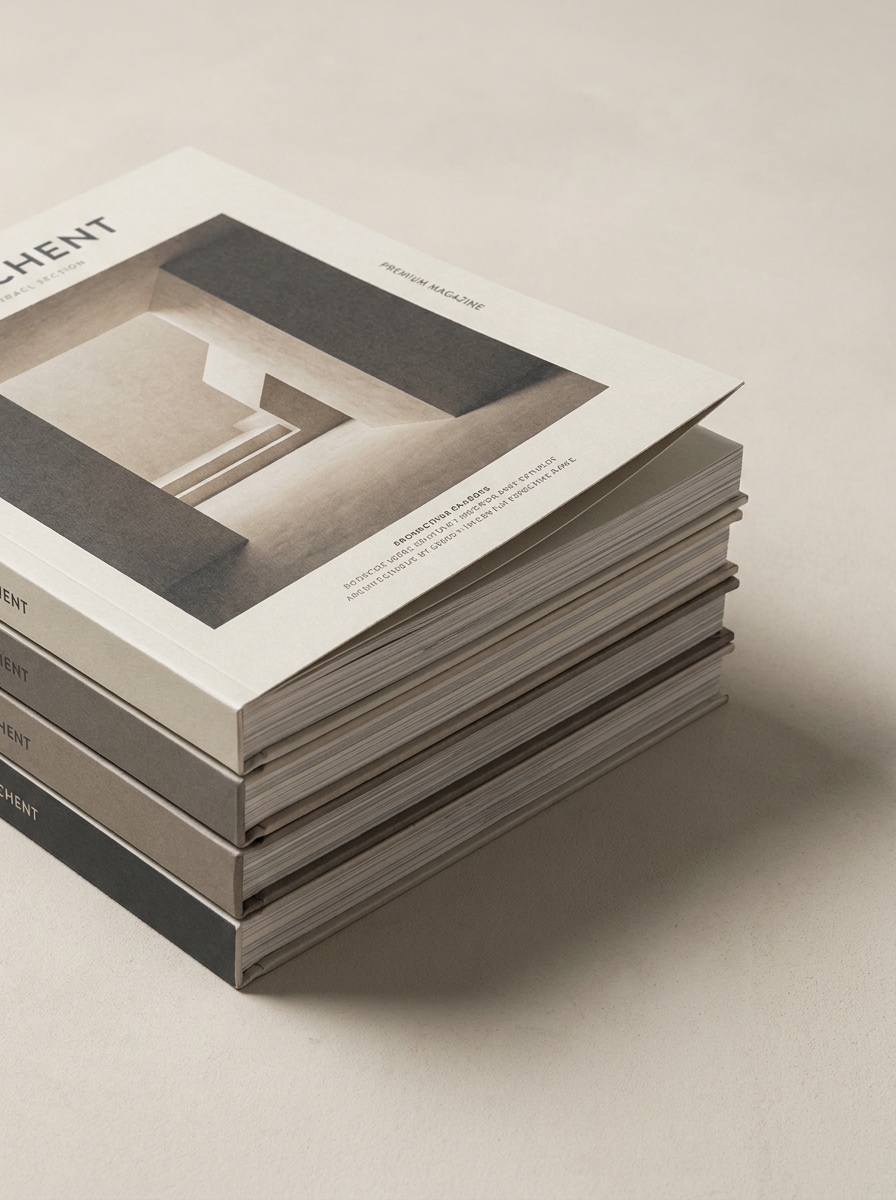
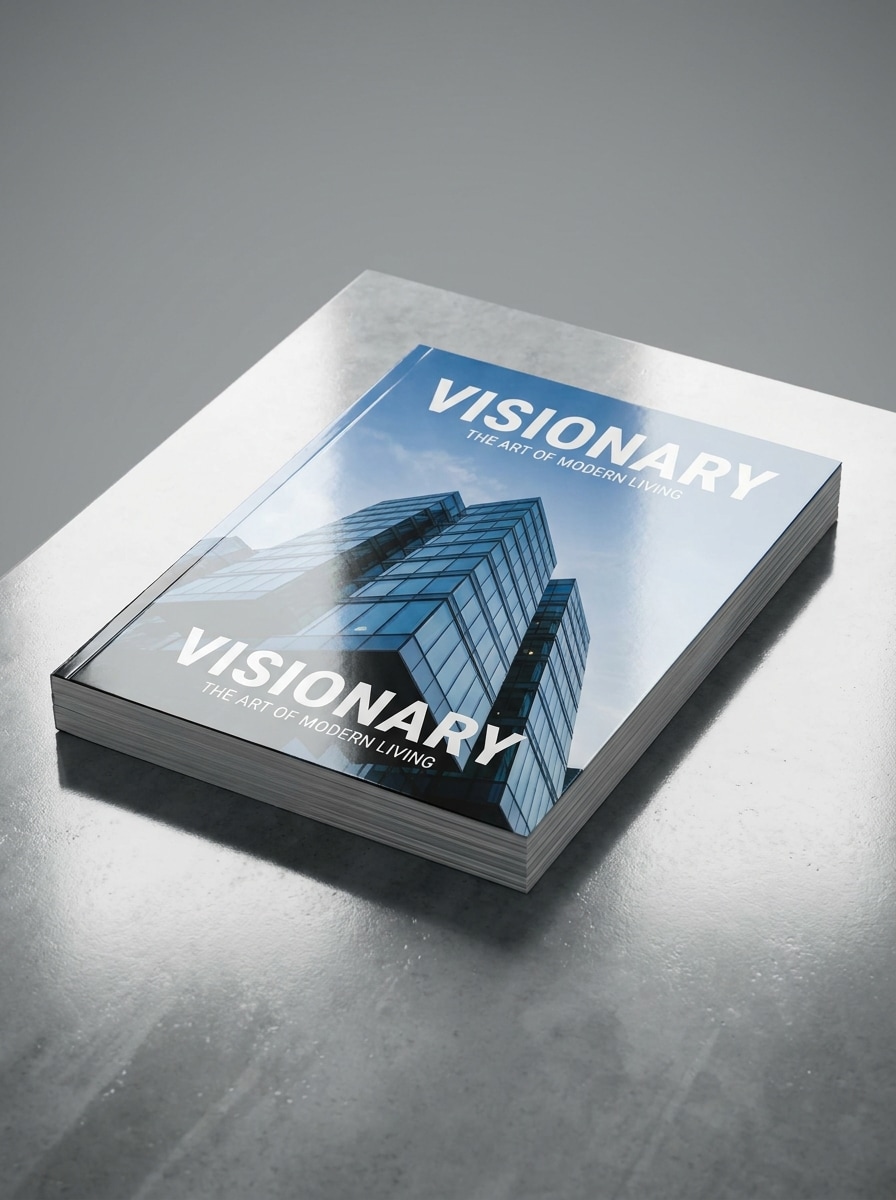
Use the uploaded cover design and create a stack of printed magazines. Keep the top issue fully visible, show realistic paper edges, studio shadows, layered depth, clean composition, and a modern product-photography look that feels suitable for a portfolio, ecommerce preview, or magazine advert mockup.

Cover and Spread Combo

Cover and Spread Combo

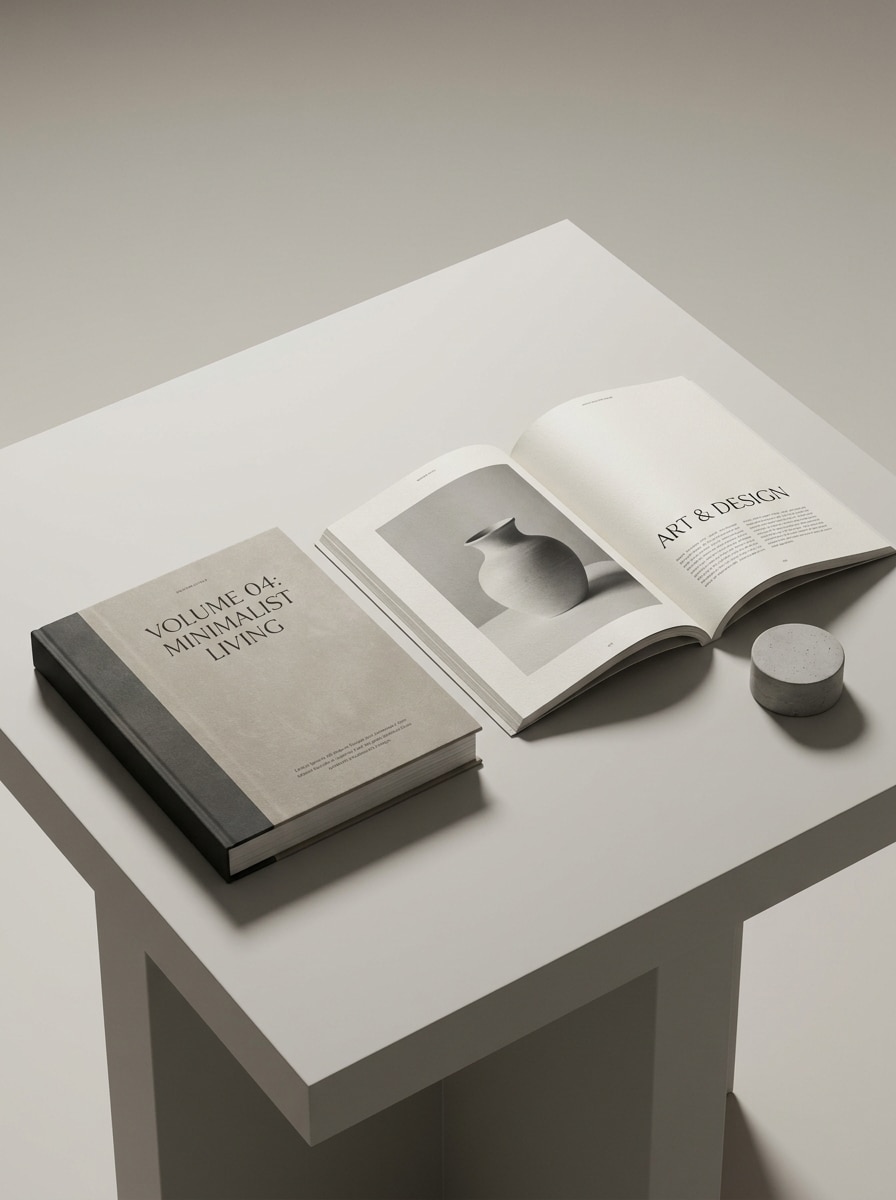
Use the uploaded magazine artwork and present it as both a closed cover and an open spread in one coordinated scene. Keep the layout polished with realistic shadows, consistent print texture, studio lighting, clean spacing, and a premium editorial showcase for multiple viewing angles.

Matte Editorial Finish

Matte Editorial Finish

Use the uploaded cover or spread design and convert it into a premium matte editorial mockup. Emphasize subtle paper grain, diffused lighting, muted tones, refined shadows, soft texture, and understated luxury so the final result feels tactile, modern, and portfolio ready.

Glossy Commercial Finish

Glossy Commercial Finish

Use the uploaded image as the magazine design and create a glossy commercial mockup with polished reflections. Show sharp edges, controlled highlights, premium product lighting, vivid print clarity, realistic paper thickness, and a sleek presentation suited to sales decks, ads, or branded publishing previews.

Why Use Media.io for Magazine Mockups

Keep the Subject Recognizable in New Styles

For covers or editorials that still need to feel true to the original design, Media.io helps preserve the key identity cues while refining the overall magazine mockup look, so the result feels more polished without losing what makes the piece.

Turn Flat Artwork Into Realistic Printed Scenes

When the art direction is still open, Media.io lets you test multiple looks around the same magazine mockup idea, making it easier to find the right style without rebuilding from zero.

Adapt Mockups for Covers, Portfolios, and Social Publishing

A single concept often needs to work across several publishing contexts, and Media.io helps adapt the same design into layout-aware variations, whether you need a cover-focused scene, a spread, or even a magazine free mock up for quick review and.

Keep Final Visuals Sharp for Real Projects

When a magazine mockup is headed for real publishing use, Media.io gives you sharper output up to 4K, which helps the image stay clear across presentations, backgrounds, and reused assets.

How to Make a Magazine Cover Mockup Online

Turn your words into stunning visuals in three simple steps, then continue refining the result if you want to take it further.

how to use image to image AI for magazine mockup step 1
Step 1

Upload Your Reference Image

Start by uploading a clear JPG, PNG, or JPEG of your cover, inside spread, or editorial layout. A sharp source image helps the AI preserve your typography, imagery, and overall composition while building a more realistic printed presentation.

how to use image to image AI for magazine mockup step 2
Step 2

Describe the Change and Set Options

Tell Media.io what kind of scene you want, such as a clean studio cover, hand-held issue, open spread, or stacked layout. Then choose your model and adjust aspect ratio, resolution, and image count to fit your presentation needs.

how to use image to image AI for magazine mockup step 3
Step 3

Generate, Download, and Keep Improving

Generate several variations, compare perspective and paper finish, and download the version that fits your project best. You can refine the prompt, try another scene, or create fresh versions for portfolios, pitches, and social posts.

Unlock the Potential of Magazine Mockup Free

See how creators use this Magazine Mockup for content, marketing, and personal projects, then adapt each idea to fit the brief.

Present Covers to Clients With More Impact

Instead of sending a flat layout, show your editorial concept in a polished real-world scene. This is ideal for designers who want a stronger magazine cover mockup for approvals, pitch decks, portfolio case studies, or even free magazine mockups to test visual direction early.

Show Full Editorial Concepts Beyond the Front Page

Use one uploaded design to visualize a cover, a two-page spread, or both together. It is a practical workflow for studios building branded presentations, sample issues, or a fast mockup magazine free preview without layered PSD files.

Create Marketing Assets for Print and Digital Launches

Build visuals for store banners, social announcements, and promotional placements from the same design source. Media.io can help generate polished scenes that work as magazine advert mockup assets, ecommerce previews, launch creatives, or a simple mock up magazine cover for your publication.

What Users Say

user
Lena Brooks

Editorial Designer

star star star star star

"Fast way to present covers" I used it to turn a flat cover into a client-ready magazine presentation in a few minutes. The hand-held and studio scenes looked far more polished than the flat PDF I started with.

user
Marcus Hale

Brand Consultant

star star star star star

"Helpful for mockups without Photoshop" I wanted a quick magazine mockup free workflow for a pitch deck, and this was much easier than editing templates manually. Uploading the artwork and trying multiple scenes saved me a lot of time.

user
Ava Nguyen

Freelance Art Director

star star star star star

"Open spreads look convincing" The open-spread results were surprisingly realistic, especially the page curve and lighting. I used the outputs in a portfolio update and they looked close to premium free magazine mockups I would normally search for.

user
Jordan Ellis

Content Publisher

star star star star star

"Good for social and ecommerce visuals" I created a cover mockup, stacked version, and tabletop scene from one design. That gave me several assets for social posts and product previews without rebuilding the artwork each time.

Magazine Mockup FAQ

1. How do I create a magazine mockup from my design?

Upload your cover or spread artwork to Media.io, then describe the scene you want, such as a studio cover, hand-held issue, or open editorial layout. Media.io uses your reference image to generate a realistic presentation, and you can refine the prompt or create multiple versions before downloading.

Free users can try Media.io with free credits, which is useful if you want to test a magazine mockup free workflow or explore a free magazine mockup generator. Free exports may include a watermark, while paid plans unlock more credits and watermark-free downloads on the pricing page.

Media.io is designed for image-to-image creation, so you can upload a flat cover and transform it into a more realistic printed scene with perspective, shadows, and paper texture. That makes Media.io useful when you want a polished mockup magazine result without building the presentation manually in Photoshop.

Media.io supports JPG, PNG, and JPEG uploads. For the best result, use a clean, high-resolution source file with readable typography and clear cover or spread artwork so the AI can preserve the important design details during transformation.

You can upload cover art or inside pages and generate different presentation styles, including a front-cover scene or an open two-page spread. That makes Media.io useful for anyone who needs varied magazine mockups, whether for a pitch, a product page, or a quick mock up magazine cover concept.

Media.io offers 1K, 2K, and 4K resolution options, so you can choose the output quality that fits your project. Higher-resolution exports are helpful for portfolios, client reviews, and detailed presentations where paper texture, typography, and layout need to remain clear. Free users may have watermarks.

Media.io Online AI Tools Quality Rating:
vote 4.7 (162,357 Votes)