이미지에서 이미지까지
Nano Banana Pro
이미지 업로드
0 / 9
내 기록에서 선택하거나 업로드하려면 클릭하거나 드래그하세요
아이디어가 없나요? 먼저 이미지를 생성하세요. >
지원되는 업로드 형식: jpg, png, jpeg.
프롬프트
0/2000
1K
자동
1
바나나 프로 무제한 모드
제작물
아이디어 허브
전체
목록 생성
작업물은 7일 동안 저장됩니다. 업그레이드 후 생성된 에셋은 영구 저장됩니다.
ai_video_generator창의적 잠재력을 풀고 미디어 AI의 마법을 즉시 경험하십시오!

Create a Realistic Sticker Mockup from Your Uploaded Design

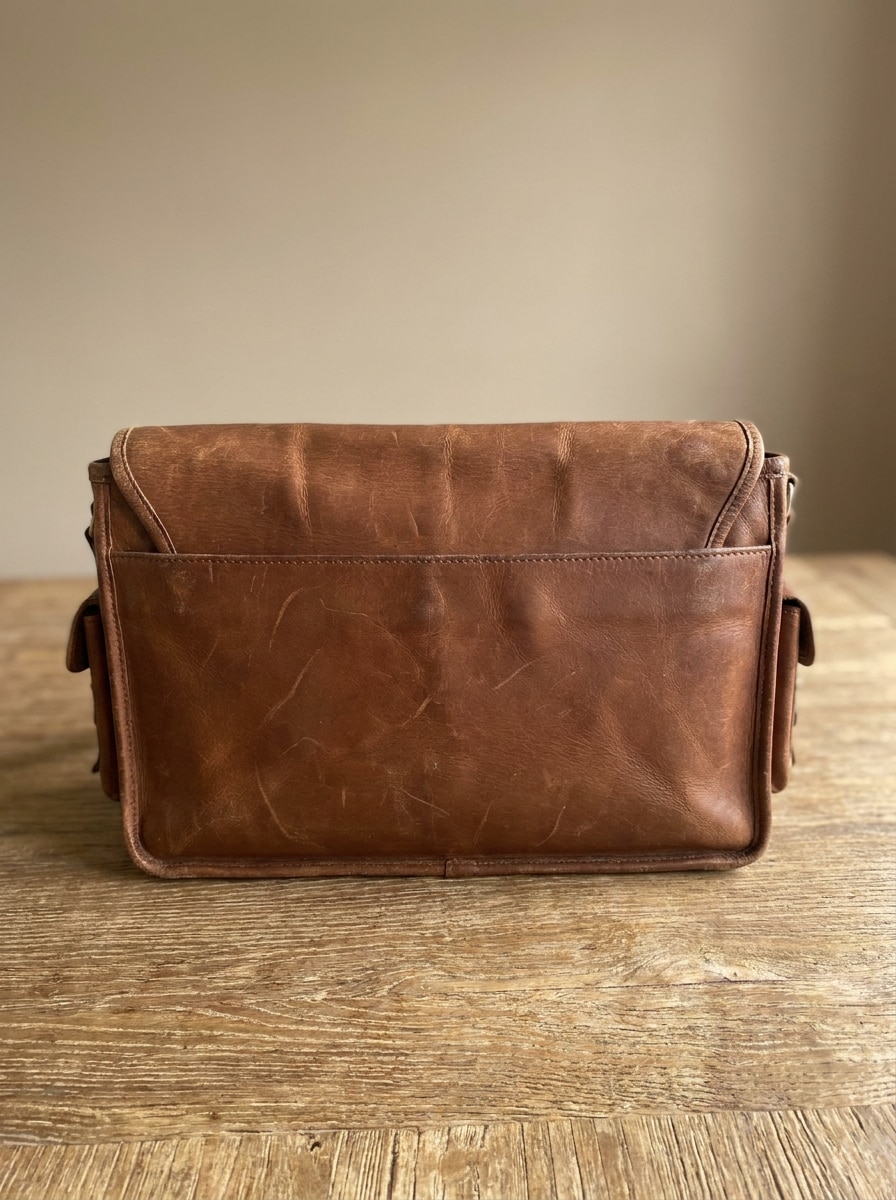
Sticker Mockup Before
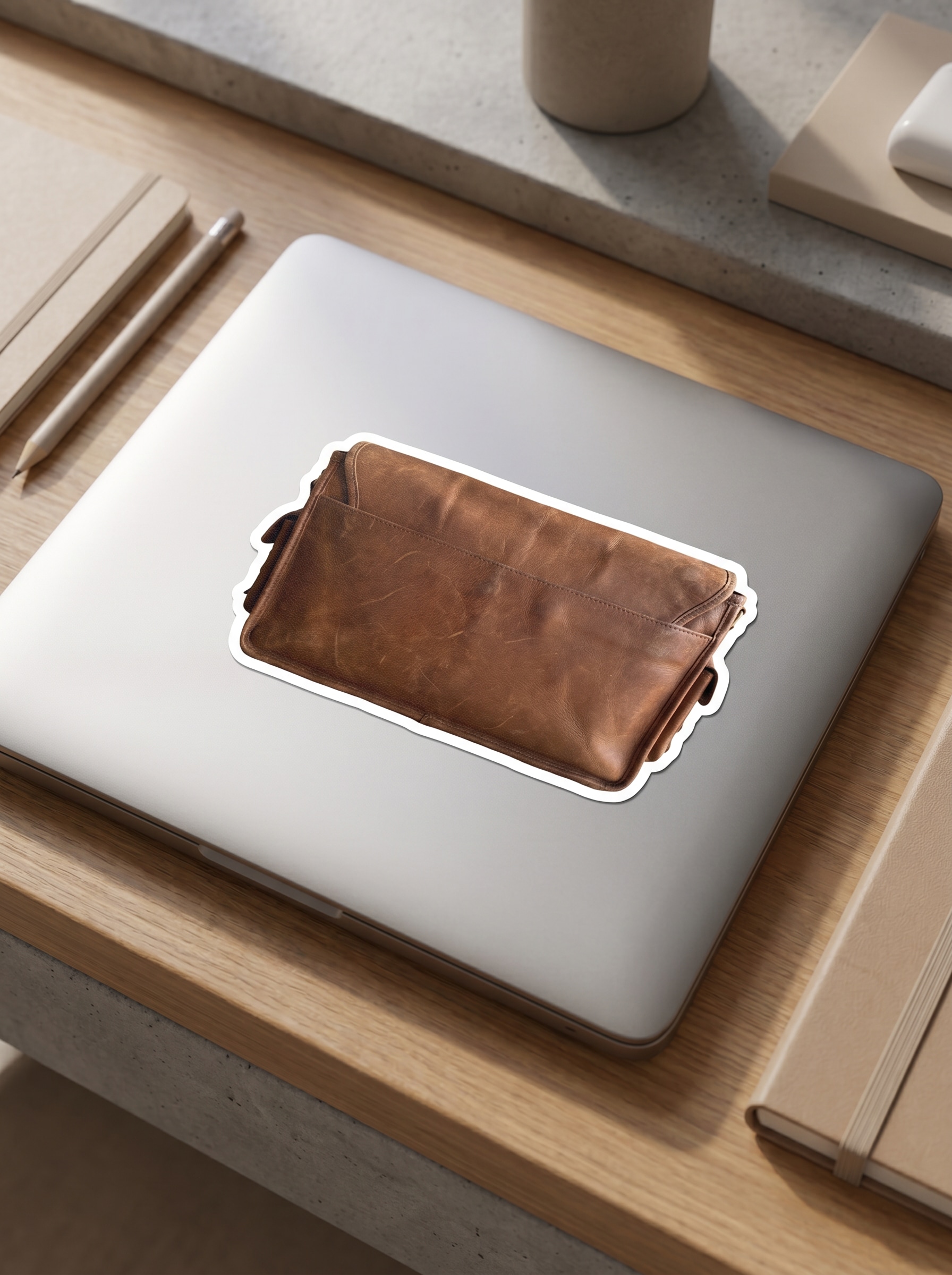
Sticker Mockup After

Turn your artwork, logo, or transparent PNG into a polished sticker mockup in minutes. Use Media.io to preview die-cut, holographic, packaging, and lifestyle scenes without Photoshop, then export clean visuals for shops, client proofs, and social posts. It can also help with sticker mockups.

Create My Sticker Mockup

Type your idea -> AI designs it. Free to try.

Review these example directions, then tailor the prompt details to get stronger results with this mockup sticker tool in Media.io.

Laptop Lid Sticker

Laptop Lid Sticker

Use the uploaded image as the sticker artwork and transform it into a realistic die-cut sticker placed on a sleek silver laptop lid. Add a crisp white contour border, soft natural desk shadows, subtle matte metal texture, clean modern workspace styling, neutral tones, and sharp product-photography detail.

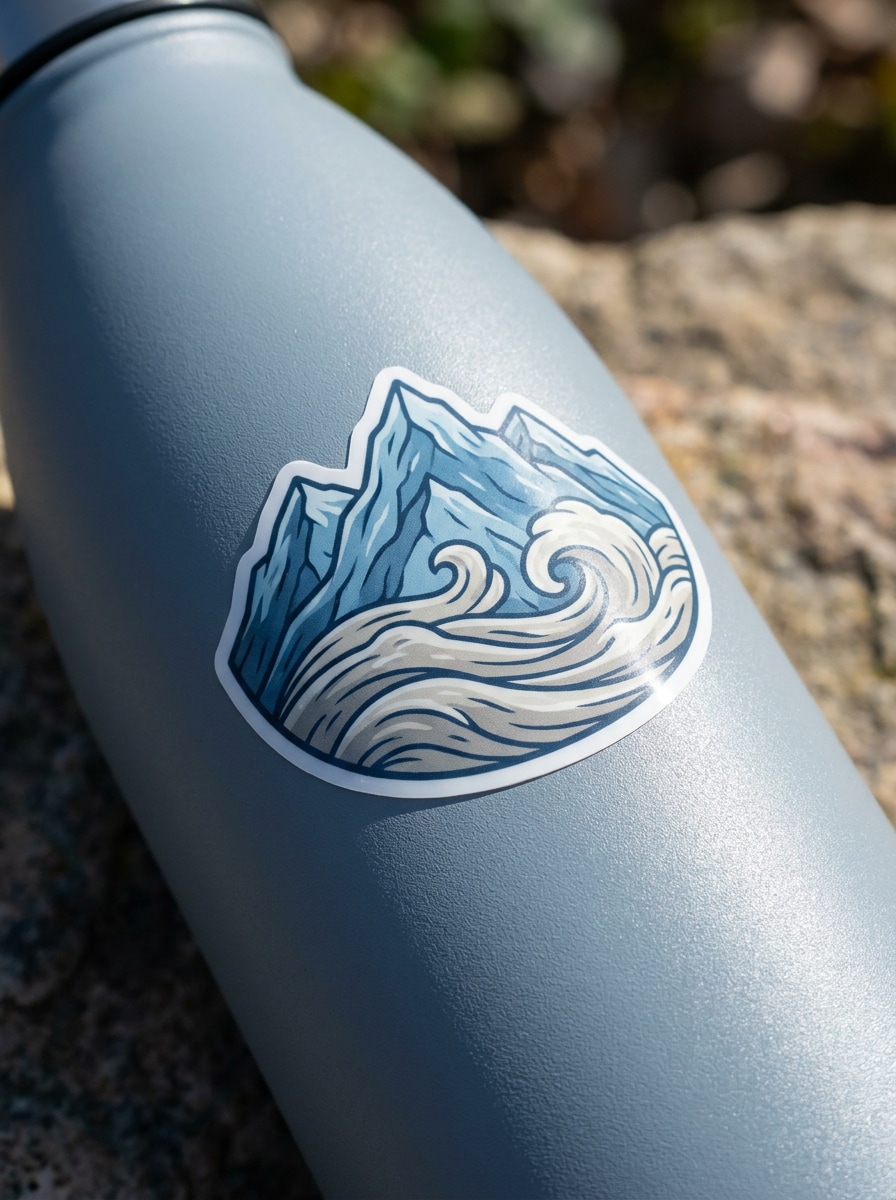
Water Bottle Sticker

Water Bottle Sticker

Use the uploaded image as the main design and place it as a die-cut sticker on a matte reusable water bottle. Show gentle curvature, authentic outdoor lifestyle lighting, crisp cut lines, realistic vinyl texture, fresh cool-toned palette, and a clean product-shot composition with natural shadows.

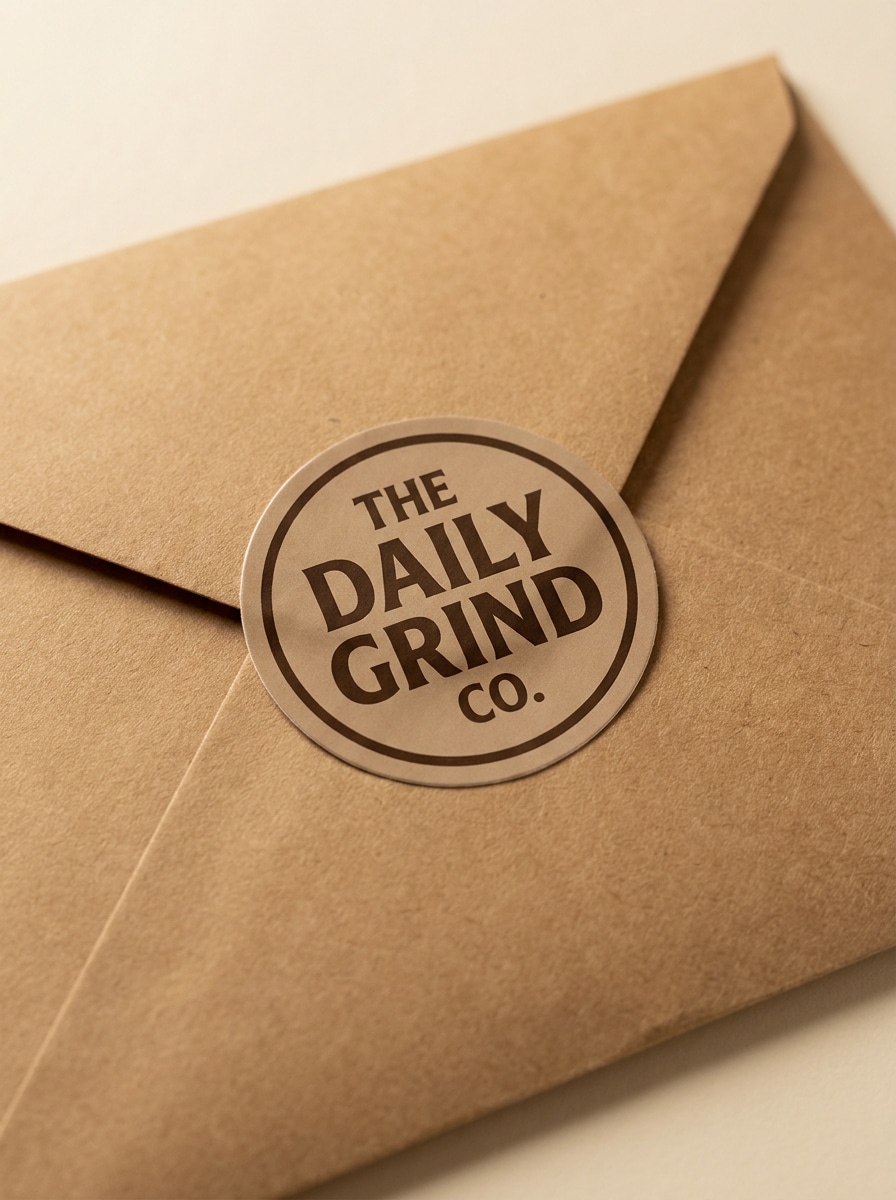
Mailer Packaging Sticker

Mailer Packaging Sticker

Use the uploaded image as a logo or brand seal and transform it into a realistic sticker on kraft ecommerce mailer packaging. Add soft studio shadows, warm paper texture, premium small-business styling, muted earthy colors, and a tidy overhead composition that feels polished and ready for storefront previews.

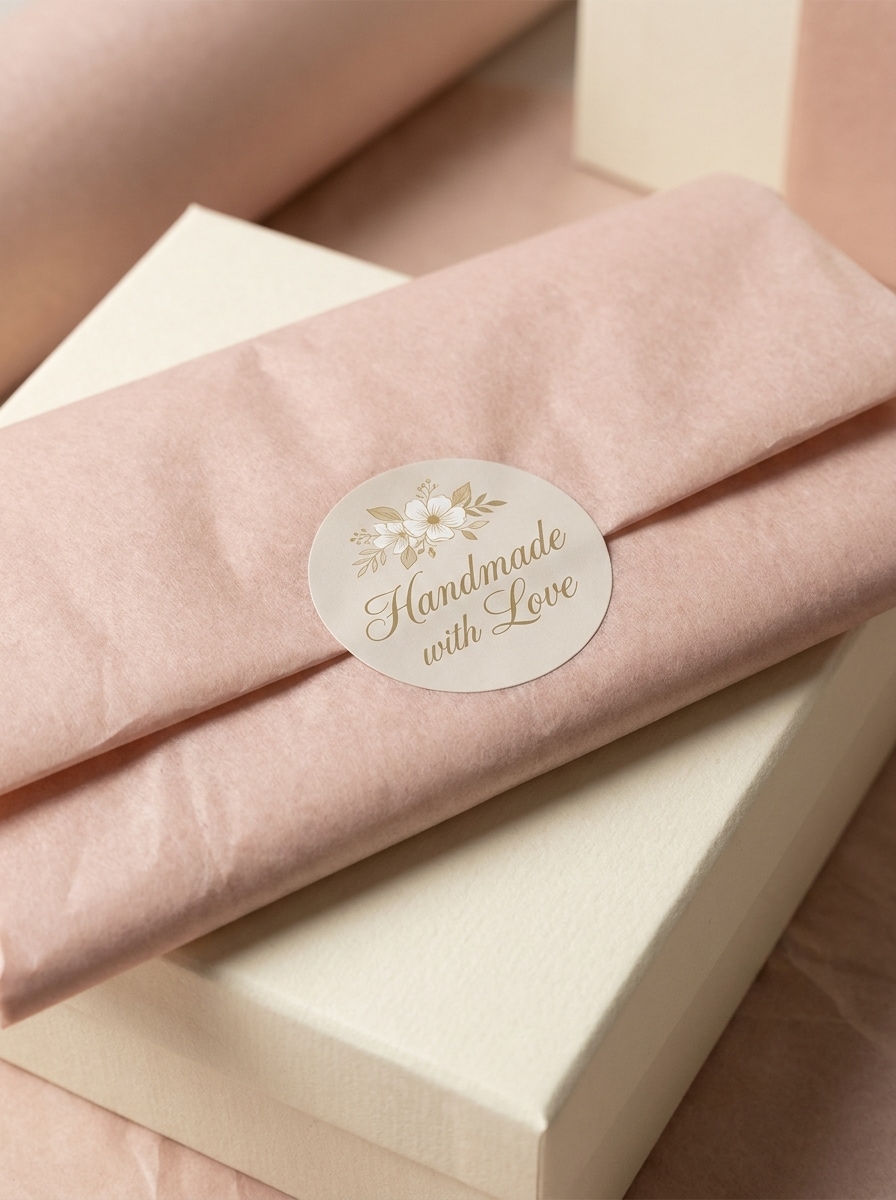
Thank You Seal Sticker

Thank You Seal Sticker

Use the uploaded image as the sticker artwork and place it as a round packaging seal over folded tissue paper on a gift box. Include soft luxury lighting, delicate paper texture, gentle shadows, pastel neutral colors, and a premium ecommerce unboxing mood with realistic adhesive sticker detail.

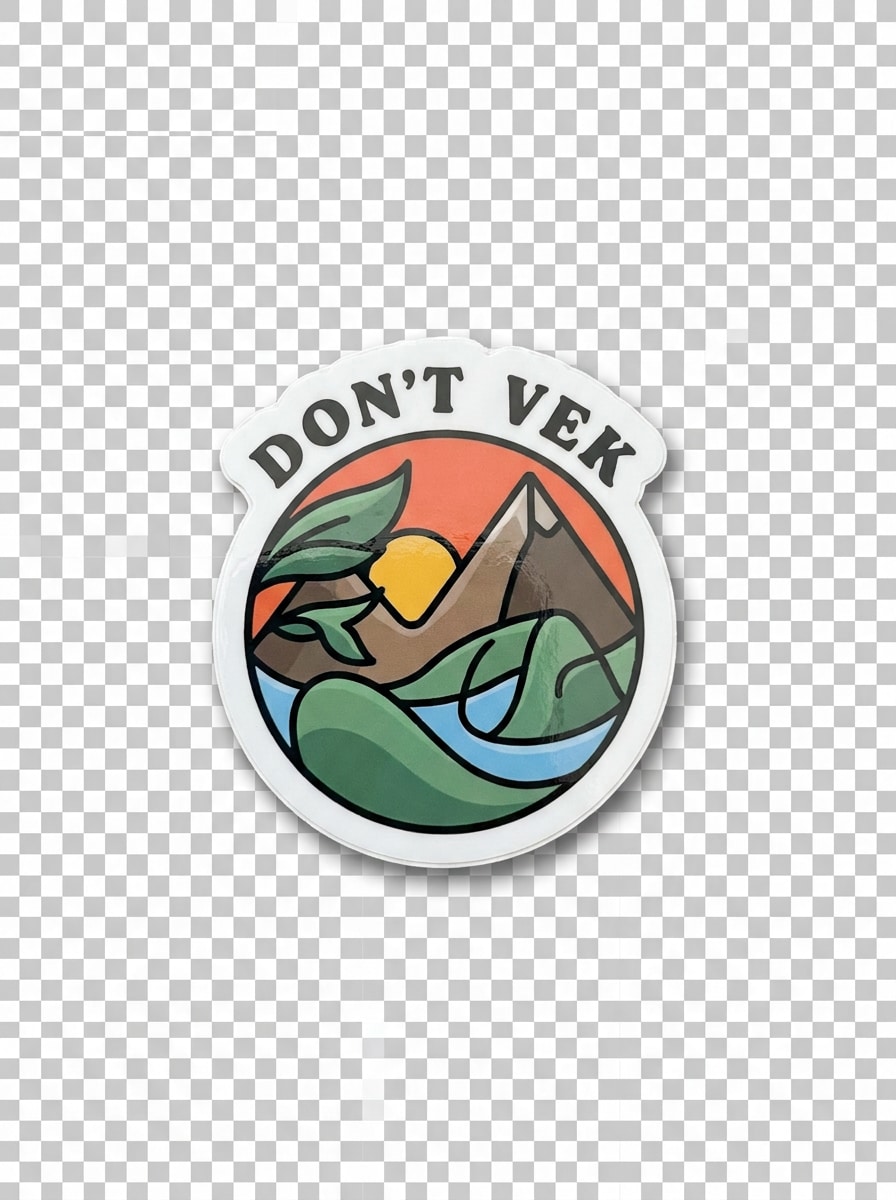
Die-Cut White Border

Die-Cut White Border

Use the uploaded image as the subject and transform it into an isolated die-cut sticker with a bold white contour outline. Add slight gloss, a transparent-background presentation feel, soft drop shadow, clean centered composition, bright neutral lighting, and precise cut-edge realism for print-preview style visuals.

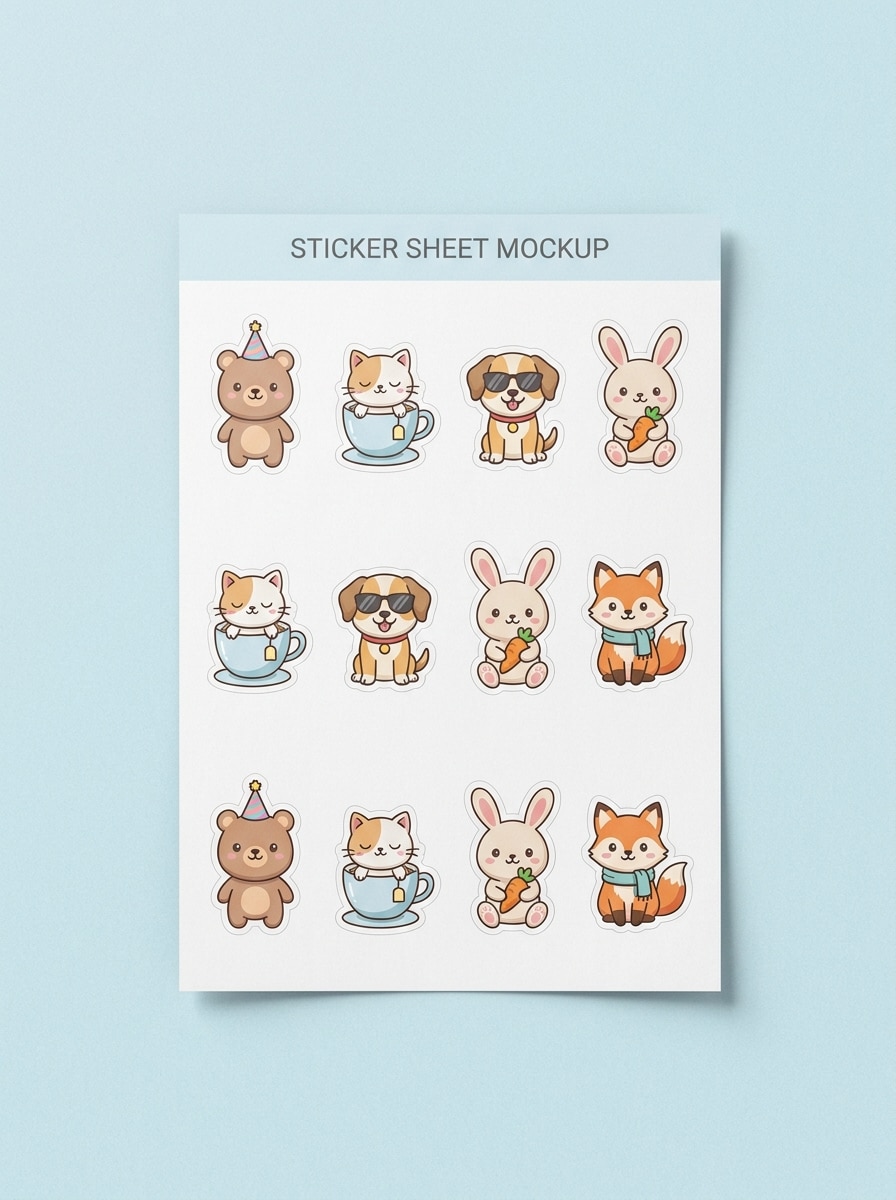
Sticker Sheet Layout

Sticker Sheet Layout

Use the uploaded image as the base design and arrange it into a realistic sticker sheet mockup with multiple variations. Include kiss-cut outlines, neat spacing, top-down composition, soft pastel background, light studio shadows, print-shop preview styling, and crisp detail that highlights layout and cut precision.

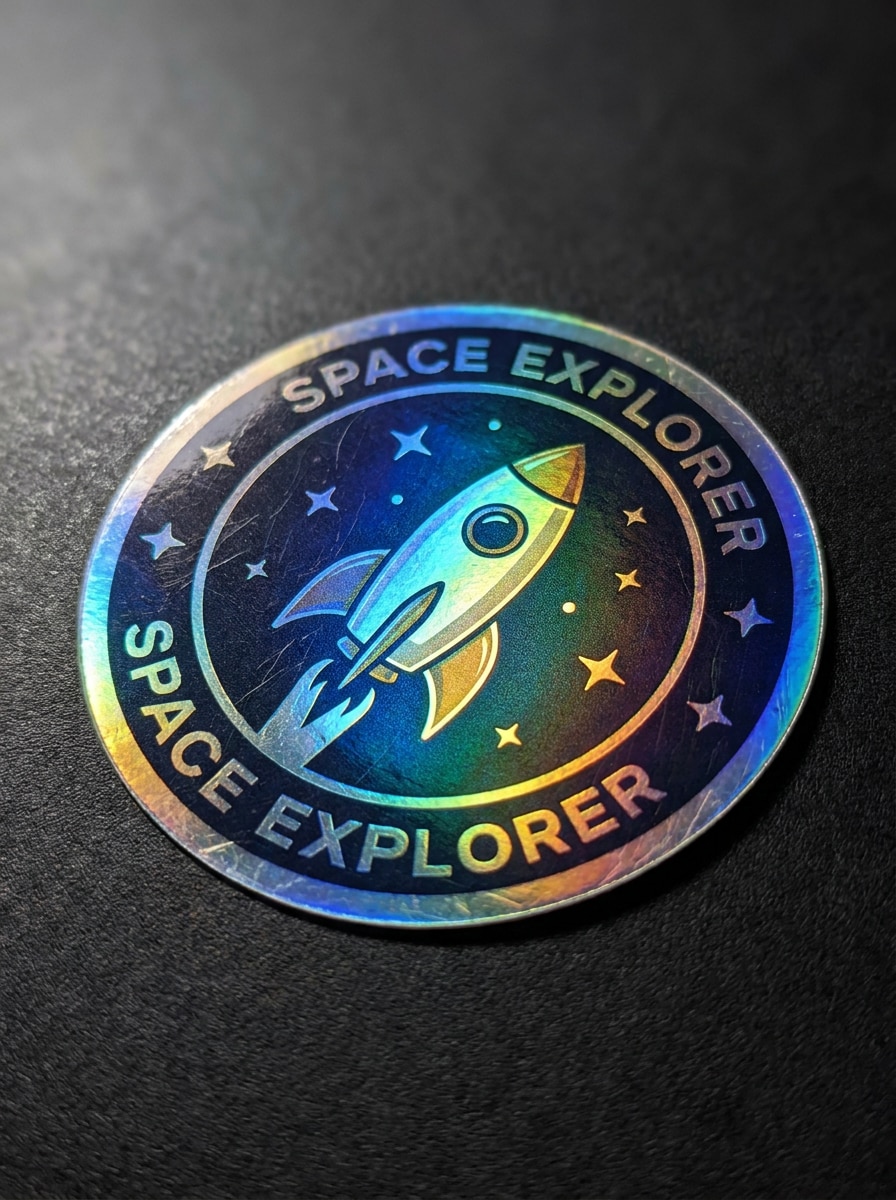
Holographic Sticker

Holographic Sticker

Use the uploaded image as the sticker design and convert it into a premium holographic decal. Add iridescent foil reflections, glossy finish, dramatic close-up lighting, sharp die-cut edges, dark luxe background, and vivid rainbow shimmer while keeping the original artwork recognizable and clean.

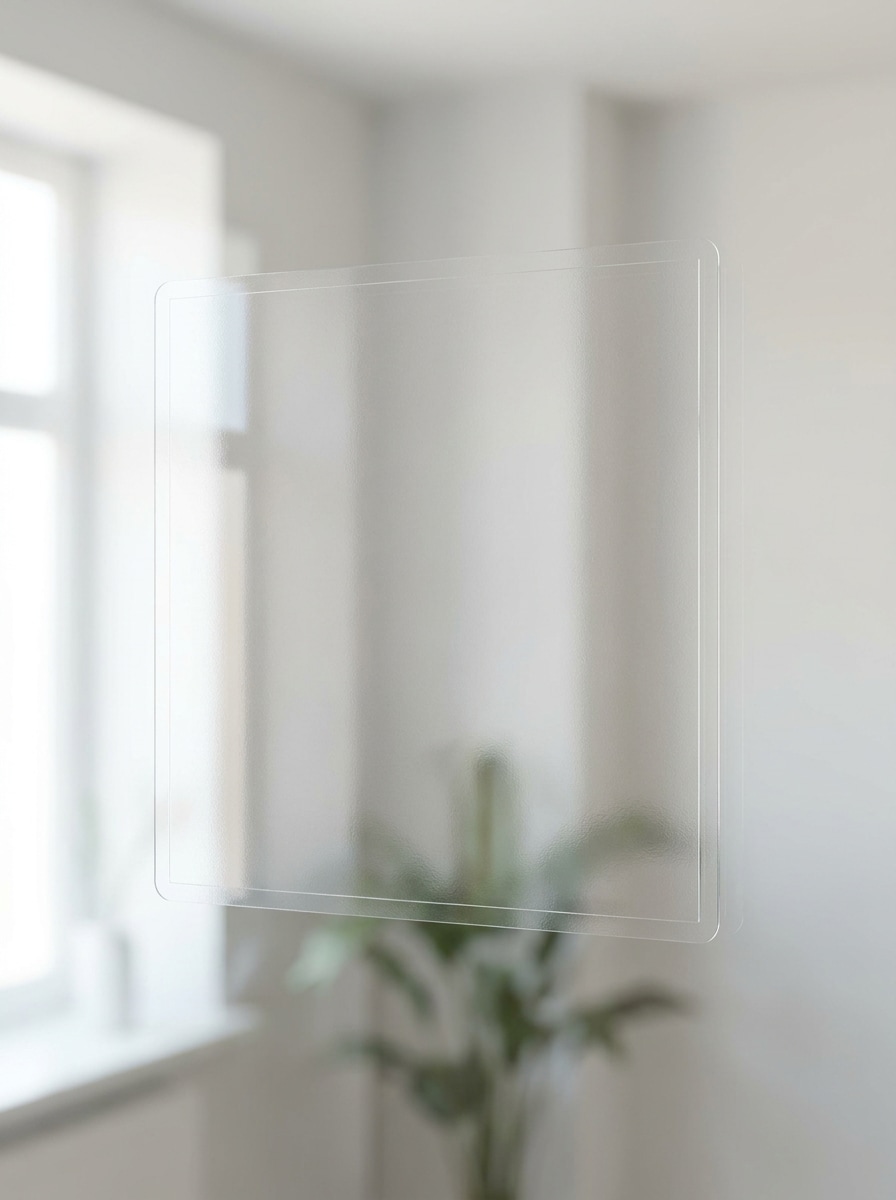
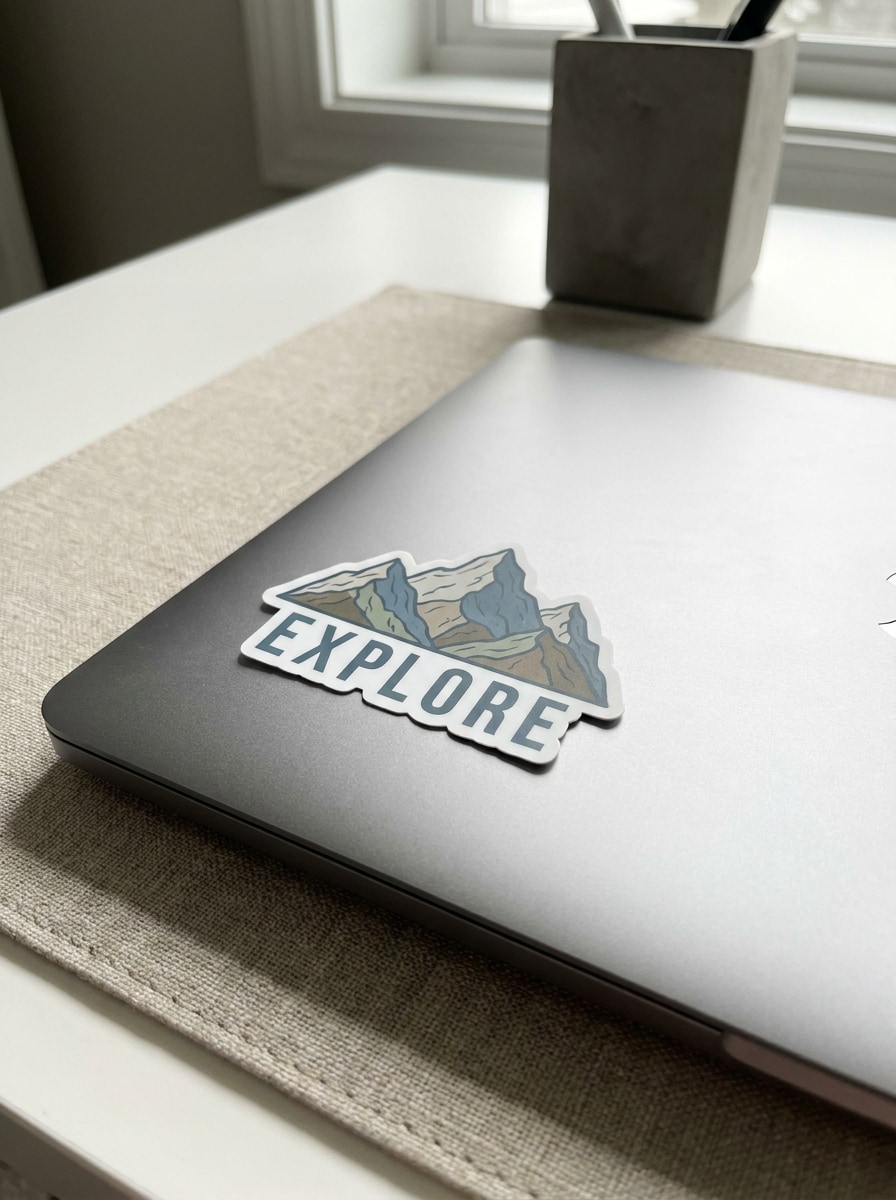
Transparent Vinyl Sticker

Transparent Vinyl Sticker

Use the uploaded image as the artwork and preview it as a transparent vinyl sticker placed on glass. Keep subtle reflections, realistic see-through material, clean minimal styling, bright natural light, soft shadowing, and crisp edge definition so the clear sticker effect looks believable and premium.

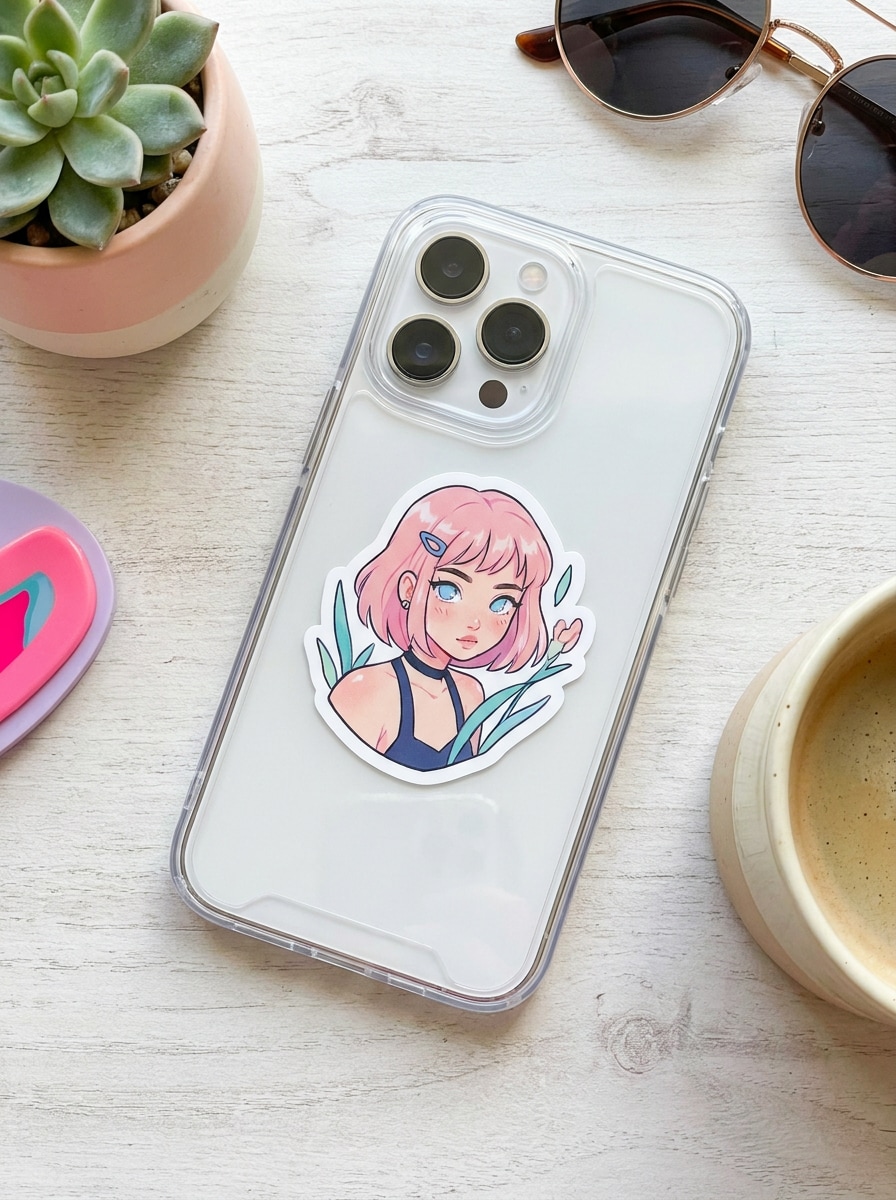
Phone Case Sticker

Phone Case Sticker

Use the uploaded image as a die-cut sticker applied to a clear phone case. Show bright lifestyle lighting, smooth plastic texture, trendy social-ready composition, realistic placement, gentle reflections, and crisp white border detail so the mockup feels current, clean, and creator-friendly.

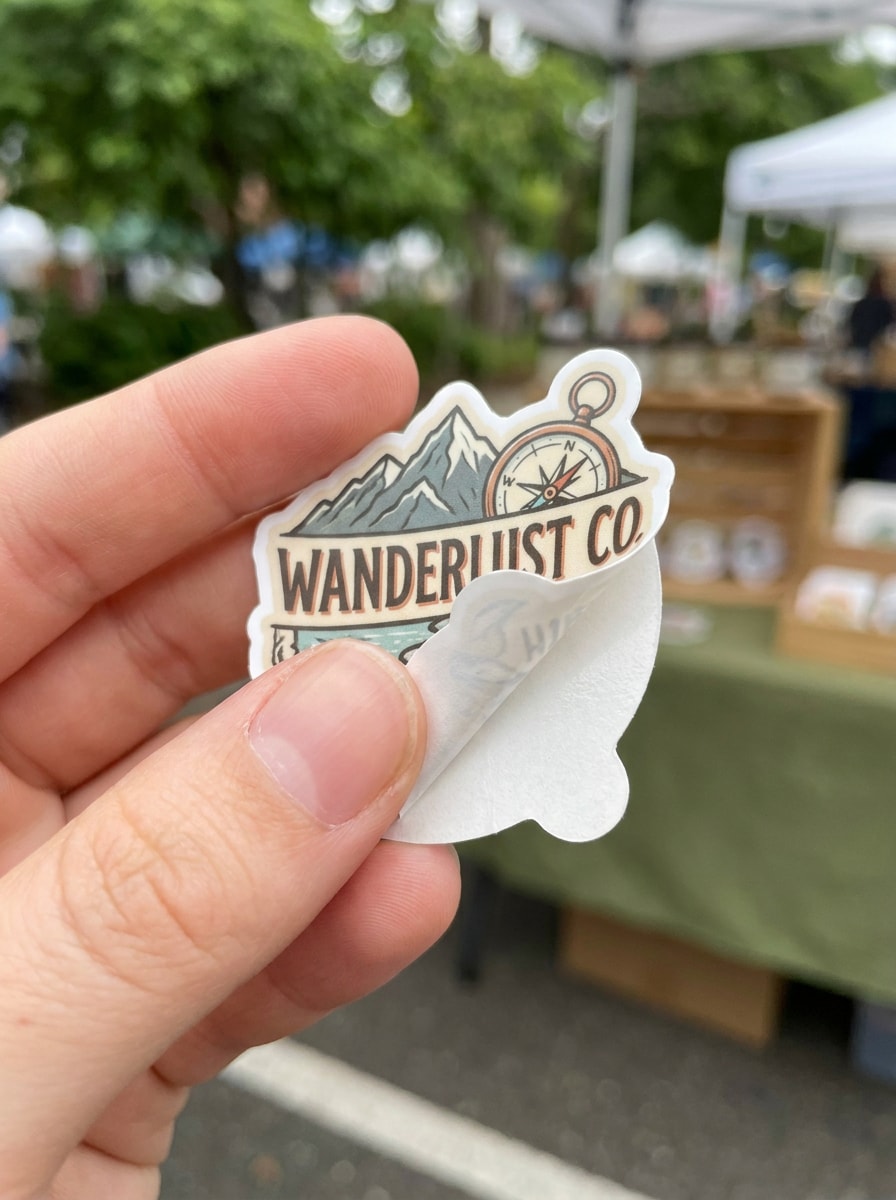
Hand-Held Sticker Reveal

Hand-Held Sticker Reveal

Use the uploaded image as a die-cut sticker held between fingers in a close-up reveal shot. Add shallow depth of field, natural daylight, ultra-crisp cut edge, soft skin tones, blurred outdoor background, and a social-commerce product showcase mood that feels authentic and high quality.

Why Use Media.io for Sticker Mockups

Keep your design recognizable with upload-based control

When a result needs to stay tied to the original subject, Media.io helps preserve recognizable features while adapting the overall sticker mockup style for social, branding, or mockup use.

Turn one design into realistic product scenes fast

A single idea often needs more than one look. Media.io helps reinterpret the same sticker mockup across different styles so each version can better match the target placement.

Adjust layouts for shops, social posts, and print previews

From ecommerce listings to packaging decks and creator posts, Media.io makes it easier to build stickers mockup visuals with flexible aspect ratios and publishing-ready layouts, so you spend less time resizing and reworking files for each channel.

Create High-Resolution Images for Real Use

For work that needs polished output instead of rough drafts, Media.io helps create a sticker mock up with up to 4K quality, so details stay cleaner for client reviews, cropping, and reuse across assets.

How to Make a Sticker Mockup Online

Turn your words into stunning visuals in three simple steps, then continue refining the result if you want to take it further.

how to use image to image AI for sticker mockup step 1
Step 1

Upload Your Reference Image

Upload a clear logo, illustration, label, or transparent PNG that you want to preview as a sticker. A clean source image helps Media.io produce sharper cut lines, more believable placement, and a polished mockup sticker result.

how to use image to image AI for sticker mockup step 2
Step 2

Describe the Change and Set Options

Tell the AI where and how to place your design, such as a laptop lid, bottle, packaging seal, or holographic finish. Then choose the model and adjust aspect ratio, quality, and image count for your ideal stickers mockup scene.

how to use image to image AI for sticker mockup step 3
Step 3

Generate, Download, and Keep Improving

Create several variations, compare different surfaces or borders, and download the best one. You can keep refining the prompt to test die-cut edges, transparent effects, sticker sheet layouts, or more polished mockup stickers for client and shop use.

Unlock the Potential of Mockup Sticker

See how creators use this Sticker Mockup for content, marketing, and personal projects, then adapt each idea to fit the brief.

Show clients how a design looks in real life

Freelancers and brand designers can turn flat artwork into laptop, bottle, or packaging previews that feel presentation-ready. Media.io gives a simple way to move beyond a basic sticker mock up file and show clients clearer approval context before print.

Build stronger ecommerce and small-business visuals

Sellers can create packaging seals, mailer labels, and product-scene previews that make handmade shops look more polished. Media.io helps turn a simple logo into marketable mockup stickers for listings, promotions, and customer-facing content, including a free sticker mockup starting point with available free credits.

Test formats before you order or print

Creators can compare die-cut, holographic, transparent, and sheet layouts from the same upload before committing to production. Media.io is useful when you want a sticker mockup free browser workflow, a sticker sheet concept, or a quick check on how a blank sticker mockup, clear-edge, or white-border version will read.

What Users Say About This Sticker Mockup Tool

user
Ava Martinez

Etsy Shop Owner

star star star star star

"Great for packaging previews" I used one logo file and quickly made packaging and bottle previews that looked much more professional than flat artwork. It helped me test a mockup sticker concept before ordering samples.

user
Daniel Kim

Freelance Brand Designer

star star star star star

"Helpful for client approvals" The die-cut and laptop scenes gave my client instant context. Instead of sending only a raw design, I could show realistic placement and get feedback faster on the final sticker direction.

user
Priya Shah

Content Creator

star star star star star

"Easy to use on different devices" I made a phone case and hand-held sticker preview from my PNG on my tablet browser. The workflow felt simple, and the results were good enough for social posts and creator merch planning.

user
Marcus Reed

Print-on-Demand Seller

star star star star star

"Useful for testing finishes" I liked being able to try holographic and transparent looks from the same design. It saved me time compared with building every preview manually, especially when comparing multiple sticker mockups.

Sticker Mockup FAQs

1. What is a sticker mockup generator?

A sticker mockup generator is a tool that turns your uploaded design into a realistic preview of how it could look as a finished sticker. With Media.io, you can place artwork or logos into scenes like laptops, bottles, packaging, or sticker sheets without needing Photoshop.

Upload your JPG, PNG, or JPEG file to Media.io, describe the surface or style you want, and choose settings like aspect ratio or quality. The tool then generates a realistic preview based on your reference image, which is helpful for die-cut concepts, packaging seals, and other mockup sticker layouts.

Media.io offers free credits so you can try a sticker free mockup workflow directly in your browser without Photoshop. Free usage may include watermarks, while paid plans support watermark-free high-resolution downloads, and you can compare options on the pricing page.

Media.io supports JPG, PNG, and JPEG uploads, so transparent PNG artwork and logo files fit naturally into the workflow. That makes it useful for clean brand marks, decal designs, and transparent sticker previews where edge definition matters.

Media.io can use one uploaded reference image to generate different presentation styles, including isolated die-cut looks and sheet-style layouts. This is useful when you want to compare a single design across a standalone decal preview, a sticker sheet concept, or a more complete product display.

Media.io supports 1K, 2K, and 4K resolution options, so you can choose the level that fits quick previews or more polished presentations. Free users may have watermarks.

Media.io Online AI Tools Quality Rating:
vote 4.7 (162,357 Votes)