이미지에서 이미지까지
Nano Banana Pro
이미지 업로드
0 / 9
내 기록에서 선택하거나 업로드하려면 클릭하거나 드래그하세요
아이디어가 없나요? 먼저 이미지를 생성하세요. >
지원되는 업로드 형식: jpg, png, jpeg.
프롬프트
0/2000
1K
자동
1
바나나 프로 무제한 모드
제작물
아이디어 허브
전체
목록 생성
작업물은 7일 동안 저장됩니다. 업그레이드 후 생성된 에셋은 영구 저장됩니다.
ai_video_generator창의적 잠재력을 풀고 미디어 AI의 마법을 즉시 경험하십시오!

Create a Realistic MacBook Mockup Online From Your Design

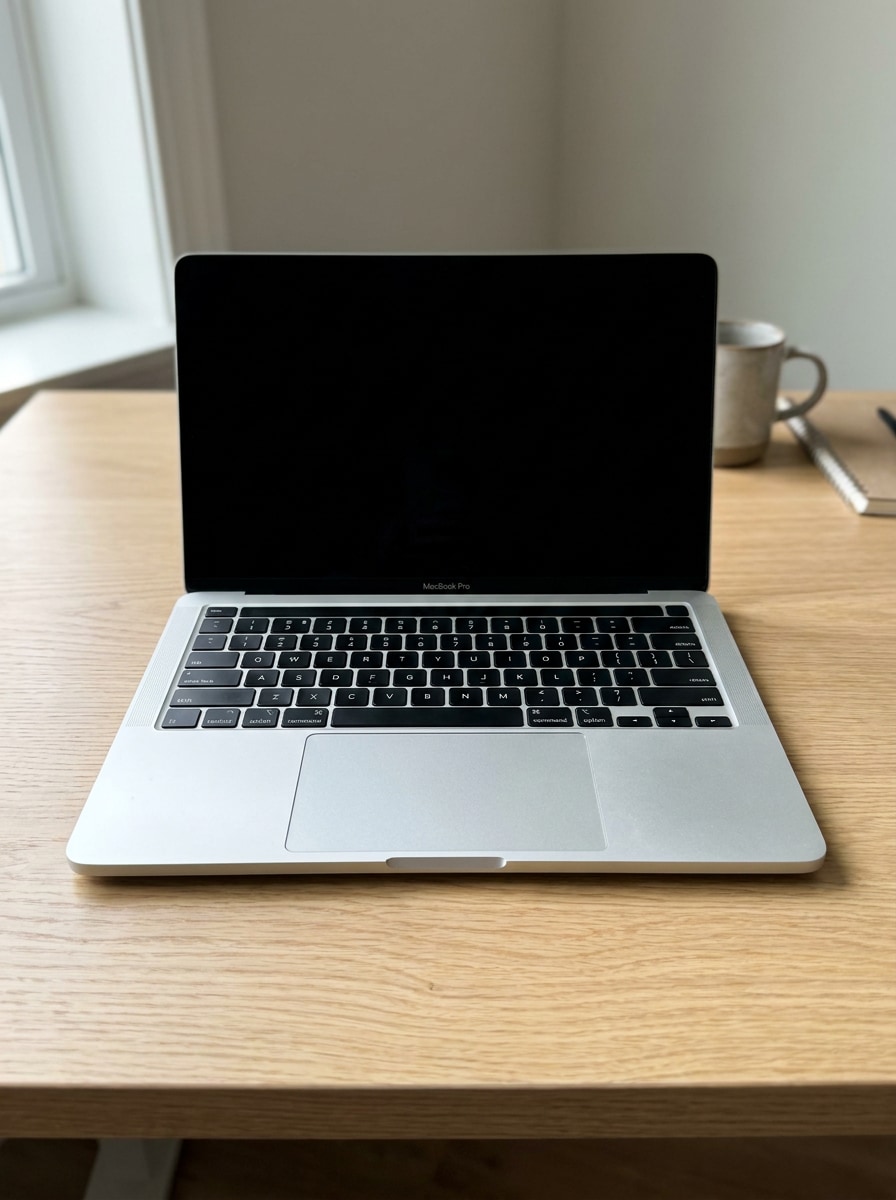
Macbook Mockup Before
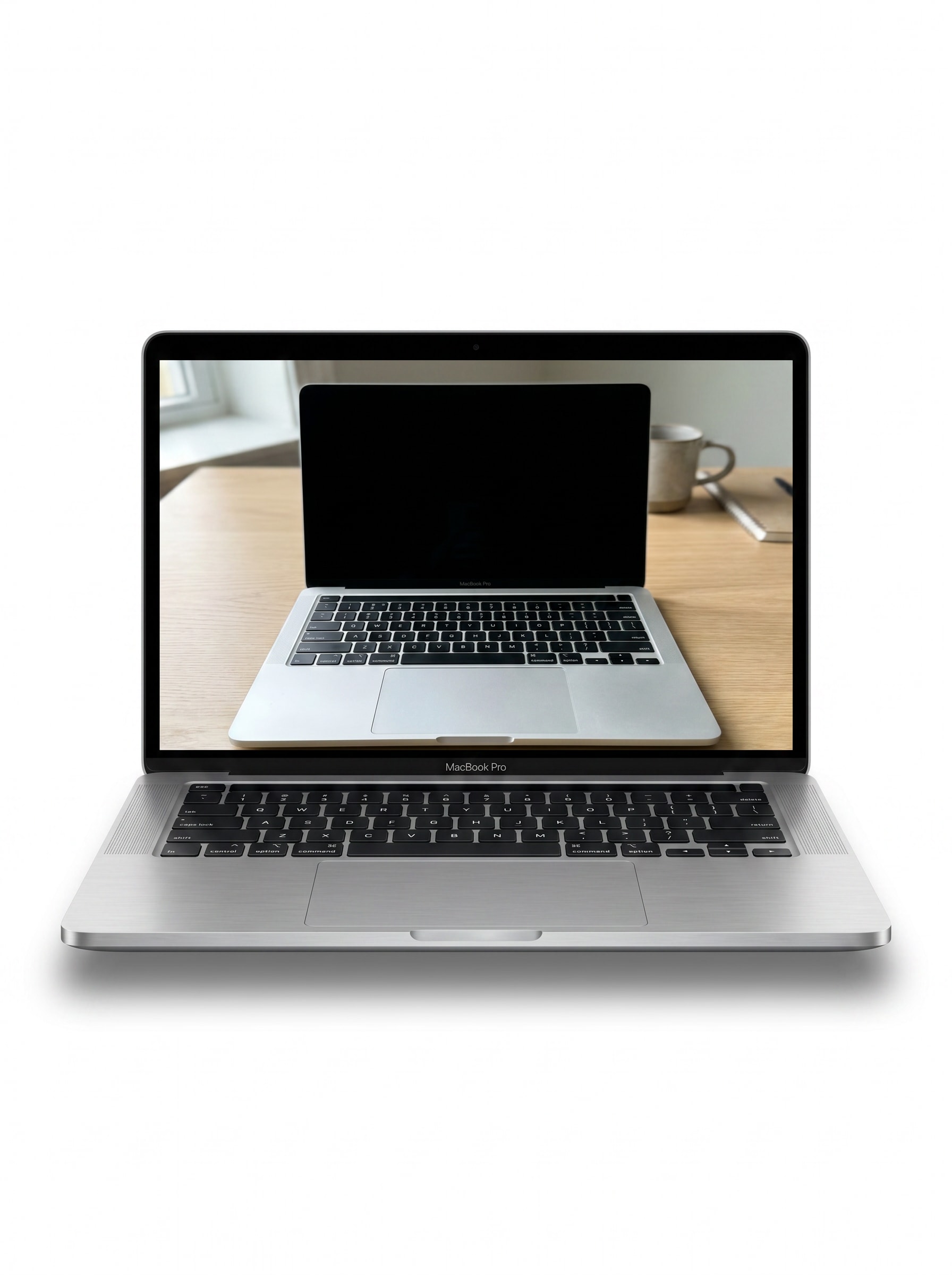
Macbook Mockup After

Turn a screenshot, UI, or website into a polished macbook mockup in minutes. Media.io helps you create realistic device scenes, clean studio shots, and presentation-ready visuals in your browser without Photoshop or Figma, with flexible styles for portfolios, ecommerce, client decks, or a quick mac mockup workflow.

Create My MacBook Mockup

Type your idea -> AI designs it. Free to try.

Review these example directions, then tailor the prompt details to get stronger results with this MacBook mockup or macbook template idea in Media.io.

Front View Clean Background

Front View Clean Background

Use the uploaded image as the screen content and transform it into a realistic front-facing MacBook mockup on a pure white studio background, centered composition, subtle soft shadow beneath the device, detailed aluminum texture, crisp screen visibility, minimal aesthetic, polished commercial presentation.

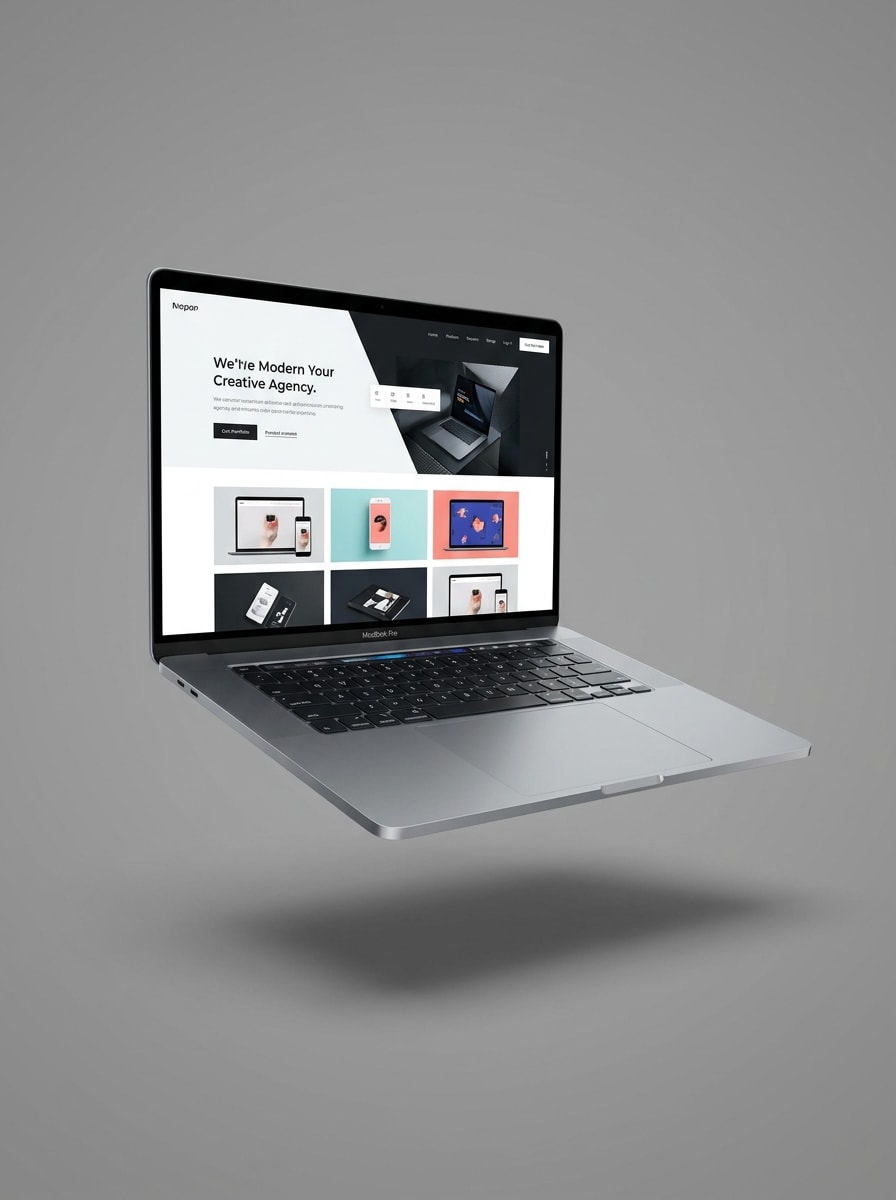
Floating Device Mockup

Floating Device Mockup

Use the uploaded image as the screen content and place it inside a floating MacBook Pro mockup, isolated on a neutral background with premium product-shot lighting, soft drop shadow, sleek aluminum edges, sharp screen clarity, refined reflections, and a modern tech advertising mood.

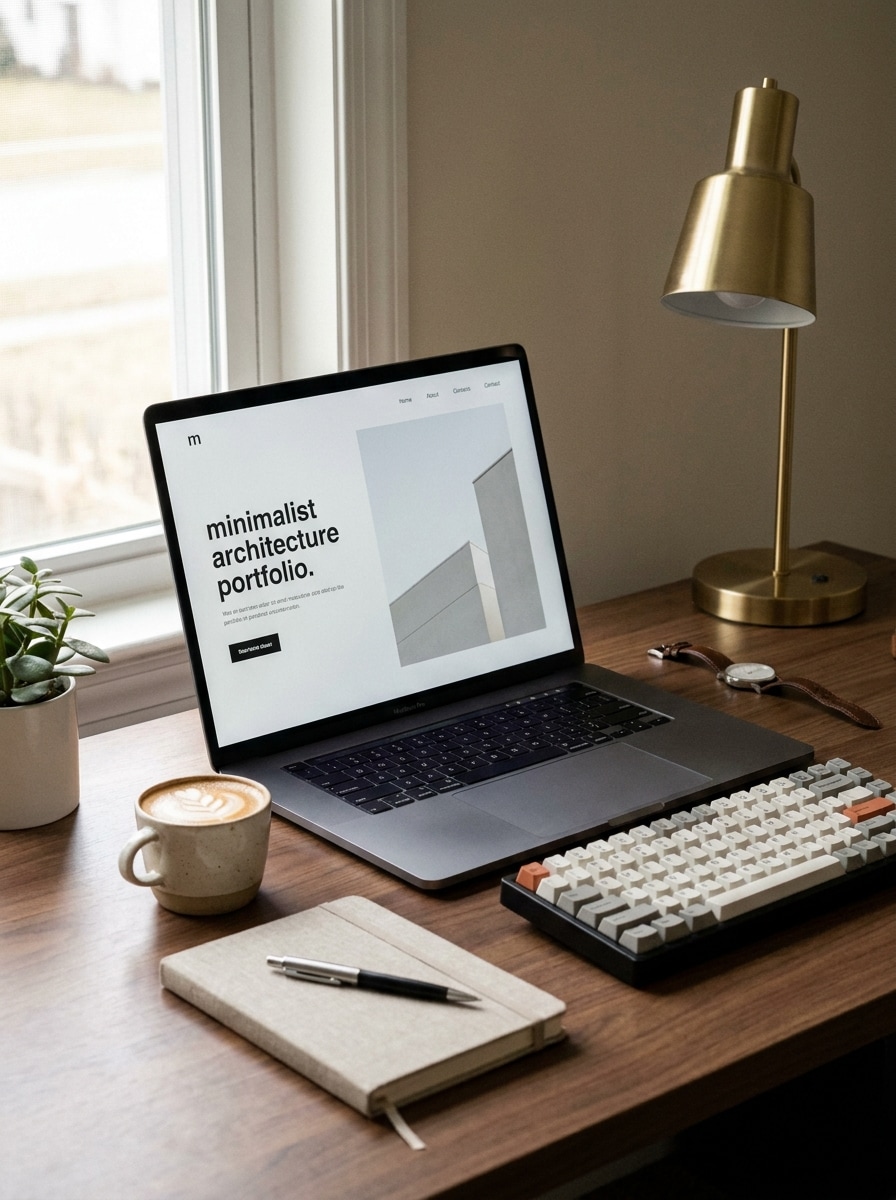
Desk Setup Scene

Desk Setup Scene

Use the uploaded image as the screen content and transform it into a realistic MacBook workspace scene on a modern desk, styled with a notebook, keyboard, coffee cup, and subtle accessories, soft natural window light, shallow depth of field, warm neutral tones, and a polished lifestyle look.

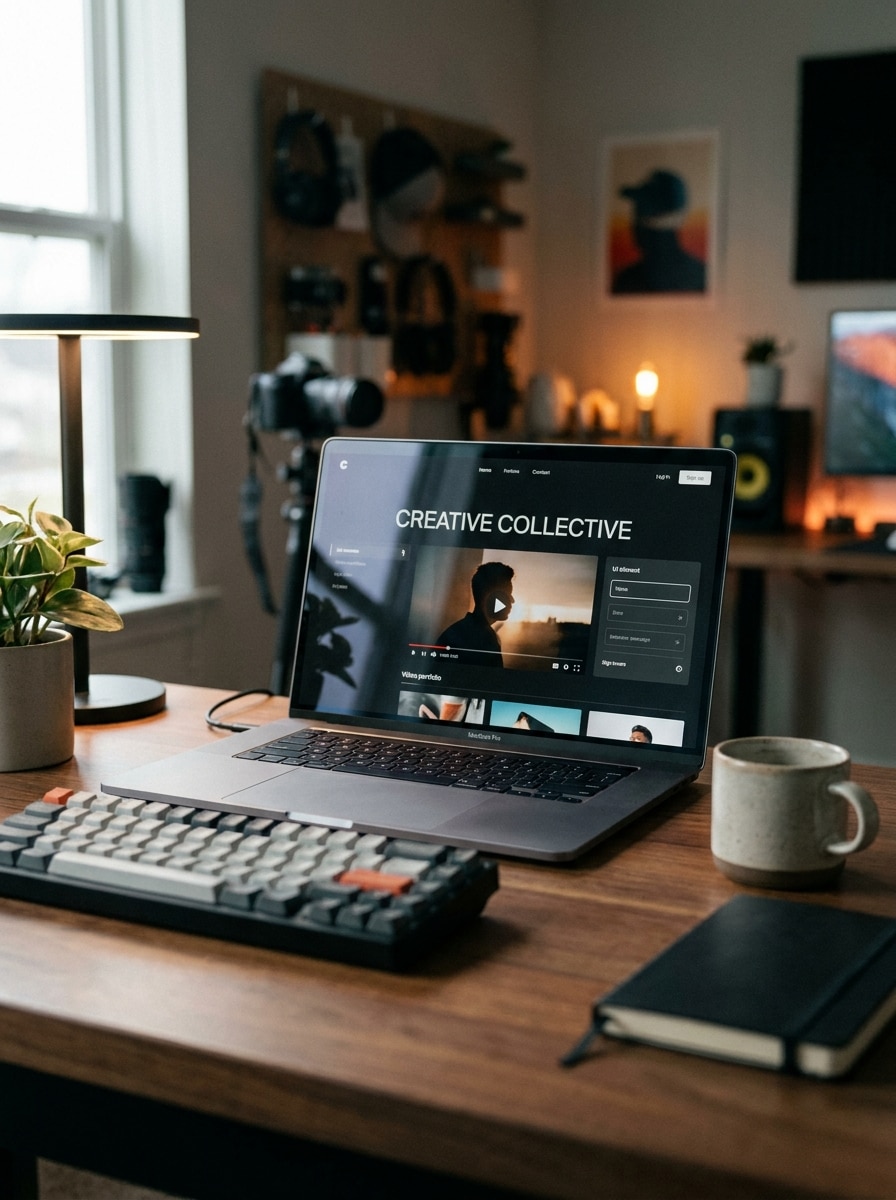
Creator Studio Setup

Creator Studio Setup

Use the uploaded image as the screen content and place it on a MacBook inside a creator studio workspace with subtle ambient lighting, tasteful desk accessories, soft background blur, realistic reflections on the screen, modern content-creator mood, and a social-ready premium composition.

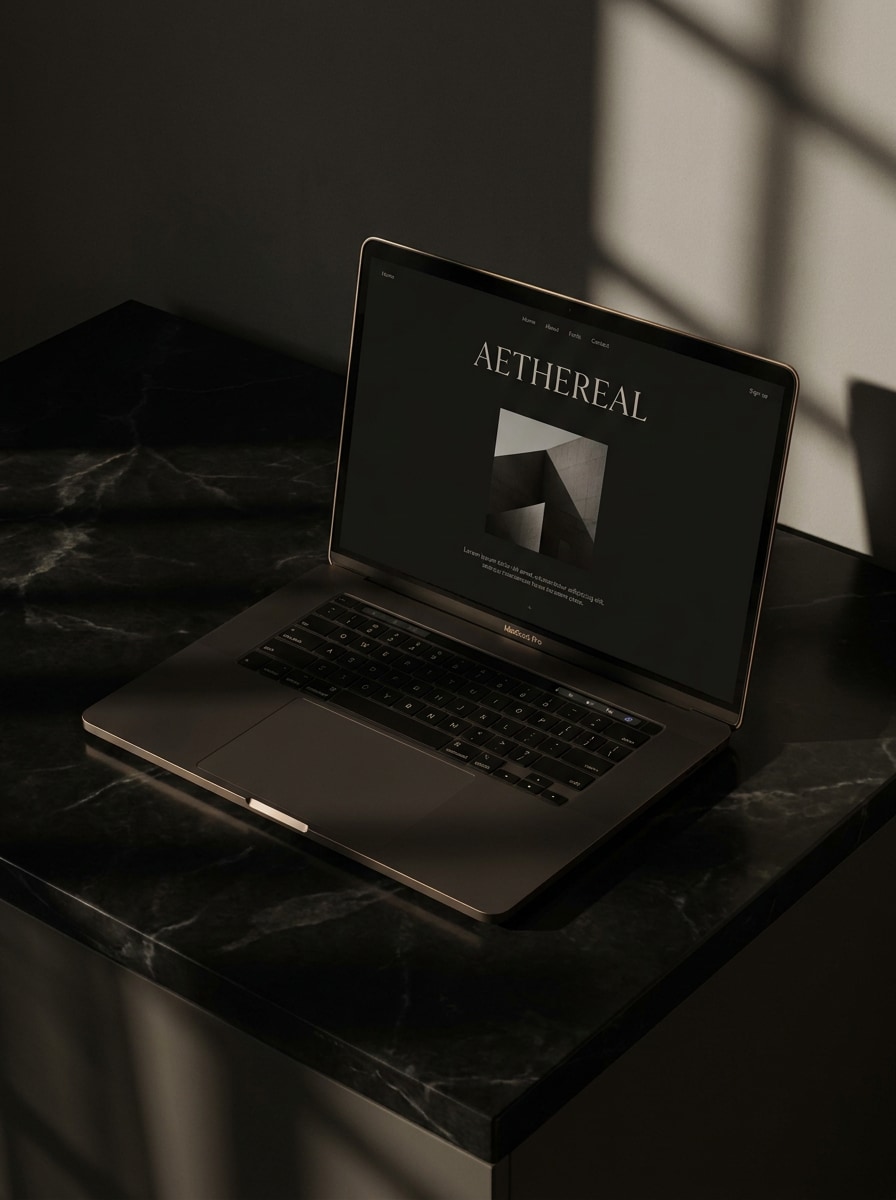
Dark Luxury Scene

Dark Luxury Scene

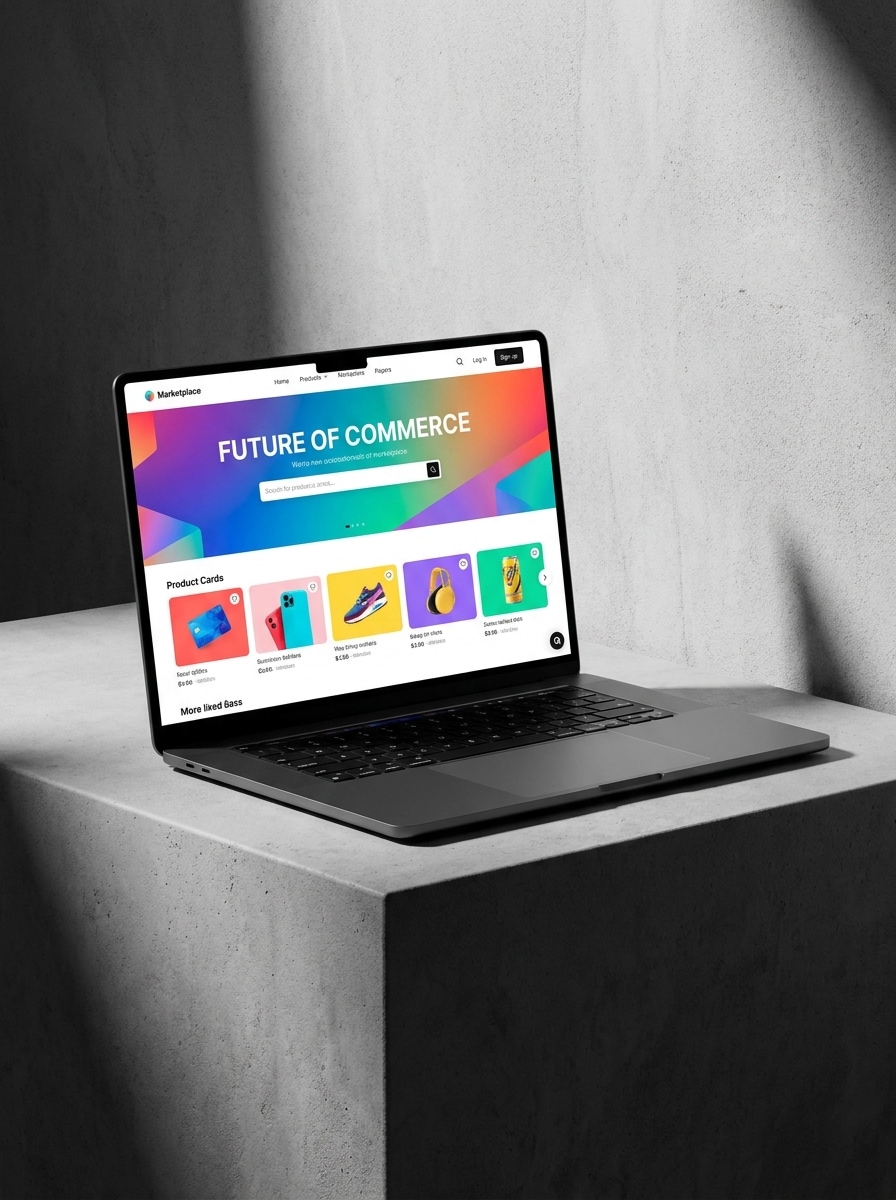
Use the uploaded image as the screen content and transform it into a dark premium MacBook mockup with dramatic moody lighting, elegant shadows, a charcoal or black surface, subtle luxury reflections, slightly angled composition, deep contrast, and a sophisticated branding presentation feel.

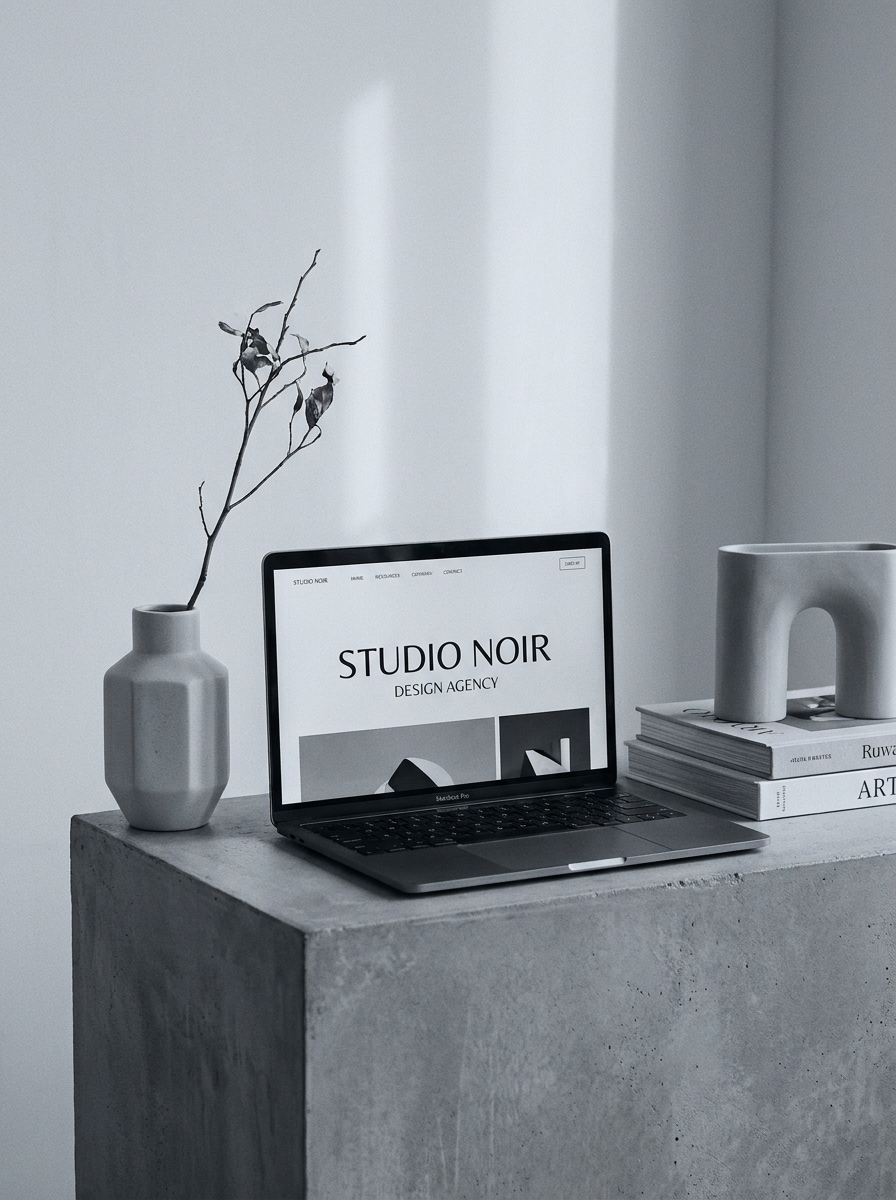
Monochrome Editorial Mockup

Monochrome Editorial Mockup

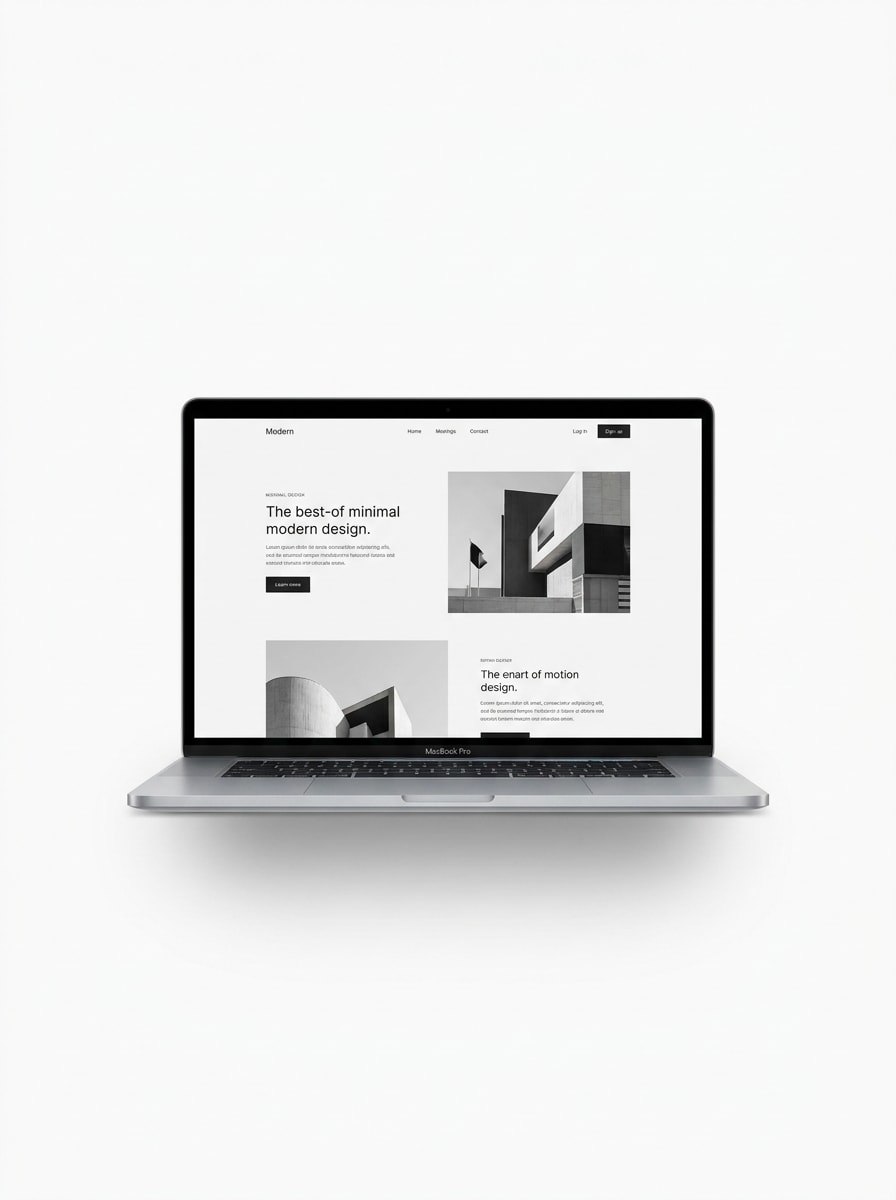
Use the uploaded image as the screen content and restyle it into a monochrome editorial MacBook mockup with minimalist props, clean geometry, soft shadows, upscale magazine-inspired art direction, cool grayscale palette, balanced negative space, and a refined modern product showcase atmosphere.

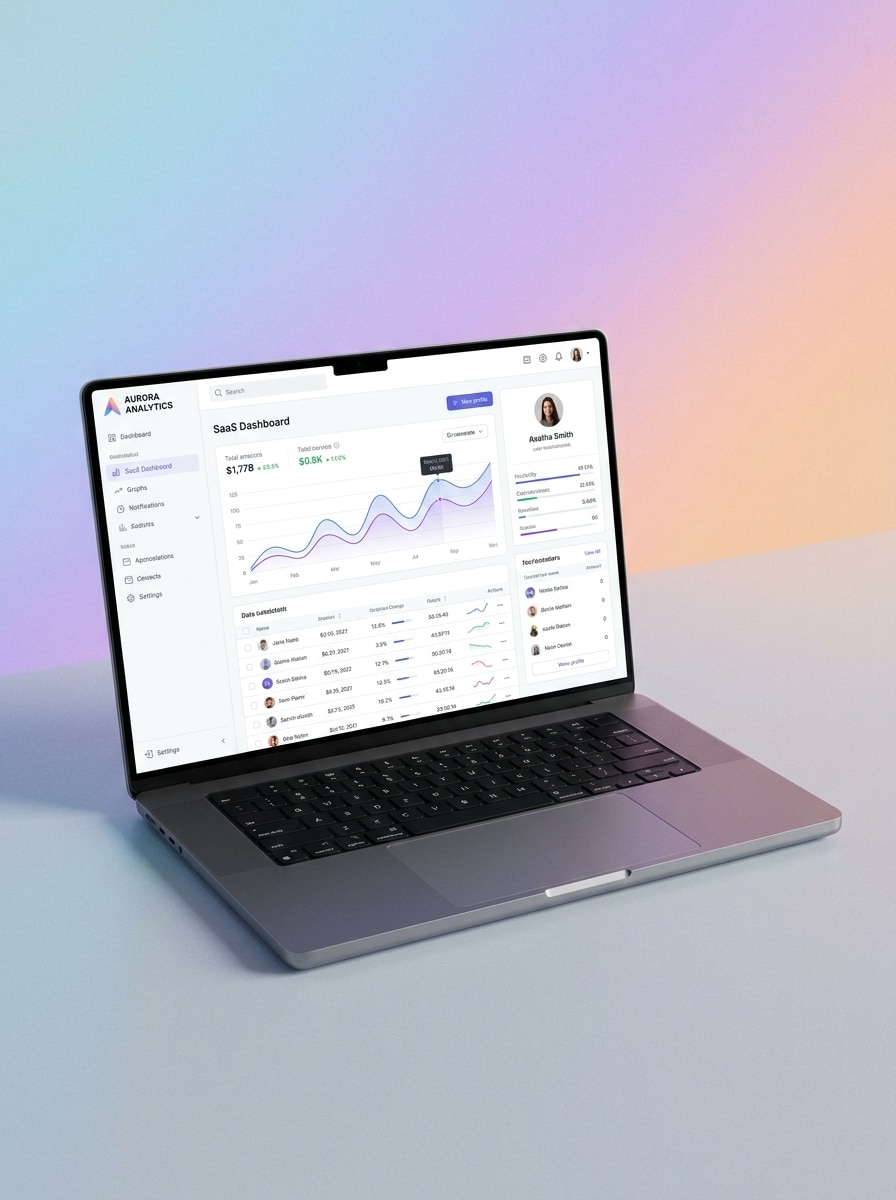
Angled Product Showcase

Angled Product Showcase

Use the uploaded image as the screen content and place it in an angled MacBook Pro mockup designed for product presentation, with a soft gradient background, clear high-resolution screen detail, gentle reflections, premium aluminum finish, and a modern SaaS showcase composition.

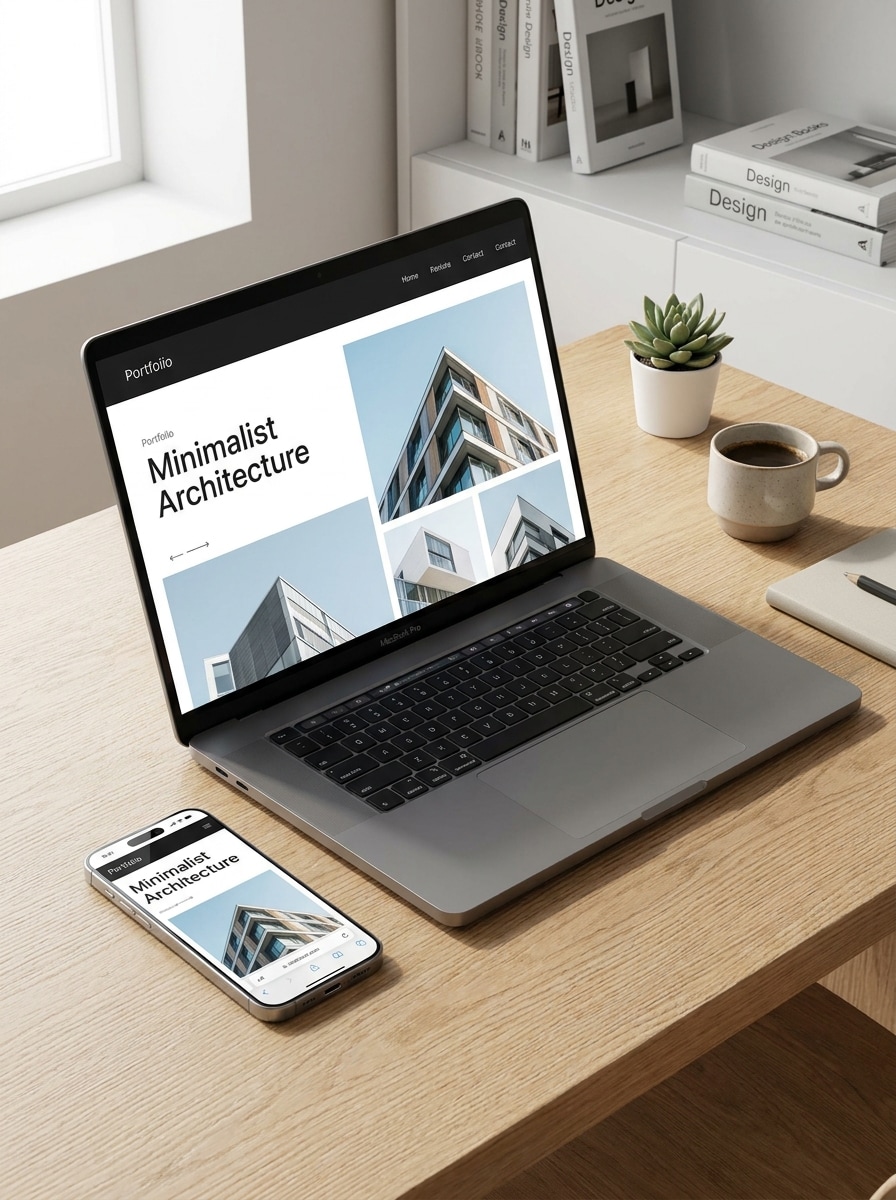
Responsive Device Pairing

Responsive Device Pairing

Use the uploaded image as the main website content and transform it into a responsive mockup scene featuring a MacBook and smartphone together, clean modern background, balanced composition, crisp screens, soft lighting, premium device textures, and a professional web design presentation style.

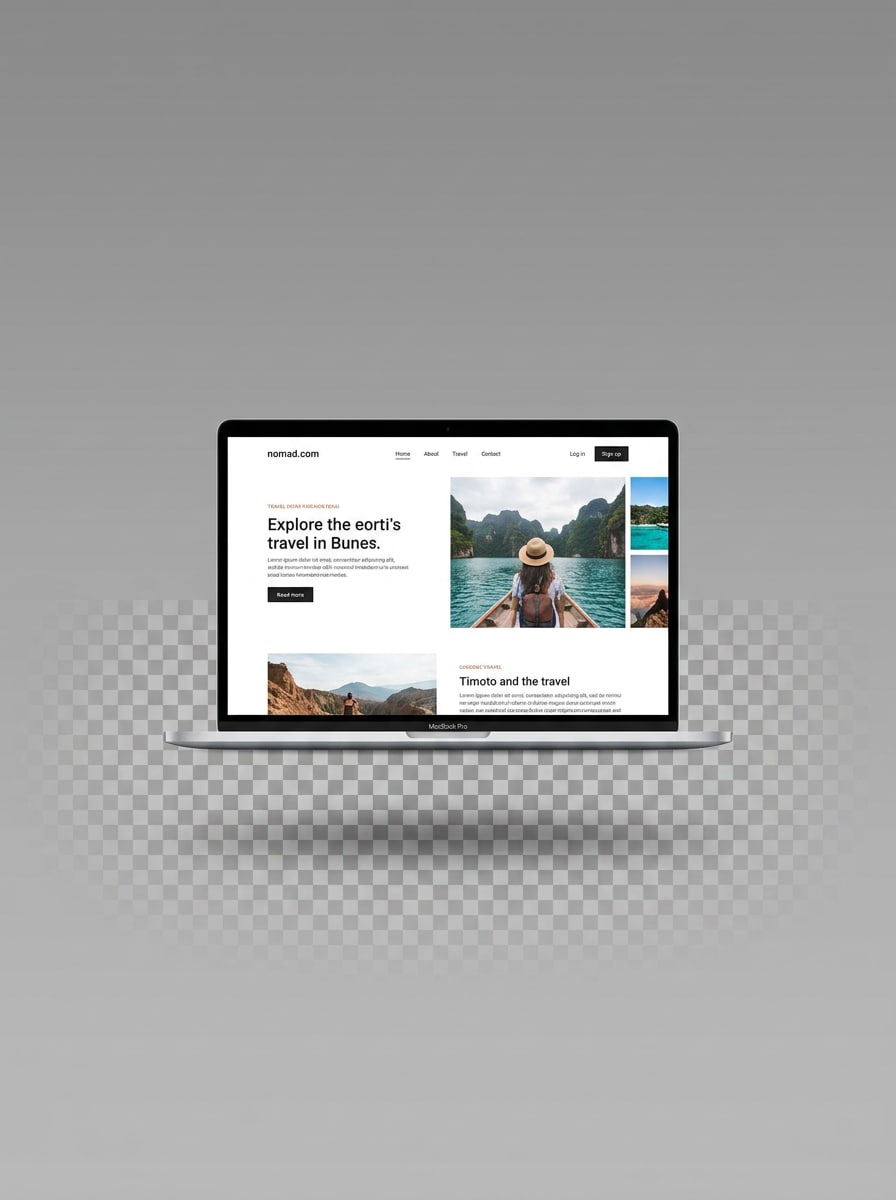
Transparent Background Cutout

Transparent Background Cutout

Use the uploaded image as the screen content and generate an isolated MacBook mockup with a plain transparent-style background look, centered device framing, clean edges, soft realistic shadow, sharp display, neutral lighting, and a commercial asset style ideal for listings and layered graphics.

Thumbnail-Friendly Perspective

Thumbnail-Friendly Perspective

Use the uploaded image as the screen content and transform it into a bold MacBook mockup with a strong perspective angle optimized for thumbnails, uncluttered background, high contrast, visible screen content, clean lighting, sharp edges, and an eye-catching marketplace-ready presentation.

Why Use Media.io for MacBook Mockup Creation

Build mockups fast without Photoshop or Figma installs

For upload-driven edits, Media.io keeps the reference subject visually consistent while changing the final macbook mockup direction, so personalized scenes are easier to generate and use with confidence.

Explore Different Looks Without Losing Direction

When style is part of the decision-making, Media.io helps you compare multiple directions from the same macbook mockup base, which makes creative selection more efficient.

Control quality and layout for presentation-ready output

A single concept can go further with Media.io, which helps adapt the same macbook mockup for social posts, presentation slides, and promotional layouts without rebuilding the whole scene from scratch.

Generate Cleaner Output Up to 4K

For design work that needs to hold up beyond a small preview, Media.io helps produce sharper visuals up to 4K, so the final mac mockup or imac laptop mockup stays more dependable for presentations and practical creative use.

How to Make a MacBook Mockup From Your Screenshot

Turn your words into stunning visuals in three simple steps, then continue refining the result if you want to take it further.

how to use image to image AI for macbook mockup step 1
Step 1

Upload Your Reference Image

Upload a clear screenshot, website preview, UI design, or existing laptop image in JPG, PNG, or JPEG format. A clean source image helps the AI place your content more accurately inside a realistic MacBook scene.

how to use image to image AI for macbook mockup step 2
Step 2

Describe the Change and Set Options

Enter a prompt describing the scene you want, such as front view, floating device, workspace setup, or dark premium styling. Then choose your preferred model, aspect ratio, resolution, and the number of image variations to generate.

how to use image to image AI for macbook mockup step 3
Step 3

Generate, Download, and Keep Improving

Generate multiple mockup variations, compare the results, and download the version that fits your portfolio, ecommerce page, or client deck. If needed, refine the prompt and create more polished styles from the same design.

Unlock the Potential of Mac Mockup

See how creators use this MacBook mockup for content, marketing, and personal projects, then adapt each idea to fit the brief.

Present websites and SaaS dashboards with more polish

Show landing pages, product dashboards, and onboarding screens inside realistic laptop scenes that feel ready for case studies, launch pages, and investor decks. Media.io helps turn flat screenshots into polished Mac presentations and stronger visual storytelling.

Create marketplace and ecommerce visuals that look cleaner

Generate isolated device renders, front-facing product shots, or bold perspective scenes for storefront images and digital listings. These polished visuals help web templates, UI kits, design assets, or a clean macbook template preview feel more premium and easier to evaluate.

Build client-ready portfolio mockups in minutes

Freelancers and agencies can turn one design into multiple presentation styles for proposals, Behance projects, or social posts. With Media.io, you can quickly create a mac mockup variation for different brand moods and audiences instead of manually editing layered files.

What Users Say About Media.io Mockup Creation

user
Lena Brooks

UI Designer

star star star star star

"Much faster than hunting for templates" I used to spend too much time looking for the right MacBook scene. With Media.io, I upload my screen and generate several polished mockups in minutes. It is especially useful for case studies and landing page presentations.

user
Owen Patel

Startup Marketer

star star star star star

"Great for launch assets and ads" We needed laptop visuals for product announcements without opening Photoshop. The browser workflow is simple, and the results look clean enough for social posts, ad creatives, and pitch materials.

user
Marina Costa

Freelance Web Designer

star star star star star

"Helpful for client previews" Clients respond better when they see their website inside a realistic device scene instead of a flat screenshot. I like being able to test minimal, lifestyle, and premium looks from the same uploaded design.

user
Jayden Kim

Ecommerce Creative

star star star star star

"Useful for product listing images" The isolated mockup styles are practical for marketplace thumbnails and digital product pages. I can generate sharp, clean device presentations quickly and adapt them for different layouts without extra mockup software.

MacBook Mockup FAQs

1. How can I turn a screenshot into a MacBook mockup?

Upload your screenshot or design to Media.io, then enter a prompt describing the MacBook scene you want, such as a clean studio view, workspace setup, or angled product shot. Media.io uses your upload as the reference, so you can turn a flat screen capture into a realistic macbook mockup in a few steps. The tool is web-based and works on devices with a modern browser, including Windows, Mac, iOS, and Android.

Media.io offers free credits, so you can try creating a macbook mockup online without paying upfront. Free use may include watermarks, while paid plans unlock more credits and watermark-free high-resolution downloads. You can compare those options on the pricing page.

Yes. Media.io is web-based, so you can create a MacBook-style mockup directly in your browser without installing Photoshop or Figma. That makes Media.io useful for quick presentations, marketing visuals, and client previews when you want a faster alternative to a traditional layered-template workflow.

Media.io supports JPG, PNG, and JPEG uploads for image-to-image generation. You can use a website screenshot, app interface, design export, or another source image as the reference for your laptop mockup or Mac mockup scene.

Media.io supports 1K, 2K, and 4K resolution options, which helps when you need sharper visuals for presentations, ecommerce listings, product pages, or portfolio thumbnails. You can also adjust aspect ratios to better fit slides, storefront images, and social layouts. Free users may see watermarks.

Media.io works in modern browsers on desktop and mobile, so you can create and revise a MacBook mockup, macbook template concept, or similar device presentation without installing heavy software.

Media.io Online AI Tools Quality Rating:
vote 4.7 (162,357 Votes)