이미지에서 이미지까지
Nano Banana Pro
이미지 업로드
0 / 9
내 기록에서 선택하거나 업로드하려면 클릭하거나 드래그하세요
아이디어가 없나요? 먼저 이미지를 생성하세요. >
지원되는 업로드 형식: jpg, png, jpeg.
프롬프트
0/2000
1K
자동
1
바나나 프로 무제한 모드
제작물
아이디어 허브
전체
목록 생성
작업물은 7일 동안 저장됩니다. 업그레이드 후 생성된 에셋은 영구 저장됩니다.
ai_video_generator창의적 잠재력을 풀고 미디어 AI의 마법을 즉시 경험하십시오!

Create a Realistic Laptop Computer Mockup from Your Screenshot

Laptop Computer Mockup Before
Laptop Computer Mockup After

Turn screenshots, web pages, and app UI into a polished laptop computer mockup in minutes. Media.io helps you create custom device scenes, from a clean computer mockup to a premium laptop mockup, without PSD editing or advanced design skills.

Create My Laptop Mockup

Type your idea -> AI designs it. Free to try.

Review these example directions, then tailor the prompt details to get stronger results with this laptop computer mockup generator in Media.io.

Minimal Desk Workspace

Minimal Desk Workspace

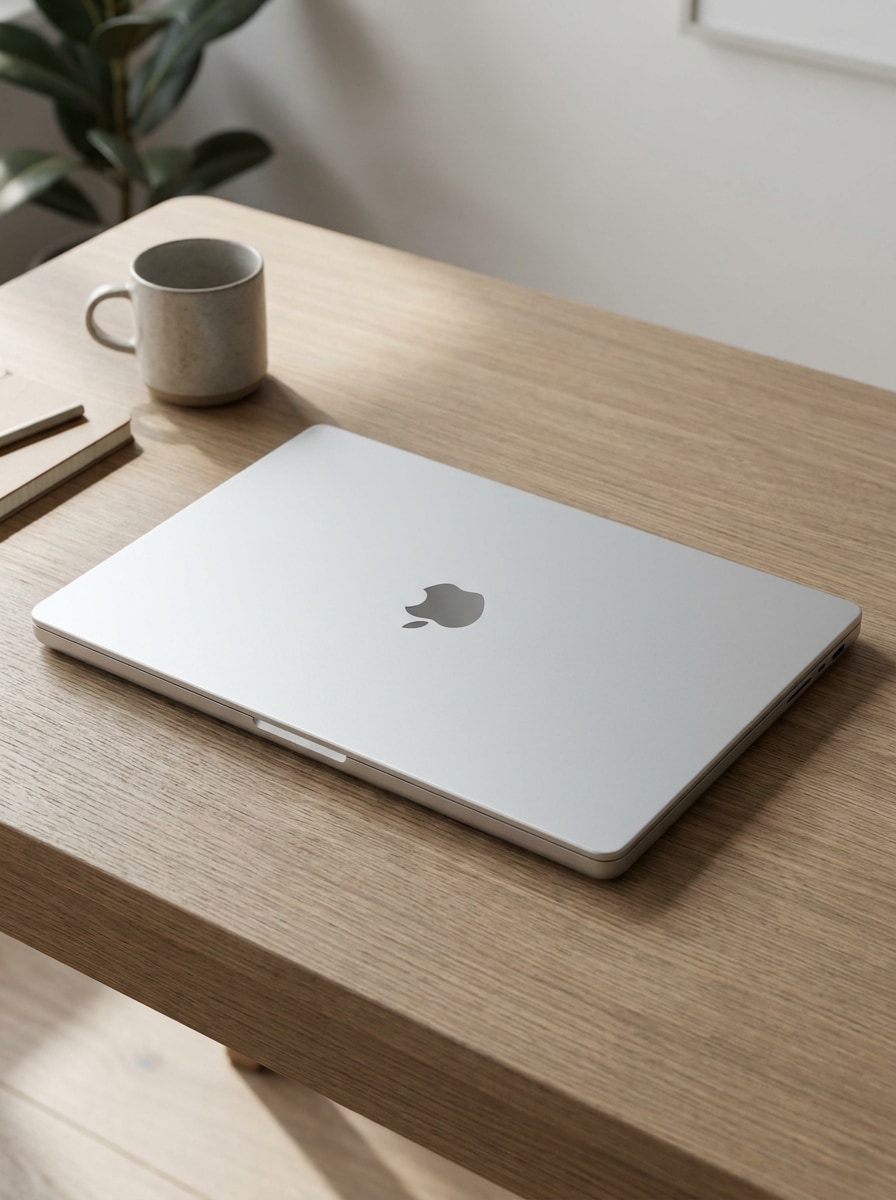
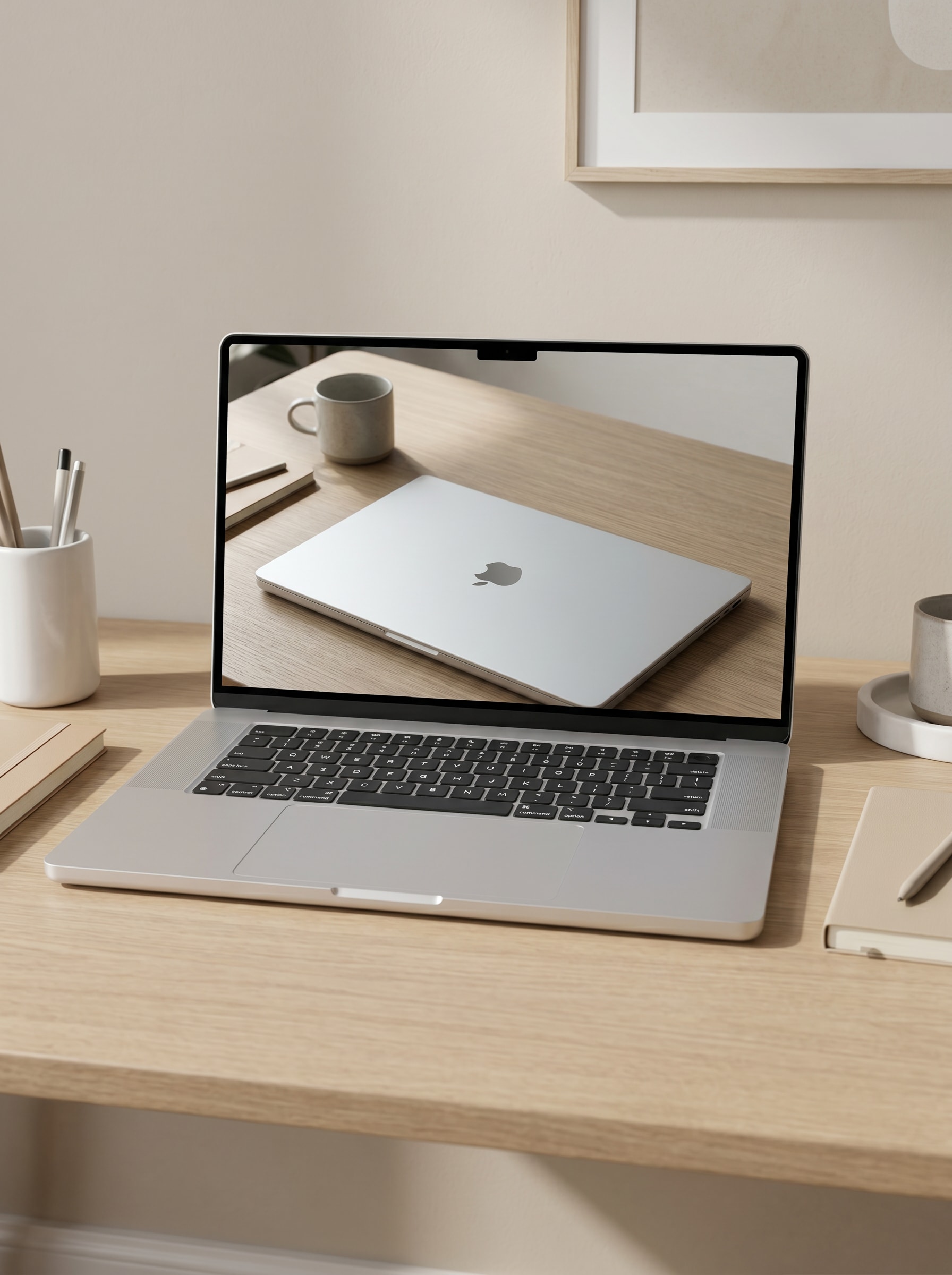
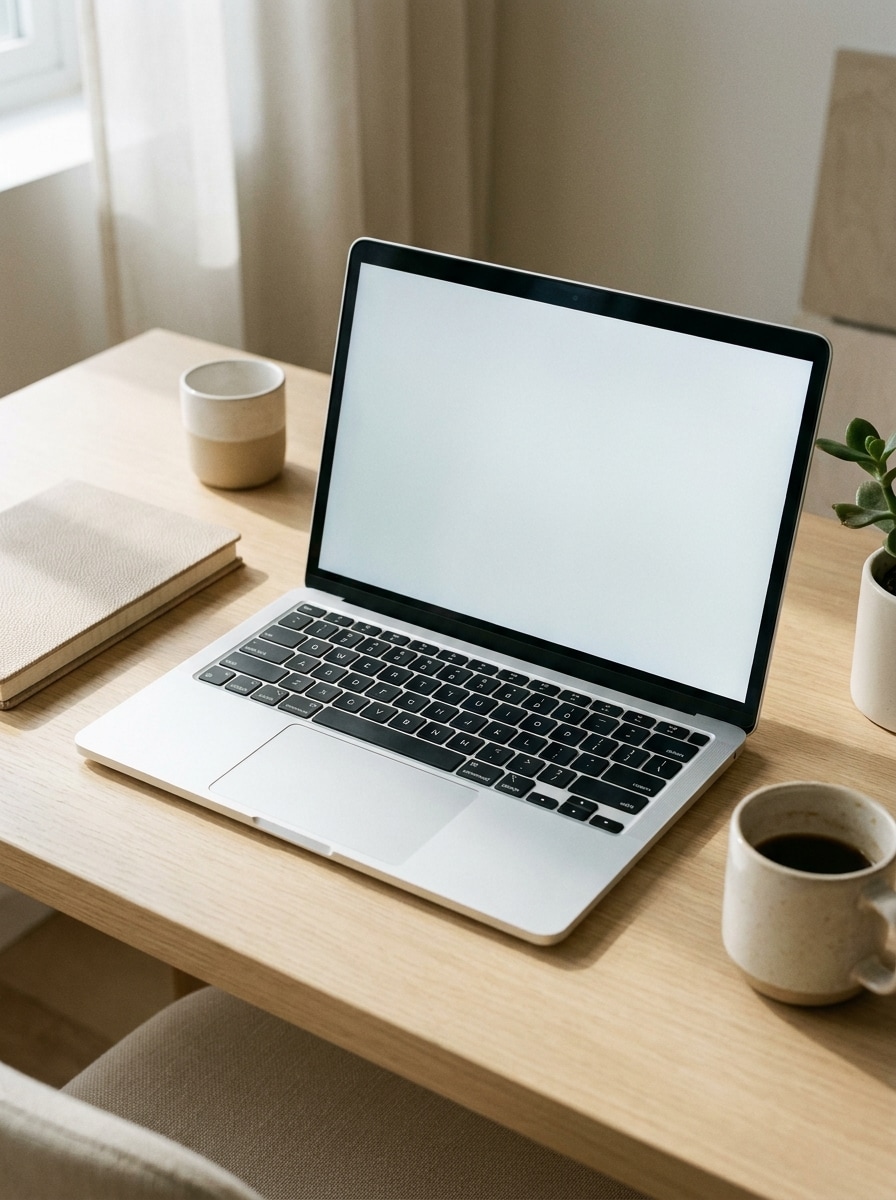
Use the uploaded image as the screen content and transform it into a photorealistic laptop computer mockup on a clean modern desk. Center the open laptop with soft daylight, subtle shadows, realistic aluminum texture, a neutral beige and white palette, minimal accessories, and a premium productivity mood with sharp screen visibility.

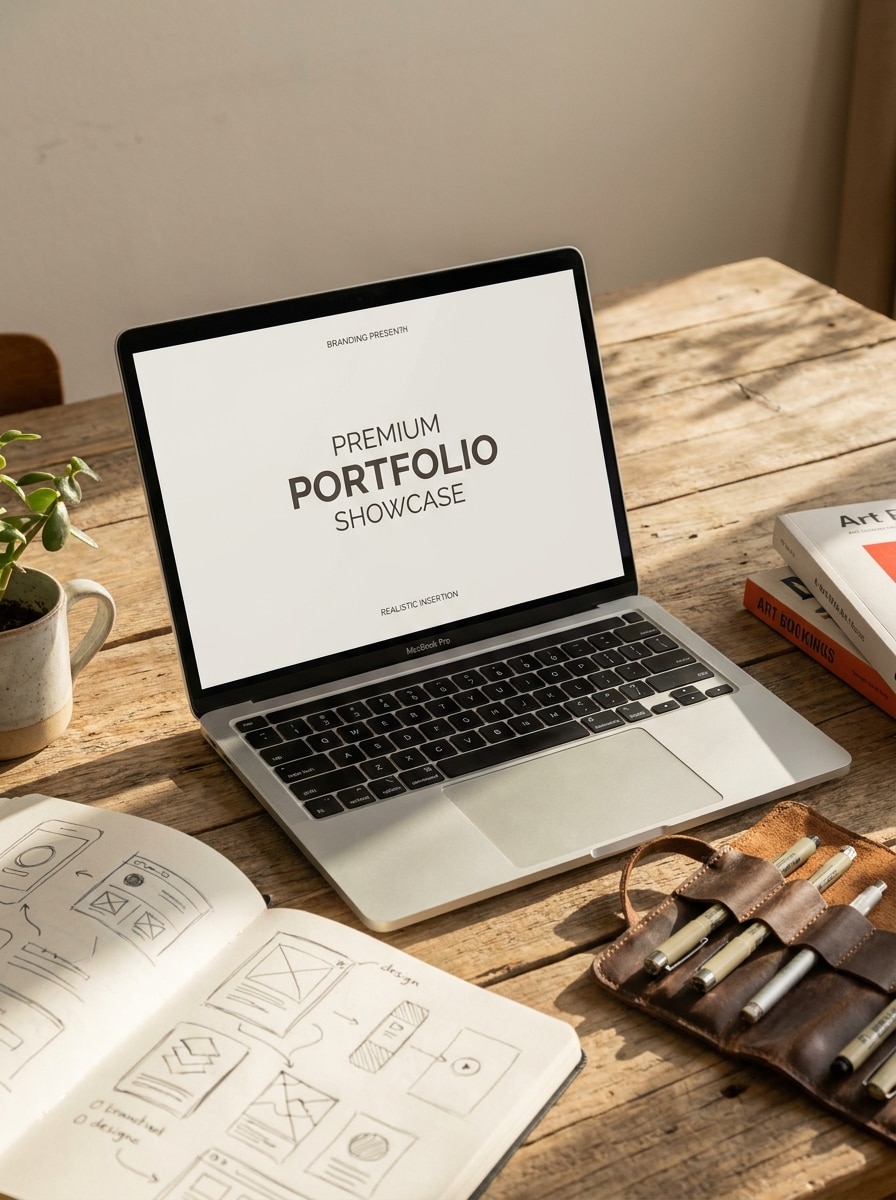
Creative Studio Desk

Creative Studio Desk

Use the uploaded image as the subject on the laptop screen and transform it into a stylish creative studio workspace scene. Show an open laptop on a designer desk with art books, subtle tools, warm daylight, realistic reflections, textured materials, and an editorial mood that feels premium yet approachable.

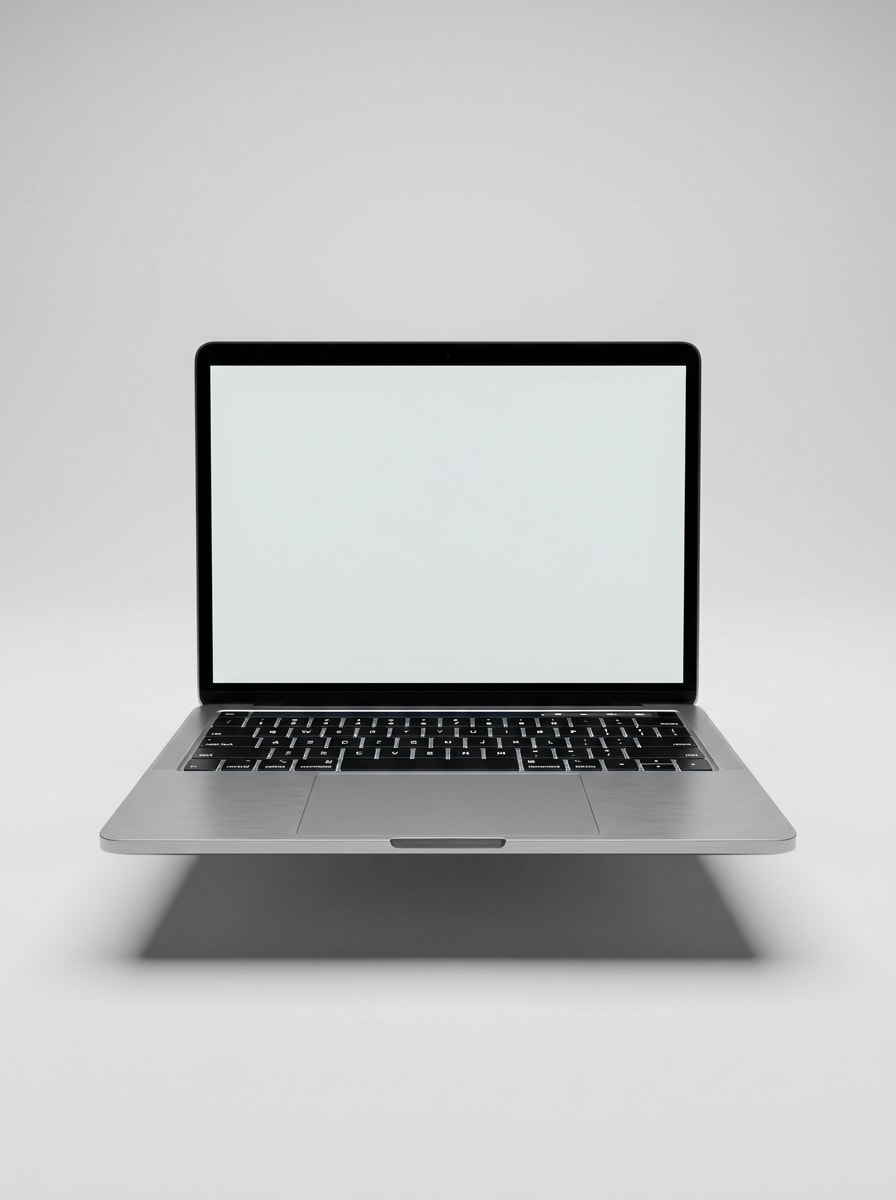
Front View Isolated Laptop

Front View Isolated Laptop

Use the uploaded image as screen content and place it into a clean front-facing isolated laptop product shot. Keep the device symmetrical, background plain light gray, metallic body realistic, edges crisp, shadow soft and controlled, and the overall look suitable for a computer screen mockup or ecommerce presentation.

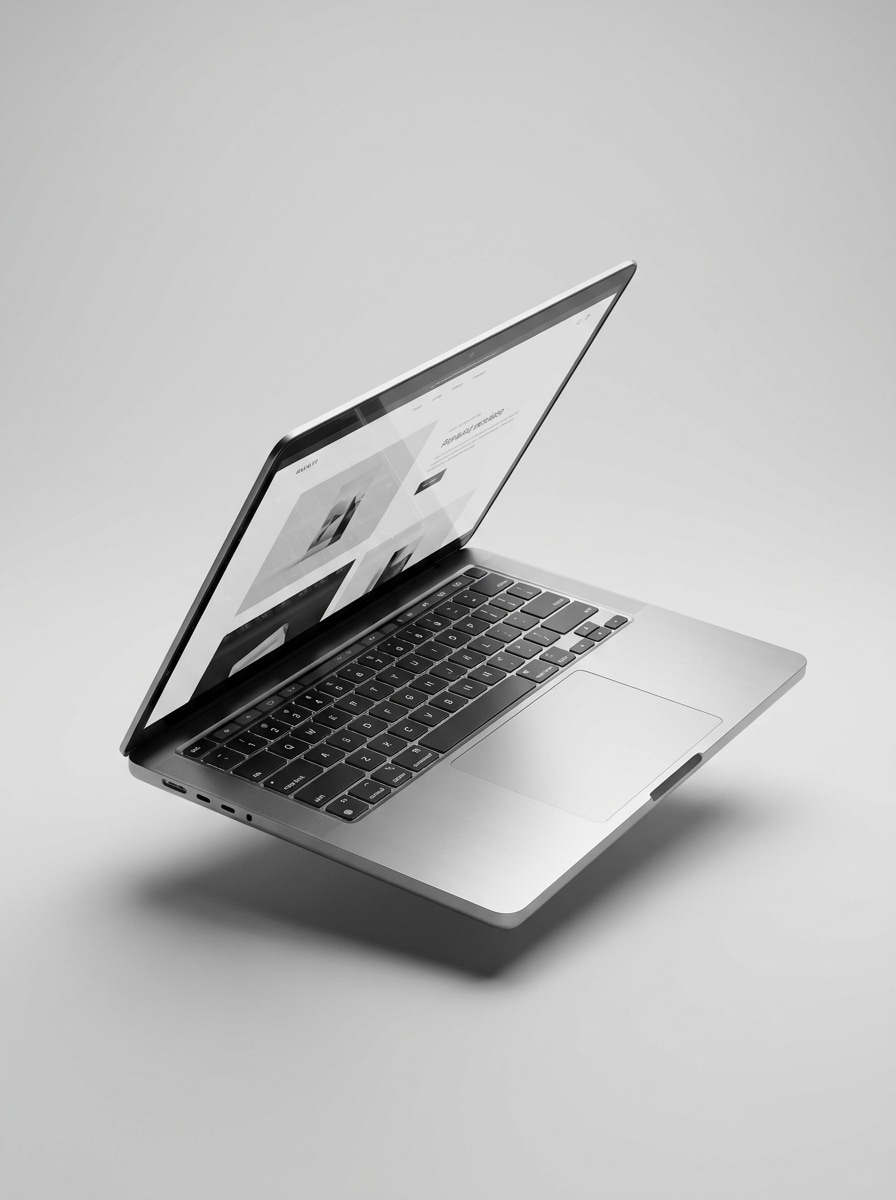
Angled Product Shot

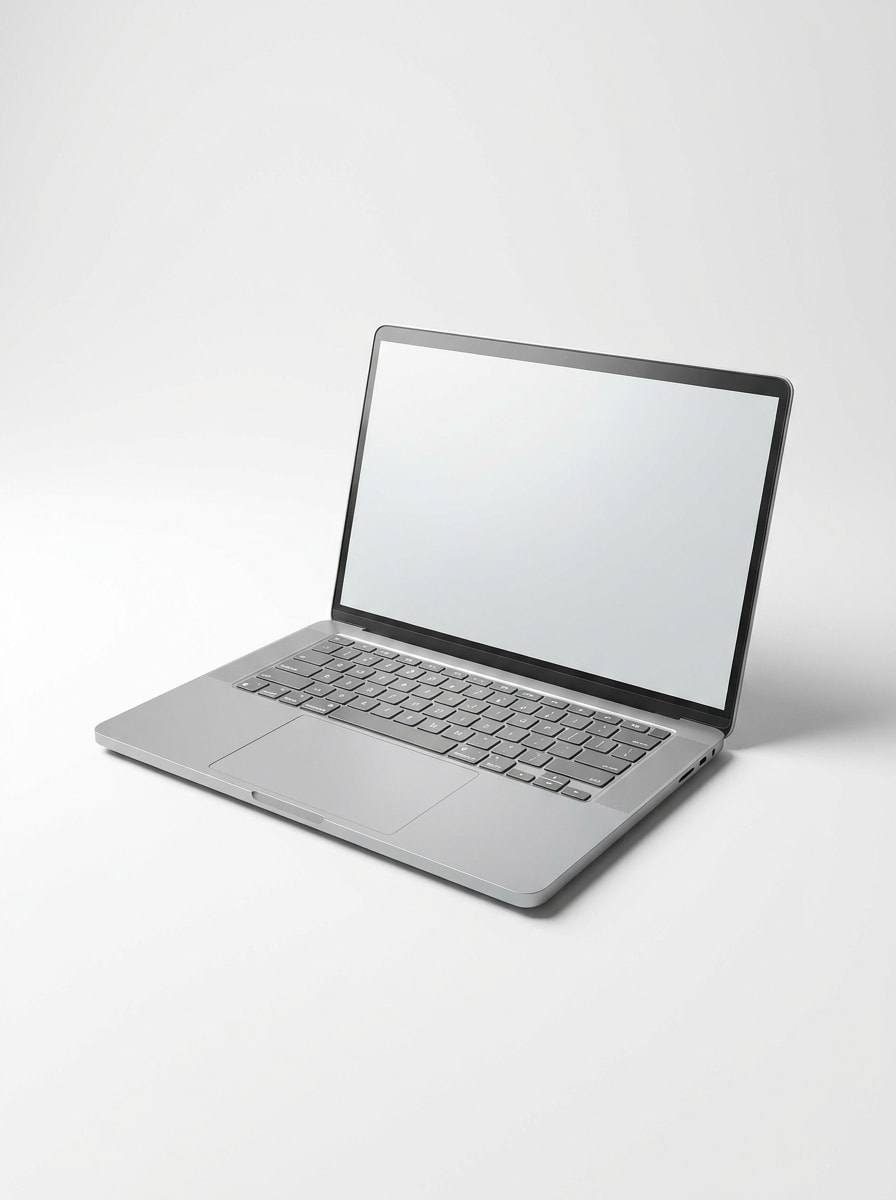
Angled Product Shot

Use the uploaded image as the screen design and transform it into a three-quarter angled laptop product shot. Emphasize premium materials, studio lighting, realistic reflections, a clean monochrome background, and sharp visibility of the interface for a polished mock up laptop presentation.

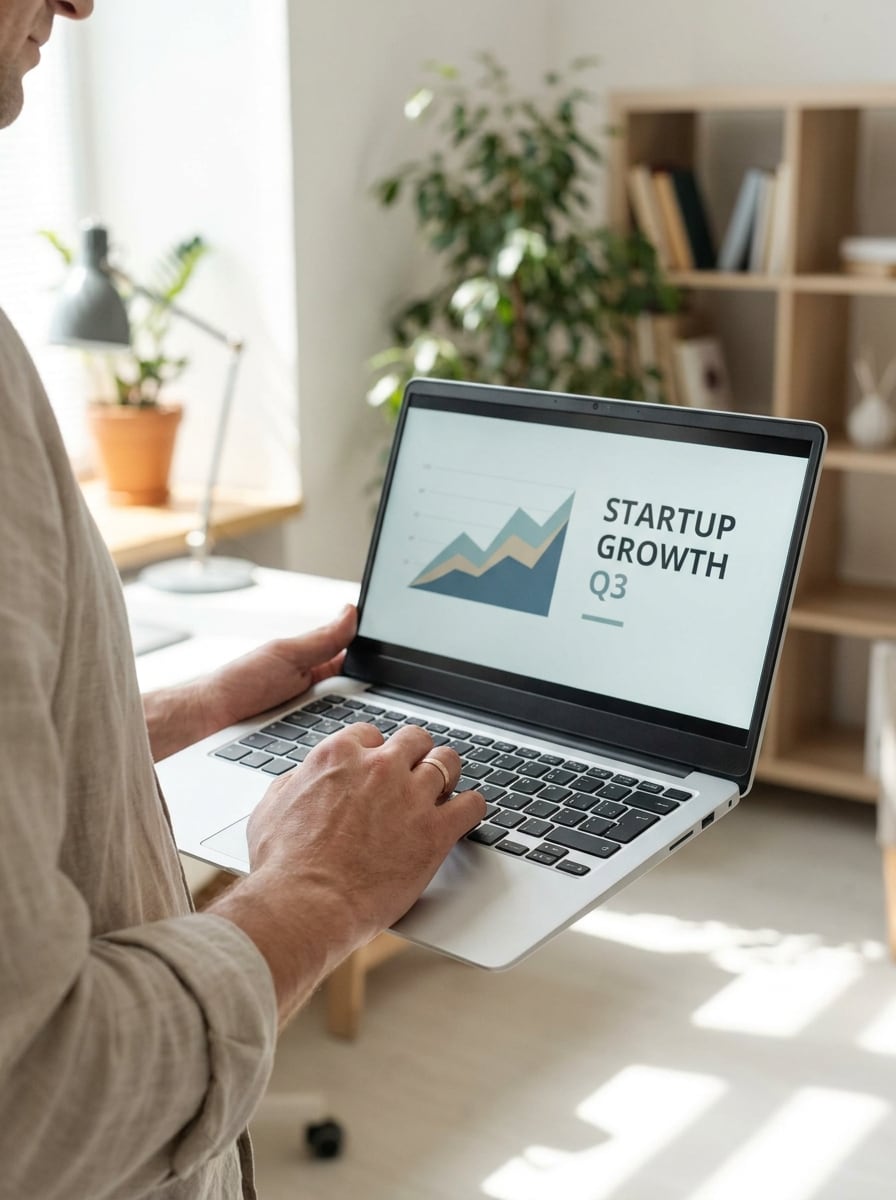
Laptop Held by Hand

Laptop Held by Hand

Use the uploaded image as the laptop screen and transform it into a natural lifestyle scene with a person holding the open device. Keep hands realistic, indoor light soft, background gently blurred, skin tones natural, and the composition focused on the screen for a relatable mockup laptop presentation.

Laptop on Lap

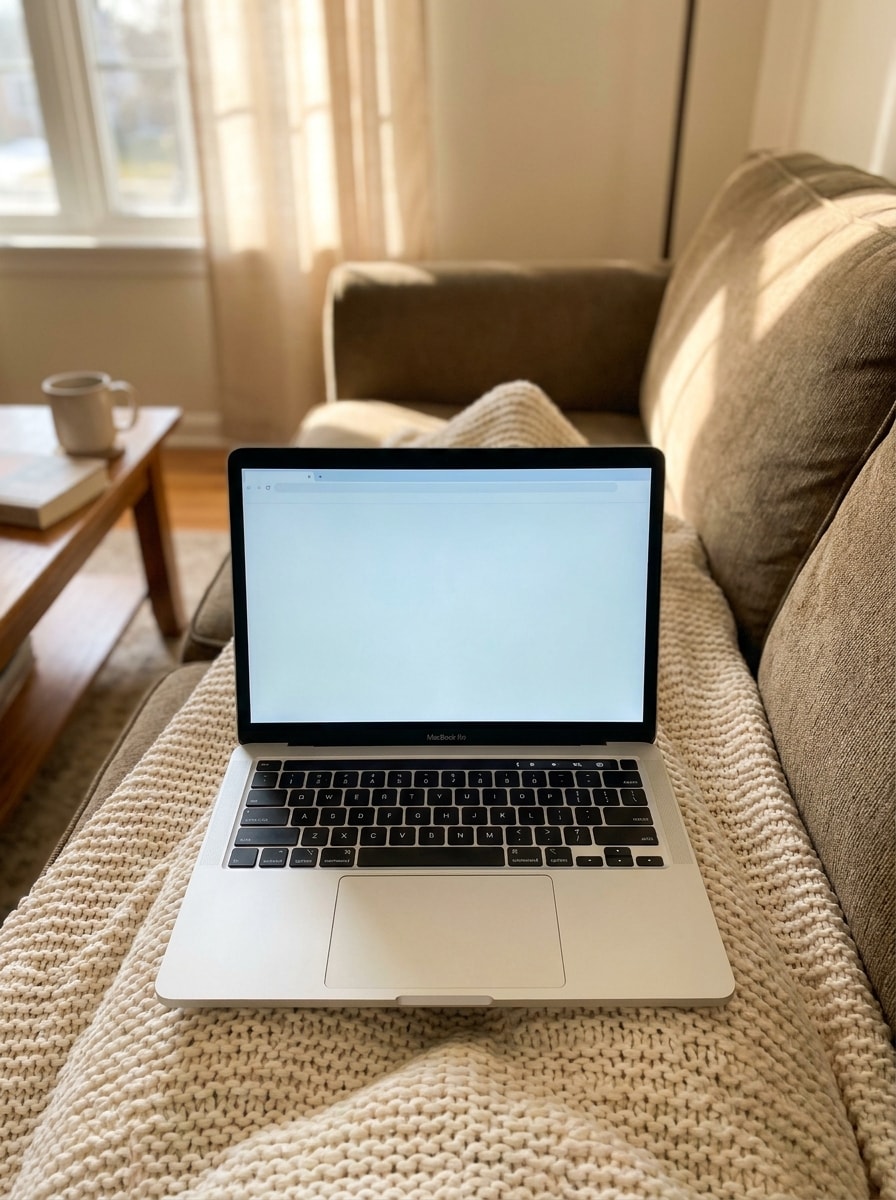
Laptop on Lap

Use the uploaded image as the laptop screen and place it into a cozy lifestyle setup with the device resting on someone's lap. Include soft fabric textures, warm natural light, comfortable work-from-home mood, realistic perspective, and clear screen framing for a more human pc mockup scene.

Meeting Room Presentation

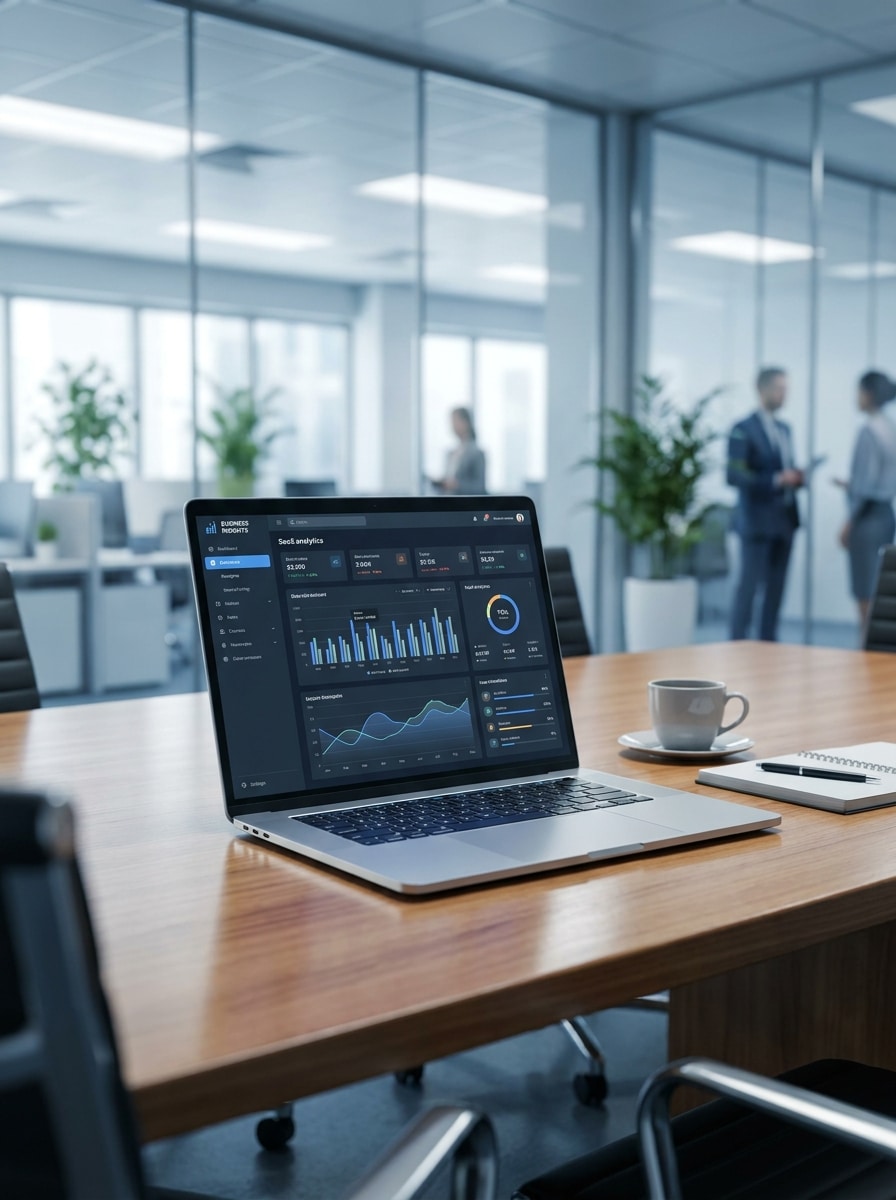
Meeting Room Presentation

Use the uploaded image as the laptop display and transform it into a professional meeting room scene. Show the device on a conference table with modern office blur in the background, polished corporate styling, cool neutral tones, realistic lighting, and a presentation-ready computer mock up feel.

Executive Desk Mockup

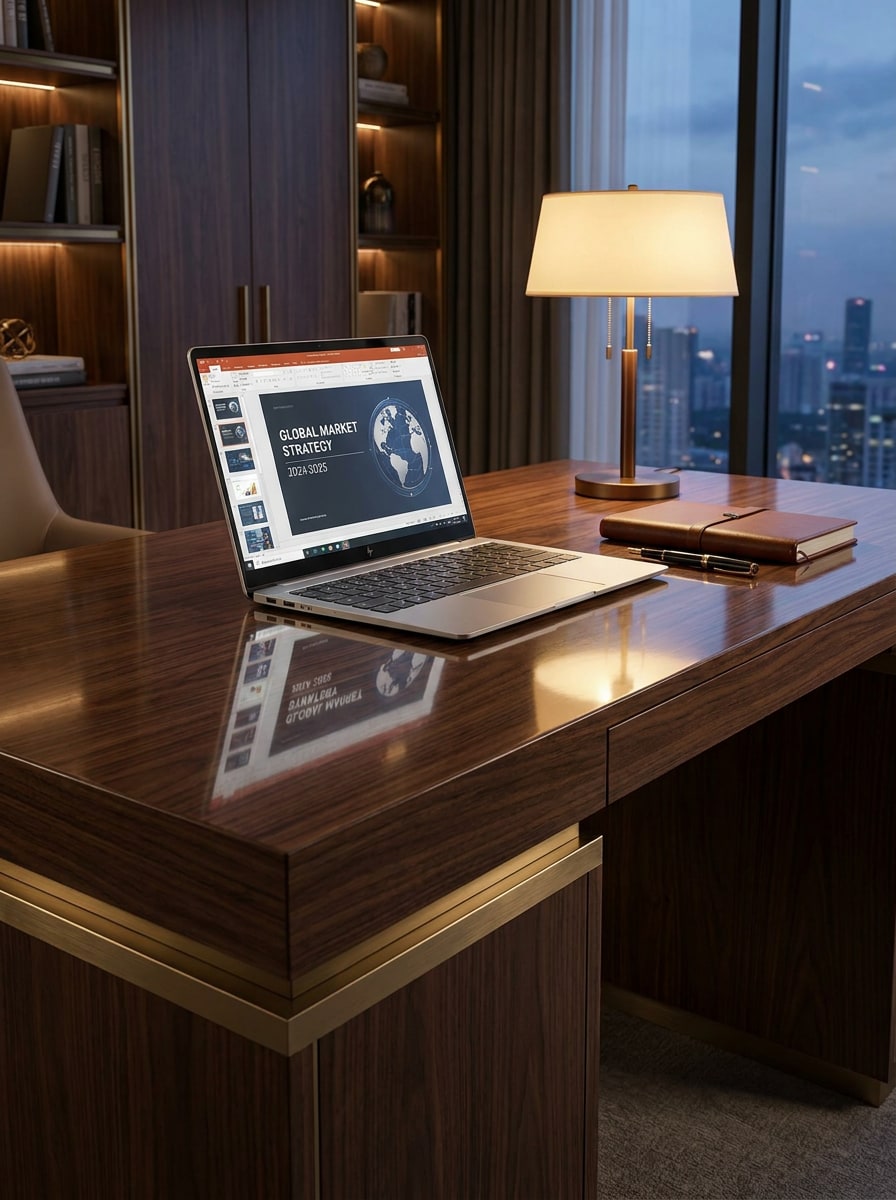
Executive Desk Mockup

Use the uploaded image as the screen content and transform it into an executive desk mockup with a premium business atmosphere. Include elegant materials, restrained accessories, warm directional lighting, realistic wood and metal textures, and a confident client-presentation mood with the display clearly readable.

Transparent Background Mockup

Transparent Background Mockup

Use the uploaded image as the laptop screen and turn it into an isolated device mockup with a plain or transparent-style background. Keep edges crisp, body proportions accurate, lighting neutral, shadow optional and soft, and the result suitable for ecommerce listings, decks, or a laptop mockup png workflow.

Long Scroll Website Display

Long Scroll Website Display

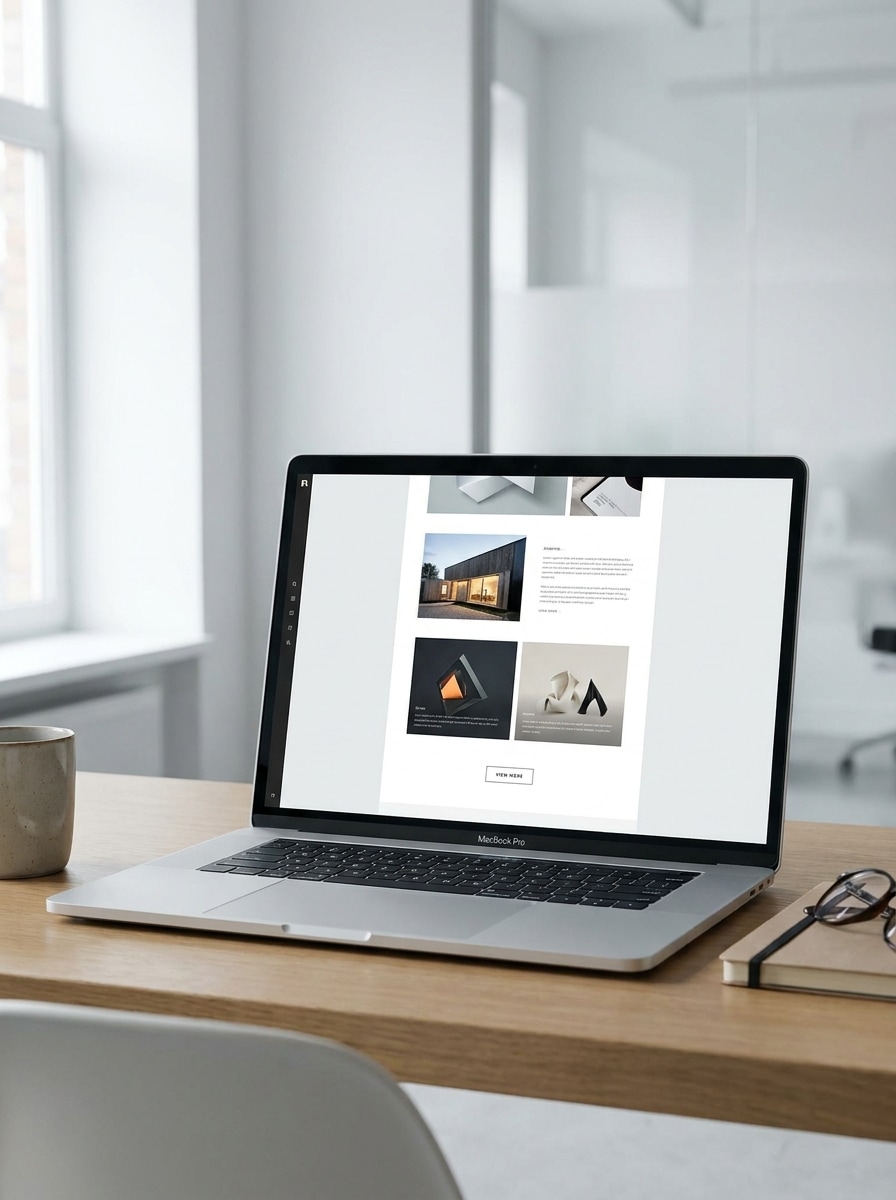
Use the uploaded image as the screen content and transform it into a laptop mockup that highlights a long-scroll webpage. Keep the open device realistic, composition clean, perspective natural, and make the screen tall and readable so more of the landing page can be showcased elegantly.

Why Use Media.io for Laptop Mockups

Personalize Results Around a Reference Subject

For branding, UI previews, or client presentations where the subject still needs to stay recognizable, Media.io helps preserve key identity cues while refining the overall laptop computer mockup style for a cleaner, more believable result.

Rework One Subject Into Multiple Styles

For upload-driven edits, Media.io keeps the reference subject visually consistent while changing the final laptop computer mockup direction, which makes personalized outputs easier to use with confidence.

Choose Mockup Styles That Match the Final Use

From an isolated product render to a desk scene or lifestyle-oriented mockup laptop visual, Media.io helps you reshape one source image for portfolios, ecommerce pages, client decks, and social creatives with far less rework.

Generate Cleaner Output Up to 4K

Some results need to do more than look good in a preview. Media.io helps generate cleaner laptop computer mockup with output up to 4K so the final image holds up in wallpapers, decks, and mockups.

How to Make a Laptop Mockup Online

Turn your words into stunning visuals in three simple steps, then continue refining the result if you want to take it further.

how to use image to image AI for laptop computer mockup step 1
Step 1

Upload Your Reference Image

Start with a clear screenshot, webpage, app UI, or product visual in JPG, PNG, or JPEG. A clean source image helps Media.io build a more realistic screen placement for your laptop, desktop, or broader device presentation.

how to use image to image AI for laptop computer mockup step 2
Step 2

Describe the Change and Set Options

Tell the AI what kind of scene you want, such as an isolated product shot, desk setup, or lifestyle view. Then choose your model and adjust aspect ratio, resolution, and image count to fit your preferred mockup style.

how to use image to image AI for laptop computer mockup step 3
Step 3

Generate, Download, and Keep Improving

Create several variations, compare the results, and download the best version. If needed, refine the prompt, try another scene, or regenerate a new angle until your device presentation looks ready for a portfolio, store page, or client deck.

Unlock the Potential of Computer Mockup

See how creators use this laptop computer mockup for content, marketing, and personal projects, then adapt each idea to fit the brief.

Present Website Designs in a More Believable Way

Instead of sharing a flat screenshot, place your homepage or landing page into a realistic device scene that feels ready for a case study, agency pitch, or investor deck. This is especially useful when you want a clean mock up laptop visual that looks custom rather than templated.

Upgrade App, SaaS, and Product Marketing Assets

Turn dashboard captures and interface previews into polished visuals for product pages, launch posts, and ads. You can build anything from a minimal pc mockup to a premium workspace render, helping your software look more established and easier to understand at a glance.

Create Ecommerce-Ready Device Images Faster

If you sell templates, UI kits, or digital products, realistic device scenes help shoppers picture the final result. Media.io can turn your source into isolated views, lifestyle settings, or a reusable free laptop mockup-style presentation for storefront banners, listing images, and promo graphics.

What Users Say

user
Elena Park

UI/UX Designer

star star star star star

"Fast way to present website work" I used Media.io to turn homepage screenshots into realistic laptop scenes for a client deck. It saved me from hunting through static templates, and the results looked much more tailored to the brand.

user
Marcus Bell

SaaS Marketing Manager

star star star star star

"Better than basic template mockups" We needed several styles for the same product shots, including desk scenes and isolated views. The workflow was simple, and we could generate variations quickly without opening Photoshop.

user
Priya Nair

Freelance Web Designer

star star star star star

"Helpful for portfolios and pitches" I like that I can upload a screenshot and experiment with different environments. It makes my website projects look more polished, especially when I need presentation-ready visuals in a short time.

user
Jonas Reed

Digital Product Seller

star star star star star

"Great for store listings" The isolated mockup styles worked well for my ecommerce images. I created clean product visuals that highlighted the screen content clearly, and the higher-resolution exports looked sharp on marketplace pages.

Laptop Mockup FAQ

1. How can I create a laptop computer mockup online?

Upload a screenshot, web page capture, app UI, or other reference image to Media.io, then describe the scene you want, such as a desk setup, lifestyle shot, or isolated device render. Media.io uses image-to-image generation to turn your source into a custom laptop presentation directly in your browser, so you can create a laptop computer mockup, mock up computer scene, or other device-style visual online without PSD files.

Media.io offers free credits, so you can try a laptop mockup free workflow before upgrading. Free users may see watermarks, while paid plans unlock watermark-free high-resolution downloads and more credits; you can compare options on the pricing page.

Clear JPG, PNG, and JPEG files work best, especially screenshots of websites, dashboards, app interfaces, or product pages with readable details. A clean, well-cropped source usually gives Media.io better screen placement and more convincing results, whether you want a simple laptop display, a computer mock up, or a more stylized mockup laptop presentation scene.

Media.io is well suited for turning website screenshots into realistic device scenes, including desk mockups, lifestyle environments, and isolated product views. This makes Media.io useful for portfolio previews, landing page showcases, and a custom laptop mockup png style output when you want your web design to feel more presentation-ready. Media.io runs in the browser, so you can use it across common desktop and mobile devices.

Media.io supports 1K, 2K, and 4K resolution options, so you can export a sharp final image for presentations, ecommerce pages, social content, and client work. You can also adjust aspect ratio and generate multiple variations to match the layout you need, whether you are building laptop mockups, a computer screen mockup, or other polished marketing visuals. Free users may have watermarks.

Media.io works in modern browsers on desktop and mobile, so you can create and revise designs without installing heavy software. That makes it easier to generate mockups laptop assets, a quick free laptop mockup concept, or a refined computer mockup wherever you are working.

Media.io Online AI Tools Quality Rating:
vote 4.7 (162,357 Votes)