LEGO Filter for Turning Portraits and Photos into Playful Brick Art
Upload a selfie, pet photo, or scene and create LEGO-style artwork in seconds. Media.io helps you turn photo into lego art with bright plastic textures, mosaic looks, and even a lego minifigure filter style that is easy to download, share, and refine online.
Review these example directions, then tailor the prompt details to get stronger results with this lego filter or a more character-focused lego portrait filter look.
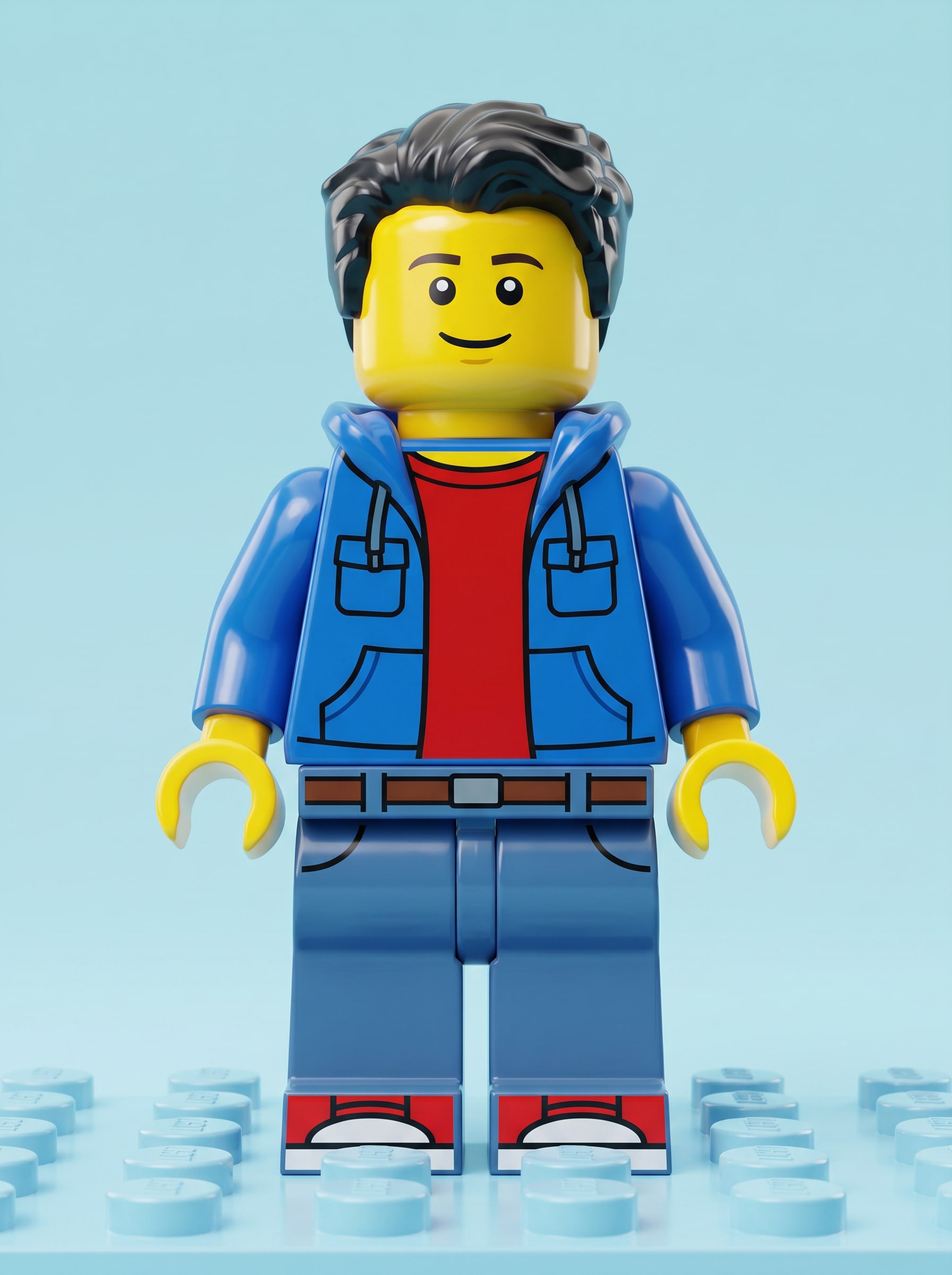
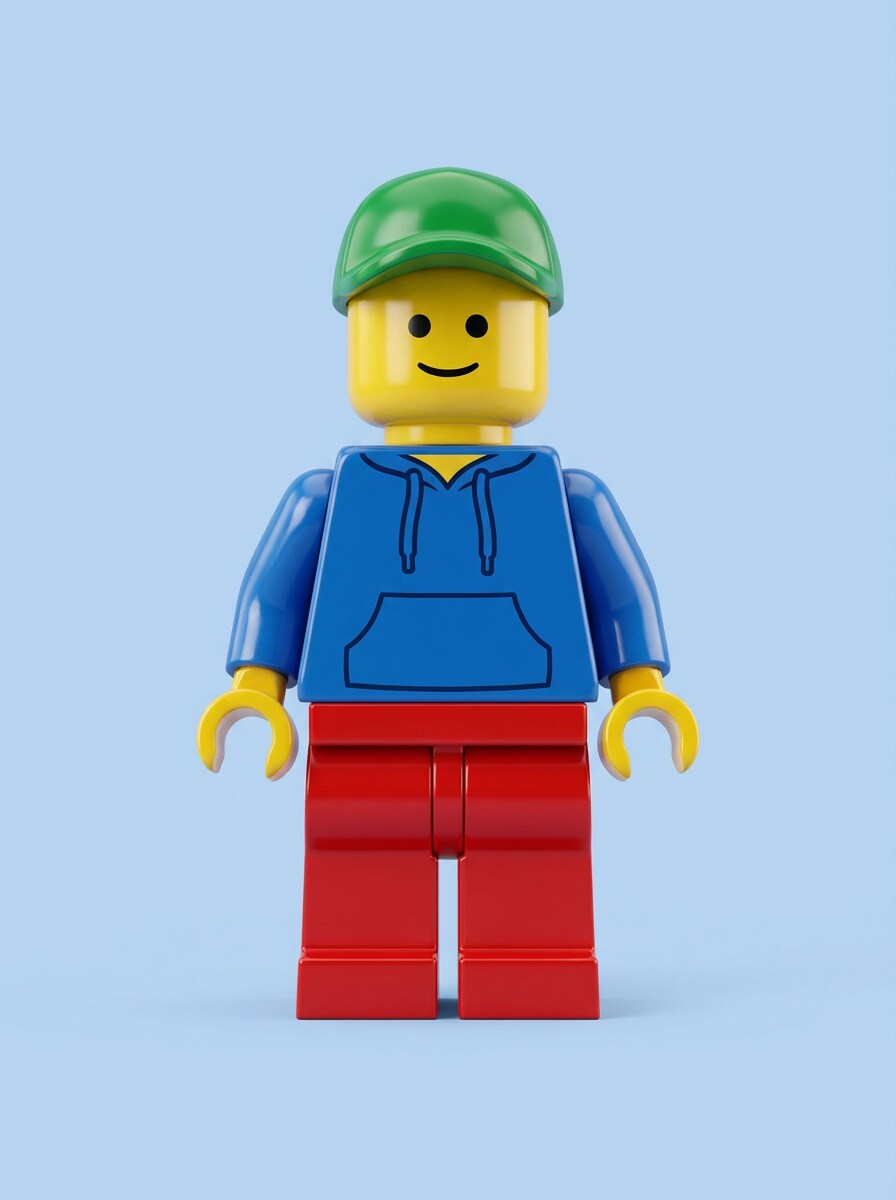
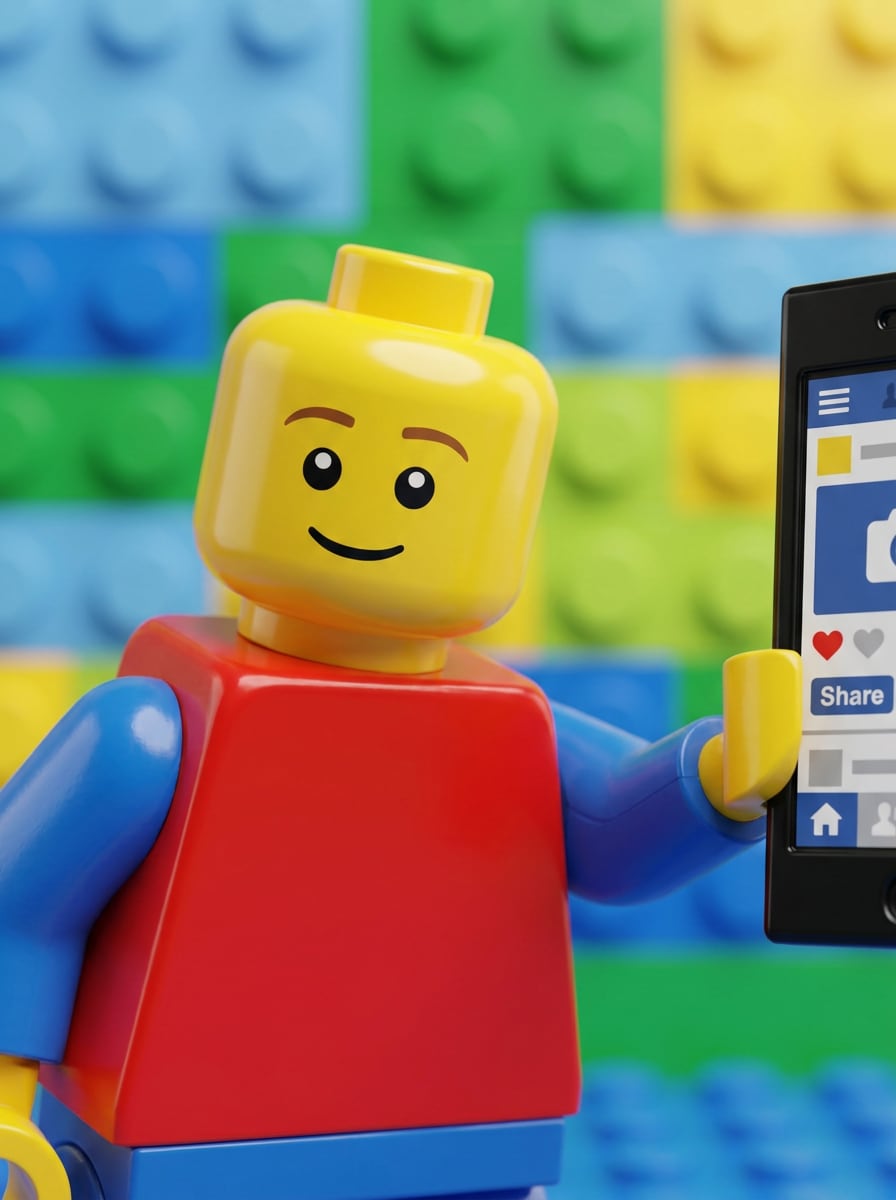
Classic LEGO Minifigure Avatar
Use the uploaded portrait as the subject and transform it into a classic lego minifigure filter look with yellow toy skin, simplified facial features, glossy plastic texture, blocky proportions, a colorful casual outfit, centered composition, soft studio lighting, clean pastel background, crisp stud-inspired details, and polished high-quality rendering.
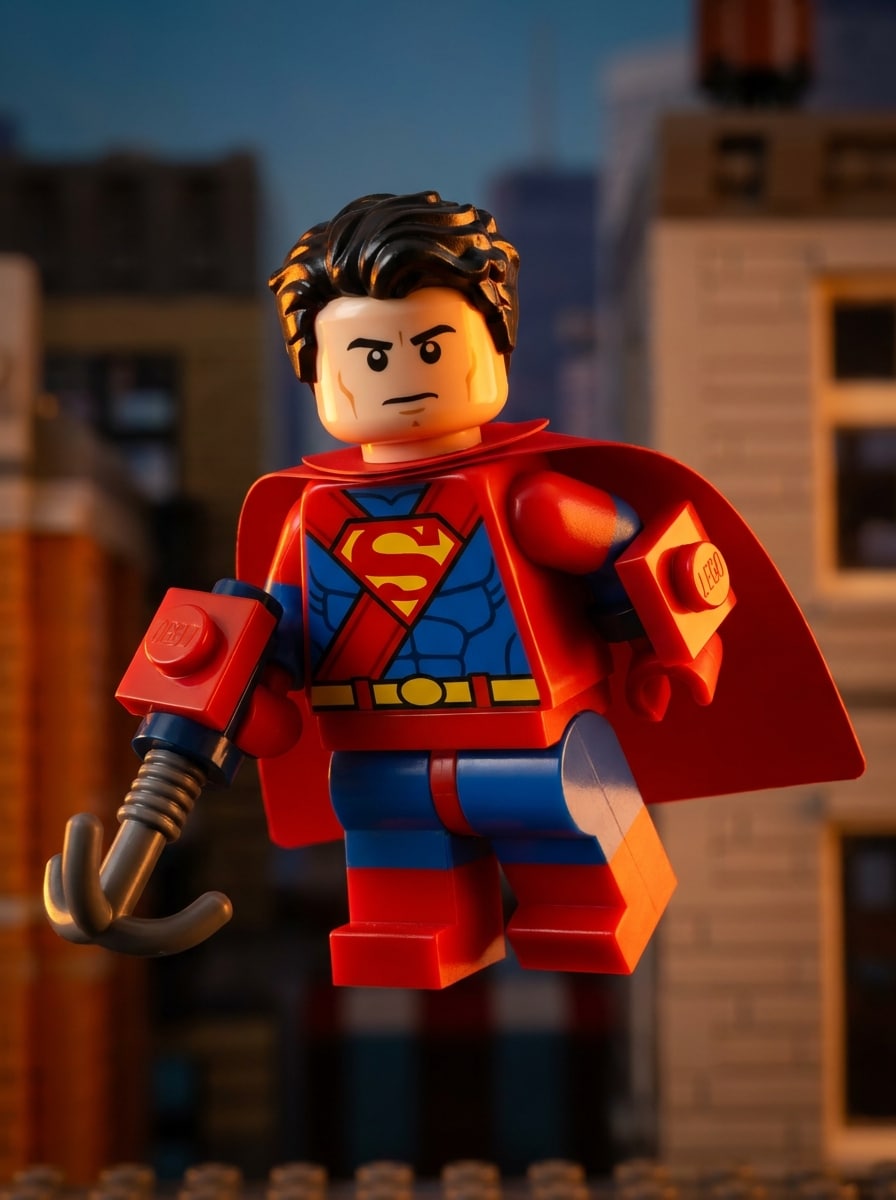
LEGO Superhero Character
Use the uploaded image as the subject and transform it into a LEGO-inspired superhero figure with a bold red and blue costume, toy-plastic shine, simplified minifigure face, dynamic heroic pose, dramatic rim lighting, cinematic shadows, brick-built accessory details, saturated primary colors, and a polished action-movie poster mood.
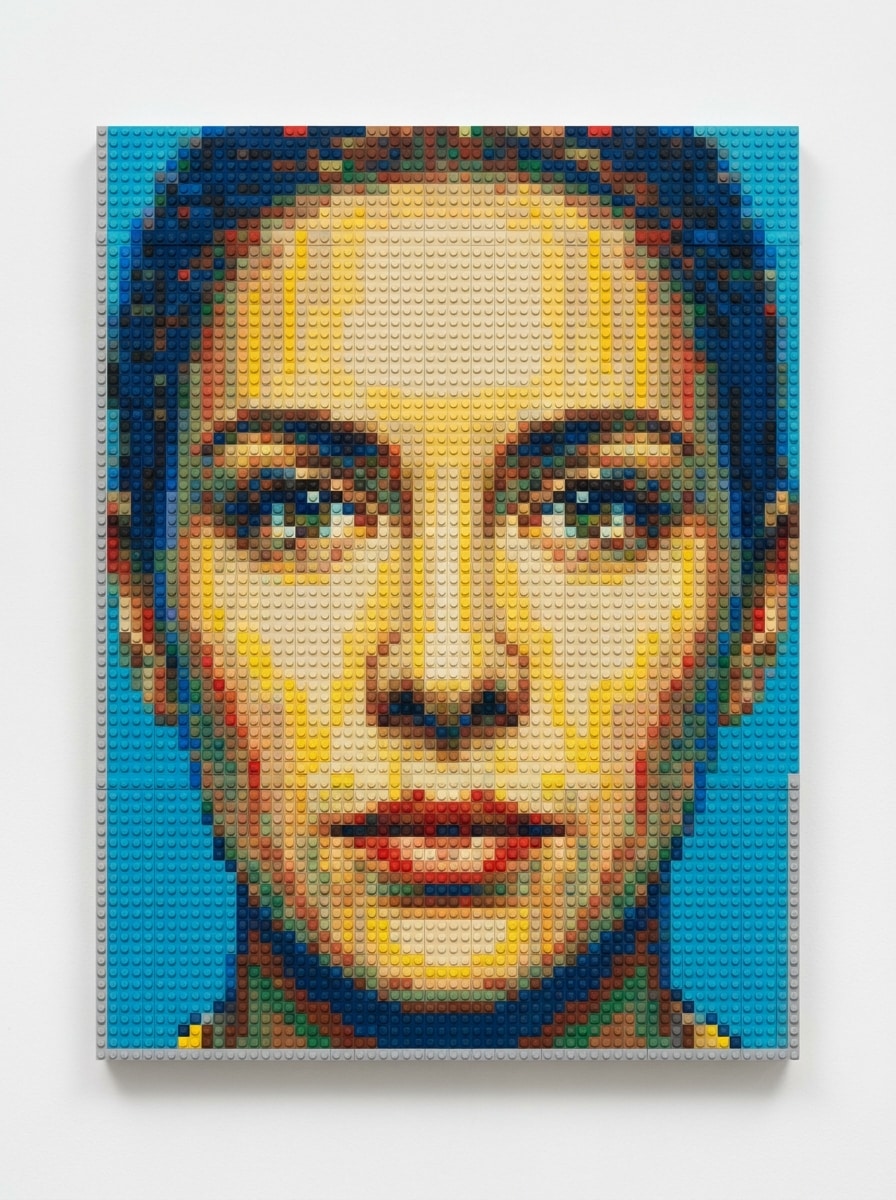
Photo to LEGO Mosaic
Use the uploaded portrait and recreate it as a detailed LEGO mosaic made from small colored bricks, top-down composition, visible circular studs, carefully mapped facial shapes, vibrant yet balanced palette, neat grid structure, realistic plastic texture, gallery-style presentation, and clean high-resolution finish.
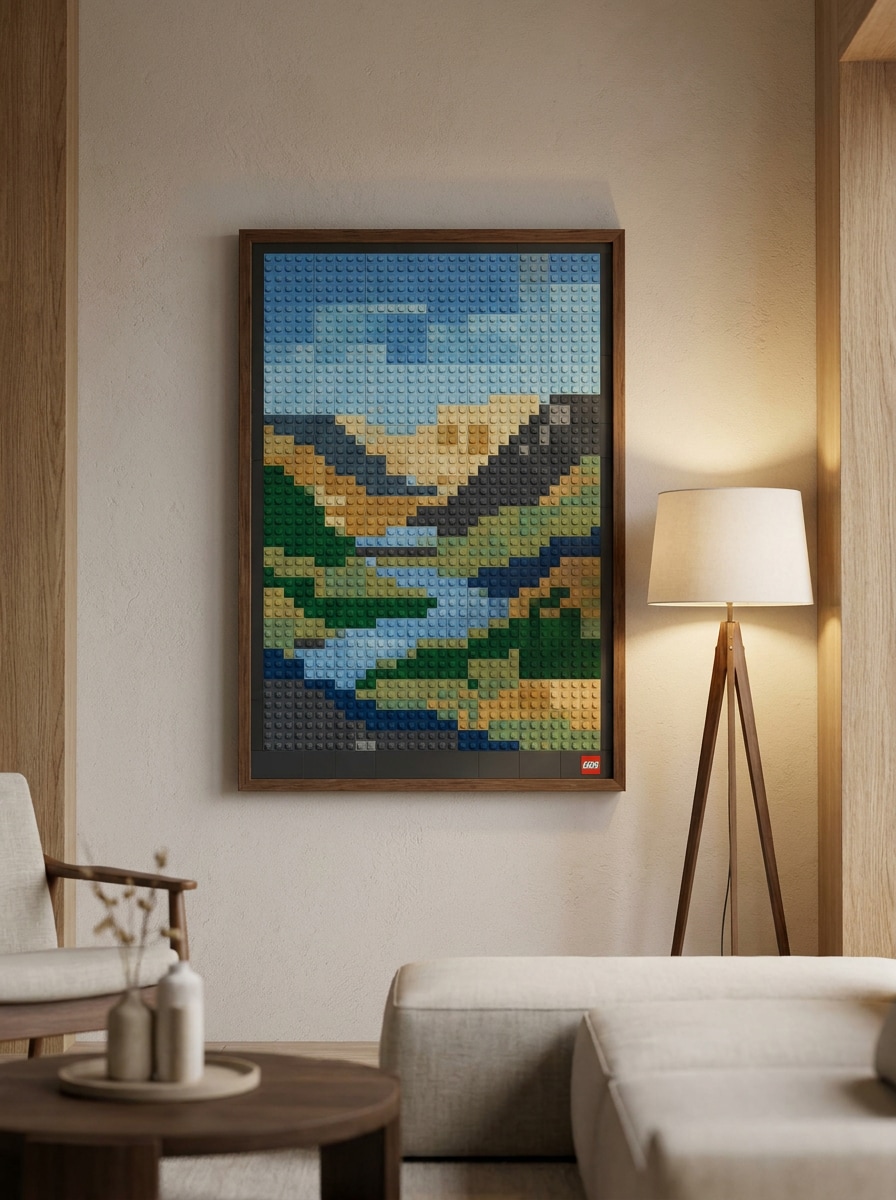
Wall Art Brick Poster
Use the uploaded image as the main subject and transform it into decorative LEGO-style wall art with mosaic brick layout, framed poster composition, visible stud texture, balanced modern color palette, soft interior lighting, clean edges, stylish room-decor mood, and a premium print-ready visual finish.
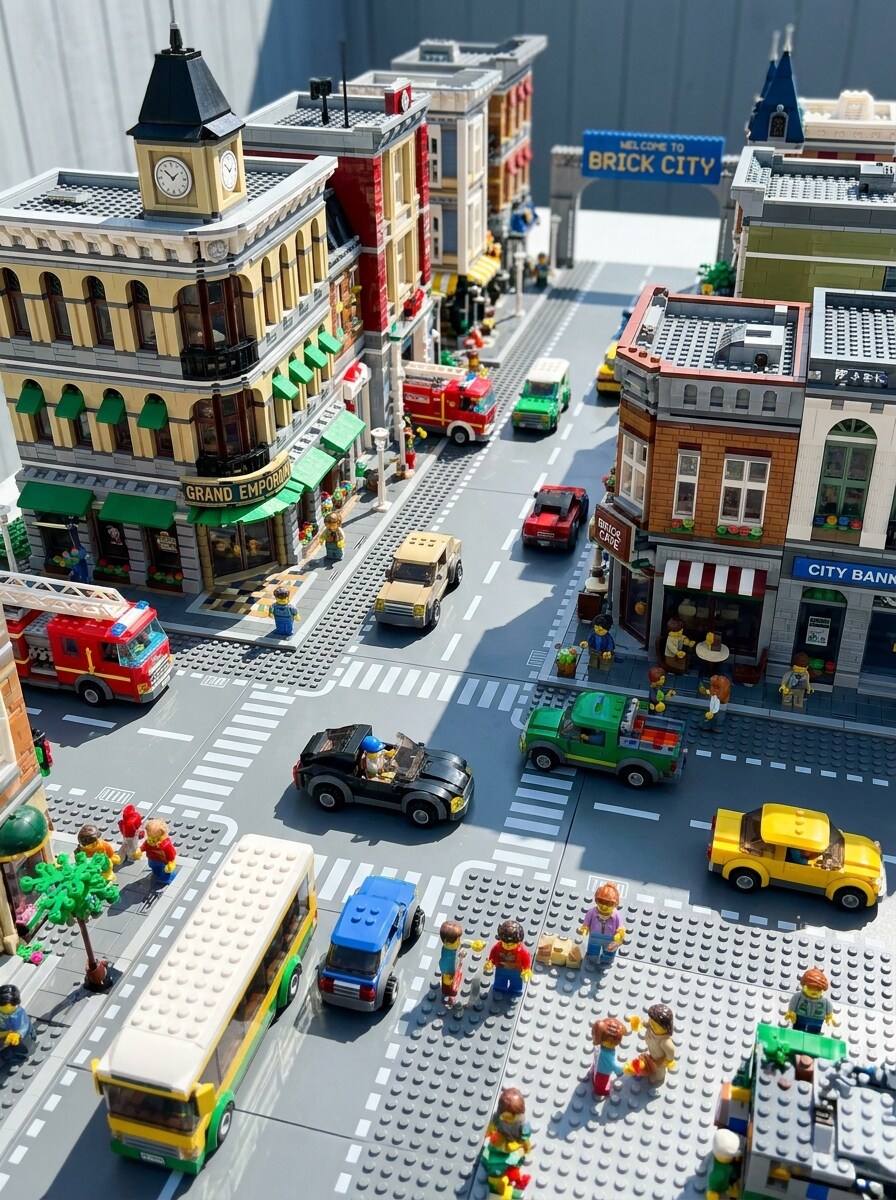
LEGO City Scene
Use the uploaded street or travel photo as the base and transform it into a vibrant LEGO city world with brick-built buildings, toy cars, visible studs, playful scale, bright daylight, crisp shadows, colorful storefront details, polished plastic surfaces, and a lively family-friendly mood with strong depth.
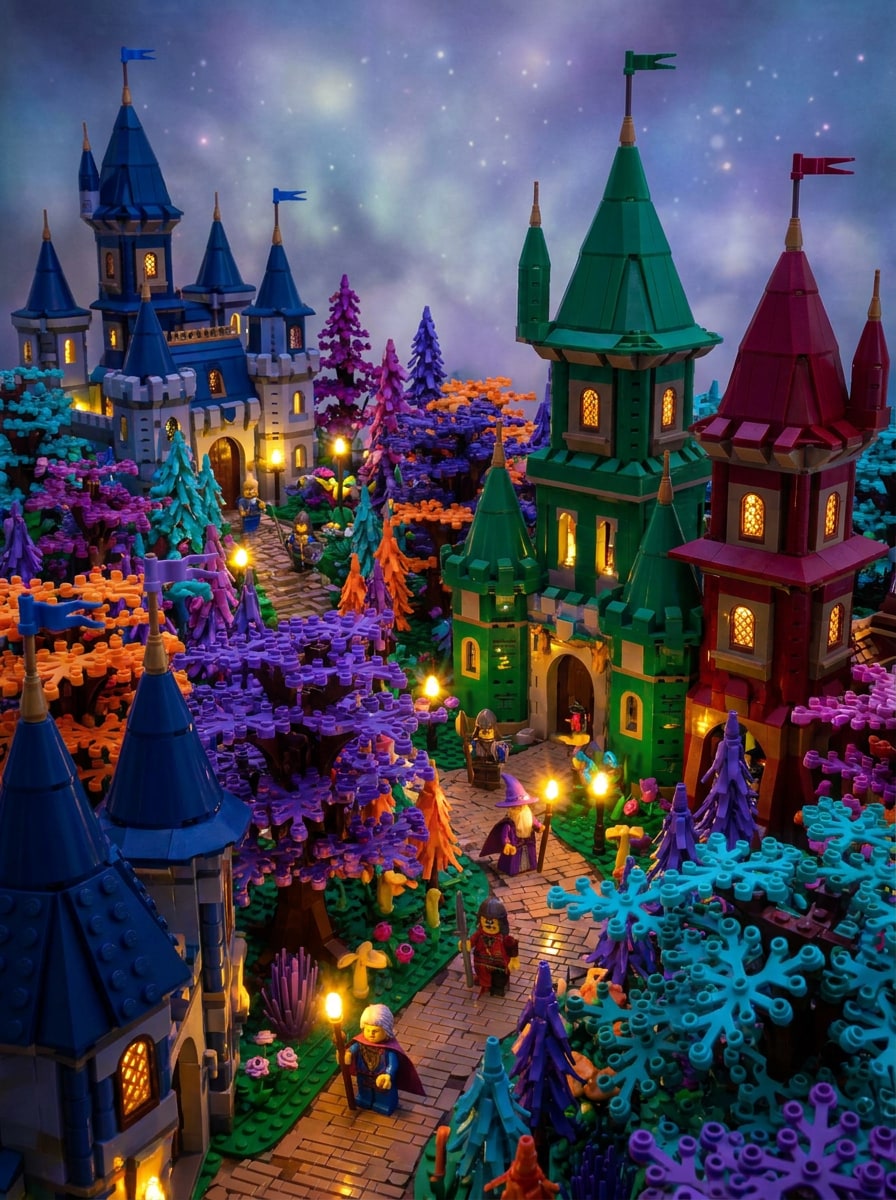
LEGO Fantasy World
Use the uploaded image as the foundation and convert it into a whimsical LEGO fantasy scene with brick-built castles or forests, glowing highlights, dramatic cinematic lighting, saturated jewel-tone colors, toy-like materials, layered depth, magical atmosphere, visible block geometry, and refined storybook-quality detail.
LEGO Pet Portrait
Use the uploaded pet photo as the subject and transform it into a cute LEGO-style pet portrait with expressive eyes, simplified brick-built fur patterns, glossy toy finish, colorful backdrop, soft cheerful lighting, visible stud details, centered composition, playful personality, and polished social-ready image quality.
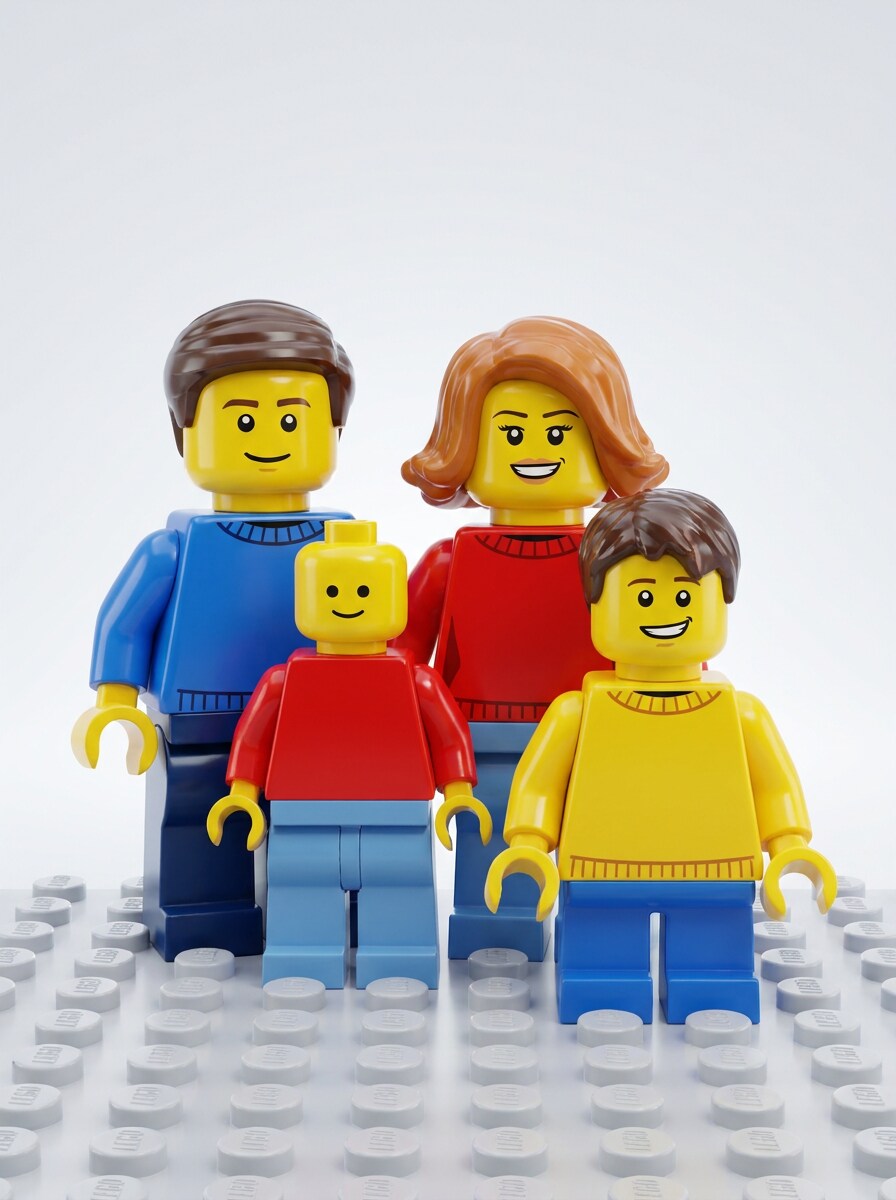
LEGO Family Portrait
Use the uploaded family photo and turn everyone into cheerful LEGO-style characters with minifigure-inspired faces, coordinated outfits, bright primary colors, glossy plastic surfaces, balanced group composition, soft studio-style lighting, clean backdrop, joyful mood, and detailed toy aesthetics that keep each person recognizable.
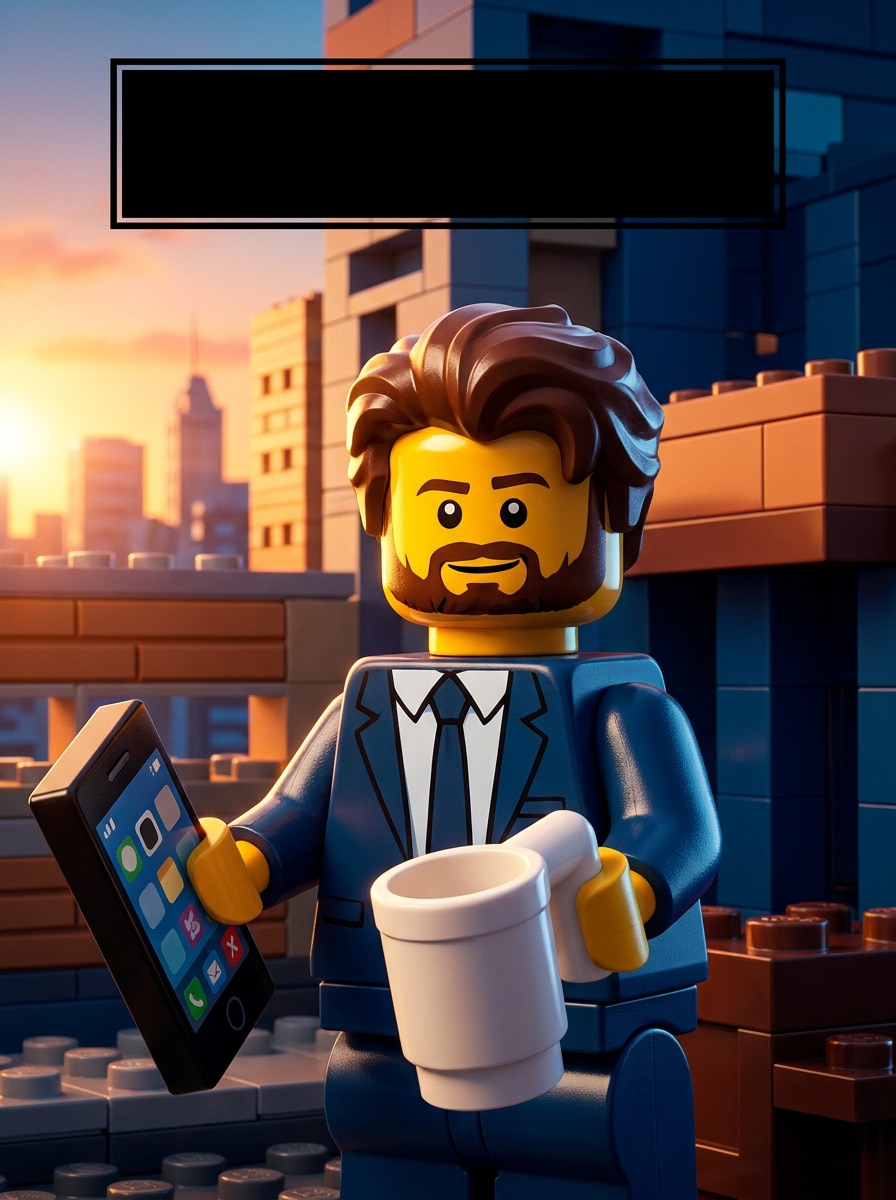
Cinematic LEGO Poster
Use the uploaded image as the core subject and create a cinematic LEGO-inspired poster with dramatic key lighting, deep contrast, toy-brick textures, bold title space, dynamic composition, saturated blockbuster colors, polished plastic materials, layered background elements, and premium promotional artwork quality.
Cute Blocky Selfie Edit
Use the uploaded selfie and apply a playful lego portrait filter style with rounded minifigure simplicity, glossy toy finish, bright cheerful colors, soft flattering light, clean uncluttered background, cute expression, crisp plastic texture, social-media-friendly framing, and a polished fun-loving mood.
Why Use Media.io for a lego filter Effect?
Upload a Real Photo and Keep the Person Recognizable
Reference-based work needs more than a loose style shift. Media.io helps keep key identity details recognizable while reworking the lego filter visual look, so the result feels personal instead of generic.
Explore Different Looks Without Losing Direction
Preview-friendly images are not always enough for real project use. Media.io helps generate cleaner LEGO-style visuals with output up to 4K, so your lego filter result stays sharp in wallpapers, pitch decks, and mockups.
Keep Final Visuals Sharp for Real Projects
When a lego filter visual is headed for real publishing use, Media.io gives you sharper output up to 4K, which helps the image stay clear across presentations, backgrounds, and reused assets.
Edit Anywhere Without Installing Extra Software
Some lego filter visual concepts get drafted on the go and finished later at a desk. Media.io keeps that process online, so you can return to the same workflow without extra installs or setup.
How to Use the LEGO Filter Online
Turn your words into stunning visuals in three simple steps, then continue refining the result if you want to take it further.
Step 1
Upload Your Reference Image
Start with a clear selfie, portrait, pet photo, family shot, or scene in JPG, PNG, or JPEG format. A clean subject, visible face, and simple background usually give the AI stronger details for LEGO-style transformation.
Step 2
Describe the Change and Set Options
Tell the AI whether you want a minifigure avatar, brick mosaic, poster, or toy-world scene. Then choose the model and adjust settings like aspect ratio, image count, and output quality to fit your final use.
Step 3
Generate, Download, and Keep Improving
Create several variations, compare the results, and download your favorite version. If you want a different mood or more accurate brick detail, edit the prompt, regenerate, and keep refining until the image feels right.
See how creators use this lego filter for content, marketing, and personal projects, then adapt each idea to fit the brief.
Make Shareable Avatar Edits for Social Profiles
Turn an ordinary selfie into a playful profile image with a lego minifigure filter look for TikTok, Instagram, or messaging apps. Media.io makes it easy to create a recognizable character-style portrait with bright toy textures and a more memorable online identity.
Create Brick-Style Gifts and Decor Concepts
Convert portraits of couples, kids, or pets into colorful brick-inspired artwork for birthday surprises, framed prints, or room mockups. A lego portrait filter works especially well when you want a fun visual concept before ordering custom decor or sharing a digital keepsake.
Transform Travel and Street Photos into Toy Worlds
Give city scenes, landmarks, or everyday snapshots a block-built makeover for posters, carousel posts, and creative presentations. Media.io helps turn photo into lego-inspired artwork that adds structure, color, and novelty while keeping the original composition easy to recognize.
What Users Say
Nina Torres
Content Creator
"Perfect for viral before-and-after posts" I uploaded a normal selfie and got a bright minifigure-style version in minutes. The plastic shine and blocky details looked great, and it was easy to regenerate until the face felt just right.
Marcus Lee
Dad & Hobby Designer
"Fun family portraits without complicated editing" I used it on a family photo and the result looked playful but still recognizable. We also tried a mosaic version for a framed print idea, and the download quality was strong enough to share immediately.
Ava Patel
Social Media Manager
"Great flexibility for different layouts" What I liked most was being able to switch aspect ratios for Stories and feed posts. The browser workflow is simple, and the LEGO-style poster variations gave us several campaign-ready options fast.
Jordan Kim
Pet Account Owner
"Cute pet transformations that stand out" My dog’s portrait turned into a colorful brick-style character that actually kept his expression. It felt much more polished than a generic filter and worked really well for profile art and themed posts.
1. How do I turn my picture into a LEGO-style image?
Upload a clear photo to Media.io, then enter a prompt describing the LEGO-style look you want, such as a minifigure portrait, brick mosaic, or toy poster. After that, choose your aspect ratio and quality settings, generate the image, and download the version you like best.
2. Is this LEGO filter free to use online?
Yes, Media.io offers free credits so you can try the effect online before upgrading. Free users may see watermarks, while paid plans provide more usage and watermark-free high-resolution downloads. You can compare options on the pricing page.
3. How do AI image filters work for photo-to-LEGO effects?
An AI image filter uses your uploaded photo as a reference and applies a new visual style based on your prompt. On Media.io, that means the system can reinterpret facial features, clothing, pets, or scenes with toy-plastic textures, brick geometry, and LEGO-inspired colors while still following the original composition.
4. What kinds of photos work best with a LEGO photo filter?
The best results usually come from sharp, well-lit photos with a clear main subject and limited background clutter. Portraits, selfies, pet photos, and simple travel scenes work especially well because Media.io can more easily preserve recognizable shapes while applying the blocky stylized effect.
5. Can I use the LEGO filter on iPhone, Android, and desktop?
Media.io is web-based, so you can use it on iPhone, Android phones, Windows PCs, and Mac computers as long as you have a browser connection. That makes it easy to start an edit on mobile and revisit it later on a larger screen.
6. How long does it take to generate a LEGO-style photo?
Generation is typically quick, and many users can create a LEGO-style version in seconds depending on the selected settings and current demand. If you want to compare different minifigure, mosaic, or portrait variations, Media.io lets you generate multiple options and refine from there.