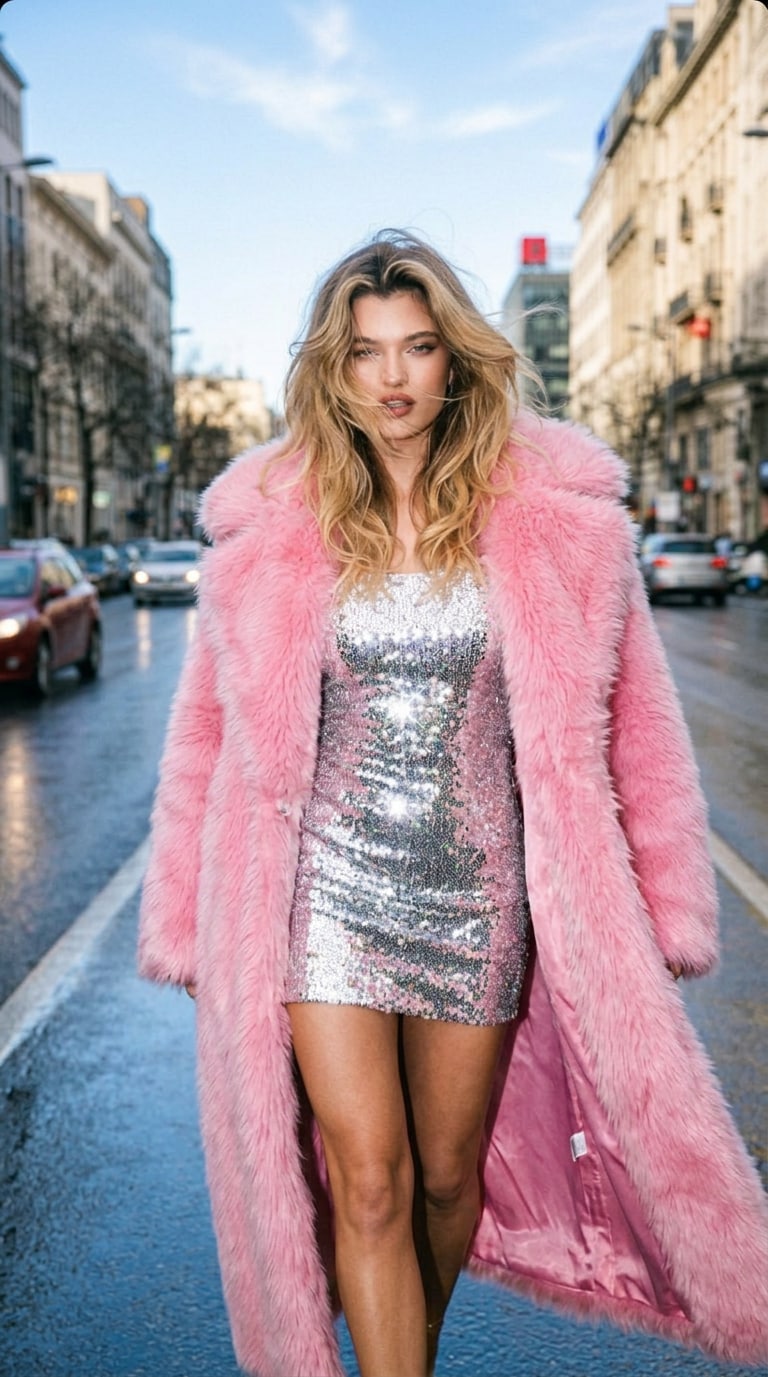
Cinematic Day-to-Night Motion
Transform a single daylight photo into a moving day to night transition video. The effect creates a natural visual shift from bright daytime to moody night, making your content feel cinematic and alive.
 創造力を解き放ち、Media AIの魔法をすぐに体験しよう!
Upload your daytime photo and turn it into a cinematic night video in seconds. Watch the scene shift from sun to moon with realistic lighting changes, sky transitions, shadow adjustment, and dramatic time-lapse-style motion — all powered by AI.
Transform a single daylight photo into a moving day to night transition video. The effect creates a natural visual shift from bright daytime to moody night, making your content feel cinematic and alive.
Our AI simulates authentic lighting change from sun to moon, adding richer shadows, cooler tones, glowing highlights, and cinematic color grading for a convincing nighttime transformation.
The AI automatically enhances the background with a stunning sky transition, shifting daylight into twilight or night skies for a dramatic before-and-after effect that feels smooth and immersive.
No editing timeline, masking, or keyframing needed. Just upload your photo and generate an AI day to night video transition with a dramatic time-lapse feel in seconds.
Start by uploading a clear daylight image to the AI Day to Night Video Transition effect. Outdoor photos with visible sky, buildings, or landscape details usually work best.
Hit generate and let the AI animate your scene. It will create a smooth transition with lighting shifts, sky changes, shadows, and cinematic color grading automatically.
Preview your finished day to night transition video, then download and share it. You’ll get a dramatic motion effect that turns one still image into a cinematic night scene.

Video Creator

“A still photo turned into a movie-like night shot.” I uploaded one daytime city photo and got a dramatic day to night video transition with realistic shadows, moonlit tones, and smooth motion. It looks far more cinematic than I expected.
Travel Creator
“Perfect for cinematic travel edits.” The AI transformed my sunny landscape photo into a moody night video with a beautiful sky transition. It gave my content a dramatic story arc without any editing work.
Content Creator
“The lighting shift feels incredibly real.” I loved how the AI changed the scene from day to night with smooth color grading and believable shadow movement. It feels like a real time-lapse instead of a simple filter.
Freelance Editor
“One click, and the mood completely changed.” I used to fake this effect manually in editing software. Now I can upload one daytime image and get a polished AI night transition video in seconds with Media.io.
Media.io lets you upload a daytime photo and transform it into a moving night video with AI. The effect animates the scene with changing light, darker skies, richer shadows, and cinematic color grading to create a smooth day-to-night transition.
Yes. This effect is designed to turn a single still image into a short day to night transition video. It adds visual motion and atmosphere so your original daytime photo feels like a cinematic scene shifting into night.
Clear daytime photos with visible sky, buildings, streets, or landscapes usually produce the best results. The AI can better simulate sky transition, shadow changes, and night atmosphere when the original scene has strong visual depth.
No. You only need to upload a photo and click generate. Media.io handles the lighting shift, color grading, and motion effect automatically, so you can create a professional-looking result without editing software.
Yes. Media.io offers free credits on signup, so you can test the day to night video transition effect and preview your generated result before deciding to make more creations.
 4.7 (162,357 Votes)



