Creations are stored for only 7 days. Assets created after upgrading to a Membership plan will be stored permanently.
Unlock your creative potential and experience the magic of Media AI right away!
Create a Red Velvet Filter Look From Your Portrait Online
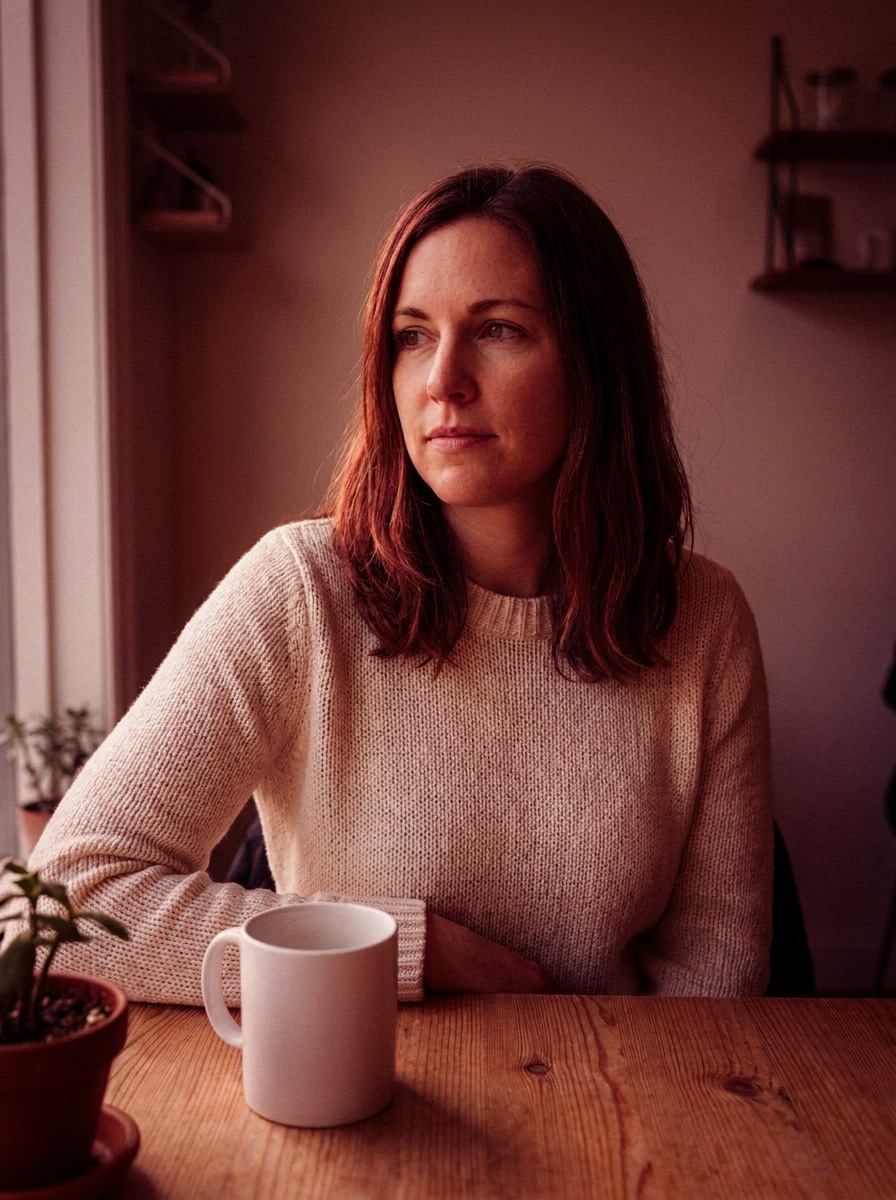
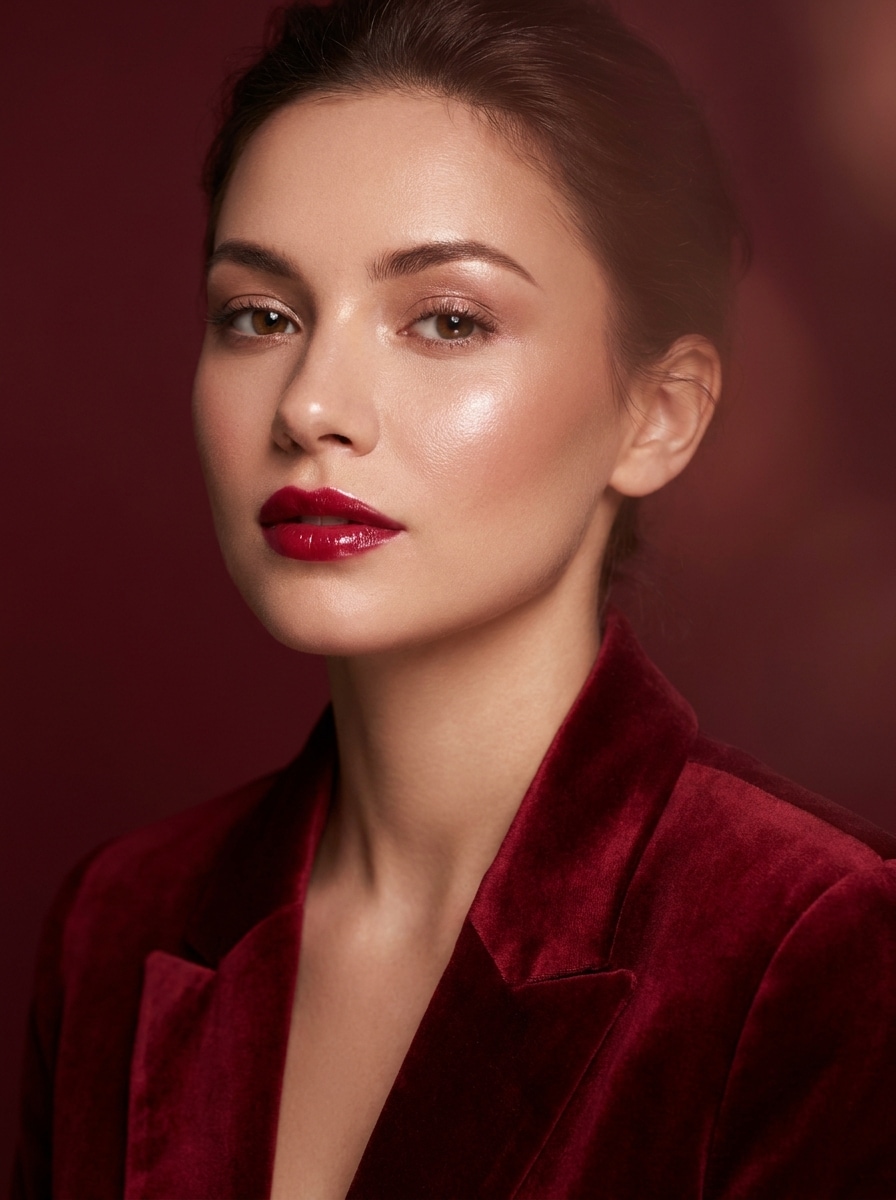
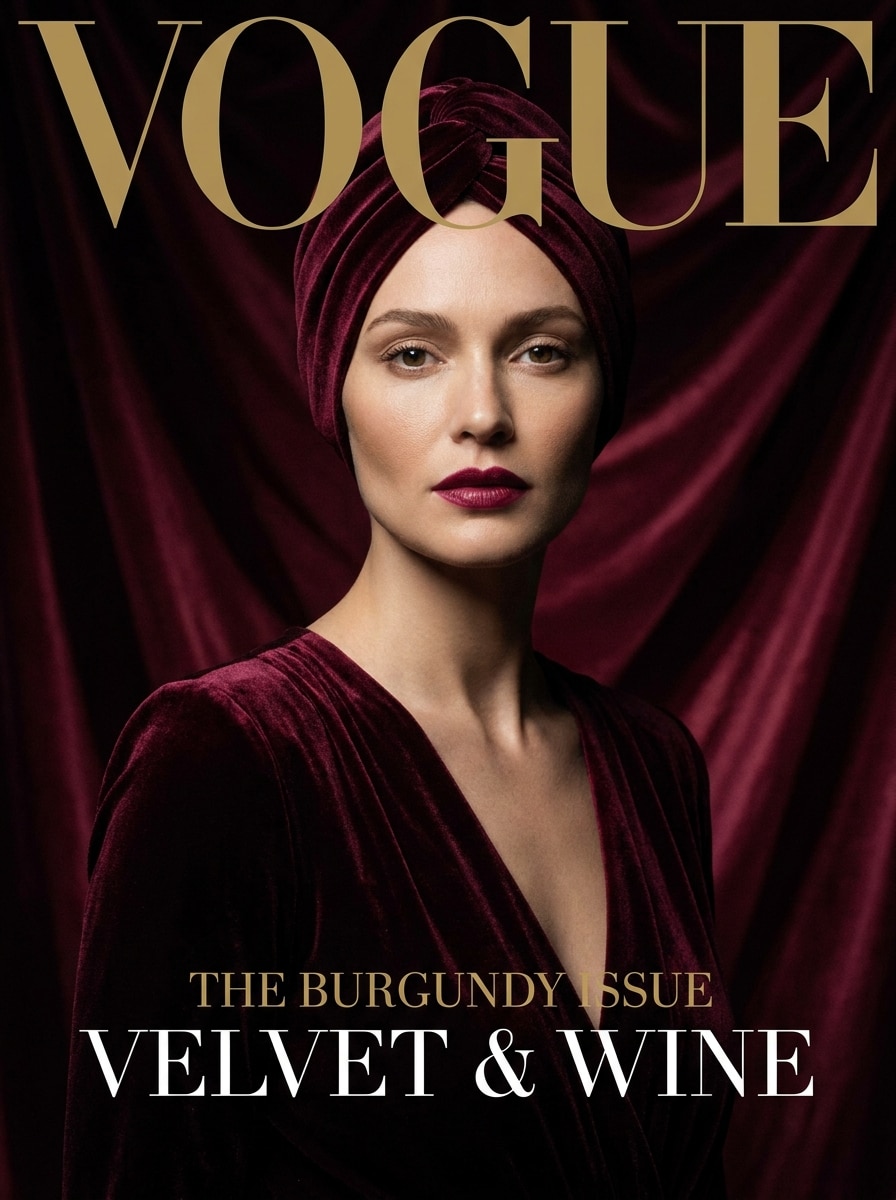
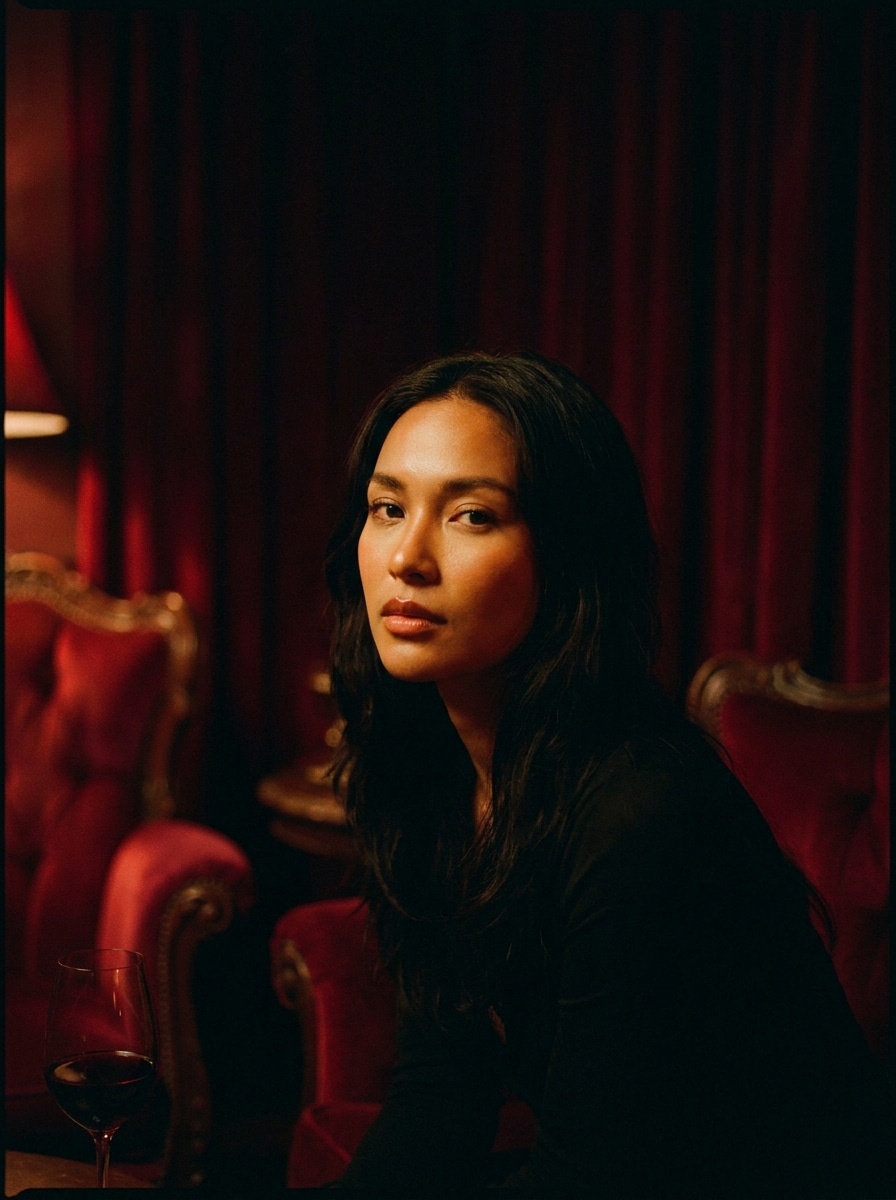
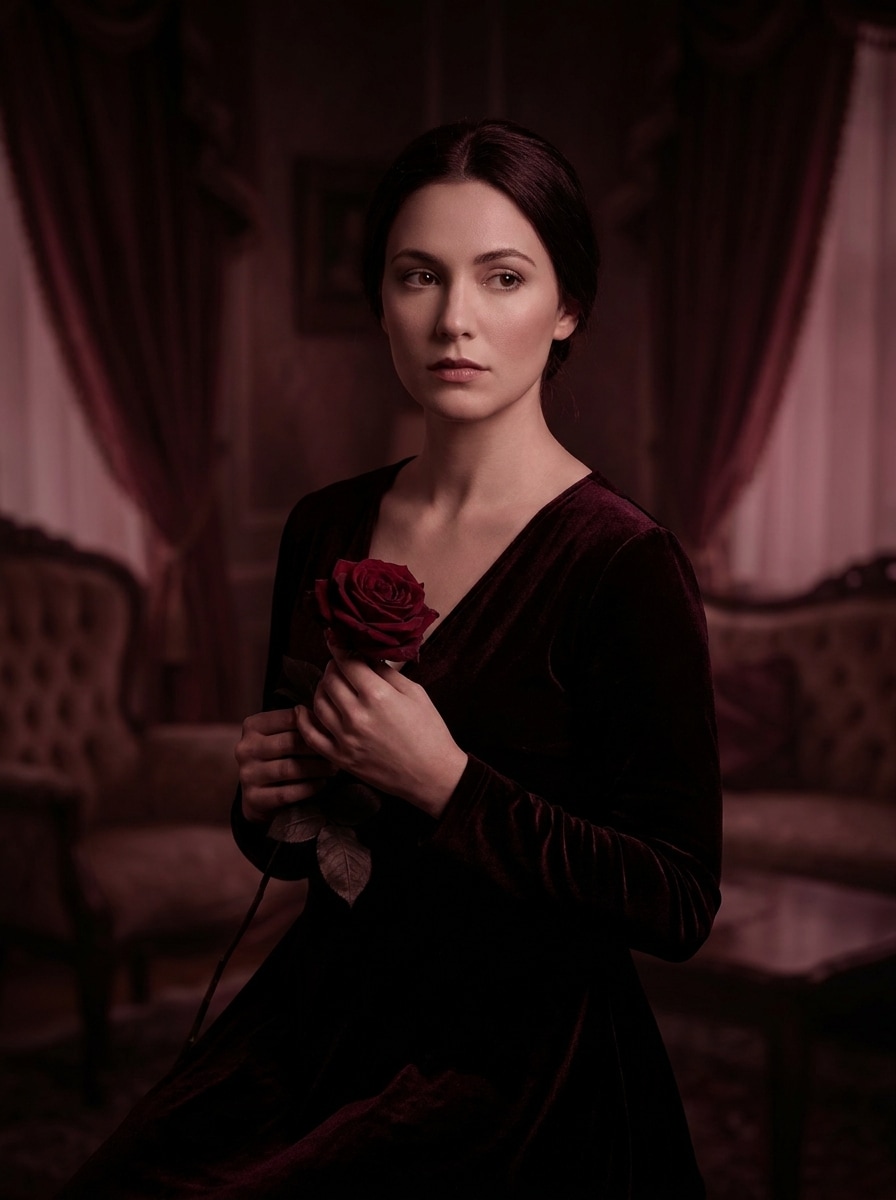
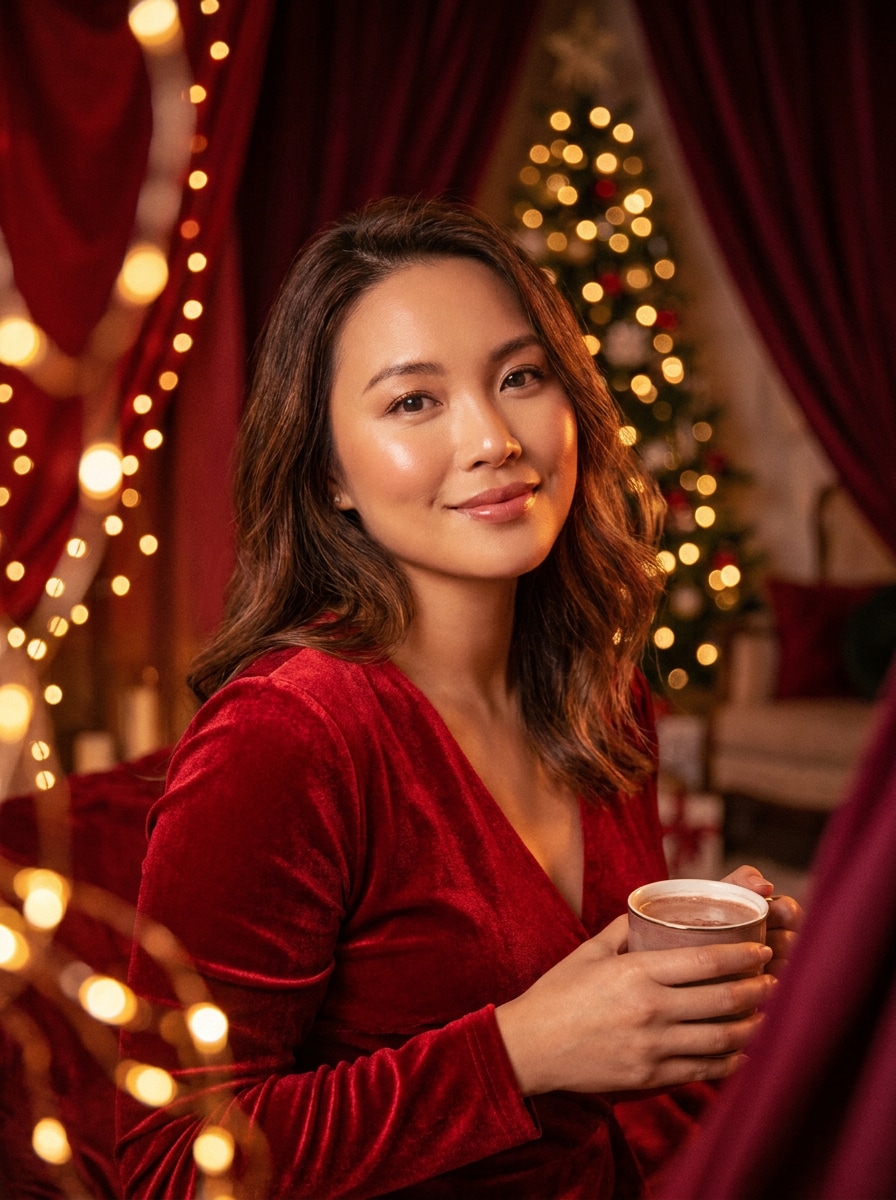
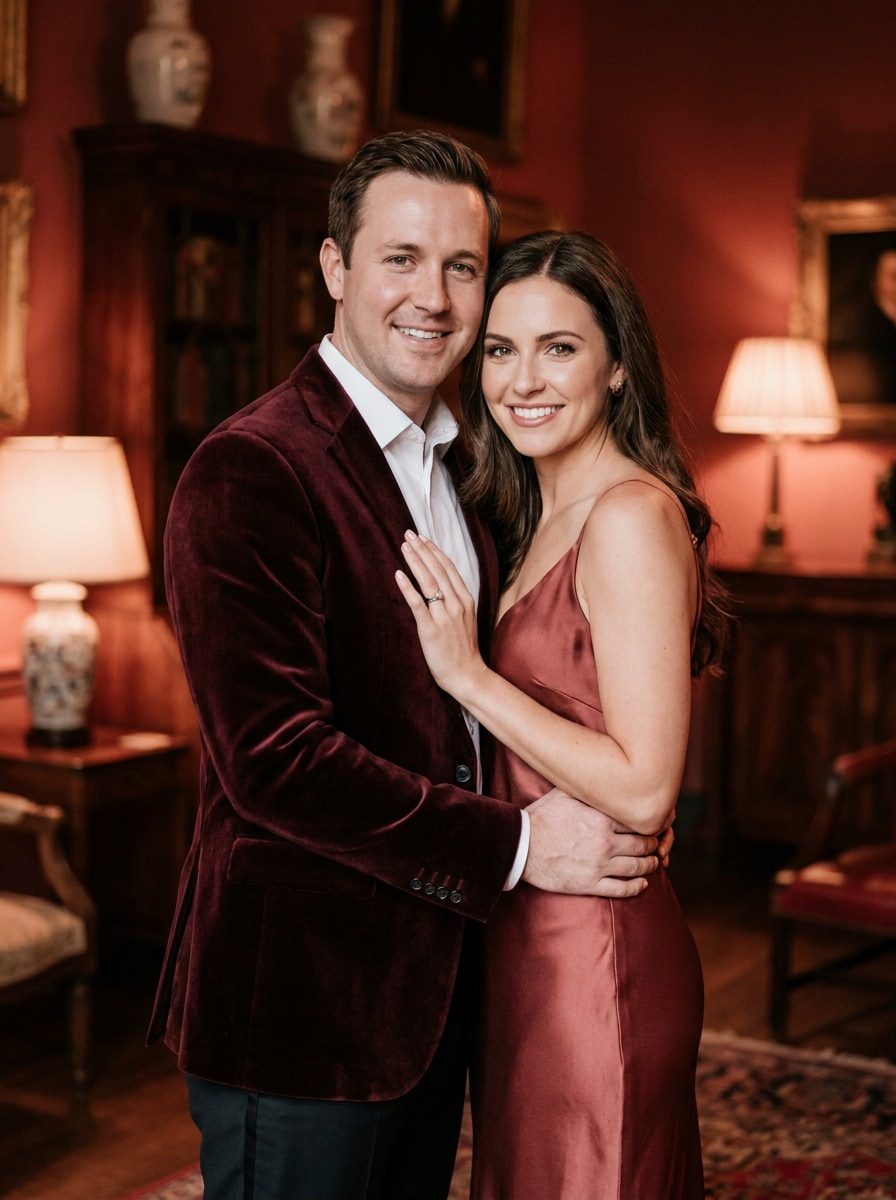
Turn any uploaded portrait into a rich crimson editorial image with a red velvet filter. Media.io helps you create a luxury velvet portrait with soft skin, moody lighting, and a polished soft velvet photo effect in just a few clicks. This setup works well for velvet texture filter.
Review these example directions, then customize the prompt details to get stronger results with this Red Velvet Filter and a more refined velvet-inspired look.
Soft Glam Red Velvet
Use the uploaded image as the subject and transform it into a soft glam red velvet portrait with deep crimson and burgundy tones, diffused beauty lighting, smooth natural-looking skin, glossy highlights, gentle background blur, elegant contrast, and a polished luxury editorial finish.
Editorial Burgundy Studio
Use the uploaded image as the subject and restyle it as a high-fashion burgundy studio portrait with velvety softness, wine-red color grading, sculpted facial lighting, refined skin texture, crisp subject separation, minimal luxury backdrop, and a premium beauty campaign atmosphere.
Moody Crimson Cinema
Use the uploaded image as the subject and apply a cinematic red velvet look with dark shadows, crimson highlights, warm skin balance, subtle film-like contrast, shallow depth feeling, dramatic mood, and luxurious color depth that feels emotional, modern, and visually rich.
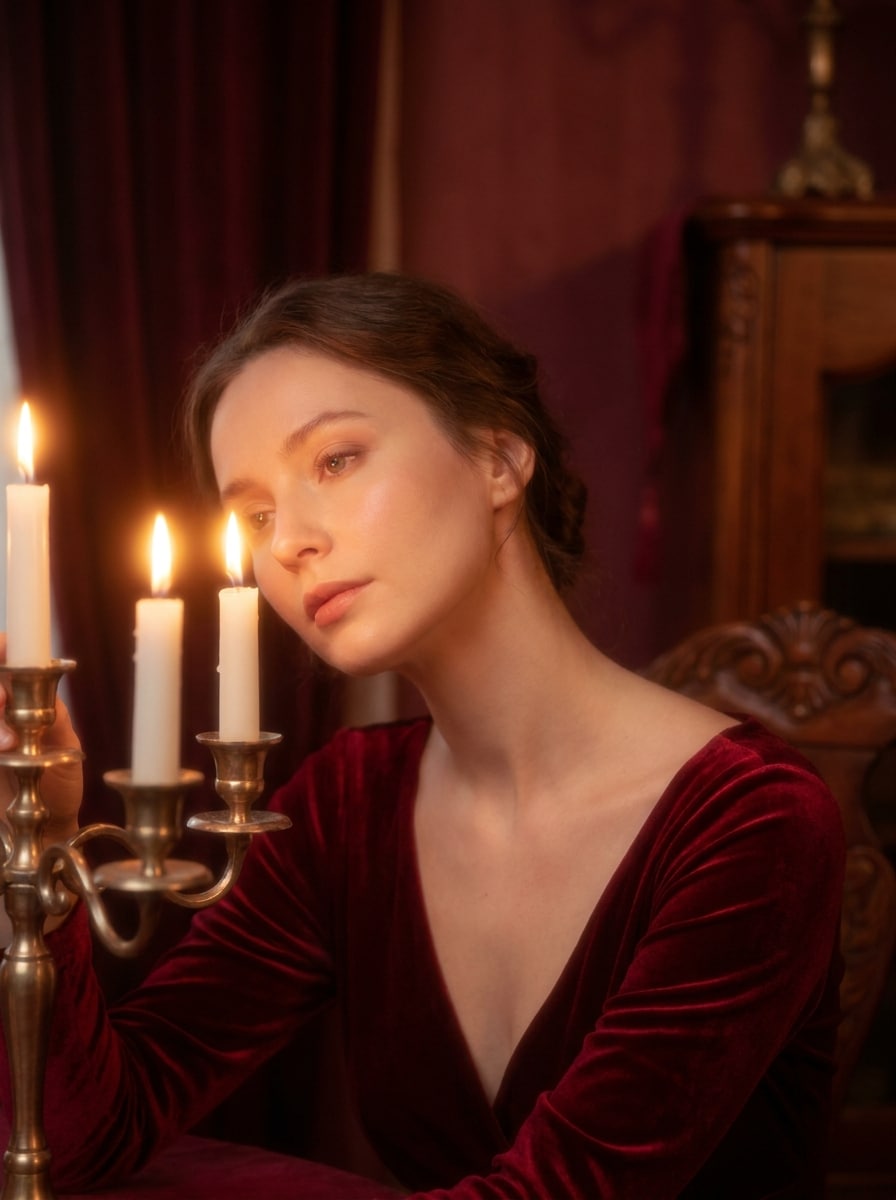
Romantic Candlelight Red
Use the uploaded image as the subject and transform it into a romantic red velvet portrait with candlelit warmth, soft glowing highlights, velvety red hues, dreamy skin finish, intimate shadows, elegant composition, and a gentle luxury mood perfect for date-night or festive visuals.
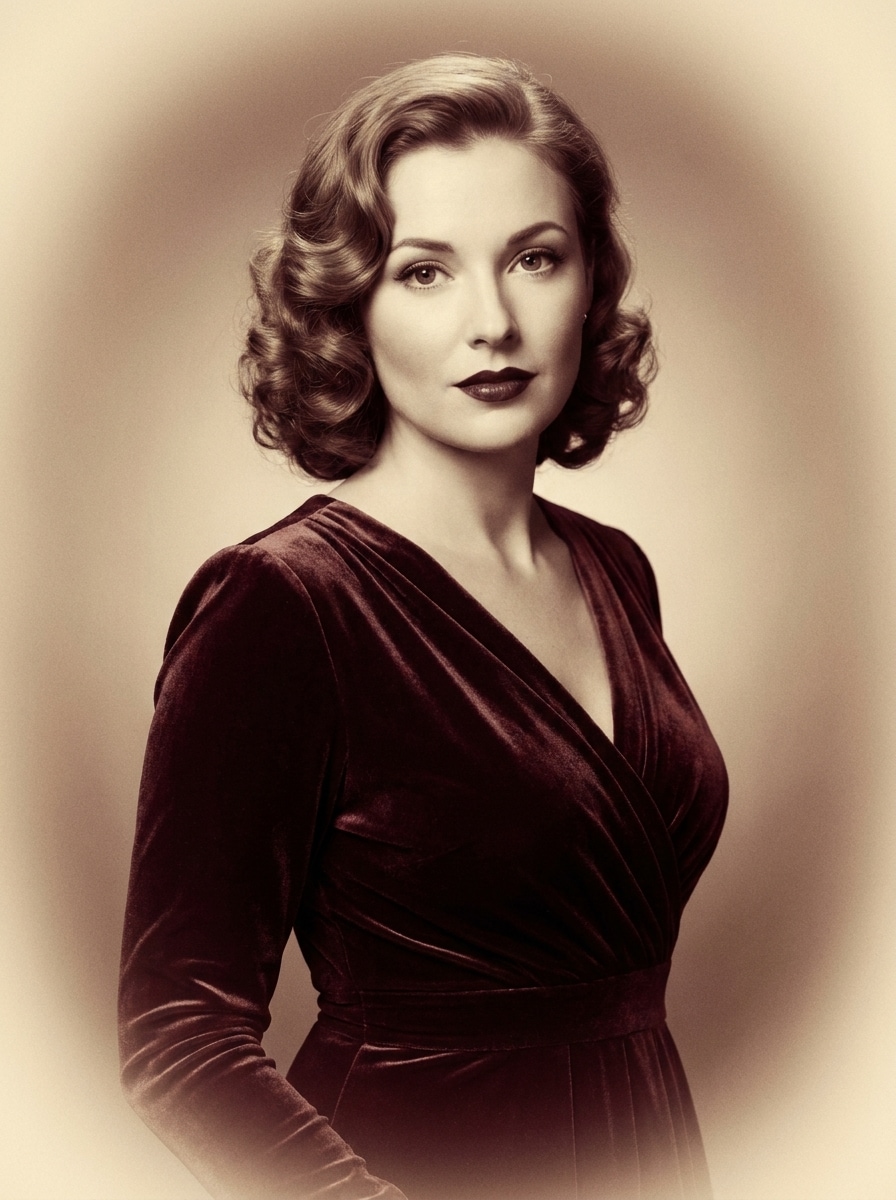
Vintage Velvet Film
Use the uploaded image as the subject and give it a vintage red velvet film treatment with muted crimson tones, soft grain, warm tonal fade, gentle vignette, delicate skin refinement, retro glamour styling, and a timeless portrait finish with nostalgic richness.
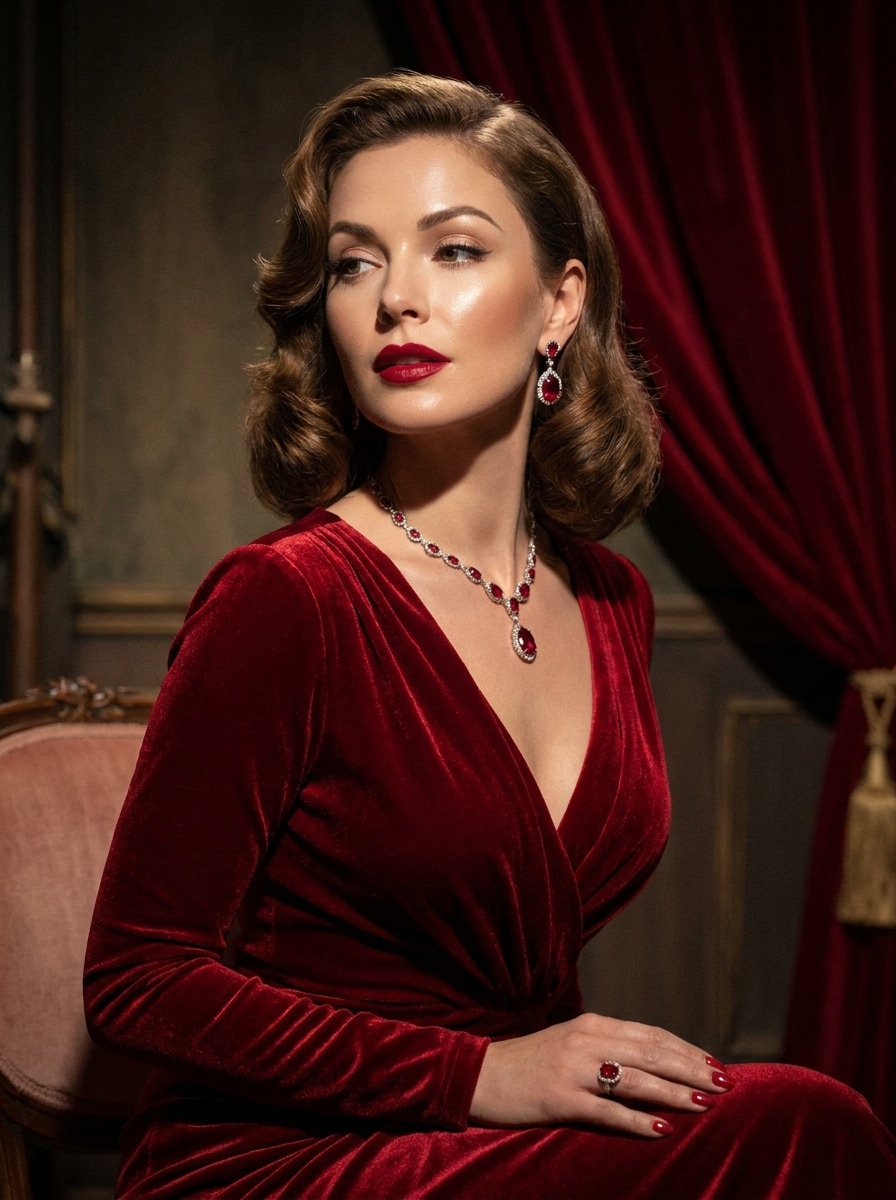
Old Hollywood Red Velvet
Use the uploaded image as the subject and turn it into an Old Hollywood red velvet glam portrait with ruby-red palette, polished skin, dramatic light shaping, elegant shadows, luxurious texture, poised expression, and a timeless cinematic beauty finish.
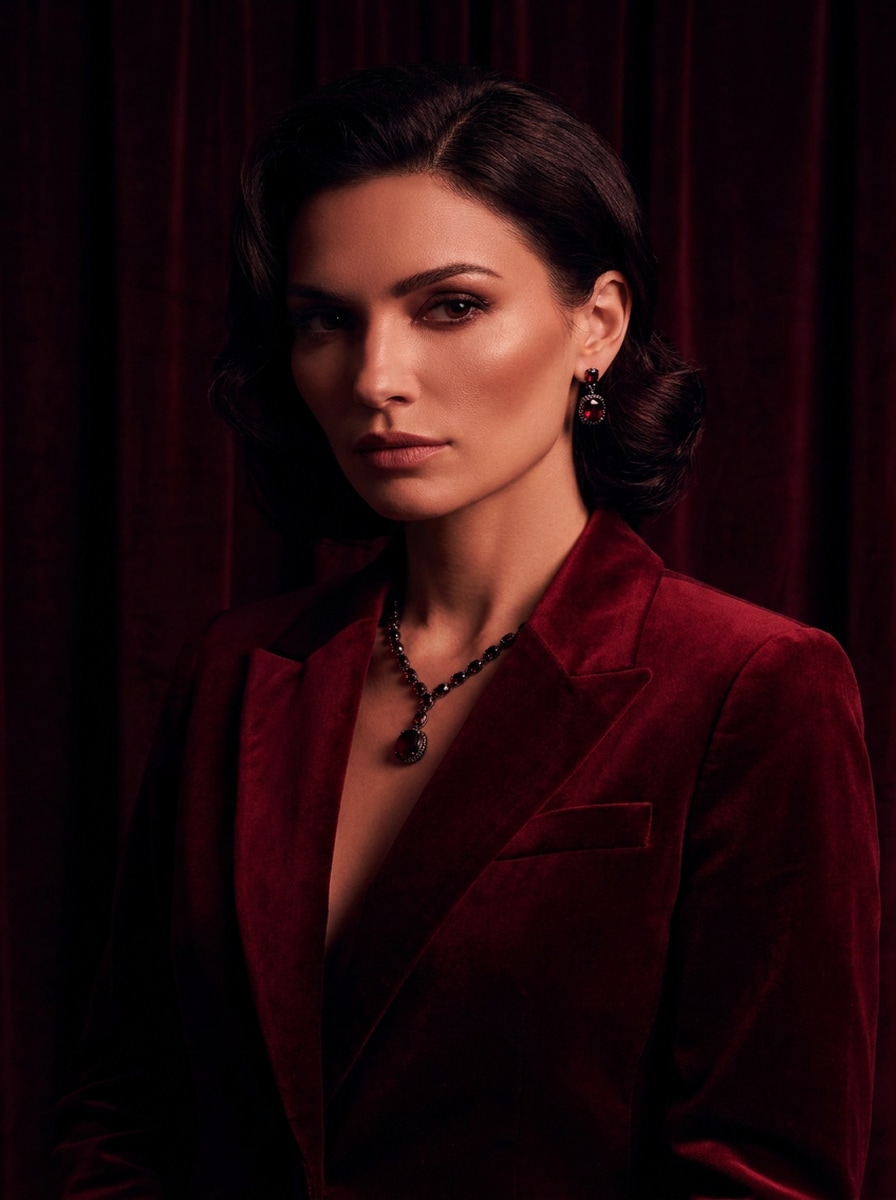
Dark Cherry Velvet
Use the uploaded image as the subject and apply a dark cherry red velvet filter with black-red shadows, sleek contrast, defined facial contours, luxurious depth, dramatic mood, and a dark feminine aesthetic that stays smooth, stylish, and premium.
Rose Noir Velvet
Use the uploaded image as the subject and create a rose noir velvet portrait with wine-red grading, matte skin finish, low-key lighting, romantic darkness, velvety depth, softly sculpted features, and a high-end social-ready composition with moody elegance.
Festive Velvet Glow
Use the uploaded image as the subject and add a festive red velvet effect with glowing warm lights, rich scarlet and burgundy tones, flattering portrait enhancement, cozy radiance, soft contrast, and a polished holiday-ready look that feels luxurious and inviting.
Couple Red Velvet Romance
Use the uploaded image as the subject and transform the couple portrait into a romantic red velvet scene with soft crimson grading, warm intimate lighting, subtle skin refinement, elegant depth, smooth highlights, and a shareable luxury mood made for anniversaries or social posts.
Why Use Media.io for a Red Velvet Photo Makeover
Transform Real Portraits Into Recognizable Velvet Looks
For selfies, beauty shots, or couple photos, Media.io uses your uploaded image as the visual reference, helping you apply an AI velvet filter while keeping recognizable facial features and delivering a more personal final result.
Fine-Tune Mood, Framing, and Output Quality
Style exploration feels easier with Media.io, since you can compare multiple creative directions from the same red velvet filter starting point and choose the version that best fits your concept.
Create High-Resolution Images for Real Use
If you plan to reuse the final image beyond a quick preview, Media.io helps produce sharper results up to 4K so your red velvet filter visual stays dependable for presentations, mockups, and design work.
Create Luxury Edits Quickly in Your Browser
For creators who bounce between mobile and desktop, Media.io keeps red velvet filter visual creation in the browser so the workflow stays practical wherever you happen to be working.
How to Apply a Red Velvet Filter Online
Turn your words into stunning visuals in three simple steps, then continue refining the result if you want to take it further.
Step 1
Upload Your Reference Image
Start with a clear portrait, selfie, or couple photo in JPG, PNG, or JPEG format. A well-lit image with visible facial details gives Media.io a stronger base for a smooth red velvet transformation.
Step 2
Describe the Change and Set Options
Enter the red velvet style you want, such as soft glam, cinematic crimson, or dark cherry luxury. Then choose your model and adjust aspect ratio, quality, and image count to match your final use.
Step 3
Generate, Download, and Keep Improving
Generate your edited versions, compare the results, and download your favorite image. You can refine the prompt, increase intensity, or try another variation until the mood, skin finish, and red tones look right.
See how creators use this Red Velvet Filter for content, marketing, and personal projects, then adapt each idea to fit the brief.
Upgrade Selfies Into Editorial Beauty Portraits
Give everyday selfies a polished magazine-style finish with deeper burgundy tones, softer skin rendering, and moody lighting. Media.io helps turn casual portraits into a premium glam identity that works well for profile pictures, beauty content, and creator branding.
Build Romantic and Seasonal Social Content
Use warm crimson grading and candlelit softness to create images that feel intimate, festive, or date-night ready. With Media.io, this portrait style is a strong fit for holiday posts, anniversary photos, and shareable couple edits with a luxe aesthetic.
Shape Distinct Mood Boards for Fashion Branding
Turn portraits into consistent visual assets for cover art, promos, and campaign mockups. Media.io helps shape a memorable high-end direction through a rich red palette, soft luxury styling, and a subtle velvet-inspired finish for photographers, stylists, and small brands.
What Users Say About This Velvet Portrait Effect
Amelia R.
Beauty Content Creator
"Perfect for glam selfie edits" I wanted a red, luxurious portrait style without manually color grading everything. This effect gave my selfies deep crimson tones and smooth lighting while still keeping my face recognizable.
Noah T.
Social Media Manager
"Fast way to make visuals feel premium" We used it to create moody romantic portraits for a seasonal campaign. The browser workflow was quick, and the results looked polished enough for social posts and promo graphics.
Sofia L.
Portrait Photographer
"Great mood control for portrait styling" I like that I can test soft glam, vintage, and darker velvet looks from the same source image. It is useful for previewing concepts before doing a full retouching pass.
Jordan K.
Lifestyle Blogger
"Easy to use on mobile" I edited a portrait from my phone and got a dramatic velvet-inspired look in minutes. The effect felt stylish rather than overdone, and the final image worked well for my profile update.
A red velvet filter is a portrait editing style that adds deep crimson or burgundy tones, soft luxury shading, flattering skin treatment, and an editorial mood. On Media.io, you can apply this look to an uploaded image to create a richer, more cinematic portrait without rebuilding the photo from scratch.
2. How can I apply a red velvet filter online for free?
You can upload your portrait to Media.io, describe the red velvet look you want, and generate results using free credits. Free access lets you try the effect first, while additional usage options, more credits, and watermark-free high-resolution downloads are available on the pricing page.
3. Can I turn any portrait into a red velvet aesthetic with AI?
Yes, Media.io supports image-to-image editing, so you can upload a selfie, beauty portrait, or couple shot and guide the restyle with a prompt. A clear source image usually works best for a stronger red velvet filter result, especially if you want cinematic lighting or a refined luxury velvet portrait finish.
4. Will the red velvet effect keep my face natural?
It can, especially when you use a clear reference photo and ask for subtle skin smoothing or balanced glamour. Media.io uses your uploaded image as the guide, which helps preserve recognizable facial structure while adding richer color, mood, and a polished velvet-inspired finish.
5. What image quality or resolution can I export?
Media.io offers export options in 1K, 2K, and 4K, depending on your workflow needs. That makes it practical for social posts, profile images, and higher-quality creative assets when you want your red velvet portrait to stay sharp after download. Free users may have watermarks.
6. Does this red velvet photo editor work on mobile devices?
Media.io is web-based, so you can use this AI velvet filter tool on phones, tablets, laptops, or desktop computers with a browser. That makes it easy to create or refine a soft velvet photo effect at home, in the studio, or while you are on the go.