Upload Your Face
 Nano Banana Pro
 Unlock your creative potential and experience the magic of Media AI right away!
Use AI Photo Face Swap No Restrictions to explore playful edits with your own selfies or authorized images. Place a source face into couple photos, group shots, cosplay images, portraits, and memes while keeping the base photo's angle, lighting, and composition in view. Upload the base photo and source face, generate the edit, review the result, and download the image you prefer with Media.io.

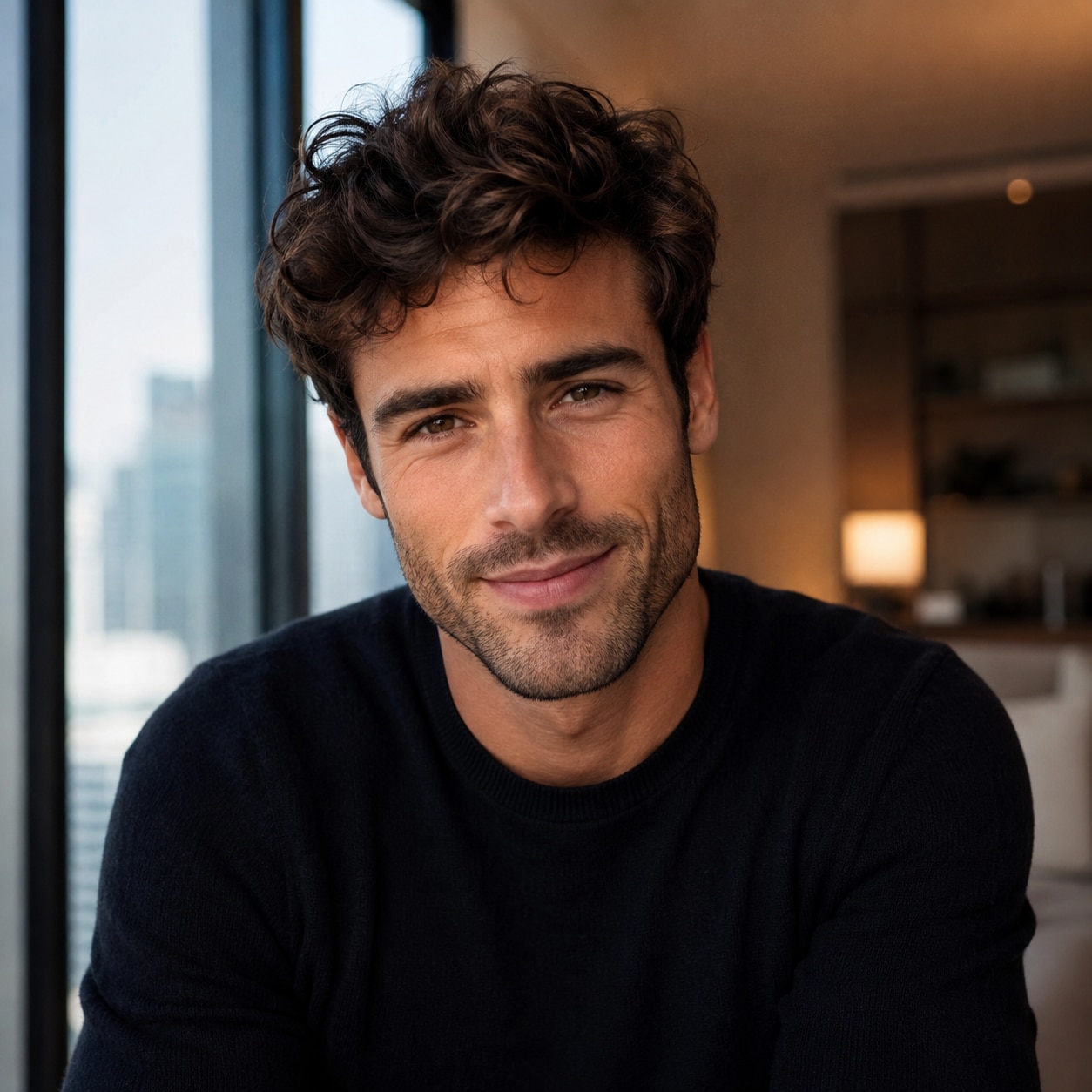

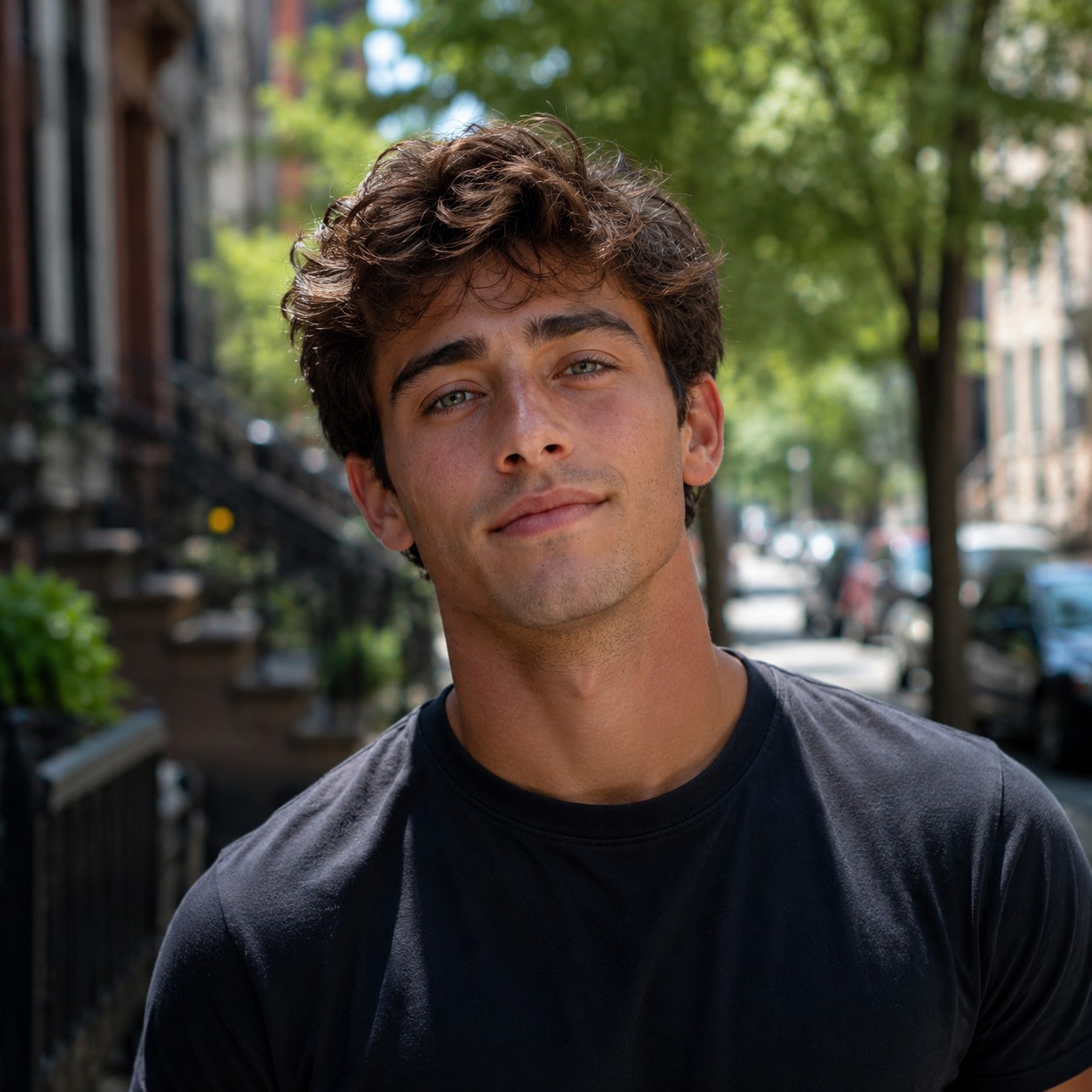
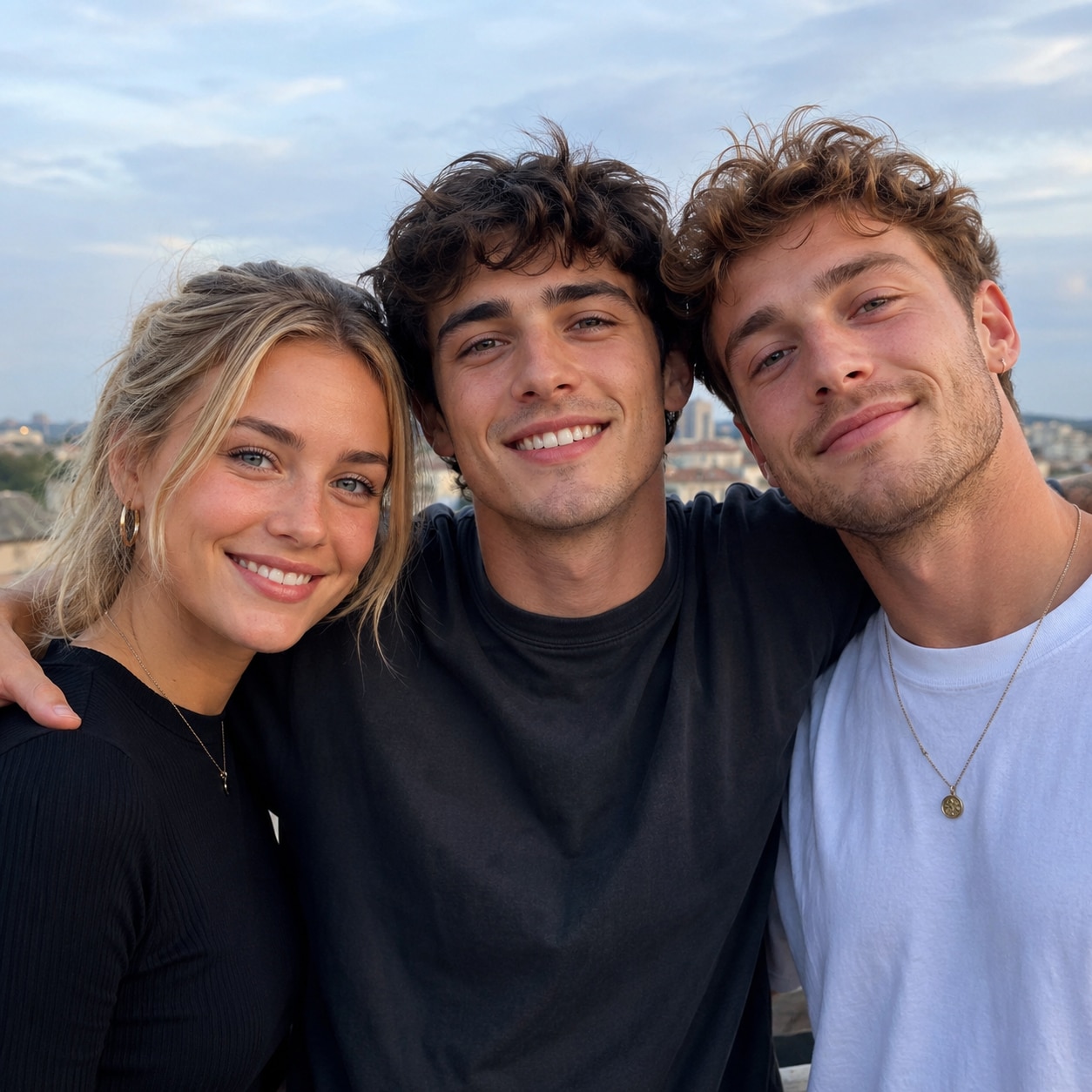
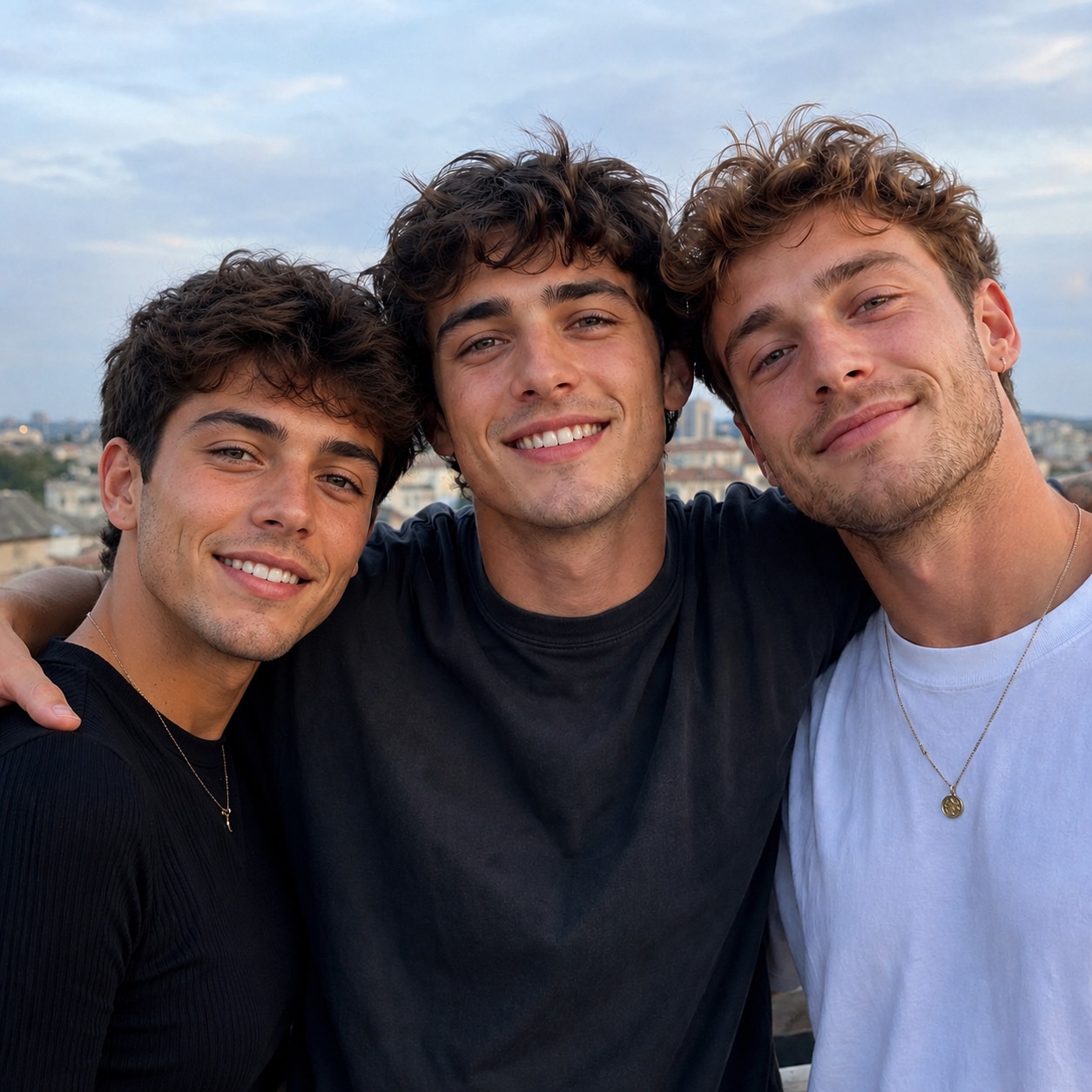
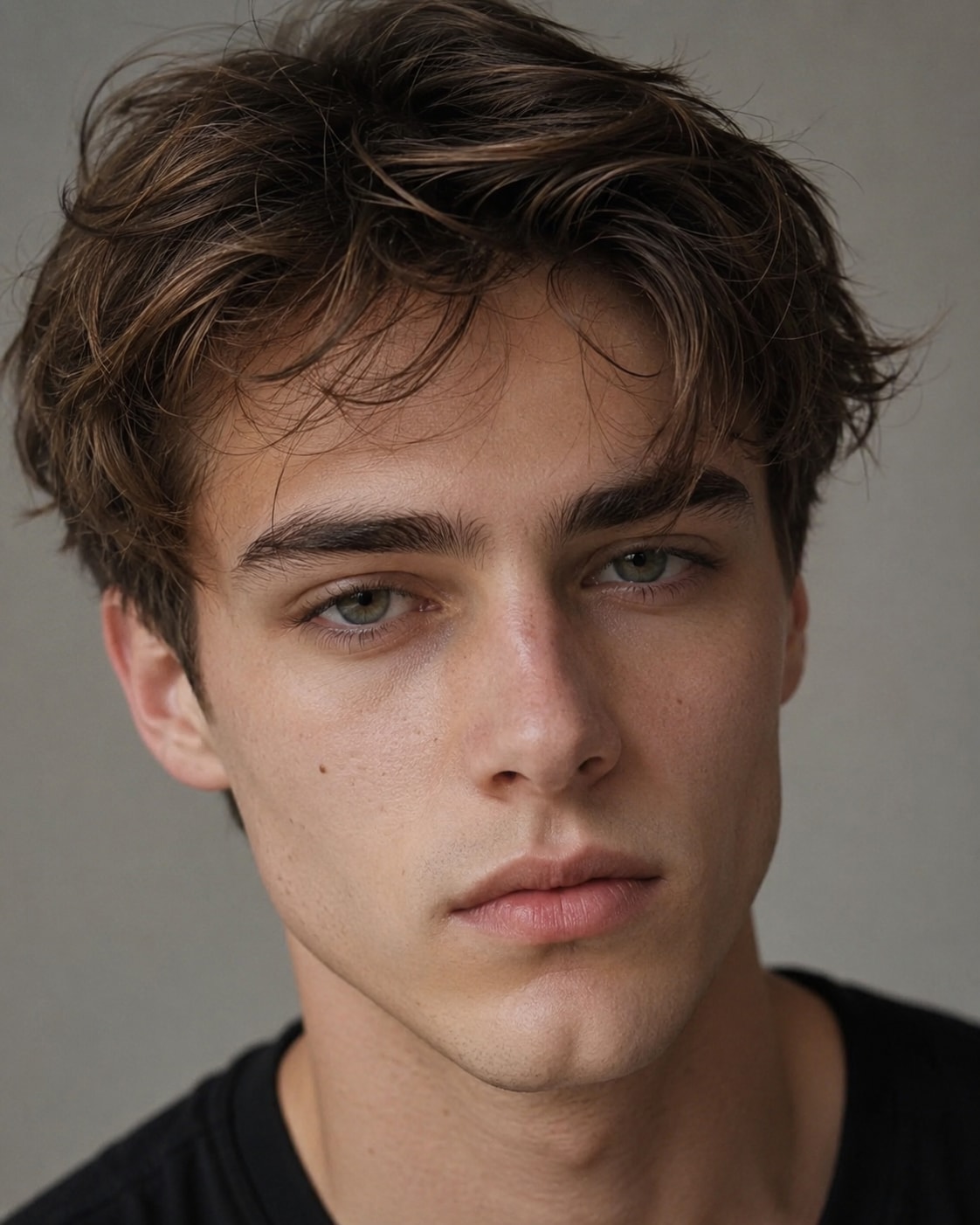

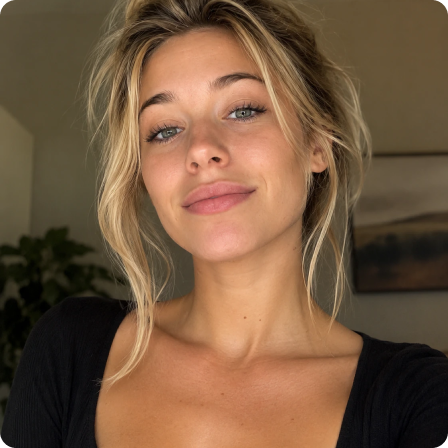
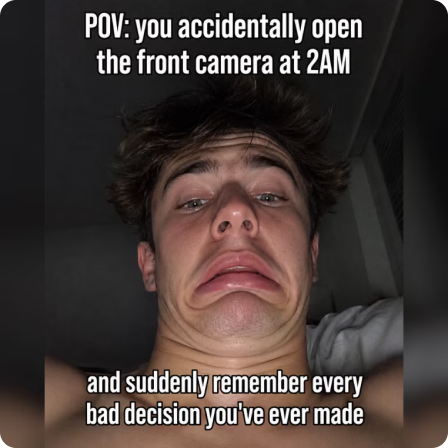
Reimagine an authorized date photo, shared selfie, or group shot by changing one visible face. It is a simple way to create inside jokes, themed variations, and personalized images from photos you already have.
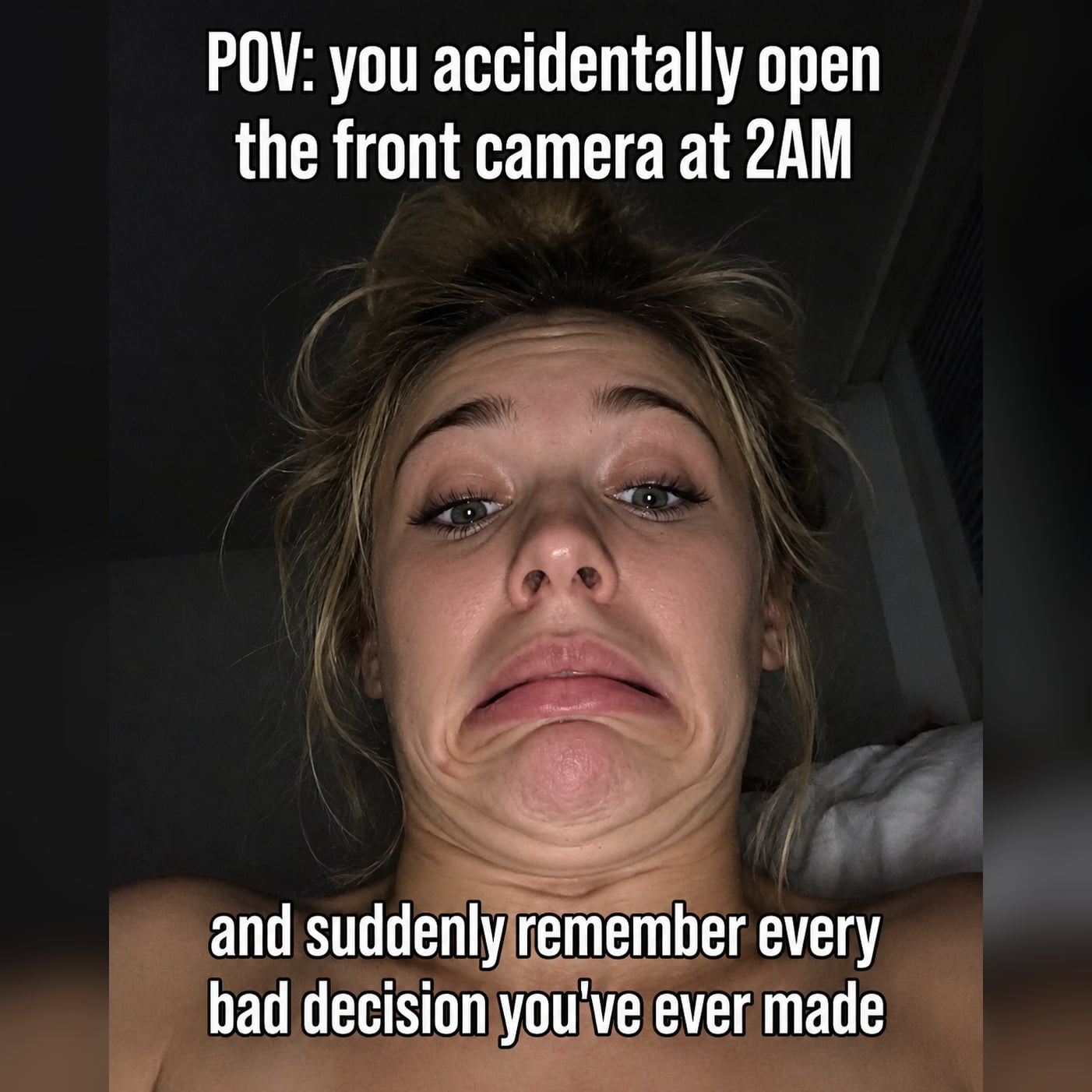
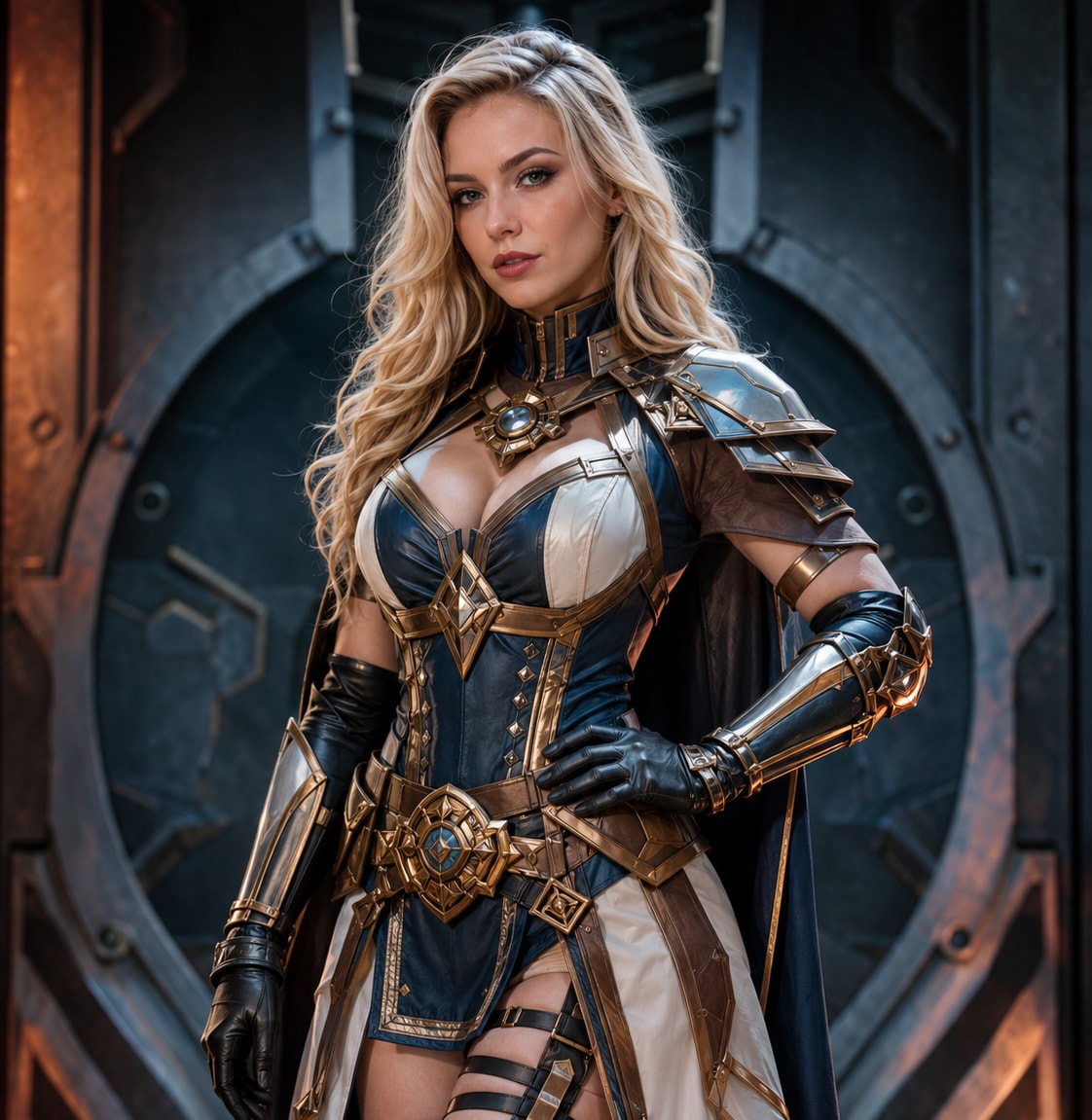
Try a new character look with your own costume image, personalize a portrait setup, or remix a meme using approved media. The workflow gives creators room to test different visual directions without manual masking.
The base image provides the pose, framing, background, and lighting context. Choosing a clear source face with a compatible angle can help the generated result fit the original scene more naturally.
Generate the swap, inspect facial alignment and scene consistency, then test another suitable source image when needed. Download once the expression, lighting, and overall composition match your creative goal.
Choose your owned or authorized selfie, couple photo, group shot, cosplay image, portrait, or meme. A clearly visible target face gives the workflow a stronger base.
Upload a clear source-face image and choose the face to replace when needed. For a better visual match, consider the angle, expression, and lighting in both images before generating.
Review the generated image at full size and check the face against the photo's composition. Try another suitable source if needed, or download the final version for your approved use.

Couple Photo Creator

“We turned our own couple selfie into a genuinely funny alternate version.” Uploading the base photo and source face was straightforward, and reviewing the result first helped us choose the better image.

Group Chat Meme Maker
“It is great for remixing photos that everyone in the group approved.” I used a clear front-facing source, checked how it fit the group shot, and saved a version that worked well as an inside joke.

Cosplay Photographer
“Helpful for testing a costume portrait concept before another shoot.” Matching the source angle to our own cosplay photo made a noticeable difference, and I could review several ideas without manual cutouts.

Portrait Hobbyist
“The review step keeps me focused on the whole photo, not only the face.” I check lighting, pose, and composition together, then switch the source image if it does not suit the portrait.
Here, “no restrictions” means a more flexible creative workflow for varied authorized photo ideas. It is not permission for deceptive impersonation, fraud, harassment, or harmful use. Respect consent, identity rights, applicable law, and platform rules.
You can explore authorized selfies, couple photos, group shots, cosplay images, portraits, and memes. Clear face visibility is helpful, and the output can vary with image quality, angle, lighting, and composition.
Use a clear image of yourself or a person who agreed to the edit. A face with a similar angle and compatible lighting can fit the base photo more naturally than a heavily shadowed or partly covered reference.
You can use a group shot when the intended target face is visible and the workflow can identify it. Review the result closely to confirm the correct person was changed and the edit still works with the surrounding faces.
The source face needs to work within the pose and illumination of the base image. Similar angles, clear features, and compatible light direction can make it easier for the generated face to sit within the existing composition.
Media.io offers free credits on signup, so you can test the browser-based photo workflow. Credit use and available options may vary with current product settings and plans.
 4.7 (162,357 Votes)



