Create Similar Image ↗
 Nano Banana Pro
 Unlock your creative potential and experience the magic of Media AI right away!
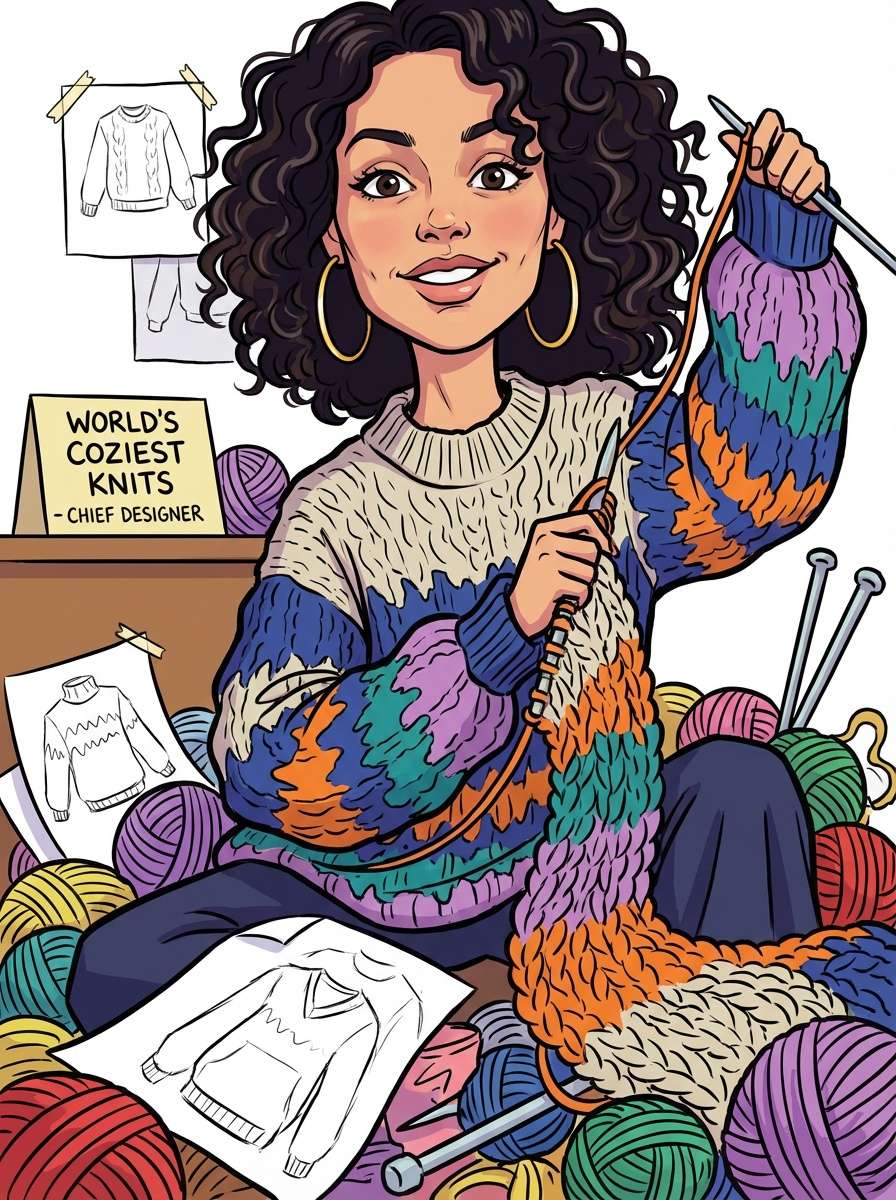
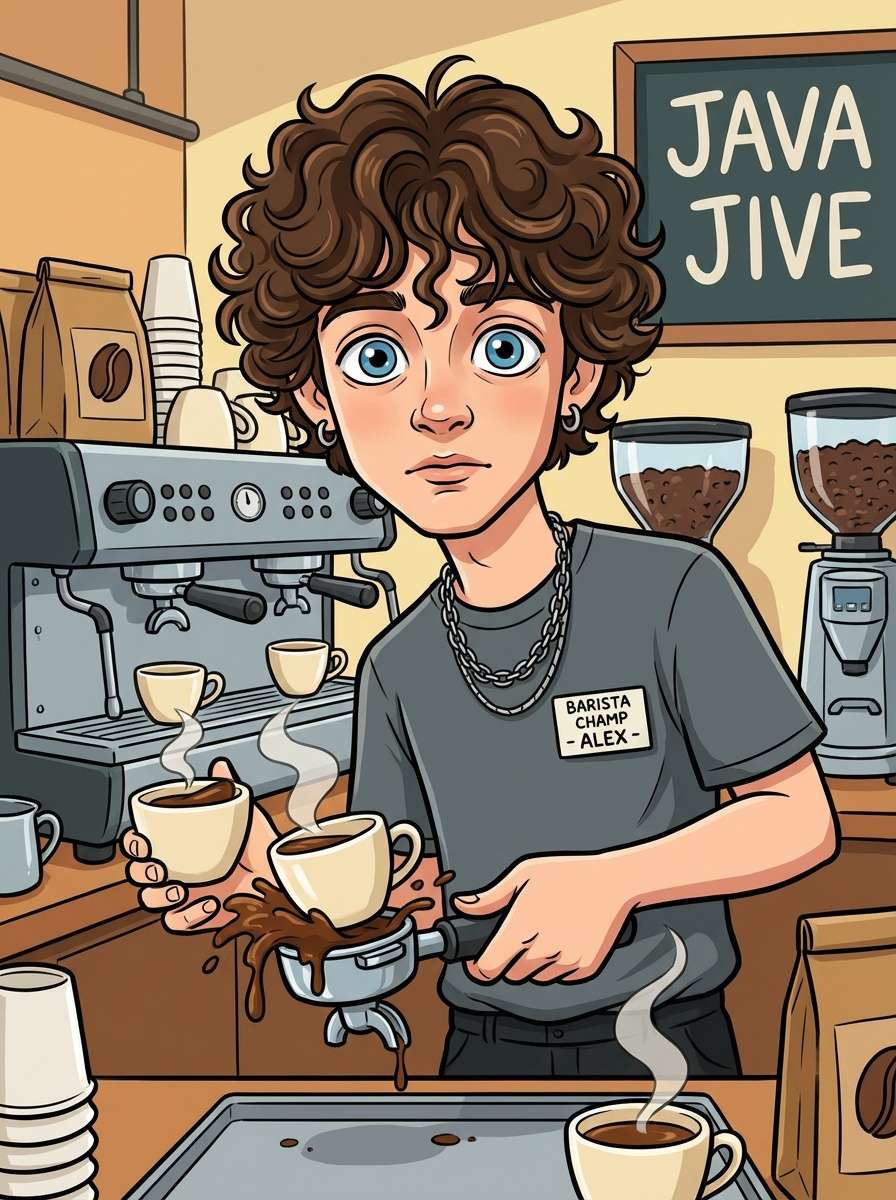
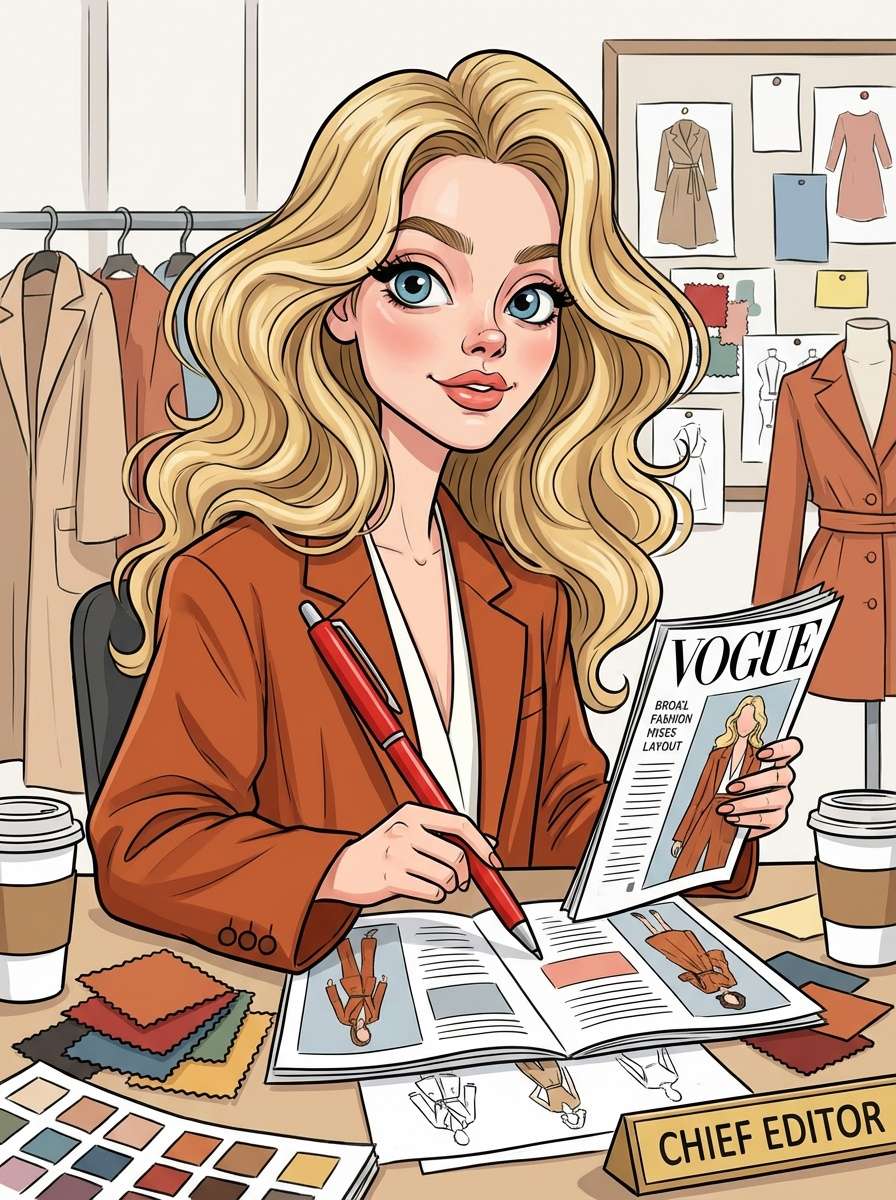
Seen the viral ChatGPT caricature challenge? Now create a fun, exaggerated AI caricature of you and your job — inspired by the trend, but generated from your real photo. Highlight your profession, personality, and signature tools in a playful cartoon style, with full control and share-ready results.
Unlike text-only prompts, Media.io uses your photo to create a caricature of me that actually looks like you. No generic AI faces or random distortions.
Perfectly nail the ChatGPT caricature challenge. Add props like laptops, cameras, stethoscopes, or tools to define your profession in a fun, exaggerated way.
Want a specific vibe? Use our chatgpt caricature ai prompt box to tweak the style, background, and mood while keeping the image composition intact.
Create high-quality professional caricature ai portraits. Perfect for viral social posts, team intros, or a unique "About Me" avatar without watermarks.
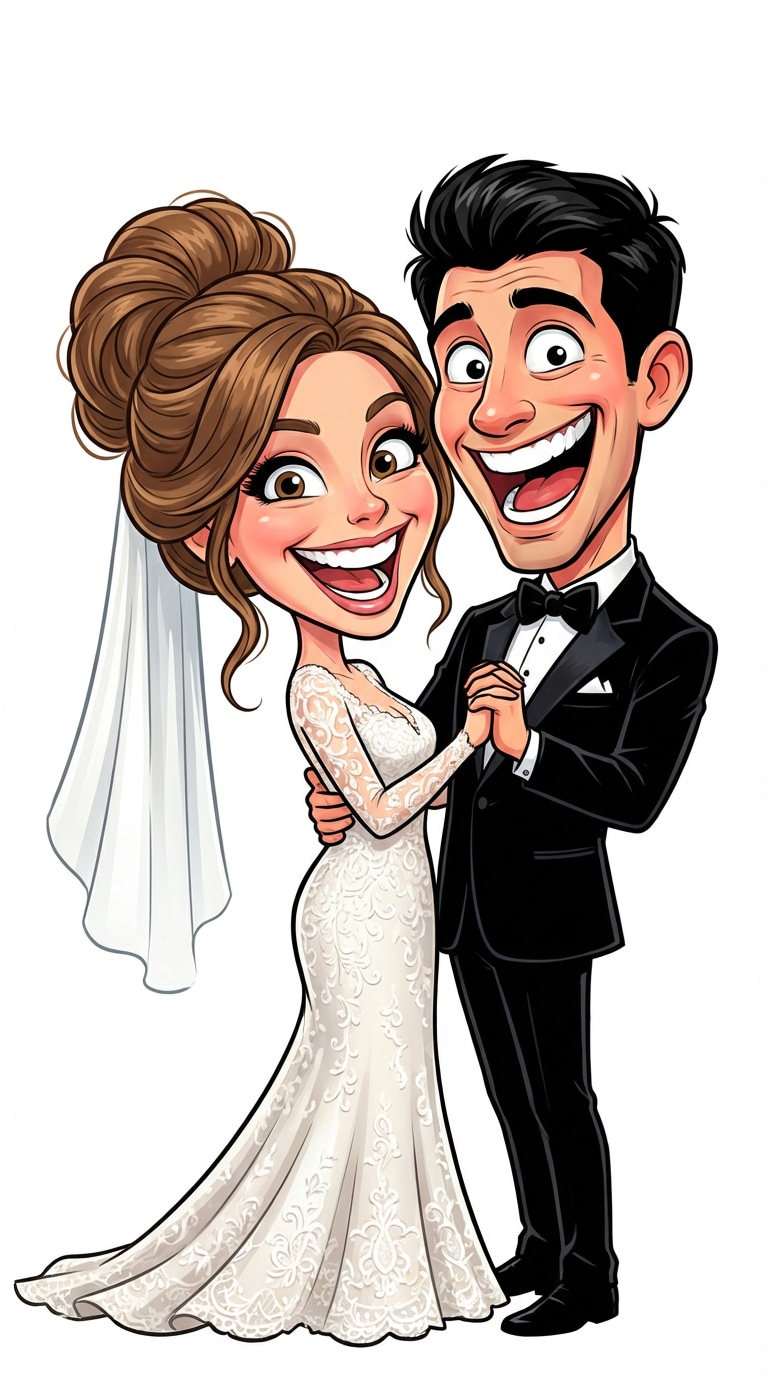
AI Wedding Caricature Maker
Turn your wedding photos into artistic AI caricatures — fun for keepsakes, invites, or sharing with loved ones.
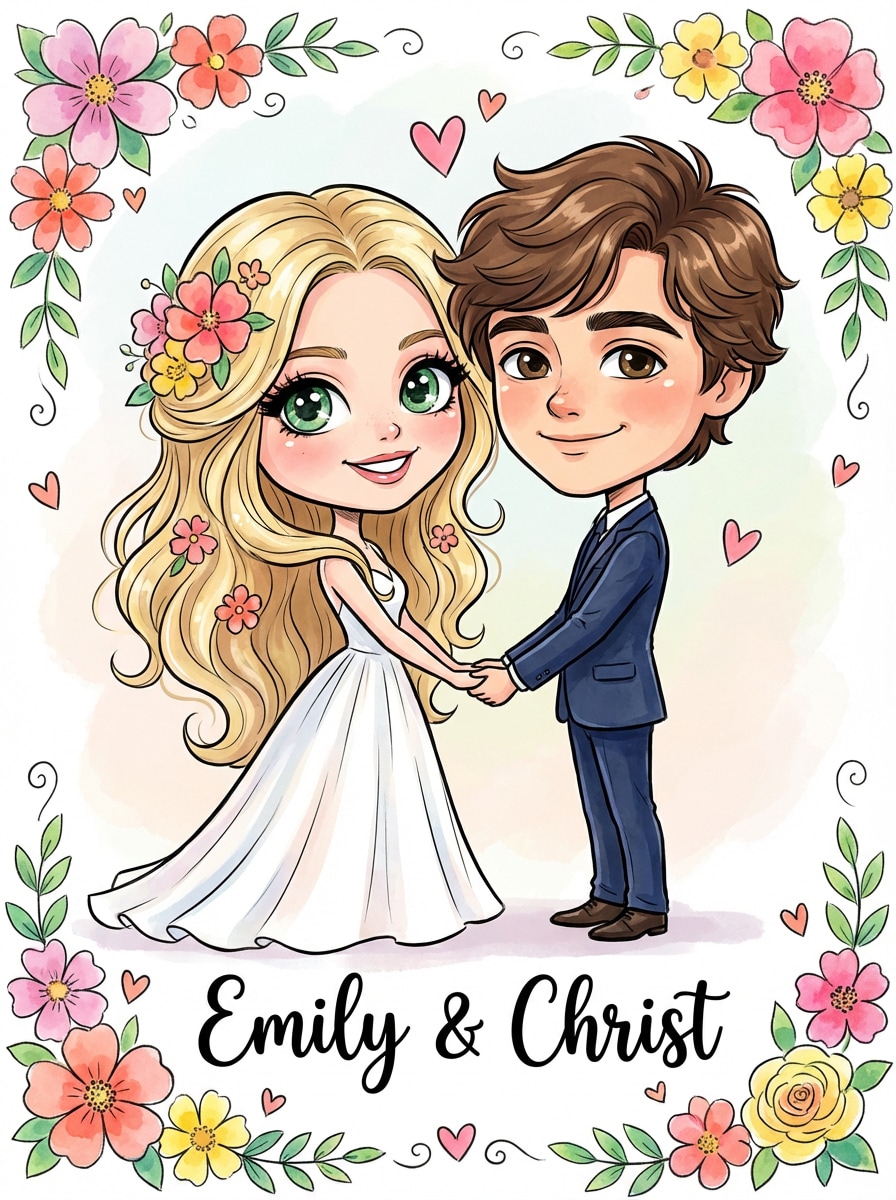
Start by uploading a clear photo. This ensures your ai caricature portrait keeps your real facial features unlike standard text generators.
Type a simple chatgpt caricature prompt describing your job (e.g., "Software engineer with laptop"). Our AI blends your photo with the viral style.
Instantly create your job caricature portrait ai. Preview the funny, professional result and download it watermark-free for social media.

Graphic Designer

“Finally, one that looks like me!” I tried the ChatGPT caricature ai text prompts, but they looked generic. Media.io used my real photo and nailed the trend. The laptop and coffee mug props were perfect.

Developer
“Perfect LinkedIn Update.” I needed a professional caricature ai for my profile. It’s funny but polished. Best create a caricature of me tool I've found for work socials.

Registered Nurse
“So much fun!” Joined the chatgpt caricature challenge with this. It perfectly captured 'exhausted nurse' vibes but made it cute and shareable. Friends loved it!

Sales Manager
“High Quality Results.” The caricature ai photo quality is amazing. I use it for my team intros. Much better control than just typing into a chatbot and hoping for the best.
Use Media.io's image-to-image generator. Upload your photo and add a chatgpt caricature prompt like "Create a caricature of me and my job based on everything you know about me". It preserves your face better than text-only tools.
Yes, Media.io offers free credits. You can generate your caricature ai photo online without downloading software or paying immediately.
Use keywords like "3D render, cute big head, exaggerated expression, holding [job prop], clean background" or as simple as copy & paste "create a caricature of me and my job based on everything you know about me". This mimics the chatgpt caricature ai aesthetic everyone is posting.
Absolutely. Many users create professional caricature ai avatars for LinkedIn, Slack, or company "Meet the Team" pages to add personality to their job titles.
ChatGPT creates images from scratch based on text. Media.io uses your uploaded image as a reference, ensuring the ai caricature portrait from photo retains your actual identity.