Image to Image
Nano Banana Pro
Upload Image
0 / 9
Click or drag to upload, or choose from My History
No ideas? Generate an image first >
Support upload format: jpg, png, jpeg.
Prompt
0/2000
1K
Auto
1
Unlimited Banana Pro
Public Visibility
All
Image
Video
Audio
Generate List
The generated results will be kept for 7 days. Please save them in time.
ai_video_generatorUnlock your creative potential and experience the magic of Media AI right away!

AI LINE Sticker Generator – Create Custom Kawaii Stickers from Text or Photos

Turn your ideas, photos, or favorite characters into expressive LINE stickers in seconds. Media.io lets you generate cute, anime, meme, and Japanese-style sticker packs with AI—complete with transparent backgrounds and ready-to-use formats for LINE, WhatsApp, and chat apps.

Create My LINE Stickers

Upload a photo or type a prompt → AI turns it into stickers. Free to try.

Explore popular AI LINE sticker generator styles for emotions, anime, pets, and more.

Funny LINE Reaction Sticker

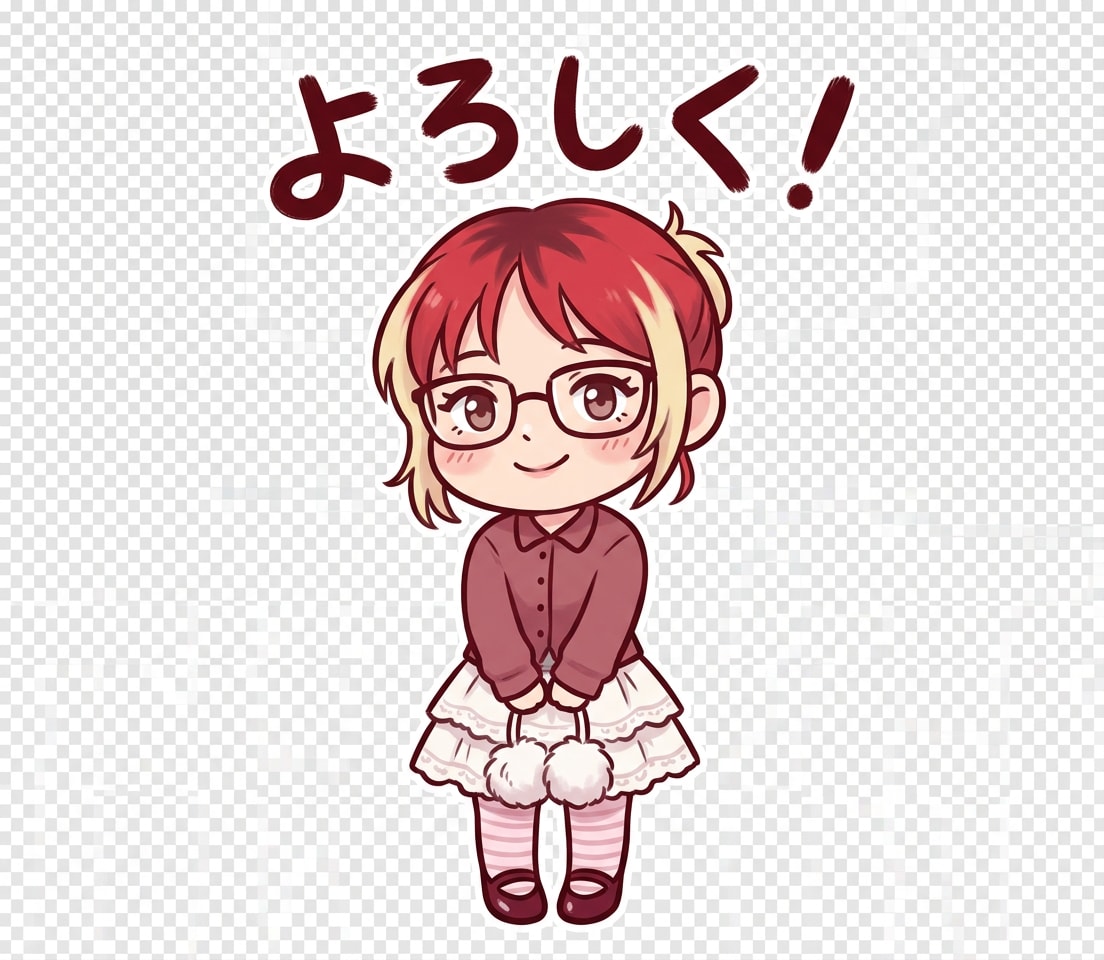
Base Character Sticker

Convert the uploaded photo into a chibi-style LINE sticker character. Preserve facial features but simplify into cute cartoon style. Add bold outlines and soft pastel shading. Add short Japanese sticker text (handwritten style, bold, readable). LINE Sticker Requirements: - Transparent background - PNG format - 370x320 px - Centered composition - No cropping Keep character consistency across variations.
Anime Couple LINE Sticker

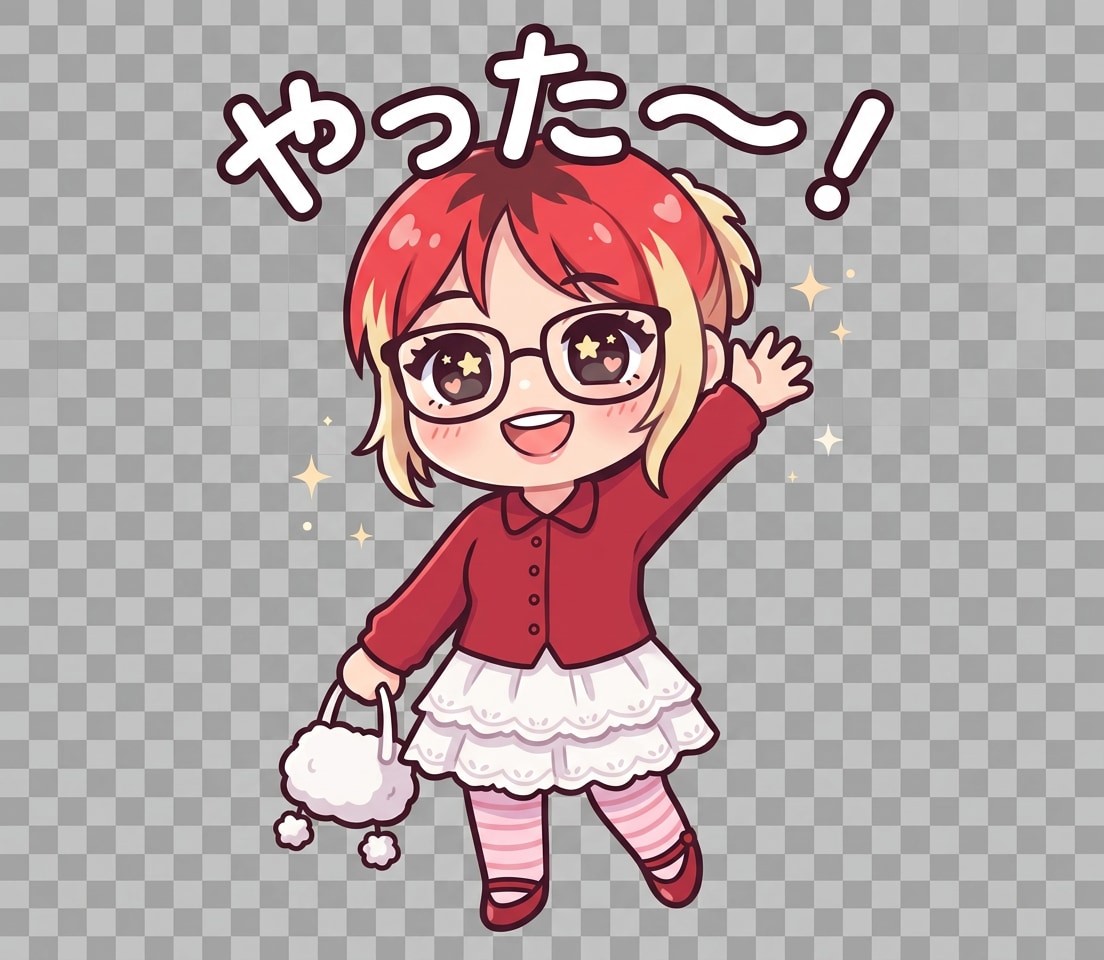
Smile Character Sticker

Convert the uploaded photo into a chibi-style LINE sticker character. Preserve facial features but simplify into cute cartoon style. Add bold outlines and soft pastel shading. Make the character smiling happily with sparkling eyes and waving pose. Add Japanese text: 「やったー!」 or 「うれしい〜!」 Style: playful, handwritten, slightly curved text.Text placement: above or beside the character, not overlapping face. Font: thick, rounded, high readability. Text color: white with dark outline OR bright color with contrast stroke. Keep text short (max 5 Japanese characters). LINE Sticker Requirements: - Transparent background - PNG format - 370x320 px - Centered composition - No cropping Keep character consistency across variations.s variations.

Cute Pet LINE Sticker

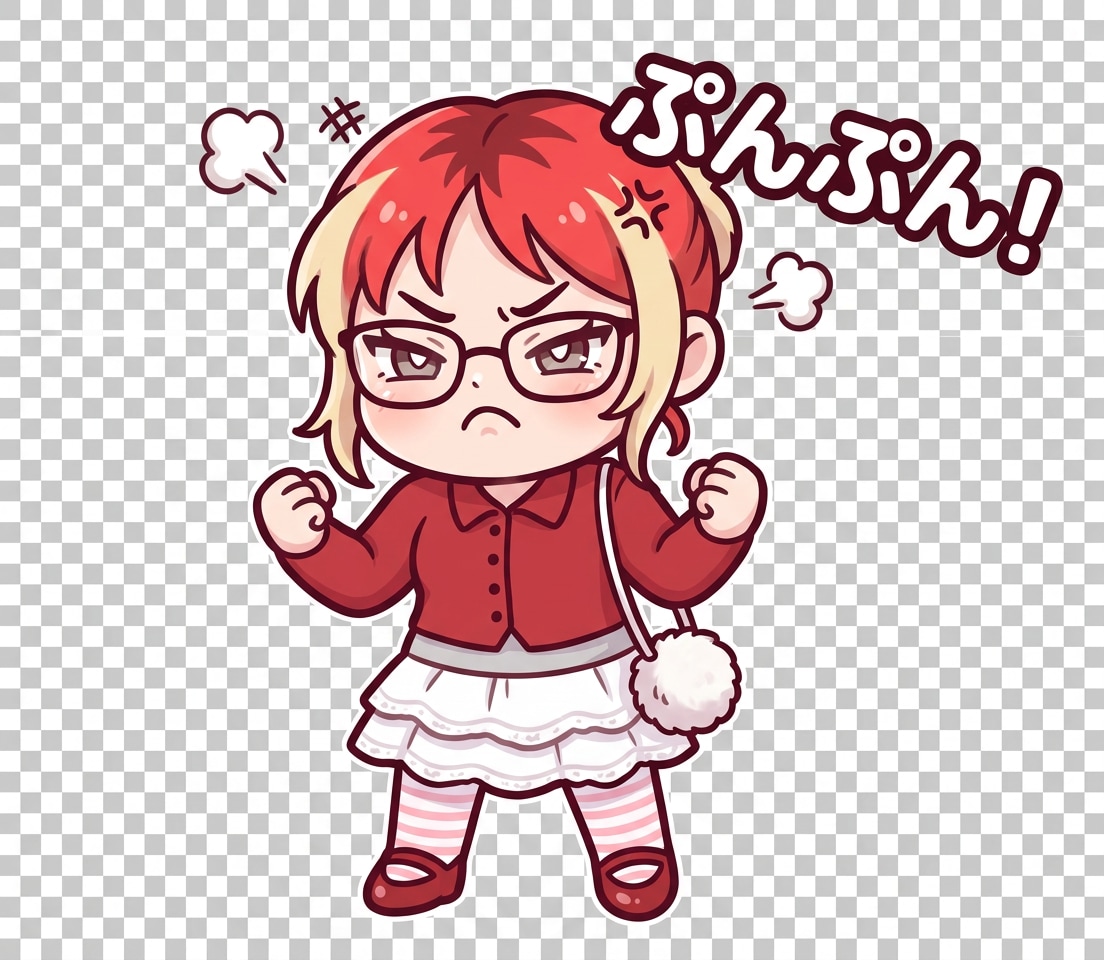
Angry Sticker Pack

Convert the uploaded photo into a chibi-style LINE sticker character. Preserve facial features but simplify into cute cartoon style. Add bold outlines and soft pastel shading. Make the character angry with furrowed brows and clenched fists. Add Japanese text: 「もう!」 or 「ぷんぷん!」 Style: bold, slightly shaky text with impact. Font: thick, rounded, high readability. Text color: white with dark outline OR bright color with contrast stroke. Keep text short (max 5 Japanese characters). LINE Sticker Requirements: - Transparent background - PNG format - 370x320 px - Centered composition - No cropping Keep character consistency across variations.tions.s variations.

Minimal LINE Text Sticker

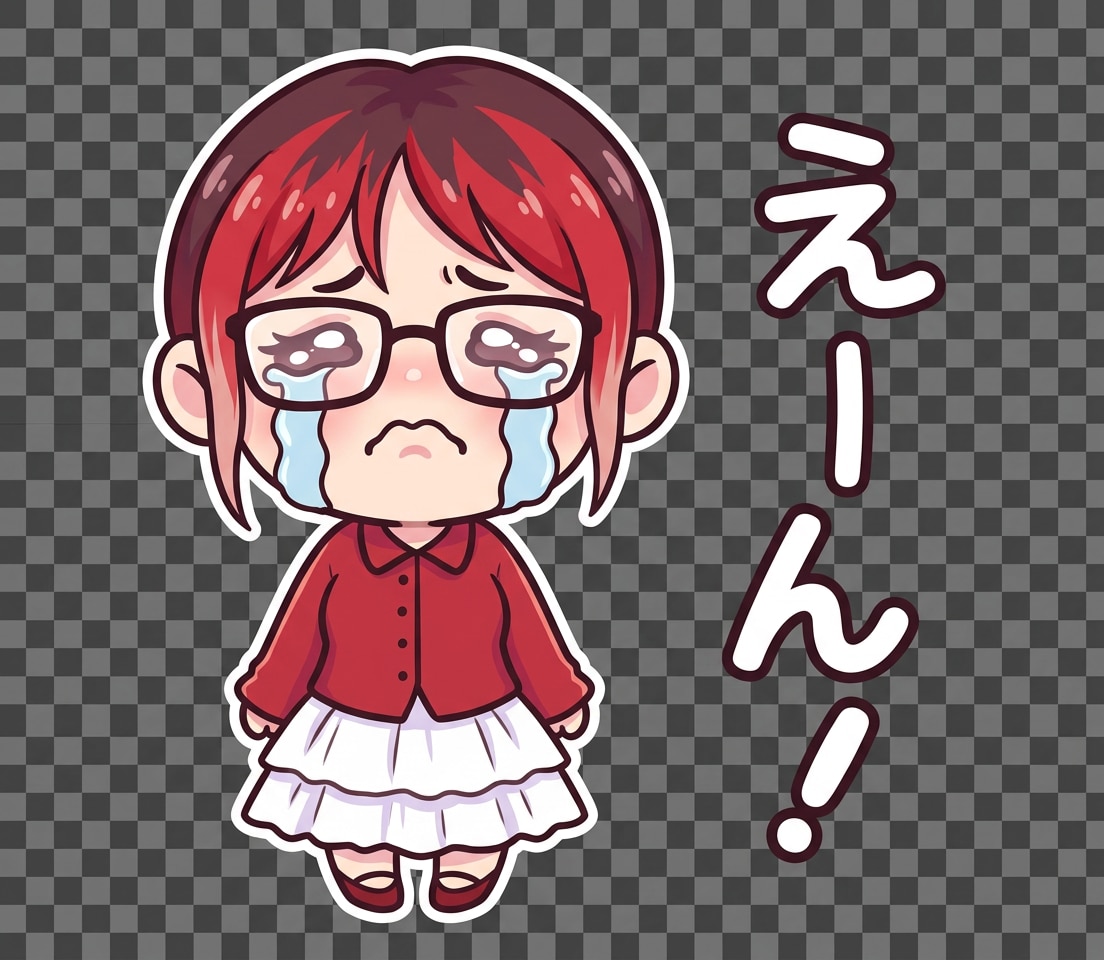
Cry Sticker

Convert the uploaded photo into a chibi-style LINE sticker character. Preserve facial features but simplify into cute cartoon style. Add bold outlines and soft pastel shading. Make the character crying with large flowing tears and emotional expression. Add Japanese text: 「えーん!」 or 「泣きたい…」 Style: soft, slightly tilted handwritten text. Font: thick, rounded, high readability. Text color: white with dark outline OR bright color with contrast stroke. Keep text short (max 5 Japanese characters). LINE Sticker Requirements: - Transparent background - PNG format - 370x320 px - Centered composition - No cropping Keep character consistency across variations.tions.s variations.

Kawaii Character Sticker

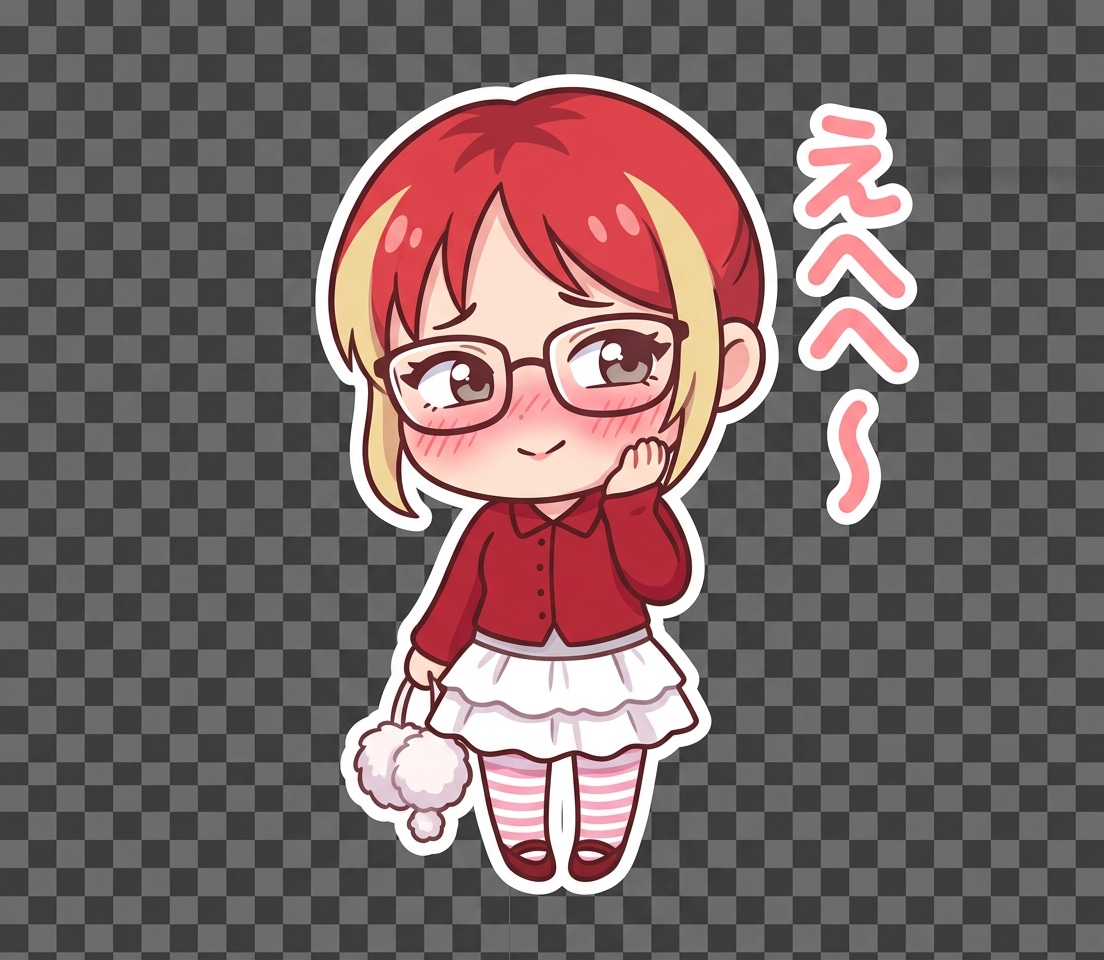
Kawaii Character Sticker

Convert the uploaded photo into a chibi-style LINE sticker character. Preserve facial features but simplify into cute cartoon style. Add bold outlines and soft pastel shading. Make the character blushing with shy expression, eyes looking sideways. Add Japanese text: 「てへっ」 or 「えへへ〜」 Style: soft, rounded cute font. Font: thick, rounded, high readability. Text color: white with dark outline OR bright color with contrast stroke. Keep text short (max 5 Japanese characters). LINE Sticker Requirements: - Transparent background - PNG format - 370x320 px - Centered composition - No cropping Keep character consistency across variations..tions.s variations.

Why Use Media.io for AI LINE Sticker Generation

Turn Text or Photos Into LINE Stickers Instantly

Create custom LINE stickers from text prompts or uploaded photos in seconds. Turn ideas, selfies, or characters into expressive sticker packs with AI—no design skills needed.

Sticker-Ready PNG with Transparent Background

Export high-quality LINE sticker images with transparent backgrounds in PNG format (370x320px). Perfect for uploading to LINE, WhatsApp, or using in chats without extra editing.

Multiple Styles: Kawaii, Anime, Meme & More

Generate stickers in popular styles like kawaii, anime, meme, or minimal text. Add Japanese expressions like “やったー!” or “ぷんぷん!” to create authentic LINE-style reactions.

Batch Create Sticker Packs with Consistent Characters

Generate multiple poses and emotions from one character—happy, angry, shy, crying, and more. Keep visual consistency while building a complete LINE sticker pack in minutes.

How to Use the AI LINE Sticker Generator

1
2
3
1
Open AI Sticker Generator

Go to AI Text to Image Generator and start creating your LINE stickers online. No download needed—works on desktop and mobile.

2
Enter Prompt or Upload Photo

Describe your sticker (e.g. “cute chibi character, happy expression, Japanese text やったー!”) or upload a photo to turn into a sticker. Customize style, background, and format.

3
Generate, Refine & Download

Click Generate to create your LINE sticker. Adjust prompts for different emotions, then download transparent PNG files ready for LINE upload or chat use.

Create LINE sticker step 1
Create LINE sticker step 2
Create LINE sticker step 3

Unlock the Potential of AI LINE Sticker Generator

Discover how creators use AI to design custom LINE stickers for chats, branding, and social expression.

Create Emotion-Based Chat Stickers

Generate expressive reaction stickers like happy, angry, shy, or crying. Add Japanese phrases to match real chat scenarios and make your conversations more fun and engaging.

Turn Photos into Personalized Sticker Packs

Upload selfies, pets, or friends and convert them into unique LINE sticker packs. Perfect for personal chats, gifts, or social media identity.

Design Kawaii & Anime Stickers for Social Sharing

Create cute anime-style or kawaii stickers for LINE, WhatsApp, and other messaging platforms. Ideal for content creators, influencers, and sticker enthusiasts.

What Users Say About This AI LINE Sticker Generator

user
Olivia M.

Etsy Sticker Seller

star star star star star

"Perfect for testing LINE sticker ideas" I use it to quickly create and test new LINE sticker packs before launching them in my shop. The kawaii styles and expressive emotions help me validate designs fast.

user
Jason R.

Content Creator

star star star star star

"Great for meme-style chat stickers" I can turn jokes into expressive LINE stickers with Japanese text like “やばい!” or “LOL”. It’s perfect for social content and messaging apps.

user
Priya S.

Freelance Designer

star star star star star

"Useful for quick sticker pack mockups" I generate multiple character poses and emotions to present LINE sticker pack ideas to clients. The transparent PNG output saves a lot of time.

user
Marcus T.

Small Business Owner

star star star star star

"Works great on phone and desktop" I created custom LINE stickers from photos on my phone in minutes. It’s simple to use and perfect for making personal chat stickers.

AI LINE Sticker Generator FAQ

1. Is this AI LINE sticker generator free to use?

Yes, you can create LINE stickers online for free with limited credits. Upgrade plans unlock watermark-free downloads and more generations.

2. Can I create LINE stickers from photos?

Yes. Upload a photo and turn it into a custom LINE sticker with AI. You can convert selfies, pets, or characters into sticker-style images instantly.

3. Can I add Japanese text like “やったー!” to stickers?

Yes. You can include Japanese expressions, emojis, or custom text in your prompt to create authentic LINE-style stickers.

4. What format is best for LINE stickers?

LINE stickers typically use transparent PNG images (370x320px). This tool helps you generate ready-to-use files for easy upload.

5. Can I use this on mobile?

Yes. The AI LINE sticker generator works in your browser on iPhone, Android, Mac, and Windows—no download required.

6. How fast can I generate LINE stickers?

It only takes seconds to generate a sticker. You can refine prompts and quickly create multiple expressions to build a full sticker pack.

Media.io Online AI Tools Quality Rating:
vote 4.7 (162,357 Votes)