
Create AI Images Online
Start with a prompt or reference image directly in your browser. Media.io keeps the workflow simple for users searching for a Raphael AI image generator free alternative.
 ToMoviee Lite
Looking for Raphael AI image generation? Create images from text prompts or transform reference photos with Media.io. Explore realistic portraits, anime, concept art, social visuals, and more in your browser—an easy Raphael AI alternative when you want flexible image creation without installing an APK. Explore the best uncensored AI Image generators →
Media.io is an independent AI creative platform and is not affiliated with Raphael AI.
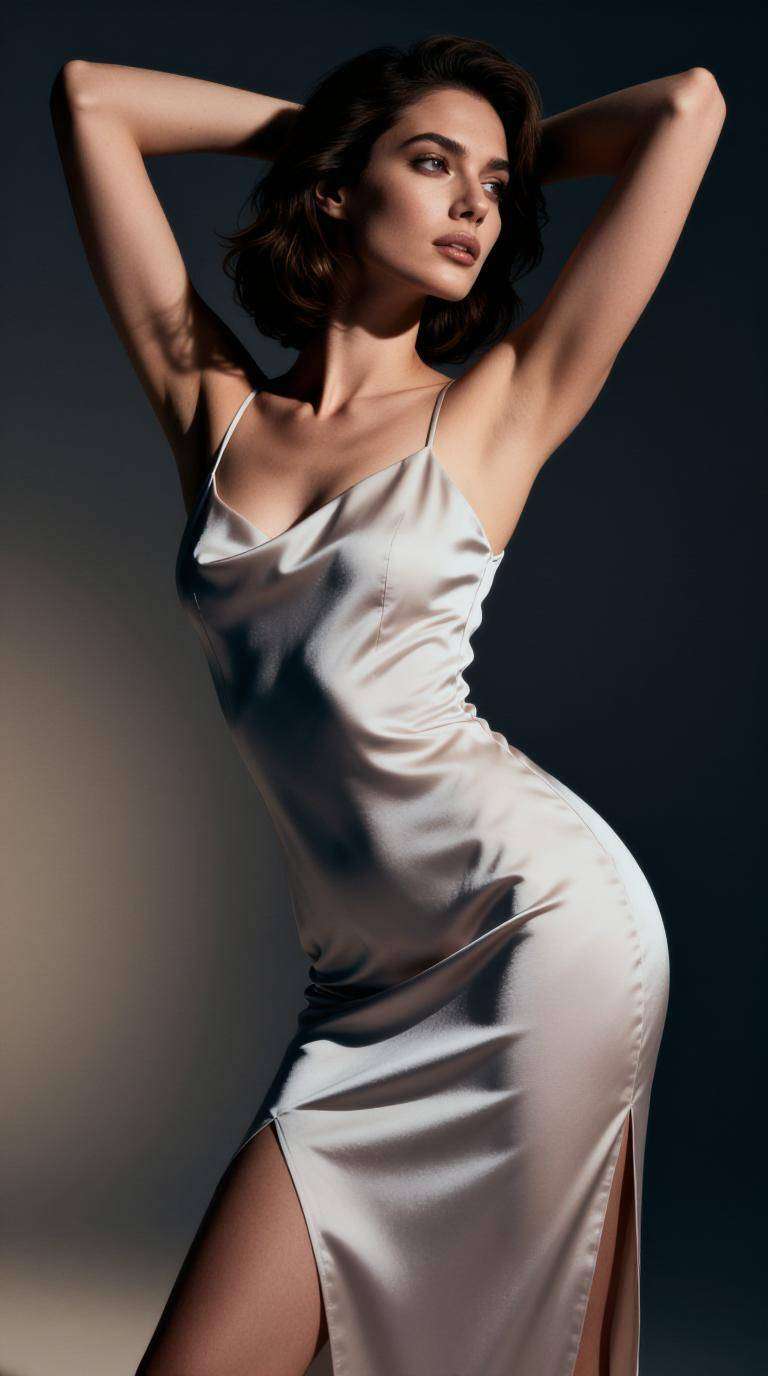
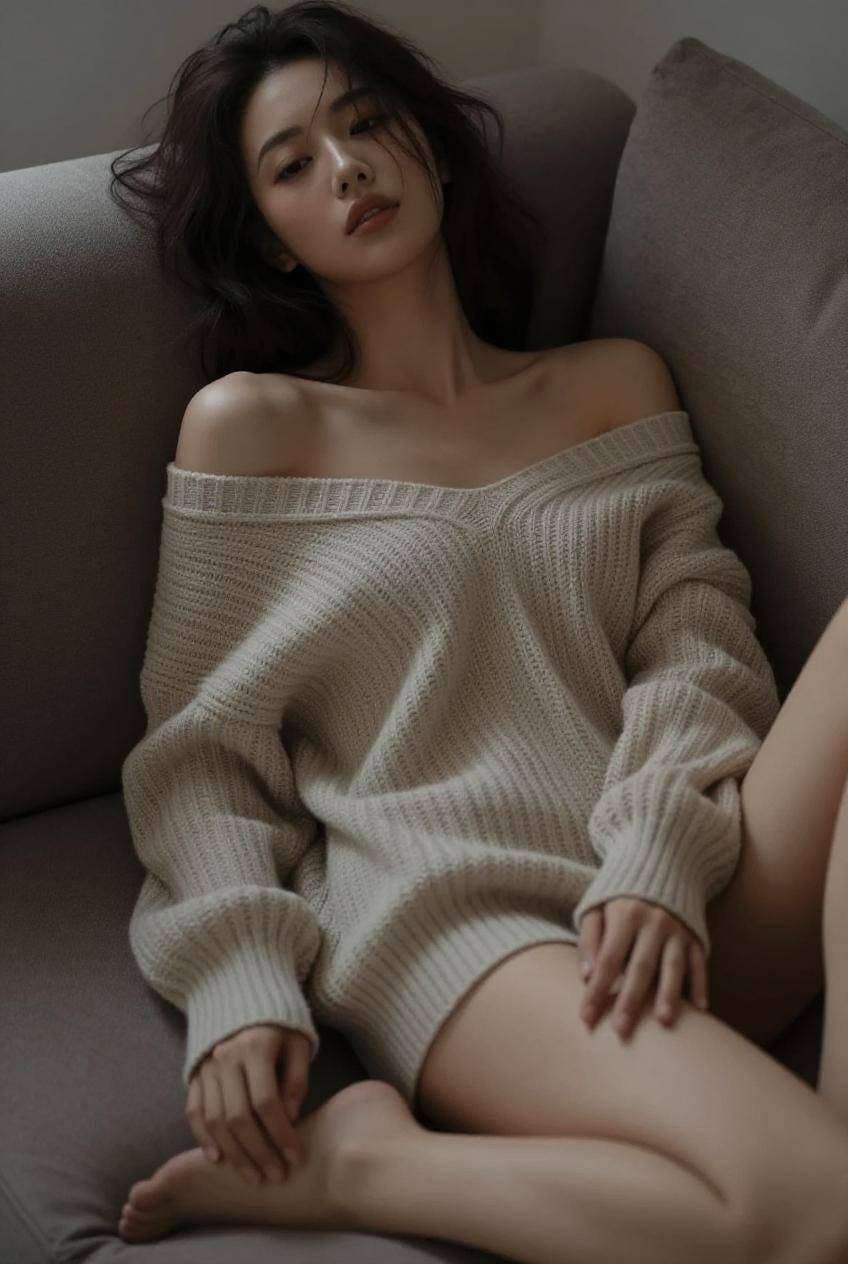
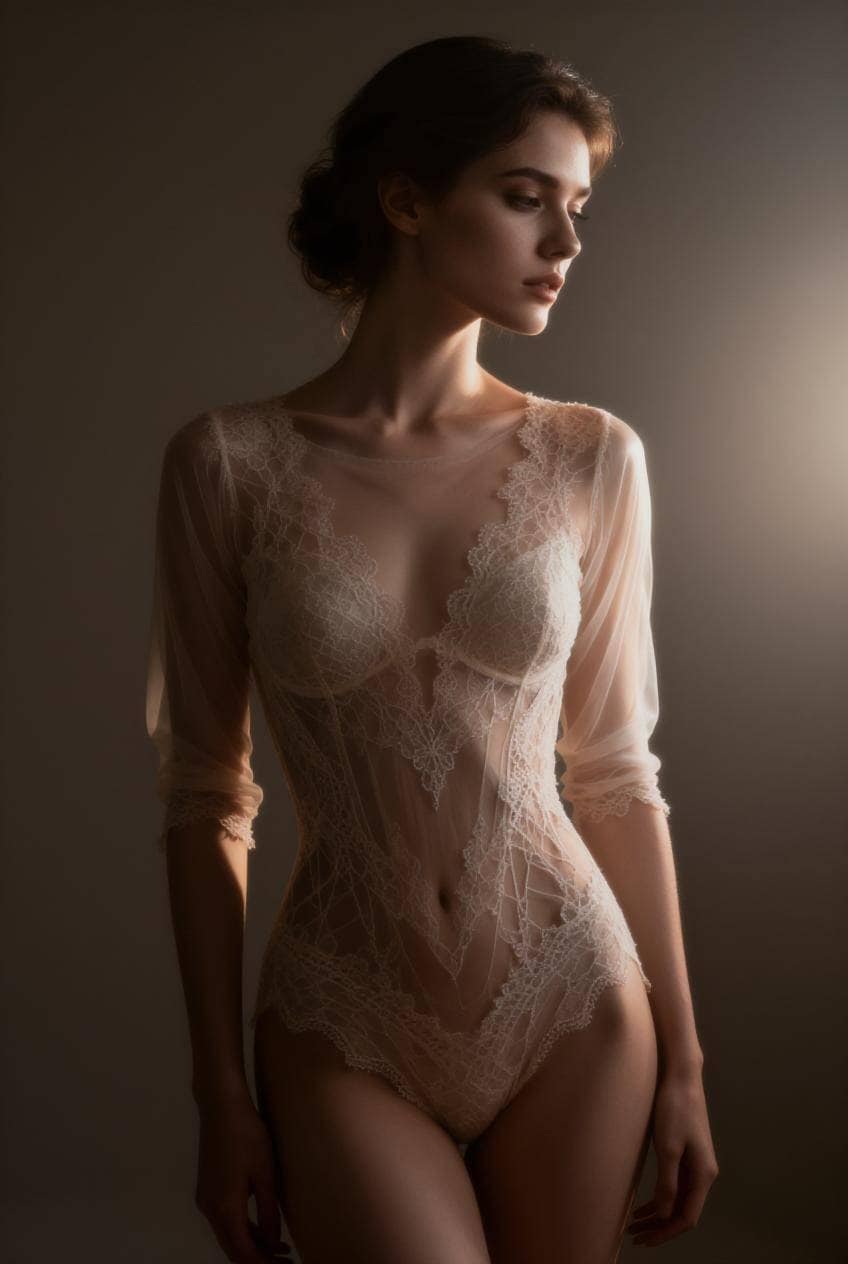
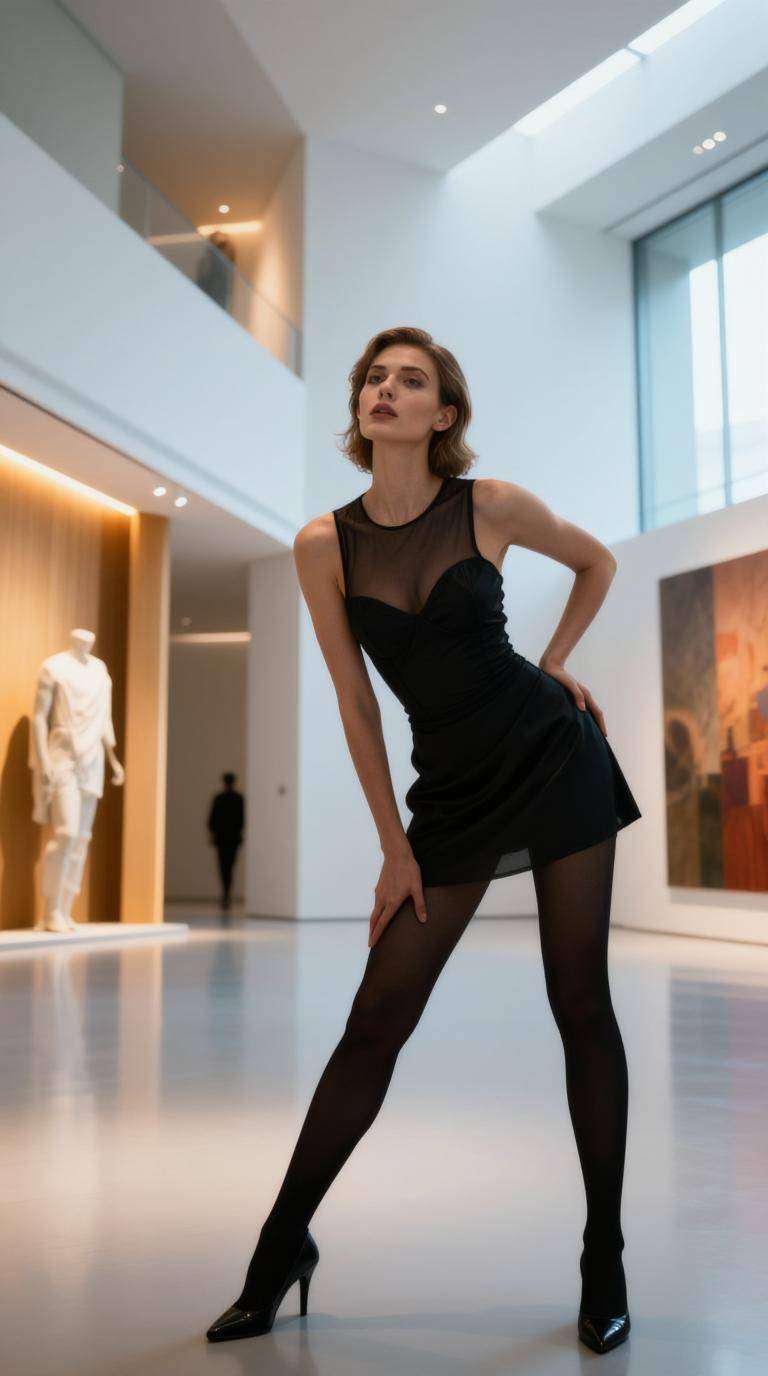
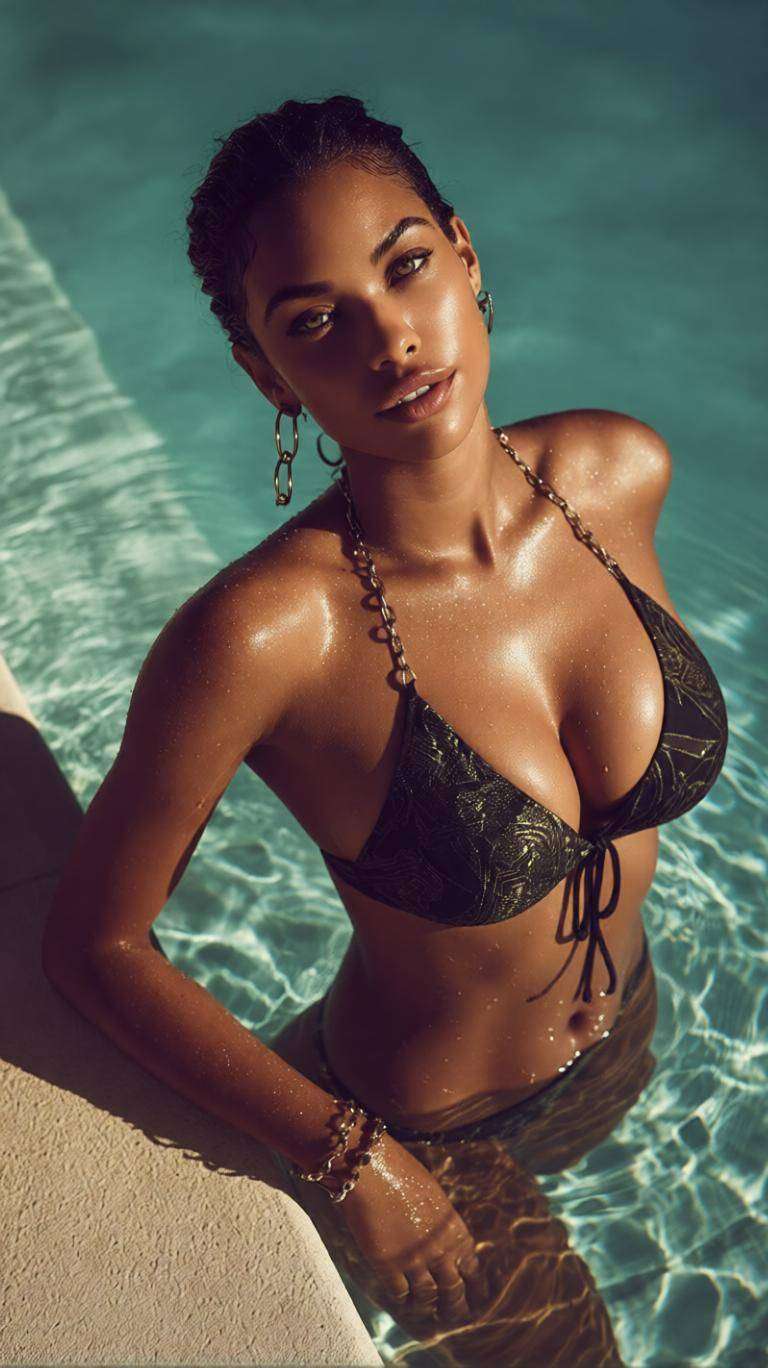
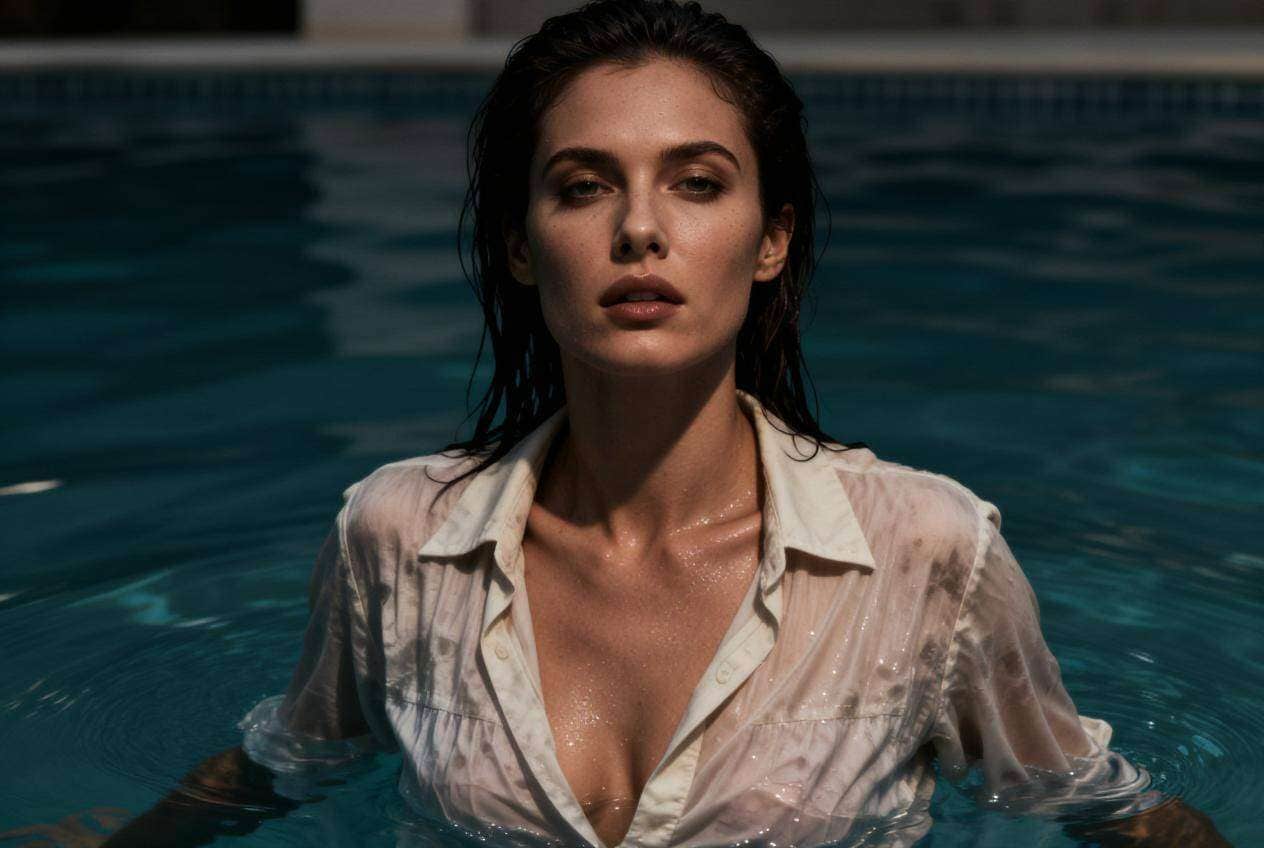
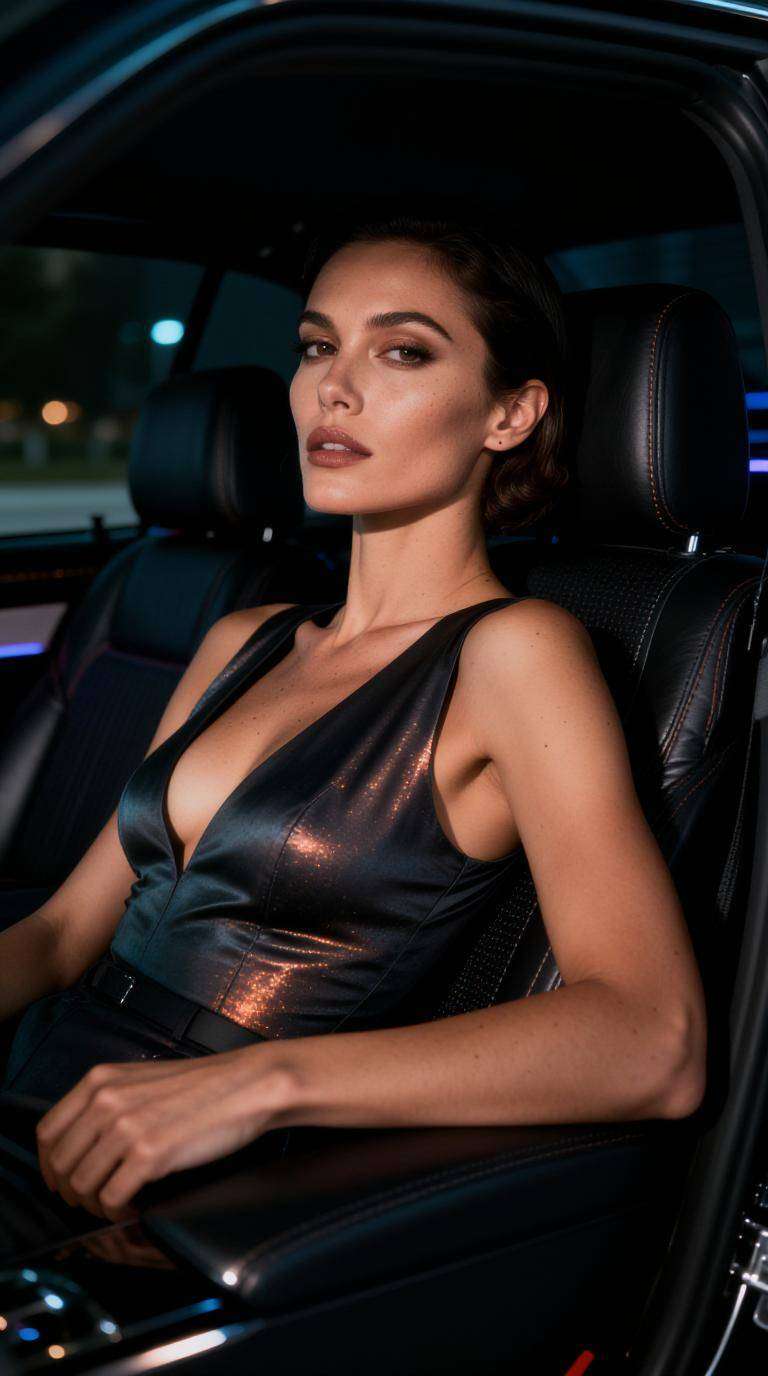
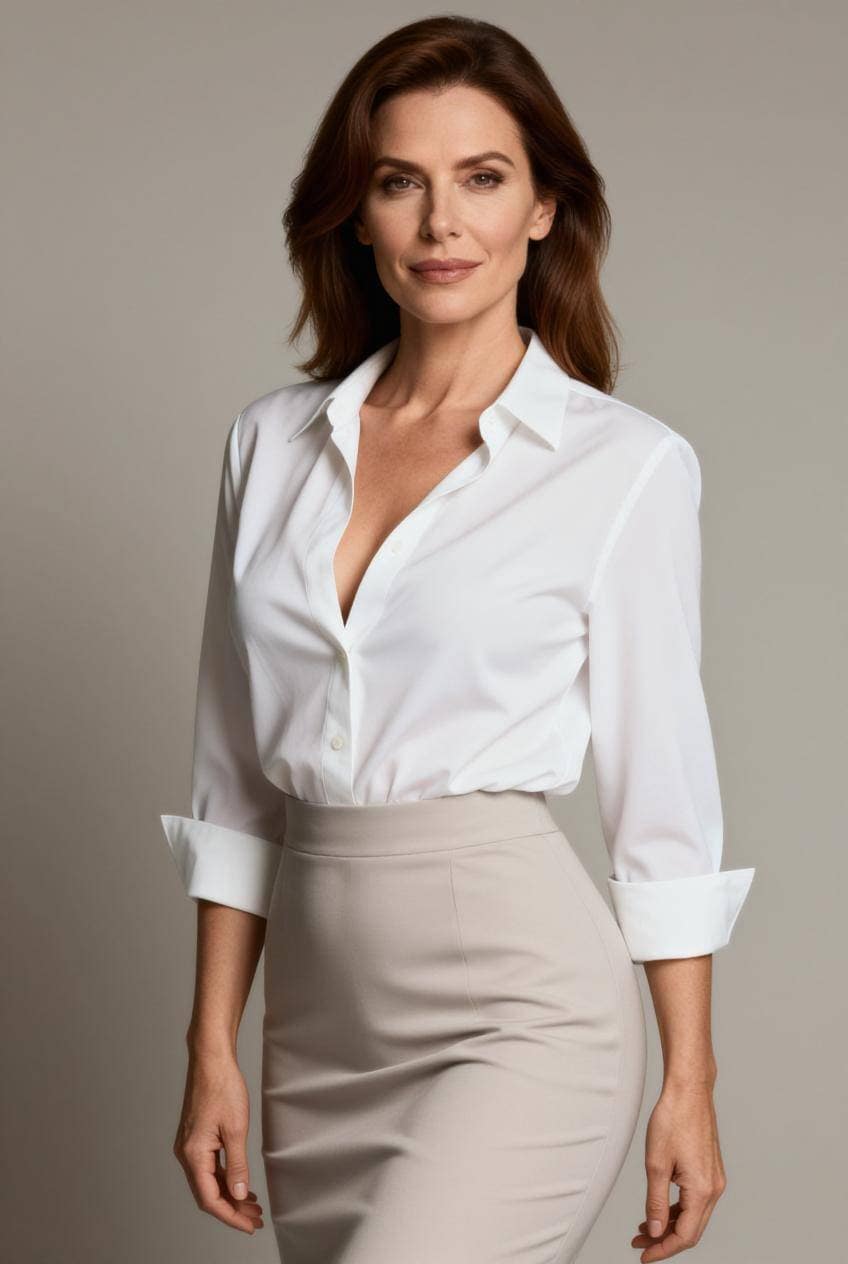
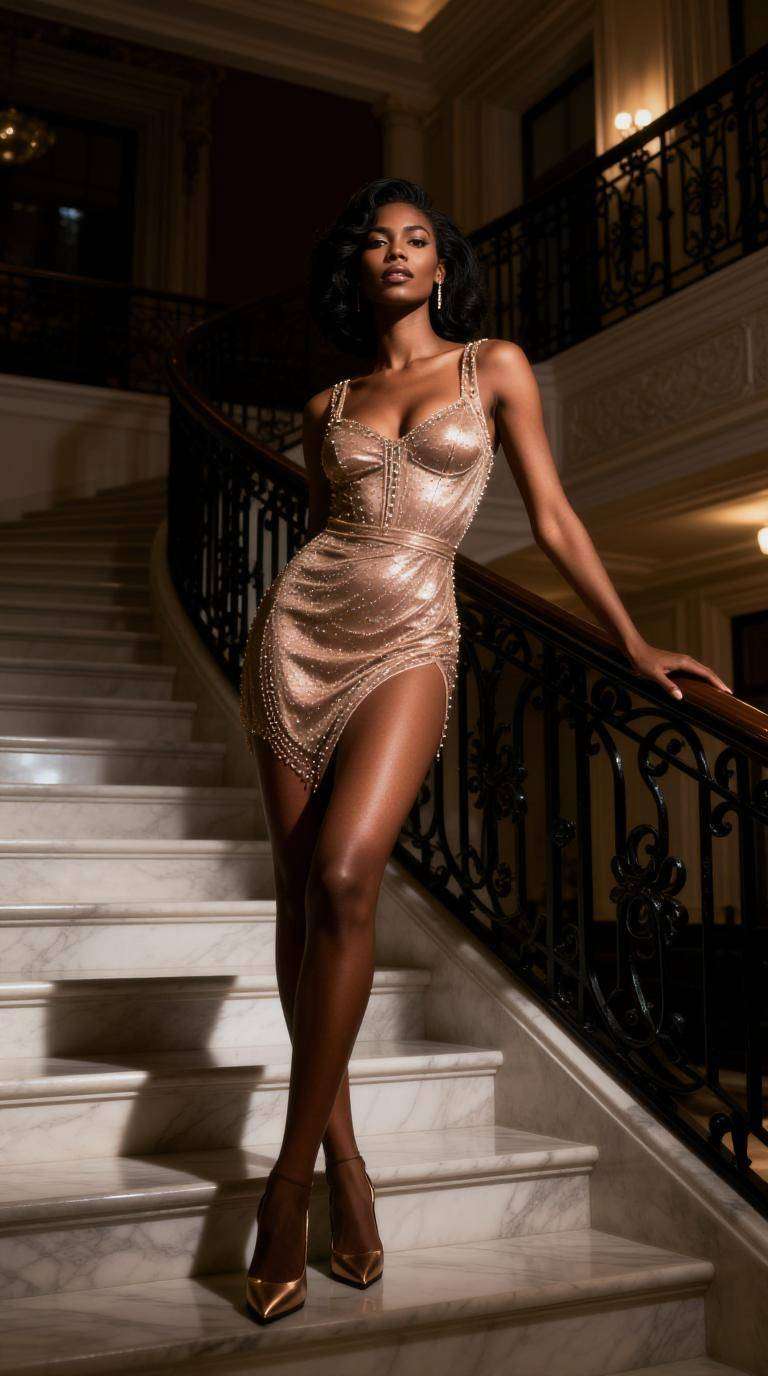
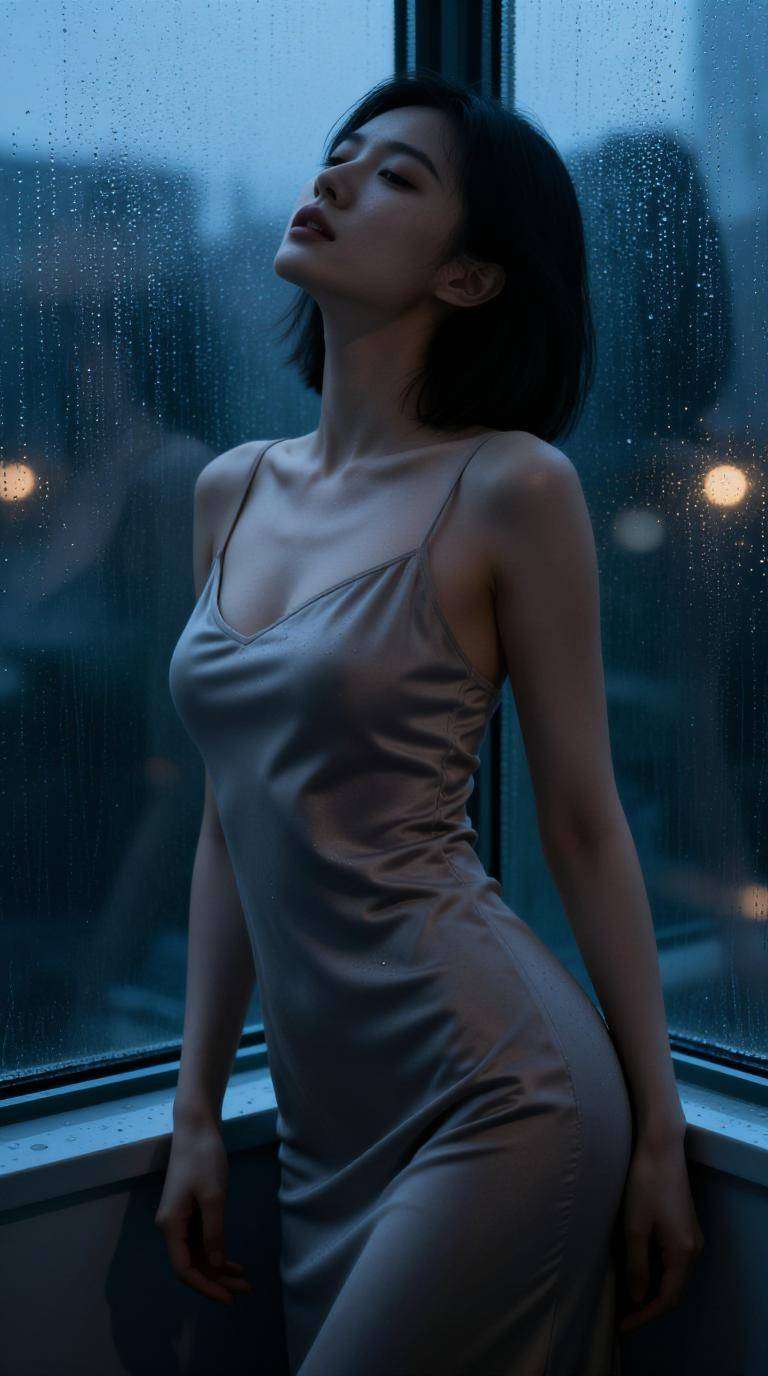
Unlimited Creation: During the current free-access period, explore multiple styles, scenes, and ideas without a generation quota.
Last updated: October 8, 2026 · Published by Media.io
Start with a prompt or reference image directly in your browser. Media.io keeps the workflow simple for users searching for a Raphael AI image generator free alternative.
Describe the subject, scene, lighting, camera angle, mood, and visual style you want. Refine the prompt to create more targeted Raphael AI-style image results.
Create a new visual from text or upload an existing photo and restyle it while preserving useful visual structure.
Social media content creation
Marketing asset production
Creative design and AI artwork
E-commerce product visuals
Choose the workflow that matches your goal. Use Text-to-Image when you have an idea or prompt, and Image-to-Image when you want to preserve useful visual structure while changing the style, scene, or details.
Best for concept art, social posts, thumbnails, ad ideas, illustrations, fantasy scenes, anime, realistic photography, and rapid creative exploration.
Start Text to Image →Upload a reference image and use a prompt to change the background, style, lighting, clothing, atmosphere, or creative direction.
Start Image to Image →Start from a written idea or upload a reference image you want to transform.
Describe the subject, composition, style, lighting, colors, and mood. Add a reference image when visual consistency matters.
Generate your image, compare the result with your intent, then adjust prompt details or reference imagery until it fits your goal.

Content Creator

“Unlimited images, no limits” I use ToMoviee Lite daily for content creation. No credits needed, which is a huge advantage.
Digital Marketer
“Great for campaigns” Helps me generate multiple ad creatives quickly without worrying about cost.
Game Designer
“Perfect for concept art” I can explore ideas freely with unlimited image generation.
| Need | Recommended workflow | Why it fits |
|---|---|---|
| Create an image from an idea | Text-to-Image + ToMoviee Lite | Start from a prompt and iterate quickly. |
| Restyle or transform a photo | Image-to-Image + ToMoviee Lite | Use an existing image as visual guidance. |
| Generate many creative variations | ToMoviee Lite during free period | No generation quota during the current limited-time offer. |
| Need guaranteed permanent free access | Check current offer first | The no-quota access is time-limited and can change. |
Raphael AI refers to AI image-generation services that turn text prompts into images and offer creative image workflows. If you are comparing options, Media.io provides browser-based text-to-image and image-to-image tools for similar creative tasks. Media.io is independent from Raphael AI.
Raphael AI currently promotes free image-generation access on its image-generator pages, although features, limits, account requirements, and commercial terms can change. Media.io also lets users try AI image creation online; check the current tool interface for available models and usage terms.
Search results for “Raphael AI app” and “Raphael AI APK” can lead to multiple similarly named or third-party apps. Verify the publisher and official download source before installing any APK. If you prefer not to install an app, Media.io works in a web browser.
Raphael-branded services currently include AI video-generation pages that support text-to-video or image-to-video workflows, but video generation may use credits and model-specific limits. Media.io also offers dedicated AI image-to-video and text-to-video tools when you want to animate a still image or create a clip from a prompt.
Media.io is useful when you want image and video creation in one browser-based workflow. Use Text-to-Image for prompt-based visuals, Image-to-Image for reference-guided transformations, and Image-to-Video when you want to animate the finished image. The best choice depends on the model, output style, speed, and usage terms you need.



