
Créez des Miniatures Rapidement
Transformez des idées vidéo, des photos et des concepts de chaînes en miniatures percutantes et accrocheuses en quelques minutes pour YouTube et le contenu des créateurs.
 ToMoviee Lite
Créez des couvertures vidéo percutantes et accrocheuses en quelques secondes avec le générateur de miniatures IA gratuit de Media.io. Transformez des invites ou des photos en miniatures prêtes pour YouTube pour des vidéos de jeux, des tutoriels, des réactions, des critiques de produits, des vlogs et du contenu de créateurs sans travail de conception complexe.
Création de miniatures IA en ligne gratuite pour YouTube, les chaînes de créateurs et le marketing vidéo.
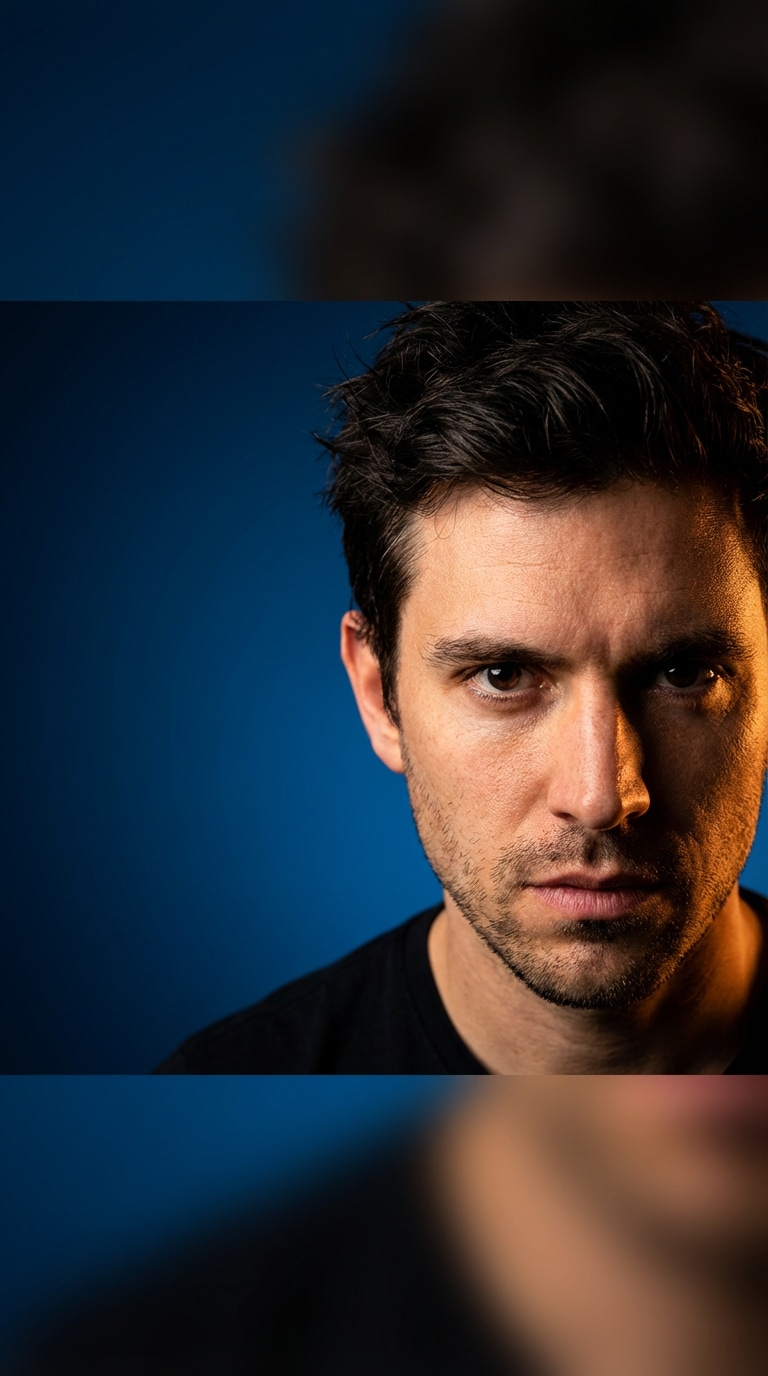
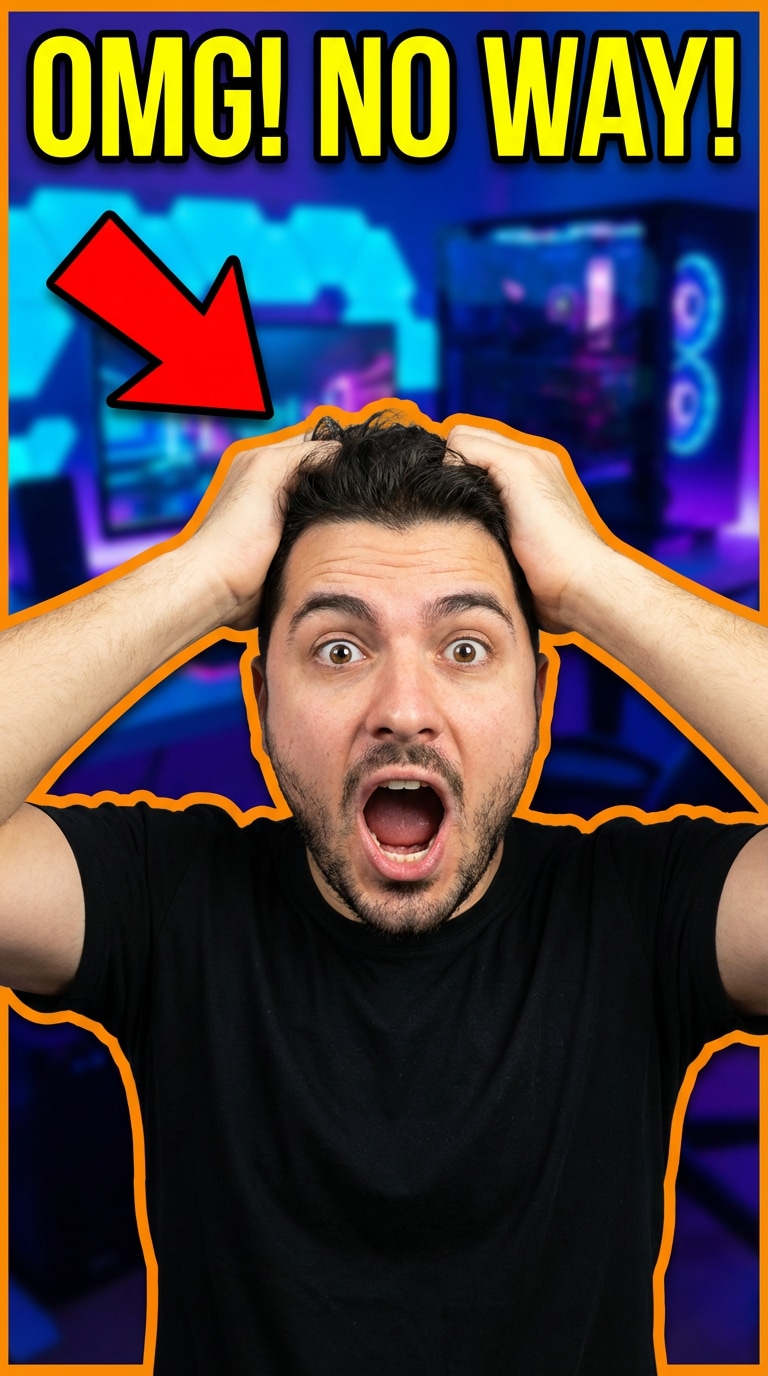
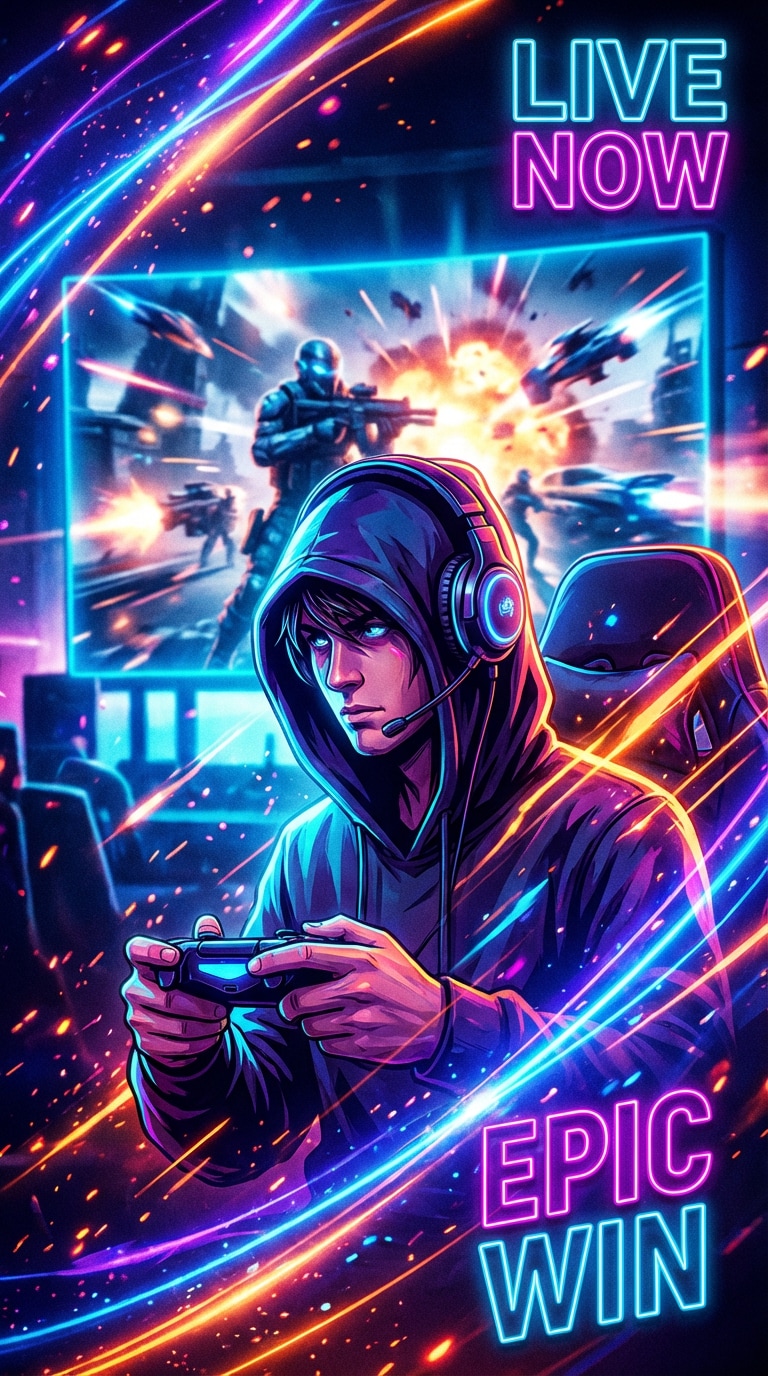
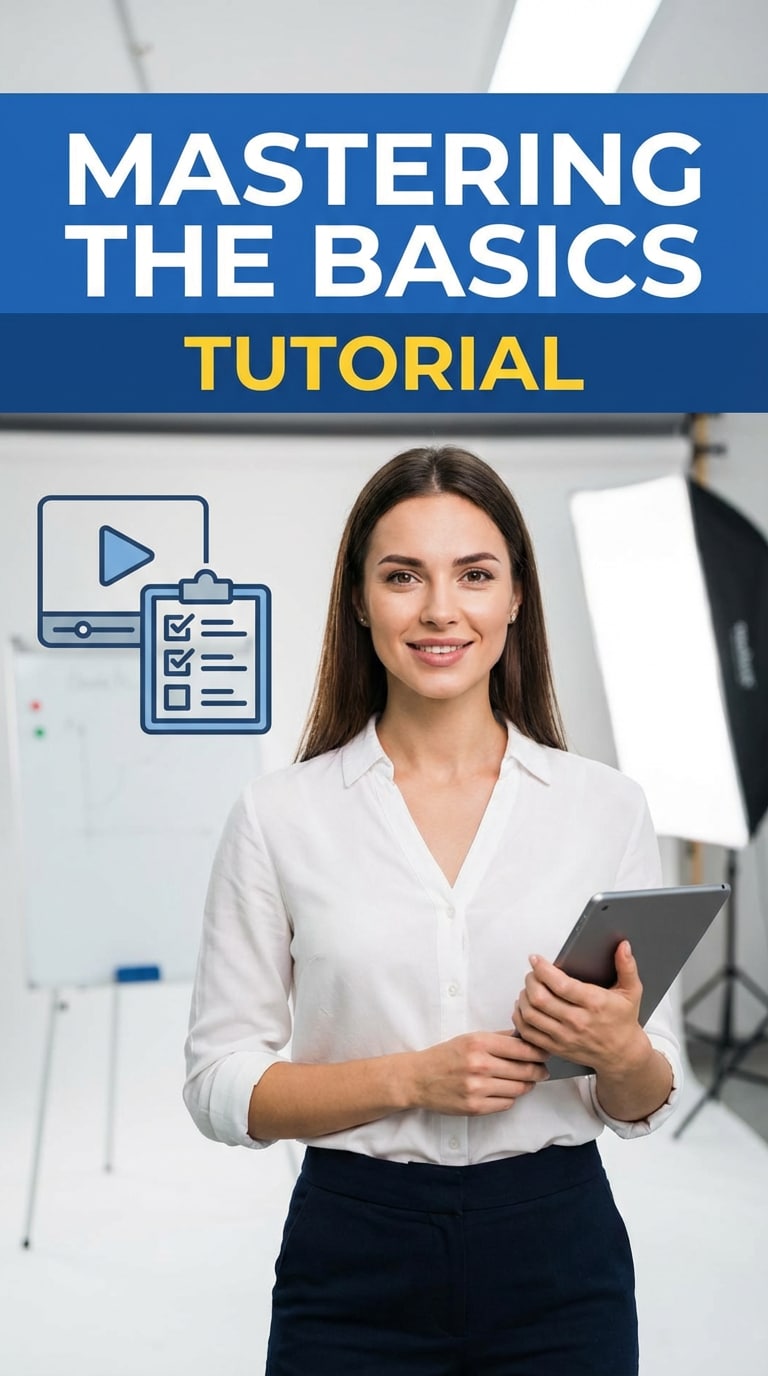
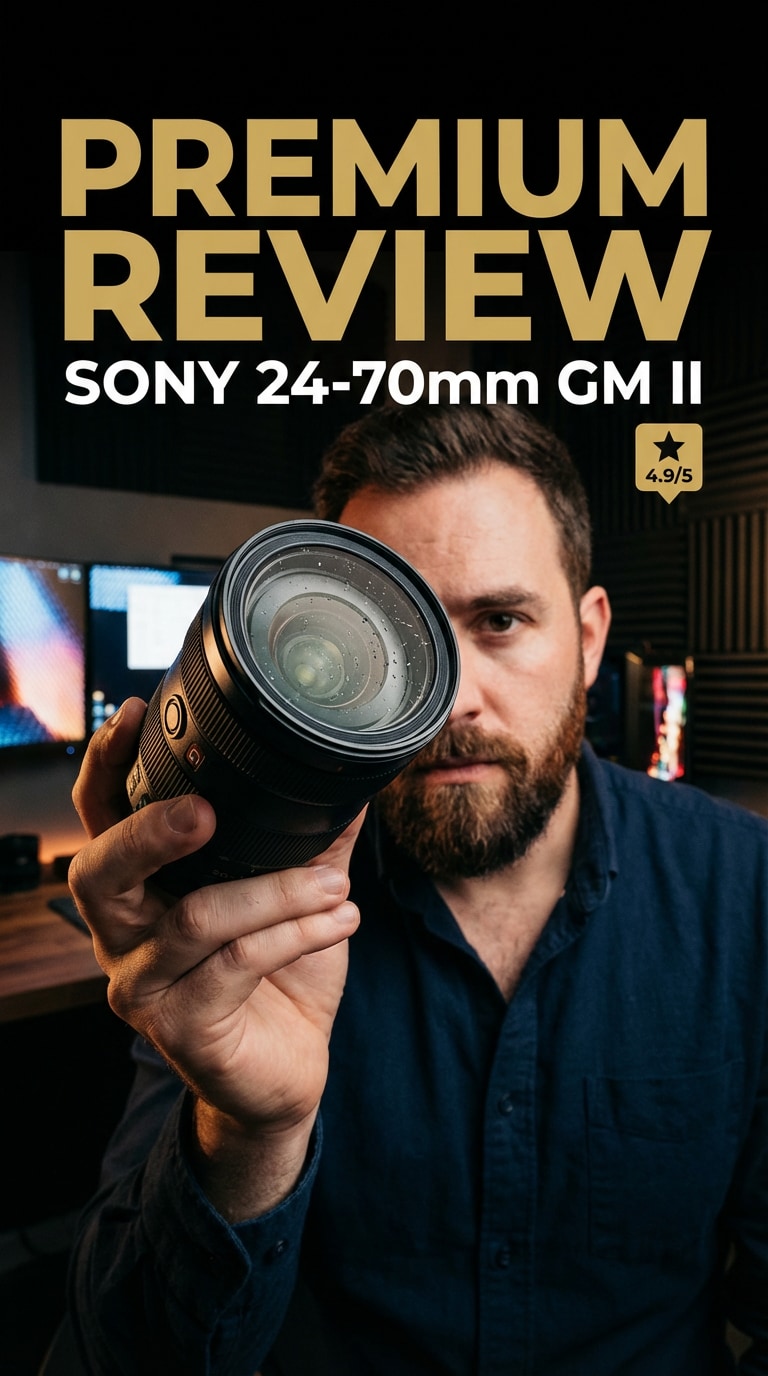
Inspiration pour Miniatures :Explorez 5 directions de miniatures IA basées sur la demande réelle des créateurs, notamment des couvertures YouTube percutantes, des miniatures de réaction, des miniatures de jeux, des miniatures de tutoriels et des styles de miniatures pour critiques de produits.
Transformez des idées vidéo, des photos et des concepts de chaînes en miniatures percutantes et accrocheuses en quelques minutes pour YouTube et le contenu des créateurs.
Générez des miniatures de jeux, des miniatures de réaction, des couvertures de tutoriels, des visuels de critiques de produits et des directions de miniatures pour la marque des créateurs.
Créez des visuels plus percutants pour les téléchargements YouTube, les cours, les démonstrations de produits, les podcasts, les clips sociaux et l'image de marque des chaînes avec moins de travail de conception manuelle.
Décrivez la miniature que vous souhaitez, choisissez un style et générez un concept visuel soigné sans compétences avancées en design ni outils d'édition complexes.
Décrivez le sujet de votre vidéo, l'angle du créateur ou le concept de miniature, ou téléchargez un visage ou une image de référence si vous souhaitez un résultat plus personnalisé.
Choisissez un style comme jeu, tutoriel, réaction, cinématique, critique ou style de marque de créateur pour orienter la direction de la miniature.
Créez votre miniature IA en quelques secondes, comparez différents concepts et téléchargez la version qui correspond le mieux à votre vidéo et au style de votre chaîne.

Créateur YouTube

« De meilleurs clics plus rapidement » Je l'utilise pour tester des directions de miniatures avant de publier de nouvelles vidéos. Cela m'aide à obtenir des visuels plus nets et plus cliquables sans passer des heures dans des outils de conception.
Streameuse de Jeux
« Idéal pour les miniatures de jeux » J'aime la rapidité avec laquelle je peux créer des idées de miniatures percutantes et dynamiques pour les clips de jeux et les réactions. Cela fait gagner beaucoup de temps quand j'ai besoin de quelque chose d'accrocheur rapidement.
Créateur de Cours
« Visuels de tutoriels soignés » Je voulais des miniatures qui semblaient plus polies et plus faciles à comprendre en un coup d'œil. Media.io m'a aidé à créer des couvertures plus percutantes pour les leçons et les vidéos éducatives.
Un générateur de miniatures IA gratuit est un outil en ligne qui crée des visuels de miniatures à partir d'invites, de photos ou de concepts vidéo. Il aide les créateurs à produire des images de couverture plus percutantes plus rapidement sans avoir besoin de compétences avancées en design.
Oui. Les générateurs de miniatures IA sont couramment utilisés pour créer des images de couverture prêtes pour YouTube pour les contenus de jeux, tutoriels, critiques, vlogs, réactions et éducatifs.
Non. La plupart des flux de travail de génération de miniatures sont conçus pour être simples pour les débutants et les créateurs qui souhaitent des résultats plus rapides sans utiliser d'outils d'édition compliqués.
Oui. De nombreux outils de miniatures IA prennent en charge la création basée sur des invites, et certains vous permettent également d'utiliser un visage ou une image de référence pour rendre la miniature plus personnalisée et fidèle à votre marque.
Une bonne miniature a généralement un sujet focal clair, un fort contraste, une composition lisible et une promesse visuelle qui correspond au sujet de la vidéo. Elle doit être facile à reconnaître en un coup d'œil sur les écrans de bureau et mobiles.


