Invitation Ideas for Every Celebration
Explore Ganesh Chaturthi invitation prompts for Ganpati Sthapana, Puja, Aarti, Mahaprasad, family celebrations and at-home Darshan invitations.
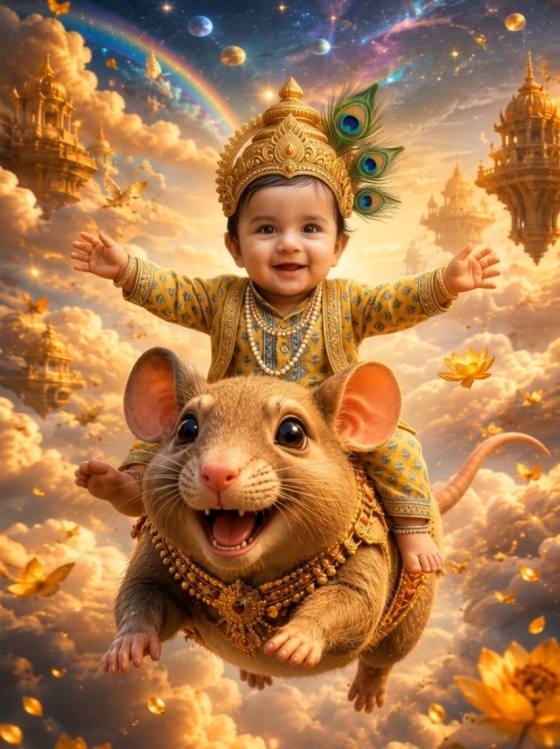
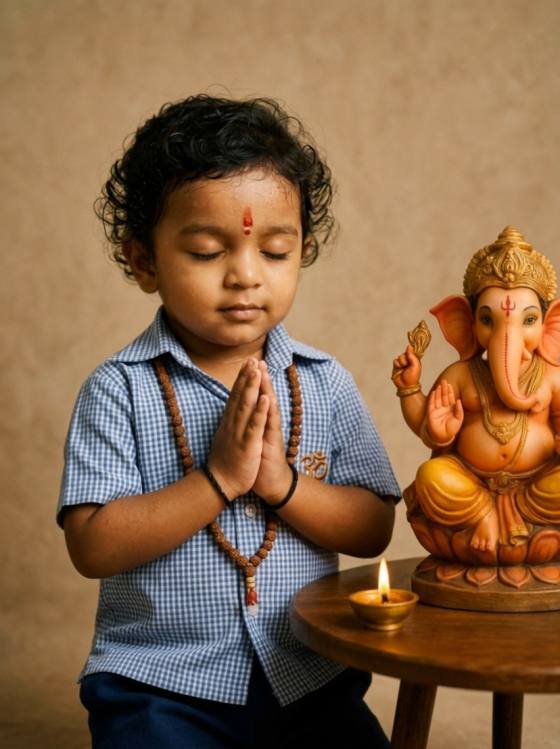
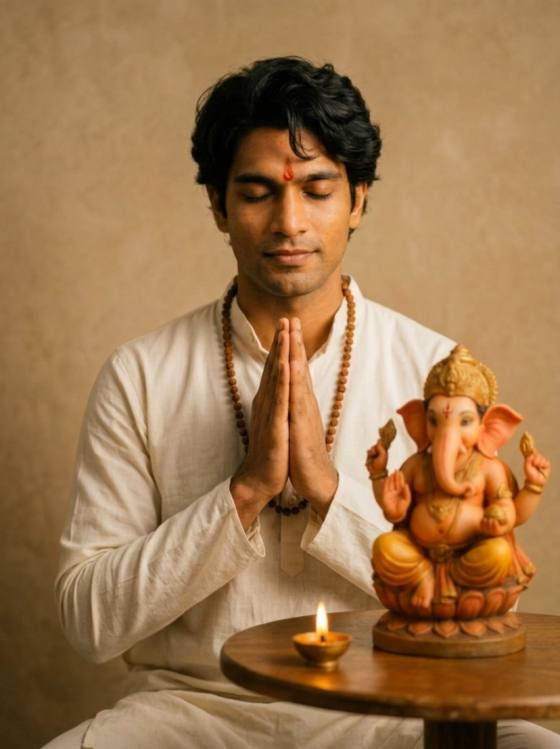
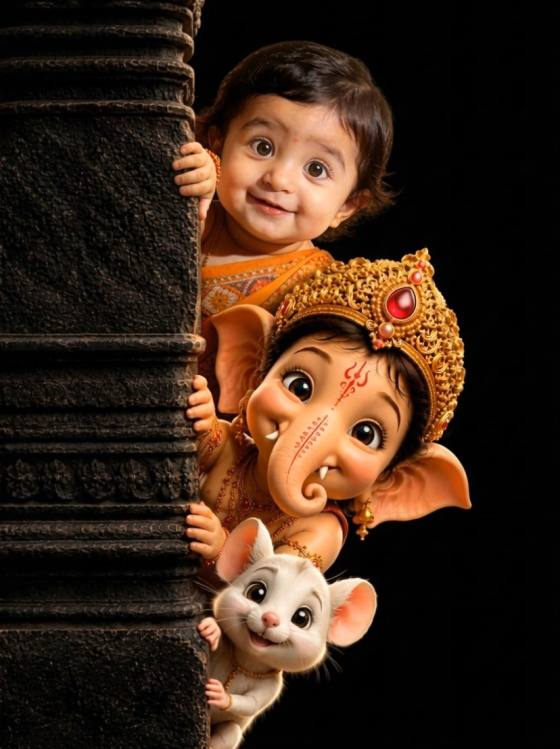
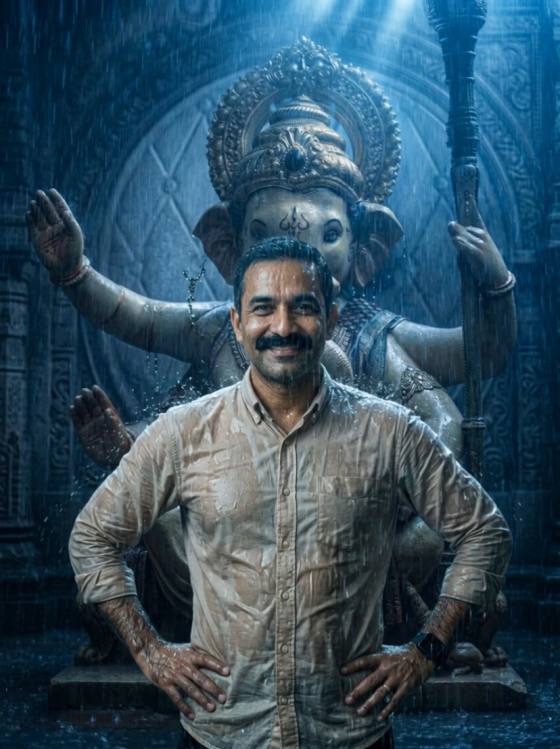
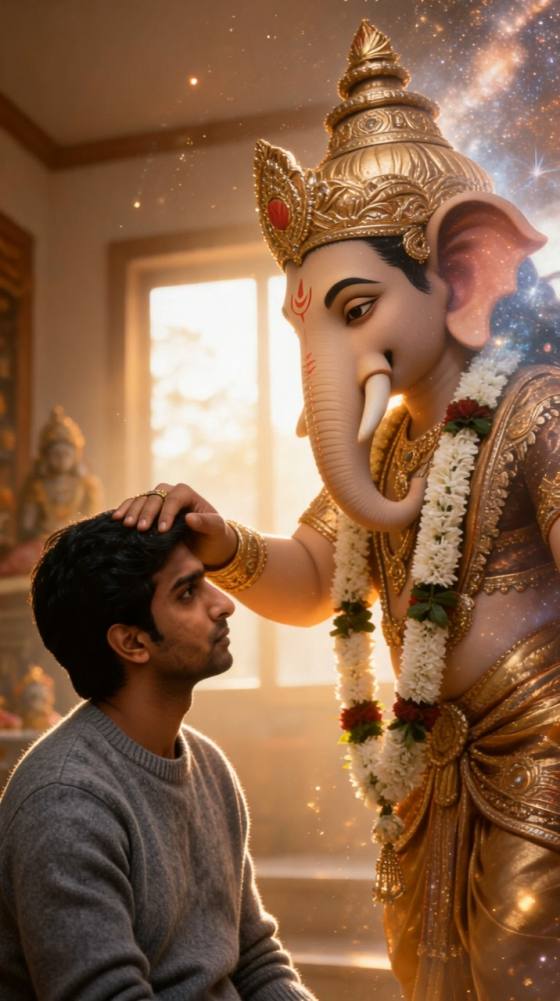
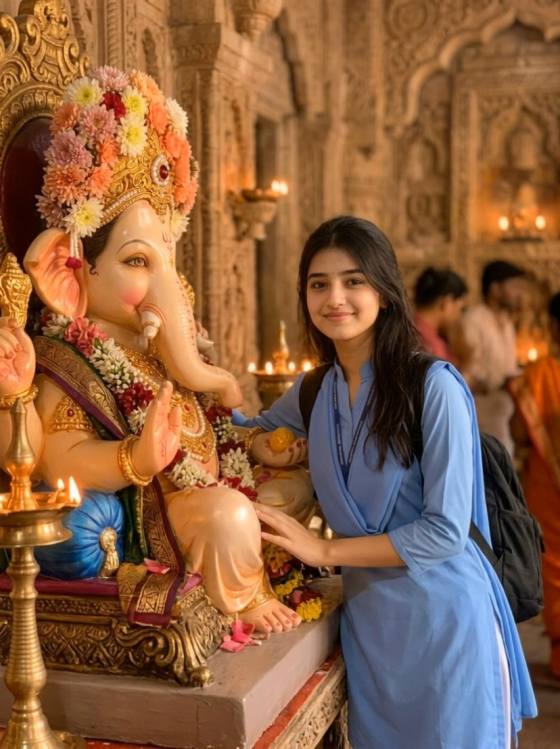
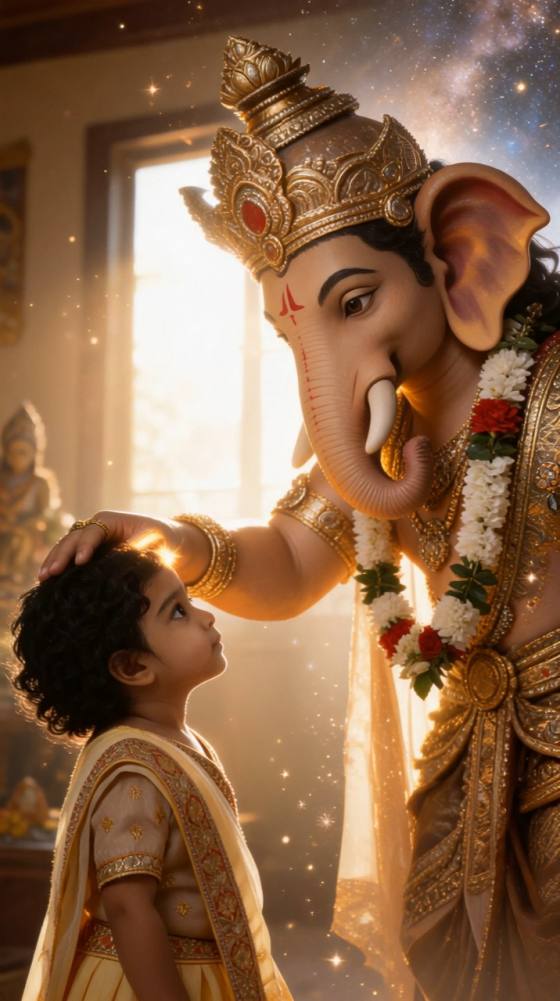
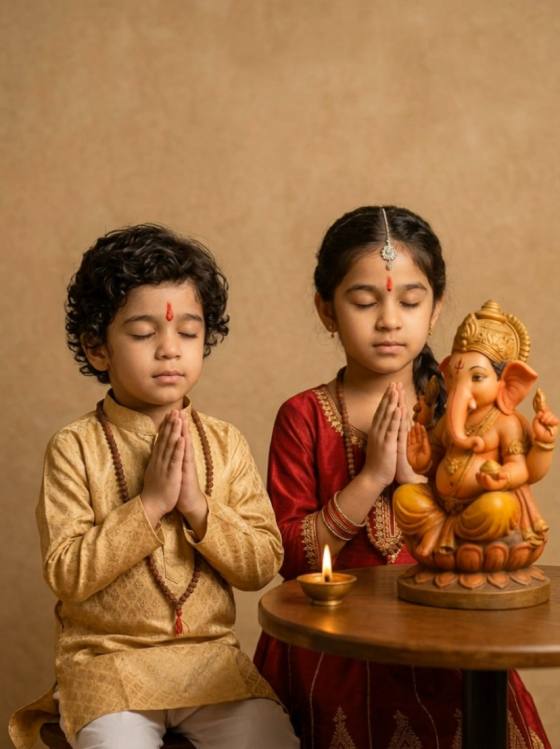
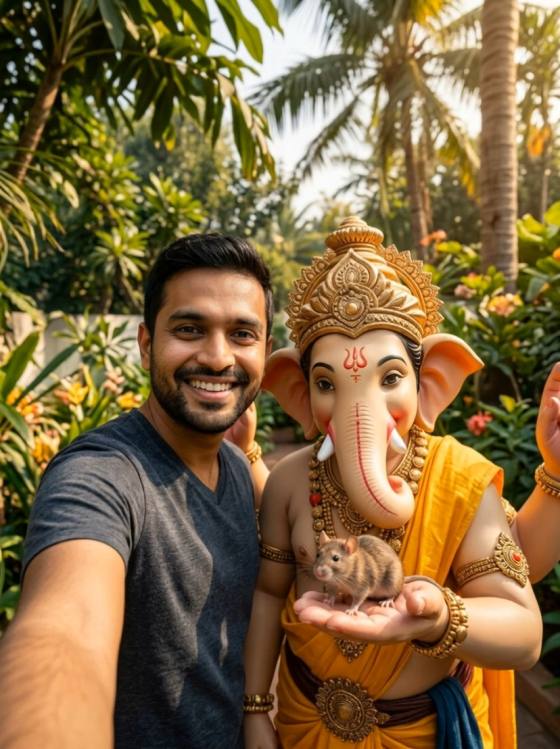

Create a meaningful festive invite with our copy-ready Ganesh Chaturthi invitation card AI prompts. Explore traditional Ganpati cards, Puja and Darshan invitations, modern designs, personalized family photo invites and WhatsApp-ready layouts. Choose a prompt, add your celebration details and generate a unique AI Ganpati invitation card online.
Free credits on signup. Check all names, dates, times and addresses before sharing.
Explore Ganesh Chaturthi invitation prompts for Ganpati Sthapana, Puja, Aarti, Mahaprasad, family celebrations and at-home Darshan invitations.
Generate marigold and diya designs, luxury gold invitations, minimalist cards, watercolor artwork or eco-friendly clay Ganpati themes.
Upload an authorized portrait or family photo to create a Ganpati invitation card with photo while preserving recognizable faces and natural proportions.
Copy a Ganpati invitation card AI prompt, then customize the host name, event, date, time, venue, card style and image ratio.
Browse the Ganesh Chaturthi invitation card AI prompts and choose a traditional, luxury, minimalist, family photo, Puja or Ganpati Darshan design.
Replace the placeholders with your host name, event, date, time, venue and RSVP details. Upload an authorized photo if you want a personalized invitation.
Generate your card, verify every name, date and address, then download it for WhatsApp or social media. If the text is unclear, create a blank background and add the wording separately.

Family Celebration Host

“A warm invitation for our family Ganpati celebration.” The traditional prompt helped me create a marigold-and-diya design with enough room for our Darshan time and home address. It looked festive without feeling crowded.

Digital Invitation Creator
“The Puja schedule was easy to organize.” I adapted a Ganesh Puja invitation card prompt with separate lines for Sthapana, evening Aarti and Mahaprasad. The structured layout made the important details easier to read.

Family Photo Creator
“Our family photo made the invitation feel personal.” I uploaded an approved family portrait and used the photo invitation prompt to add traditional outfits and Ganpati decorations while keeping everyone recognizable.

Social Content Creator
“The vertical design worked well on WhatsApp.” I used the 9:16 prompt with larger type and a shorter message. After checking the date and venue, the finished Ganpati invitation was ready to share from my phone.
A Ganesh Chaturthi invitation card AI prompt is a written instruction that tells an AI image generator how to design a festive Ganpati invitation. It can specify the Ganesha artwork, card style, flowers, diyas, colors, typography, event details and image ratio.
Include the celebration or ceremony name, host or family name, date, time, venue and RSVP details. For a Ganpati Darshan or Puja invitation, you can also list the Sthapana, Aarti and Mahaprasad schedule and add a short welcoming message.
AI can generate invitation layouts, but longer English, Hindi or Marathi text may contain errors. Always verify names, dates, times and addresses. For more reliable results, generate a Ganesh Chaturthi invitation card background without text and add the final wording afterward.
Yes. Upload a photo you own or have permission to edit and ask the AI to preserve the person’s recognizable facial features, age and natural proportions. You can then place the person or family beside a respectful Ganpati setup and reserve space for the invitation details.
Use a 4:5 portrait format, such as 1080 × 1350 pixels, for a versatile social media invitation. A 9:16 design works better for WhatsApp Status and Instagram Stories, while a landscape format can suit email invitations or event screens.
 4.7 (162,357 Votes)



