First Subscription up to50% OFF
Buy Now

Corpse Bride Doll AI Filter

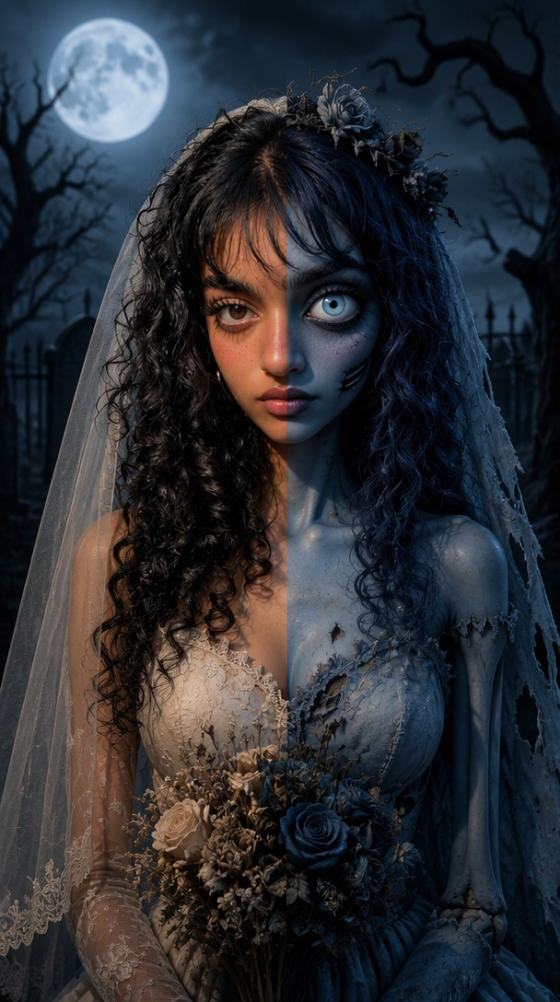
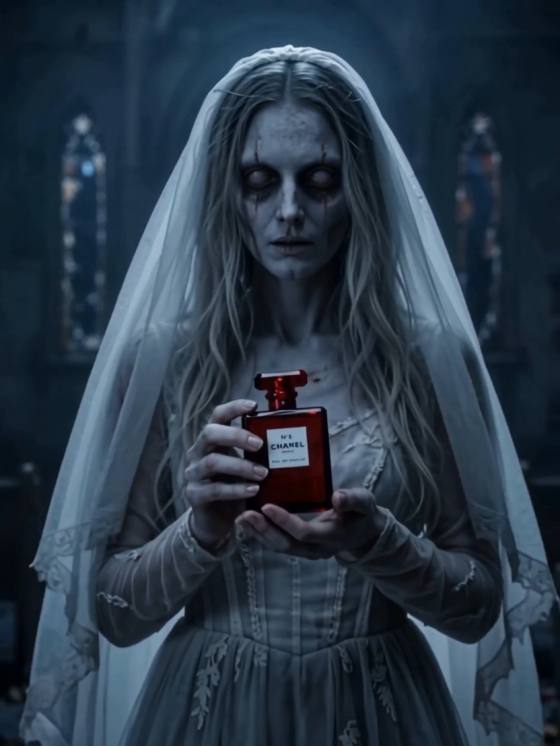
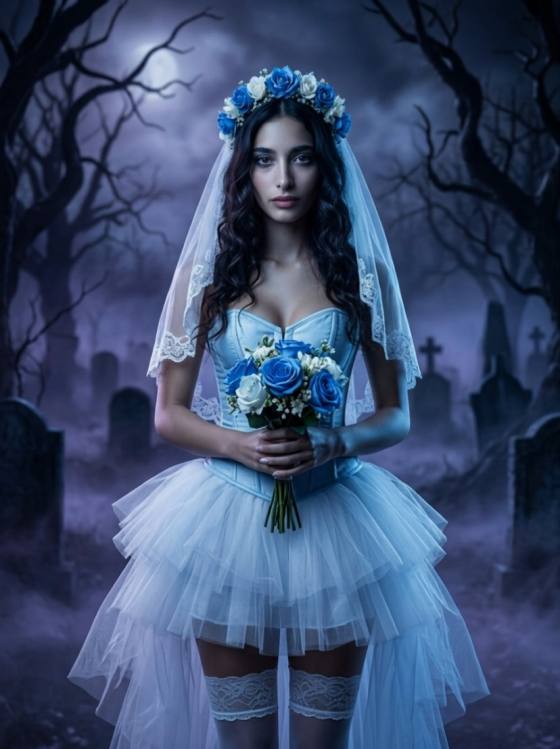
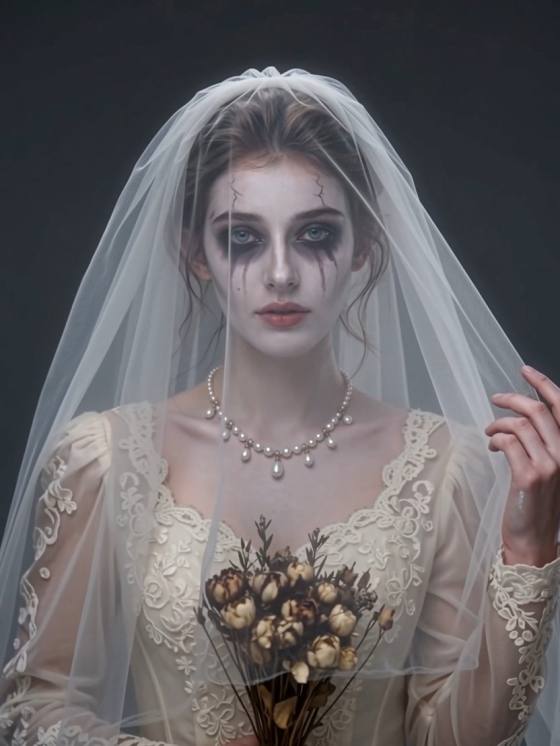
Step into the haunting world of Corpse Bride with AI! Explore photo prompts that transform your selfies into ghostly bridal portraits, then bring your character to life with eerie video effects. From blue-skinned doll looks to animated wedding scenes, choose your favorite template and create your own gothic transformation with Media.io.
All Submissions

Turn Your Photo into a Corpse Bride — Then Bring Her to Life with AI

Step into dark romantic fantasy with our all-in-one Corpse Bride AI Filter. Instantly transform your selfies or couple portraits into stop-motion-inspired ghostly brides with blue-tinted skin and gothic veils, then animate them into eerie, cinematic clips using viral AI video effects.

Try Corpse Bride AI Filter

Free credits on signup.

Why Choose Media.io Corpse Bride AI Filter & Generator

Unified Photo & Video Explore Zone

Seamlessly discover Corpse Bride AI photo filters and AI video effects in one place. Transform your static portrait into a ghostly bride, then bring her to life with stop-motion wedding animations without switching apps.

Iconic Tim Burton-Inspired Visuals

Recreate the iconic dark romance aesthetics: porcelain blue skin, oversized expressive eyes, wispy indigo hair, tattered lace bridal gowns, and misty moonlit graveyards while preserving natural facial likeness.

Solo, Couple & Doll-Style Prompts

Access curated copy-ready photo prompts and presets for solo gothic brides, Victorian groom couples, or collectible claymation doll styles engineered for Halloween transformations and social trends.

Ghostly Cinematic Video Effects

Turn your generated bridal portraits into chilling, viral video reveals. Animate realistic blinking, flowing bridal veils, dancing blue butterflies, and eerie candlelight with one click and watermark-free export.

How to Transform into a Corpse Bride with AI Photo & Video Effects

01

Step 1: Choose Corpse Bride Photo or Video

Explore our Corpse Bride Zone and select your desired style—a stop-motion AI photo prompt filter or an animated ghostly bridal video effect.

02

Step 2: Upload Your Selfie or Couple Portrait

Upload a clear photo. Media.io’s AI automatically blends your facial features into the gothic bride aesthetic with pale blue skin, dramatic dark eyes, and vintage lace.

03

Step 3: Generate, Animate & Download

Hit generate to reveal your spooky gothic transformation. Animate it into a dynamic video clip or download your high-resolution, watermark-free Corpse Bride portrait instantly.

Loved by Creators, Cosplayers & Dark Romance Fans Worldwide

user
@seraphina_dark

Gothic Cosplayer & Creator

star star star star star

“Preserved my face while giving that iconic stop-motion look.” Most Halloween filters just paste a generic cartoon face over yours. Media.io kept my real facial proportions intact while nailing the blue tint, hollow gothic eyes, and tattered lace veil perfectly.

user
@marcus_vfx

TikTok Video Editor

star star star star star

“From static photo to ghostly video in one smooth flow.” I didn’t want just a photo filter; I needed an animated spooky bride reveal for Halloween reels. The Corpse Bride AI video effect added misty moonlight, floating veil movement, and cinematic drama in seconds.

user
@chloe_and_dan

Halloween Enthusiasts

star star star star star

“The couple portrait prompt worked like magic.” Most tools struggle with two faces in one frame. The Corpse Bride couple filter turned our anniversary selfie into a full Victorian gothic wedding scene with Victor and Emily vibes. Our friends went crazy over it!

user
@elena_digitalart

Digital Concept Artist

star star star star star

“Ready-to-use prompts saved me hours of tweaking.” Rather than writing complex prompt chains from scratch, Media.io's prompt templates gave me authentic claymation textures, gothic palettes, and perfect eerie lighting straight away.

Frequently Asked Questions

1. What is the Corpse Bride AI Filter on Media.io?

The Corpse Bride AI Filter is an all-in-one creative zone inspired by the classic dark fantasy movie aesthetic. It allows you to transform regular selfies or couple photos into stop-motion-style ghostly brides with signature blue skin, expressive eyes, and gothic wedding gowns, while also providing AI video effects to animate the transformation into dynamic Halloween video clips.

Yes! Media.io connects both creative workflows in one explore zone. You can select AI photo presets or ready-to-use prompts to generate static doll-style or cinematic portraits, or apply AI video effects directly to animate your bride portrait with flowing veils, fluttering butterflies, and eerie candlelight.

Yes, our Corpse Bride Couple AI templates are trained to process multi-person portraits. You can upload a photo of you and your partner to convert both into gothic wedding characters—one styled as the ghostly bride and the other as the Victorian groom against misty chapel backdrops.

No, you do not need technical prompt knowledge. Media.io offers one-click visual filters as well as copy-ready prompt presets that automatically apply the claymation stop-motion texture, deep midnight blues, expressive enlarged eyes, and gothic bridal accessories to your uploaded face.

Yes, Media.io provides free trial credits upon signup. You can upload your photo, test the Corpse Bride AI photo filter or video effects directly in your browser, preview your gothic transformation, and download your high-quality creation without forced watermarks.

Media.io Online AI Tools Quality Rating:
vote 4.7 (162,357 Votes)




