Consejos: Utilice consejos en inglés para obtener mejores resultados.
1K
9:16
1
Modo Ilimitado Banana Pro
Creaciones
Centro de Ideas
Cómo funciona
Todo
Funciones populares
Ver todo
Historia de Frutas con IA
Ver todo
Video de Historia de IA
Ver todo
Videos Virales Hoy
Ver todo
Videos de Productos de IA
Ver todo
Personaje de IA
Ver todo
Tendencias de Baile
Ver todo
GPT Image 2
Ver todo
Seedance 2.0
Ver todo
Emparejamiento de Celebridades con IA
Ver todo
Indicaciones de Poses para Parejas
Ver todo
Prompts de Poses de Chica AI Estética
Ver todo
Sugerencias de Pose Elegante para Chicos AI
Ver todo
Lista de generación
Tus creaciones solo se guardan durante 7 días. Los recursos creados después de actualizar a Membresía se almacenarán de forma permanente.
¡Desbloquea tu potencial creativo y experimenta la magia de Media AI ahora mismo!
Crea fondos de pantalla y fondos de pantalla de IA a partir de texto rápidamente
Convierte una simple sugerencia en un pantalla de IA para usar en tu teléfono, escritorio, tableta o pantalla de bloqueo. Genera fondos de pantalla de alta resolución en estilos anime, cyberpunk, minimalista, lujo y fantasía con razones de aspecto flexibles y un flujo de trabajo sencillo desde el navegador.
Escribe tu idea -> La IA la diseña. Prueba gratis.
Explora nuestra colección seleccionada de pantallas de IA estilos.
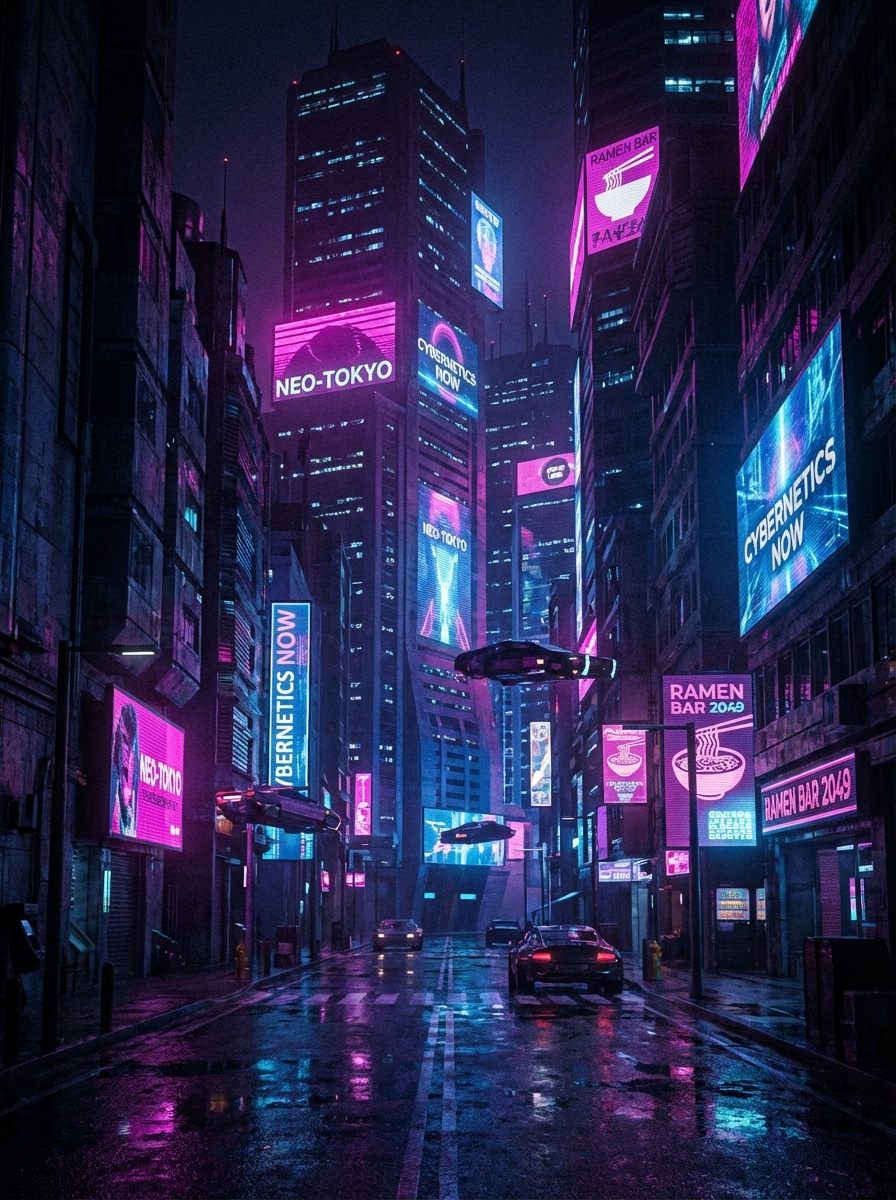
Ciudad Cyberpunk Neón
Una ciudad futurista cyberpunk de neón por la noche diseñada como fondo vertical para teléfono, letreros brillantes magenta y azul eléctrico, calles mojadas y reflectantes, enormes vallas holográficas, sombras profundas, ambiente cinematográfico, arquitectura nítida, texturas ultra detalladas y contraste compatible con AMOLED, enfoque preciso, acabado premium de alta resolución.
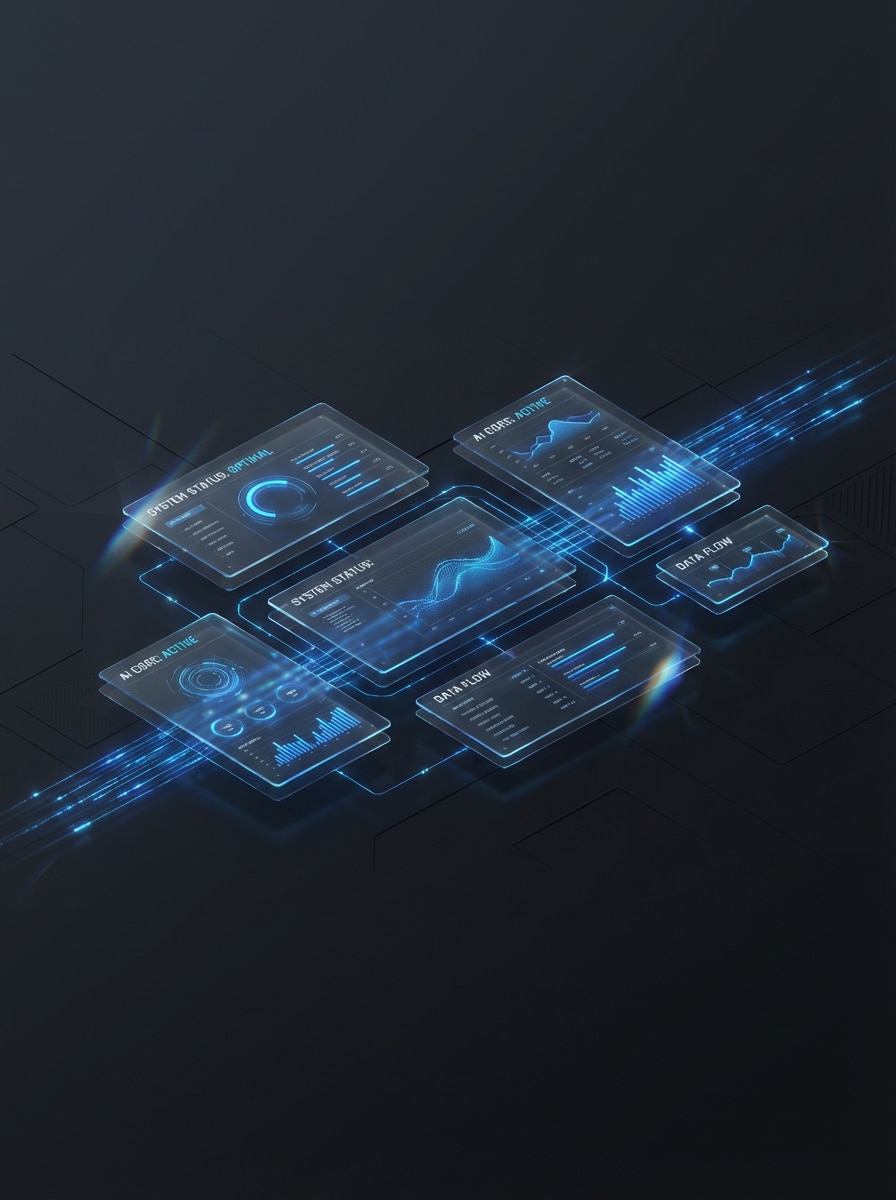
Interfaz de Holograma de IA
Un fondo de pantalla de interfaz de IA futurista y limpia para escritorio, paneles holográficos flotantes y traslúcidos, rastros de luz azul eléctrica, diseño elegante de panel de control de ciencia ficción, fondo mate oscuro, composición minimalista pero tecnológica, sutiles reflejos de cristal, espacio negativo equilibrado, líneas precisas, diseño digital ultra detallado, calidad de fondo de pantalla panorámico.
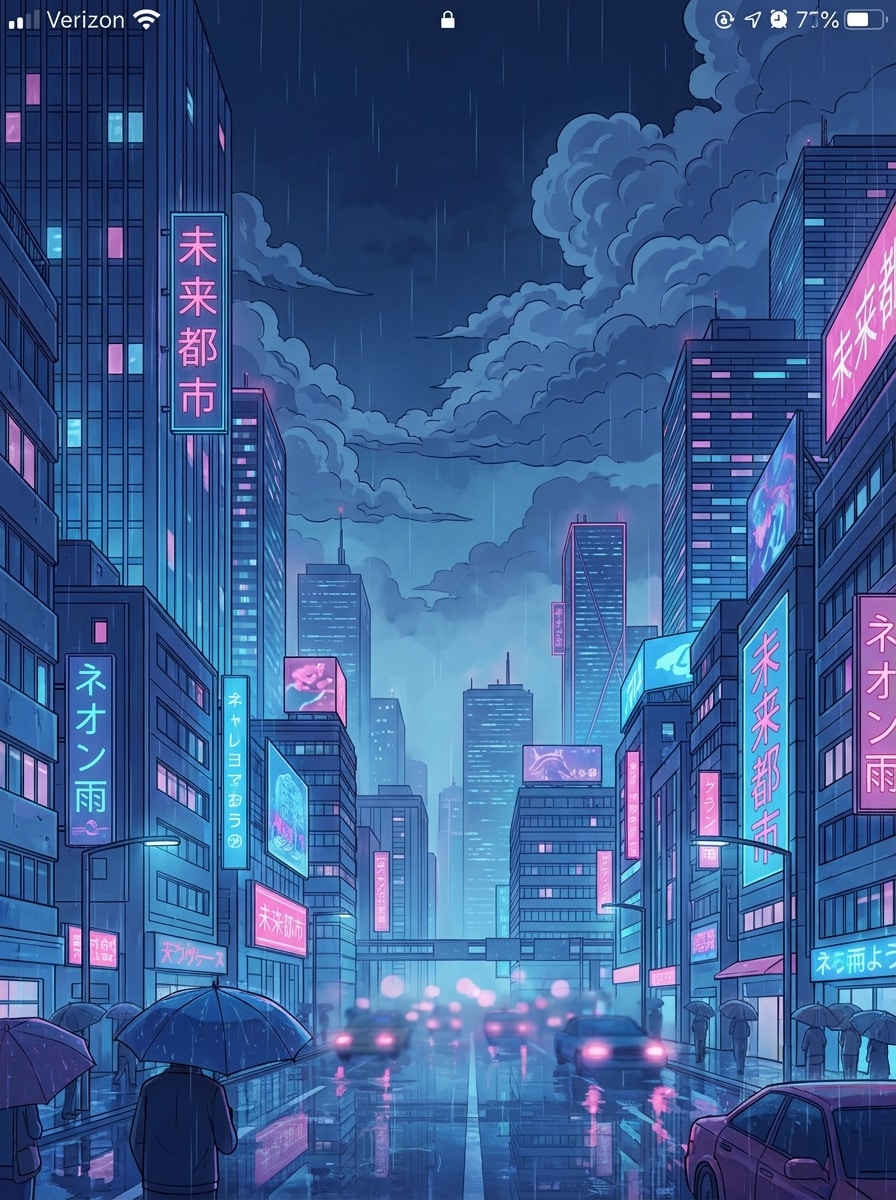
Ciudad Nocturna Anime
Una ciudad nocturna de estilo anime hecha para una pantalla de bloqueo vertical, letreros brillantes, lluvia suave, reflejos soñadores en la calle, paleta vibrante azul y rosa, horizonte cinematográfico, nubes detalladas, neblina suave, líneas de ilustración pulidas, atmósfera melancólica, profundidad en capas, acabado de alto detalle con estética anime moderna.
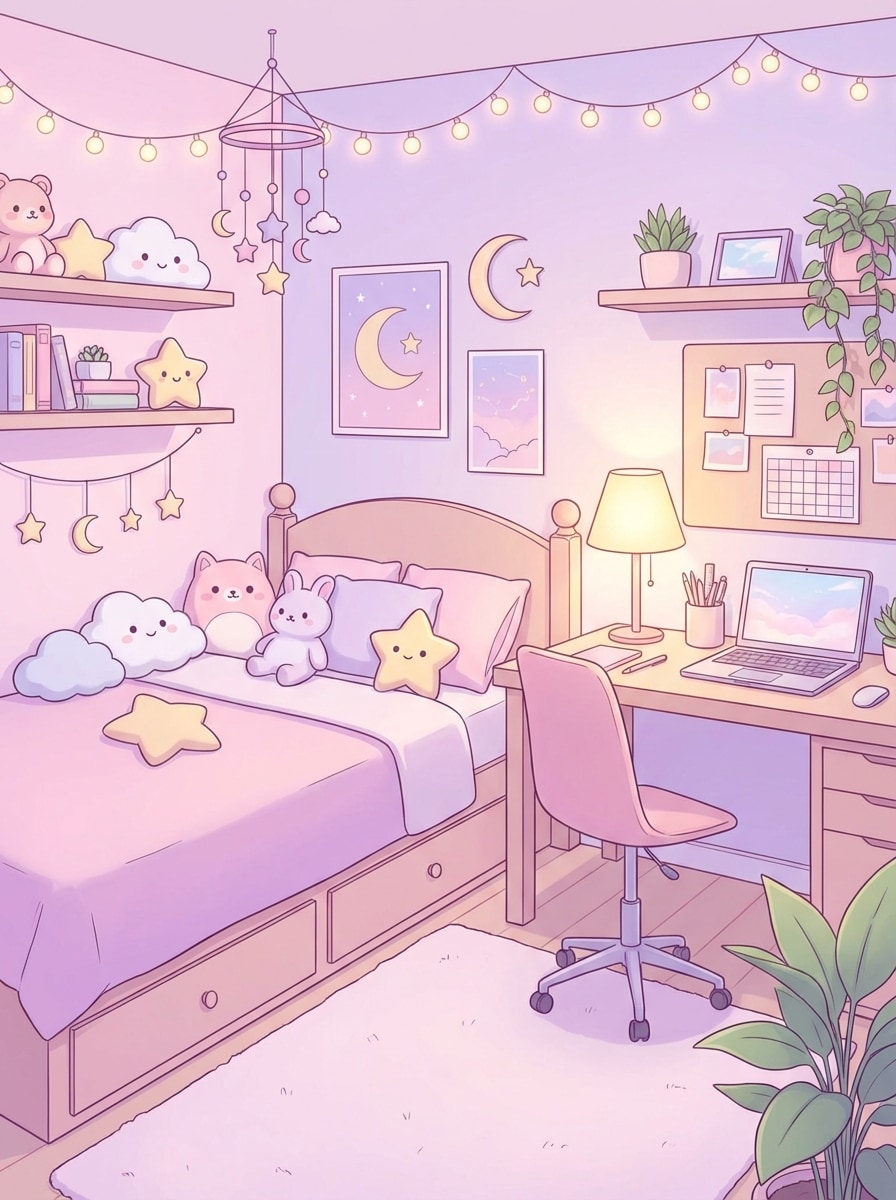
Habitación Pastel Kawaii
Una escena linda de dormitorio anime en tonos pastel para fondo de pantalla de inicio en el teléfono, paleta suave rosada y lavanda, peluches, cálida luz de lámpara, escritorio ordenado, decoración caprichosa, sombreado suave, composición aireada, reflejos delicados, ambiente acogedor, ilustración pulida, diseñada para ser encantadora, limpia y lista para pantalla.
Brillo Degradado Minimalista
Un fondo de pantalla minimalista y abstracto para móvil o escritorio, transiciones suaves entre melocotón suave, violeta y azul medianoche, ligero brillo luminoso, composición elegante y sin desorden, sensación moderna y premium, textura sedosa, iluminación refinada, atmósfera calmada, diseño ultra limpio, salida de alta resolución, estética digital de lujo.
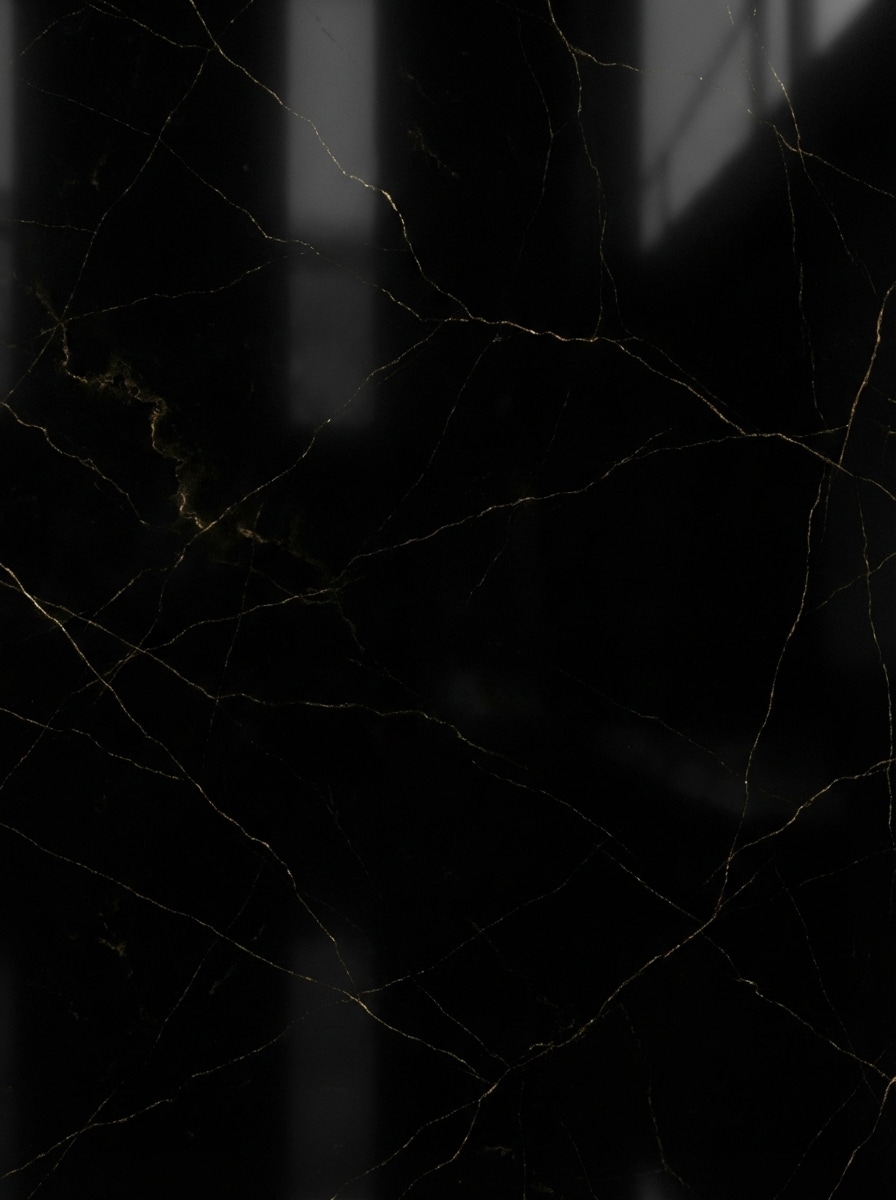
Mármol Negro con Oro
Un fondo de pantalla de lujo para teléfono de mármol negro con sutiles vetas de oro, textura de piedra rica, reflejos suaves, estilo premium y elegante, composición de alto contraste, luz refinada, atmosfera sofisticada y oscura, diseño minimalista, acabado lujoso y pulido, formato vertical para smartphone, realismo material ultra detallado, pensado para una pantalla de inicio o bloqueo sofisticada.
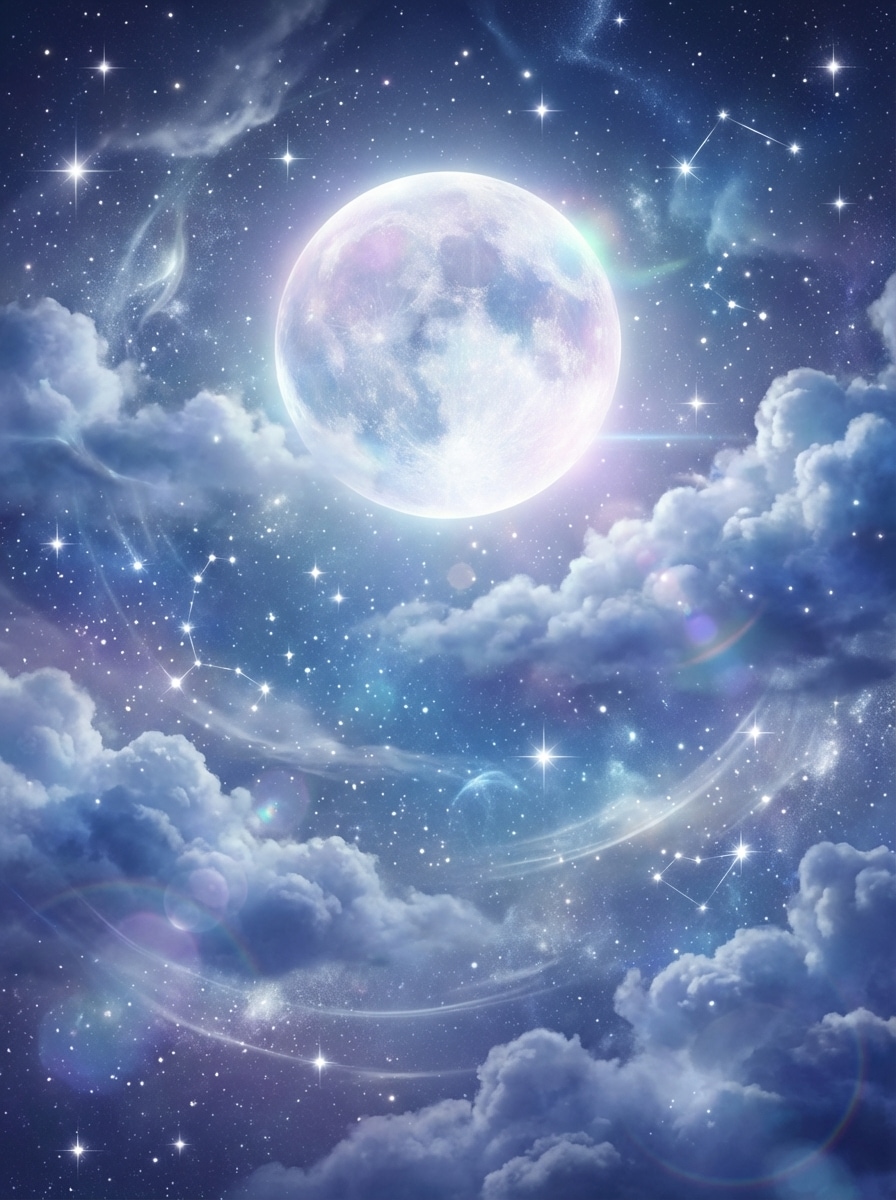
Cielo Lunar Celestial
Un fondo de pantalla de bloqueo celestial y soñador con una luna llena brillante, nubes suaves, estrellas centelleantes, paleta mística azul y plateada, atmósfera etérea, suave resplandor de luz, composición vertical elegante, ambiente nocturno tranquilo, profundidad estratificada, texturas de fantasía ultra detalladas, acabado pulido apto para pantalla de teléfono premium.
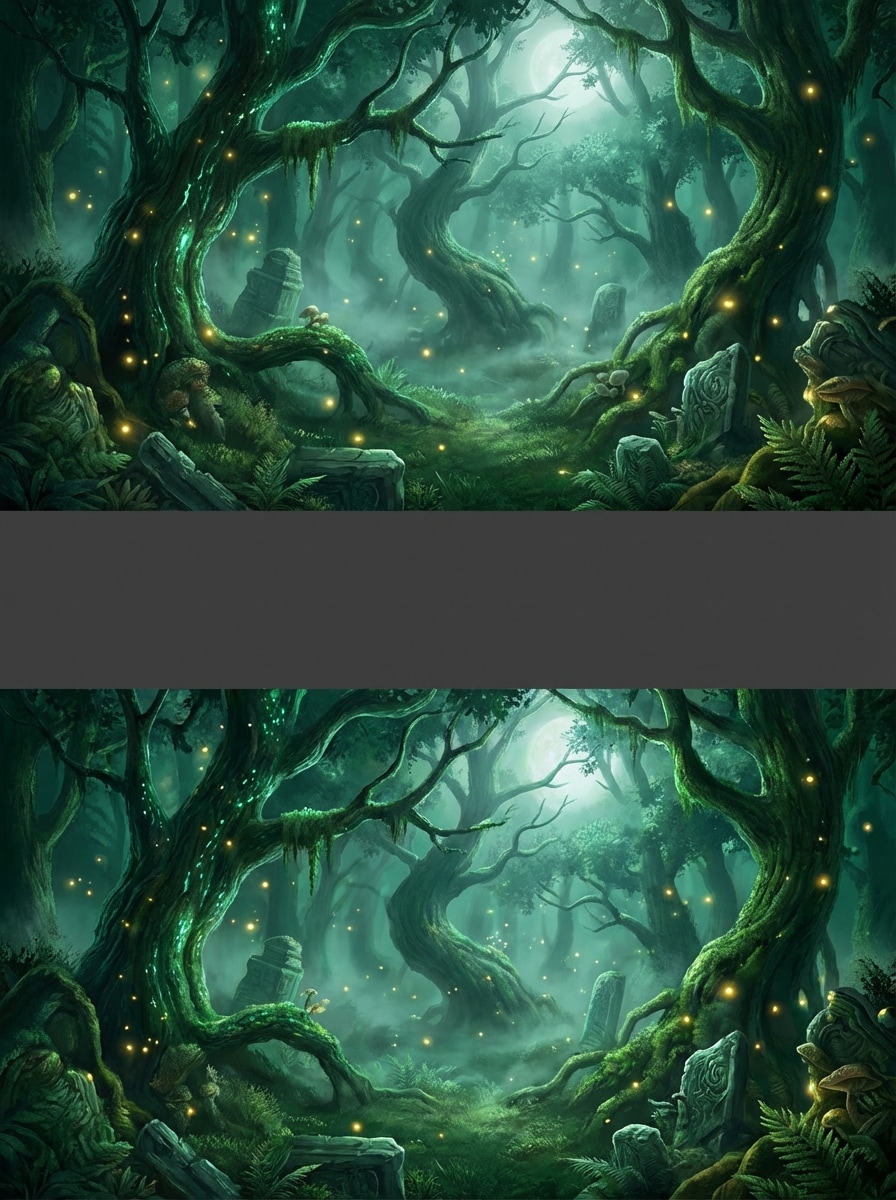
Bosque Fantástico Brillante
Un fondo de pantalla de bosque fantástico encantado para escritorio, luciérnagas brillantes, aire brumoso, árboles mágicos, tonos verde esmeralda, profundidad cinematográfica, suave luz de luna filtrándose entre las ramas, follaje texturizado, ambiente tranquilo y misterioso, composición ancha, arte de fantasía con gran detalle, fondo inmersivo diseñado para monitor.
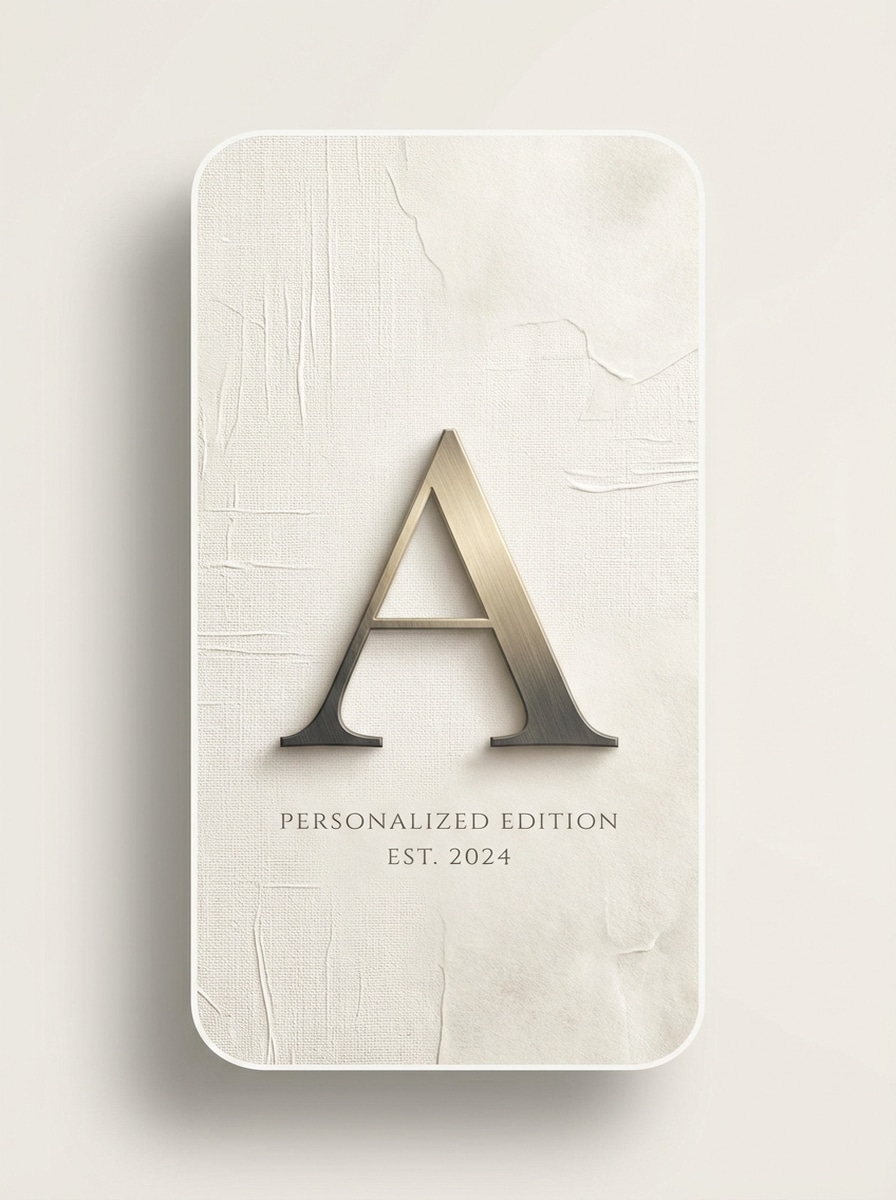
Fondo Monograma Estético
Un fondo de pantalla elegante y personalizado con una gran letra de monograma centrada en composición vertical para teléfono, paleta neutra suave, fondo texturizado premium, tipografía equilibrada, sombras sutiles, diseño minimalista de lujo, espacios refinados, líneas limpias, ambiente sereno y sofisticado, acabado pulido y de alta resolución, ideal para pantalla de inicio o bloqueo personalizada por IA.
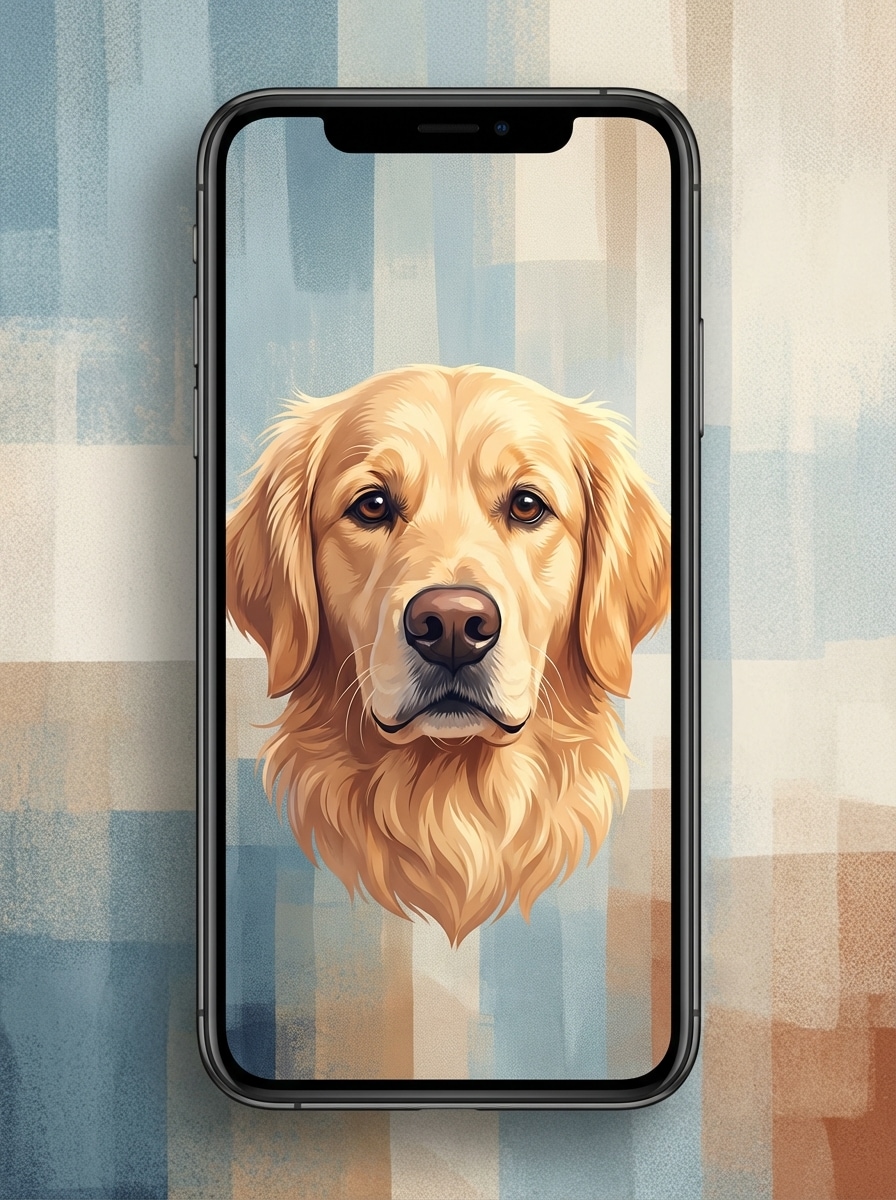
Fondo Retrato de Mascota
Un fondo de pantalla estilizado de retrato de mascota para teléfono, rostro expresivo como centro, luz artística suave, ilustración digital pulida, fondo acorde a la estética moderna, paleta de colores armoniosa, profundidad delicada, ambiente cálido y entrañable, composición vertical, detalles de pelaje nítidos, acabado de alta resolución para pantalla personalizada.
¿Por qué usar Media.io para fondos de pantalla de IA?
Genera imágenes listas para pantalla en alta resolución
Crea fondos de pantalla IA en 1K, 2K y 4K, para que tu fondo de pantalla, pantalla de bloqueo o escritorio se vean nítidos en diferentes dispositivos.
Elige proporciones para teléfono, escritorio y más
Utiliza razones de aspecto flexibles, incluidos 9:16, 16:9, 4:3, 3:4, 3:2, 2:3, 1:1 y Auto, para hacer que el generador de fondos de pantalla funcione tanto en pantallas móviles como panorámicas.
Explora múltiples estilos visuales
Genera pantallas de IA personalizadas en anime, realista, renderizado 3D, pintura al óleo, cyberpunk y más, facilitando crear fondos que se adapten a tu estética o dispositivo.
Usa modelos IA avanzados desde tu navegador
Media.io funciona online en navegadores de Windows, Mac, iOS y Android y soporta modelos avanzados como Nano Banana Pro, Nano Banana 2, Seedream 5.0 Lite, Soul Character, Seedream 4.0 e Imagen 4.
Cómo crear un fondo de pantalla de IA
1
2
3
1
Abre el Generador de Imágenes IA de Media.io
Ve a Generador de Imágenes de Texto a IA y abre el Generador de Imágenes IA en IA -> IA Imagen. Esta herramienta en línea funciona en tu navegador, así que puedes crear pantallas de IA, fondos y fondos de pantalla de bloqueo en escritorio o móvil sin instalar nada.
2
Introduce un prompt
Escribe un prompt detallado como “una ciudad cyberpunk de neón futurista de noche, luces magenta y azul, calles mojadas y reflectantes, fondo vertical para teléfono, contraste compatible con AMOLED”. Luego elige estilo, modelo, resolución y razón de aspecto para teléfono o escritorio.
3
Genera, mejora y descarga
Haz clic en Generar para crear tu imagen de pantalla IA. Mejora el prompt o prueba otro estilo si lo deseas, después descarga tu fondo en alta resolución adaptado a tu pantalla de inicio, bloqueo o escritorio.
Qué opinan los usuarios sobre crear pantallas IA con Media.io
Lena Park
Estudiante y usuaria de Android
"Fácil manera de crear fondos personalizados para el móvil" Quería un generador de fondos de pantalla IA para teléfono que no fuera complicado. Media.io me permitió convertir mis ideas en fondos de pantalla pulidos fácilmente. La opción de proporción 9:16 fue especialmente útil.
Marcus Hill
Diseñador de UI
"Perfecto para fondos de escritorio y pantalla móvil" Lo probé para conceptos de fondos de escritorio con IA y me sorprendieron las opciones de resolución. Los prompts se tradujeron bien, sobre todo para estilos futuristas e interfaces de degradados mínimos.
Ava Nguyen
Creadora de contenido
"Variedad de estilos útil para redes sociales" Me gusta poder alternar entre ideas anime, de lujo o celestiales en la misma herramienta. Es una forma práctica de crear imágenes de fondo IA personalizadas para diferentes estados de ánimo y dispositivos.
Daniel Foster
Profesional remoto
"Flujo de trabajo rápido desde el navegador" Usé Media.io para generar conceptos de fondo para laptop y teléfono. Al ser web resultó conveniente, y las proporciones panorámica y vertical me ahorraron tiempo.
Explora los efectos de video e imagen con IA más populares
“Pantalla IA” puede significar varias cosas, pero aquí se refiere a utilizar IA para crear imágenes listas para pantalla como fondos de pantalla, pantallas de bloqueo, fondos de inicio y fondos de escritorio a partir de prompts de texto.
2. ¿Puede la IA generar imágenes a partir de texto?
Sí. Media.io te permite describir la imagen que quieres en texto y luego generarla visualmente usando modelos IA soportados como Nano Banana Pro, Nano Banana 2, Seedream 5.0 Lite, Soul Character, Seedream 4.0 e Imagen 4.
3. ¿Cómo hago un fondo de pantalla IA?
Abre el Generador de Imágenes IA de Media.io, coloca un prompt detallado, elige relación de aspecto adecuada como 9:16 para teléfono o 16:9 para escritorio, luego genera y descarga el resultado en resolución 1K, 2K o 4K.
4. ¿Puedo usar imágenes generadas por IA como fondo de pantalla en mi teléfono?
Sí. Media.io soporta relaciones como 9:16 y 3:4, ideales para crear fondos de pantalla o bloqueo en móvil. Puedes generar un fondo personalizado, descargarlo y configurarlo como fondo de pantalla en tu teléfono.
5. ¿Qué prompt debo usar para un generador IA de fondos?
Un buen prompt describe el sujeto, estilo, iluminación, ambiente, colores, composición y el formato de pantalla deseado. Ejemplo: “cielo lunar celestial soñador, paleta azul y plateada, nubes suaves, fondo vertical de pantalla de bloqueo, elegante y detallado”. Media.io está optimizado para prompts en inglés para mejores resultados.
6. ¿Los fondos IA generados son gratis?
Los usuarios gratuitos obtienen 3 créditos por día en Media.io. Las descargas gratuitas pueden incluir marcas de agua, mientras que los suscriptores pagos descargan imágenes sin marca y en alta resolución. Si necesitas más créditos o exportar sin marcas, compara planes aquí: https://www.media.io/es/pricing.html
Más allá del generador de pantallas en línea con IA