Tus creaciones solo se guardan durante 7 días. Los recursos creados después de actualizar a Membresía se almacenarán de forma permanente.
¡Desbloquea tu potencial creativo y experimenta la magia de Media AI ahora mismo!
Generador de Banners AI para Marketing Personalizado y Visuales para Redes Sociales
Convierte simples indicaciones de texto en conceptos originales de banners para YouTube, LinkedIn, sitios web, anuncios y canales sociales. Media.io te ayuda a crear imágenes pulidas y seguras para texto en segundos, con relaciones de aspecto flexibles, salida en alta resolución y múltiples estilos de IA para campañas profesionales.
Escribe tu idea -> La IA la diseña. Prueba gratis.
Explora nuestra colección seleccionada de generador de banners ai estilos.
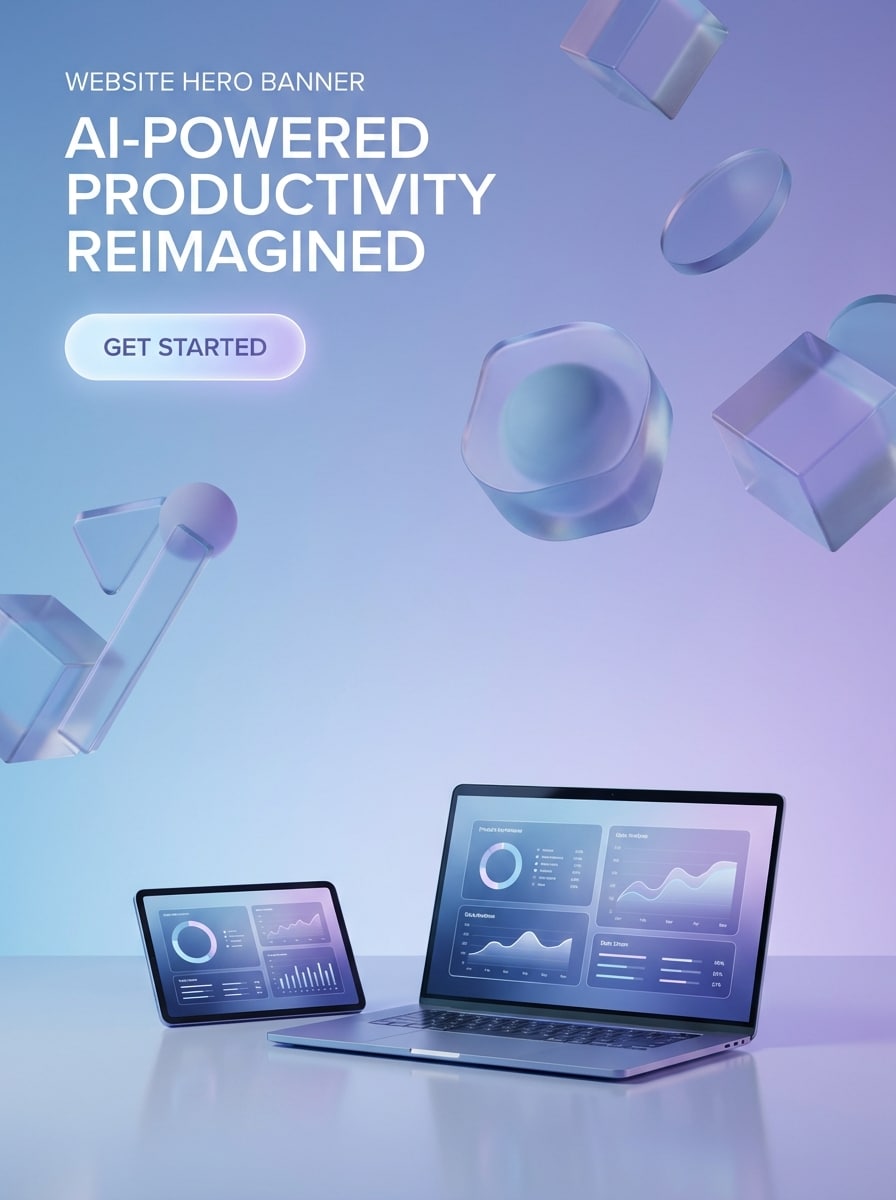
Hero Moderno SaaS
Banner principal ancho para una marca de productividad de IA, diseño SaaS limpio con un fondo degradado de azul a púrpura suave, formas abstractas 3D flotantes, detalles sutiles de glassmorphism, iluminación de estudio pulida, ambiente tecnológico premium, espacio negativo claro para titular y CTA, bordes definidos, diseño de marketing en alta resolución.
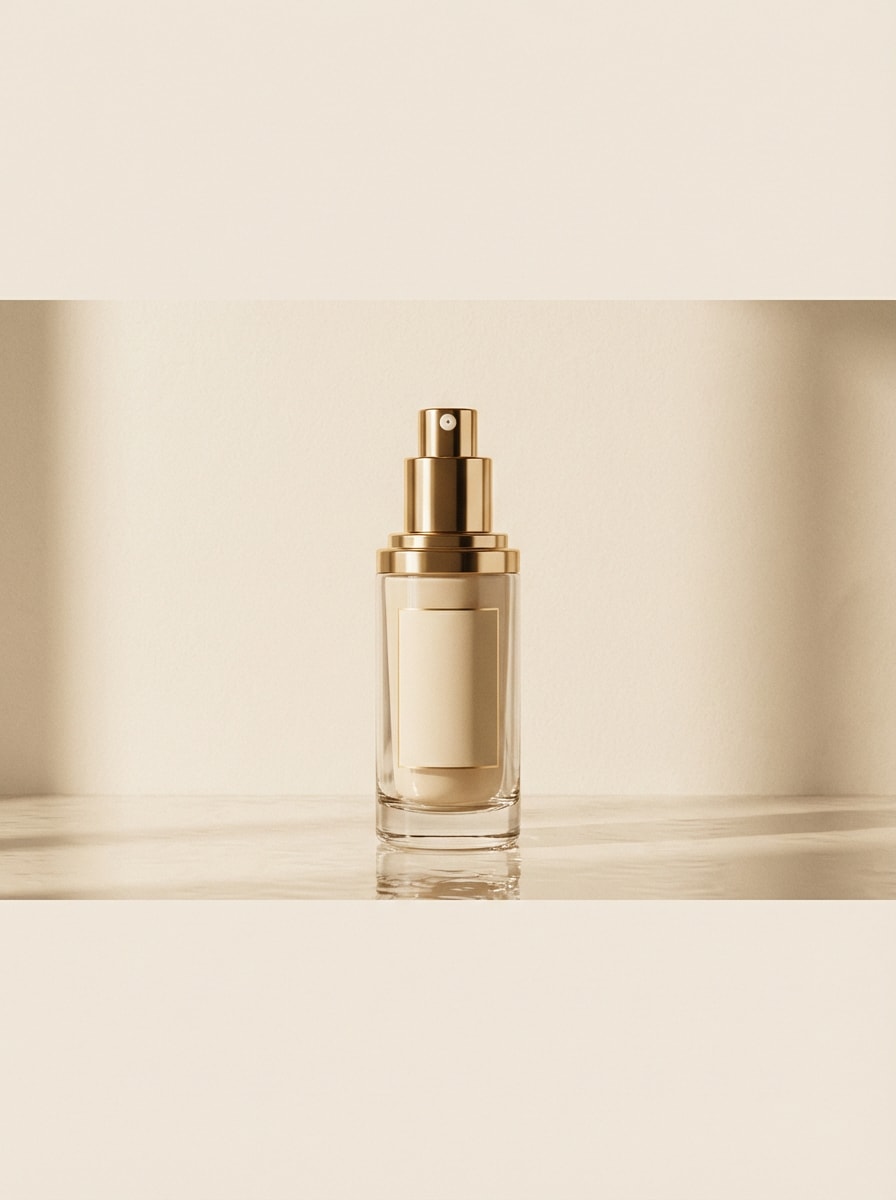
Anuncio de Producto de Alta Conversión
Banner de ecommerce de lujo con un frasco de cuidado de la piel centrado sobre una superficie reflectante, paleta elegante beige y dorada, iluminación editorial suave, sombras delicadas, composición refinada, ambiente premium de campaña de belleza, textura limpia de fondo y mucho espacio para texto de oferta, precio y un titular promocional corto.
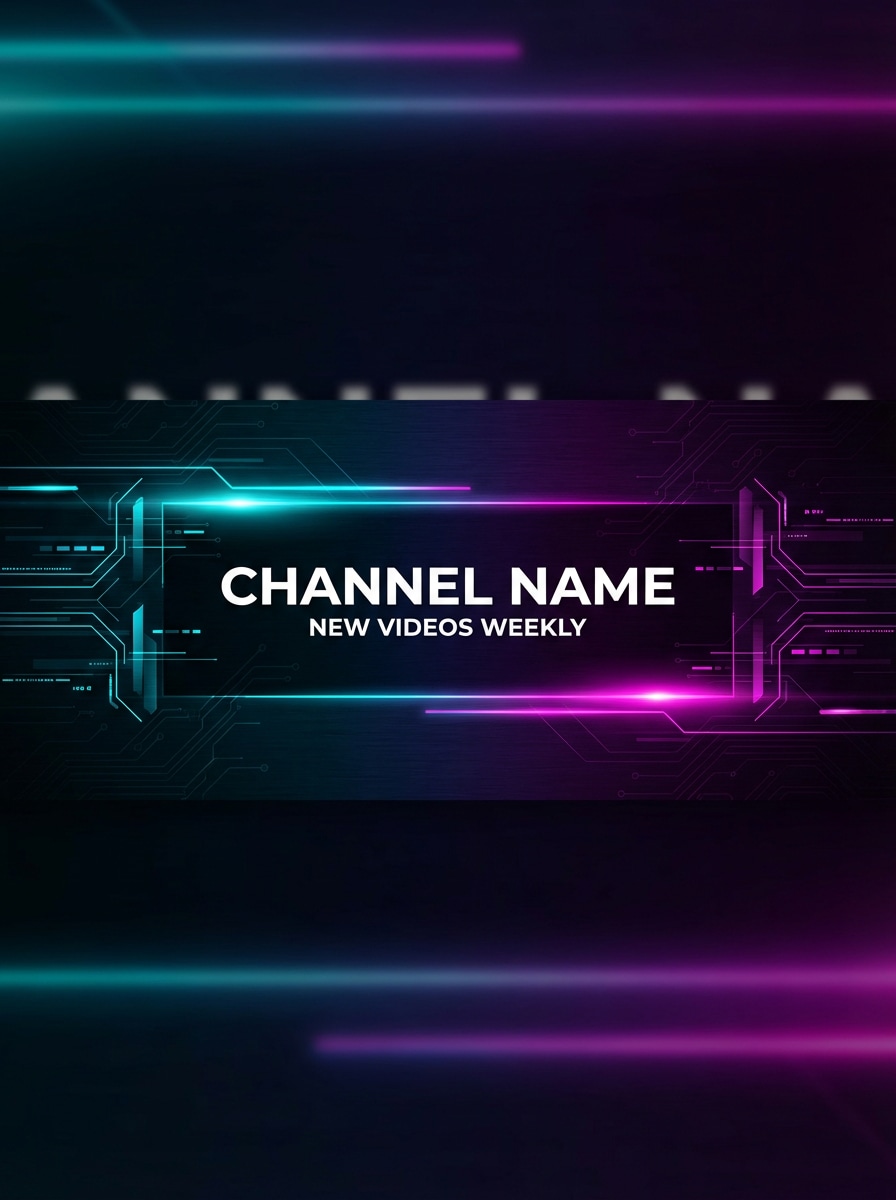
Banner de Creador de YouTube
Banner de canal de YouTube para un creador tech, fondo oscuro futurista con acentos de neón cian y magenta, patrones sutiles de circuitos, rayas de luz elegantes, elementos laterales equilibrados, composición audaz pero limpia, área central segura para nombre del canal y horarios de subida, alto contraste, calidad nítida de cabecera para redes sociales.
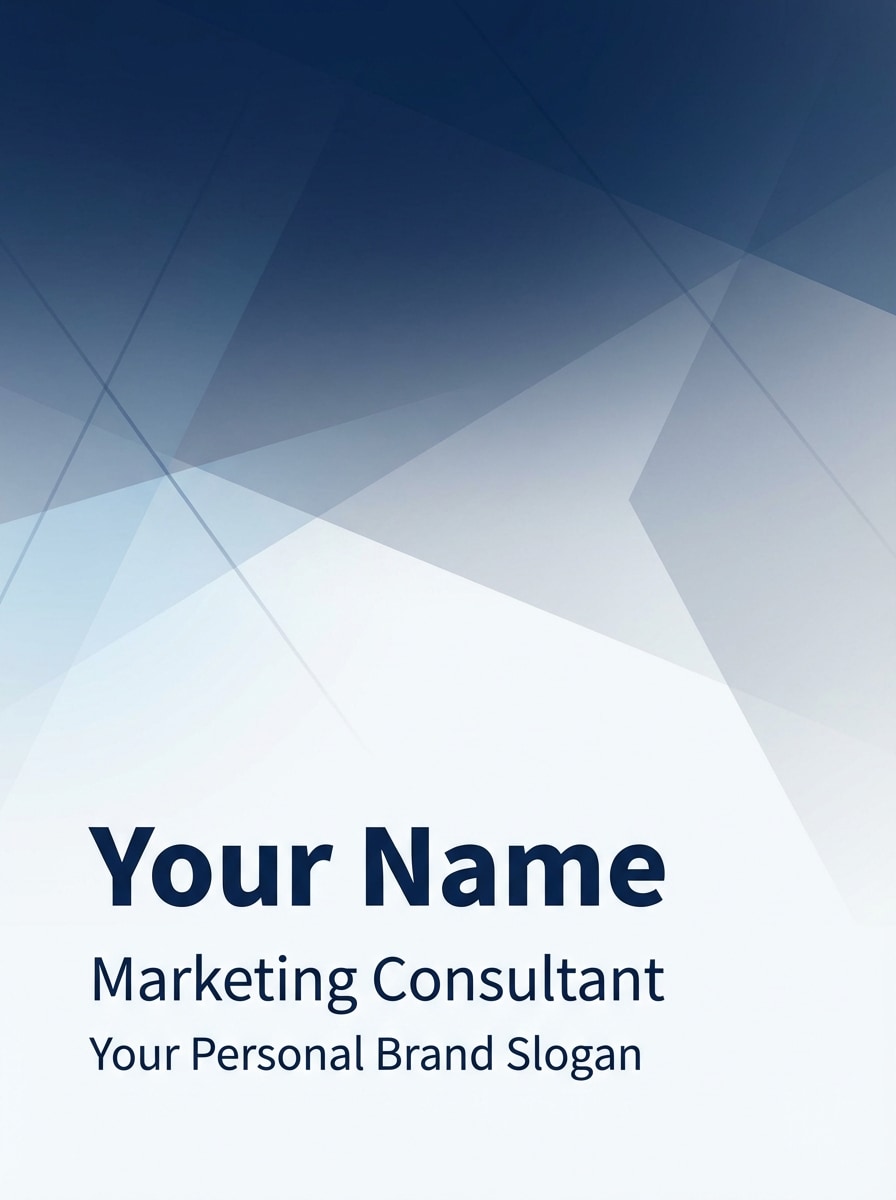
Cabecera de Marca Personal en LinkedIn
Banner profesional de LinkedIn para un consultor de marketing, estilo corporativo minimalista con paleta blanca y azul marino, elementos abstractos geométricos sutiles, profundidad suave por degradado, ambiente empresarial limpio y creíble, fuerte legibilidad, espaciado refinado y espacio negativo seguro para nombre, título y eslogan de marca personal.
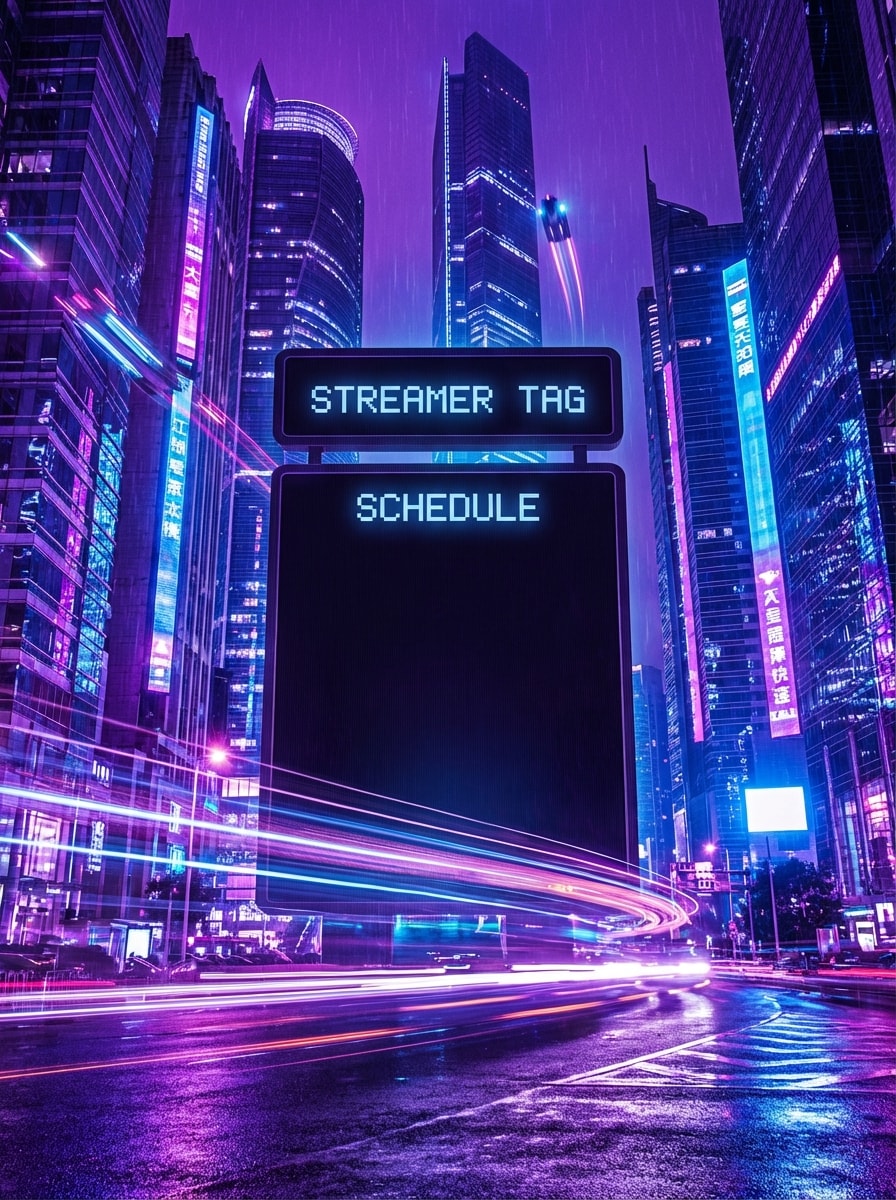
Banner de Stream Cyberpunk
Banner ancho de Twitch en estilo gaming cyberpunk, brillo de ciudad en neón púrpura y azul eléctrico, rastros de movimiento enérgicos, iluminación de alto contraste, atmósfera inmersiva, perspectiva dramática, marco lateral audaz, y área central clara para tag del streamer y horarios, pulido para branding clicable del creador.
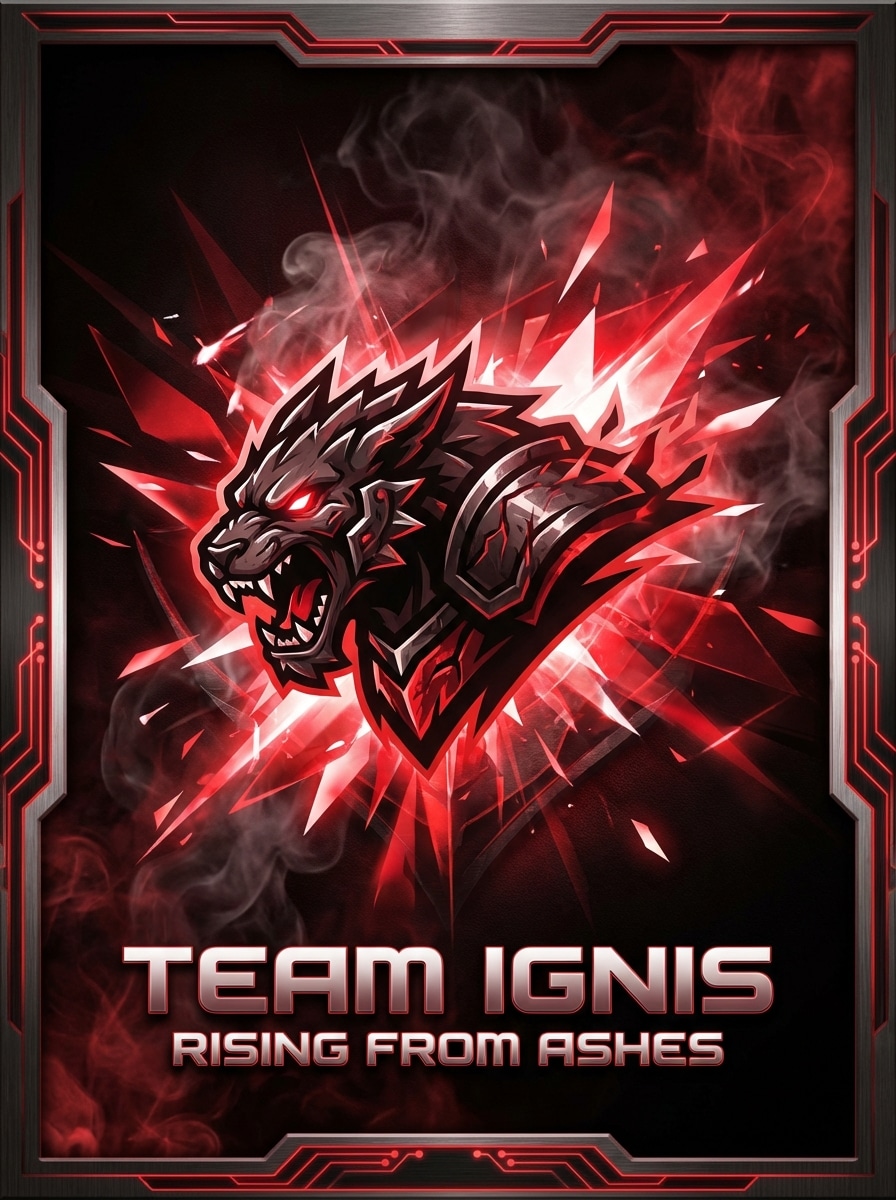
Banner de Equipo Esports
Banner de equipo de esports con paleta intensa de rojo y negro, texturas metálicas, efectos de humo, destellos de luz agudos, ambiente competitivo agresivo, fuerte punto focal central, área para ubicación de logo y espacio para eslogan. Crea una identidad gaming premium y de alto impacto con detalles nítidos y profundidad dramática.
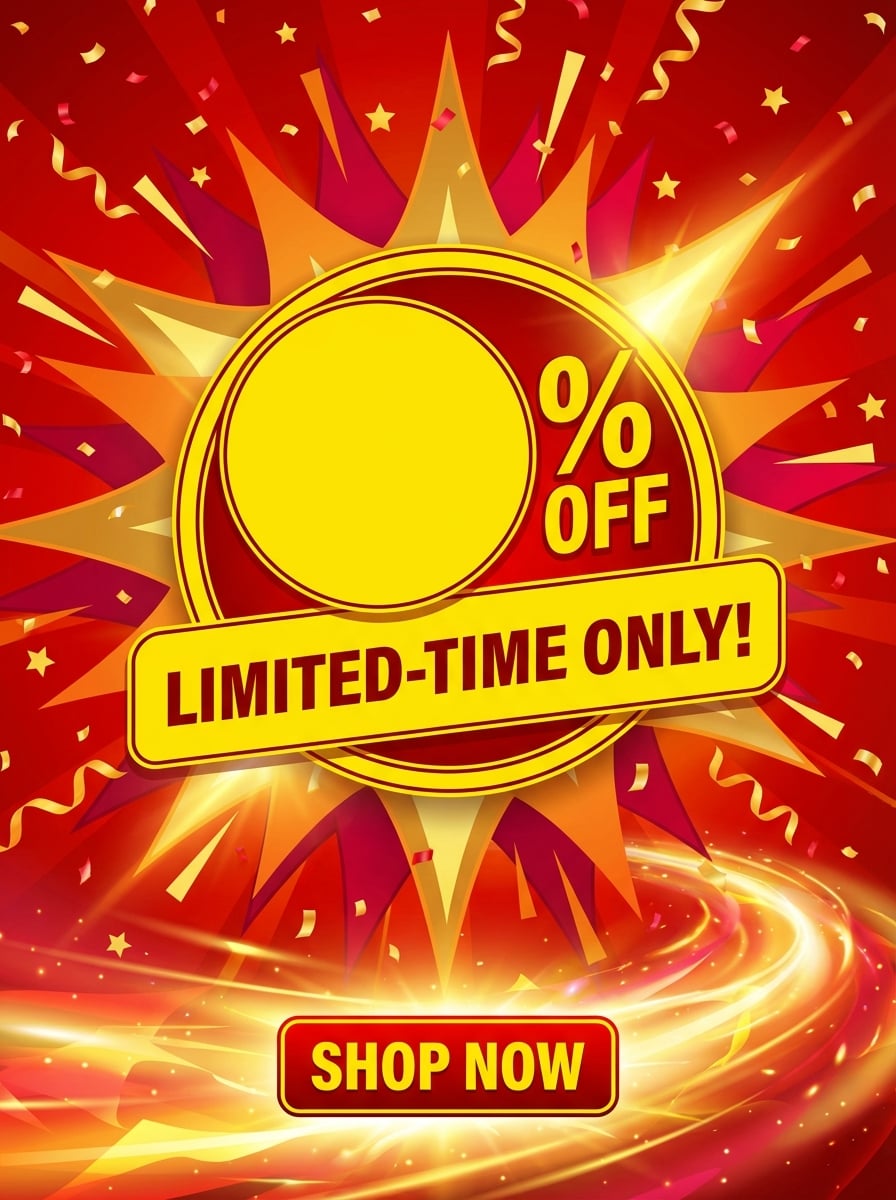
Banner de Oferta Flash
Banner promocional de oferta flash con contraste vibrante rojo y amarillo, formas dinámicas de explosión, acentos de confeti festivo, ambiente energético de retail, jerarquía visual limpia, zonas vacías audaces para porcentaje de descuento y texto de tiempo limitado, iluminación clara y diseño de ecommerce que destaca para urgencia y conversiones.
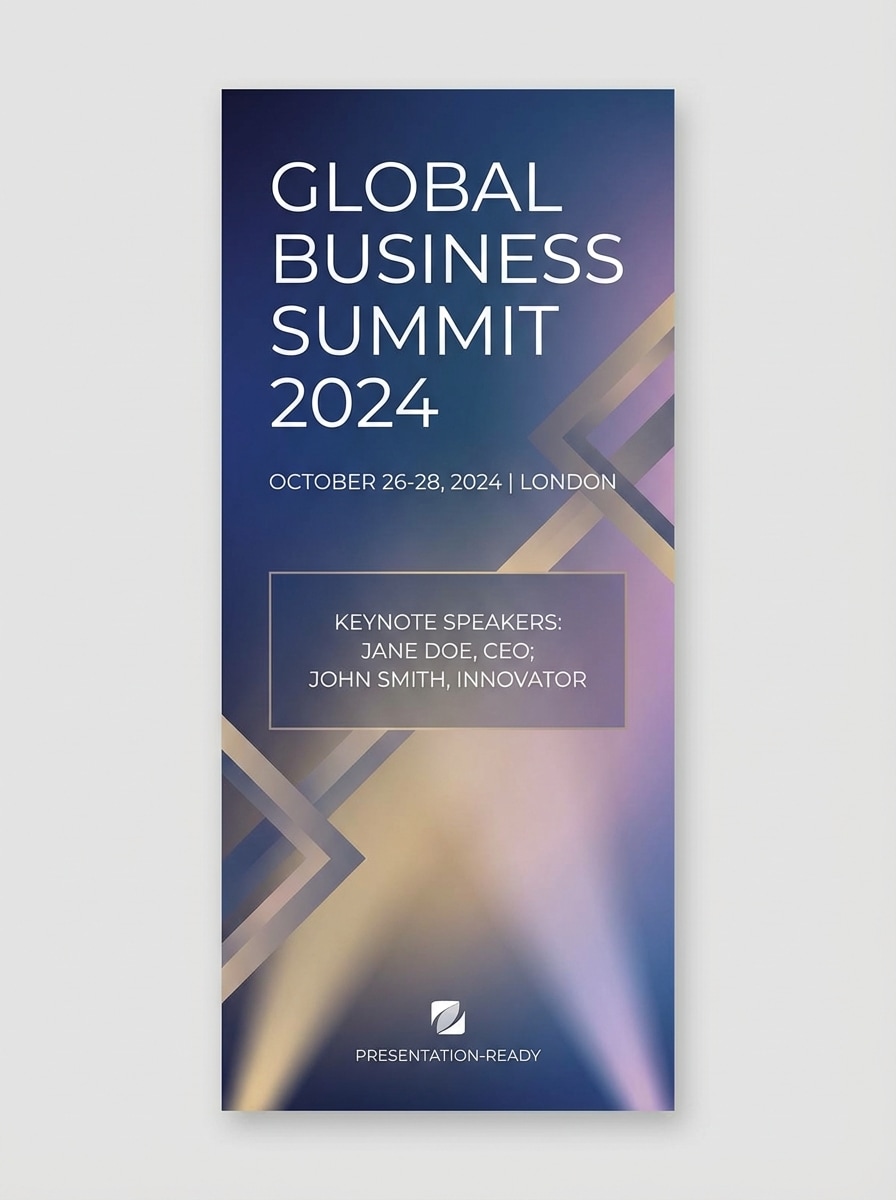
Banner de Evento de Conferencia
Banner corporativo para una conferencia de negocios, fondo moderno en degradado con sensación sutil de luz de escenario, superposiciones geométricas, aspecto ejecutivo pulido, espaciado elegante y áreas organizadas seguras para texto como nombre del evento, fecha y ponentes principales. Mantén una apariencia creíble, premium y lista para presentación.
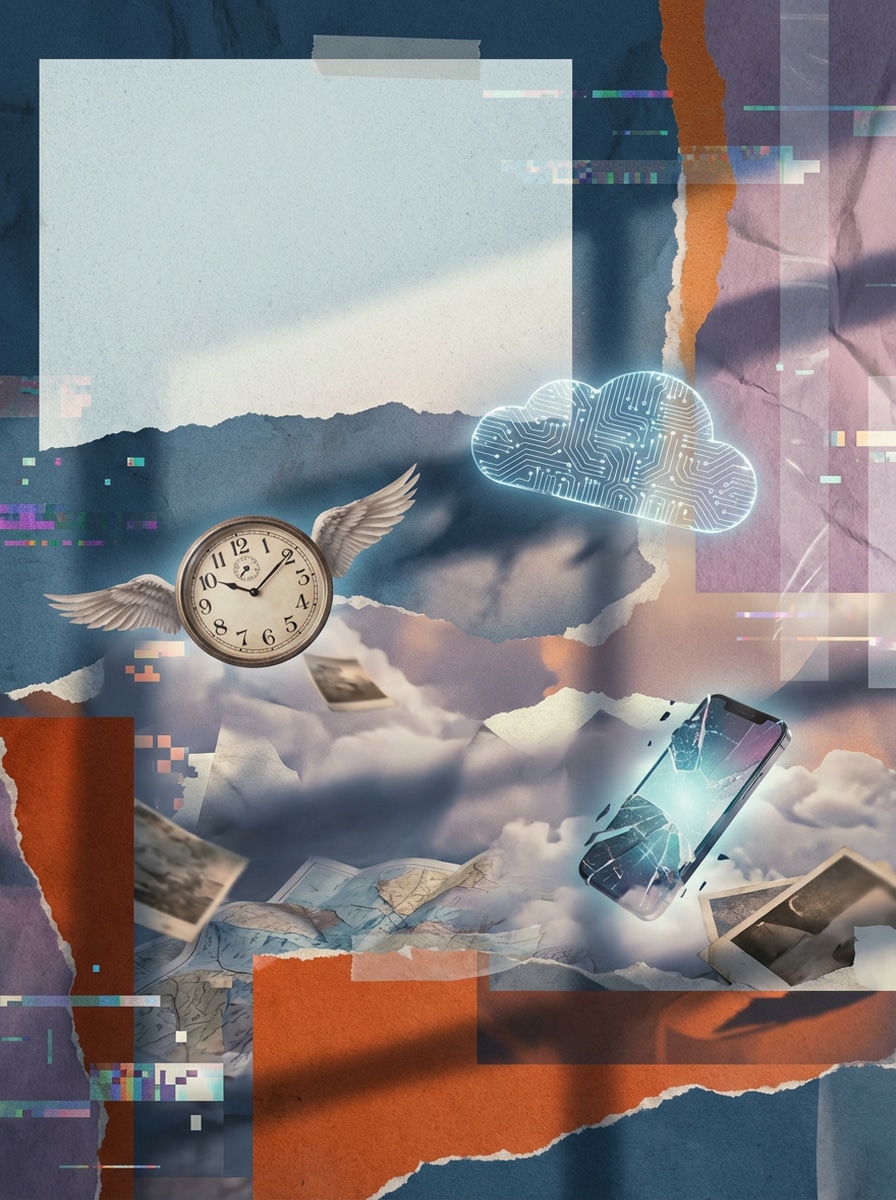
Banner de Collage Surrealista de IA
Banner creativo para campaña en estilo collage surrealista, capas de texturas en papel y digital, objetos flotantes de ensueño, contrastes visuales artísticos, composición editorial, iluminación pulida y atmosférica, interacción distintiva de colores y espacio negativo estratégico para titular breve. Hazlo novedoso, elegante y altamente compartible.
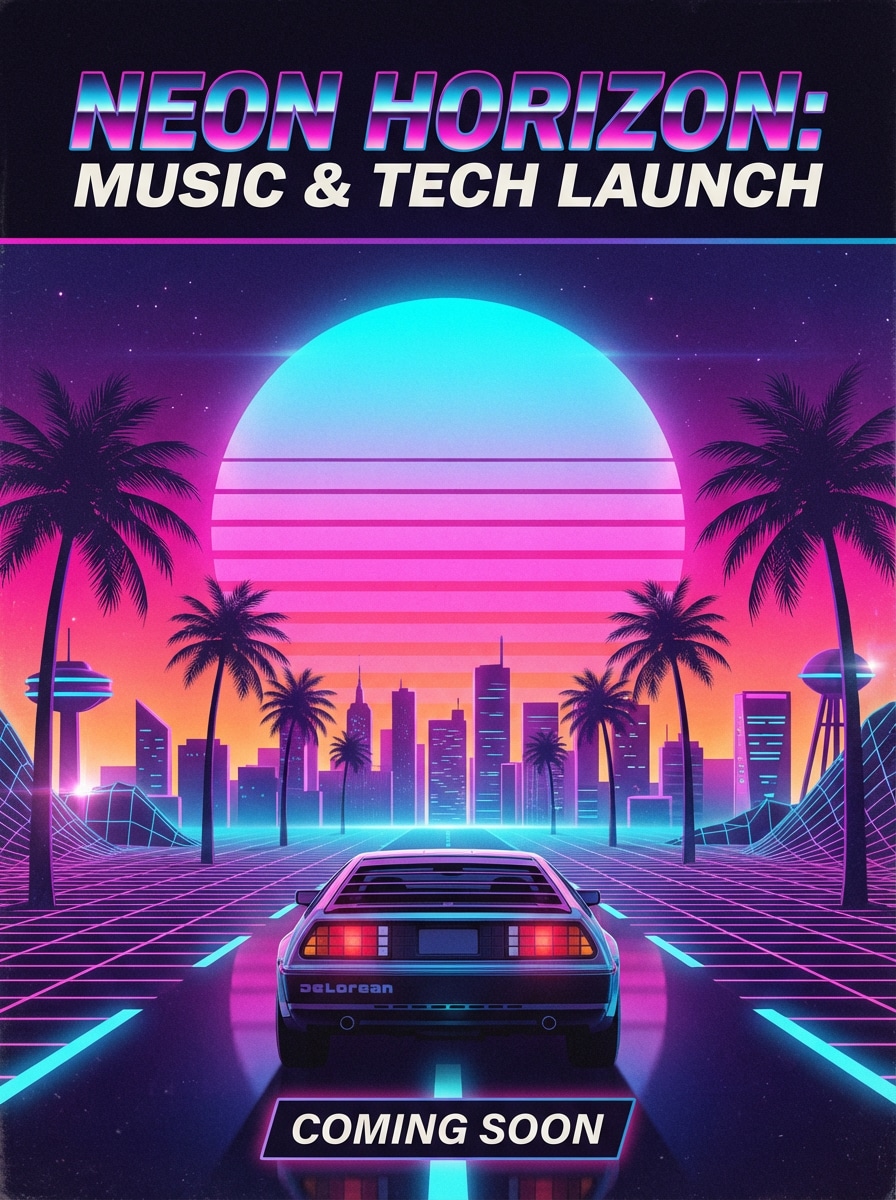
Banner Retro Futurista tipo Póster
Banner retro futurista ancho con horizonte de atardecer luminoso, paleta de neón magenta y cian, perspectiva de grid synthwave, brillo cinematográfico, ambiente nostálgico sci-fi, degradados suaves, área definida para texto del título tipo póster y composición inspirada en carteles. Ideal para lanzamientos musicales o eventos tech con energía visual audaz.
Por qué usar Media.io para Generar Banners AI
Convierte Texto en Conceptos Originales de Banners
Crear generador de banners AI imágenes desde sencillos prompts en vez de partir de plantillas repetitivas. Es ideal para banners hero de sitios web, cabeceras sociales, creativos publicitarios y mockups de campañas de marca.
Relaciones de Aspecto Flexibles para Banners
Elige entre relaciones de aspecto prácticas como 16:9, 9:16, 1:1, 4:3, 3:4, 3:2 y 2:3 para cabeceras de YouTube, portadas de LinkedIn, banners de sitios web y gráficos promocionales de redes sociales.
Salida en Alta Resolución para Marketing
Genera banners en resolución 1K, 2K o 4K para presentaciones creativas más nítidas, borradores de campaña y activos de marca pulidos. Esto ayuda a tu generador de banners de texto a imagen flujo de trabajo a estar siempre listo para presentación.
Modelos Avanzados y Estilos Diversos
Usa modelos potentes como Nano Banana Pro, Nano Banana 2, Seedream 5.0 Lite e Imagen 4, con estilos como realista, anime, render 3D, pintura al óleo, cyberpunk y más para diferentes direcciones de banners.
Cómo usar el Generador de Banners AI
1
2
3
1
Paso 1: Abre el Generador de Banners AI de Media.io
Ve a Media.io y abre el generador de banners AI en AI -> Texto a Imagen. Esta herramienta en línea funciona en tu navegador, por lo que puedes crear conceptos de banners en Windows, Mac, iPhone, Android o cualquier dispositivo con navegador web.
2
Paso 2: Ingresa una Indicación
Escribe una indicación detallada como: "Banner hero ancho para una marca SaaS, fondo degradado azul, formas 3D flotantes, espacio central limpio y seguro para titular y CTA, diseño de marketing pulido." Luego elige tu estilo, modelo, resolución y relación de aspecto preferidos para el formato de banner que necesitas.
3
Paso 3: Genera, Refina y Descarga
Haz clic en Generar para crear tu banner. Si es necesario, refina la indicación para mejor composición, estilo o espacio seguro para texto. Cuando estés satisfecho con el resultado, descarga la imagen en alta resolución para redes sociales, anuncios, mockups web o planificación de campañas.
Qué opinan los usuarios de este creador de banners AI
Olivia Chen
Especialista en Crecimiento
"Forma rápida de crear borradores de banners de campaña" Lo uso para generar primeras ideas de banners para promos pagas en redes sociales y webs. Los resultados me parecen más originales que las herramientas solo de plantillas, y las opciones de aspecto ayudan a probar ubicaciones diferentes rápidamente.
Marcus Rivera
Creador de YouTube
"Útil para ideas de arte de canal" El generador de banners AI me ayudó a crear varias opciones de banners de YouTube desde indicaciones cortas. Me gustó poder explorar estilos futuristas y gaming mientras mantenía un área central limpia para el nombre.
Priya Nair
Consultora de Marca
"Bueno para LinkedIn y cabeceras de negocios" Necesitaba conceptos pulidos de banners para LinkedIn y branding personal. Media.io me dio resultados profesionales con composición limpia, fondos abstractos sutiles y suficiente espacio negativo para mensajes.
Daniel Brooks
Diseñador Ecommerce
"Útil para mocks de promociones de producto" Para ofertas flash y lanzamientos de producto, esta herramienta es excelente para crear direcciones visuales en minutos. La salida en mayor resolución y los diferentes estilos me ayudan a presentar conceptos fuertes antes de entrar en la producción final de anuncios.
Explora los efectos de video e imagen con IA más populares
Preguntas frecuentes sobre Generador de Banners AI
1. ¿Cuál es la herramienta AI para crear banners?
Media.io ofrece un generador de banners AI que convierte indicaciones de texto en imágenes originales de banners. Es una herramienta de texto a imagen diseñada para crear conceptos personalizados para sitios web, canales de YouTube, cabeceras de LinkedIn, anuncios y gráficos de redes sociales directamente en tu navegador.
2. ¿Puede la IA generar un banner desde texto?
Sí. Con Media.io, puedes describir el banner que quieres en una indicación, elegir un estilo o modelo, definir la relación de aspecto y generar la imagen del banner. Para mejores resultados, usa indicaciones claras en inglés con detalles sobre disposición, colores, iluminación, ambiente y el espacio que quieres para el texto del titular.
3. ¿Existe un generador de banners AI gratis?
Media.io da a los usuarios gratuitos 3 créditos por día, así puedes probar la generación de banners sin pagar de inicio. Los resultados gratuitos pueden tener marca de agua. Si necesitas más créditos o descargas en alta resolución sin marca de agua, puedes actualizar aquí: https://www.media.io/es/pricing.html
4. ¿Cómo hago un banner con IA?
Abre la herramienta de texto a imagen de Media.io, ingresa una indicación detallada para el banner, elige un modelo como Nano Banana Pro o Nano Banana 2, luego selecciona la relación de aspecto y resolución preferidas. Genera la imagen, refina la indicación si es necesario y descarga el resultado final para tu campaña o canal.
5. ¿Qué tamaño debe tener un banner AI para YouTube o LinkedIn?
El mejor tamaño depende de dónde planees usar el banner. Media.io soporta varias relaciones de aspecto incluyendo 16:9, 1:1, 4:3, 3:4, 3:2, 2:3, 9:16 y Auto, lo cual facilita crear visuales para cabeceras de YouTube, banners de LinkedIn, secciones hero de sitios web y otras ubicaciones sociales.
6. ¿Puedo usar banners generados con IA en proyectos comerciales?
Media.io puede generar banners adecuados para marketing, branding y flujos de trabajo promocionales, pero las decisiones de uso comercial deben seguir tus propios requerimientos legales, de marca y uso. Si necesitas descargas de mayor calidad y sin marca de agua para trabajos profesionales, puedes revisar planes pagos aquí: https://www.media.io/es/pricing.html