Tus creaciones solo se guardan durante 7 días. Los recursos creados después de actualizar a Membresía se almacenarán de forma permanente.
¡Desbloquea tu potencial creativo y experimenta la magia de Media AI ahora mismo!
Generador de firmas de correo electrónico con IA para visuales rápidos y de marca
Convierte un sencillo prompt en una identidad de correo electrónico completa y profesional. Usa Media.io como tu generador de firmas de correo visual-first generador de firmas de correo electrónico para crear fotos de perfil, banners, iconos y cierres alineados con tu marca que se visualizan perfectamente en Gmail, Outlook, Apple Mail y clientes móviles, sin necesidad de habilidades de diseño ni de programación. También funciona muy bien como un generador de firma de Gmail para recursos visuales pulidos.
Escribe tu idea -> La IA la diseña. Pruébalo gratis.
Explora nuestra colección seleccionada de generador de firmas de correo gratuito estilos.
Foto profesional + firma corporativa limpia
Foto corporativa ultraprofesional de un especialista en marketing de 35 años vistiendo casual ejecutivo en una oficina moderna de cristal, luz natural suave de ventana, fondo gris neutro, profundidad de campo sutil, encuadrada para un avatar circular pequeño, expresión amigable pero segura, hiperrealista, alta resolución, perfecta para miniatura de firma de correo.
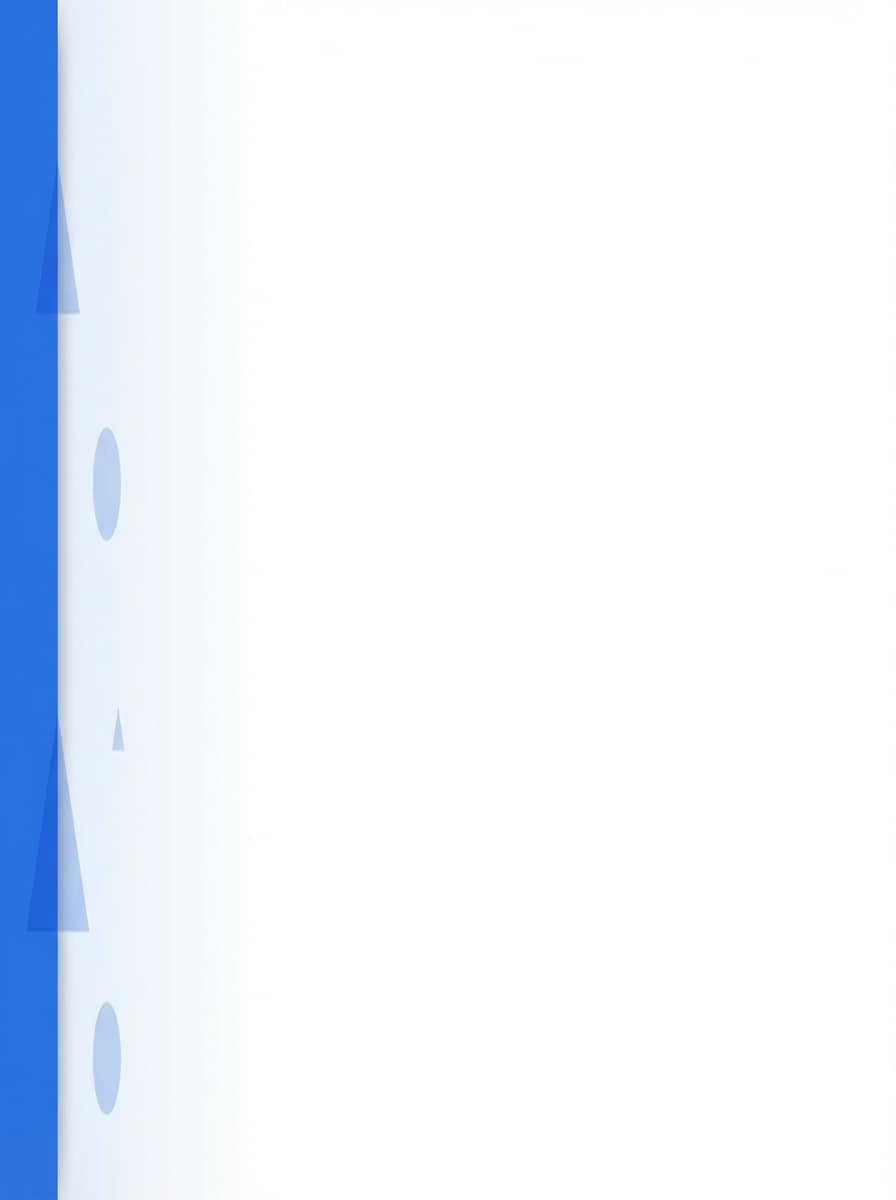
Banner minimalista azul para firma
Banner de firma horizontal minimalista, fondo blanco brillante con una barra azul cobalto a la izquierda, formas geométricas sutiles fundidas al centro, mucho espacio negativo a la derecha para texto, diseño plano, sombra suave, 600x200px, estilo moderno tipo SaaS que se mantiene nítido en todos los clientes de correo.
Retrato creativo en tonos pastel suaves
Retrato de una creadora de contenido, fondo suave rosa pastel y lavanda con bokeh, ropa casual y ordenada, iluminación cálida natural, textura de grano sutil, relación 1:1, composición centrada, sonrisa amable, estilizado pero realista, optimizado para recortar en avatar circular para firma de correo personal.
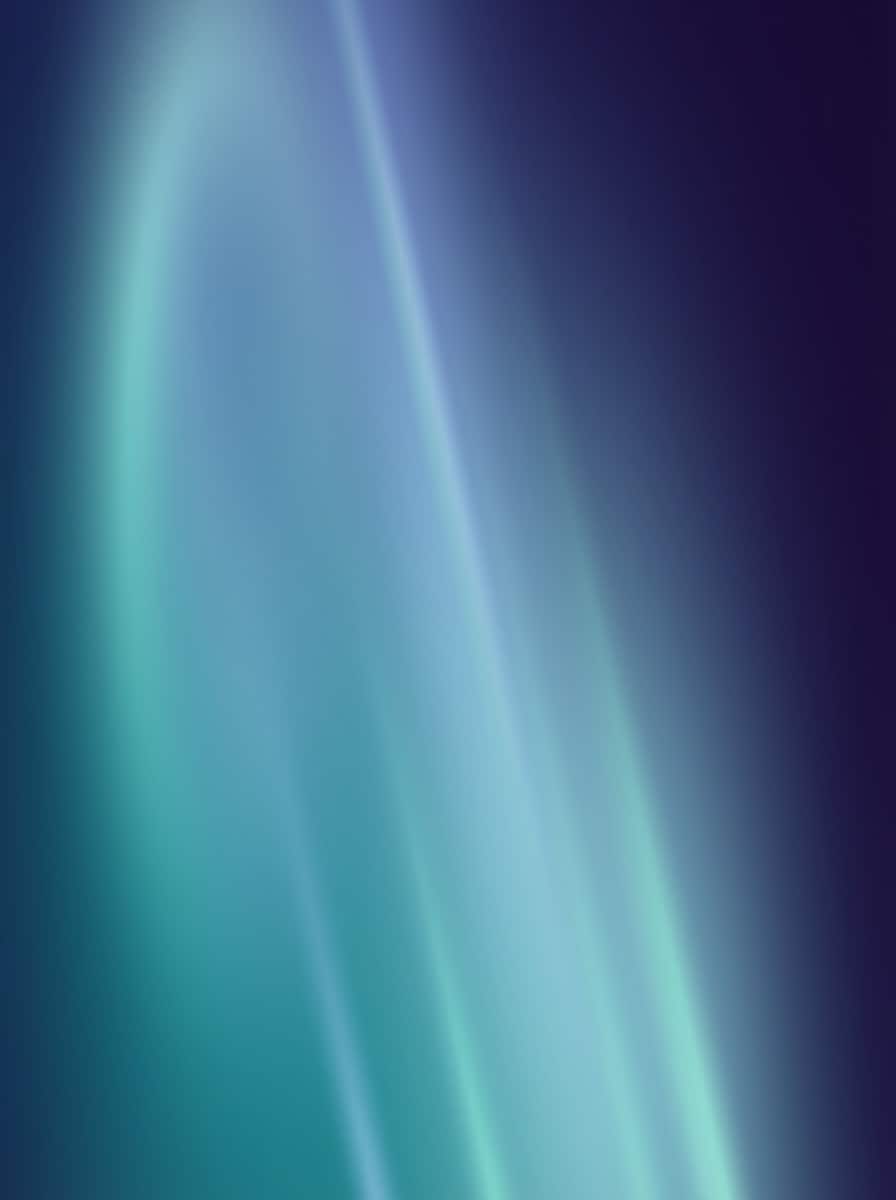
Fondo degradado Aura para firma
Fondo degradado moderno y suave con los colores corporativos verde azulado y añil, aura radial tenue desde la izquierda, líneas de luz diagonales sutiles, sin texto ni logo, lienzo horizontal de 600x200px, alto contraste pero suave para la vista, diseñado para ir detrás de los datos de firma y CTAs.
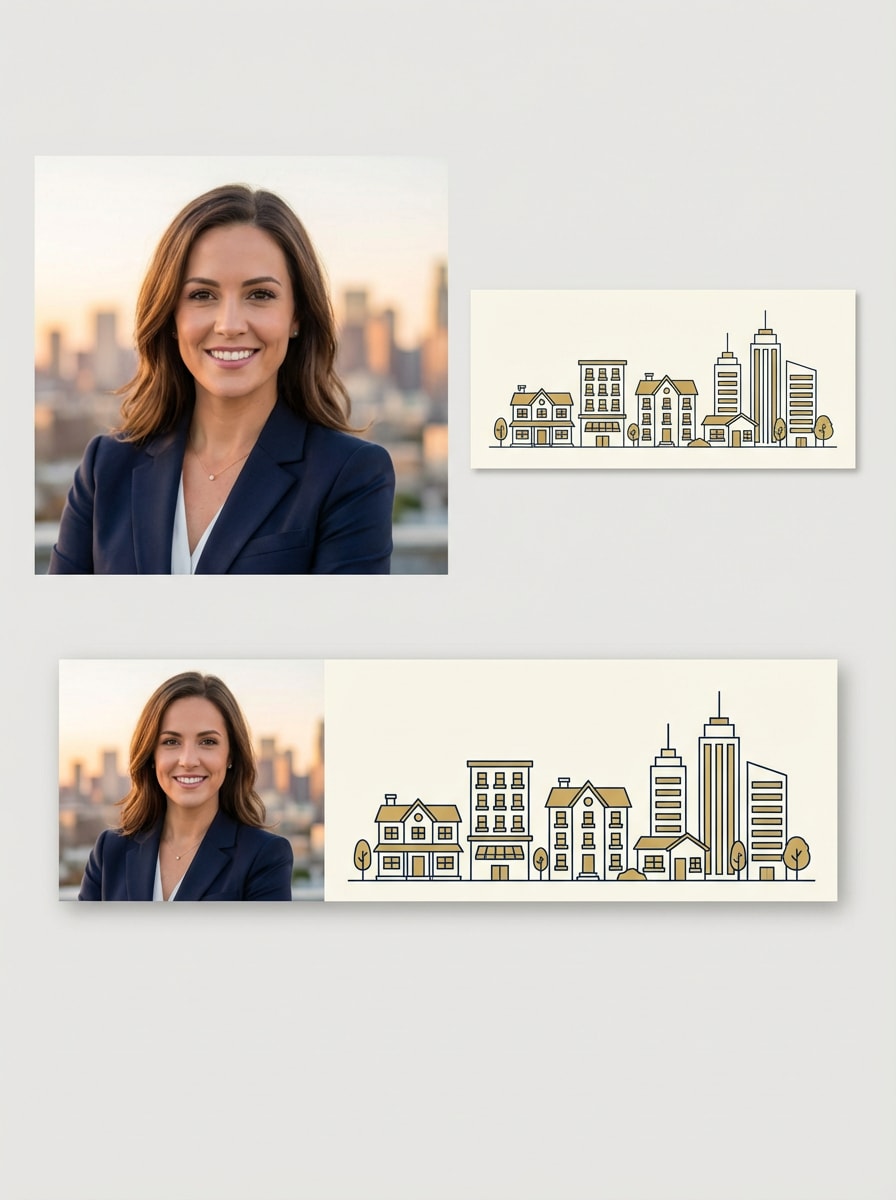
Pack de firma de agente inmobiliario
Conjunto de imágenes a juego para la firma de un agente inmobiliario: 1) retrato tipo headshot de un agente con blazer azul marino, fondo de skyline urbano desenfocado, luz dorada; 2) banner horizontal delgado con casas y edificios en azul y dorado, arte lineal limpio, sin texto, alta resolución.
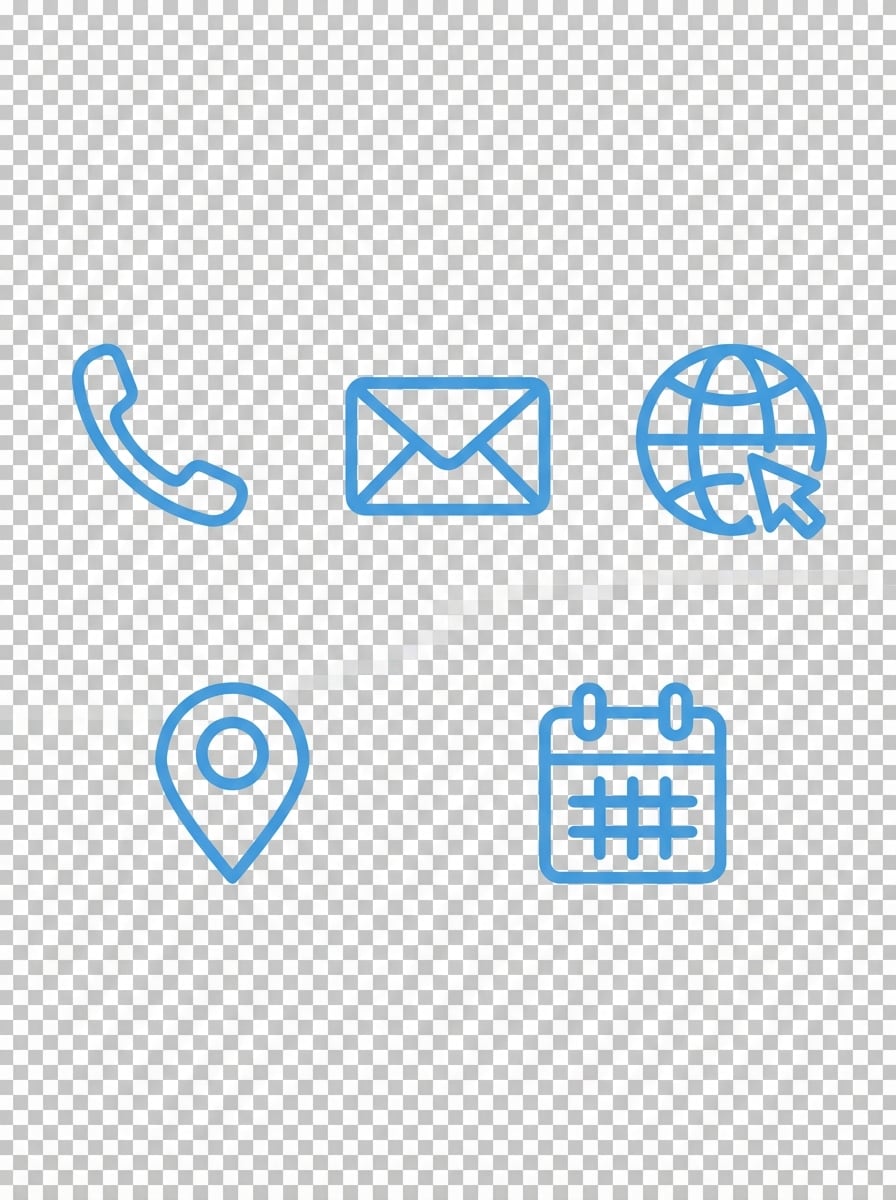
Iconos de firma TI / Startup SaaS
Set de iconos minimalistas planos para teléfono, correo, web, ubicación y calendario, trazos redondeados de 2px consistentes, color azul frío sobre fondo transparente, formas geométricas simples, sin relleno, optimizados para tamaños pequeños, bordes nítidos, creados como iconos PNG que lucen bien en firmas HTML profesionales.
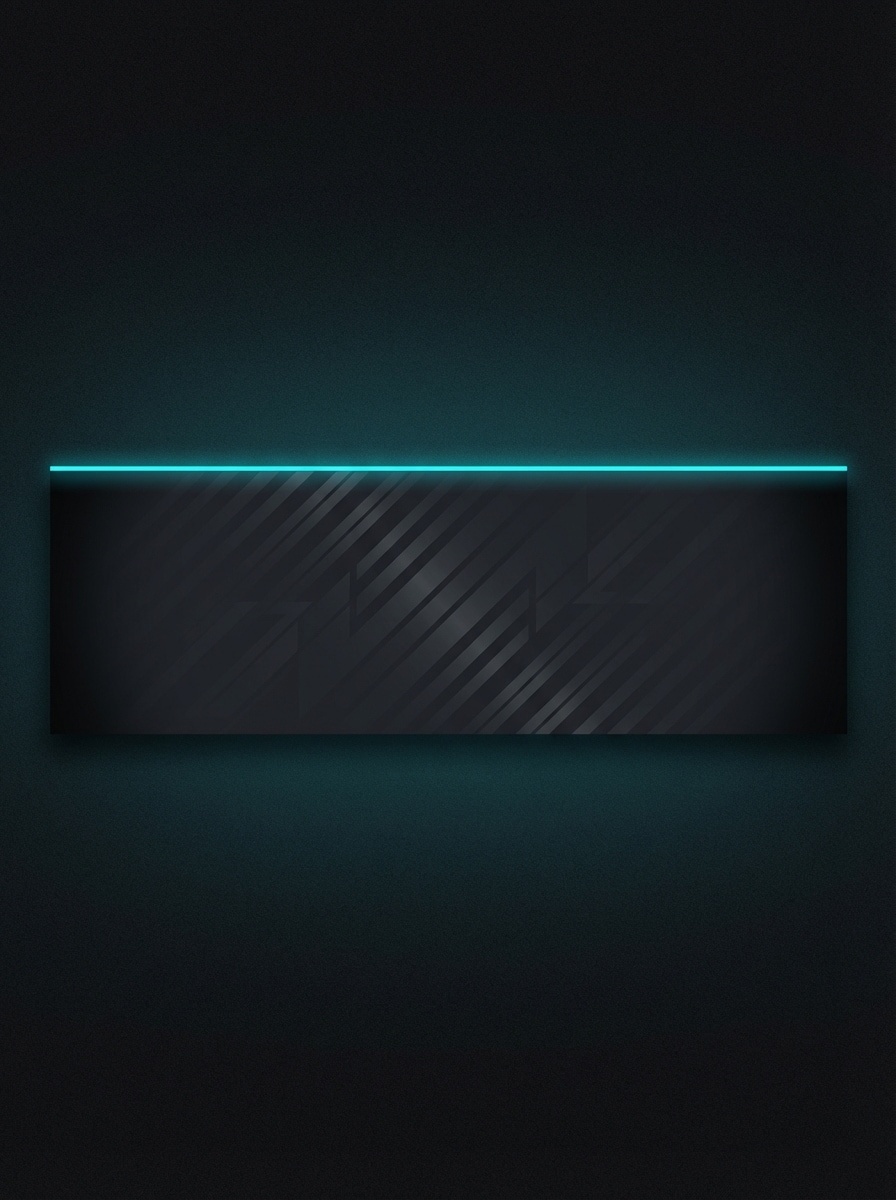
Franja de firma para modo oscuro
Franja horizontal gris oscuro para firma, patrón geométrico diagonal sutil de bajo contraste, viñeta suave en los bordes, línea fina de acento cian neón arriba, sin texto, 600x180px, diseñada para tipografía blanca o gris claro, perfecta para pies de correo en modo oscuro.
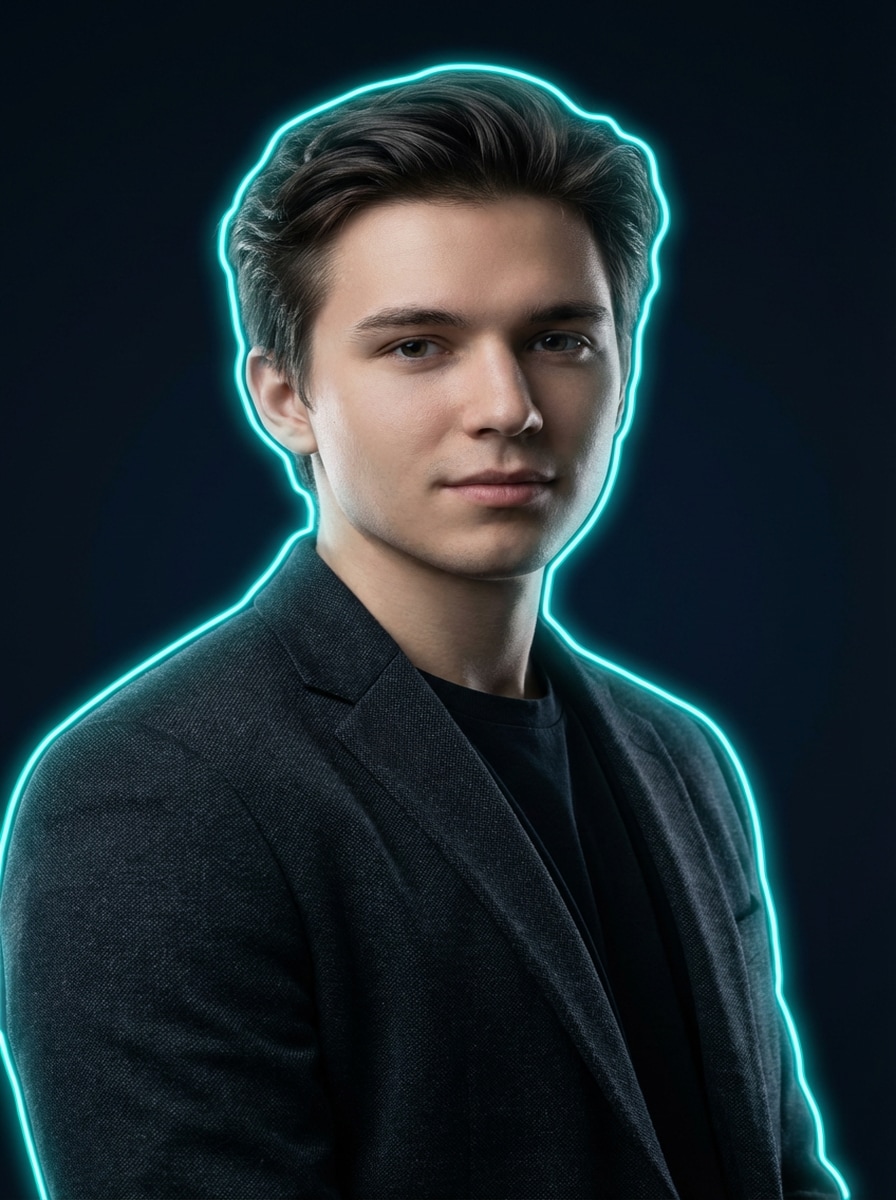
Retrato con contorno neón
Retrato realista de un diseñador joven profesional, fondo azul marino oscuro, luz de estudio suave y direccional, luz de contorno sutil en cabello y hombros, rostro limpio, contorno de neón turquesa en silueta, toque cyberpunk pero adecuado para negocios, 1:1, ideal como avatar llamativo para firma de correo.
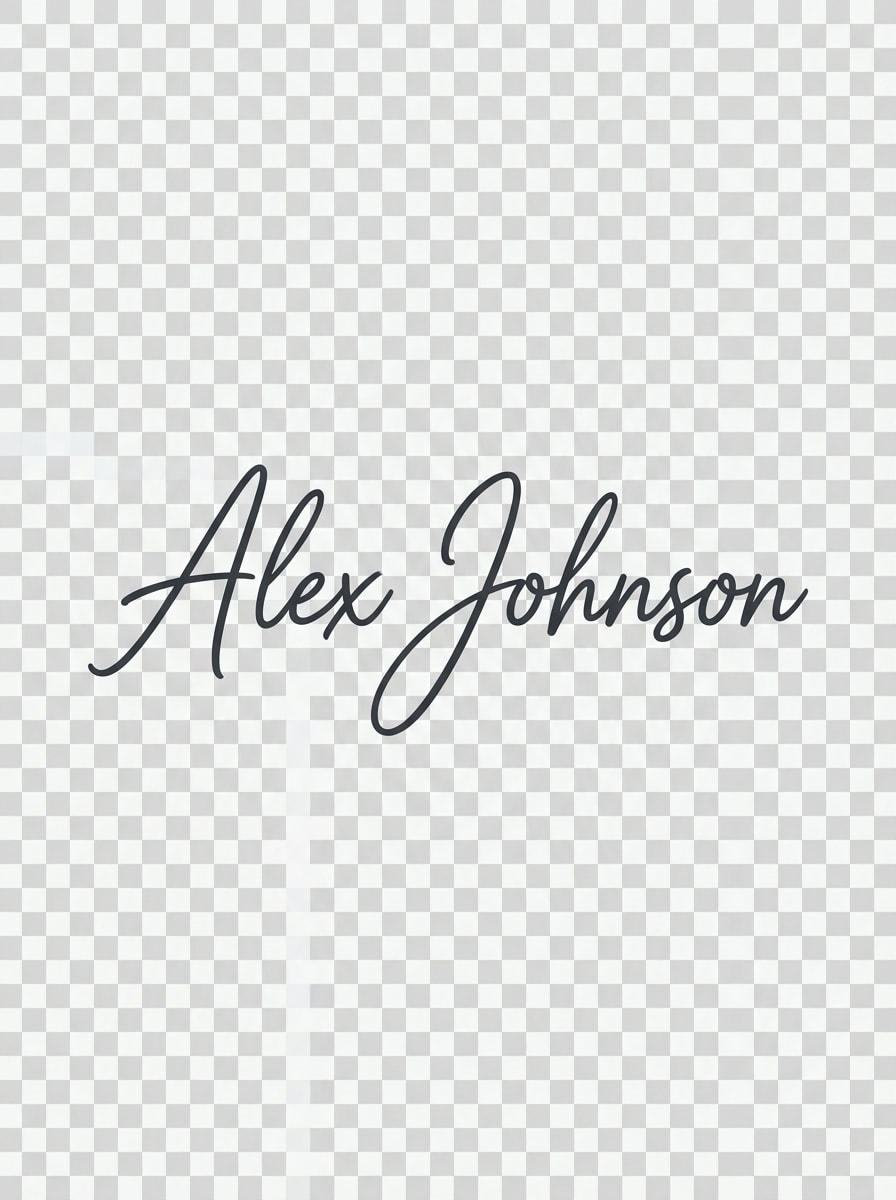
Marca de nombre manuscrita
Logotipo manuscrito elegante del nombre “Alex Johnson” en caligrafía fluida, trazo continuo y curvo, base ligeramente inclinada, curvas suaves tipo vectorial, tinta gris carbón oscuro sobre fondo transparente, variación de presión sutil, diseñado como pequeña imagen de cierre en el pie del correo.
Ilustración de avatar para firma
Ilustración de avatar estilo vector plano de un ingeniero de software masculino, formas geométricas simples, líneas limpias, tono de piel cálido, fondo pastel sólido, sin sombras duras, relación 1:1, expresión amigable, detalles mínimos para que sea legible en tamaños pequeños, perfecta como foto de perfil ilustrada en firmas modernas.
¿Por qué usar Media.io para imágenes de firma de correo?
Modelos IA afinados para branding visual
Genera retratos, banners, iconos y cierres usando modelos avanzados como Nano Banana Pro, Nano Banana 2, Seedream y Soul Character. Cambia estilos para crear desde retratos hiperrealistas hasta gráficos vectoriales para tu firma HTML, tanto si buscas un generador de firma gratuito como flujos avanzados.
Recursos nítidos para cualquier cliente de correo
Crea imágenes en resolución 1K, 2K o 4K y elige relaciones como 1:1 para avatares o 3:1 para banners. Tus recursos visuales de firma quedan nítidos en Gmail, Outlook, Apple Mail y apps móviles sin perder calidad, haciendo que Media.io sea práctico como generador de firma visual para Gmail.
Cualquier estilo de firma en pocos clics
De gradientes minimalistas a retratos cyberpunk, Media.io ofrece estilos Anime, Realista, Render 3D, Pintura al óleo, Cyberpunk y más. Crea una imagen personal única o combina el estilo corporativo de toda la empresa rápidamente, incluso si comparas con herramientas como wisestamp signature generator.
Flujo seguro, desde el navegador
Trabaja directamente en tu navegador en Windows, Mac, iOS o Android. Las imágenes subidas se eliminan automáticamente tras 7 días, asegurando que tus fotos y recursos de marca estén privados mientras generas tu sistema profesional de firma HTML, o experimentas con visuales temáticos como un fondo estilo skybox generator.
Cómo usar Media.io como generador de imágenes para firma de correo
1
2
3
1
Paso 1: Abre el generador de imágenes IA de Media.io
Abre el generador de imágenes IA de Media.io. Ve a media.io/ai y accede al generador bajo IA -> Imagen. Esta herramienta online funciona en tu navegador en escritorio o móvil, así que puedes diseñar visuales de firma en cualquier lugar sin instalar programas.
2
Paso 2: Escribe un prompt o sube una imagen
Escribe un prompt detallado como “banner de firma blanco limpio con franja azul a la derecha para texto, 600x200px” o sube una foto de referencia. Ajusta el estilo, relación y resolución según tu marca y necesidades de cliente de correo.
3
Paso 3: Genera, refina y descarga
Haz clic en Generar para crear tus imágenes. Ajusta el prompt o estilo para variaciones, luego descarga PNG o JPG en alta resolución. Añádelos al editor de firma de tu correo para un pie profesional y de marca en minutos.
Qué opinan los usuarios de Media.io para firmas de correo
Laura Chen
Directora de marketing, SaaS B2B
"Firmas consistentes para todo el equipo" Usamos Media.io para crear retratos y banners IA combinados para más de 40 miembros. Las imágenes son nítidas, ligeras y se ven genial en Gmail y Outlook. Es mucho más rápido que programar sesiones de fotos o contratar un diseñador para cada cambio.
David Morales
Diseñador de marca freelance
"Visuales modernos más allá de los generadores básicos" Los generadores de firmas clásicos solo hacen el diseño. Con Media.io genero gradientes, iconos o retratos que se adaptan al estilo del cliente, y después los coloco en cualquier plantilla de firma HTML. Ya es un básico en mi flujo creativo.
Sarah Thompson
Agente inmobiliaria
"Imagen profesional sin sesión de fotos" No tenía tiempo para nuevas fotos, así que usé Media.io para crear mi retrato realista y un simple banner de inmobiliaria. Ahora mi firma luce profesional y consistente en móvil y escritorio, y los clientes lo notan.
Explora los efectos de video e imagen con IA más populares
Preguntas frecuentes sobre el generador de firmas de correo
1. ¿Cómo creo una firma profesional de correo?
Empieza por decidir qué destacar: nombre, cargo, empresa, teléfono, web y 2–4 enlaces clave a redes. Usa Media.io para crear buenos visuales (headshot IA, banner e iconos) en las proporciones correctas. Finalmente, agrega texto e imágenes al editor de firma de tu cliente de correo y prueba cómo luce en escritorio y móvil.
2. ¿Cuál es el mejor generador de firmas de correo gratuito?
La mayoría de los generadores clásicos solo trabajan con HTML. Media.io destaca por su enfoque visual: puedes crear las imágenes para tu firma con IA, estilos y resoluciones avanzados. Si buscas un generador de firma gratuito, ofrece 3 créditos diarios; para más volumen y descargas sin marca, puedes mejorar en https://www.media.io/es/pricing.html.
3. ¿Google tiene un generador de firmas para Gmail?
Gmail no tiene un generador de firmas dedicado. Solo ofrece un editor básico para texto, enlaces e imágenes. Usa Media.io para generar visuales alineados con tu marca, como un headshot IA o banner delgado, y súbelos en Configuración → Ver toda la configuración → General → Firma.
4. ¿Cómo añado una firma con imagen en Gmail?
Primero crea tus imágenes en Media.io: avatar, banner o iconos, eligiendo tamaños adecuados (por ejemplo, 1:1 para perfil, proporciones anchas para banners). En Gmail ve a Configuración → Ver toda la configuración → General → Firma, crea una nueva, usa el botón de imagen para subir tus archivos. Ajusta texto e imágenes, guarda y prueba enviando un correo a ti mismo.
5. ¿Cómo creo una firma manuscrita para mi correo?
Puedes simular una firma manuscrita generando una marca personal en caligrafía con Media.io. Describe el estilo: “firma elegante negra sobre fondo transparente”, descarga la imagen y colócala al final del bloque de firma. Así logras un toque personal sin escanear tu firma física.
6. ¿Qué debe incluir una firma profesional de correo?
Normalmente: nombre completo, cargo, empresa, web, teléfono principal y 1–3 enlaces clave (ej. LinkedIn). Visuales de Media.io—foto pequeña, logo o banner—ayudan a estructurar estos datos y hacer tu correo más recordado, manteniendo archivos livianos para todos los clientes.
Más allá del generador de firmas de correo online con IA