Imagen a Imagen
Nano Banana Pro
Subir imagen
0 / 9
Haz clic o arrastra para subir, o elige de Mi Historial
¿Sin ideas? Genera primero una imagen. >
Formatos de carga admitidos: jpg, png, jpeg.
sugerencia
0/2000
Relación de aspecto
Auto
9:16
16:9
1:1
4:3
3:4
3:2
2:3
21:9
Resolución
1K
2K
4K
Modo Ilimitado Banana Pro
Número de imágenes
1
2
3
4
Visibilidad pública
Todo
Imagen
Video
Audio
Lista de generación
Los resultados generados se mantendrán durante 7 días. Por favor, guárdalos a tiempo.
ai_video_generator¡Desbloquea tu potencial creativo y experimenta la magia de Media AI ahora mismo!

AI Watercolor Generator for Fast, High-Quality Photo Transformations

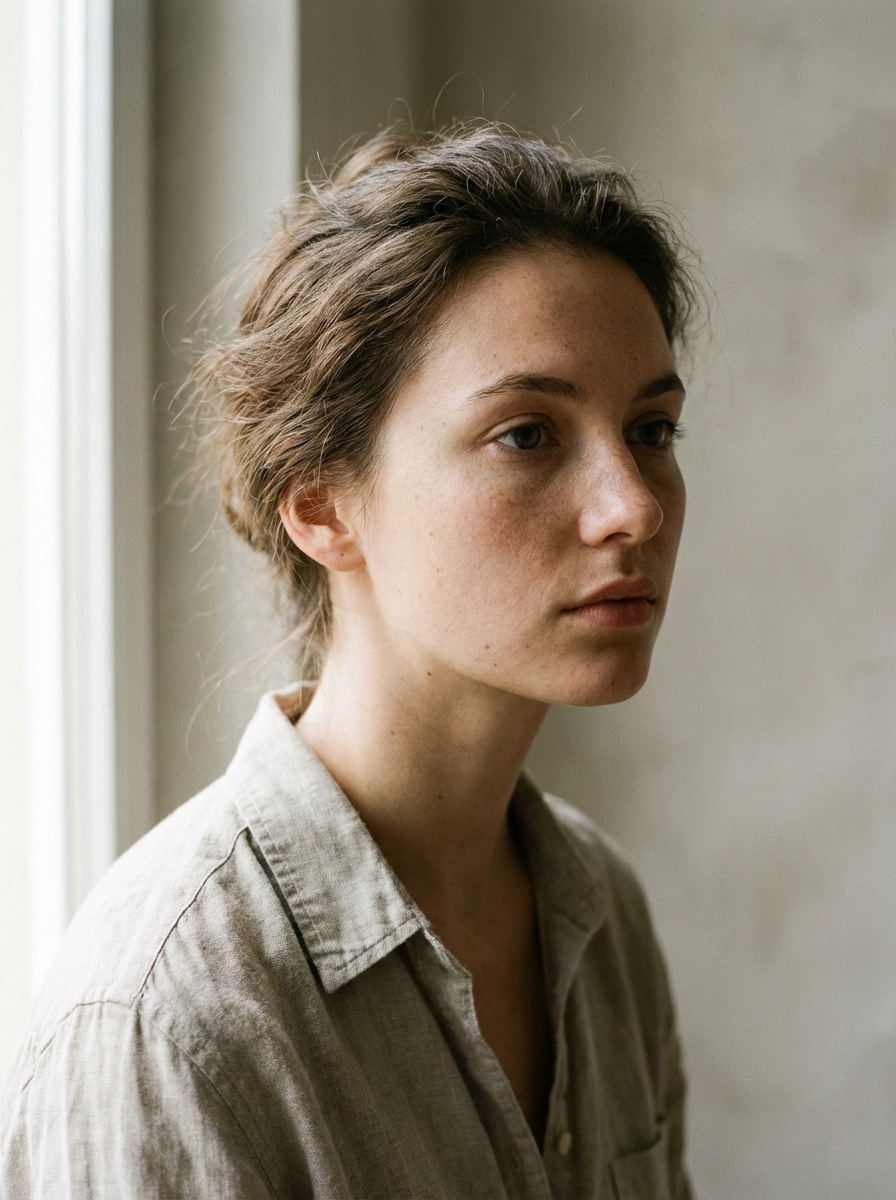
AI Watercolor Generator Before
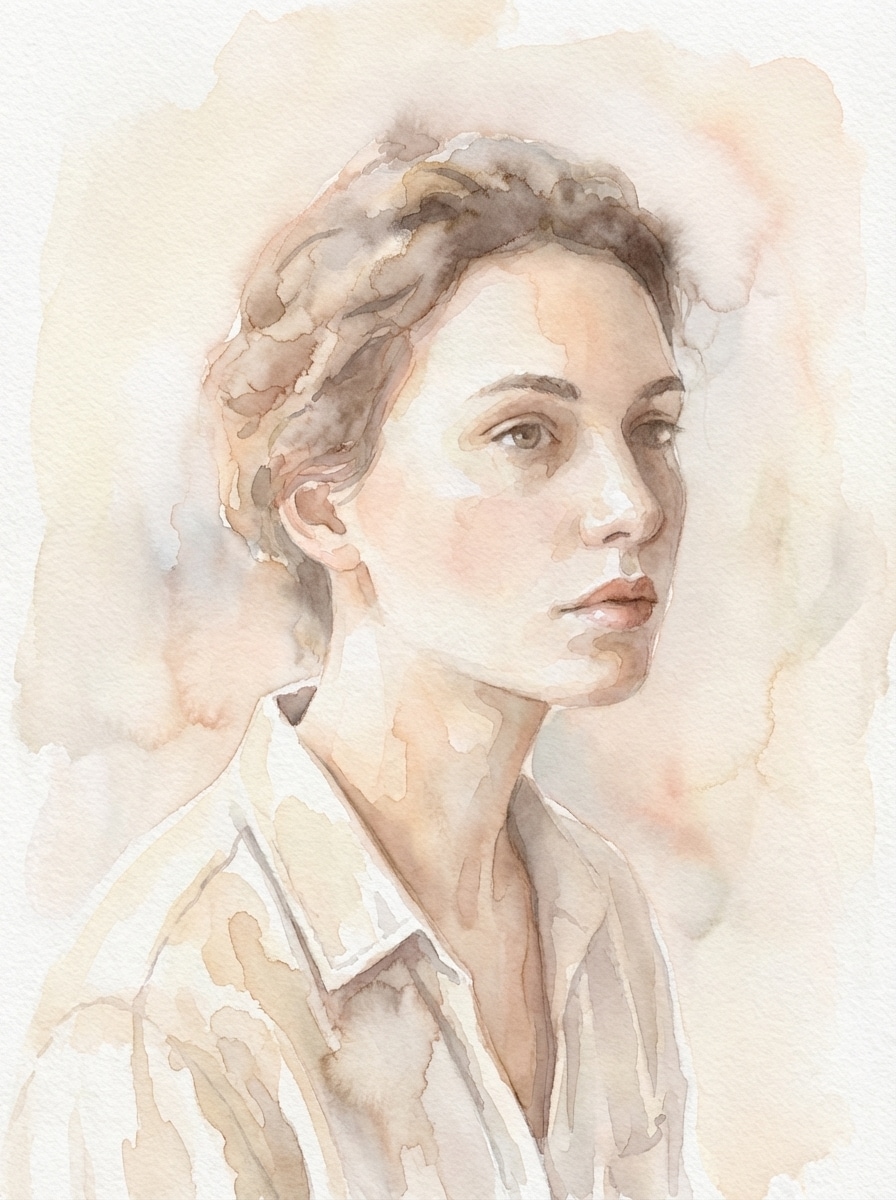
AI Watercolor Generator After

Turn any uploaded photo into elegant watercolor art in seconds. Media.io makes photo to watercolor conversion simple with painterly presets, HD export options, and an easy browser-based workflow for portraits, pets, landscapes, and more.

Turn Photo into Watercolor

Type your idea -> AI designs it. Free to try.

Explore our curated collection of ai watercolor generator styles.

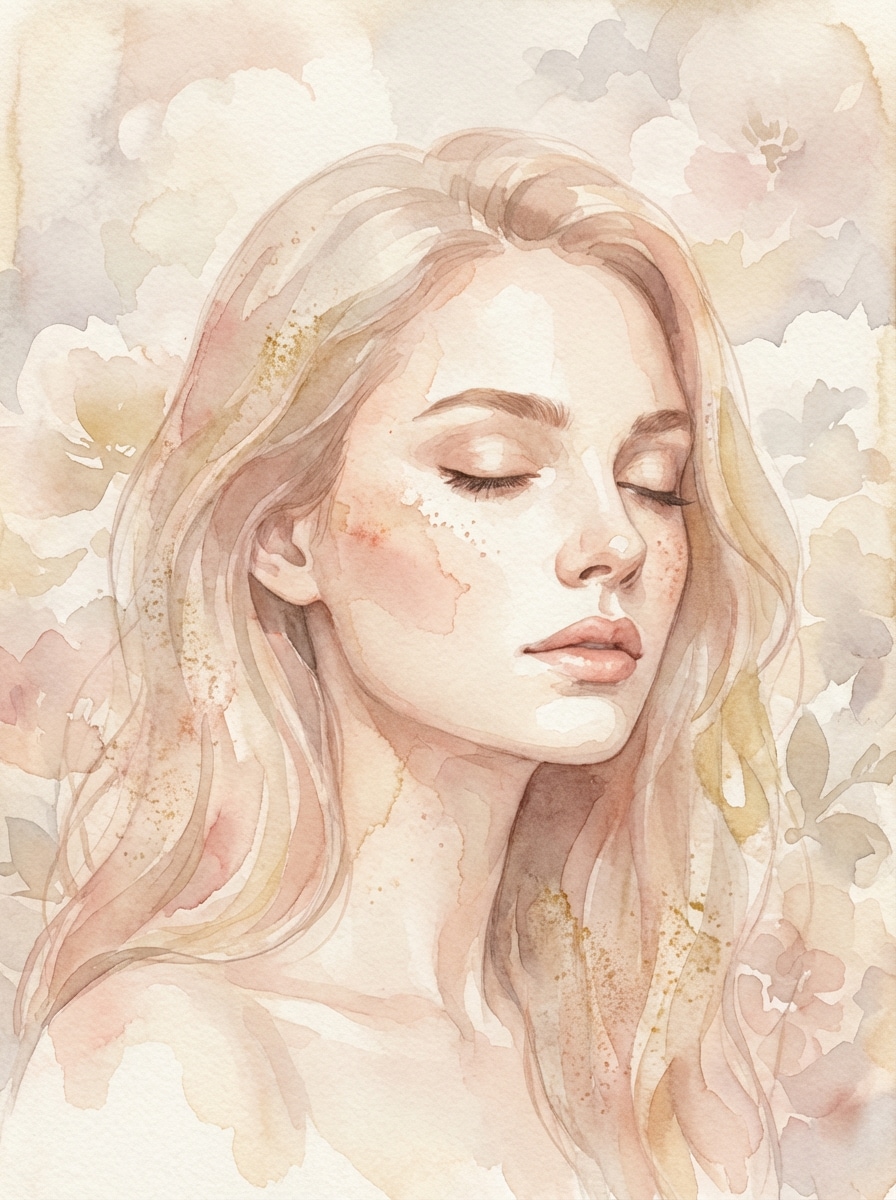
Soft Pastel Portrait Watercolor

Soft Pastel Portrait Watercolor

Use the uploaded image as the subject and transform it into a soft pastel watercolor portrait with delicate brush washes, subtle paint bleed, textured cotton paper, warm blush, peach, and cream tones, gentle natural lighting, refined facial detail, airy mood, and a handcrafted fine-art finish.
Cute Pet Watercolor Portrait

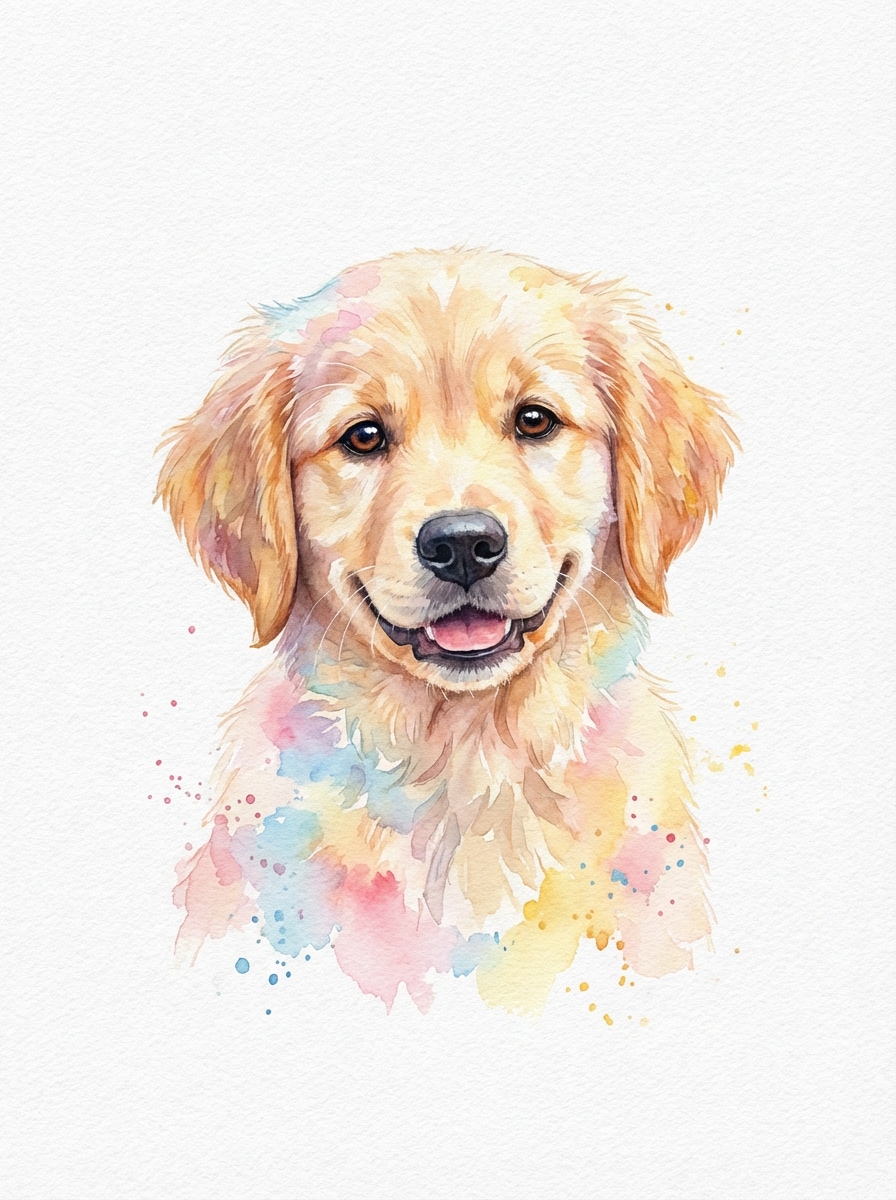
Cute Pet Watercolor Portrait

Use the uploaded pet photo as the subject and convert it into a charming watercolor portrait with soft fur detail, expressive eyes, pastel color splashes, clean negative space, textured watercolor paper, balanced composition, gentle lighting, warm playful mood, and a giftable handcrafted painting look.

Landscape Watercolor Painting

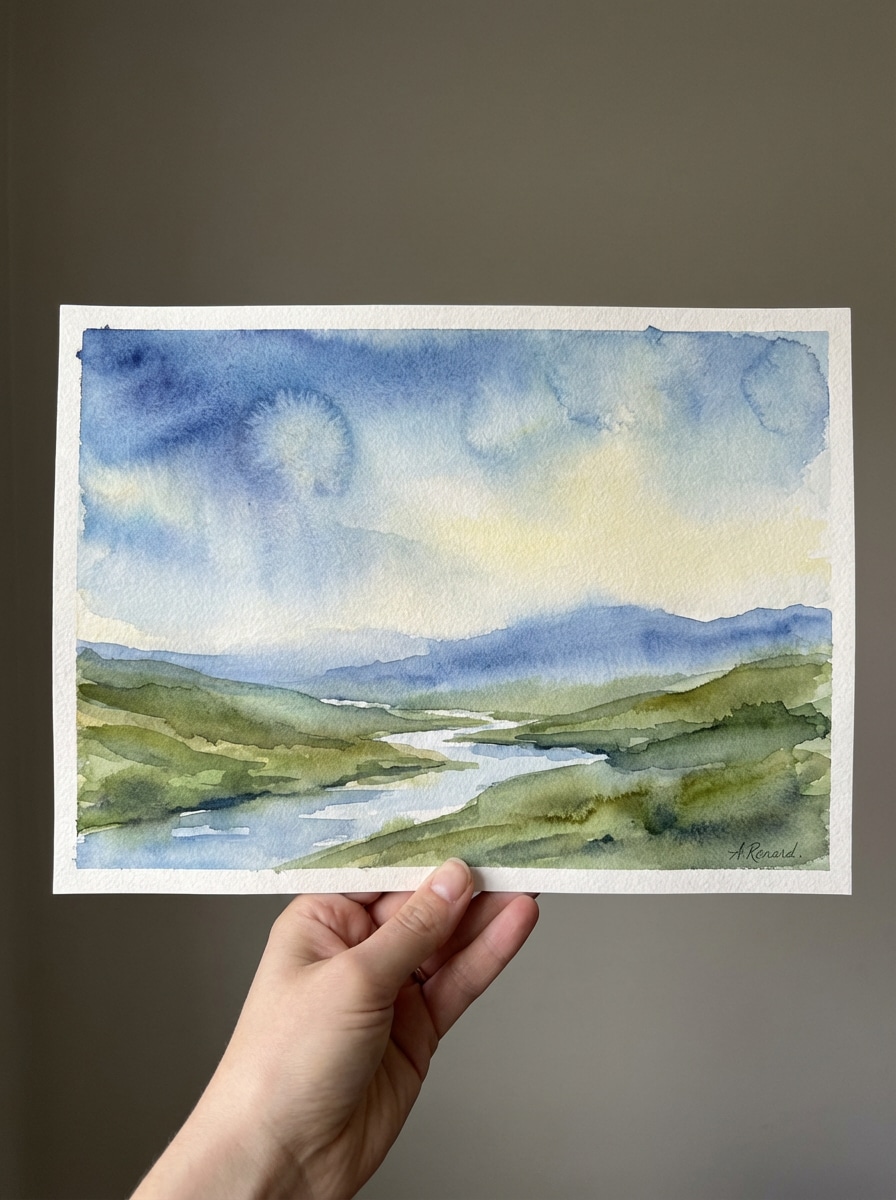
Landscape Watercolor Painting

Use the uploaded landscape photo as the scene and transform it into a scenic watercolor painting with layered sky washes, atmospheric depth, natural green and blue tones, subtle pigment bloom, textured paper grain, soft sunlight, tranquil mood, and wall-art-ready composition with painterly detail.

Ink and Wash Watercolor

Ink and Wash Watercolor

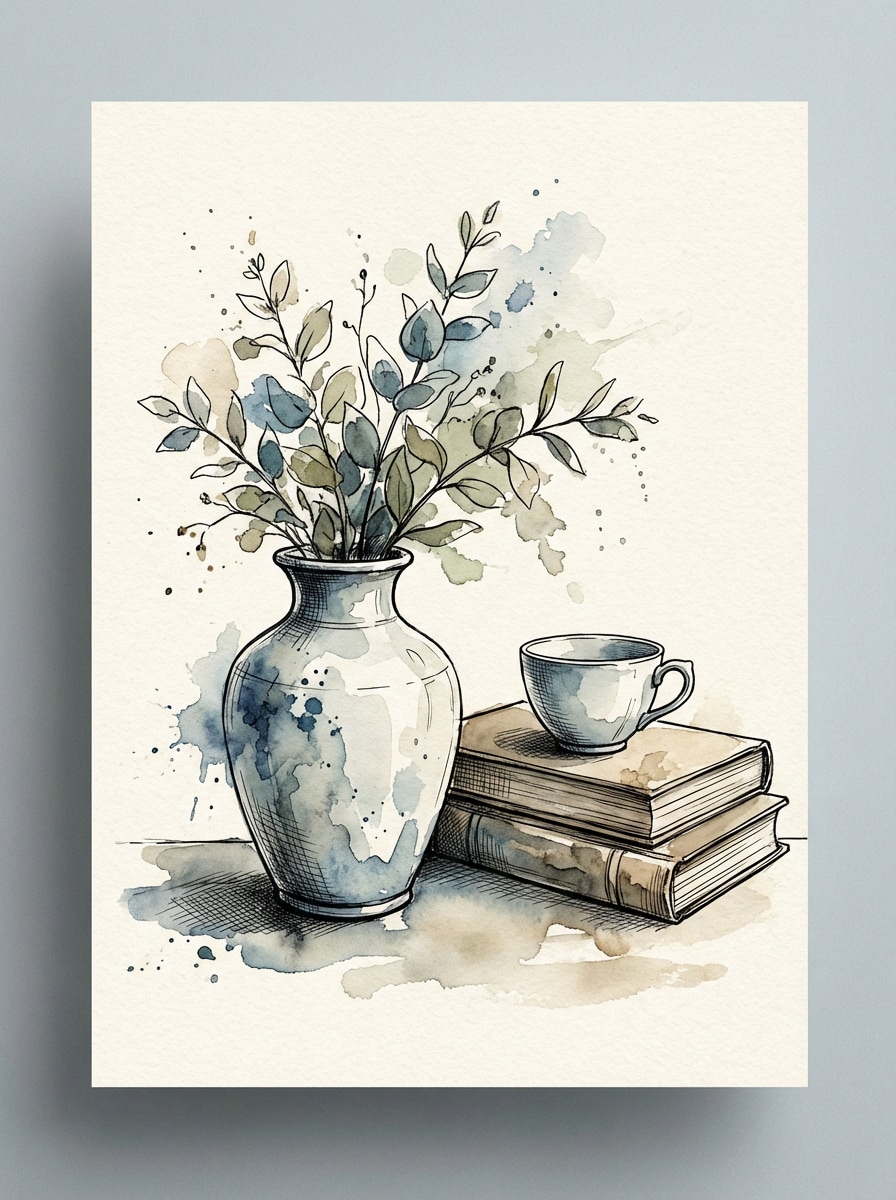
Use the uploaded image as the base and restyle it into an ink-and-wash watercolor illustration with fine black linework, expressive watercolor fills, controlled splashes, textured paper background, balanced contrast, artistic composition, subtle sketch detail, and a handcrafted editorial art mood.

Botanical Watercolor

Botanical Watercolor

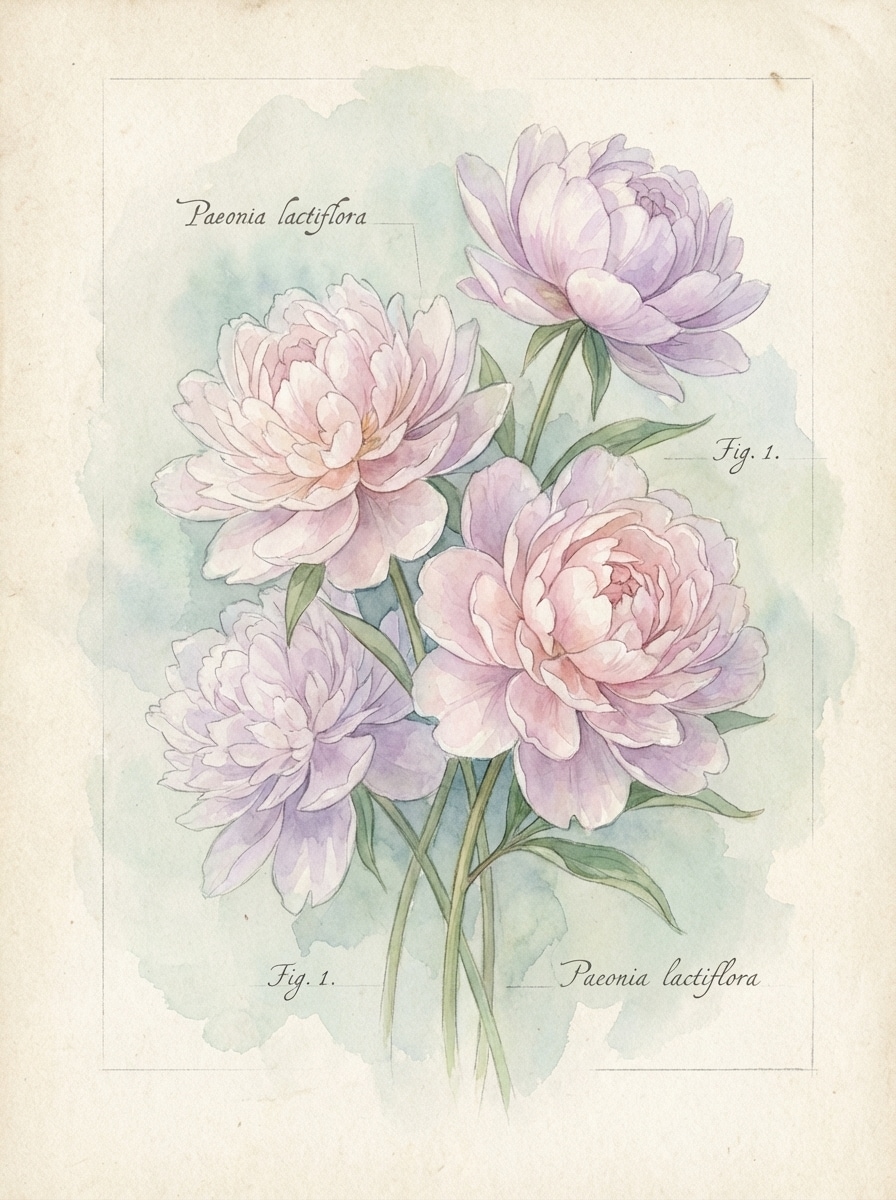
Use the uploaded flower image as the reference and turn it into a botanical watercolor painting with delicate petal detail, translucent layered pigments, soft background fade, natural composition, scientific illustration elegance, fine paper grain, fresh pastel palette, and clean handcrafted realism.

Why Use Media.io for AI Watercolor Effects

Upload Photos and Convert Them Fast

Turn a portrait, pet picture, travel shot, or floral image into watercolor art from an uploaded photo in a quick browser-based workflow with no design experience required.

Fine-Tune Style with Advanced Models

Powered by Nano Banana Pro, Nano Banana 2, and other supported models, Media.io helps you create more polished watercolor transformations while keeping better control over style direction.

Export HD and Printable Results

Choose 1K, 2K, or 4K output for watercolor images that look sharp on social media, digital portfolios, greeting cards, or printable wall art.

Works Across Desktop and Mobile

Media.io runs on any device with a browser, so you can upload, stylize, and download your watercolor AI image on Windows, Mac, iPhone, iPad, or Android.

How to Use the AI Watercolor Generator

1
2
3
1
Open Media.io AI Watercolor Generator

Go to AI Image to Image Generator and open the AI Watercolor Generator under AI -> Image Generator. This online tool runs in your browser, so you can create watercolor-style artwork without installing software.

2
Upload Your Photo and Set the Style

Upload a JPG, PNG, or JPEG image, then add a detailed prompt such as "Use the uploaded portrait as the subject and turn it into a soft pastel watercolor painting with delicate washes, paper texture, and warm blush tones." Adjust aspect ratio, resolution, and image count if needed.

3
Generate, Refine & Download

Click Generate to turn your picture to watercolor art. Tweak the prompt or settings if you want a softer wash, bolder pigment, or cleaner detail, then download the final high-resolution result.

Step 1
Step 2
Step 3

Unlock the Potential of AI Watercolor Generator

Discover how creators and professionals are using our AI-powered Watercolor Generator to transform their creative workflows and bring unique ideas to life.

Create Gift-Worthy Portrait Art

Turn family photos, couple shots, and pet pictures into watercolor-style keepsakes that feel personal and printable. It’s a simple way to make custom wall art, greeting cards, or social posts with a soft handcrafted look.

Restyle Travel and Nature Photos

Convert scenic images into painterly watercolor artwork for journals, prints, mood boards, or decor mockups. A landscape photo to watercolor effect can make everyday snapshots feel more artistic and memorable.

Design Aesthetic Content for Social Media

Use the AI watercolor generator to create scroll-stopping before-and-after edits, dreamy profile images, and polished visual assets for Instagram, Pinterest, or brand storytelling without learning complex editing tools.

What Users Say About Media.io

user
Emily Carter

Lifestyle Creator

star star star star star

"Beautiful watercolor portraits fast" I uploaded a simple portrait and got a soft watercolor version that looked far more artistic than a basic filter. The paper texture and gentle paint bleed made it feel printable and polished.

user
Marcus Lee

E-commerce Seller

star star star star star

"Great for pet gift mockups" I use it to turn customer pet photos into watercolor-style art previews. The workflow is easy, and the results keep enough detail from the original image to feel personal.

user
Sofia Ramirez

Travel Blogger

star star star star star

"Nice for scenic photo restyling" I wanted my landscape shots to look more like art prints, and this tool helped. The HD export options are useful, and I like that I can do everything directly in the browser.

user
Daniel Brooks

Freelance Designer

star star star star star

"Useful watercolor AI workflow" For quick concept visuals, Media.io is efficient. I can upload a reference, test different watercolor directions, and download a clean result without opening heavier design software.

AI Watercolor Generator FAQs

1. How does an AI watercolor generator turn a photo into a painting?

Media.io uses image-to-image AI models to analyze your uploaded photo and restyle it with watercolor-like brushwork, pigment blending, paper texture, and painterly color transitions. You can guide the result with your prompt, then refine resolution, aspect ratio, and other settings for the look you want.

Yes. Free users can try the AI watercolor generator with available free credits. If you need more generations, higher-volume use, or watermark-free downloads, you can check Media.io's pricing page. Free users can use free credits. For more usage, users can subscribe to a plan on the pricing page.

Media.io supports JPG, PNG, and JPEG uploads for photo to watercolor conversion. Upload a clear source image, then use the prompt to describe the watercolor style you want, such as portrait watercolor, botanical watercolor, or ink-and-wash. This helps you create ai watercolor generator results more consistently.

It can preserve important subject details from the original image, especially when you upload a clear reference photo and use a precise prompt. Results may become more painterly depending on the style, but Media.io is designed to use the uploaded image as guidance during the transformation. This helps you create ai watercolor generator results more consistently.

Yes. Media.io offers 1K, 2K, and 4K resolution options, which are useful for HD sharing and many printable watercolor image needs. Free users may have watermarks. This helps you create ai watercolor generator results more consistently.

Yes. Media.io is web-based and works on devices with a browser, including Windows, Mac, iOS, and Android. That means you can turn an image into watercolor art from your phone, tablet, or desktop without installing extra software. Media.io is a web-based tool that works on any device with a browser (Windows, Mac, iOS, Android).

Media.io Online AI Tools Quality Rating:
vote 4.7 (162,357 Votes)