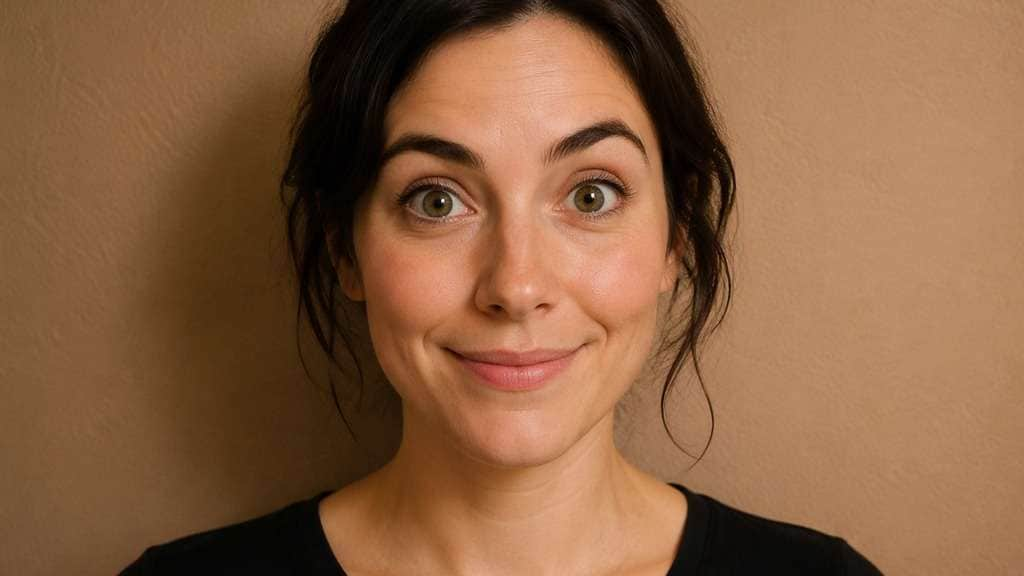
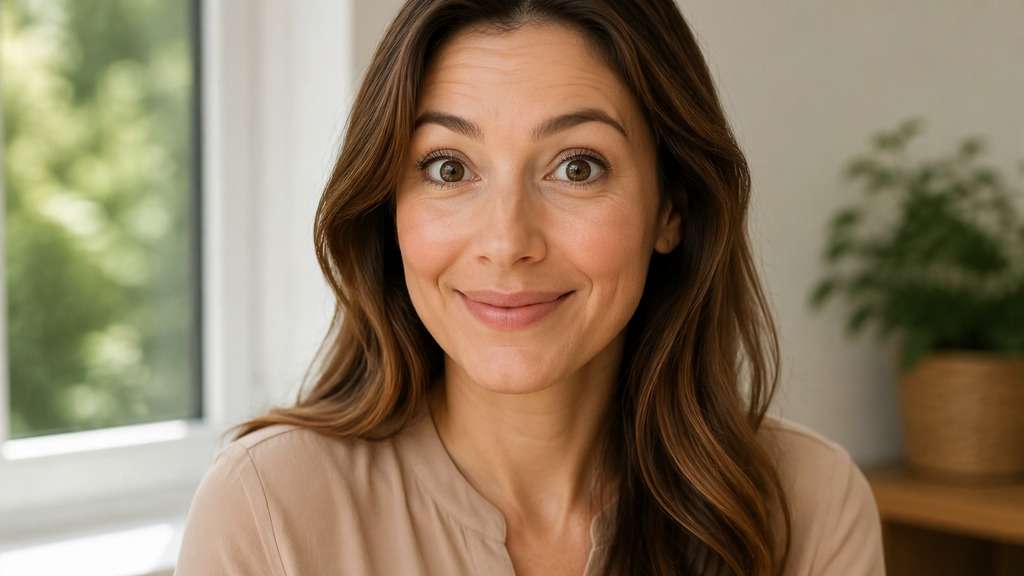
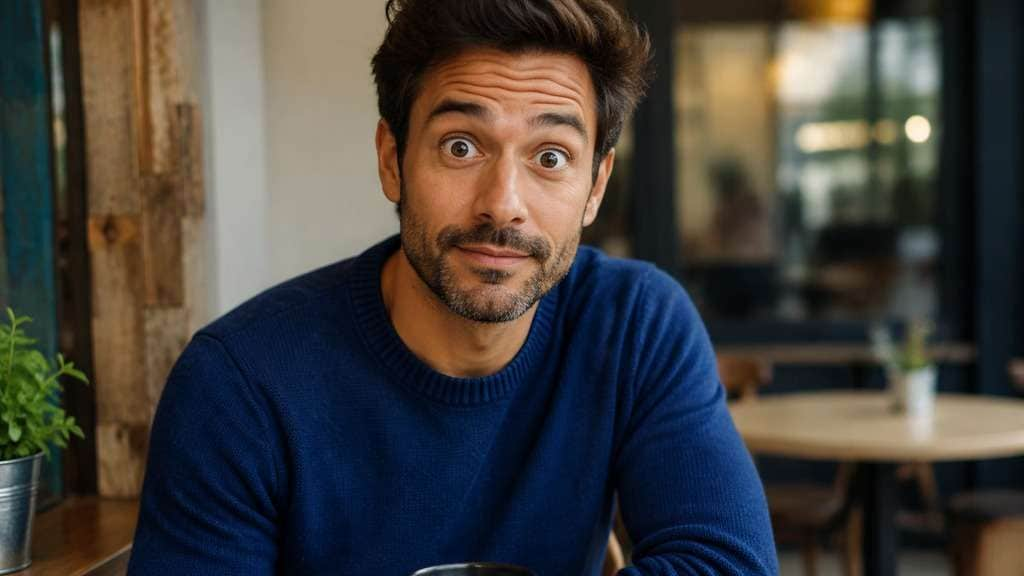
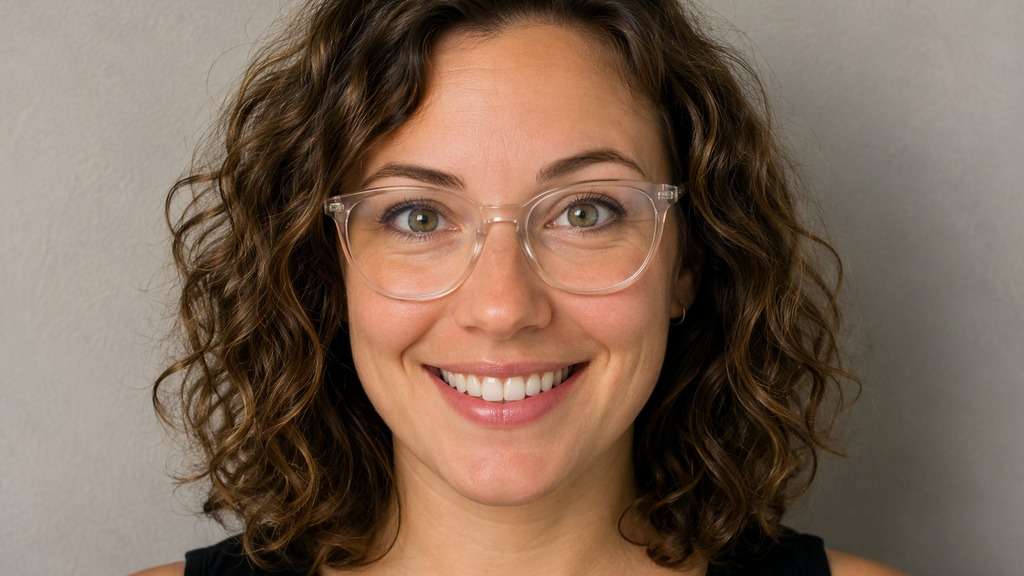
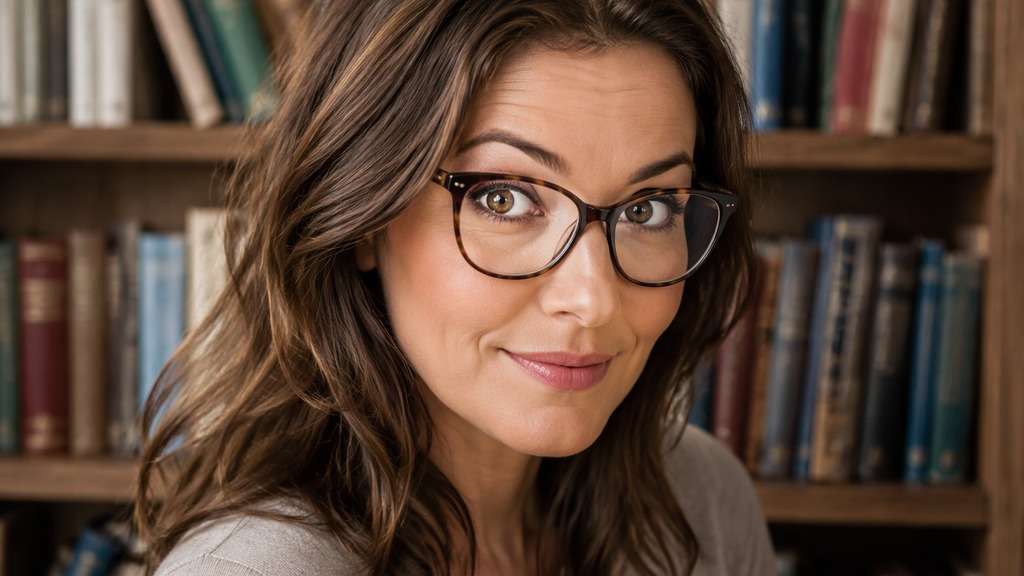
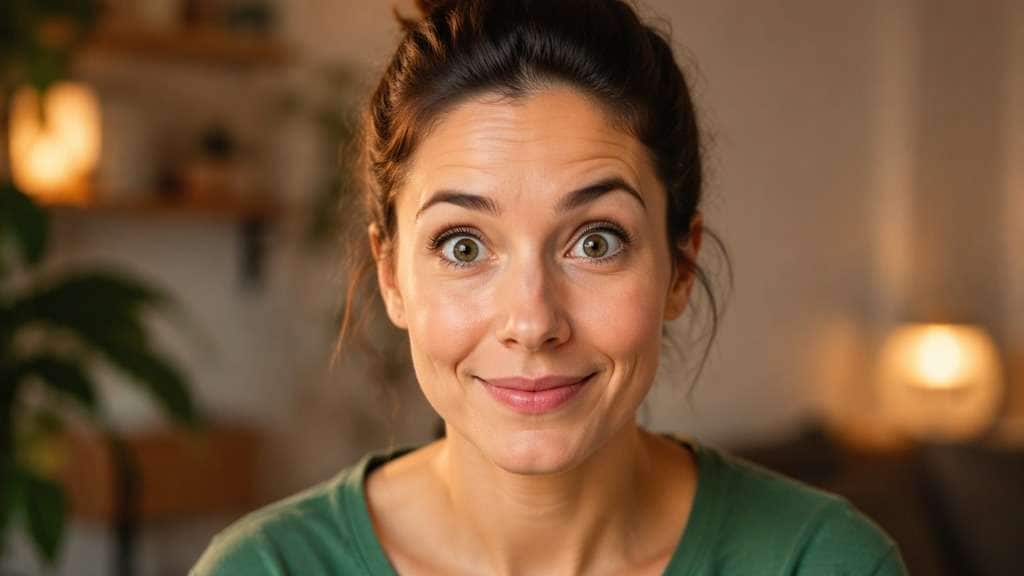
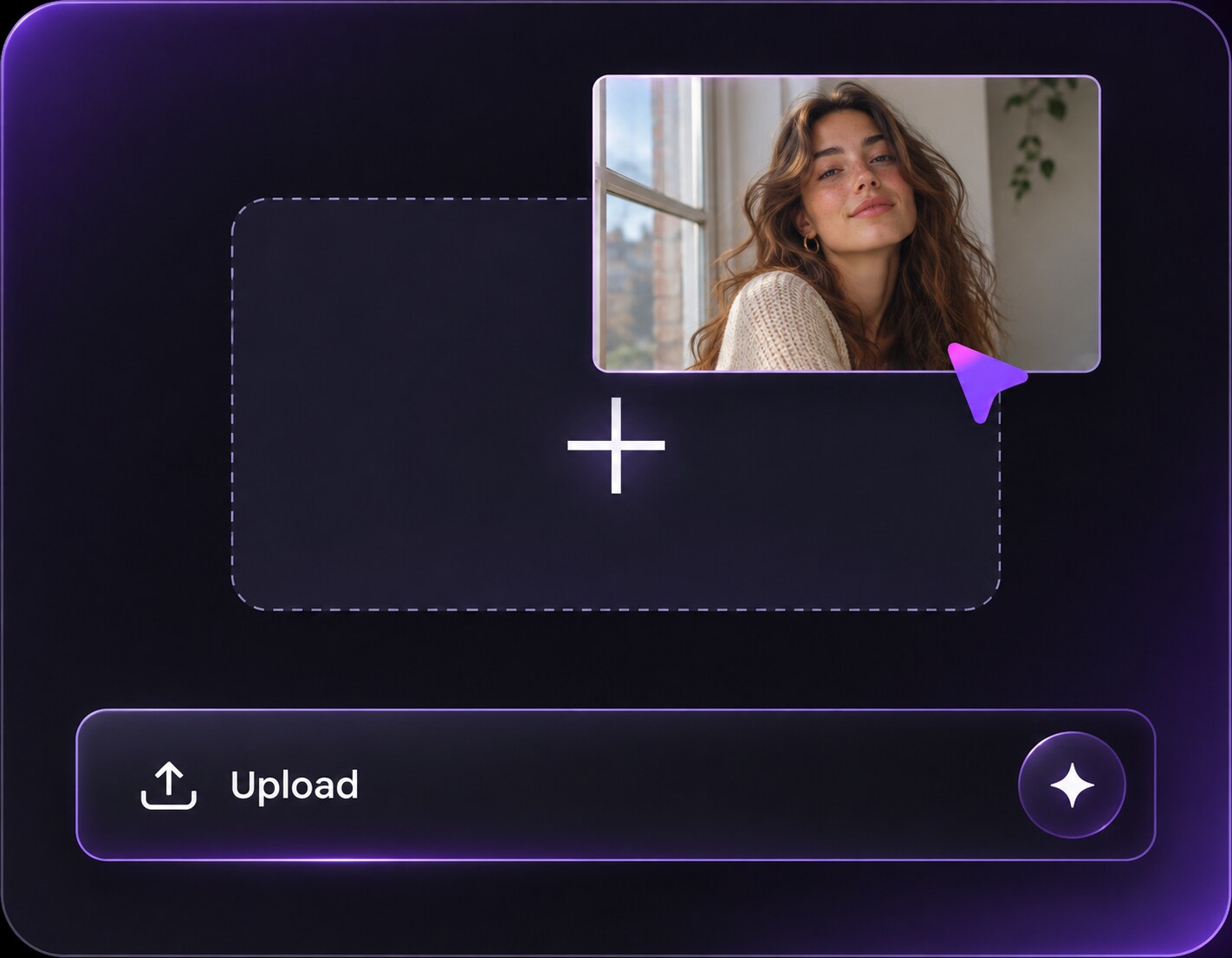
Haz clic o arrastra para subir, o elige de Mi HistorialHaga clic para cargarMi Historial
¿Sin ideas? Genera primero una imagen. >
Sube imágenes jpg, jpeg o png de hasta 50 MB, con un ancho/alto mínimo de 300 px.
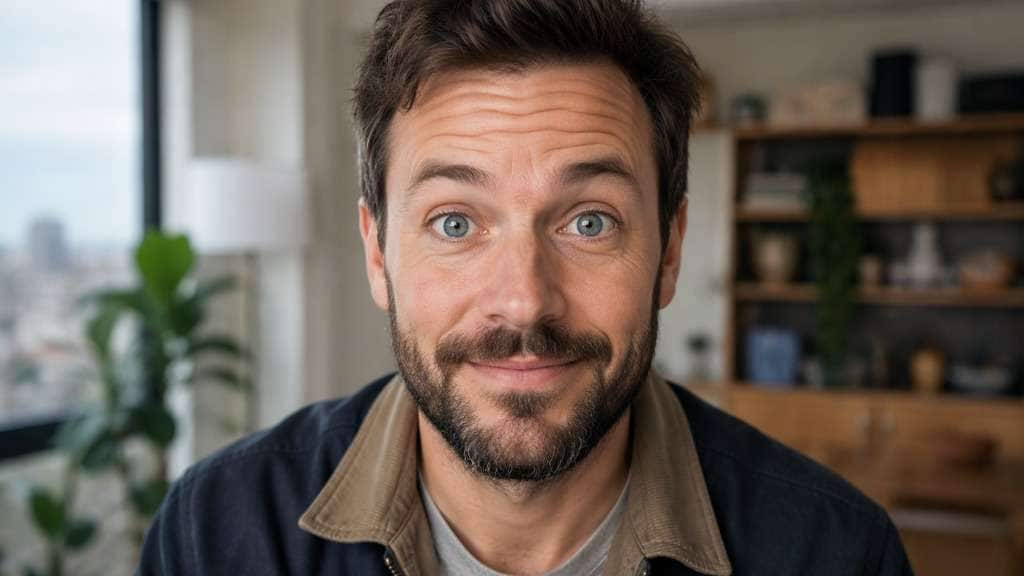
Try a Wide Eyes Filter for an Awake, Surprised Look
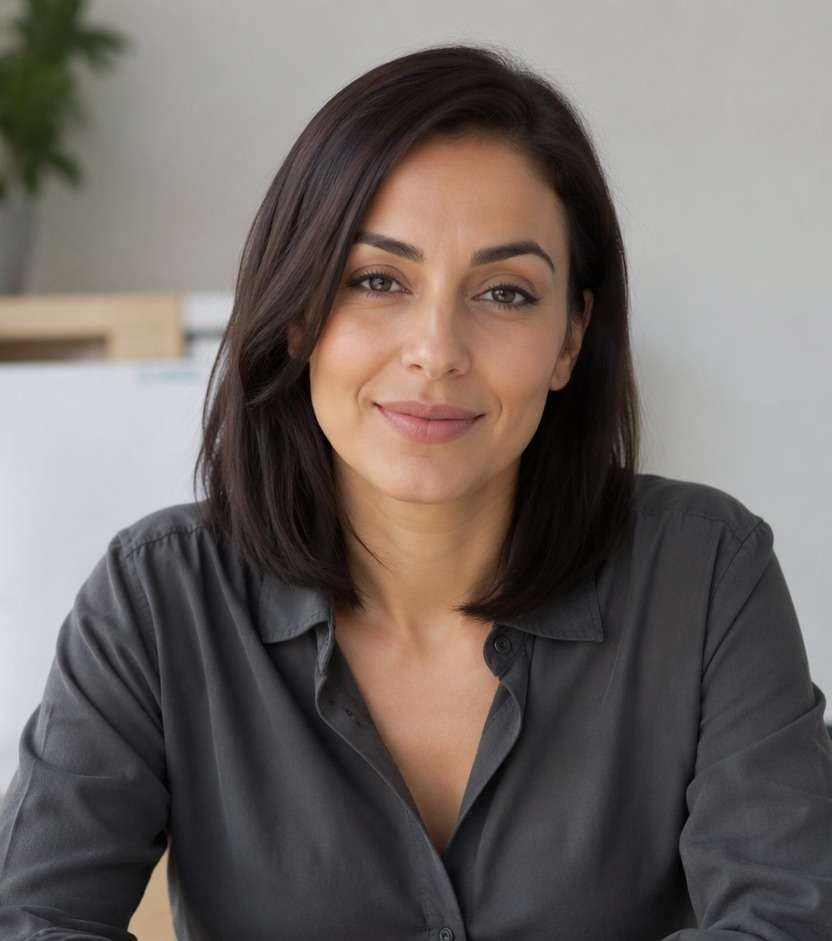
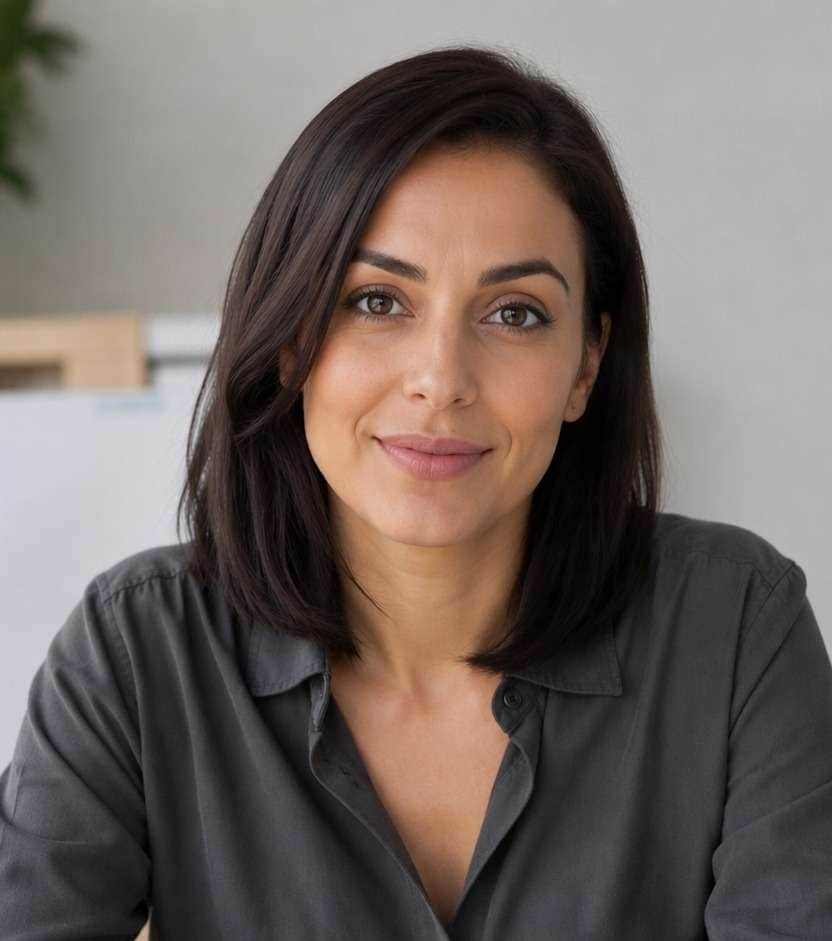
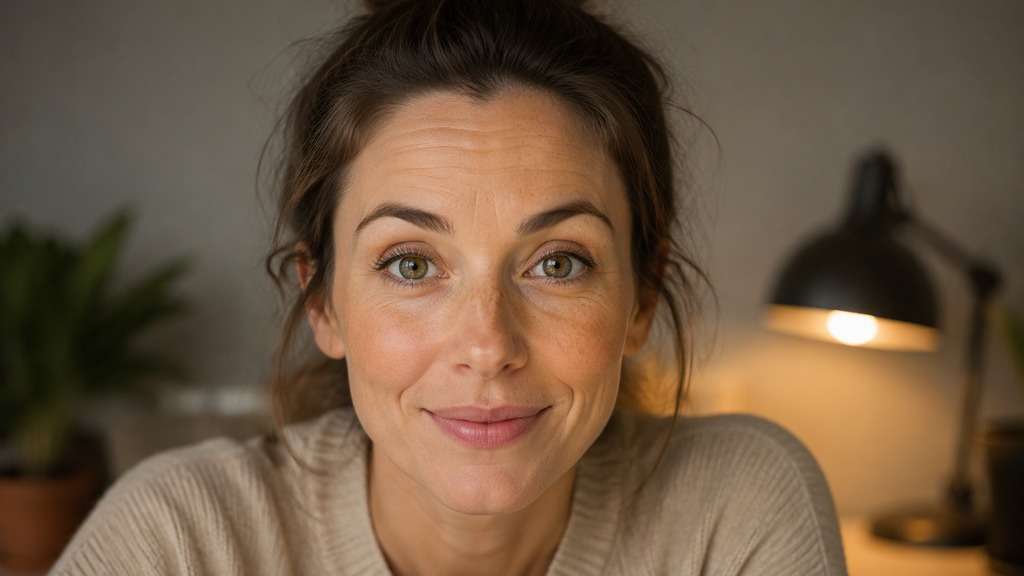
You caught the right moment, but one blink or heavy eyelids made the face look less awake than it felt. A wide eyes filter can help you explore a more open-eyed expression in the same portrait. Unlike a big-eye cartoon effect, this approach focuses on how far the eyelids open, where the person is looking and whether the brows still match the mood.
Request more visible iris through natural lid opening, not giant eyeballs; inspect gaze and catchlights.
Wide Eyes Filter Prompts for Alert and Surprised Expressions
Start with eyelid openness and gaze rather than eye size. These ideas span small expression corrections through deliberately surprised reaction faces.
Awake Morning Portrait
Edit my uploaded reference photo: Open both upper eyelids slightly in a tired-looking adult selfie, retaining original iris size, brow shape and natural under-eye texture. Work from my uploaded portrait and retain the original iris size, gaze, face outline, hairstyle and setting. Change only the described eyelid expression and review both pupils for alignment.
Near-Blink Correction
Edit my uploaded reference photo: Adjust an almost closed eyelid into a plausible open position, using the other visible eye as a guide and preserving original expression. Work from my uploaded portrait and retain the original iris size, gaze, face outline, hairstyle and setting. Change only the described eyelid expression and review both pupils for alignment.
Gentle Wide-Eyed Smile
Edit my uploaded reference photo: Make the expression look a little more attentive by lifting upper lids without rounding the entire eyeballs or changing smile lines. Work from my uploaded portrait and retain the original iris size, gaze, face outline, hairstyle and setting. Change only the described eyelid expression and review both pupils for alignment.
Surprised Reaction Photo
Edit my uploaded reference photo: Open both eyelids noticeably and raise brows a little for a comedic alert expression while preserving the mouth and camera angle. Work from my uploaded portrait and retain the original iris size, gaze, face outline, hairstyle and setting. Change only the described eyelid expression and review both pupils for alignment.
Glasses-Wearing Eye Openness
Edit my uploaded reference photo: Lift drooping lids inside clear eyeglass frames, leaving frame geometry and lens reflections unchanged. Work from my uploaded portrait and retain the original iris size, gaze, face outline, hairstyle and setting. Change only the described eyelid expression and review both pupils for alignment.
Three-Quarter Awake Look
Edit my uploaded reference photo: Open the nearer eyelid a little more while preserving normal perspective in a three-quarter portrait and matching the far eye. Work from my uploaded portrait and retain the original iris size, gaze, face outline, hairstyle and setting. Change only the described eyelid expression and review both pupils for alignment.
One Eye Slightly Closed
Edit my uploaded reference photo: Gently correct the left eye that appears sleepier than the right, keeping both irises aligned and not enlarging the eyes. Work from my uploaded portrait and retain the original iris size, gaze, face outline, hairstyle and setting. Change only the described eyelid expression and review both pupils for alignment.
Wide-Eyed Wonder
Edit my uploaded reference photo: Create an intentionally curious expression with slightly raised eyebrows and visible upper iris, without making the eyes huge. Work from my uploaded portrait and retain the original iris size, gaze, face outline, hairstyle and setting. Change only the described eyelid expression and review both pupils for alignment.
Event Photo Blink Fix
Edit my uploaded reference photo: Refine a subtle blink in an evening event picture with realistic eye corners and existing flash catchlights. Work from my uploaded portrait and retain the original iris size, gaze, face outline, hairstyle and setting. Change only the described eyelid expression and review both pupils for alignment.
Candid Open-Eye Portrait
Edit my uploaded reference photo: Give a candid face a relaxed alert expression through natural upper-lid opening while preserving wrinkles, lashes and the original scene. Work from my uploaded portrait and retain the original iris size, gaze, face outline, hairstyle and setting. Change only the described eyelid expression and review both pupils for alignment.
Open the Eyes Without Inventing a Different Face
Separate Openness From Enlargement
A wide-eyed expression is largely about eyelid position and brow response. Tell the editor to keep iris and eyeball proportions instead of accidentally creating a doll-eye effect when your goal is a realistic expression.
Correct Small Blink Differences
If one eyelid is lower in a group portrait, identify the side and request a modest correction. The other eye gives useful reference, but the result still needs careful review for mismatched gaze.
Keep Eyebrows and Smile in Sync
An alert face should not be frozen into a perpetual surprise. Ask for a gentle lift when the mouth is relaxed, and a stronger change only for a deliberately comic reaction photo.
Inspect Iris Direction and Reflections
Even small eye edits can introduce mismatched pupils or impossible catchlights. Zoom in before export, especially when glasses, eyelash shadows or strong side lighting complicate the input.
How to Create a Wide Eyes Filter on a Photo
For an open-eyed edit, a sharp portrait with one or both visible irises gives the model useful expression context.
Step 1
Upload a Photo With Visible Eye Detail
Open Media.io AI Face Editor and upload the image where eyelids look too closed or the expression needs a small change.
Step 2
Describe Wider Open Eyes
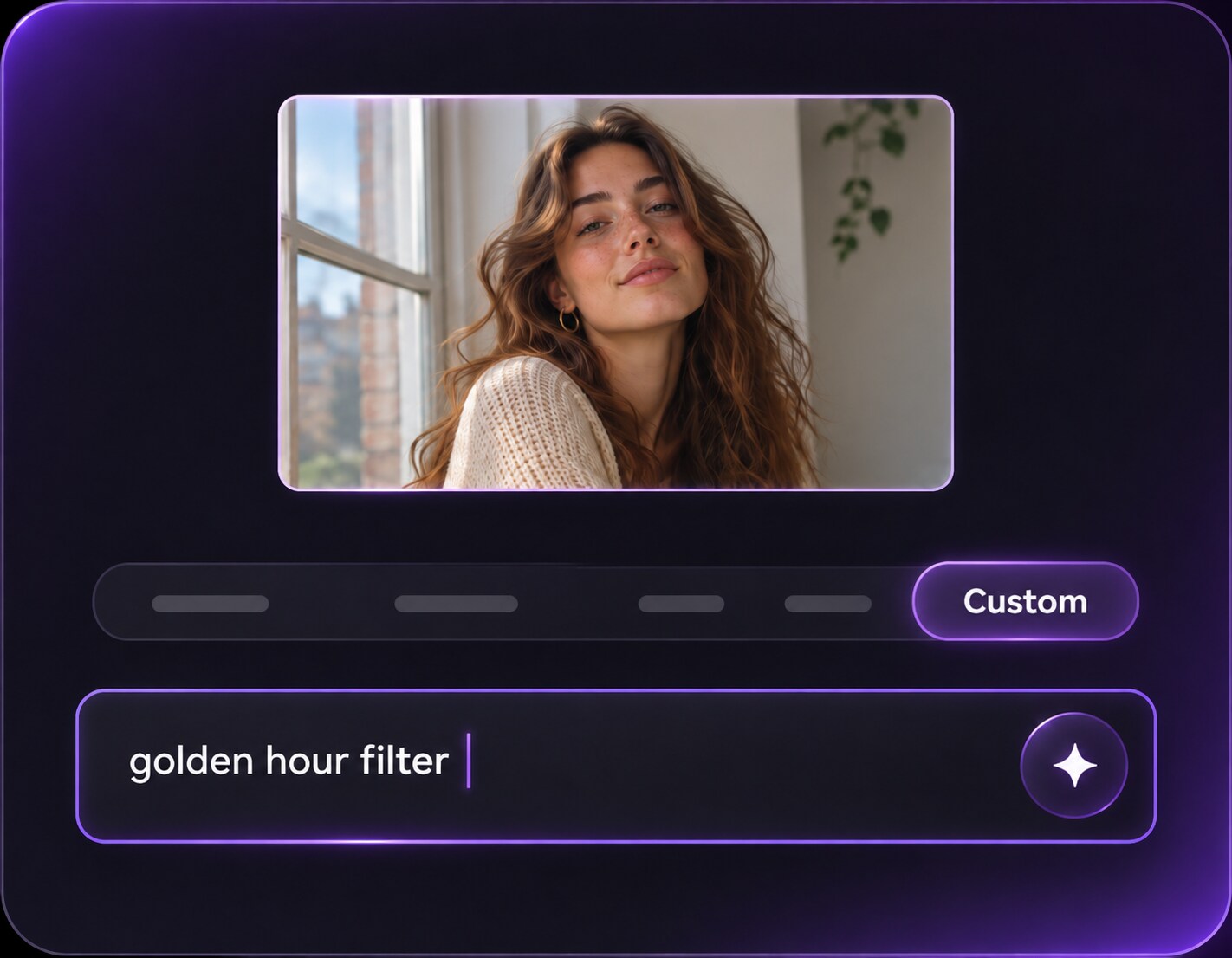
Enter a precise prompt: Ask for a gentle upper-eyelid lift and the same iris size, gaze and eyebrow shape; name a specific eye if needed.
Step 3
Generate and Check Eye Alignment
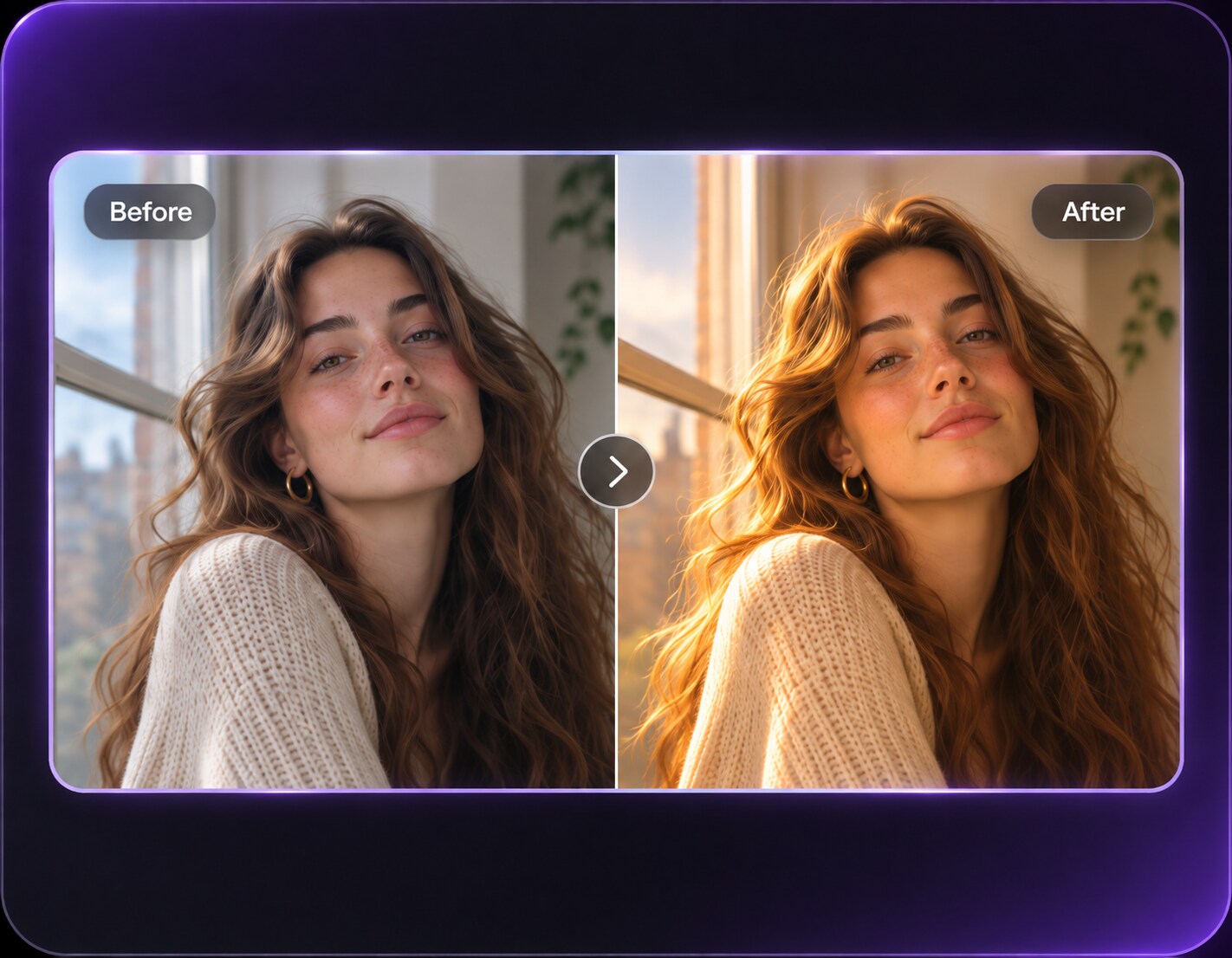
Click Generate, then compare iris direction, eyelashes and the brow expression with the original portrait.
Keep the change anchored to the original expression and do not use a cartoon enlargement prompt when you only want more open lids.
Rescue an Almost-Blinking Photo
Everyone looks good in the event picture, but you caught one eye midway through a blink. A modest eyelid correction may help the portrait while the smile, hairstyle and group arrangement stay familiar.
Make a Calm Selfie Look More Attentive
A softly lit headshot can read sleepy if upper lids sit low. Ask for a slightly more open expression and keep the original eye size, brows and under-eye texture so the photo remains believable.
Create an Expressive Surprise Reaction
For a joke, request both eyes opened wide with just a little brow lift. Keep the mouth and background untouched so the change reads as a deliberately surprised expression rather than a new face.
Wide Eyes Filter Photo Preview Checklist
Lid Openness
Photo preview checklist
"Check lid openness before export" Lid position should change without big cartoon eyeballs.
Iris Size
Photo preview checklist
"Check iris size before export" Irises should retain their original apparent size.
Eye Direction
Photo preview checklist
"Check eye direction before export" Both eyes should follow one coherent gaze direction.
Eyebrows
Photo preview checklist
"Check eyebrows before export" The eyebrow reaction should fit the original smile.
Not necessarily. Wide eyes generally describes an open-eyed or surprised expression, often by lifting eyelids. Big eyes commonly means enlarging the eyes themselves for a cute or comic visual style.
2. Can I fix one eye that looks half closed?
You can describe the side and request a restrained lid-opening correction. Review both eyes because an edit may alter eyelashes, iris placement or the expression.
3. Can the filter open fully closed eyes?
AI may attempt an imagined correction, but fully closed eyes provide little iris information. Results are less reliable and should not be treated as a factual reconstruction of the moment.
4. Will this change the size of my eyeballs?
You can explicitly ask to retain iris and eye size while changing eyelid openness. Compare the original and output to verify the intended difference.
5. What if I am wearing glasses?
Ask to preserve the frames, reflections and lens position. Refraction can make the area under glasses harder to edit consistently.
6. Does Media.io have a related open-eyes correction?
Media.io lists a Closed Eyes to Open Eyes improvement in its release updates. When working from an uploaded still photo, describe the intended open-eye appearance precisely and inspect the generated result.