Deine Werke werden nur 7 Tage lang gespeichert. Assets, die nach dem Upgrade auf einen Mitgliedschaftstarif erstellt werden, werden dauerhaft gespeichert.
Entfalten Sie Ihr kreatives Potenzial und erleben Sie jetzt die Magie der Media-KI!
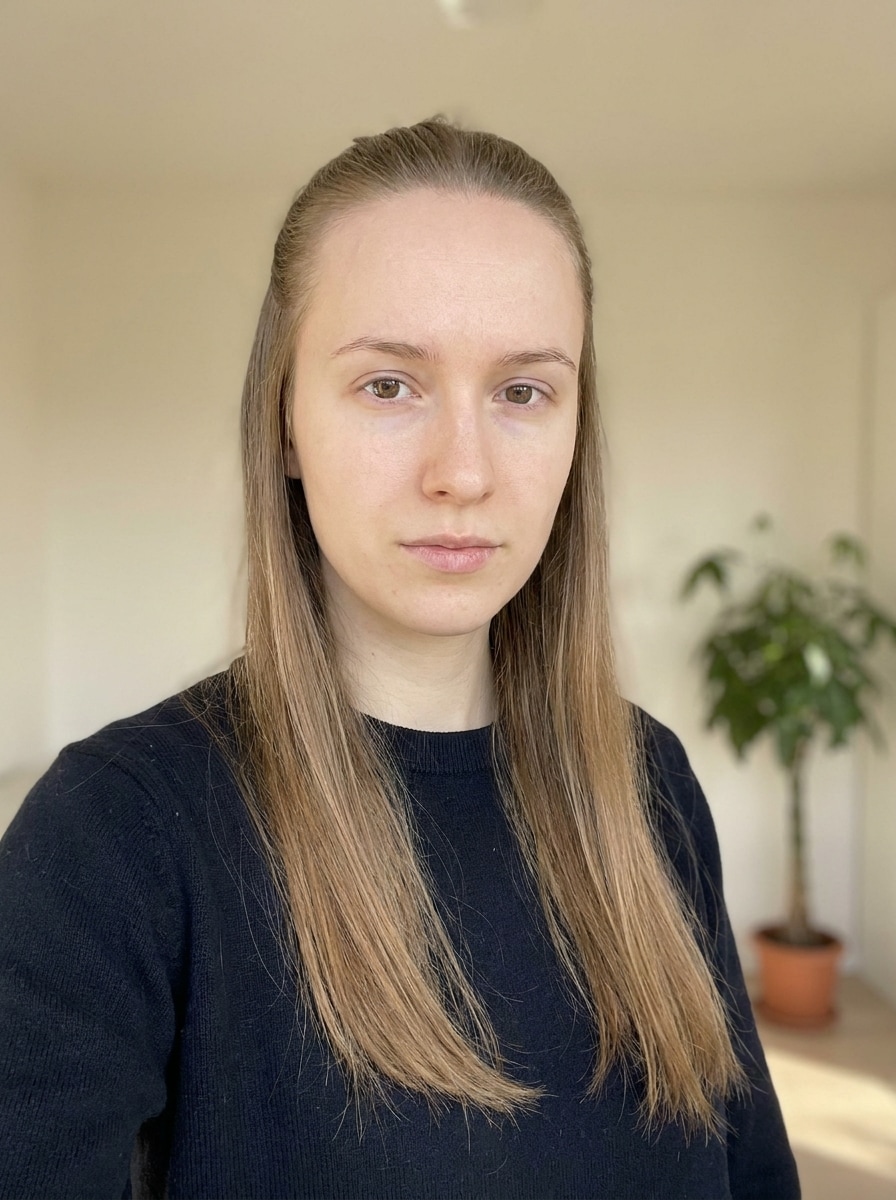
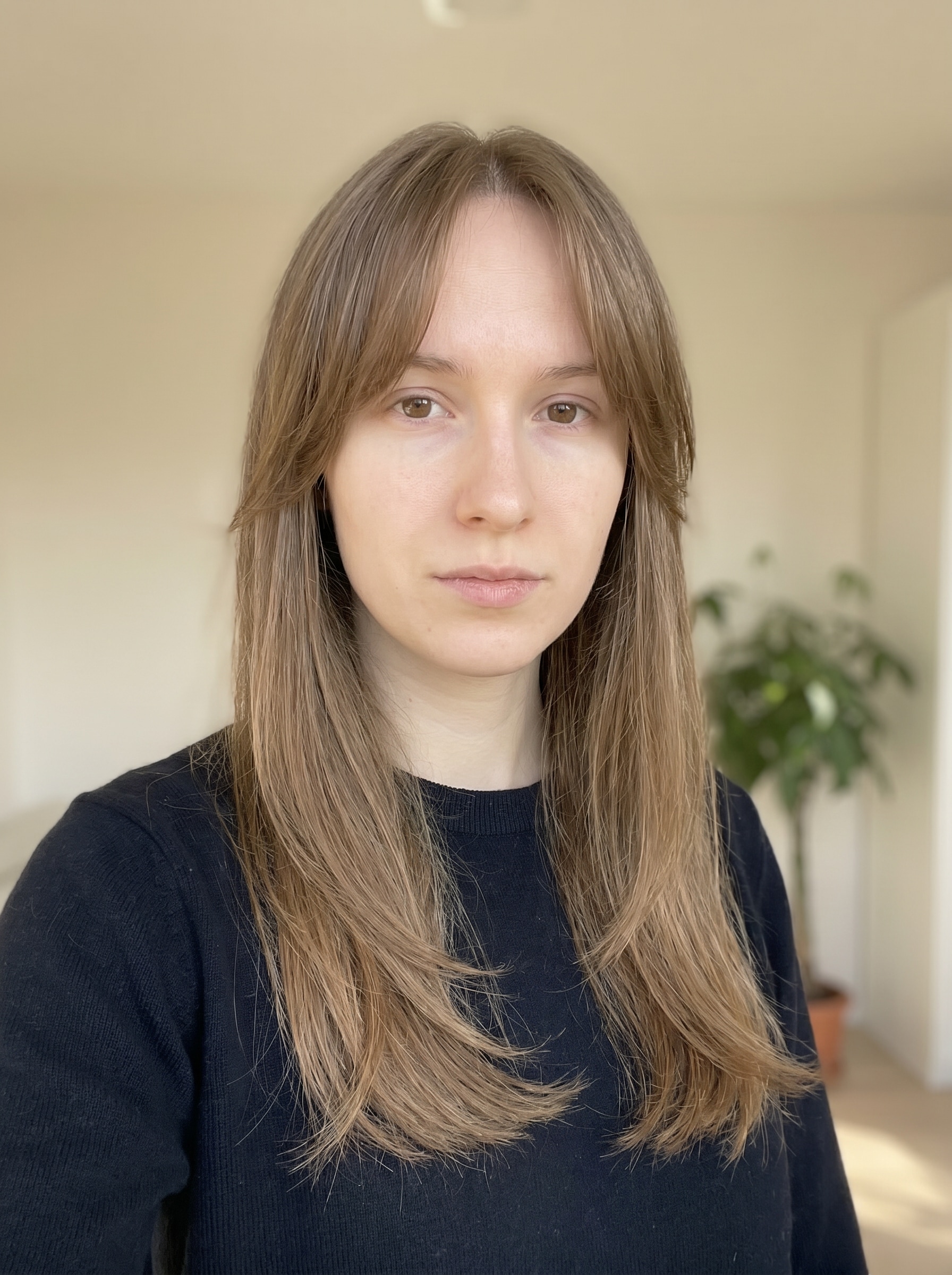
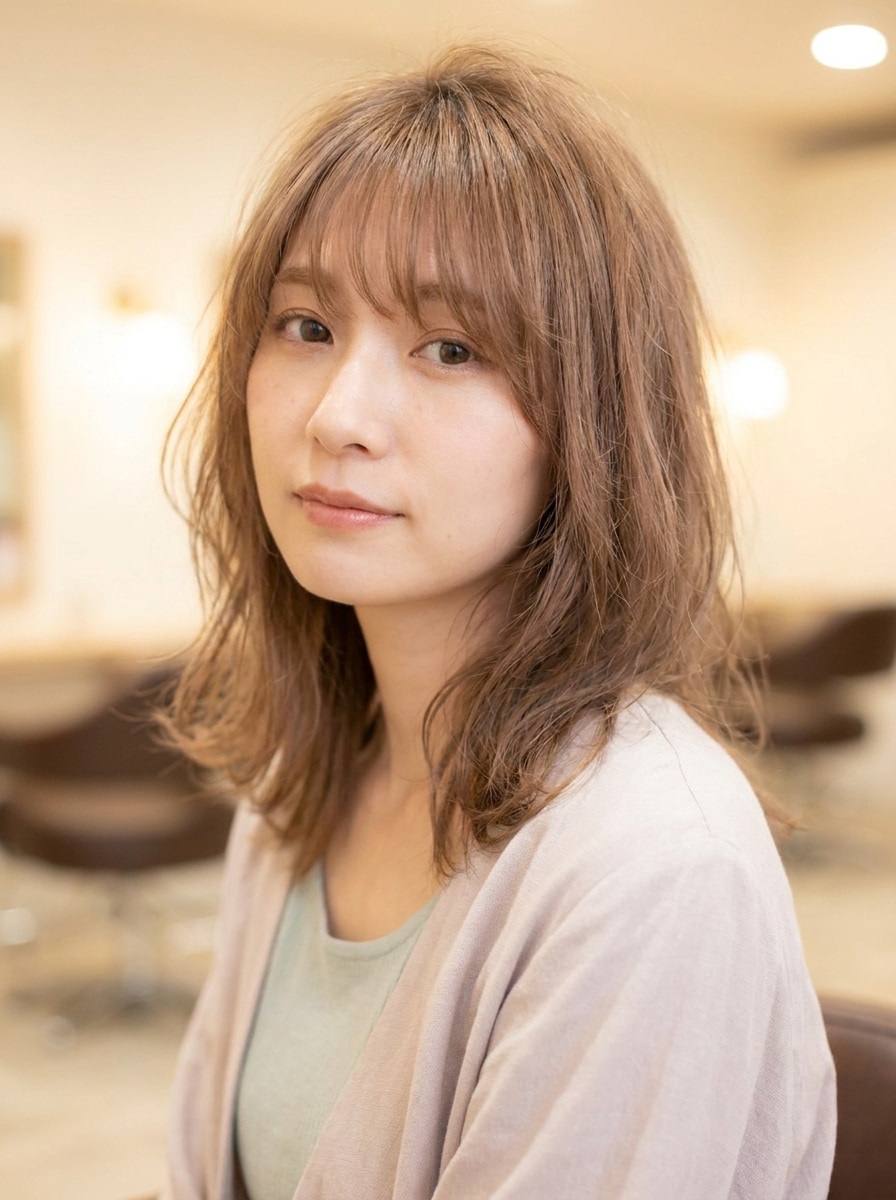
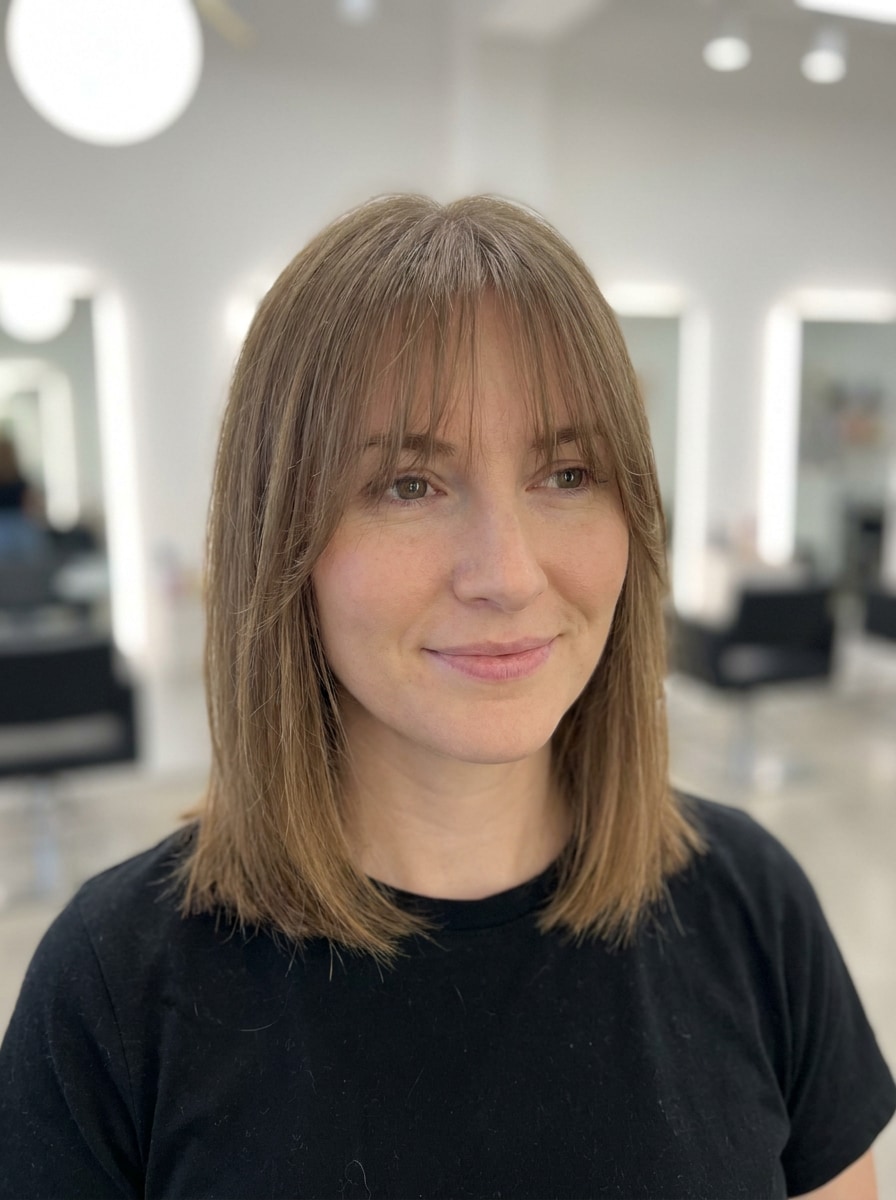
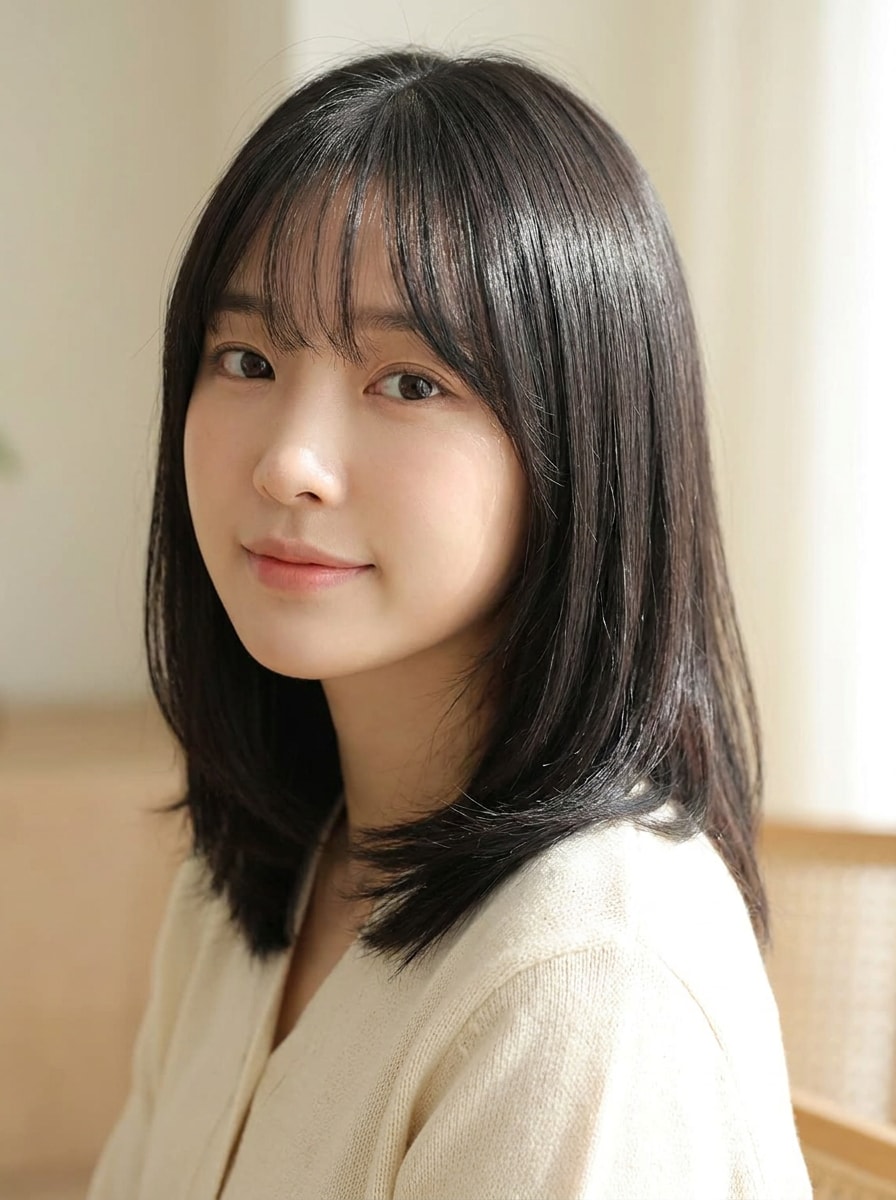
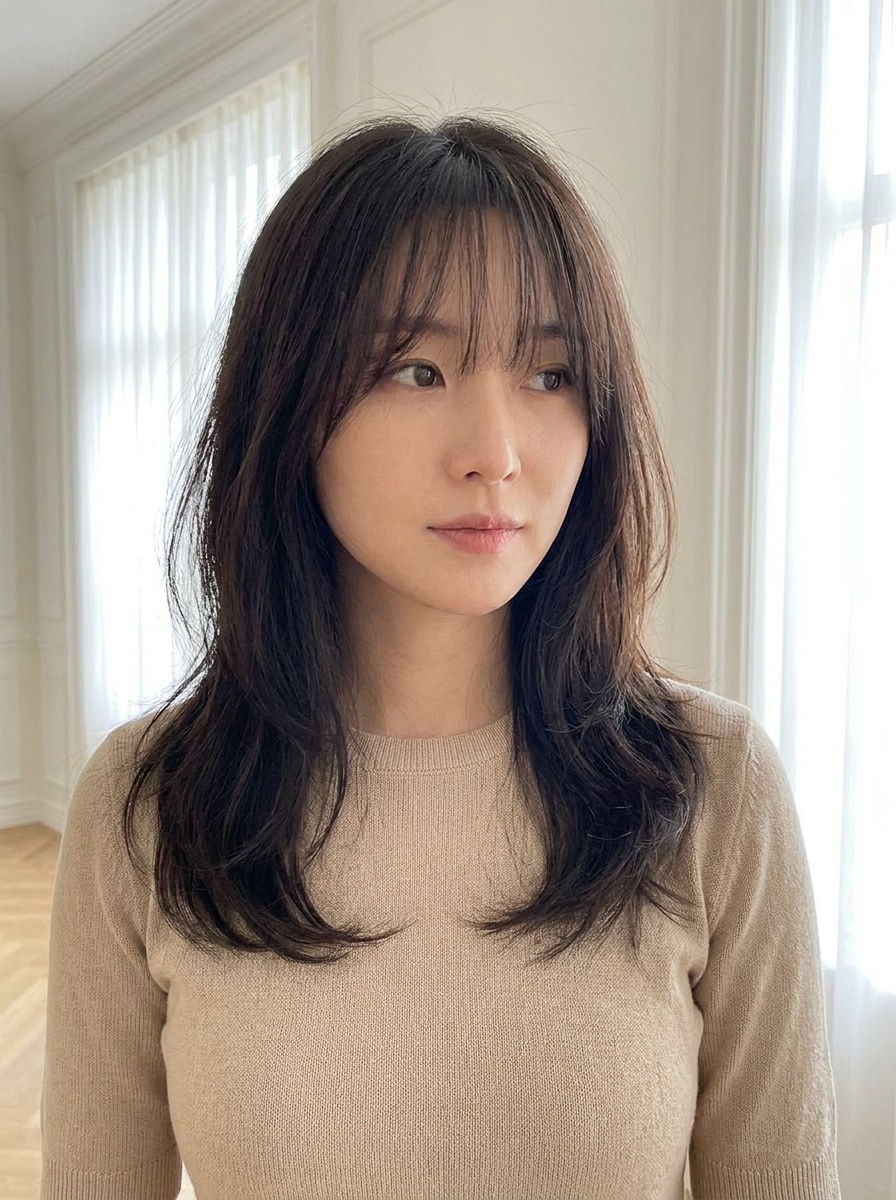
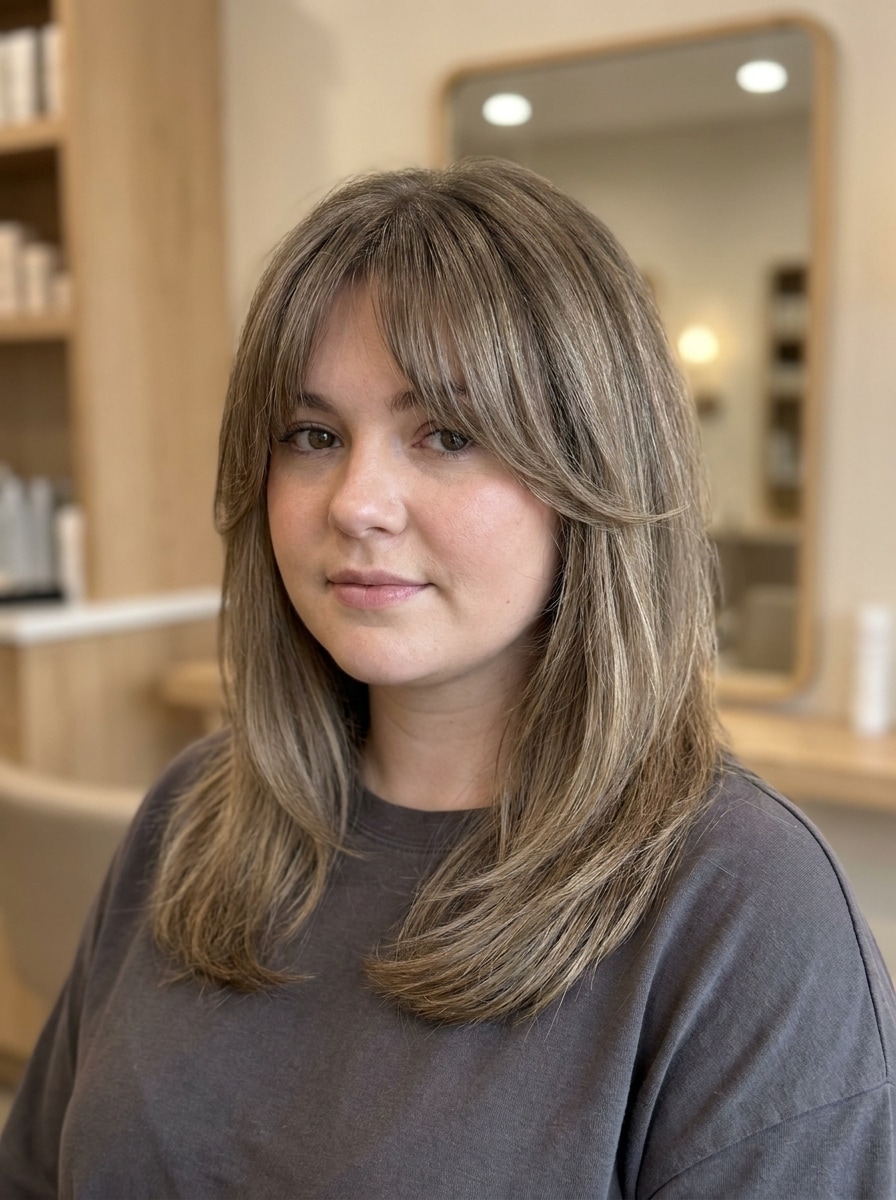
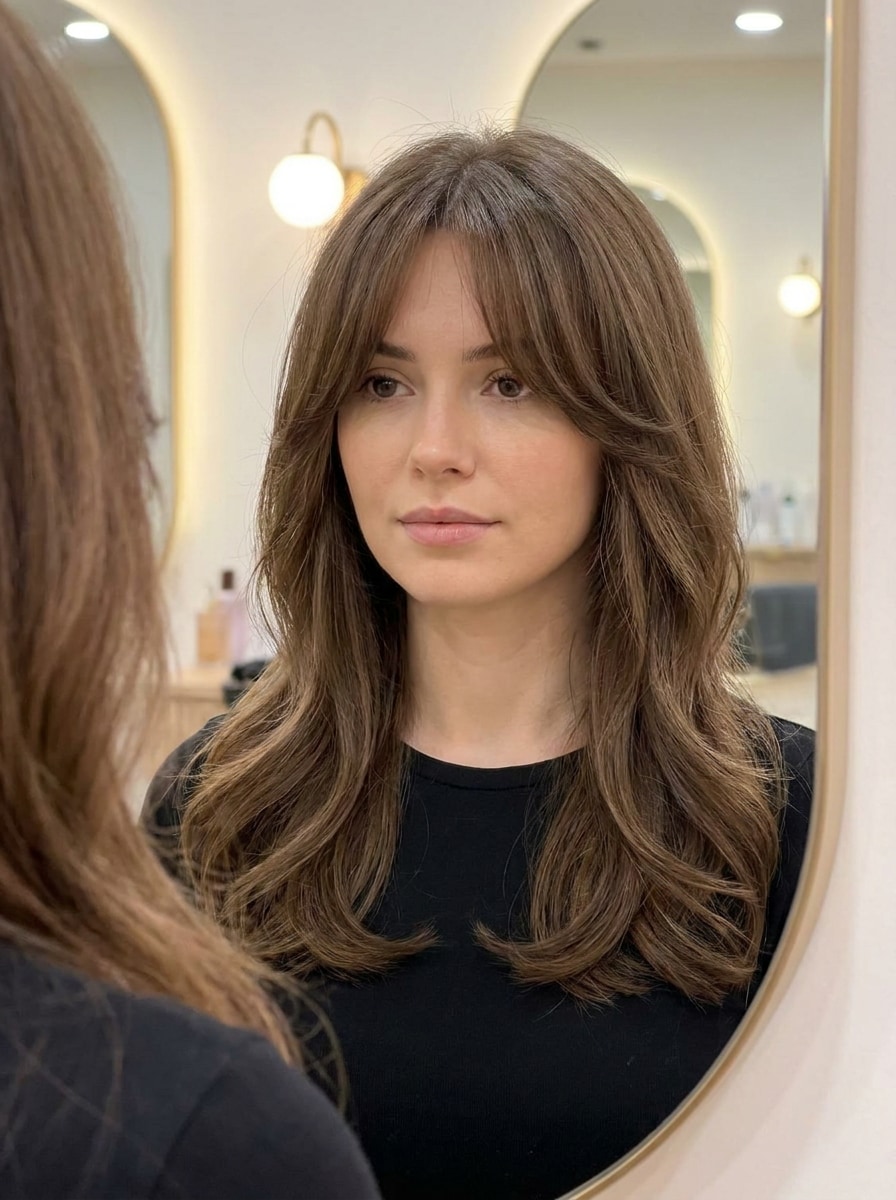
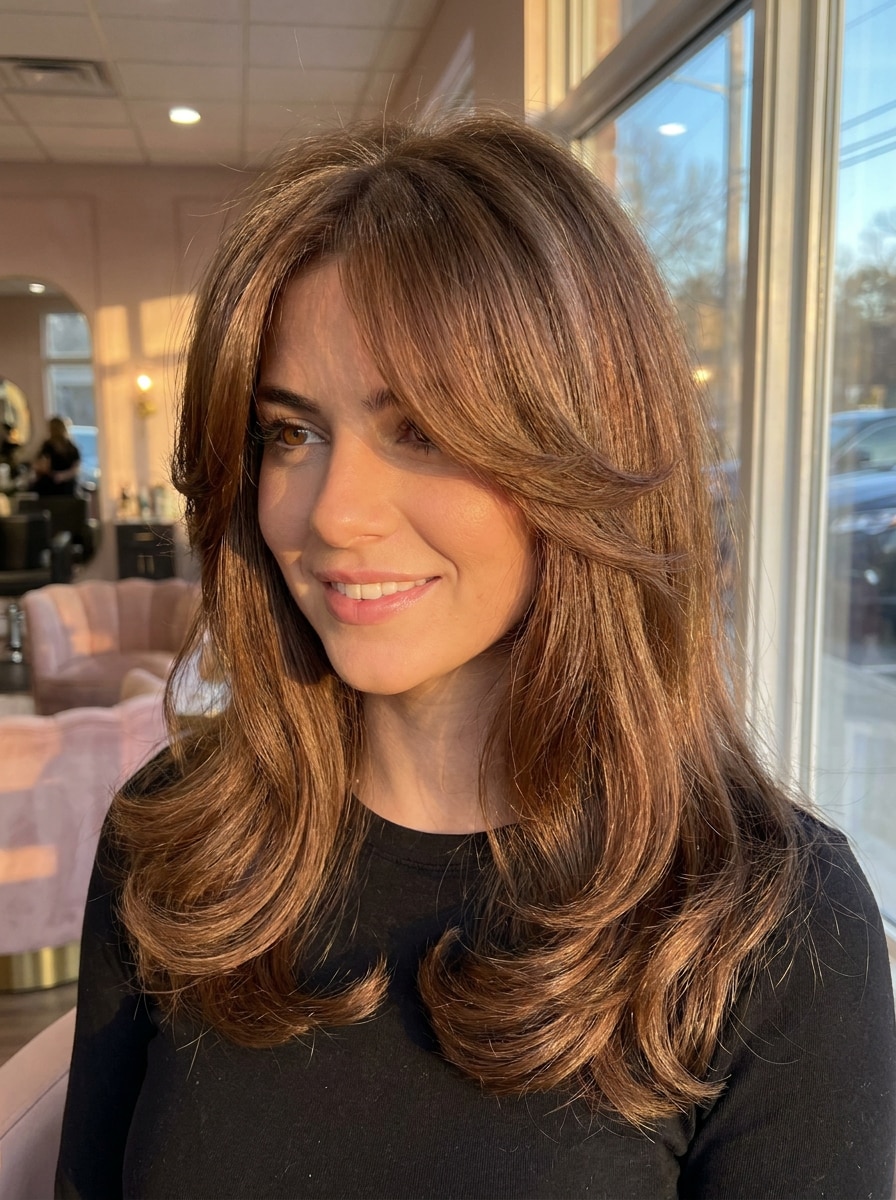
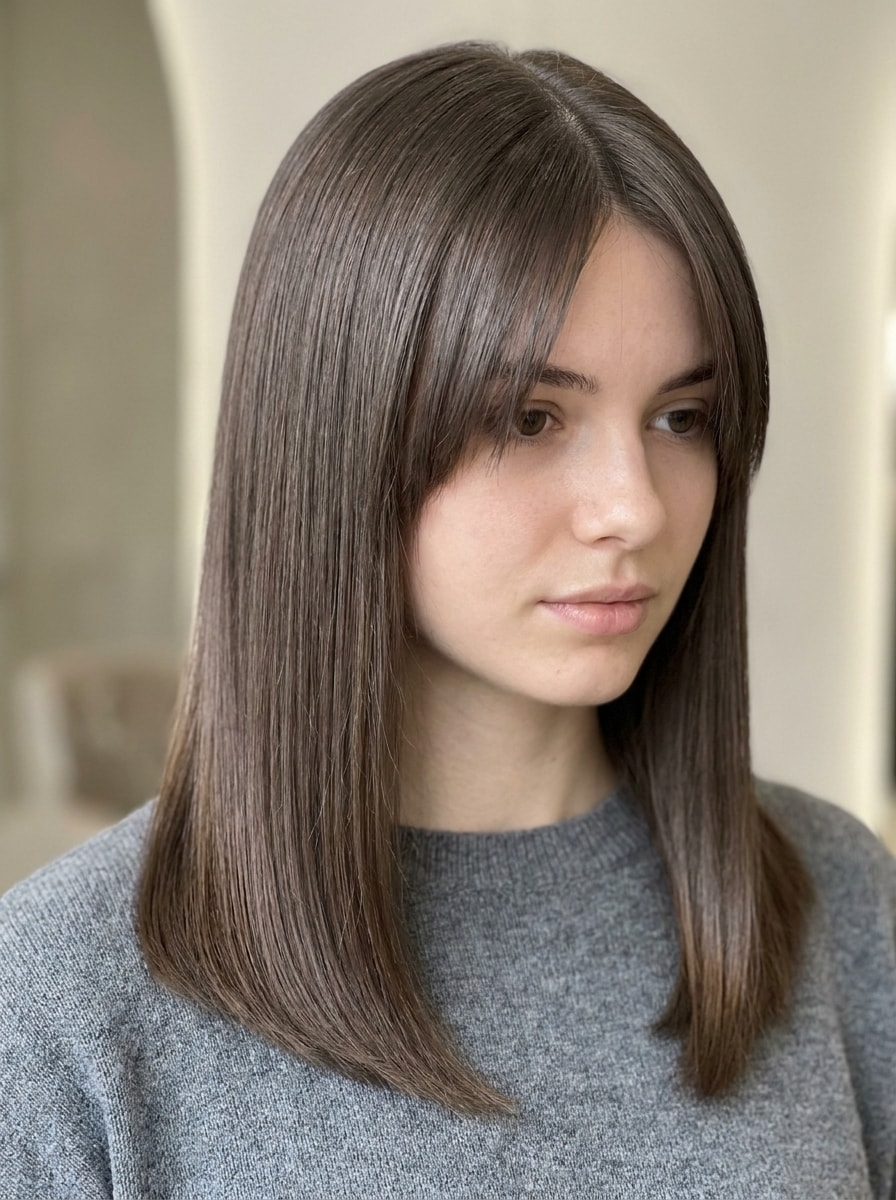
Curtain Bangs Filter für realistische Anprobe auf Ihrem Foto
Sehen Sie innerhalb von Sekunden schmeichelhafte Curtain Bangs auf Ihrem eigenen Selfie. Media.io ermöglicht Ihnen die Verwendung eines Curtain Bangs Filters, den Vergleich sanfter Pony-Stile und Curtain Bangs online ausprobieren mit realistischen KI-Bearbeitungen, die zu Ihrer Gesichtsform, Haarstruktur und Ihrem Gesamtlook passen.
Tippen Sie Ihre Idee ein -> KI gestaltet sie. Kostenlos testen.
Lesen Sie diese Beispielsanweisungen, und passen Sie dann die Prompt-Details an, um bessere Ergebnisse mit diesem Curtain Bangs Filter online in Media.io zu erzielen.
Klassische Curtain Bangs
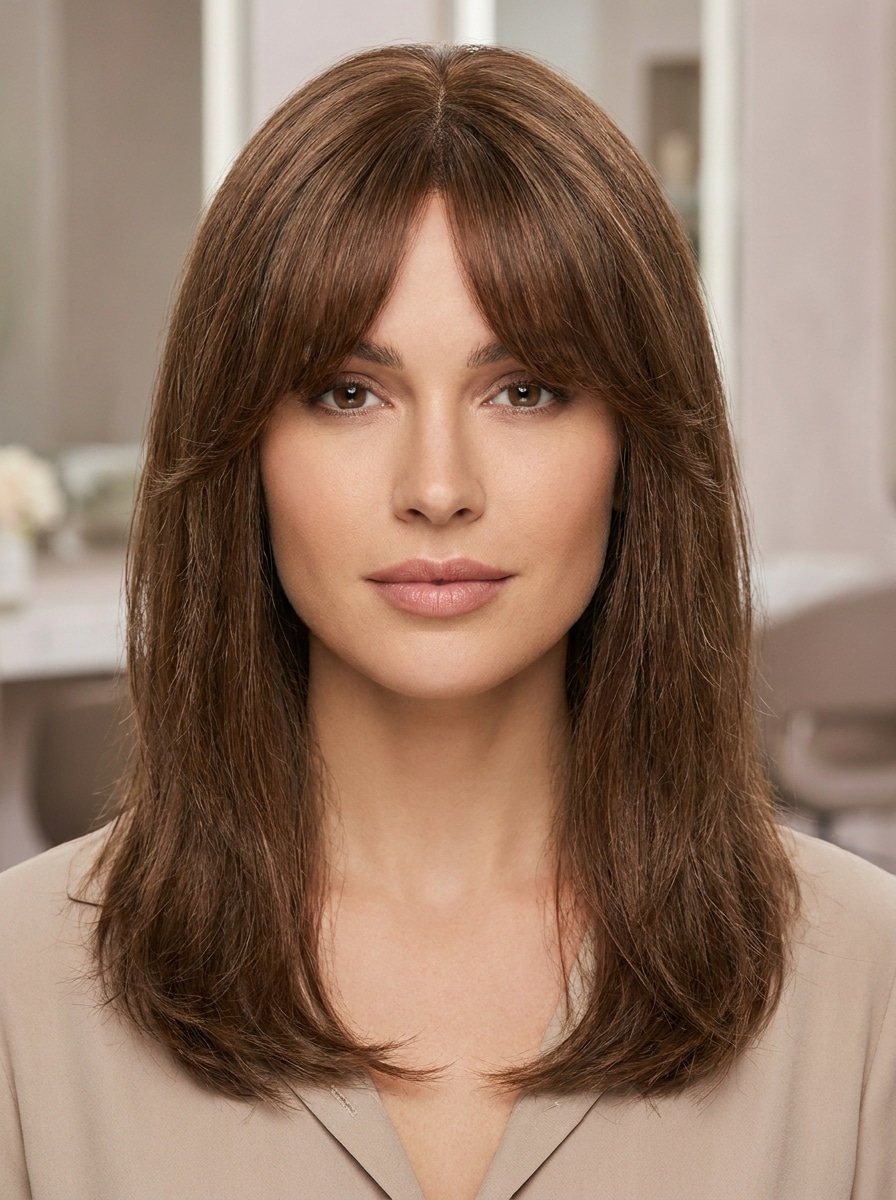
Nutzen Sie das hochgeladene Bild als Vorlage und verwandeln Sie die Frisur mit klassischen Curtain Bangs, einem weichen Mittelscheitel, natürlich mittelbrauner Textur, leichten gesichtsumrahmenden Stufen, salonreinem Finish, realistischer Strähnentrennung, ausgewogenem Tageslicht und einem schmeichelhaften fotorealistischen Beauty-Porträt-Look.
Lange Curtain Bangs
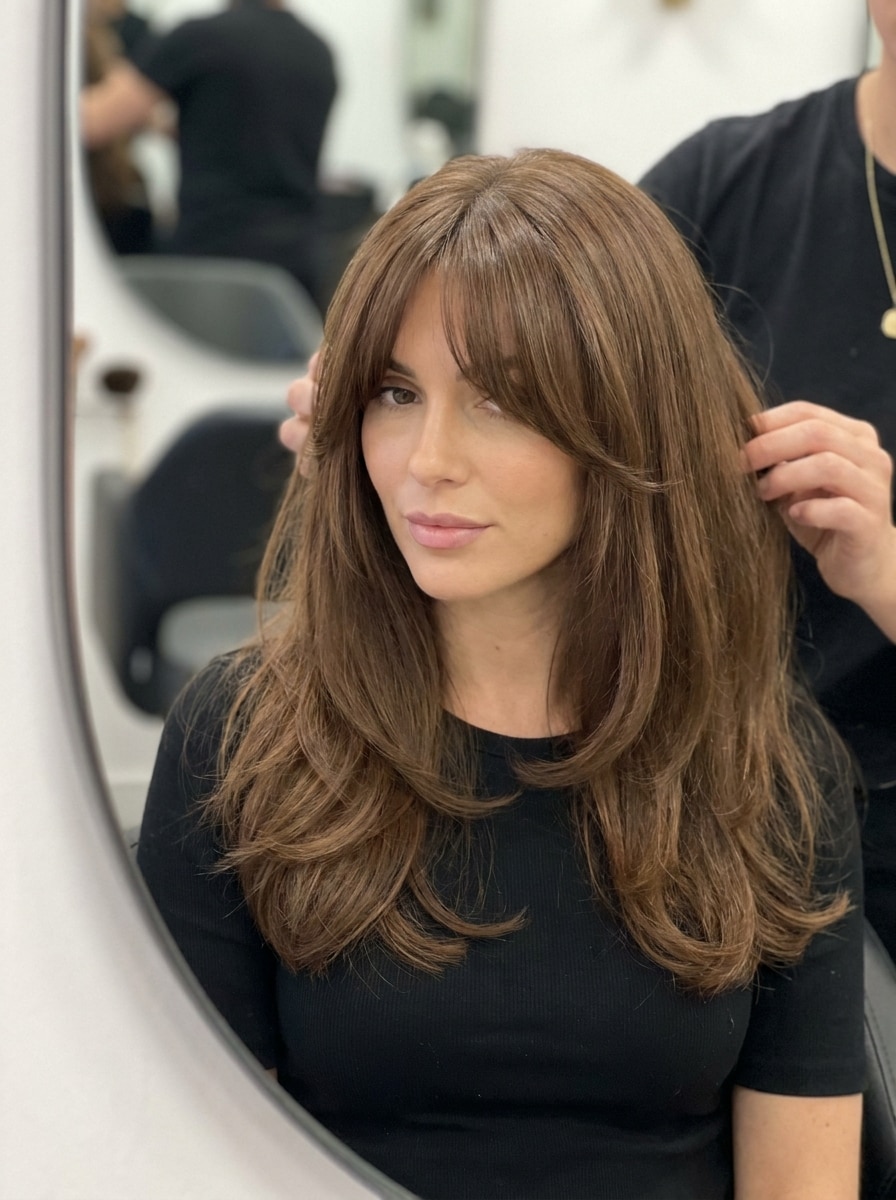
Nutzen Sie das hochgeladene Bild als Vorlage und fügen Sie lange Curtain Bangs hinzu, die sanft in der Mitte geteilt werden, zu den Wangen verlaufen und sich in längere vordere Stufen einfügen, mit weichem Volumen, glatter Textur, natürlichem Glanz, luftiger Bewegung und realistischer Salonbeleuchtung.
Federleichte Curtain Bangs
Nutzen Sie das hochgeladene Bild als Vorlage und verwandeln Sie das Haar mit federleichten Curtain Bangs, feinen Strähnen, einer zarten mittigen Teilung, weicher Stirnabdeckung, natürlicher Bewegung, subtiler Textur, diffuser Beleuchtung und einem frischen, luftigen Salon-Look mit glaubwürdigen Details.
Dünner Curtain Pony
Nutzen Sie das hochgeladene Bild als Vorlage und fügen Sie einen dünnen Curtain Pony mit wenigen weichen Strähnen, einem klaren Mittelscheitel, minimaler Dichte, subtiler Seitenmischung, glatter natürlicher Textur, schmeichelnden Proportionen, heller neutraler Beleuchtung und einer realistisch zurückhaltenden Haarveränderung hinzu.
Koreanische luftige Curtain Bangs
Nutzen Sie das hochgeladene Bild als Vorlage und kreieren Sie koreanisch-inspirierte luftige Curtain Bangs mit transparentem Pony-Effekt, sanfter mittiger Teilung, glänzender glatter Textur, weichen gesichtsumrahmenden Stufen, sauberer Beauty-Editorial-Beleuchtung, pastell-neutralen Tönen und einem raffinierten natürlichen Finish.
Durchsichtige Curtain Bangs
Nutzen Sie das hochgeladene Bild als Vorlage und fügen Sie durchsichtige Curtain Bangs mit zarten, die Stirn berührenden Strähnen, subtiler Transparenz, weichem Mittelscheitel, leichter Stufung, sanfter Bewegung, schmeichelnder natürlicher Integration, heller, sauberer Beleuchtung und einem realistischen, zeitgemäßen Salon-Finish hinzu.
Curtain Bangs für rundes Gesicht
Nutzen Sie das hochgeladene Bild als Vorlage und verwenden Sie Curtain Bangs, die ein rundes Gesicht schmeicheln: mit Mittelscheitel, verlängerten, die Wangen umrahmenden Lagen, sanftem Ansatzlift, kontrolliertem Volumen, natürlicher Textur, ausgewogenen Proportionen und realistischer Salonbeleuchtung für einen verschlankenden Effekt.
Curtain Bangs für ovales Gesicht
Nutzen Sie das hochgeladene Bild als Vorlage und gestalten Sie Curtain Bangs passend zu einer ovalen Gesichtsform: mit ausgewogenem Pony im Mittelscheitel, sanften Schichtübergängen, natürlicher Textur, sanftem Glanz, harmonischen Proportionen, schmeichelnder Gesichtsrahmung und klarer fotorealistischer Beauty-Portätbeleuchtung.
Föhn-Styling Curtain Bangs
Nutzen Sie das hochgeladene Bild als Vorlage und fügen Sie Föhn-Styling Curtain Bangs mit federnden Ansätzen, gebogenen gesichtsumrahmenden Enden, weicher mittiger Teilung, glänzender Textur, angehobenem Volumen, warmer Salonbeleuchtung, sanfter Bewegung und einem glamourösen, aber realistischen Beauty-Editorial-Frisuren-Finish hinzu.
Gerade, glatte Curtain Bangs
Nutzen Sie das hochgeladene Bild als Vorlage und verwandeln Sie die Frisur mit glatten, geraden Curtain Bangs, glänzenden, gepflegten Strähnen, definiertem Mittelscheitel, minimaler Frizz, sauberer Form, natürlicher Dichte, kühler neutraler Beleuchtung und einem raffinierten, modernen Salon-Ergebnis.
Warum Media.io für eine Curtain Bangs Anprobe verwenden?
Identität bewahren bei veränderten Looks
Für alle, die Haarschnittideen vergleichen möchten: Media.io verwandelt Ihr hochgeladenes Selfie in eine personalisierte KI Curtain Bangs Anprobe, sodass Sie sehen können, wie Länge, Dichte und Scheitel auf Ihren tatsächlichen Gesichtszügen wirken, bevor Sie einen Salontermin buchen.
Vergleichen Sie schnelle Variationen: weich, lang, luftig, gesichtsumrahmend
Wenn der Stil eine Rolle bei der Entscheidung spielt, hilft Media.io Ihnen, mehrere Möglichkeiten auf derselben Curtain Bangs Filter-Basis zu vergleichen – das macht die kreative Auswahl effizienter.
Bleiben Sie mit scharfen Visuals für echte Projekte flexibel
Wenn eine Curtain Bangs Filter-Visual für echte Veröffentlichungen gedacht ist, liefert Media.io schärfere Ergebnisse bis zu 4K, sodass Ihr Bild klar bleibt – ob für Präsentationen, Hintergründe oder wiederverwendete Assets.
Reibungsloser Einsatz auf Handy und Desktop
Ob Sie Curtain Bangs Filter-Vorlagen am Laptop erkunden oder unterwegs prüfen – Media.io bleibt browserbasiert, sodass Sie den Workflow auf jedem Gerät einfach fortsetzen können.
Wie man den Curtain Bangs Filter online benutzt
Verwandeln Sie Ihre Worte in beeindruckende Visuals in drei einfachen Schritten und verfeinern Sie das Ergebnis bei Bedarf weiter.
Schritt 1
Ihr Referenzbild hochladen
Starten Sie mit einem klaren Selfie oder Porträt, auf dem Stirn und Haaransatz gut sichtbar sind. Ein gut beleuchtetes JPG-, PNG- oder JPEG-Bild hilft, Curtain Bangs natürlich zu platzieren und eine glaubwürdige Vorschau zu erstellen.
Schritt 2
Änderung beschreiben und Optionen einstellen
Geben Sie den gewünschten Curtain Bangs Stil ein, z. B. federleicht, lang, luftig oder Föhn-Styling. Wählen Sie dann Ihr bevorzugtes Modell und passen Sie Einstellungen wie Seitenverhältnis, Auflösung und Anzahl der Varianten an, um verschiedene Ergebnisse zu vergleichen.
Schritt 3
Erstellen, herunterladen und weiter verbessern
Erstellen Sie Ihre Frisurvorschau, prüfen Sie die verschiedenen Ponyformen und laden Sie die bevorzugte Version herunter. Sie können den Prompt weiter verfeinern, neue Varianten generieren oder weiter editieren, bis der Look zur gewünschten Haarschneide-Idee passt.
Entdecken Sie das Potenzial der Curtain Bangs Anprobe
Erfahren Sie, wie Kreative den Curtain Bangs Filter für Content, Marketing und persönliche Projekte nutzen und passen Sie jede Idee an Ihr Briefing an.
Prüfen Sie, ob der Schnitt Ihrer Gesichtsform schmeichelt
Nutzen Sie die Vorschau, um zu sehen, ob ein weicher Mittelscheitelpony runde, ovale oder längere Gesichtsformen ausgleicht. Media.io hilft Ihnen, einen realistischen Look vor dem Schnitt auf Ihrem eigenen Selfie zu testen – statt Promi-Inspirationen oder generische Haarbeispiele zu bemühen.
Vergleichen Sie Pony-Länge und Dichte vor dem Salontermin
Testen Sie federleichte Schichten, Wangenknochen-lange Strähnen oder vollere gesichtsumrahmende Ponys am selben Selfie. Eine schnelle Curtain Bangs Anprobe mit Media.io hilft Ihnen, Ihrer Friseurin eine konkrete Richtung zu zeigen und Missverständnisse zu vermeiden.
Vorher-nachher-Content für Social Media erstellen
Für ein poliertes Ergebnis auf TikTok, Instagram oder Pinterest können Sie mit Media.io mehrere Frisurversionen generieren, die besten Vergleichsbilder speichern und eine subtile Verwandlung zeigen, die dennoch glaubwürdig aussieht.
Was Nutzer zum Bangs Anprobe-Tool sagen
Maya R.
Beauty-Content-Creatorin
"Überraschend realistisches Pony-Vorschau" Ich wollte wissen, ob Curtain Bangs zu mir passen, ohne den Schnitt zu wagen. Die Ergebnisse sahen um Stirn und Wangen natürlich aus und der Vergleich mehrerer Varianten half mir, einen Stil auszuwählen, den ich tatsächlich meiner Friseurin zeigte.
Jordan T.
Salon-Kundin
"Hilfreich für die Entscheidung vor dem Termin" Ich nutzte es am Handy und bekam eine klare Vorstellung, wie längere Curtain Bangs mein Gesicht umrahmen würden. Das war nützlicher als das Durchblättern von Haarartikeln, da ich den Look auf meinem eigenen Foto sehen konnte.
Elena P.
Lifestyle-Bloggerin
"Ideal für Vorher-nachher-Posts auf Social Media" Ich erstellte schnell ein Vergleichsbild für Instagram und war beeindruckt, wie poliert das Haar-Edit aussah. Besonders gut gefielen mir die sanften, federleichten Varianten – ein paar Prompt-Änderungen genügten, um den gewünschten Vibe zu erhalten.
Sophie L.
Studentin
"Einfache Möglichkeit, verschiedene Pony-Stile zu testen" Ich probierte luftige, dünne und Föhn-Varianten auf demselben Selfie. Es wurde sofort klar, welche am besten zu mir passt, und ich mochte es, den Stil weiter anpassen zu können, statt mit einer automatischen Version zufrieden sein zu müssen.
Entdecken Sie die beliebtesten KI-Video- und Bildeffekte
1. Wie kann ich einen Curtain Bangs Filter auf meinem Foto ausprobieren?
Laden Sie ein klares Selfie bei Media.io hoch, geben Sie anschließend einen Frisurenprompt für die gewünschten Curtain Bangs ein – beispielsweise federleicht, lang, luftig oder glatt. Dieser Curtain Bangs Filter verwendet Ihr Foto als Vorlage, sodass Sie einen personalisierten Pony-Vorschau bekommen und die Lieblingsversion herunterladen können.
2. Passen Curtain Bangs zu meiner Gesichtsform?
Curtain Bangs funktionieren oft gut, weil Länge, Dichte und Mittelscheitel angepasst werden können, um verschiedene Gesichtszüge zu umrahmen. Mit Media.io können Sie Curtain Bangs online auf Ihrem eigenen Bild ausprobieren und Stile für runde, ovale oder längere Gesichtsformen testen, bevor Sie sich für eine echte Änderung entscheiden.
3. Ist dieser KI-Pony-Filter kostenlos?
Ja, kostenlose Nutzer können das Tool mit Freikontingenten ausprobieren. Bei Bedarf an mehr Generationen oder hochauflösenden Downloads ohne Wasserzeichen finden Sie auf der Media.io Preis-Seite die Optionen für kostenpflichtige Pläne.
4. Kann ich den Curtain Bangs Filter auf dem Handy verwenden?
Media.io ist webbasiert, sodass Sie das Tool im mobilen Browser ohne extra Software nutzen können. Das ermöglicht einen schnellen virtuellen Pony-Test auf iPhone, Android, Tablet oder Desktop – wann immer Sie möchten.
5. Welche Bildformate unterstützt das Bangs Anprobe-Tool?
Das Upload-Tool unterstützt JPG-, PNG- und JPEG-Dateien. Für das beste Ergebnis empfiehlt sich ein klares Porträt mit sichtbarem Haaransatz und guter Beleuchtung, damit die KI die Curtain Bangs natürlicher platzieren und integrieren kann.
6. Wie realistisch ist die virtuelle Curtain Bangs Vorschau?
Media.io ist für realistische Bild-zu-Bild-Frisurenbearbeitungen konzipiert, sodass die Vorschau neue Ponys harmonisch mit Ihrem Gesicht, Haaransatz und der gesamten Haarstruktur verbindet. Besonders überzeugend wirken die Ergebnisse mit einem gestochen scharfen, frontalen Foto und einem detaillierten Prompt für Ponylänge, Form und Finish.