As criações são armazenadas por apenas 7 dias. Os recursos criados após o upgrade para um plano de assinatura serão armazenados permanentemente.
Desbloqueie seu potencial criativo e experimente a magia da IA de mídia hoje!
Experimente um Filtro de Piercing na Sua Selfie com Edição Realista por IA
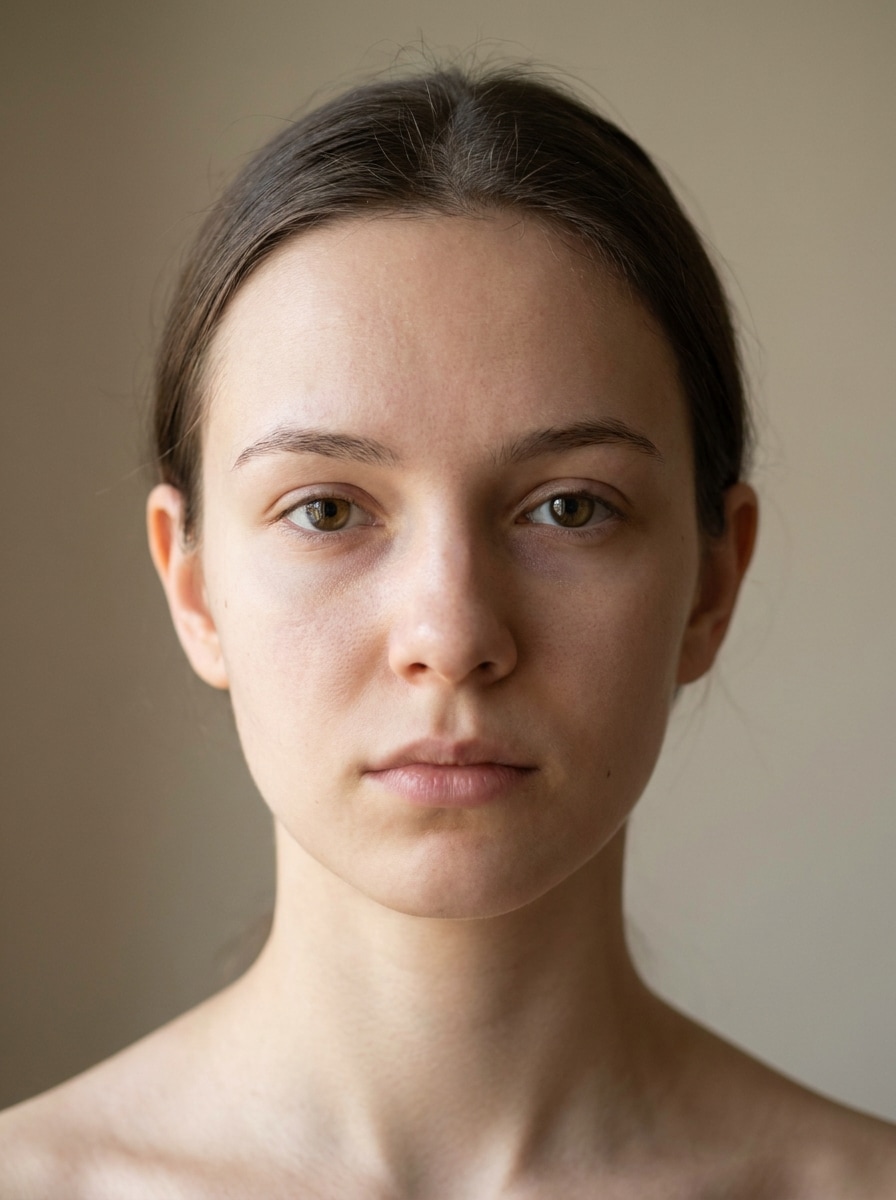
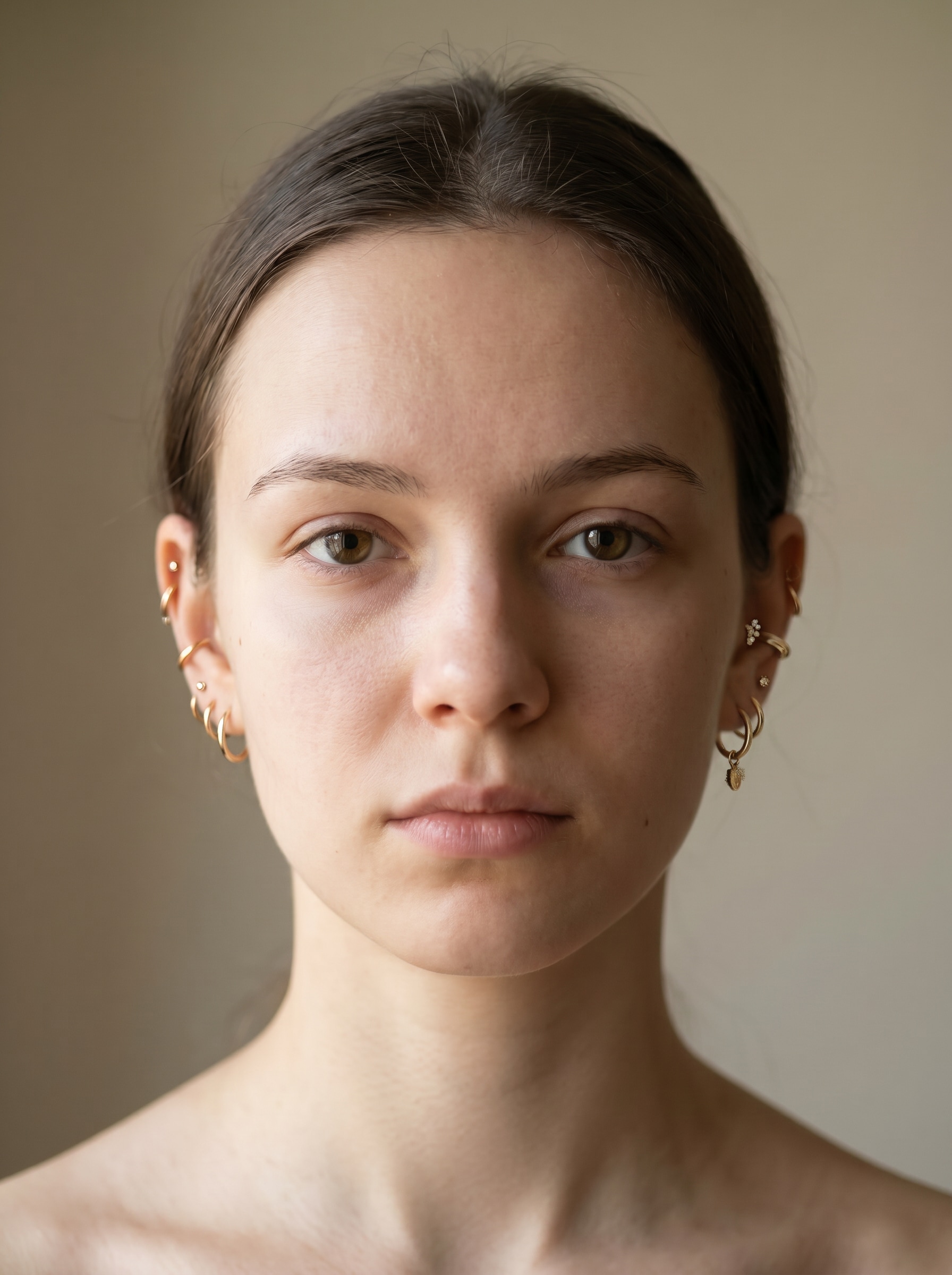
Crie prévias virtuais realistas de piercings a partir de uma selfie com o Media.io. Experimente estilos de joias para orelha, nariz, lábio, língua e septo com aparência natural filtro de piercing online, usando edições flexíveis para tudo, desde um discreto piercing no nariz até uma composição ousada de piercings na orelha. Criadores costumam usar para filtros de piercing do Instagram.
Digite sua ideia -> A IA cria. Grátis para testar.
Revise os exemplos de instruções abaixo e depois personalize o prompt para obter resultados melhores com este filtro de piercing por IA no Media.io.
Composição Curada de Piercings na Orelha
Use a selfie enviada como base e adicione uma estilosa combinação personalizada de piercings, incluindo lóbulos, hélix e concha. Mantenha precisão anatômica, tamanho das joias refinado, reflexos metálicos realistas, textura natural da pele e iluminação suave focada na beleza para um retrato socialmente pronto e polido.
Visual de Ouro Minimalista na Orelha
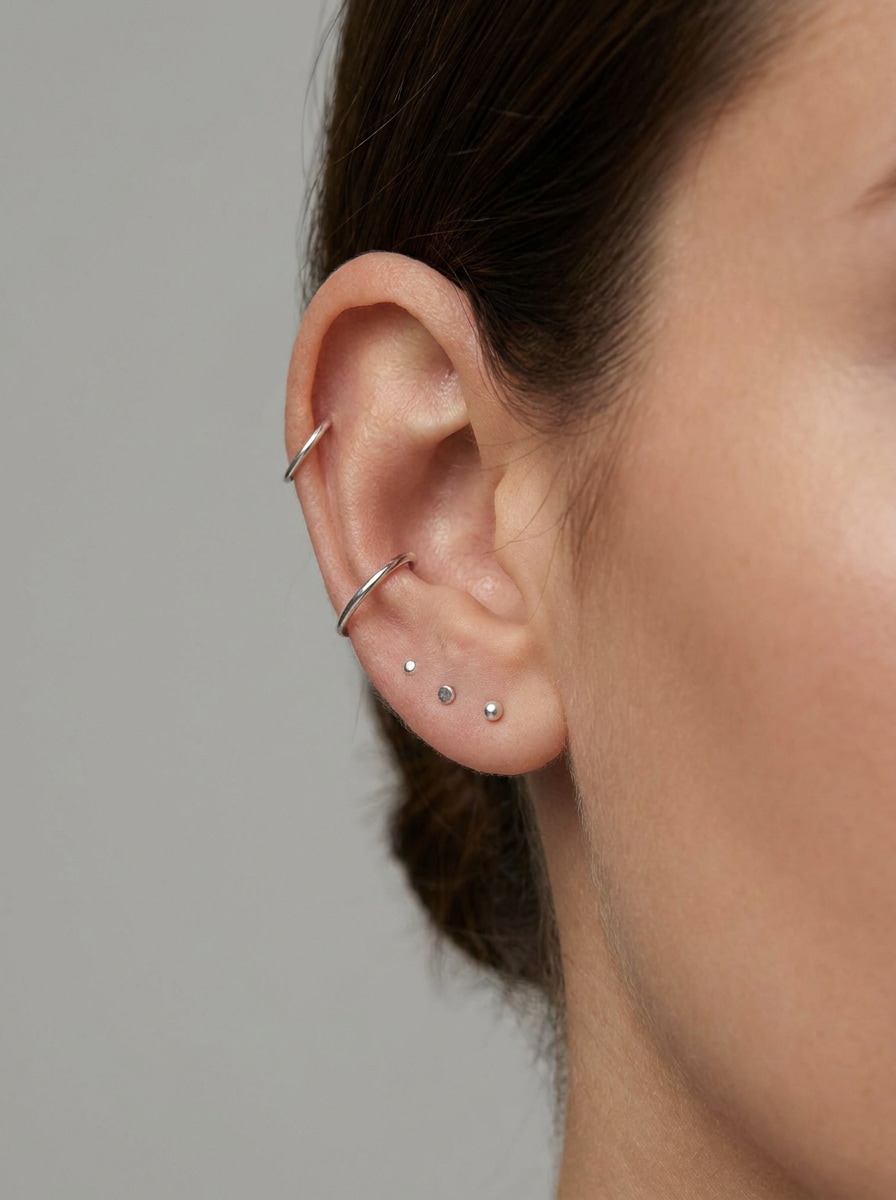
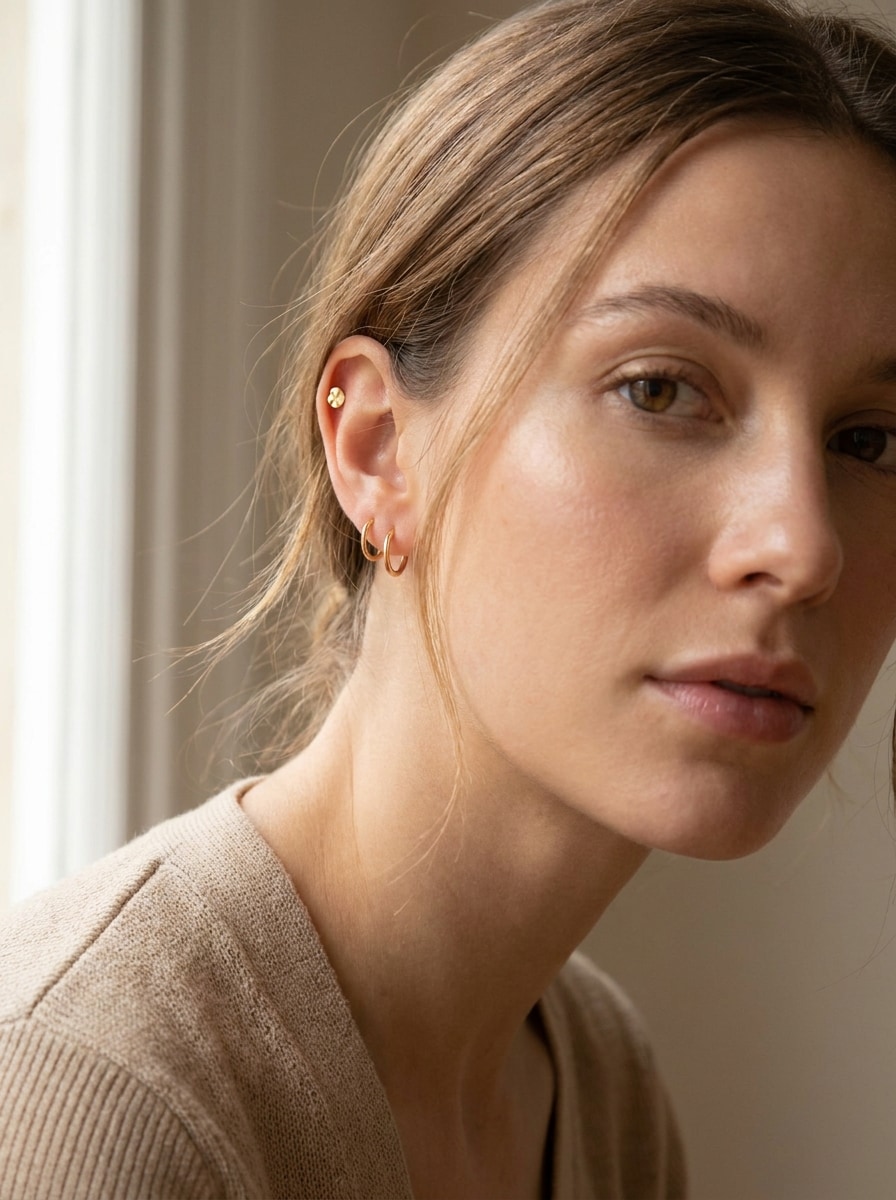
Use a imagem enviada como base e transforme-a com um look limpo e minimalista de piercing na orelha. Adicione peças delicadas de ouro no lóbulo e hélix, mantenha a posição realista, sombras suaves, metal com tonalidade quente e polida, e preserve a textura natural da pele para um acabamento luxuoso discreto.
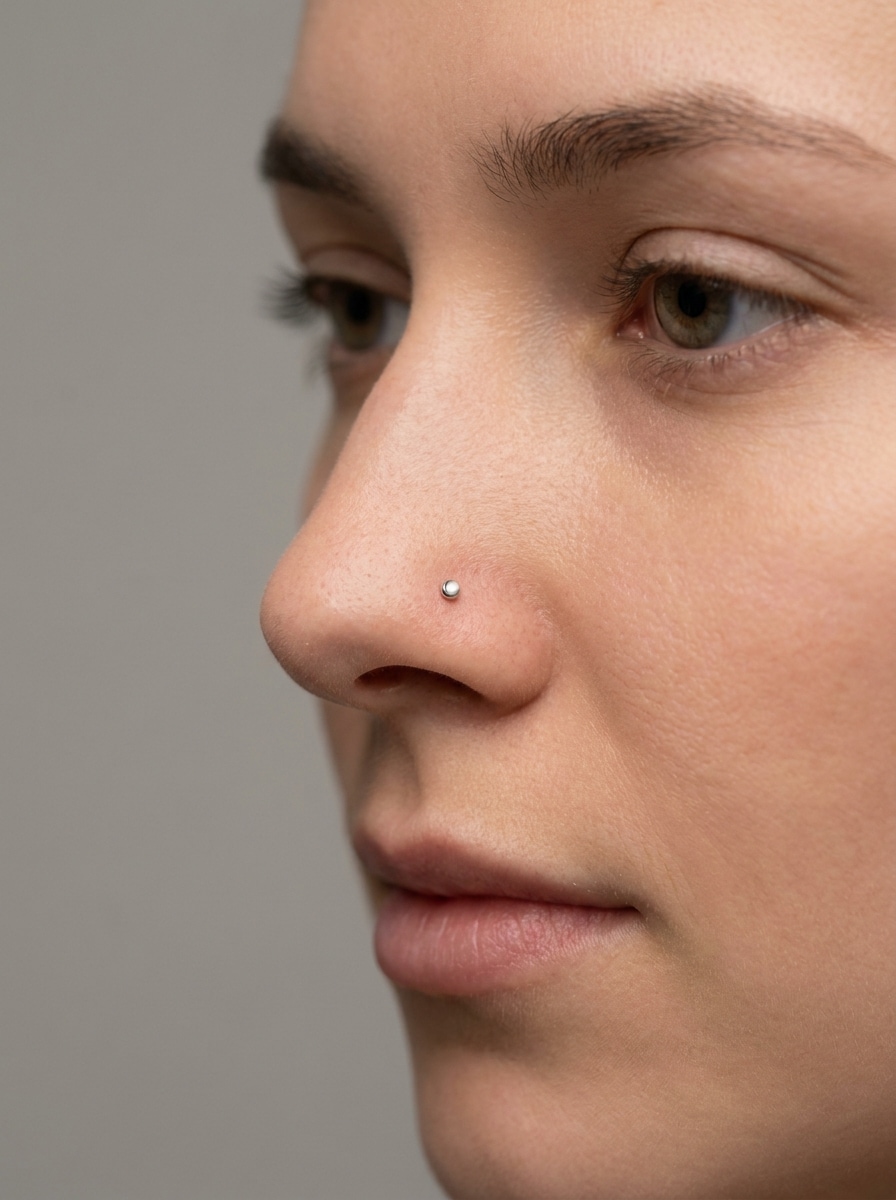
Mini Piercing no Nariz
Use a selfie enviada como base e adicione um pequeno piercing na narina para um look sutil do dia a dia. Mantenha a joia pequena e realista, alinhada naturalmente com os traços do rosto, preservando os detalhes da pele e usando luz e sombra suaves para um resultado uniforme.
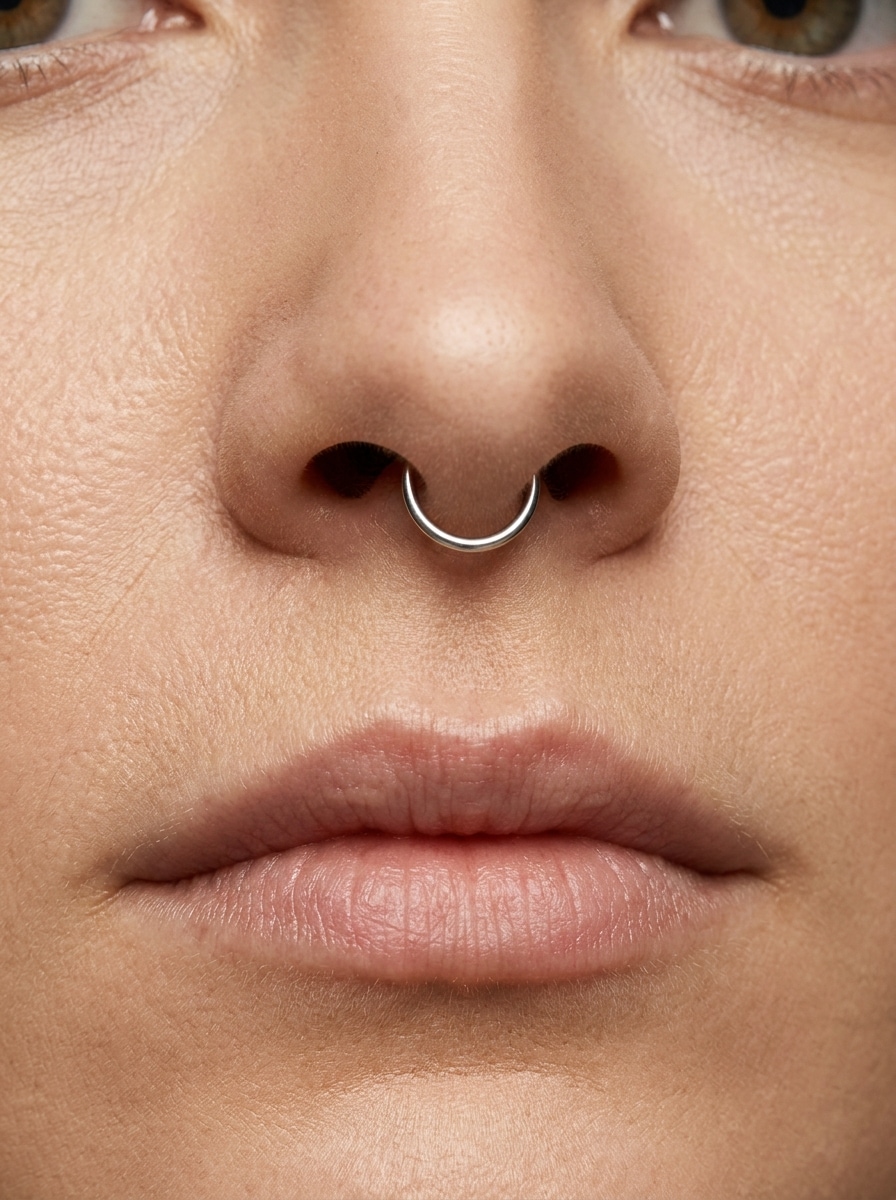
Prévia da Argola de Septo
Use a foto enviada como base e exiba uma argola de septo realista sob o nariz. Mantenha o tamanho equilibrado, reflexos metálicos sutis, simetria facial intacta e iluminação consistente para que o resultado pareça um teste de joia crível, e não uma sobreposição de adesivo.
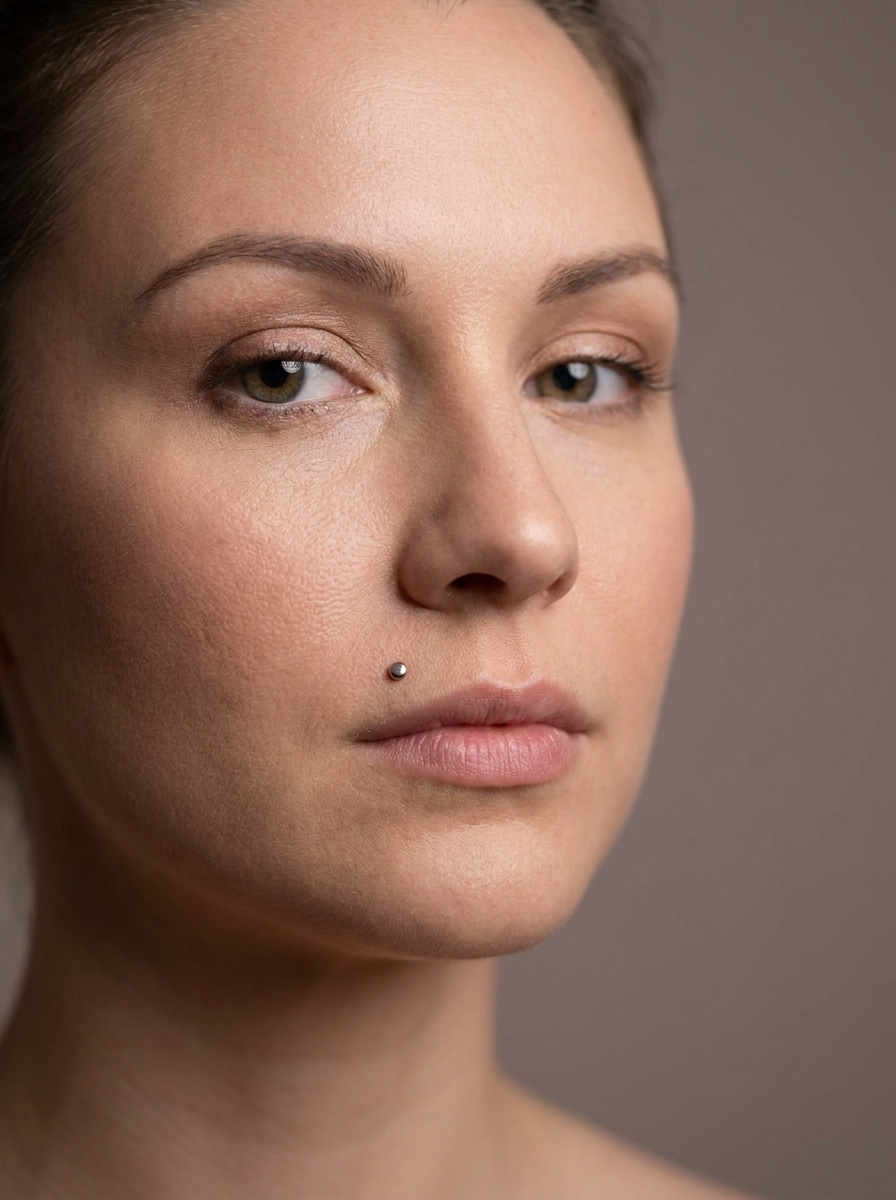
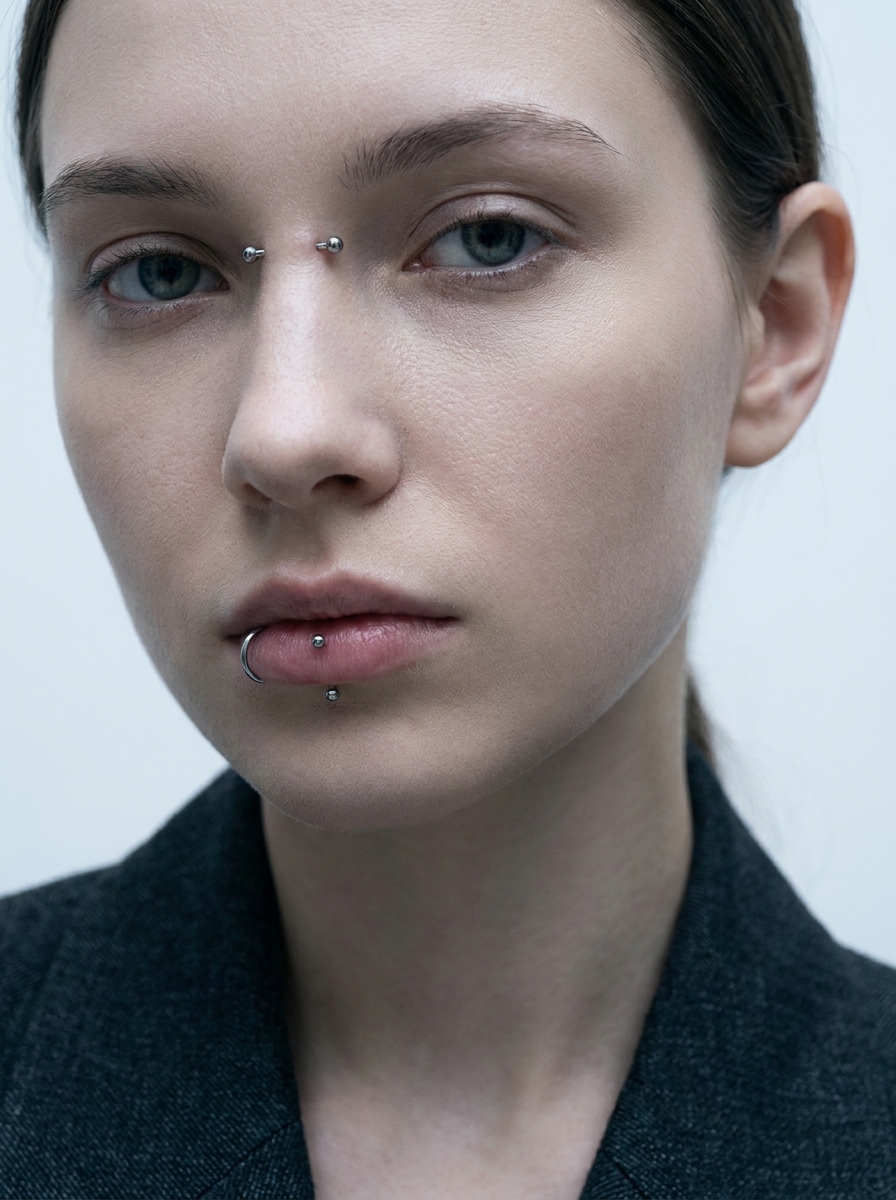
Piercing Monroe no Lábio
Use a imagem enviada como base e adicione um piercing Monroe acima do lábio superior. Mantenha a posição precisa, a joia polida e limpa, e o retrato geral natural com luz favorecedora, textura real da pele e mood elegante e suave.
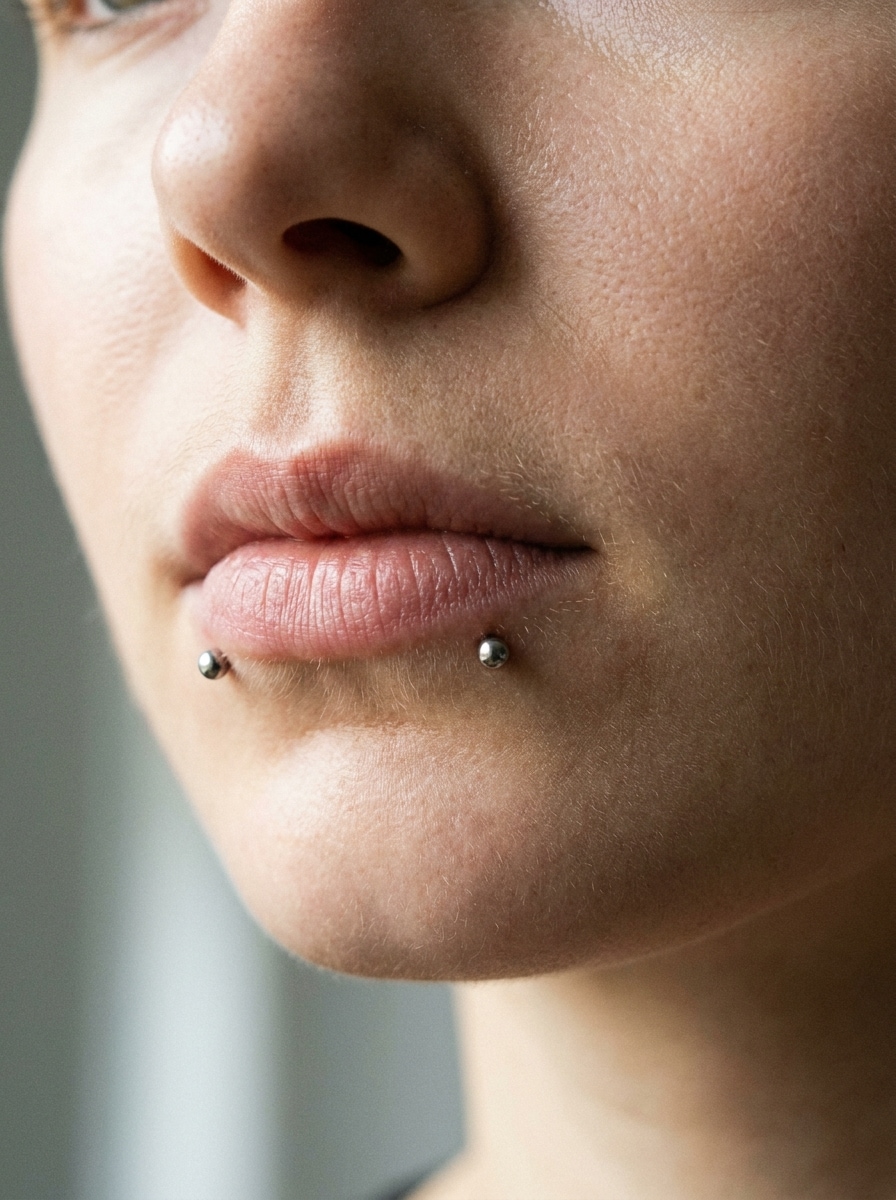
Snake Bites
Use a selfie enviada como base e crie piercings Snake Bites realistas sob o lábio inferior. Mantenha ambos os lados simétricos, tamanho das joias equilibrado, textura metálica nítida e integração natural à pele sob luz suave para um estilo ousado e confiante.
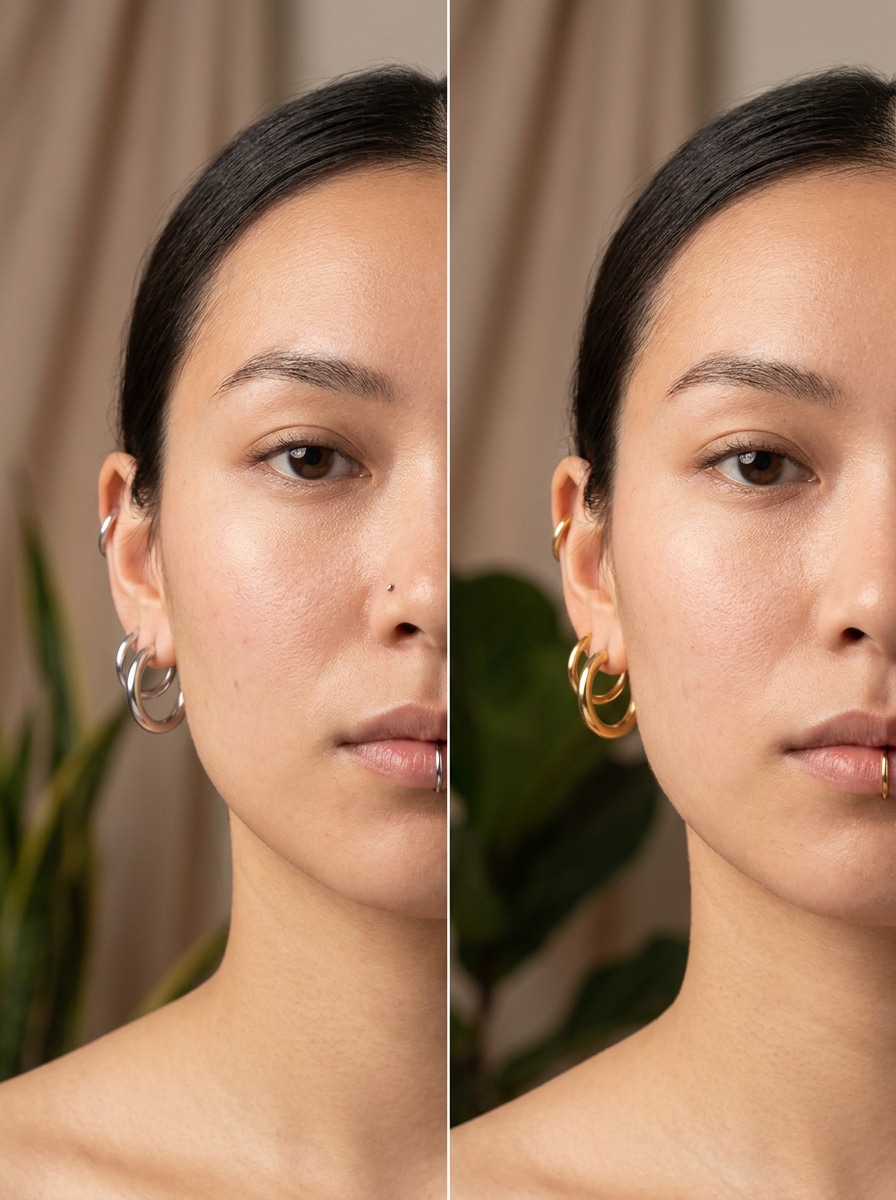
Comparação Prata vs Ouro
Use a imagem enviada como base e crie uma comparação dividida mostrando joias de prata de um lado e ouro do outro. Mantenha o mesmo ângulo facial, iluminação consistente, reflexos realistas e composição arrumada lado a lado para ver qual metal combina melhor com o retrato.
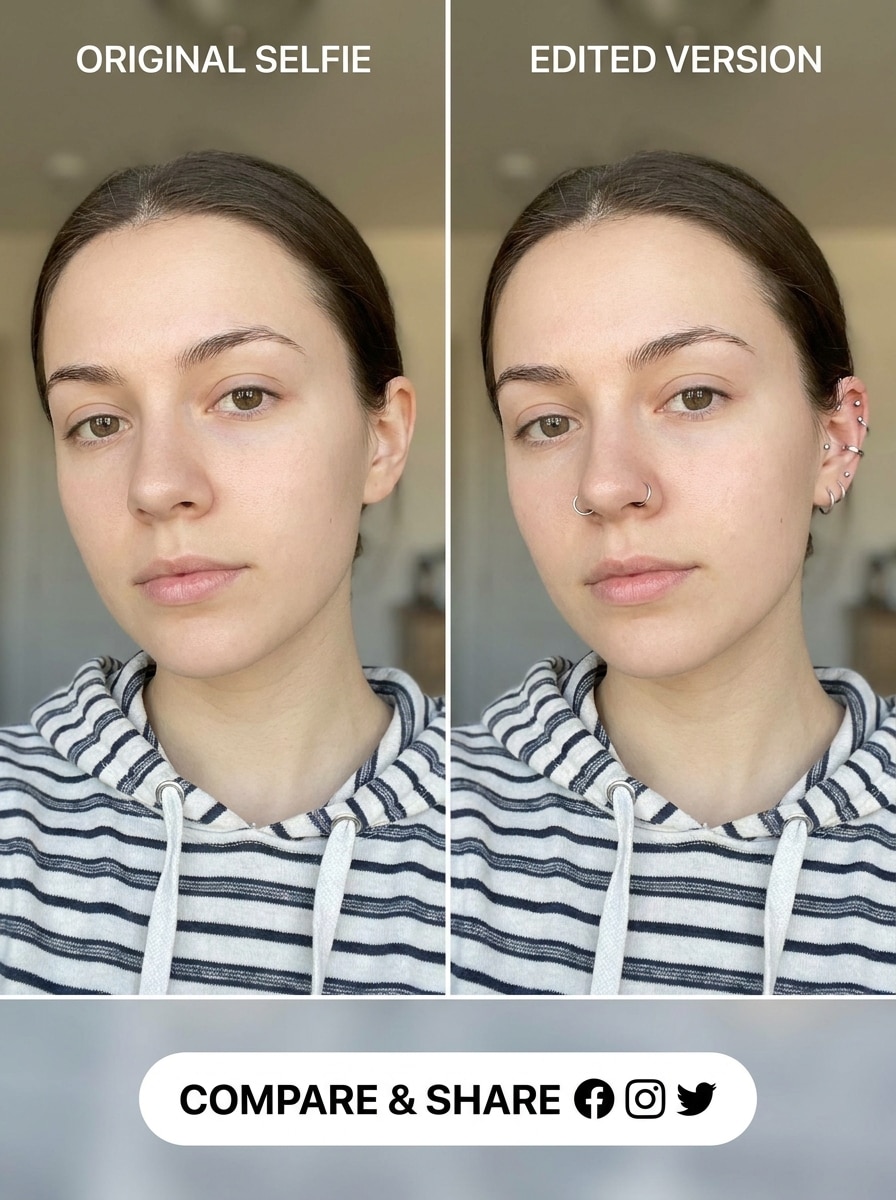
Antes e Depois do Teste
Use a selfie enviada como base e gere uma prévia de piercing do tipo antes e depois. Mantenha o visual original de um lado e adicione joias realistas na orelha e nariz do outro, com layout limpo, iluminação combinada, fusão de pele sem emendas e alta nitidez para comparação fácil.
Visual Personalizado de Piercing Facial
Use a imagem enviada como base e adicione um design personalizado de piercing facial de acordo com o prompt, como ponte, lábio ou estilos inspirados em língua. Mantenha posição realista, material da joia polido, proporção facial intacta e iluminação coerente para uma transformação personalizada e crível.
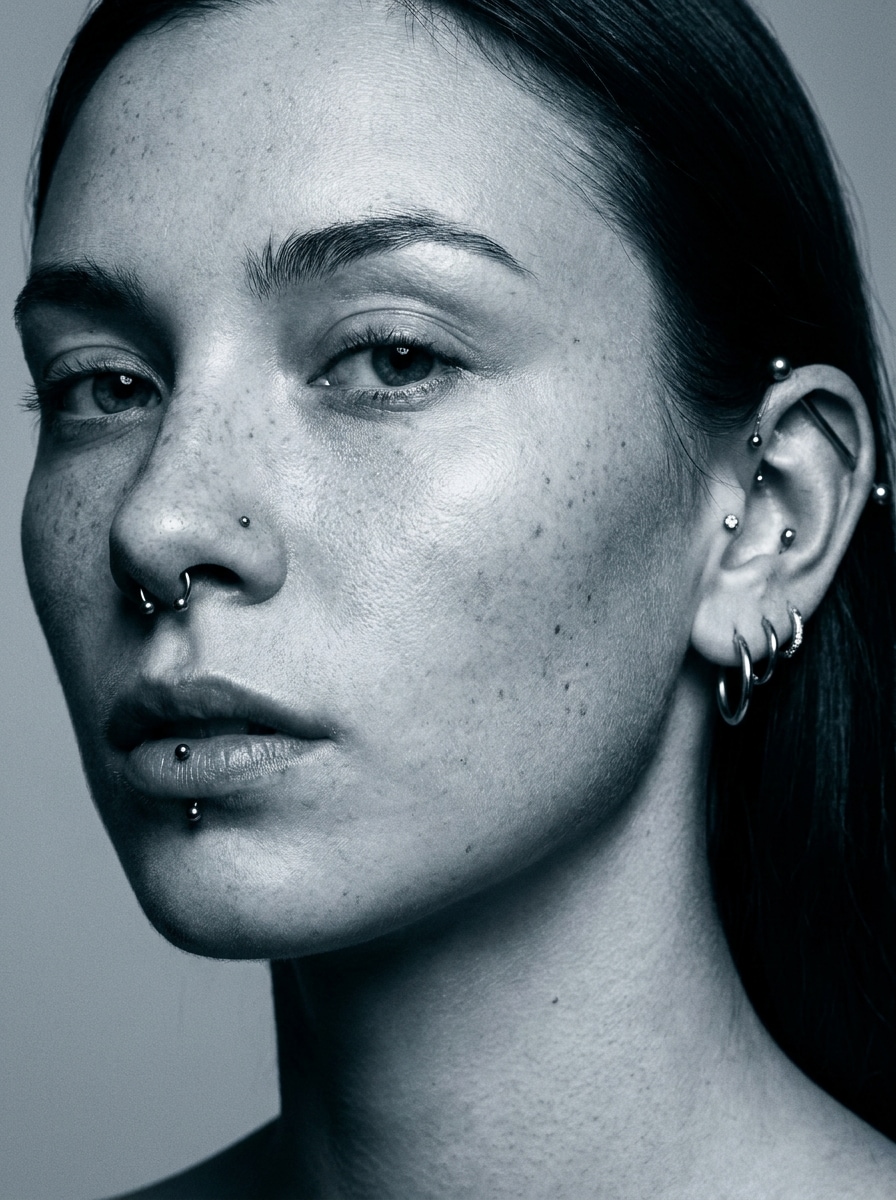
Look Editorial Ousado de Piercing
Use a selfie enviada como base e transforme em um retrato editorial ousado com vários piercings marcantes, porém críveis. Preserve a identidade, mantenha texturas metálicas e detalhes da pele realistas, e use uma iluminação dramática de beleza com acabamento de revista de moda.
Por que Usar o Media.io para Testar Piercings Virtuais
Teste Mais Opções Usando Uma Só Foto de Referência
De um filtro de piercing no nariz até um filtro de piercing na orelha de demonstração ou prévia de posição no lábio, o Media.io permite reutilizar um retrato nítido e testar diferentes posições de joias no mesmo rosto, tornando comparações mais rápidas, limpas e consistentes.
Combine o Estilo Certo para Cada Versão
Se a direção criativa ainda não foi definida, Media.io ajuda a explorar várias aparências com o mesmo conceito de piercing. Seja testando um filtro de piercing no septo, filtro de piercing no lábio ou um piercing facial mais experimental, é possível explorar.
Gere Resultados Mais Nítidos Até 4K
Quando o visual do filtro de piercing for publicado de verdade, o Media.io oferece geração mais nítida em até 4K, o que ajuda a imagem a permanecer clara em apresentações, fundos ou usos repetidos.
Edição no Navegador Sem Preciso de App
Edições criativas geralmente circulam entre dispositivos, e o Media.io mantém todo fluxo do filtro de piercing online, direto no navegador. Isso mantém o trabalho fluindo mesmo ao alternar entre celular e computador.
Como Usar um Filtro de Piercing por IA
Transforme palavras em imagens incríveis em três passos simples; refine o resultado à vontade se quiser ir além.
Passo 1
Envie Sua Imagem de Referência
Comece com uma selfie, retrato ou foto de close em que a orelha, nariz, lábios ou o rosto inteiro estejam bem visíveis. Imagens frontais com boa iluminação funcionam melhor para testar opções como um filtro de piercing no septo, piercing na narina ou combinação curada de orelhas.
Passo 2
Descreva a Mudança e Defina as Opções
Informe o visual de piercing desejado, como mini piercing de narina, conjunto de joias na orelha, piercing de ponte ou snake bites. Em seguida, escolha o modelo e ajuste formato, resolução e número de variações para alcançar a prévia ideal.
Passo 3
Gere, Baixe e Continue Melhorando
Crie várias prévias de piercing, compare resultados e baixe a versão favorita. Para refinar, edite o prompt, gere novos posicionamentos ou continue aprimorando a imagem para conteúdo social e comparações visuais.
Desbloqueie o Potencial do Filtro de Piercing no Nariz
Veja como criadores usam esse fluxo de prévia de piercings no Media.io para conteúdo, marketing e projetos pessoais — adapte cada ideia para atender seu objetivo.
Veja as Joias Antes de Decidir
Teste pequenos pontos, argolas ou estilos combinados em seus traços antes de marcar um horário. O Media.io é especialmente útil para comparar um filtro de argola no nariz, opção de filtro no septo ou um detalhe menor no lábio, quando você quer mais clareza sobre proporção e posicionamento.
Monte Comparações de Estilo Compartilháveis
Crie conceitos lado a lado para prata versus ouro, minimalista versus ousado, ou único versus múltiplos piercing. Essas comparações funcionam em moodboards, conteúdo de beleza e posts sociais, seja uma prévia online de piercing no nariz ou conceito editorial feito a partir de uma selfie.
Explore Posições Personalizadas no Rosto Todo
Vá além dos presets testando ideias como piercing de ponte, combinação curada de orelhas ou joias duplas no lábio no mesmo retrato. O Media.io facilita explorar conceitos de filtro de piercing de ponte, língua ou face com mais realismo, incluindo estilos inspirados em filtros de piercing de nariz do Snapchat.
O Que Usuários Dizem Sobre Esta Ferramenta de Teste de Piercing
Maya Collins
Criadora de Conteúdo de Beleza
"Muito mais realista do que apps de adesivos" Eu queria uma prévia de piercing de nariz e septo que realmente combinasse com meu rosto, e esse me deu um resultado muito melhor do que apps básicos de sobreposição. Iluminação e fusão de pele ficaram naturais o suficiente para usar no planejamento do meu conteúdo.
Jordan Lee
Blogger de Lifestyle
"Fácil testar múltiplas opções" Usei uma selfie para testar opções na orelha, lábio e narina sem baixar nada. Poder regenerar versões diferentes facilitou comparar estilos sutis e ousados antes de decidir o que mais combinava comigo.
Sofia Ramirez
Designer de Mídias Sociais
"Ótimo para antes e depois" O resultado em formato de comparação foi o que me conquistou. Usei para criar prévias limpas de piercings antes e depois para uma campanha, e a qualidade da imagem era alta o bastante para reaproveitar em stories e reels.
Ethan Walker
Criador Estudante
"Teste rápido direto no navegador" Gostei de poder usar online sem instalar app. Enviei um retrato nítido, descrevi o look que queria e em poucos cliques tinha uma prévia realista.
Explore os efeitos de vídeo e imagem de IA mais quentes
1. Como funciona o filtro de piercing por IA na selfie?
Um filtro de piercing por IA usa sua selfie enviada como imagem de referência e edita de imagem para imagem de acordo com o prompt informado. No Media.io, você descreve o posicionamento e o estilo que deseja, e a ferramenta gera uma nova prévia com fusão natural de joias, iluminação e alinhamento facial.
2. Posso testar piercings de orelha, nariz, lábio e septo na mesma ferramenta?
O Media.io suporta edição baseada em referência, então você pode enviar um retrato e testar vários looks como conjunto de orelha, filtro de piercing no nariz, conceito de piercing no lábio ou estilo de argola de septo. Dá para gerar diferentes variações e comparar posições no mesmo rosto.
3. Este filtro de piercing é gratuito?
Sim, usuários gratuitos podem começar com créditos grátis no Media.io. Se precisar de mais gerações ou downloads de alta qualidade, confira a página de preços do Media.io. Exportações gratuitas podem ter marca d'água; já em planos pagos, você pode baixar sem marca d'água e em alta resolução.
4. Quão realista ficará o piercing virtual na minha foto?
O realismo depende da nitidez da foto e do prompt, mas o Media.io é feito para editar imagem para imagem, não apenas para sobrepor adesivos. Isso deixa o resultado mais convincente, com melhor fusão de pele, reflexos metálicos reais e posicionamento que segue melhor os traços faciais visíveis.
5. Preciso baixar um aplicativo ou posso usar online?
Você pode usar o Media.io online direto no navegador, então funciona em qualquer dispositivo sem baixar nada. Isso facilita testes rápidos de piercing virtual pelo laptop, tablet ou celular.
6. Que tipo de foto funciona melhor para testar piercing?
Uma selfie ou retrato nítido e bem iluminado é ideal, principalmente quando a área a editar está totalmente visível. Para testar na narina, ponte, lábio ou orelha no Media.io, escolha uma imagem com ângulo simples, pouco borrada e detalhes suficientes na região a ser transformada.