Selecione / @ personagem, descreva a cena que você deseja gerar.
0/2000
9:16
1K
1
Modo Ilimitado do Banana Pro
Criações
Hub de Ideias
Como funciona
Todos
Recursos populares
Ver tudo
Desafio Criativo de Halloween
Ver tudo
História de Frutas com IA
Ver tudo
Vídeo de História com IA
Ver tudo
Vídeos Virais Hoje
Ver tudo
Vídeos de Produto com IA
Ver tudo
Personagem AI
Ver tudo
Tendências de Dança
Ver tudo
GPT Image 2
Ver tudo
Seedance 2.0
Ver tudo
Correspondência de Celebridade por IA
Ver tudo
Dicas de Poses para Casais
Ver tudo
Prompts de Poses de Garota AI Estética
Ver tudo
Sugestões de Pose de Garoto Elegante com IA
Ver tudo
Lista de geração
As criações são armazenadas por apenas 7 dias. Os recursos criados após o upgrade para um plano de assinatura serão armazenados permanentemente.
Desbloqueie seu potencial criativo e experimente a magia da IA de mídia hoje!
Aplique um Filtro Dark Academia para Edições de Fotos Vintage com Atmosfera
Transforme selfies, retratos e fotos de estilo de vida em imagens ricas com inspiração dark academia online. O Media.io ajuda você a adicionar gradação marrom quente, sombras suaves, grão e profundidade cinematográfica para um visual refinado de filtro dark academia, seja para um filtro estético dark academia, um clima vintage sutil de estudo, ou um acabamento refinado de filtro de foto dark academia.
Digite sua ideia -> A IA cria. Grátis para experimentar.
Revise esses exemplos de direções e, em seguida, personalize os detalhes do prompt para obter resultados mais fortes com este Filtro Dark Academia no Media.io, seja para uma edição de estilo de vida sombria ou um resultado de filtro de retrato acadêmico.
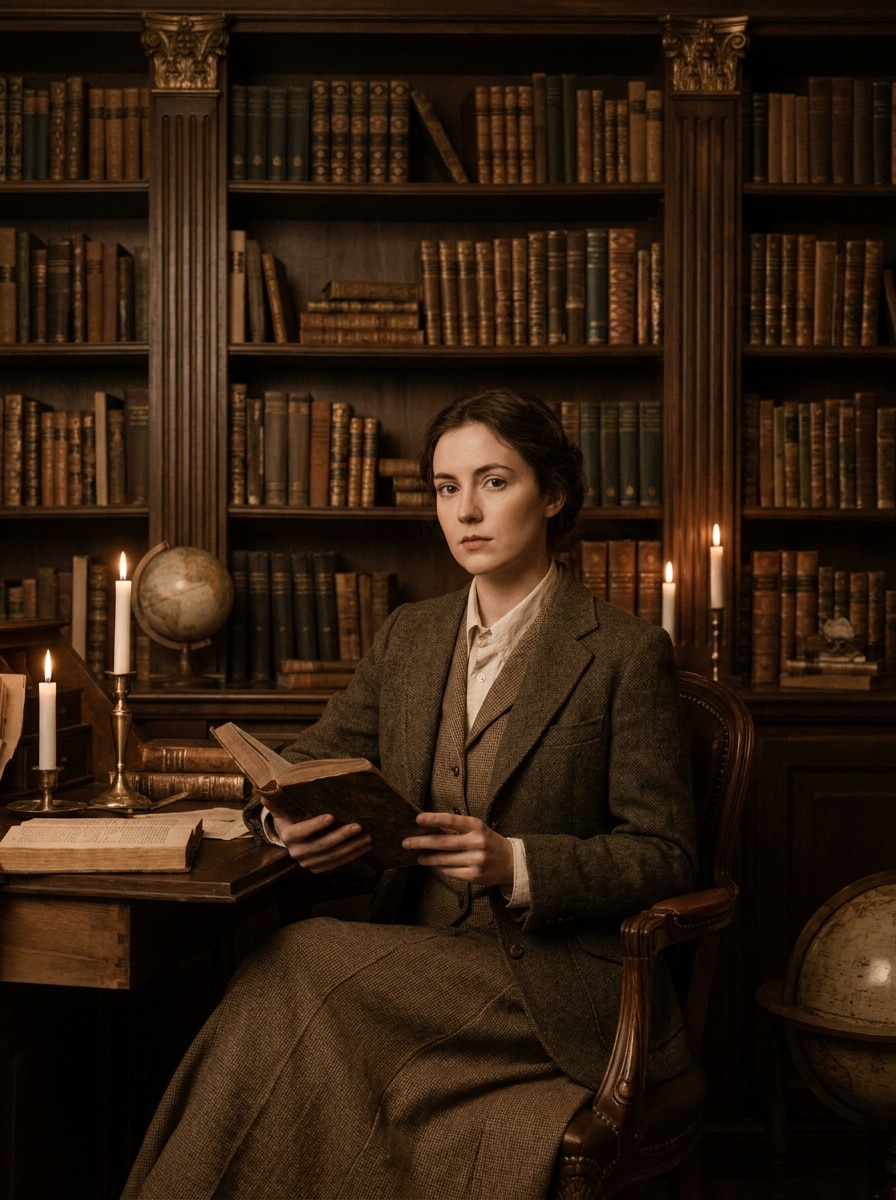
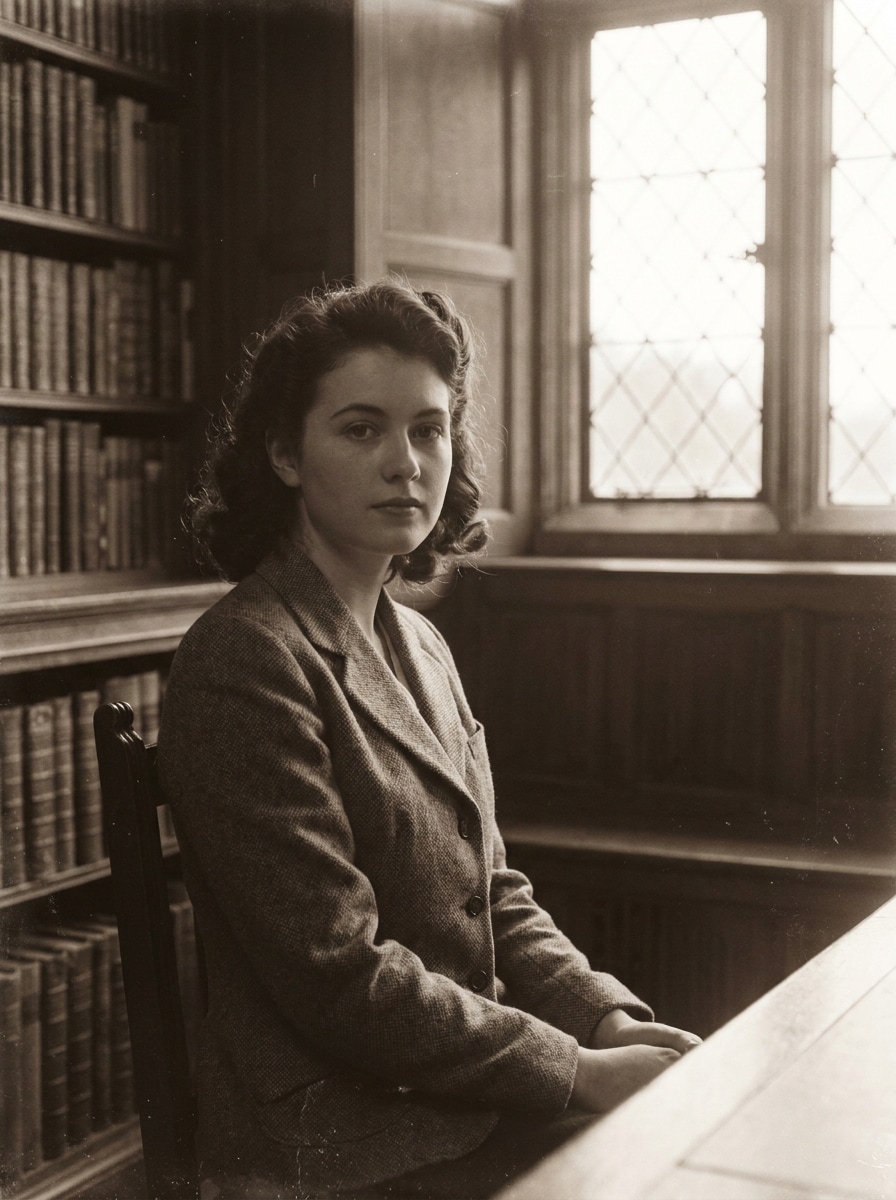
Retrato Sombrio de Biblioteca
Use a imagem enviada como tema e transforme-a em um retrato sombrio de biblioteca com estilo dark academia. Adicione tons quentes de sépia-marrom, sombras suaves como velas, contraste suave, grão de filme sutil, textura de papel envelhecido, entorno de madeira escura e um clima elegante e erudito, mantendo os detalhes do rosto naturais e nítidos.
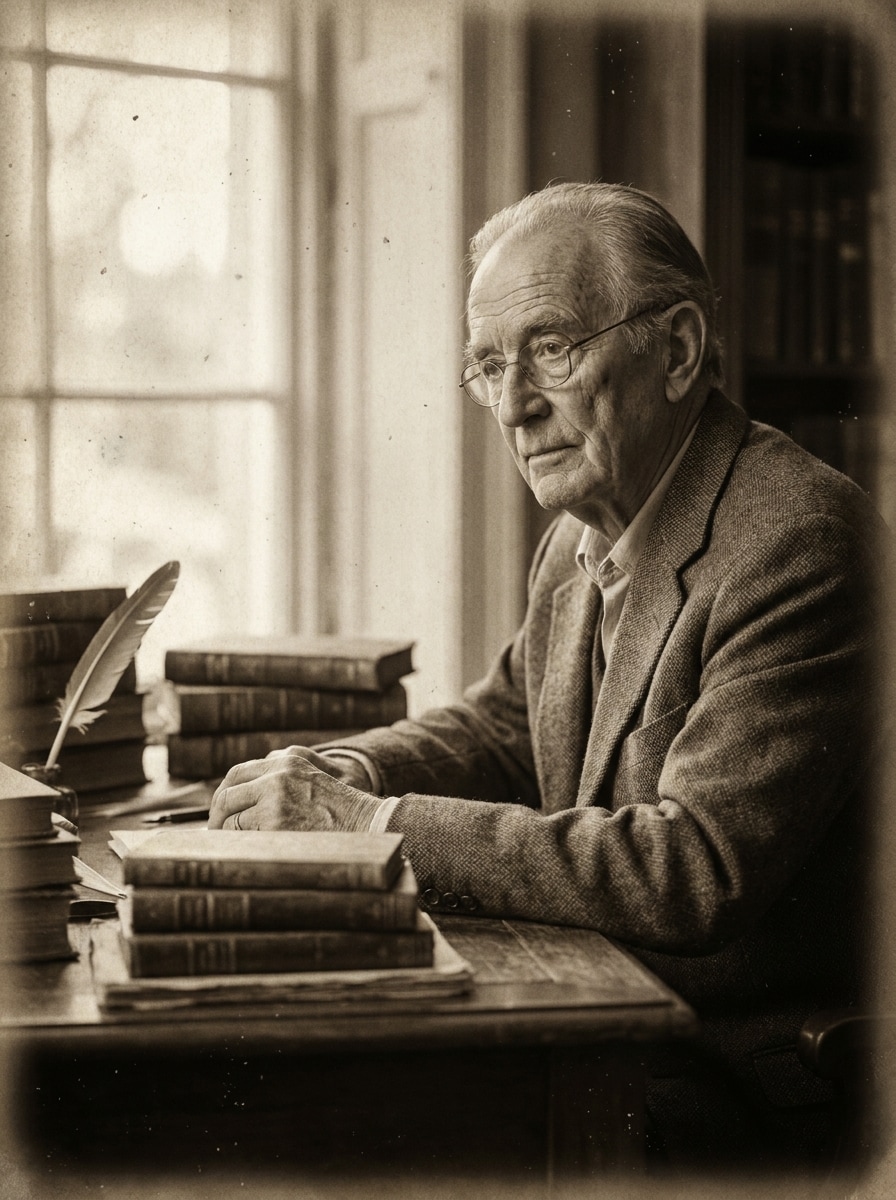
Estudo Vintage em Sépia
Use a imagem enviada como tema e reestilize-a em uma cena de estudo vintage em sépia. Misture marrons de papel antigo, baixa saturação, vinheta suave, pretos foscos, grão leve de poeira e uma atmosfera literária tranquila com mesa, livros e luz quente de janela, preservando as características reconhecíveis do sujeito.
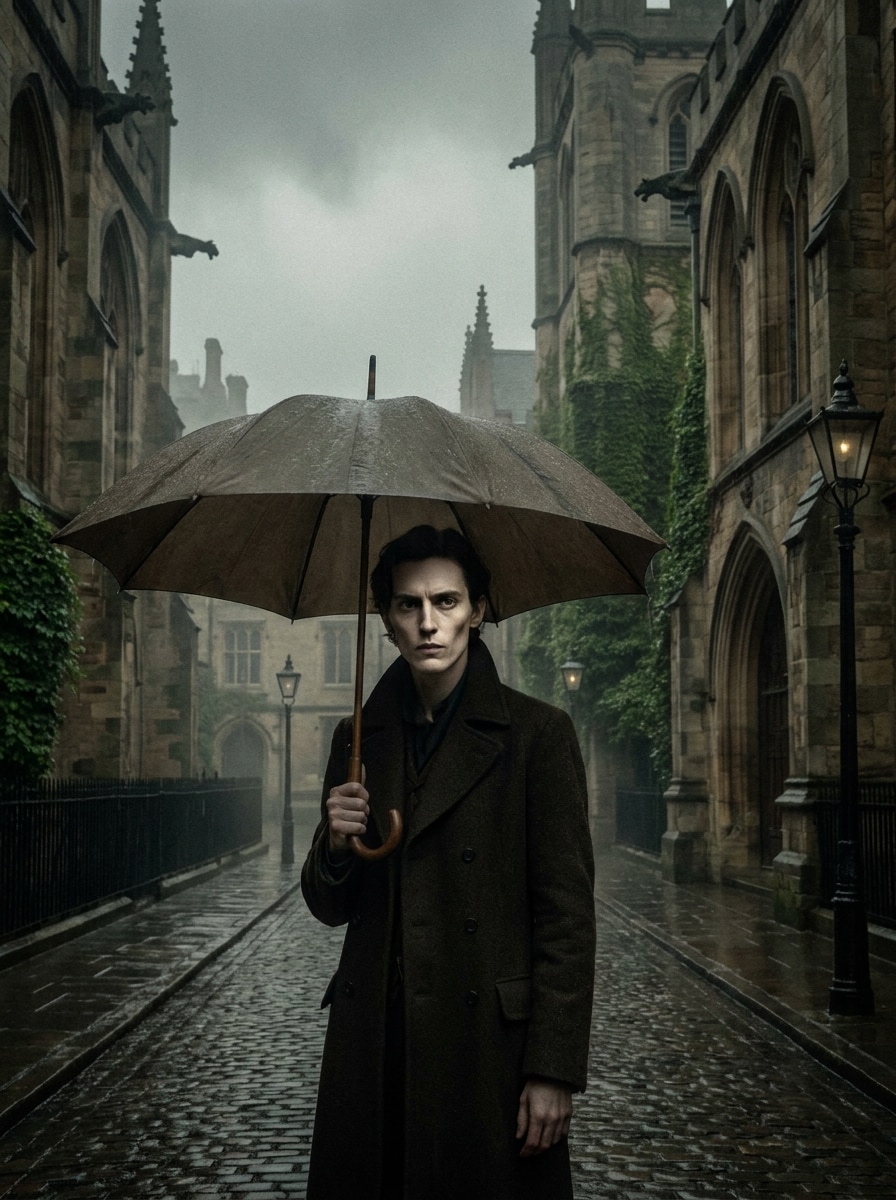
Cena Cinematográfica Gótica com Chuva
Use a imagem enviada como tema e transforme-a em uma cena cinematográfica gótica com chuva. Adicione iluminação encoberta, sombras profundas, tons verde-marrom dessaturados, texturas de pedra molhada, brilho sutil, grão analógico fino e atmosfera dramática, mas mantenha o rosto claro e o sujeito distinto no quadro.
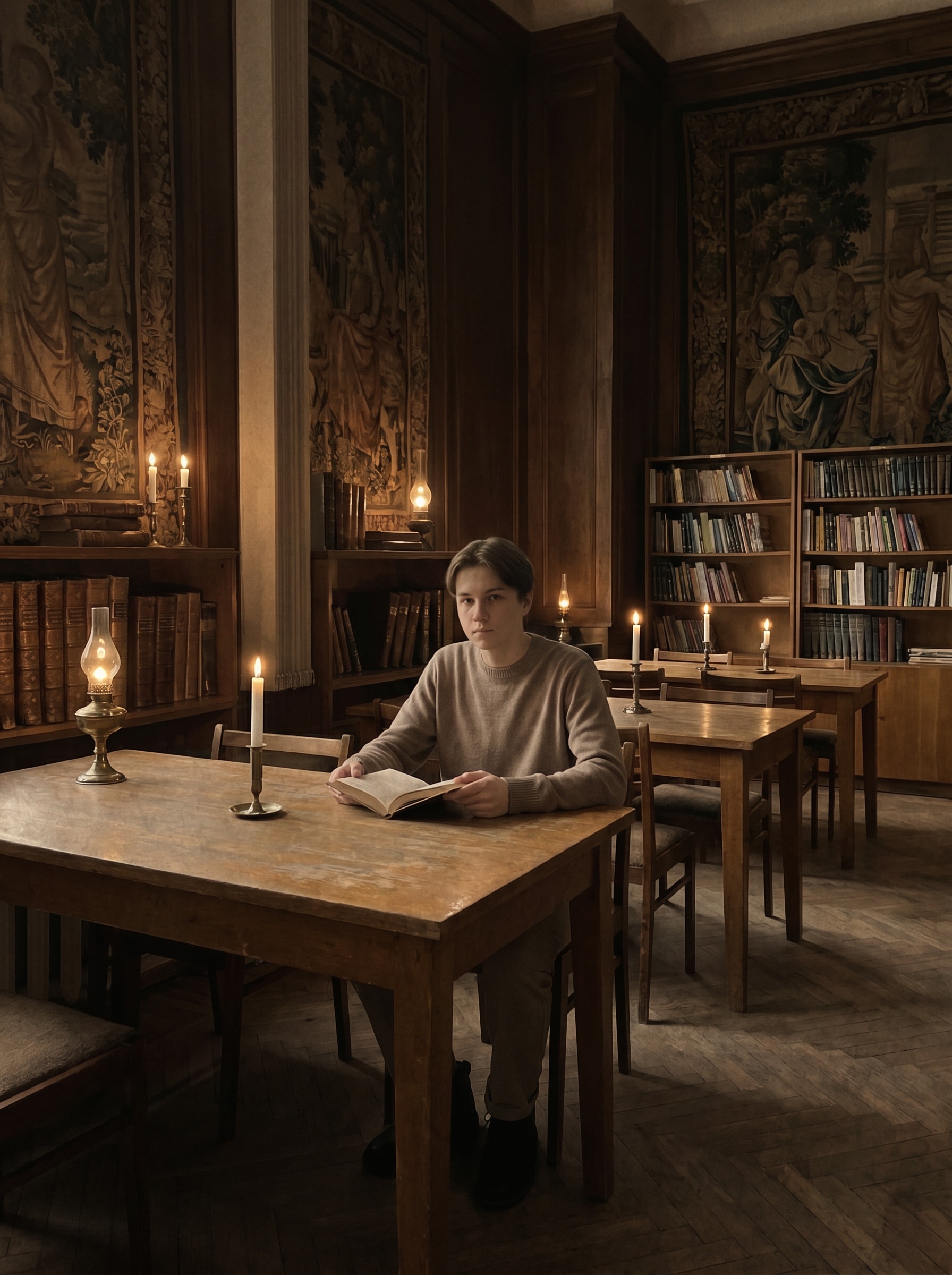
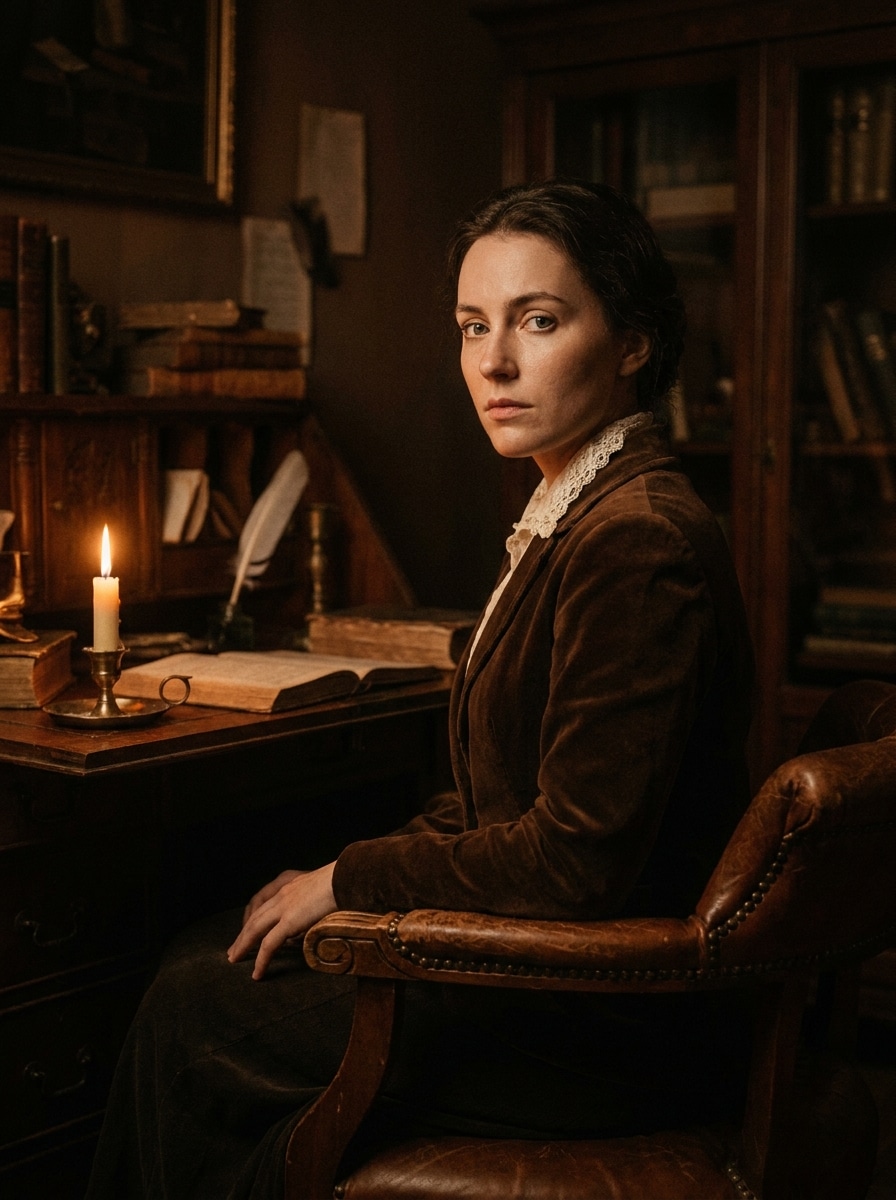
Cena com Pouca Luz e Velas
Use a imagem enviada como tema e aplique um efeito dark academia iluminado por velas. Introduza destaques âmbar, profundidade rica de sombras, gradação marrom quente, brilho suave ao redor de fontes de luz práticas, grão texturizado e uma atmosfera misteriosa de mundo antigo, mantendo textura de pele realista e um contorno limpo do sujeito.
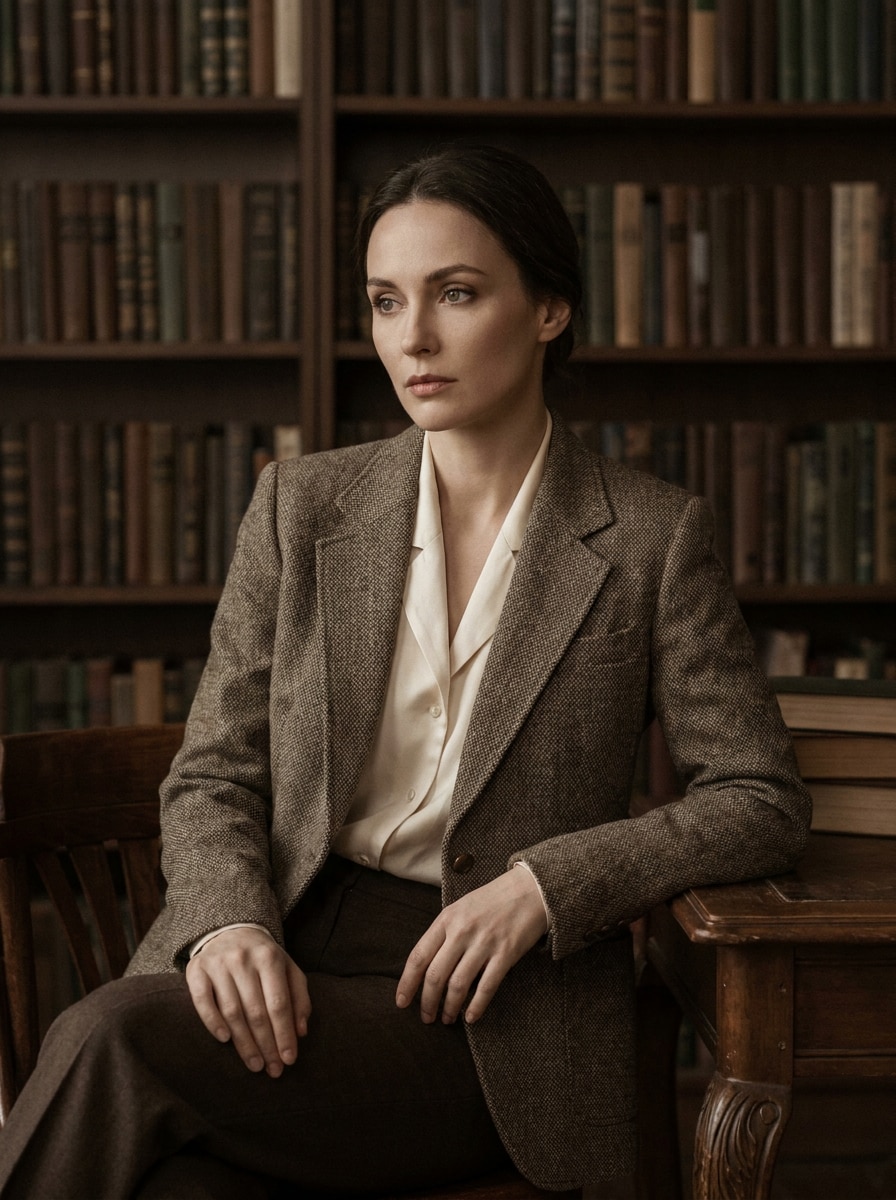
Retrato Editorial Erudito
Use a imagem enviada como tema e crie um retrato editorial erudito e refinado. Aplique gradação marrom fosca, escurecimento suave do fundo, nitidez sutil dos olhos, contraste suave seguro para a pele, grão fino, sugestões de guarda-roupa personalizado e um acabamento elegante similar a uma revista para um visual refinado de filtro de retrato acadêmico.
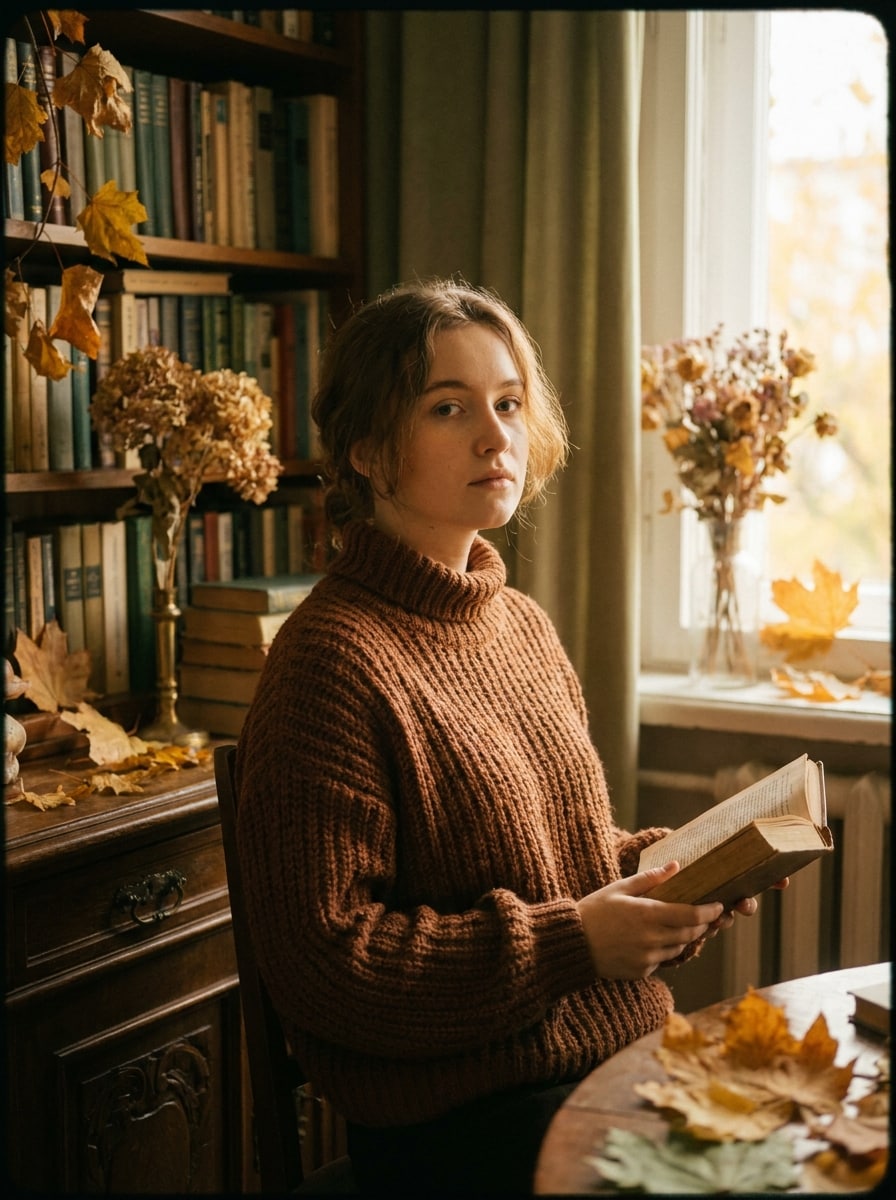
Visual Academia Outonal
Use a imagem enviada como tema e transforme-a em um retrato de academia outonal. Adicione marrons castanha, folhas douradas desbotadas, verdes suaves, contraste nostálgico, vinheta suave, texturas de malha aconchegante e grão de filme para um clima literário caloroso que ainda mantém o rosto natural e bem definido.
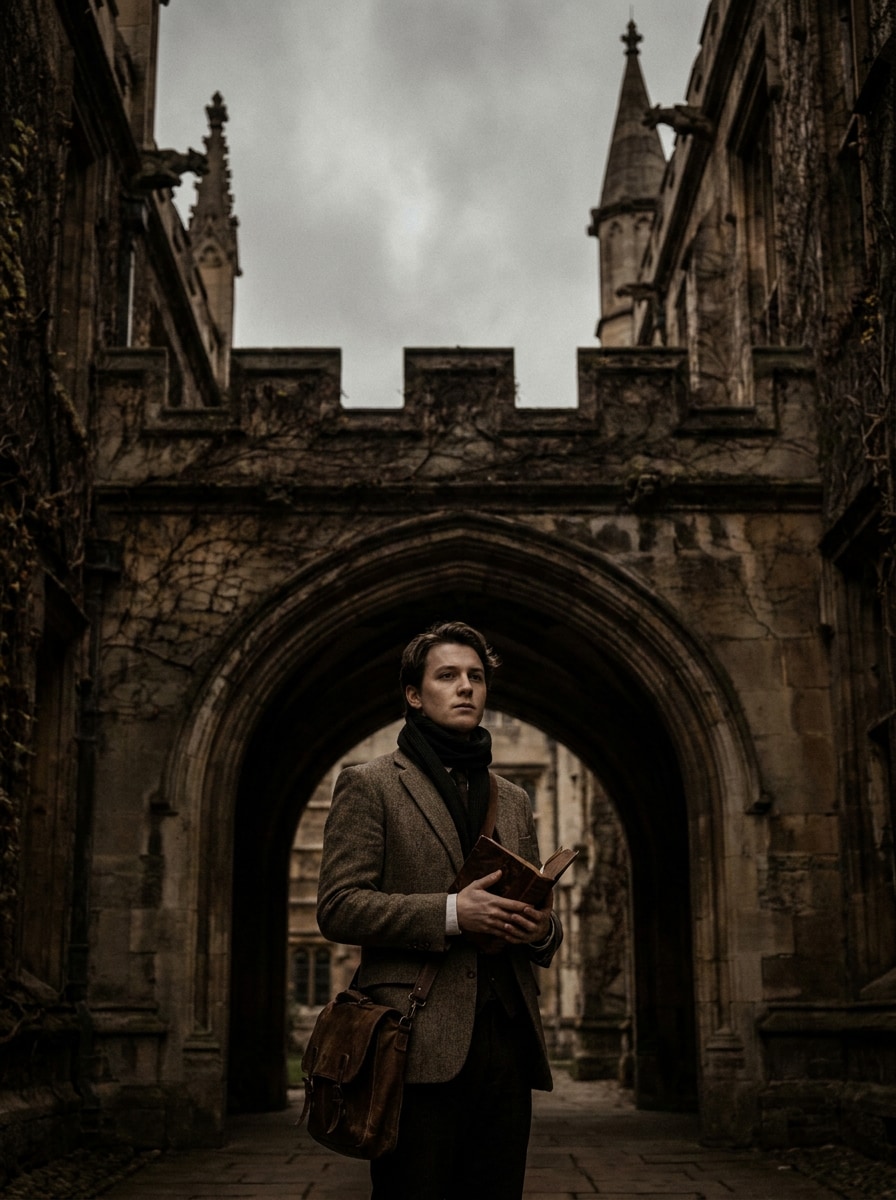
Gótico de Campus Antigo
Use a imagem enviada como tema e coloque-a em uma cena gótica de campus antigo. Misture texturas de pedra desgastada, tons antigos marrom-preto, ambiente nublado, contraste fosco, equilíbrio dramático de sombras e grão sutil para criar um clima clássico universitário sem perder a clareza ou as proporções do sujeito.
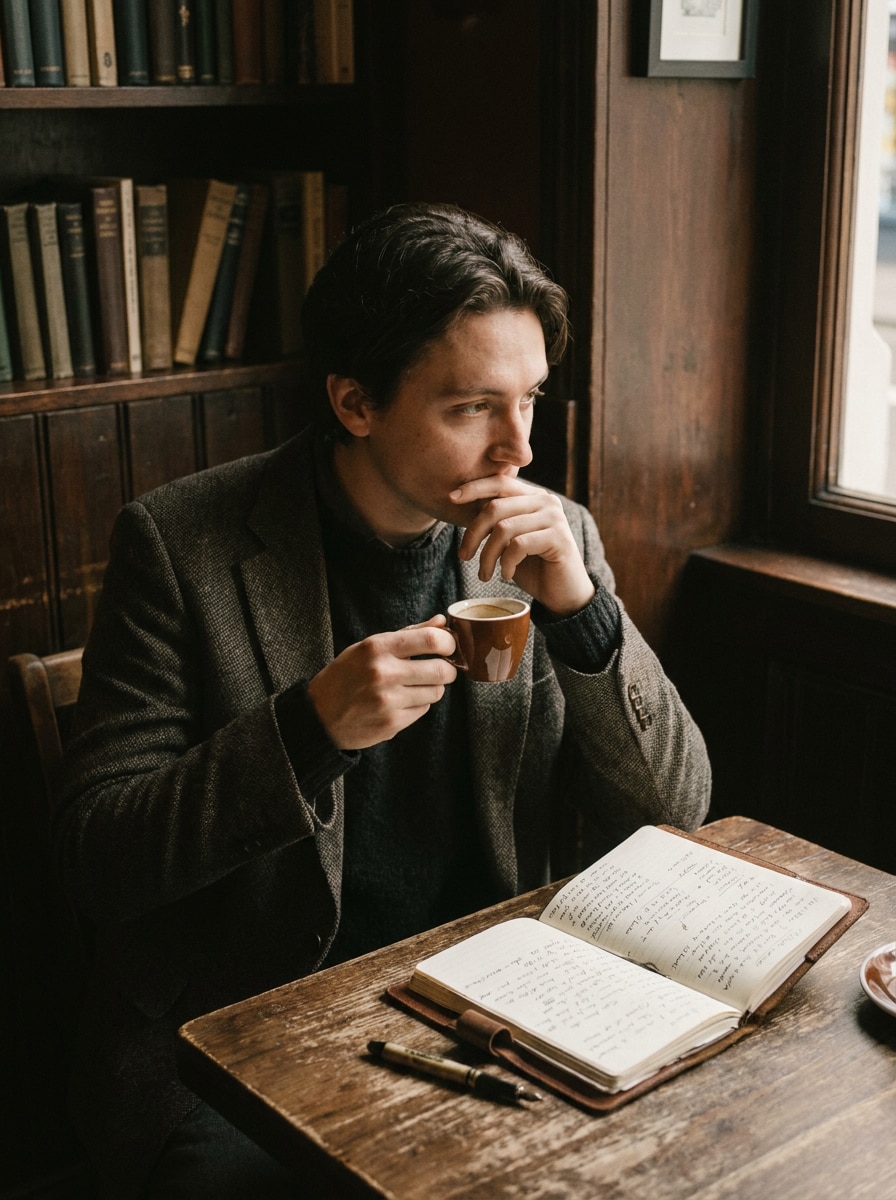
Clima de Café e Caderno
Use a imagem enviada como tema e estilize-a em uma cena pensativa de café e caderno. Adicione marrons de café espresso, destaques suaves, pretos desbotados, textura suave, calor vintage, detalhes de café e papel, e ambiente intelectual íntimo, mantendo a pessoa reconhecível e a edição limpa.
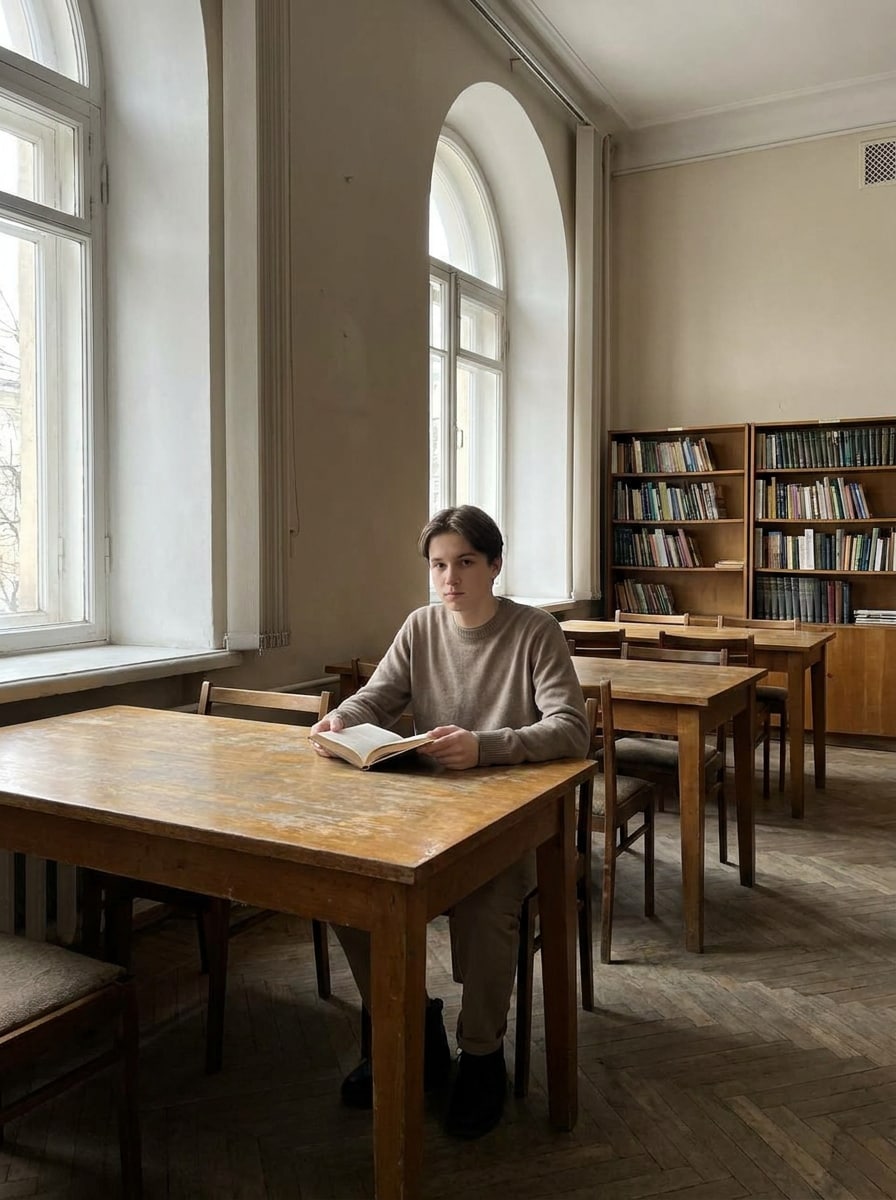
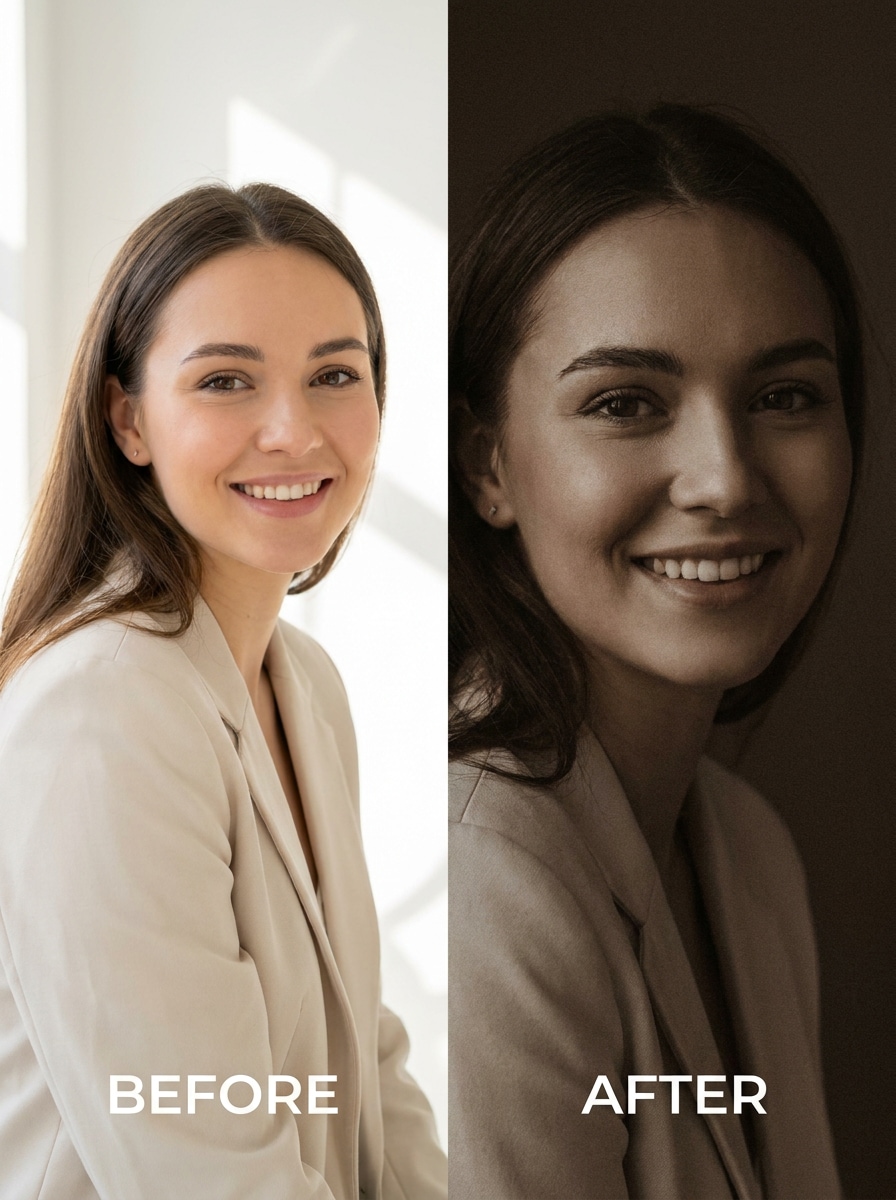
Antes e Depois: De Claro para Sombrio
Use a imagem enviada como tema e converta uma foto moderna e brilhante em uma edição dramática e sombria. Reduza os destaques, aprofunde as sombras com cuidado, aplique marrons quentes e suaves, mantenha as texturas nítidas, adicione um acabamento fosco e grão sutil, e entregue uma filtro de foto dark academia transformação limpa sem desfoque.
Efeito de Câmera de Filme Marrom
Use a imagem enviada como tema e faça-a parecer uma fotografia de filme vintage. Adicione uma dominante de cor marrom, grão analógico, neblina suave, brancos suaves, contraste desbotado e realismo nostálgico para um visual atemporal e erudito inspirado em um estilo de filtro vsco dark academia, mantendo o sujeito claro.
Por Que Usar o Media.io para Estilização de Fotos Dark Academia
Crie Múltiplas Variações Dark Academia a Partir de Um Único Upload
Para publicações em redes sociais, visuais de marca ou mockups que ainda precisam parecer a pessoa original, o Media.io ajuda a preservar características reconhecíveis ao aplicar um estilo de filtro dark academia, para que a imagem final pareça atmosférica sem perder a identidade.
Mantenha Seu Rosto Reconhecível Enquanto Muda o Clima
Diferentes resultados exigem diferentes estéticas. O Media.io ajuda você a explorar tratamentos variados do mesmo conceito visual de filtro dark academia para que o visual final chegue ao tom certo mais rapidamente.
Edite Online com Controle de Saída de Alta Qualidade
Quando um visual com filtro dark academia é destinado para uso real em publicações, o Media.io oferece uma saída mais nítida de até 4K, o que ajuda a imagem a permanecer clara em apresentações, fundos e recursos reutilizados.
Crie no Navegador em Qualquer Dispositivo
A edição não precisa parar quando você troca de tela. O Media.io mantém o fluxo de trabalho baseado em navegador, para que você possa testar um filtro vsco dark academia conceito no computador e revisar ou refinar rascunhos pelo celular com menos obstáculos.
Como Aplicar um Filtro Dark Academia Online
Transforme suas palavras em visuais impressionantes em três etapas simples e continue refinando o resultado se quiser ir mais longe.
Passo 1
Envie Sua Imagem de Referência
Comece com uma selfie clara, retrato, foto de roupa, foto de café ou imagem de campus no formato JPG, PNG ou JPEG. Fotos de origem claras e detalhadas geralmente oferecem a transformação mais limpa para um estilo acadêmico sombrio.
Passo 2
Descreva a Mudança e Configure as Opções
Insira o visual que você deseja, como marrons sépia, sombras iluminadas por velas, grão de filme, arquitetura gótica ou clima de sala de estudo vintage. Em seguida, escolha seu modelo e ajuste a proporção, a resolução e o número de variações a serem geradas.
Passo 3
Gere, Baixe e Continue Melhorando
Crie várias versões, compare os resultados e baixe sua edição favorita. Se necessário, refine o prompt para um visual vintage marrom mais forte, detalhes faciais mais limpos ou uma composição diferente até que o estilo pareça certo.
Desbloqueie o Potencial do Filtro Estético Dark Academia
Veja como os criadores usam este Filtro Dark Academia no Media.io para conteúdo, marketing e projetos pessoais, e adapte cada ideia para atender ao objetivo.
Transforme Selfies do Dia a Dia em Retratos Literários
Dê a uma simples selfie de celular um clima editorial mais rico com gradação marrom, sombras fosco e grão sutil. O Media.io torna isso especialmente útil para fotos de perfil, feeds estéticos ou qualquer pessoa que queira um estilo de filtro de retrato acadêmico com energia de biblioteca antiga em vez de um preset padrão.
Construa Moodboards Coesos para Projetos Sociais e Criativos
Reestilize fotos de roupas, fotos de mesa de café, cadernos, velas e cenas de campus em uma linguagem visual consistente. Com o Media.io, um fluxo de trabalho de edição baseado em navegador facilita a criação de imagens combinadas para quadros do Pinterest, publicações no Instagram e apresentações de conceitos usando um visual coeso de filtro estético dark academia.
Crie Conteúdo Literário Atmosférico Sem Photoshop
Crie a sensação de salas de estudo vintage, pátios chuvosos ou cantos tranquilos de café sem um longo processo de edição. O Media.io ajuda os criadores a testar rapidamente uma direção visual marrom e sombria, seja para um vibe de filtro de foto dark academia para reels, miniaturas ou imagens de marca pessoal.
O Que os Usuários Dizem
Emma R.
Criadora de Lifestyle
"Exatamente a edição sombria que eu queria" Enviei uma selfie brilhante e obtive um resultado suave e com tons marrons que realmente pareceu intencional, não turvo. O rosto ficou claro, e o clima estilo biblioteca foi perfeito para minhas publicações estéticas.
Noah T.
Blogueiro Estudante
"Ótimo para retratos e conteúdo de estudo" Usei em fotos de mesa, fotos de café e alguns retratos. As edições deram a tudo o mesmo vibe acadêmico vintage, o que fez meu blog e gráficos sociais parecerem muito mais consistentes.
Sofia L.
Criadora do Pinterest
"Melhor do que presets básicos" A maioria dos aplicativos de filtro deixava minhas fotos sem vida, mas este manteve os detalhes enquanto mudava a atmosfera. Gostei de poder experimentar variações com velas, sépia e gótico a partir de uma única imagem.
Daniel K.
Profissional de Marketing Digital
"Fácil de usar no celular" Editei pelo navegador do meu celular e não precisei de nenhuma ferramenta avançada. Foi rápido para enviar, ajustar o prompt e baixar uma versão que funcionou bem para uma capa de story e miniatura.
Explore os efeitos de vídeo e imagem de IA mais quentes
Um filtro dark academia é um estilo de foto que direciona uma imagem para marrons quentes, tons suaves, sombras suaves, textura vintage e uma atmosfera erudita e sombria. No Media.io, você pode usar a edição de imagem para imagem para aplicar esse visual a retratos, selfies e fotos de estilo de vida, mantendo o sujeito original reconhecível.
2. Como aplico um filtro dark academia a uma foto online?
Envie sua imagem para o Media.io em formato JPG, PNG ou JPEG, e descreva o clima que você deseja, como tons sépia, sombras iluminadas por velas, grão de filme ou ambiente de campus gótico. Em seguida, escolha seu modelo e configurações de saída preferidos, gere variações e baixe o resultado que mais gostar. O Media.io funciona no navegador em desktops e dispositivos móveis.
3. Posso usar um filtro dark academia gratuitamente?
Os usuários gratuitos podem experimentar o Media.io com créditos gratuitos, o que é útil para testar uma edição dark academia antes de se comprometer com mais gerações. Se precisar de mais créditos, downloads sem marca d'água ou exportações em alta resolução, você pode fazer upgrade na página de preços.
4. O filtro manterá meu rosto e os detalhes da foto claros?
Sim, especialmente quando você começa com uma imagem de referência clara. O Media.io é desenvolvido para edição de imagem baseada em referência, portanto, pode reestilizar cores e atmosfera preservando características faciais importantes, semelhança geral e detalhes visíveis melhor do que um preset simples de um toque.
5. Que tipos de fotos funcionam melhor com uma estética dark academia?
Retratos, selfies, cenas de café, imagens de livros e mesas, fotos de campus e fotos de arquitetura geralmente funcionam muito bem. Uma imagem de origem clara com iluminação razoável fornece ao Media.io mais detalhes para trabalhar, o que ajuda a criar resultados mais fortes para um visual acadêmico sombrio sem perder definição.
6. Posso criar um retrato dark academia a partir de uma selfie?
Sim. O Media.io pode transformar uma selfie em um retrato refinado com gradação marrom, contraste mais suave, grão e um clima editorial vintage. Como você envia sua própria imagem como referência, o Media.io ajuda a guiar o resultado para um visual de retrato dark academia, mantendo o sujeito reconhecível.
Além do Filtro Dark Academia Online com Inteligência Artificial