As criações são armazenadas por apenas 7 dias. Os recursos criados após o upgrade para um plano de assinatura serão armazenados permanentemente.
Desbloqueie seu potencial criativo e experimente a magia da IA de mídia hoje!
Crie Modelos 3D Gerados por IA a partir de Imagem para Ativos Visuais Rápidos
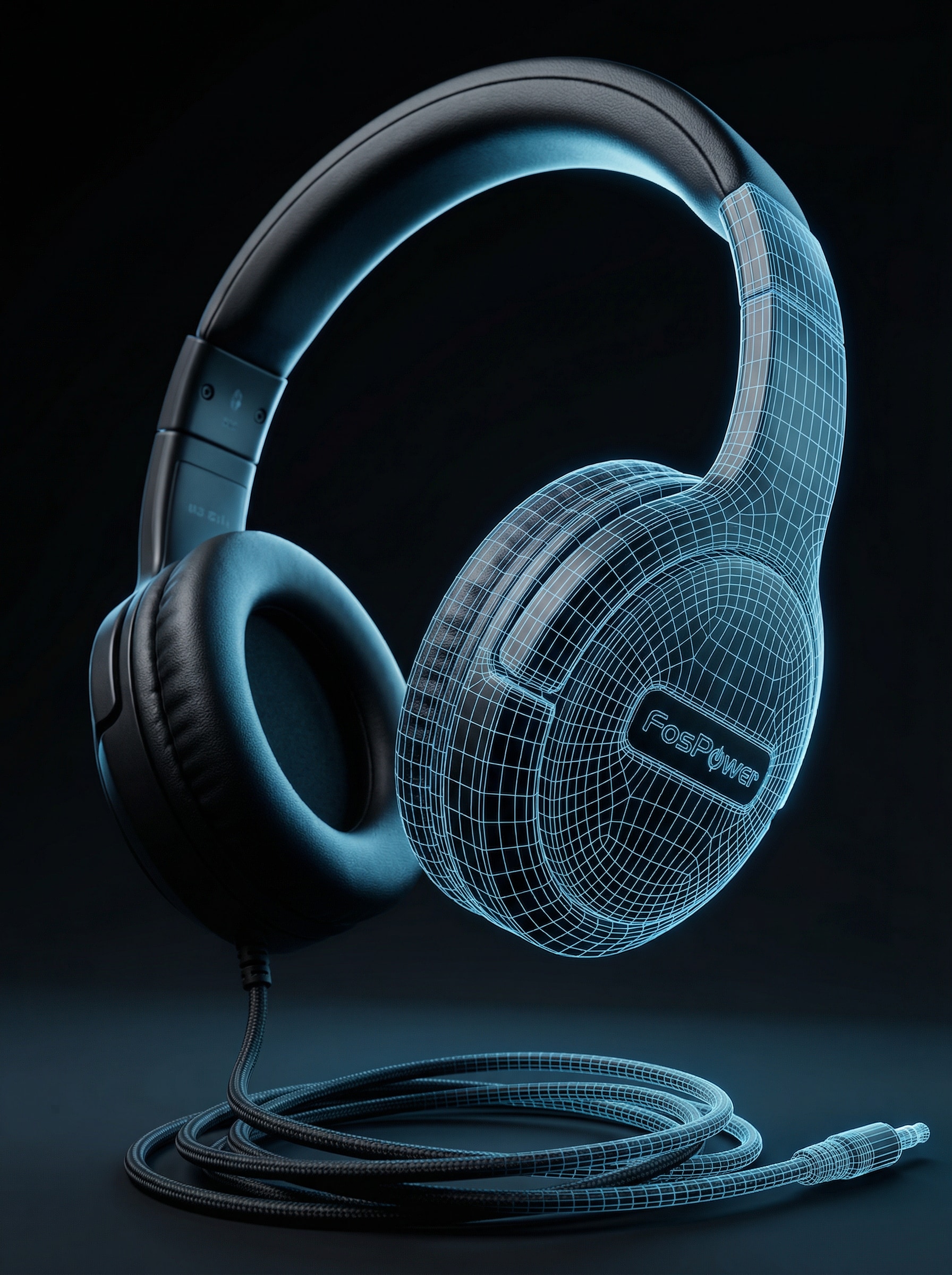
Transforme uma única foto em visuais polidos estilo 3D gerados por IA para demonstrações de produtos, conceitos de jogos, prévias de AR e maquetes de design. Faça upload da sua imagem, escolha um estilo de renderização e gere resultados limpos e em alta resolução em minutos diretamente do seu navegador.
Digite sua ideia -> IA a desenha. Grátis para testar.
Explore nossa coleção selecionada demodelos 3D gerados por IAa partir deimagemestilos.
Renderização de Produto no Estúdio
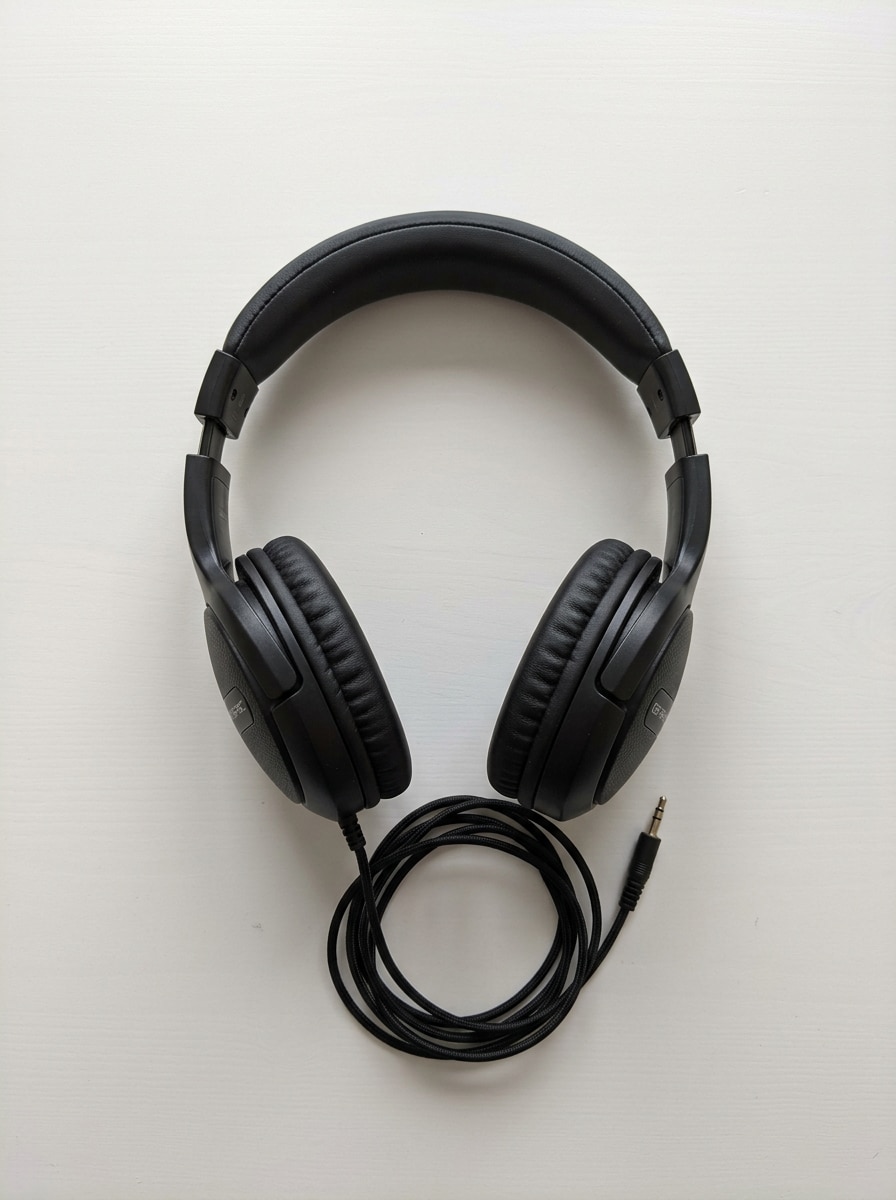
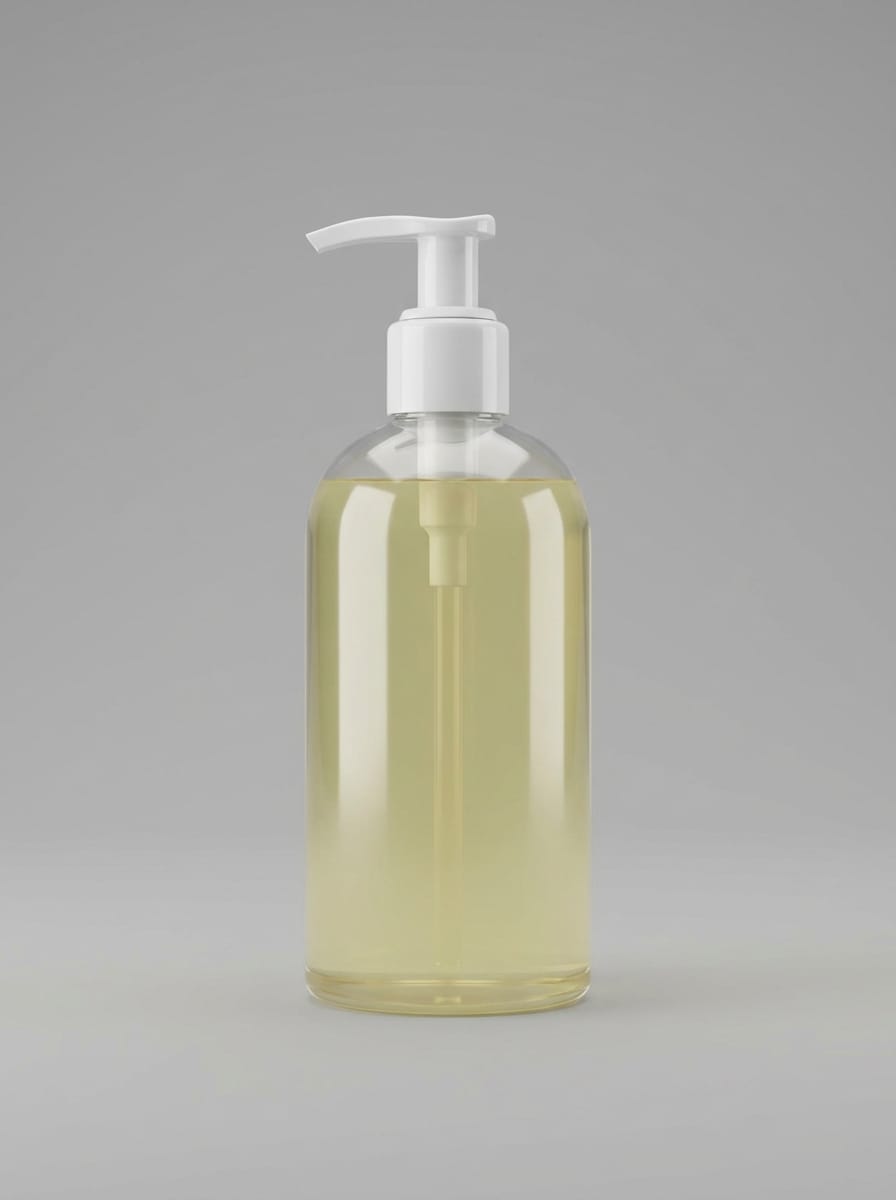
Use a imagem enviada como o assunto e transforme-a em uma renderização realista de produto 3D em estúdio, com proporções precisas, geometria limpa, detalhes de superfície premium, iluminação softbox, reflexos sutis, fundo cinza neutro, composição centralizada, bordas nítidas, materiais realistas e acabamento polido pronto para e-commerce.
Ativo Packshot 360
Use a imagem do produto enviada como base e converta-a em um ativo packshot 3D limpo, otimizado para apresentação estilo 360°, com textura de superfície consistente, destaques equilibrados, silhueta precisa, bordas suaves, enquadramento centralizado, fundo neutro contínuo, iluminação comercial polida e visual premium pronto para catálogo.
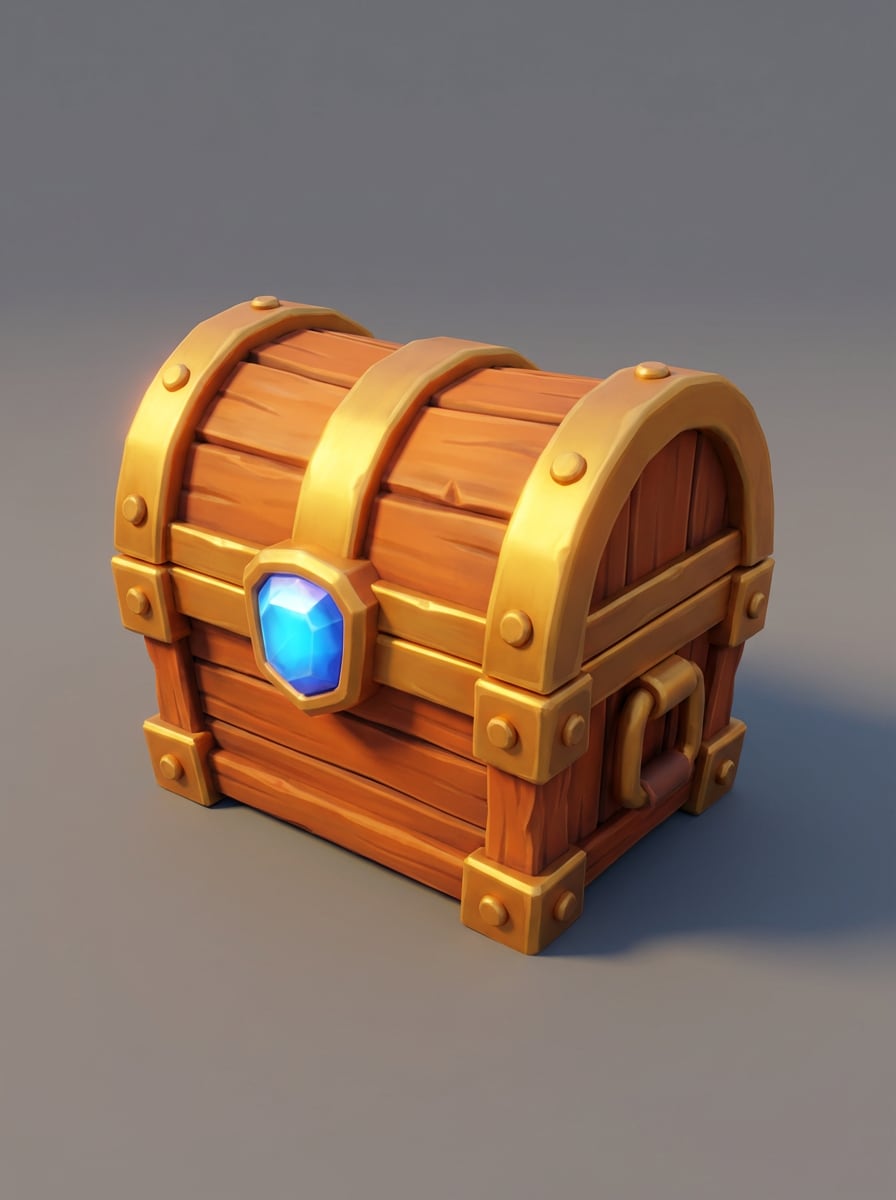
Prop de Jogo Estilizado
Use a imagem do objeto enviada como assunto e transforme-a em um prop de jogo 3D estilizado, com topologia simplificada, silhueta legível e ousada, textura de pintura à mão, proporções levemente exageradas, iluminação de borda suave, paleta de cores vibrante mas controlada, ângulo limpo de apresentação e qualidade polida de ativo indie.
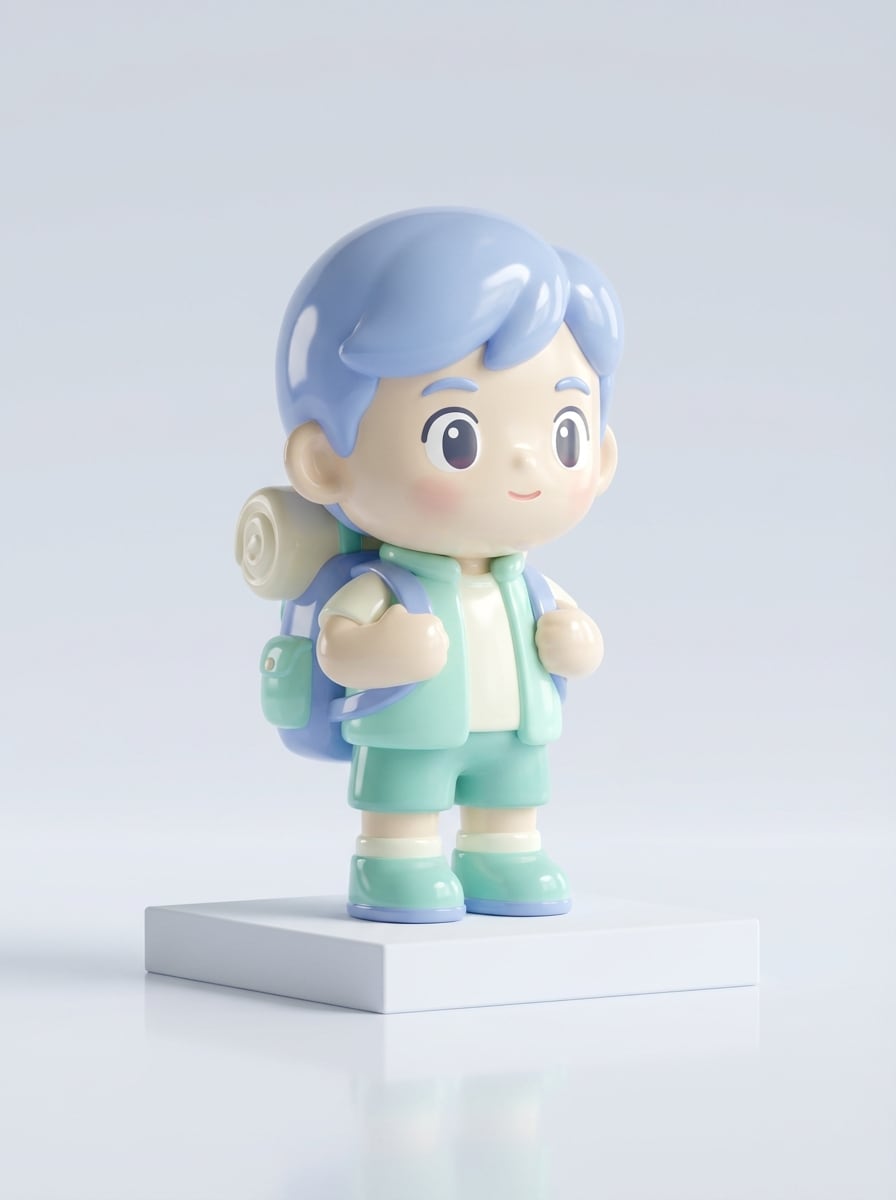
Figurinha de Brinquedo 3D
Use a imagem do personagem enviada como assunto e converta-a em uma figura 3D estilo brinquedo colecionável, com formas arredondadas, material vinil brilhante, proporções adoráveis, superfícies esculpidas suaves, iluminação de estúdio suave, base de pedestal sutil, paleta de cores alegre e apresentação premium para varejo.
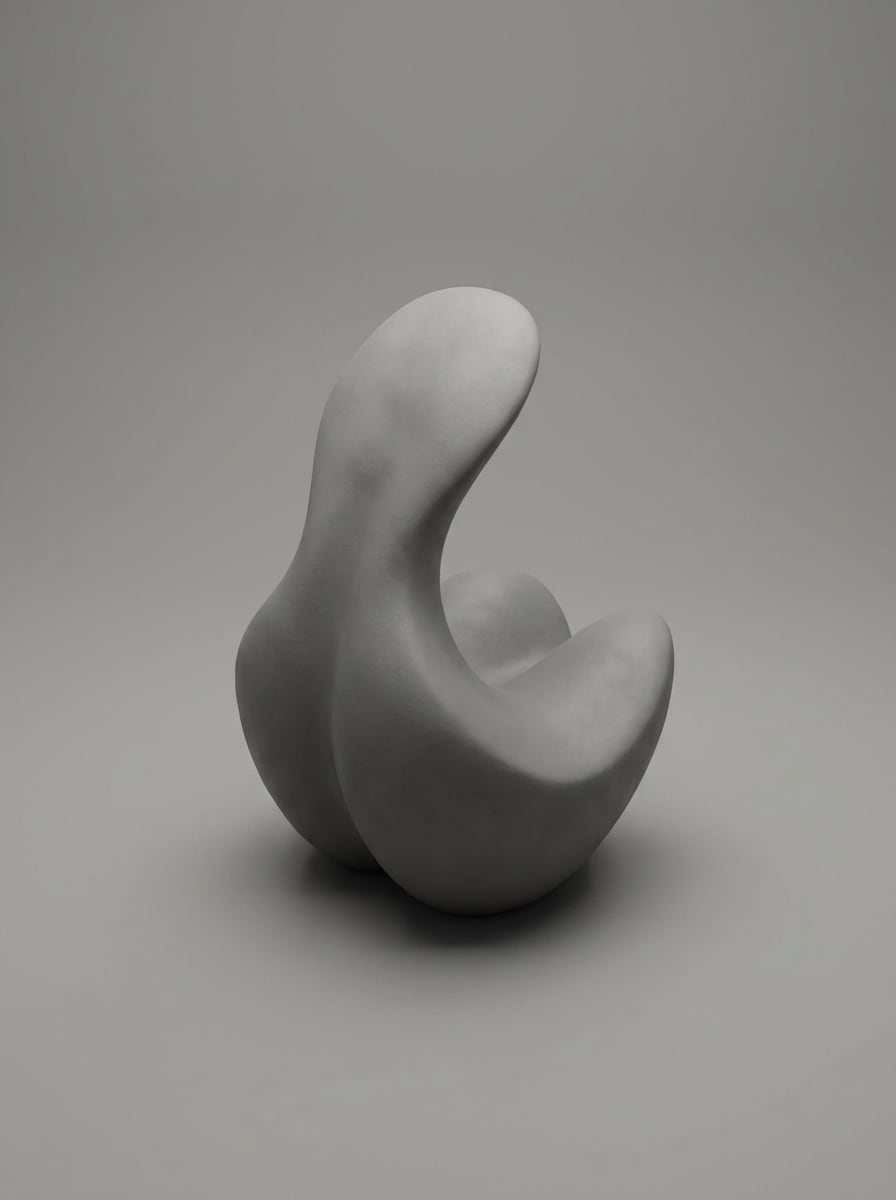
Modelo de Renderização em Argila
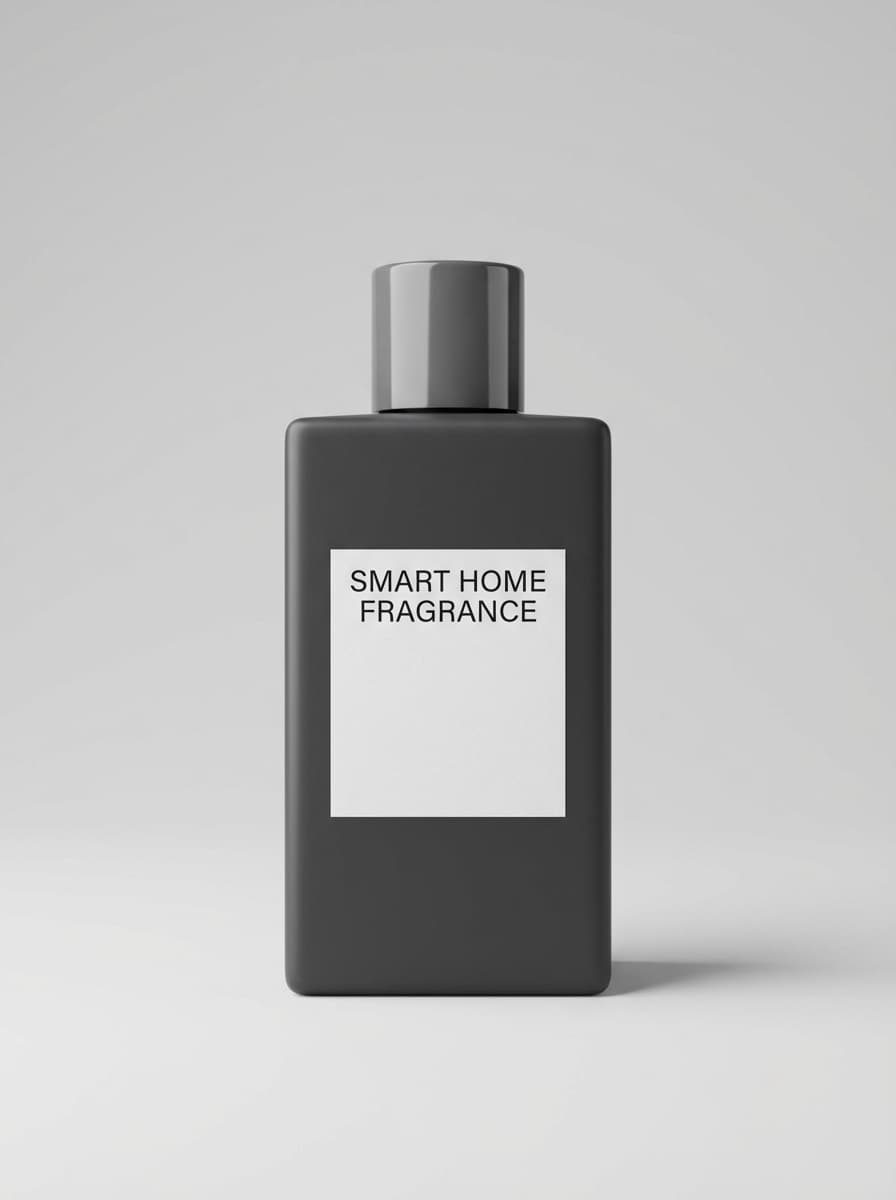
Use a imagem enviada como fonte e transforme-a em um modelo 3D estilo escultura de argila, com material fosco monocromático, superfícies suaves, contornos refinados, sombras de estúdio suaves, profundidade sutil, composição central elegante, paleta off-white suave e uma apresentação de conceito artístico limpa que destaca forma e volume.
Por que usar Media.io para Modelos 3D Gerados por IA a partir de Imagem
Feito para Controle de Imagem para Imagem
Envie uma imagem JPG, PNG ou JPEG de referência e guie o resultado final estilo 3D com muito mais consistência visual do que fluxos apenas com texto.
Opções de Saída em Alta Resolução
Gere visuais detalhados em 1K, 2K ou 4K, ideal para maquetes de e-commerce, apresentações de conceito, propostas criativas e ativos de marketing polidos.
Rácios Flexíveis e Criação em Lote
Escolha entre rácios populares como 1:1, 16:9, 9:16 e 3:4, e gere de 1 a 4 imagens por vez para iteração mais rápida.
Modelos Avançados de IA para Melhores Resultados
Movido por Nano Banana Pro, Nano Banana 2 e modelos especializados como Media 2.0, oferecendo alta qualidade de estilo e desempenho confiável de transformação.
Como Criar Modelos 3D Gerados por IA a partir de Imagem
1
2
3
1
Abra o Gerador de Imagens Media.io
AcesseGerador de Imagem para Imagem com IAe abra o Gerador de Imagens em IA -> Gerador de Imagem IA. Esta ferramenta online funciona no navegador, então você pode criar visuais estilo 3D a partir de imagens no desktop ou mobile sem instalar nenhum software.
2
Digite um Prompt ou Faça Upload
Faça upload de uma foto de referência e adicione um prompt detalhado como "Use a imagem do produto enviada como assunto e transforme-a em uma renderização 3D de estúdio limpa, com forma precisa, iluminação suave, materiais realistas e fundo neutro." Ajuste resolução, rácio e quantidade de imagens conforme necessário.
3
Gerar, Refinar e Baixar
Clique em Gerar. Revise o resultado, refine seu prompt ou configurações se precisar, e depois baixe sua imagem em alta resolução para maquetes de e-commerce, arte conceitual, apresentações ou fluxos criativos.
Desbloqueie o Potencial de Modelos 3D Gerados por IA a partir de Imagem
Descubra como criadores e profissionais estão usando nossos Modelos 3D Gerados por IA a partir de Imagem para transformar seus fluxos criativos e dar vida a ideias únicas.
Crie Demonstrações de Produto para Listagens de E-commerce
Transforme uma única foto de produto em um visual estilo 3D polido para banners de loja, páginas de produto, criativos publicitários e conceitos de packshot rotativo. É uma forma rápida de apresentar produtos com mais profundidade e apelo premium.
Visualize Props de Jogos e Colecionáveis Mais Rápido
Use geração de imagem para estilo 3D para explorar props estilizados, figuras de brinquedo e conceitos colecionáveis antes de passar para um pipeline de modelagem 3D mais profundo. Criadores podem testar formas, materiais e estilos de apresentação em menos tempo.
Construa Conceitos de AR e Maquetes de Design
Converta fotos de referência em ativos inspirados limpos para prévias de AR, propostas de design, moodboards e apresentações de conceito. Isso ajuda equipes a comunicar volume, sensação de material e direção visual com mais clareza a partir de uma única imagem.
O que dizem os usuários
Olivia Chen
Designer de E-commerce
"Ótimo para visualização rápida de produtos"Usei o Media.io para transformar fotos de produtos em renderizações estilo 3D para um pitch. Os resultados ficaram limpos e premium, especialmente com prompts tipo estúdio. Ajudou a comunicar a ideia muito mais rápido.
Marcus Bell
Artista Indie de Jogos
"Útil para conceituação de props"Para ideação inicial de ativos, este é um fluxo bem prático. Eu envio uma imagem de referência, escolho um prompt estilizado e obtenho visuais de props de jogo úteis para moodboards e direção antes da modelagem.
Sofia Ramirez
Estrategista Criativa
"Fácil tanto no laptop quanto no telefone"Gostei porque roda no navegador e funciona no celular também. Testei algumas imagens de produto e gerei visuais 3D polidos rapidamente, sem precisar de software de design pesado.
Daniel Park
Consultor de Protótipos AR
"Útil para maquetes rápidas de conceito AR"Quando clientes querem ver um produto com mais profundidade a partir de uma única foto, o Media.io é um ponto de partida conveniente. As opções de resolução e controle de rácio tornam o resultado mais fácil de usar em apresentações.
Explore os efeitos de vídeo e imagem de IA mais quentes
1. Posso gerar um modelo 3D a partir de uma única imagem?
Sim. O Media.io suporta fluxo de imagem para imagem, então você pode enviar uma foto de referência e gerar um visual estilo 3D baseado nela. Isso é útil quando você querconverter imagem em modelo 3Dconceitos rapidamente para apresentações, e-commerce, exploração criativa ou maquetes. Isso ajuda a criar resultados de modelos 3D gerados por IA a partir de imagem com mais consistência.
2. Existe uma ferramenta de IA grátis para criar modelos 3D a partir de fotos?
Sim. Usuários gratuitos podem testar o Media.io com créditos grátis. Se precisar de mais uso, você pode atualizar napágina de preços. Exportações gratuitas podem incluir marca d'água, enquanto assinantes pagantes podem baixar imagens em alta resolução sem marca d'água. Usuários gratuitos podem usar créditos grátis. Para mais uso, basta assinar um plano na página de preços.
3. Quão precisos são os modelos 3D gerados por IA a partir de uma imagem?
A precisão depende da clareza da imagem enviada e dos detalhes do prompt. O Media.io permite guiar o resultado com foto de referência, modelos avançados e configurações como resolução e rácio, o que ajuda a produzir resultados demodelos 3D gerados por IA a partir de imagemmais consistentes para uso em conceito e visualização.
4. Quais formatos de arquivo posso exportar para modelagem 3D ou uso em AR?
Com base nos detalhes do produto disponíveis, o Media.io permite enviar imagens JPG, PNG e JPEG de referência e baixar imagens geradas em alta resolução. Formatos de exportação 3D específicos para modelagem ou AR não estão listados na informação do produto fornecida, então é melhor usar os visuais gerados como ativos de conceito, a menos que seu fluxo de trabalho exija de outra forma. Isso ajuda a criar resultados de modelos 3D gerados por IA a partir de imagem com mais consistência.
5. Posso transformar fotos de produto em ativos 3D para e-commerce?
Sim. O Media.io é apropriado para transformar fotos de produto em visuais estilo 3D polidos para e-commerce. Envie uma foto de produto limpa, descreva o estilo de renderização desejado e gere resultados estilo packshot com iluminação de estúdio, materiais realistas e detalhe em alta resolução para listagens, anúncios ou apresentações. Isso ajuda a criar resultados de modelos 3D gerados por IA a partir de imagem com mais consistência.
6. O gerador de imagem para 3D funciona no mobile e no desktop?
Sim. O Media.io é baseado na web e funciona em qualquer dispositivo com navegador, incluindo Windows, Mac, iOS e Android. Isso facilita criar ummodelo 3D de foto com IAfluxo de trabalho, seja no desktop, laptop, tablet ou telefone. O Media.io é uma ferramenta web que funciona em qualquer dispositivo com navegador (Windows, Mac, iOS, Android). Isso ajuda a criar resultados de modelos 3D gerados por IA a partir de imagem com mais consistência.
Além de Modelos 3D Gerados por IA Online a partir de Imagem