Banner for Twitch Maker for Fast, Custom Streamer Channel Art
Create polished Twitch channel art in minutes with Media.io’s banner for twitch maker. Use text prompts to create banner for twitch layouts, explore gaming, anime, or esports styles, and customize colors, text zones, and branding for standout stream visuals. This setup works well for twitch video banner maker.
Review these example directions, then tailor the details to get stronger results with Media.io’s Twitch banner maker and generate channel art that fits your stream style more precisely. Creators often use it for make your own twitch banner.
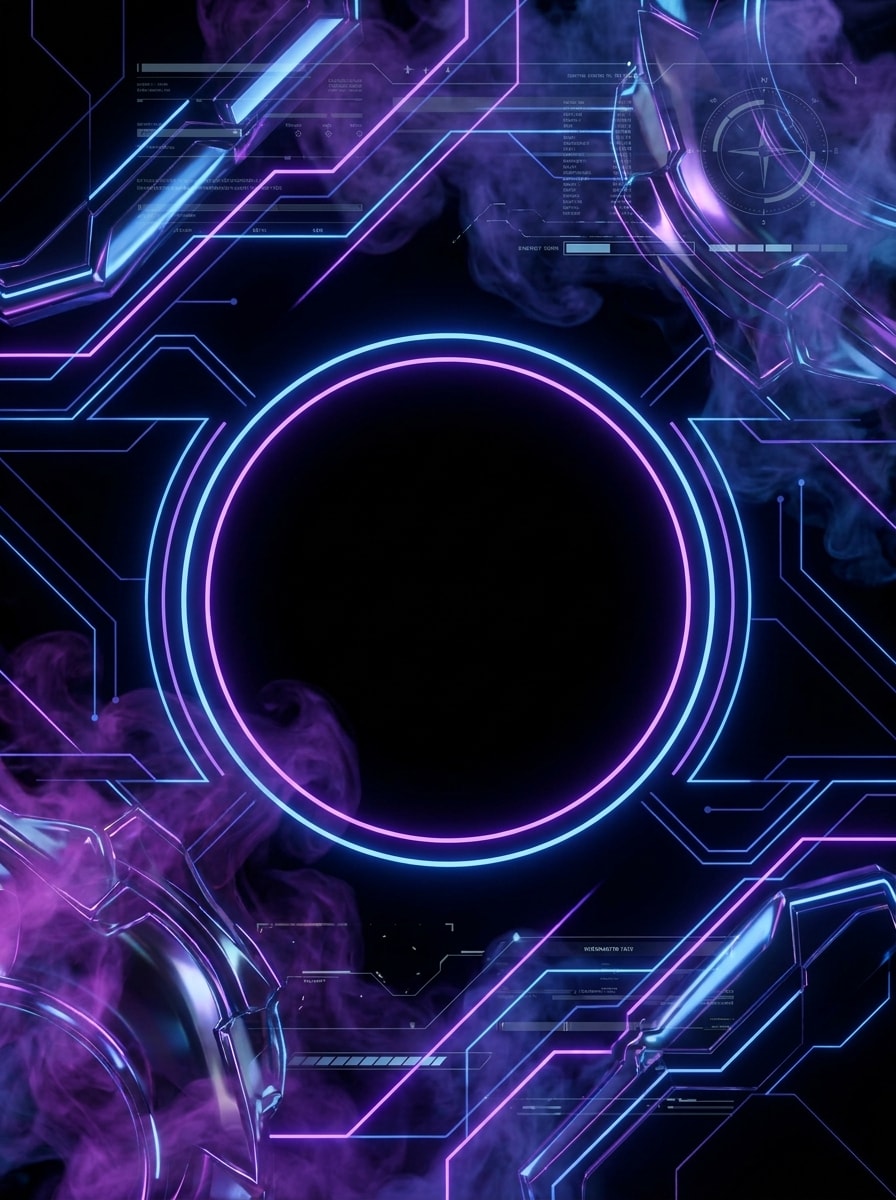
Cyber Neon Stream Banner
Create a wide Twitch banner in a futuristic cyber gaming style with a deep black background, purple and electric blue neon glow, subtle HUD interface lines, soft smoke, glossy metallic accents, and a clear center-safe area for streamer name text. High contrast, sleek esports mood, ultra-polished digital art.
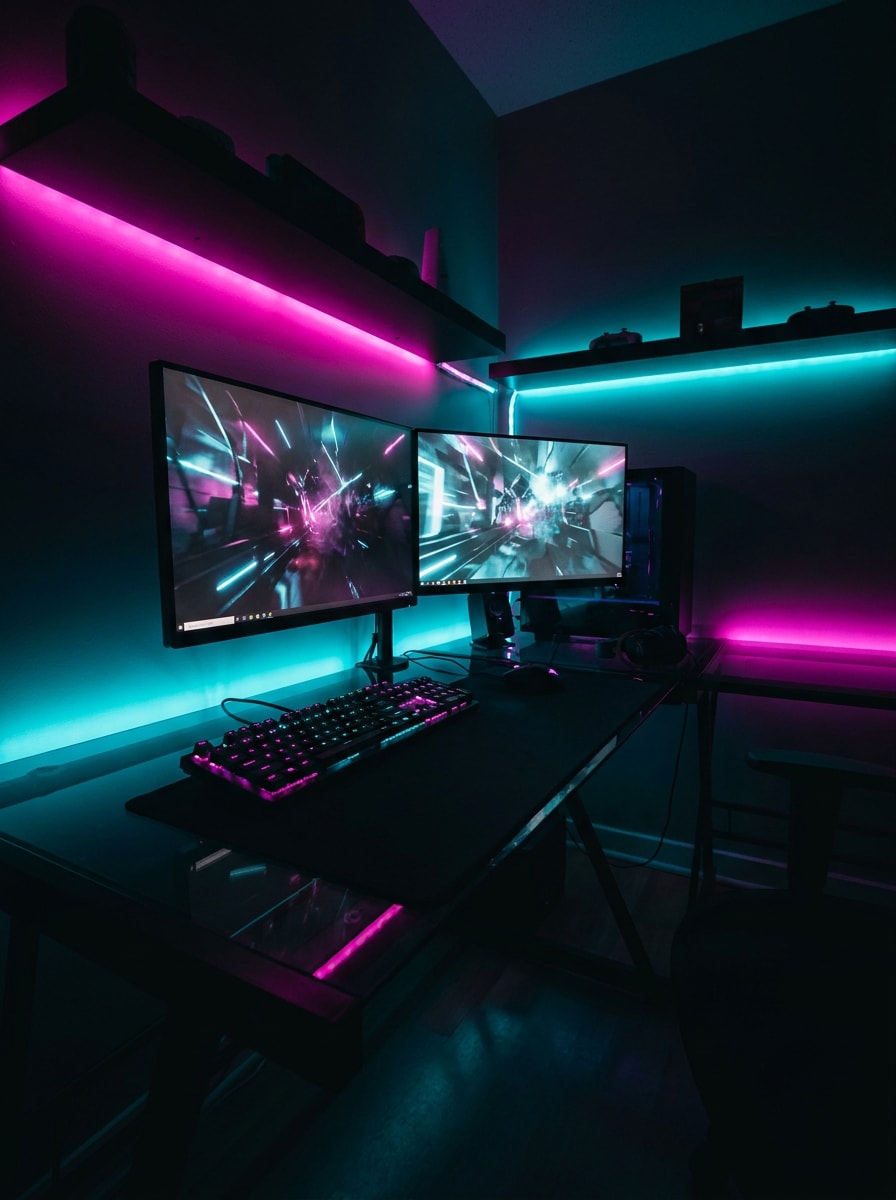
RGB Gamer Setup Banner
Design a Twitch channel banner showing an RGB gaming room with dual monitors, LED light strips, a glowing keyboard, and a moody dark atmosphere. Use magenta and cyan lighting, cinematic shadows, reflective desk surfaces, and a clean title-safe space in the middle for channel branding.
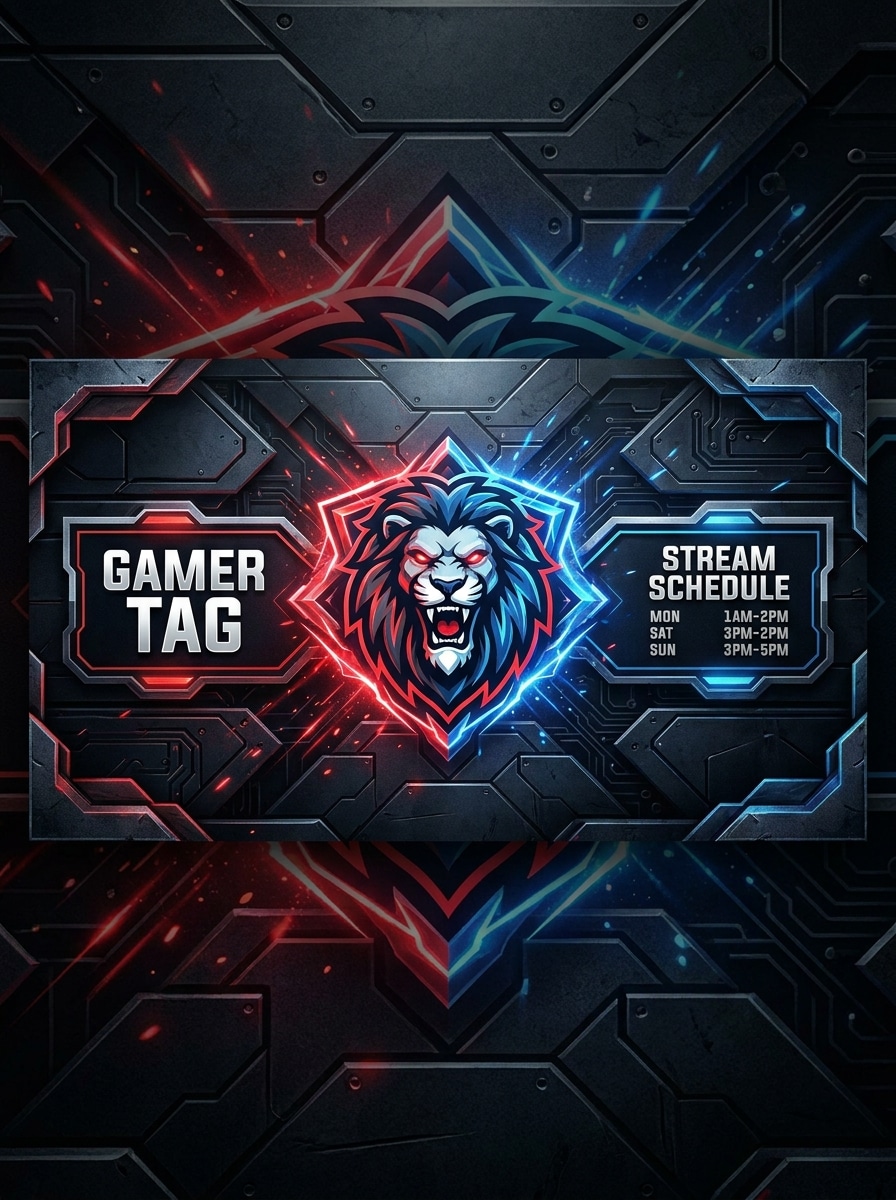
Mascot Esports Banner
Generate an esports Twitch banner featuring a fierce mascot emblem, angular graphic shapes, dark textured background, and bold red and blue accent lighting. Add layered depth, crisp edges, and balanced side sections for a gamer tag and stream schedule, with a premium competitive team identity.
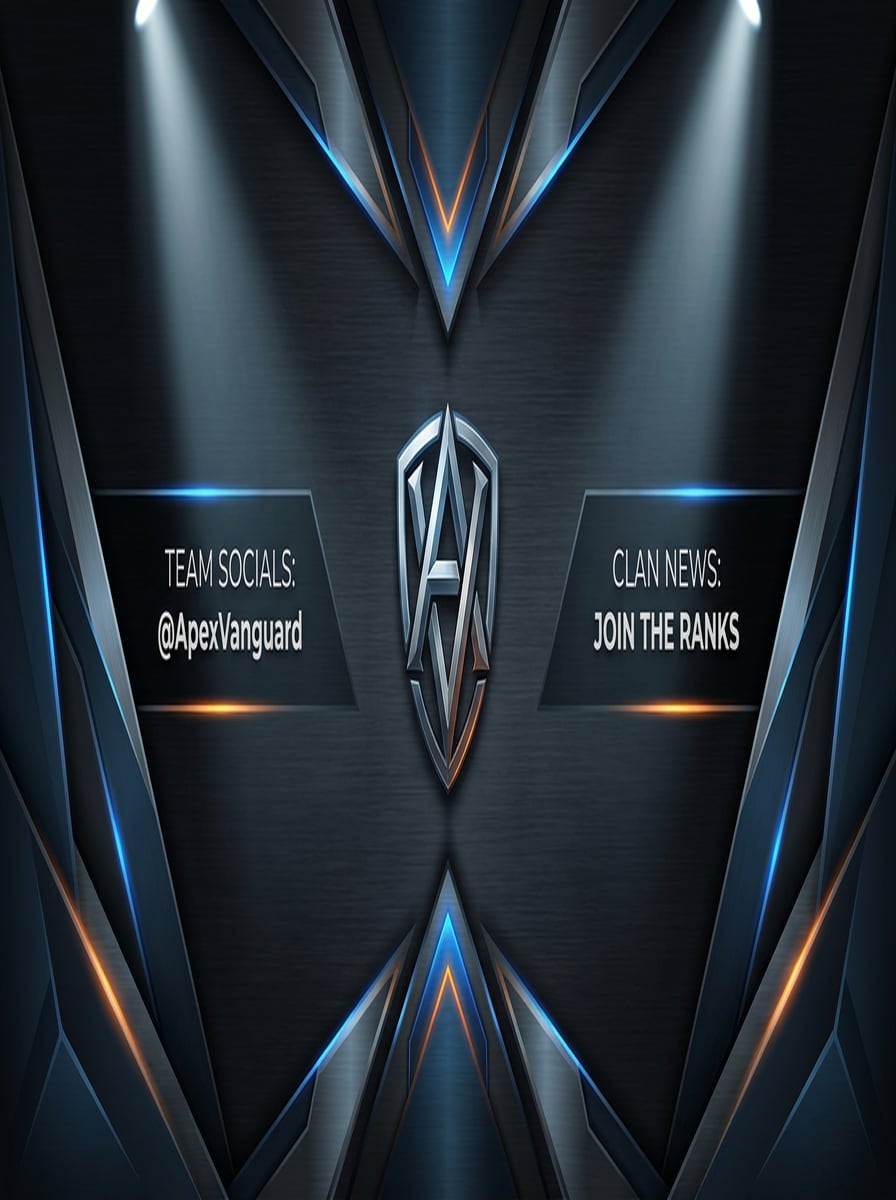
Clan Team Banner
Create a professional clan-themed Twitch banner with sharp geometric overlays, brushed metal textures, dramatic spotlight effects, and vibrant accent colors over a dark backdrop. Keep the composition wide and structured, with strong logo placement and readable zones for team name or social handles.
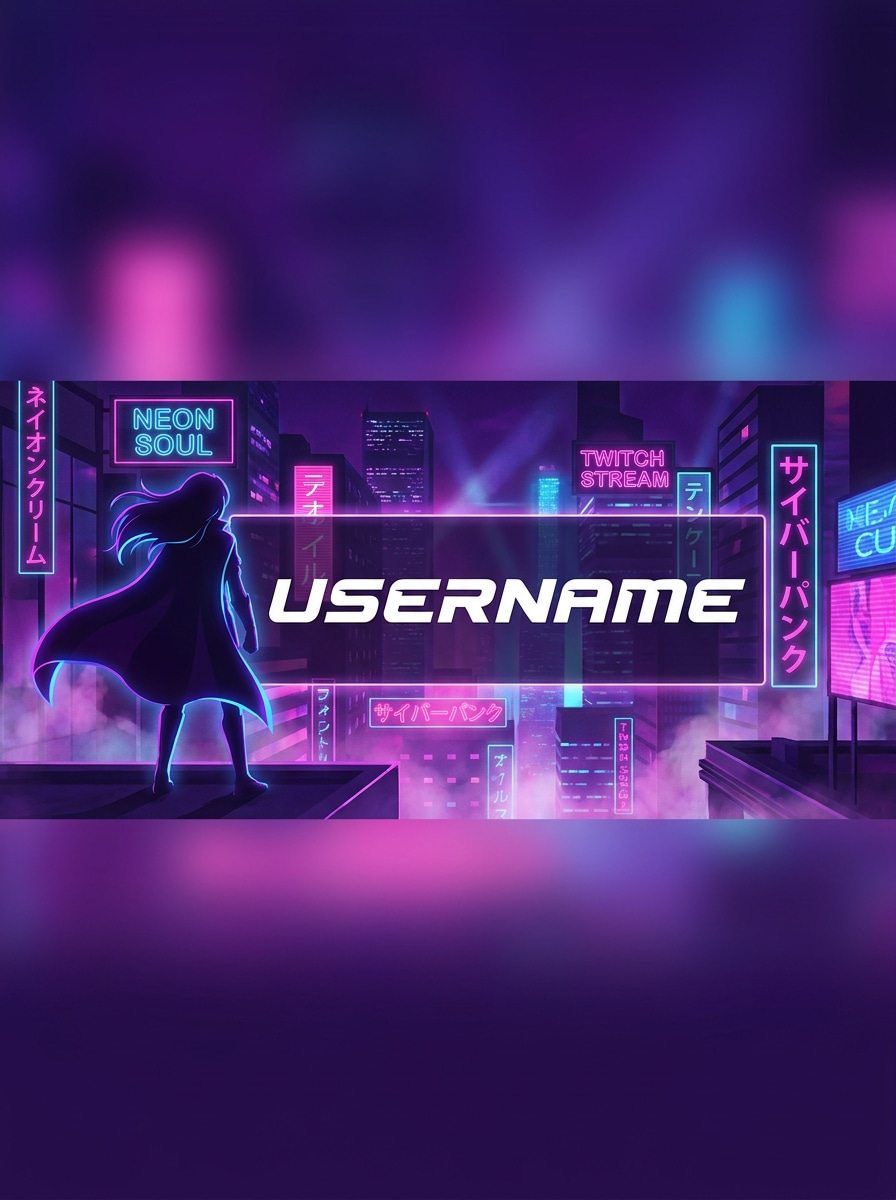
Anime Streamer Banner
Design an anime-inspired Twitch banner with a stylish character silhouette, neon city background, glowing signs, and a purple, pink, and blue palette. Use dynamic rim lighting, soft atmospheric haze, and a clear central text zone so the username stays readable across the wide banner layout.
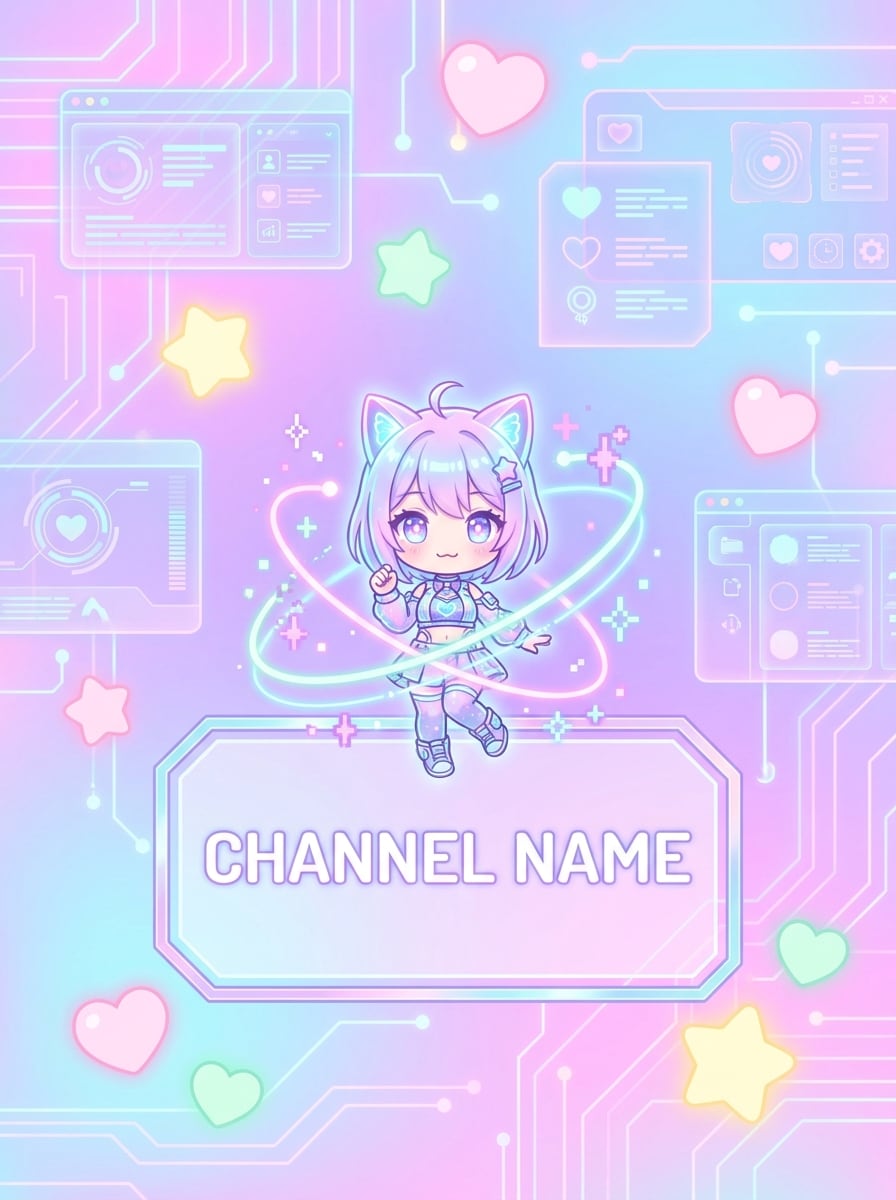
VTuber Inspired Banner
Create a cute futuristic Twitch banner inspired by VTuber branding, using pastel neon colors, holographic interface elements, glowing hearts and stars, and a soft digital atmosphere. Keep the composition clean and playful with polished illustration detail and dedicated space for channel name text.
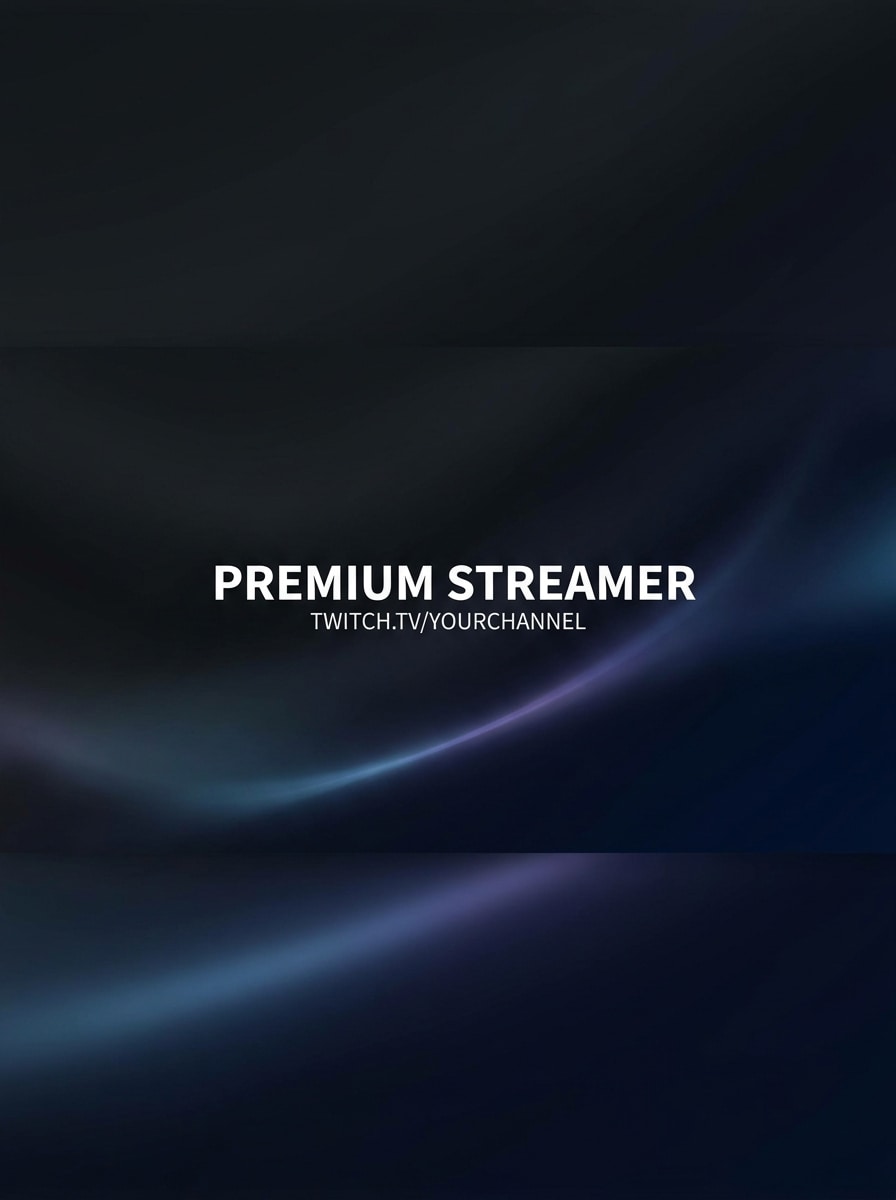
Clean Dark Gradient Banner
Generate a minimalist Twitch banner with a dark gradient background, subtle light streaks, smooth texture transitions, and a modern premium streamer aesthetic. Focus on strong readability, centered visual balance, and a desktop-safe title area that feels clean, bold, and professional.
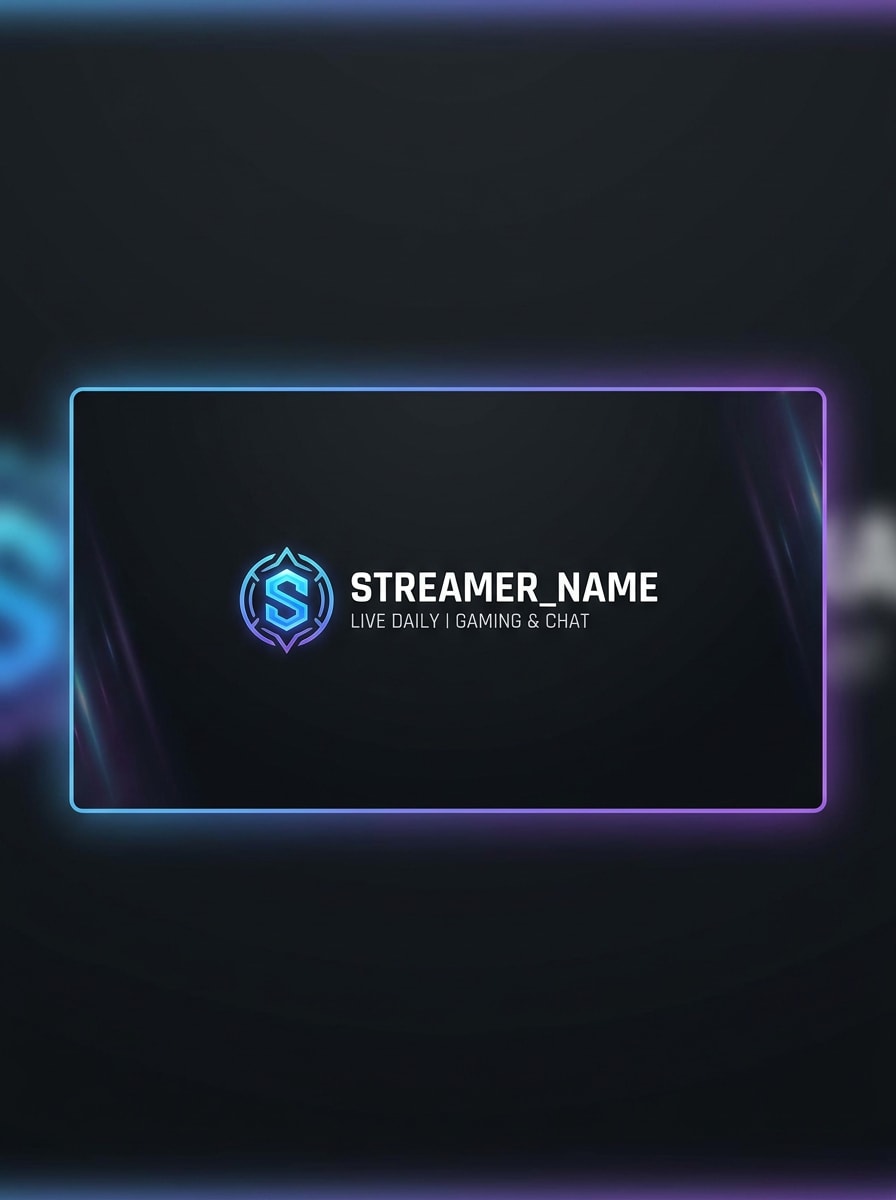
Logo Focus Stream Banner
Create a modern Twitch banner centered around a streamer logo with a dark matte background, subtle edge glow, soft vignette lighting, and balanced negative space. Emphasize clean visual hierarchy, polished branding, and a simple layout that keeps the logo and title area highly readable.
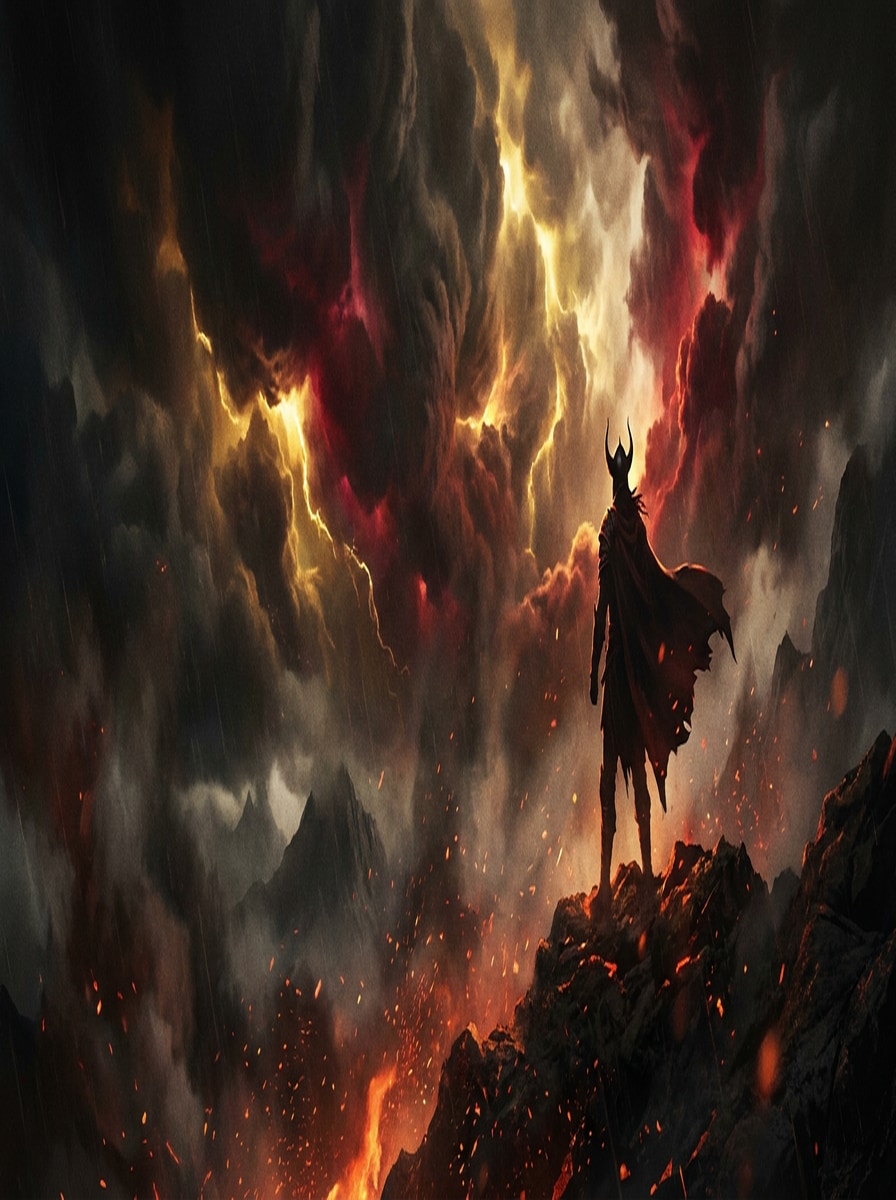
Fantasy Warrior Banner
Design a cinematic fantasy Twitch banner with a heroic warrior silhouette, glowing embers, stormy clouds, and rich dark tones accented by gold and crimson light. Use dramatic depth, textured atmosphere, and a wide composition with a clear title-safe zone for streamer branding.
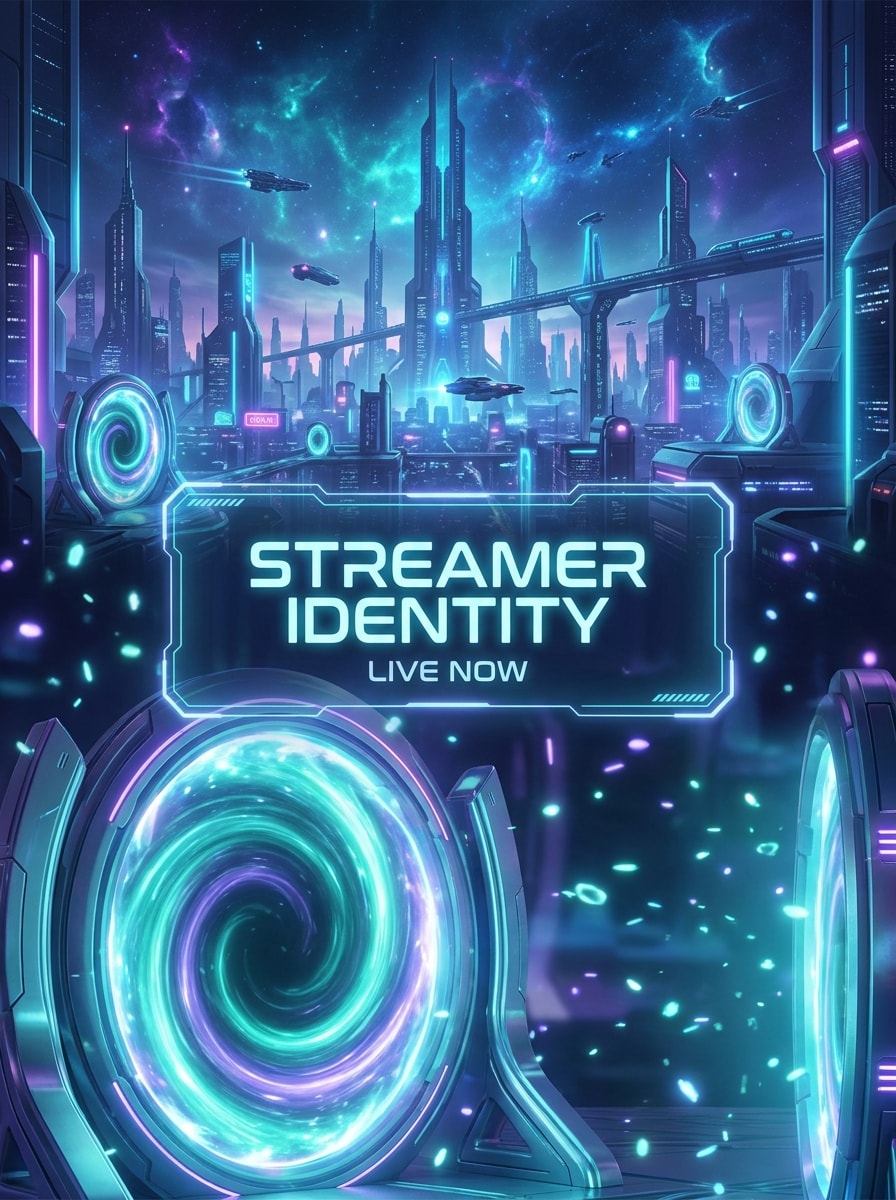
Sci-Fi Portal Banner
Generate a sci-fi Twitch banner with glowing portals, floating energy particles, sleek futuristic architecture, and a vivid neon palette of blue, teal, and violet. Build cinematic depth, luminous effects, and a center-safe text space that supports a high-end streamer identity.
Why Use Media.io for Twitch Banner Creation
Keep the Subject Recognizable in New Styles
Reference-based work needs more than a loose style shift. Media.io helps keep key identity details recognizable while reworking the banner for twitch maker look, so the result feels personal instead of generic. Creators often use it for fortnite twitch banner.
Switch between gaming, anime, mascot, and clean brand styles
A single idea often needs more than one look. Media.io helps reinterpret the same banner for twitch maker across different styles so each version can better match the target placement.
Turn text prompts into streamer-ready banner concepts
One visual idea rarely lives in just one layout. Media.io helps adapt the same banner for twitch maker concept for posts, covers, mockups, or decks so each version feels made for its format instead of stretched to fit.
Export high-resolution art from any browser
If the final banner for twitch maker will be reused beyond a small preview, Media.io helps deliver sharper results up to 4K so the image stays more reliable in practical design and presentation work.
How to Make a Twitch Banner with Media.io
1
2
3
1
Step 1: Open Media.io Text to Image
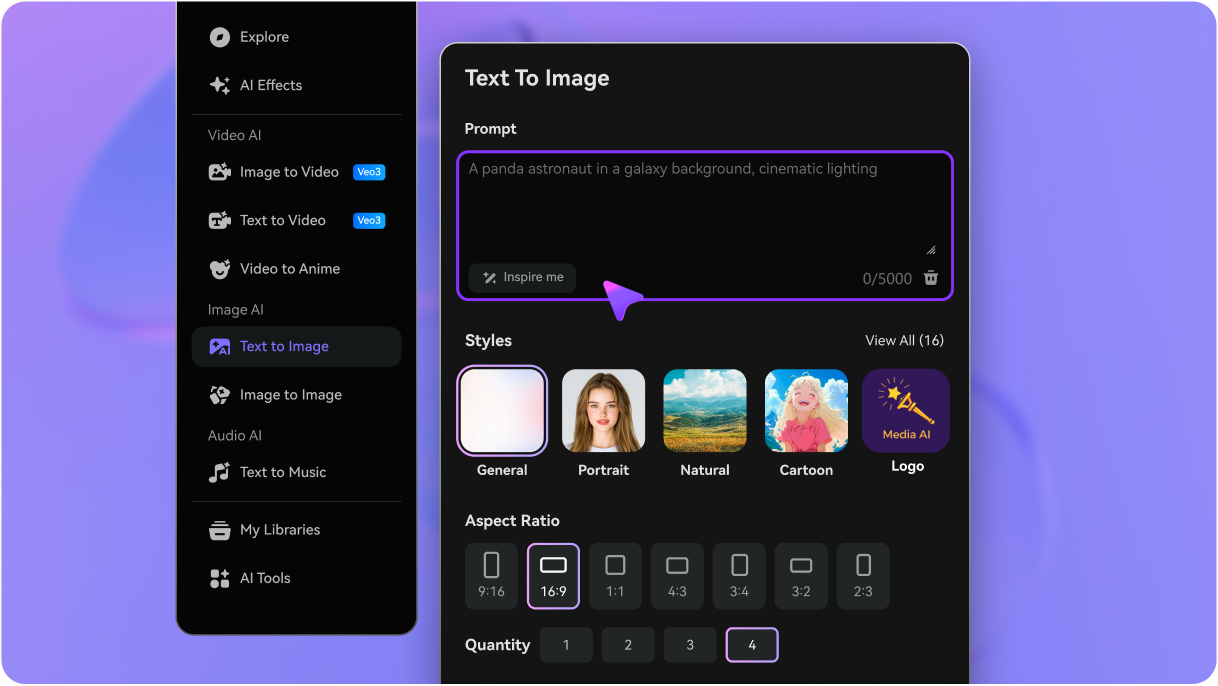
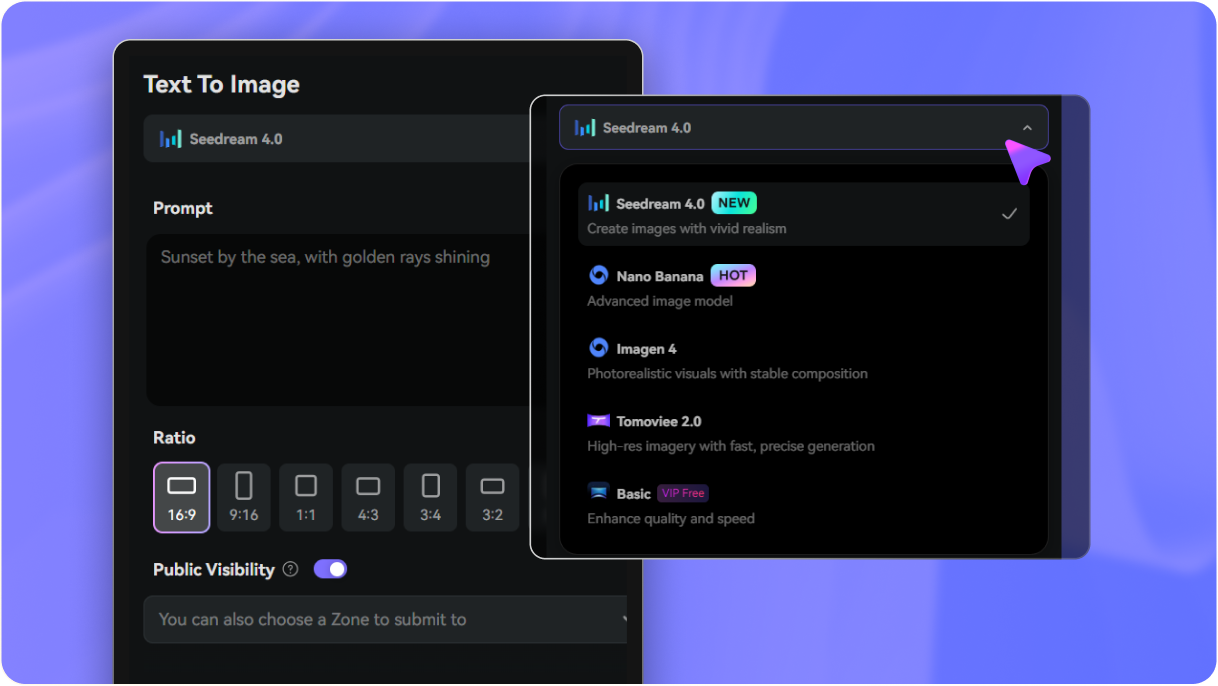
Go to AI Text to Image Generator and open the Text to Image tool under AI -> Image. This online tool runs in your browser, so you can start a twitch banner maker workflow on desktop or mobile without installing design software.
2
Step 2: Enter a Prompt
Type a detailed prompt such as “wide neon esports Twitch banner, dark background, purple-blue glow, centered title-safe area, clean logo space, premium gaming style.” Adjust style and aspect ratio to match the look you want for your channel art.
3
Step 3: Generate, Refine & Download
Click Generate. Tweak the prompt if needed, then download the high-resolution result for your profile header. You can refine colors, branding direction, and layout until your banner feels ready for your stream identity.
See how creators use Media.io’s Banner For Twitch Maker for content, marketing, and personal projects, then adapt each idea to fit the brief.
Launch a recognizable streamer brand faster
Use Media.io as a twitch banner creator when you need channel art that matches your niche, mood, and content style. It’s a practical way to build a signature look for gaming, chatting, esports, or creator-focused streams without starting from a blank canvas.
Build matching visuals for banners, avatars, and overlays
If you want a cohesive channel package, start with one banner concept and reuse the same colors, lighting direction, and visual theme across profile images, panels, or stream graphics. Media.io also works well as a twitch profile banner creator or twitch profile banner maker for building a more polished, memorable page.
Test different aesthetics before rebranding your channel
A fast concept workflow helps when you want to compare neon, mascot, minimal, or anime-inspired directions before committing to a full redesign. Media.io also makes it easier to make your own banner for twitch around a seasonal event, game release, sponsorship theme, or even as a free twitch banner test concept before finalizing the design.
What Creators Say
Mason R.
FPS Streamer
"Fast gaming banner ideas" I needed a new header before a weekend stream, and Media.io gave me several strong concepts fast. The neon gaming styles looked much better than generic templates, and it was easy to get something that fit my channel vibe.
Kiara L.
VTuber Creator
"Great for cute and futuristic branding" I used it like a twitch profile banner maker for my VTuber page and loved how quickly I could test pastel neon looks. The results felt clean and expressive, with enough room for my name and visual identity.
Devon P.
Esports Team Manager
"Helpful for team branding mockups" We tried Media.io as a twitch video banner maker option for our squad page and got strong mascot and clan-style concepts. It helped us visualize logo placement and text balance before finalizing our team graphics.
Nina S.
Variety Streamer
"Simple and beginner-friendly" I wanted a free twitch banner creator workflow that didn’t feel complicated. Media.io was easy to use, and the prompt-based generation gave me cleaner results than I expected for a first pass.
Open Media.io’s Text to Image tool, describe the look you want, generate a few banner concepts, and download the version that best fits your channel. This is a simple way to make your own banner for twitch or make your own banner for twitch with gaming, anime, esports, or minimalist branding styles in one browser-based workflow.
2. Is this Twitch banner maker free to use?
Free users can try Media.io with free credits, which is helpful if you want a free twitch banner, a free twitch banner creator experience, or a free twitch banner maker workflow before subscribing. Free exports may include a watermark, while paid plans offer watermark-free high-resolution downloads. You can check current options on the pricing page.
3. What size should a Twitch banner be?
A Twitch banner should use a wide header layout, and it’s smart to keep key text and logos near the center so they remain readable across different screen displays. Media.io supports flexible aspect ratios and high-resolution output, which helps when you want a cleaner twitch profile banner creator or twitch profile banner maker workflow.
4. Can I make a Twitch banner from a text prompt?
Media.io works well as a twitch banner generator because you can type a prompt describing colors, mood, layout, and style, then generate original banner ideas in seconds. It’s especially useful if you want to create streamer art without relying only on fixed templates.
5. Can I customize a generated Twitch banner with my name, colors, and logo?
You can prompt for specific color schemes, centered text areas, logo space, and overall branding direction when generating the image. That makes Media.io a practical option whether you want a twitch banner maker, a twitch banner creator, or a more custom channel art workflow built around your identity.
6. Will my Twitch banner look good on desktop and mobile?
It can, especially if you keep the main text and important branding in a centered safe zone. Media.io helps you create clean wide compositions with balanced spacing, which is useful when you want a banner that holds up across desktop views and smaller screens. As a browser-based twitch banner creator free to try with credits, Media.io works on devices with a modern browser.